

Choosing the right form builder sounds simple until you're staring down a list of dozens of options, each promising higher conversions, seamless integrations, and the best user experience on the market. The reality is that form builders have become genuinely sophisticated tools, and the differences between them matter significantly depending on your team's goals.
This guide cuts through the noise by comparing nine leading form builders across the criteria that actually matter: ease of use, conversion optimization features, integrations, pricing, and fit for different team sizes and tech stacks. Whether you need a simple contact form or a sophisticated lead qualification workflow, you'll find a clear, honest assessment of each option here. If you're specifically focused on maximizing conversions, you may also want to check out our guides on the best form builders for conversion optimization and the best form builders for marketers.
Let's get into the comparison.
1. Orbit AI
Best for: High-growth teams that need AI-powered lead qualification built directly into their forms.
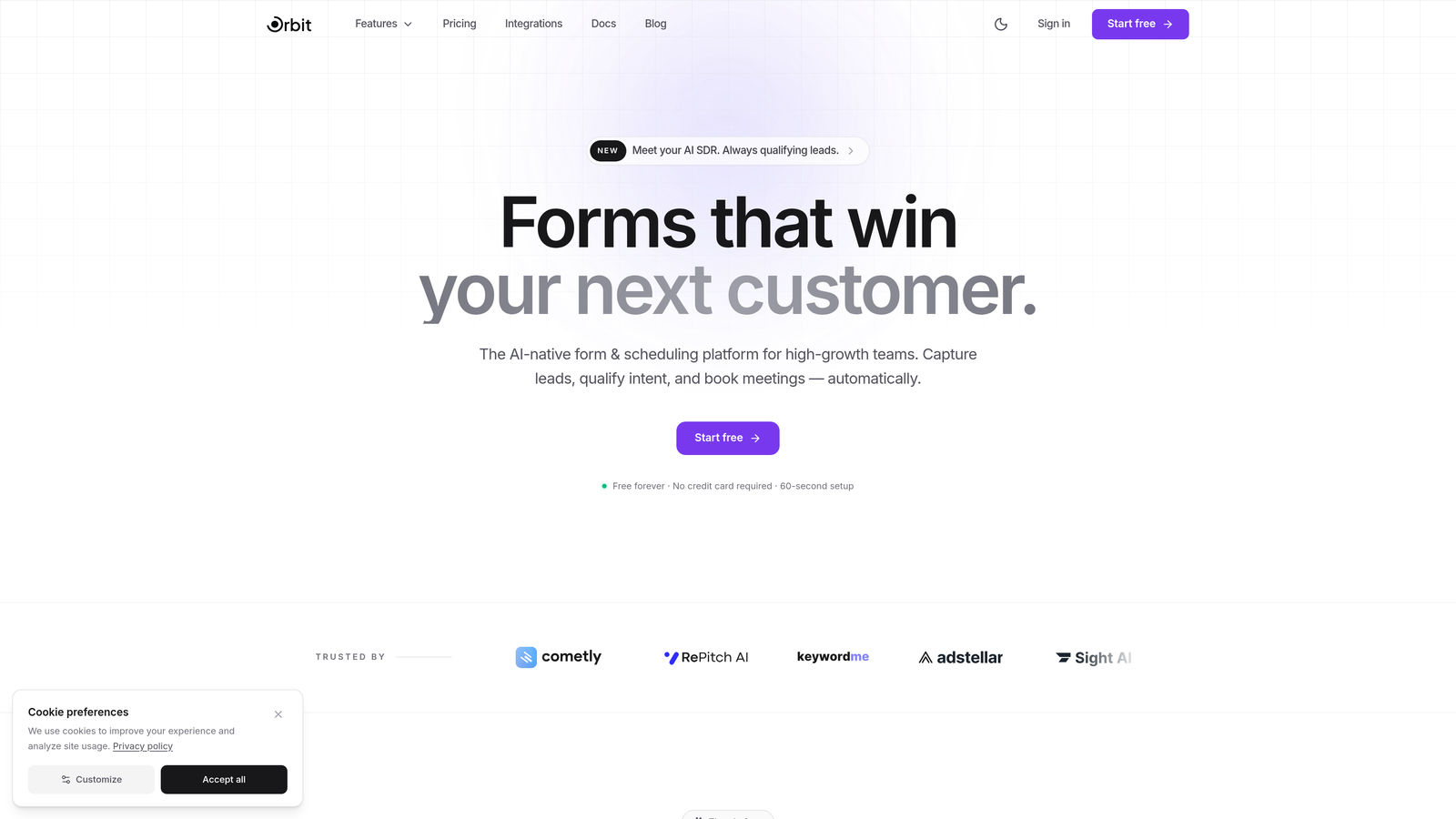
Orbit AI is an AI-powered form builder platform with built-in lead qualification and scoring, designed for teams where every submission needs to count.
Where This Tool Shines
Most form builders collect data and hand it off. Orbit AI goes a step further by qualifying that data at the point of capture. Instead of dumping raw submissions into a CRM and waiting for a sales rep to sort through them, Orbit AI scores and routes leads automatically based on the information provided in the form itself.
This is particularly valuable for high-growth B2B teams where lead volume is growing faster than the team's capacity to manually review every submission. The combination of conversion-optimized templates and intelligent field branching means forms are built to get the right information from the right people, not just any information from everyone.
Key Features
AI-Powered Lead Qualification and Scoring: Every submission is automatically scored and qualified, so your team can prioritize high-value leads without manual review.
Conversion-Optimized Templates: Templates are built specifically for lead generation scenarios, not generic use cases, giving growth teams a head start.
Dynamic Conditional Logic: Intelligent field branching adapts the form experience based on respondent answers, creating personalized paths that improve completion rates.
Real-Time Lead Routing and Prioritization: Qualified leads are routed to the right team members immediately, reducing response time on high-intent prospects.
Mobile-First Design: Every form is built with a modern, beautiful aesthetic that performs across devices without extra configuration.
Best For
Orbit AI is the strongest fit for SaaS companies, B2B teams, and growth-focused marketers who need forms that do more than collect data. If lead qualification is a bottleneck in your pipeline, this is the tool built to address that problem directly.
Pricing
Visit orbitforms.ai for current plan details. A free tier is available to get started without a credit card.
2. Typeform
Best for: Teams that prioritize a polished, conversational form experience with high completion rates.
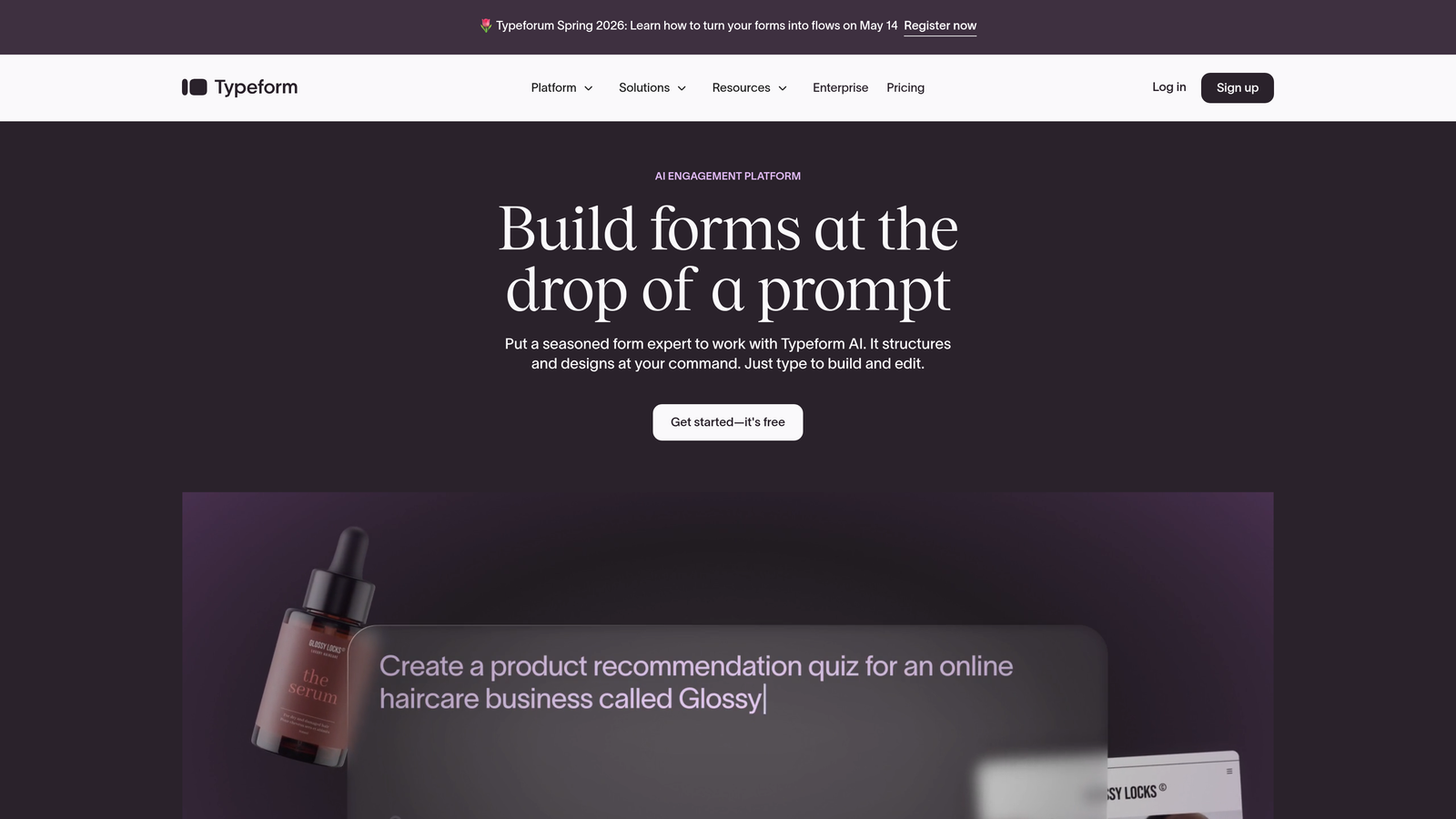
Typeform is a conversational form builder known for its one-question-at-a-time interface that creates engaging, interactive experiences.
Where This Tool Shines
Typeform's signature approach, presenting one question at a time in a clean, full-screen format, genuinely changes how respondents experience a form. It feels less like filling out a spreadsheet and more like having a conversation. For surveys, research, and top-of-funnel lead capture, this format tends to reduce abandonment and improve data quality.
The visual polish is hard to match at this price point. If your brand demands a premium feel and you're sending forms to prospects or customers who will judge the experience, Typeform delivers that without requiring a designer.
Key Features
Conversational One-Question UI: The signature format presents questions individually, reducing cognitive load and improving completion rates.
Logic Jumps and Branching: Personalized form paths based on previous answers keep the experience relevant to each respondent.
Native Integrations: Connects with popular marketing tools, CRMs, and automation platforms including HubSpot, Salesforce, and Zapier.
Video and Image Embedding: Rich media can be embedded directly within form flows for more engaging experiences.
Built-In Analytics: Response tracking and drop-off analysis help teams identify where respondents disengage.
Best For
Typeform suits marketing teams, researchers, and brand-conscious businesses that prioritize the respondent experience. It's less ideal for teams that need deep lead scoring or complex workflow automation built into the form layer itself.
Pricing
Free plan available with limited responses. Paid plans start at approximately $25/month, with higher tiers unlocking more responses and advanced features.
3. Jotform
Best for: Teams that need a massive template library and broad widget support for varied form use cases.
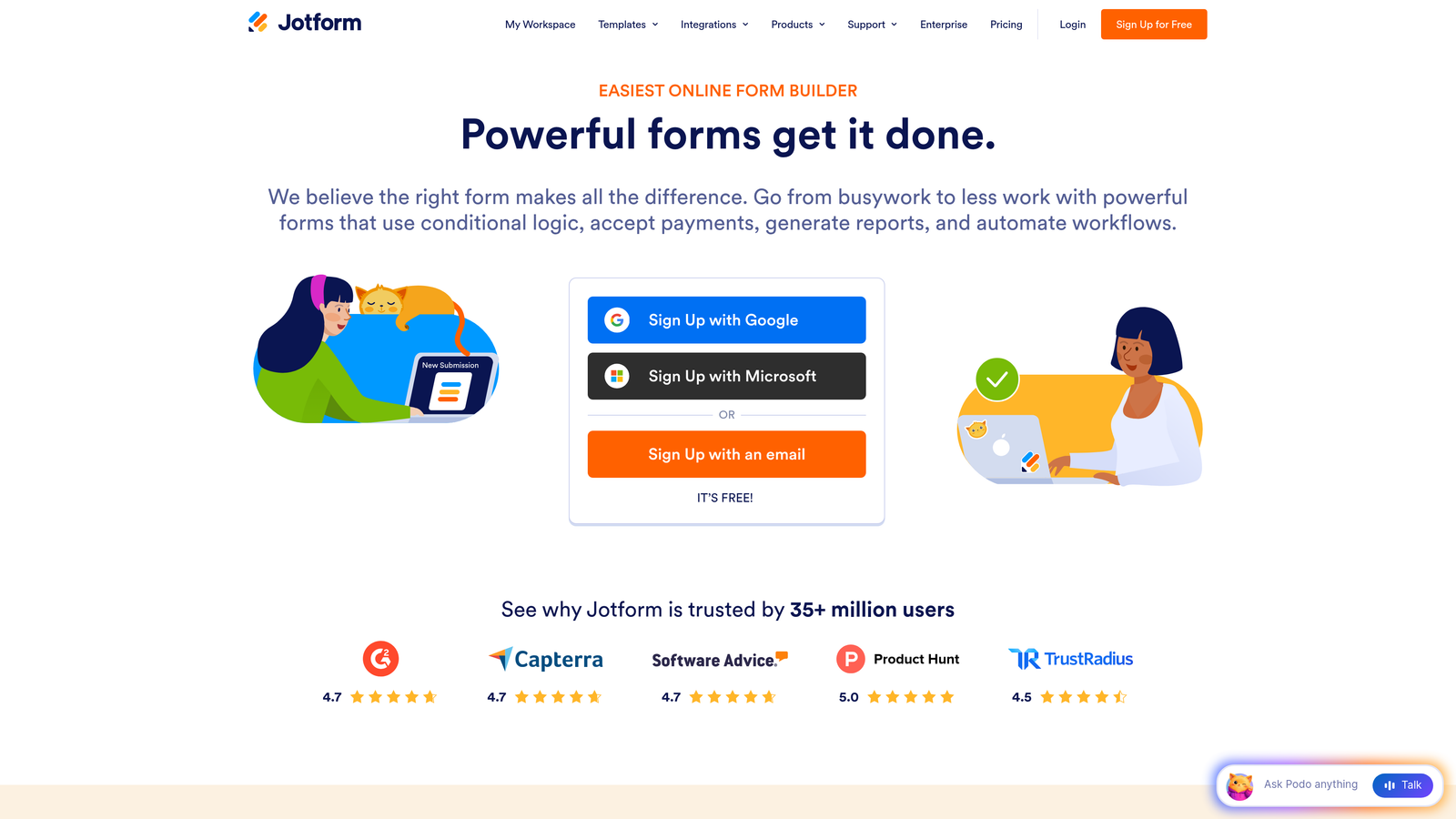
Jotform is a feature-rich form builder offering one of the largest template libraries available, with drag-and-drop building and extensive integration options.
Where This Tool Shines
Jotform's sheer breadth is its biggest advantage. With over 10,000 pre-built templates spanning industries from healthcare to e-commerce, it's rare to encounter a use case that Jotform hasn't already templated. This makes it particularly useful for teams that need to spin up forms quickly across many different contexts without starting from scratch.
The platform also handles payment collection natively, supports e-signatures, and generates PDF reports from submissions, making it one of the more versatile tools in this comparison for teams that need forms to serve multiple operational functions.
Key Features
10,000+ Pre-Built Templates: One of the largest template libraries available, covering virtually every industry and use case.
Drag-and-Drop Builder with 100+ Widgets: Highly customizable without requiring any code, with widgets for calculations, ratings, signatures, and more.
Payment Collection: Native support for PayPal, Stripe, Square, and other payment processors built directly into forms.
Jotform Tables: A built-in submission management interface that organizes responses in a spreadsheet-style view.
PDF Generation and E-Signatures: Automatically generate branded PDF documents from submissions and collect legally binding signatures.
Best For
Jotform works well for small to mid-sized businesses, agencies managing forms for multiple clients, and teams that need payment-enabled or document-generating forms. It's a reliable all-rounder, though not specifically optimized for conversion-focused lead generation.
Pricing
Free plan includes 5 forms and 100 submissions per month. Paid plans start at approximately $34/month with higher submission limits and additional features.
4. HubSpot Forms
Best for: Teams already using HubSpot CRM who want native, zero-friction lead capture directly into their contact database.
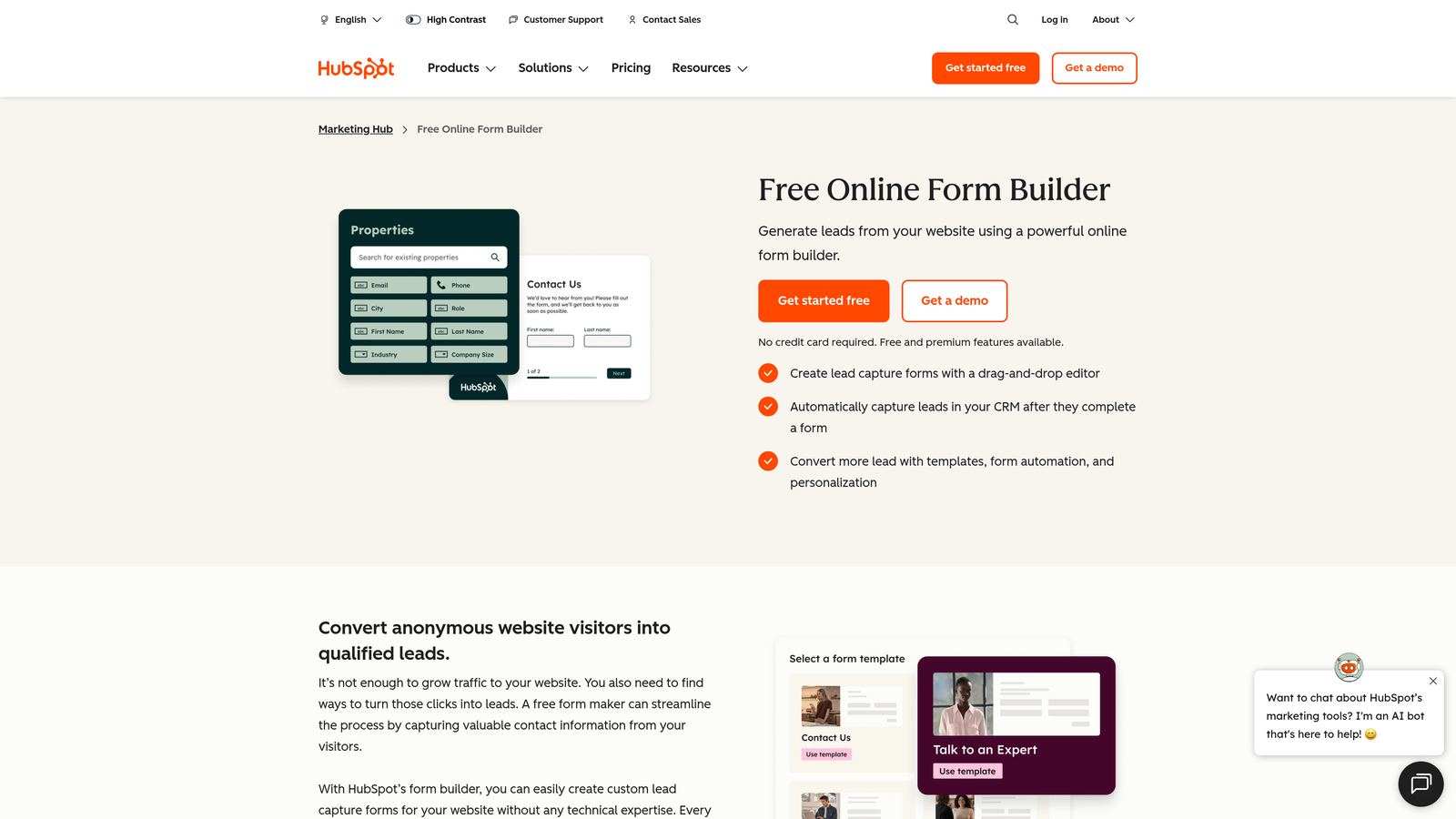
HubSpot Forms is a CRM-native form builder that feeds directly into HubSpot's marketing, sales, and service hubs for seamless lead nurturing workflows.
Where This Tool Shines
If your team lives in HubSpot, the forms tool is a natural extension of your existing workflow. Submissions automatically create or update contact records, trigger workflows, and feed into your lead scoring model without any middleware or manual data transfer. That tight integration eliminates a significant source of friction for revenue teams.
The progressive profiling feature is particularly clever. Rather than asking known contacts the same questions repeatedly, HubSpot Forms swaps in new fields based on what's already stored in the CRM, allowing teams to enrich contact profiles over time without creating a long, intimidating form.
Key Features
Native CRM Integration: Submissions automatically create or update HubSpot contact records with zero configuration required.
Smart Fields: Fields adapt based on known visitor data, personalizing the form experience for returning contacts.
Progressive Profiling: Replaces already-answered questions with new fields to progressively build richer contact profiles.
Built-In A/B Testing: Test form variations to identify which versions drive higher conversion rates.
Free Tier Included: Available at no cost with the free HubSpot CRM, making it accessible for early-stage teams.
Best For
HubSpot Forms is the clear choice for teams already invested in the HubSpot ecosystem. For teams on other CRMs or those who need standalone form functionality, its value is more limited since it's designed to work best within HubSpot's broader platform.
Pricing
Free with HubSpot CRM. Advanced marketing features, including A/B testing and smart content, are available in Marketing Hub paid plans starting at approximately $20/month.
5. Tally
Best for: Startups and budget-conscious teams that need unlimited forms without a monthly bill.
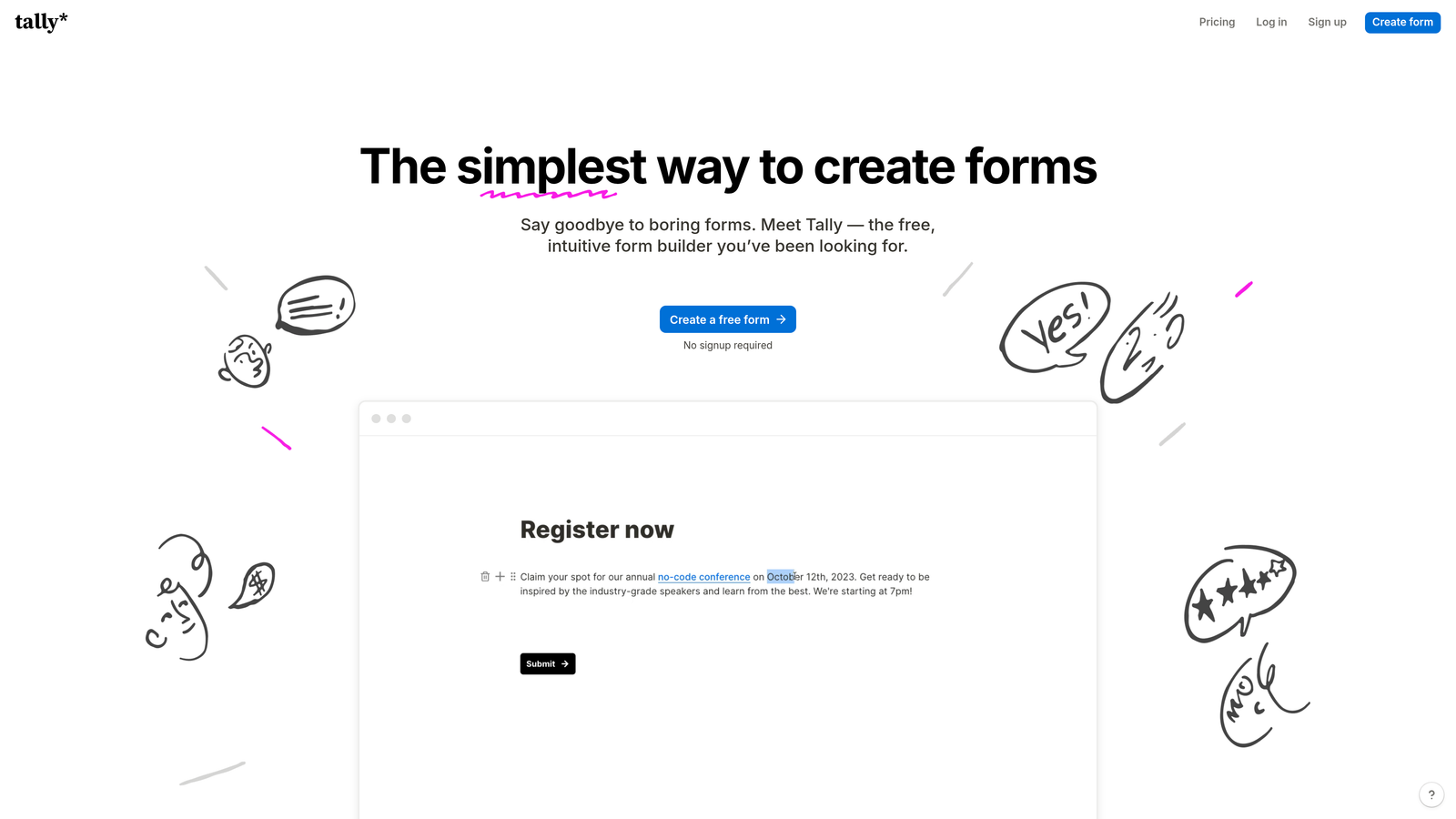
Tally is a minimalist, Notion-like form builder with a generous free tier that includes unlimited forms and unlimited submissions.
Where This Tool Shines
Tally's free plan is genuinely remarkable compared to most competitors. Unlimited forms, unlimited submissions, conditional logic, and hidden fields are all available without paying anything. For early-stage startups or teams running lean, this changes the calculus on form tooling entirely.
The block-based editor will feel immediately familiar to anyone who uses Notion, making the learning curve nearly flat for modern SaaS teams. It's clean, fast, and opinionated in a way that keeps forms from becoming overly complex.
Key Features
Unlimited Forms and Submissions on Free Plan: No artificial caps on the free tier, making it genuinely usable for production workloads.
Notion-Style Block Editor: Intuitive editing experience that feels familiar to teams already using Notion for documentation.
Conditional Logic and Hidden Fields: Core form intelligence features available even on the free plan.
Native Integrations: Connects with Notion, Google Sheets, Slack, and other tools commonly used by modern teams.
Custom Domain and Branding Removal: Available on the paid plan for teams that need white-labeled form experiences.
Best For
Tally is ideal for early-stage startups, indie makers, and small teams that need capable forms without the overhead of a paid subscription. It's less suited for enterprise buyers or teams that need advanced lead qualification and routing.
Pricing
Free for most features with no submission limits. Tally Pro is available at $29/month for custom domains, branding removal, and priority support.
6. Gravity Forms
Best for: WordPress-powered businesses that need deep site integration and developer-extensible form functionality.
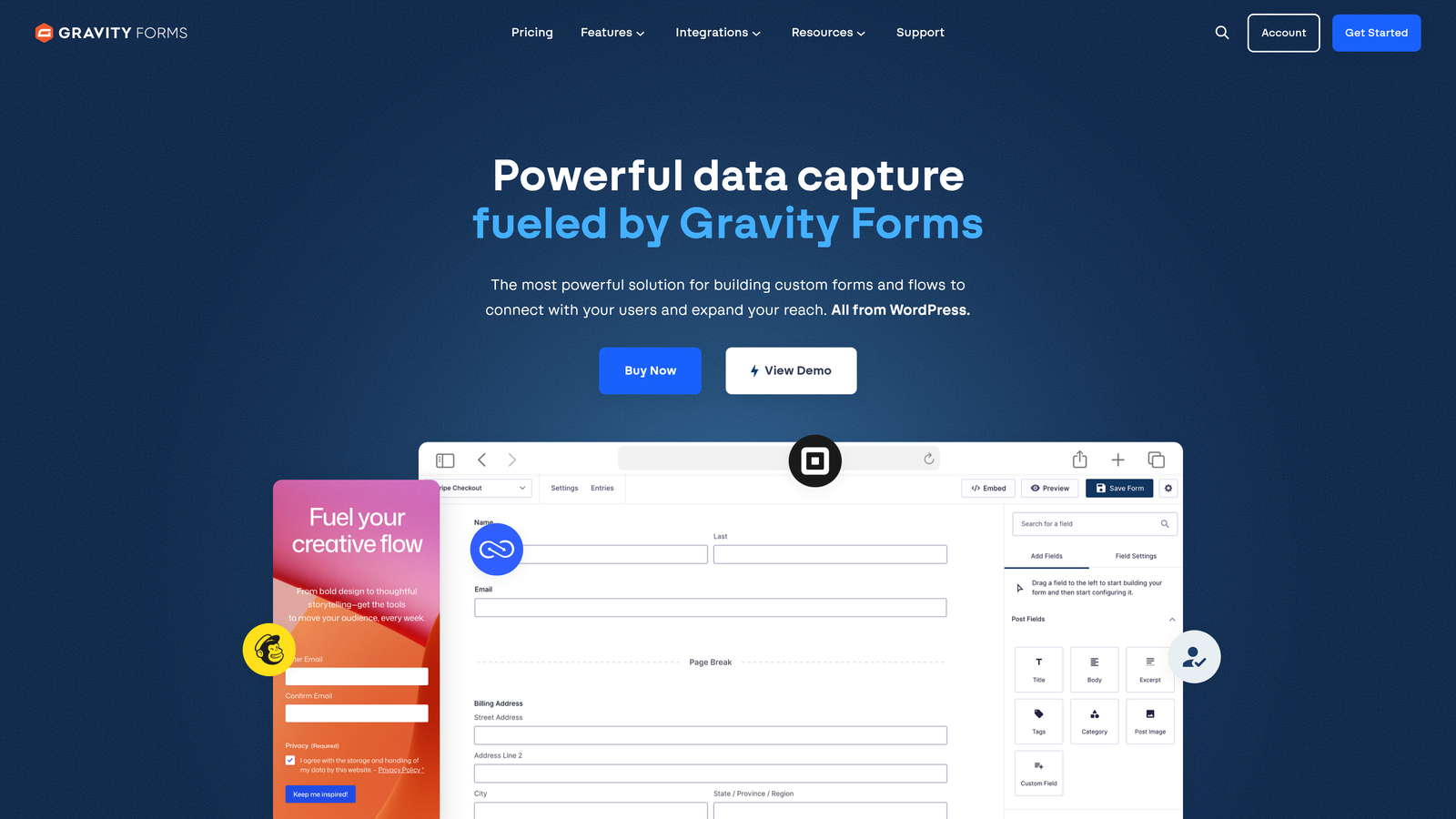
Gravity Forms is a WordPress-native form plugin with a large add-on ecosystem and developer-friendly architecture for complex, site-integrated workflows.
Where This Tool Shines
For teams running WordPress, Gravity Forms is the gold standard. It integrates directly with WordPress themes, plugins, and user roles in ways that standalone SaaS form builders simply can't match. Custom post types, user registration flows, and site-specific conditional logic are all achievable without leaving the WordPress ecosystem.
The annual licensing model is also worth noting. There are no per-submission fees, which makes Gravity Forms increasingly cost-effective as form volume grows. For high-traffic sites, this pricing structure can represent significant savings over SaaS alternatives.
Key Features
WordPress-Native Architecture: Deep compatibility with WordPress themes, plugins, and core functionality that standalone tools can't replicate.
30+ Official Add-Ons: Extend functionality with add-ons for payments, CRM integrations, email marketing, and more.
Developer-Friendly API: Hooks, filters, and a custom field API give developers full control over form behavior and data handling.
Conditional Logic and Multi-Page Forms: Robust logic and multi-step form support for complex data collection workflows.
Annual License Pricing: One-time annual fee with no per-submission charges, regardless of volume.
Best For
Gravity Forms is the right choice for WordPress agencies, developers, and businesses whose primary digital presence is a WordPress site. It's not the right tool for teams not on WordPress or those who need cloud-native deployment.
Pricing
Starts at $59/year for the Basic license covering a single site. The Elite license, which includes all add-ons, is $259/year.
7. Formstack
Best for: Enterprise and regulated-industry teams that need compliance certifications and full workflow automation beyond just forms.
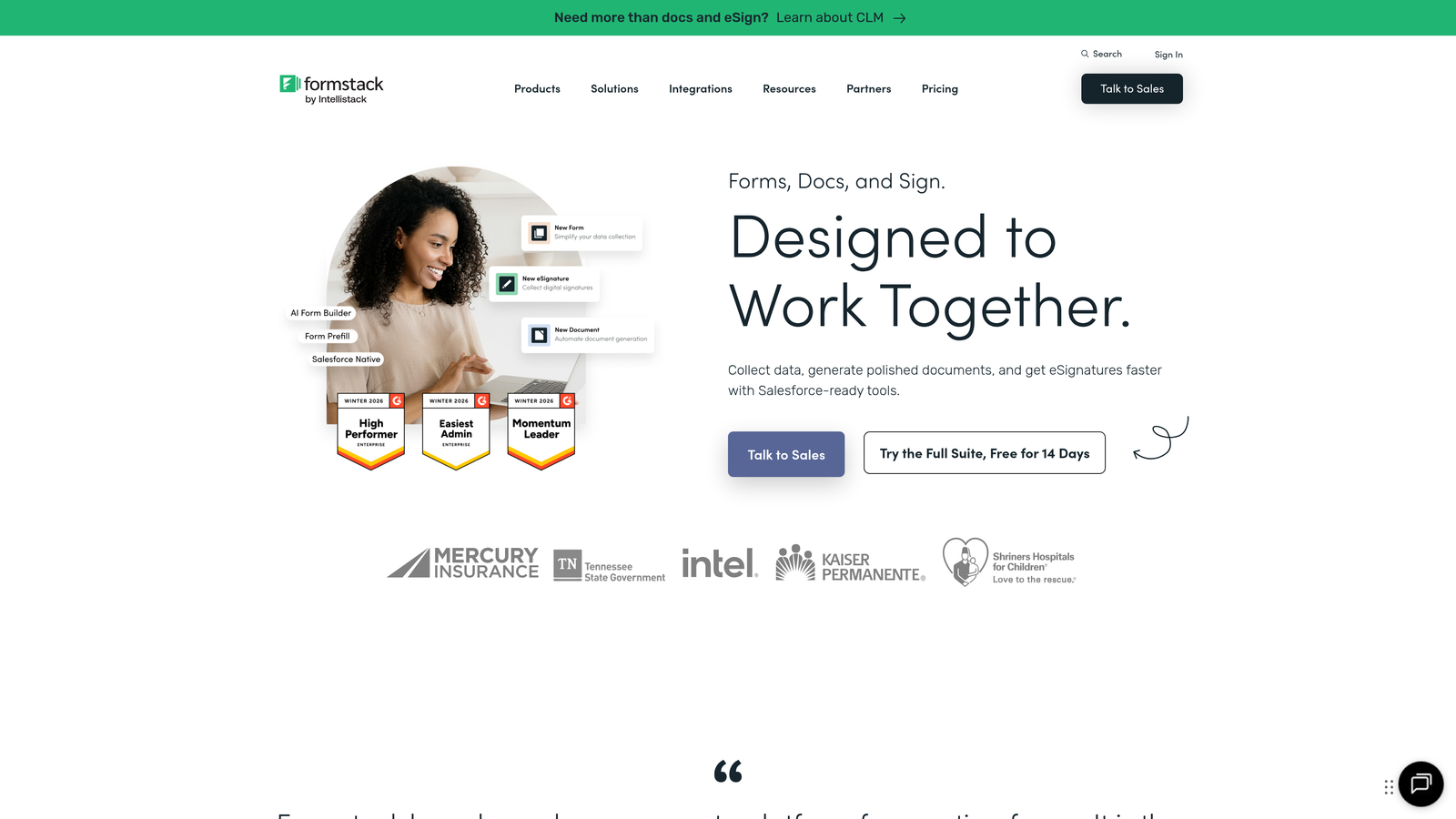
Formstack is an enterprise-grade platform combining forms, document generation, and e-signatures with compliance options for regulated industries.
Where This Tool Shines
Formstack operates at a different level than most tools in this comparison. It's not just a form builder; it's a workflow platform that connects data collection with document generation and signature collection in a single, auditable flow. For industries like healthcare, finance, and legal, where compliance and documentation are non-negotiable, this end-to-end capability is genuinely difficult to replicate with other tools.
The Salesforce-native edition is also worth highlighting for enterprise sales teams. Deep CRM integration at this level, including updating existing records and triggering complex workflows directly from form submissions, goes well beyond what most form tools offer.
Key Features
Full Workflow Suite: Forms, document generation, and e-signatures in a single integrated platform with no additional tools required.
Compliance Certifications: HIPAA, GDPR, and SOC 2 compliance options for regulated industries and enterprise buyers.
Advanced Conditional Logic and Calculations: Complex branching and calculation fields for sophisticated data collection workflows.
Salesforce-Native Edition: Deep CRM integration that goes beyond basic field mapping to support complex Salesforce workflows.
Approval Workflows and Team Collaboration: Built-in approval routing and team-level access controls for organizations with structured review processes.
Best For
Formstack is built for enterprise buyers, compliance-sensitive industries, and organizations that need forms to connect directly with document generation and signature workflows. It's overbuilt for small teams and startups.
Pricing
Forms-only plans start at approximately $50/month. Bundled plans covering the full suite of forms, documents, and signatures are available at higher price points.
8. Paperform
Best for: Creators, coaches, and small businesses that want forms that look and feel like branded landing pages.
Paperform is a content-rich form builder that blends text, media, and form fields into beautiful landing-page-style experiences.
Where This Tool Shines
Paperform takes a fundamentally different approach to form design. Rather than treating a form as a separate element embedded on a page, Paperform lets you build the entire experience, text, images, video, and form fields, as one cohesive document. The result looks more like a branded landing page than a traditional form, which works particularly well for product launches, event registrations, and coaching intake flows.
The built-in payment processing and product catalog functionality also make it a solid option for small businesses that want to sell products or services directly through a form without needing a separate e-commerce setup.
Key Features
Rich Content Editor: Mix text, images, and video with form fields in a single, cohesive document-style layout.
Built-In Payment Processing: Accept payments and manage simple product catalogs directly within the form experience.
Conditional Logic and Calculations: Dynamic fields and calculated outputs for pricing, scoring, and personalized results.
Custom Success Pages and Redirects: Full control over the post-submission experience, including custom thank-you pages and redirect logic.
2,000+ Integrations: Connects with tools via Zapier and native integrations for broad workflow compatibility.
Best For
Paperform is a strong fit for solopreneurs, creators, coaches, and small business owners who want beautiful, branded form experiences without hiring a designer. It's less optimized for high-volume B2B lead generation or enterprise workflows.
Pricing
Essentials plan starts at $24/month. The Pro plan, which includes advanced features and higher submission limits, is $49/month.
9. Fillout
Best for: Ops-heavy and data-driven teams that use Notion, Airtable, or Google Sheets as their primary data layer.
Fillout is a modern form builder designed to work as a frontend for databases like Notion, Airtable, Google Sheets, and Smartsheet.
Where This Tool Shines
Fillout's core differentiator is its native database connectivity. Rather than capturing form submissions and exporting them to a spreadsheet, Fillout connects directly to your existing Notion databases, Airtable bases, or Google Sheets and writes submissions into them in real time. For teams that have already built their operations around these tools, this eliminates a meaningful layer of manual data management.
The ability to update existing records, not just create new ones, is particularly useful for use cases like client intake updates, project change requests, and internal team workflows where you're modifying data that already exists rather than capturing something new.
Key Features
Native Database Backends: Direct connections to Notion, Airtable, Google Sheets, and Smartsheet without middleware or Zapier required.
Record Update Capability: Forms can update existing database records, not just create new entries, enabling edit and update workflows.
Conditional Logic and Multi-Page Forms: Full logic and multi-step form support for complex data collection flows.
Scheduling Fields: Built-in scheduling functionality for booking and appointment use cases.
Custom Themes and Branding: Flexible design options for teams that need forms to match their brand identity.
Best For
Fillout is the natural choice for operations teams, project managers, and data-driven startups whose workflows are built around Notion, Airtable, or similar tools. It's less relevant for teams that don't use these platforms as their primary data layer.
Pricing
Free plan available with generous submission limits. Paid plans start at $15/month for additional features and higher usage caps.
Which Form Builder Is Right for Your Team?
The honest answer is that there's no single winner in this comparison. Each tool is genuinely well-suited to a specific context, and the right choice depends on where your team is, what your tech stack looks like, and what you need forms to actually do.
Here's a quick-reference summary to help you narrow it down:
Orbit AI is the strongest choice if lead qualification is a core part of your growth strategy and you need forms that actively score and route prospects rather than just collecting their information.
Typeform is the go-to for teams where the respondent experience is paramount and a polished, conversational format will meaningfully improve completion rates.
Jotform wins on template breadth and versatility, making it ideal for teams that need forms across many different use cases without starting from scratch each time.
HubSpot Forms is the obvious choice for HubSpot shops. If your CRM is already HubSpot, there's little reason to look elsewhere for basic to mid-complexity lead capture.
Tally is the best free option on this list, full stop. For early-stage teams watching every dollar, it's hard to argue against unlimited forms and submissions at no cost.
Gravity Forms belongs at the top of the list for any WordPress-powered business that needs deep site integration and developer extensibility.
Formstack is built for enterprise and compliance-sensitive buyers who need forms to connect with document generation and e-signature workflows in a certified, auditable environment.
Paperform is the right pick for creators, coaches, and small businesses that want form experiences that feel like branded landing pages rather than traditional data entry screens.
Fillout is purpose-built for ops teams whose entire workflow lives in Notion, Airtable, or Google Sheets and who want forms to write directly into those databases.
The bigger strategic question is whether your forms are simply collecting data or actively working to qualify and prioritize the leads coming through them. For teams where lead quality and conversion efficiency are top priorities, that distinction matters enormously. You can explore more on this topic in our guides on lead generation forms for B2B companies and how to qualify leads effectively.
If you're ready to move beyond basic data collection and put intelligent qualification directly into your forms, start building free forms today with Orbit AI and see how AI-powered lead qualification can transform what your forms actually do for your pipeline.


