

Startups don't have time to waste on clunky forms that lose leads halfway through. You need something that's fast to set up, easy on the budget, and actually built to convert. The problem is, the form builder market in 2026 is packed with options, each promising to be the right fit.
This comparison cuts through the noise. The tools below were selected based on ease of use, pricing flexibility, integration depth, lead management capabilities, and how well they scale from early-stage to growth-stage. Whether you're looking for an AI-powered lead qualification platform, a free-forever option, or a developer-friendly backend service, there's something here for every type of startup.
1. Orbit AI
Best for: High-growth startups that need AI-powered lead qualification baked directly into their forms.
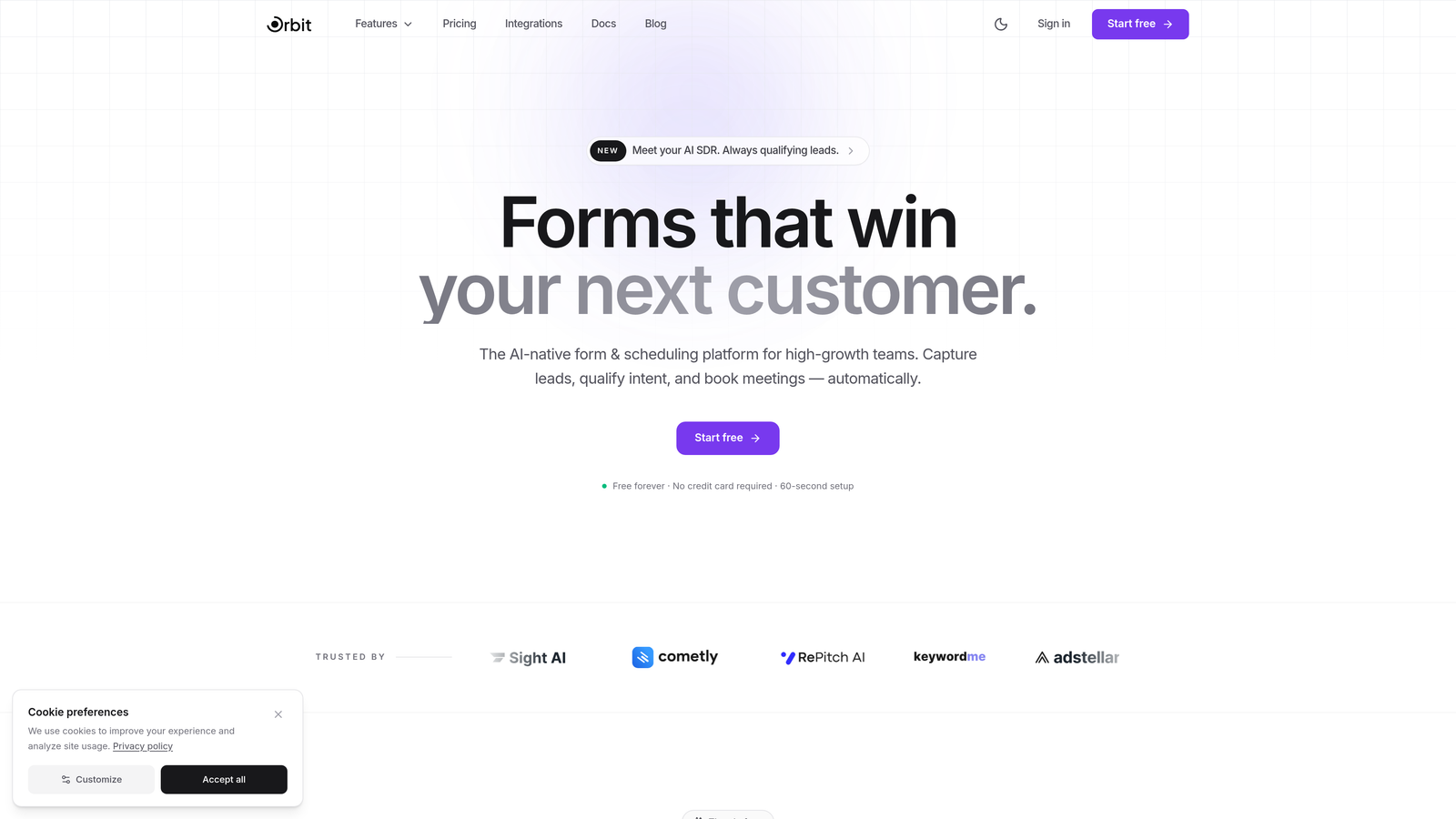
Orbit AI is an AI-powered form builder that combines conversion-optimized design with intelligent lead scoring, built specifically for teams that care about pipeline quality, not just form submissions.
Where This Tool Shines
Most form builders collect data and stop there. Orbit AI goes a step further by qualifying leads as they fill out your form, using built-in AI logic to score respondents and route them based on their answers. For growth teams running paid acquisition or outbound campaigns, this means your sales team only sees leads worth their time.
The form design itself is genuinely polished out of the box. You're not starting from a blank canvas or wrestling with a clunky editor. Templates are built for lead generation specifically, so you spend less time designing and more time converting.
Key Features
AI Lead Qualification and Scoring: Automatically scores and qualifies leads based on form responses, so your team focuses on high-intent prospects.
Conversion-Optimized Templates: Pre-built templates designed specifically for lead generation, not generic surveys.
Conditional Logic and Smart Routing: Dynamically adjusts the form experience based on what respondents answer, creating personalized paths.
CRM and Marketing Tool Integrations: Connects with popular CRMs and marketing platforms to keep your stack in sync.
Modern Form Design: Visually polished forms that look great without custom design work.
Best For
Startups running active lead generation campaigns who need more than a data collection tool. Particularly valuable for SaaS companies, agencies, and B2B teams where lead quality directly impacts revenue. If you're tired of chasing unqualified leads from your forms, this is the tool to evaluate first.
Pricing
Free tier available for getting started. Paid plans scale with usage. Visit orbitforms.ai for current pricing details.
2. Typeform
Best for: Startups that want a conversational, high-engagement form experience with strong branding options.
Typeform is a conversational form builder built around a one-question-at-a-time format that makes filling out a form feel more like a dialogue than a data entry task.

Where This Tool Shines
Typeform's core strength is engagement. The single-question format reduces cognitive load and tends to keep respondents moving through the form rather than abandoning it midway. For startups running customer research, onboarding flows, or brand-forward lead capture, the experience feels noticeably more human than a traditional multi-field form.
The design customization is also a standout. You can match your brand closely, embed video and images within questions, and create flows that feel like part of your product rather than a third-party widget.
Key Features
Conversational One-Question UX: Presents one question at a time, reducing friction and improving completion rates.
Logic Jumps and Branching: Personalizes the form path based on previous answers.
Design Customization: Strong branding controls including fonts, colors, backgrounds, and layouts.
Native Integrations: Connects directly with Zapier, HubSpot, Slack, and dozens of other tools.
Media Embedding: Add video and images directly within form questions for richer experiences.
Best For
Startups focused on brand experience, customer research, or any form flow where engagement and completion rate matter more than speed of setup. Less ideal if you're on a tight budget and need high response volumes on the free tier.
Pricing
Free plan available with limited monthly responses. Basic plan starts at around $25 per month. Higher tiers unlock more responses, logic features, and team collaboration.
3. Tally
Best for: Budget-conscious startups that need unlimited forms and submissions without paying anything upfront.
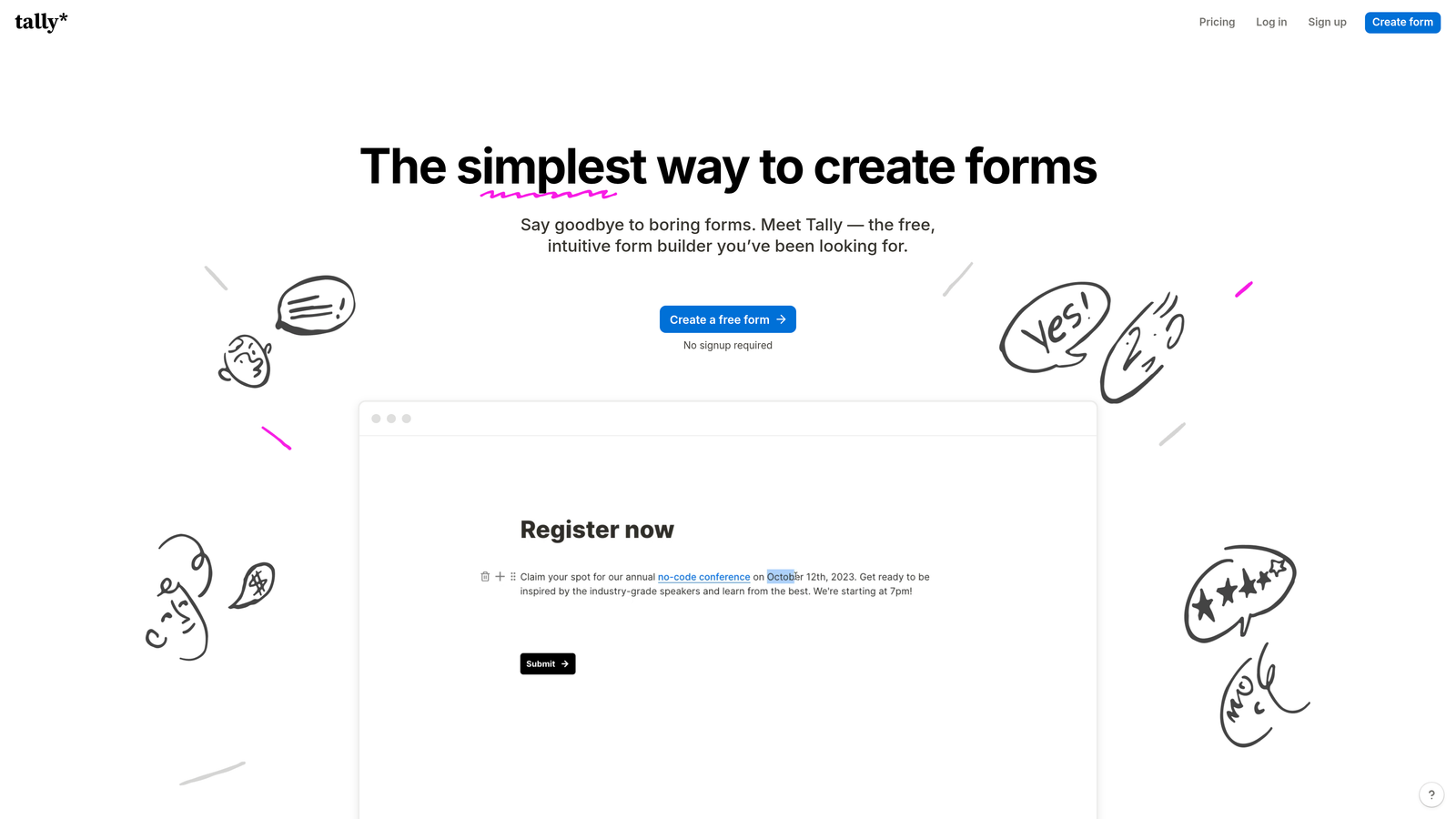
Tally is a free-first form builder with a clean, Notion-style editing experience that removes most of the usual free tier restrictions.
Where This Tool Shines
The headline feature is simple: unlimited forms and unlimited submissions on the free plan. For early-stage startups validating ideas, running surveys, or collecting user feedback without a confirmed budget for tools, this is a genuinely compelling offer. There's no form limit, no submission cap, and no watermarked results to work around.
The editor feels familiar if your team already uses Notion. It's block-based, fast, and doesn't require any onboarding to get productive. You can add conditional logic, hidden fields, and file uploads without touching a paid plan.
Key Features
Unlimited Free Forms and Submissions: No caps on the free tier, which is genuinely rare in this category.
Block-Based Notion-Style Editor: Intuitive editing experience that most teams pick up immediately.
Conditional Logic and Calculations: Build smart forms with branching, hidden fields, and calculated fields on the free plan.
File Uploads and Payments: Collect files and accept payments directly through forms.
Custom Domains and Branding: Available on the Pro plan for a more polished, white-labeled experience.
Best For
Pre-revenue startups, bootstrapped teams, and any situation where free and functional is the priority. Also great for internal forms, feedback collection, and MVP validation where design polish is secondary.
Pricing
Core features are completely free. Tally Pro is $29 per month and unlocks custom domains, branding removal, and priority support.
4. Jotform
Best for: Startups that need a wide template library and complex form logic without writing any code.
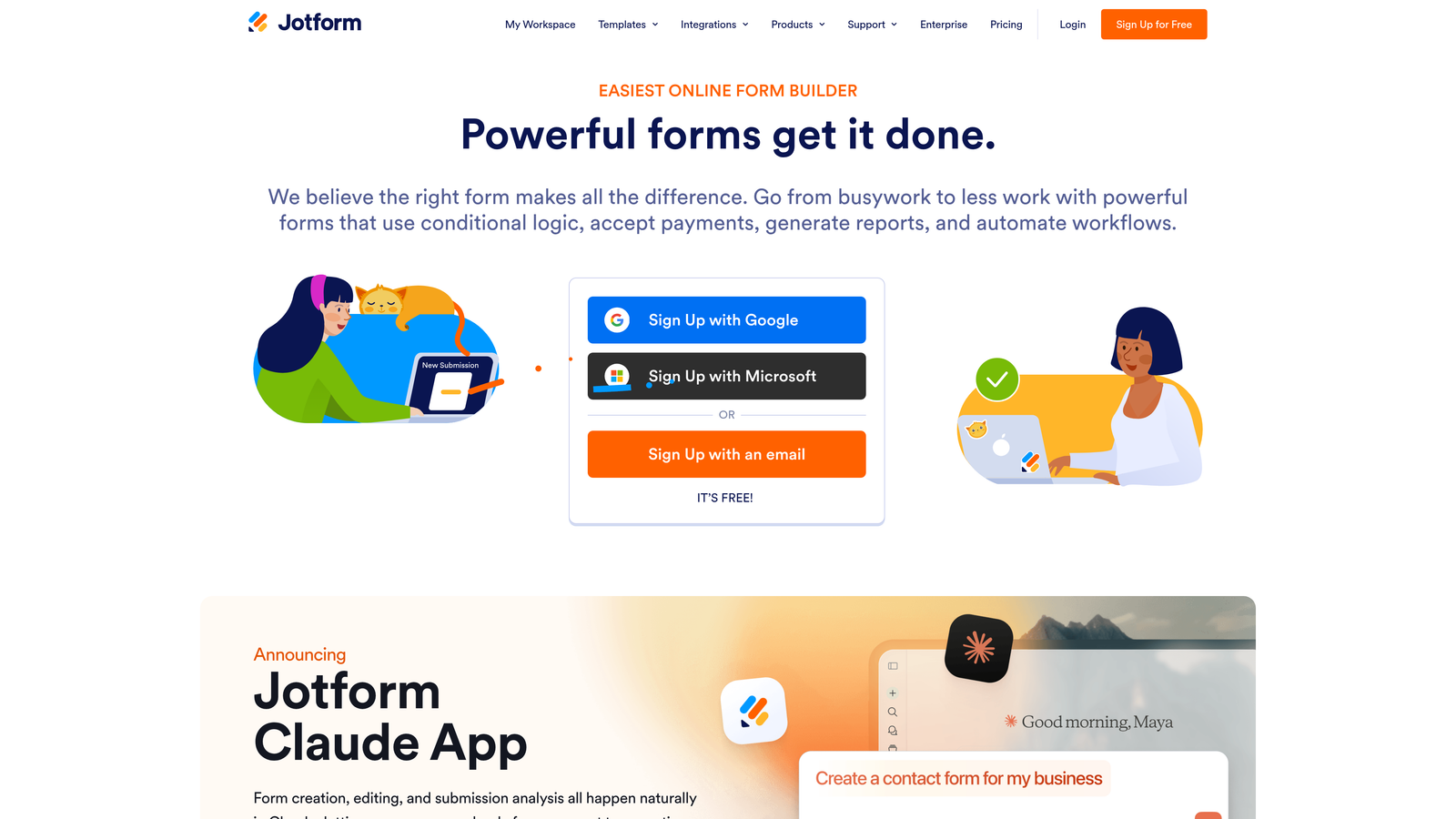
Jotform is one of the most established form builders available, offering over 10,000 pre-built templates and a drag-and-drop editor that handles highly complex form requirements.
Where This Tool Shines
Jotform's depth is its differentiator. If you need a very specific form type, whether that's a medical intake form, a vendor application, or a multi-step order form with payment, there's almost certainly a template for it. This dramatically reduces build time for startups operating in specialized industries.
The submission management layer, Jotform Tables, also gives you a spreadsheet-style view of all your data that works well for small teams who don't yet have a dedicated CRM. It's a surprisingly complete data management experience for a form tool.
Key Features
10,000+ Pre-Built Templates: Covers virtually every industry and use case imaginable.
Drag-and-Drop Editor: Build complex multi-step forms with conditional logic and no code required.
Native Payment Integrations: Accepts payments via PayPal, Stripe, and Square directly in forms.
Jotform Tables: A built-in submission management database for organizing and reviewing responses.
HIPAA-Compliant Plans: Available for startups in healthcare or handling sensitive data.
Best For
Startups in regulated industries, teams that need a wide variety of form types quickly, and founders who want a mature, well-documented platform with an extensive template library to draw from.
Pricing
Free plan includes 5 forms and 100 monthly submissions. Paid plans start at around $34 per month and scale with submission volume and feature access.
5. HubSpot Free Form Builder
Best for: Startups already using or planning to use HubSpot CRM who want zero-friction lead capture to contact sync.
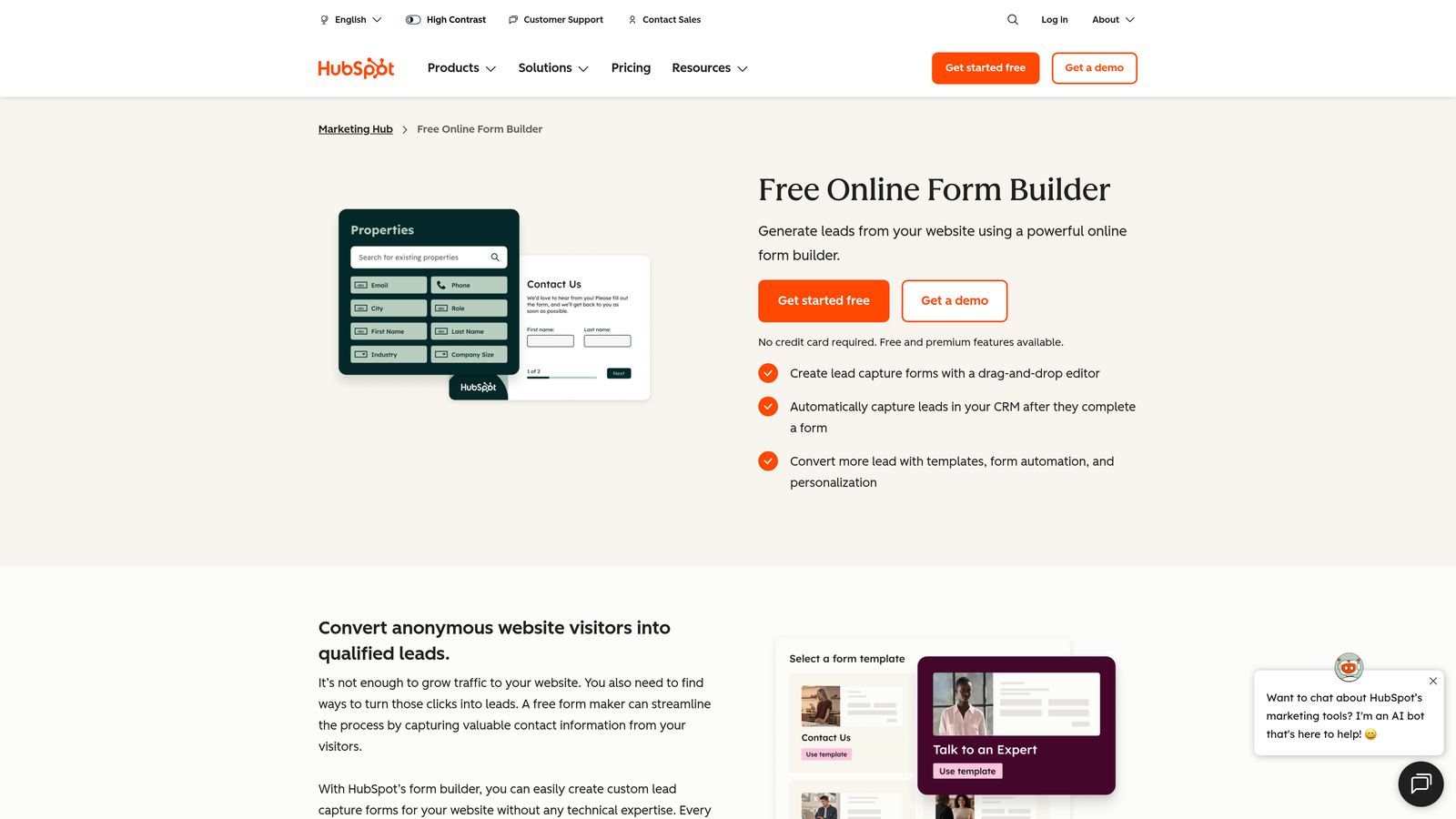
HubSpot's free form builder is tightly embedded in the HubSpot ecosystem, making it the natural choice for startups where CRM hygiene and marketing automation are top priorities.
Where This Tool Shines
Every form submission automatically creates or updates a contact record in HubSpot CRM. There's no Zapier connection to configure, no field mapping to maintain, and no lag between submission and CRM entry. For startups that live in HubSpot, this native integration removes an entire category of operational friction.
Progressive profiling is another standout feature. Instead of asking returning visitors to fill in fields they've already submitted, HubSpot dynamically swaps in new questions, gradually building richer contact profiles over multiple interactions without overwhelming users upfront.
Key Features
Native CRM Integration: Form submissions automatically create and update HubSpot contact records in real time.
Automated Follow-Up Emails: Trigger email sequences directly from form submissions without additional tools.
Progressive Profiling: Replaces already-answered fields with new questions for returning visitors.
Embedded and Standalone Options: Deploy forms on your site or as hosted standalone pages.
Free Within HubSpot's Free Tier: No additional cost if you're already using HubSpot CRM.
Best For
Startups that have adopted HubSpot as their CRM and want a tightly integrated form experience without managing a separate tool. Less compelling if you're not already in the HubSpot ecosystem, since the form builder alone isn't a standalone reason to adopt the platform.
Pricing
Free with HubSpot's free CRM. Advanced automation and marketing features require Marketing Hub Starter, which starts at $20 per month.
6. Fillout
Best for: Startups using Airtable, Notion, or Google Sheets as their primary data backend who want forms that write directly to those tools.
Fillout is a modern form builder built around deep, two-way database integrations, letting you use the tools you already rely on as the backend for your form data.

Where This Tool Shines
Most form builders export to spreadsheets as an afterthought. Fillout treats Airtable, Notion, Google Sheets, and Supabase as first-class backends, with native two-way sync that keeps your database and your forms in lockstep. For startups that have built their operations around these tools, this eliminates a significant amount of manual data wrangling.
The free tier is also notably generous, offering unlimited forms without the restrictions you'd typically expect at the free level. Combined with built-in scheduling, payment, and file upload fields, it punches well above its price point for early-stage teams.
Key Features
Native Two-Way Database Sync: Deep integrations with Airtable, Notion, Google Sheets, and Supabase for seamless data flow.
Scheduling, Payment, and File Upload Fields: Built-in field types that cover common startup use cases without extra plugins.
Conditional Logic and Multi-Page Forms: Create branching, multi-step experiences with clean logic controls.
Custom Branding and Themes: Maintain a consistent visual identity across your forms.
Generous Free Tier: Unlimited forms available on the free plan.
Best For
Operations-focused startups, no-code teams, and any founder who has already built workflows in Airtable or Notion and wants forms that feed into those systems automatically rather than creating data silos.
Pricing
Free plan available with unlimited forms. Paid plans start at $19 per month and unlock higher submission limits, advanced integrations, and team features.
7. Paperform
Best for: Startups that want to combine a form, a landing page, and a payment flow into a single branded page without stitching multiple tools together.
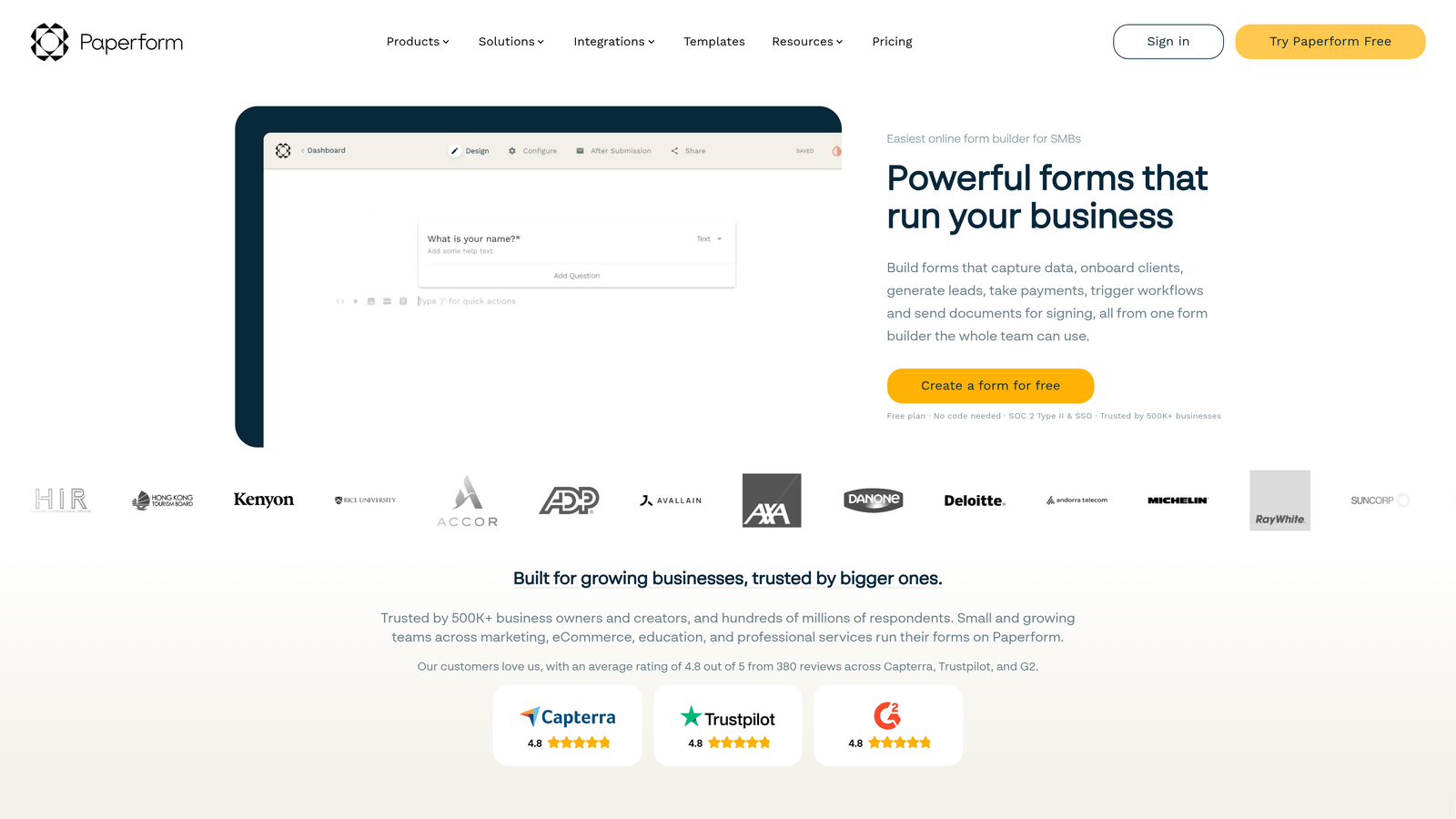
Paperform is a hybrid form builder and landing page creator that lets you build rich, content-heavy pages with embedded forms, payments, and product fields in one editor.
Where This Tool Shines
Paperform blurs the line between a form and a landing page. You can write long-form content, embed images and video, add product fields with pricing, and collect payment, all within the same document-style editor. For startups selling a service, running an event, or collecting orders, this replaces what would otherwise require a separate landing page builder plus a form tool plus a payment integration.
The scoring and calculation features are also worth noting. You can build quizzes, assessments, and lead qualification flows that calculate scores based on answers, which makes it a surprisingly capable tool for interactive lead generation.
Key Features
Combined Form and Landing Page Editor: Build content-rich pages with forms and payments in a single, unified editor.
Native Payment Processing: Accept payments via Stripe and Square directly within forms.
Product Fields for E-Commerce: Add purchasable items directly to your form for lightweight order collection.
Conditional Logic, Calculations, and Scoring: Build assessments and qualification flows with calculated outputs.
3,000+ Integrations: Connect via Zapier and direct integrations to keep your stack connected.
Best For
Startups running events, selling services, building interactive assessments, or anyone who wants to consolidate their landing page and form tool into a single platform with a clean editorial experience.
Pricing
Starts at $24 per month on the Essentials plan. No free tier, but a trial is available to test the platform before committing.
8. Formspark
Best for: Developer-led startups that want to build custom form frontends without managing form submission infrastructure.
Formspark is a backend-only form handling service: you write your own HTML or React form, point the action to a Formspark endpoint, and it handles submission storage, spam protection, and notifications.
Where This Tool Shines
If your team has a developer and you're building a custom site or web app, Formspark removes the tedious work of building and maintaining form submission infrastructure. There's no drag-and-drop editor because you don't need one. You own the frontend completely, which means full design control with zero compromise.
This is particularly well-suited to startups with a custom-built marketing site or product that needs contact forms, waitlist signups, or feedback forms embedded natively without the look of a third-party widget. The integration surface is minimal, which is exactly the point.
Key Features
Endpoint-Only Architecture: No frontend provided. Just a form action URL that handles your submissions.
Framework Agnostic: Works with plain HTML, React, Vue, Next.js, or any static site generator.
Built-In Spam Protection: Integrates with Botpoison and reCAPTCHA to filter out bot submissions.
Webhook Support: Trigger custom workflows by sending submission data to any endpoint.
Submission-Based Pricing: Pay only for what you use, which scales well for low-volume or unpredictable traffic.
Best For
Technical founders, developer-led teams, and startups with custom-built websites who want complete frontend control without building a submission handling backend from scratch. Not suitable for non-technical users who need a visual editor.
Pricing
Free for up to 250 submissions. Paid plans start at $9 per month, making it one of the most affordable options on this list for developer teams.
9. Google Forms
Best for: Startups that need a completely free, zero-setup tool for internal surveys, MVP validation, or quick data collection.
Google Forms is Google's free form tool, entirely without cost and without submission limits, best suited for situations where speed and simplicity matter more than design or advanced logic.
Where This Tool Shines
There is no faster path from "I need a form" to "form is live" than Google Forms. Create an account, open Forms, and you're collecting responses within minutes. For early-stage founders running user research interviews, gathering co-founder interest, or validating a product idea before spending on tooling, this is genuinely the right starting point.
The Google Sheets integration is seamless. Every response populates a connected spreadsheet automatically, which is more than enough for most early-stage data analysis needs. If your team already lives in Google Workspace, there's essentially no switching cost.
Key Features
Completely Free with No Submission Limits: No caps, no paid tiers, no watermarks on responses.
Instant Google Sheets Integration: All responses sync automatically to a connected spreadsheet.
Google Workspace Collaboration: Share and co-edit forms with your team using existing Google accounts.
Basic Conditional Logic: Section branching lets you create simple personalized paths through a form.
Zero Setup Required: Create, share, and start collecting in minutes with no account configuration needed.
Best For
Pre-product startups, teams validating ideas before committing to paid tools, and any internal use case where design and branding are not a priority. Google Forms is a starting point, not a long-term conversion tool, but as a starting point it's hard to beat.
Pricing
100% free with any Google account. No paid tier exists because none is needed.
Finding the Right Fit for Your Startup
The honest answer is that the best form builder for your startup depends entirely on where you are right now and where you're headed.
If lead generation and pipeline quality are central to your growth strategy, Orbit AI stands apart from the rest of this list. The combination of AI-powered lead qualification, conversion-optimized templates, and smart routing means you're not just collecting form submissions. You're filtering and scoring leads automatically, which compounds in value as your traffic scales.
For startups that aren't ready to commit to a paid tool yet, Tally and Google Forms cover the fundamentals without any cost. Tally is the stronger choice if you need conditional logic and a cleaner editing experience. Google Forms wins on pure simplicity and speed.
If your team is already embedded in a specific tool ecosystem, let that guide your decision. HubSpot Forms is the obvious choice for HubSpot-first teams. Fillout is the natural fit if your data lives in Airtable or Notion. And if you have a developer building a custom site, Formspark removes backend friction without touching your frontend code.
Typeform and Paperform are worth serious consideration when the form experience itself is part of your brand. Both deliver noticeably more polished, engaging interactions than a standard form, which matters when first impressions count.
The form builder you choose today doesn't have to be the one you use forever. Many startups begin with Google Forms or Tally, then graduate to a more capable platform as their lead generation strategy matures. What matters is that you're collecting and qualifying leads efficiently at every stage.
When you're ready to move beyond basic data collection and start treating your forms as a genuine conversion asset, start building free forms today with Orbit AI and see how intelligent form design can elevate your conversion strategy from the first interaction.


