

Finding the right form builder plan can make or break your lead generation strategy. With pricing models ranging from free tiers to enterprise solutions, the options feel overwhelming. Some platforms charge per form, others per submission, and a few offer unlimited everything at a flat rate. The key is matching your growth stage and conversion goals to a plan that scales with you—without surprise costs eating into your ROI.
We've analyzed the top form builder plans across pricing structure, feature depth, and value for high-growth teams. Here's what actually delivers results.
1. Orbit AI
Best for: High-growth teams needing AI-powered lead qualification and conversion optimization
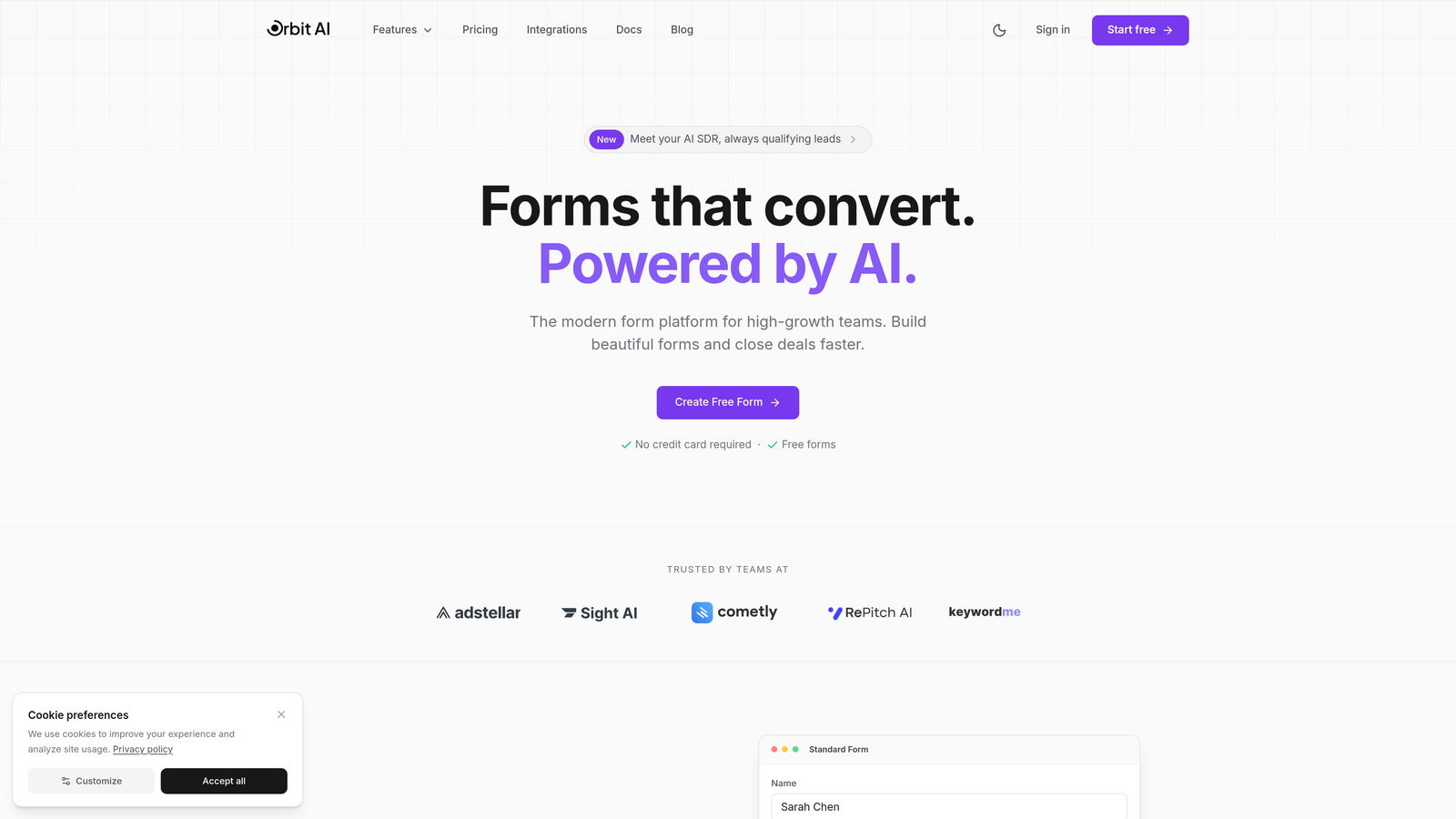
Orbit AI is an AI-powered form builder platform that automatically qualifies leads while optimizing for conversions.
Where This Tool Shines
The platform's AI engine doesn't just collect responses—it actively scores and qualifies leads in real-time, routing high-value prospects to your sales team immediately. This means your team spends time on leads that actually convert, not cold contacts who filled out a form on a whim.
What sets Orbit AI apart is how it balances sophistication with usability. You get enterprise-grade lead qualification without needing a data science degree to set it up. The conversion-optimized templates are built on actual user behavior patterns, not guesswork.
Key Features
AI-Powered Lead Qualification: Automatically scores and routes prospects based on conversion likelihood and fit criteria.
Conversion-Optimized Templates: Pre-built form designs based on high-performing patterns across industries.
Intelligent Workflow Automation: Triggers follow-up actions based on lead quality scores and response patterns.
Native CRM Integrations: Seamlessly connects with major platforms to keep your sales pipeline flowing.
Real-Time Analytics Dashboard: Track conversion rates, lead quality metrics, and form performance at a glance.
Best For
This platform excels for B2B companies and high-growth teams where lead quality matters more than raw volume. If you're tired of sorting through unqualified submissions or want to automate your qualification process without losing the human touch, Orbit AI delivers exactly that capability.
Pricing
Free tier available to get started; paid plans scale with your usage and team size, making it accessible for growing teams without enterprise budgets.
2. Typeform
Best for: Brand-focused teams wanting conversational, one-question-at-a-time experiences
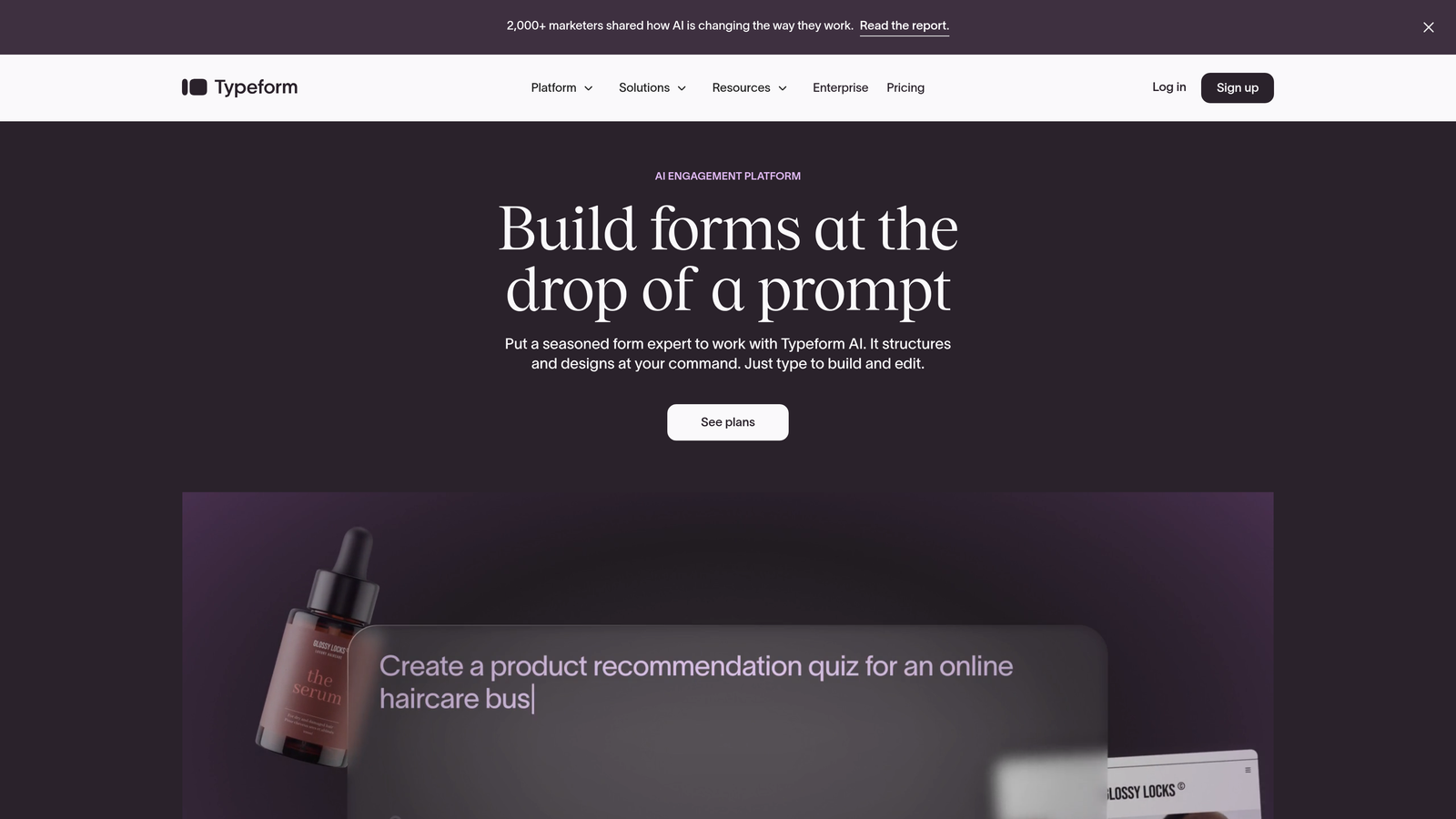
Typeform is a conversational form builder known for its distinctive one-question-at-a-time format and strong customization.
Where This Tool Shines
Typeform transformed how people think about forms by making them feel like conversations rather than interrogations. The one-question-at-a-time approach reduces cognitive load and typically improves completion rates, especially for longer surveys or complex qualification flows.
The platform's design flexibility lets you create forms that genuinely reflect your brand. From custom color schemes to embedded videos and images, you can build experiences that feel native to your website rather than obviously third-party.
Key Features
Conversational One-Question Format: Displays single questions sequentially for reduced friction and higher completion rates.
Advanced Logic Jumps: Creates dynamic paths based on previous answers for personalized experiences.
Rich Media Embedding: Incorporates videos, images, and GIFs directly into question flows.
Custom Branding: Full control over colors, fonts, backgrounds, and thank-you screens.
Hidden Fields: Captures UTM parameters and other metadata without cluttering the user experience.
Best For
Typeform works best for marketing teams focused on brand experience and user engagement. If your forms are customer-facing and brand perception matters, the investment in Typeform's polished interface pays dividends.
Pricing
Free tier limited to 10 responses monthly. Basic starts at $25/month, Plus at $50/month, and Business at $83/month. The per-response pricing model can get expensive at scale.
3. Jotform
Best for: Teams needing extensive templates and high submission volumes
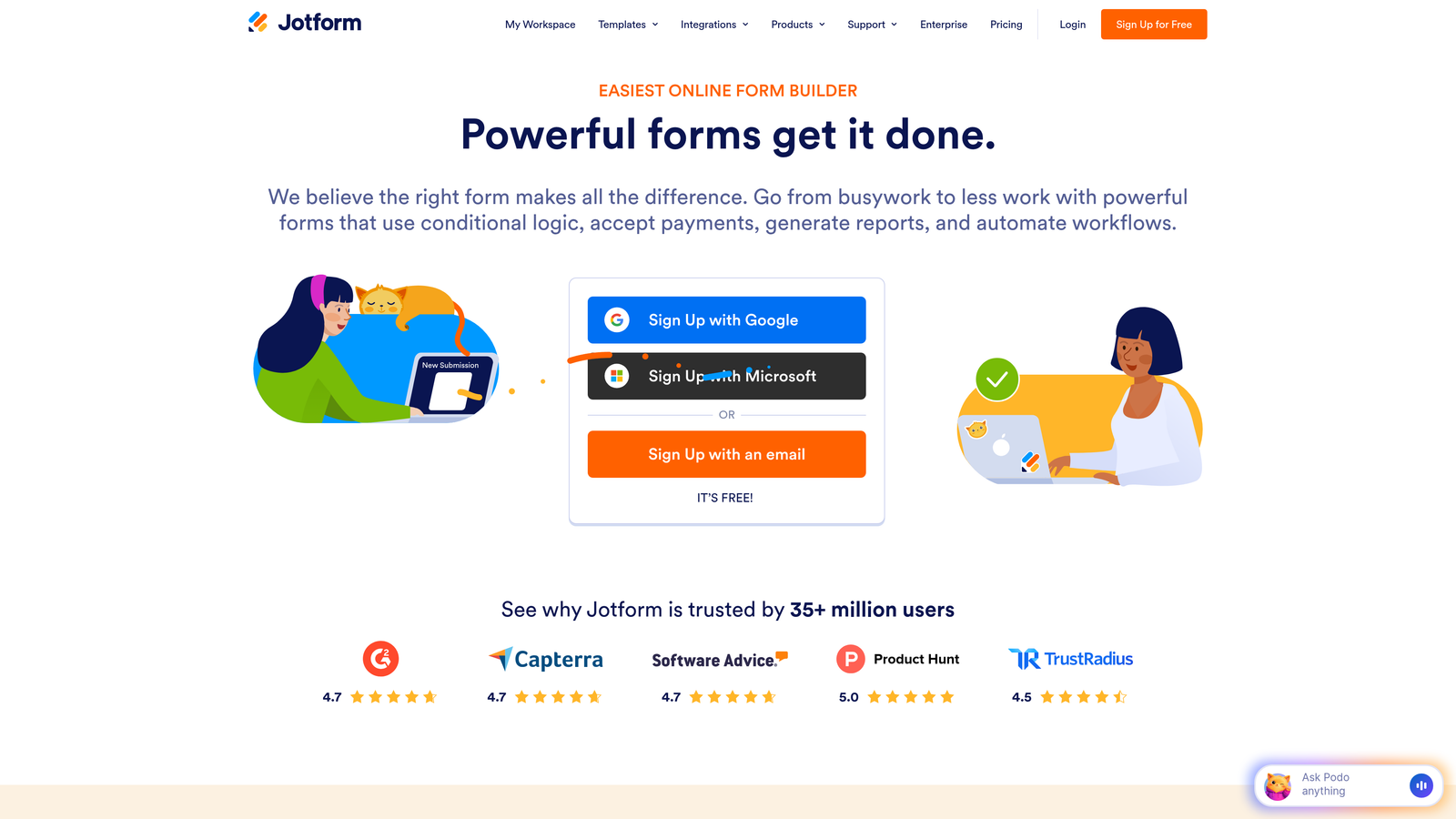
Jotform is a feature-rich form builder offering over 10,000 templates and generous submission limits.
Where This Tool Shines
Think of Jotform as the Swiss Army knife of form builders. Whatever your use case—event registration, job applications, order forms, surveys—there's probably a template already built for it. This template library saves hours of design work and provides proven starting points.
The platform handles complexity well. Need PDF generation? E-signatures? Payment collection? Appointment scheduling? Jotform bundles these features into plans that remain surprisingly affordable given the breadth of capabilities.
Key Features
10,000+ Templates: Pre-built forms for virtually every industry and use case imaginable.
100+ Integrations: Connects with popular tools from Salesforce to Slack to Zapier.
PDF Form Creation: Automatically generates fillable PDFs and custom documents from submissions.
E-Signature Support: Collects legally binding signatures directly within forms.
Mobile App: Manage forms and view submissions on iOS or Android devices.
Best For
Jotform excels for organizations running multiple form types across departments. The combination of template variety and high submission limits makes it ideal for agencies, educational institutions, or businesses with diverse data collection needs.
Pricing
Free tier includes 5 forms and 100 monthly submissions. Bronze costs $34/month, Silver $39/month, and Gold $99/month with increasing submission limits and features.
4. Tally
Best for: Bootstrapped teams wanting unlimited forms without subscription costs
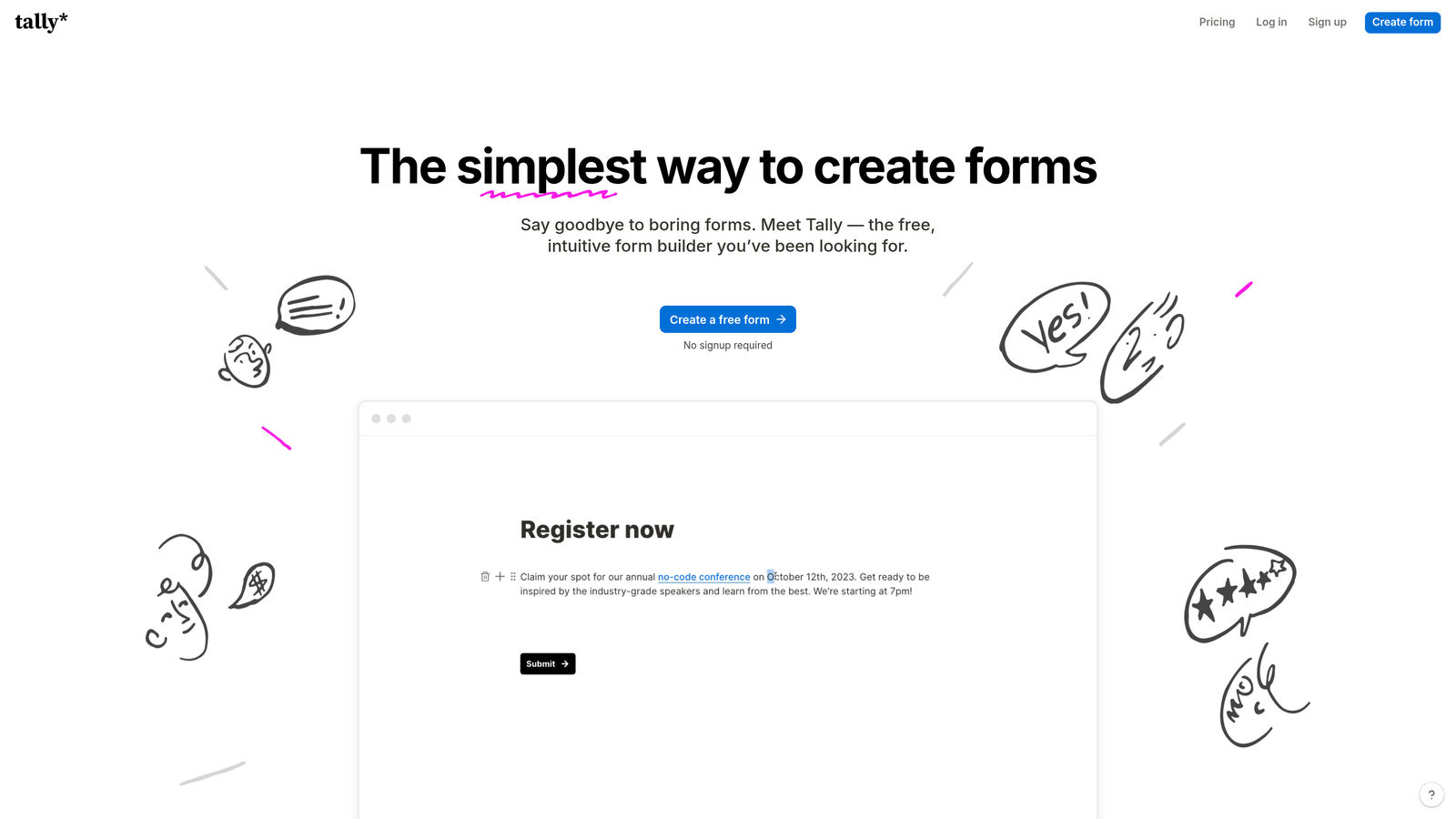
Tally is a Notion-style form builder offering unlimited forms and submissions on its free plan.
Where This Tool Shines
Tally disrupted the form builder market by offering what others charge hundreds for: unlimited forms and unlimited submissions, completely free. For startups and bootstrapped teams, this removes the anxiety of hitting submission caps during a successful campaign.
The Notion-inspired block-based editor feels immediately familiar if you've used modern productivity tools. You build forms by stacking blocks—text, multiple choice, file uploads—without wrestling with complex interfaces or learning curves.
Key Features
Unlimited Free Usage: No caps on forms, submissions, or basic features on the free tier.
Block-Based Editor: Notion-style interface for intuitive form building without technical knowledge.
Conditional Logic: Shows or hides questions based on previous answers for dynamic flows.
Calculations: Performs math operations on numeric inputs for quotes or scoring.
Custom Domains: Available on Pro plan for branded form URLs.
Best For
Tally is perfect for early-stage startups, side projects, or any team where budget constraints trump advanced features. The free tier handles most standard use cases without forcing upgrades.
Pricing
Free tier with unlimited forms and submissions. Pro plan at $29/month adds custom branding, domains, and priority support—but most teams never need to upgrade.
5. HubSpot Forms
Best for: Teams already using HubSpot CRM for marketing automation
HubSpot Forms is the native form builder within HubSpot's ecosystem, offering seamless CRM integration.

Where This Tool Shines
If you're already invested in HubSpot's CRM, their native forms eliminate integration headaches entirely. Every submission automatically creates or updates contact records, triggers workflows, and feeds into your attribution reporting without middleware or Zapier connections.
Progressive profiling is where HubSpot Forms truly excels. The system remembers what it already knows about contacts and asks new questions each time they submit a form. This builds comprehensive profiles gradually without overwhelming users with 20-question forms upfront.
Key Features
Direct CRM Contact Creation: Submissions instantly become contacts with full activity history.
Progressive Profiling: Automatically rotates questions to gather more data over multiple interactions.
Smart Fields: Pre-fills known information for returning contacts to reduce friction.
Dependent Logic: Shows or hides fields based on contact properties or previous answers.
Built-In Attribution: Tracks which forms drive revenue through HubSpot's reporting suite.
Best For
HubSpot Forms makes sense exclusively for teams already using HubSpot CRM or Marketing Hub. The tight integration justifies the platform lock-in if you're committed to the HubSpot ecosystem.
Pricing
Free with HubSpot CRM for basic forms. Advanced features like progressive profiling and dependent fields require Marketing Hub subscriptions ranging from $45 to $3,600 monthly depending on contact volume.
6. Paperform
Best for: Creating beautiful forms with built-in payment and e-commerce capabilities
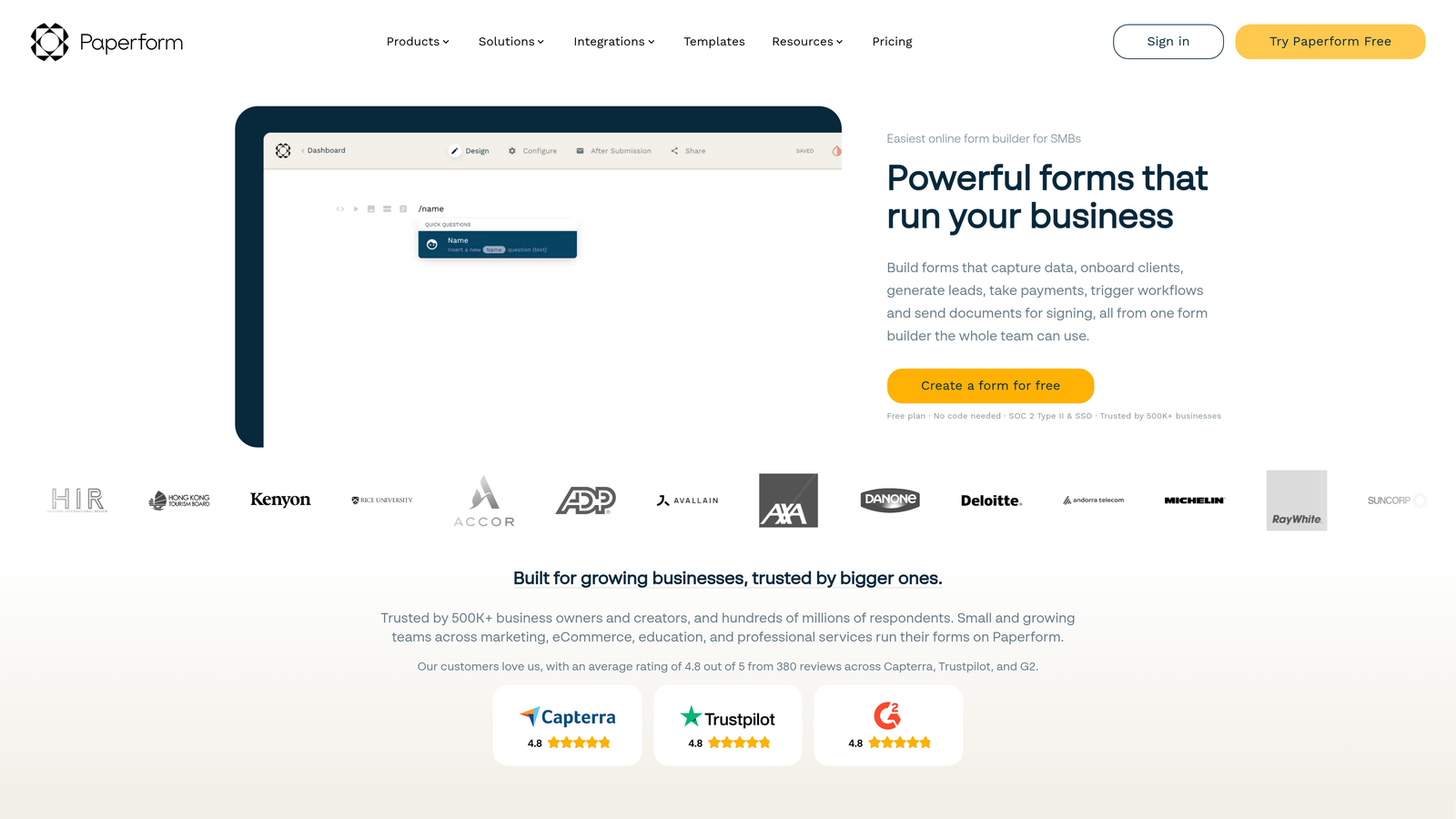
Paperform is a versatile form and landing page builder with native payment processing and product catalogs.
Where This Tool Shines
Paperform blurs the line between forms and landing pages. You can build entire product pages, booking systems, or donation campaigns that happen to include a form—not just standalone contact forms. This flexibility reduces your tech stack by combining multiple tools into one.
The native payment processing handles everything from one-time purchases to subscriptions without sending users to external checkout pages. This seamless experience typically improves conversion rates compared to multi-step payment flows.
Key Features
Rich Content Blocks: Embed videos, images, custom HTML, and formatted text alongside form fields.
Native Payment Processing: Accept payments through Stripe or PayPal without external redirects.
Product Catalogs: Build order forms with inventory management and variant selection.
Custom Success Pages: Design branded confirmation experiences or redirect to specific URLs.
Calculation Fields: Automatically calculate totals, discounts, or custom pricing based on selections.
Best For
Paperform excels for consultants, coaches, event organizers, and small e-commerce businesses that need to collect payments alongside information. The beautiful templates and customization options create professional experiences without developer resources.
Pricing
Essentials plan starts at $24/month, Pro at $49/month, and Business at $99/month. All plans include payment processing, with higher tiers adding team features and increased submission limits.
7. Formstack
Best for: Enterprise teams requiring compliance certifications and advanced workflows
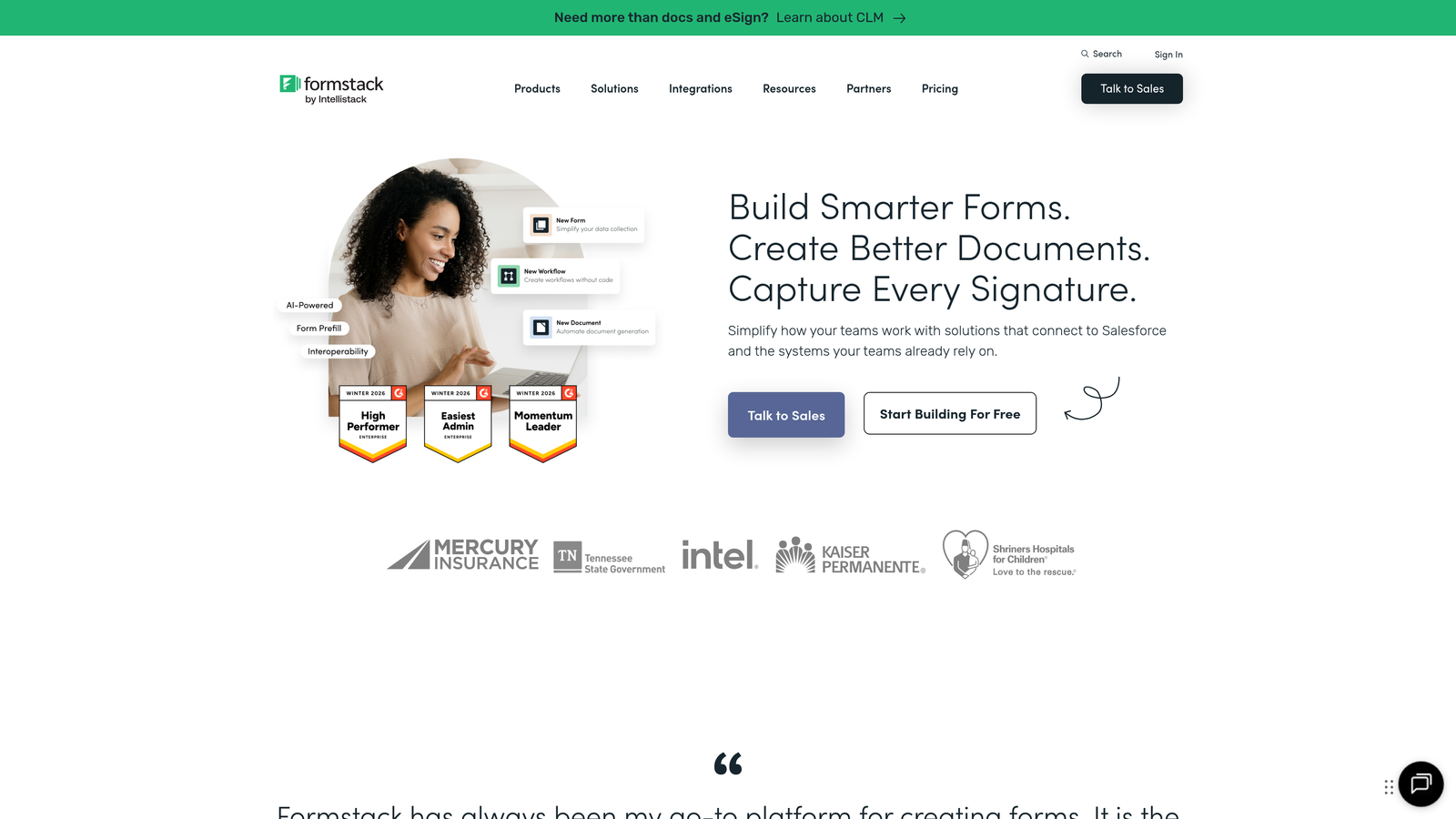
Formstack is an enterprise-grade form builder with HIPAA compliance and sophisticated approval workflows.
Where This Tool Shines
Formstack built its reputation in regulated industries where compliance isn't optional. The platform maintains HIPAA, GDPR, and other certifications that let healthcare providers, financial institutions, and government agencies collect sensitive data without legal exposure.
The approval workflow engine handles complex multi-step processes that would break simpler form builders. Think employee onboarding with manager approvals, expense reports requiring multiple sign-offs, or vendor applications with committee reviews.
Key Features
HIPAA and GDPR Compliance: Certified for handling protected health information and personal data.
Advanced Approval Workflows: Route submissions through multi-step approval chains with notifications.
E-Signature Integration: Collect legally binding signatures with DocuSign or Adobe Sign.
Salesforce-Native App: Deploy forms directly within Salesforce without external integrations.
Field Encryption: Protect sensitive data with field-level encryption at rest and in transit.
Best For
Formstack serves enterprise organizations in healthcare, finance, education, and government where compliance requirements and complex workflows justify premium pricing. If you're handling protected data or need audit trails, the investment makes sense.
Pricing
Starter plan begins at $50/month, Teams at $83/month, with Enterprise pricing customized based on compliance needs and user count. HIPAA compliance requires Business tier or higher.
8. Google Forms
Best for: Simple data collection with zero budget and instant Google Workspace collaboration
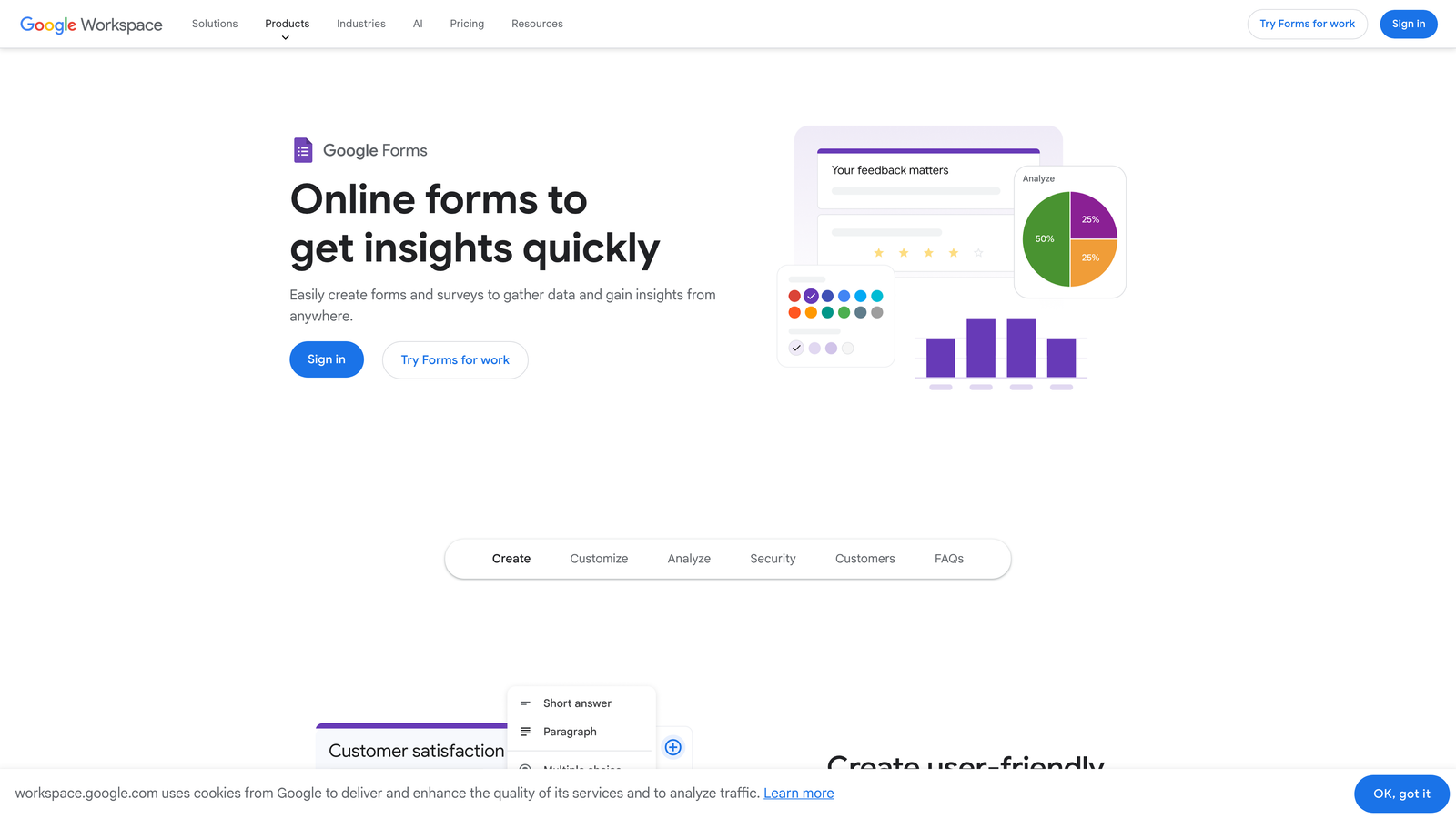
Google Forms is Google's free, straightforward form builder with automatic Sheets integration.
Where This Tool Shines
Google Forms wins on pure accessibility and cost. Anyone with a Google account gets unlimited forms, unlimited submissions, and automatic data sync to Google Sheets—all without spending a dollar. For internal surveys, event RSVPs, or basic lead capture, this removes all barriers to getting started.
The real-time collaboration mirrors Google Docs. Multiple team members can edit the same form simultaneously, leave comments, and see changes instantly. This collaborative editing flow feels natural for teams already living in Google Workspace.
Key Features
Completely Free: No limits on forms, questions, responses, or storage with any Google account.
Real-Time Collaboration: Multiple editors can work on forms simultaneously with live updates.
Automatic Sheets Sync: Responses flow directly into Google Sheets for analysis and reporting.
Basic Conditional Logic: Show or hide sections based on previous answers for simple branching.
File Upload Collection: Gather documents, images, and files directly to Google Drive.
Best For
Google Forms works best for internal use cases, academic settings, or situations where brand customization doesn't matter. The lack of advanced features and basic design limits its effectiveness for customer-facing lead generation.
Pricing
Completely free with any Google account. No paid tiers, upgrade paths, or hidden costs—what you see is what you get.
9. Fillout
Best for: Database-driven workflows with native Airtable and Notion integrations
Fillout is a modern form builder designed specifically for teams using Airtable or Notion as their database.
Where This Tool Shines
Fillout solves a specific pain point: connecting forms to Airtable or Notion databases without middleware. The native integration means submissions create records, update existing entries, or pre-fill forms from your database—all without Zapier or API complexity.
The pre-fill capability transforms how you handle follow-up forms or multi-step processes. Pull customer data from Airtable to create personalized forms that already know their information, then update those same records with new responses.
Key Features
Native Airtable and Notion Sync: Direct two-way integration without third-party automation tools.
Multi-Page Forms: Split long forms across multiple pages with progress indicators.
Pre-Fill from Records: Automatically populate fields from existing database entries.
Conditional Logic: Show or hide questions based on database values or previous answers.
Custom Thank-You Pages: Design branded confirmation screens with dynamic content.
Best For
Fillout excels for teams already building their workflows around Airtable or Notion. If your CRM, project management, or customer database lives in either platform, Fillout eliminates integration headaches and keeps everything in sync.
Pricing
Free tier available with basic features. Starter plan at $15/month and Pro at $40/month add advanced logic, custom branding, and higher submission limits.
Making the Right Choice
The form builder you choose should match your growth stage and strategic priorities, not just your immediate budget.
Choose Orbit AI if lead quality matters more than raw volume and you need AI-powered qualification to separate high-intent prospects from tire-kickers. The conversion optimization focus pays for itself when your sales team stops wasting time on unqualified leads.
Go with Typeform when brand experience drives your marketing strategy and you're willing to pay premium pricing for polished, conversational forms. Jotform wins for teams juggling multiple use cases who need templates and features for everything from event registration to job applications.
Tally makes sense for bootstrapped startups where unlimited free forms remove financial pressure during growth phases. HubSpot Forms only works if you're already committed to their CRM ecosystem—the integration benefits don't justify platform lock-in otherwise.
For regulated industries handling sensitive data, Formstack's compliance certifications and enterprise features justify the premium pricing. Google Forms handles internal surveys and basic data collection when budget constraints trump all other considerations.
Paperform bridges the gap between forms and landing pages for teams selling products or services directly through form submissions. Fillout solves database integration challenges for Airtable and Notion power users who need seamless two-way sync.
Here's the truth: the cheapest option often costs more in lost conversions, poor lead quality, or hours spent on manual data cleanup. Match your plan to your actual needs—not the features list that looks impressive in a comparison chart. A form builder that converts 30% of visitors at $50/month generates more value than a free tool converting 10%.
Transform your lead generation with AI-powered forms that qualify prospects automatically while delivering the modern, conversion-optimized experience your high-growth team needs. Start building free forms today and see how intelligent form design can elevate your conversion strategy.


