

Most form builders follow the same playbook: start with a generous free tier, then wall off the features you actually need behind increasingly expensive paid plans. Response caps, branding locks, and per-seat pricing have a way of sneaking up on growing teams. By the time you've scaled your lead generation to where it matters, you're paying significantly more than you expected.
For high-growth teams running lead capture at scale, the pricing model is just as important as the feature set. A tool that works beautifully at 500 submissions per month might become a budget problem at 5,000. This guide cuts through the noise and looks at which form builders offer genuine value across their tiers: what you actually get, where the limits kick in, and whether the pricing model grows with you or fights against you.
We've put Orbit AI first because it's our product. But we've also included it because its AI-powered approach genuinely changes the ROI equation for conversion-focused teams in a way the others don't. The rest of the list covers the strongest alternatives depending on your team's specific needs and budget.
1. Orbit AI
Best for: SaaS and B2B teams that need forms to qualify leads, not just collect them.
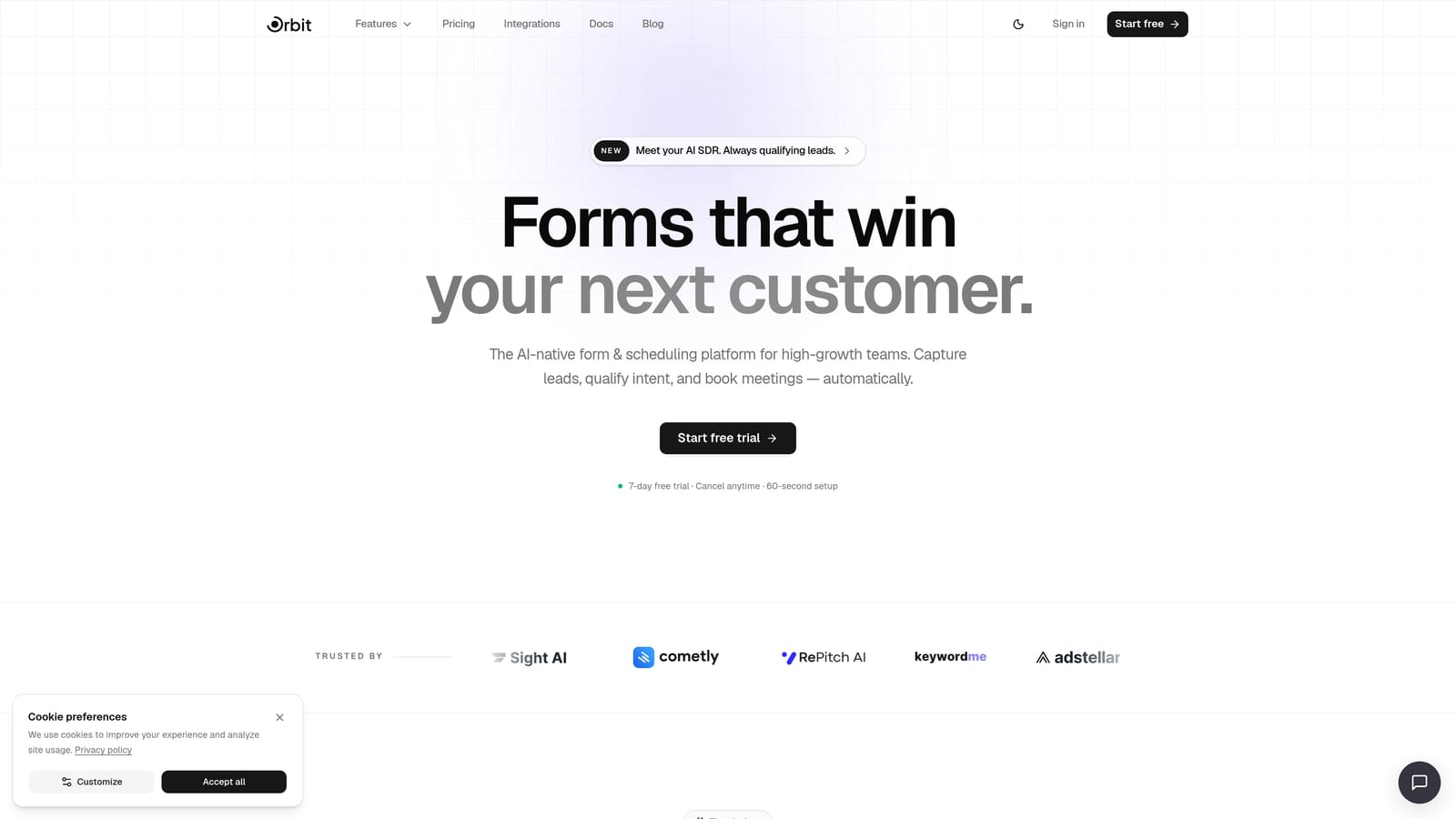
Orbit AI is an AI-powered form builder designed specifically for high-growth teams that need more from their forms than a data dump into a spreadsheet.
Where This Tool Shines
The core differentiator here is that Orbit AI doesn't treat lead qualification as something that happens after the form submission. It happens inside the form itself. AI agents built into the platform can score leads, trigger conditional follow-up sequences, and route contacts to the right CRM stage or team member automatically. For B2B and SaaS teams where a bad-fit lead and a high-intent prospect both look like "a submission," that distinction is significant.
The form design side is equally considered. Templates are modern and conversion-optimized by default, and the overall platform is built around the idea that a form is a growth touchpoint, not just a data collection tool. Analytics are built in, so you can track not just how many people submitted but how the form is performing as a conversion asset.
Key Features
AI Lead Qualification: AI agents score and qualify leads directly within the form experience, so your team focuses on the right prospects from the start.
Automated Follow-Up Sequences: Trigger personalized follow-up sequences based on how a respondent answered, without needing a separate email tool.
Workflow Automation: Route leads to the appropriate CRM stage, team member, or pipeline automatically based on form logic and AI scoring.
Conversion-Optimized Templates: Modern, customizable templates designed to maximize completion rates rather than just look presentable.
Built-In Analytics: Track form performance and lead quality in one place, connecting submission data to actual conversion outcomes.
Contact Management and Scheduler: Native contact management and appointment scheduling, reducing the need for additional tools in your stack.
Best For
Orbit AI is the strongest fit for SaaS teams, B2B marketers, and growth-focused operators who need their forms to do more than collect information. If lead qualification, routing, and follow-up are currently happening manually or through a patchwork of tools, Orbit AI consolidates that into a single platform built for conversion.
Pricing
Current plans and pricing are available at orbitforms.ai/pricing. Pricing is designed with growth-stage teams in mind, reflecting the platform's focus on conversion ROI rather than pure submission volume.
2. Tally
Best for: Individuals and early-stage teams that want unlimited forms without spending anything.
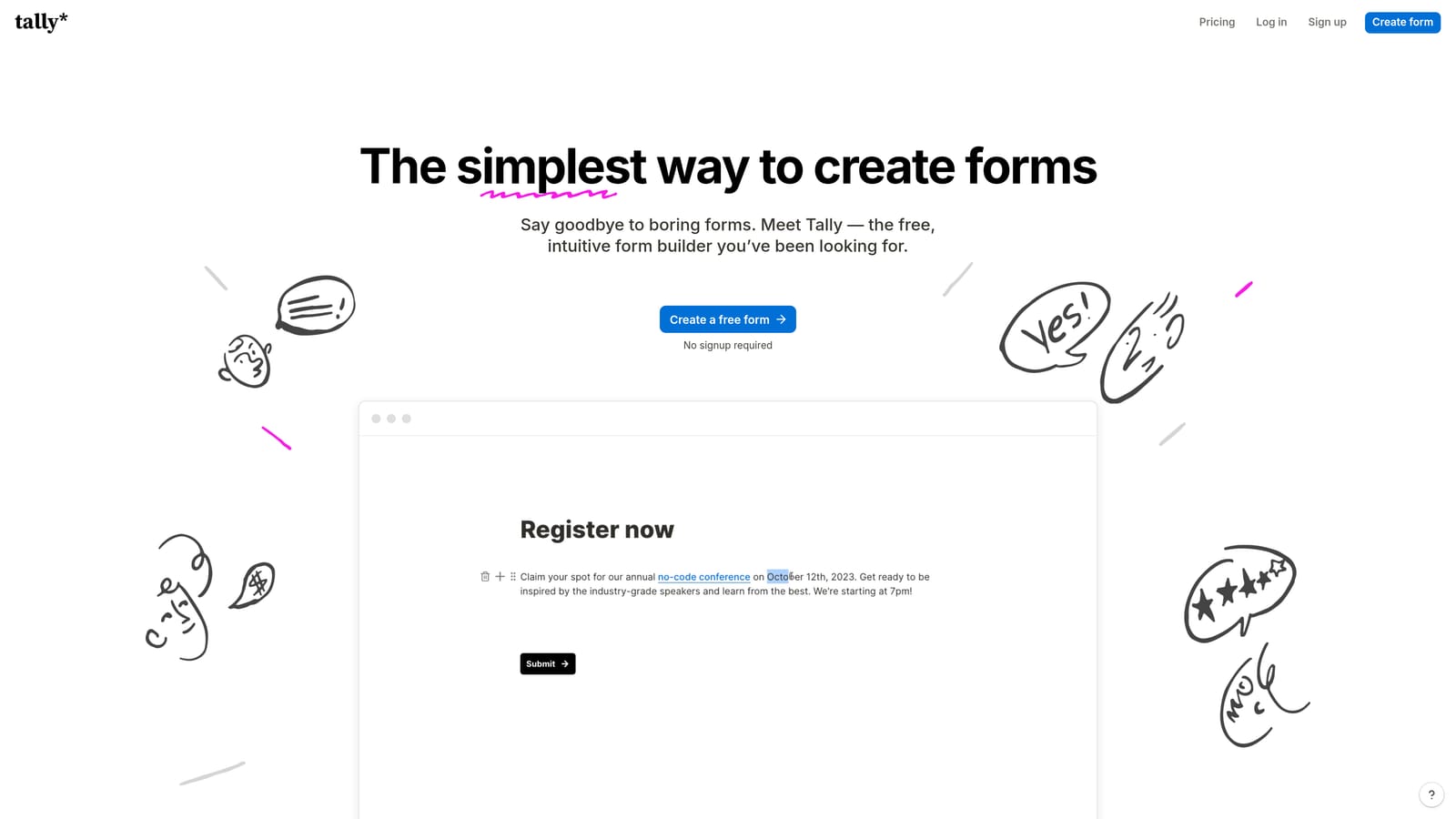
Tally is a lightweight, Notion-style form builder with one of the most genuinely generous free plans available in the market today.
Where This Tool Shines
The headline feature is simple: unlimited forms and unlimited responses on the free plan. That's rare. Most competitors cap free-tier submissions at a few hundred per month, which makes Tally an outlier worth paying attention to for budget-conscious teams. The block-based editor is clean and fast, and it feels immediately familiar if you've spent any time in Notion.
For teams that need basic form functionality without the overhead of a complex platform, Tally delivers. Conditional logic is available on the free tier, which is another area where competitors typically hold back. The trade-off is that Tally's AI capabilities and advanced automation are limited compared to platforms built specifically for lead qualification workflows.
Key Features
Unlimited Free Submissions: No response caps on the free plan, which is a genuine differentiator in this market.
Block-Based Editor: A clean, Notion-style editing experience that feels intuitive from the first session.
Basic Conditional Logic (Free): Logic branching is available without upgrading, unlike many competitors that gate this feature.
Tally Pro Upgrades: Paid plan unlocks custom domains, branding removal, and access to more advanced integrations.
Native Integrations: Connects directly with Google Sheets, Notion, Airtable, and other common productivity tools.
Best For
Tally is ideal for freelancers, early-stage startups, and individual contributors who need reliable form functionality without a monthly bill. It's also a smart option for internal forms, surveys, and feedback collection where submission volume is unpredictable and you don't want to worry about hitting a cap.
Pricing
Free plan available with no submission limits. Tally Pro starts at $29 per month billed annually, unlocking branding removal, custom domains, and advanced integrations.
3. Typeform
Best for: Teams where respondent experience and brand presentation are the top priorities.
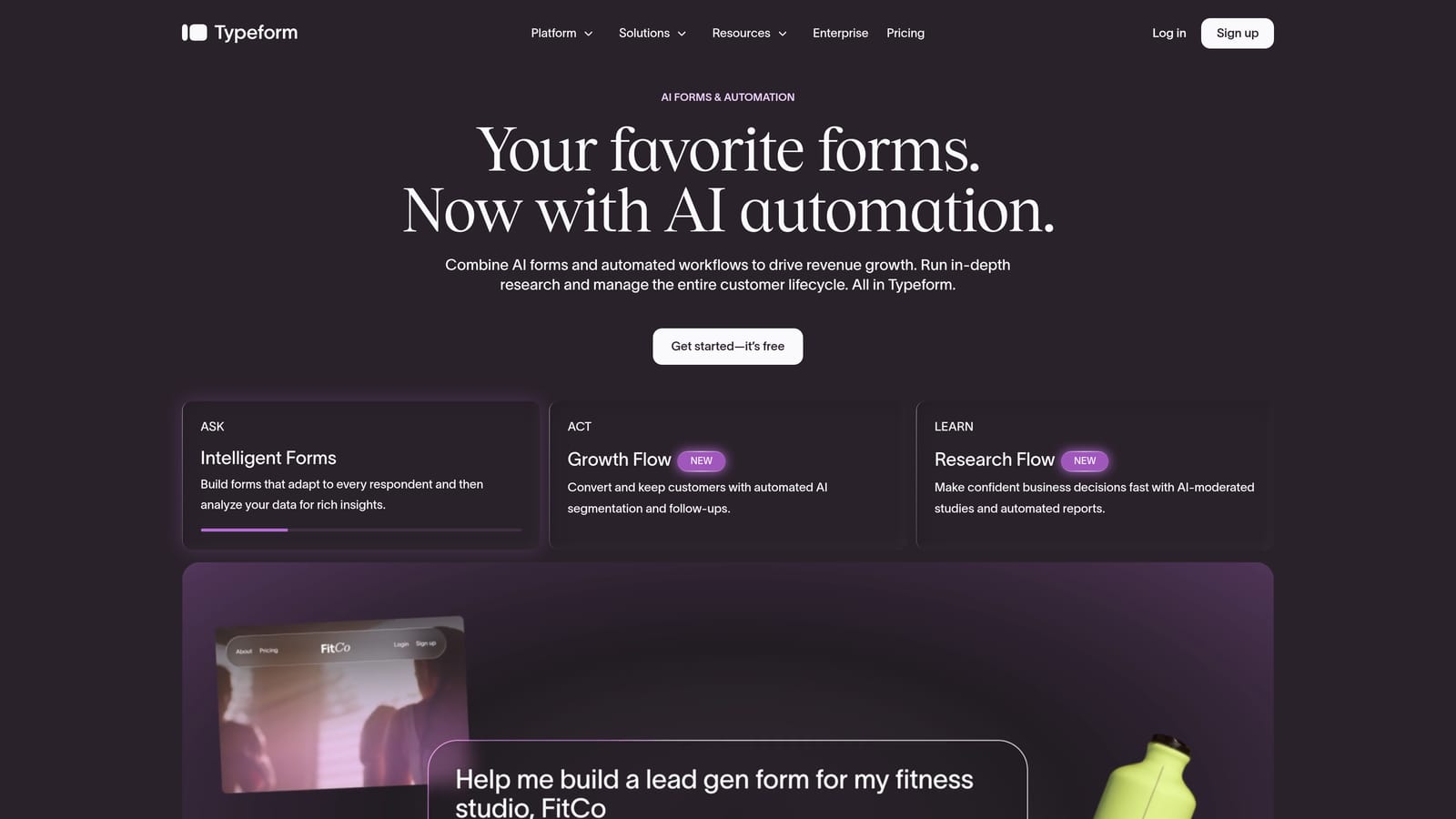
Typeform is the original conversational form builder, built around a one-question-at-a-time format that makes forms feel more like a dialogue than a data entry task.
Where This Tool Shines
Typeform's design quality is a genuine differentiator. Forms built on Typeform feel polished and intentional in a way that standard form builders struggle to replicate. The conversational format tends to improve completion rates for longer or more sensitive forms, particularly in research, customer feedback, and brand-heavy contexts where the respondent experience matters as much as the data collected.
The platform has a strong integration ecosystem, connecting with HubSpot, Salesforce, Zapier, and most major marketing tools. The trade-off is that Typeform's pricing scales with response volume, which can become a meaningful expense for high-volume lead generation campaigns. Teams processing thousands of submissions monthly may find the cost-per-submission economics less favorable than alternatives.
Key Features
Conversational Format: One-question-at-a-time interface that improves engagement and completion rates for longer forms.
Design and Branding: High-quality templates with extensive customization options for brand-consistent form experiences.
Logic Jumps: Conditional branching to personalize the form path based on prior answers, available on paid plans.
CRM and Marketing Integrations: Native connections with HubSpot, Salesforce, Zapier, and other key platforms.
Rich Media Embedding: Video and image embedding within form questions for more engaging experiences.
Best For
Typeform suits marketing teams, researchers, and brand-forward businesses where the form experience itself is part of the brand impression. It's a strong choice for customer feedback, NPS surveys, and onboarding flows where quality of experience matters more than processing volume at scale.
Pricing
Free plan available with limited monthly responses. Paid plans start at $25 per month billed annually, with costs scaling as response volume and feature requirements increase.
4. Jotform
Best for: Operations teams that need a wide variety of form types and a broad integration library.
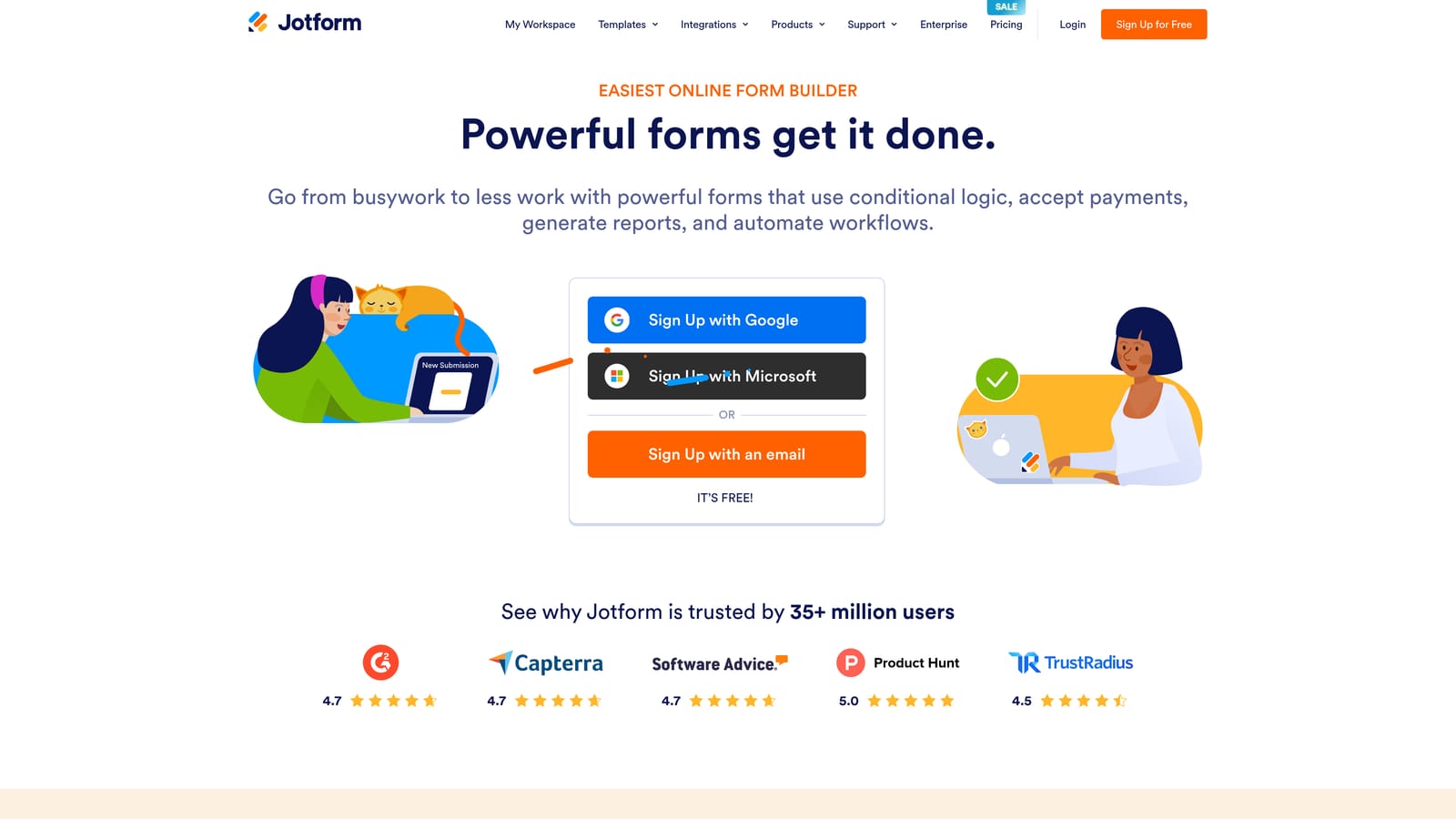
Jotform is a feature-rich form platform with one of the largest template libraries and integration ecosystems available, built for teams with diverse and complex form needs.
Where This Tool Shines
If breadth is what you need, Jotform is hard to beat. The platform covers an enormous range of use cases: order forms, registration forms, payment collection, approval workflows, PDF generation, and more. The template library alone spans thousands of options, which means most teams can find a starting point that's close to what they need rather than building from scratch.
Payment collection is a standout feature, with native support for Stripe, PayPal, Square, and other processors built directly into the form builder. This makes Jotform a practical all-in-one for teams that would otherwise need to connect a separate payment tool. The trade-off is complexity: with this many features, the interface can feel dense compared to lighter alternatives.
Key Features
Massive Template Library: Over 10,000 templates covering virtually every form use case across industries.
Built-In Payment Collection: Native payment processing via Stripe, PayPal, Square, and other processors without third-party tools.
PDF Generation: Automatically generate PDFs from form submissions for documentation and record-keeping workflows.
Approval Workflow Builder: Multi-step approval routing for forms that require sign-off before processing.
Broad Integration Library: Connects with a wide range of CRMs, email platforms, and project management tools.
Best For
Jotform is well-suited for operations managers, HR teams, and organizations that need a single platform to handle many different form types. If your team regularly builds order forms, event registrations, approval requests, and lead capture forms, Jotform's breadth reduces the need for multiple specialized tools.
Pricing
Free plan available with limited monthly submissions. Paid plans start at $34 per month billed annually, scaling up in both submission limits and storage across Bronze, Silver, Gold, and Enterprise tiers.
5. Paperform
Best for: Service businesses that want forms, payments, and scheduling in a single tool.
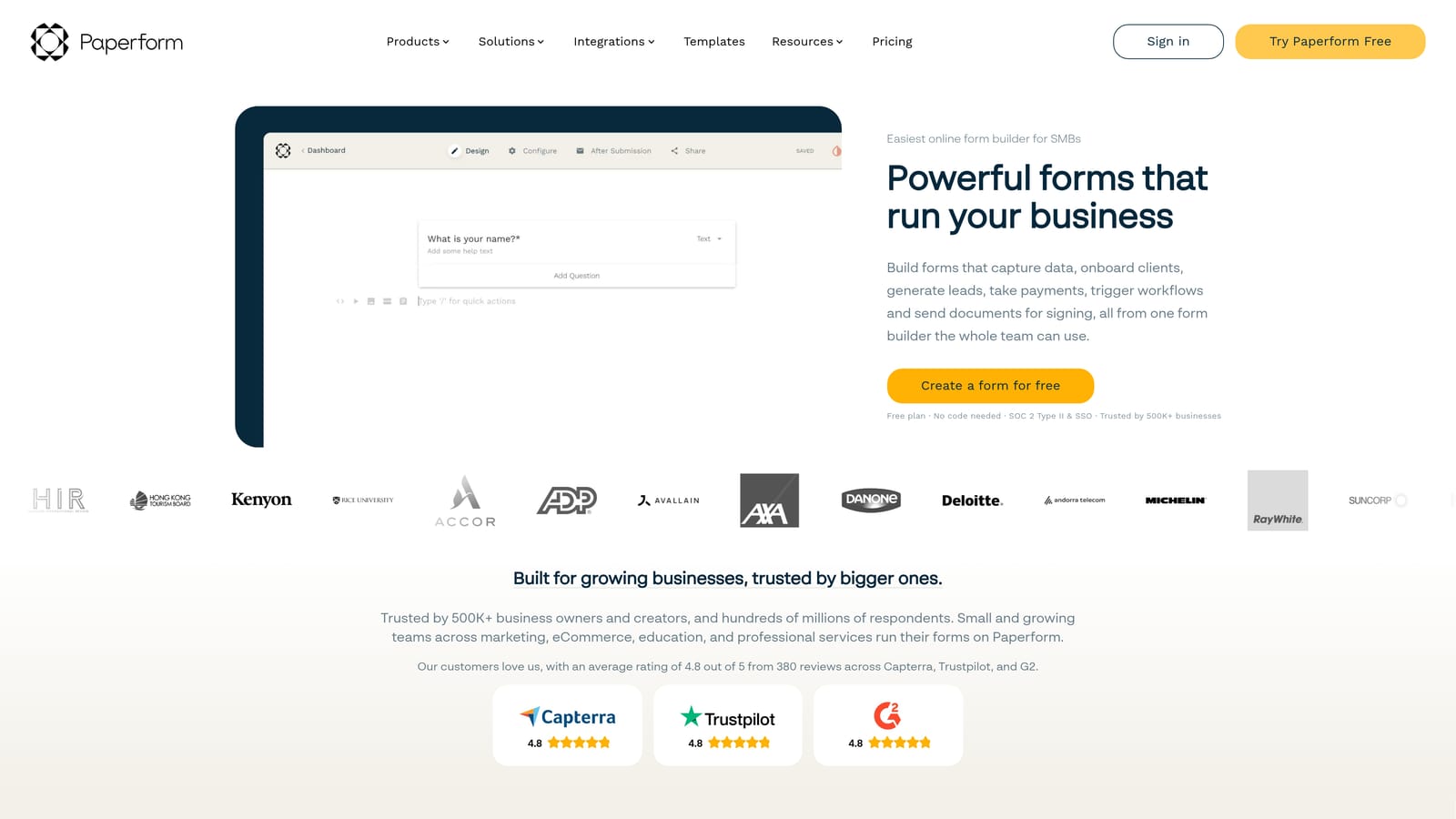
Paperform is a document-style form builder that blends written content with form fields, creating experiences that feel closer to a landing page than a traditional form.
Where This Tool Shines
Paperform's editor is genuinely different from the competition. Rather than placing fields into a rigid form structure, you write content around the fields, so the result feels like a designed page rather than a data collection tool. This makes it particularly effective for service businesses that want a single URL to handle intake, payment, and scheduling without stitching together multiple platforms.
The built-in payment collection and appointment scheduling are meaningful cost savers for the right team. If you're currently paying for a form tool, a payment processor integration, and a scheduling app separately, Paperform can consolidate all three. The starting price is on the higher end of the affordable range, but the consolidation value often justifies it. Note that there's no free plan, only a 14-day trial.
Key Features
Document-Style Editor: Write content around form fields to create experiences that feel like designed landing pages, not generic forms.
Native Payment Collection: Built-in Stripe, PayPal, and Braintree integration without needing third-party connectors.
Built-In Appointment Scheduler: Native booking and scheduling functionality included in the platform.
Conditional Logic and Calculations: Advanced logic and calculation fields available across all paid plans.
Custom Domain and Branding: Full branding control and custom domain support on paid plans.
Best For
Paperform is the strongest fit for consultants, coaches, agencies, and service-based businesses that need intake forms, payment collection, and scheduling to work together seamlessly. It's also a good choice for teams that want their forms to feel more like branded content than a standard data entry experience.
Pricing
No free plan. Paid plans start at $24 per month billed annually. A 14-day free trial is available to test the platform before committing.
6. Formstack
Best for: Enterprise and regulated-industry teams that require compliance, security, and advanced workflow automation.
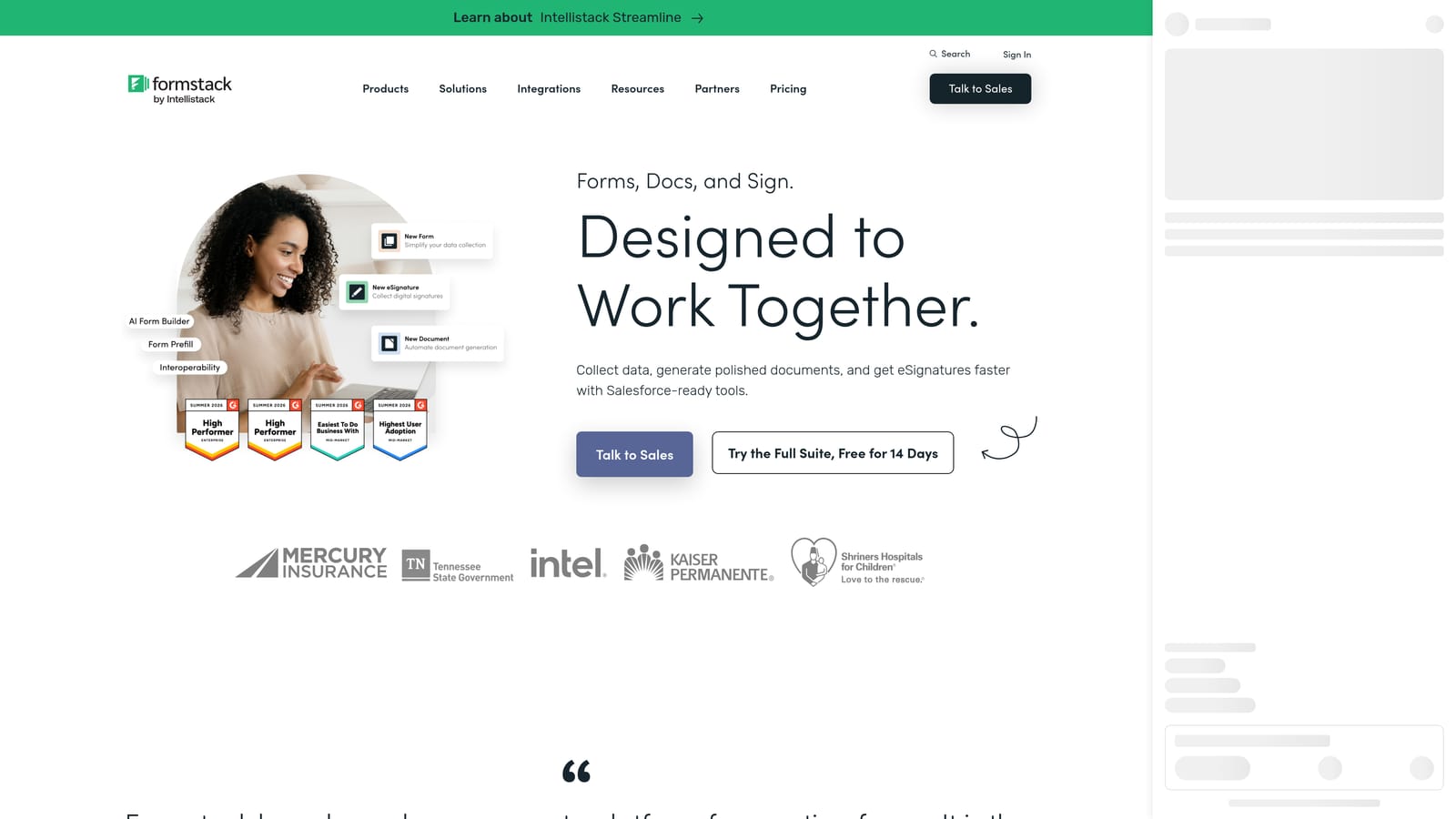
Formstack is an enterprise-grade form and workflow platform built for organizations in regulated industries that need compliance features alongside complex data workflows.
Where This Tool Shines
Formstack occupies a different tier than the other tools on this list. It's not trying to compete on affordability for small teams. Its value proposition is consolidation and compliance for mid-market and enterprise organizations. HIPAA-compliant forms, advanced security controls, audit trails, and deep Salesforce integration are features that regulated industries require and that most lightweight form builders simply don't offer.
The workflow automation capabilities go well beyond standard form builders, with approval routing, document generation, and e-signature functionality built into the platform. For healthcare organizations, financial services firms, or large enterprises managing complex data collection and approval processes, Formstack's feature depth justifies the higher price point. For teams outside those contexts, the other options on this list will deliver better value per dollar.
Key Features
HIPAA Compliance: Purpose-built compliance features for healthcare and other regulated industries handling sensitive data.
Advanced Workflow Automation: Multi-step approval routing and workflow management beyond standard form logic.
Document Generation and E-Signatures: Generate documents from form data and collect legally valid e-signatures natively.
Salesforce-Native Integration: Deep Salesforce integration designed for enterprise CRM workflows, not just basic data passing.
Security Controls and Audit Trails: Robust access controls and complete audit trails for compliance and governance requirements.
Best For
Formstack is built for healthcare organizations, financial services firms, legal teams, and enterprise operations that face regulatory requirements around data handling. It's also a strong fit for large organizations managing complex multi-step approval workflows across departments.
Pricing
Pricing is available on request and reflects an enterprise positioning. Plans are suited to mid-market and enterprise budgets rather than startup or small team use cases.
Which Tool Is the Right Fit for Your Team?
The right form builder depends on what your team actually needs from the tool, not just the monthly price tag. Here's how to think through the decision based on your situation.
If your priority is lead qualification and conversion, Orbit AI is the standout choice. No other tool on this list builds AI-powered lead scoring, automated follow-up sequences, and workflow routing directly into the form experience. For SaaS and B2B teams where form submissions feed a sales pipeline, the ability to qualify and route leads automatically is a meaningful operational advantage.
If you need a powerful free tier with no submission caps, Tally is the clear winner. It's the most generous free plan in this market, and it's a smart starting point for early-stage teams that aren't ready to commit to a paid platform.
If respondent experience and brand presentation are your top priorities, Typeform delivers design quality that the others don't match. It's the right choice for brand-forward feedback surveys and customer-facing forms where the experience itself is part of the impression.
For operations teams that need a wide variety of form types under one roof, Jotform's template library and payment integration make it a practical all-in-one. And for service businesses that want forms, payments, and scheduling consolidated into a single tool, Paperform offers a cost-effective way to replace multiple subscriptions. Formstack stands apart as the enterprise choice for regulated industries where compliance and advanced security are non-negotiable.
If you're a high-growth team focused on turning form submissions into qualified pipeline, the AI-powered approach built into Orbit AI changes the ROI equation in a way the traditional tools on this list don't. Start building free forms today and see how intelligent form design can elevate your conversion strategy from the very first submission.


