

Form builder pricing can feel like navigating a maze. One tool advertises "$20/month" but hits you with response limits after 100 submissions. Another offers "unlimited forms" but charges per user seat. A third looks affordable until you realize conditional logic costs extra. If you've spent hours comparing pricing pages only to find hidden costs buried in the fine print, you're not alone.
The truth is, finding the right form builder isn't just about the monthly price—it's about understanding what you actually get for your money. This guide breaks down 9 form builders across every budget tier, from completely free options to enterprise solutions. We've analyzed the real costs, feature gates, and scaling implications so you can make a decision based on your actual needs, not marketing copy.
Here are the top SaaS form builders by cost, with transparent breakdowns of what each pricing tier delivers.
1. Orbit AI
Best for: High-growth teams who need AI-powered lead qualification with predictable response tiers
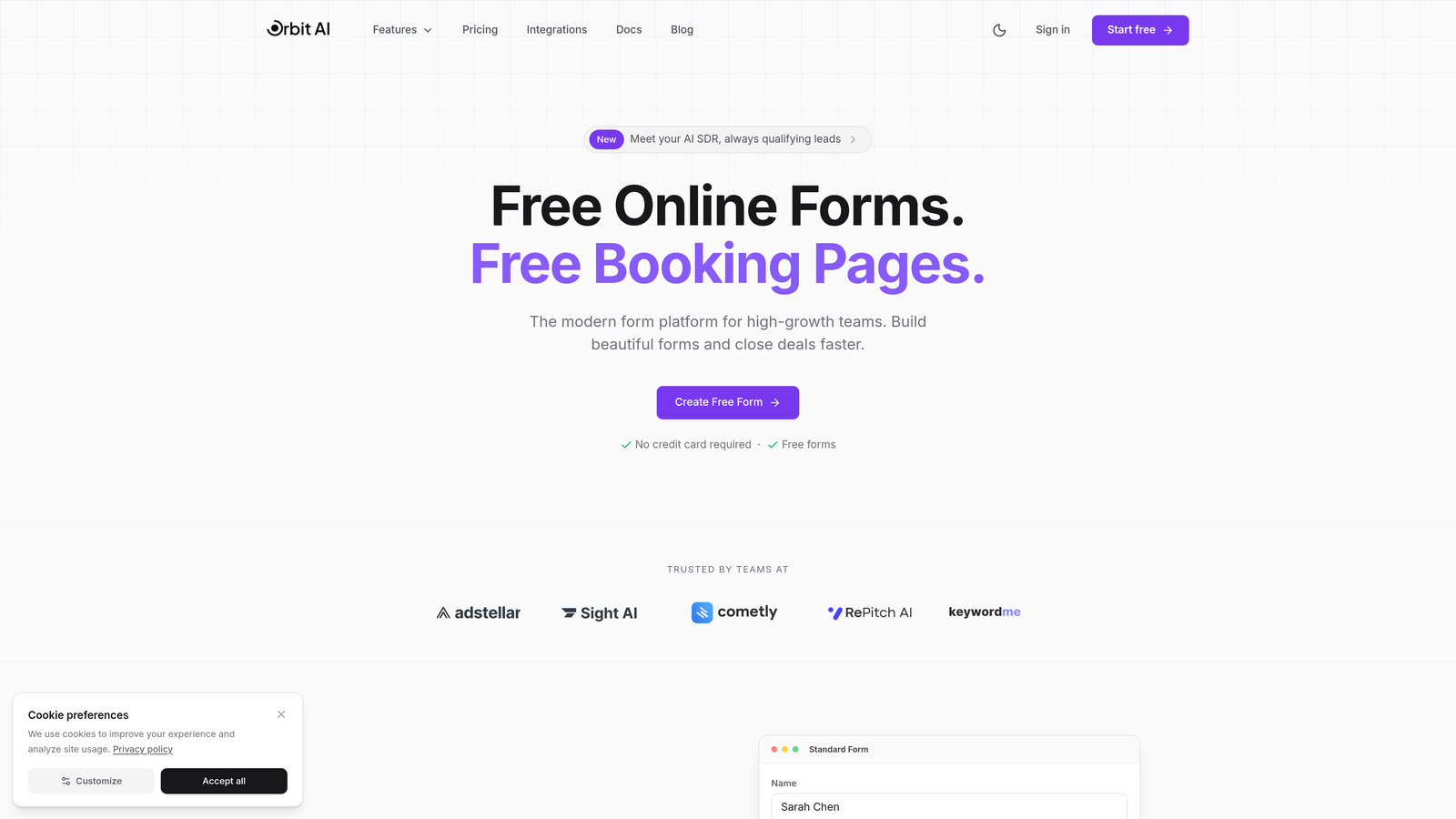
Orbit AI is an AI-powered form builder designed specifically for conversion optimization and intelligent lead qualification.
Where This Tool Shines
Unlike traditional form builders that simply collect responses, Orbit AI qualifies leads automatically using AI. This means your sales team spends time on high-intent prospects rather than sorting through unqualified submissions.
The platform offers predictable, scalable response tiers across its plans. The pricing model focuses on value delivered, with high monthly response limits that grow with your business.
Key Features
AI-Powered Lead Qualification: Automatically scores and routes leads based on intent signals and qualification criteria.
Conversion-Optimized Design: Forms are built with conversion best practices embedded, not as afterthoughts you need to configure.
Built-In Analytics and Workflows: Track form performance and automate follow-up without connecting third-party tools.
High Response Limits: Scale your lead generation with predictable monthly response tiers that grow with your business.
Modern Interface: Clean, professional forms that match the expectations of today's B2B buyers.
Best For
SaaS companies, B2B businesses, and high-growth teams who treat forms as a revenue channel, not just data collection. Particularly valuable if you're currently drowning in unqualified leads or using tools with low response caps that limit your growth.
Pricing
Visit orbitforms.ai/pricing for current plans. The pricing structure is designed to grow with your business without the sudden cost jumps common in competitor tools.
2. Typeform
Best for: Creating beautiful, conversational form experiences with strong brand customization
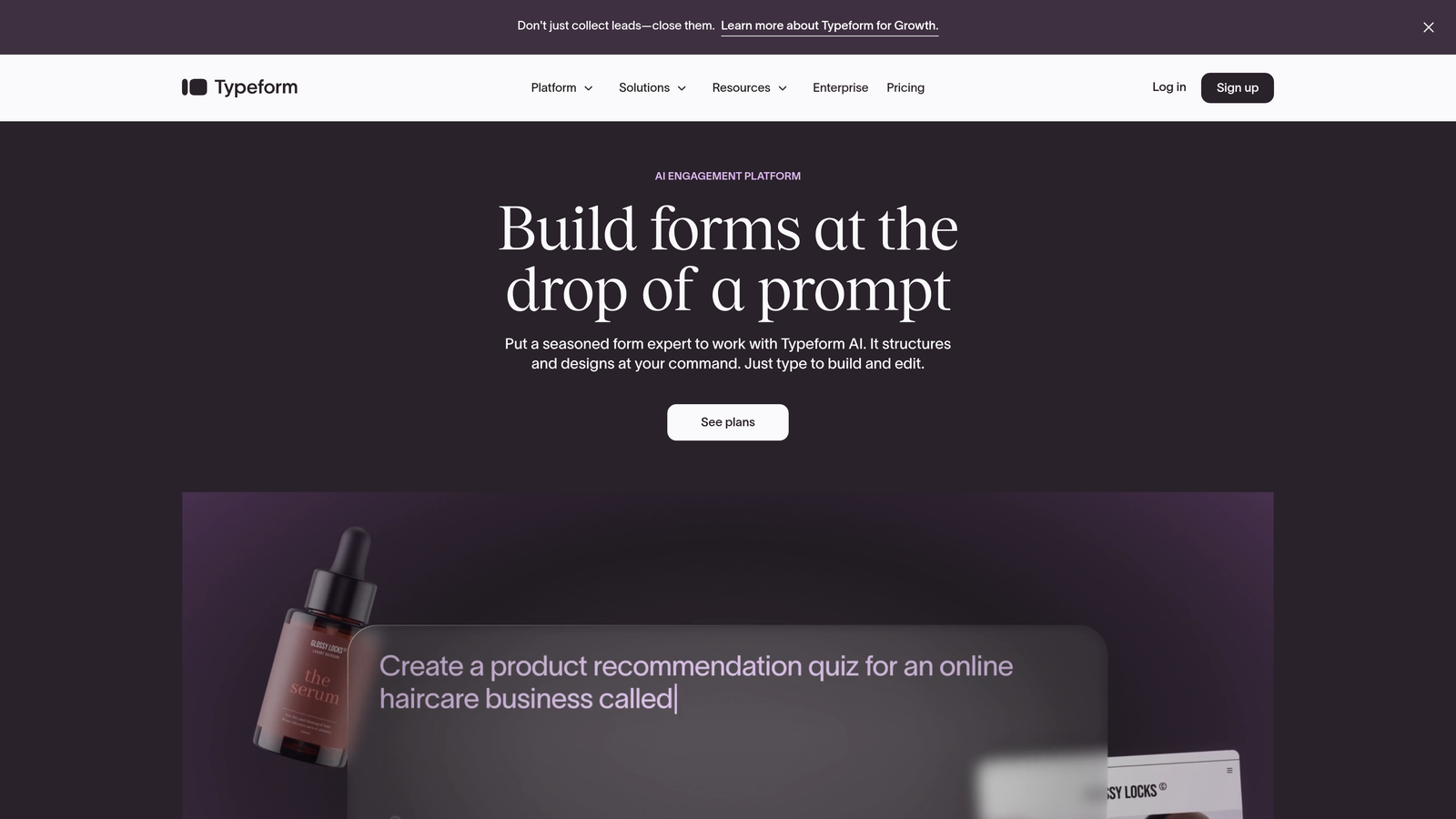
Typeform is a conversational form builder known for its one-question-at-a-time interface that feels more like a conversation than a survey.
Where This Tool Shines
Typeform's signature approach shows one question at a time, creating an engaging experience that typically sees higher completion rates than traditional multi-field forms. The design flexibility is exceptional—you can match your brand precisely with custom fonts, colors, and backgrounds.
The platform excels at creating forms that feel premium and thoughtful. If your brand prioritizes aesthetic experience and you're willing to pay for that polish, Typeform delivers consistently beautiful results.
Key Features
Conversational UI: One-question-at-a-time flow that reduces form abandonment and feels more human.
Strong Design Customization: Deep control over visual presentation including custom fonts, images, and video backgrounds.
Logic Jumps and Branching: Create dynamic forms that adapt based on previous answers, though this requires paid plans.
Native Integrations: Direct connections to popular tools like HubSpot, Mailchimp, and Slack without middleware.
Video and Image Support: Embed rich media directly into questions for more engaging experiences.
Best For
Marketing teams and agencies who prioritize user experience and brand presentation. Works well for customer feedback, lead generation, and surveys where completion rates matter more than cost per submission.
Pricing
Free tier available with Typeform branding and 10 responses per month. Basic starts at $25/month (100 responses), Plus at $50/month (1,000 responses), and Business at $83/month (10,000 responses). The per-response model can become expensive at scale.
3. Jotform
Best for: Teams needing extensive templates and payment processing on a budget
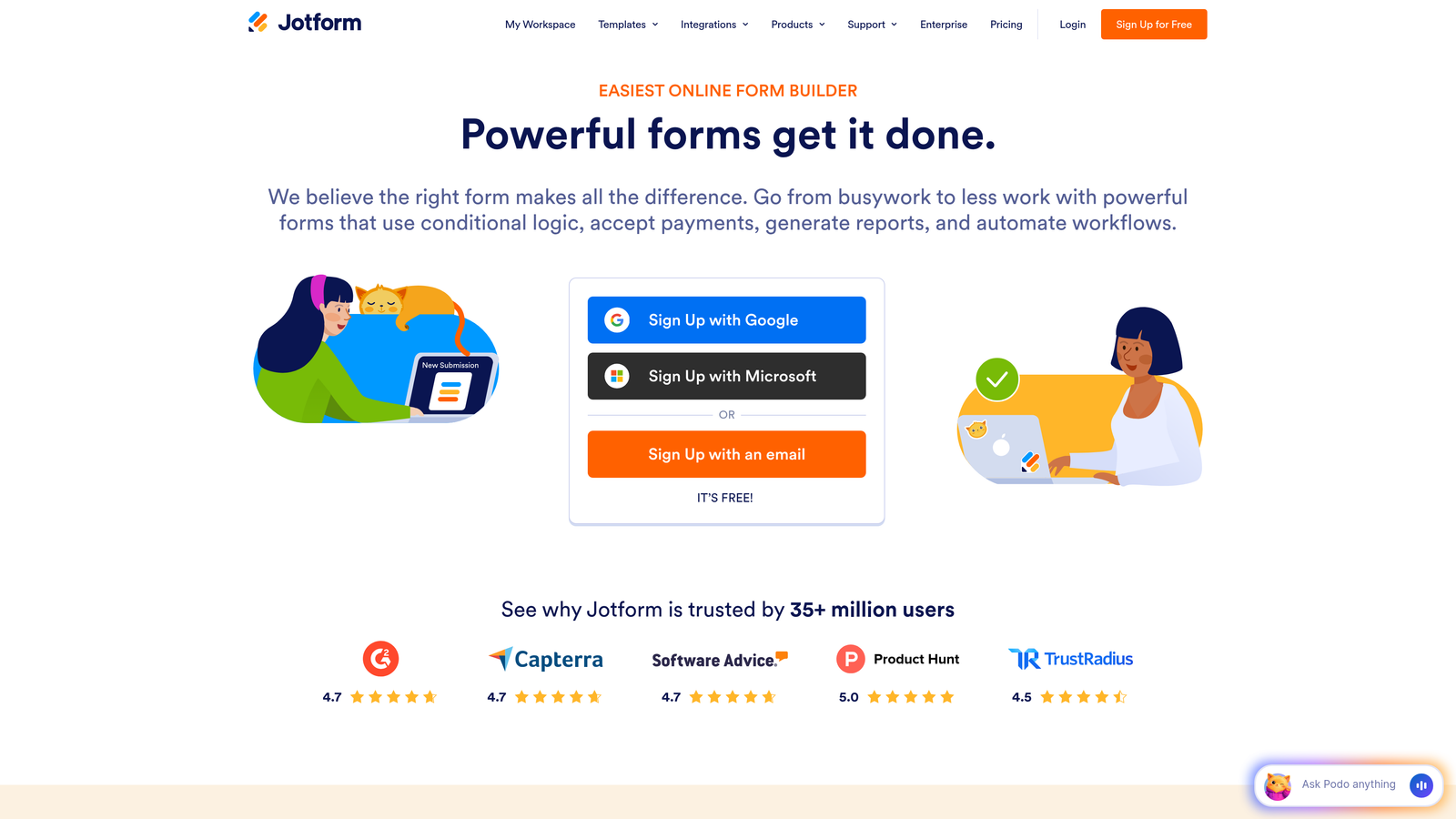
Jotform is a feature-rich form builder offering over 10,000 templates and a surprisingly generous free tier.
Where This Tool Shines
Jotform's template library is unmatched. Whether you need a registration form, order form, or application, there's likely a pre-built template that gets you 80% of the way there. This dramatically reduces setup time compared to building from scratch.
The free plan allows 100 monthly submissions, which is more practical than competitors offering 10 or 25. For small businesses or seasonal campaigns, this free tier might be all you need indefinitely.
Key Features
10,000+ Templates: Pre-built forms for virtually every use case, from event registrations to job applications.
100 Monthly Submissions on Free: More generous than most free tiers, making it viable for small-scale use.
Payment Integrations: Accept payments through PayPal, Stripe, Square, and other processors directly in forms.
PDF Generation: Automatically create PDF documents from form submissions for contracts or receipts.
Approval Workflows: Route submissions through approval processes on higher-tier plans.
Best For
Small businesses, nonprofits, and teams who need payment collection without investing in separate payment form software. The template library makes it ideal for those who want to launch quickly without design work.
Pricing
Free plan includes 100 submissions monthly. Bronze at $34/month (1,000 submissions), Silver at $39/month (10,000 submissions), and Gold at $99/month (100,000 submissions). Payment processing fees are separate and depend on your chosen processor.
4. Tally
Best for: Teams wanting unlimited submissions without paying for basic functionality
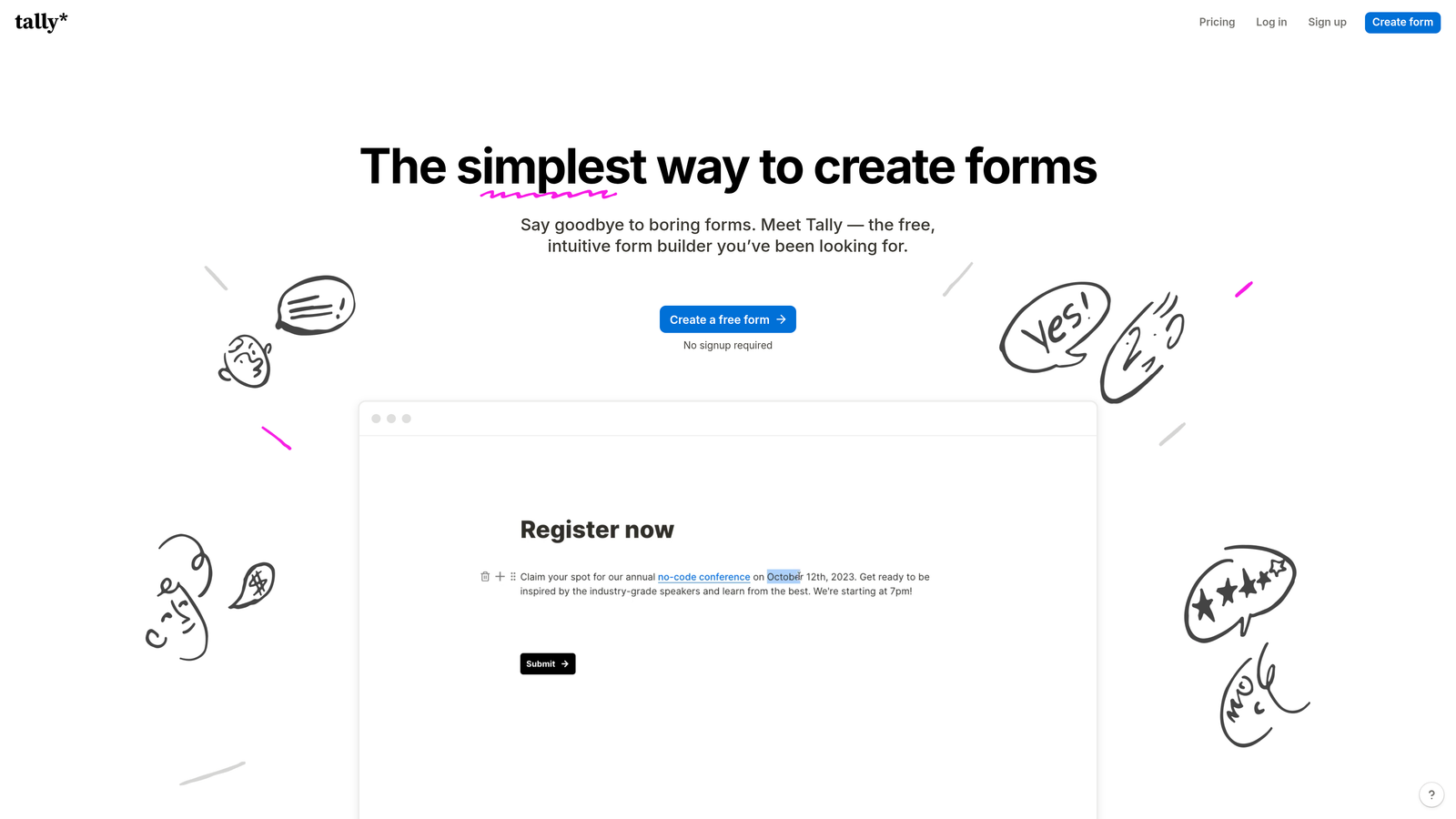
Tally is a Notion-like form builder that offers unlimited forms and responses on its free plan.
Where This Tool Shines
Tally's pricing model is refreshingly straightforward: unlimited forms and unlimited submissions, completely free. There's no anxiety about hitting response caps or upgrading because you're successful. This makes it ideal for high-volume use cases like event registrations or community feedback.
The interface feels familiar if you use Notion—you build forms by typing and adding blocks, which creates a very low learning curve. The simplicity is intentional, focusing on getting forms built quickly rather than offering every possible feature.
Key Features
Unlimited Forms and Submissions Free: No artificial limits on the free plan, making it viable for serious use.
Clean Notion-Style Interface: Familiar block-based building that feels intuitive for Notion users.
Basic Conditional Logic: Show or hide questions based on previous answers, even on the free plan.
File Uploads: Collect documents, images, and other files without upgrading.
Custom Domains: Use your own domain for forms on paid plans, removing Tally branding.
Best For
Startups, community builders, and anyone running high-volume campaigns on a tight budget. Particularly good for teams already using Notion who want a similar building experience for forms.
Pricing
Free plan includes unlimited forms and submissions with basic features. Pro plan at $29/month adds custom domains, remove branding, advanced logic, and integrations. The free-to-paid jump is reasonable given what you get at no cost.
5. Google Forms
Best for: Basic data collection with zero budget and Google Workspace integration
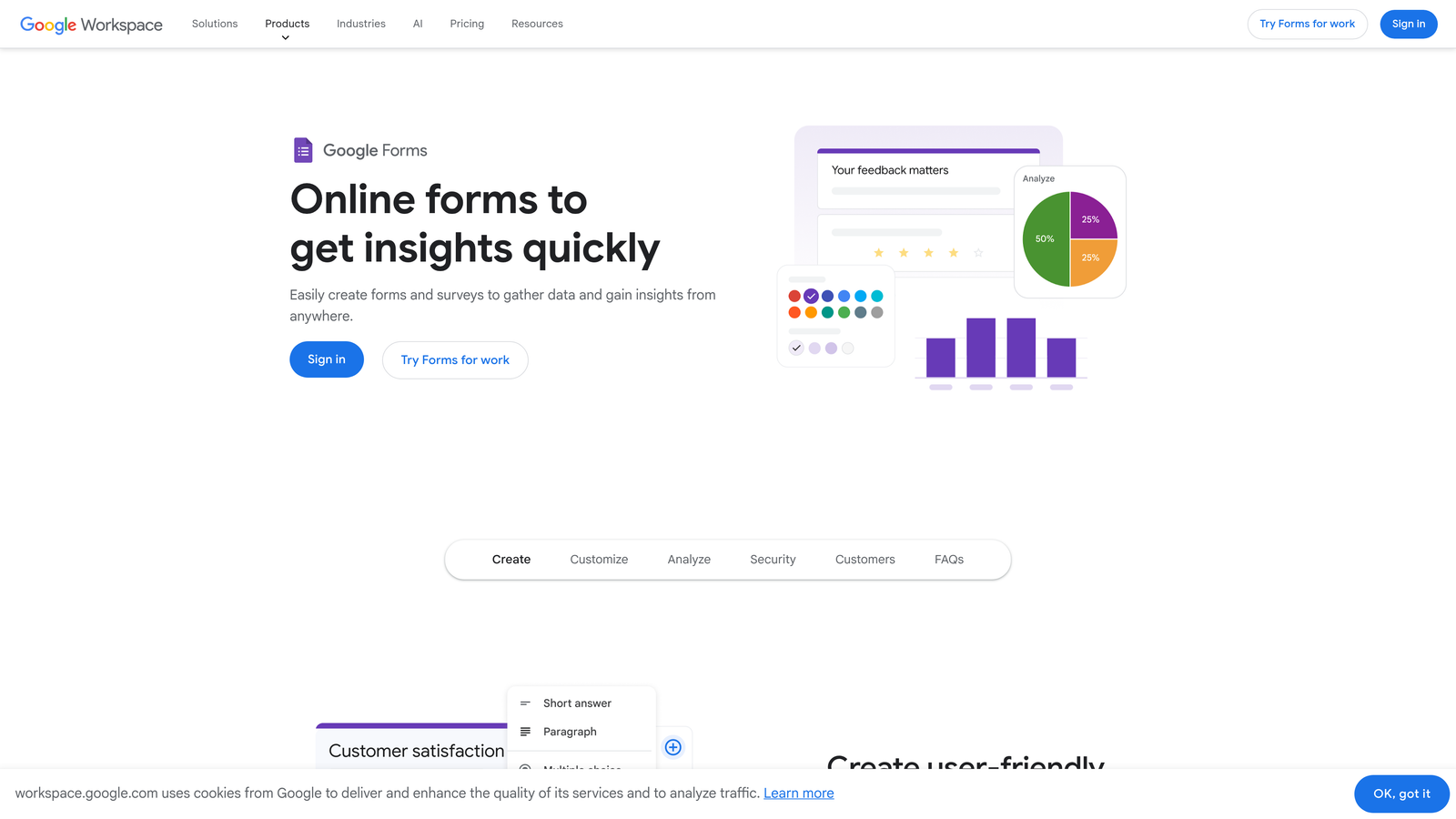
Google Forms is a completely free, no-frills form builder integrated into Google Workspace.
Where This Tool Shines
Google Forms costs absolutely nothing and never will. There are no premium tiers, no response limits, no feature gates. For internal surveys, event RSVPs, or simple data collection, this zero-cost model is unbeatable.
The Google Sheets integration is seamless—responses flow directly into a spreadsheet where you can analyze, filter, and share data using familiar tools. If your team already lives in Google Workspace, this native integration eliminates the need for Zapier or other middleware.
Key Features
Completely Free: No costs, no limits, no upsells—ever.
Google Sheets Integration: Responses automatically populate a spreadsheet for easy analysis and sharing.
Basic Question Types: Multiple choice, checkboxes, short answer, and dropdowns cover most simple use cases.
Simple Collaboration: Share editing access with team members using Google's permission system.
Quiz Mode: Create self-grading quizzes with automatic scoring, useful for training or assessments.
Best For
Internal teams, educators, nonprofits, and anyone collecting simple data without budget. Not suitable for customer-facing forms where branding and design matter, but perfect for internal operations.
Pricing
Free with any Google account. No paid tiers exist—what you see is what you get, forever.
6. Paperform
Best for: Versatile forms combining document-style layouts with payment and booking capabilities
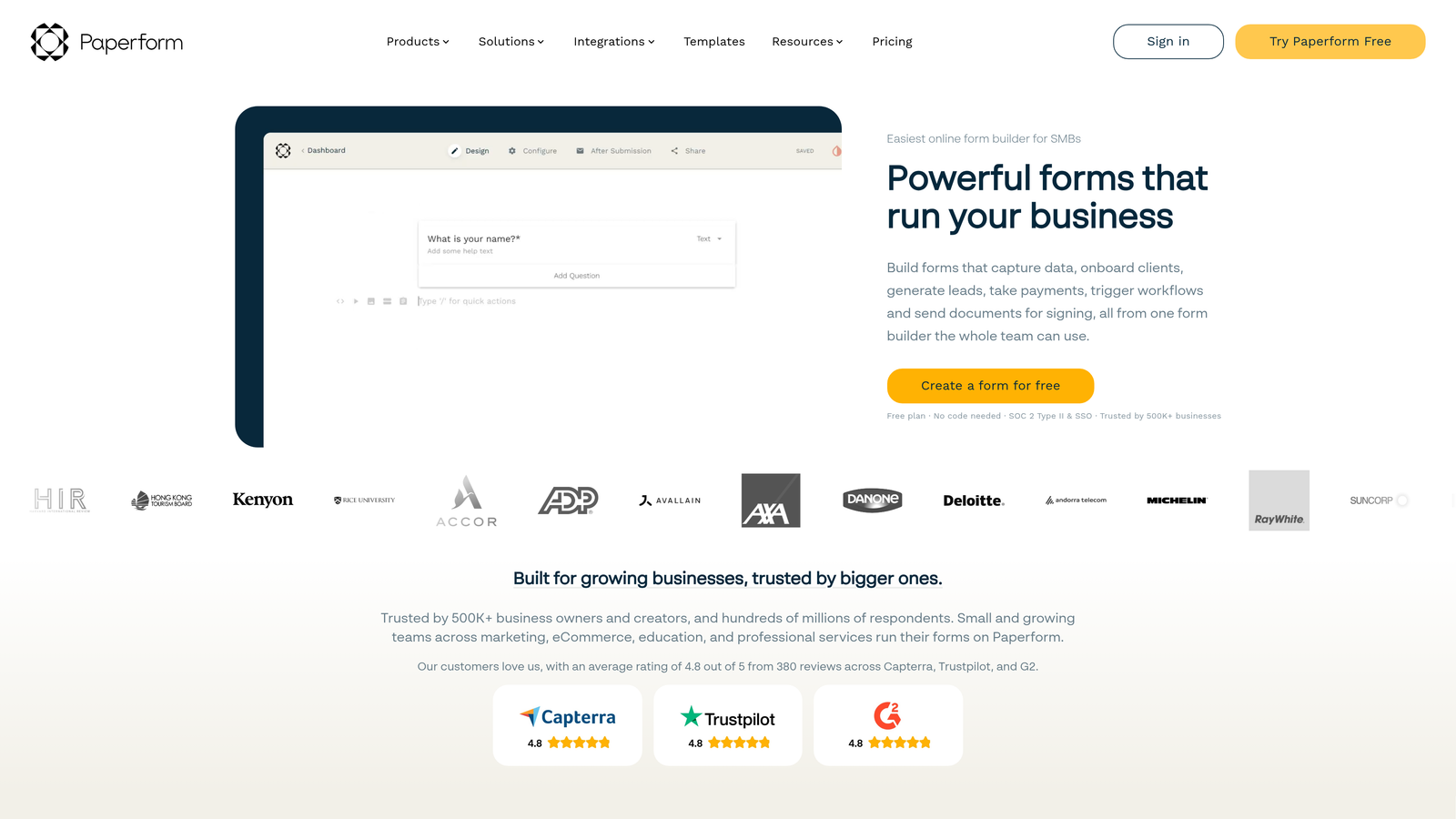
Paperform is a form builder that combines the flexibility of a document editor with powerful form functionality.
Where This Tool Shines
Paperform's unique approach lets you build forms that look like documents or landing pages rather than traditional form layouts. You can mix text, images, and form fields freely, creating experiences that feel more like interactive content than data collection.
The native payment processing is particularly strong—you can sell products, accept bookings, and process payments without integrating external tools. This makes it ideal for small businesses running their entire customer journey through forms.
Key Features
Native Payment Processing: Accept payments through Stripe or PayPal directly, with product catalogs and inventory management.
E-Signature Support: Collect legally binding signatures within forms for contracts and agreements.
Calculations and Scoring: Perform math on form inputs for quotes, pricing calculators, or assessments.
Booking Functionality: Integrate with calendar tools to accept appointments and reservations.
Custom Styling: Deep control over design including custom CSS for developers.
Best For
Small businesses, consultants, and service providers who need forms that double as landing pages or sales tools. Particularly valuable if you're replacing multiple tools (booking software, payment processor, form builder) with one platform.
Pricing
Essentials at $24/month (1,000 submissions), Pro at $49/month (10,000 submissions), and Agency at $159/month (unlimited submissions plus white-label options). Payment processing fees are separate and depend on your processor.
7. Formstack
Best for: Enterprise teams requiring compliance features and advanced workflow automation
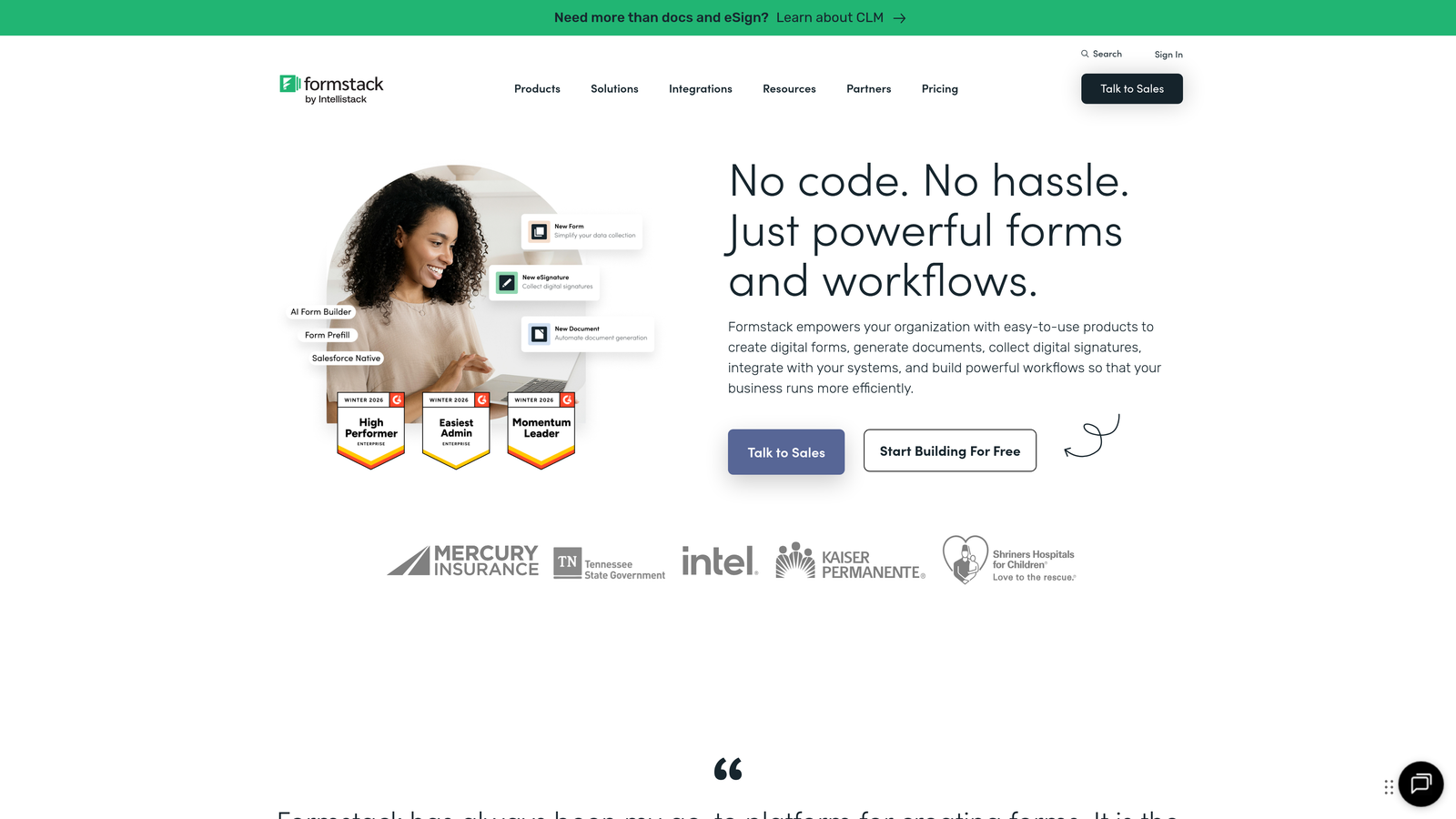
Formstack is an enterprise-grade form builder with compliance certifications and workflow automation capabilities.
Where This Tool Shines
Formstack is built for organizations with serious compliance requirements. If you handle healthcare data (HIPAA), financial information (PCI DSS), or operate in regulated industries, Formstack offers the certifications and security features you need without cobbling together custom solutions.
The workflow builder goes beyond simple form submissions—you can trigger document generation, route approvals through multiple stakeholders, and integrate with enterprise systems. This positions Formstack as a process automation tool that happens to include forms, rather than just a form builder.
Key Features
HIPAA Compliance Available: Business Associate Agreements and encryption for healthcare organizations handling protected health information.
Document Generation: Automatically create PDFs, contracts, or reports from form data using templates.
Advanced Workflow Builder: Route submissions through approval chains, trigger notifications, and update external systems.
Enterprise Security: SSO, audit logs, and data residency options for organizations with strict security policies.
Offline Forms: Collect data without internet connectivity, syncing when connection is restored.
Best For
Healthcare organizations, financial services, government agencies, and enterprises with compliance requirements that eliminate cheaper alternatives. The pricing reflects enterprise needs rather than small business budgets.
Pricing
Starter from $50/month (includes basic features), Teams from $83/month (adds workflow automation), and Enterprise with custom pricing for compliance features, dedicated support, and advanced security. HIPAA compliance requires Enterprise tier.
8. Cognito Forms
Best for: Budget-conscious teams needing payment collection with low processing fees
Cognito Forms is a cost-effective form builder with particularly strong payment collection features.
Where This Tool Shines
Cognito Forms offers payment processing at some of the lowest fees in the industry—just standard Stripe rates without platform markups. Many competitors add 1-2% on top of processor fees, which adds up quickly on high-volume sales.
The free tier is genuinely usable with 500 entries per month, and the Pro plan at $15/month is among the most affordable paid options available. For organizations processing payments on a budget, the combination of low subscription costs and no payment markup is compelling.
Key Features
Low Payment Processing Fees: Standard Stripe rates with no platform markup, saving money on every transaction.
Conditional Logic: Show, hide, or require fields based on previous answers, even on free plans.
Repeating Sections: Let users add multiple items (like order line items or family members) within a single form.
Data Encryption: All data encrypted at rest and in transit, meeting basic security requirements.
Calculations: Perform math on form inputs for order totals, quotes, or scoring.
Best For
Nonprofits, small businesses, and organizations accepting payments through forms who want to minimize both subscription and transaction costs. The repeating sections feature makes it particularly good for registration forms with multiple attendees.
Pricing
Free plan includes 500 entries monthly. Pro at $15/month (2,000 entries), Team at $35/month (10,000 entries), and Enterprise at $99/month (unlimited entries). Payment processing uses standard Stripe rates without markup.
9. HubSpot Forms
Best for: Teams already using HubSpot CRM who need native integration with marketing automation
HubSpot Forms is a CRM-native form builder included with HubSpot's marketing tools.
Where This Tool Shines
HubSpot Forms isn't a standalone tool—it's part of an integrated CRM and marketing platform. This means every form submission automatically creates or updates a contact record, triggers workflows, and feeds into your sales pipeline without integration headaches.
The progressive profiling feature is particularly valuable for B2B companies. Instead of asking the same questions repeatedly, forms remember what they've already collected and ask new questions each time, building richer contact profiles without annoying return visitors.
Key Features
Direct CRM Sync: Form submissions instantly create contacts and deals in HubSpot CRM with no middleware.
Progressive Profiling: Forms remember previous responses and ask new questions on subsequent visits, enriching data over time.
Smart Fields: Pre-populate fields for known contacts, reducing friction for return visitors.
Marketing Automation Triggers: Form submissions can trigger email sequences, task creation, or workflow enrollment automatically.
A/B Testing: Test different form variations to optimize conversion rates, available on Marketing Hub plans.
Best For
B2B companies already invested in HubSpot's ecosystem who want forms tightly integrated with their CRM and marketing automation. Less suitable if you're not using HubSpot for other functions—the value comes from integration, not standalone form features.
Pricing
Free with HubSpot CRM (unlimited forms and submissions). Advanced features like progressive profiling, A/B testing, and custom styling require Marketing Hub starting at $20/month for Starter tier. Professional tier at $890/month unlocks full marketing automation capabilities.
Making the Right Choice for Your Budget
The right form builder depends less on sticker price and more on your actual usage patterns. Here's how to match your needs to the right tool:
For High-Growth Teams Treating Forms as Revenue Channels: Orbit AI delivers AI-powered lead qualification with high monthly response limits and predictable pricing tiers. When forms drive pipeline, paying for intelligence and generous response caps beats tools with restrictive limits.
For High-Volume Use on Zero Budget: Tally and Google Forms both offer unlimited submissions free. Tally provides more features and better design, while Google Forms works best for internal use where aesthetics don't matter.
For Payment Collection: Cognito Forms offers the lowest total cost when you factor in both subscription and processing fees. Paperform provides more versatility if you need booking or e-signatures alongside payments.
For Brand-Critical Forms: Typeform delivers the most polished experience, but the per-response pricing can become expensive. Budget accordingly if you expect high volumes.
For HubSpot Users: HubSpot Forms is the obvious choice—the CRM integration alone justifies using it over standalone tools. The progressive profiling feature is genuinely valuable for B2B lead generation.
For Compliance Requirements: Formstack is expensive but necessary if you need HIPAA, SOC 2, or other certifications. Don't try to save money with cheaper tools that can't meet regulatory requirements.
The biggest pricing mistake teams make is optimizing for monthly cost while ignoring total cost of ownership. A $25/month tool that charges per response can easily exceed $100/month at scale. A $50/month tool with unlimited submissions might be cheaper long-term. Factor in your expected volume, required integrations, and whether you'll need to upgrade as you grow.
Similarly, free tiers are genuinely useful for some use cases but become limiting quickly if you need conditional logic, payment processing, or branding removal. Evaluate whether the free version actually supports your needs or just delays the inevitable upgrade.
Start building free forms today and see how intelligent form design can elevate your conversion strategy. Transform your lead generation with AI-powered forms that qualify prospects automatically while delivering the modern, conversion-optimized experience your high-growth team needs.


