

WordPress form plugins have served businesses well for years, but if you're spending more time troubleshooting plugin conflicts than capturing quality leads, you're not alone. Many high-growth teams are hitting walls with clunky interfaces, limited integrations, and forms that look dated the moment they go live. The good news? Standalone form builders now offer more power, better design, and seamless workflows—without the WordPress headaches.
We evaluated dozens of alternatives based on ease of use, conversion optimization features, integration capabilities, and value for growing teams. Here are the top WordPress form plugin alternatives to consider in 2026.
1. Orbit AI
Best for: Teams that want AI-powered lead qualification built into their forms
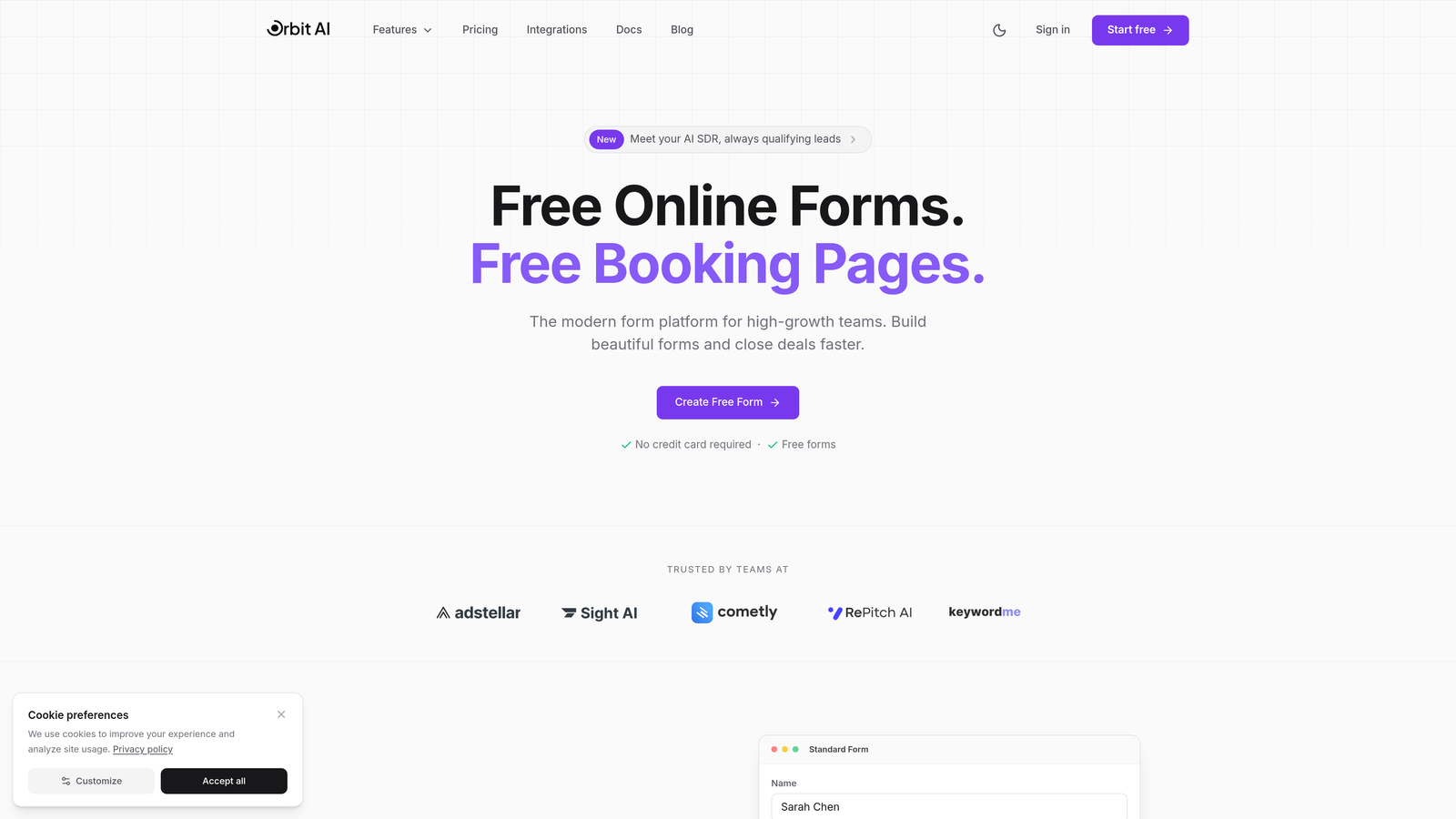
Orbit AI is an AI-powered form builder platform designed specifically for high-growth teams focused on conversion optimization and intelligent lead management.
Where This Tool Shines
Orbit AI takes form building beyond simple data collection by automatically qualifying and scoring leads as they submit. Instead of treating every form submission equally, the platform uses AI to identify your hottest prospects in real-time, routing them to the right team members instantly.
The platform delivers conversion-optimized form designs that look modern right out of the box—no design degree required. For teams tired of forms that hurt their brand image, Orbit AI creates beautiful experiences that actually complement your website instead of looking like a tacked-on afterthought.
Key Features
AI-Powered Lead Qualification: Automatically scores and prioritizes leads based on their responses and behavior patterns.
Conversion-Optimized Designs: Pre-built templates designed specifically to maximize completion rates and reduce form abandonment.
Automated Workflow Sequences: Trigger follow-up actions based on lead quality scores without manual intervention.
Native CRM Integrations: Seamlessly connects with HubSpot, Salesforce, Pipedrive, and other major CRMs.
Real-Time Analytics Dashboard: Track conversion rates, completion times, and lead quality metrics in one centralized view.
Best For
Orbit AI works best for B2B companies and SaaS businesses where lead quality matters more than lead quantity. If your sales team wastes time chasing unqualified prospects, the AI qualification features can transform your entire lead generation process by surfacing the opportunities actually worth pursuing.
Pricing
Free tier available for teams getting started. Paid plans begin at $29/month with access to advanced AI features and higher form limits.
2. Typeform
Best for: Creating engaging, conversational form experiences with high completion rates
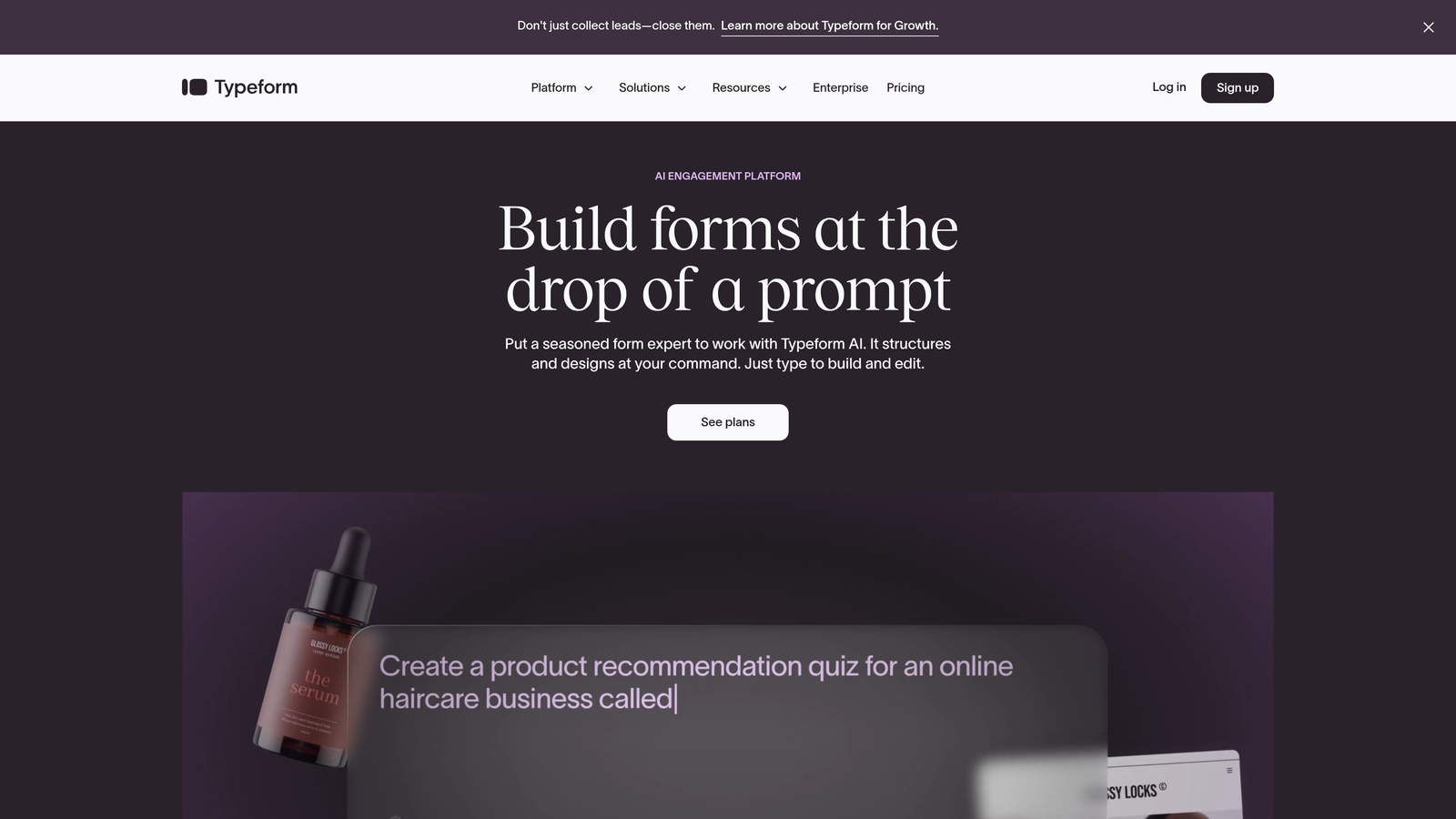
Typeform is a conversational form builder known for its distinctive one-question-at-a-time interface that drives significantly higher completion rates than traditional forms.
Where This Tool Shines
Typeform revolutionized form design by treating forms like conversations rather than interrogations. The one-question-at-a-time approach reduces cognitive load and makes even lengthy surveys feel manageable. Users report completion rates 30-40% higher than traditional multi-field forms.
The platform excels at creating branded experiences with rich media. You can embed videos, images, and GIFs throughout your forms to maintain engagement and reinforce your brand identity at every step.
Key Features
Conversational Interface: One question appears at a time, creating a dialogue-like experience that feels natural.
Logic Jumps and Branching: Customize the form path based on previous answers to create personalized experiences.
Video and Image Embedding: Add rich media throughout forms to boost engagement and explain complex questions.
Strong Brand Customization: Control colors, fonts, backgrounds, and layouts to match your brand perfectly.
Native Integrations: Connects with 120+ tools including Google Sheets, Slack, Mailchimp, and Zapier for extended functionality.
Best For
Typeform works exceptionally well for customer surveys, feedback collection, and any scenario where you need high engagement. Marketing teams love it for lead magnets and interactive quizzes that people actually want to complete.
Pricing
Free tier available with basic features. Paid plans start at $25/month with access to logic jumps, hidden fields, and priority support.
3. Jotform
Best for: Teams needing extensive template options and complex conditional logic workflows
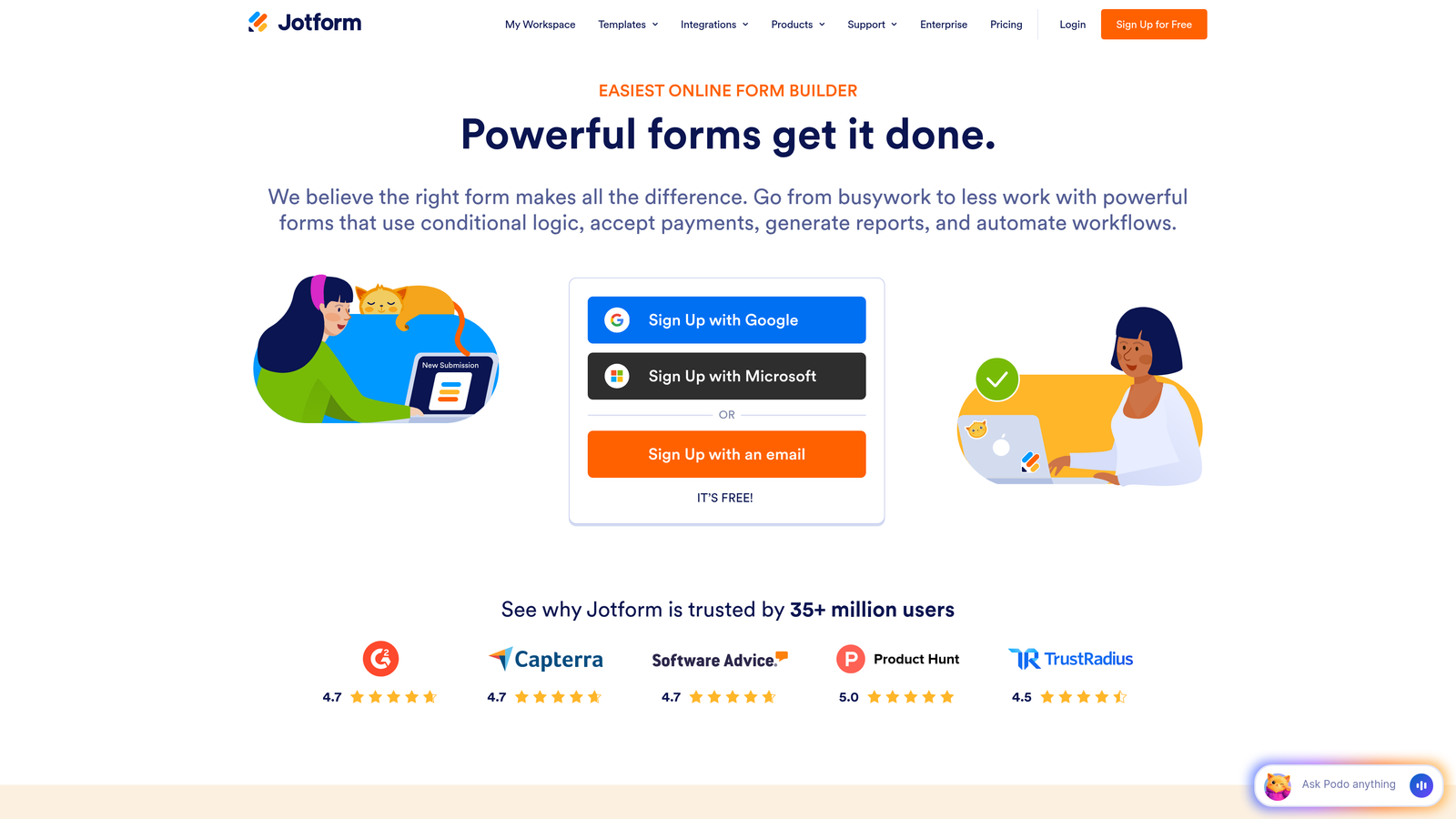
Jotform is a versatile form builder with one of the largest template libraries in the industry and robust features for building sophisticated form workflows.
Where This Tool Shines
Jotform's massive template library—over 10,000 pre-built forms—means you're rarely starting from scratch. Whether you need a job application, event registration, or order form, there's likely a template that gets you 80% of the way there immediately.
The platform handles complex requirements that would break simpler form builders. Need approval workflows? Payment processing? PDF generation? Jotform has widgets and integrations for scenarios other tools can't touch, making it a Swiss Army knife for form creation.
Key Features
10,000+ Form Templates: Pre-built templates for virtually every use case, from simple contact forms to complex applications.
Drag-and-Drop Builder with Widgets: Extensive widget library adds functionality like signature fields, file uploads, and appointment scheduling.
Payment Integrations: Accept payments directly through PayPal, Stripe, Square, and 30+ other payment processors.
PDF Form Generation: Automatically convert form submissions into formatted PDF documents for records and workflows.
Approval Workflows: Route submissions through multi-step approval processes with email notifications at each stage.
Best For
Jotform suits organizations with diverse form needs across departments—HR for job applications, finance for expense reports, operations for service requests. The breadth of features makes it ideal when you need one platform to handle everything.
Pricing
Free tier includes up to 5 forms with 100 monthly submissions. Paid plans start at $34/month for unlimited forms and increased submission limits.
4. Tally
Best for: Budget-conscious teams wanting unlimited forms without compromising on features
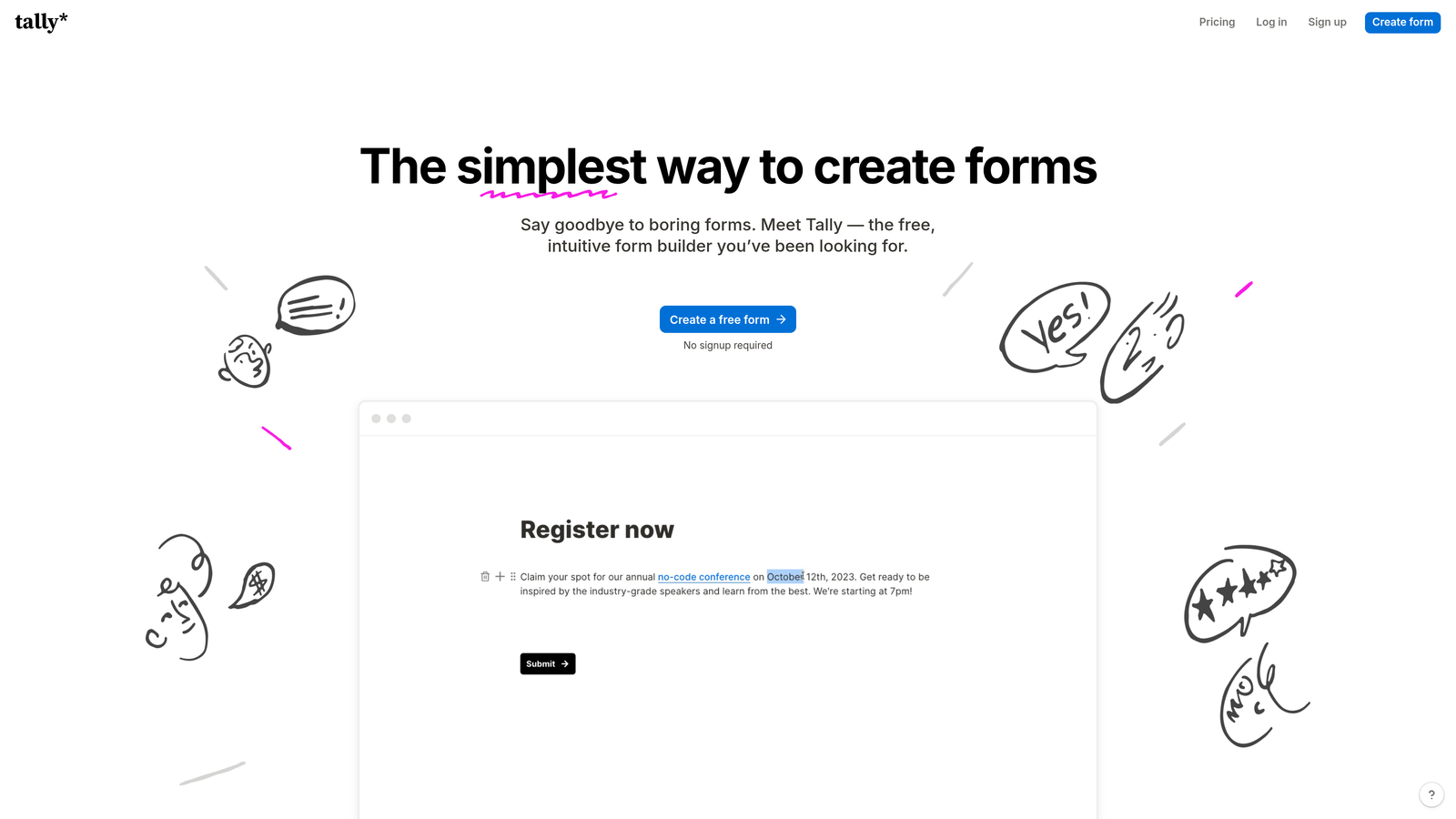
Tally is a minimalist form builder with a Notion-like interface and one of the most generous free tiers available in 2026.
Where This Tool Shines
Tally's free tier is genuinely useful—unlimited forms, unlimited responses, and no branding watermark. Most competitors severely limit free plans, but Tally gives startups and small teams everything they need to run professional lead capture without spending a dollar.
The Notion-style block-based editor feels immediately familiar if you've used modern productivity tools. There's virtually no learning curve, and you can build sophisticated multi-page forms in minutes by simply stacking blocks and adding logic.
Key Features
Unlimited Forms on Free Plan: No artificial limits on form creation or monthly submissions on the free tier.
Notion-Style Block Editor: Intuitive drag-and-drop interface using familiar block-based editing.
Conditional Logic and Calculations: Show/hide fields based on answers and perform mathematical calculations within forms.
File Uploads Included Free: Accept file uploads without needing a paid plan, unlike many competitors.
Custom Thank-You Pages: Create branded confirmation pages with custom messages and next steps.
Best For
Tally is perfect for bootstrapped startups, solopreneurs, and small teams who need professional forms but can't justify $50+/month subscriptions. It's also great for side projects and MVPs where you want to validate ideas before investing in premium tools.
Pricing
Generous free tier with unlimited forms and responses. Pro plan at $29/month adds custom domains, payment collection, and priority support.
5. Fillout
Best for: Teams using Airtable, Notion, or other database tools for data management
Fillout is a modern form builder specializing in native integrations with popular database and productivity tools, particularly Airtable and Notion.

Where This Tool Shines
Fillout treats your database as the source of truth. Instead of building forms that dump data into disconnected systems, it creates forms that read from and write directly to your Airtable bases or Notion databases. This eliminates the messy middleware and keeps everything synchronized automatically.
The pre-fill capability is particularly powerful—you can send personalized form links that automatically populate with existing data from your database. This makes update forms, profile edits, and data verification workflows incredibly smooth for users.
Key Features
Native Airtable and Notion Integration: Connect forms directly to your databases without third-party tools or Zapier.
Pre-Fill Forms from Databases: Send personalized links with forms automatically populated from existing records.
Advanced Calculations and Logic: Perform complex calculations and show/hide fields based on database values or user inputs.
Scheduling Integration: Built-in calendar booking that syncs with Google Calendar and Outlook.
Custom Domains: Host forms on your own domain for professional branding.
Best For
Fillout is ideal for teams already managing operations in Airtable or Notion who want their forms to integrate seamlessly with existing workflows. Product teams, operations managers, and anyone running their business on these platforms will appreciate the tight integration.
Pricing
Free tier available with basic features. Paid plans start at $15/month for advanced integrations and increased submission limits.
6. Paperform
Best for: Creating branded landing pages with embedded payments and scheduling
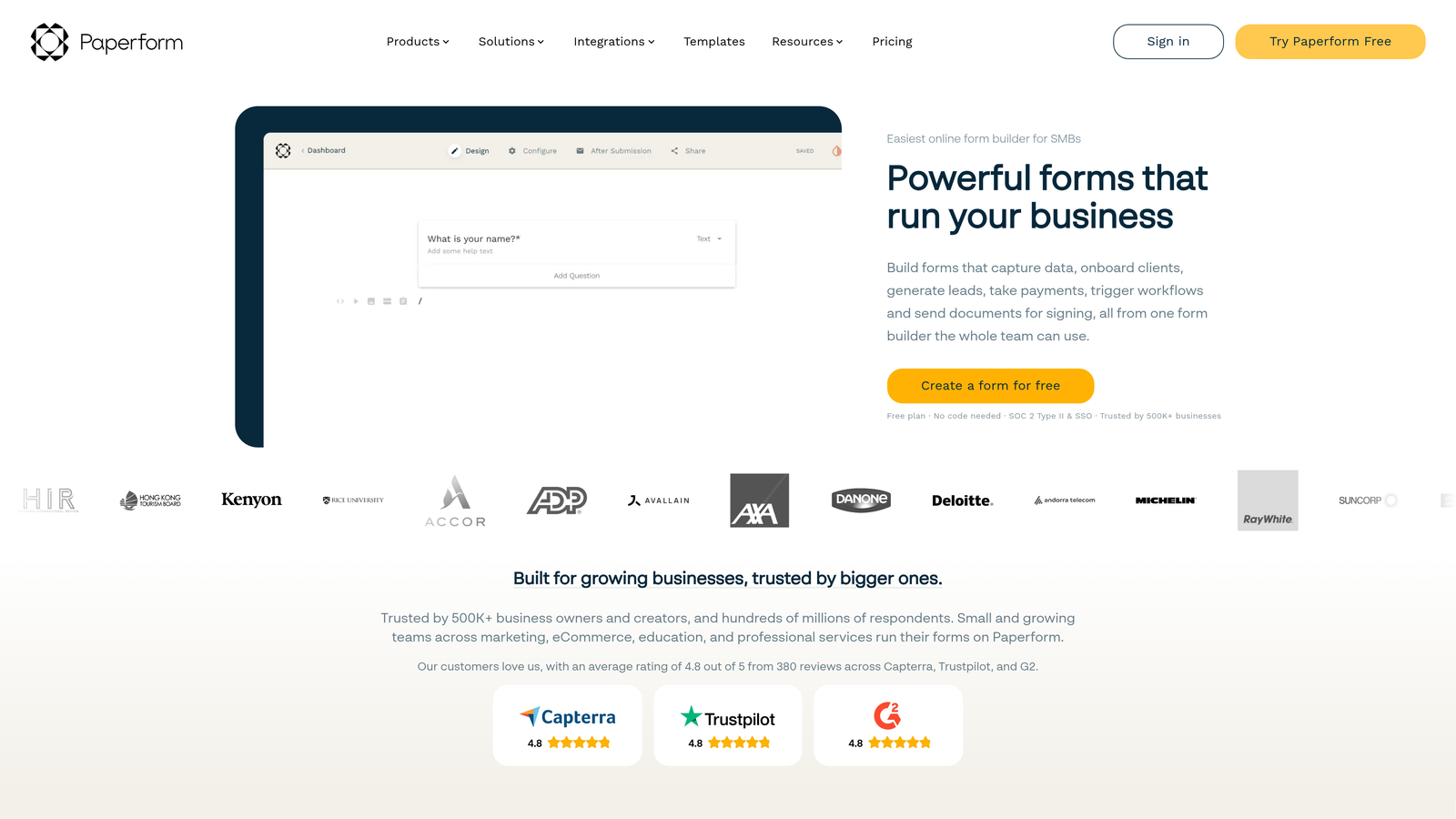
Paperform is a document-style form builder that creates beautiful branded landing pages with built-in payment processing and appointment scheduling.
Where This Tool Shines
Paperform thinks about forms differently—they're not just data collection tools but complete landing page experiences. The document-style editor lets you mix form fields with rich text, images, and videos to create pages that tell a story while capturing information.
The built-in e-commerce capabilities are surprisingly robust. You can create product catalogs, process payments, calculate totals with discounts and taxes, and even manage inventory—all without leaving the form builder or integrating external tools.
Key Features
Document-Style Form Creation: Build forms that look like branded landing pages with rich formatting and media.
Built-In Payment Processing: Accept payments through Stripe and PayPal without third-party integrations.
Appointment Scheduling: Embed calendar booking directly into forms with automatic timezone detection.
Product Catalogs and E-Commerce: Sell products, manage inventory, and calculate complex pricing within forms.
Custom Success Pages: Create branded thank-you pages with personalized messages based on form responses.
Best For
Paperform excels for service-based businesses, consultants, and freelancers who need to combine information collection with payment processing. It's particularly strong for booking forms, registration pages, and any scenario where you're selling while collecting data.
Pricing
Plans start at $24/month with no free tier. The entry price includes unlimited forms and most core features.
7. Formstack
Best for: Enterprise teams requiring advanced compliance, security, and workflow automation
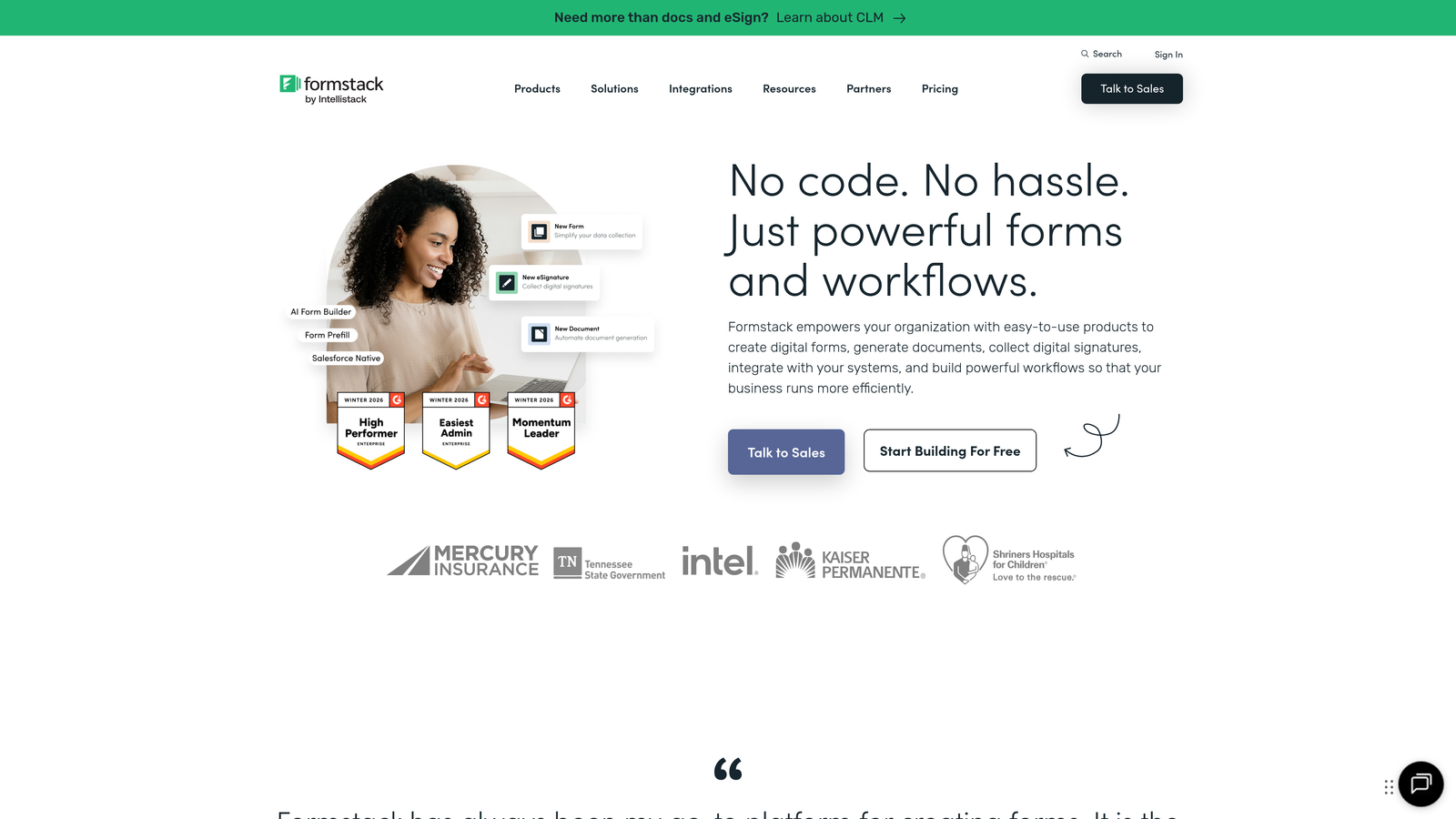
Formstack is an enterprise-grade form builder with advanced workflow automation, approval processes, and compliance features designed for regulated industries.
Where This Tool Shines
Formstack takes security and compliance seriously in ways consumer-focused form builders don't. HIPAA compliance, SOC 2 certification, and enterprise-grade encryption make it suitable for healthcare, finance, and other regulated industries where data protection isn't optional.
The approval workflow capabilities rival dedicated workflow tools. You can route submissions through multi-step approval chains, require electronic signatures at each stage, and automatically generate documents once approvals complete—perfect for contract workflows, expense approvals, and procurement processes.
Key Features
Advanced Approval Workflows: Multi-step approval processes with routing rules, notifications, and audit trails.
HIPAA Compliance Available: Business Associate Agreements and HIPAA-compliant infrastructure for healthcare organizations.
Document Generation: Automatically create PDF documents from form data using custom templates.
Electronic Signatures: Collect legally binding e-signatures within forms for contracts and agreements.
Enterprise Security Features: Single sign-on (SSO), advanced encryption, and comprehensive access controls.
Best For
Formstack suits enterprise organizations, healthcare providers, financial institutions, and any business operating in regulated industries. If you need audit trails, compliance certifications, and enterprise security, the premium pricing makes sense.
Pricing
Plans start at $50/month for basic features. Enterprise pricing with HIPAA compliance and advanced security available on request.
8. Cognito Forms
Best for: Organizations needing powerful calculation fields and affordable payment processing
Cognito Forms is a powerful form builder specializing in complex calculations, payment collection, and workflow automation at competitive pricing.
Where This Tool Shines
Cognito Forms handles mathematical complexity that breaks other form builders. Need to calculate pricing based on multiple variables, quantities, and conditional discounts? The calculation engine can handle formulas as complex as Excel spreadsheets, making it perfect for quote forms and order calculators.
The payment processing fees are notably lower than competitors. While most form builders add percentage fees on top of payment processor costs, Cognito Forms passes through Stripe's standard rates without additional markup—a significant cost saver for high-volume transactions.
Key Features
Complex Calculation Fields: Build sophisticated formulas using mathematical operators, conditional logic, and database lookups.
Payment Processing with Low Fees: Accept payments through Stripe and PayPal with no additional platform fees beyond processor costs.
Repeating Sections: Allow users to add multiple items or entries within a single form submission.
Data Encryption: Field-level encryption for sensitive data like Social Security numbers and financial information.
Workflow Automation: Trigger email notifications, webhooks, and data updates based on form submissions and conditions.
Best For
Cognito Forms works well for organizations processing payments through forms—registration systems, donation pages, order forms, and quote calculators. The combination of powerful calculations and affordable payment processing makes it particularly attractive for nonprofits and educational institutions.
Pricing
Free tier available for individual users. Paid plans start at $15/month for teams and organizations needing advanced features.
9. HubSpot Forms
Best for: Teams already using HubSpot CRM who want seamless native integration
HubSpot Forms is the native form builder within HubSpot's ecosystem, designed specifically for teams using HubSpot CRM for sales and marketing.
Where This Tool Shines
HubSpot Forms eliminates integration headaches for HubSpot users. Every form submission automatically creates or updates contact records in your CRM, triggers workflows, and feeds into your marketing automation—no Zapier required, no data sync delays, no middleware to break.
Progressive profiling is a standout feature. Instead of asking the same questions repeatedly, HubSpot Forms remembers what it already knows about contacts and asks new questions each time. This keeps forms short while gradually building complete contact profiles over multiple interactions.
Key Features
Seamless HubSpot CRM Sync: Instant contact creation and updates with zero integration setup required.
Progressive Profiling: Automatically show different questions based on what you already know about contacts.
Smart Fields Based on Known Data: Pre-fill forms with existing contact information to reduce friction.
A/B Testing Capabilities: Test different form versions to optimize conversion rates directly within HubSpot.
Lead Scoring Integration: Automatically update contact scores based on form submissions and field values.
Best For
HubSpot Forms makes sense exclusively for teams already invested in the HubSpot ecosystem. If you're running sales and marketing through HubSpot CRM, using the native form builder creates a seamless experience that standalone tools can't match.
Pricing
Free with HubSpot CRM. Advanced features like progressive profiling and A/B testing available in paid Marketing Hub plans starting at $45/month.
Making the Right Choice
The right WordPress form plugin alternative depends on what you're actually trying to accomplish. If you want AI-powered lead qualification that automatically identifies your hottest prospects, Orbit AI delivers intelligent forms that do the heavy lifting for your sales team. For maximum engagement on customer-facing surveys and interactive experiences, Typeform's conversational approach consistently drives higher completion rates.
Budget-conscious teams should seriously consider Tally—the unlimited free tier provides everything most small businesses need without the artificial limitations that plague other free plans. On the opposite end, enterprise teams dealing with compliance requirements will find Formstack's security features and approval workflows worth the premium pricing.
Already using Airtable or Notion? Fillout's native integrations eliminate the middleware mess. Running your business on HubSpot? The native form builder creates seamless workflows that standalone tools can't replicate. Need complex calculations and affordable payment processing? Cognito Forms handles mathematical complexity other platforms struggle with.
Whatever you choose, moving beyond WordPress plugins means faster page loads, better mobile experiences, and forms that actually help you convert visitors into qualified leads. You'll stop troubleshooting plugin conflicts and start focusing on what matters—capturing and converting the right prospects for your business.
Transform your lead generation with AI-powered forms that qualify prospects automatically while delivering the modern, conversion-optimized experience your high-growth team needs. Start building free forms today and see how intelligent form design can elevate your conversion strategy.


