

Survey and form software sits at the intersection of data collection, user experience, and revenue generation. Whether you're capturing customer feedback, qualifying inbound leads, or running market research, the tool you choose shapes how much useful data you actually get back.
Great form software isn't just about drag-and-drop fields. It comes down to five things: ease of use, design flexibility, integration depth, analytics quality, and increasingly, AI capabilities that help you act on responses automatically. The gap between a form that converts and one that gets abandoned is often the tool behind it.
This list covers the top survey and form tools for 2026, spanning everything from free lightweight builders to enterprise research platforms and AI-powered lead qualification systems. Whether you're a lean startup team or scaling a high-growth SaaS operation, there's a right tool for your use case. Here's how each one stacks up.
1. Orbit AI
Best for: High-growth teams that need AI-powered lead qualification built directly into their forms.
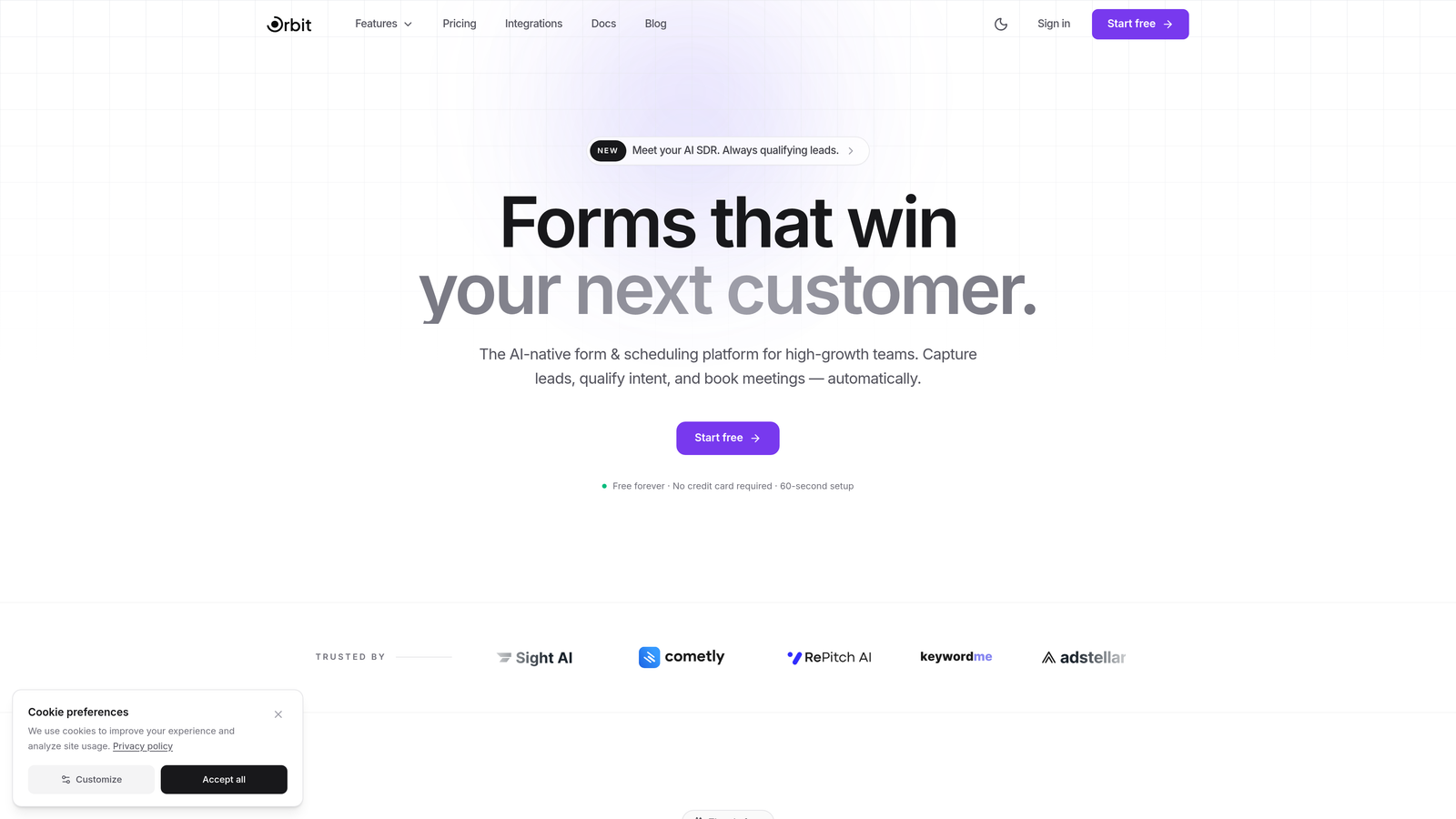
Orbit AI is an AI-powered form builder platform designed specifically for teams focused on conversion optimization and lead qualification.
Where This Tool Shines
Most form builders treat lead qualification as an afterthought, something you bolt on after the fact through a CRM workflow or a separate scoring tool. Orbit AI takes a different approach by embedding lead qualification and scoring directly into the form-building experience itself. You're not just collecting responses; you're routing and scoring prospects in real time.
This positioning makes it particularly compelling for growth teams running paid acquisition campaigns or inbound funnels where every lead needs to be evaluated quickly. The combination of conversion-optimized design and intelligent qualification logic in one platform removes a lot of the manual handoff work that typically slows down sales and marketing teams.
Key Features
AI-Powered Lead Qualification: Built-in lead scoring and qualification logic that evaluates responses as they come in, so your team focuses on the right prospects first.
Conversion-Optimized Templates: Pre-built form templates specifically designed for lead generation use cases, with layouts and flows engineered to maximize completion rates.
Dynamic Form Fields: Fields that adapt and change based on how a user responds, creating a personalized experience without requiring complex manual logic setup.
Modern Design System: Clean, polished form aesthetics that match the quality of high-growth brands and reduce drop-off from forms that feel outdated or clunky.
CRM and Marketing Integrations: Connects with popular CRM and marketing automation tools so qualified lead data flows directly into your existing stack.
Best For
Orbit AI is built for SaaS companies, growth marketers, and sales teams that need more than a basic form builder. If your primary goal is turning form submissions into qualified pipeline rather than just collecting data, this is the tool designed with that outcome in mind.
Pricing
Visit orbitforms.ai for current pricing plans. A free starting option is available for teams ready to explore the platform.
2. Typeform
Best for: Teams that want higher engagement and completion rates through a conversational form experience.
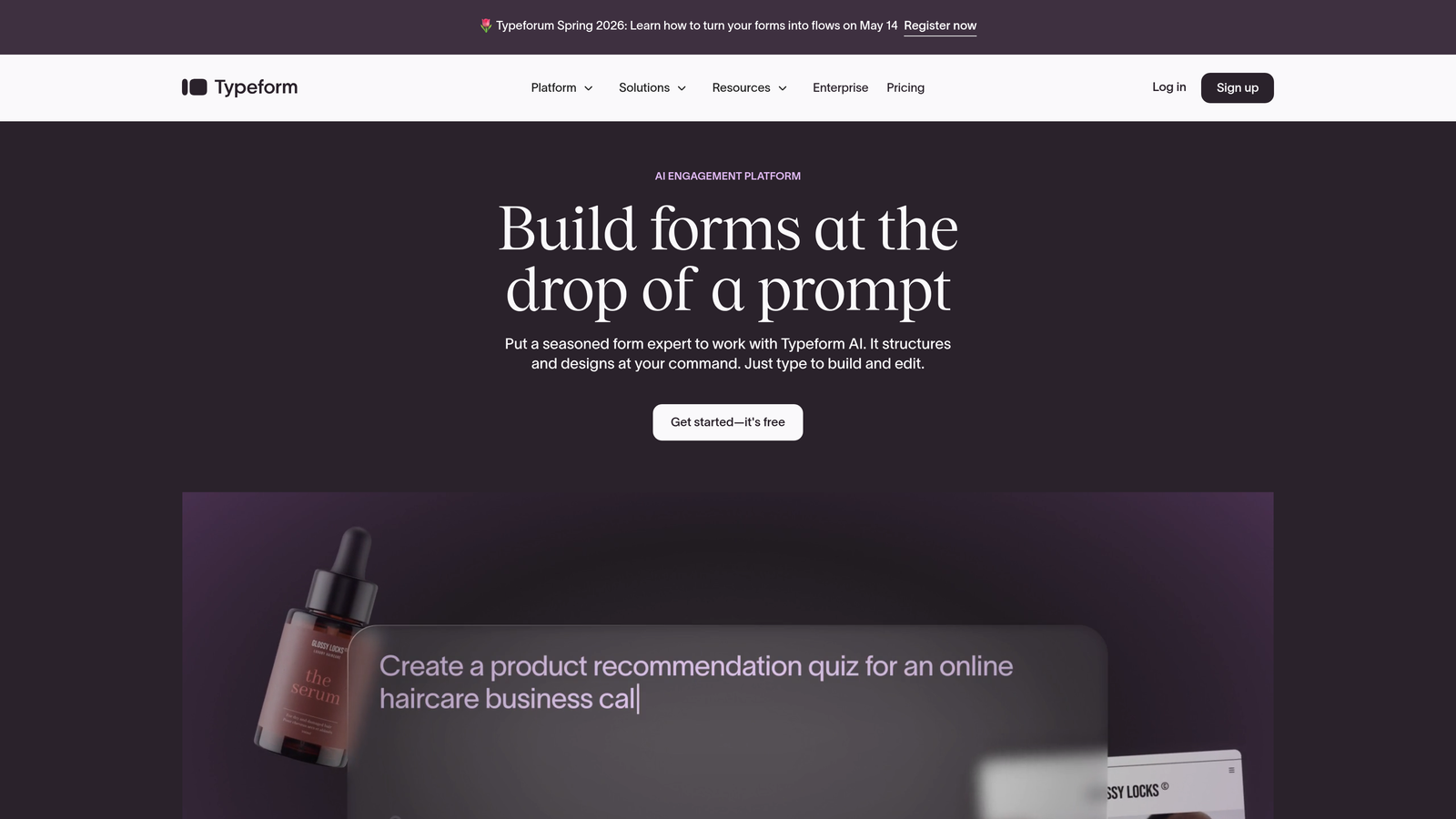
Typeform is a conversational form and survey builder known for its one-question-at-a-time interface that keeps respondents engaged from start to finish.
Where This Tool Shines
Typeform essentially redefined what a form could feel like. Instead of presenting a wall of fields, it guides respondents through one question at a time, creating an experience that feels closer to a conversation than a data entry task. This approach consistently drives stronger completion rates compared to traditional multi-field forms, particularly for longer surveys.
The visual polish is another strength. Typeform forms look and feel premium out of the box, which matters when you're embedding them on a well-designed website or sending them to prospects who associate form quality with brand quality.
Key Features
Conversational UI: Signature one-question-per-screen format that reduces cognitive load and improves survey completion.
Logic Jumps and Branching: Personalized survey paths that adapt based on previous answers, keeping questions relevant to each respondent.
Media Embedding: Add video and images directly within questions to provide context or make surveys more engaging.
Native Integrations: Connects with Zapier, HubSpot, Slack, and a wide range of other tools for automated workflows.
Built-in Analytics: Response tracking and completion metrics available directly in the dashboard without needing external tools.
Best For
Typeform works well for marketing teams running lead generation campaigns, customer satisfaction surveys, and onboarding flows where the respondent experience directly impacts data quality. It's a strong choice when brand presentation matters as much as data collection.
Pricing
Free plan available with limited responses. Paid plans start at approximately $25 per month, with higher tiers unlocking more responses, logic features, and integrations.
3. Jotform
Best for: Teams that need a wide variety of form types quickly, including payment collection and document workflows.
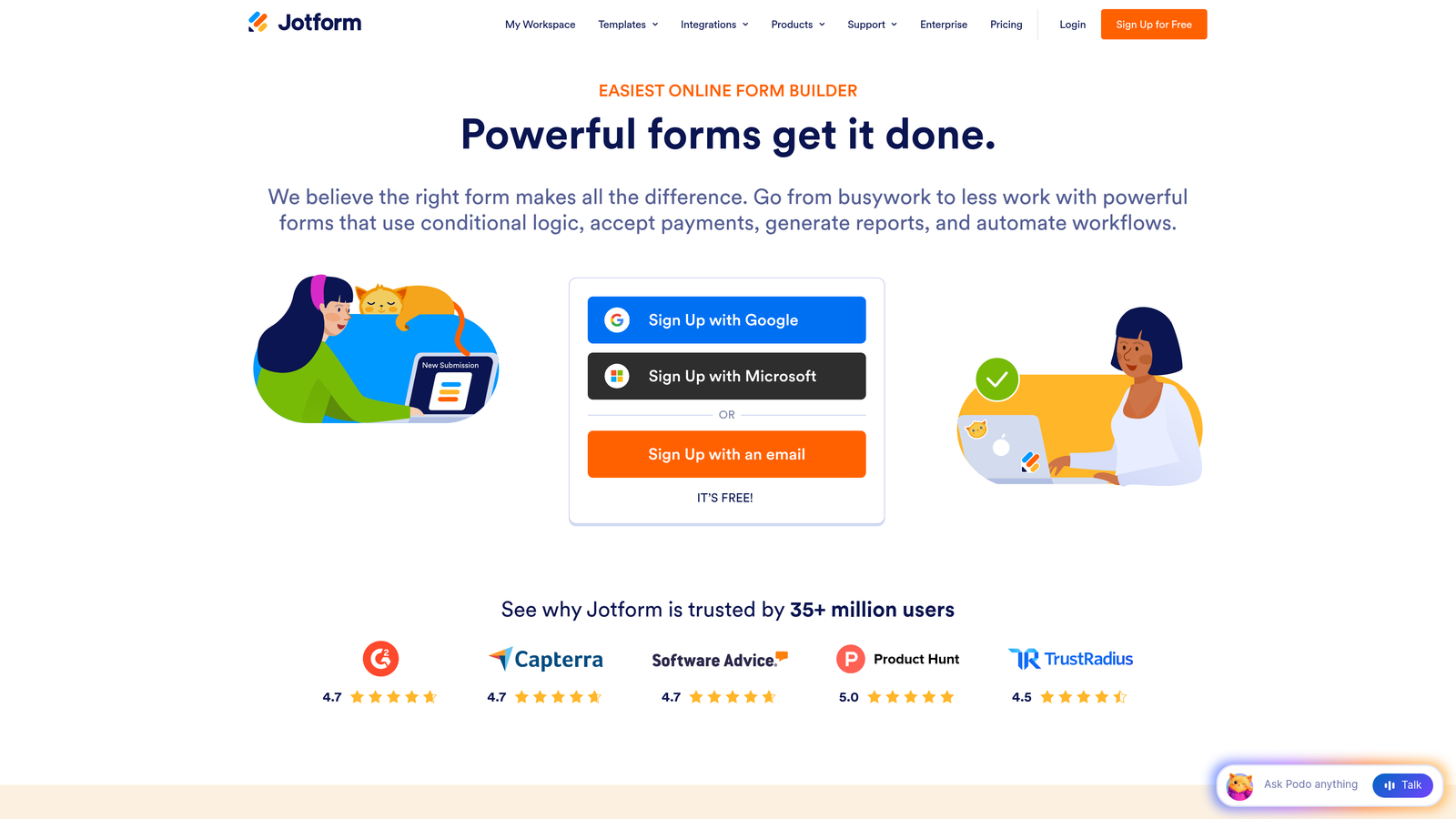
Jotform is a versatile no-code form builder with over 10,000 templates, drag-and-drop editing, and built-in payment collection capabilities.
Where This Tool Shines
Jotform's template library is genuinely impressive. With templates spanning industries from healthcare to e-commerce to education, you can get a functional, professional form live in minutes rather than building from scratch. This template-first approach makes it one of the fastest tools for teams that need variety across many different form types.
The platform also extends well beyond basic data collection. Built-in payment processing, submission management through Jotform Tables, and PDF report generation make it a practical choice for operations teams that need forms to do more than just capture responses.
Key Features
10,000+ Templates: Pre-built forms across virtually every industry and use case, ready to customize and deploy immediately.
Drag-and-Drop Builder: Intuitive visual editor with conditional logic support for creating dynamic, responsive forms without coding.
Payment Integrations: Native connections to PayPal, Stripe, and Square for collecting payments directly through forms.
Jotform Tables: Built-in submission management interface that organizes and displays form responses in a spreadsheet-style view.
PDF Generation: Automatically create formatted PDF reports from form submissions for documentation or client-facing deliverables.
Best For
Jotform suits small to mid-sized businesses, agencies, and operations teams that need a broad-purpose form tool covering everything from registration forms to order forms to internal workflows. It's especially useful when payment collection is part of the requirement.
Pricing
Free plan supports up to 5 forms with limited monthly submissions. Paid plans start at approximately $34 per month with higher form and submission limits.
4. SurveyMonkey
Best for: Research teams and organizations that need statistically rigorous surveys with benchmarking and advanced analytics.
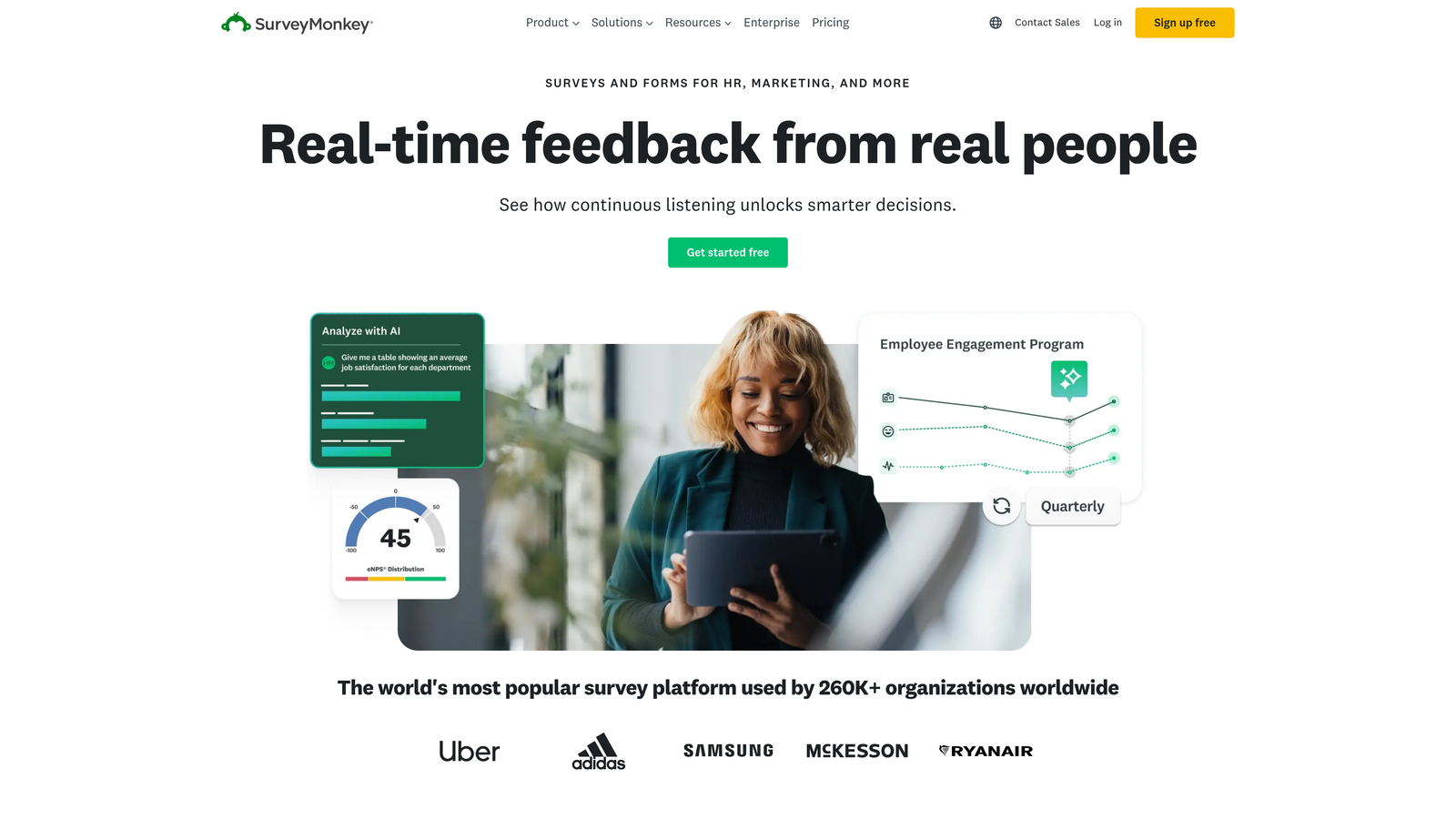
SurveyMonkey is an industry-leading survey platform with AI-assisted design, advanced analytics, and extensive benchmarking data for research-grade surveys.
Where This Tool Shines
SurveyMonkey has been in this space long enough to build capabilities that go well beyond what most teams need for simple feedback forms. The combination of AI-powered survey creation, cross-tabulation analytics, and access to a global survey panel makes it the go-to choice when you need data that can hold up to scrutiny.
The benchmarking feature is particularly valuable for customer experience and HR teams. Being able to compare your NPS or employee satisfaction scores against industry standards adds context that raw numbers alone can't provide.
Key Features
AI-Powered Survey Creation: Intelligent question and design suggestions that help you build better surveys faster.
Advanced Analytics: Cross-tabulation, statistical significance testing, and data filtering for deeper analysis of results.
Global Panel Access: Ability to target specific audience segments for paid survey distribution beyond your existing contacts.
Benchmarking Data: Compare your survey results against industry norms and historical data for meaningful context.
Enterprise Compliance: HIPAA and GDPR compliance options for organizations with strict data governance requirements.
Best For
SurveyMonkey is best suited for research teams, HR professionals, and customer experience programs where data quality and analytical depth matter. It's less ideal for lightweight lead generation use cases where conversational design and CRM integration take priority.
Pricing
Free basic plan available with limited questions and responses. Paid plans start at approximately $25 per user per month, with enterprise pricing available for larger organizations.
5. Google Forms
Best for: Teams needing a completely free, no-setup form tool that integrates seamlessly with Google Workspace.
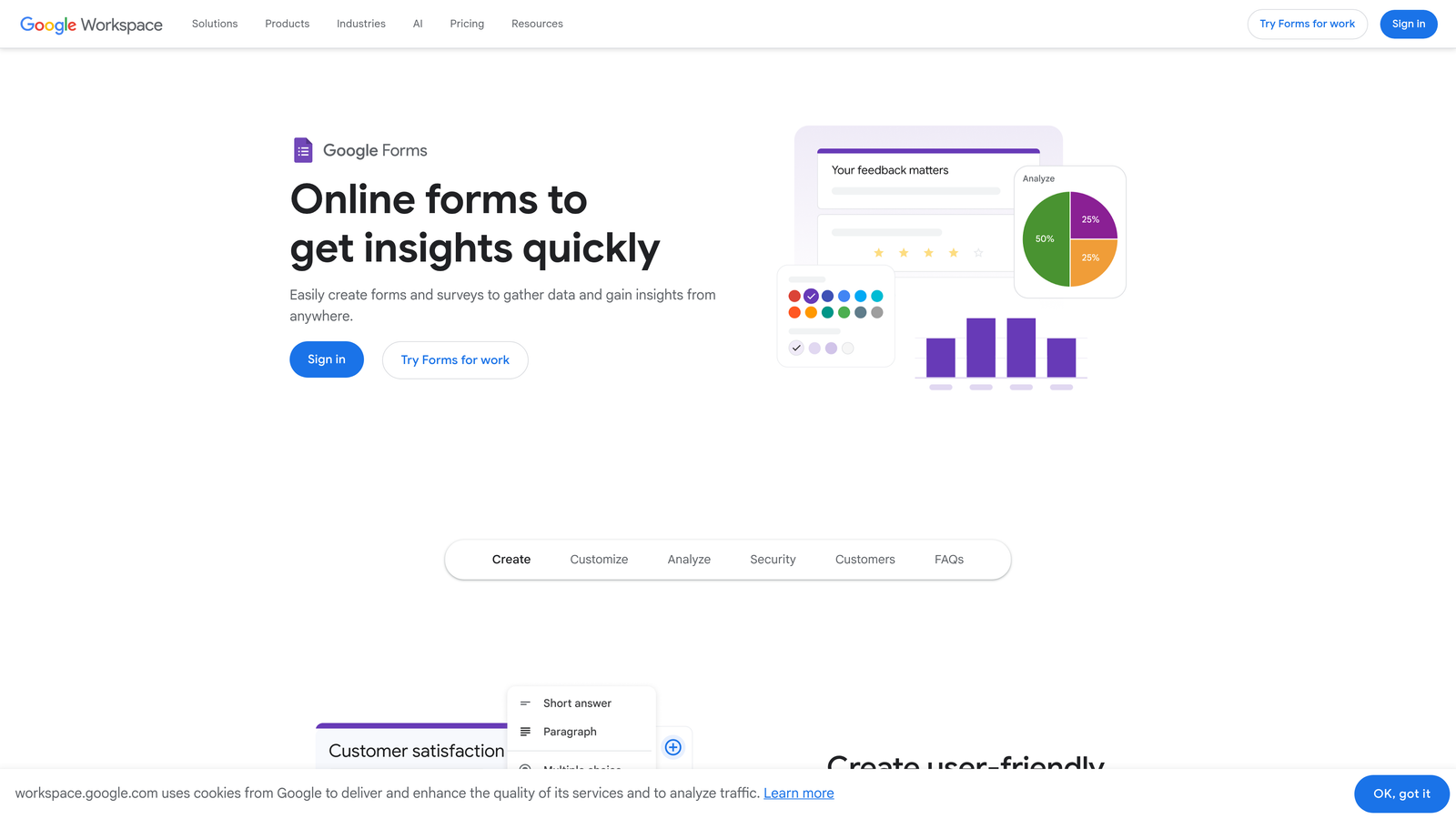
Google Forms is a free, no-frills form and survey builder fully integrated with Google Workspace for quick data collection and collaboration.
Where This Tool Shines
There's no faster path from "I need a form" to "the form is live" than Google Forms. No account setup beyond a Google account, no pricing tiers to evaluate, no integrations to configure. If you're already in Google Workspace, responses flow straight into Google Sheets automatically, giving you a live, collaborative view of incoming data.
For internal forms, quick polls, event registrations, or simple feedback surveys, it handles the job without any overhead. The trade-off is that it won't win any design awards and lacks the advanced logic and integration depth of paid tools.
Key Features
Completely Free: Unlimited forms and unlimited responses at no cost with any Google account.
Google Sheets Integration: Real-time response tracking in a connected spreadsheet that updates automatically.
Collaborative Editing: Multiple team members can build and edit forms simultaneously within Google Workspace.
Basic Conditional Logic: Simple question branching to show or hide sections based on responses.
Quiz Mode: Built-in quiz creation with automatic grading and score feedback for educational use cases.
Best For
Google Forms is ideal for internal teams, educators, nonprofits, and anyone who needs a functional form without a budget or technical setup. It's not the right choice when design quality, brand consistency, or advanced lead capture is a priority.
Pricing
Completely free with any Google account. No paid tiers or usage limits.
6. Tally
Best for: Individuals and small teams who want a generous free tier and a clean, modern editing experience without branding restrictions.
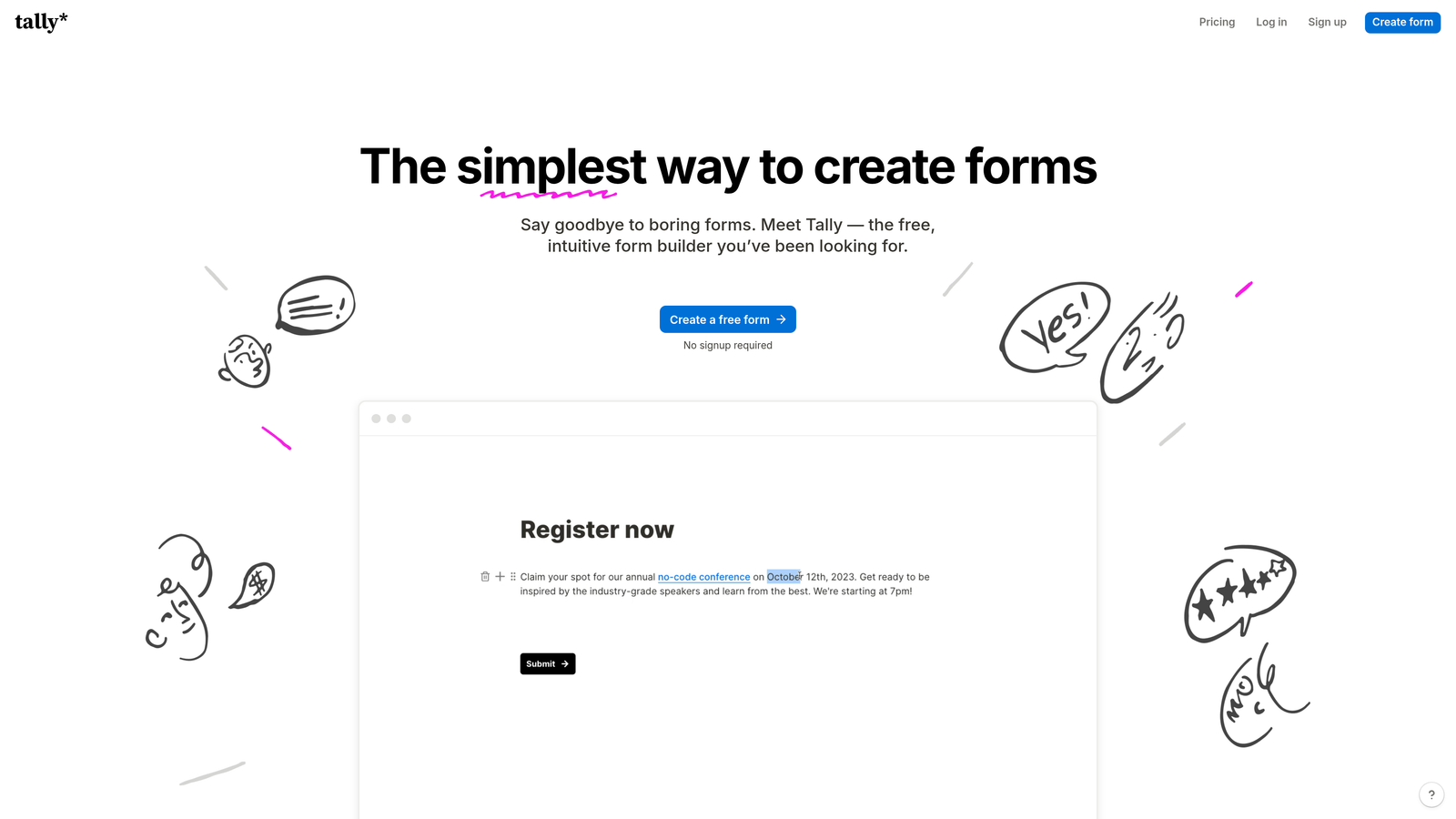
Tally is a minimalist form builder with a Notion-like editing experience and one of the most generous free tiers in the entire category.
Where This Tool Shines
Tally's free plan is genuinely remarkable compared to competitors. Unlimited forms, unlimited submissions, and no Tally branding on embedded forms at the free tier. For bootstrapped teams or solo builders, this removes the usual compromise between cost and capability that plagues most free form tools.
The editing experience is another standout. Tally uses a block-based editor similar to Notion, which feels intuitive to anyone already comfortable in that environment. Building a form feels less like configuring software and more like writing a document, which lowers the barrier for non-technical users considerably.
Key Features
Unlimited Free Forms and Submissions: No artificial caps on the free plan, making it genuinely usable for ongoing projects without cost pressure.
Block-Based Editor: Notion-style interface that makes form building feel natural and fast for anyone familiar with modern document editors.
Conditional Logic and Calculations: Hidden fields, branching logic, and basic calculation support for more dynamic forms.
No Branding on Free Tier: Embedded forms don't display Tally branding, which is unusual for a free plan in this category.
Flexible Integrations: Webhooks, Zapier, and native connectors for connecting responses to your existing tools.
Best For
Tally is a strong choice for freelancers, early-stage startups, and product teams that want clean, functional forms without paying for features they don't need yet. It's particularly popular among the Notion-native crowd who appreciate the familiar editing paradigm.
Pricing
Free plan is genuinely generous with no major restrictions. Tally Pro is approximately $29 per month for advanced features like custom domains and priority support.
7. Formstack
Best for: Operations and compliance-driven teams that need forms, document generation, and e-signatures in a unified workflow platform.
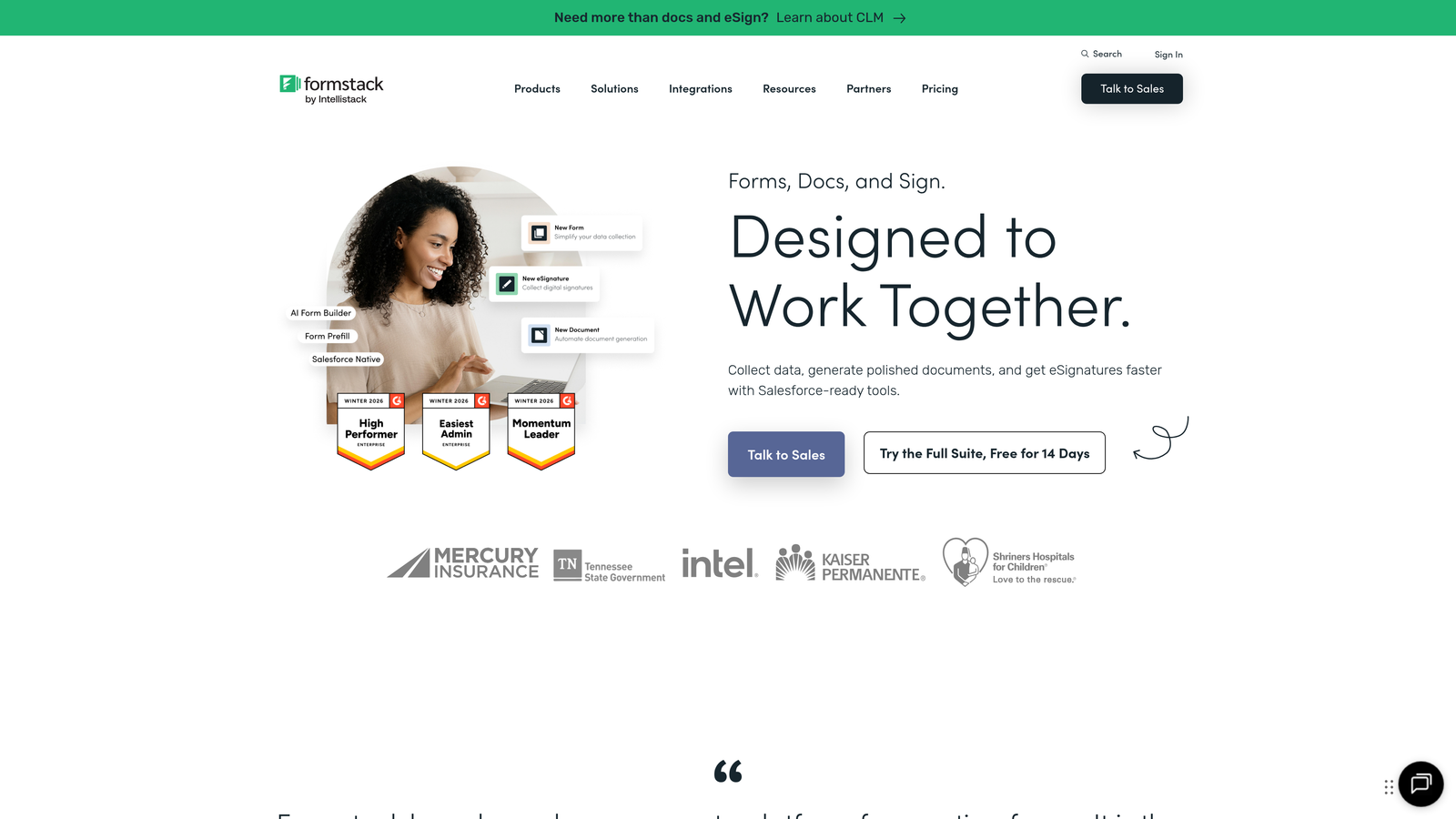
Formstack is a workflow-focused form platform that combines form building, document generation, and e-signatures in a single suite for operations teams.
Where This Tool Shines
Formstack is built for teams where a form submission is the start of a workflow, not the end of it. The platform's Forms, Documents, and Sign products work together to handle the full lifecycle of a data collection process: capture the information, generate the document, collect the signature. For operations, HR, and compliance teams, this eliminates the need to stitch together multiple tools.
The HIPAA compliance support is a meaningful differentiator for healthcare organizations and any regulated industry where standard form tools aren't sufficient from a data governance standpoint.
Key Features
Integrated Suite: Forms, document generation, and e-signature products that work together within a single platform.
Workflow Automation: Advanced automation triggered by form submissions to route data, notify teams, and generate documents automatically.
HIPAA Compliance: Healthcare-grade data handling for organizations with strict regulatory requirements.
A/B Testing: Built-in form optimization testing to identify which form variants drive better completion rates.
Salesforce-Native Option: A dedicated Salesforce form builder for teams that want forms to live natively inside their CRM environment.
Best For
Formstack is best for mid-sized to enterprise operations teams, HR departments, and healthcare organizations that need forms as part of a broader document and workflow system rather than a standalone data collection tool.
Pricing
Forms-only plans start at approximately $50 per month. Full suite pricing varies depending on which products are included; contact Formstack for bundled quotes.
8. Qualtrics
Best for: Enterprise organizations running sophisticated experience management programs across customer, employee, product, and brand research.
Qualtrics is an enterprise experience management platform offering sophisticated survey design, predictive intelligence, and comprehensive research capabilities.
Where This Tool Shines
Qualtrics operates at a different level than most tools on this list. It's not just a survey builder; it's a full experience management platform that spans CX, employee experience, product research, and brand tracking. For enterprise organizations that need to run multiple research programs simultaneously with consistent methodology and governance, nothing else comes close in terms of depth.
The AI-driven text analytics and predictive intelligence capabilities allow large teams to process qualitative feedback at scale, surfacing themes and signals that would take weeks to identify manually. It's a serious research tool built for serious research needs.
Key Features
End-to-End Experience Management: Unified platform covering customer, employee, product, and brand experience programs.
Predictive Intelligence and Text Analytics: AI-driven analysis of open-ended responses to surface trends, sentiment, and actionable insights.
Advanced Survey Methodologies: Conjoint analysis, MaxDiff, and other sophisticated research techniques beyond standard survey logic.
Global Panel and Multi-Language Support: Access to research panels worldwide with support for surveys in multiple languages.
Enterprise Governance: Robust security, compliance, and data governance features built for large organizations with complex requirements.
Best For
Qualtrics is designed for enterprise research teams, large CX programs, and organizations where survey data directly informs strategic decisions at scale. It's significantly over-engineered for smaller teams or simple lead capture use cases.
Pricing
Custom enterprise pricing only. Contact Qualtrics sales for a quote based on your organization's size and program requirements.
9. Fillout
Best for: Teams using Airtable, Notion, or other modern databases who want forms that read from and write to existing data records.
Fillout is a database-native form builder that connects directly to Airtable, Notion, and other backends for seamless data collection and management.
Where This Tool Shines
Fillout solves a specific and frustrating problem: most form builders treat every submission as a new record, but many teams need forms that interact with existing data. Fillout's native integrations with Airtable, Notion, Google Sheets, and Supabase allow forms to both read from and write to existing records, enabling use cases like updating customer profiles, editing existing entries, or pre-filling forms with known data.
This database-native approach has made Fillout popular with product and operations teams that run their workflows in Airtable or Notion and want forms that feel like a natural extension of those environments rather than a disconnected tool.
Key Features
Database-Native Integrations: Direct connections to Airtable, Notion, Google Sheets, and Supabase that go beyond simple data export.
Read and Write Capabilities: Forms that can display existing record data and update it based on new responses, not just create new entries.
Multi-Page and Conditional Logic: Support for complex, multi-step forms with branching paths and conditional field display.
Multiple Form Modes: Scheduling forms, payment collection, quiz functionality, and standard data collection within the same platform.
Custom Thank-You Pages: Personalized post-submission experiences with custom messaging and email notifications.
Best For
Fillout is ideal for product teams, operations managers, and no-code builders who live in Airtable or Notion and want forms that integrate deeply with those tools rather than creating data silos.
Pricing
Free plan available with core features. Paid plans start at approximately $15 per month, making it one of the more affordable options for teams needing database connectivity.
10. HubSpot Forms
Best for: Teams already invested in the HubSpot ecosystem who want forms that automatically feed lead data into CRM workflows.
HubSpot Forms is a CRM-connected form builder that automatically creates contacts, triggers workflows, and feeds lead data directly into HubSpot's marketing and sales tools.
Where This Tool Shines
If your team runs on HubSpot, using HubSpot Forms is a natural choice. Every submission automatically creates or updates a contact record in the CRM, triggers any workflows you've configured, and feeds data into lead scoring models without any manual data transfer or integration setup. The friction between form submission and CRM action is essentially zero.
The progressive profiling feature is a smart addition for teams with returning visitors. Instead of asking the same questions repeatedly, HubSpot Forms can detect known contacts and ask for new information they haven't provided yet, gradually building richer profiles over time without overwhelming prospects with long forms.
Key Features
Automatic CRM Contact Creation: Every form submission instantly creates or updates a HubSpot contact record with zero manual effort.
Progressive Profiling: Dynamically replaces already-known fields with new questions for returning visitors to build richer contact profiles over time.
Smart Fields and Dependent Logic: Drag-and-drop builder with conditional logic that adapts the form based on respondent input.
Lead Scoring and Workflow Triggers: Form submissions can automatically trigger lead scoring updates, email sequences, and sales notifications.
Free Tier with HubSpot CRM: Core form functionality is available at no additional cost for teams already using HubSpot's free CRM.
Best For
HubSpot Forms is the right choice for marketing and sales teams already operating within the HubSpot platform. It's less compelling as a standalone form tool if you're not using HubSpot CRM, since the primary value comes from the native integration depth.
Pricing
Free with HubSpot CRM. Advanced features, including smart content and A/B testing, require Marketing Hub, which starts at approximately $800 per month at the professional tier.
Which Tool Is Right for Your Team?
The best survey and form software depends almost entirely on what you're trying to accomplish. There's no single winner here, but there are clear leaders for each use case.
For AI-powered lead qualification: Orbit AI is the standout choice. It's the only tool on this list that treats lead scoring as a native part of the form-building experience rather than a downstream integration step. For high-growth teams where every inbound lead needs to be evaluated and routed quickly, that built-in intelligence is a meaningful operational advantage.
For conversational survey experiences: Typeform remains the category benchmark. If completion rates and respondent experience are your primary metrics, its one-question-at-a-time format consistently outperforms traditional form layouts.
For enterprise research programs: Qualtrics is in a class of its own. The depth of methodology support, text analytics, and governance features justify the investment for organizations running serious research at scale.
For free and simple: Google Forms handles most basic needs at zero cost. Tally is the better choice when you want something free but with a more modern editing experience and no branding restrictions.
For workflow and document automation: Formstack's integrated suite is built exactly for operations teams that need forms to trigger document generation and signature collection as part of a larger process.
When evaluating your options, start with your primary use case and work outward from there. A tool optimized for academic research won't serve a growth marketing team well, and vice versa. Think about where your form data needs to go after submission and how much of that journey you want to automate.
For teams focused on turning form responses into qualified pipeline, start building free forms today with Orbit AI. The combination of conversion-optimized design and built-in lead qualification is exactly what high-growth teams need to make every form submission count.


