

Your SaaS landing page has seconds to convert visitors into leads—and your form is often the deciding factor. A clunky, generic form kills conversions, while a sleek, optimized one can dramatically boost sign-ups and demo requests. But with dozens of form builders claiming to be "the best," finding one that actually understands SaaS needs (think: lead qualification, CRM integrations, and conversion-focused design) can be overwhelming.
We've tested and evaluated the top form builders specifically for SaaS landing pages, considering factors like ease of use, integration capabilities, conversion optimization features, and pricing that scales with your growth. Here are the best options for 2026.
1. Orbit AI
Best for: High-growth SaaS teams needing AI-powered lead qualification and conversion optimization
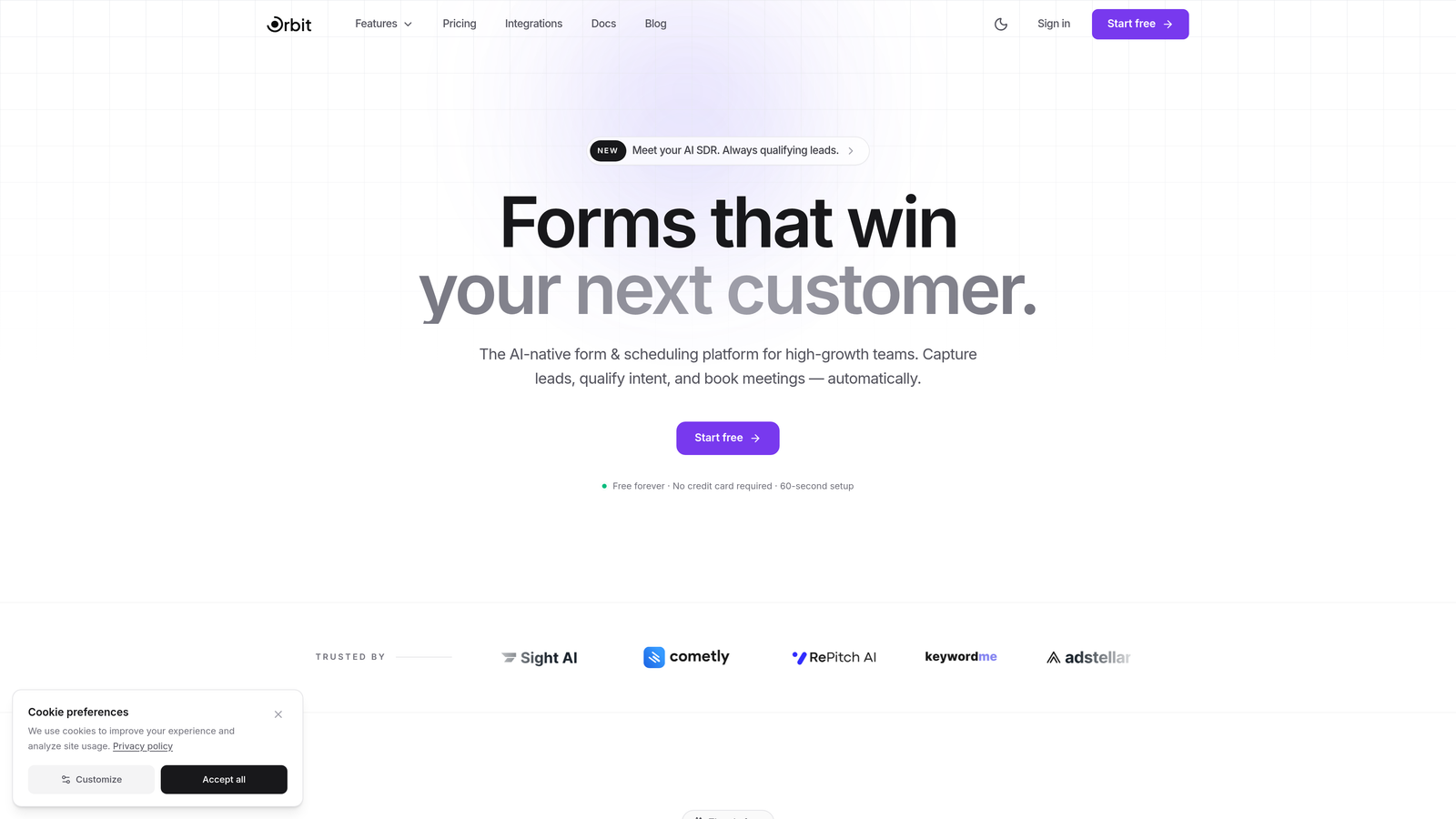
Orbit AI is an AI-powered form builder platform designed specifically for SaaS teams focused on maximizing conversion rates and lead quality.
Where This Tool Shines
What sets Orbit AI apart is its intelligent lead qualification system that works behind the scenes while your prospects fill out forms. The platform analyzes responses in real-time to score and route leads automatically, saving your sales team from manually sorting through submissions.
The modern, conversion-optimized templates are built with SaaS landing pages in mind. You're not starting from a generic contact form—you're working with designs proven to convert in the SaaS space. The platform handles the technical complexity while keeping the builder interface clean and intuitive.
Key Features
AI-Powered Lead Qualification: Automatically scores and routes leads based on their responses, prioritizing high-value prospects for immediate follow-up.
Conversion-Optimized Templates: Pre-built form designs specifically crafted for SaaS use cases like demo requests, trial sign-ups, and contact forms.
Deep CRM Integrations: Native connections with HubSpot, Slack, Airtable, and other tools in your tech stack for seamless data flow.
Multi-Step Forms with Conditional Logic: Create progressive forms that adapt based on user responses, reducing friction while gathering detailed information.
Built-In Analytics and Automation: Track form performance and trigger automated workflows without needing additional tools or complex setup.
Best For
Orbit AI is ideal for growth-focused SaaS companies that need more than just a basic form builder. If you're running paid acquisition campaigns, need to qualify inbound leads efficiently, or want to automate your lead routing process, this platform delivers the intelligence layer most form builders lack.
Pricing
Free tier available for teams getting started. Paid plans scale with usage, making it accessible for early-stage startups while supporting enterprise-level submission volumes.
2. Typeform
Best for: Creating conversational, engaging form experiences that feel human
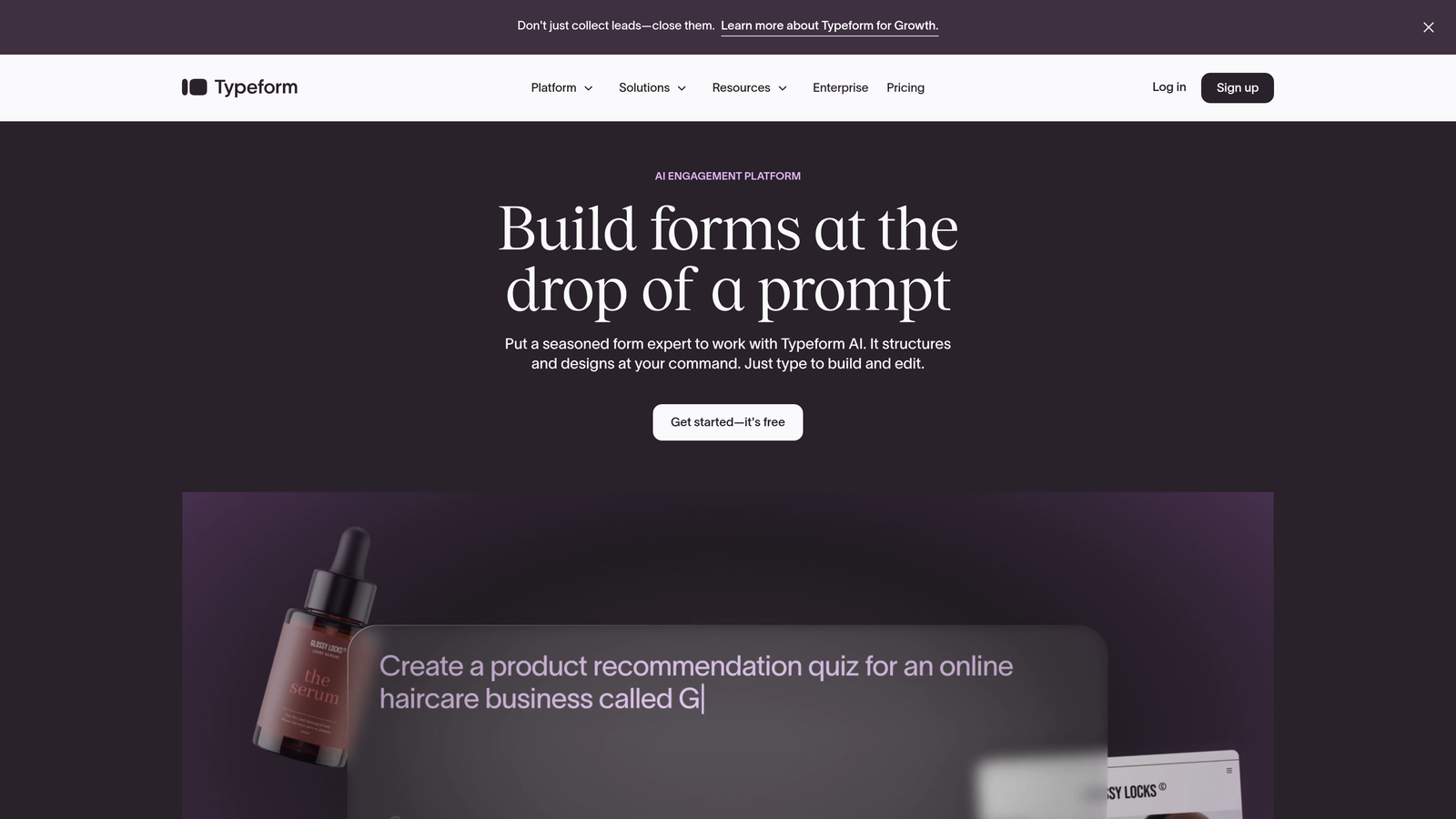
Typeform is a conversational form builder known for its distinctive one-question-at-a-time format that transforms standard forms into interactive experiences.
Where This Tool Shines
Typeform's conversational approach reduces form abandonment by presenting questions one at a time, making even lengthy forms feel manageable. This format works particularly well for SaaS product qualification surveys and detailed onboarding flows where you need substantial information without overwhelming prospects.
The platform's design flexibility lets you create forms that truly match your brand. From custom color schemes to embedded videos and images, Typeform gives you the creative control to make forms that feel like a natural extension of your landing page rather than a tacked-on afterthought.
Key Features
Conversational Format: One-question-at-a-time presentation that keeps users focused and reduces cognitive load.
Extensive Brand Customization: Complete control over colors, fonts, backgrounds, and media to match your brand identity perfectly.
Logic Jumps and Branching: Create dynamic form paths that adapt based on previous answers, showing only relevant questions.
Rich Media Embedding: Add videos, images, and GIFs throughout your forms to create engaging, multimedia experiences.
Native Integrations: Connect directly with popular tools like Google Sheets, Slack, HubSpot, and Salesforce without middleware.
Best For
SaaS teams prioritizing user experience and brand presentation will appreciate Typeform's design-first approach. It's particularly effective for product qualification surveys, detailed demo request forms, and customer feedback collection where engagement matters more than speed.
Pricing
Free tier available with Typeform branding and limited features. Basic plan starts at $25/month, with higher tiers offering advanced logic and integrations.
3. Jotform
Best for: Teams needing quick setup with extensive customization options and templates
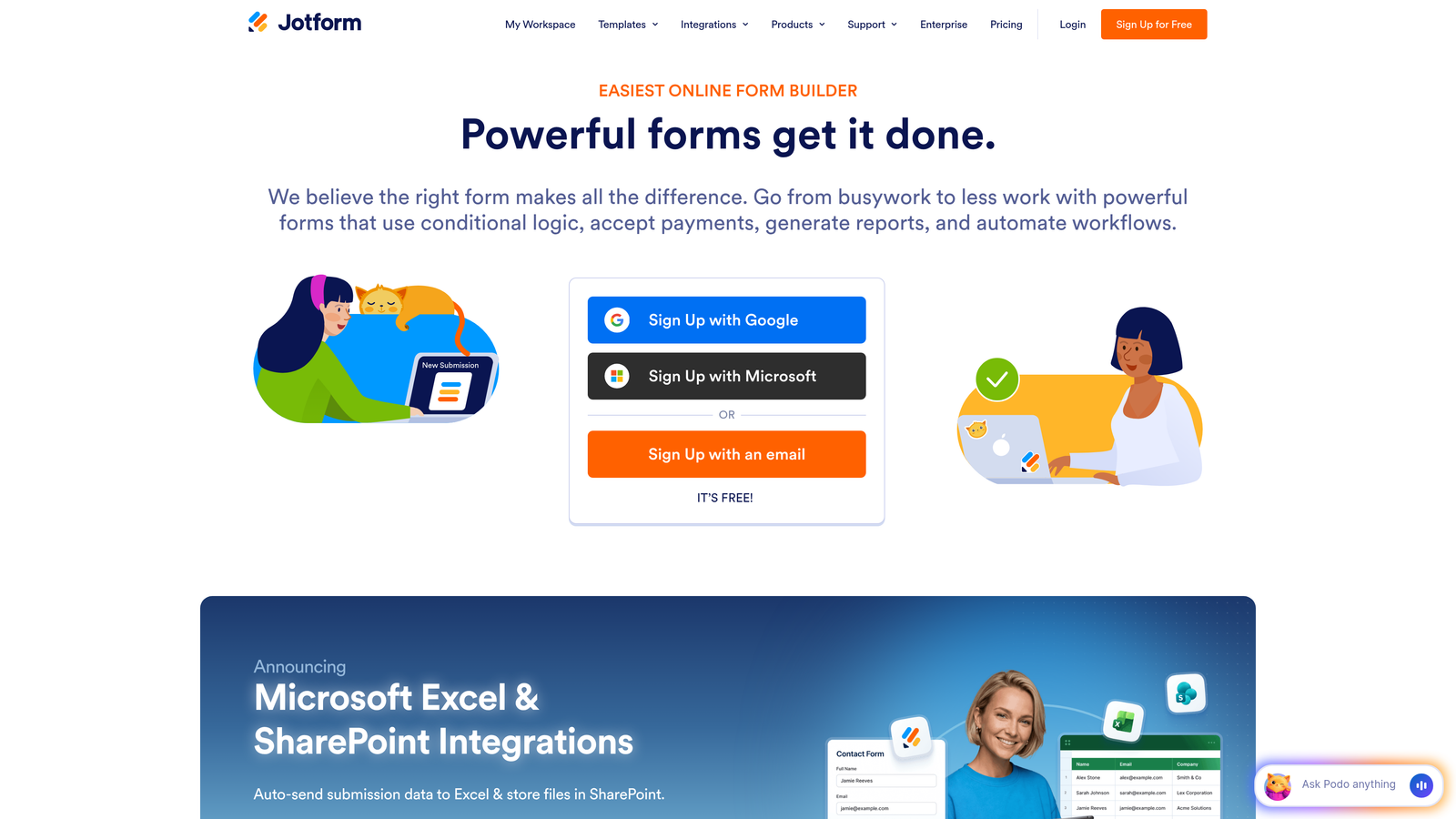
Jotform is a versatile form builder offering thousands of pre-built templates and widgets for virtually any form use case imaginable.
Where This Tool Shines
With over 10,000 templates, Jotform eliminates the blank canvas problem. Need a demo request form? There are dozens of starting points. Product feedback survey? Covered. This extensive template library means you can launch professional forms in minutes rather than hours.
The drag-and-drop builder includes over 100 widgets that extend functionality far beyond basic text fields. Add payment processing, appointment scheduling, file uploads, or electronic signatures without writing code or integrating third-party services.
Key Features
10,000+ Templates: Pre-built forms for every conceivable use case, all customizable to match your needs.
100+ Widgets: Extend form functionality with specialized components for payments, scheduling, calculations, and more.
Payment Collection: Built-in integrations with Stripe, PayPal, Square, and other payment processors for collecting subscription payments or deposits.
PDF Generation: Automatically convert form submissions into formatted PDF documents for contracts or agreements.
Approval Workflows: Route submissions through multi-step approval processes with notifications and status tracking.
Best For
Jotform works well for SaaS companies needing diverse form types across different departments. If you need everything from lead capture to internal approval workflows in one platform, the breadth of features justifies the learning curve.
Pricing
Free tier allows up to 5 forms with 100 monthly submissions. Bronze plan starts at $34/month for unlimited forms and 1,000 monthly submissions.
4. HubSpot Forms
Best for: Teams already using HubSpot CRM seeking seamless native integration
HubSpot Forms is the native form builder within the HubSpot ecosystem, offering tight integration with CRM and marketing automation capabilities.

Where This Tool Shines
If you're already invested in the HubSpot ecosystem, their native forms eliminate integration headaches entirely. Submissions automatically create or update contact records, trigger workflows, and sync with your sales pipeline without middleware or complex mapping.
Progressive profiling is where HubSpot Forms truly delivers value for SaaS companies. The platform remembers returning visitors and asks different questions each time, gradually building comprehensive contact profiles without overwhelming prospects with lengthy forms on their first visit.
Key Features
Native CRM Integration: Submissions automatically sync with HubSpot CRM, creating contacts and triggering workflows without additional setup.
Progressive Profiling: Show different questions to returning visitors, gradually collecting information over multiple interactions.
Smart Fields: Auto-populate known information for returning visitors and create dependent fields that change based on previous answers.
Automatic Segmentation: Contacts are automatically added to lists and segments based on form submissions and responses.
A/B Testing: Test different form variations to optimize conversion rates with built-in analytics.
Best For
HubSpot Forms makes sense primarily for teams already using HubSpot for CRM or marketing automation. The native integration eliminates friction, but the platform is less compelling as a standalone form solution compared to specialized builders.
Pricing
Free with HubSpot CRM. Advanced features like progressive profiling and A/B testing require paid Marketing Hub tiers starting at $45/month.
5. Tally
Best for: Budget-conscious teams wanting unlimited forms with modern design
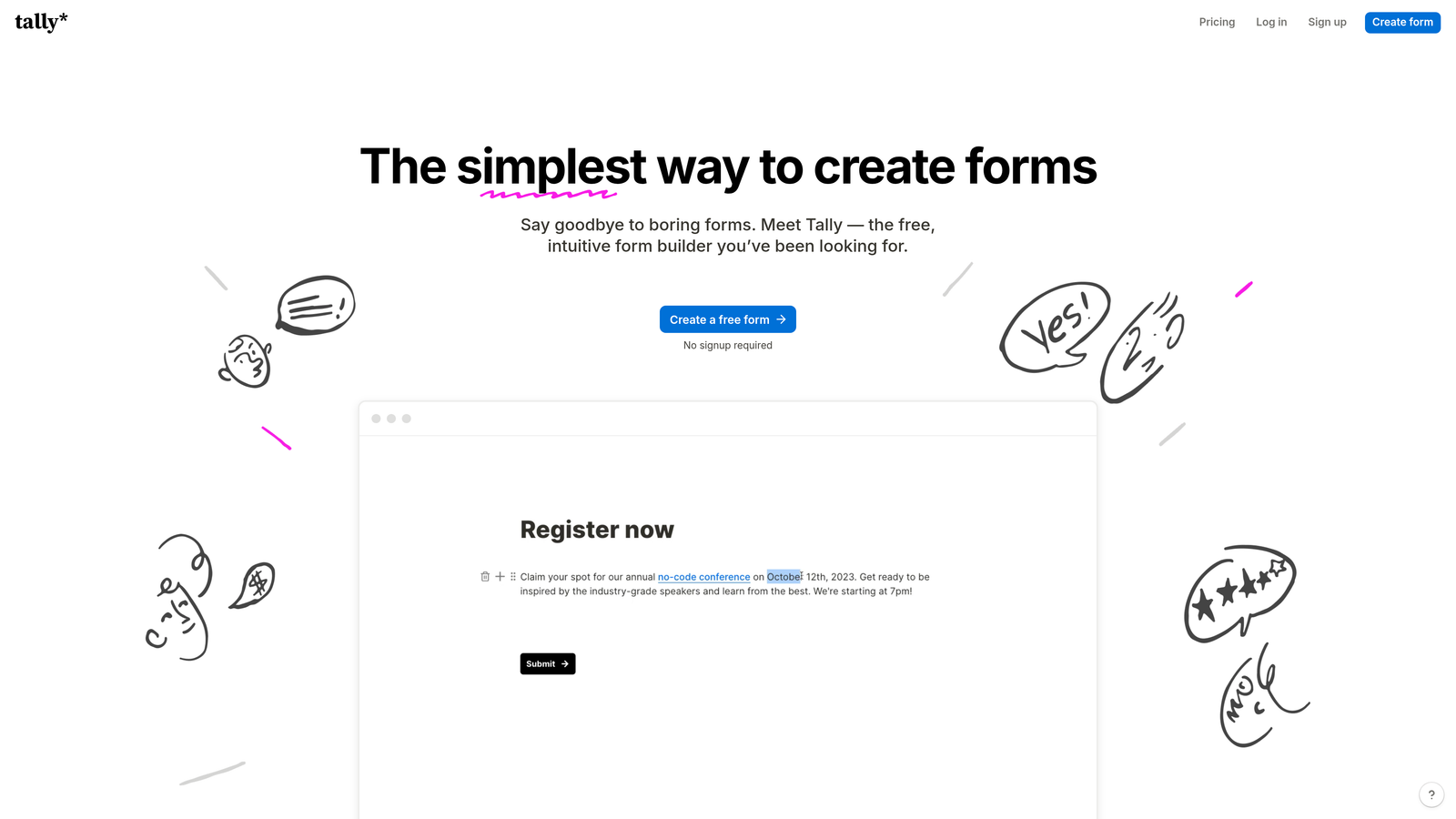
Tally is a simple, Notion-like form builder that offers unlimited forms on its free tier with a clean, modern interface.
Where This Tool Shines
Tally's generous free tier is genuinely impressive—unlimited forms, unlimited submissions, and no branding requirements. For early-stage SaaS startups watching every dollar, this removes the typical form builder cost from your budget entirely while still delivering professional results.
The Notion-style block-based editor feels immediately familiar if you've used modern documentation tools. Building forms becomes as intuitive as writing a document, with blocks for different question types that you simply add and arrange as needed.
Key Features
Unlimited Free Tier: No artificial limits on forms or submissions, making it viable for growing teams without budget constraints.
Block-Based Editor: Notion-inspired interface that makes form building feel natural and intuitive.
Conditional Logic: Show or hide questions based on previous answers to create dynamic, personalized form experiences.
File Uploads and Signatures: Collect documents and electronic signatures directly within forms.
Webhooks and Zapier: Connect to thousands of apps through Zapier or use webhooks for custom integrations.
Best For
Tally is perfect for bootstrapped SaaS startups and indie makers who need professional forms without the recurring cost. The free tier's lack of restrictions makes it a legitimate long-term solution, not just a trial period.
Pricing
Free tier with unlimited forms and submissions. Pro plan at $29/month adds features like custom domains, file upload limits, and priority support.
6. Paperform
Best for: Creating branded, document-style forms that double as landing pages
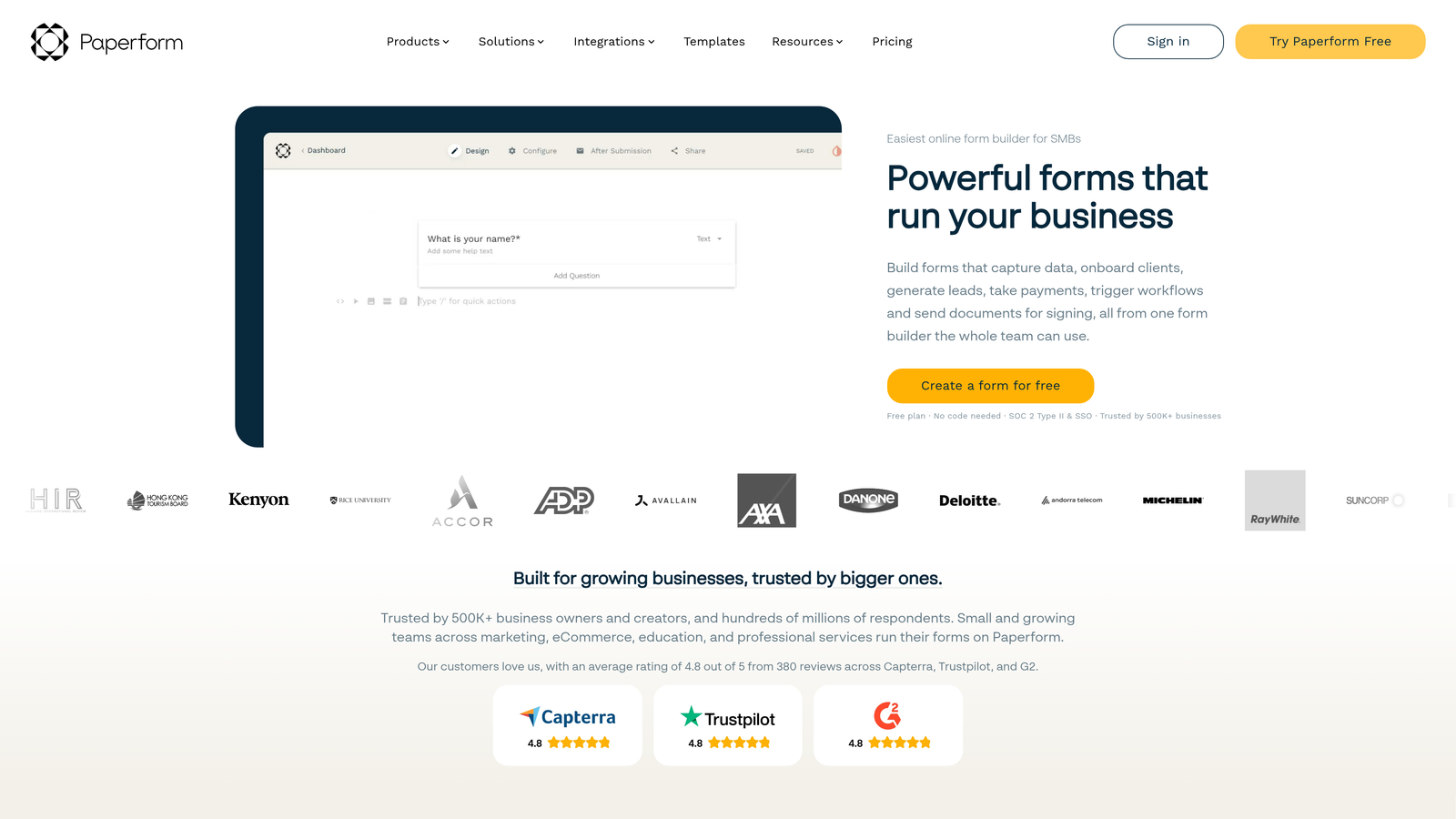
Paperform is a document-style form builder that combines the flexibility of a landing page with form functionality for cohesive branded experiences.
Where This Tool Shines
Paperform blurs the line between forms and landing pages, letting you create rich, content-heavy experiences that collect information. You can embed product demos, explanatory videos, pricing tables, and testimonials alongside form fields, creating a complete conversion experience in one place.
The document-style approach means you're not constrained by traditional form layouts. Add headings, paragraphs, images, and dividers anywhere to create forms that feel more like interactive product pages than data collection tools.
Key Features
Document-Style Design: Build forms that look and feel like branded landing pages with complete layout control.
Rich Media Embedding: Add videos, images, product demos, and other content throughout your forms to educate while collecting information.
Built-In Payments: Accept payments through Stripe or PayPal directly within forms for subscriptions or one-time purchases.
Advanced Calculations: Create dynamic pricing calculators, quote generators, and other calculation-based forms.
Custom Success Pages: Design branded thank-you pages with personalized content based on form responses.
Best For
SaaS companies that want forms to feel like natural extensions of their marketing site will appreciate Paperform's design flexibility. It's particularly effective for pricing calculators, detailed product configurators, and multi-page demo request flows.
Pricing
Essentials plan at $24/month includes unlimited forms and submissions. Pro plan at $49/month adds advanced features like calculations and custom domains.
7. Formstack
Best for: Enterprise SaaS teams needing compliance, security, and advanced workflows
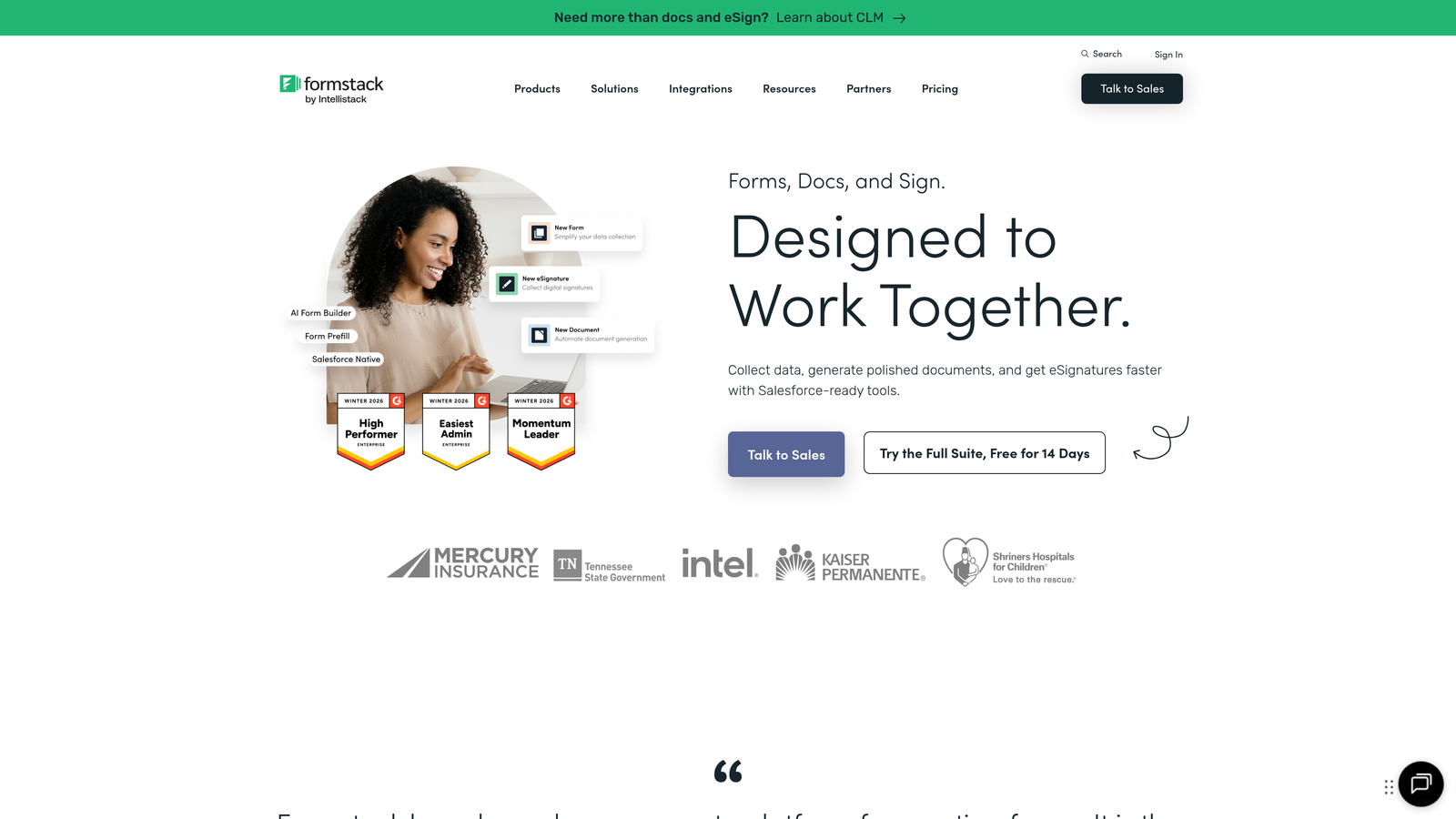
Formstack is an enterprise-grade form builder with advanced workflow automation, compliance features, and robust security options.
Where This Tool Shines
Formstack takes security and compliance seriously, offering HIPAA-compliant forms and enterprise-grade data protection. For SaaS companies in healthcare, finance, or other regulated industries, this compliance infrastructure is built-in rather than requiring custom development.
The workflow automation capabilities go far beyond basic email notifications. Create multi-step approval processes, route submissions based on complex criteria, and trigger actions across your entire tech stack with sophisticated conditional logic.
Key Features
Advanced Workflow Automation: Build complex, multi-step workflows with conditional routing, approvals, and cross-platform actions.
HIPAA Compliance: Forms and data handling meet healthcare compliance requirements with Business Associate Agreements available.
Electronic Signatures: Collect legally binding signatures directly within forms for contracts and agreements.
Salesforce-Native Integration: Deep integration with Salesforce that goes beyond basic data sync to include custom objects and field mapping.
Role-Based Access Controls: Granular permissions for team members with different access levels and responsibilities.
Best For
Enterprise SaaS companies with compliance requirements, complex approval workflows, or large teams needing role-based access will find Formstack's enterprise features worth the premium pricing. Smaller teams may find it overpowered for basic lead capture.
Pricing
Starter plan at $50/month for basic features. Teams plan at $83/month adds advanced features and higher submission limits. Enterprise pricing available for compliance and custom requirements.
8. Unbounce Smart Builder
Best for: Running conversion experiments with AI-powered optimization
Unbounce Smart Builder is a landing page builder with integrated form capabilities and AI-powered optimization, ideal for SaaS teams running continuous conversion experiments.
Where This Tool Shines
Unbounce treats forms as part of a complete landing page experience rather than standalone elements. This integrated approach means you're optimizing the entire conversion path—headline, copy, images, and form fields—as a cohesive unit rather than in isolation.
The AI-powered Smart Traffic feature automatically routes visitors to the landing page variant most likely to convert them based on their characteristics. This goes beyond traditional A/B testing to deliver personalized experiences at scale without manual segmentation.
Key Features
AI-Powered Suggestions: Get intelligent recommendations for copy, design, and layout based on conversion best practices.
Built-In A/B Testing: Test different form variations, layouts, and copy without additional tools or complex setup.
Integrated Landing Pages: Build complete landing page and form experiences in one platform for cohesive conversion optimization.
Smart Traffic Optimization: AI automatically routes visitors to the variant most likely to convert them based on their attributes.
Pop-Ups and Sticky Bars: Add exit-intent pop-ups and persistent notification bars to capture additional conversions.
Best For
SaaS marketing teams running paid acquisition campaigns and constantly testing new conversion approaches will benefit from Unbounce's optimization features. The higher price point makes sense when you're spending thousands on ads and need to maximize conversion rates.
Pricing
Build plan starts at $99/month for basic landing pages and forms. Experiment plan at $149/month adds A/B testing and Smart Traffic optimization.
9. Fillout
Best for: Teams using Notion or Airtable wanting native integration
Fillout is a modern form builder with excellent Notion and Airtable integrations, offering clean design aesthetics at competitive pricing.
Where This Tool Shines
Fillout's native Notion and Airtable integrations are genuinely seamless—form submissions sync directly to your databases without Zapier or middleware. For SaaS teams already managing operations in these platforms, this direct connection eliminates integration complexity and potential sync failures.
The design aesthetic is refreshingly modern and clean without requiring extensive customization. Forms look professional out of the box, with thoughtful defaults that work well for most SaaS use cases while still offering customization when needed.
Key Features
Native Notion and Airtable Integration: Direct sync to databases without middleware, maintaining data structure and relationships.
Modern Design Templates: Clean, contemporary form designs that look professional with minimal customization required.
Multi-Step Forms: Break long forms into multiple pages with progress indicators to reduce abandonment.
File Uploads and Scheduling: Collect documents and let prospects book meetings directly within forms.
Conditional Logic: Show or hide fields based on previous answers to create personalized experiences.
Best For
SaaS teams running their operations in Notion or Airtable will appreciate Fillout's native integrations and clean design. The competitive pricing makes it accessible for startups while the feature set scales to support growing teams.
Pricing
Free tier available with basic features. Starter plan at $15/month adds custom branding, increased submission limits, and advanced features.
Making the Right Choice
The right form builder depends on where you are in your SaaS journey and what you're optimizing for. If you're a high-growth team that needs intelligent lead qualification and wants forms that actually help prioritize your pipeline, Orbit AI delivers AI-powered capabilities most builders lack. The automated lead scoring and routing alone can transform how your sales team handles inbound leads.
For early-stage startups watching every dollar, Tally's unlimited free tier removes form costs from your budget entirely while still delivering professional results. You're not compromising on quality—just getting exceptional value. Fillout offers a similar value proposition at $15/month if you need native Notion or Airtable integration.
Teams already invested in HubSpot or Salesforce ecosystems should leverage their native form builders. The tight integration eliminates data sync issues and enables sophisticated automation that's difficult to replicate with standalone tools. HubSpot's progressive profiling is particularly valuable for gradually building contact profiles without form fatigue.
If you're running significant paid acquisition campaigns and need to maximize conversion rates, Unbounce's AI-powered optimization and integrated landing page approach justify the premium pricing. The ability to test and optimize the complete conversion experience—not just the form in isolation—can meaningfully impact your cost per acquisition.
For enterprise teams with compliance requirements or complex approval workflows, Formstack's security features and workflow automation are worth the investment. HIPAA compliance, electronic signatures, and role-based access controls are built-in rather than requiring custom development.
Transform your lead generation with AI-powered forms that qualify prospects automatically while delivering the modern, conversion-optimized experience your high-growth team needs. Start building free forms today and see how intelligent form design can elevate your conversion strategy.


