

Typeform popularized the conversational form experience, and for good reason. The one-question-at-a-time format feels intuitive, and the design quality is genuinely impressive. But high-growth teams are increasingly running into the same set of friction points: pricing that scales aggressively with response volume, a free plan that caps out at 10 responses per month, and AI capabilities that remain focused on form generation rather than the thing that actually moves pipeline — real-time lead qualification.
If you're running a SaaS onboarding flow, a B2B lead capture funnel, or a multi-step qualification survey, your form builder isn't just a data collection tool. It's the first touchpoint in your revenue process. The platform you choose shapes how leads are captured, scored, routed, and followed up with — and those decisions compound quickly at scale.
This guide evaluates the best Typeform competitors available in 2026 through the lens of what actually matters for growth-focused teams: lead qualification intelligence, conversion optimization, integration depth, and total cost of ownership. We've covered platforms ranging from AI-native builders to design-first alternatives and enterprise-grade workhorses, so you can identify which tool fits your specific use case without wading through generic feature comparisons.
1. Orbit AI: The AI-Native Lead Qualification Engine
The Challenge It Solves
Most form builders are passive. They collect data, store it, and wait for someone to act on it. For high-growth teams where every form submission represents active pipeline, that passivity is expensive. The gap between a lead submitting a form and your sales team actually reaching them is where deals go cold — and most traditional form tools do nothing to close that gap.
The Strategy Explained
Orbit AI is built from the ground up for teams that treat form submissions as pipeline events, not just data points. The platform combines a modern, conversion-optimized form builder with real-time lead qualification logic, so your forms aren't just collecting information — they're actively scoring and segmenting leads as responses come in.
Where Typeform offers a polished conversational experience, Orbit AI layers intelligent qualification on top of that experience. You can configure scoring rules based on responses, trigger automated follow-up sequences based on lead quality, and surface high-intent contacts directly to your sales team with context already attached. The platform also includes native CRM-style contact management, which means you're not dependent on a third-party integration just to see who submitted what.
Implementation Steps
1. Map your qualification criteria before building your form — identify the signals that distinguish a high-intent lead from a casual browser, and configure your scoring logic around those signals.
2. Build your form using Orbit AI's visual editor, using conditional logic to branch the experience based on early responses — so high-fit leads get a different path than low-fit ones.
3. Set up automated follow-up sequences triggered by lead score thresholds, so your sales team receives contacts that are already scored, segmented, and primed for outreach.
Pro Tips
Don't treat qualification as a binary pass/fail. Use Orbit AI's scoring tiers to create distinct follow-up tracks for high, medium, and low-fit leads. A medium-fit lead nurtured well today can become a high-fit lead next quarter. The platform's contact management layer makes it easy to build those long-term sequences without additional tooling.
2. Tally: The Lean, Generous Free-Tier Option
The Challenge It Solves
Not every team needs AI-powered qualification. Sometimes you need clean, functional forms that work reliably and don't cost anything until you're ready to scale. Typeform's free plan — capped at 10 responses per month — is essentially unusable for active lead generation. Tally solves that specific problem with a genuinely generous free tier that doesn't punish you for getting traction.
The Strategy Explained
Tally's block-based editor draws clear inspiration from Notion's interface, which makes it immediately familiar to teams already living in that ecosystem. You can build unlimited forms and collect unlimited responses on the free plan, which is a meaningful differentiator for early-stage teams or those running occasional campaigns without predictable volume.
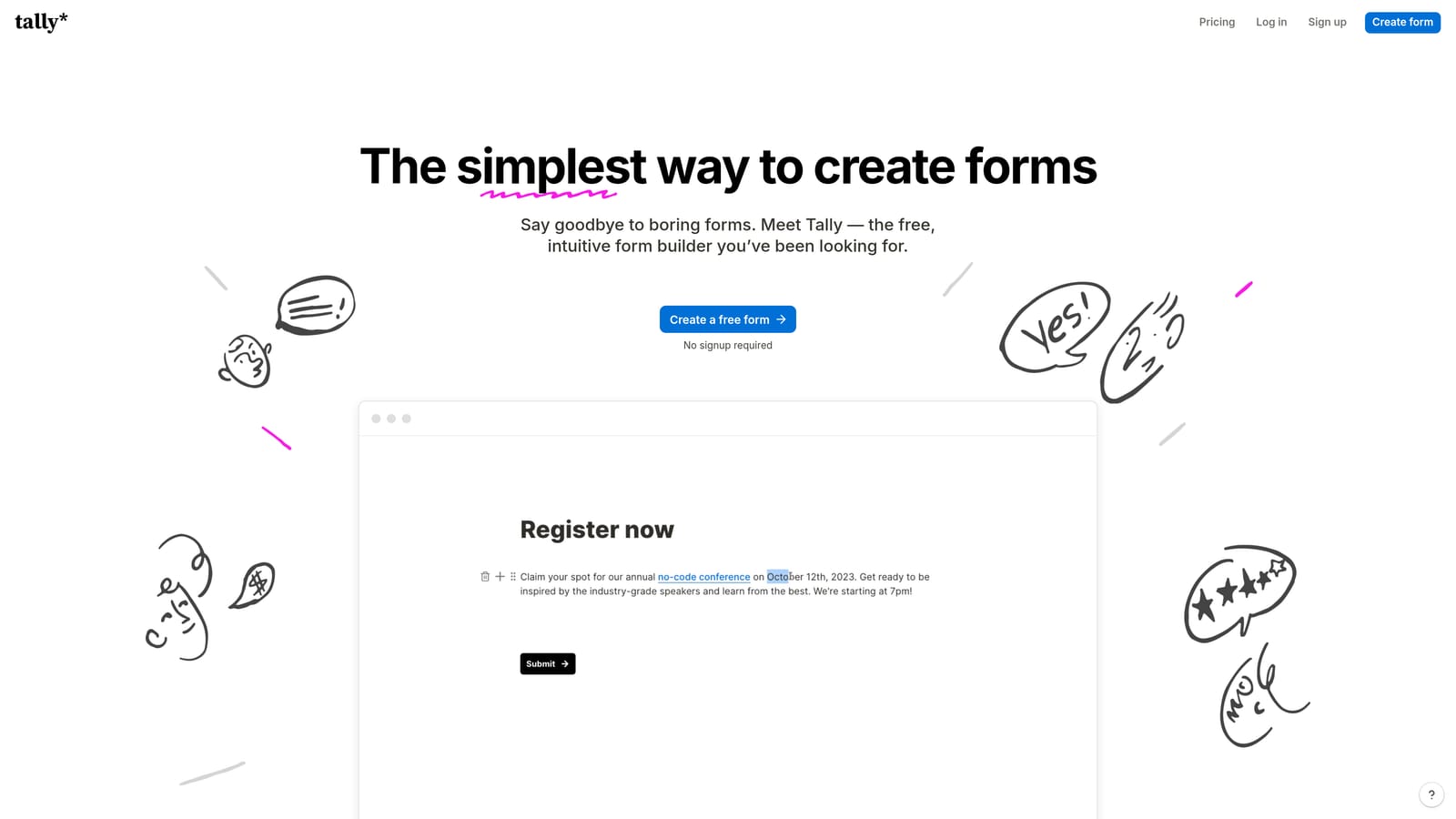
The platform handles standard form types well: contact forms, surveys, application forms, and basic lead capture. It supports conditional logic on paid plans, and the embed experience is clean enough for most use cases. What Tally doesn't offer is deep automation, lead scoring, or qualification intelligence — but for teams that don't need those capabilities, that simplicity is a feature rather than a limitation.
Implementation Steps
1. Start with Tally's free plan and build your core forms using the block editor — the learning curve is minimal if your team already uses Notion.
2. Connect Tally to your existing stack via native integrations or Zapier to route form submissions to your CRM or email platform.
3. Upgrade to a paid plan when you need conditional logic, custom branding, or priority support — the pricing structure is flat-rate rather than response-volume-based.
Pro Tips
Tally works best when your qualification happens downstream — meaning your CRM or email platform does the segmentation work after the submission arrives. If you're comfortable with that workflow and your team already uses Notion, the familiarity of Tally's interface will reduce setup time considerably.
3. Paperform: The Design-First Form and Page Hybrid
The Challenge It Solves
Standard form builders separate the form from the surrounding content experience, which creates a jarring transition for users moving from a polished landing page to a generic form UI. For teams running product sales pages, event registrations, or multi-purpose forms where visual context matters, that disconnect can hurt completion rates. Understanding why visitors abandon forms in the first place often points back to this mismatch between the page experience and the form experience.
The Strategy Explained
Paperform positions itself as a form-and-page hybrid, letting you blend rich content — images, video, product descriptions, pricing tables — directly into the form experience. The result is a more cohesive journey where the form feels like a natural extension of the content rather than a separate tool bolted on afterward.
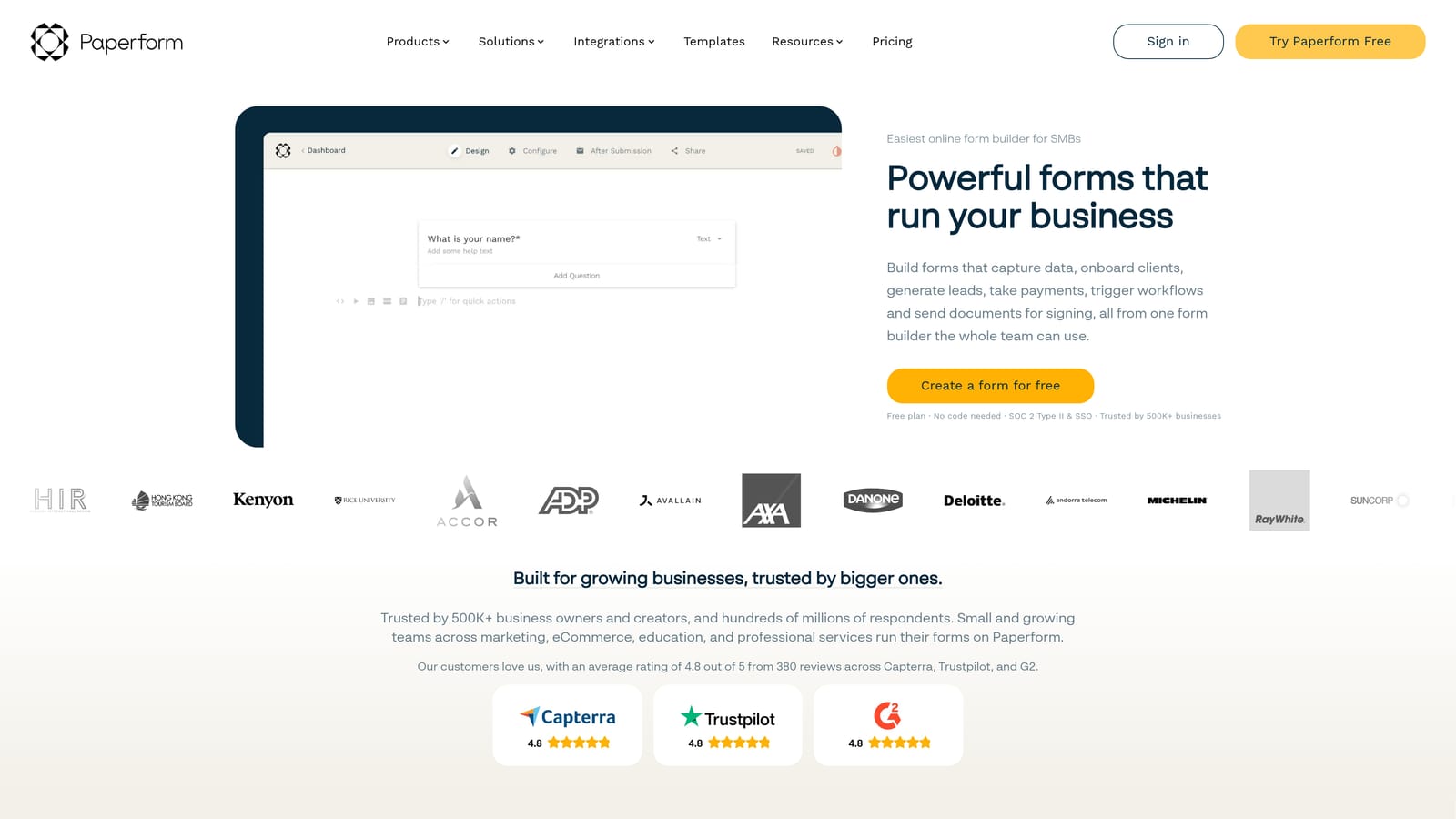
The platform supports strong conditional logic, calculation fields for pricing or scoring, and a flat-rate pricing model that doesn't penalize you for high response volumes. It's particularly well-suited for product sales pages where the form doubles as a checkout or inquiry flow, event registrations that need contextual information embedded alongside the questions, and multi-purpose forms where design consistency with the brand matters.
Implementation Steps
1. Use Paperform's editor to build the surrounding content experience first — establish the visual context before adding form fields, so the questions feel like a natural continuation of the narrative.
2. Configure conditional logic to branch the form experience based on early responses, reducing irrelevant questions and improving completion rates.
3. Connect to your payment processor or CRM via Paperform's native integrations, and test the full end-to-end experience on mobile before publishing.
Pro Tips
Paperform's calculation fields are underused by most teams. You can build dynamic pricing estimators, lead scoring outputs, or quote generators directly into the form — which creates a more interactive experience and gives you richer data without requiring a separate tool.
4. Jotform: The Enterprise-Grade Workhorse
The Challenge It Solves
Large organizations with diverse form needs across multiple departments face a different problem than high-growth startups. They need a platform that handles volume, maintains compliance standards (HIPAA, GDPR, SOC 2), and serves use cases ranging from HR intake forms to patient registration to vendor onboarding — all within a single platform that IT can manage centrally.
The Strategy Explained
Jotform is one of the most mature form builder platforms available, with a template library that spans virtually every industry and use case. The platform publicly emphasizes its HIPAA compliance and enterprise security posture, which makes it a realistic option for healthcare, finance, and legal teams that can't compromise on data handling standards.
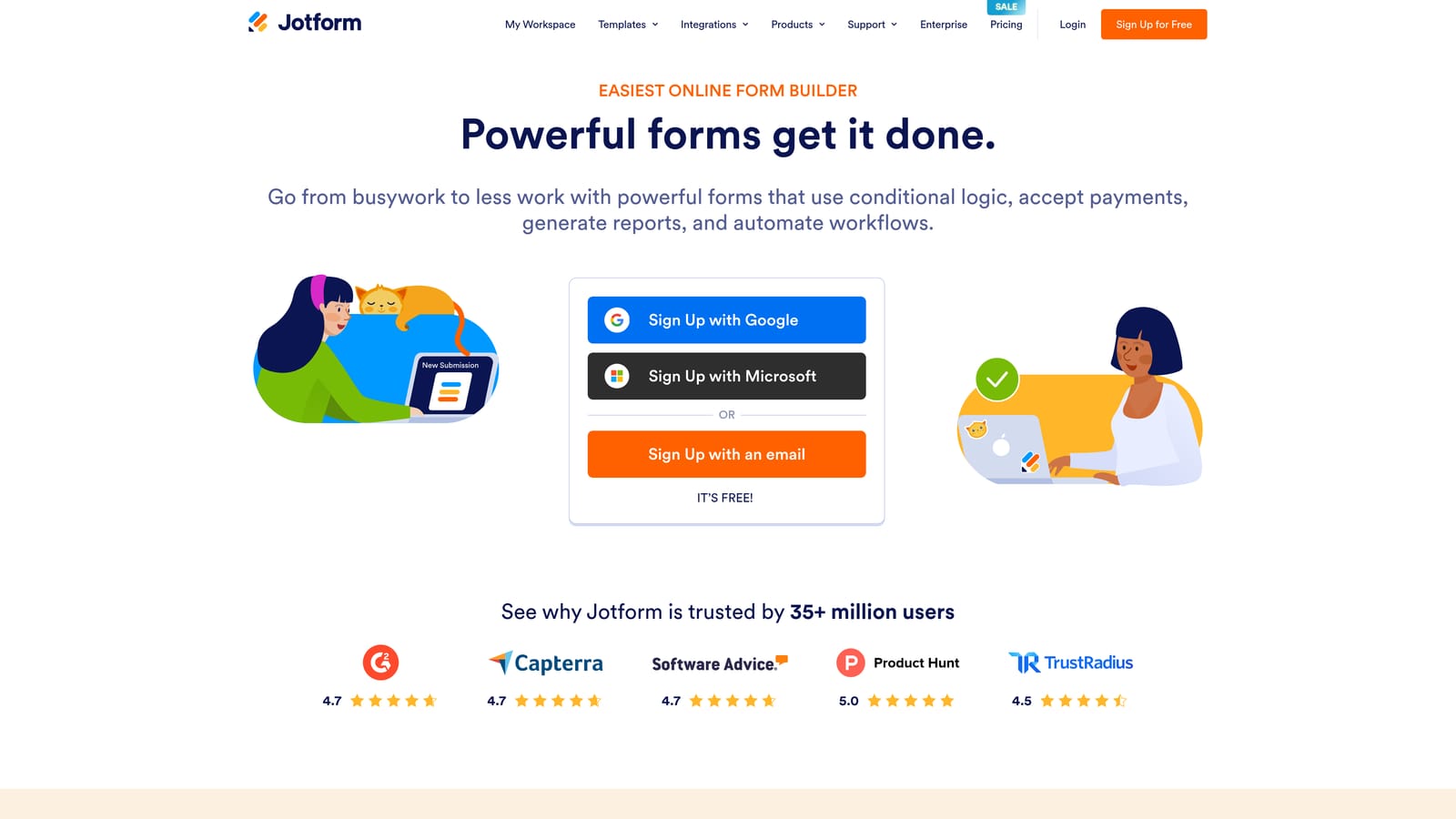
For marketing-led lead generation specifically, Jotform is capable but not optimized for it. The platform supports conditional logic, integrations with major CRMs, and payment collection — but the interface reflects its broad scope rather than a focused lead qualification workflow. Teams that need a single platform to handle everything from internal HR forms to customer-facing lead capture will find Jotform's breadth valuable. Teams that need deep lead qualification intelligence will likely find it falls short of purpose-built alternatives.
Implementation Steps
1. Use Jotform's template library as a starting point rather than building from scratch — the breadth of available templates means you'll almost always find a close match for your use case.
2. Configure form-level permissions and data handling settings to align with your compliance requirements before collecting any live data.
3. Set up integrations with your CRM and email platform using Jotform's native connectors, and use the platform's notification system to route submissions to the right team members.
Pro Tips
Jotform's value compounds when you're managing forms across multiple teams and departments. Use the workspace and team features to organize forms by department, set permissions appropriately, and maintain a consistent review process — rather than treating it as a single-purpose lead capture tool.
5. Form Stack: The Workflow-First Operations Platform
The Challenge It Solves
Operations, HR, and legal teams have form needs that go well beyond lead capture. They need forms that trigger document generation, collect e-signatures, route approvals through multi-step workflows, and maintain audit trails. Most form builders treat these capabilities as add-ons. Form Stack treats them as the core product.
The Strategy Explained
Form Stack publicly positions around document workflows, e-signatures, and approval routing alongside form collection — which tells you immediately that its primary audience is internal operations rather than marketing-led lead generation. If your use case involves collecting a form response and then automatically generating a contract, routing it for approval, and capturing a signature, Form Stack is built for exactly that workflow.
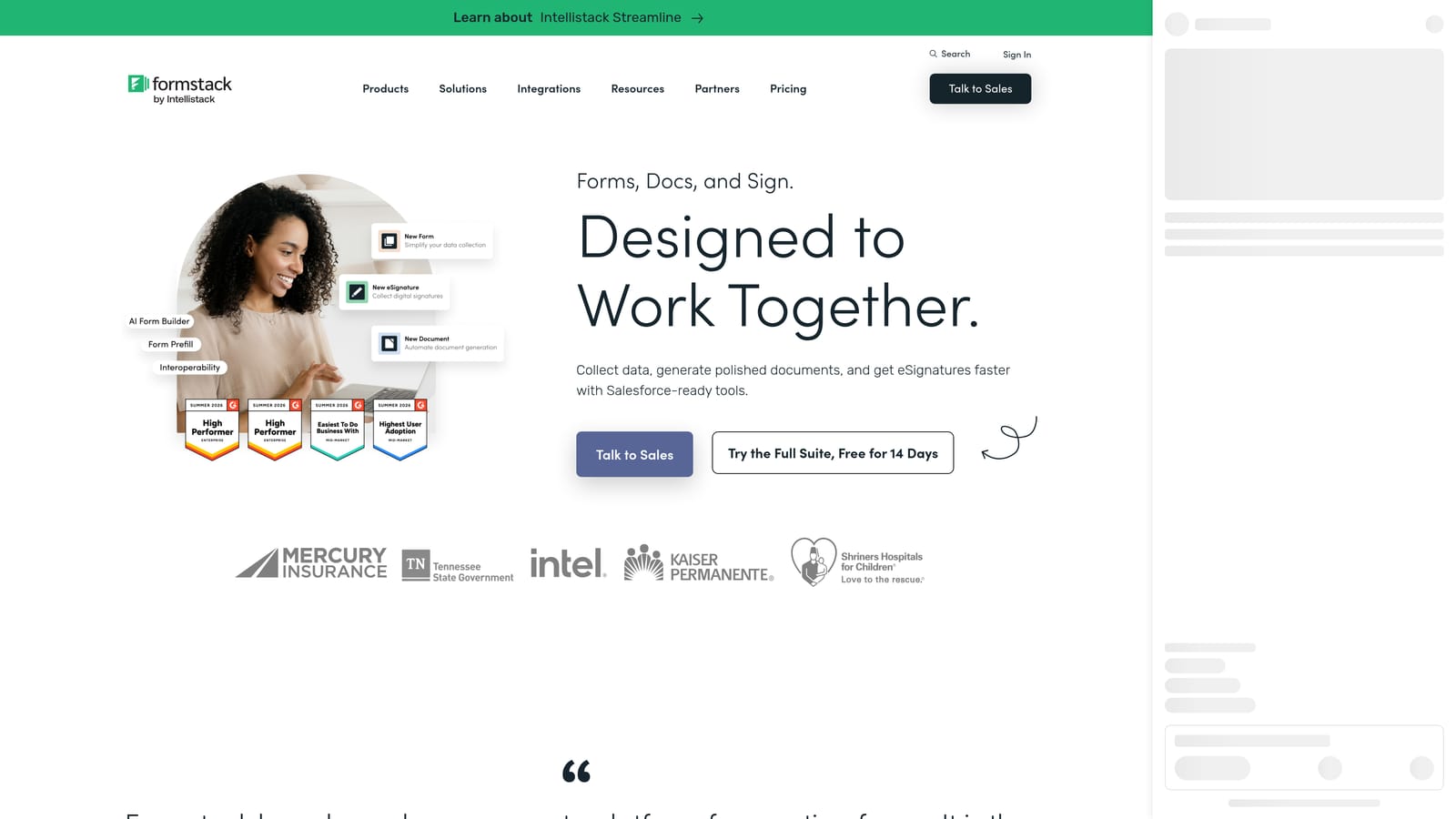
For teams evaluating it as a Typeform replacement for lead generation, it's worth being direct: Form Stack is not optimized for that use case. The platform's strength is in process automation for structured internal workflows, not in conversion-optimized lead capture or real-time qualification. Teams that need both lead generation and document workflow capabilities are likely better served by using purpose-built tools for each rather than forcing Form Stack into a lead gen role it wasn't designed for.
Implementation Steps
1. Map your document workflow before building your form — identify every step from initial submission to final signed document, and confirm that Form Stack's workflow engine supports each handoff.
2. Build your form fields to capture the data that will populate your document templates, using Form Stack's merge field system to automate document generation from submission data.
3. Configure approval routing rules and e-signature requests, then test the full workflow end-to-end with a sample submission before rolling out to live users.
Pro Tips
Form Stack's ROI is highest when you're replacing a manual, multi-step process that currently involves email chains, PDF attachments, and manual signature collection. If your workflow already lives in a dedicated document management system, evaluate carefully whether the overlap justifies the additional platform cost.
6. How to Choose the Right Typeform Alternative
The Challenge It Solves
Comparing form builders on feature lists alone leads to bad decisions. A platform that looks comprehensive in a comparison table might be completely wrong for your specific workflow — and the cost of switching mid-campaign is high. A practical evaluation framework saves you from that outcome.
The Strategy Explained
Start with use case mapping before you look at any features. The platforms covered in this guide serve fundamentally different primary use cases: lead qualification and pipeline generation, general-purpose data collection, design-rich content experiences, enterprise compliance and volume, and internal workflow automation. Identifying which category your primary need falls into immediately narrows the field.
Next, evaluate total cost of ownership rather than headline pricing. Typeform's response-volume pricing model can create unpredictable costs as your campaigns scale. Flat-rate alternatives like Paperform or Tally are more predictable at volume. AI-native platforms like Orbit AI should be evaluated against the cost of the separate tools they replace — a form builder plus a lead scoring tool plus a CRM plus an automation platform adds up quickly.
Then assess AI and automation depth honestly. If real-time lead qualification matters to your team, look beyond form generation assistance and evaluate whether the platform actually scores, segments, and routes leads automatically. Many platforms use "AI" to describe template suggestions or question generation — which is useful but not the same as qualification intelligence. You can explore more about how forms lose leads at the handoff stage to understand why this distinction matters in practice.
Implementation Steps
1. Define your primary use case and the one or two capabilities that are non-negotiable — then filter every platform against those requirements before evaluating secondary features.
2. Run a total cost of ownership calculation that includes the platform subscription, any tools it replaces or requires alongside it, and the internal time cost of managing the workflow.
3. Test the form experience as a user, not just as a builder — complete the form yourself on mobile, measure how long it takes, and identify any points where you'd consider abandoning it.
Pro Tips
The form UX your leads experience directly affects your completion rates. A platform that's easy to build in but produces a clunky user experience is a poor trade. Prioritize platforms where the end-user experience is polished by default, not just when you invest significant customization time. For more context on the specific factors that drive form abandonment, the research on why visitors abandon forms is worth reviewing before finalizing your platform choice.
Putting It All Together: Your Implementation Roadmap
The best Typeform competitor isn't the one with the most features. It's the one that aligns with how your team generates, qualifies, and converts leads — and that alignment looks different depending on where you are in your growth trajectory.
Here's a quick orientation by use case. If lead qualification and pipeline quality are your primary concerns, Orbit AI is purpose-built for that workflow. If you need clean, functional forms with a generous free tier and minimal complexity, Tally is the most practical starting point. If design consistency and content-rich form experiences matter, Paperform's hybrid approach is worth evaluating. If you're managing high-volume, compliance-sensitive forms across a large organization, Jotform's breadth and security posture make it the logical choice. If your need is internal workflow automation with document generation and e-signatures, Form Stack is the specialized tool for that job.
For high-growth teams specifically, the gap between a passive data collector and an AI-powered qualification engine is significant. Every form submission that doesn't get scored, routed, and followed up with intelligently is pipeline left on the table. Orbit AI is built for teams that want their forms to work harder: qualifying leads in real time, triggering intelligent follow-up sequences, and giving your sales team contacts that are already scored and segmented before the first outreach.
If you're ready to move beyond static forms and start treating every submission as a conversion opportunity, Start building free forms today and see how intelligent form design can elevate your conversion strategy.


