

Drag and drop form builders have become essential for high-growth teams that need to move fast without waiting on developers. Whether you're capturing leads, qualifying prospects, or collecting customer data, the right form creator can meaningfully impact your conversion rates — and the wrong one can quietly kill them.
This list covers the best drag and drop form creator tools available in 2026, evaluated on ease of use, design quality, lead qualification capabilities, integrations, and pricing. We've included options for teams at different stages, from lean startups to scaling SaaS companies, so you can find the right fit without wading through endless feature comparisons.
If you want to go deeper on improving what happens after someone fills out your form, check out our guides on how to increase form submissions and how to improve lead quality.
1. Orbit AI
Best for: High-growth SaaS and B2B teams that need forms to qualify leads automatically.
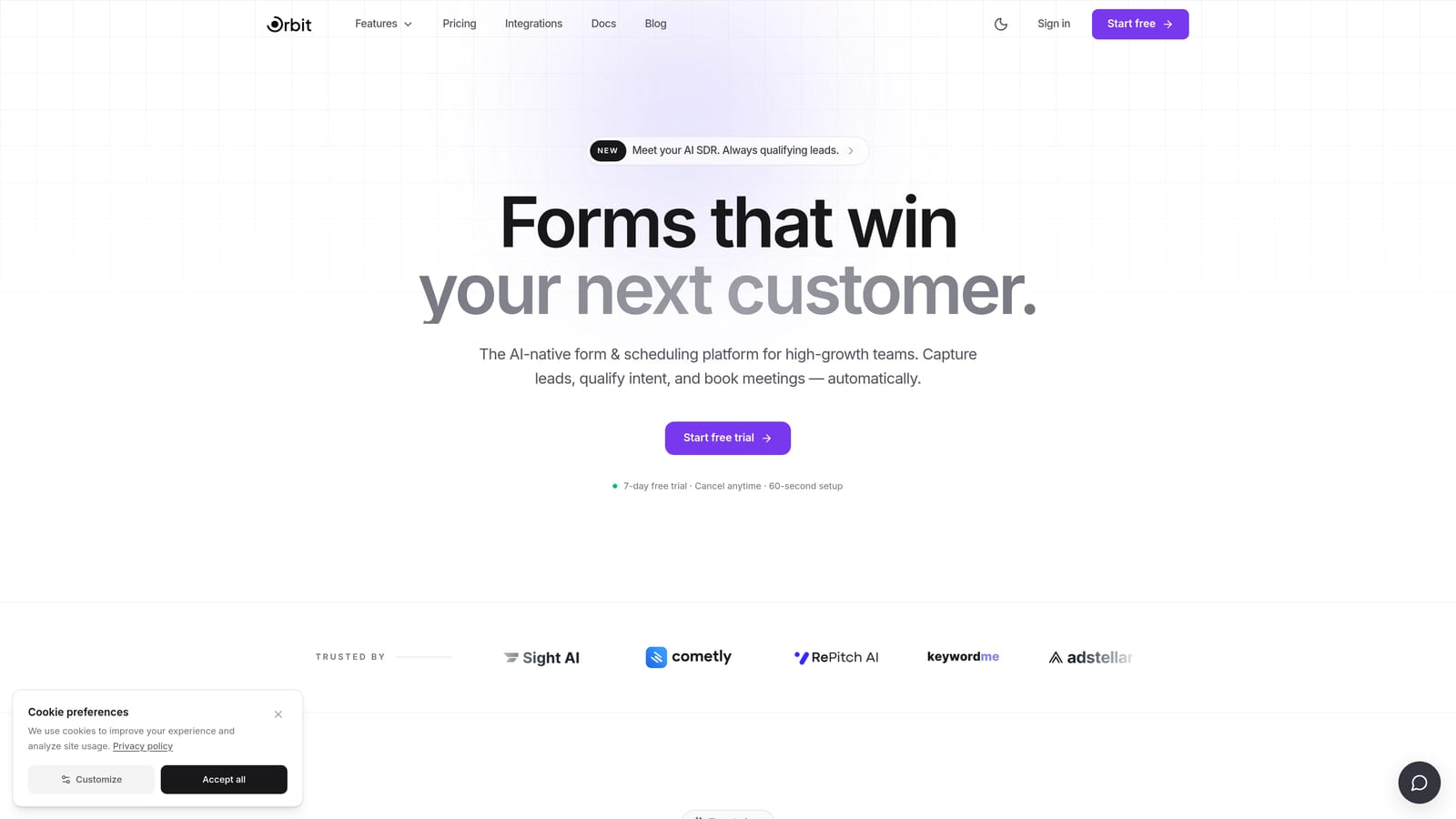
Orbit AI is an AI-powered form builder built specifically for teams where lead quality matters as much as lead volume.
Where This Tool Shines
Most form builders stop at data collection. Orbit AI is designed around what happens next. The platform layers AI-powered lead qualification directly into the form experience, scoring and routing submissions automatically based on how prospects respond. For SaaS and B2B teams running high-volume lead gen, that's a meaningful operational advantage.
The design quality is also worth calling out. Forms built in Orbit AI look polished out of the box, which matters when your form is often the first touchpoint a prospect has with your brand. You get conversion-optimized aesthetics without needing a designer involved in every build.
Key Features
Drag and Drop Builder: A clean, intuitive editor that lets you build conversion-optimized forms quickly without any technical knowledge.
AI Lead Qualification: Built-in scoring and routing logic that automatically evaluates submissions and moves qualified leads to the right destination.
Conditional Logic: Personalized form paths that adapt based on how each respondent answers, creating a more relevant experience.
B2B and SaaS-Focused Templates: Pre-built form structures designed specifically for lead generation, demo requests, and prospect qualification workflows.
Beautiful Default Design: Forms that look professionally designed without custom CSS or developer involvement.
Best For
Orbit AI is the right choice for growth-focused teams that are tired of manually sorting through form submissions to find their best leads. If your sales team is spending time on unqualified prospects, or if your current form tool is just a data bucket with no intelligence layer, this is worth a close look.
Pricing
Visit orbitforms.ai for current pricing plans. Options are available for teams at different growth stages.
2. Typeform
Best for: Teams that want a conversational, one-question-at-a-time form experience with strong design quality.
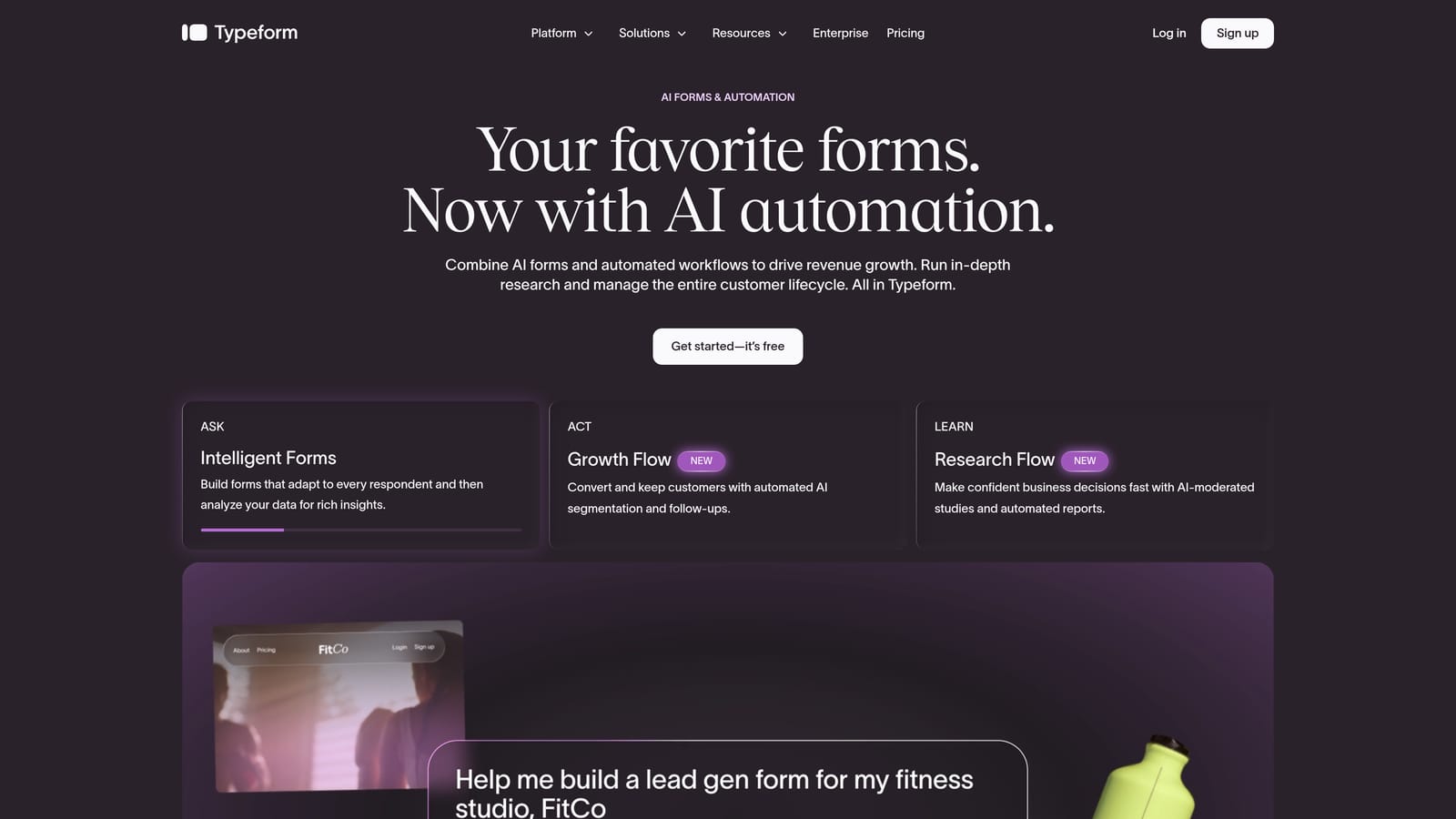
Typeform is one of the most recognized names in form building, known for its distinctive conversational interface and polished visual design.
Where This Tool Shines
Typeform's core innovation is its one-question-at-a-time format, which reduces the cognitive load on respondents and can meaningfully improve completion rates compared to traditional multi-field forms. For surveys, research, and brand-forward lead gen, the experience feels noticeably more human.
The template library is extensive, and the logic jump functionality allows for branching paths that keep the conversation relevant to each respondent. It's a mature platform with a well-documented integration ecosystem that connects to most major CRMs and marketing tools.
Key Features
Conversational Interface: One-question-at-a-time format that creates a more engaging and less overwhelming respondent experience.
Logic Jumps: Branching and conditional logic that personalizes the form path based on previous answers.
Template Library: A large collection of pre-built templates spanning lead gen, research, feedback, and more.
CRM Integrations: Native connections to major marketing and sales platforms for seamless data handoff.
Brand-Quality Design: Visually polished forms that reflect well on the brands using them.
Best For
Typeform works best for marketing teams focused on respondent experience and brand perception. It's particularly well suited to surveys, NPS collection, and top-of-funnel lead capture where engagement quality matters. Teams that need deep lead qualification logic built in may find they need to supplement it with additional tooling.
Pricing
A free tier is available with limited responses. Paid plans scale with response volume and unlock advanced features including logic and integrations.
3. Jotform
Best for: Teams that need maximum feature coverage across diverse form types, from lead gen to payments to event registration.
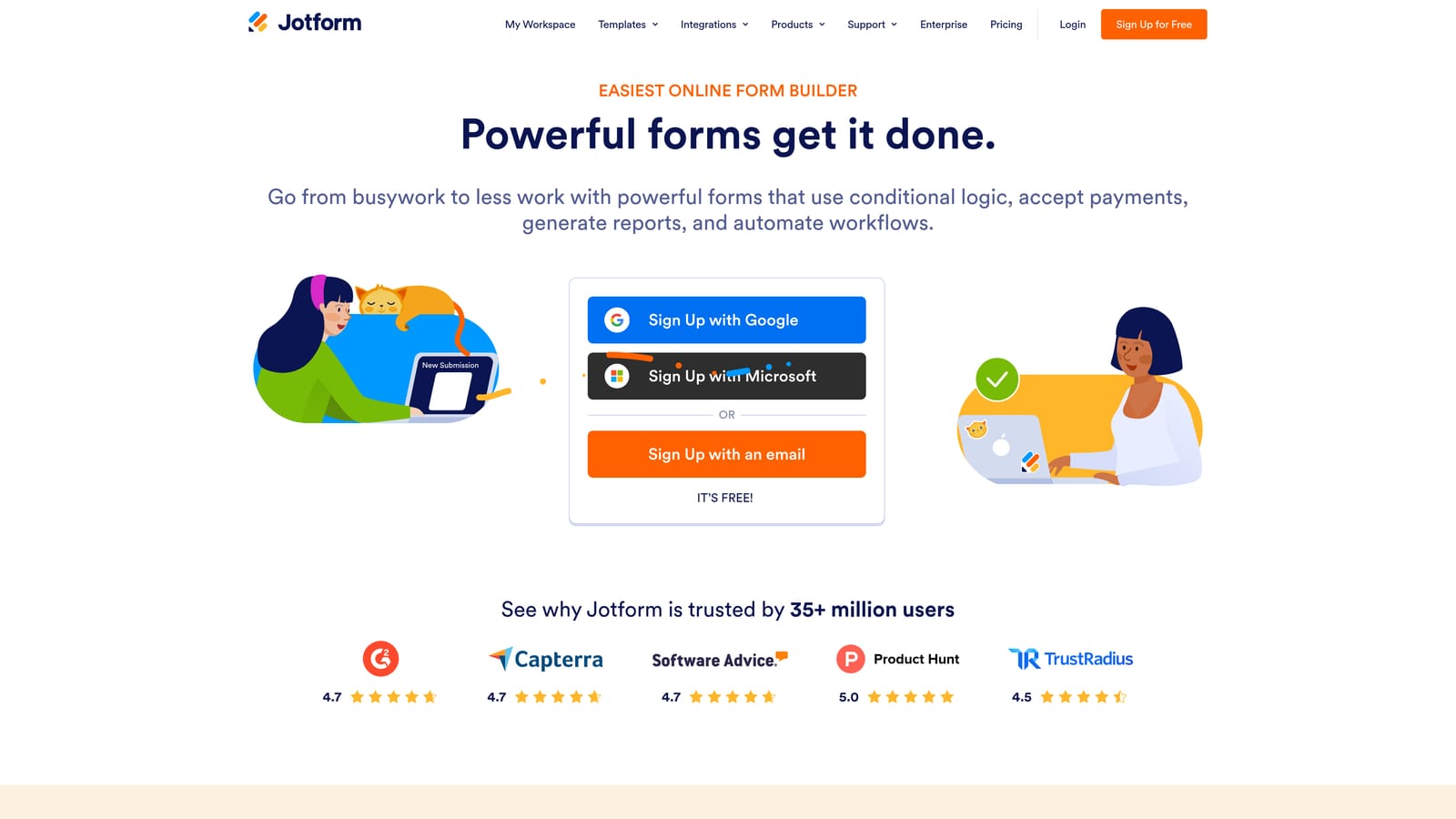
Jotform is one of the most feature-complete form builders in the market, with one of the largest template libraries available in the category.
Where This Tool Shines
If breadth is what you need, Jotform is hard to match. The platform covers an enormous range of use cases: lead capture, payment collection, event registration, e-signatures, surveys, and more. The template library runs into the thousands, which means most teams can find a starting point close to what they need and customize from there.
The drag and drop editor is mature and well-documented, with a wide variety of field types that go well beyond the basics. For teams managing multiple departments with varied form needs, Jotform can often serve as a single platform rather than a patchwork of tools.
Key Features
Massive Template Library: Thousands of pre-built templates spanning virtually every industry and use case.
Extensive Field Types: A wide range of input options including file uploads, signatures, payment fields, and more.
Payment Collection: Native support for collecting payments directly through forms without additional tools.
E-Signature Support: Built-in signature collection for contracts, agreements, and approval workflows.
Offline Data Collection: Mobile-friendly forms that can collect data without an active internet connection.
Best For
Jotform is a strong fit for teams or organizations that need one platform to handle many different form types across multiple departments. It's particularly well suited to operations, HR, and admin teams alongside marketing. Teams with highly specialized lead qualification needs may find the platform better suited for general data collection than intelligent lead routing.
Pricing
A free tier is available with submission and storage limits. Paid plans scale with monthly submission volume and unlock additional features and storage.
4. Tally
Best for: Teams that want clean, simple forms and maximum value from a free plan.
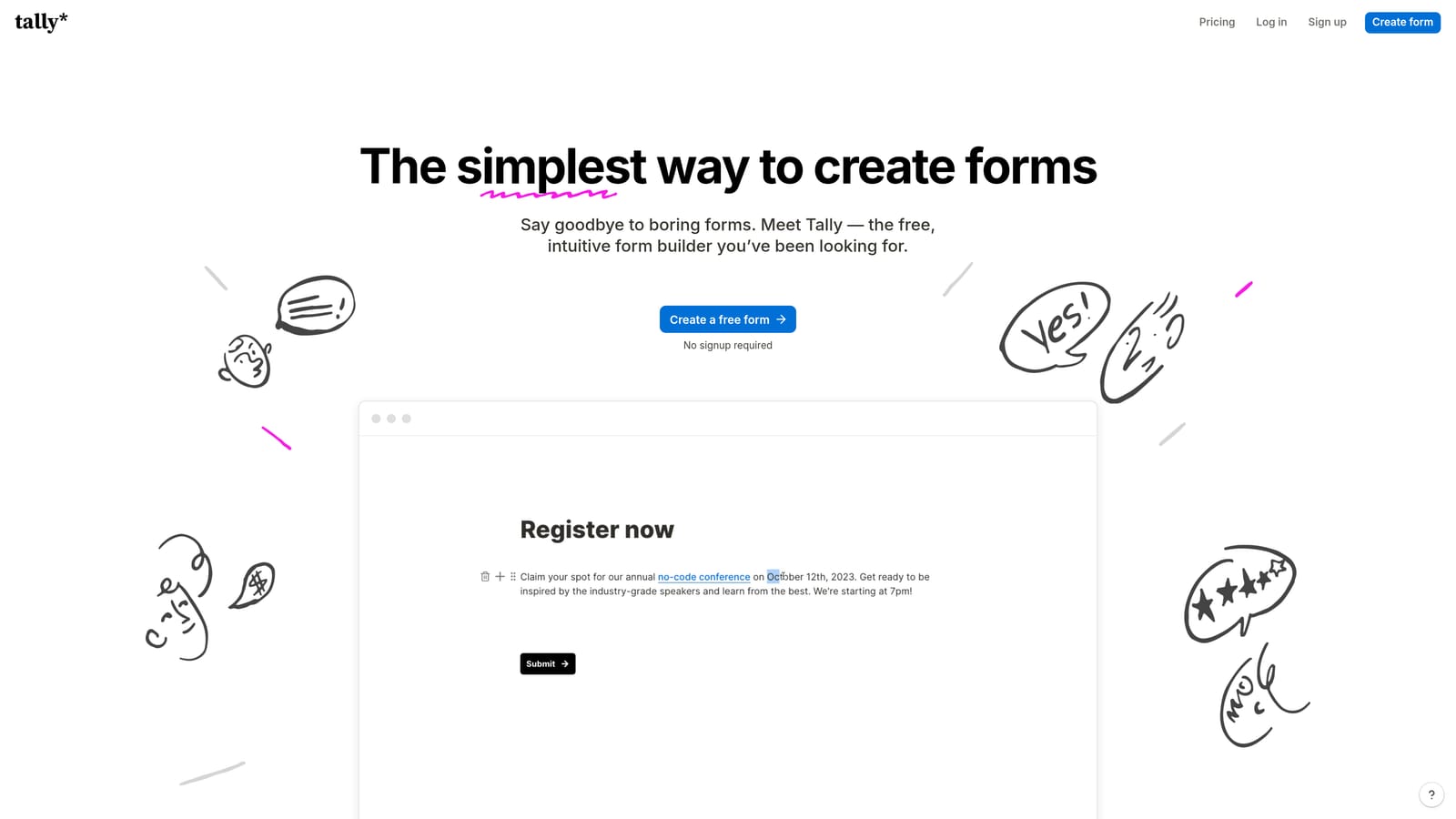
Tally is a minimalist, block-based form builder with a generous free tier that makes it one of the best no-cost options in the category.
Where This Tool Shines
Tally's editor feels immediately familiar if you've spent time in Notion. The block-based approach makes it fast to build forms without a steep learning curve, and the free plan includes most of the features you'd expect to pay for elsewhere, including conditional logic, hidden fields, and embedding without Tally branding.
The design aesthetic is clean and distraction-free by default, which works well for forms where simplicity is the goal. For teams that don't need heavy automation or AI-powered routing and just want a reliable, good-looking form that works, Tally delivers a lot without asking for anything in return.
Key Features
Block-Based Editor: A Notion-like interface that's intuitive to pick up and fast to work in.
Generous Free Plan: Most core features, including conditional logic and embedding, are available without paying.
No Branding on Free Tier: Forms embed cleanly without Tally watermarks, even on the free plan.
Conditional Logic: Branching paths and hidden fields included without needing a paid upgrade.
Clean Default Design: Minimal, distraction-free form aesthetic that works well across contexts.
Best For
Tally is ideal for early-stage startups, indie makers, or small teams that need functional, well-designed forms without a monthly bill. It's also a solid choice for internal forms, feedback collection, and lightweight lead capture where advanced qualification logic isn't required.
Pricing
The free plan is robust and covers most use cases. A Pro plan adds advanced features at a low monthly cost for teams that need more.
5. Paperform
Best for: Teams that want forms to function as full campaign or landing pages with rich media and text.
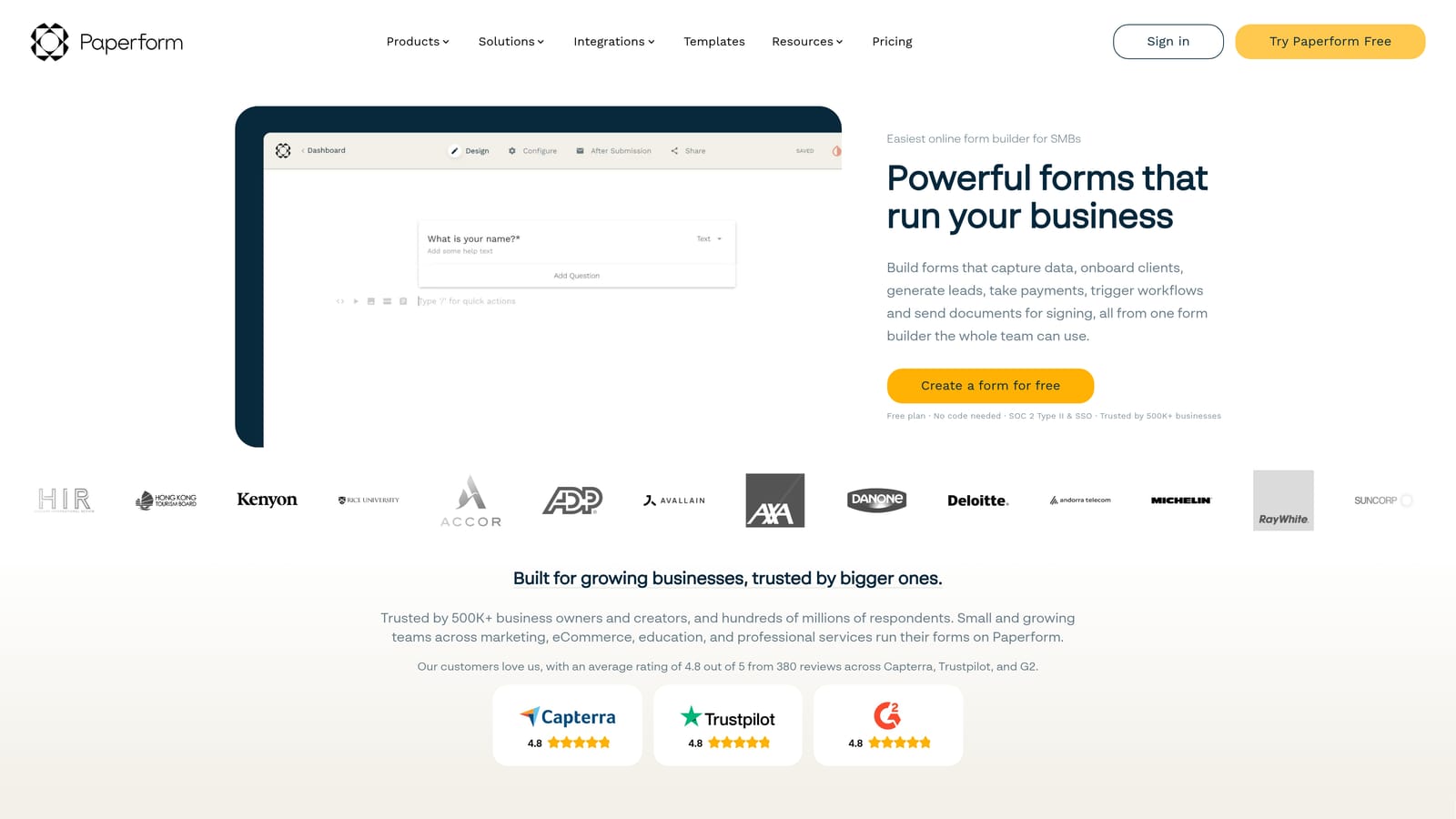
Paperform is a hybrid form and landing page builder that blends rich content, media, and form fields into a single cohesive document-style experience.
Where This Tool Shines
Paperform occupies a unique position in the category. Rather than presenting a form as a standalone input interface, it lets you build something that reads more like a webpage, with text, images, video, and form fields woven together. This makes it particularly effective for product launches, service bookings, event registrations, and any situation where context and storytelling matter alongside data collection.
The design flexibility is genuinely impressive without requiring any code. Custom domain support means your form page can live under your own brand rather than a third-party URL, which adds a layer of professionalism that matters for customer-facing campaigns.
Key Features
Document-Style Editor: Blend rich text, images, and media with form fields in a single scrollable experience.
Payment and Booking Support: Native functionality for collecting payments and managing bookings directly through the form.
Conditional Logic and Calculations: Advanced logic including calculation fields for pricing, scoring, and dynamic outputs.
Custom Domain Support: Host form pages on your own domain for a fully branded experience.
Strong Design Flexibility: Extensive visual customization without writing a single line of code.
Best For
Paperform is best suited for marketing teams running campaigns where the form itself needs to carry narrative weight. Think product waitlists, service intake pages, or event registrations where you want to inform and persuade alongside collecting information. Teams looking for a lightweight lead gen form with AI qualification will find it better suited to content-rich use cases.
Pricing
Paperform is a paid-only platform with no permanent free tier. A free trial is available so you can evaluate it before committing.
6. Formstack
Best for: Enterprise teams that need form building as part of a broader workflow automation and document management suite.
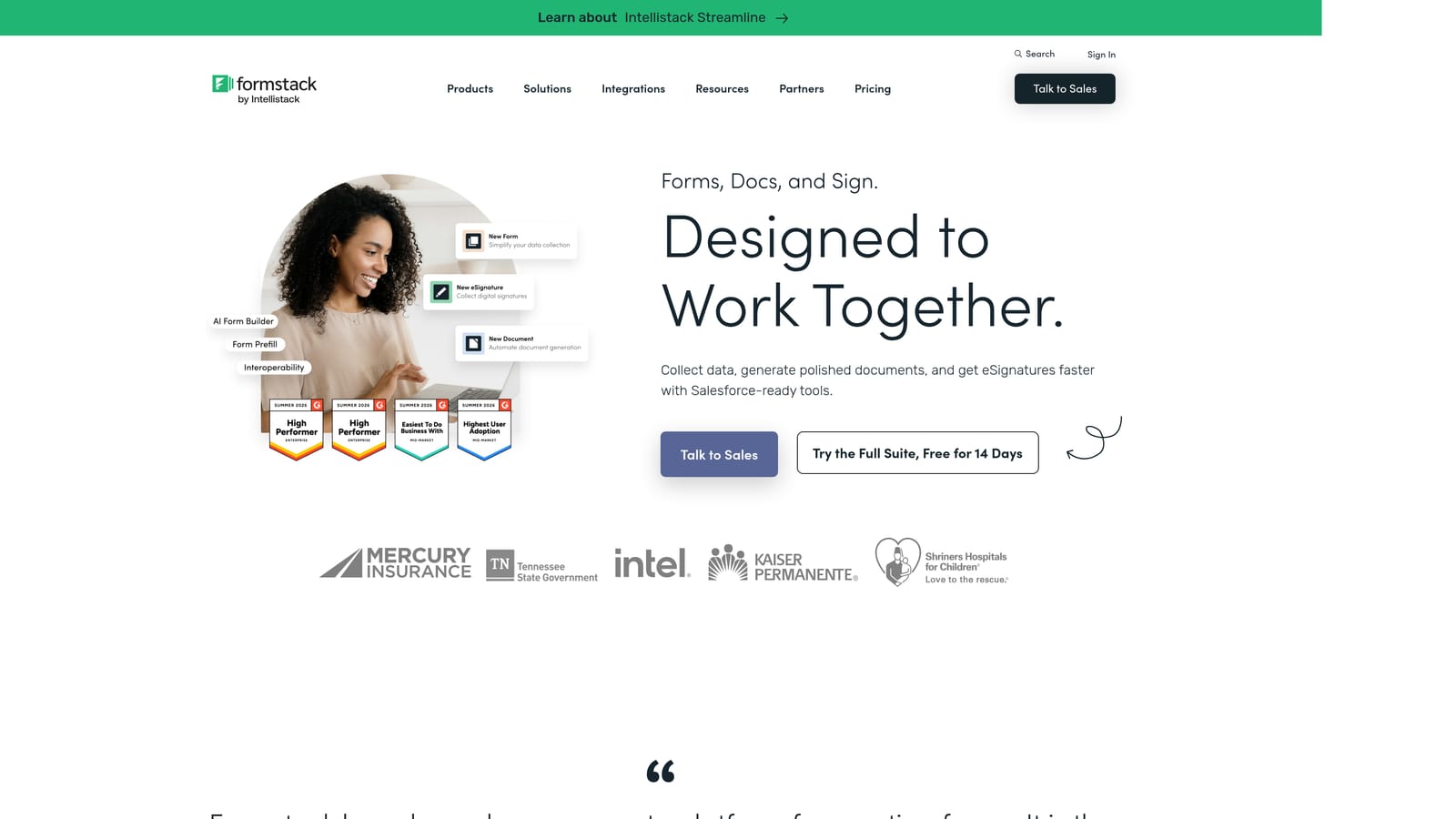
Formstack is an enterprise-grade platform where the drag and drop form builder is one component of a larger suite that includes workflow automation, document generation, and e-signatures.
Where This Tool Shines
For organizations with complex operational requirements, Formstack offers depth that simpler tools can't match. The platform is built for teams that need forms to trigger multi-step approval workflows, generate documents automatically, or collect signatures as part of a structured process. Compliance features including HIPAA and GDPR support make it a viable option for regulated industries.
The integration ecosystem is oriented toward enterprise CRM and ERP systems, which means data collected through Formstack can flow directly into the systems larger organizations already rely on. It's a platform built for operational complexity rather than marketing agility.
Key Features
Drag and Drop Form Builder: A capable editor with advanced field options suited to complex data collection needs.
Workflow Automation: Built-in approval routing and workflow triggers that activate when forms are submitted.
Document Generation: Automatically create documents from form data as part of a connected workflow.
E-Signature Capabilities: Native signature collection integrated into the broader document and workflow suite.
Compliance Features: HIPAA and GDPR compliance support for teams operating in regulated environments.
Best For
Formstack is the right choice for enterprise operations, HR, legal, and compliance teams that need forms embedded in larger business processes. It's less suited to lean marketing teams that want fast, conversion-optimized lead gen forms and more suited to organizations managing structured data workflows at scale.
Pricing
Formstack operates at a higher price point reflecting its enterprise feature set. Contact their sales team directly for current pricing and plan options.
Which Tool Is Right for Your Team?
The best drag and drop form creator tool is ultimately the one that fits how your team works and what happens after someone hits submit. Here's a quick way to think through the decision.
If lead qualification is your priority, Orbit AI is purpose-built for that job. It's the only tool on this list with AI-powered scoring and routing built directly into the form experience, which makes it the natural choice for SaaS and B2B teams focused on conversion quality, not just volume.
If conversational UX is what you're after, Typeform leads the pack. For raw feature coverage across diverse use cases, Jotform is hard to beat. Tally wins on value for teams that need clean, functional forms without a monthly bill. Paperform is the right call when your form needs to double as a landing page with real narrative depth. And Formstack suits enterprise teams managing complex workflows, approvals, and compliance requirements.
For growth-focused teams, the form itself is just the beginning. The real leverage comes from what happens next: how leads are scored, how they're routed, and how quickly your sales team can act on the best ones. That's exactly the gap Orbit AI is designed to close.
Ready to see what AI-powered form building looks like in practice? Start building free forms today and experience how intelligent lead qualification can transform your conversion strategy. And if you want to keep optimizing, our guides on how to improve form conversion rates and form builders with conditional logic are worth bookmarking.


