

Static forms are quietly killing your conversion rates. When every respondent sees the same wall of questions regardless of who they are or what they need, you lose people fast. Logic-driven forms change that equation entirely: they adapt in real time, hide irrelevant fields, and guide each respondent down a path that actually makes sense for them.
For high-growth SaaS and B2B teams, this matters even more. A form that branches intelligently isn't just a better user experience — it's a qualification engine. The right tools can route high-intent leads straight to a sales conversation while sending everyone else into a nurture sequence, all without manual intervention.
This guide covers the best interactive form builders with logic available in 2026, evaluated on logic depth, UX quality, integrations, and fit for growth-focused teams. Whether you're building a lead qualification funnel, a multi-step onboarding flow, or a dynamic survey, there's a tool here for your use case. For more context on what makes forms perform, see our guides on how to build effective web forms and form builder with conditional logic.
1. Orbit AI
Best for: AI-powered lead qualification and conversion optimization for SaaS and B2B teams
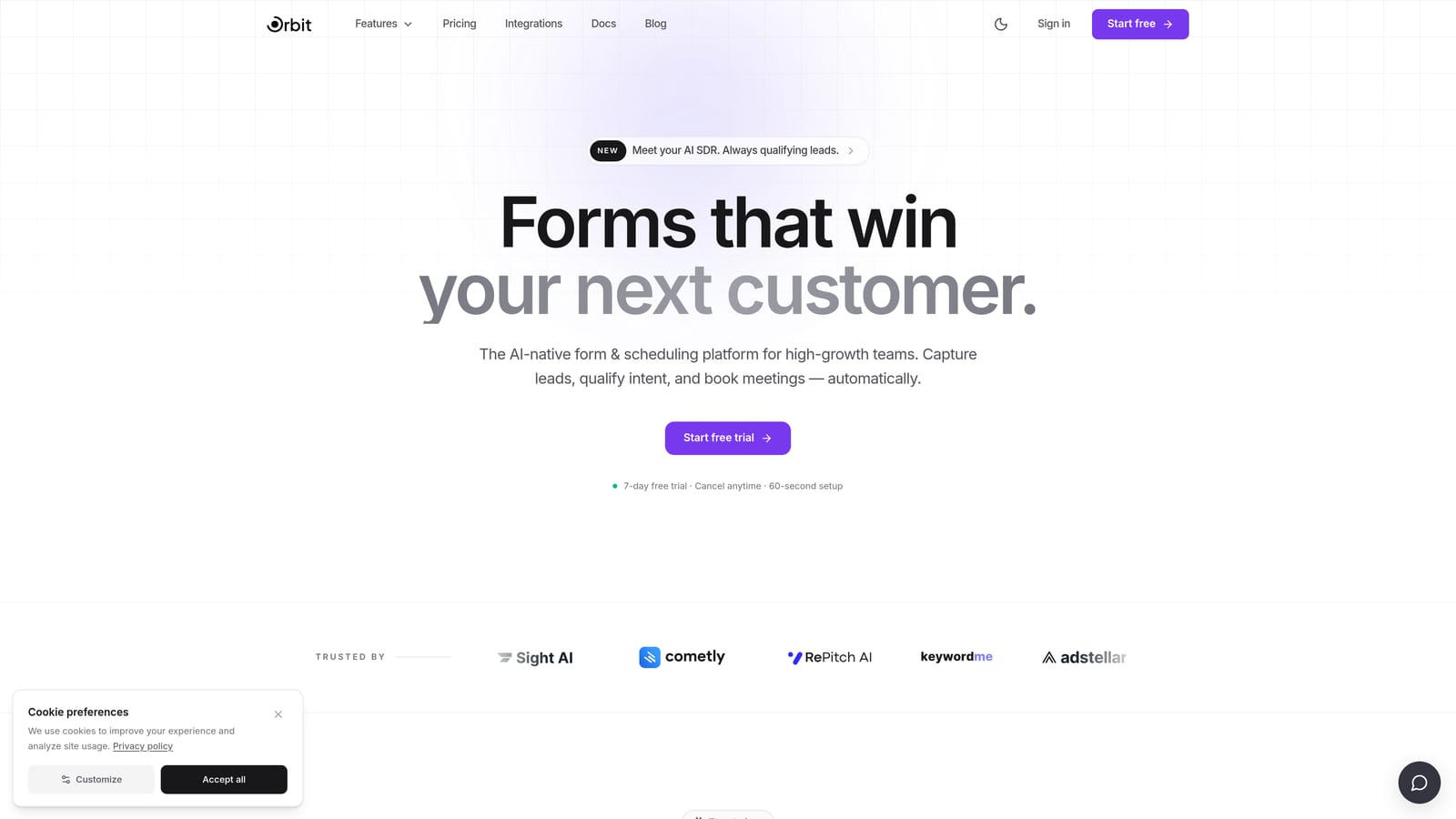
Orbit AI is an AI-powered form builder built specifically for high-growth teams who need forms that do more than collect data — they qualify, score, and route leads automatically.
Where This Tool Shines
Most form builders treat logic as a way to show or hide fields. Orbit AI goes further by combining conditional branching with AI-driven lead scoring, so your form isn't just adapting to responses — it's actively evaluating intent and routing prospects accordingly. High-intent leads get directed toward a sales touchpoint; lower-intent responses flow into nurture sequences. The whole process happens without any manual review.
The design quality is also a genuine differentiator. Orbit AI's forms are conversion-optimized out of the box, with polished visual defaults that don't require a designer to make them look professional. For SaaS and B2B teams where first impressions matter, this reduces friction in the build process significantly.
Key Features
AI-Driven Lead Qualification: Automatically scores and routes leads based on real-time responses, separating high-intent prospects from casual browsers without manual effort.
Conditional Branching: Form paths adapt dynamically based on what respondents select, ensuring each person only sees questions relevant to them.
Conversion-Optimized Design: Visually polished form templates built specifically to maximize completion rates and create a strong brand impression.
Built-In Qualification Criteria: Define your ideal lead profile and let the platform filter and prioritize respondents who match it automatically.
CRM and Sales Workflow Integration: Designed to connect with the tools your sales team already uses, so qualified leads land where they need to go without extra steps.
Best For
Orbit AI is the strongest fit for SaaS companies, B2B marketing teams, and growth-focused organizations running lead generation campaigns. If your primary goal is qualifying leads at the form level rather than downstream in your CRM, this is the tool built with that use case at its core.
Pricing
Check current pricing and plan details directly at orbitforms.ai. Pricing is structured for teams at different growth stages.
2. Typeform
Best for: Conversational, visually polished forms where respondent experience is a top priority
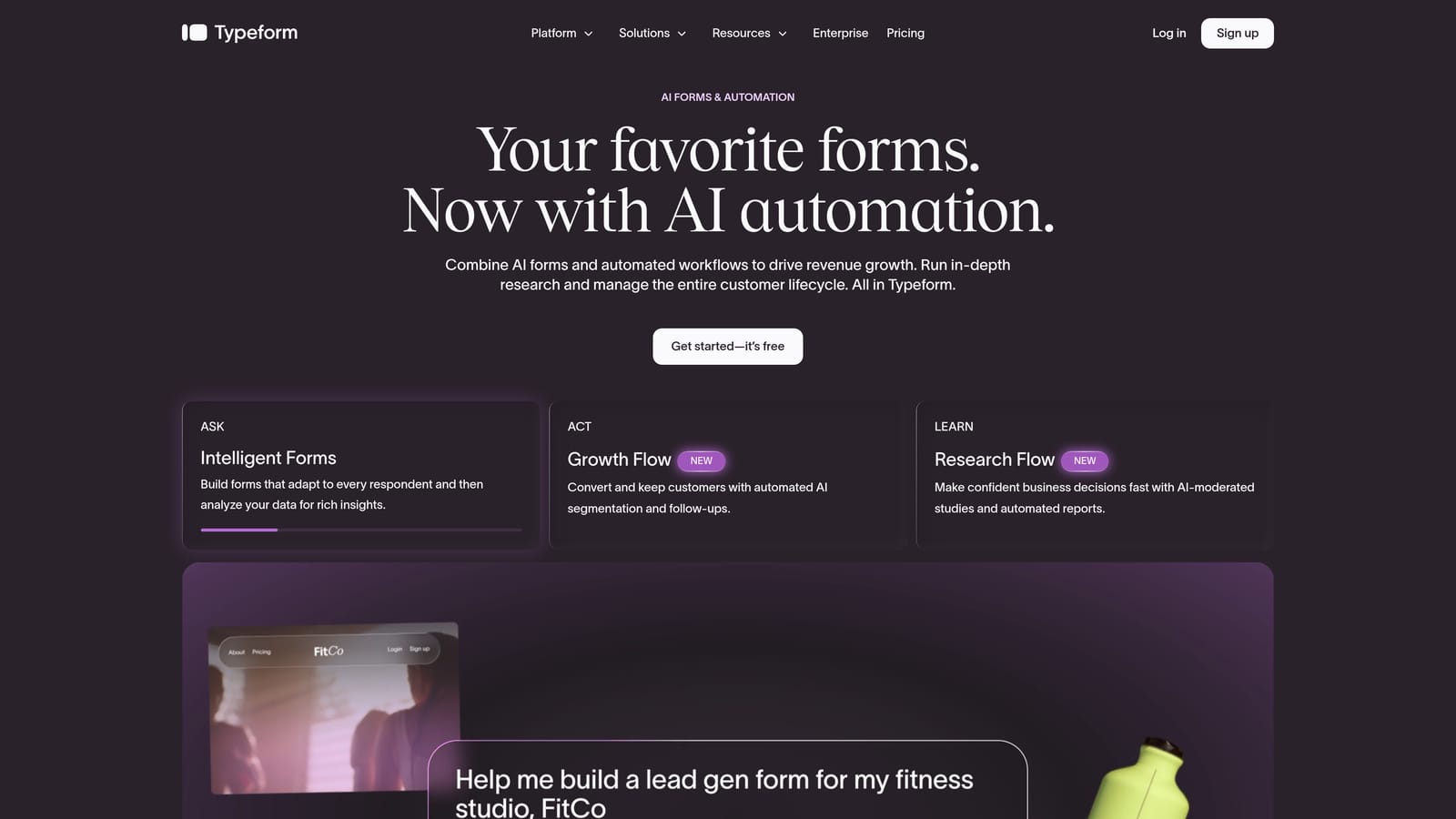
Typeform is a widely recognized form builder known for its one-question-at-a-time format and strong design sensibility, with solid conditional logic available on paid plans.
Where This Tool Shines
Typeform's core strength is the conversational experience it creates. By presenting one question at a time, it reduces the cognitive load of filling out a form and tends to produce higher engagement, particularly for longer surveys or multi-step qualification flows. The interface feels less like a form and more like a guided dialogue.
Its logic builder supports branching based on specific answers, score thresholds, and hidden fields. The answer piping feature — which pulls previous responses into later questions — adds a personalized touch that reinforces the conversational feel throughout the form.
Key Features
One-Question-at-a-Time UX: Presents each question individually to reduce overwhelm and improve completion rates on longer forms.
Conditional Logic and Logic Jumps: Routes respondents to different questions or sections based on their answers, hidden field values, or calculated scores.
Answer Piping: Pulls previous responses into subsequent questions to create a more personalized, conversational experience.
Brand Customization: Extensive visual controls including custom fonts, colors, background images, and video backgrounds.
Integration Ecosystem: Native connections to HubSpot, Salesforce, Zapier, and a broad range of marketing and CRM tools.
Best For
Marketing teams, agencies, and product teams that prioritize respondent experience and brand presentation. Typeform works especially well for customer research, lead capture forms, and onboarding surveys where a polished, engaging experience is part of the value.
Pricing
Free plan available with limited features. Paid plans start from approximately $25/month — verify current pricing at typeform.com.
3. Jotform
Best for: Feature-rich form building with one of the most capable conditional logic engines available
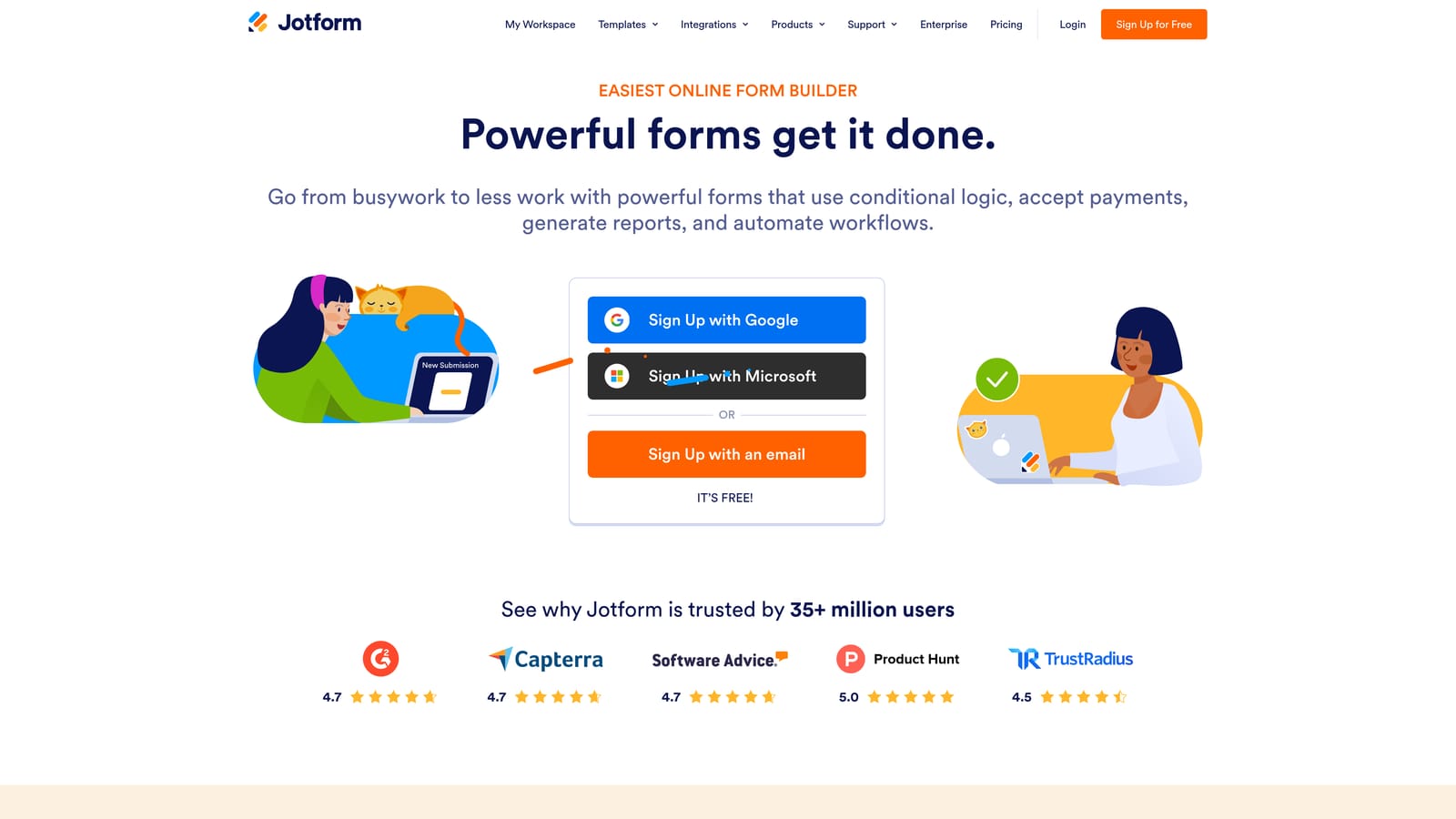
Jotform is a comprehensive form builder that combines deep conditional logic, thousands of templates, and a broad integration library into a single platform.
Where This Tool Shines
Jotform's conditional logic engine is genuinely powerful. You can build multi-condition rules using AND/OR operators, trigger page branching, show or hide individual fields, and route notification emails based on specific answers. For teams that need precise control over how their forms behave across many different scenarios, this level of granularity is hard to match.
The template library is also a practical advantage. With thousands of pre-built forms across industries, most teams can find a starting point that's close to what they need and customize from there rather than building from scratch.
Key Features
Multi-Condition Logic Rules: Build AND/OR logic combinations to handle complex branching scenarios with precision.
Page Branching and Field Visibility: Control which pages and fields appear based on any combination of previous answers.
Email Routing Based on Answers: Automatically send different notification emails to different team members depending on what a respondent selects.
Payment, E-Signature, and Approval Workflows: Built-in support for transactions, document signing, and multi-step approval processes within a single form.
Integration Library: Native connections to Salesforce, Google Sheets, Slack, and over 100 other tools.
Best For
Teams that need deep logic customization, complex multi-step workflows, or forms that handle transactions and approvals alongside data collection. Jotform suits a wide range of use cases from lead capture to HR intake forms to client-facing applications.
Pricing
Free plan available. Paid plans start from approximately $34/month — verify current pricing at jotform.com.
4. Paperform
Best for: Branded forms that blend rich content with conditional logic and feel like landing pages
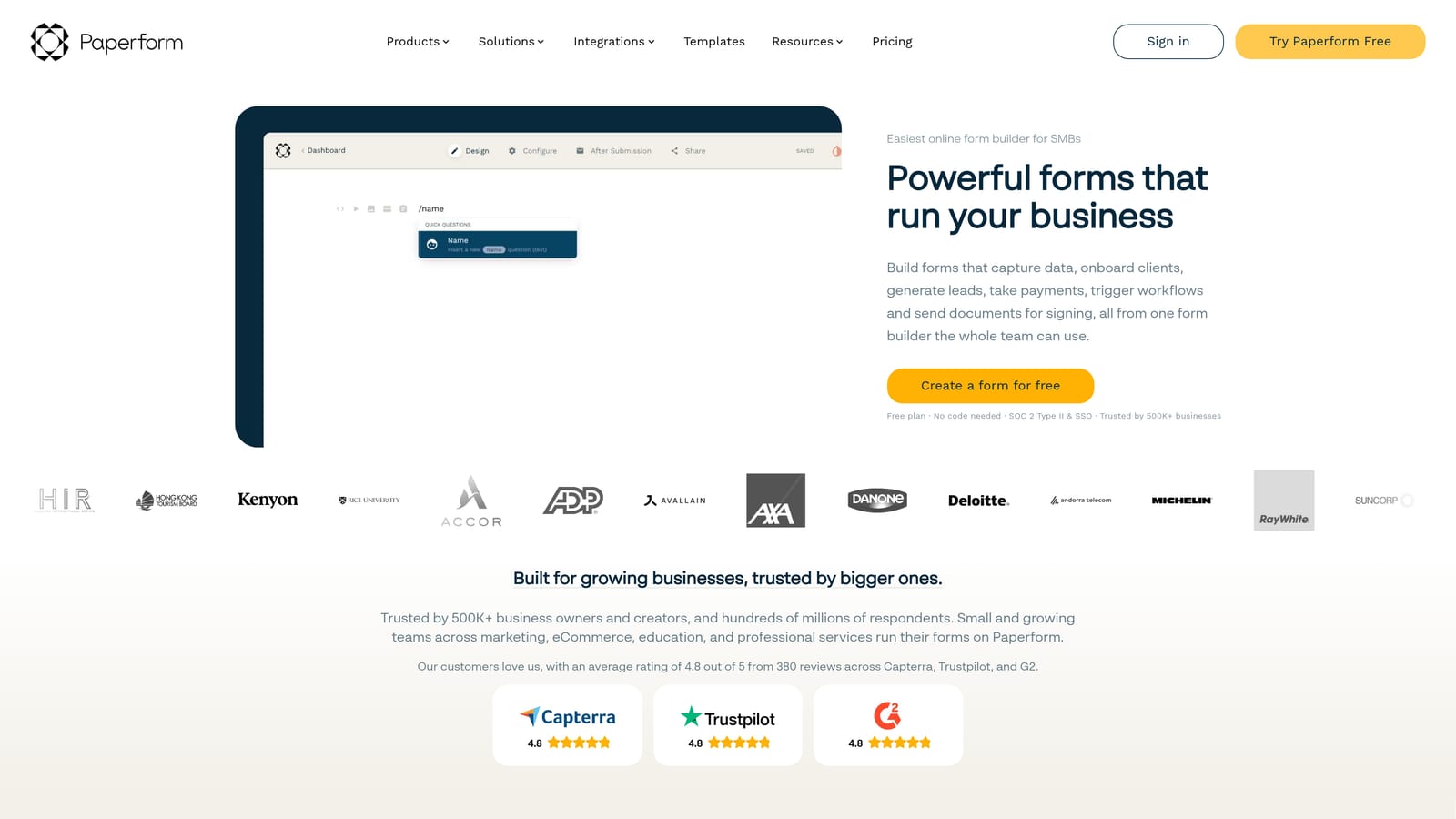
Paperform is a canvas-style form builder that mixes text, images, and video directly into the form itself, creating experiences that look and feel like polished branded pages rather than standard forms.
Where This Tool Shines
The document-style editor is what sets Paperform apart. Instead of a traditional form layout, you build within a free-form canvas where rich content and form fields coexist. This makes it particularly effective for intake forms, product pages, and client-facing workflows where context matters as much as data collection.
Conditional logic in Paperform covers field visibility, page jumps, and dynamic thank-you pages that change based on what a respondent submitted. The result is a form experience that feels cohesive from first question to final confirmation screen.
Key Features
Document-Style Canvas Editor: Mix form fields with text blocks, images, and video in a free-form layout that creates landing page-quality experiences.
Conditional Logic for Fields, Pages, and Thank-You Screens: Control visibility and routing at every stage of the form, including the post-submission experience.
Built-In Payment and Booking: Accept payments and schedule appointments directly within a form without third-party tools.
Custom Success Pages: Redirect respondents to different pages or show different confirmation messages based on their specific answers.
Flexible Use Cases: Well-suited for intake forms, product order forms, booking flows, and any scenario where presentation quality matters alongside functionality.
Best For
Freelancers, agencies, and small-to-mid-size businesses that want forms to double as branded client-facing pages. Paperform is a natural fit when you need something more visually expressive than a standard form but don't want to build a full landing page separately.
Pricing
Plans start from approximately $24/month — verify current pricing at paperform.co.
5. Tally
Best for: Fast, lightweight form building with conditional logic available on a generous free plan
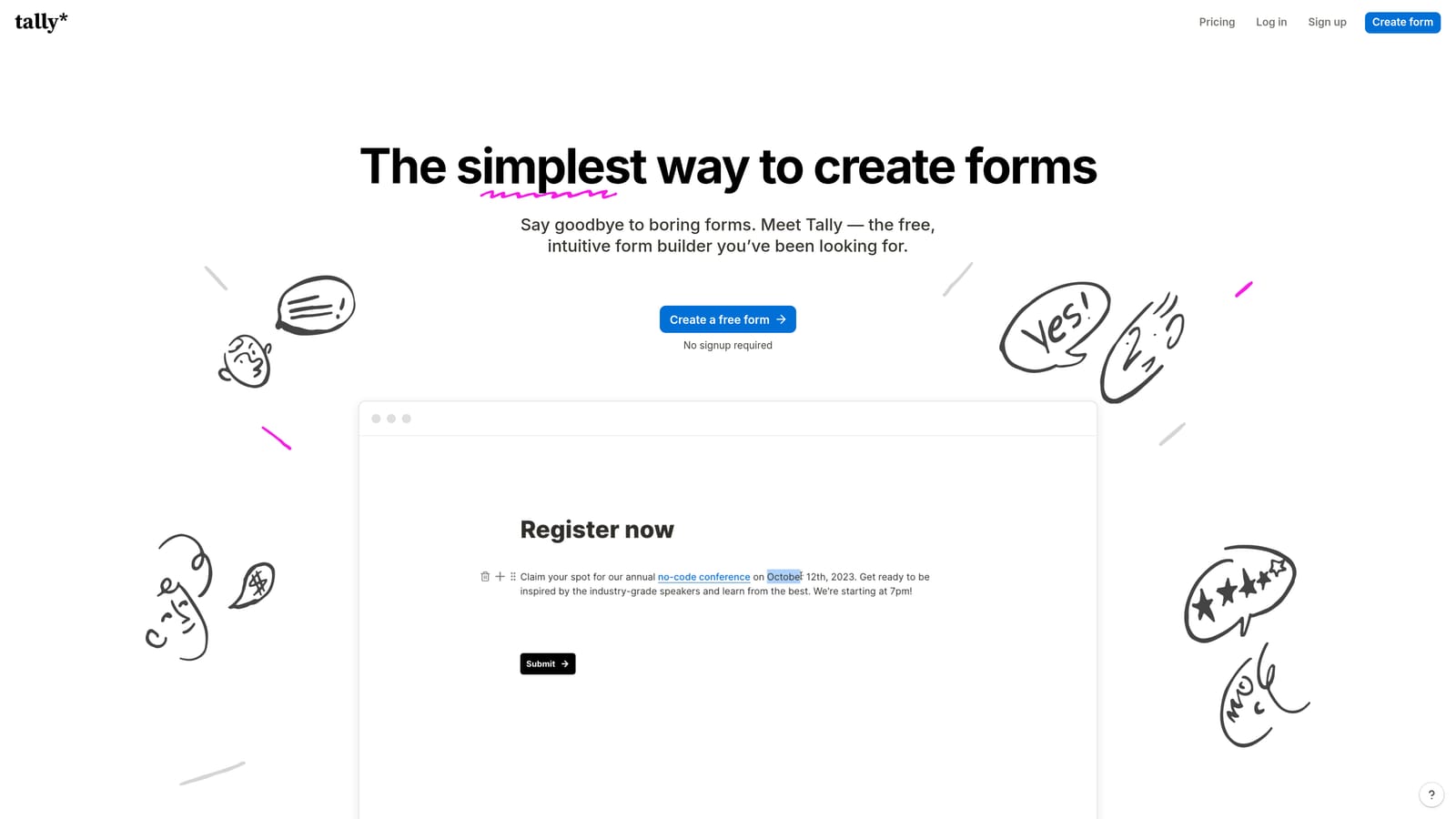
Tally is a Notion-inspired form builder that brings block-based editing and conditional logic together in a clean, minimal package — with a free tier that's unusually capable.
Where This Tool Shines
The most compelling thing about Tally is what you get for free. Conditional logic for showing and hiding fields is available on the free plan, which is genuinely rare in this space. For early-stage teams or solo operators who need logic-driven forms without a monthly commitment, Tally removes a real barrier to entry.
The block-based editor will feel immediately familiar to anyone who uses Notion. Building a form is fast and intuitive, and the clean default design means forms look professional without any styling effort. Embed options make it easy to drop forms into existing pages without friction.
Key Features
Free Conditional Logic: Show or hide fields based on previous answers on the free plan — no paid upgrade required for basic branching.
Block-Based Editor: Build forms using a Notion-style interface that makes adding and rearranging fields fast and intuitive.
Unlimited Forms and Responses on Free Tier: No response caps or form limits on the free plan, which makes it genuinely usable for production use.
Clean Embed Options: Embed forms inline, as popups, or as full-page experiences with minimal setup.
Pro Plan Upgrades: The paid tier adds custom domains, payment collection, and advanced integrations for teams that need to scale up.
Best For
Early-stage startups, indie makers, and small teams that want capable conditional logic without a subscription cost. Tally is also a good option for rapid prototyping when you need to validate a form concept quickly before investing in a more robust platform.
Pricing
Free plan available with no response limits. Pro plan from approximately $29/month — verify current pricing at tally.so.
6. Formstack
Best for: Enterprise teams in regulated industries that need conditional logic with compliance and workflow automation
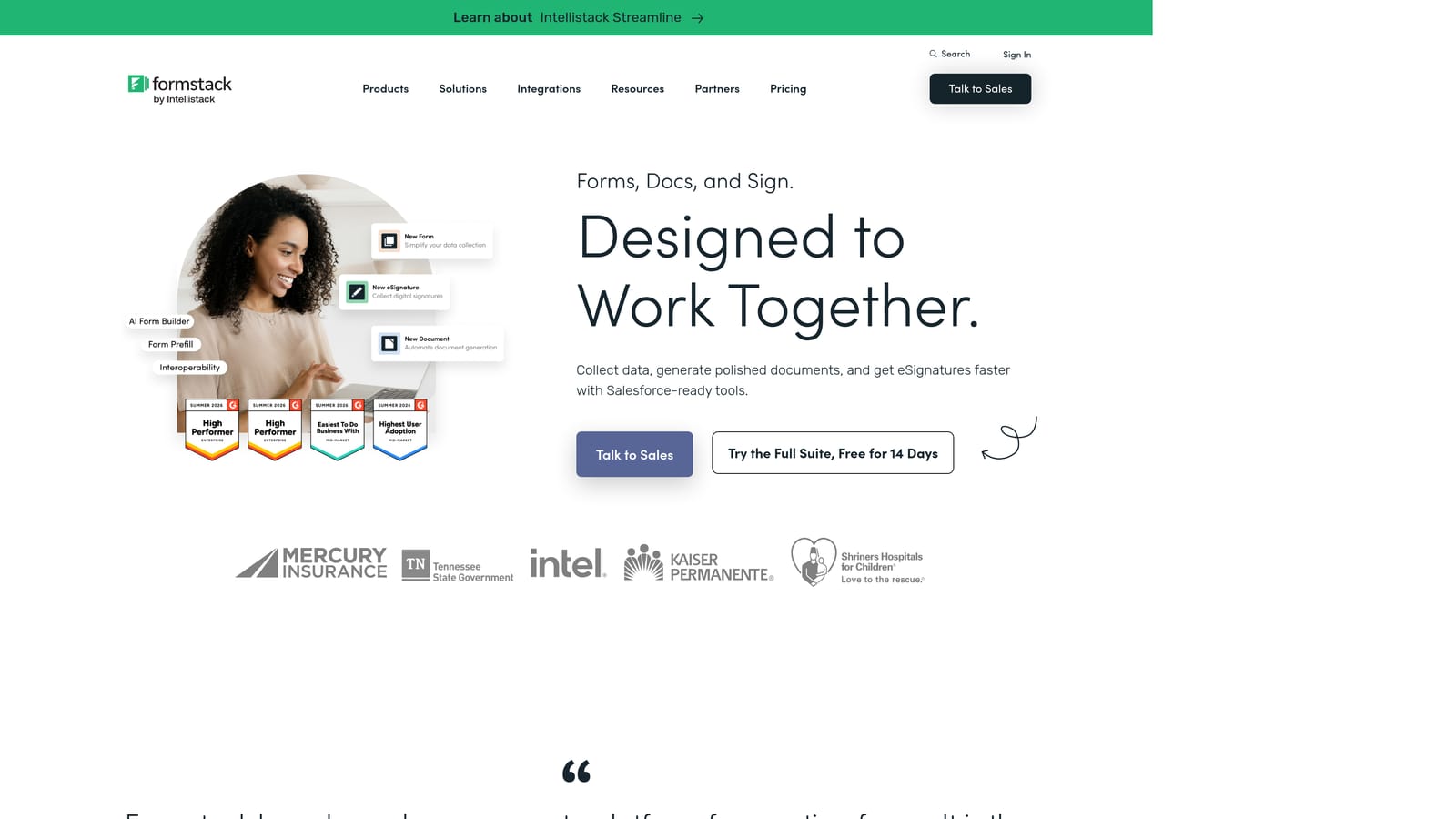
Formstack is an enterprise form and workflow platform that extends conditional logic beyond field visibility into multi-step approval routing, document generation, and compliance-grade data handling.
Where This Tool Shines
Formstack is built for organizations where forms aren't just data collection tools — they're part of regulated, multi-stakeholder workflows. Conditional logic here can trigger approval chains, generate documents, and route submissions through defined processes. That's a fundamentally different capability level than most form builders offer.
The compliance credentials are also a genuine differentiator for the right buyer. HIPAA, GDPR, and SOC 2 support make Formstack one of the few form platforms that healthcare, finance, and HR teams can deploy without additional compliance overhead.
Key Features
Workflow Approval Routing: Conditional logic that triggers multi-step approval processes, not just field-level show/hide behavior.
Compliance Support: HIPAA, GDPR, and SOC 2 compliance built into the platform for regulated industries.
Document Generation and E-Signature: Create and collect signed documents directly within the platform without third-party tools.
Answer-Based Email Notifications: Route notification emails and alerts to different stakeholders based on specific form responses.
Field Branching and Page Routing: Standard conditional logic controls alongside the more advanced workflow features.
Best For
Enterprise teams in healthcare, finance, HR, and other regulated sectors where compliance, multi-step approvals, and document workflows are requirements rather than nice-to-haves. Formstack is overbuilt for simple lead capture but well-matched to complex organizational processes.
Pricing
Higher price point than most alternatives, starting from approximately $83/month — verify current pricing at formstack.com.
Which Tool Is Right for Your Team?
Each of these platforms has a clear sweet spot, and the right choice depends almost entirely on what you're trying to accomplish.
Orbit AI is the standout choice for teams where lead qualification is the primary goal. The combination of conditional branching and AI-driven lead scoring means your form isn't just routing people — it's actively evaluating intent and doing qualification work that would otherwise happen manually downstream. For SaaS and B2B growth teams, that's a meaningful efficiency gain.
Typeform excels when respondent experience is the priority. Its one-question-at-a-time format and strong visual polish make it the go-to for surveys, research forms, and lead capture where engagement and brand impression matter most.
Jotform is the power user's choice. If you need complex multi-condition logic, payment collection, e-signatures, and deep integrations all in one place, Jotform's feature breadth is hard to beat.
Paperform wins for teams that want forms to look and feel like branded content. The canvas editor and rich media support make it ideal for client-facing workflows, intake forms, and product pages where visual presentation is part of the experience.
Tally is the best starting point for early-stage teams or anyone who wants capable conditional logic without a subscription. The free plan is genuinely useful in production, not just for prototyping.
Formstack is purpose-built for enterprise environments with compliance requirements. If you're in healthcare, finance, or HR and need forms that integrate into regulated workflows, it's the right tool despite the higher price point.
If you're building lead generation forms for a high-growth team, the real question is whether you want a form builder or a lead qualification engine. Most tools on this list do the former well. Orbit AI is built specifically for the latter. Start building free forms today and see how intelligent form design can transform your conversion strategy — turning every form submission into a qualified, routed, actionable lead.


