

Finding the right custom form builder isn't just about features—it's about finding pricing that scales with your growth without bleeding your budget dry. Whether you're a solo founder testing product-market fit or a high-growth team processing thousands of leads monthly, the wrong pricing structure can cost you more than money.
This guide breaks down 9 form builders with transparent pricing analysis, helping you match your actual needs to plans that make financial sense. We've evaluated free tiers, per-response limits, feature gates, and hidden costs so you can make an informed decision.
1. Orbit AI
Best for: High-growth teams prioritizing lead qualification and conversion optimization
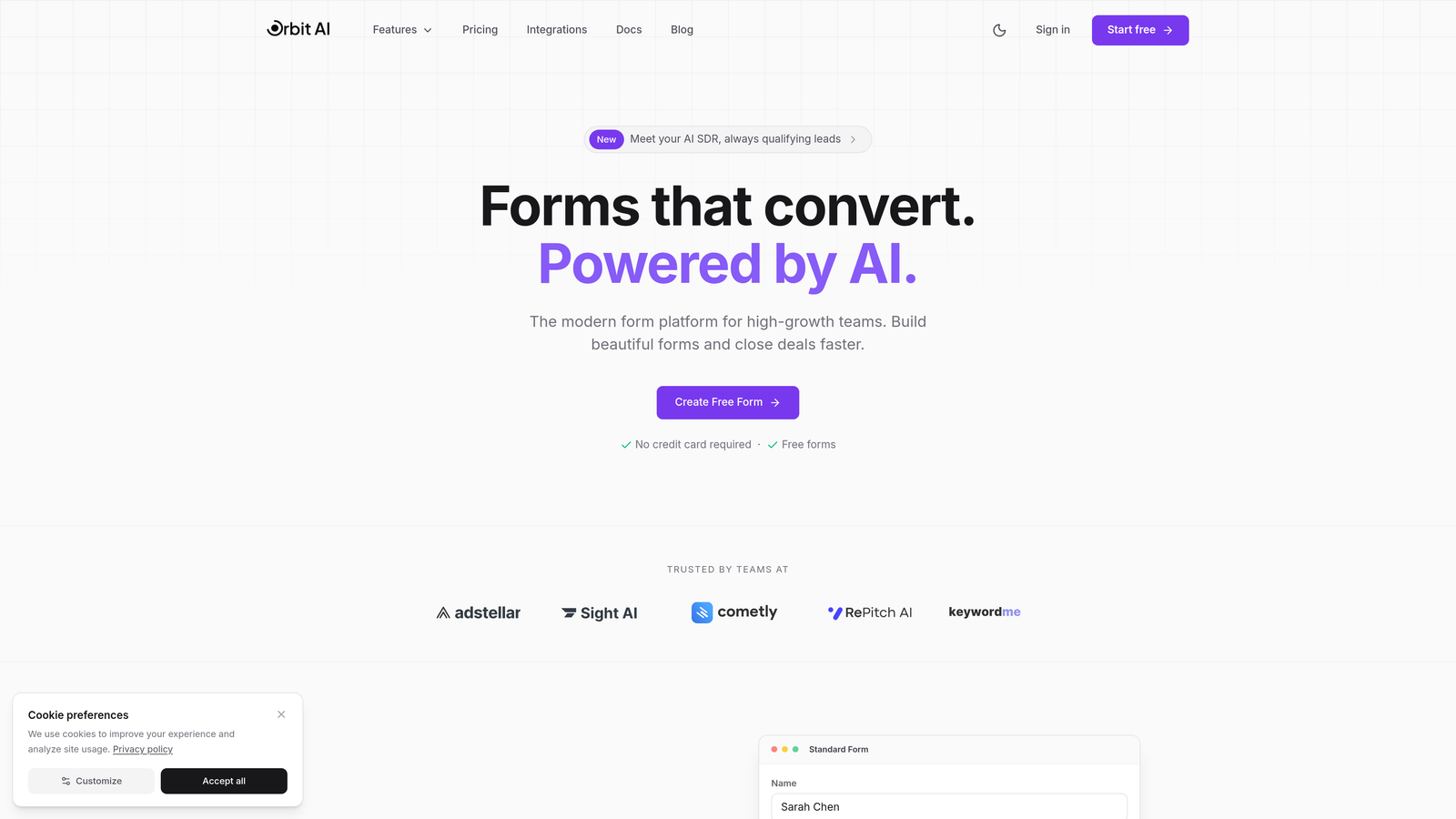
Orbit AI is an AI-powered form builder designed specifically for teams focused on converting visitors into qualified leads efficiently.
Where This Tool Shines
Orbit AI differentiates itself through intelligent lead qualification that happens automatically as prospects fill out forms. Instead of collecting raw submissions and sorting them later, the platform identifies high-intent leads in real-time.
The conversion-focused approach means every template and feature is optimized for completion rates. For teams where lead quality matters more than lead quantity, this focus on qualification over collection changes the economics of form building entirely.
Key Features
AI-Powered Lead Qualification: Automatically scores and prioritizes leads based on response patterns and engagement signals.
Conversion-Optimized Templates: Pre-built forms designed specifically for high completion rates across different use cases.
Advanced Analytics and Workflows: Track performance metrics and automate follow-up actions based on lead quality.
Native CRM Integrations: Seamless connections with major CRM platforms to route qualified leads directly to sales teams.
Modern Form Design: Beautiful, mobile-responsive forms that align with contemporary web design standards.
Best For
High-growth SaaS companies, marketing agencies managing client lead generation, and B2B teams where lead quality directly impacts revenue. Particularly valuable when you need to distinguish serious prospects from tire-kickers at the form level.
Pricing
Visit orbitforms.ai/pricing for current plan details. Pricing is structured to scale with team growth and lead volume requirements.
2. Typeform
Best for: Creating engaging, conversational form experiences with strong brand presence
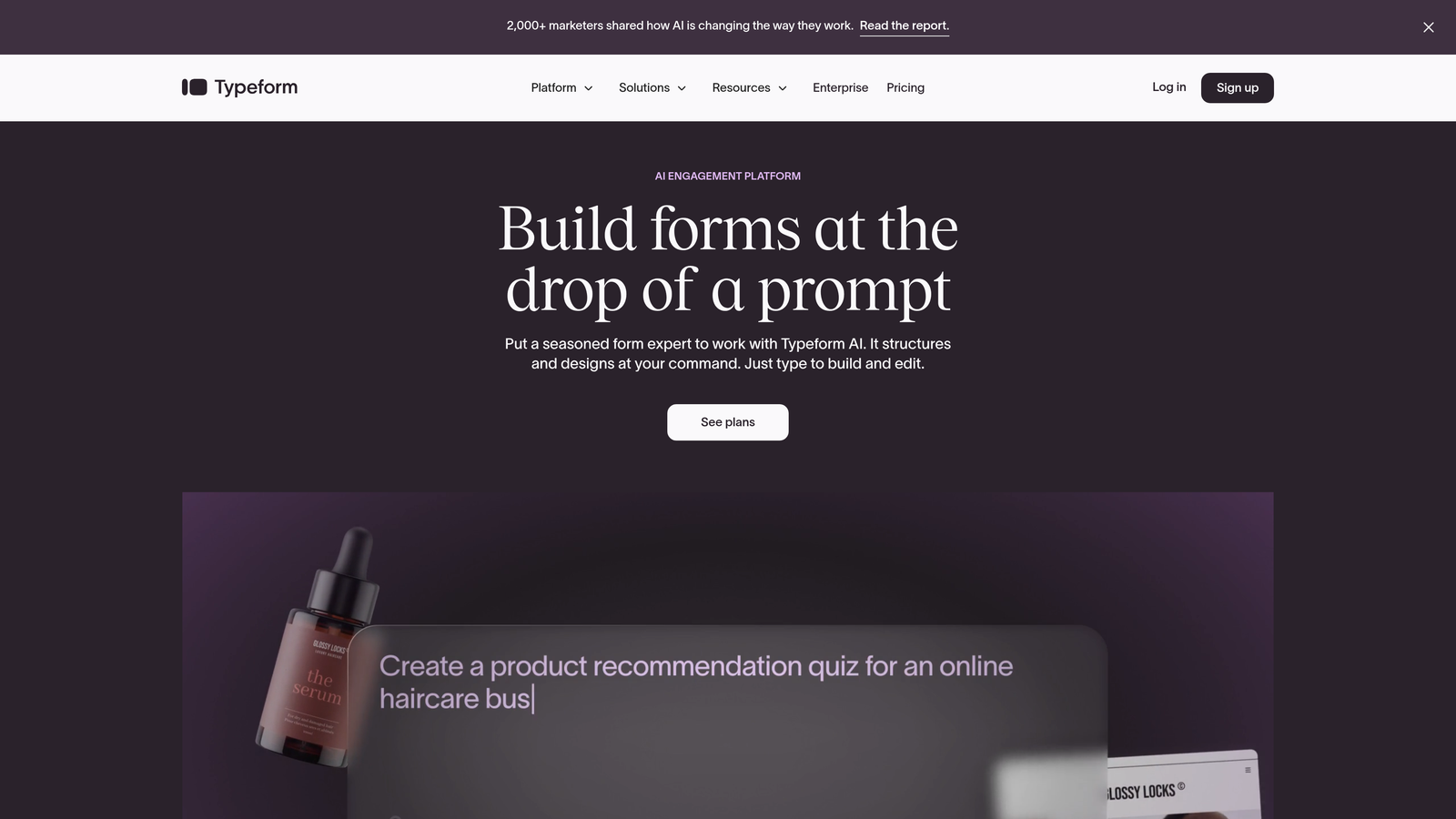
Typeform is a conversational form builder known for its one-question-at-a-time format that creates engaging user experiences.
Where This Tool Shines
Typeform revolutionized form design by treating each question as a conversation rather than a data collection exercise. The interface feels more like a chat than a traditional form, which can significantly improve completion rates for surveys and feedback collection.
The platform excels when brand experience matters. Customization options let you create forms that feel native to your brand, with video backgrounds, custom fonts, and branded thank-you screens that reinforce your identity throughout the experience.
Key Features
Conversational Format: One-question-at-a-time display that reduces form abandonment through focused interaction.
Logic Jumps and Branching: Create dynamic forms that adapt based on previous answers for personalized experiences.
Video and Image Integration: Embed rich media directly into questions for more engaging forms.
Brand Customization: Extensive design controls including custom fonts, colors, backgrounds, and thank-you screens.
Analytics Dashboard: Track completion rates, drop-off points, and response patterns to optimize form performance.
Best For
Marketing teams running surveys and feedback collection, customer success teams gathering product insights, and brands where form experience directly reflects on company perception. Less ideal for high-volume lead generation due to response-based pricing.
Pricing
Free tier limited to 10 responses per month. Basic starts at $25/month, Plus at $50/month, and Business at $83/month. The per-response model means costs scale with submission volume, which can become expensive for lead generation use cases.
3. Jotform
Best for: Teams needing extensive templates and affordable scaling with predictable costs
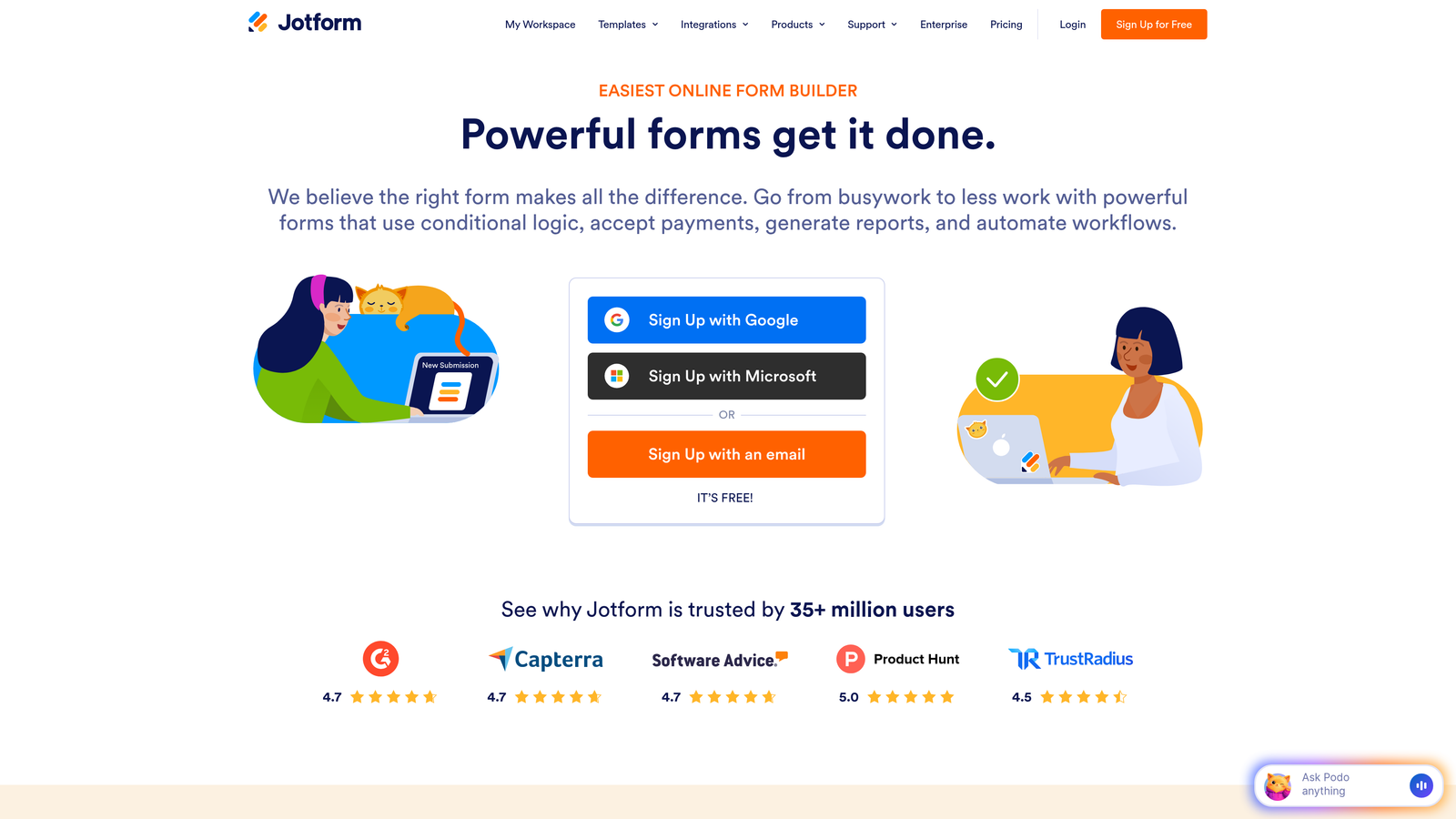
Jotform is a versatile form builder offering over 10,000 templates and affordable pricing for businesses processing moderate submission volumes.
Where This Tool Shines
Jotform's massive template library means you can find a pre-built form for almost any use case imaginable. From event registrations to job applications to payment collection, someone has likely already created a template close to what you need.
The platform handles specialized requirements well, including HIPAA compliance for healthcare organizations and payment processing for e-commerce. This versatility makes it a solid choice for organizations with diverse form needs across different departments.
Key Features
10,000+ Templates: Extensive library covering virtually every form use case across industries.
PDF Generation: Automatically convert form submissions into formatted PDF documents for records and sharing.
Payment Integrations: Accept payments through 30+ payment gateways including PayPal, Stripe, and Square.
HIPAA Compliance: Enterprise plans include HIPAA-compliant forms for healthcare organizations.
Conditional Logic: Show or hide fields based on user responses to create dynamic forms.
Best For
Small to medium businesses with diverse form needs, healthcare organizations requiring HIPAA compliance, and teams collecting payments through forms. The template library particularly benefits organizations without dedicated design resources.
Pricing
Free plan includes 5 forms with 100 monthly submissions. Bronze starts at $34/month, Silver at $39/month, and Gold at $99/month. Pricing is based on form count and submission volume rather than per-response, making costs more predictable.
4. Tally
Best for: Unlimited responses on a budget with a clean, minimalist interface
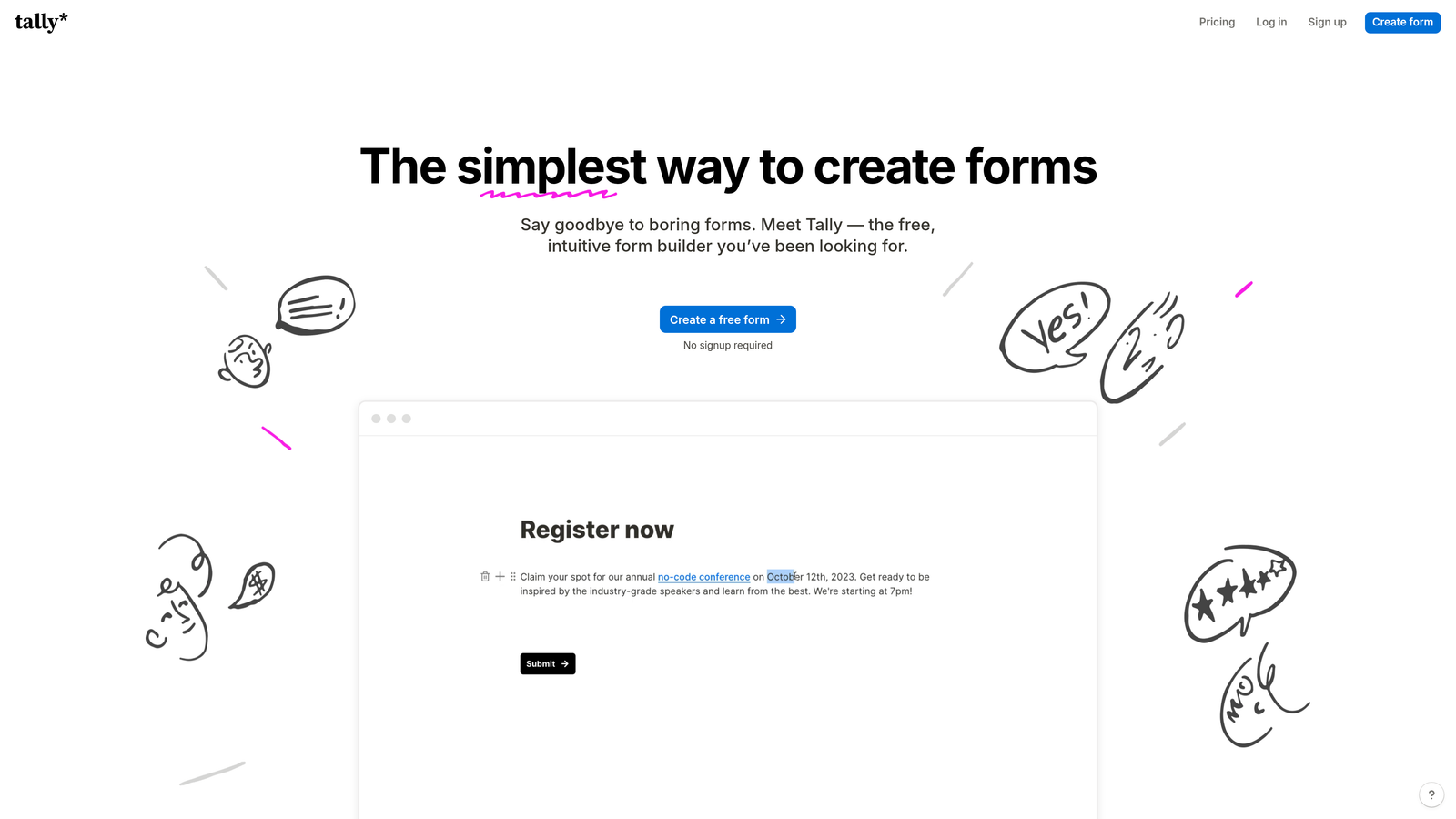
Tally is a simple form builder with a Notion-like interface that offers unlimited responses even on its free tier.
Where This Tool Shines
Tally's standout feature is its genuinely unlimited free tier. While most form builders gate response limits aggressively, Tally lets you collect unlimited submissions without paying a dollar. For bootstrapped startups and high-volume use cases, this changes the economics entirely.
The Notion-style interface feels familiar if you're already using Notion for documentation. Building forms feels more like writing a document than configuring a tool, which reduces the learning curve significantly.
Key Features
Unlimited Free Responses: Collect unlimited form submissions without hitting paywalls or overage charges.
Notion-Style Interface: Familiar block-based editor that feels intuitive for Notion users.
File Uploads: Accept file submissions from respondents directly through forms.
Hidden Fields and Calculations: Perform calculations and pass hidden data for advanced use cases.
Conditional Logic: Show or hide sections based on previous answers to create dynamic forms.
Best For
Bootstrapped startups with limited budgets, high-volume data collection projects, and teams already using Notion who want consistent interfaces. Less suitable for enterprise teams requiring advanced branding or compliance features.
Pricing
Free tier includes unlimited responses with Tally branding. Pro plan costs $29/month and adds custom domains, white-labeling, and priority support. The pricing model is refreshingly simple compared to competitors.
5. Formstack
Best for: Enterprise teams requiring advanced compliance, security, and workflow automation
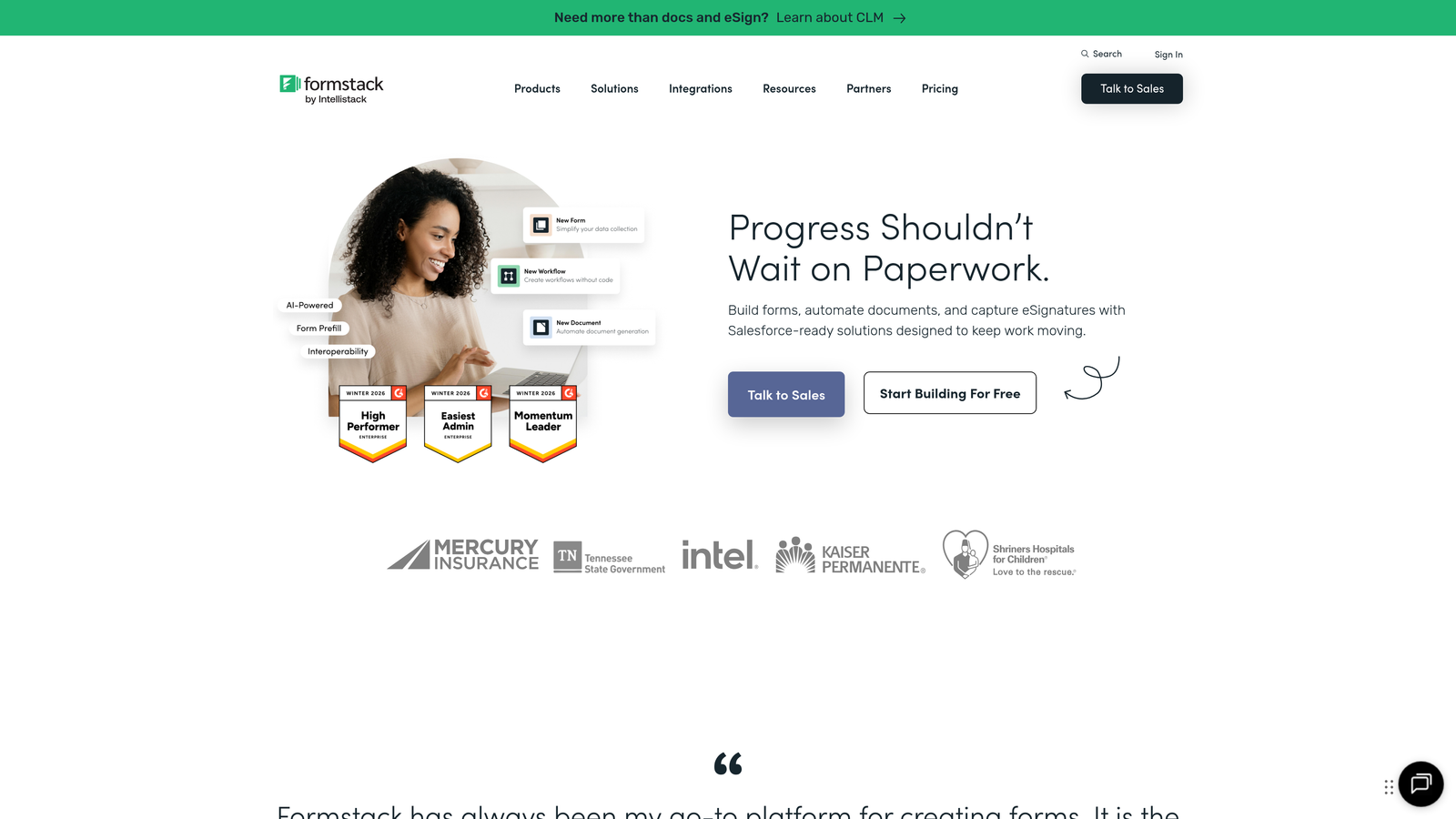
Formstack is an enterprise-grade form builder focused on workflow automation, compliance, and security features for regulated industries.
Where This Tool Shines
Formstack targets enterprises with serious compliance requirements. HIPAA and GDPR compliance come standard, along with enterprise security features like SSO, audit logs, and role-based permissions that smaller form builders don't offer.
The workflow automation capabilities extend beyond basic form submission. You can build complex approval workflows, route submissions based on content, and integrate with enterprise systems through robust API connections and pre-built integrations.
Key Features
Advanced Workflow Automation: Build multi-step approval processes and conditional routing based on form content.
HIPAA and GDPR Compliance: Built-in compliance features for healthcare and data privacy regulations.
Electronic Signatures: Collect legally binding signatures directly within forms for contracts and agreements.
Enterprise Security: SSO, audit logs, role-based access control, and data encryption for sensitive information.
Advanced Integrations: Connect with Salesforce, ServiceNow, and other enterprise platforms through native integrations.
Best For
Healthcare organizations handling protected health information, financial services with strict compliance requirements, and large enterprises needing advanced workflow automation. The pricing reflects the enterprise focus and may be overkill for smaller teams.
Pricing
Starter plan begins at $50/month, Teams at $83/month, with Enterprise requiring custom pricing. The per-user seat model means costs scale with team size, which can become expensive for larger organizations.
6. Google Forms
Best for: Basic data collection with zero budget and existing Google Workspace users
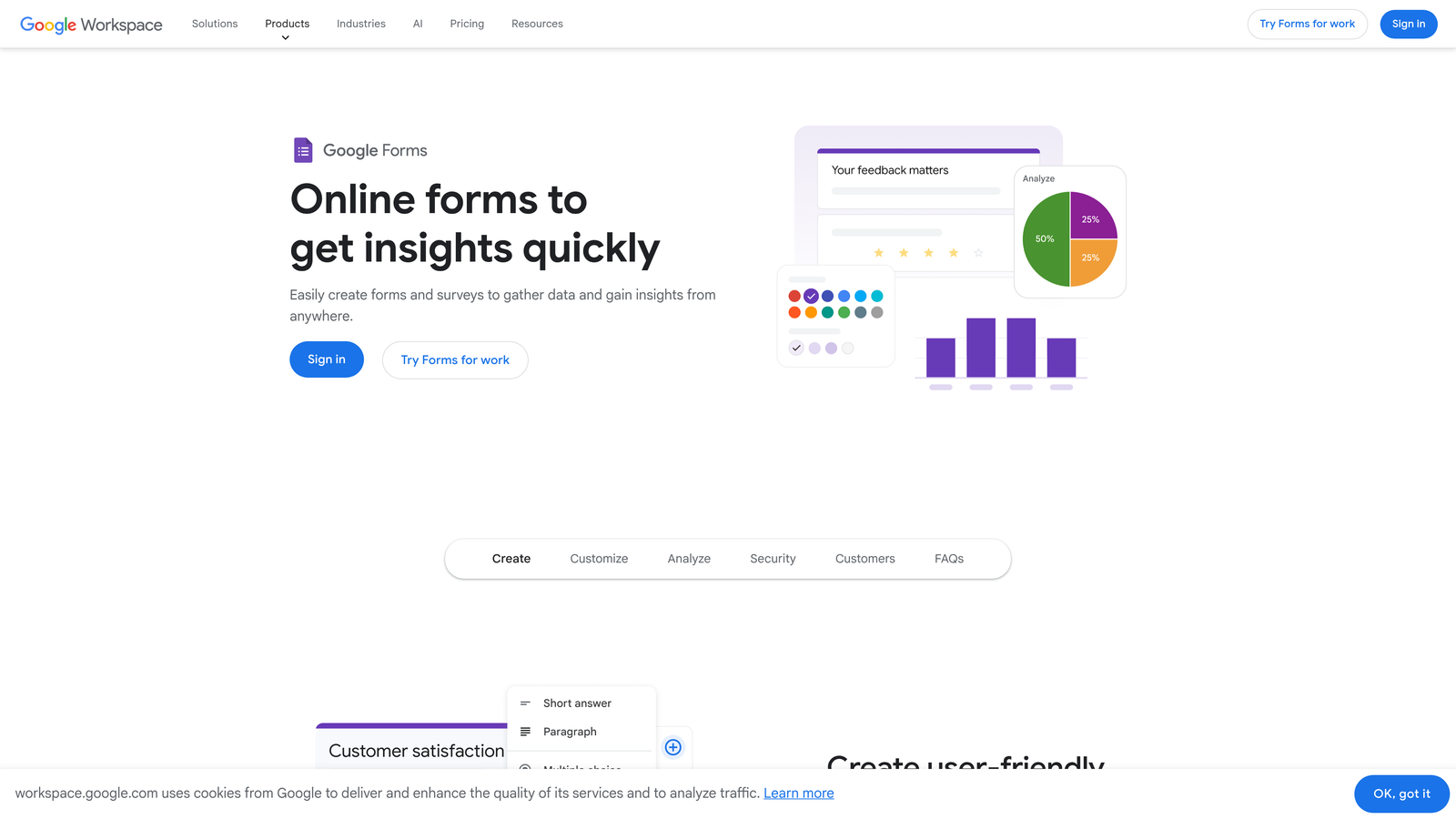
Google Forms is a completely free, no-frills form builder integrated directly with Google Workspace and Sheets.
Where This Tool Shines
Google Forms is genuinely free with no hidden costs, response limits, or feature gates. For organizations already using Google Workspace, it's already available without adding another subscription to your stack.
The Google Sheets integration is seamless and powerful. Responses flow directly into spreadsheets where you can analyze, filter, and manipulate data using familiar tools. For teams comfortable with Sheets, this integration often eliminates the need for separate analytics platforms.
Key Features
Completely Free: No pricing tiers, response limits, or premium features requiring payment.
Google Sheets Integration: Automatic response collection in spreadsheets for easy analysis and reporting.
Basic Branching Logic: Create conditional sections based on previous answers for simple dynamic forms.
Unlimited Responses: Collect as many submissions as needed without hitting paywalls.
Collaboration Features: Multiple team members can edit forms simultaneously with Google's real-time collaboration.
Best For
Internal surveys and feedback collection, educational institutions with limited budgets, and teams already invested in Google Workspace. Not ideal for customer-facing forms requiring strong branding or advanced features.
Pricing
Completely free with a Google account. No premium tiers or paid upgrades exist, which simplifies decision-making but also means you get what you get without customization options.
7. Paperform
Best for: Design-focused teams wanting beautiful forms with flat-rate pricing and generous limits
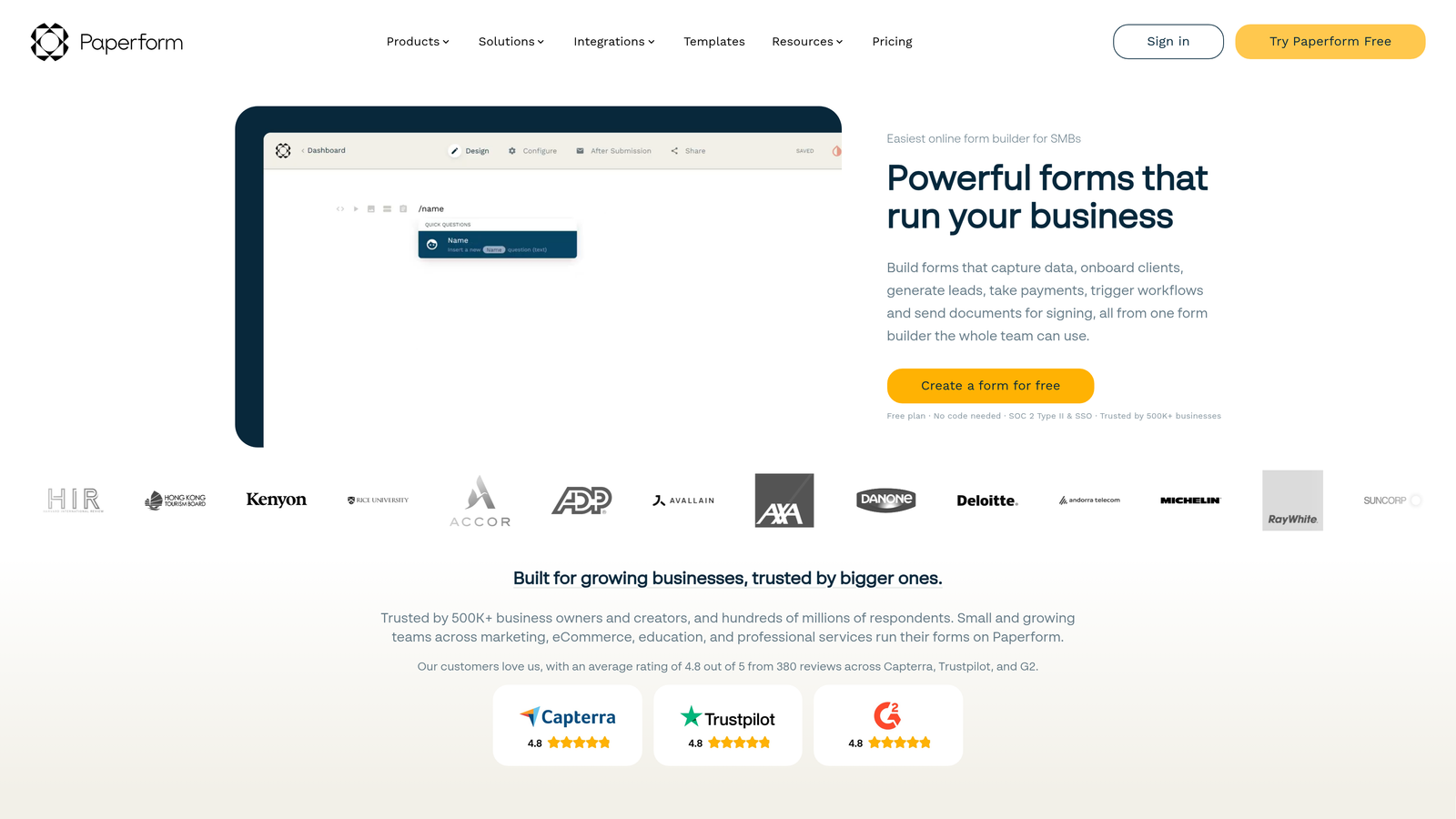
Paperform is a design-focused form builder offering extensive customization with flat monthly pricing and generous submission limits.
Where This Tool Shines
Paperform treats form design as a creative exercise rather than a technical task. The customization options rival website builders, letting you create forms that look like custom-designed landing pages rather than generic data collection tools.
The flat-rate pricing model with generous limits makes budgeting straightforward. Unlike per-response models that create anxiety about costs scaling with success, Paperform charges a predictable monthly fee regardless of submission volume within reasonable limits.
Key Features
Beautiful Design Customization: Extensive styling controls for creating visually stunning forms that match brand guidelines.
Payment Processing: Accept payments through Stripe and PayPal directly within forms.
Scheduling Integration: Embed calendars for appointment booking and event registration.
Conditional Logic: Show or hide sections dynamically based on user responses.
Product Calculations: Build order forms with automatic price calculations for e-commerce use cases.
Best For
Creative agencies and design-focused brands, e-commerce businesses collecting orders through forms, and service providers booking appointments. The design capabilities justify the price for teams where form aesthetics matter.
Pricing
Essentials starts at $24/month with 1,000 submissions, Pro at $49/month with 10,000 submissions, and Agency at $159/month for multiple users. The flat-rate model with clear submission limits makes costs predictable.
8. Cognito Forms
Best for: Advanced calculations and payment collection at affordable price points
Cognito Forms is an affordable form builder with strong calculation capabilities and payment processing features.
Where This Tool Shines
Cognito Forms excels at complex calculations within forms. If you need to build order forms with dynamic pricing, quote calculators, or registration forms with conditional fees, the calculation engine handles scenarios that would require custom code in other platforms.
The pricing is remarkably affordable compared to competitors with similar capabilities. The Pro plan at $15/month includes features that cost significantly more on platforms like Typeform or Formstack, making it a value leader for small businesses.
Key Features
Advanced Calculations: Perform complex mathematical operations and conditional pricing within forms.
Payment Processing: Accept payments through Stripe and PayPal with automatic receipt generation.
Repeating Sections: Allow users to add multiple entries of the same section for registering multiple attendees or items.
Workflow Automation: Send automated emails and notifications based on form submissions and conditions.
Document Generation: Create PDF documents from submission data for invoices and receipts.
Best For
Small businesses collecting payments through forms, organizations with complex registration requirements, and teams needing calculation features without enterprise pricing. The value proposition is strongest for price-sensitive teams.
Pricing
Free plan includes 500 entries per month. Pro starts at just $15/month, Team at $35/month, and Enterprise at $99/month. The aggressive pricing makes advanced features accessible to smaller organizations.
9. HubSpot Forms
Best for: Teams already using HubSpot CRM wanting seamless marketing automation integration
HubSpot Forms is a free form builder tightly integrated with the HubSpot CRM ecosystem and marketing automation platform.
Where This Tool Shines
HubSpot Forms integrates seamlessly with HubSpot CRM, automatically creating or updating contact records with every submission. For teams already using HubSpot, this eliminates data sync issues and manual imports that plague multi-tool stacks.
The progressive profiling feature is particularly valuable for lead nurturing. Instead of asking the same questions repeatedly, forms automatically hide fields for known contacts and ask new questions to gradually build richer profiles over time.
Key Features
Free with HubSpot CRM: No additional cost for basic form functionality when using HubSpot's free CRM.
Automatic Contact Creation: Form submissions automatically create or update CRM records without manual data entry.
Progressive Profiling: Show different questions to known contacts to gradually enrich contact data.
Marketing Automation Triggers: Launch automated email sequences and workflows based on form submissions.
Lead Scoring Integration: Automatically score leads based on form responses and engagement.
Best For
Companies already using HubSpot CRM, marketing teams running automated nurture campaigns, and organizations wanting forms tightly coupled with their sales process. Less valuable if you're not already in the HubSpot ecosystem.
Pricing
Free with HubSpot CRM account. Advanced features like A/B testing, advanced automation, and progressive profiling require Marketing Hub subscriptions ranging from $45 to $3,600 per month depending on contact volume and features needed.
Finding the Right Pricing Fit
The right form builder pricing depends less on the tool and more on your specific situation. Here's how to think about it.
If you're bootstrapped or testing ideas, start with Google Forms or Tally's unlimited free tier. You can always migrate to a paid platform once you've validated your use case and understand your actual submission volumes.
For small businesses with moderate volumes, Cognito Forms and Jotform offer the best value. Their predictable pricing and generous limits mean you won't face surprise bills as you grow, and the feature sets handle most common use cases without compromise.
High-growth teams focused on lead quality over quantity should evaluate platforms with built-in qualification features. When every lead costs money to process, tools that filter and prioritize automatically can justify premium pricing through improved conversion efficiency rather than just form aesthetics.
Enterprise organizations with compliance requirements have fewer choices. Formstack and enterprise tiers of platforms like Jotform provide the security, audit trails, and compliance certifications that regulated industries require, even if the pricing is higher.
The biggest pricing mistake is choosing based on current needs without considering growth trajectory. A platform that's affordable at 100 monthly submissions might become prohibitively expensive at 10,000. Look at pricing tiers two or three steps above where you are today to understand future costs.
Most platforms offer free trials or free tiers. Use them. Build a real form for an actual use case rather than just clicking through demos. You'll quickly discover whether the interface matches your workflow and whether the pricing model makes sense for your submission patterns.
Start building free forms today and see how intelligent form design can elevate your conversion strategy. Transform your lead generation with AI-powered forms that qualify prospects automatically while delivering the modern, conversion-optimized experience your high-growth team needs.


