

Typeform built its reputation on beautiful, conversational forms, and for good reason. But enterprise teams tend to hit friction fast: per-seat pricing that compounds at volume, logic depth that falls short of complex workflows, compliance gaps that procurement teams flag immediately, and response caps that punish growth rather than reward it.
If you're running B2B lead generation at scale, qualifying inbound pipelines across multiple teams, or collecting data across departments with real governance requirements, you need a tool built for that reality. This list covers the top Typeform alternatives evaluated specifically on enterprise readiness: form logic depth, compliance posture, integration quality, and the ability to handle volume and complexity without breaking your budget or your workflow.
A quick note on transparency: Orbit AI is our product, and we've featured it first. Every other tool on this list earns its spot on merit, and we've tried to be honest about where each one shines and where it falls short.
1. Orbit AI
Best for: High-growth B2B teams that need forms to qualify, score, and route leads automatically.
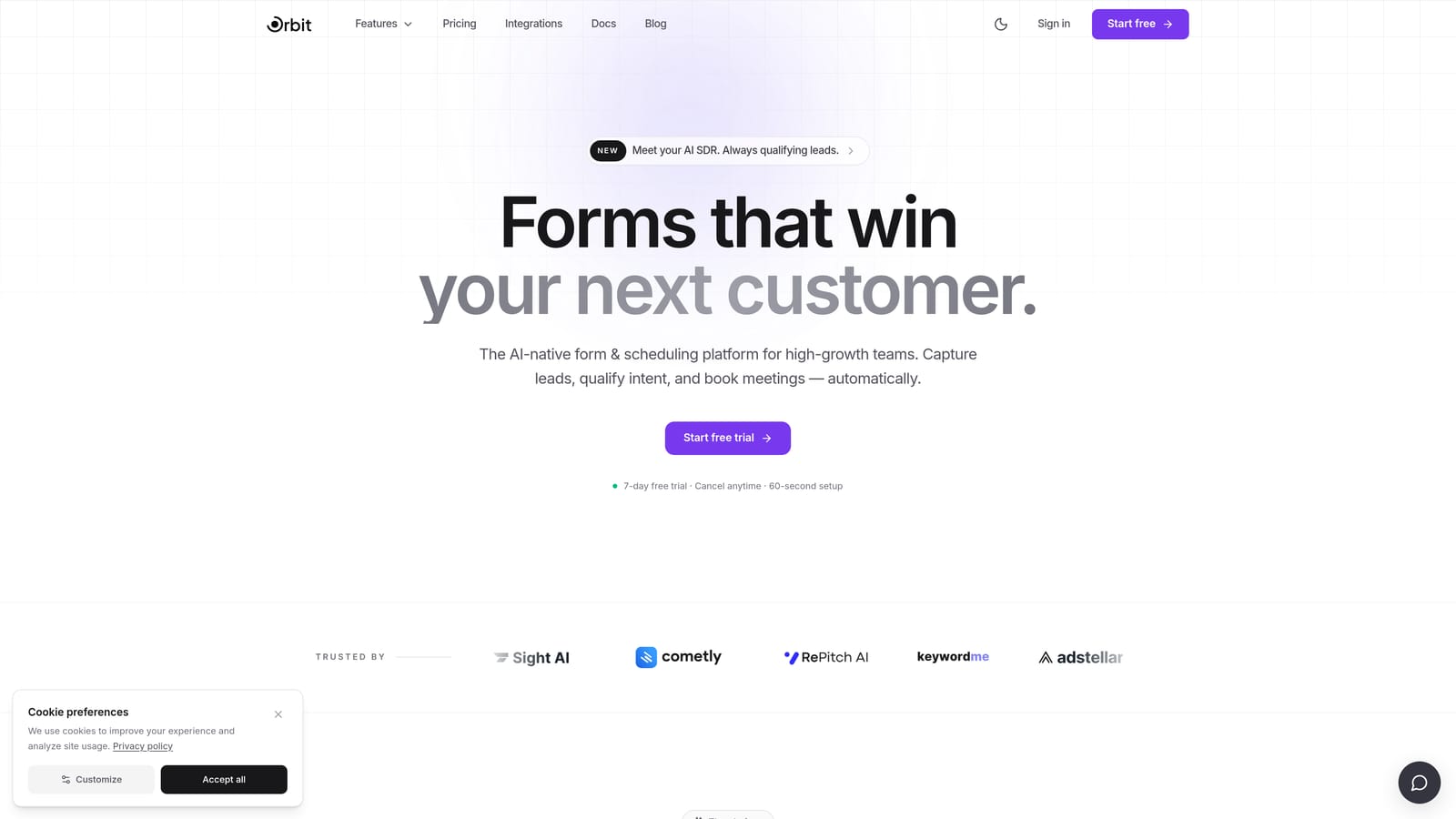
Orbit AI is an AI-powered form builder designed specifically for teams where lead qualification is the point, not an afterthought.
Where This Tool Shines
Most form tools are built to collect data and hand it off. Orbit AI is built differently: the intelligence lives at the form layer itself. That means lead scoring, qualification logic, and routing decisions happen in real time as a prospect fills out the form, not hours later when a rep finally opens the CRM.
For demand generation and inbound sales teams, this changes the economics of lead follow-up entirely. Hot leads get routed to sales instantly. Unqualified submissions get filtered before they pollute the pipeline. The form stops being a passive collector and becomes an active part of your conversion funnel. If you're curious about how this approach works in practice, the Orbit AI blog covers how to qualify leads with forms in detail.
Key Features
AI-Powered Lead Qualification: Scoring logic is embedded directly in the form layer, so qualification happens in real time without post-submission manual review.
Smart Routing: High-scoring leads are automatically routed to the right sales rep or team the moment they submit, eliminating response lag.
Conversion-Optimized Design: Modern, branded UI designed to maximize completion rates without sacrificing the data quality you need for qualification.
Conditional Logic: Questions adapt dynamically based on responses, creating a personalized experience that feels conversational rather than interrogative.
CRM and Sales Stack Integrations: Native connections to the tools your revenue team already uses, so qualified leads land directly in your pipeline with no manual handoff.
Best For
Orbit AI is the strongest fit for B2B demand generation teams, inbound sales operations, and growth-focused SaaS companies that need their forms to do more than collect responses. If lead qualification speed and pipeline quality are KPIs your team is measured on, this is where Orbit AI separates itself from every other tool on this list.
Pricing
Pricing details are available directly on the Orbit AI website. Enterprise plans are available on request, with options scaled to team size and volume requirements.
2. Jotform
Best for: Enterprises with strict compliance requirements and broad integration needs across complex tech stacks.
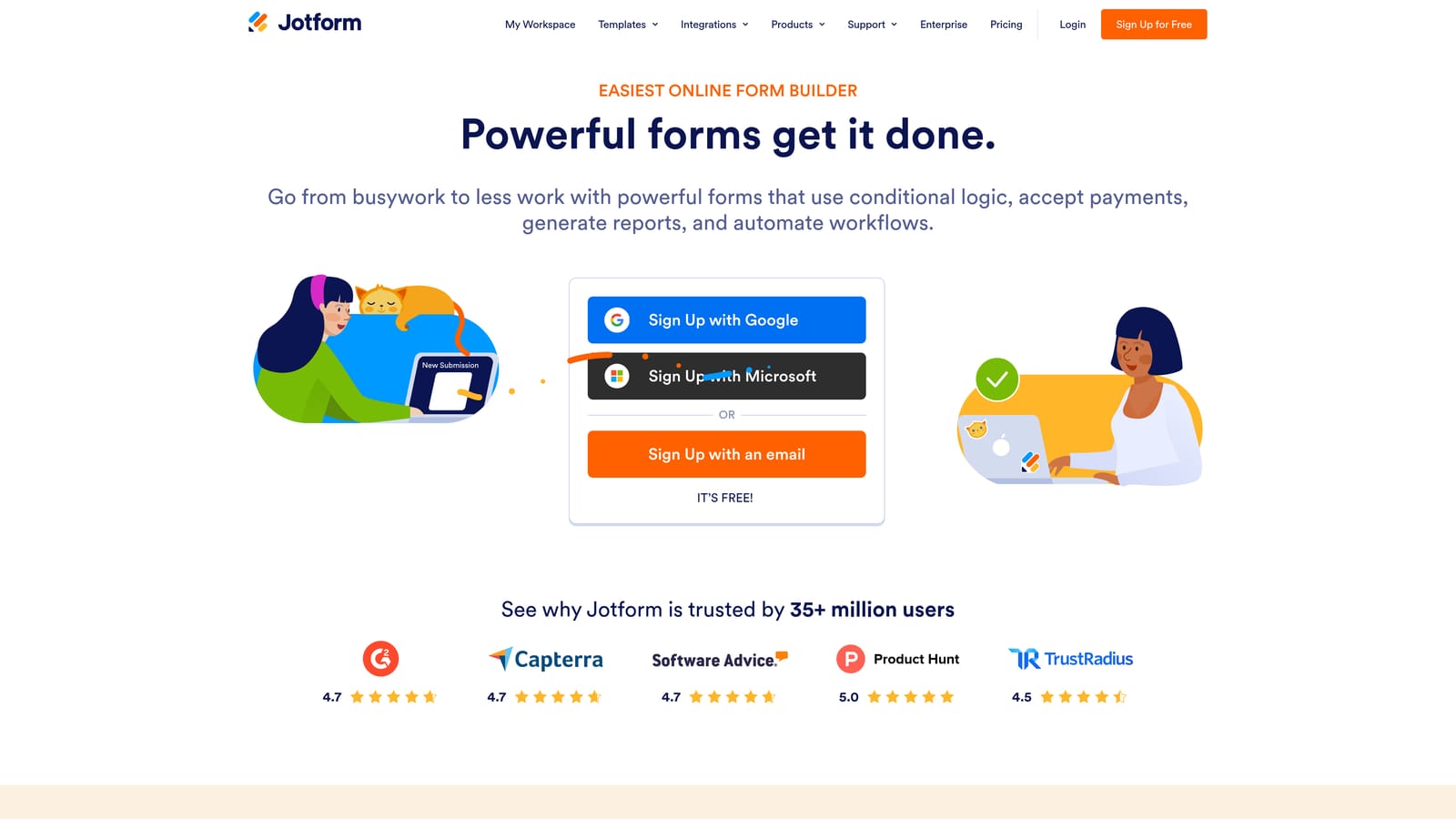
Jotform is one of the most established form platforms available, with a compliance story and integration library that few competitors can match.
Where This Tool Shines
When procurement and IT security are in the room, Jotform tends to pass review faster than most alternatives. HIPAA, SOC 2 Type II, and GDPR compliance certifications are built into the Enterprise plan, which also includes SSO, advanced user management, and dedicated support. For industries like healthcare, finance, and legal where data handling requirements are non-negotiable, this matters enormously.
The integration library is genuinely one of the widest in the market, covering virtually every enterprise tech stack you're likely to encounter. Jotform Tables adds lightweight data management alongside form collection, which is useful for ops teams that want a single place to review and act on submissions without exporting to a spreadsheet.
Key Features
Enterprise Compliance Suite: HIPAA, SOC 2 Type II, and GDPR certifications available on the Enterprise plan for regulated industries.
SSO and User Management: Centralized access control and single sign-on for large teams managing multiple forms across departments.
10,000+ Templates: One of the largest template libraries available, covering use cases from HR onboarding to customer feedback.
Jotform Tables: A built-in data management layer that lets teams review, sort, and act on submissions without leaving the platform.
Dedicated Enterprise Support: Custom branding, a dedicated support team, and SLA options for enterprise accounts.
Best For
Jotform is the right call for enterprises in regulated industries where compliance certification is a procurement requirement, and for large organizations that need a proven, stable platform with broad integration coverage. It's less suited to teams whose primary goal is AI-driven lead qualification or conversion optimization.
Pricing
Jotform offers a free tier for basic use. Enterprise plan pricing is available on request directly from Jotform's sales team, with custom terms based on organizational needs.
3. Formstack
Best for: Enterprise teams managing complex, multi-step workflows that extend beyond data collection into documents and e-signatures.
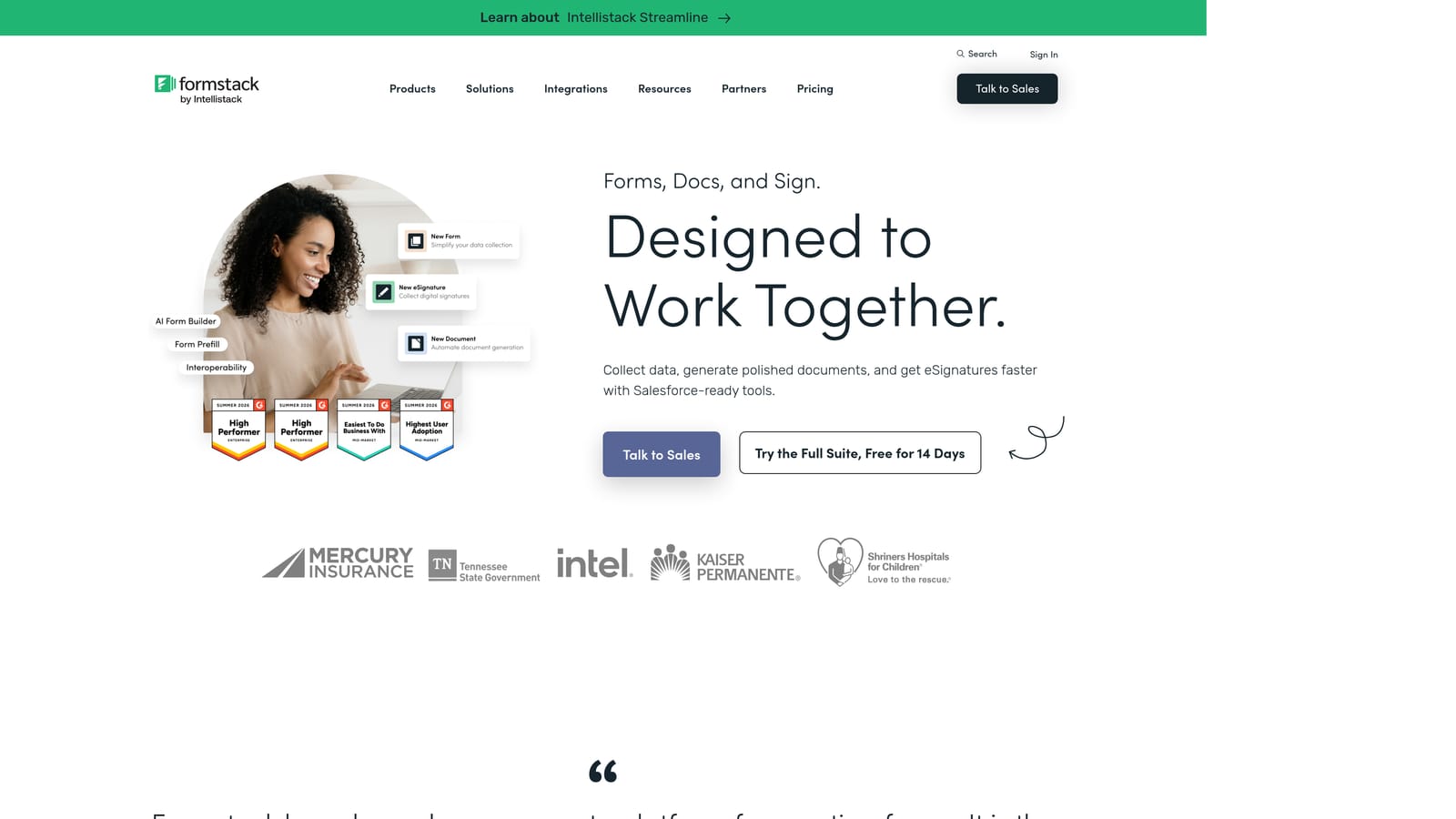
Formstack positions itself explicitly as an enterprise workflow platform, combining Forms, Documents, and Sign into a single suite built for operational complexity.
Where This Tool Shines
Formstack's real differentiator is what happens after someone submits a form. Submissions can trigger document generation, route through approval chains, and collect e-signatures, all within the same platform. For HR, legal, and operations teams managing processes that span multiple steps and stakeholders, this end-to-end capability is genuinely valuable.
The Salesforce integration is notably deep, with field mapping that goes well beyond surface-level connection. Teams that run their entire revenue operation inside Salesforce will find Formstack fits more naturally than tools that treat CRM as an afterthought. If you're evaluating tools specifically for form builder with conditional logic depth, Formstack is one of the strongest options on this list.
Key Features
Native Salesforce Integration: Deep field mapping and bidirectional sync designed for teams where Salesforce is the system of record.
Workflow Automation: Submission-triggered approval chains that route data through multiple stakeholders before finalizing.
Document Generation: Automatically generate formatted documents from form submission data, eliminating manual data entry downstream.
E-Signature Capabilities: Built-in signing functionality within the same platform, removing the need for a separate tool like DocuSign for many use cases.
Enterprise Security: SSO, audit logs, and data encryption across the platform for enterprise compliance requirements.
Best For
Formstack is the strongest fit for enterprise operations, HR, and legal teams that need forms as the front end of a larger, multi-step workflow. It's less suited to marketing teams prioritizing design flexibility or growth teams focused on lead conversion speed.
Pricing
Formstack plans start around $83 per month. Enterprise pricing is available on request. Note that the full suite (Forms, Documents, Sign) is priced separately from individual products.
4. Paperform
Best for: Marketing and product teams that need full creative control over form design and want forms that feel like branded landing pages.
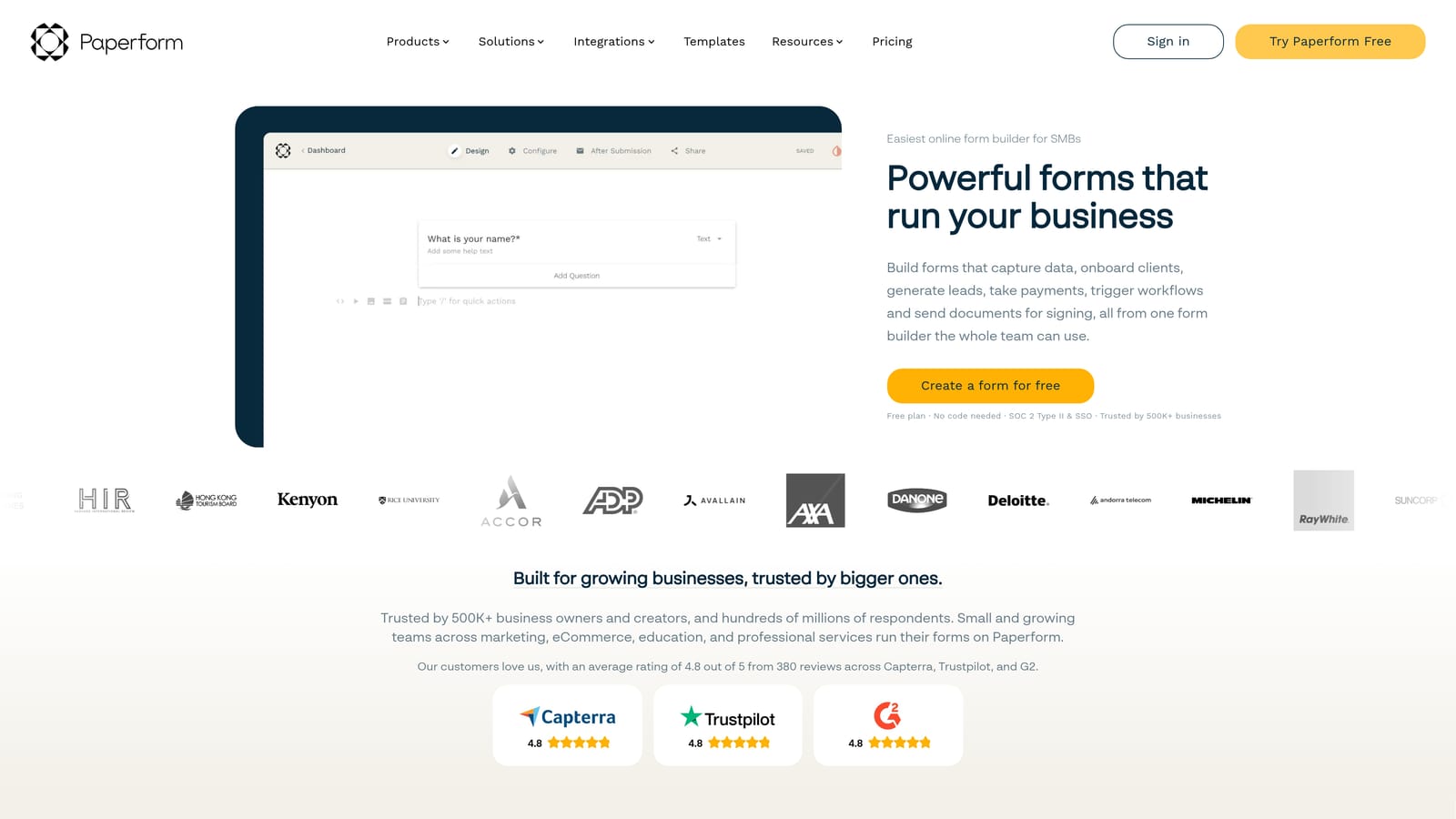
Paperform blurs the line between form and landing page, giving teams a rich content editor that combines copy, media, and form fields in a single, cohesive experience.
Where This Tool Shines
Where most form builders treat design as a secondary concern, Paperform makes it central. The editing experience feels closer to a page builder than a traditional form tool: you can embed text blocks, images, and video directly alongside form fields, which makes it particularly effective for product launches, event registrations, or any scenario where the form needs to carry its own narrative.
Payment processing is built in natively via Stripe, PayPal, and other providers, which removes a common integration headache for teams selling products, collecting deposits, or running paid registrations. Combined with scheduling and booking integrations, Paperform covers a wider range of use cases than its positioning as a "form builder" might suggest.
Key Features
Rich Content Editor: Embed text, images, and video directly alongside form fields for a fully branded, page-like experience.
Built-In Payment Processing: Native integrations with Stripe, PayPal, and other payment providers without requiring a separate tool or complex setup.
Conditional Logic and Calculations: Dynamic question branching and calculation fields for experiences that adapt to each respondent's inputs.
Scheduling and Booking: Native scheduling integrations that turn forms into full booking flows without additional tooling.
Custom Domain and White-Labeling: Full branding control including custom domains, ideal for agencies and teams managing client-facing forms.
Best For
Paperform is the right choice for marketing teams, creative agencies, and product-led growth teams that prioritize design quality and brand consistency. It's worth noting that Paperform's compliance and SSO story is less mature than Jotform or Formstack, so it's better suited to teams where design flexibility outweighs strict enterprise IT requirements.
Pricing
Paperform's Essentials plan starts at $29 per month. Agency and higher-tier plans are available for teams needing white-labeling, more forms, or additional users.
5. Typeform
Best for: Teams prioritizing polished conversational UX for surveys, NPS programs, and brand research where completion rate is the primary metric.
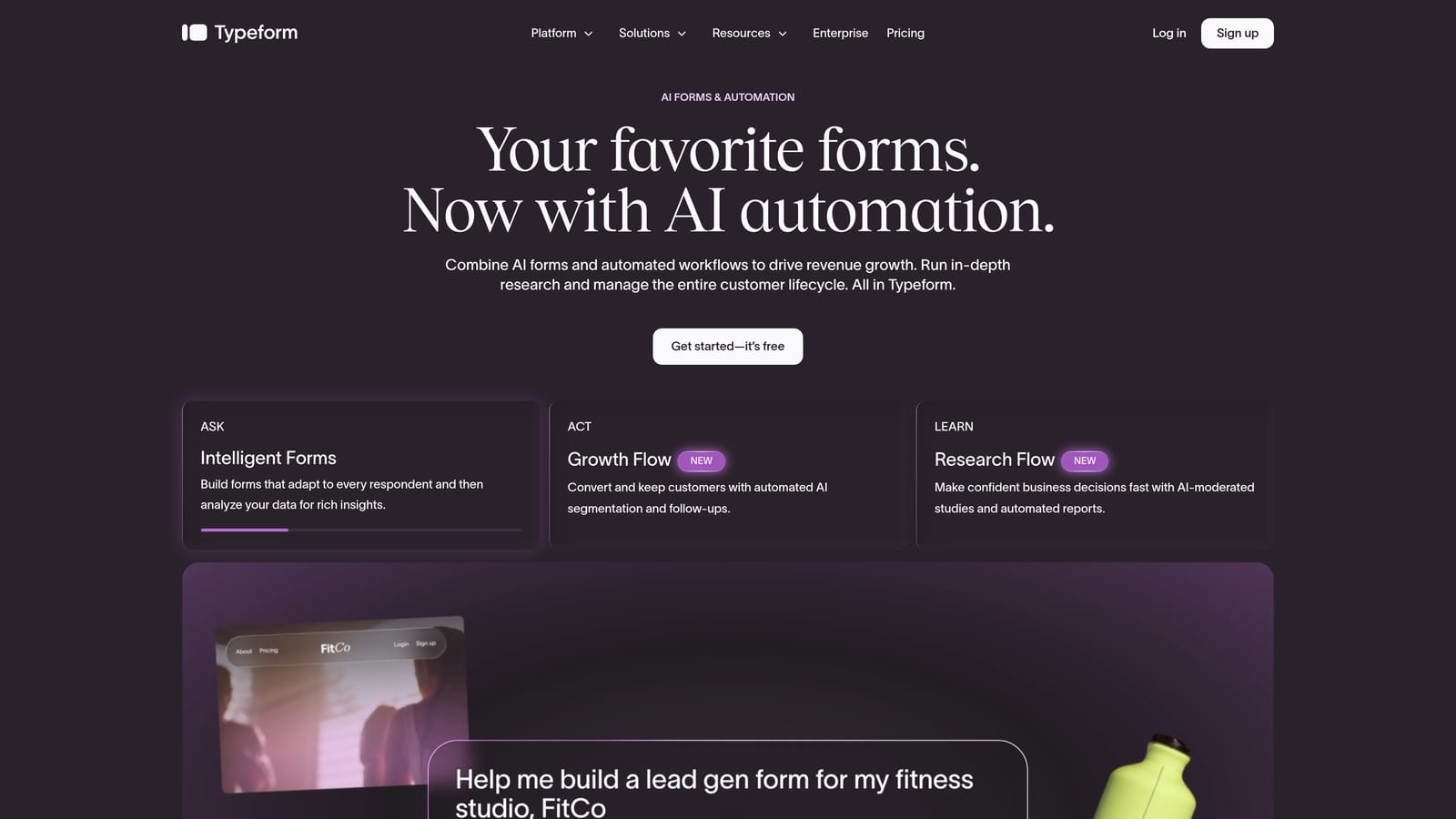
Typeform is the original conversational form platform and still the benchmark for one-question-at-a-time UX that genuinely feels different from a standard form.
Where This Tool Shines
Typeform's core UX remains genuinely excellent. The one-question-at-a-time format reduces cognitive load, and the platform's design polish is difficult to replicate. For NPS surveys, employee engagement studies, brand research, and any context where respondent experience is the primary variable, Typeform consistently performs well on completion rates.
The Enterprise plan adds SSO, custom domains, and priority support, which addresses some of the compliance and governance concerns that hold teams back from committing to Typeform at scale. VideoAsk integration brings video-based question formats into the mix, which is a genuinely differentiated capability for teams running qualitative research or interactive onboarding flows.
Key Features
Conversational Form UX: Industry-leading one-question-at-a-time format that consistently drives strong completion rates for survey and research use cases.
Logic Jumps and Branching: Personalized question flows that adapt based on previous responses, creating a more relevant experience for each respondent.
VideoAsk Integration: Native video question capabilities for teams running qualitative research, interactive onboarding, or video-based assessments.
Enterprise Plan: SSO, custom domains, priority support, and advanced analytics available at the enterprise tier.
Response Insights Dashboard: Built-in analytics for tracking completion rates, drop-off points, and response patterns across forms.
Best For
Typeform is still the right choice for teams where respondent experience and survey completion rates are the primary goals. However, enterprises running high-volume lead generation or needing deep workflow automation will likely find the response-based pricing model and logic limitations become friction points as they scale. This is, after all, why you're reading a list of alternatives.
Pricing
Typeform plans start at $25 per month. Enterprise pricing is available on request. Response-based pricing at higher volumes is a common pain point worth evaluating carefully before committing.
6. Tally
Best for: Lean enterprise teams and internal operations that need capable, no-friction forms without per-seat pricing overhead.
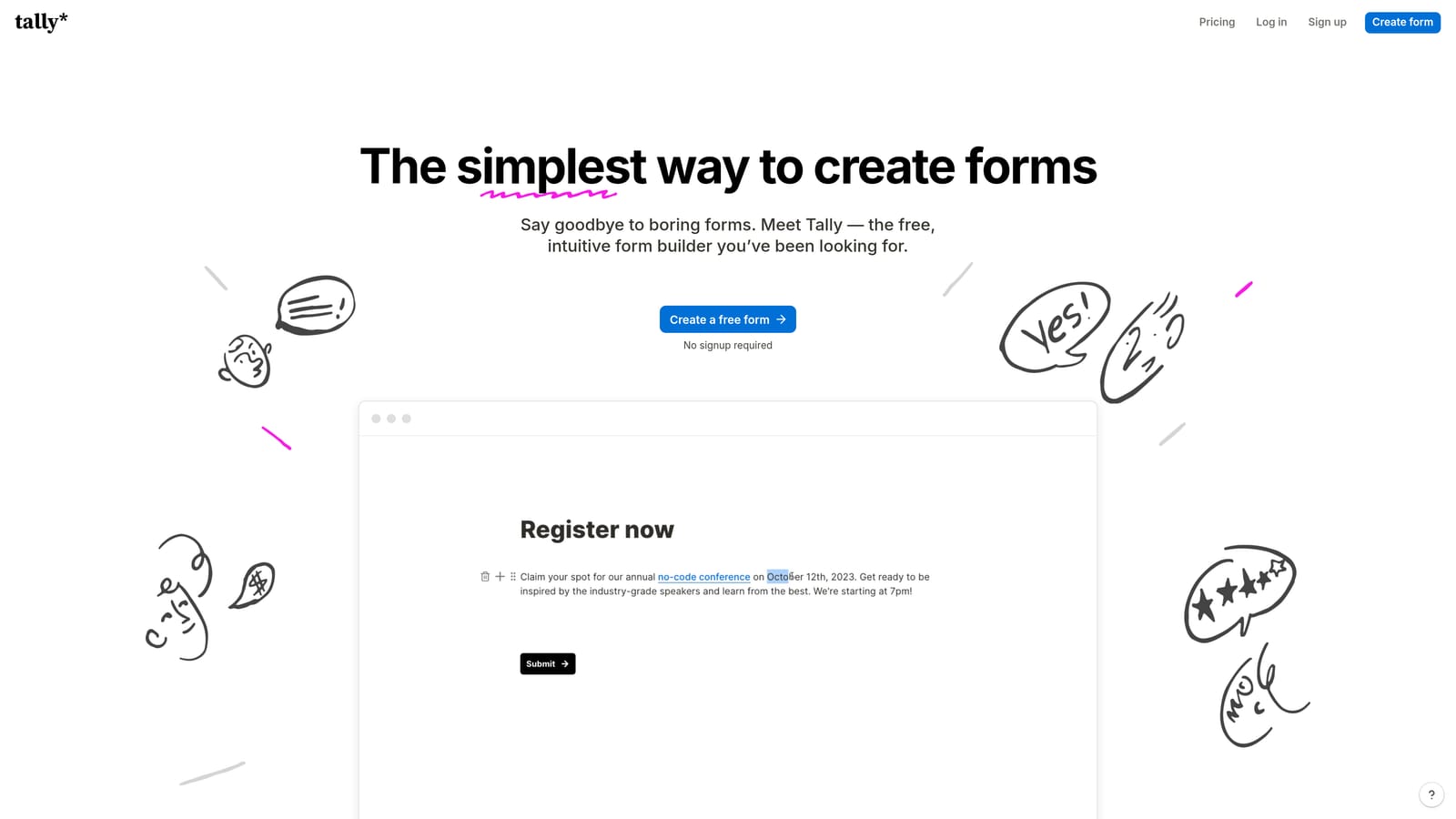
Tally is a Notion-inspired form builder with a generous free tier and no response limits, making it a surprisingly capable option for teams that need functional forms fast without a procurement process.
Where This Tool Shines
Tally's biggest strength is its accessibility. The block-based editor feels immediately familiar to anyone who uses Notion, which means teams can build and deploy forms in minutes without training or onboarding. The free tier includes unlimited responses, which is a meaningful differentiator in a category where most tools gate response volume behind paid plans.
For internal tooling, HR operations, and lightweight data collection workflows where enterprise compliance certifications aren't a hard requirement, Tally punches well above its price point. It embeds cleanly into Notion workspaces, internal tools, and websites, which makes it a natural fit for operations teams already living in a Notion-first environment.
Key Features
Unlimited Responses on Free Plan: No response caps on the free tier, per Tally's published pricing, which removes a common scaling friction point.
Notion-Like Block Editor: Familiar, fast-to-use interface that reduces time from idea to deployed form significantly.
Conditional Logic and File Uploads: Core logic and data collection features available without needing a paid plan for most use cases.
Payment Collection: Built-in payment processing for teams that need to collect fees or deposits alongside form responses.
Flexible Embedding: Clean embed options for Notion, websites, and internal tools, with a growing integration library via native connections and Zapier.
Best For
Tally is the right call for lean teams, internal operations, and Notion-heavy organizations that need capable forms without the overhead of a full enterprise procurement process. It's worth being direct: Tally's compliance story and SSO capabilities are lighter than Jotform or Formstack, so it's not the right fit for heavily regulated industries or large organizations with strict IT governance requirements.
Pricing
Tally's free tier includes unlimited responses. Tally Pro is available at $29 per month, adding custom domains, white-labeling, and additional customization options.
Choosing the Right Tool for Your Enterprise
Every tool on this list solves a real problem. The question is which problem matches yours most closely.
If your primary challenge is lead qualification speed and pipeline quality, Orbit AI is purpose-built for exactly that. The AI scoring at the form layer means your sales team stops wading through unqualified submissions and starts responding to prospects who've already been vetted. For teams where conversion is the metric that matters, that's a meaningful operational shift.
If compliance certification is your first filter, Jotform is the most proven option in the market. Its HIPAA, SOC 2 Type II, and GDPR posture will satisfy most enterprise procurement reviews, and the integration breadth means it fits almost any tech stack. For teams managing complex operational workflows that extend into documents and signatures, Formstack's suite approach solves problems that a standalone form builder simply can't.
Paperform is the strongest choice when brand experience and design flexibility are the priority, particularly for marketing teams that want forms to feel like extensions of their website rather than generic data collectors. Typeform remains the benchmark for survey UX and completion rates, particularly for NPS and research programs where respondent experience drives data quality. And Tally is the pragmatic choice for lean teams or internal operations that need capable forms without the overhead of a full enterprise contract.
The tools that qualify leads well, integrate cleanly with your sales stack, and convert visitors into pipeline are the ones worth investing in. If you want to see what AI-powered qualification looks like in practice, start building free forms today and experience how intelligent form design can change what your lead generation actually produces.
For more on building forms that convert, explore the Orbit AI blog for resources on how to improve lead quality and how to increase form submissions across your pipeline.


