

Choosing the right form tool isn't just about features. It's about finding a pricing model that scales with your team without surprise charges eating into your budget. Whether you're a high-growth SaaS team qualifying leads at scale or a small business collecting customer data, form tool pricing varies wildly: some charge per response, others per seat, and a few bundle AI features that can genuinely change your conversion rates.
This guide breaks down six leading form tools, comparing what you actually get at each price tier. We've focused on what matters to growth-focused teams: response limits, integrations, lead qualification features, and value at scale. If you want to understand how to improve what happens after someone submits a form, our guide on how to improve lead quality is worth reading alongside this comparison.
1. Orbit AI
Best for: High-growth SaaS and B2B teams that need AI-powered lead qualification built directly into their forms.
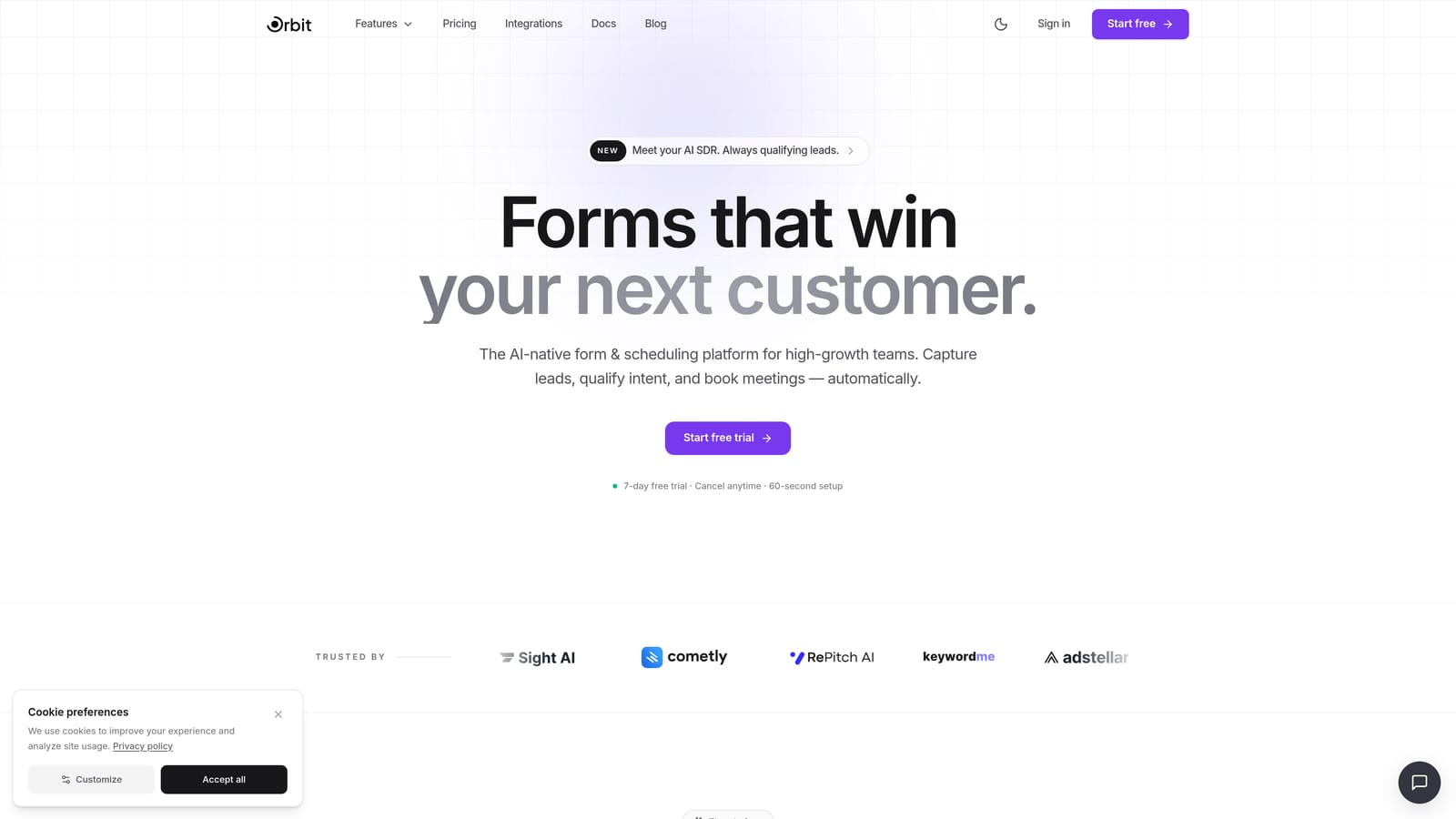
Orbit AI is an AI-powered form builder with native lead qualification and conversion optimization, built specifically for teams where every lead counts.
Where This Tool Shines
What separates Orbit AI from most form builders is where the intelligence lives. Rather than requiring a separate CRM workflow or third-party enrichment tool to qualify leads, Orbit AI handles scoring and routing at the form layer itself. For sales-driven teams, this means fewer handoffs and faster response times to high-intent prospects.
The form design experience is also genuinely modern. If you've ever cringed at sending prospects to a clunky, dated form, Orbit AI's conversion-optimized UI is a meaningful upgrade. Beautiful design and intelligent qualification aren't usually bundled together at this level.
Key Features
AI Lead Qualification: Built-in lead scoring and qualification runs at the form layer, requiring no third-party integration or post-submission workflow.
Lead Scoring and Routing: Automatically prioritizes and routes responses so sales teams focus on the highest-value prospects first.
Conditional Logic and Dynamic Fields: Personalized form experiences that adapt based on how respondents answer, improving completion rates and data quality.
Conversion-Optimized Design: Modern, beautiful UI designed to reduce friction and increase form completion, not just collect data.
CRM and Marketing Stack Integrations: Connects with the tools high-growth teams already use, keeping data flowing without manual exports.
Best For
Orbit AI is the strongest fit for SaaS companies, B2B marketing teams, and growth-focused businesses where lead quality matters as much as lead volume. If your team is actively trying to reduce time-to-contact with qualified prospects or improve conversion rates on gated content and demo request forms, this is built with that workflow in mind.
Pricing
Pricing details are available directly at orbitforms.ai. Verify current tiers and plans on the live site before making a decision, as pricing may be updated.
2. Typeform
Best for: Teams that prioritize brand aesthetics and conversational, one-question-at-a-time form experiences.
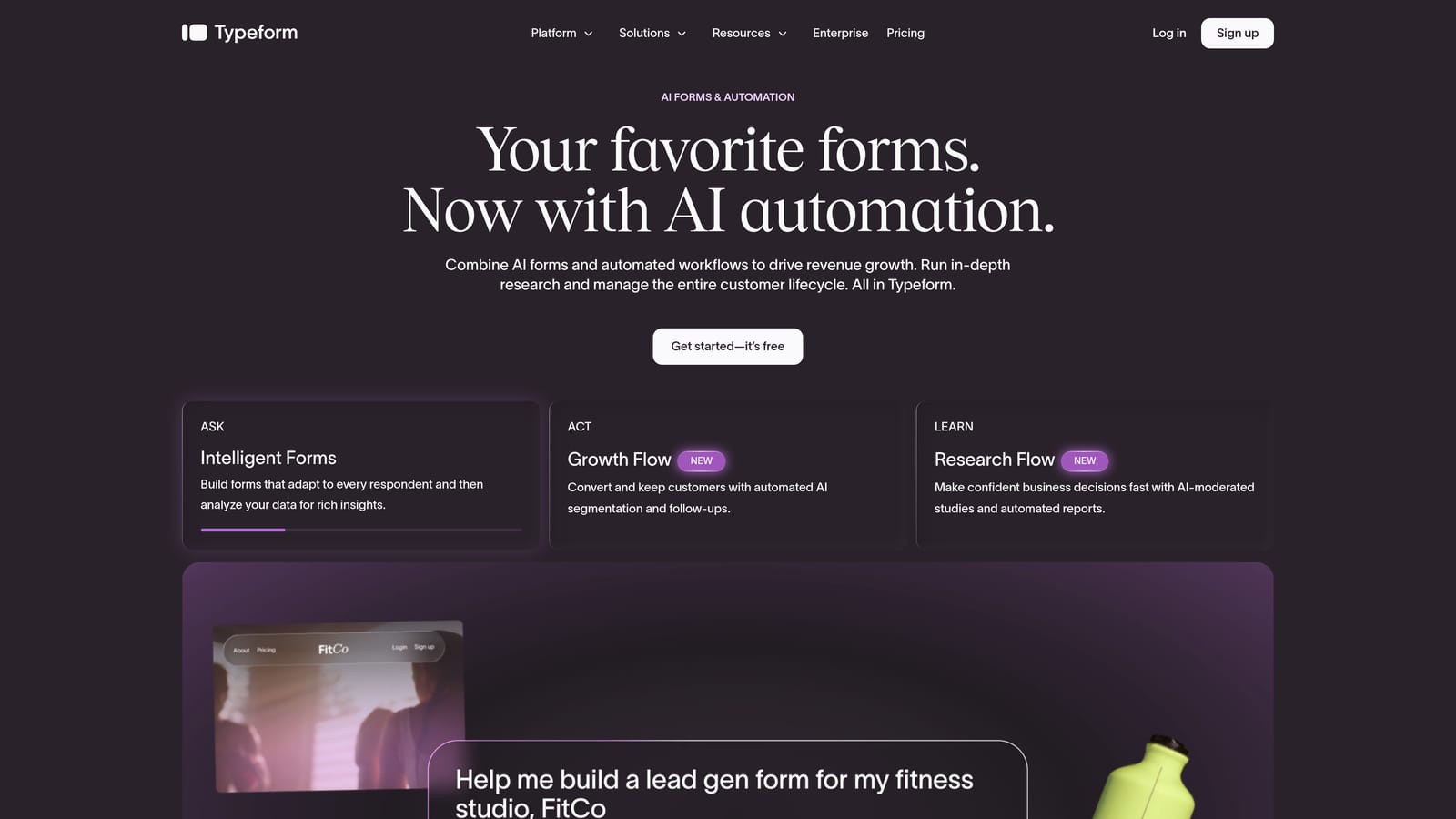
Typeform is a conversational form builder known for its polished design and engaging, sequential question format.
Where This Tool Shines
Typeform's signature strength is the experience it creates for respondents. Rather than presenting a wall of fields, it guides users through one question at a time, which tends to feel less overwhelming and can improve completion rates for longer surveys or applications.
The design customization is also a cut above many competitors. If brand consistency matters to your team, Typeform gives you meaningful control over how your forms look and feel, with a library of integrations to connect responses into your existing stack.
Key Features
Conversational Format: One-question-at-a-time layout creates a guided, low-friction experience for respondents.
Design and Branding Customization: Strong visual controls to match your brand identity across forms and surveys.
Logic Jumps and Conditional Branching: Routes respondents through different question paths based on their answers.
Integration Library: Connects with HubSpot, Salesforce, Zapier, and a wide range of other tools.
Response-Based Pricing: Lower tiers are priced by response volume, which is worth factoring in if you expect high submission rates.
Best For
Typeform works well for teams running surveys, research studies, lead capture forms, and brand-forward experiences where the form itself is part of the product impression. Teams expecting very high response volumes should model out costs carefully, as per-response pricing can scale quickly.
Pricing
A free plan is available with limited responses per month. Paid plans increase response limits and remove branding. Verify current pricing at typeform.com/pricing.
3. Jotform
Best for: Teams that need a wide variety of form types across departments, with a generous free tier and extensive templates.
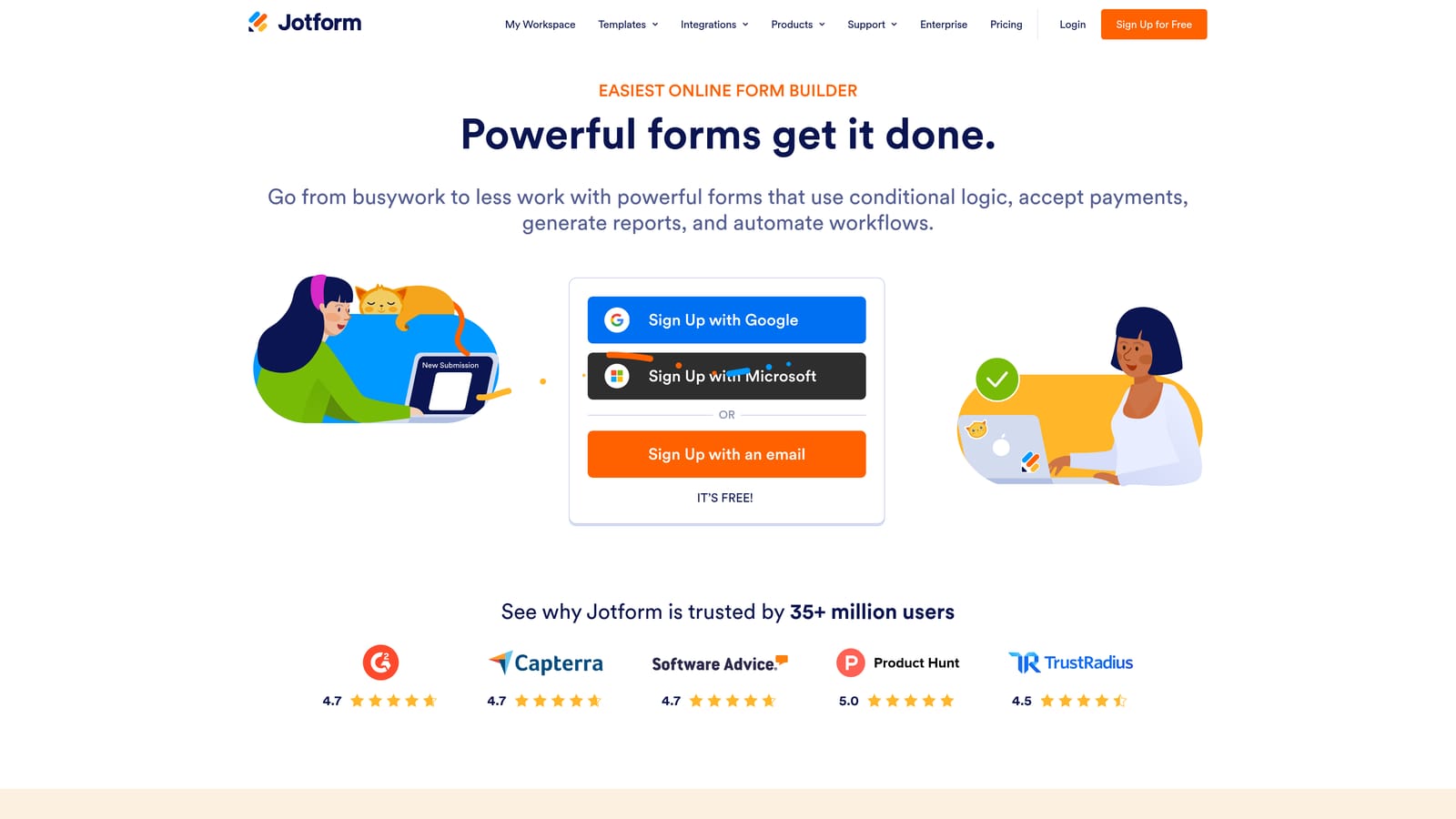
Jotform is one of the most feature-rich form builders available, with an enormous template library and a free plan that's genuinely useful for small teams.
Where This Tool Shines
Jotform's breadth is its defining characteristic. With over 10,000 templates spanning everything from contact forms to payment collection to HR onboarding, it's one of the few tools that can genuinely serve multiple departments within the same organization without requiring separate platforms.
The free tier is also meaningfully generous compared to most competitors. Teams that are just getting started or have modest submission volumes can accomplish a lot without ever upgrading, making it a low-risk way to evaluate the platform.
Key Features
10,000+ Templates: One of the largest template libraries in the market, covering nearly every use case imaginable.
Drag-and-Drop Builder: Extensive field types and a visual editor that doesn't require technical knowledge to use effectively.
Payment Integrations: Native support for Stripe, PayPal, Square, and other payment processors for order and registration forms.
Jotform Tables: Built-in response management tool for organizing, filtering, and acting on submission data without exporting to a spreadsheet.
Generous Free Tier: Meaningful monthly submission allowance on the free plan, with paid tiers scaling by volume and storage.
Best For
Jotform is a strong fit for small to mid-sized businesses, nonprofits, and teams with diverse form needs across departments. It's particularly useful when you need payment collection, registration workflows, or a large variety of form types without investing in multiple tools.
Pricing
A free plan is available with a monthly submission limit. Paid tiers scale by submission volume and storage. Verify current pricing at jotform.com/pricing.
4. Paperform
Best for: Teams that want flat, predictable monthly pricing and a flexible form-meets-landing-page editing experience.
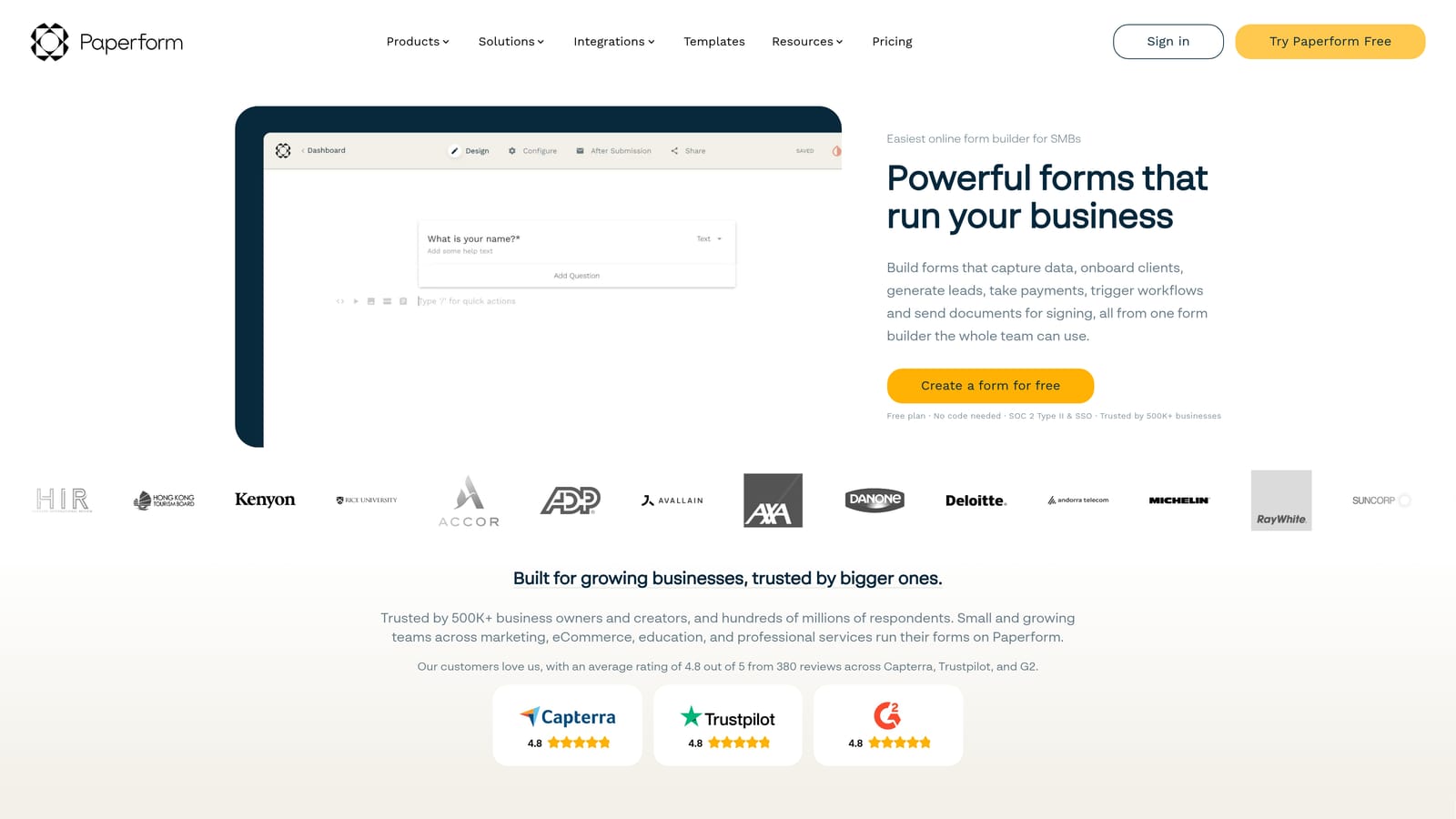
Paperform is a flexible form builder that blends form fields with rich text, images, and media into a page-style experience that's closer to a mini landing page than a traditional form.
Where This Tool Shines
Paperform's freeform editor is genuinely different from most form builders. Rather than working within a rigid field-by-field structure, you write and design the page around the form fields, embedding questions within descriptive text, images, or video. This makes it particularly strong for order forms, quote builders, and intake forms where context matters.
The flat monthly pricing model is also a meaningful advantage for teams that want budget predictability. Unlike per-response tools that can generate surprise charges during a campaign spike, Paperform's pricing doesn't change based on how many submissions you receive.
Key Features
Freeform Editor: Combines text, images, video, and form fields on a single canvas for a page-style form experience.
Flat Monthly Pricing: Not response-based, so high-volume periods don't result in unexpected charges.
Calculations and Product Fields: Built-in support for order forms, quote calculators, and pricing configurators.
Conditional Logic and Multi-Page Forms: Adapts the form experience based on respondent input across multiple steps.
Integrations: Connects with Zapier, Stripe, Notion, and a range of other tools in common marketing and operations stacks.
Best For
Paperform is a strong choice for small business owners, consultants, and operations teams that need flexible, visually rich forms for orders, bookings, or client intake. The flat pricing model makes it especially appealing for teams with variable or unpredictable submission volumes.
Pricing
No permanent free plan is available, but a trial period lets you test before committing. Paid tiers are flat monthly rates. Verify current pricing at paperform.co/pricing.
5. Tally
Best for: Early-stage startups, indie builders, and teams that need unlimited forms and responses without paying anything.
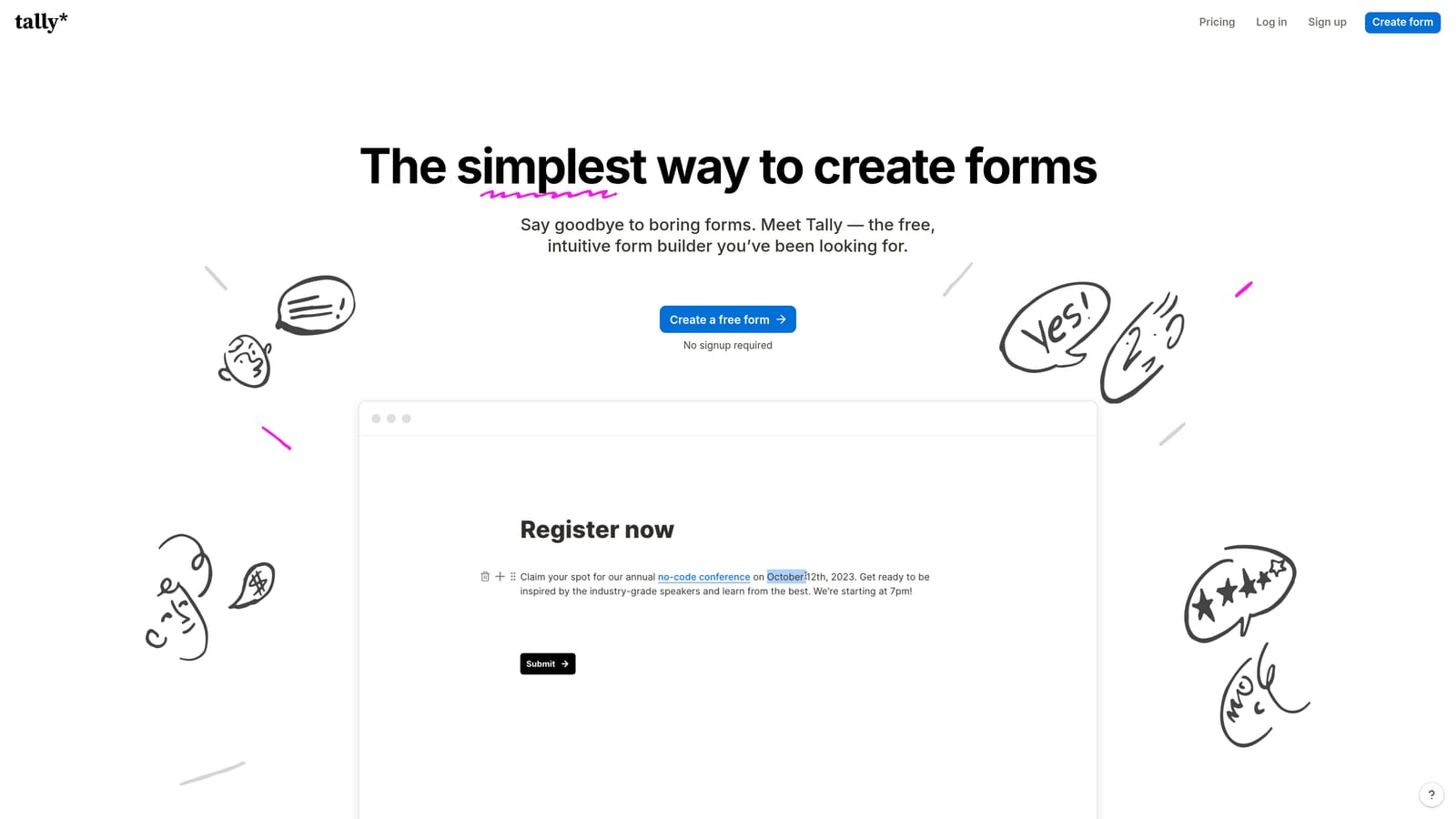
Tally is a minimalist form builder with one of the most genuinely unlimited free plans available in the market today.
Where This Tool Shines
Tally's free tier is its headline feature, and it's legitimately rare. Most free plans in the form tool market come with response caps, branding requirements, or feature restrictions that push you toward a paid plan quickly. Tally offers unlimited forms and unlimited responses on its free tier, which is a meaningful differentiator for teams watching their spend.
The editor has a clean, Notion-style feel that's fast to learn and pleasant to use. It won't overwhelm you with options, which is actually a feature for teams that just need to get a form live quickly without configuring a complex platform.
Key Features
Unlimited Free Plan: No response caps, no form limits, and no forced branding on the free tier, which is rare in this category.
Notion-Style Editor: Clean, block-based editing experience that's fast to learn and intuitive to use.
Conditional Logic on Free Tier: Basic conditional logic is available without upgrading, which most competitors reserve for paid plans.
Paid Plan Upgrades: The Pro plan adds custom domains, branding removal, and priority support for teams that need a more polished, white-labeled experience.
Easy Embedding: Forms embed cleanly into websites and Notion pages without technical friction.
Best For
Tally is the go-to recommendation for early-stage startups, solo founders, and teams with tight budgets who need a capable form tool without any upfront cost. It's also a strong choice for internal forms, feedback collection, and any use case where unlimited volume matters more than advanced features.
Pricing
The free plan includes unlimited forms and responses. A Pro plan is available at a flat monthly rate for teams that need custom branding and additional features. Verify current pricing at tally.so/pricing.
6. Formstack
Best for: Enterprise teams in regulated industries that need HIPAA compliance, document workflows, and advanced approval routing.
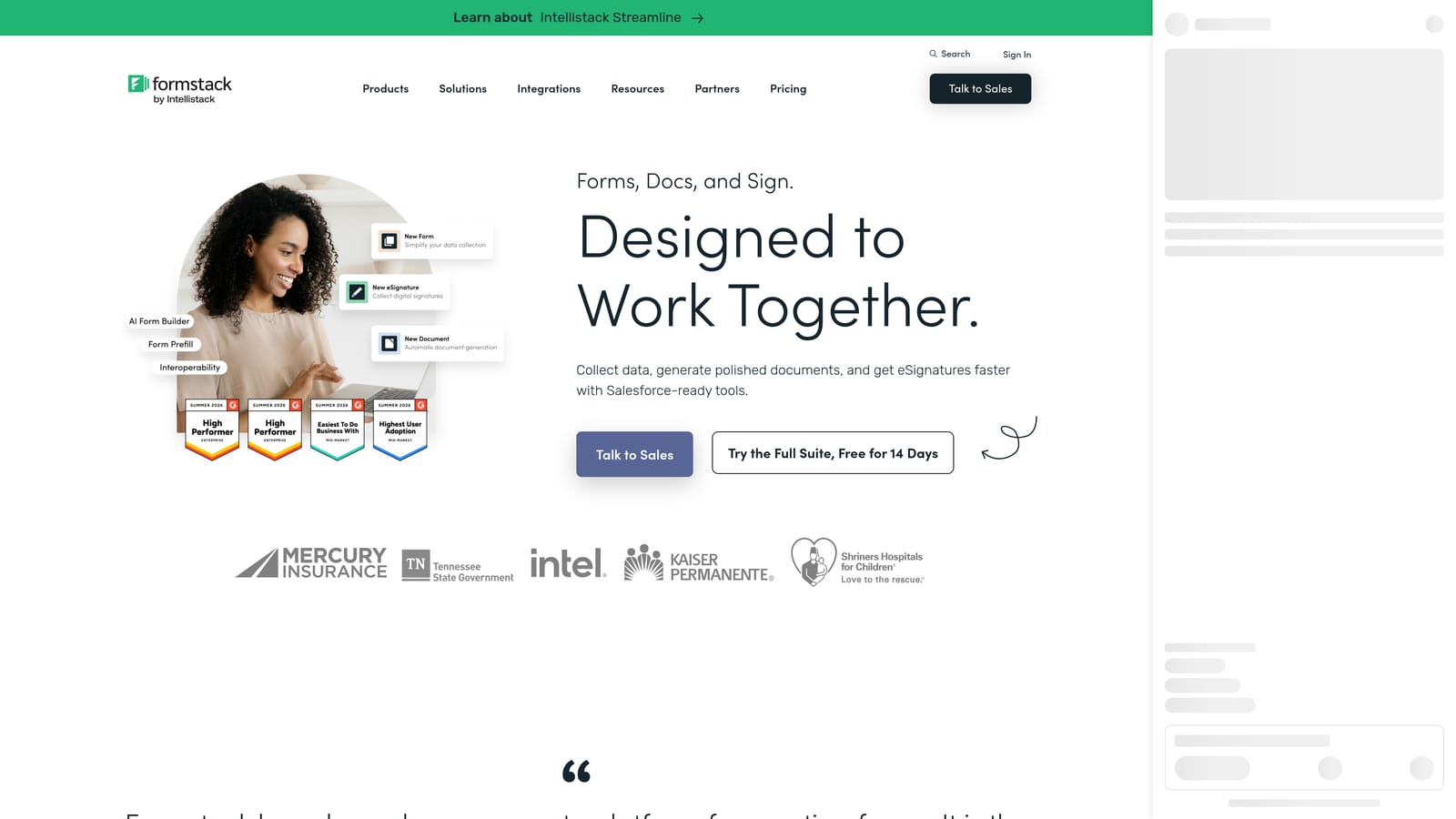
Formstack is an enterprise form and document workflow platform built for organizations where compliance, security, and process automation are non-negotiable.
Where This Tool Shines
Formstack operates at a different level of complexity than most form tools on this list. It's not just a form builder; it's a workflow platform that connects forms to document generation, e-signature collection, and multi-step approval processes. For healthcare organizations, financial services teams, or any business operating in a regulated environment, that compliance infrastructure is genuinely valuable.
The Salesforce-native integration is also a standout for enterprise sales teams. Rather than syncing data through a middleware layer, Formstack can operate directly within Salesforce, which reduces data latency and integration maintenance overhead.
Key Features
HIPAA-Compliant Forms: Purpose-built compliance controls for healthcare and other regulated industries where data handling requirements are strict.
Document Generation and E-Signatures: Creates documents from form submissions and routes them for signature, reducing manual document handling.
Advanced Routing and Approval Workflows: Multi-step approval processes that automate what would otherwise be manual review chains.
Salesforce-Native Integration: Operates directly within Salesforce rather than syncing through a third-party connector.
Enterprise Security and Access Controls: Role-based permissions, audit logs, and enterprise-grade security infrastructure.
Best For
Formstack is the right fit for mid-market and enterprise organizations in healthcare, financial services, legal, or any regulated industry where compliance documentation and workflow automation justify a higher price point. It's not the right tool for early-stage teams or those with straightforward form needs.
Pricing
Formstack operates at the higher end of the market. Enterprise tiers typically require contacting sales for a custom quote. Verify current pricing at formstack.com/pricing.
Which Tool Is Right for Your Team?
The right form tool comes down to where you are in your growth journey and what you need the form to actually do after someone hits submit.
If your team is focused on lead generation and conversion optimization, Orbit AI is the clearest fit. The combination of AI-powered lead qualification at the form layer, modern design, and CRM integrations is purpose-built for SaaS and B2B teams where lead quality drives revenue. It's the only tool on this list that handles scoring and routing without requiring a separate workflow on top.
For teams that prioritize brand-forward, conversational experiences, Typeform remains a strong choice, though its response-based pricing model deserves careful scrutiny if you're running high-volume campaigns. Jotform is the best option for teams that need variety across departments, especially when payment collection or a large template library is part of the requirement.
If budget predictability matters and you want flat pricing that doesn't spike with submission volume, Paperform is worth a close look. For early-stage teams or anyone who needs a genuinely capable free tier without response limits, Tally is hard to beat. And for enterprise organizations in regulated industries where compliance and document workflows are central requirements, Formstack is in a category of its own.
The pricing models across these tools vary significantly: per-response pricing can surprise you during a campaign spike, while flat tiers and unlimited free plans offer more predictability. Understanding which model aligns with your team's usage patterns is as important as evaluating features.
Transform your lead generation with AI-powered forms that qualify prospects automatically while delivering the modern, conversion-optimized experience your high-growth team needs. Start building free forms today and see how intelligent form design can elevate your conversion strategy.


