

When you're evaluating form software, pricing pages rarely tell the whole story. Response limits, submission caps, feature paywalls, and per-seat pricing can make a "free" tool expensive fast, especially for high-growth teams scaling their lead generation.
This guide cuts through the noise with an honest cost comparison of the top form software platforms in 2026. Whether you're building lead capture forms, qualification flows, or multi-step surveys, we've broken down what each tool actually costs at different usage tiers, what you get for the money, and where each one falls short. Use this as your shortcut to finding the right tool at the right price, without the surprises on your next billing cycle.
1. Orbit AI
Best for: High-growth teams that measure forms by pipeline contribution, not just submission count
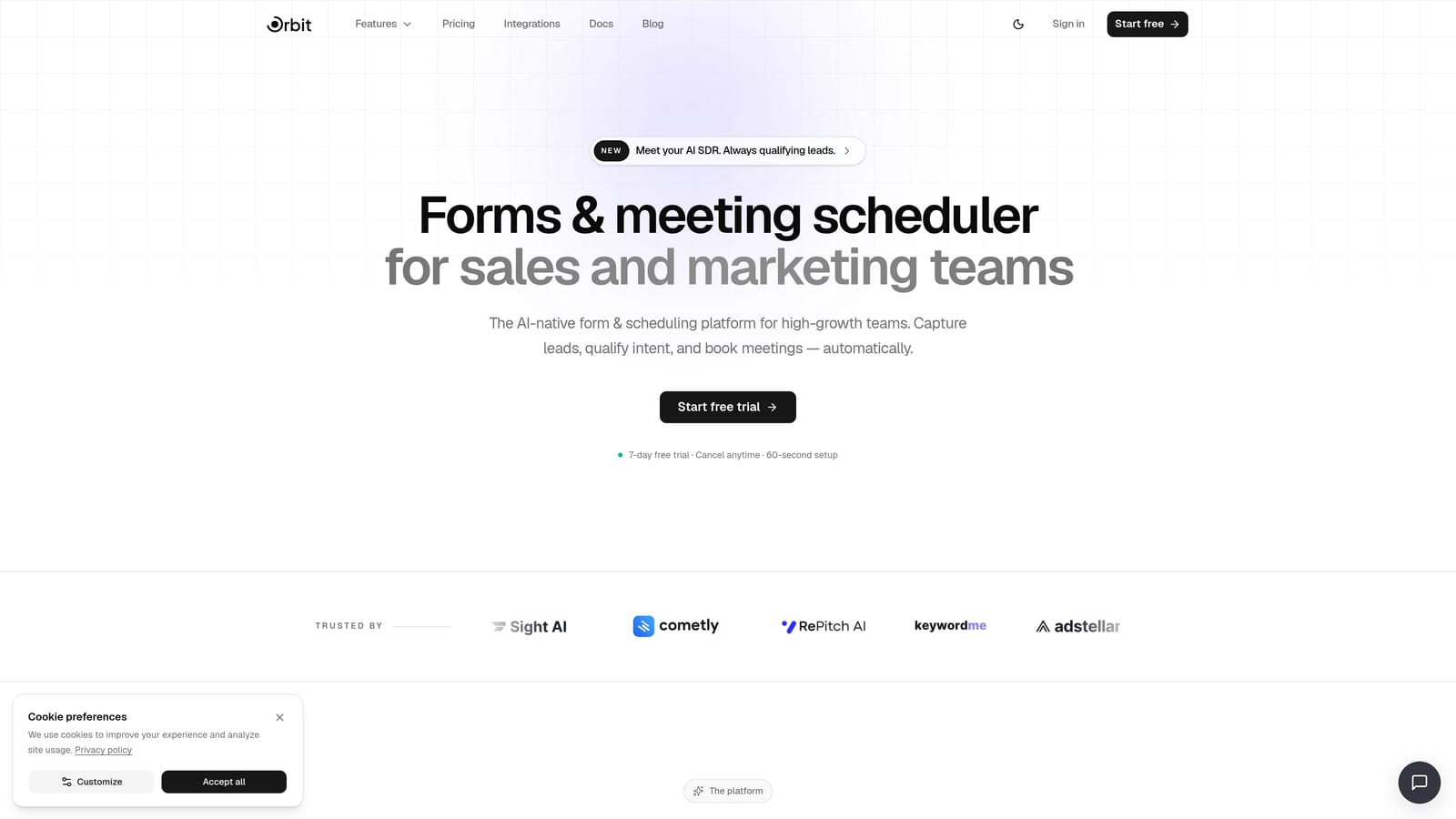
Orbit AI is an AI-powered form builder built specifically for conversion-focused teams who need more than a data collection tool.
Where This Tool Shines
Most form builders treat every submission equally. Orbit AI doesn't. Its built-in AI lead qualification automatically scores and routes submissions, so your team focuses on the prospects most likely to convert rather than sifting through every response manually.
The design quality is another standout. Forms built on Orbit AI look polished and modern without needing a designer involved. For teams where brand perception matters at every touchpoint, that's a meaningful advantage over tools that produce generic-looking forms out of the box.
Key Features
AI-Powered Lead Qualification: Automatically scores and routes submissions based on your ideal customer profile, removing manual triage from your workflow.
Conversion-Optimized Templates: Pre-built form designs engineered to reduce abandonment and guide respondents through to completion.
Beautiful Modern Design: Professional, on-brand forms without requiring design resources or custom CSS.
Built-In Analytics: Track form performance and lead quality in one place, giving you visibility into which forms are actually driving pipeline.
Workflow Automation and CRM Integrations: Connect seamlessly to your existing stack so qualified leads flow directly into your CRM and sales workflows.
Best For
Orbit AI is the right fit for SaaS teams, growth marketers, and demand generation professionals who treat form performance as a revenue metric. If you're measuring cost per lead and conversion rates rather than just submission volume, this platform is built around your priorities.
Pricing
See current plans at orbitforms.ai/pricing. Given the AI qualification capabilities included, it's worth evaluating against the cost of leads lost to poor routing or form abandonment.
2. Typeform
Best for: Teams prioritizing a polished, conversational survey or research experience
Typeform is a conversational form builder known for its one-question-at-a-time format and strong visual design.

Where This Tool Shines
Typeform's signature format genuinely improves completion rates for longer surveys and questionnaires. When you need someone to stay engaged through 10 or 15 questions, the conversational flow makes the experience feel less like filling out a form and more like a dialogue.
The visual customization options are also above average. You can match forms closely to your brand, embed images and video, and create experiences that feel intentional rather than generic. For customer research, NPS surveys, and onboarding flows, Typeform holds up well.
Key Features
Conversational One-Question Format: Presents questions sequentially to keep respondents engaged and reduce abandonment on longer forms.
Visual Branding and Customization: Strong control over colors, backgrounds, fonts, and imagery to match your brand.
Logic Jumps and Conditional Paths: Route respondents through different question sets based on their answers.
Wide Integration Library: Connects with HubSpot, Salesforce, Slack, Google Sheets, and many others.
Video and Image Embedding: Add rich media directly into form questions for a more engaging experience.
Best For
Typeform suits marketing teams running customer research, product teams collecting feedback, and anyone who needs a high-engagement survey experience. It's less ideal for high-volume lead capture where response limits become a cost concern quickly.
Pricing
A free plan is available but response-capped and includes Typeform branding. Paid plans start around $25/month. Costs can scale quickly as submission volume grows, so verify current pricing at typeform.com before committing.
3. Jotform
Best for: Teams needing a broad template library and payment collection in one tool
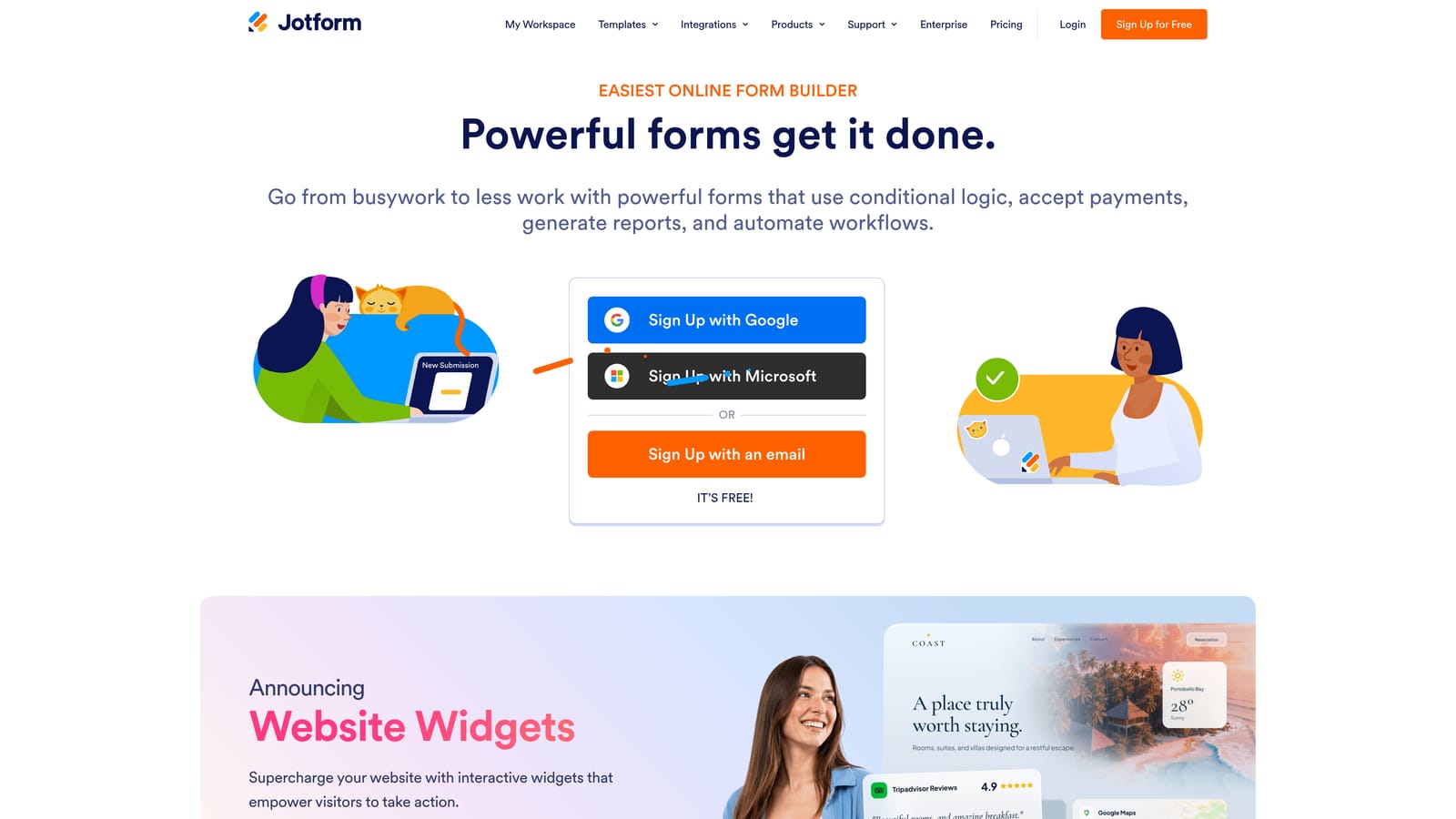
Jotform is a feature-rich form builder with one of the largest template libraries on the market and broad integration support.
Where This Tool Shines
If you need a form for a specific use case, Jotform almost certainly has a template for it. With more than 10,000 templates spanning healthcare, education, e-commerce, legal, and more, the starting-point problem is essentially solved. This makes it particularly useful for teams managing forms across multiple departments or workflows.
Jotform also handles payment collection natively, which sets it apart from pure form builders. If you need to collect payments alongside form data, whether for registrations, deposits, or product orders, Jotform handles it without requiring a separate tool.
Key Features
10,000+ Form Templates: Industry-spanning library covering virtually every use case, reducing setup time significantly.
Native Payment Collection: Integrates with Stripe, PayPal, Square, and others for direct payment processing within forms.
HIPAA-Compliant Plan: Available for healthcare teams that need compliant data handling.
Drag-and-Drop Builder: Wide range of field types with a visual editor that requires no technical skill.
Team Collaboration: Shared workspaces and collaboration features available on higher-tier plans.
Best For
Jotform works well for operations teams, small businesses, and organizations that need versatile forms across many departments. It's a strong choice when payment collection is part of the requirement.
Pricing
A free plan is available with submission limits and storage caps. Paid plans start around $34/month. Verify current pricing at jotform.com, as plan structures can change.
4. Google Forms
Best for: Internal surveys, simple data collection, and teams already in the Google Workspace ecosystem
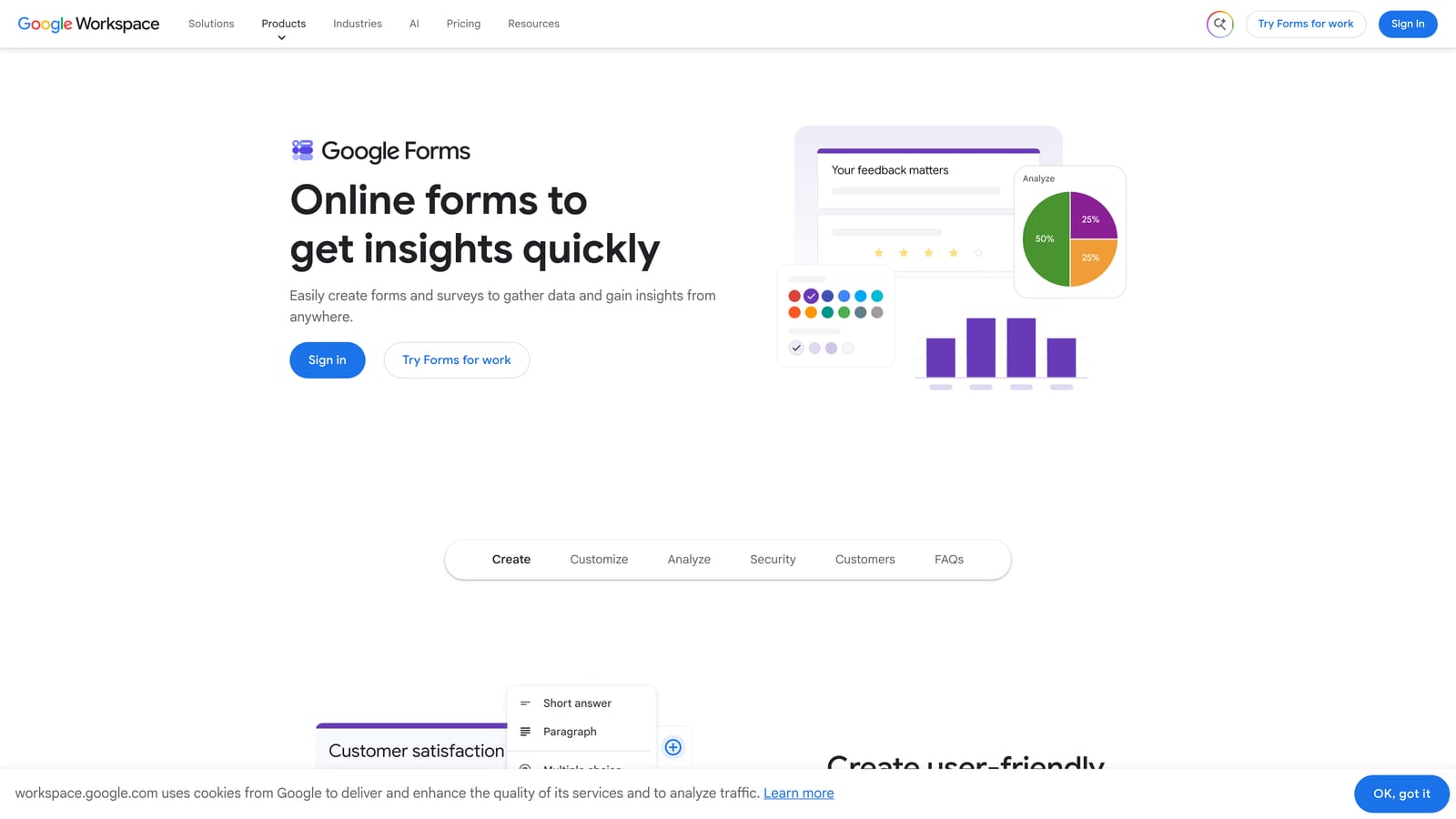
Google Forms is a free, no-frills form tool built into Google Workspace for straightforward data collection.
Where This Tool Shines
The honest answer is that Google Forms shines on price and simplicity. It's completely free with any Google account, there are no submission caps, and responses flow directly into Google Sheets with zero setup. For internal team surveys, event RSVPs, or quick polls, it's hard to argue with free.
Collaboration is also seamless within Google Workspace. If your team already lives in Google Docs and Sheets, adding Forms to the workflow requires no learning curve and no new logins.
Key Features
Completely Free: No subscription required, no submission limits, no branding fees.
Unlimited Responses: Unlike most free plans, Google Forms imposes no caps on how many responses you can collect.
Native Google Sheets Integration: Responses populate a connected spreadsheet automatically.
Basic Branching Logic: Simple conditional question routing based on answers.
Easy Sharing and Collaboration: Share forms and response data with team members using standard Google permissions.
Best For
Google Forms is the right call for internal use cases, small teams with no budget, and anyone collecting data rather than qualifying leads. It's not built for conversion optimization, custom branding, or lead routing. For those needs, you'll outgrow it quickly.
Pricing
Free with any Google account. Google Workspace plans start around $6 per user per month if you need the broader suite of business tools.
5. HubSpot Forms
Best for: Teams already running HubSpot as their CRM and marketing platform
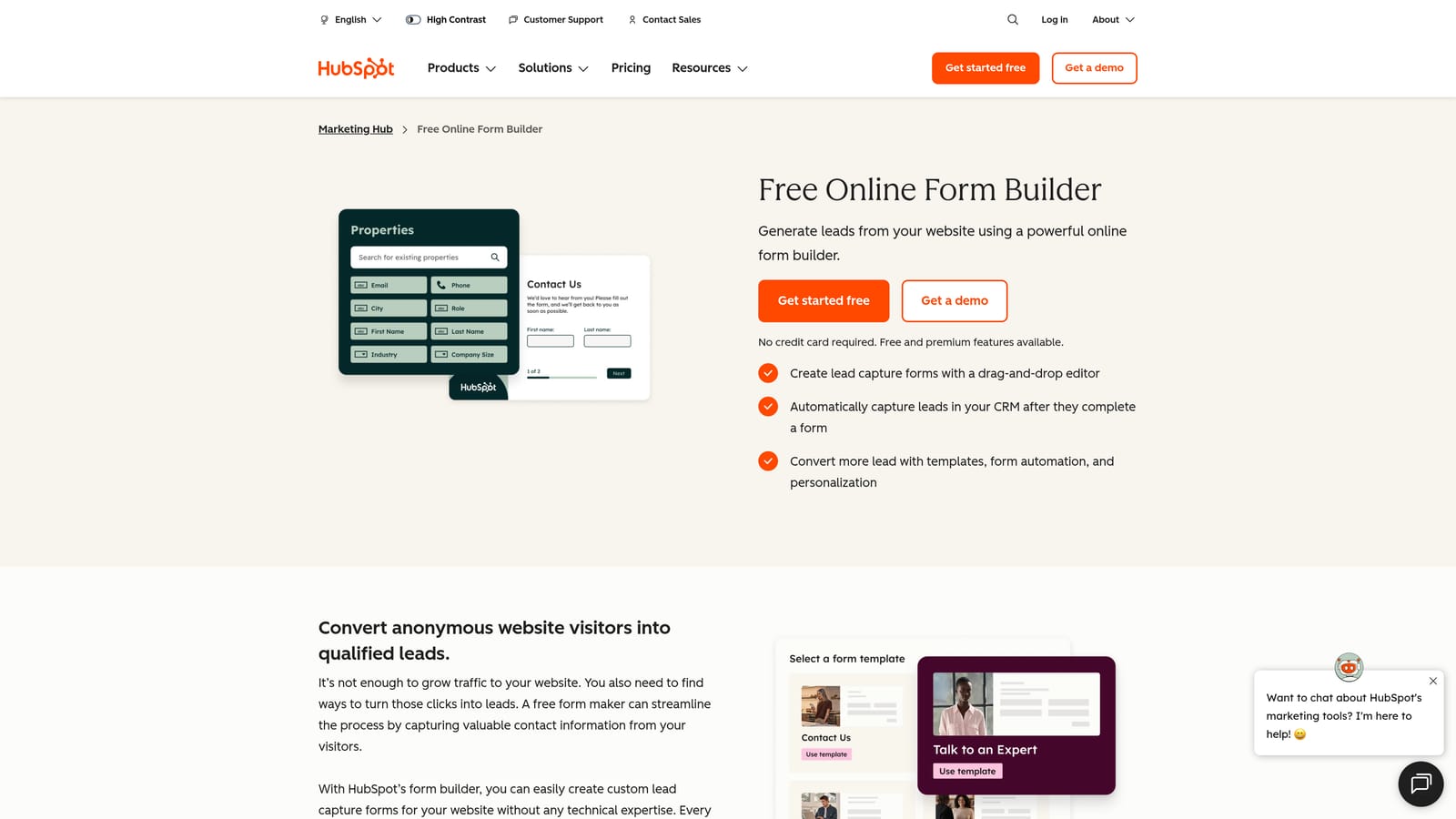
HubSpot Forms is a native form builder within HubSpot's CRM platform, designed to feed directly into HubSpot's contact database and marketing workflows.
Where This Tool Shines
If your team is already in HubSpot, the native integration is genuinely valuable. Form submissions automatically create or update contact records, trigger workflows, and feed into lead scoring, all without any Zapier glue or manual CSV imports. For HubSpot users, this tight integration is difficult to replicate with a third-party form tool.
Progressive profiling is another feature worth noting. Instead of presenting every field every time, HubSpot Forms can show new fields to returning visitors, gradually building out contact profiles without overwhelming people on their first interaction.
Key Features
Seamless CRM Sync: Submissions automatically create or update HubSpot contact records without manual steps.
Progressive Profiling: Collects additional data from returning visitors incrementally, reducing form friction.
Embedded and Pop-Up Options: Deploy forms inline on pages or as triggered pop-ups based on visitor behavior.
Lead Scoring Integration: Form responses feed directly into HubSpot's lead scoring and workflow automation.
Free Tier Available: Basic form functionality is included within HubSpot's free CRM.
Best For
HubSpot Forms is purpose-built for HubSpot users. If you're not on HubSpot, the value proposition drops significantly. The advanced features that make it powerful, like workflow triggers and lead scoring, are locked behind Marketing Hub tiers that represent a significant cost jump.
Pricing
Free within HubSpot's free CRM tier. Advanced features require Marketing Hub Professional, which starts around $800/month. Verify current pricing at hubspot.com/pricing, as this is a significant step-up cost to plan for.
6. Tally
Best for: Budget-conscious teams and solo builders who need unlimited responses without paying
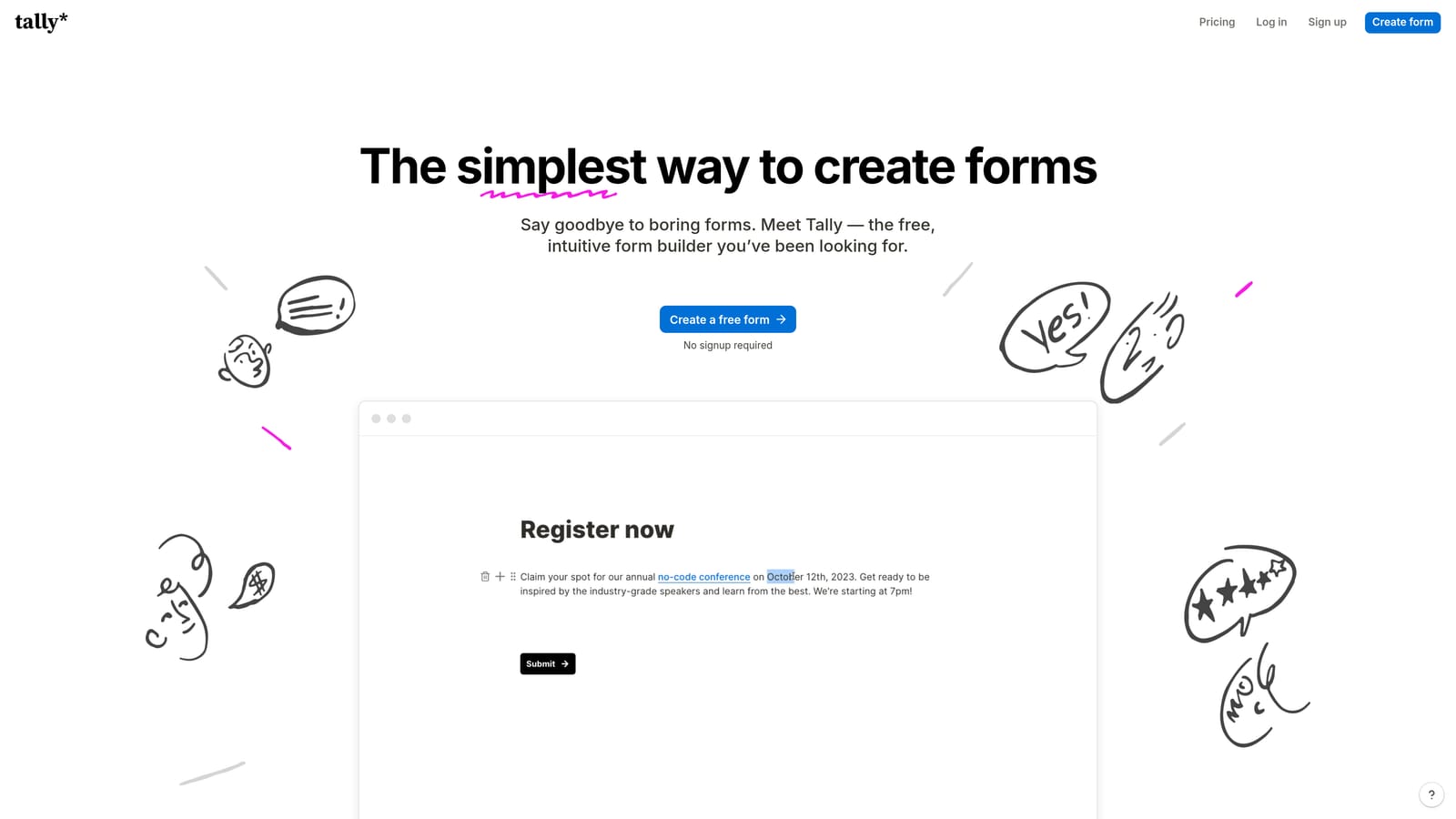
Tally is a minimalist form builder with a genuinely generous free plan and a Notion-like block editing experience.
Where This Tool Shines
Tally's free plan is one of the most competitive in the market. Unlimited forms and unlimited responses at no cost is a rarity in this space, and it makes Tally a legitimate option for startups and early-stage teams watching every dollar. The editing experience is clean and intuitive, especially for anyone already comfortable with Notion's block-based interface.
It's worth being clear about what you're trading for that price: Tally is not a conversion-optimization tool. It's a clean, functional form builder that does the basics well. For simple data collection, feedback forms, and internal workflows, it punches well above its price point.
Key Features
Unlimited Forms and Responses on Free Plan: No submission caps or response limits, which is genuinely unusual for a free tier.
Block-Based Editor: Notion-style editing experience that's intuitive for teams already familiar with that interface.
Logic and Conditional Fields: Route respondents through different paths based on their answers.
Zapier and Native Integrations: Connect to common tools in your stack for basic workflow automation.
Custom Domains on Paid Plan: Remove Tally branding and host forms on your own domain with the Pro tier.
Best For
Tally is a strong fit for freelancers, early-stage startups, and teams that need functional forms without a budget. It's not the right tool if lead qualification, conversion analytics, or advanced branding are priorities.
Pricing
Free plan includes unlimited responses with Tally branding. Pro plan starts around $29/month. Verify current pricing at tally.so.
7. Gravity Forms
Best for: WordPress sites that need deep customization and high-volume forms without per-submission fees
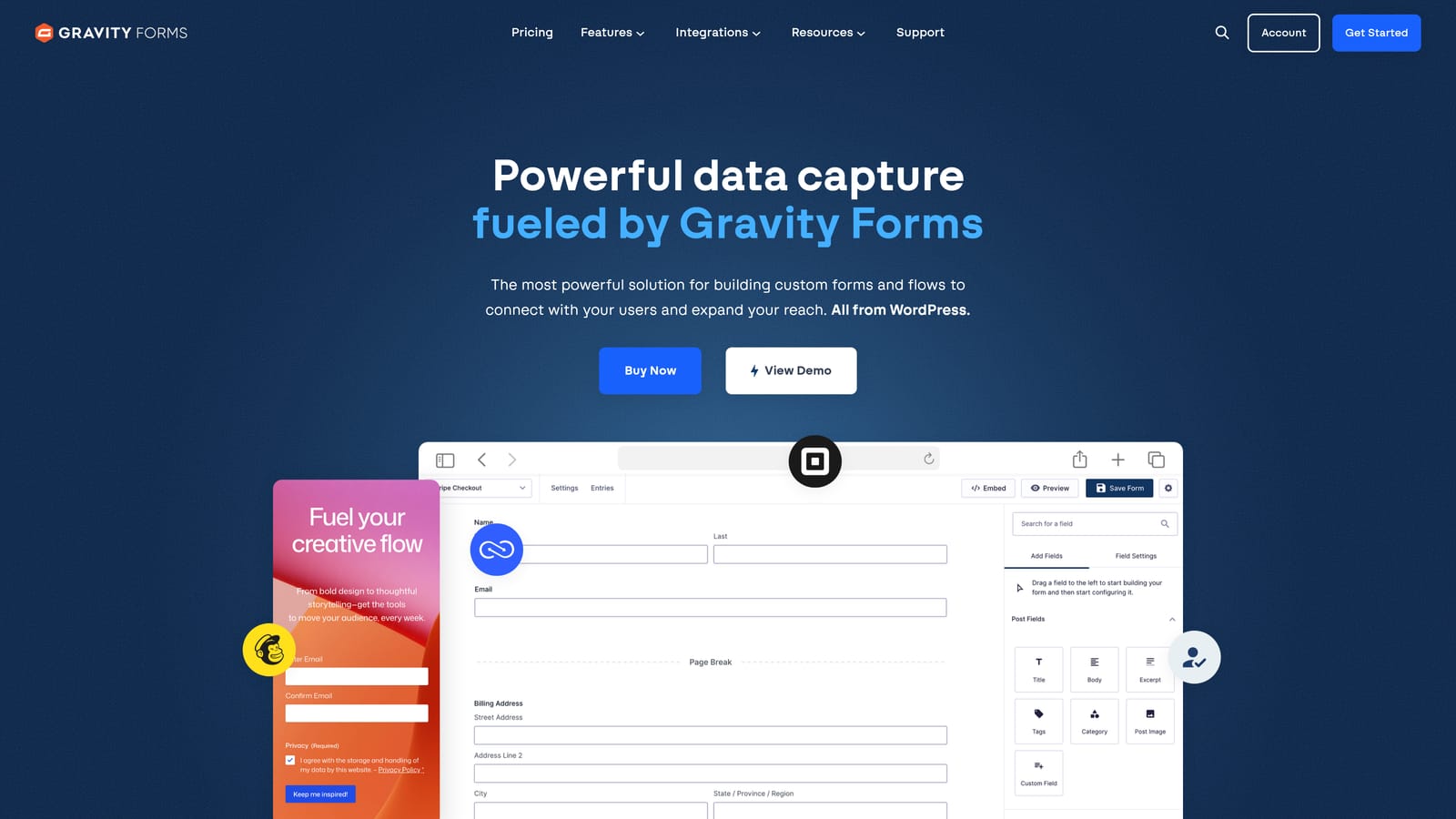
Gravity Forms is a WordPress-native form plugin with deep customization capabilities and an annual flat-license pricing model.
Where This Tool Shines
The annual licensing model is what makes Gravity Forms financially interesting for high-volume WordPress sites. Instead of paying per submission or scaling with response volume, you pay a flat annual fee and collect as many responses as your server can handle. For established WordPress sites processing thousands of form submissions per month, this structure can be significantly more cost-effective than SaaS alternatives.
Developer flexibility is another major strength. Gravity Forms exposes hooks and filters throughout, making it highly customizable for teams with development resources. The add-on ecosystem is extensive, covering payments, CRM integrations, conditional logic, and more.
Key Features
Deep WordPress Integration: Runs natively within WordPress with full access to hooks, filters, and the broader plugin ecosystem.
Conditional Logic and Multi-Page Forms: Build complex, branching multi-step forms with no coding required.
Payment Add-Ons: Stripe and PayPal integrations available through official add-ons.
Developer-Friendly Architecture: Extensive customization options for teams with development resources.
Flat Annual License: No per-submission fees, making it cost-effective at high volume.
Best For
Gravity Forms is purpose-built for WordPress. If your site runs on a different platform, it's not applicable. For WordPress-first teams with development capacity, it's one of the most cost-effective options at scale.
Pricing
Annual license starting around $59/year for the Basic tier up to $259/year for Elite. Verify current pricing at gravityforms.com.
8. Paperform
Best for: Small businesses and creators who need forms, payments, and landing pages in a single tool
Paperform is a form builder that doubles as a lightweight landing page and payment collection tool.
Where This Tool Shines
Paperform occupies an interesting niche: it's more than a form builder but less than a full landing page platform. If you need to create a standalone page that collects information, takes payment, and presents your offering in a polished way, Paperform does all three without requiring separate tools for each function.
The design flexibility is notably higher than most form builders. You can create forms that look and feel like proper landing pages, with text, images, and layout customization alongside the form fields themselves. For small businesses and solopreneurs, this consolidation has real practical value.
Key Features
Form Plus Landing Page Design: Combines form functionality with landing page-style layouts for standalone, polished pages.
Built-In Payment and Product Sales: Accept payments and sell products directly through Paperform without a separate e-commerce tool.
Scheduling and Booking Integrations: Connect with calendar tools for appointment booking alongside form submissions.
Custom Domains and Branding: Host forms on your own domain with full brand customization.
Conditional Logic and Calculations: Build dynamic forms that respond to inputs and calculate values in real time.
Best For
Paperform suits small business owners, consultants, and creators who want a single tool for forms, payments, and lightweight landing pages. It's less suited to enterprise teams or those needing deep CRM integrations.
Pricing
Plans start around $24/month. Verify current pricing at paperform.co.
9. Formstack
Best for: Enterprise teams with strict compliance requirements and complex workflow automation needs
Formstack is an enterprise-grade form and workflow platform built around compliance, data security, and process automation.
Where This Tool Shines
Formstack is not trying to compete on price, and it doesn't need to. Its value proposition sits firmly in the enterprise space: HIPAA, GDPR, and SOC 2 compliance, Salesforce-native integration, document generation, and enterprise SSO are features that regulated industries and large organizations require and will pay for.
The workflow automation capabilities go well beyond what most form builders offer. Formstack can manage multi-step approval processes, generate documents from form data, and route submissions through complex organizational workflows. For healthcare, finance, and legal teams, this depth is genuinely useful.
Key Features
Compliance Coverage: HIPAA, GDPR, and SOC 2 compliance options for regulated industries handling sensitive data.
Advanced Workflow Automation: Multi-step approval routing and process automation beyond basic form-to-email notifications.
Document Generation: Automatically create documents from form submission data, reducing manual data entry.
Salesforce Native Integration: Deep integration with Salesforce for enterprise CRM workflows.
Enterprise SSO and Access Controls: Centralized authentication and permission management for large teams.
Best For
Formstack is the right choice for enterprise organizations in regulated industries where compliance is non-negotiable and workflow complexity requires more than a standard form builder. It's significantly over-engineered and over-priced for small teams or simple use cases.
Pricing
Enterprise-tier pricing, starting significantly higher than most alternatives on this list. Verify current pricing at formstack.com/pricing.
Which Tool Is Actually Right for You
Here's the honest summary: the cheapest form software is rarely the most cost-effective. Every lead that slips through because of a poorly designed form, a missing integration, or a lack of qualification routing represents revenue your team never sees. That's the real cost comparison that pricing pages don't show you.
With that framing, here's how to think about each option by use case.
For free and internal use: Google Forms and Tally are both strong choices. Google Forms wins on zero cost and unlimited responses. Tally edges ahead on design and usability if you need something slightly more polished. Neither is built for lead generation.
For WordPress-first teams: Gravity Forms is the clear recommendation. The flat annual license makes it genuinely cost-effective at volume, and the WordPress-native architecture gives developers full control. Nothing else on this list comes close for that specific stack.
For enterprise compliance needs: Formstack is purpose-built for this and the pricing reflects it. HubSpot Forms is worth considering if you're already running Marketing Hub, but for true compliance requirements in regulated industries, Formstack is the more complete solution.
For conversion-focused lead generation: If your team measures forms by pipeline contribution and you need AI-powered qualification, modern design, and real analytics built in, Orbit AI is built specifically for this use case. It's the only tool on this list that treats lead quality as a first-class feature rather than an afterthought.
You can also explore our related guides on why visitors abandon forms and why forms lose leads for more context on where most form strategies break down.
Transform your lead generation with AI-powered forms that qualify prospects automatically while delivering the modern, conversion-optimized experience your high-growth team needs. Start building free forms today and see how intelligent form design can elevate your conversion strategy.


