

Building forms used to mean calling in a developer. Not anymore. Today's no-code form builders let marketing teams, founders, and operations leads spin up polished, high-converting forms in minutes. No HTML, no CSS, no JavaScript required.
Whether you need a simple contact form or a complex multi-step lead qualification flow, there's a no-code tool built for it. But here's the thing: the real differentiator in 2026 isn't whether a tool lets you build without code. Every option on this list does that. The question is what happens after someone hits submit.
Lead qualification, intelligent routing, and automated follow-up have become the new battleground. This guide evaluates the top no-code form builders on ease of use, design flexibility, automation depth, and suitability for high-growth teams focused on lead generation and conversion. We'll start with Orbit AI, our own platform, and be transparent about who each tool is genuinely best suited for so you can make the right call for your stack.
1. Orbit AI
Best for: High-growth SaaS and lead gen teams that want forms to qualify and route leads automatically.
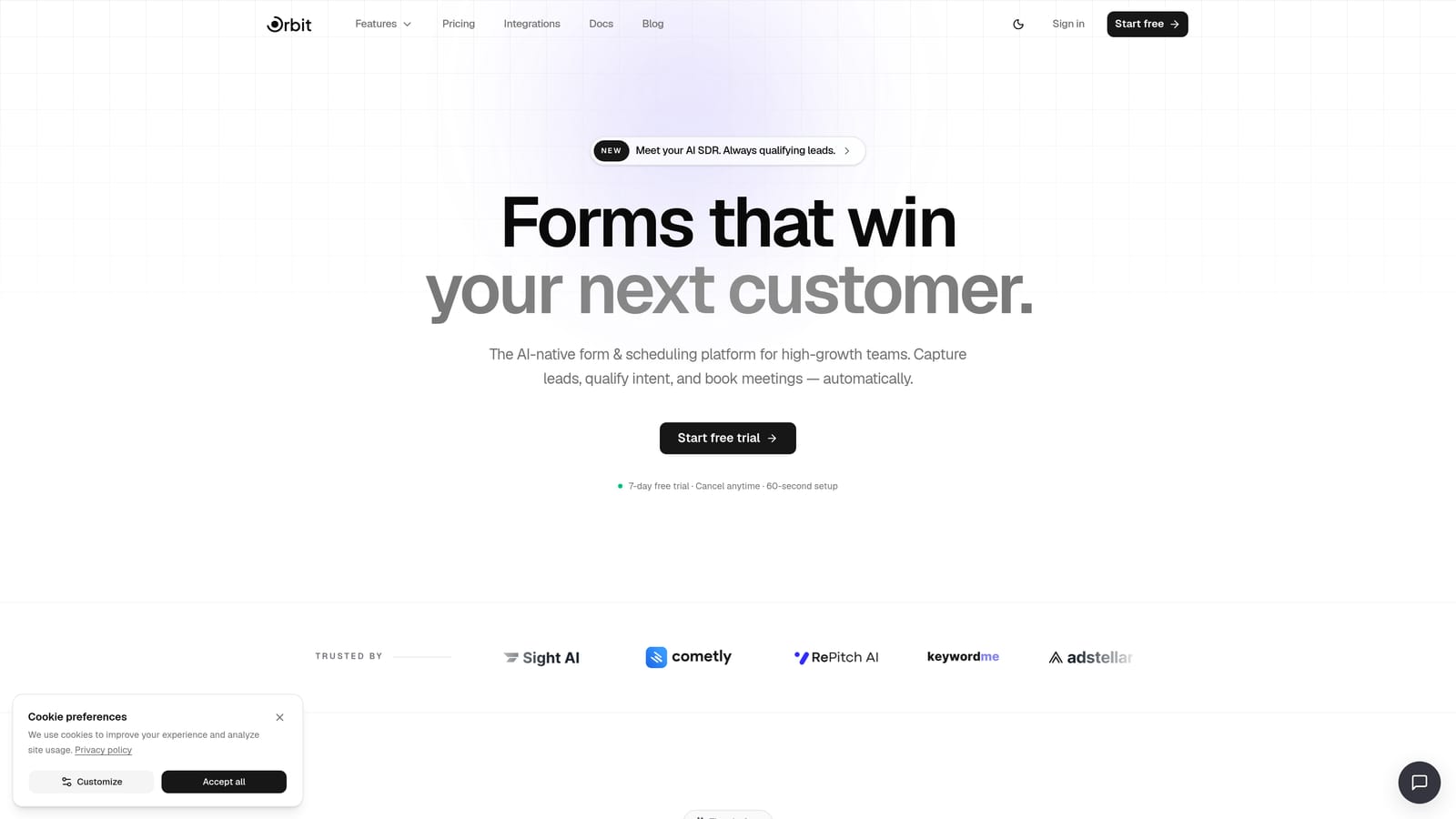
Orbit AI is an AI-powered form builder with built-in lead qualification, designed for teams that need forms to do more than collect data.
Where This Tool Shines
Most form builders stop at the submission. Orbit AI treats the form as the beginning of an intelligent workflow. The platform's AI agents evaluate incoming leads in real time, score them against your criteria, and route them to the right person or sequence without any manual intervention or code.
This is particularly valuable for SaaS and B2B teams running high-volume lead gen campaigns where manually triaging form submissions creates bottlenecks. The form itself becomes an active layer in your pipeline, not just a data collection endpoint. Full disclosure: this is our product, and we'd encourage you to evaluate it alongside the alternatives below.
Key Features
AI Lead Qualification Agents: AI agents score and route leads in real time based on your defined criteria, without requiring any code or manual review.
Drag-and-Drop Form Builder: Conversion-optimized templates and a clean visual editor let you build polished forms quickly, including multi-step and conditional flows.
Built-In Workflows and Sequences: Trigger automated follow-up sequences, internal notifications, and contact management actions directly from form submissions.
Analytics Dashboard: Track form performance, submission volume, and lead quality metrics in one place to understand what's converting and what isn't.
Scheduler Integration: Embed booking flows directly within forms so qualified leads can schedule a call without leaving the experience.
Best For
Orbit AI is built specifically for growth-focused teams running active lead generation. If your bottleneck is not just capturing leads but qualifying and acting on them fast, this is the platform designed around that problem. It's less suited for simple one-off forms where automation depth isn't needed.
Pricing
See orbitforms.ai/pricing for current plans. A free starting point is available so you can explore the platform before committing.
2. Typeform
Best for: Teams that want a conversational form experience to improve respondent engagement and completion rates.
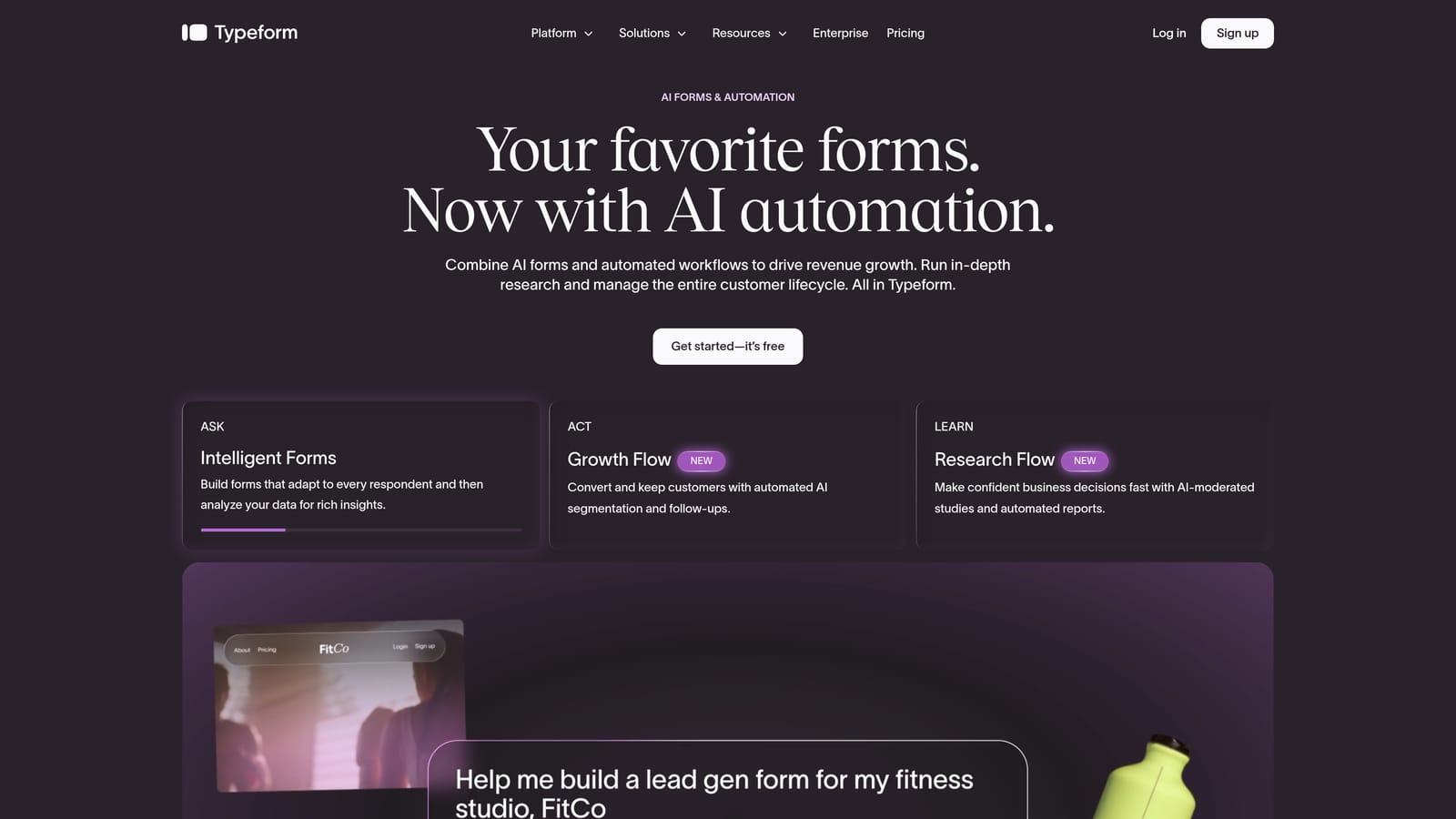
Typeform is a conversational form builder known for its one-question-at-a-time interface that makes filling out forms feel less like a chore.
Where This Tool Shines
Typeform's core insight is that the way you ask questions affects whether people answer them. By presenting one question at a time in a clean, focused layout, it creates a more engaging experience than a traditional wall-of-fields form. This format tends to work particularly well for surveys, product feedback, and lead gen flows where respondent experience matters.
The integration ecosystem is strong. Typeform connects natively with major CRMs, email marketing platforms, and supports Zapier for broader automation. It's a mature platform with a large template library and well-documented integrations, making setup relatively fast for most use cases.
Key Features
Conversational One-Question Format: Each question appears individually, creating a guided experience that typically improves completion rates compared to traditional multi-field forms.
Logic Jumps: Conditional branching lets you route respondents to different questions based on their previous answers, enabling personalized form paths without code.
Integration Ecosystem: Native connections to popular CRMs, email tools, and Zapier support make it straightforward to push data where it needs to go.
Video and Image Embedding: Add visual context directly within questions to enrich the respondent experience or explain complex prompts.
Templates Library: A broad range of pre-built templates for lead generation, surveys, quizzes, and feedback forms speeds up initial setup.
Best For
Typeform suits teams prioritizing respondent experience over back-end automation depth. It's a strong choice for marketing and product teams running surveys, NPS forms, or lead gen flows where completion rate is the primary metric. Teams that need heavy post-submission automation or built-in lead scoring may find it requires additional tooling.
Pricing
A free tier is available with response limits. Paid plans start at approximately $25 per month billed annually. Verify current pricing at typeform.com as plans can change.
3. Tally
Best for: Lean teams and early-stage companies that need unlimited forms fast with minimal setup friction.
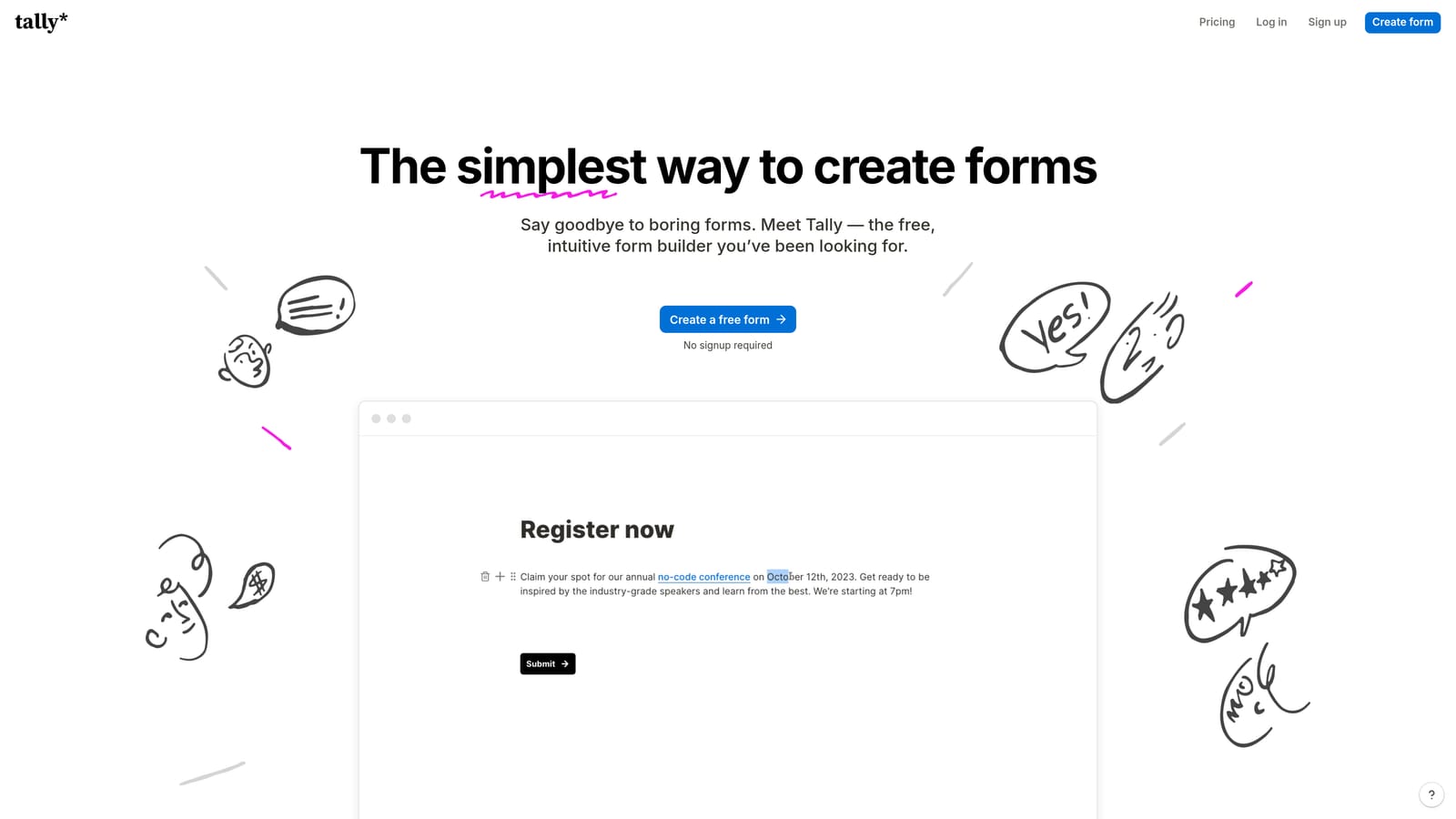
Tally is a block-based no-code form builder with a Notion-style editor and one of the most generous free plans in the category.
Where This Tool Shines
Tally's learning curve is genuinely low. If your team already uses Notion or any block-based writing tool, the editor will feel immediately familiar. You add form elements the same way you'd add content blocks, which removes the usual friction of learning a new interface from scratch.
The free plan stands out. Unlimited forms and unlimited responses at no cost makes Tally a practical starting point for early-stage teams or anyone who needs to move fast without a budget approval. The trade-off is that design flexibility and enterprise features are more limited than some alternatives on this list.
Key Features
Unlimited Free Plan: Build and publish unlimited forms with unlimited responses on the free tier, which is rare in this category.
Block-Based Editor: A Notion-inspired interface makes adding and rearranging form elements intuitive for anyone familiar with modern productivity tools.
Conditional Logic: Set up multi-page forms and conditional branching to show or hide questions based on previous answers.
Zapier and Native Integrations: Connect form submissions to your existing tools through Zapier or Tally's growing library of native integrations.
Embed Anywhere: Embed forms on any website or page; paid plans remove Tally branding from embedded forms.
Best For
Tally is ideal for startups, individual contributors, and lean operations teams that need functional forms quickly without a significant tool budget. It's less suited for teams that need advanced design control, deep automation, or enterprise-level compliance features.
Pricing
Free plan available with unlimited forms and responses. Tally Pro starts at approximately $29 per month. Confirm current pricing at tally.so.
4. Paperform
Best for: Consultants and small businesses that need forms, payments, and booking in a single designed page.
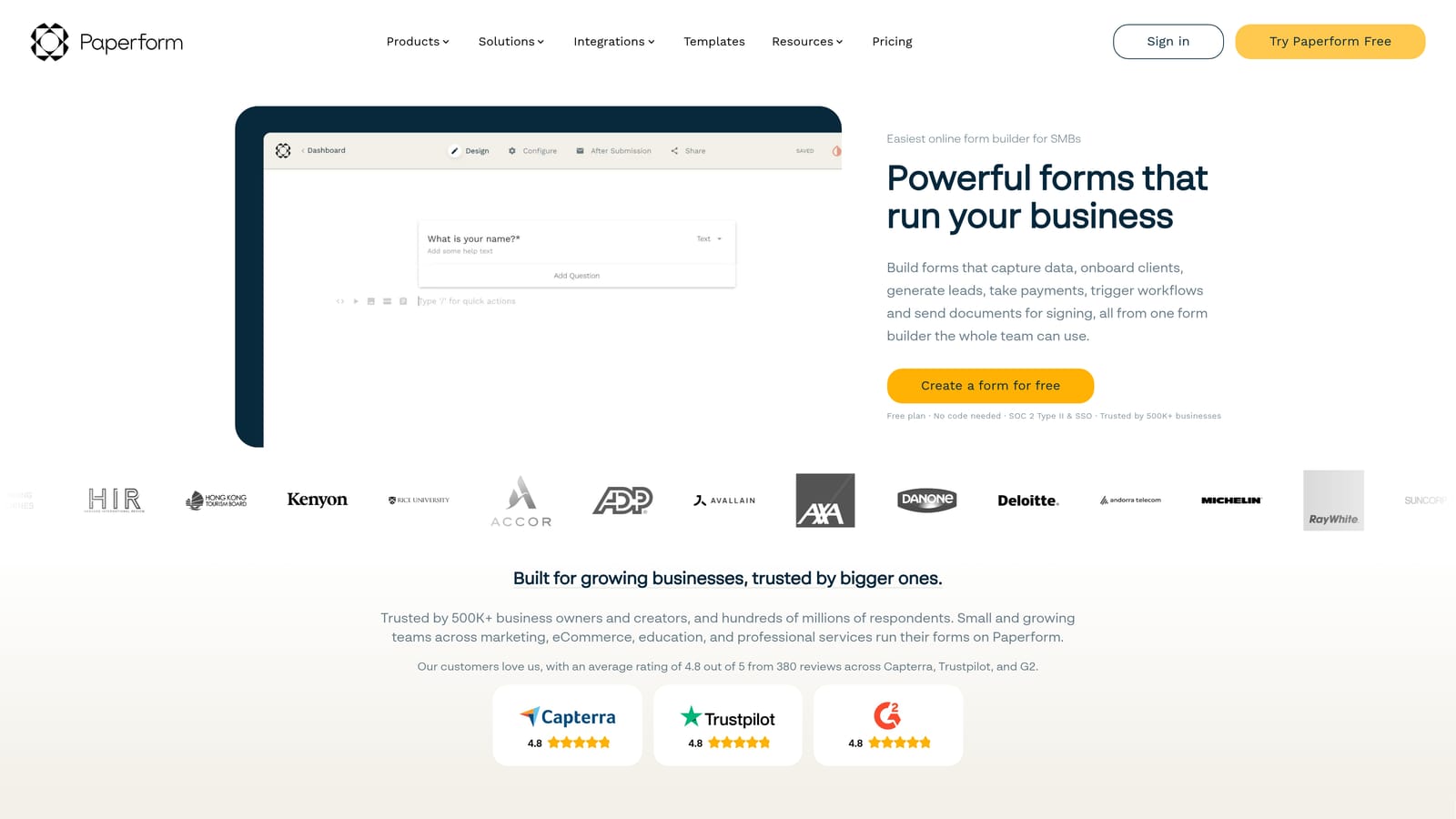
Paperform is a freeform editor that blends text, images, and form fields into a single designed page, with built-in payments and scheduling included.
Where This Tool Shines
Paperform takes a different approach to form design. Rather than a traditional field-by-field builder, it gives you a canvas where you can freely mix written content, images, and form fields. The result feels less like a form and more like a designed landing page that happens to collect information. This makes it particularly effective for service businesses where context and presentation matter.
The built-in payment and booking capabilities set it apart from pure form builders. If your workflow involves collecting information, taking payment, and scheduling a follow-up appointment, Paperform handles all three without requiring separate tools or integrations.
Key Features
Freeform Canvas Editor: Mix body text, images, and form fields freely on a single page, creating form experiences that feel like designed documents rather than data entry screens.
Built-In Payment Processing: Accept payments via Stripe, PayPal, and Square directly within the form, without needing a separate payment tool.
Appointment Scheduling: Built-in booking and scheduling functionality lets respondents select available times as part of the form flow.
Conditional Logic and Calculated Fields: Route respondents dynamically and perform calculations based on their inputs, useful for quotes, pricing forms, and assessments.
Custom Domains and White-Labeling: Higher-tier plans support custom domains and white-labeling for a fully branded experience.
Best For
Paperform suits consultants, coaches, agencies, and service businesses that need a polished form-plus-payment-plus-booking solution. It's less optimized for high-volume lead gen pipelines where automation depth and lead scoring are the priority.
Pricing
Plans start at approximately $24 per month billed annually. Verify current pricing at paperform.co.
5. Jotform
Best for: Enterprise teams and regulated industries that need compliance-ready forms with extensive templates and workflow automation.
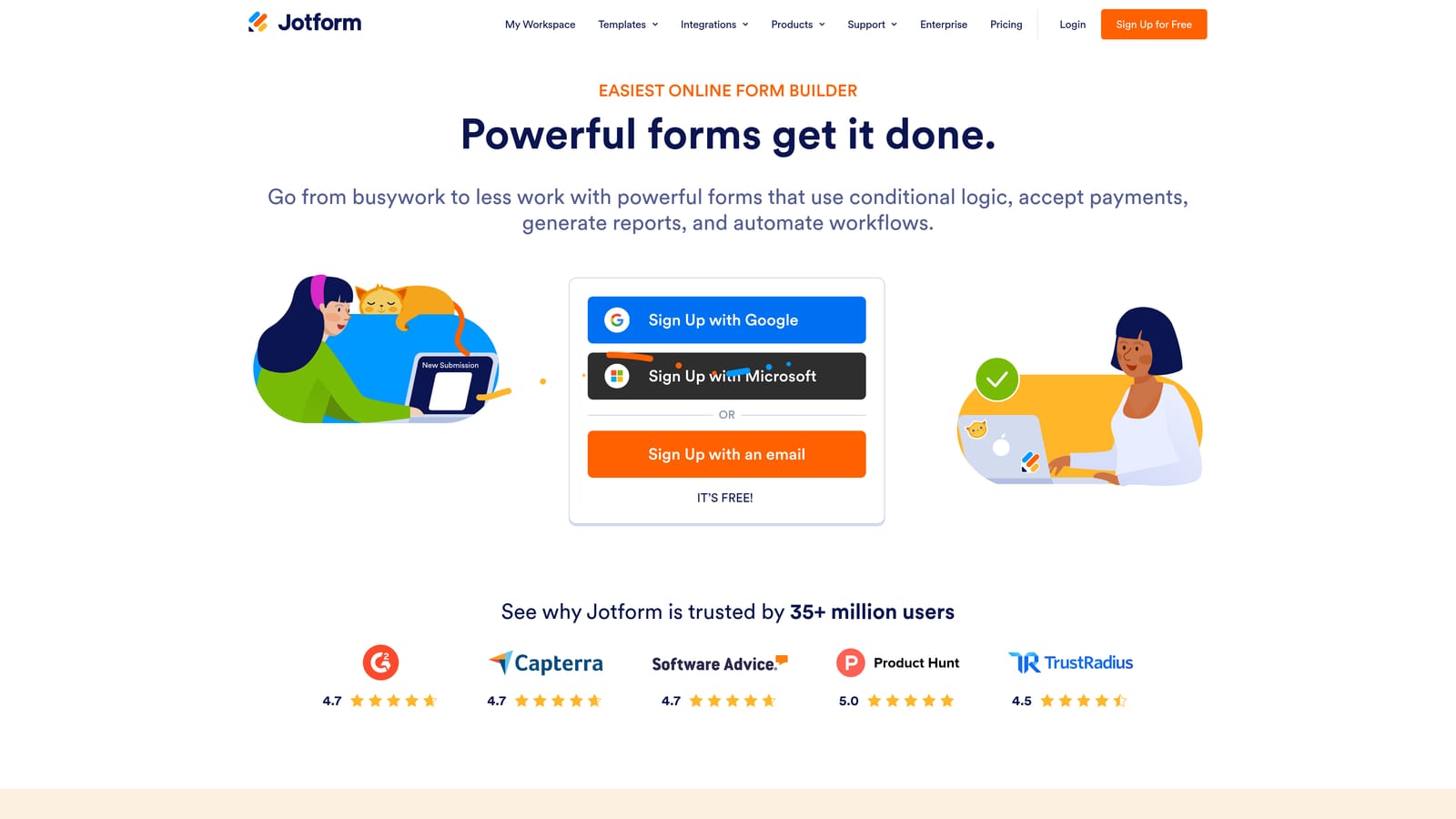
Jotform is one of the most established form builders available, with over 10,000 templates, HIPAA-compliant plans, and a no-code workflow automation layer built in.
Where This Tool Shines
Jotform's depth is its defining characteristic. The template library is genuinely vast, covering industries from healthcare and legal to e-commerce and education. For teams operating in regulated sectors, HIPAA-compliant plans make Jotform one of the few no-code options that can handle sensitive data collection without a custom build.
Jotform Workflows adds a meaningful layer of no-code automation on top of basic form collection. Approval flows, conditional routing, and multi-step processes can be configured visually, which extends Jotform's usefulness well beyond simple data capture. The trade-off is that the interface reflects its maturity: functional and feature-rich, but less modern in feel than newer entrants.
Key Features
10,000+ Templates: An extensive library spanning virtually every industry and use case, making it fast to find a starting point for almost any form type.
HIPAA-Compliant Plans: Dedicated compliance-ready plans for healthcare, legal, and other regulated industries that require data handling controls.
Jotform Workflows: A visual no-code automation layer for building approval flows, routing logic, and multi-step business processes on top of form submissions.
Payment Collection and E-Signatures: Accept payments and collect legally binding electronic signatures directly within forms.
Extensive Integration Library: Connects with a wide range of CRMs, payment processors, storage tools, and business applications.
Best For
Jotform is a strong fit for enterprise teams, healthcare organizations, and businesses in regulated industries that need compliance features and broad template coverage. Teams prioritizing a modern UI or AI-driven lead qualification will find other options on this list more aligned to those needs.
Pricing
A free plan is available, though it includes Jotform branding. Paid plans start at approximately $34 per month. Verify current pricing at jotform.com.
6. Formstack
Best for: Revenue operations and enterprise teams that need deep integrations, document generation, and compliance-ready data workflows.
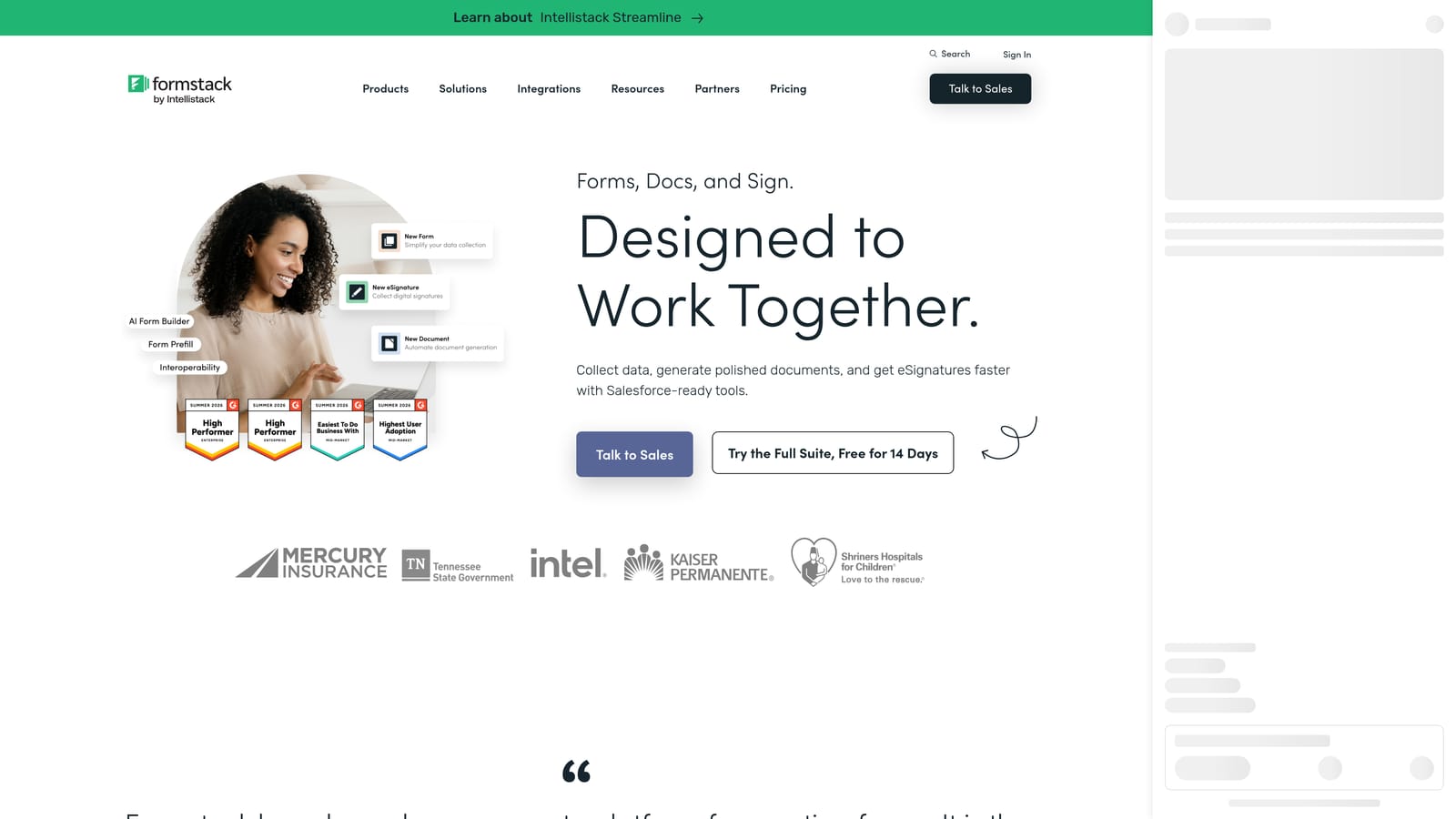
Formstack is an enterprise-grade form and data collection platform with advanced conditional logic, native Salesforce and HubSpot integrations, and document generation built in.
Where This Tool Shines
Formstack is built for complexity. Where most form builders are designed around the form itself, Formstack is designed around what the data needs to do inside an enterprise system. Advanced conditional logic, data routing rules, and native connections to Salesforce and HubSpot make it a natural fit for revenue ops teams that need form data to flow cleanly into complex CRM workflows.
The document generation and e-signature capabilities extend Formstack's utility beyond lead capture into contract management, onboarding, and compliance documentation. For organizations that need a single no-code platform to handle data collection across multiple business processes, Formstack's breadth is a genuine advantage.
Key Features
Advanced Conditional Logic and Data Routing: Build sophisticated branching and routing rules that direct data to the right systems and people based on submission content.
Native Salesforce and HubSpot Integrations: Deep native connections to leading CRMs ensure form data maps accurately into existing revenue workflows without workarounds.
Document Generation and E-Signatures: Generate pre-filled documents from form submissions and collect electronic signatures, covering use cases beyond standard lead capture.
HIPAA and Compliance-Ready Plans: Enterprise compliance features for organizations handling sensitive data across regulated industries.
No-Code Workflow Automation: Connect form submissions to broader business system workflows without requiring developer involvement.
Best For
Formstack is best suited for enterprise organizations and revenue operations teams with complex data routing needs, existing Salesforce or HubSpot infrastructure, and requirements that extend into document management. The pricing reflects its enterprise positioning, making it less appropriate for small teams or straightforward lead gen use cases.
Pricing
Plans start at approximately $83 per month. Verify current pricing at formstack.com.
Which Tool Is Right for Your Team?
Every tool on this list lets you build forms without writing a single line of code. The real question is what you need those forms to do once someone fills them out.
Here's a quick way to think through the decision:
If you're a high-growth SaaS or B2B team focused on lead qualification: Orbit AI is built specifically for this. The AI-powered lead scoring and routing, combined with built-in workflows and sequences, means your form does the qualification work your team would otherwise do manually.
If respondent experience and completion rates are your primary metric: Typeform's conversational format is purpose-built for engagement and works well for surveys, product feedback, and top-of-funnel lead gen.
If you're early-stage and need to move fast without a budget: Tally's unlimited free plan and low learning curve make it the most practical starting point for lean teams.
If you need forms plus payments plus booking in one tool: Paperform's freeform canvas handles all three without requiring additional integrations, making it ideal for consultants and service businesses.
If you're in a regulated industry or need massive template coverage: Jotform's HIPAA-compliant plans and 10,000+ templates cover enterprise and compliance requirements that newer tools don't yet match.
If you're in revenue ops with deep Salesforce or HubSpot infrastructure: Formstack's native integrations and document generation capabilities are built for exactly that level of enterprise data complexity.
For teams serious about turning forms into a lead generation engine rather than just a data collection step, the AI-powered approach is increasingly where the category is heading. Start building free forms today with Orbit AI and see how intelligent qualification built directly into your forms can change what happens after every submission.


