

Your forms are often the first real interaction prospects have with your brand—and generic, clunky designs kill conversions before they start. A well-designed form doesn't just collect information; it guides users naturally toward completion, builds trust through thoughtful visual hierarchy, and removes friction at every step. The difference between a 15% conversion rate and a 45% conversion rate often comes down to form design choices you might not even notice.
Custom form design services help you create forms that look stunning while actually driving completions. Whether you need AI-powered builders that optimize as you create, professional design agencies for completely bespoke aesthetics, or specialized platforms with advanced logic capabilities, the right service transforms lead capture from a friction point into a competitive advantage.
We've evaluated dozens of options based on design flexibility, conversion optimization features, ease of use, and overall value. Here are the top custom form design services worth your attention in 2026.
1. Orbit AI
Best for: High-growth teams needing AI-powered lead qualification built directly into conversion-optimized forms
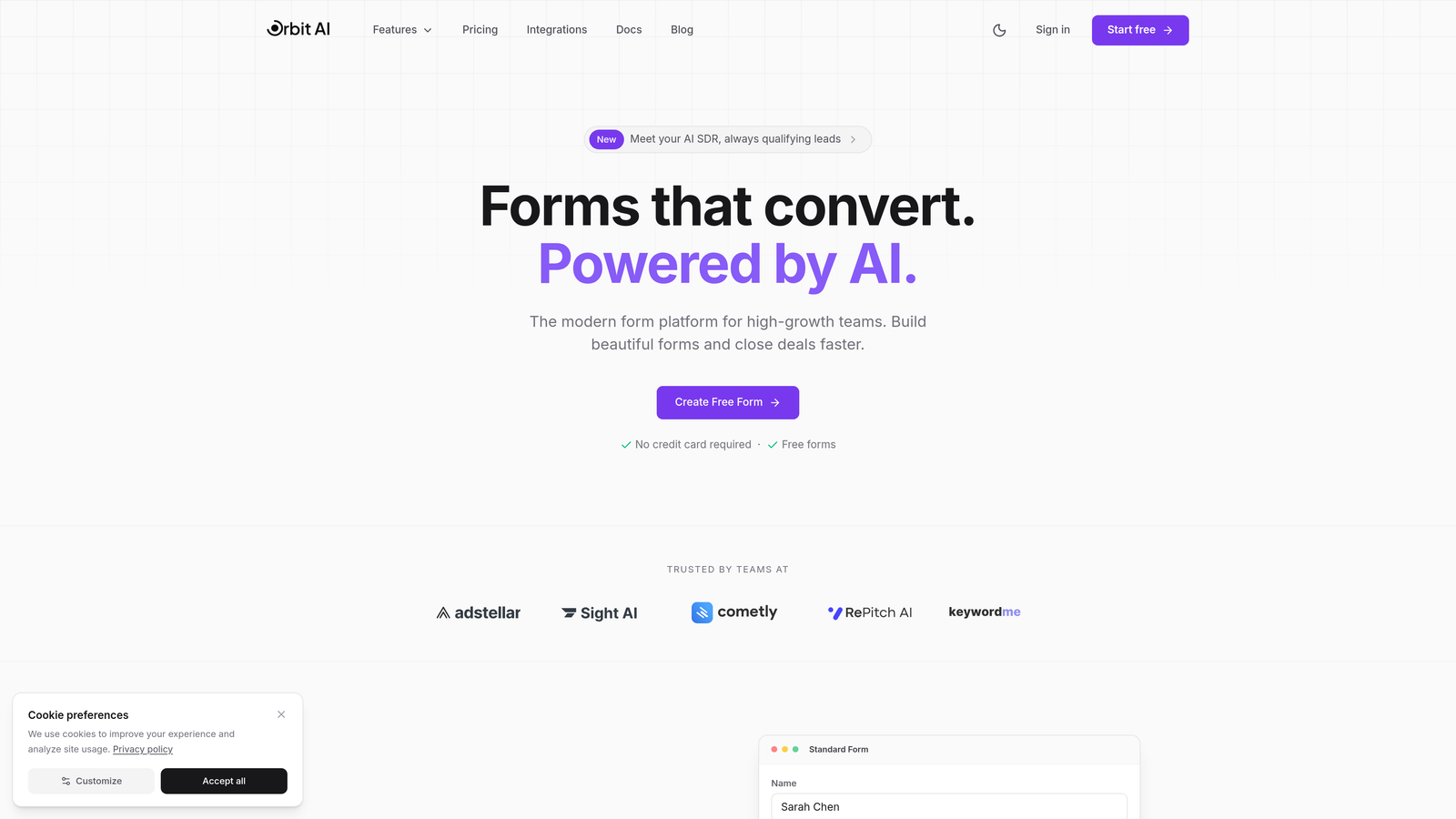
Orbit AI combines beautiful custom form design with intelligent lead qualification, creating forms that don't just collect data—they automatically identify your best prospects in real-time.
Where This Tool Shines
Most form builders stop at data collection. Orbit AI goes further by using AI to qualify leads as they complete your forms, scoring and routing prospects based on their responses. This means your sales team gets pre-qualified leads instead of raw form submissions.
The platform is built specifically for high-growth teams that need forms to do more than look good. Every template is designed with conversion optimization in mind, using proven UX patterns that reduce abandonment and increase completion rates.
Key Features
AI-Powered Lead Qualification: Automatically scores and qualifies leads based on form responses, routing high-value prospects to sales immediately.
Conversion-Optimized Templates: Modern, professionally designed templates built on proven UX patterns that maximize completion rates.
Seamless CRM Integration: Connects directly to your existing CRM and marketing automation platforms, syncing qualified leads automatically.
Real-Time Analytics: Track conversion rates, completion times, drop-off points, and lead quality metrics to continuously improve performance.
Custom Branding Controls: Full design flexibility to match your brand guidelines while maintaining conversion-focused structure.
Best For
High-growth B2B teams, SaaS companies, and businesses where lead quality matters as much as lead volume. Ideal if you're tired of sifting through unqualified form submissions and want your forms to do the initial qualification work automatically.
Pricing
Free tier available for getting started; paid plans begin at $29/month with advanced AI qualification features and predictable response limits.
2. Typeform
Best for: Creating conversational, one-question-at-a-time experiences that feel more like dialogue than interrogation
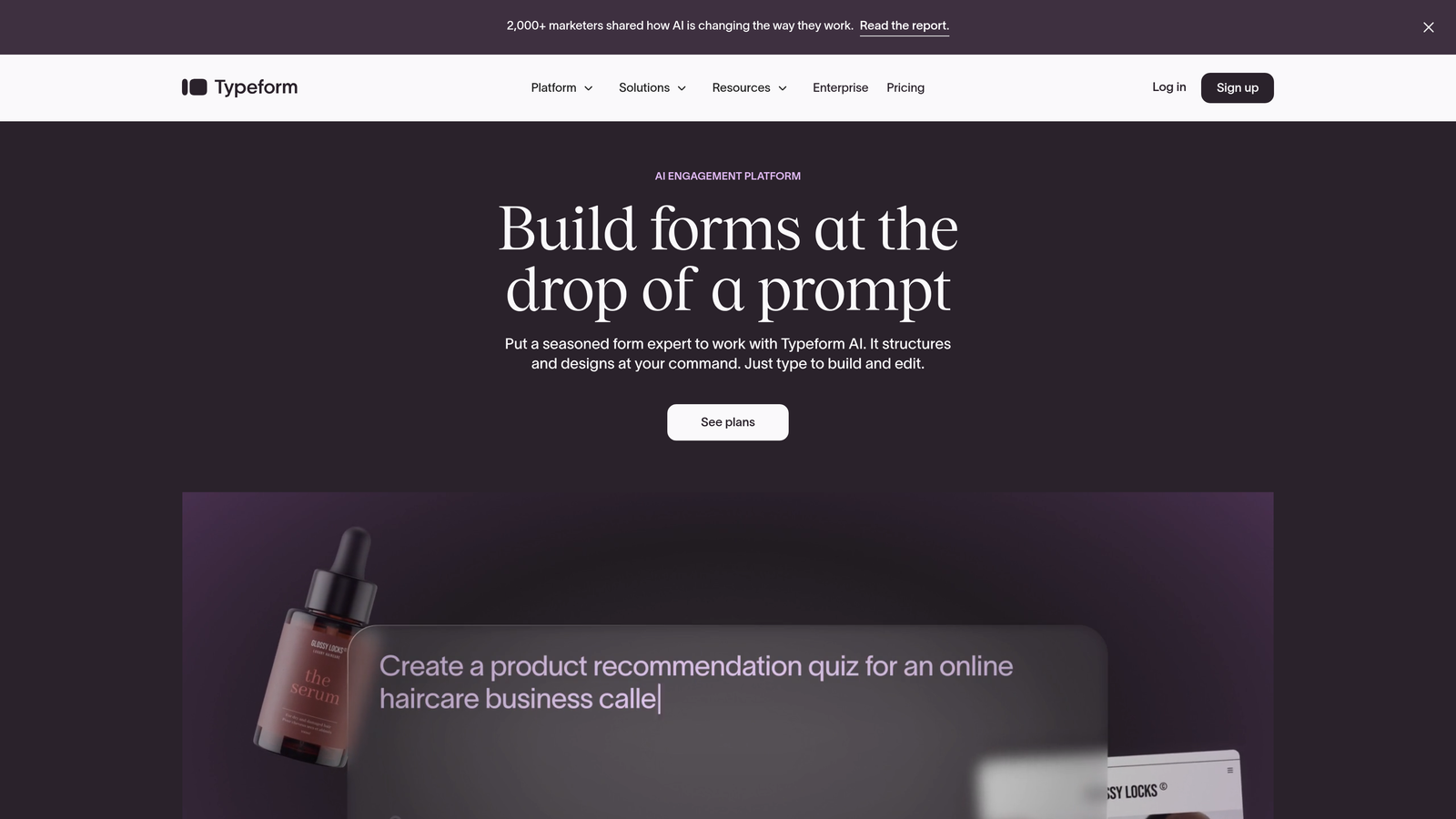
Typeform pioneered the conversational form format that displays one question at a time, dramatically improving engagement and completion rates compared to traditional long-form layouts.
Where This Tool Shines
The single-question format reduces cognitive load and makes forms feel less overwhelming. Users focus on one decision at a time, which typically increases completion rates by 20-40% compared to showing all fields at once.
Typeform's design aesthetic is clean and modern by default, but the platform offers extensive customization. You can embed videos, images, and GIFs to create forms that feel more like interactive experiences than data collection tools.
Key Features
Conversational Interface: One-question-at-a-time format that feels natural and reduces form abandonment.
Rich Media Embedding: Add videos, images, and GIFs to create engaging, visually compelling form experiences.
Logic Jumps: Create branching paths based on user responses, showing only relevant questions to each respondent.
Brand Customization: Control fonts, colors, backgrounds, and button styles to match your visual identity perfectly.
Integration Ecosystem: Connects with hundreds of tools including Slack, HubSpot, Mailchimp, and Google Sheets.
Best For
Businesses prioritizing user experience and engagement over traditional form layouts. Works especially well for surveys, quizzes, lead qualification flows, and any scenario where you want forms to feel conversational rather than transactional.
Pricing
Free tier available with Typeform branding; paid plans start at $25/month for custom branding and advanced features.
3. Jotform
Best for: Teams needing extensive template variety and feature-rich customization through intuitive drag-and-drop editing
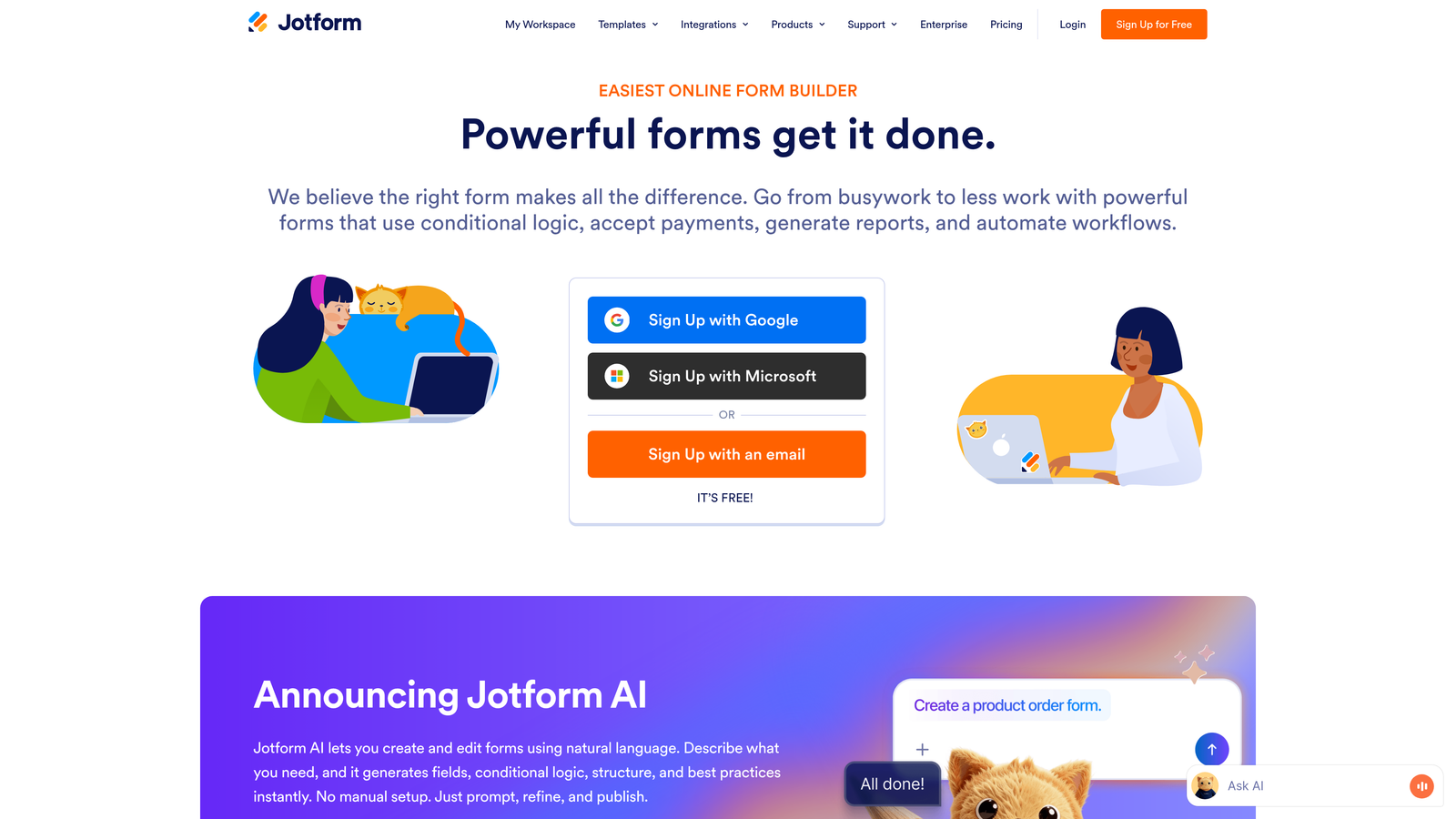
Jotform offers one of the most comprehensive form-building platforms available, with over 10,000 pre-built templates covering virtually every use case imaginable.
Where This Tool Shines
The sheer variety of templates means you can find a starting point for almost any form type—event registrations, job applications, customer feedback, order forms, and more. Each template is fully customizable through a drag-and-drop interface that requires zero coding knowledge.
Jotform excels at complex forms requiring payment processing, file uploads, e-signatures, or advanced calculations. The platform handles these features natively without requiring third-party integrations.
Key Features
10,000+ Templates: Massive library covering every industry and use case, providing professional starting points for any form project.
Drag-and-Drop Designer: Intuitive visual editor for customizing layouts, fields, and styling without touching code.
Payment Processing: Native integrations with PayPal, Stripe, Square, and other payment processors for collecting payments directly through forms.
Conditional Logic: Show or hide fields based on user responses, creating dynamic forms that adapt to each respondent.
Advanced Widgets: Access hundreds of widgets for specialized functionality like appointment booking, calculations, and image uploads.
Best For
Organizations needing versatile form capabilities across multiple departments. Particularly strong for businesses requiring payment collection, complex conditional logic, or extensive template variety to serve diverse form needs.
Pricing
Free tier available with Jotform branding; paid plans start at $34/month for custom branding and increased submission limits.
4. Tally
Best for: Creating clean, minimalist forms with a Notion-like editing experience that prioritizes simplicity and speed
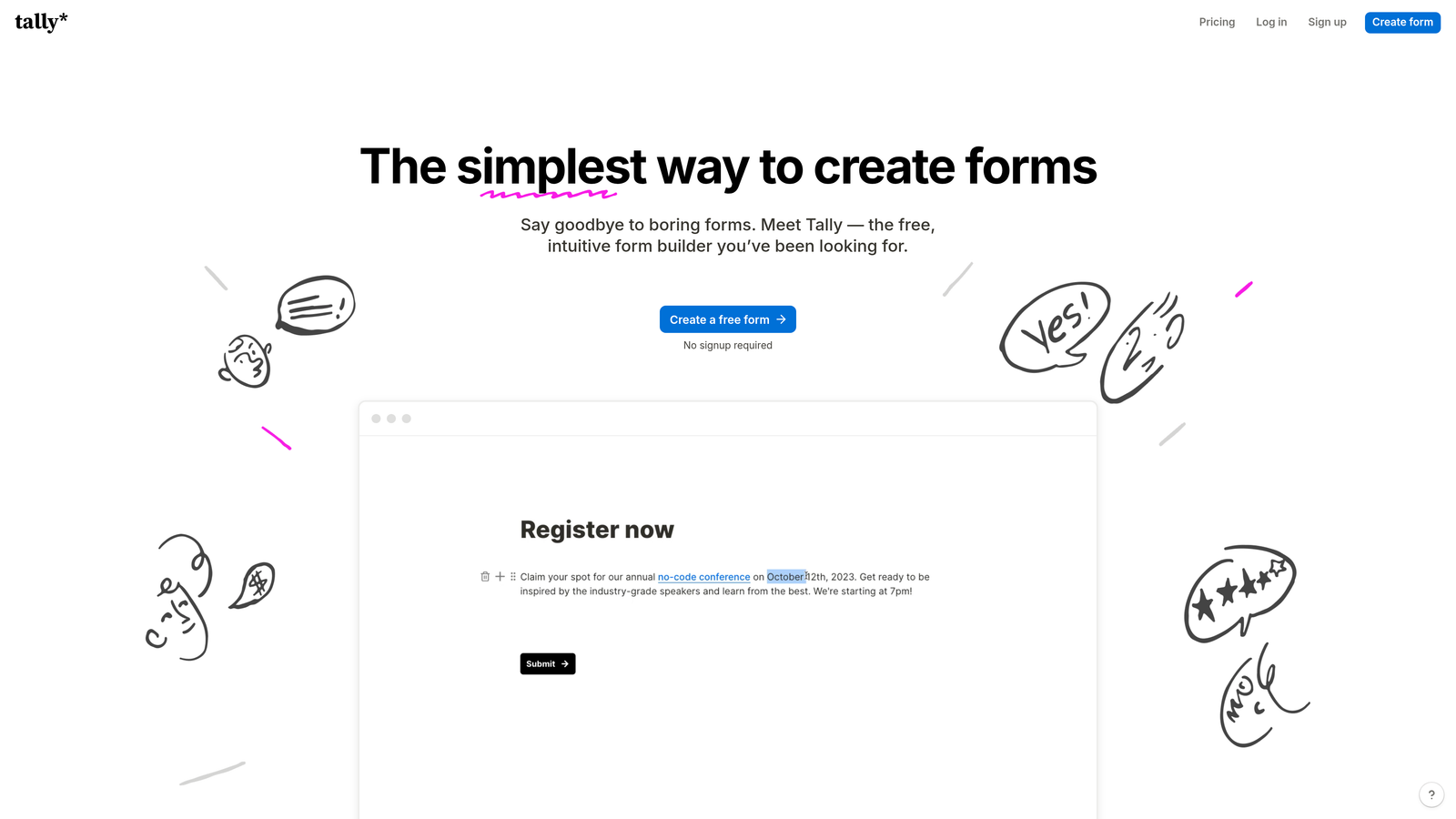
Tally brings the familiar block-based editing style of Notion to form building, making it incredibly fast to create professional-looking forms without wrestling with complex builders.
Where This Tool Shines
The editing experience feels natural if you've used Notion, Coda, or similar block-based tools. You simply type "/" to add new form elements, drag blocks to reorder, and publish instantly. This workflow is significantly faster than traditional form builders for straightforward use cases.
Tally's generous free tier includes unlimited forms and unlimited submissions—a rarity among form platforms. The default styling is clean and modern, requiring minimal customization to look professional.
Key Features
Block-Based Editor: Notion-style editing that makes form creation feel natural and fast, with keyboard shortcuts for power users.
Unlimited Free Forms: No artificial limits on form creation or submissions on the free tier, making it ideal for small teams and startups.
Clean Default Styling: Forms look modern and professional out of the box with minimal customization needed.
Hidden Fields & URL Parameters: Pass data between pages and pre-fill forms using URL parameters for personalized experiences.
Conditional Logic: Create dynamic forms that show different questions based on previous answers.
Best For
Startups, small teams, and anyone who values speed and simplicity over extensive customization. Perfect if you want professional-looking forms quickly without learning complex software or paying monthly fees for basic functionality.
Pricing
Generous free tier with unlimited forms and submissions; Pro plan at $29/month adds custom branding and advanced features.
5. Paperform
Best for: Building forms that look and function like dedicated landing pages with rich media and document-style layouts
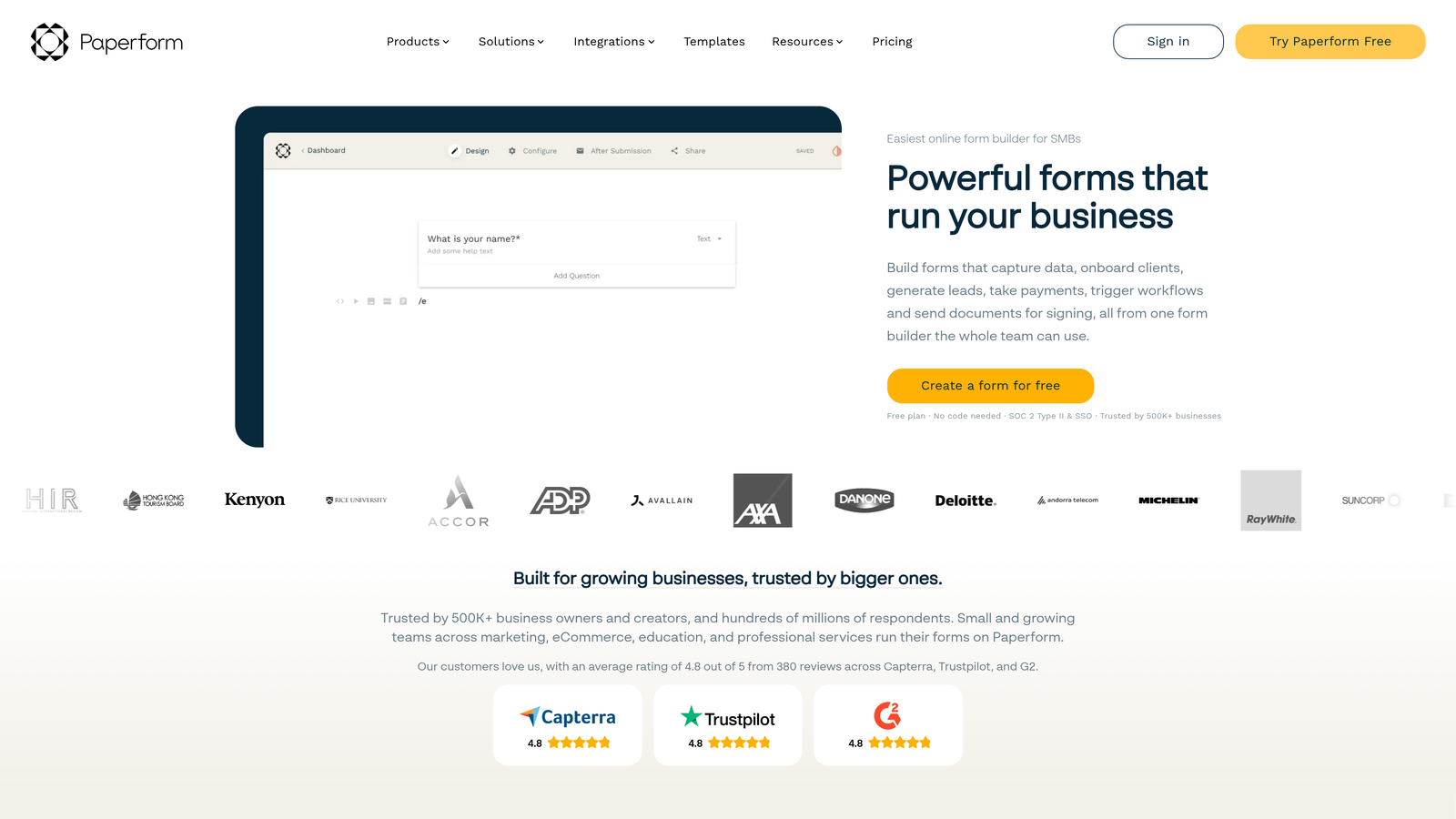
Paperform blurs the line between forms and landing pages, creating experiences that feel more like interactive web pages than traditional form layouts.
Where This Tool Shines
Forms created with Paperform can include extensive text content, images, videos, and design elements that make them feel like standalone landing pages. This approach works exceptionally well for product launches, event registrations, and scenarios where you need to provide context alongside data collection.
The platform includes built-in e-commerce and booking capabilities, making it possible to create complete sales or scheduling experiences without leaving the form builder. You can accept payments, manage inventory, and handle appointment bookings all within a single form.
Key Features
Landing Page Layouts: Create forms that feel like full web pages with rich content, images, and storytelling elements.
Rich Media Embedding: Add images, videos, GIFs, and custom HTML to create visually compelling experiences.
Custom CSS Access: Full control over styling for developers who want pixel-perfect designs matching brand guidelines.
E-commerce Integration: Sell products, manage inventory, and process payments directly through forms without external tools.
Booking & Scheduling: Built-in appointment scheduling with calendar integration for service-based businesses.
Best For
Businesses needing forms that serve multiple purposes—lead capture, content delivery, product sales, and appointment booking. Ideal for product launches, event registrations, and any scenario requiring more context than a simple form provides.
Pricing
Plans start at $24/month with all core features included; higher tiers add team collaboration and advanced integrations.
6. Formstack
Best for: Enterprise organizations requiring advanced security, compliance certifications, and sophisticated workflow automation
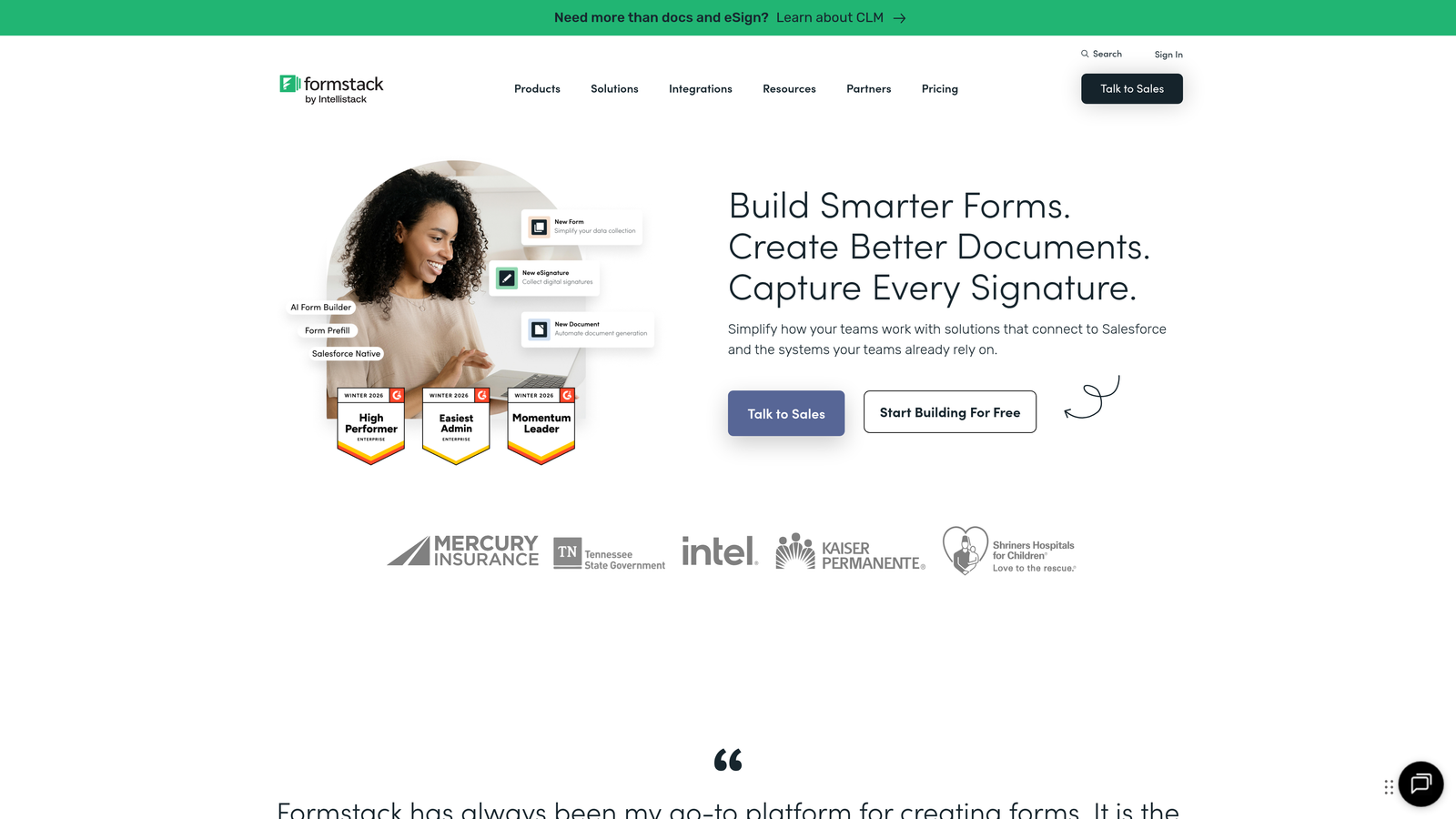
Formstack is built for enterprise environments where data security, regulatory compliance, and complex workflow automation are non-negotiable requirements.
Where This Tool Shines
Formstack offers HIPAA and GDPR compliance options, making it suitable for healthcare, financial services, and other regulated industries. The platform includes enterprise-grade security controls like SSO, advanced encryption, and detailed audit logs.
The workflow automation capabilities go far beyond simple integrations. You can build sophisticated approval processes, route submissions based on complex criteria, and trigger multi-step workflows across your entire tech stack without writing code.
Key Features
Compliance Certifications: HIPAA, GDPR, and SOC 2 compliance options for organizations handling sensitive data.
Advanced Workflow Automation: Build complex approval processes and multi-step workflows triggered by form submissions.
Digital Signatures: Collect legally binding e-signatures directly within forms for contracts and agreements.
Enterprise Security: SSO, advanced encryption, detailed audit logs, and role-based access controls.
White-Label Options: Complete branding control including custom domains and removal of all Formstack branding.
Best For
Enterprise organizations, healthcare providers, financial institutions, and any business operating in regulated industries. Essential if you need compliance certifications, advanced security controls, or sophisticated workflow automation beyond basic integrations.
Pricing
Plans start at $50/month; enterprise pricing available for organizations requiring compliance certifications and advanced security features.
7. Cognito Forms
Best for: Complex forms requiring advanced calculations, payment processing, and conditional workflows without custom development
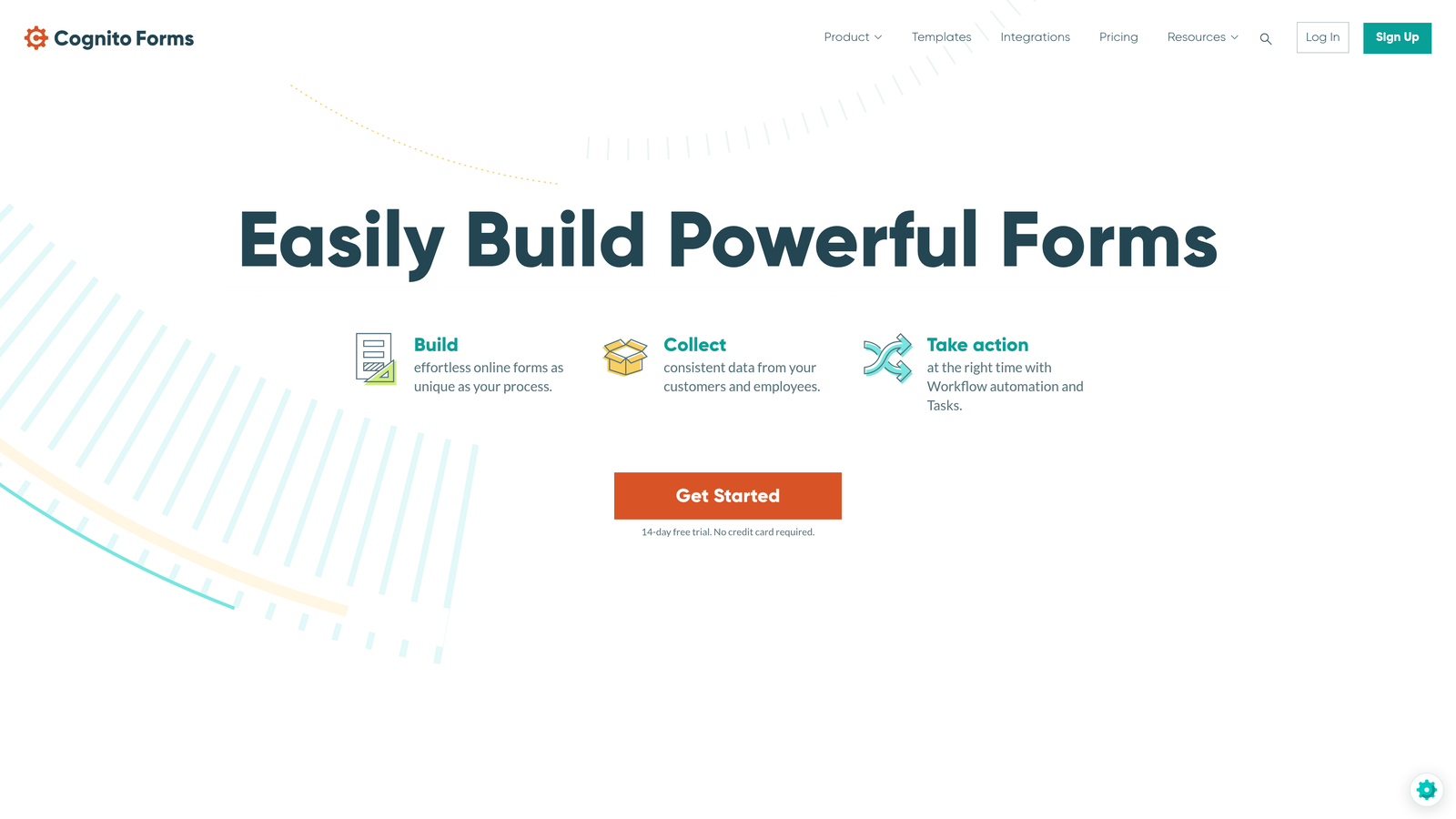
Cognito Forms specializes in handling complex form logic that would typically require custom development, making advanced functionality accessible through a visual interface.
Where This Tool Shines
The calculation engine is remarkably powerful, handling everything from simple price calculations to complex formulas based on multiple variables. This makes Cognito Forms ideal for order forms, quote requests, and applications requiring mathematical operations.
Repeating sections allow users to add multiple entries within a single form—perfect for scenarios like adding multiple attendees to an event registration or listing multiple products in an order. This functionality typically requires custom development in other platforms.
Key Features
Advanced Calculations: Build complex formulas and calculations without coding, handling pricing, scoring, and mathematical operations.
Repeating Sections: Allow users to add multiple entries within a single form submission for dynamic data collection.
Payment Processing: Native integrations with Stripe, PayPal, and Square for collecting payments with automatic calculation support.
Conditional Logic: Create sophisticated branching paths and show/hide fields based on complex criteria without writing code.
Document Generation: Automatically generate PDFs based on form submissions with custom templates.
Best For
Organizations needing complex forms with calculations, payment collection, or repeating sections. Particularly valuable for order forms, event registrations, job applications, and any scenario requiring mathematical operations or dynamic field addition.
Pricing
Free tier available for basic needs; paid plans start at $15/month with increased submission limits and advanced features.
8. 99designs
Best for: Businesses needing completely custom, agency-quality form designs created by professional designers
99designs is a design marketplace connecting you with professional designers who create fully custom form designs from scratch based on your specific requirements.
Where This Tool Shines
When you need a form design that's truly unique and perfectly aligned with your brand, 99designs offers access to a global network of vetted designers. You can run a design contest where multiple designers submit concepts, or work directly with a single designer for a more collaborative approach.
You receive complete ownership of the final designs, including source files, which you can then implement using any form platform. This approach works well when you need custom aesthetics that go beyond what form builder templates can provide.
Key Features
Global Designer Network: Access to thousands of professional designers across various specialties and style preferences.
Contest or Direct Hire: Choose between running a design contest with multiple submissions or working directly with a single designer.
Full Design Ownership: Receive all source files and complete ownership rights to your custom form designs.
Agency-Quality Results: Professional-grade designs that match or exceed agency quality at more accessible price points.
Revision Process: Work directly with designers to refine concepts until they perfectly match your vision.
Best For
Brands with specific visual requirements that can't be met through form builder templates. Ideal if you need completely custom aesthetics for high-profile campaigns, product launches, or brand-critical touchpoints where form design significantly impacts perception.
Pricing
Design projects typically range from $299 to $1,299+ depending on complexity and designer tier selected.
9. Feathery
Best for: Developer teams building custom embedded form experiences with extensive API access and React components
Feathery is designed for development teams who need programmatic control over forms while still benefiting from a visual builder for non-technical team members.
Where This Tool Shines
Feathery provides React-based form components that integrate seamlessly into modern web applications. Developers get extensive API access, custom JavaScript capabilities, and webhook support for building sophisticated embedded experiences.
The platform balances technical flexibility with usability—developers can build complex custom logic while marketers and designers can update form content and styling through the visual interface without touching code.
Key Features
React Components: Native React-based forms that integrate cleanly into modern JavaScript applications.
Extensive API Access: Comprehensive API and webhook support for programmatic form management and data handling.
Custom JavaScript & CSS: Full control over form behavior and styling through custom code when needed.
Multi-Step Flow Builder: Visual interface for creating complex multi-step forms with branching logic.
Developer-Friendly Documentation: Comprehensive technical documentation and code examples for implementation.
Best For
Development teams building custom applications where forms need to feel like native components rather than embedded widgets. Essential if you need programmatic control, extensive customization, or tight integration with existing React-based applications.
Pricing
Free tier available for development and testing; paid plans start at $49/month with increased submission limits and advanced features.
Matching Your Needs to the Right Form Design Service
The right custom form design service depends on your specific requirements, technical capabilities, and business goals. If you're a high-growth team needing forms that qualify leads automatically while looking modern and professional, Orbit AI's combination of AI-powered qualification and conversion-optimized design delivers the most complete solution.
For conversational experiences that prioritize engagement, Typeform's one-question-at-a-time format consistently outperforms traditional layouts. If you need extensive template variety and complex functionality like payment processing, Jotform's comprehensive feature set handles virtually any use case. Teams prioritizing speed and simplicity will appreciate Tally's Notion-like editing experience and generous free tier.
When forms need to serve as landing pages with rich content, Paperform blurs the line between forms and web pages effectively. Enterprise organizations requiring compliance certifications should evaluate Formstack's security features and workflow automation capabilities. For complex calculations and repeating sections, Cognito Forms provides advanced functionality without custom development.
If you need completely custom aesthetics that go beyond template customization, 99designs connects you with professional designers for bespoke form designs. Development teams building custom applications benefit from Feathery's React components and extensive API access.
Most businesses find the best results by starting with a platform that offers strong customization alongside conversion optimization features. The visual design matters, but the real ROI comes from forms that guide users toward completion while capturing qualified leads efficiently. Start building free forms today and see how intelligent form design can elevate your conversion strategy.


