

Choosing between Gravity Forms and Typeform isn't really about which platform has more features. It's about which one fits the way your business actually operates. Most teams approach this decision backwards—they compare pricing tables and feature lists, then wonder why their chosen platform feels like a poor fit six months later.
The real challenge? These platforms represent fundamentally different philosophies. Gravity Forms lives inside WordPress, offering deep integration with your site's ecosystem. Typeform exists as a standalone platform, prioritizing conversational design and rapid deployment. Neither approach is inherently better—but one will align with your business model, technical resources, and growth trajectory far better than the other.
Here's what makes this decision tricky: your current needs might point toward one platform while your growth trajectory demands another. A WordPress-native business might love Gravity Forms' integration capabilities today, only to find themselves constrained by hosting limitations as traffic scales. A design-focused team might choose Typeform for its polished interface, then struggle with integration complexity as their tech stack expands.
Instead of another feature comparison, this guide walks you through seven strategic frameworks that reveal which platform actually serves your specific situation. We'll explore how to audit your technical ecosystem, calculate true ownership costs, and evaluate capabilities against your real-world requirements. By the end, you'll have a clear decision—or discover that modern alternatives might better serve your evolving needs.
1. Audit Your Technical Ecosystem First
The Challenge It Solves
Most businesses start their form builder search by browsing feature lists, completely missing the most important question: what platform ecosystem do you already live in? This oversight leads to painful discoveries later—like realizing your chosen form builder can't access your WordPress user database, or that it requires expensive middleware to connect with your existing tools.
Your technical ecosystem determines whether a platform will feel like a natural extension of your workflow or a constant source of friction. Choose wrong, and you'll spend months wrestling with workarounds instead of optimizing conversions.
The Strategy Explained
Start by mapping your current technical foundation. If WordPress powers your website, content management, and member systems, Gravity Forms integrates directly into that environment. It accesses your WordPress database, inherits your theme styling, and connects with plugins you already use. Your forms become part of your site's architecture rather than embedded external elements.
Typeform operates differently. It's a standalone SaaS platform that works independently of your website infrastructure. This approach offers flexibility—you can deploy forms across multiple domains, share them via direct links, or embed them anywhere. However, it also means your forms exist outside your core ecosystem, requiring API connections and webhooks to communicate with your other tools.
Think about where your business data lives. If customer information, user accounts, and content all reside within WordPress, pulling that data into Gravity Forms happens natively. Pre-filling forms with user information, creating member-only forms, or routing submissions to specific WordPress users requires no external integration. Typeform would need API calls and middleware to accomplish the same workflows. Many teams exploring Gravity Forms vs SaaS form builders find this ecosystem alignment is the deciding factor.
Implementation Steps
1. Document your core platform: List where your website, customer data, and content management systems live. If WordPress is central to your operations, that's a strong signal toward Gravity Forms.
2. Map your data flow requirements: Identify which systems need to exchange information with your forms. Native integrations always outperform API connections in terms of reliability and maintenance.
3. Evaluate hosting control: Consider whether you prefer managing forms within your existing hosting environment (Gravity Forms) or offloading infrastructure management to a SaaS provider (Typeform).
Pro Tips
Don't underestimate the value of ecosystem alignment. A form builder that works with your existing infrastructure will always be easier to maintain than one requiring constant integration management. If you're not deeply invested in WordPress, the ecosystem argument favors Typeform's platform-agnostic approach. But if WordPress is your foundation, fighting against that ecosystem creates unnecessary complexity.
2. Calculate the True Cost of Ownership
The Challenge It Solves
Sticker price comparisons miss the real story. Gravity Forms might show a lower annual license fee, but what about the WordPress hosting, security maintenance, and developer time required to build complex forms? Typeform's monthly subscription might seem higher, but it includes hosting, security, and a no-code interface that eliminates developer costs. The platform that looks cheaper upfront often becomes more expensive over a three-year period.
The Strategy Explained
Gravity Forms operates on a yearly licensing model with tiers currently ranging from $59 to $259 annually, depending on the number of sites and add-ons included. However, this doesn't include WordPress hosting, which you'll need to maintain regardless. Quality managed WordPress hosting for business use typically runs $25-100+ monthly. Add premium add-ons for specific integrations, and costs accumulate quickly.
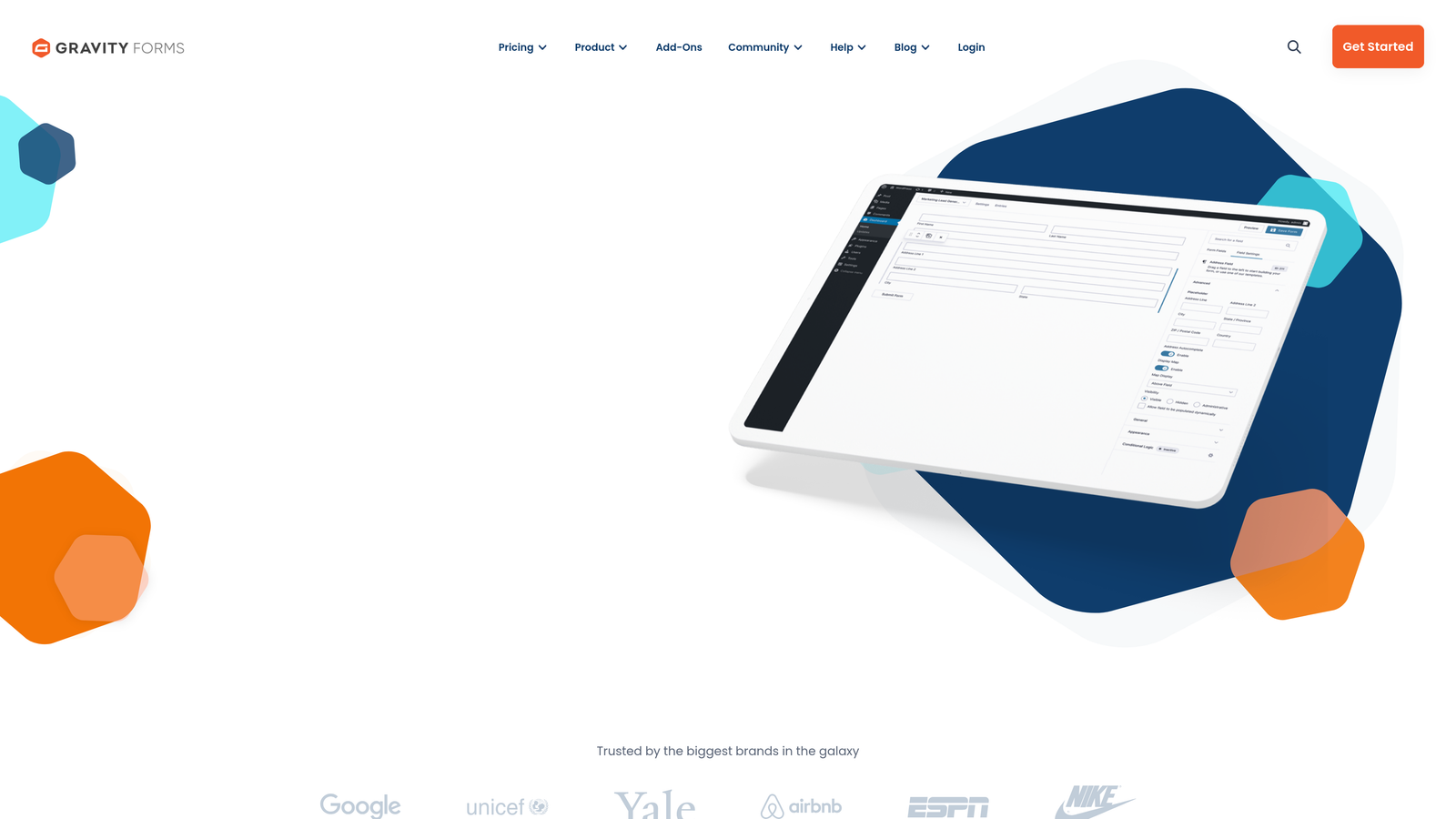
Factor in developer time. Building complex conditional logic forms in Gravity Forms requires WordPress expertise. Even if you have in-house developers, their time carries an opportunity cost. What else could they be building instead of configuring form logic? Teams evaluating cloud-based Gravity Forms alternatives often cite reduced maintenance burden as a key benefit.
Typeform takes a different approach with monthly or annual subscriptions. Their free tier works for basic forms, while paid plans currently range from $25 to $83 monthly (annual pricing). This includes hosting, security, updates, and a no-code interface. No developer time required for most implementations. However, advanced integrations might require Zapier or similar middleware, adding another subscription cost.
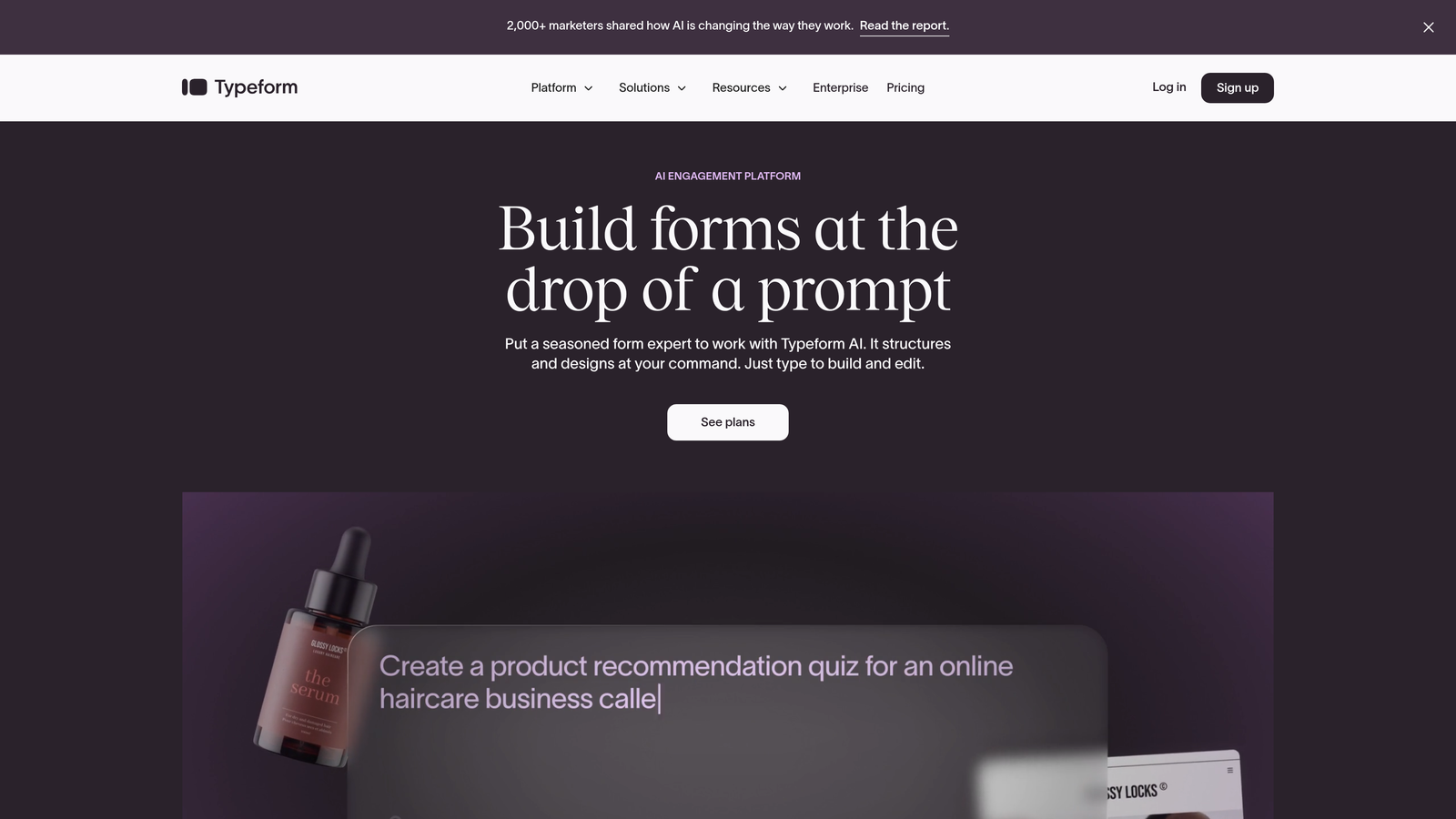
Consider your form volume and complexity trajectory. If you're deploying dozens of forms across multiple projects, Gravity Forms' unlimited forms per license becomes economically attractive. If you need just a few highly polished forms with minimal technical overhead, Typeform's all-inclusive pricing might deliver better value.
Implementation Steps
1. Build a three-year cost projection including licensing, hosting, add-ons, integration tools, and estimated developer hours for each platform.
2. Calculate developer opportunity cost: Multiply estimated configuration hours by your developer's hourly rate to understand the true cost of technical setup time.
3. Factor in scaling costs: How will pricing change as your form volume, submission count, or integration needs grow? Both platforms have different scaling economics.
Pro Tips
Don't forget maintenance costs. WordPress installations require ongoing security updates, plugin compatibility management, and occasional troubleshooting. SaaS platforms like Typeform handle this automatically, but you're paying for that convenience in your subscription. Be honest about whether you have the technical resources to maintain a WordPress-based solution long-term, or whether that maintenance burden will eventually exceed the cost savings.
3. Match Form Complexity to Platform Strengths
The Challenge It Solves
Not all forms are created equal, and not all platforms handle complexity the same way. A simple contact form has different requirements than a multi-step application with conditional logic that routes submissions to different departments based on user responses. Choosing a platform without considering your specific use cases leads to either paying for capabilities you'll never use or discovering critical limitations after you've committed.
The Strategy Explained
Gravity Forms excels at complex, conditional forms that need deep integration with WordPress data. Think multi-page applications that pull user information from your database, display different fields based on user roles, or calculate pricing dynamically based on selections. The platform's conditional logic system allows you to show or hide fields, sections, or entire pages based on previous answers. You can create forms that feel like custom applications.
This power comes with a learning curve. Building sophisticated conditional forms requires understanding Gravity Forms' logic system and often involves custom code for advanced scenarios. If your forms require file uploads that integrate with WordPress media libraries, user registration forms that create WordPress accounts, or payment forms that work with membership plugins, Gravity Forms handles these scenarios natively. Understanding the differences between multi-step forms vs single page forms helps you leverage these capabilities effectively.
Typeform takes a different approach, optimizing for conversational, one-question-at-a-time experiences. This design pattern works exceptionally well for surveys, feedback collection, lead qualification questionnaires, and any scenario where you want to reduce form abandonment through a more engaging interface. The platform makes it easy to create forms that feel like conversations rather than traditional web forms.
However, Typeform's conversational model has constraints. Complex conditional logic exists, but implementing intricate branching scenarios can become unwieldy. Forms that require extensive calculations, dynamic pricing, or deep integration with external databases might push against the platform's design philosophy.
Implementation Steps
1. List your five most important form use cases with specific requirements: What data do you need to collect? What logic determines which questions users see? Where do submissions need to route?
2. Evaluate each platform against your most complex form scenario: Can it handle your most demanding use case without extensive workarounds? If your most complex form works, simpler forms will definitely work.
3. Consider your form design philosophy: Do you prefer traditional multi-field forms that show all questions at once, or conversational one-question-at-a-time experiences? This preference should guide your platform choice.
Pro Tips
Test your assumptions with trial implementations. Both platforms offer ways to experiment before committing. Build a prototype of your most complex form on each platform to see which feels more natural to implement and maintain. The platform that makes your complex scenarios feel simple is probably the right choice for your needs.
4. Evaluate Your Integration Requirements
The Challenge It Solves
Forms don't exist in isolation. They're data collection points that feed into your broader marketing and sales systems. The real value comes from what happens after someone submits—how that data flows into your CRM, triggers automation sequences, or routes to the right team member. A form builder with poor integration capabilities creates bottlenecks that undermine your entire lead generation strategy.
The Strategy Explained
Gravity Forms leverages the WordPress ecosystem for integrations. The platform offers add-ons for major services, but many integrations happen through WordPress plugins you might already use. If your CRM has a WordPress plugin, connecting it to Gravity Forms often requires minimal configuration. This approach works beautifully when your tools already integrate with WordPress, but can create challenges when connecting to services outside the WordPress ecosystem. Teams struggling with difficulty integrating forms with CRM often find this is where platform choice matters most.
The platform's webhook functionality allows custom integrations with any service that accepts POST data. However, implementing these connections typically requires developer expertise. You'll need someone comfortable with API documentation and debugging webhook responses. Once configured, these integrations run reliably, but the initial setup demands technical knowledge.
Typeform approaches integrations differently, offering native connections to hundreds of popular services through their integrations marketplace. Connecting Typeform to your email marketing platform, CRM, or project management tool usually involves clicking through a setup wizard and authorizing access. No code required for most standard integrations.
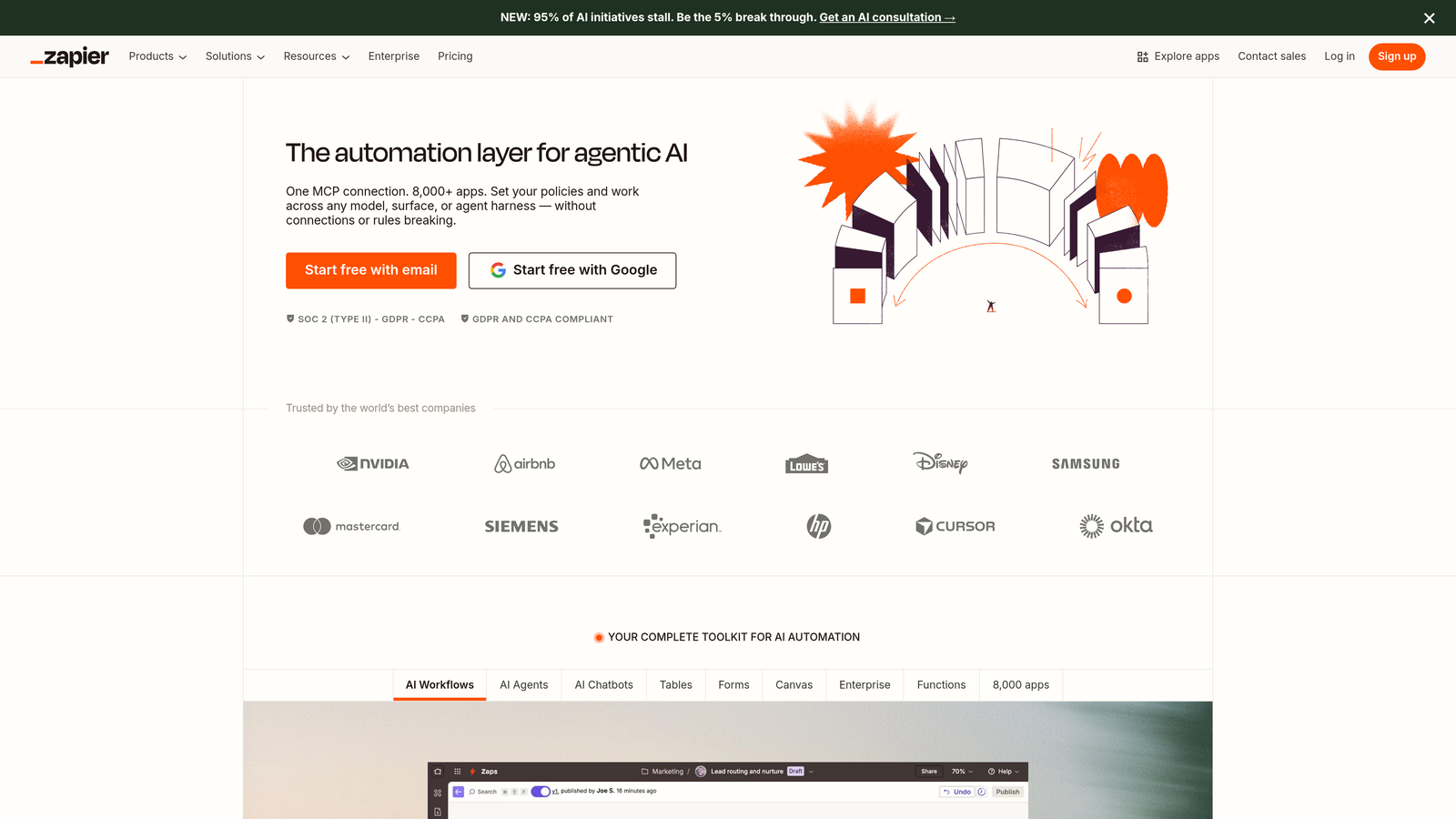
For services without native Typeform integrations, many teams use Zapier or similar automation platforms as middleware. This adds another subscription cost but provides enormous flexibility. You can connect Typeform to virtually any web service without writing code. However, this approach introduces another dependency into your tech stack and another potential failure point in your automation chain.
Implementation Steps
1. Create a comprehensive list of every system that needs to receive form submission data: Include your CRM, email marketing platform, project management tools, analytics systems, and any custom applications.
2. Research native integration availability for each platform: Check whether Gravity Forms offers add-ons or whether Typeform has direct integrations for your critical tools. Native integrations always outperform middleware solutions.
3. Assess your technical capacity for custom integrations: If your required connections don't exist natively, can your team implement webhook-based integrations (Gravity Forms) or are you comfortable relying on Zapier-style middleware (Typeform)?
Pro Tips
Don't assume integration capabilities remain static. Both platforms continuously add new native integrations, but your critical tools might not be prioritized. If a specific integration is make-or-break for your business, verify it works reliably before committing. Test the full data flow from form submission through to your destination system, checking that all fields map correctly and that submissions arrive consistently. Integration quality matters more than integration quantity.
5. Assess Design Flexibility vs. Brand Consistency
The Challenge It Solves
Your forms represent your brand in moments that matter—when prospects are deciding whether to engage with your business. A form that feels disconnected from your website's design creates friction and reduces trust. Yet the requirements for "good form design" vary dramatically depending on your brand positioning and user experience philosophy. Some businesses need forms that seamlessly blend into their WordPress theme, while others want forms that stand out with conversational interfaces that feel distinctly different from traditional web forms.
The Strategy Explained
Gravity Forms inherits your WordPress theme's styling by default, creating visual consistency with your website's existing design language. If you've invested in a premium WordPress theme or custom design, your forms automatically match that aesthetic. This inheritance means forms feel like natural extensions of your site rather than embedded external elements.
Customization happens through CSS, giving you complete control over form appearance. However, this flexibility requires design and development skills. Creating a truly custom form design means writing CSS that overrides default styles while maintaining responsive behavior across devices. For teams with design resources, this approach offers unlimited possibilities. For teams without dedicated designers, the default styling might feel basic compared to more polished alternatives.
Typeform takes a fundamentally different approach, prioritizing conversational design over theme integration. Forms display one question at a time with smooth transitions, creating an experience that feels more like an interactive conversation than a traditional form. The platform offers customization options for colors, fonts, and images, but the core one-question-at-a-time interface remains consistent. Understanding the nuances of conversational forms vs traditional forms helps clarify which approach suits your brand.
This design philosophy works exceptionally well for standalone forms—surveys, feedback collection, or lead qualification questionnaires that you want to feel distinct from your main website. The conversational interface often increases completion rates for longer forms by reducing the psychological burden of seeing many fields at once. However, it might feel jarring if embedded directly in content where users expect traditional form layouts.
Implementation Steps
1. Define your form design philosophy: Do you want forms that seamlessly blend into your website's existing design, or do you prefer forms that create a distinct, engaging experience that stands apart from your main content?
2. Evaluate your design resources: Can your team customize CSS to create polished Gravity Forms designs, or do you need a platform that delivers professional-looking forms without design work?
3. Consider your primary form contexts: Will most forms be embedded in content pages where theme consistency matters, or will they live as standalone experiences where conversational design might work better?
Pro Tips
Test your forms with real users in their actual context. A design that looks great in isolation might create friction when embedded in your website's flow. Similarly, a form that perfectly matches your theme might lack the visual emphasis needed to drive conversions. The best form design balances brand consistency with conversion optimization—sometimes that means seamless integration, other times it means strategic visual distinction.
6. Consider Your Team's Technical Capacity
The Challenge It Solves
Technical capability mismatches create ongoing frustration and hidden costs. A powerful platform that requires developer expertise becomes a bottleneck when your marketing team can't make simple changes without engineering support. Conversely, a simplified no-code platform might feel limiting to technical teams who want granular control. The right platform matches your team's actual technical capacity rather than aspirational capabilities you hope to develop someday.
The Strategy Explained
Gravity Forms assumes WordPress familiarity and rewards technical expertise. Creating basic forms requires only WordPress admin access and understanding of form field types. However, leveraging the platform's full capabilities—conditional logic, custom validation, advanced integrations, and design customization—demands comfort with WordPress development patterns, PHP, and CSS.
This technical depth creates a capability ceiling that grows with your team's expertise. A developer can extend Gravity Forms with custom functionality, create reusable form templates, and build complex workflows that would be impossible in more constrained platforms. But this same flexibility means non-technical team members often need developer support for anything beyond basic form creation. For WordPress users seeking simpler options, exploring Gravity Forms alternatives for businesses reveals platforms with gentler learning curves.
Consider your team structure. If you have dedicated developers who can build form templates and establish patterns, Gravity Forms becomes a powerful tool that marketing can use within those guardrails. If your marketing team needs to create and modify forms independently without engineering support, the platform's technical requirements might create bottlenecks.
Typeform optimizes for no-code form creation. The visual builder makes it easy to add questions, configure logic, and customize design without technical knowledge. Most team members can create professional-looking forms after minimal training. This accessibility reduces dependence on technical resources and empowers marketing teams to iterate quickly based on performance data.
However, this simplicity has boundaries. When you need functionality beyond Typeform's built-in capabilities, you're constrained by what the platform offers. There's no way to write custom code that extends Typeform's functionality. For some businesses, this constraint is liberating—it prevents technical debt and keeps form creation accessible to everyone. For others, it feels limiting when specific use cases require custom solutions.
Implementation Steps
1. Audit your team's current technical capabilities: Who will actually build and maintain forms? What's their comfort level with WordPress, HTML/CSS, and technical troubleshooting?
2. Evaluate your developer availability: Do you have dedicated engineering resources for form-related work, or will forms compete with product development priorities? How long does it typically take to get developer support for marketing tools?
3. Project your technical capacity trajectory: Are you building technical capabilities or moving toward more no-code solutions? Choose a platform that aligns with where you're heading, not just where you are today.
Pro Tips
Be brutally honest about technical capacity. Many businesses choose powerful platforms based on what they theoretically could do with developer support, then struggle because that support never materializes. If your reality involves marketing teams needing to create forms independently, prioritize platforms that enable that independence. If you have strong technical resources and need custom functionality, choose platforms that reward that expertise rather than constraining it.
7. Future-Proof Your Decision with AI Capabilities
The Challenge It Solves
Form builders aren't just data collection tools anymore. The competitive advantage increasingly comes from what happens during form completion—how intelligently platforms qualify leads, personalize experiences, and optimize conversion paths. Traditional form builders collect information. Modern platforms actively improve your conversion rates and lead quality through intelligent automation. Choosing a platform without considering AI capabilities means rebuilding your form infrastructure sooner than necessary as these features become table stakes.
The Strategy Explained
Both Gravity Forms and Typeform were built in an era before AI became central to marketing technology. Their core architectures focus on data collection rather than intelligent lead qualification. While both platforms continue evolving, neither was designed with AI-powered lead scoring, automated qualification, or intelligent routing as foundational capabilities.
Think about where form technology is heading. High-growth teams increasingly need forms that don't just collect information but actively qualify prospects during the submission process. Imagine forms that adjust questions based on previous answers to identify high-intent leads faster, or that automatically score submissions and route qualified prospects to sales while nurturing others through marketing automation. Teams focused on consultation booking forms with lead scoring are already seeing significant efficiency gains from this approach.
This shift matters because your form strategy directly impacts conversion efficiency. Traditional forms treat every submission equally, requiring manual review or basic automation rules to identify your best prospects. AI-powered approaches can qualify leads in real-time, ensuring your sales team focuses on prospects most likely to convert while automatically nurturing others until they're ready.
Consider your growth trajectory. If you're scaling lead generation, the difference between manually qualifying every submission and having AI automatically identify your best prospects compounds quickly. A platform that requires you to bolt on AI capabilities later through complex integrations will always be less effective than one built with intelligence at its core.
Implementation Steps
1. Map your lead qualification process: How do you currently identify high-quality leads from form submissions? What criteria determine whether a prospect goes to sales immediately or enters nurture sequences?
2. Evaluate automation readiness: Can your current platform support intelligent lead scoring and automated routing, or would implementing these capabilities require extensive custom development or middleware?
3. Consider modern alternatives: Research form platforms built specifically for AI-powered lead qualification and conversion optimization. Platforms like Orbit AI combine beautiful design with intelligent automation, offering capabilities that neither traditional WordPress plugins nor standalone form builders were designed to provide.
Pro Tips
Don't assume you can retrofit AI capabilities onto traditional platforms effectively. While technically possible through complex integrations, the best AI-powered experiences come from platforms designed with intelligence as a core feature rather than an afterthought. If lead qualification and conversion optimization are central to your strategy, evaluate whether traditional form builders will serve your needs two years from now, or whether starting with a more modern platform makes strategic sense.
Putting It All Together
Your choice between Gravity Forms and Typeform ultimately comes down to honest self-assessment across these seven strategic dimensions. If you're deeply embedded in WordPress with strong developer resources, Gravity Forms offers powerful flexibility and native integration with your existing ecosystem. The platform rewards technical expertise and provides unlimited customization potential for teams who can leverage it.
If you prioritize conversational design, rapid deployment, and no-code form creation, Typeform delivers a polished experience that empowers non-technical teams to create engaging forms without developer support. The platform's one-question-at-a-time interface often improves completion rates for longer forms, and its integration marketplace connects with hundreds of popular services.
However, here's what this comparison reveals: both platforms were built for a previous era of form technology. If you're a high-growth team focused on lead generation and conversion optimization, you might be asking the wrong question. Instead of choosing between WordPress integration and conversational design, modern form builders offer both—plus AI-powered capabilities that neither traditional platform was designed to provide.
Start your evaluation by auditing your technical ecosystem and calculating true ownership costs. Map your most complex use cases to each platform's strengths, and be brutally honest about your team's technical capacity. Consider not just your current needs but where your lead generation strategy is heading. The platform that serves you best isn't necessarily the one with the longest feature list, but the one that aligns with how your business actually operates and where you're growing.
For teams seeking the best of both worlds—beautiful, conversion-optimized design without WordPress lock-in, plus AI-powered lead qualification that improves results automatically—platforms built specifically for modern lead generation deliver capabilities that traditional form builders simply can't match. Start building free forms today and see how intelligent form design can elevate your conversion strategy beyond what either Gravity Forms or Typeform were designed to achieve.


