

Gravity Forms has been a WordPress staple for years, but if you're running a SaaS business or scaling fast, you've probably hit its limitations. The WordPress dependency, hosting requirements, and plugin management overhead can slow down teams that need to move quickly.
Modern SaaS form builders offer a different approach: cloud-based platforms with built-in analytics, native integrations, and AI-powered features that don't require managing WordPress infrastructure. We evaluated dozens of form builders based on ease of use, conversion optimization features, integration ecosystems, and value for growing teams.
Here are seven alternatives that deliver enterprise-grade functionality without the WordPress baggage.
1. Orbit AI
Best for: High-growth teams prioritizing lead qualification and conversion optimization
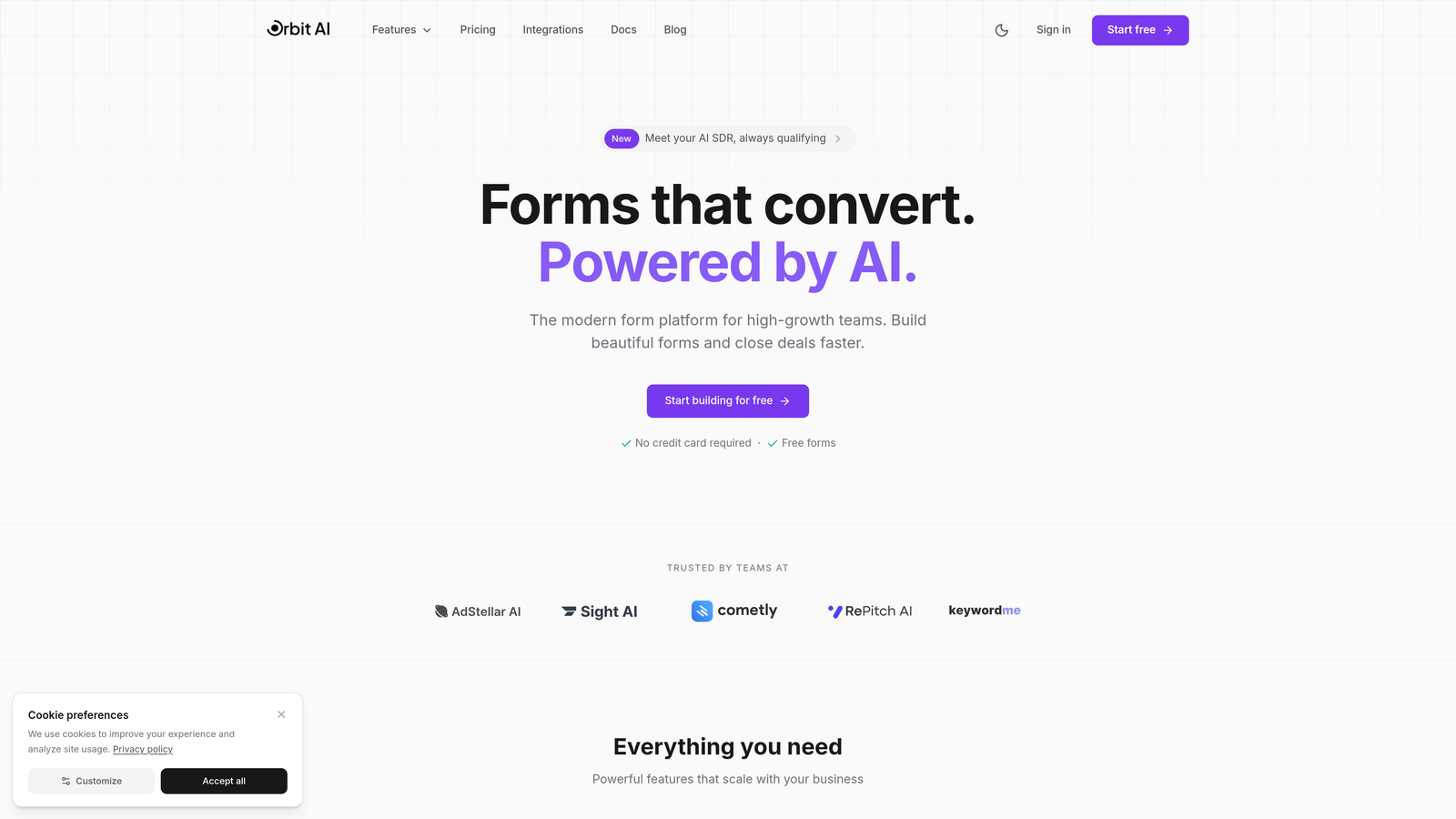
Orbit AI is an AI-powered form builder platform designed specifically for teams focused on conversion optimization and intelligent lead management.
Where This Tool Shines
Orbit AI stands out with its AI-powered lead qualification engine that automatically scores and routes prospects based on their responses. Instead of collecting form submissions and manually sorting through them later, you get instant insights into which leads deserve immediate attention.
The platform's conversion-optimized templates are built on real performance data, not just aesthetic preferences. This means you're starting with forms that are already proven to convert, then customizing them to match your brand and specific use cases.
Key Features
AI-Powered Lead Qualification: Automatically scores and prioritizes leads based on response patterns and engagement signals.
Conversion-Optimized Templates: Pre-built form designs tested for maximum conversion rates across industries.
Native CRM Integrations: Direct connections to HubSpot, Salesforce, and Pipedrive without third-party middleware.
Built-In Analytics Dashboard: Real-time insights into form performance, drop-off points, and conversion metrics.
Modern Responsive Design: Forms that look polished on any device without manual adjustments.
Best For
SaaS companies and high-growth teams that need more than just form submissions. If your sales team spends hours qualifying leads manually, or you're struggling to identify which prospects are worth pursuing immediately, Orbit AI's intelligent routing and scoring can transform your lead generation process.
Pricing
Free tier available for teams getting started. Paid plans begin at $29/month with expanded AI capabilities, additional integrations, and higher submission limits.
2. Typeform
Best for: Brand-focused companies wanting conversational, one-question-at-a-time experiences
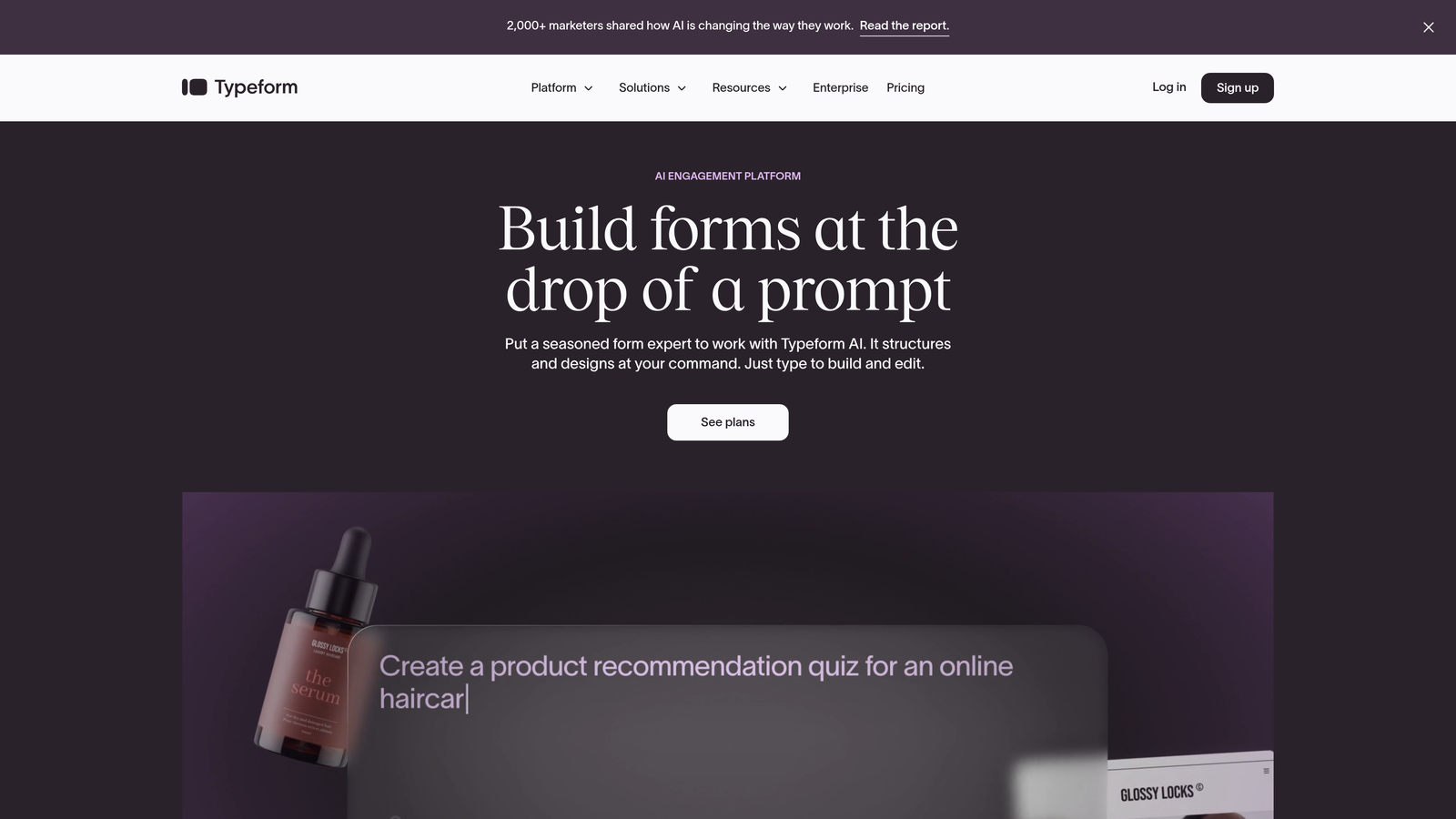
Typeform is a conversational form builder known for its polished user experience and distinctive question-by-question interface.
Where This Tool Shines
Typeform revolutionized form design by treating forms like conversations rather than traditional web forms. The one-question-at-a-time approach reduces cognitive load and creates a more engaging experience that feels less like filling out paperwork and more like having a dialogue.
The platform's strength lies in brand customization. You can match every element to your visual identity, from colors and fonts to custom backgrounds and button styles. This makes Typeform particularly valuable for companies where brand consistency is non-negotiable.
Key Features
Conversational Interface: One-question-at-a-time format that increases completion rates by reducing overwhelm.
Advanced Brand Customization: Complete control over visual elements to maintain brand consistency.
Logic Jumps and Branching: Create dynamic forms that adapt based on previous answers.
Rich Media Embedding: Incorporate videos and images directly into your form flow.
Developer-Friendly API: Robust API for custom integrations and advanced workflows.
Best For
Marketing teams at design-conscious companies who view forms as brand touchpoints. If you're creating customer surveys, event registrations, or lead capture forms where user experience directly impacts brand perception, Typeform's polished interface delivers.
Pricing
Free tier with limited features. Basic plans start at $25/month, with Plus plans at $50/month offering advanced logic and integrations.
3. Jotform
Best for: Budget-conscious teams needing extensive template variety and payment processing
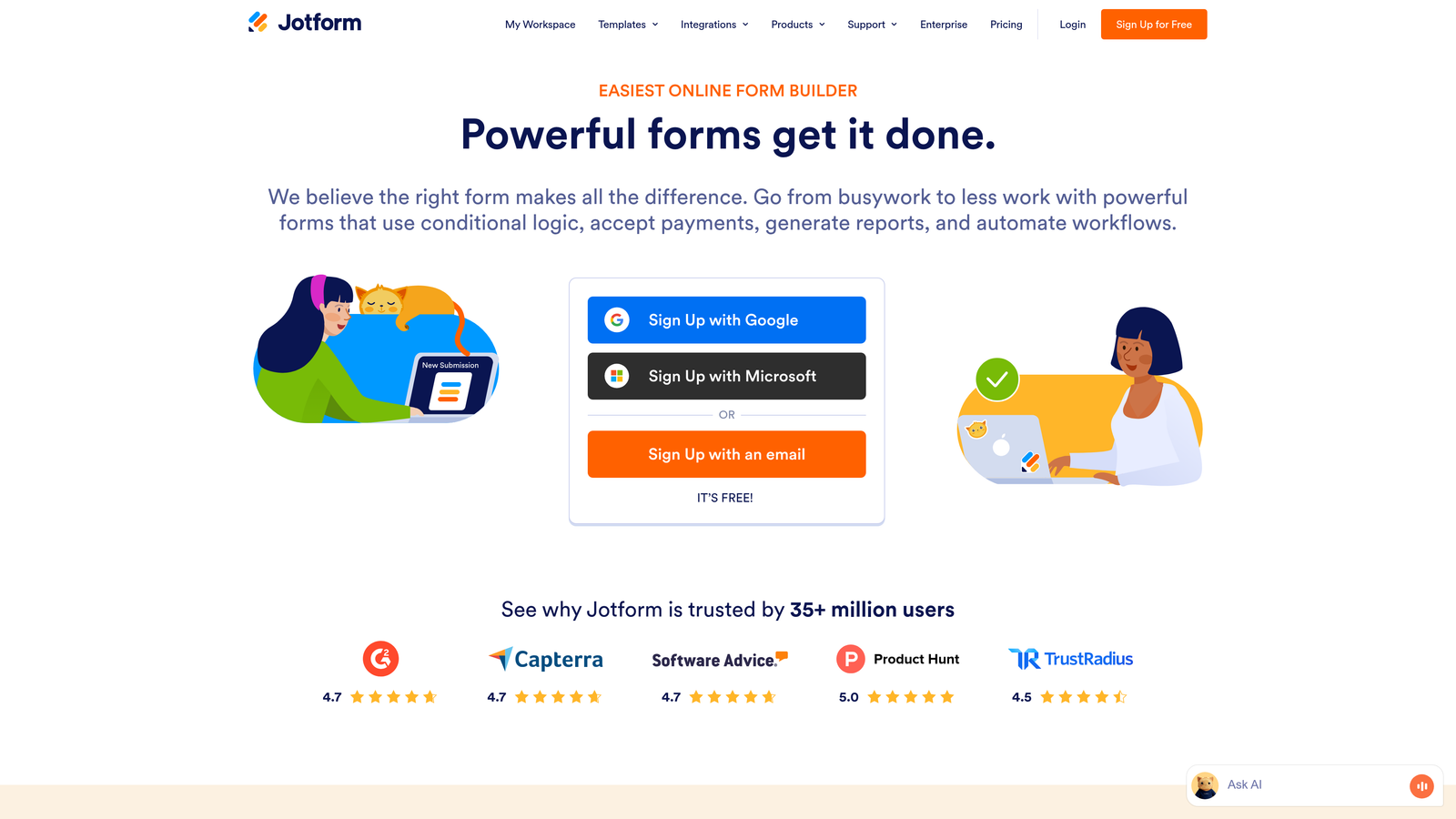
Jotform is a feature-rich form builder offering over 10,000 templates and a generous free tier for teams managing costs carefully.
Where This Tool Shines
Jotform's massive template library means you're almost guaranteed to find a starting point for whatever form you need to build. From event registrations to job applications to customer feedback surveys, the variety eliminates the blank-canvas problem that slows down form creation.
The platform's payment integration capabilities are particularly strong. Native connections to PayPal, Stripe, and Square make it straightforward to collect payments, donations, or registration fees without building custom checkout flows or managing multiple platforms.
Key Features
10,000+ Templates: Extensive library covering virtually every form use case across industries.
Drag-and-Drop Builder: Intuitive editor with widgets for advanced functionality without coding.
Payment Integrations: Native support for PayPal, Stripe, Square, and other payment processors.
PDF Generation: Automatically create PDF documents from submissions, plus e-signature capabilities.
Mobile App: Manage forms and view submissions directly from iOS or Android devices.
Best For
Small businesses and nonprofits that need professional forms without premium pricing. If you're collecting payments, managing event registrations, or need PDF generation for applications and contracts, Jotform delivers enterprise features at accessible price points.
Pricing
Free tier supports up to 5 forms with 100 monthly submissions. Bronze plans start at $34/month with increased limits and additional features.
4. Tally
Best for: Minimalists who want unlimited forms without monthly costs
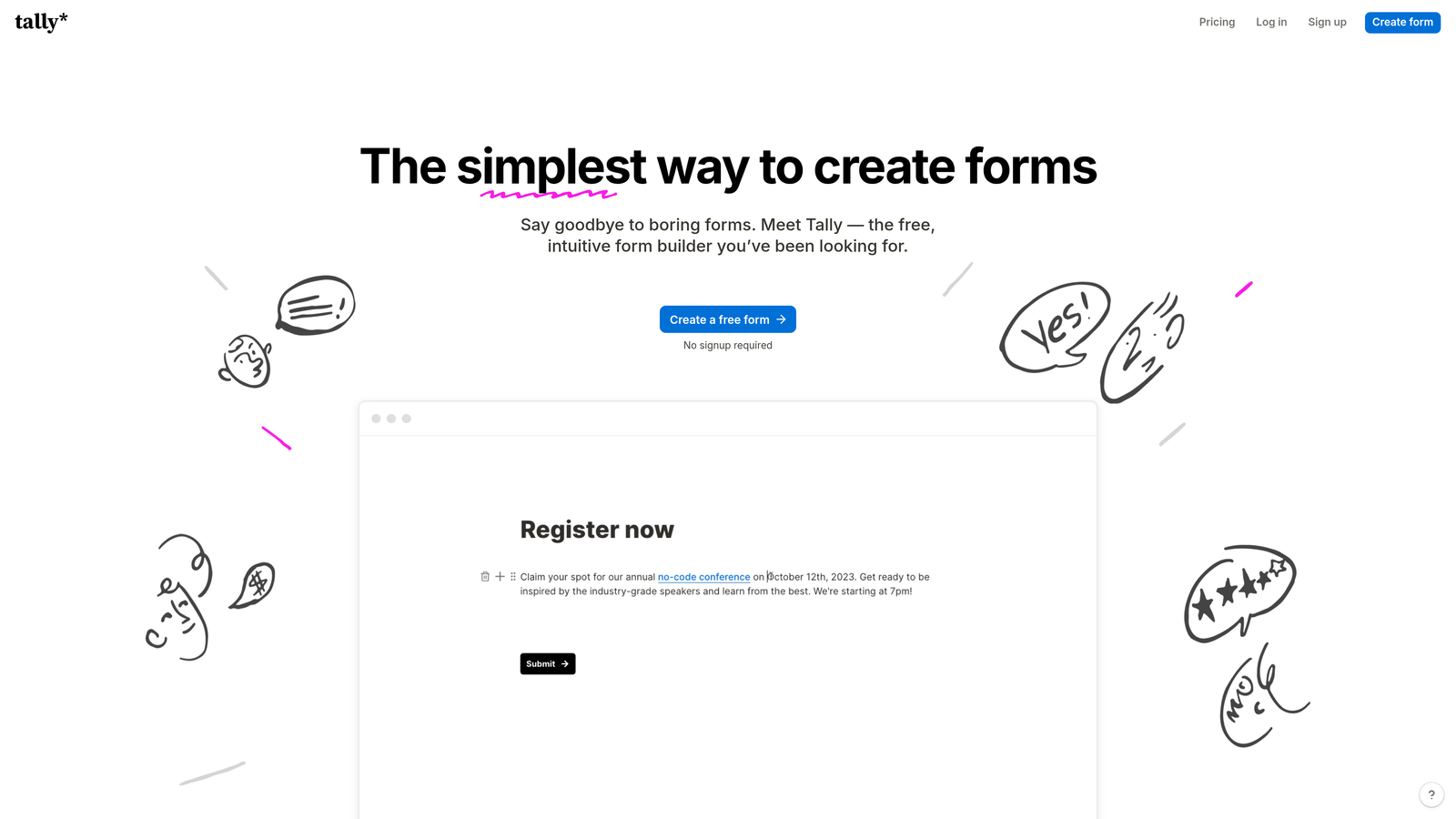
Tally is a minimalist form builder with a Notion-like interface and an exceptionally generous free plan offering unlimited forms.
Where This Tool Shines
Tally's free tier is genuinely unlimited—not a trial period or a limited-feature version. You can create as many forms as you need, collect unlimited submissions, and access core features without ever paying. This makes it ideal for bootstrapped startups or teams testing form strategies before committing budget.
The Notion-style block-based editor will feel immediately familiar if you're already using Notion for documentation or project management. The learning curve is minimal, and the interface prioritizes simplicity over feature bloat.
Key Features
Unlimited Free Forms: No artificial limits on form creation or monthly submissions on the free plan.
Block-Based Editor: Notion-inspired interface that makes form building intuitive and fast.
No-Code Conditional Logic: Create branching forms without technical knowledge or complex setup.
File Uploads Included: Accept file submissions without upgrading to paid plans.
Custom Domains: Connect your own domain on paid plans for branded form URLs.
Best For
Bootstrapped startups, indie makers, and small teams who need reliable forms without recurring costs. If you're comfortable with Notion's interface and don't need advanced integrations or white-label branding, Tally's free tier might be all you ever need.
Pricing
Genuinely unlimited free tier. Pro plans start at $29/month for custom domains, file upload size increases, and priority support.
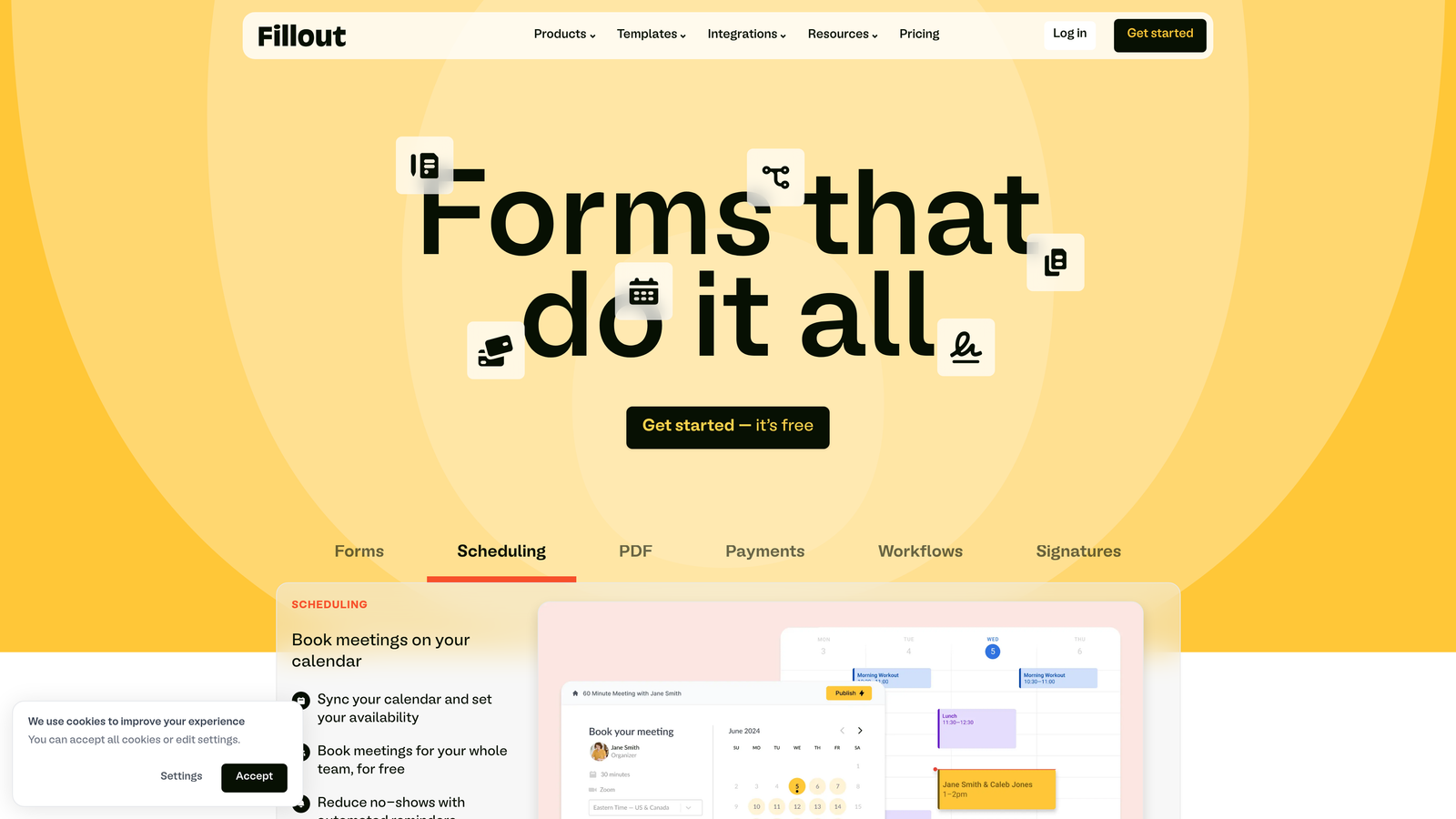
5. Fillout
Best for: Teams heavily invested in Airtable or Notion for database management
Fillout is a modern form builder with exceptional database integrations, particularly powerful for Airtable and Notion power users.
Where This Tool Shines
Fillout treats databases as first-class citizens in the form-building process. You can pre-fill forms with existing data from Airtable or Notion, update records through form submissions, and create two-way sync workflows without Zapier or custom code.
This database-first approach transforms forms from simple data collection tools into dynamic interfaces for your existing data systems. If you're already managing customer data, project information, or inventory in Airtable, Fillout lets you create public-facing forms that interact directly with those tables.
Key Features
Native Airtable Integration: Read from and write to Airtable bases directly through forms.
Notion Database Sync: Create forms that update Notion databases in real-time.
Pre-Fill Capabilities: Populate form fields automatically from existing database records.
Record Updates: Allow users to update existing records rather than only creating new ones.
Scheduling Forms: Built-in booking and appointment scheduling functionality.
Best For
Operations teams and project managers who've built their workflows around Airtable or Notion. If you're collecting customer feedback that needs to flow into an Airtable CRM, or managing event registrations that update a Notion database, Fillout eliminates the integration middleware.
Pricing
Free tier available with core features. Starter plans begin at $15/month for increased submissions and advanced database features.
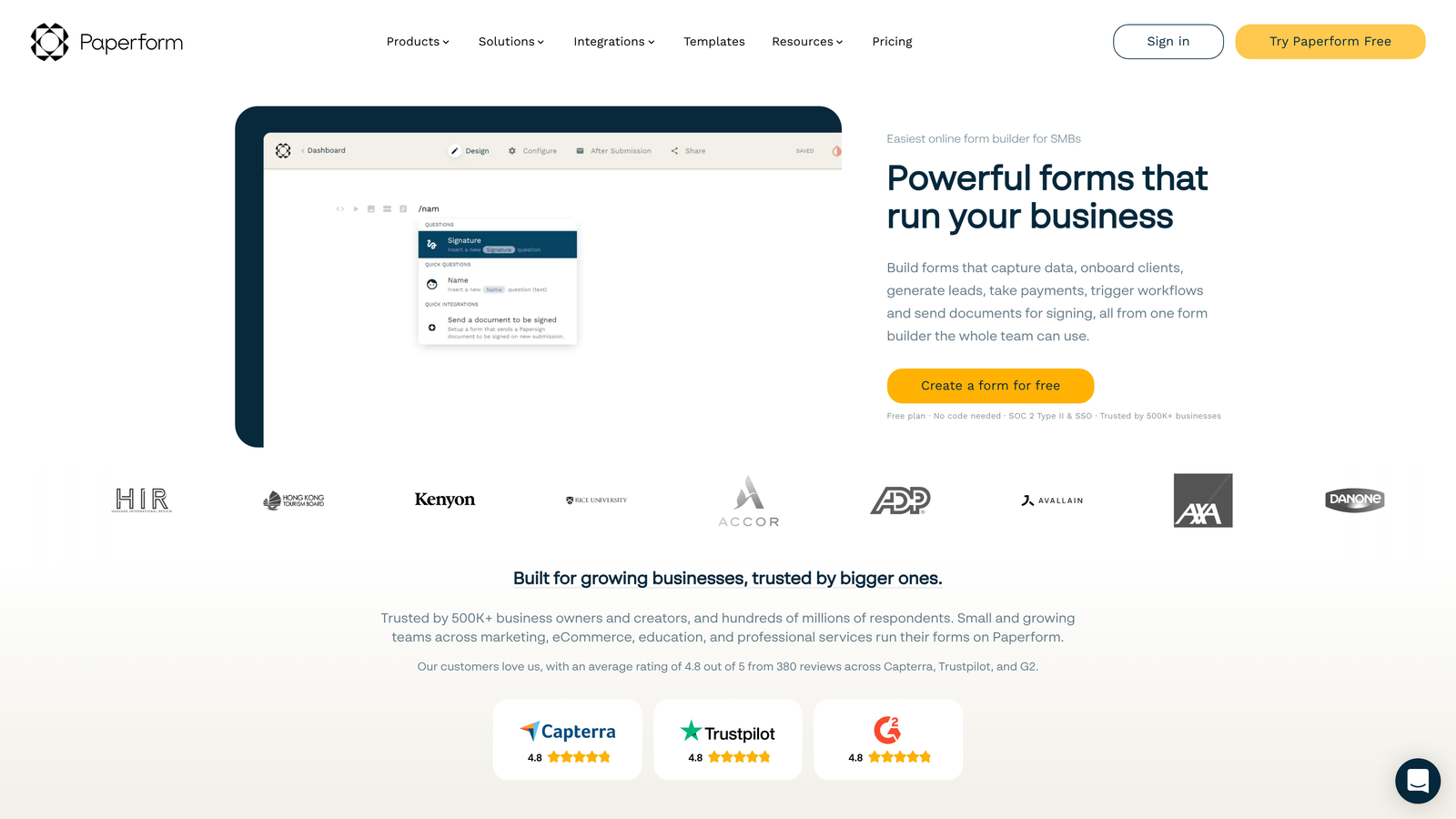
6. Paperform
Best for: Content marketers creating landing pages with embedded forms
Paperform is a document-style form builder that excels at creating content-rich landing pages with embedded forms and payment processing.
Where This Tool Shines
Paperform blurs the line between forms and landing pages. Instead of building a separate landing page and embedding a form, you create a single document-style page that combines marketing copy, images, videos, and form fields in one cohesive experience.
This approach is particularly powerful for product launches, event registrations, and content marketing campaigns where you need to educate or persuade before collecting information. The built-in payment processing and product catalog features make it straightforward to sell digital products or collect registration fees without additional tools.
Key Features
Document-Style Builder: Combine long-form content with form fields in a single page.
Rich Media Embedding: Incorporate videos, images, and formatted text throughout your forms.
Built-In Payments: Native payment processing without third-party integrations.
Appointment Scheduling: Accept bookings and manage availability directly through forms.
Product Catalogs: Create order forms with product options, calculations, and inventory management.
Best For
Content marketers and course creators who need forms that double as landing pages. If you're selling digital products, managing event registrations with detailed descriptions, or creating multi-step applications that require context and explanation, Paperform's document approach streamlines the process.
Pricing
Essentials plans start at $24/month. Pro plans at $49/month add advanced integrations and remove Paperform branding.
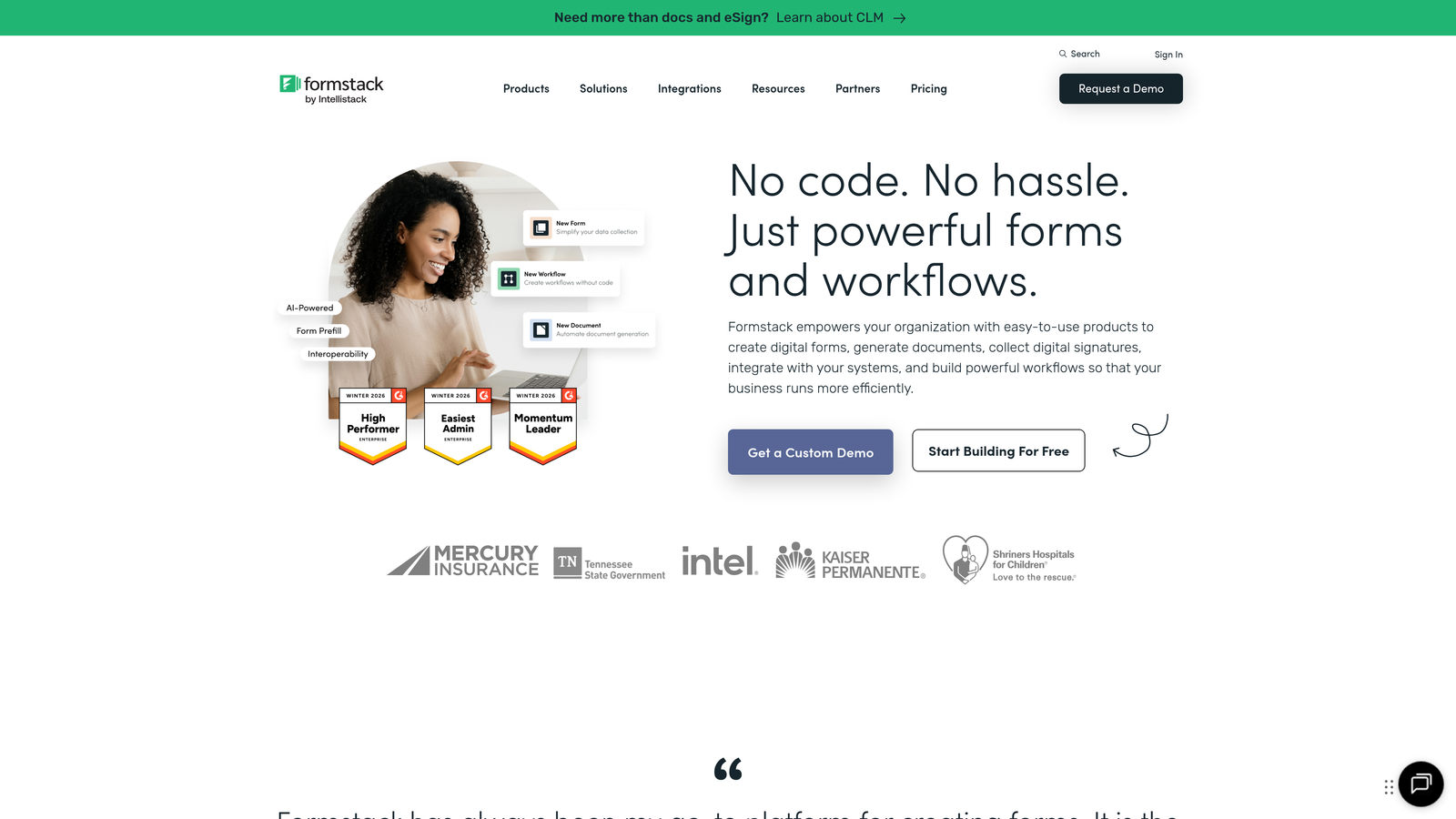
7. Formstack
Best for: Enterprise teams requiring HIPAA compliance and advanced workflow automation
Formstack is an enterprise-grade form platform with advanced workflow automation, compliance features, and document generation capabilities.
Where This Tool Shines
Formstack is built for organizations with serious compliance requirements. HIPAA and SOC 2 compliance aren't add-ons or afterthoughts—they're core to the platform's architecture. If you're in healthcare, finance, or any regulated industry where data handling has legal implications, Formstack provides the security infrastructure and audit trails you need.
The workflow automation capabilities go beyond simple email notifications. You can trigger multi-step approval processes, generate documents automatically, route submissions based on complex criteria, and integrate with enterprise systems through SSO and advanced permissions.
Key Features
HIPAA and SOC 2 Compliance: Enterprise-grade security and compliance certifications built into the platform.
Advanced Workflow Automation: Multi-step approval processes and conditional routing based on submission data.
Document Generation: Automatically create PDFs and documents from form submissions.
Built-In E-Signatures: Collect legally binding signatures without additional tools.
Enterprise SSO: Single sign-on and granular permission controls for large organizations.
Best For
Healthcare providers, financial services firms, and enterprise organizations with compliance requirements or complex approval workflows. If you're managing patient intake forms, financial applications, or HR processes where security and audit trails are mandatory, Formstack delivers the enterprise features that consumer-focused tools can't match.
Pricing
Starter plans begin at $50/month. Teams plans at $83/month include advanced features and increased submission limits. Enterprise pricing available for custom requirements.
Making the Right Choice
The best Gravity Forms alternative depends on what you're optimizing for and where you are in your growth journey.
If lead qualification and conversion optimization are your priorities, Orbit AI's intelligent scoring and CRM integrations deliver immediate value for high-growth teams. The AI-powered approach means you're not just collecting submissions—you're identifying your best prospects automatically.
Typeform remains the gold standard for brand-conscious companies where user experience is a competitive advantage. The conversational interface and deep customization options justify the premium pricing if forms are customer-facing brand touchpoints.
Budget-conscious teams should look at Jotform or Tally. Jotform's extensive template library and payment integrations make it ideal for small businesses managing multiple use cases, while Tally's unlimited free tier is perfect for bootstrapped startups that need reliability without recurring costs.
For teams already invested in Airtable or Notion, Fillout's database-first approach eliminates integration complexity and creates dynamic workflows that traditional form builders can't match. If your data lives in these platforms, Fillout is the natural choice.
Content marketers creating landing pages with embedded forms will appreciate Paperform's document-style builder. The ability to combine marketing copy, rich media, and form fields in a single experience streamlines campaigns and product launches.
Enterprise organizations with compliance requirements should evaluate Formstack. HIPAA compliance, SOC 2 certification, and advanced workflow automation aren't features you can bolt on later—they need to be part of the platform's foundation.
The shift from WordPress-dependent tools like Gravity Forms to modern SaaS platforms isn't just about convenience. It's about velocity. Cloud-based form builders eliminate hosting dependencies, reduce IT overhead, and let your team iterate quickly without managing plugins or WordPress updates.
Transform your lead generation with AI-powered forms that qualify prospects automatically while delivering the modern, conversion-optimized experience your high-growth team needs. Start building free forms today and see how intelligent form design can elevate your conversion strategy.


