

Every lead that abandons your form is revenue walking out the door. In 2026, your form builder isn't just a data collection tool—it's a critical conversion asset that can make or break your growth trajectory. The right platform transforms casual visitors into qualified leads, while the wrong one creates friction that sends prospects straight to your competitors.
The best form builders balance intuitive design with powerful features: seamless integrations that connect to your existing tech stack, analytics that reveal exactly where leads drop off, and pricing that scales with your business. Whether you need AI-powered lead qualification, conversational experiences, or enterprise-grade workflows, the right tool exists for your specific needs.
Here are the top form builders helping businesses capture and convert more leads in 2026.
1. Orbit AI
Best for: High-growth teams needing AI-powered lead qualification and conversion optimization
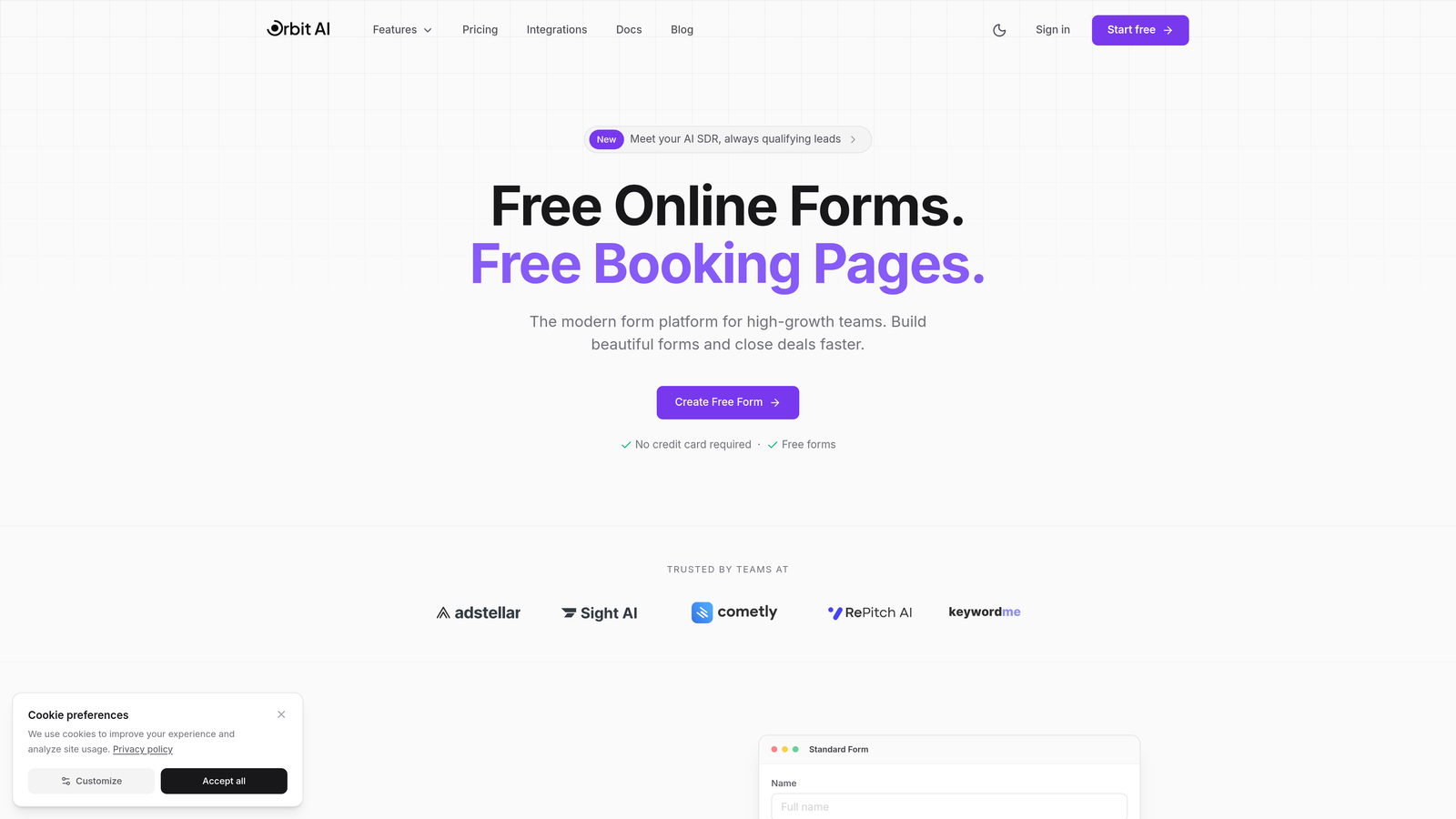
Orbit AI represents the next generation of form building, combining beautiful, conversion-optimized design with intelligent lead qualification that happens automatically as prospects fill out your forms.
Where This Tool Shines
Orbit AI's standout feature is its AI agents that qualify leads in real-time while they're completing your forms. Instead of collecting raw data and sorting through it later, you get intelligent insights about lead quality the moment someone submits. This means your sales team spends time on prospects who are actually ready to buy, not chasing dead ends.
The platform is purpose-built for teams that view forms as conversion tools, not just data collection widgets. Every template is designed with conversion psychology in mind, and the analytics show you exactly where prospects hesitate or abandon.
Key Features
AI-Powered Lead Qualification: Intelligent agents analyze responses in real-time to score and route leads automatically.
Conversion-Optimized Templates: Pre-built forms designed specifically to maximize completion rates and reduce abandonment.
Advanced Analytics Dashboard: Deep insights into form performance, drop-off points, and lead quality metrics.
Workflow Automation: Trigger actions based on lead scores, responses, or qualification criteria without manual intervention.
Native CRM Integrations: Connect seamlessly with your existing sales and marketing tools for automatic data sync.
Best For
Orbit AI is ideal for high-growth B2B companies, SaaS businesses, and marketing teams where lead quality matters as much as lead quantity. If you're tired of sorting through unqualified prospects or want to give your sales team pre-qualified leads, this platform delivers exactly that.
Pricing
Visit the Orbit AI pricing page for current plan details and features tailored to different business sizes.
2. Typeform
Best for: Creating beautiful, conversational form experiences that boost engagement
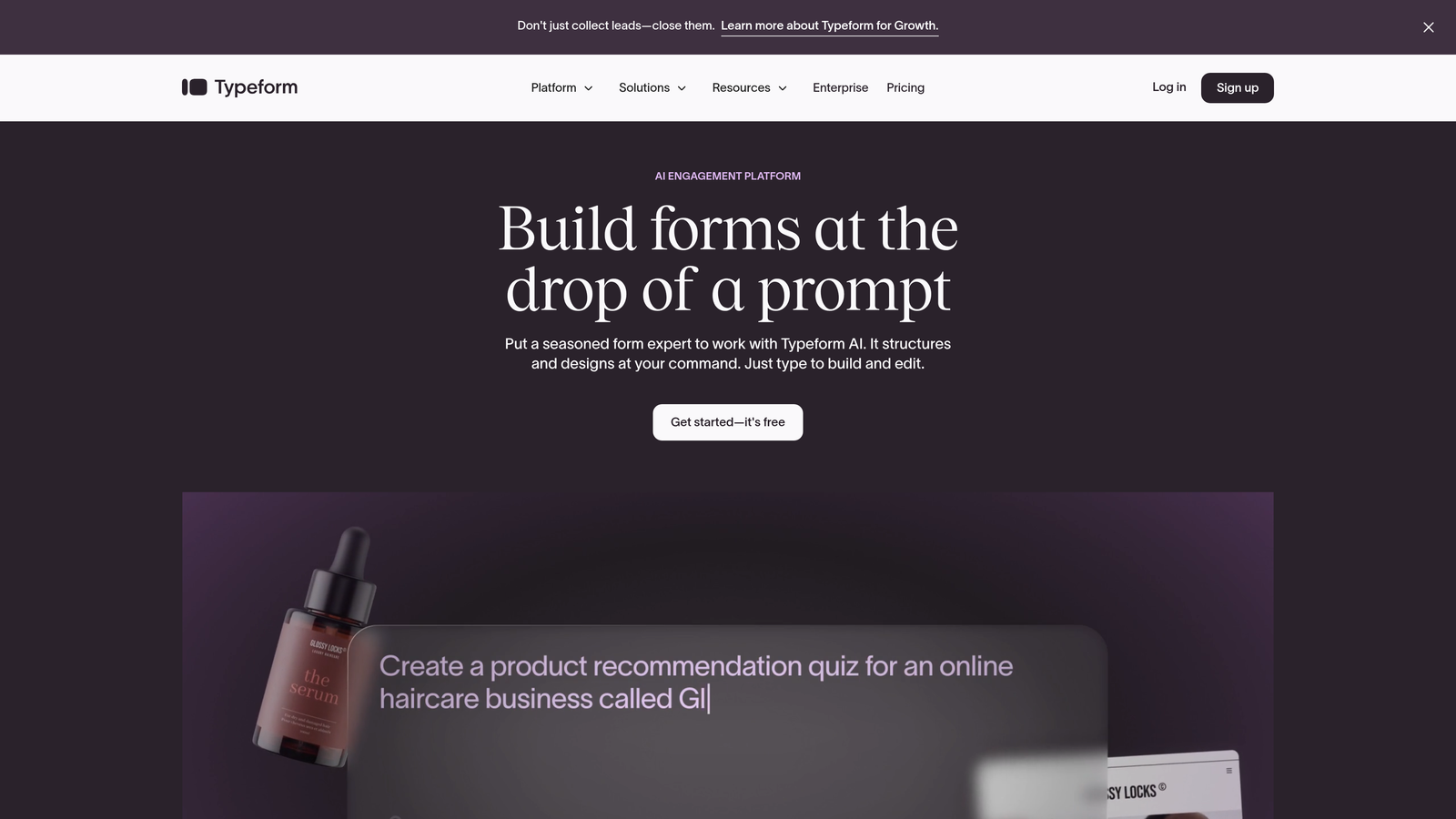
Typeform pioneered the conversational, one-question-at-a-time approach that makes forms feel less like interrogations and more like natural conversations.
Where This Tool Shines
Typeform's signature interface shows one question at a time, creating a focused experience that significantly reduces cognitive load. Instead of overwhelming prospects with a wall of fields, you guide them through a thoughtful journey. The result? Completion rates that often exceed traditional multi-field forms by substantial margins.
The design aesthetic is immediately recognizable—clean, modern, and visually engaging. If your brand prioritizes user experience and you want forms that feel premium, Typeform delivers that polish out of the box.
Key Features
Conversational One-Question Format: Progressive disclosure keeps users focused and reduces form abandonment.
Beautiful Design Templates: Professionally designed themes that make every form look polished and on-brand.
Logic Jumps and Branching: Create personalized form paths based on previous answers to keep experiences relevant.
Rich Media Embedding: Add videos, images, and GIFs to create engaging, multimedia form experiences.
Popular Tool Integrations: Connect with hundreds of apps including Slack, Google Sheets, HubSpot, and Mailchimp.
Best For
Typeform works exceptionally well for customer surveys, event registrations, feedback collection, and any scenario where user experience directly impacts completion rates. Design-conscious brands and companies focused on engagement metrics find this platform particularly valuable.
Pricing
Free tier available with Typeform branding; paid plans start around $25/month with increased response limits and advanced features.
3. Jotform
Best for: Businesses needing extensive templates and customization options
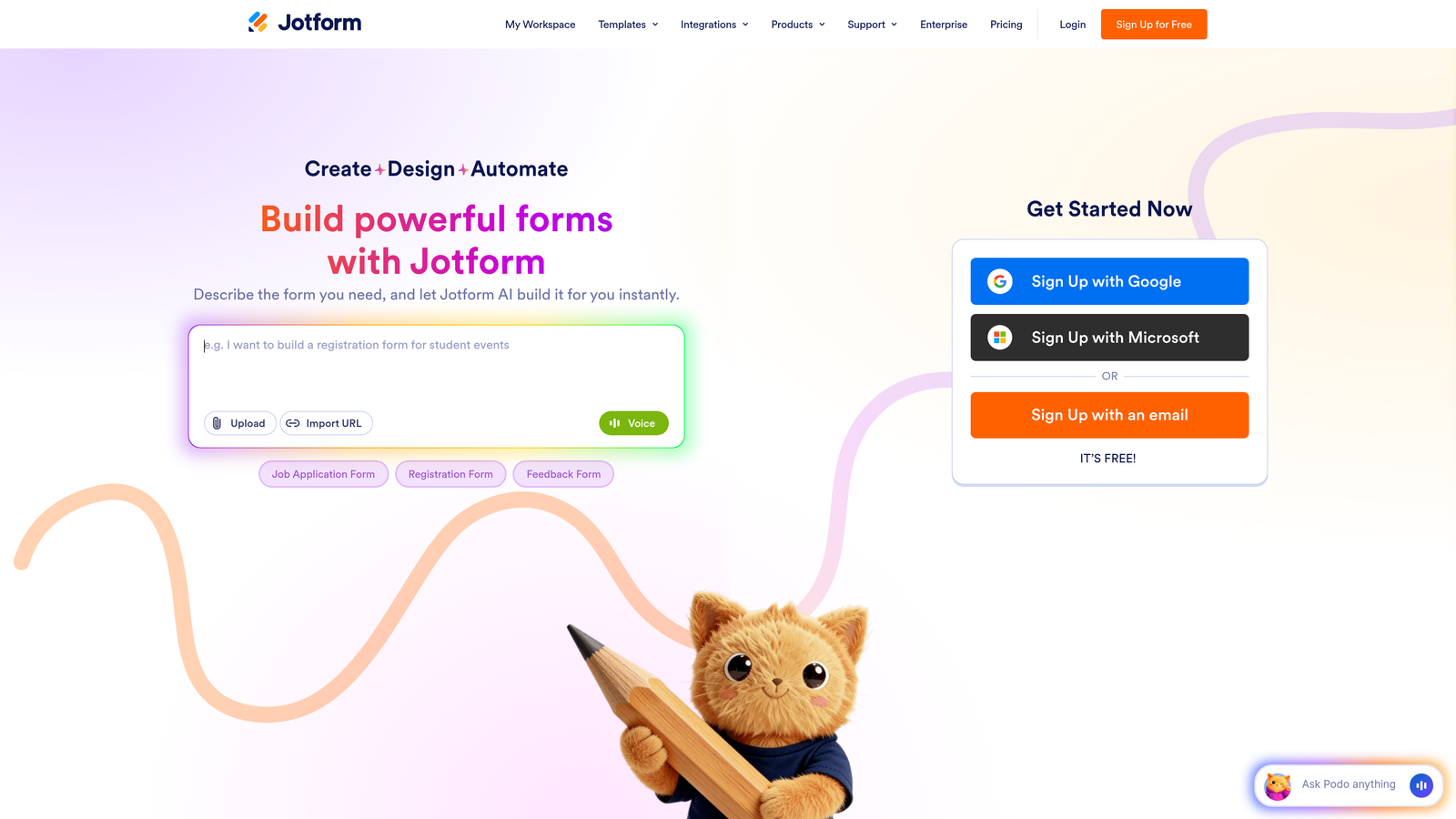
Jotform offers one of the most comprehensive template libraries in the industry, with over 10,000 pre-built forms covering virtually every business use case imaginable.
Where This Tool Shines
If you need a form for something specific—healthcare intake, event planning, job applications, order forms—Jotform almost certainly has a template for it. This massive library means you're rarely starting from scratch, which dramatically speeds up form creation. The drag-and-drop builder makes customization intuitive even for non-technical users.
Payment integration is particularly robust. Jotform supports over 30 payment gateways, making it a strong choice for businesses collecting payments, donations, or processing orders directly through forms.
Key Features
10,000+ Form Templates: Industry-specific templates for virtually any business need or use case.
Drag-and-Drop Builder: Intuitive interface for customizing forms without coding knowledge.
Payment Gateway Integrations: Accept payments through Square, PayPal, Stripe, and 30+ other processors.
PDF Form Creation: Generate fillable PDFs and convert existing PDFs into online forms.
Mobile Form Management: Dedicated mobile app for managing submissions and forms on the go.
Best For
Jotform serves businesses that need versatility and don't want to build forms from scratch. It's particularly strong for companies collecting payments, managing complex workflows, or operating in specialized industries with specific form requirements.
Pricing
Free tier with monthly submission limits; paid plans start at $34/month with increased submissions and advanced features.
4. Tally
Best for: Startups and small teams wanting a generous free tier
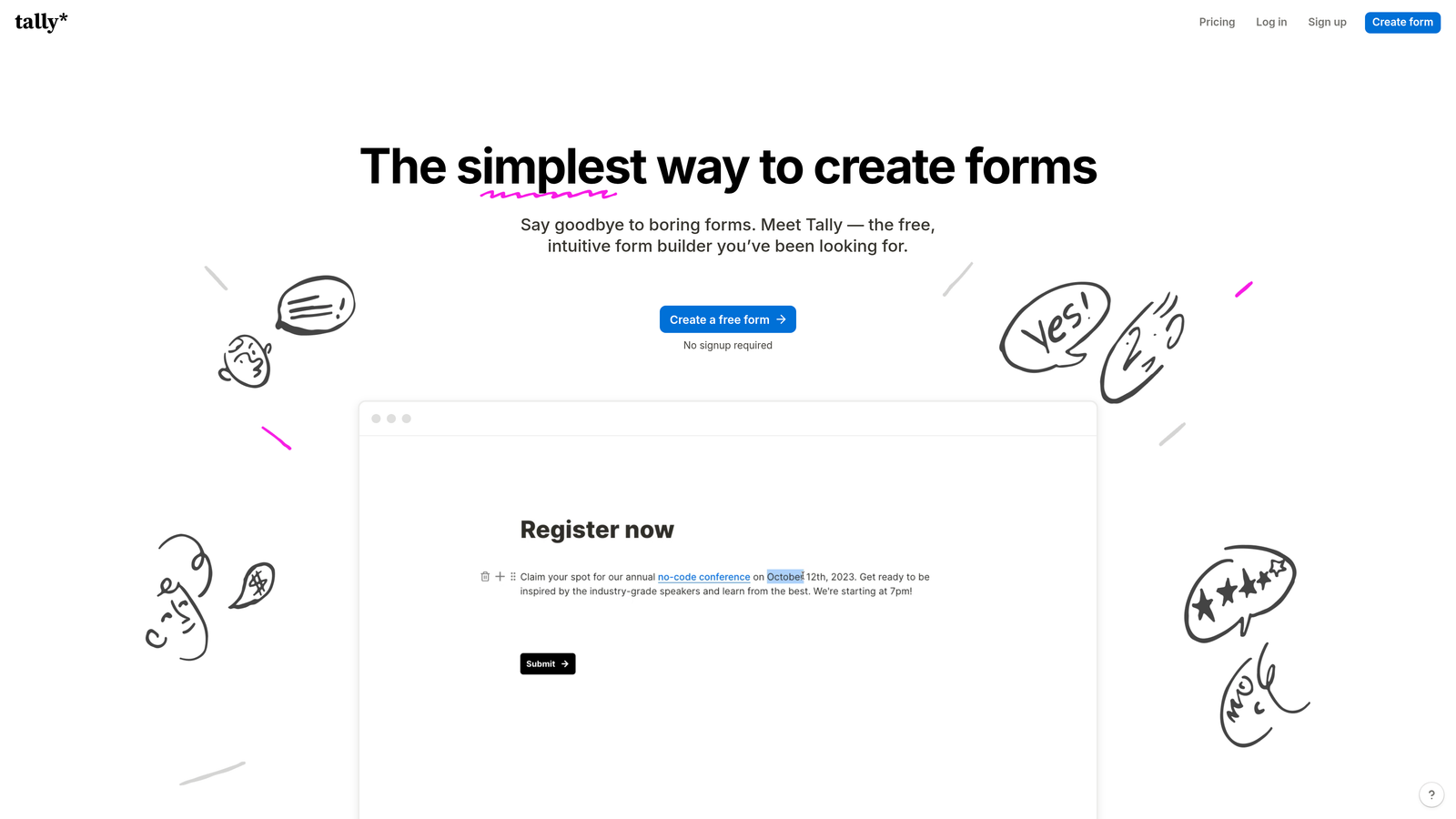
Tally brings a Notion-like simplicity to form building, with an interface that feels instantly familiar to anyone who's used modern productivity tools.
Where This Tool Shines
Tally's free tier is remarkably generous—unlimited forms, unlimited responses, and most core features without hitting a paywall. For bootstrapped startups or teams just getting started, this removes the financial barrier to professional form building. The interface mimics Notion's block-based approach, making form creation feel more like document editing than traditional form building.
Despite the generous free offering, Tally doesn't skimp on features. You get conditional logic, file uploads, and integrations with popular tools, all without paying a cent. It's a rare example of a freemium model that genuinely serves free users well.
Key Features
Notion-Style Interface: Familiar block-based editing that makes form building intuitive and fast.
Unlimited Free Forms: No artificial limits on form creation or responses in the free tier.
Conditional Logic: Show or hide questions based on previous answers to create dynamic experiences.
File Upload Support: Collect documents, images, and files directly through your forms.
Tool Integrations: Connect with Notion, Google Sheets, Slack, and other popular platforms.
Best For
Tally is perfect for startups, solopreneurs, and small teams that need professional forms without the recurring costs. If you're already using Notion for project management, Tally's integration makes it a natural extension of your workflow.
Pricing
Extremely generous free tier with unlimited forms and responses; Pro plan starts at $29/month for custom domains and advanced features.
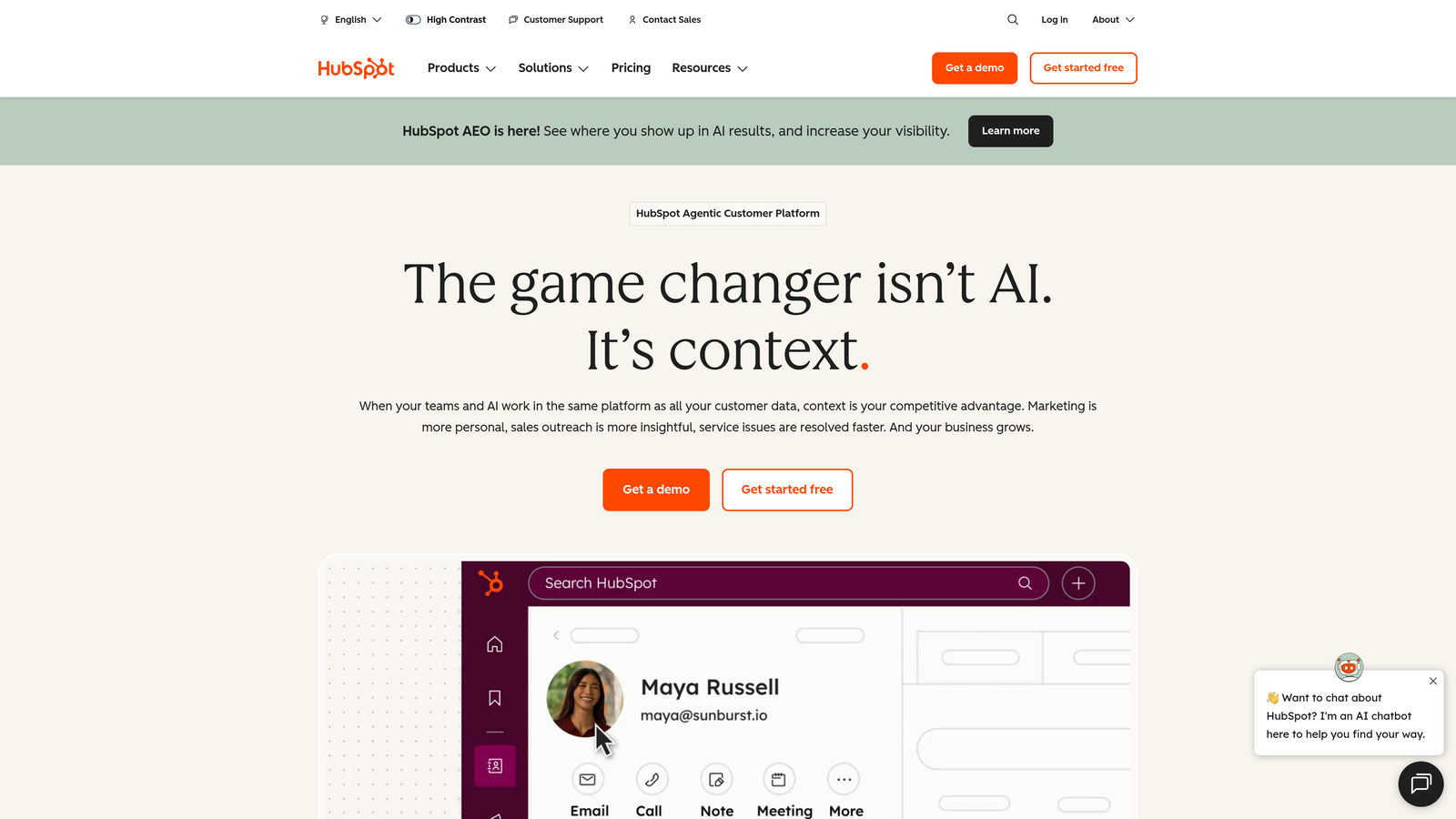
5. HubSpot Forms
Best for: Companies already using HubSpot CRM and marketing tools
HubSpot Forms integrates natively with HubSpot's CRM and marketing platform, creating a seamless data flow from form submission to sales follow-up.
Where This Tool Shines
If you're already in the HubSpot ecosystem, these forms are unbeatable. Every submission automatically creates or updates contact records in your CRM, triggers marketing automation workflows, and feeds into your attribution reporting. There's no manual data entry, no integration delays, and no sync issues—everything just works.
Progressive profiling is a standout feature. Instead of asking the same questions repeatedly, HubSpot Forms remembers what it already knows about a contact and asks new questions on subsequent visits. This reduces form friction for returning visitors while steadily building richer contact profiles.
Key Features
Native HubSpot CRM Integration: Automatic contact creation and updates with zero manual data entry.
Progressive Profiling: Dynamically change form fields based on existing contact data to avoid repetition.
Smart Fields: Pre-populate known information to reduce friction for returning visitors.
Marketing Automation Triggers: Launch email sequences, assign tasks, or update properties based on submissions.
A/B Testing Capabilities: Test different form variations to optimize conversion rates systematically.
Best For
HubSpot Forms is the obvious choice for companies already using HubSpot CRM or Marketing Hub. The integration value alone justifies using these forms over standalone alternatives, and the progressive profiling features become more valuable as your contact database grows.
Pricing
Free with HubSpot CRM; advanced features like A/B testing and progressive profiling require paid Marketing Hub subscriptions.
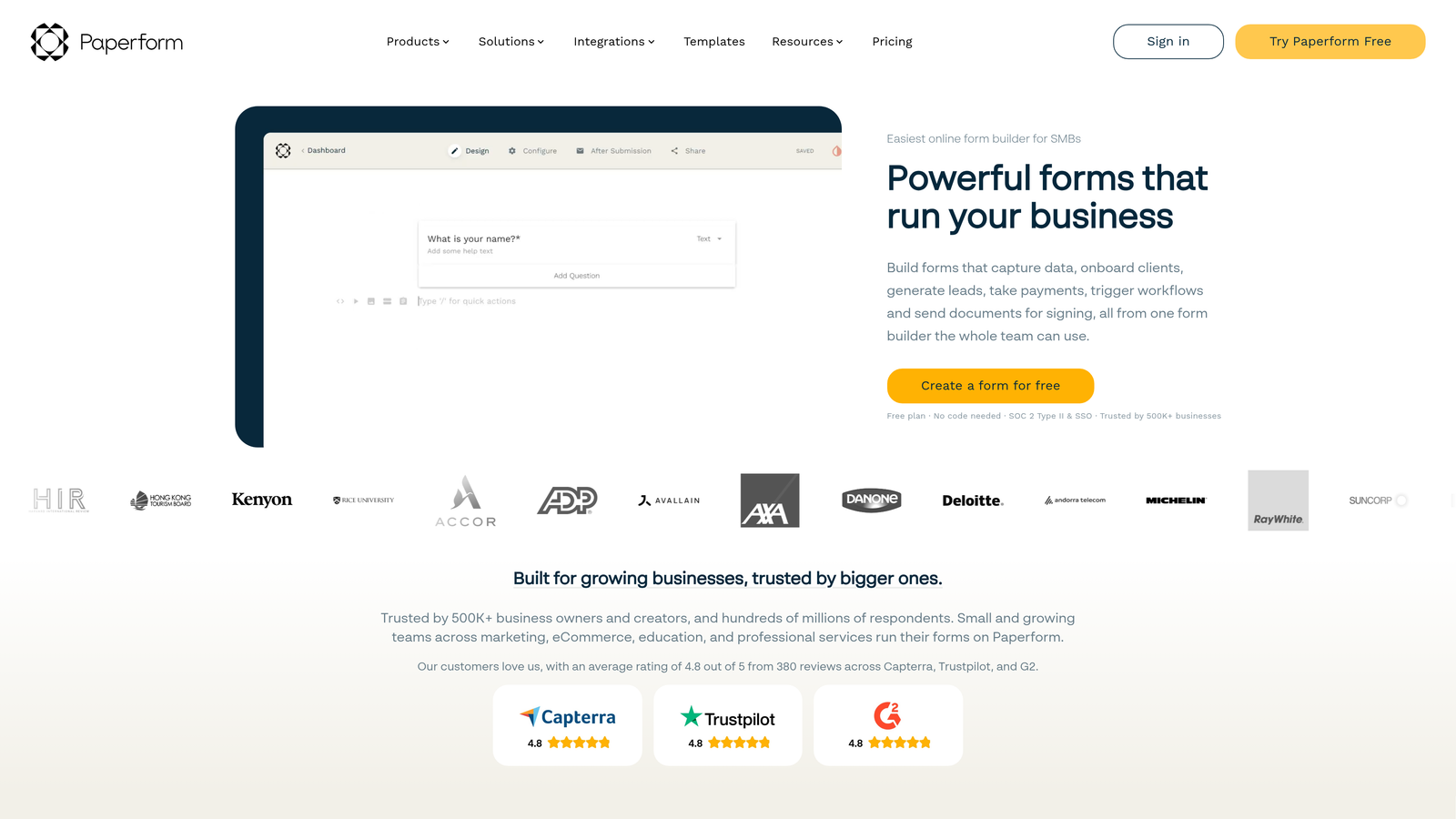
6. Paperform
Best for: Businesses needing strong payment collection and e-commerce capabilities
Paperform combines form building with e-commerce functionality, making it ideal for businesses that need to collect payments, process orders, or manage bookings through their forms.
Where This Tool Shines
Paperform's payment features go beyond basic transaction processing. You can build complete product catalogs, implement dynamic pricing based on selections, and create checkout experiences that rival dedicated e-commerce platforms. The calculation engine lets you build complex pricing logic—think event registrations with add-ons, service packages with variable pricing, or product bundles with quantity discounts.
The document-style form design sets it apart visually. Instead of traditional form layouts, Paperform lets you create forms that read more like landing pages, with text, images, and form fields flowing naturally together.
Key Features
Built-In Payment Processing: Accept payments through Stripe, PayPal, Square, and Braintree with no third-party tools.
Product and Booking Forms: Create order forms, booking systems, and product catalogs directly in your forms.
Calculations and Pricing Logic: Build dynamic pricing based on selections, quantities, or custom formulas.
Document-Style Form Design: Create forms that look like landing pages with text and fields flowing naturally.
Conditional Logic: Show or hide sections based on answers to create personalized experiences.
Best For
Paperform excels for service businesses, event organizers, consultants, and any company that needs to collect payments or process orders through forms. If you're selling products, booking appointments, or accepting registrations with complex pricing, this platform handles those scenarios elegantly.
Pricing
Plans start at $24/month with unlimited forms and submissions; higher tiers add team features and remove Paperform branding.
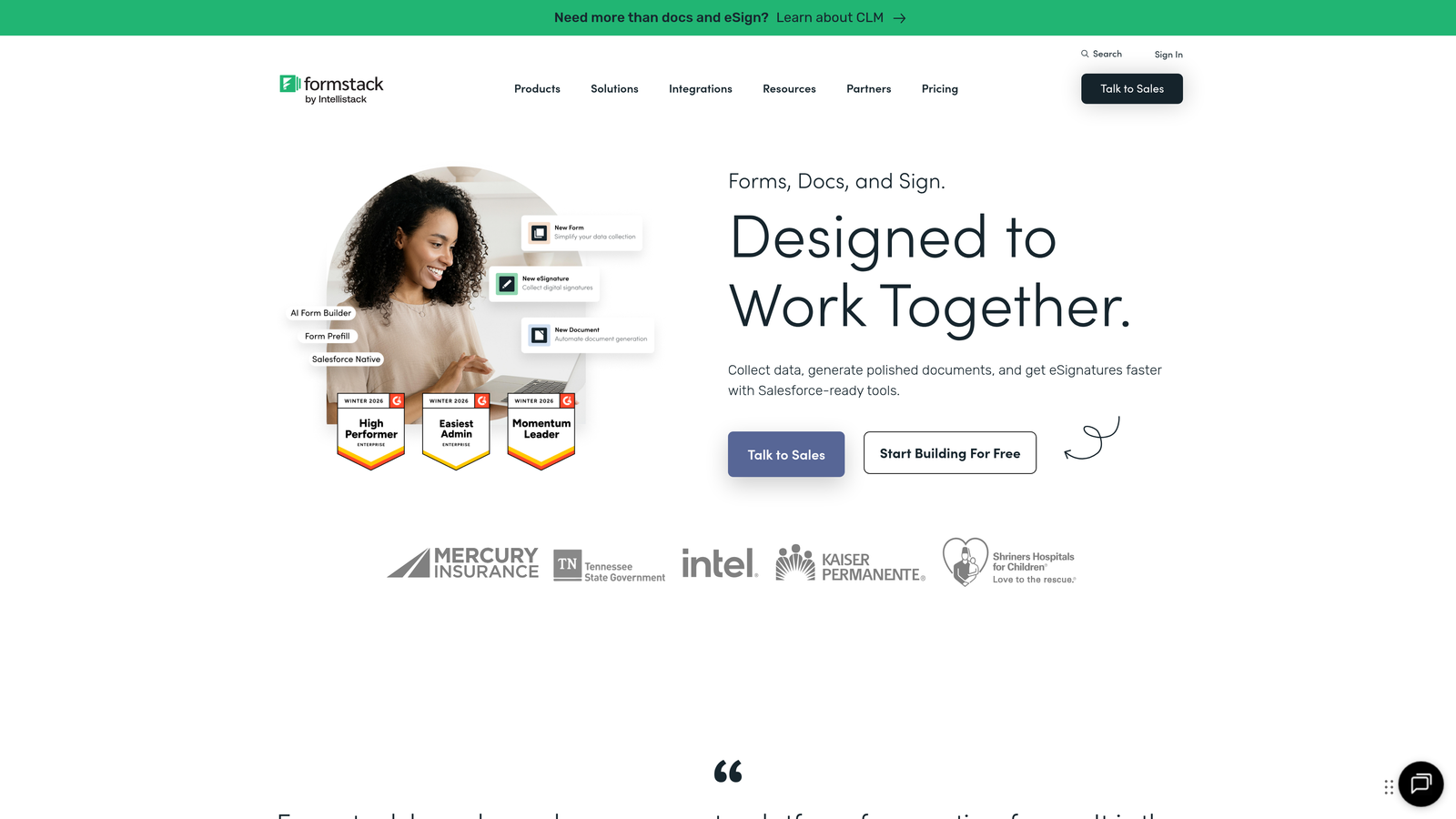
7. Formstack
Best for: Enterprise organizations needing advanced workflows and compliance features
Formstack targets enterprise customers with sophisticated workflow automation, document generation, and compliance features that smaller tools typically don't offer.
Where This Tool Shines
Formstack's workflow capabilities go far beyond simple form submission. You can build multi-step approval processes, generate documents automatically from form data, and create complex conditional logic that routes submissions to different teams based on dozens of criteria. For organizations with formal processes—think HR onboarding, legal intake, or compliance documentation—these features are essential.
The HIPAA compliance options make Formstack one of the few form builders suitable for healthcare organizations handling protected health information. Combined with advanced security features and audit trails, it meets the stringent requirements that enterprises and regulated industries demand.
Key Features
Advanced Conditional Logic: Build complex form paths and routing rules based on multiple conditions and criteria.
Document Generation: Automatically create PDFs, contracts, or reports populated with form submission data.
Approval Workflows: Route submissions through multi-step approval processes with email notifications and status tracking.
HIPAA Compliance Options: Business Associate Agreements and security features for healthcare data handling.
Salesforce Integration: Deep, native integration with Salesforce for enterprise CRM workflows.
Best For
Formstack serves enterprise organizations, healthcare providers, financial services firms, and any business with complex approval workflows or strict compliance requirements. If your forms need to integrate with enterprise systems or meet regulatory standards, Formstack delivers that enterprise-grade reliability.
Pricing
Plans start around $50/month for basic features; enterprise pricing with advanced security and compliance features available on request.
8. Google Forms
Best for: Basic data collection with zero budget
Google Forms offers completely free form building with the reliability and integration advantages of the Google Workspace ecosystem.
Where This Tool Shines
Google Forms is refreshingly simple. There's no pricing tiers to navigate, no feature limitations based on your plan, and no submission caps to worry about. You get unlimited forms, unlimited responses, and automatic data storage in Google Sheets—all without spending a cent. For teams already using Google Workspace, the integration is seamless and immediate.
The collaborative features mirror other Google products. Multiple team members can edit forms simultaneously, you can share forms with specific people or make them public, and response data lives in Google Sheets where your entire team can access and analyze it.
Key Features
Completely Free: No premium tiers, no submission limits, no hidden costs for any features.
Google Sheets Integration: Responses automatically populate a spreadsheet for easy analysis and sharing.
Real-Time Collaboration: Multiple team members can edit forms simultaneously like Google Docs.
Basic Conditional Logic: Show or hide questions based on previous answers to create branching paths.
Familiar Google Interface: If you use Gmail or Google Docs, you already know how to use Google Forms.
Best For
Google Forms works well for internal surveys, event registrations, feedback collection, or any scenario where you need simple data collection without advanced features. Schools, nonprofits, and small businesses with tight budgets find tremendous value in the completely free offering.
Pricing
Completely free with a Google account—no paid tiers or premium features.
9. Cognito Forms
Best for: Complex calculations, pricing logic, and payment forms
Cognito Forms specializes in calculation-heavy forms where pricing, totals, or values need to update dynamically based on user selections.
Where This Tool Shines
Cognito Forms' calculation engine is remarkably powerful. You can build forms that calculate totals, apply discounts, compute taxes, or perform complex mathematical operations based on user inputs. This makes it ideal for order forms, quote requests, or registration forms with variable pricing. The calculations happen in real-time, so users see exactly what they'll pay before submitting.
The repeating sections feature lets users add multiple entries of the same information—think adding multiple attendees to an event registration or multiple line items to an order form. This flexibility eliminates the need for separate forms or complicated workarounds.
Key Features
Advanced Calculation Fields: Perform complex mathematical operations and display results dynamically as users fill forms.
Conditional Pricing: Adjust prices automatically based on selections, quantities, or calculated values.
Payment Integrations: Accept payments through Stripe, PayPal, and Square with calculated totals.
Repeating Sections: Allow users to add multiple entries of the same information within a single form.
Data Encryption: Strong security features including field-level encryption for sensitive information.
Best For
Cognito Forms excels for businesses that need calculation-heavy forms—quote requests, order forms with complex pricing, registration forms with add-ons, or any scenario where the total amount changes based on selections. If your pricing logic is too complex for simpler form builders, Cognito Forms handles it.
Pricing
Free tier available with basic features; paid plans start at $15/month with increased submissions and advanced capabilities.
10. Fillout
Best for: Teams using Airtable, Notion, or other backend databases
Fillout bridges the gap between form builders and database tools, with native integrations that write form submissions directly to Airtable, Notion, and other backends.
Where This Tool Shines
Fillout's native database connections eliminate the middleware layer that most form builders require. When someone submits a Fillout form, that data writes directly to your Airtable base or Notion database—no Zapier, no API configuration, no delay. For teams that use Airtable or Notion as their primary database, this direct connection is transformative.
The scheduling features integrate with calendar tools to create booking forms that check availability in real-time. This makes Fillout particularly useful for service businesses, consultants, or anyone who needs to schedule appointments through forms.
Key Features
Native Airtable Integration: Write form submissions directly to Airtable bases without third-party tools or delays.
Notion Database Sync: Connect forms to Notion databases for seamless data flow into your workspace.
Scheduling Forms: Build booking forms that check calendar availability and prevent double-bookings.
Multi-Page Forms: Break long forms into multiple pages to reduce overwhelm and improve completion rates.
Custom Branding: Remove Fillout branding and add your own logo and colors for professional appearance.
Best For
Fillout is ideal for teams that use Airtable or Notion as their primary database and want forms that write directly to those tools. If you're building workflows around these platforms, Fillout's native integrations save significant time and eliminate integration headaches.
Pricing
Free tier with basic features; paid plans start at $15/month with unlimited forms and advanced integrations.
11. Wufoo
Best for: Businesses wanting a reliable, established solution
Wufoo has been serving businesses since 2006, offering a straightforward, proven form building platform without unnecessary complexity.
Where This Tool Shines
Wufoo's longevity speaks to its reliability. The platform has been refined over nearly two decades, resulting in a stable, predictable tool that simply works. There's no learning curve for new features every month, no experimental functionality that might break—just solid, dependable form building that businesses can rely on.
The template library covers common business needs comprehensively. While not as extensive as Jotform's collection, Wufoo's 400+ templates are well-designed and cover the most frequent use cases that businesses actually need.
Key Features
Simple Drag-and-Drop Builder: Intuitive interface that makes form creation straightforward without unnecessary complexity.
Payment Collection: Accept payments through Stripe, PayPal, and Authorize.net directly in forms.
File Upload Support: Collect documents, images, and files with configurable size and type restrictions.
Form Analytics: Track submission rates, completion times, and identify where users abandon forms.
400+ Templates: Pre-built forms for common business needs including contact forms, surveys, and registrations.
Best For
Wufoo serves businesses that value stability and simplicity over cutting-edge features. If you need reliable form building without a steep learning curve or constant platform changes, Wufoo delivers that consistency. It's particularly appealing to small businesses that just need forms to work.
Pricing
Free tier available with Wufoo branding; paid plans start at $14.08/month with increased submissions and features.
Finding Your Perfect Form Builder Match
The right form builder depends entirely on what you're trying to accomplish. For teams serious about conversion optimization and lead quality, Orbit AI delivers AI-powered qualification that transforms forms from data collection tools into intelligent lead generation systems. The real-time lead scoring and conversion-optimized templates make it the clear choice for high-growth teams where lead quality directly impacts revenue.
If design and user experience are your top priorities, Typeform's conversational interface creates engaging experiences that boost completion rates. For businesses needing extensive templates and payment processing, Jotform and Paperform offer robust feature sets at competitive prices. Teams already invested in HubSpot should leverage HubSpot Forms for the seamless CRM integration that eliminates manual data entry.
Budget-conscious teams have excellent options too. Tally's generous free tier provides unlimited forms and responses without artificial restrictions, while Google Forms offers completely free form building for basic needs. For enterprise organizations with complex workflows and compliance requirements, Formstack delivers the advanced features and security that regulated industries demand.
The form builder landscape in 2026 offers something for everyone, from AI-powered lead qualification to simple, free data collection. The key is matching your specific needs—integration requirements, design priorities, budget constraints, and feature necessities—with the platform that delivers exactly what you need without paying for features you'll never use.
Transform your lead generation with AI-powered forms that qualify prospects automatically while delivering the modern, conversion-optimized experience your high-growth team needs. Start building free forms today and see how intelligent form design can elevate your conversion strategy.


