

When a lead fills out your form and has to wait 24 hours for a follow-up email with a booking link, you've already lost momentum. The best form builders with calendar integration close that gap instantly, letting prospects book a meeting, demo, or consultation the moment they submit their information.
For high-growth teams, this isn't a nice-to-have. It's a conversion multiplier. We've evaluated the top tools that combine form building with calendar scheduling, looking at form flexibility, scheduling depth, automation capabilities, and overall fit for teams focused on pipeline velocity. Use this list to find the right match for your stack and start turning form submissions into booked meetings without the friction.
1. Orbit AI
Best for: SaaS and high-growth teams that want AI-qualified leads booking directly from the form
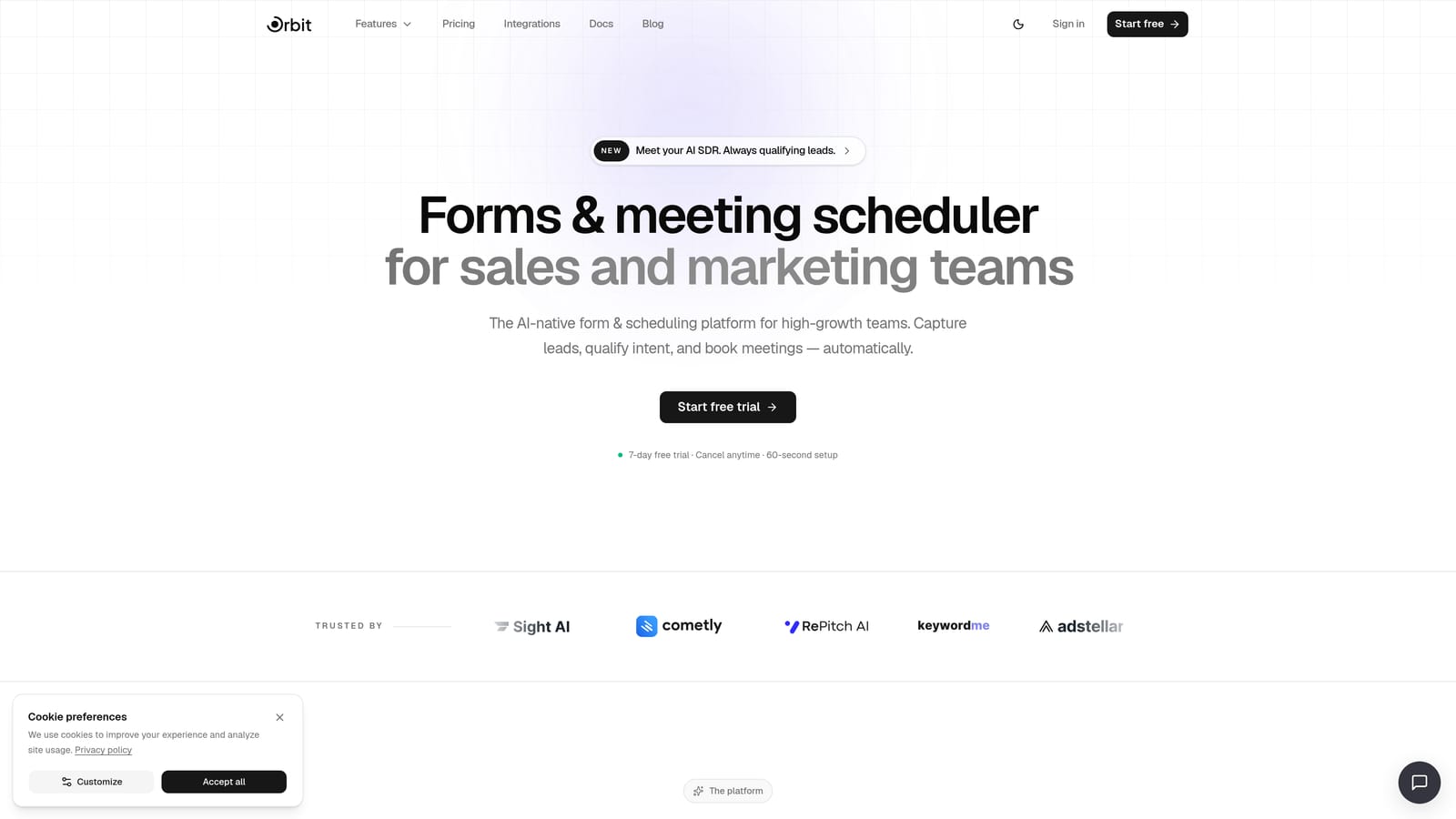
Orbit AI is an AI-powered form builder with native calendar scheduling and lead qualification logic built directly into the form flow.
Where This Tool Shines
Most form-to-calendar tools treat every submission equally: fill out the form, pick a time, done. Orbit AI takes a fundamentally different approach. Its AI qualification layer evaluates each lead's responses in real time and only surfaces the booking step to prospects who meet your criteria. That means your calendar fills with high-intent meetings, not tire-kickers.
This is particularly valuable for SaaS sales teams running product demos or enterprise teams with limited rep availability. The native scheduler lives inside the form flow itself, so there's no redirect, no jarring handoff, and no extra friction between "I'm interested" and "I'm booked."
Key Features
AI Lead Qualification: Evaluates responses in real time and determines whether a prospect sees the calendar booking step at all.
Native Scheduler: Calendar integration is built directly into the form, not bolted on via third-party embed.
Automated Follow-Up Sequences: Post-submission triggers send personalized follow-ups without any manual effort.
Workflow Automation: Connect form data to your broader sales stack with CRM-ready contact management and workflow triggers.
Conversion-Optimized Design: Forms are built to maximize completion rates, with modern UI designed for high-growth teams.
Best For
SaaS companies, growth teams, and revenue-focused marketers who need intelligent lead qualification built into the booking flow. If your team's time is valuable and you want your calendar protected from unqualified leads, this is the tool built specifically for that problem.
Pricing
See current pricing at orbitforms.ai/pricing. A free option is available to get started.
2. Calendly
Best for: Sales teams that need robust scheduling with lead routing and qualification before booking
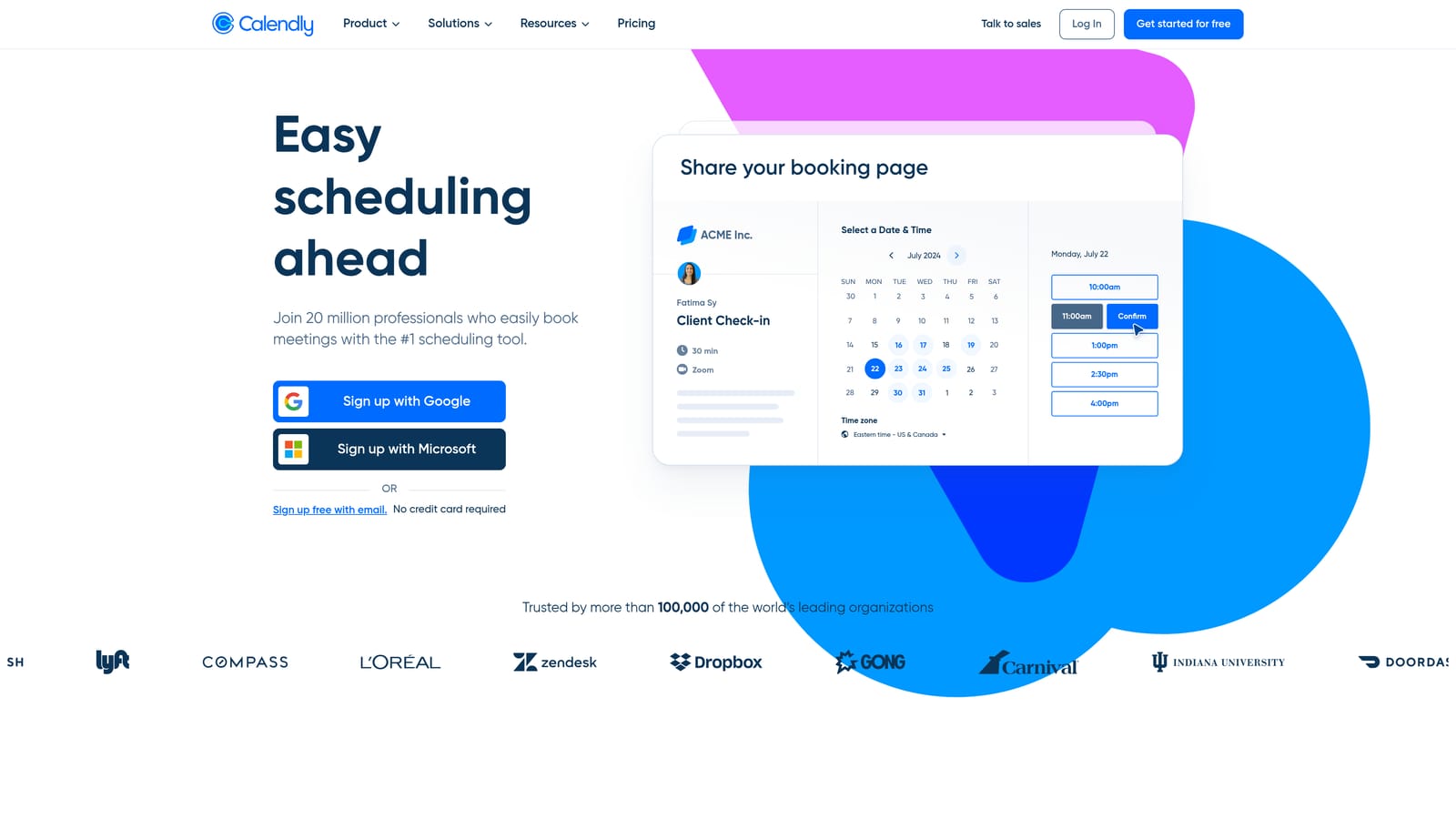
Calendly is the market-leading scheduling platform that added Routing Forms to qualify and direct leads before they land on a rep's calendar.
Where This Tool Shines
Calendly's core strength is scheduling reliability. It handles round-robin assignment, collective meetings, buffer times, and timezone detection with precision that dedicated scheduling tools have refined over years. For sales teams, the Routing Forms feature adds a qualification layer: leads answer a few questions, and conditional logic routes them to the right rep, team, or calendar based on their answers.
The trade-off is that Calendly is fundamentally a scheduling tool, not a form builder. Its Routing Forms are functional but limited compared to dedicated form builders. If your primary need is scheduling with light qualification, it's excellent. If you need rich form logic, branching, or multi-step data collection, you'll feel the constraints.
Key Features
Routing Forms: Conditional logic qualifies leads and routes them to the appropriate calendar or rep before booking.
Round-Robin Scheduling: Automatically distributes meetings across sales teams for balanced workloads.
CRM Integrations: Native connections to HubSpot, Salesforce, and Zoom keep your pipeline data in sync.
Embeddable Widgets: Drop scheduling directly into your website, landing pages, or existing forms.
Automated Reminders: Pre-meeting and follow-up emails reduce no-shows without manual effort.
Best For
Sales teams that already use Calendly for scheduling and want to add basic lead qualification to their booking flow. Also strong for teams that need enterprise-grade scheduling reliability with CRM sync.
Pricing
Free plan available. Paid plans start at $10 per seat per month, scaling with team size and feature needs.
3. Typeform
Best for: Top-of-funnel lead capture where conversational UX drives higher completion rates
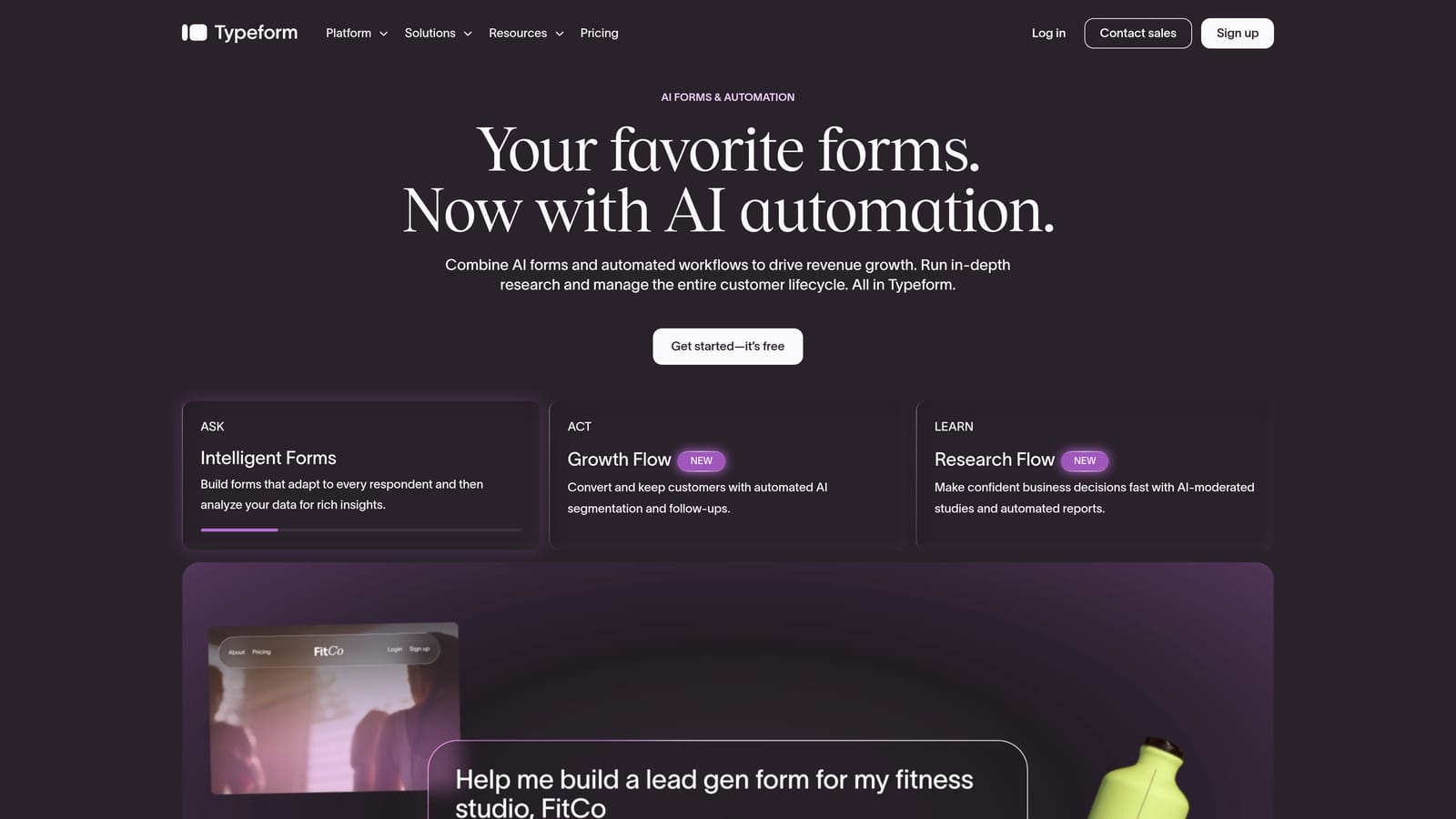
Typeform is a conversational form builder known for its one-question-at-a-time format, connecting to calendar tools via a native Calendly embed block or Zapier.
Where This Tool Shines
Typeform's signature UX, presenting one question at a time in a clean, focused interface, genuinely improves form completion rates for many use cases. It feels less like filling out a form and more like having a conversation, which works particularly well for longer lead gen forms where traditional multi-field layouts cause drop-off.
The calendar integration story relies on embedding a Calendly block at the end of the form or using Zapier to trigger booking links post-submission. It works, but it's worth noting that the scheduling experience is powered by a third-party tool. If Calendly isn't already in your stack, there's an added cost and setup layer to consider.
Key Features
Conversational Format: One-question-at-a-time UX that reduces cognitive load and improves completion rates.
Native Calendly Embed: Drop a Calendly scheduling block directly inside the form without leaving the Typeform environment.
Logic Jumps: Conditional branching shows different questions based on previous answers.
500+ Integrations: Connects to Zapier, HubSpot, Salesforce, Slack, and hundreds of other tools natively or via automation platforms.
Analytics Dashboard: Tracks completion rates, drop-off points, and response data to optimize form performance.
Best For
Marketing teams running top-of-funnel campaigns where form completion rate is the primary concern. Also a strong choice for user research, surveys, and onboarding flows that benefit from a conversational feel.
Pricing
Free plan available. Paid plans start at $25 per month, with pricing scaling based on response volume.
4. HubSpot Forms
Best for: Teams already in the HubSpot ecosystem who want a seamless form-to-meeting flow without extra tools
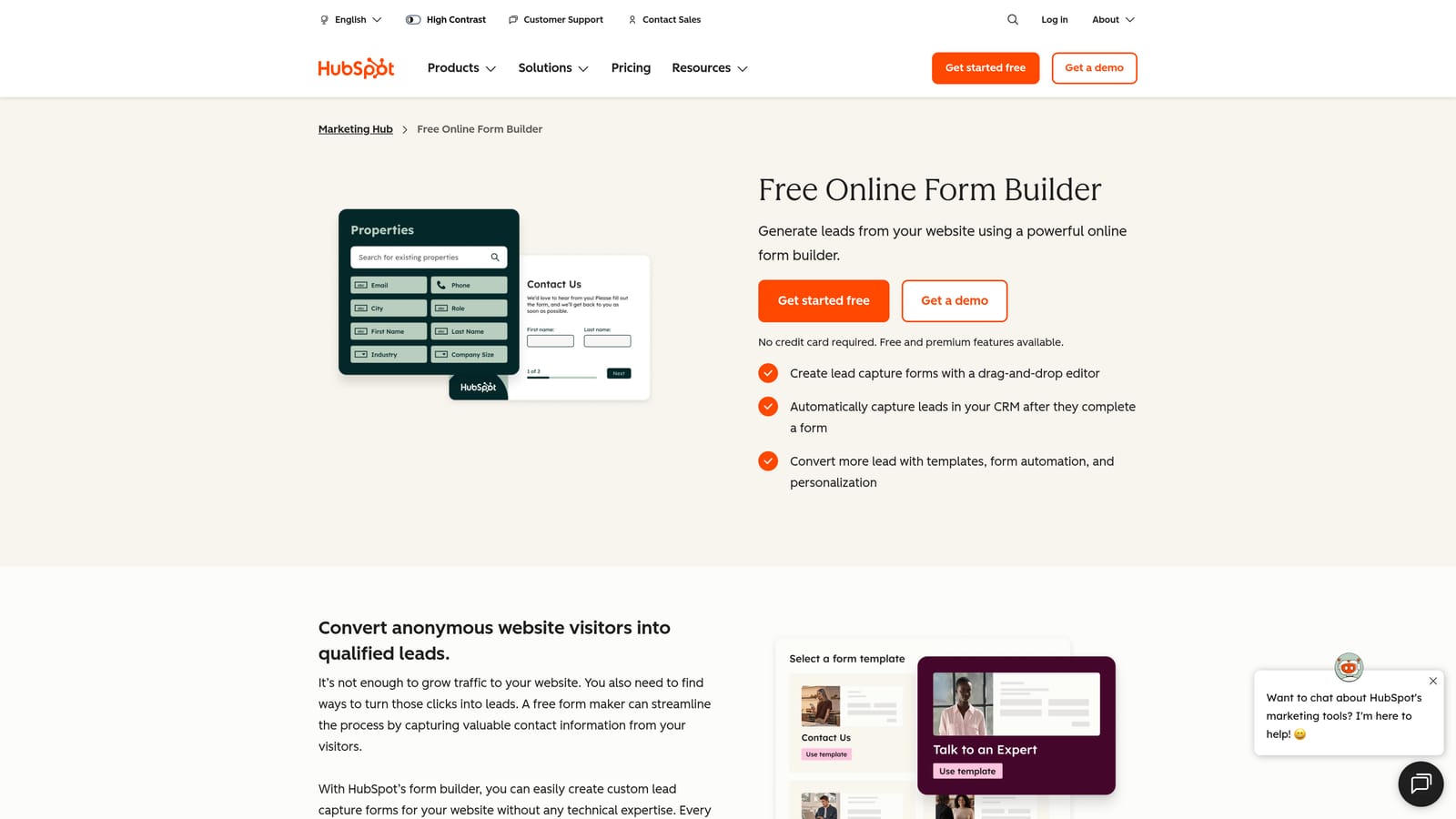
HubSpot Forms is a free form builder deeply integrated with HubSpot CRM and HubSpot Meetings, creating a native form-to-calendar experience within one platform.
Where This Tool Shines
If your team runs on HubSpot, this combination is hard to beat. A lead fills out a HubSpot form, a contact record is instantly created or updated in the CRM, and a HubSpot Meetings link can appear on the thank-you page or within a follow-up sequence, all without touching a third-party integration. The data stays clean, the workflow is tight, and the handoff to sales is automatic.
The limitation is that HubSpot Forms isn't particularly flexible as a standalone form builder. Design customization is limited, and the real power only emerges if you're using HubSpot's broader suite. For teams outside the HubSpot ecosystem, the setup cost isn't worth it.
Key Features
HubSpot Meetings Integration: Native connection to HubSpot's scheduling tool for a seamless form-to-booking experience.
Automatic CRM Sync: Every submission creates or updates a contact record in HubSpot CRM instantly.
Progressive Profiling: Recognizes returning visitors and asks new questions instead of repeating ones already answered.
Workflow Triggers: Form submissions automatically enroll contacts in sequences, notify reps, or trigger internal tasks.
Free to Start: Full form builder functionality is included with the free HubSpot CRM tier.
Best For
Teams already using HubSpot CRM who want zero-friction form-to-meeting flows without adding another tool to their stack. Not ideal for teams outside the HubSpot ecosystem or those needing advanced form design flexibility.
Pricing
Free with HubSpot CRM. Advanced features and automation are available in paid Marketing Hub tiers, which scale significantly in cost.
5. JotForm
Best for: SMBs and service businesses that need a built-in appointment booking widget without a separate scheduling tool
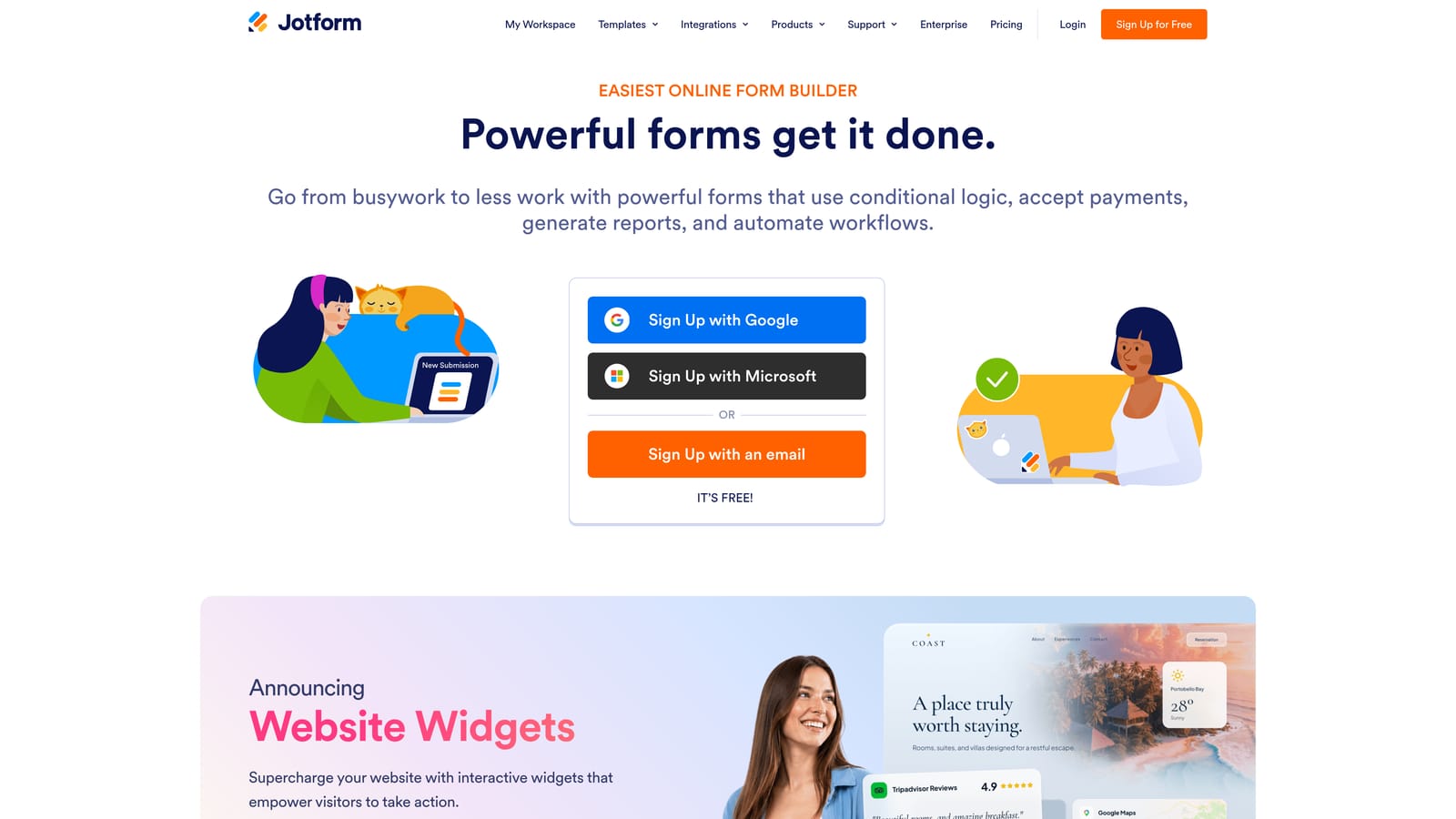
JotForm is a versatile no-code form builder with a native Appointment field that syncs directly with Google Calendar and Outlook.
Where This Tool Shines
JotForm's Appointment widget is genuinely native, not a Calendly embed or a Zapier workaround. You set your availability inside JotForm, add the widget to your form, and the tool handles slot selection, conflict prevention, and calendar sync in one place. For service businesses, coaches, and consultants who want a self-contained booking solution, this is one of the cleanest options available.
JotForm's template library is also one of the largest in the category, with thousands of pre-built forms covering booking, intake, registration, and payment scenarios. If you need to launch quickly, there's almost certainly a template that gets you 80% of the way there.
Key Features
Native Appointment Widget: Built-in availability management and slot booking without requiring a third-party scheduling tool.
Google Calendar and Outlook Sync: Keeps booked appointments in sync with the calendars your team already uses.
5,000+ Templates: Extensive library covering virtually every booking and scheduling use case.
Payment and E-Signature Support: Collect deposits, full payments, or signatures alongside appointment booking in a single form.
HIPAA-Compliant Plan: Available for healthcare providers and other regulated industries that need compliant data handling.
Best For
Small to mid-sized businesses, healthcare providers, coaches, and service professionals who want a self-contained appointment booking solution without managing a separate scheduling tool.
Pricing
Free plan available. Paid plans start at $34 per month, with pricing based on submission volume and feature access.
6. Tally
Best for: Budget-conscious teams and indie makers who want clean forms with calendar handoff via automation
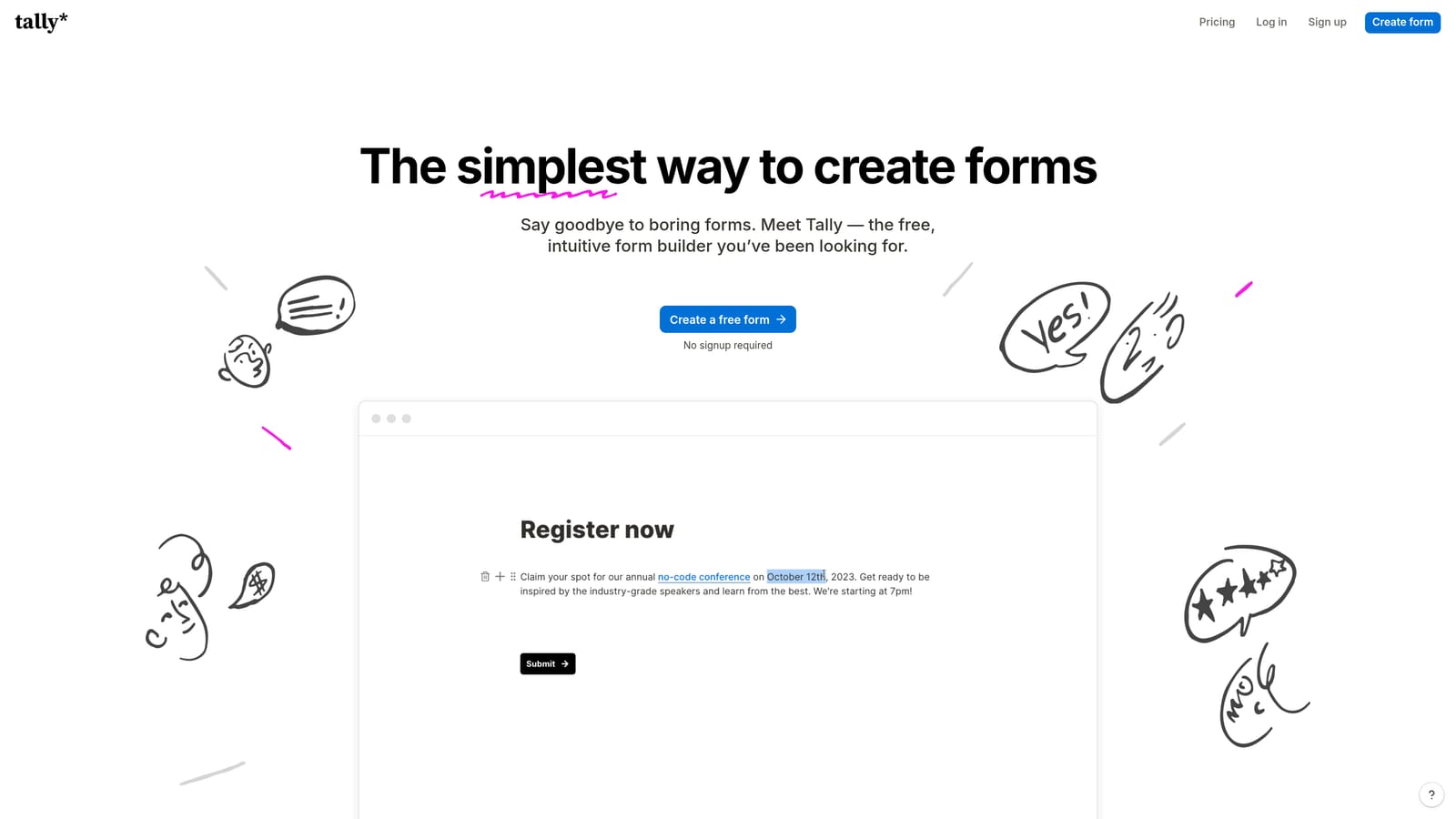
Tally is a Notion-inspired free form builder that connects to calendar tools through Zapier, Make, or a post-submission redirect to a Calendly or booking page.
Where This Tool Shines
Tally's free plan is remarkably generous: unlimited forms, unlimited responses, and no Tally branding on embedded forms. For teams that want a clean, modern form experience without a monthly bill, it's genuinely hard to compete with. The Notion-style block editor feels familiar to anyone who uses modern productivity tools, and forms can be built and published in minutes.
Calendar integration requires a workaround, either a redirect to a Calendly link on form completion or a Zapier/Make workflow that creates calendar events from responses. This adds setup time and potentially an extra tool cost, but for teams already using Zapier, it's a non-issue.
Key Features
Generous Free Plan: Unlimited forms and responses with no branding, making it one of the most accessible options in the category.
Notion-Style Editor: Block-based form building that feels intuitive for teams already using modern productivity tools.
Zapier and Make Integration: Connect form submissions to calendar events, CRM entries, or notification workflows.
Post-Submission Redirect: Send respondents directly to a Calendly page or booking link after completing the form.
Universal Embedding: Embeds cleanly into any website, landing page, or Notion document.
Best For
Startups, indie makers, and small teams that need clean, professional forms on a tight budget and are comfortable setting up a Zapier workflow or redirect for the calendar handoff.
Pricing
Free plan available with no meaningful restrictions. Pro plan is $29 per month for advanced features like custom domains and priority support.
7. Paperform
Best for: Coaches, consultants, and service providers who want document-style forms with native booking fields
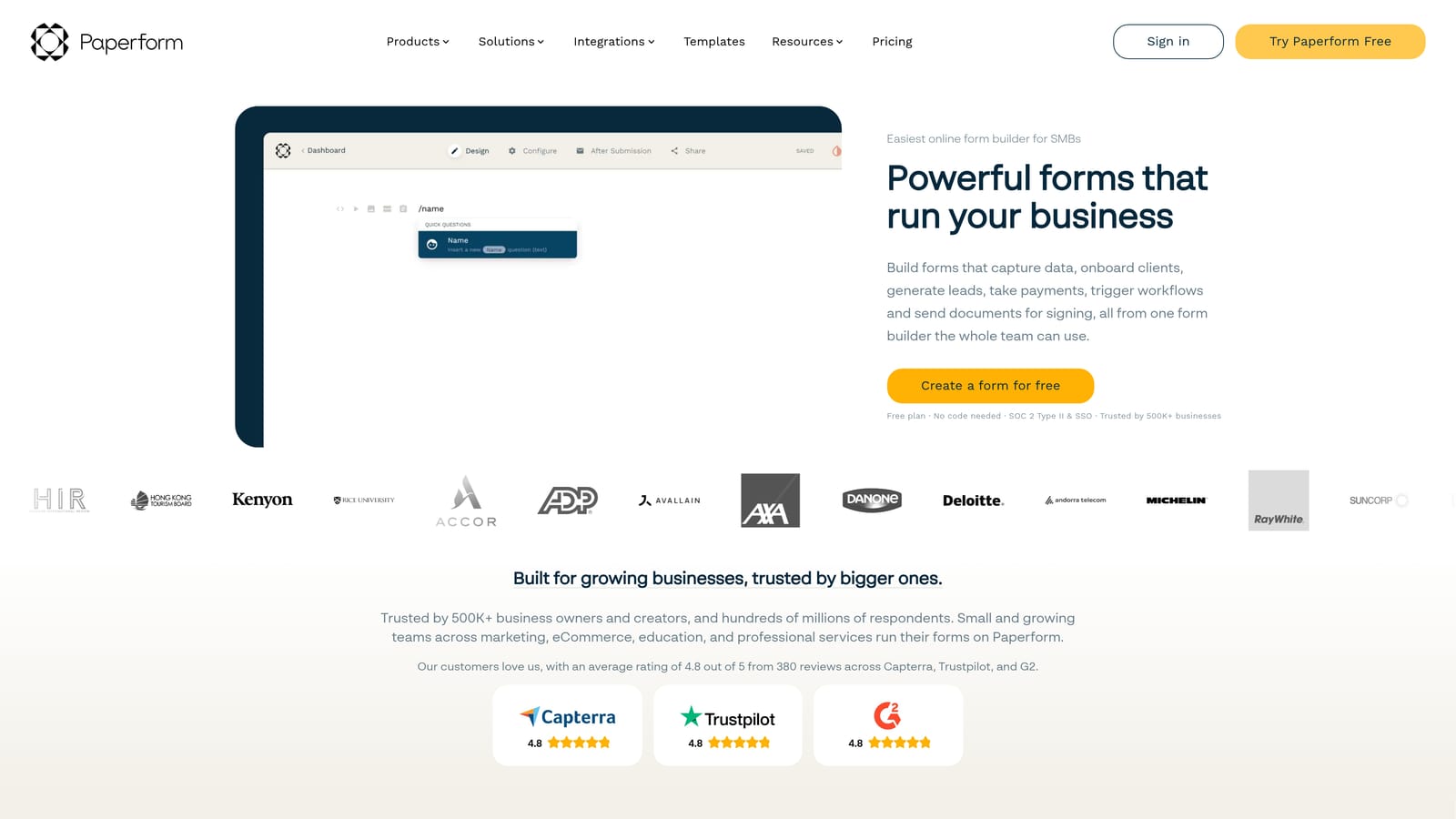
Paperform is a document-style form builder with native date and time booking fields, availability rules, and Google Calendar sync via Zapier.
Where This Tool Shines
Paperform occupies a unique position in this category. Its document-style editor lets you mix form fields with rich text, images, and media, creating forms that feel more like interactive landing pages than traditional intake forms. For service providers who want their booking form to also communicate value and context, this format works particularly well.
The native date and time fields include availability rules and booking limits, giving you basic appointment management without a dedicated scheduling tool. Google Calendar sync requires Zapier, which adds a step, but the overall experience is cohesive for the use cases Paperform targets.
Key Features
Native Date and Time Fields: Built-in appointment booking with availability rules and booking limits configured inside the form.
Document-Style Editor: Mix form fields with rich text and media for forms that communicate context alongside data collection.
Payment and E-Signature: Collect payments or signatures as part of the same form flow as the booking.
Google Calendar Sync: Connect booked appointments to Google Calendar via Zapier for automatic event creation.
Conditional Logic: Show or hide fields based on previous answers to create personalized booking experiences.
Best For
Coaches, consultants, freelancers, and service businesses that want a polished booking experience with room for branding, context, and payment collection in a single form.
Pricing
Plans start at $24 per month billed annually. No free plan, but a 14-day free trial is available.
8. Fillout
Best for: Teams that want a scheduling step to appear mid-form, not just at the end, with strong database integrations
Fillout is a modern form builder that lets teams insert a Calendly or Cal.com scheduling block anywhere within a multi-step form flow, not just as a final step.
Where This Tool Shines
Here's what makes Fillout genuinely interesting in this category: most tools that integrate with Calendly append the scheduling step at the very end of the form. Fillout lets you insert it anywhere. You can collect some information, show a scheduling block, collect more information, and then confirm. This opens up more sophisticated qualification and booking flows that other tools simply can't replicate.
Fillout also has unusually strong database integrations for a form builder. Native connections to Notion, Airtable, HubSpot, and Salesforce mean form submissions can write directly to your source of truth without a Zapier middleman. For teams with complex data workflows, this is a meaningful advantage.
Key Features
Mid-Form Scheduling: Insert a Calendly or Cal.com block at any point in a multi-step form, not just at the end.
Native Calendly and Cal.com Blocks: First-class scheduling integrations that feel built-in rather than embedded.
Database Integrations: Direct connections to Notion, Airtable, HubSpot, and Salesforce without requiring Zapier.
Conditional Logic: Branch form paths based on answers to show the scheduling step only to relevant respondents.
Modern Mobile UI: Clean, responsive design that performs well on mobile devices for on-the-go form completion.
Best For
Product and operations teams that use Notion or Airtable as their database, and sales teams that want more control over where in the form flow the scheduling step appears.
Pricing
Free plan available. Paid plans start at $15 per month, making it one of the more affordable options with strong integration depth.
9. Google Forms + Google Calendar (via Zapier)
Best for: Internal teams and low-stakes use cases where cost is the primary constraint
Google Forms combined with Zapier offers a zero-cost approach to form-to-calendar workflows, using Google Forms for data capture and automation to trigger calendar events or send booking links.
Where This Tool Shines
If your budget is zero and your use case is internal, this combination works. Google Forms is universally accessible, requires no account setup beyond a Google account, and integrates naturally with Google Sheets for response tracking. A Zapier workflow can create a Google Calendar event from each submission or send a confirmation email with a Calendly link, covering the basic form-to-booking use case without any monthly fees.
The limitations are real, though. Google Forms has no conditional logic, no design customization, no branding control, and no native calendar integration. Every enhancement requires a workaround. For customer-facing lead generation or anything where conversion rate matters, the experience falls short of purpose-built tools.
Key Features
Zero Cost: Completely free with a Google account, with no submission limits or feature paywalls.
Zapier Calendar Automation: Workflows can create Google Calendar events automatically from form responses.
Booking Link in Confirmation: Zapier or a form redirect can send respondents a Calendly or booking link post-submission.
Google Sheets Integration: All responses automatically populate a connected spreadsheet for easy tracking and analysis.
Universal Familiarity: Almost everyone has used Google Forms, reducing friction for respondents in internal or academic contexts.
Best For
Internal teams, nonprofits, educators, and anyone running low-stakes data collection where design, branding, and conversion optimization aren't priorities. Not recommended for customer-facing lead generation.
Pricing
Free. A Google Workspace account is recommended for business use. Note that Zapier's free tier has automation run limits that may require a paid Zapier plan at higher volumes.
Which Tool Is Right for Your Team?
The best form builder with calendar integration depends on what's actually slowing you down. Here's a quick way to think through the decision.
If your core problem is unqualified leads clogging your calendar, Orbit AI is purpose-built for exactly that. The AI qualification layer means your booking step only appears for prospects who meet your criteria, protecting your team's time while keeping high-intent leads moving forward. It's the strongest choice for SaaS and revenue-focused teams where pipeline quality matters as much as volume.
If you need enterprise-grade scheduling reliability with light qualification, Calendly's Routing Forms deliver a proven, polished experience. For teams already running on HubSpot, HubSpot Forms offers the tightest native form-to-meeting flow without adding tools to your stack.
For service businesses and SMBs that want self-contained appointment booking, JotForm is the most complete out-of-the-box solution. Teams that need scheduling to appear mid-form should look closely at Fillout, which handles that use case better than anything else on this list. And if budget is the constraint, Tally's free plan with a Calendly redirect gets you surprisingly far.
The common thread across all of these: the faster you can move a qualified lead from form submission to booked meeting, the better your conversion rate will be. Every extra step, redirect, or delay is an opportunity for a prospect to lose interest.
If you're ready to close that gap with AI-powered qualification built directly into your form flow, start building free forms today with Orbit AI and see how intelligent lead qualification transforms your pipeline velocity.


