

If your team lives in Slack, form submissions that sit in an inbox are a liability. Every minute between a lead filling out a form and your team seeing it is a minute your competitor could be closing the deal. The right form builder doesn't just collect responses — it routes them instantly to the right Slack channel, so your sales, support, or ops team can act in real time.
This list covers the top form builders with native or near-native Slack notification support. We evaluated each tool on ease of Slack setup, notification customization, form-building quality, and overall fit for high-growth teams. Whether you're capturing inbound leads, qualifying prospects, or collecting support requests, there's an option here that fits your workflow.
Let's get into it.
1. Orbit AI
Best for: High-growth SaaS teams that want AI-qualified leads routed to Slack automatically
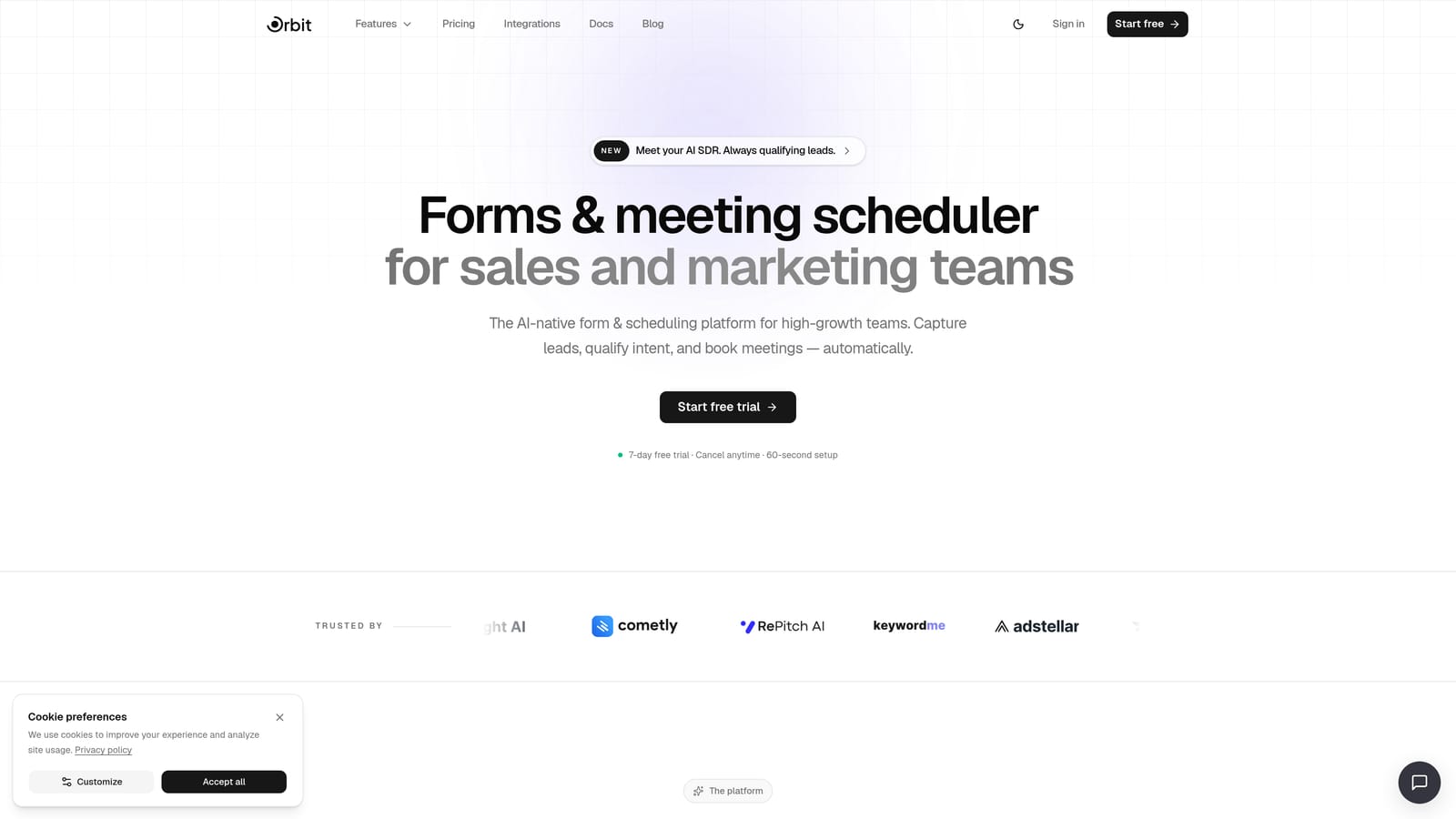
Orbit AI is an AI-powered form builder with lead qualification and Slack notification routing built specifically for high-growth B2B teams.
Where This Tool Shines
Most form builders treat Slack notifications as a simple webhook: every submission fires an alert, your channel fills with noise, and your team starts ignoring pings. Orbit AI takes a fundamentally different approach by qualifying leads before the Slack alert ever fires.
The AI qualification layer scores each submission based on the data provided, then routes the notification to the appropriate Slack channel based on lead score or specific field values. A high-intent enterprise lead goes to your AE channel. A mid-funnel prospect goes to your nurture queue. Unqualified submissions don't ping anyone. That's not just a feature — it's a workflow shift.
Key Features
AI Lead Qualification: Automatically scores submissions and filters notifications so only relevant leads trigger Slack alerts, reducing channel noise significantly.
Smart Slack Routing: Routes notifications to different channels based on lead score, company size, role, or any form field value you define.
Conversion-Optimized Templates: Pre-built form templates designed specifically for B2B lead capture, with layouts tuned for completion rates.
Native Slack Integration: Direct connection to Slack with no Zapier middleware required, meaning fewer points of failure and faster delivery.
Built-in Analytics and Contact Management: Track form performance and manage your lead database without needing a separate CRM for early-stage workflows.
Best For
Orbit AI is the strongest fit for SaaS sales and marketing teams that generate meaningful inbound volume and need to prioritize response speed for qualified leads. If you're tired of Slack channels full of low-quality form pings, this is the tool built to solve that exact problem.
Pricing
Visit orbitforms.ai/pricing for current plan details. A free tier is available to get started.
2. Typeform
Best for: Marketing teams that want a polished, conversational form experience with reliable Slack alerts
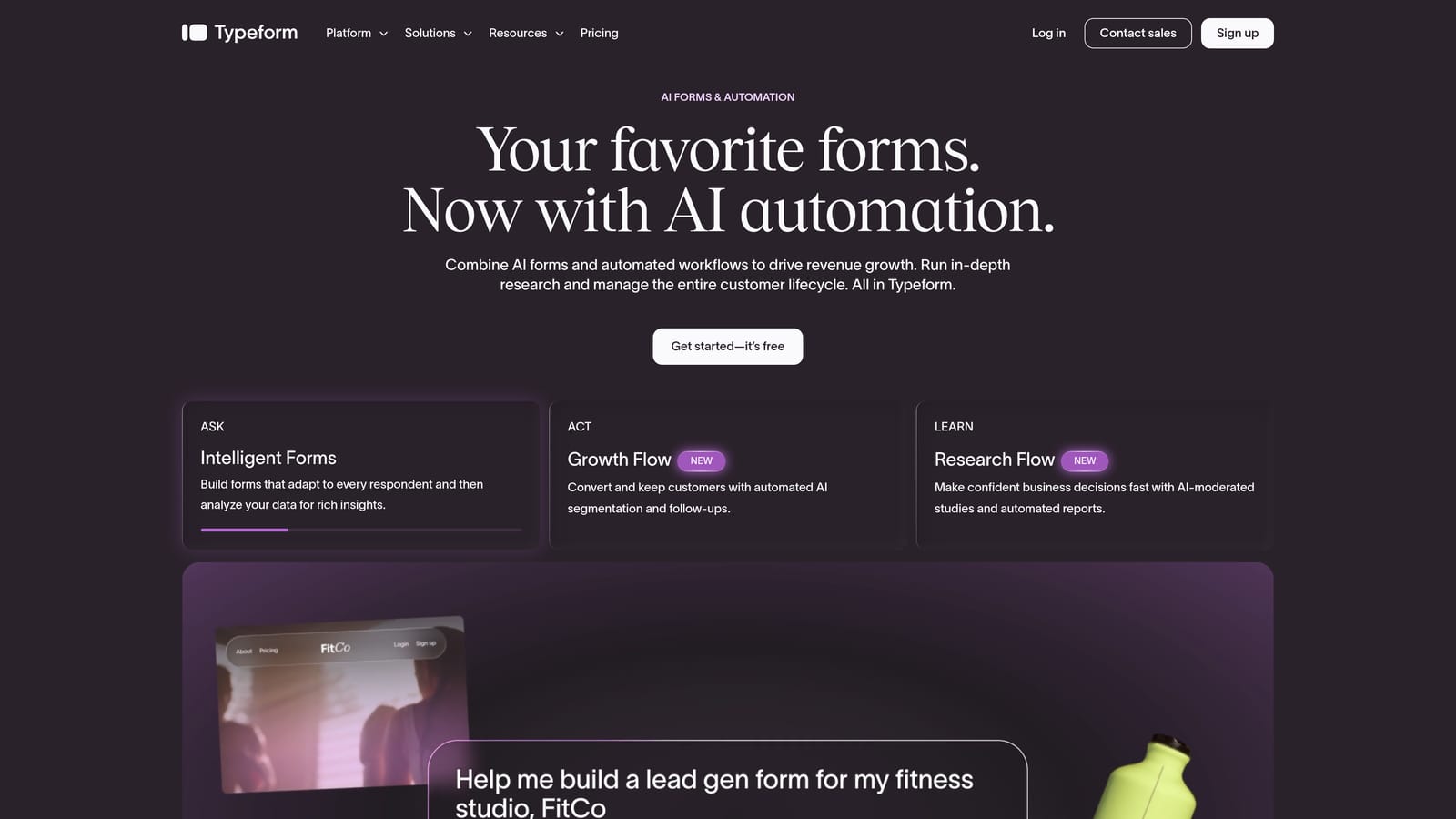
Typeform is a conversational form builder known for high completion rates, beautiful design, and a one-question-at-a-time format that keeps respondents engaged.
Where This Tool Shines
Typeform's core strength is the experience it creates for the person filling out the form. The conversational format feels less like a data collection exercise and more like a dialogue, which translates to higher completion rates on longer forms. For lead capture and surveys where drop-off is a real concern, that UX edge matters.
On the Slack side, native integration is available on paid plans, and Zapier covers all plans including free. Setup is straightforward, and the notification payloads include the submission data you'd expect. It's not as configurable as Orbit AI's routing logic, but it gets the job done reliably.
Key Features
Conversational Format: One-question-at-a-time interface that improves completion rates on complex or multi-field forms.
Native Slack Integration: Available on paid plans with direct connection and clean notification formatting.
Logic Jumps and Conditional Branching: Show or hide questions based on previous answers to create personalized form paths.
Zapier Support: All plans, including free, can connect to Slack via Zapier for additional automation flexibility.
Template Library: A wide range of branded templates for lead gen, research, feedback, and more.
Best For
Typeform works best for marketing and design-conscious teams that prioritize the respondent experience. It's a strong pick for customer surveys, inbound lead forms, and brand-forward use cases where form aesthetics directly reflect your company's image.
Pricing
Free plan available. Paid plans start around $25/month. Verify current pricing at typeform.com/pricing.
3. Tally
Best for: Startups and indie teams that want Slack notifications without paying for a form tool
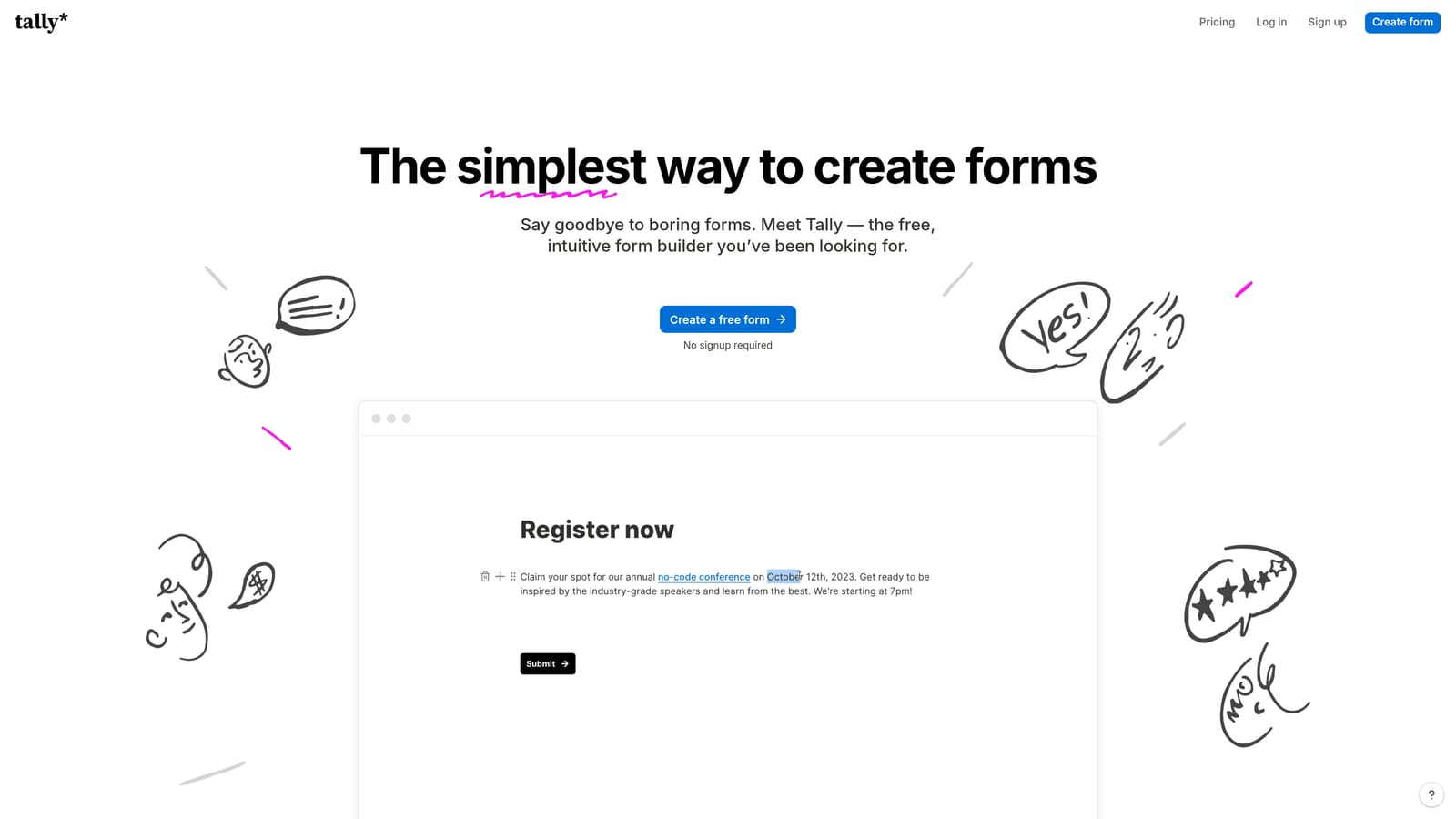
Tally is a free-first form builder with a Notion-style block editor and webhook-based Slack notifications available even on the free plan.
Where This Tool Shines
The headline here is the free plan. Most form builders paywall their integrations, but Tally lets you connect to Slack via webhooks at no cost. For early-stage teams or anyone running lean, that's a meaningful differentiator. The Notion-like editor also makes form creation fast and intuitive if your team already lives in that kind of interface.
The tradeoff is that webhook setup requires a bit more technical comfort than a one-click native integration. You'll need to configure the webhook URL and map fields manually. It's not difficult, but it's a step up in complexity compared to tools with point-and-click Slack connectors.
Key Features
Free Slack Webhooks: Trigger Slack notifications from form submissions without upgrading to a paid plan, a rare feature in this category.
Block-Based Editor: Notion-style form creation that feels familiar and moves quickly for teams comfortable with modern editors.
Unlimited Forms and Submissions: The free tier doesn't cap your form count or response volume, which is genuinely generous.
No-Branding Embeds: Remove Tally branding when embedding forms on paid plans.
Clean, Minimal UI: Forms look professional out of the box without requiring design work.
Best For
Tally is ideal for bootstrapped startups, indie makers, or internal teams that need functional Slack-connected forms without a budget. It's also a great fit for teams that want to test a workflow before committing to a paid tool.
Pricing
Free plan available. Pro plan around $29/month. Verify at tally.so/pricing.
4. Jotform
Best for: Operations teams that need complex forms, approval workflows, and native Slack integration in one platform
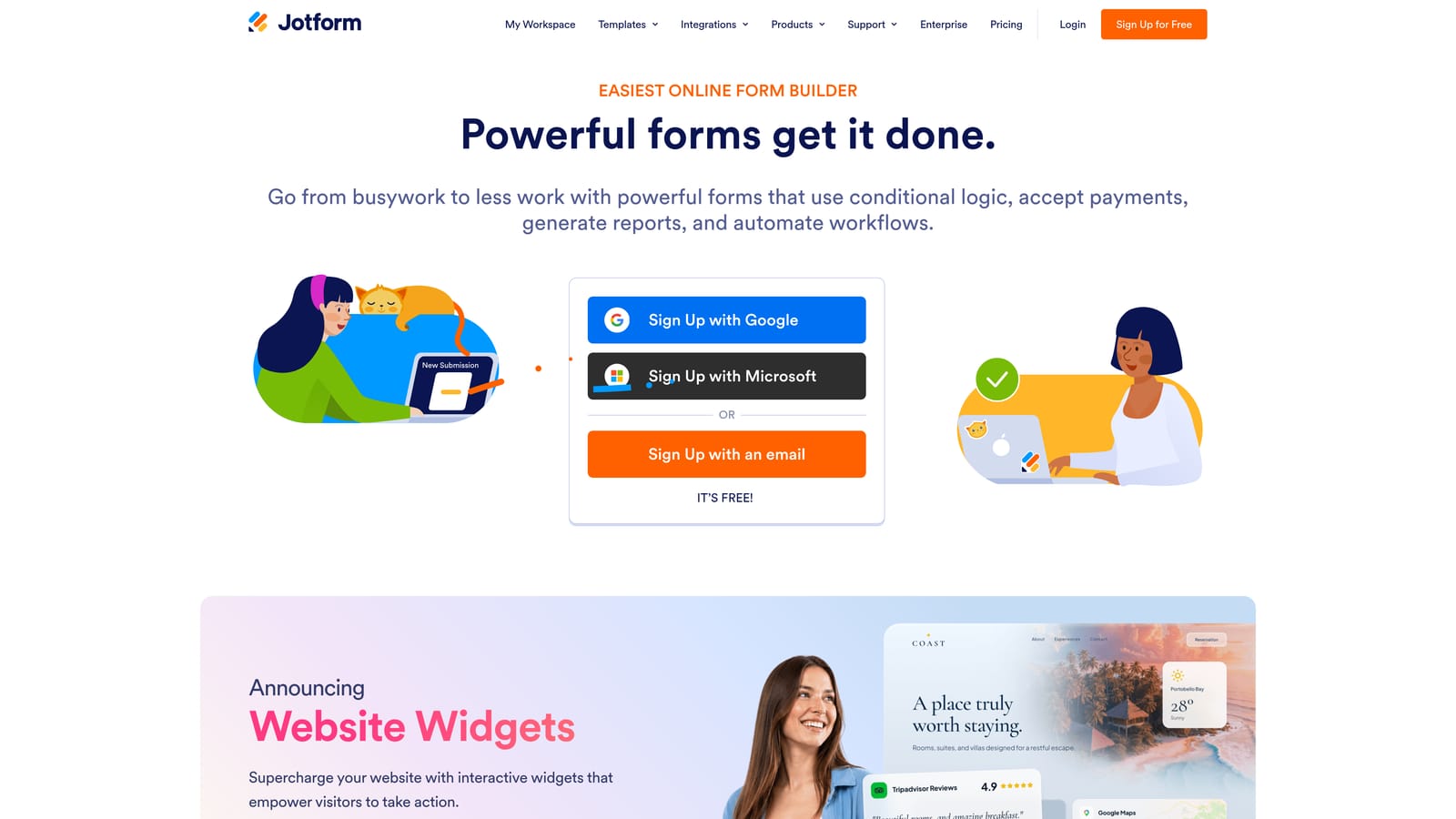
Jotform is a feature-rich form builder with over 150 integrations, native Slack support, and one of the most comprehensive conditional logic systems in the category.
Where This Tool Shines
Jotform is the power user's form builder. Where other tools focus on simplicity or aesthetics, Jotform goes deep on functionality. Conditional logic, multi-step approval workflows, payment processing, and HIPAA-compliant options all live under one roof. If your forms need to do a lot of work, Jotform can handle it.
The native Slack integration is solid and straightforward to configure. Notifications fire reliably and include the submission data your team needs. The real value, though, is how Jotform's conditional logic can feed into more sophisticated routing decisions before the Slack ping goes out.
Key Features
Native Slack Integration: Direct connection without middleware, with clean notification delivery on submission.
Advanced Conditional Logic: Build complex form paths and approval workflows that respond to submission data dynamically.
Payment Support: Accept payments via Stripe, PayPal, and other processors directly within forms.
Massive Template Library: Over 10,000 templates covering nearly every use case imaginable.
HIPAA-Compliant Plans: Available for healthcare and regulated industries that need compliant data handling.
Best For
Jotform is the right choice for ops, HR, and enterprise teams that need forms to handle real business complexity: multi-step approvals, payment collection, compliance requirements, or high-volume data capture with sophisticated branching logic.
Pricing
Free plan available. Paid plans start around $34/month. Verify at jotform.com/pricing.
5. Paperform
Best for: Agencies and content-heavy teams that want forms embedded in rich, document-style pages
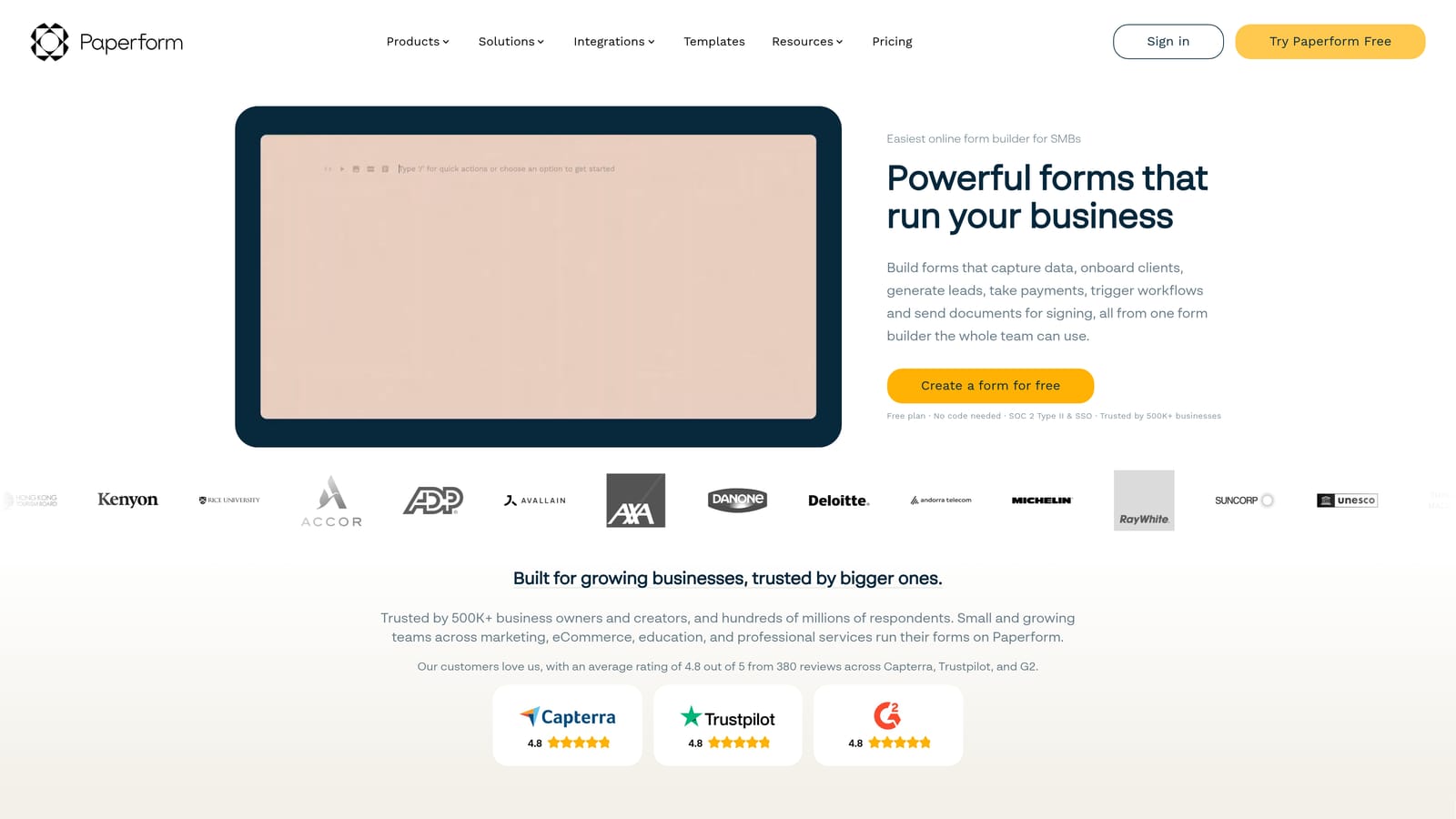
Paperform is a document-style form builder that blends written content, media, and form fields into a single cohesive page experience, with Slack notifications delivered via Zapier.
Where This Tool Shines
Paperform's differentiator is its editor. Rather than building a standalone form, you're building a page that happens to collect responses. You can add headers, images, videos, and descriptive text alongside your form fields, which makes it exceptionally well-suited for product order forms, event registrations, and applications where context matters.
Slack notifications run through Zapier rather than a native integration, which adds a layer of setup and an external dependency. That said, Zapier's Paperform integration is well-documented, and for teams already using Zapier for other automations, it fits naturally into existing workflows.
Key Features
Document-Style Editor: Combine rich content and form fields in a single page layout for a more immersive respondent experience.
Slack via Zapier: Flexible notification routing through Zapier, with access to Zapier's full filter and multi-step automation capabilities.
Payments, Bookings, and Quizzes: Built-in support for transactional and scheduling use cases beyond basic data collection.
Custom Domains and White-Labeling: Available on higher-tier plans for agency and client-facing deployments.
Strong Design Flexibility: Fonts, colors, layouts, and branding are all customizable to match your visual identity.
Best For
Paperform is a strong fit for agencies, consultants, and product teams that need forms to feel like an extension of their brand rather than a generic data collection widget. The document-style format works especially well for longer or more context-dependent forms.
Pricing
Essentials plan starts around $24/month. Verify current pricing at paperform.co/pricing.
6. Fillout
Best for: Teams that want structured, field-mapped Slack notifications alongside deep database integrations
Fillout is a modern form builder known for its deep integrations with Airtable, Notion, and Salesforce, and for passing structured, field-mapped data directly into Slack notifications.

Where This Tool Shines
Fillout's Slack notifications stand out for their data quality. Rather than dumping a raw form submission into a channel, Fillout maps specific fields to your notification payload, so your team sees exactly the information they need in a clean, readable format. For operational teams that act on form data immediately, that structure reduces friction significantly.
The database integrations are equally impressive for a tool at this price point. Native connections to Airtable, Notion, and Salesforce mean that form submissions can simultaneously update your database and ping your Slack channel, keeping everything in sync without extra automation layers.
Key Features
Native Slack Notifications: Direct integration with clean, field-mapped notification payloads that surface the right data clearly.
Deep Database Integrations: Native connections to Airtable, Notion, and Salesforce for simultaneous data routing on submission.
Structured Data Delivery: Field mapping ensures Slack notifications show organized, readable submission data rather than raw dumps.
Multi-Page Forms and Conditional Logic: Build complex, multi-step forms with branching paths for more nuanced data collection.
Generous Free Plan: Solid submission limits on the free tier make it accessible for smaller teams testing the workflow.
Best For
Fillout is ideal for product, ops, and data-driven teams that use Airtable, Notion, or Salesforce as their source of truth and want form submissions to flow cleanly into both their database and their Slack workspace simultaneously.
Pricing
Free plan available. Paid plans start around $15/month. Verify at fillout.com/pricing.
7. HubSpot Forms
Best for: Teams already in the HubSpot ecosystem that want CRM-triggered Slack notifications on lead activity
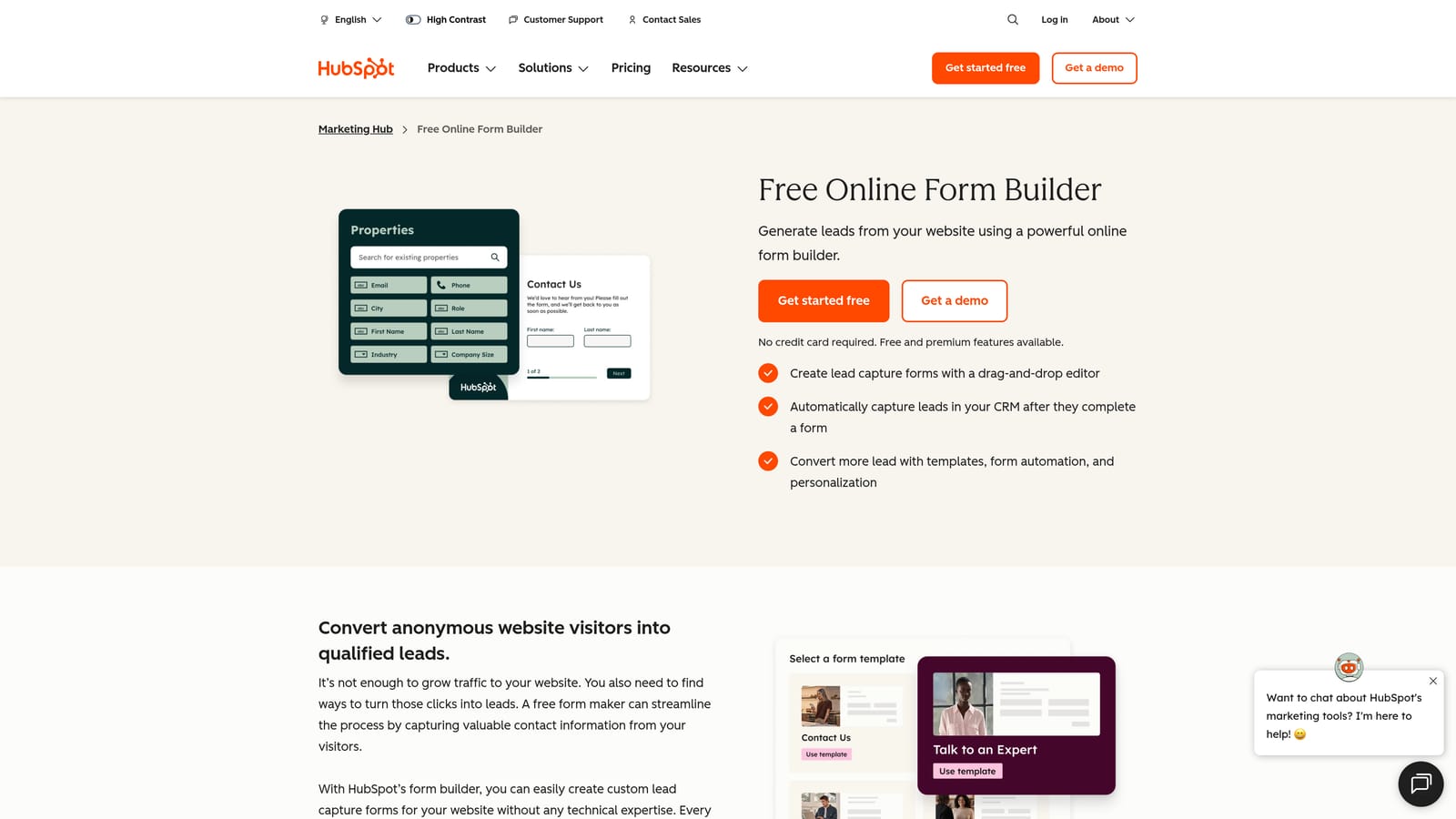
HubSpot Forms is a form builder embedded within HubSpot's CRM and Marketing Hub, with Slack notifications triggered through HubSpot's workflow automation engine.
Where This Tool Shines
HubSpot Forms is less a standalone form tool and more a data capture layer within a broader CRM system. When someone submits a form, HubSpot creates or updates a contact record automatically, then your workflow rules determine whether and how a Slack notification fires. That CRM-level context is the real differentiator: your Slack ping can include deal stage, contact history, and lead score alongside the raw submission data.
The tradeoff is platform dependency. If you're not already using HubSpot, adopting it just for form-to-Slack notifications is significant overkill. But for teams already invested in the HubSpot ecosystem, the forms are a natural extension of a workflow they're already running.
Key Features
CRM-Triggered Slack Notifications: Slack alerts fire through HubSpot workflow automation with full CRM context attached, not just raw form data.
Automatic Contact Creation: Every submission creates or updates a CRM contact, keeping your database current without manual entry.
Smart Fields: Hide questions for known contacts to streamline the experience for returning leads.
Native HubSpot Ecosystem Integration: Seamless connection to email sequences, deal pipelines, and marketing campaigns within HubSpot.
Free Forms with Free CRM: HubSpot's form builder is available at no cost with the free CRM tier.
Best For
HubSpot Forms is the right choice for sales and marketing teams that are already running HubSpot as their CRM and want form submissions to flow directly into their existing deal and contact workflows, with Slack notifications as one output among many.
Pricing
Forms are free with HubSpot's free CRM. Slack workflow automation requires Marketing Hub Starter, starting around $15/month. Verify at hubspot.com/pricing.
8. Google Forms
Best for: Internal teams that need zero-cost form collection with Slack notifications via Zapier or custom scripting
Google Forms is a completely free form builder with no native Slack integration, but Slack notifications are achievable through Zapier or Google Apps Script for teams willing to set it up.
Where This Tool Shines
Google Forms wins on one dimension: cost. It's completely free, has no submission limits, and requires nothing beyond a Google account. For internal forms, quick surveys, or low-stakes data collection, there's no reason to pay for a dedicated tool.
The Slack integration story is more complicated. Zapier can connect Google Forms to Slack, but Zapier's free tier has limitations on task volume and multi-step zaps. The alternative is Google Apps Script, which can trigger Slack webhooks on form submission for free, but requires some scripting knowledge to configure. Neither path is as seamless as a native integration, but both work reliably once set up.
Key Features
Completely Free: No cost, no submission caps, no feature paywalls — just a Google account required.
Slack via Zapier or Apps Script: Two paths to Slack notifications: paid Zapier automation or free custom scripting via Google Apps Script.
Native Google Sheets Logging: Every submission automatically populates a connected spreadsheet for easy data management and analysis.
Simple and Reliable: No frills, no complexity — forms work consistently and are universally accessible to respondents.
Google Workspace Integration: Fits naturally into teams already using Gmail, Drive, and Sheets as their primary tools.
Best For
Google Forms is the right call for internal teams, non-profits, or anyone running on a zero budget who needs basic form collection with Slack notifications and doesn't require advanced logic, branding, or conversion optimization.
Pricing
Free forever with a Google account. Zapier connection starts at Zapier's free tier with task and step limitations. Verify Zapier pricing at zapier.com/pricing.
Which Tool Is Right for Your Team?
Here's the honest summary: the best form builder with Slack notifications depends entirely on what you need those notifications to do.
If your team is focused on lead generation and you want Slack alerts that only fire for qualified prospects, Orbit AI is built for that exact workflow. The AI qualification layer means your sales channel gets pinged for real opportunities, not every form submission that comes through the door. That distinction matters more as your inbound volume grows.
If you need a polished conversational form experience and don't mind routing through Zapier or using a paid plan for native integration, Typeform is a strong pick. For zero budget, Tally's free webhook support or Google Forms with Apps Script gets the job done. For complex operational forms with approval workflows and payment processing, Jotform is hard to beat. If you're already in HubSpot, their forms are a natural fit. And if structured data delivery to both a database and Slack is the priority, Fillout punches well above its price point.
The common thread across all eight tools: Slack notifications are only as valuable as the quality of the data behind them. A ping for every form submission creates noise. A ping for a qualified lead creates pipeline.
The tools that understand that distinction are the ones worth building your workflow around. Start building free forms today with Orbit AI and see how AI-powered lead qualification changes what your Slack notifications actually mean for your team.


