

If you're evaluating form builders, here's the good news: most of the best ones let you test before you commit. The challenge is knowing which free plans are actually worth your time and which tools will scale with you once you're ready to upgrade.
This list focuses on form builders with genuinely useful free plans or trials, not stripped-down demos that hide all the good stuff behind a paywall. We've selected tools based on ease of use, feature depth, lead capture capabilities, integrations, and how well they serve high-growth teams. Whether you're building a simple contact form or a multi-step lead qualification funnel, there's an option here for you.
Let's get into it.
1. Orbit AI
Best for: High-growth B2B and SaaS teams that need forms to qualify and route leads automatically.
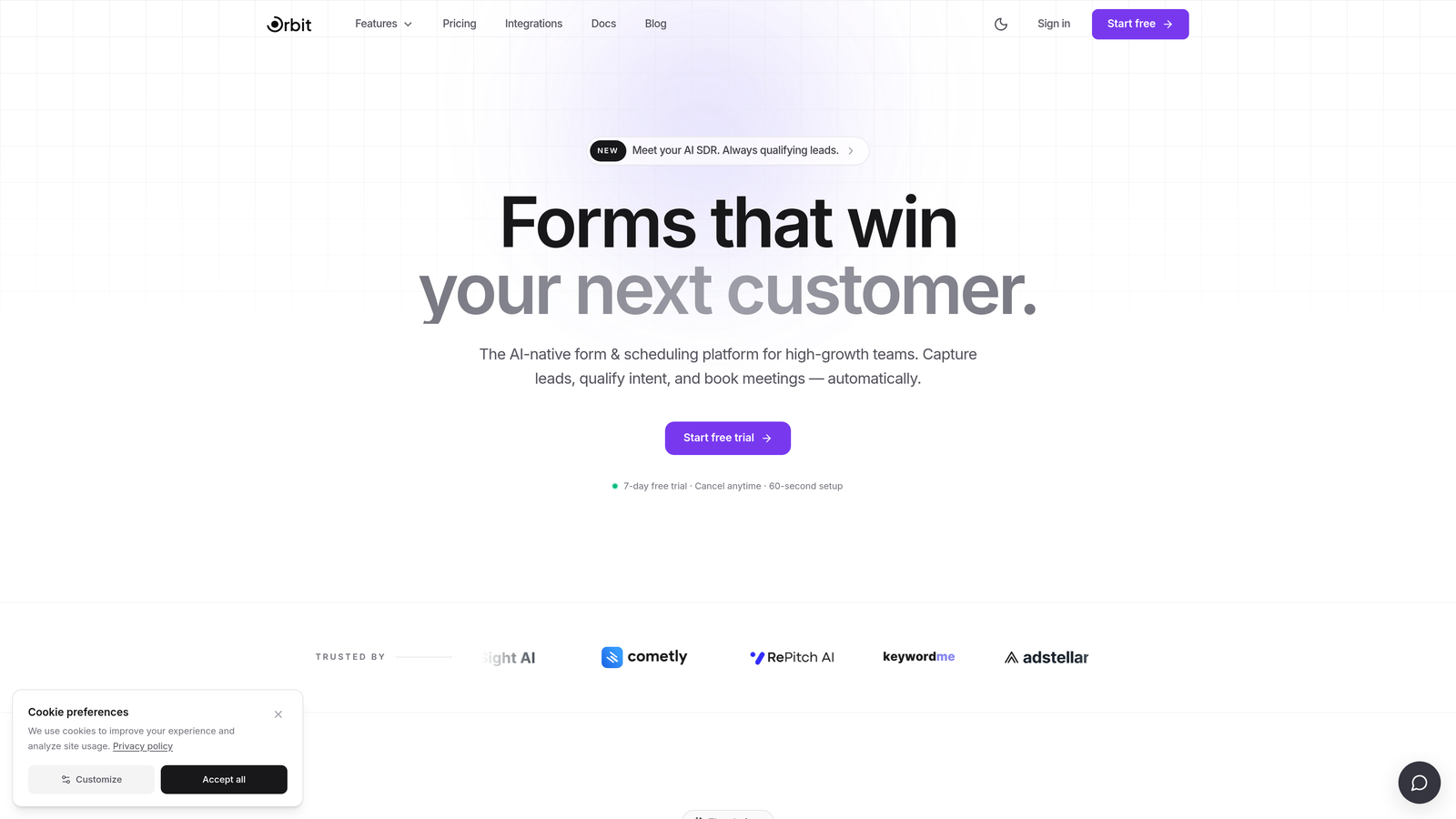
Orbit AI is an AI-powered form builder built specifically for teams that need their forms to do more than collect data.
Where This Tool Shines
Most form builders treat lead qualification as an afterthought. Orbit AI builds it directly into the form experience. When a prospect submits a form, the platform scores and routes that lead automatically based on the responses, so your sales team is spending time on the right conversations instead of manually sorting through submissions.
The design quality is also genuinely strong. Forms look modern and conversion-optimized out of the box, which matters when your form is often the first real touchpoint a prospect has with your brand. For B2B teams running pipeline-focused operations, that combination of intelligent qualification and polished presentation is hard to find in a single tool.
Key Features
AI-Powered Lead Qualification: Automatically scores and routes leads based on form responses, reducing manual triage for sales teams.
Conversion-Optimized Design: Clean, modern UI built to maximize form completions without sacrificing brand quality.
Multi-Step Form Flows: Conditional logic lets you build branching paths that adapt to each respondent's answers.
B2B Pipeline Integration: Designed to connect directly with sales workflows, making it a natural fit for CRM-integrated teams.
Free Plan Access: Core features are available on the free plan so you can evaluate the platform before committing.
Best For
Orbit AI is the strongest fit for B2B SaaS companies, demand generation teams, and sales-led organizations that care as much about lead quality as they do about lead volume. If your form is a gateway to a sales conversation rather than just a data collection point, this is worth exploring first.
Pricing
Free plan available to try core features. Paid plans unlock advanced AI qualification capabilities and higher submission volumes.
2. Typeform
Best for: Teams that prioritize form design and want a conversational experience to improve completion rates.
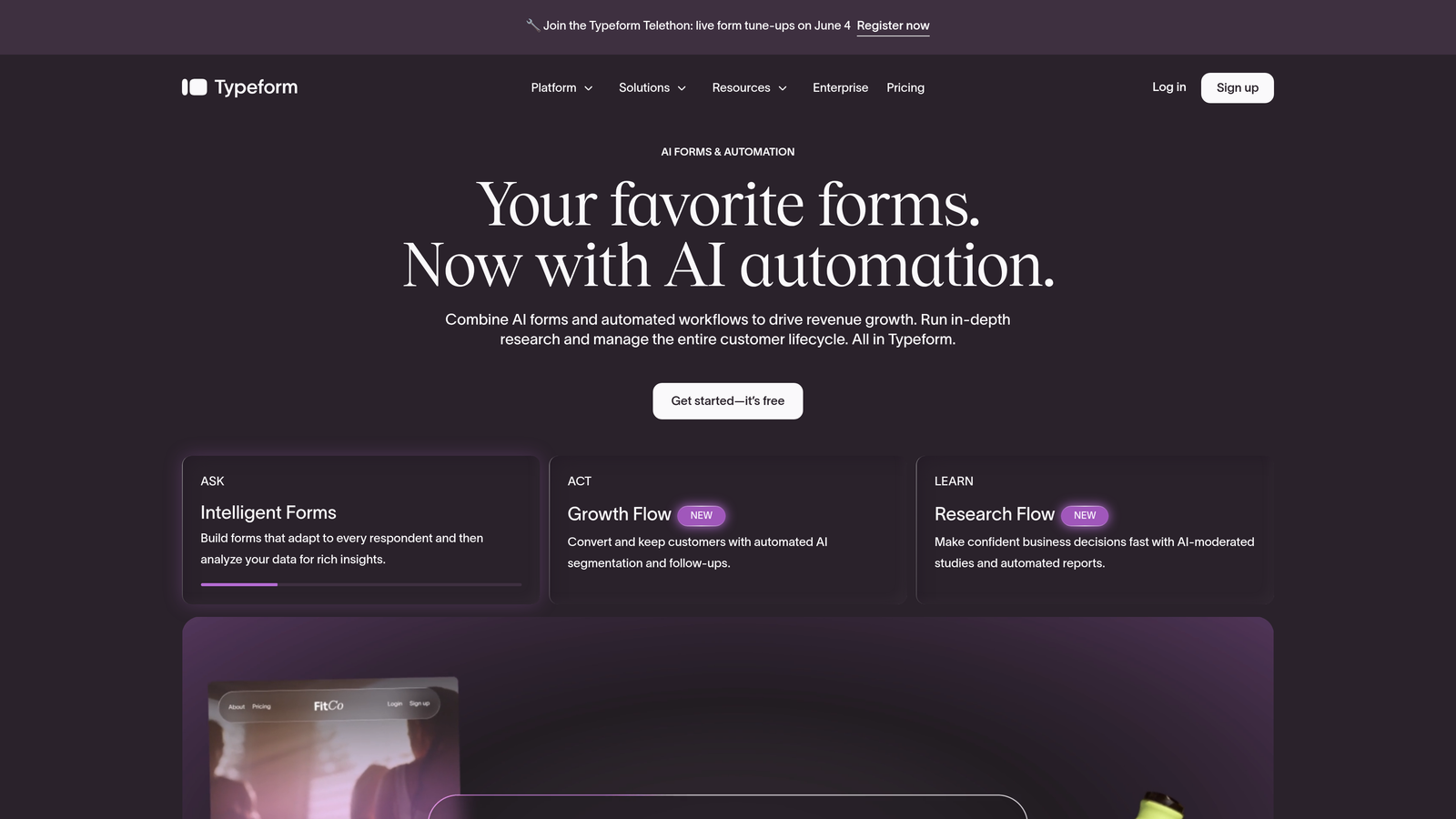
Typeform is a conversational form builder known for its one-question-at-a-time format and polished visual presentation.
Where This Tool Shines
Typeform's core innovation is the conversational format: respondents see one question at a time, which creates a more focused, engaging experience compared to staring at a wall of form fields. This approach is widely associated with higher completion rates, particularly for longer surveys and lead capture forms.
The design customization is also genuinely impressive. You can match forms closely to your brand, and the output looks professional without requiring design expertise. It's a strong choice when the form experience itself is part of your brand impression.
Key Features
Conversational Interface: One-question-at-a-time format creates an engaging, focused respondent experience.
Brand Customization: Extensive visual controls to align forms with your brand identity.
Logic Jumps: Conditional branching lets you personalize the form path based on previous answers.
Marketing Integrations: Native connections to HubSpot, Mailchimp, Salesforce, and other popular tools.
Free Plan: Available with a cap on monthly responses and some feature restrictions.
Best For
Marketing teams, agencies, and businesses that want beautiful, high-converting forms for surveys, lead capture, and customer feedback. If design quality and respondent experience are top priorities, Typeform is one of the best options in the category.
Pricing
Free plan available with limited monthly responses. Paid plans start around $25/month for expanded response limits and advanced features.
3. Google Forms
Best for: Teams that need a completely free, no-setup form tool with zero response limits.
Google Forms is a completely free, no-frills form builder that integrates natively with Google Workspace.
Where This Tool Shines
There's no other tool on this list that matches Google Forms on pure accessibility. If you have a Google account, you have Google Forms. No trial, no credit card, no response limits. For internal surveys, event registrations, or simple data collection, it covers the basics faster than any alternative.
The Google Sheets integration is genuinely useful. Responses flow directly into a spreadsheet in real time, making it easy to analyze results without any export or import steps. For teams already living in Google Workspace, it's a natural fit for lightweight use cases.
Key Features
Completely Free: No response limits, no paid tiers, no feature gating behind a paywall.
Google Sheets Integration: Responses sync automatically to a connected spreadsheet for easy tracking.
Fast Setup: No learning curve — most users can build a working form in minutes.
Basic Branching Logic: Simple conditional sections available for more structured surveys.
Universal Access: Available to anyone with a Google account, no additional sign-up required.
Best For
Internal teams, educators, event organizers, and anyone who needs a quick, functional form without any budget or technical overhead. It's not a conversion-focused tool, but for straightforward data collection it's hard to beat on simplicity and cost. If you're looking for a more capable alternative to Google Forms, several options on this list are worth exploring.
Pricing
Completely free with no response limits or paid tiers.
4. Jotform
Best for: Teams that need a large template library and broad integration support across multiple tools.
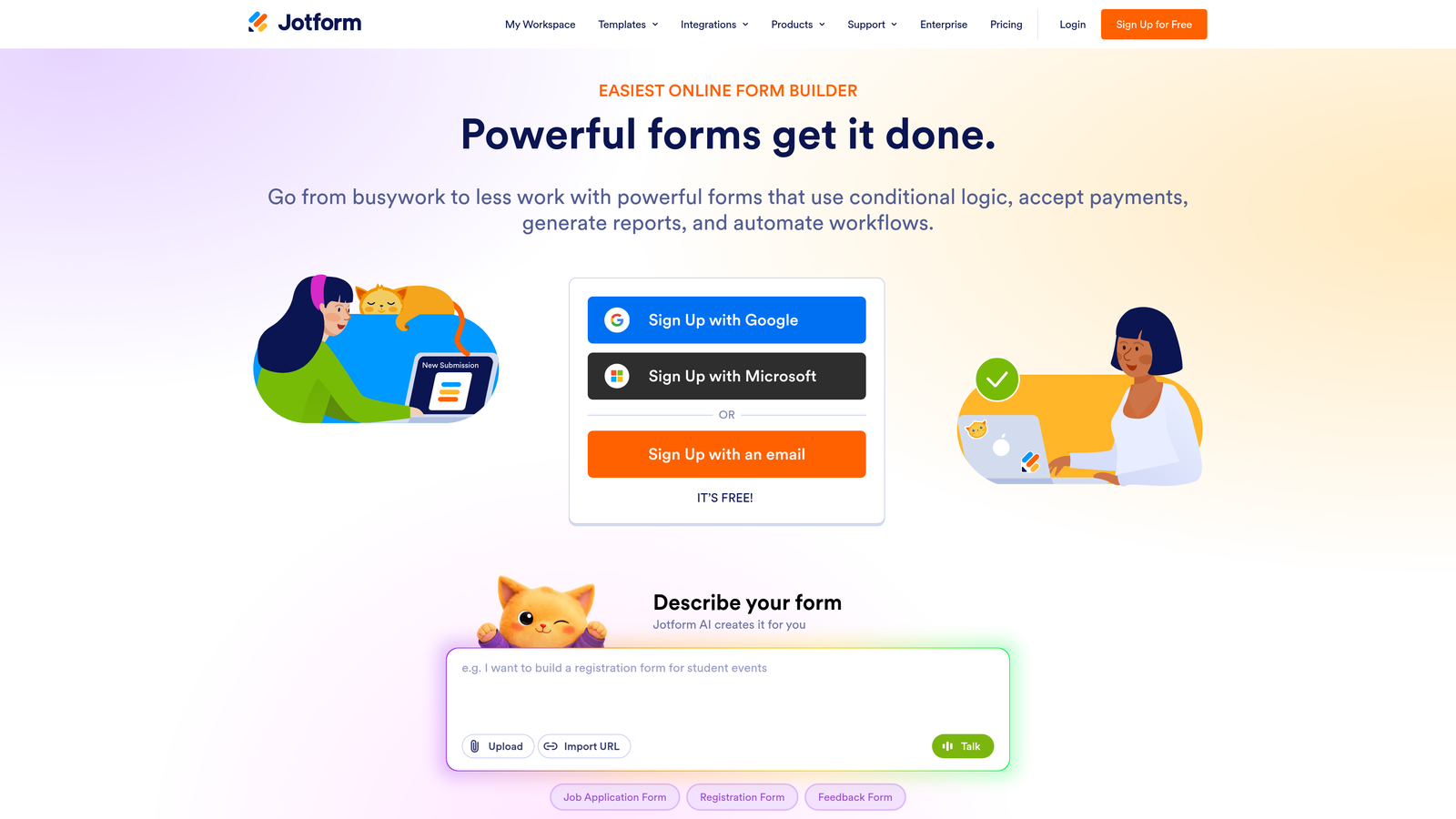
Jotform is a feature-rich form builder with one of the largest template libraries and integration ecosystems in the category.
Where This Tool Shines
Jotform's depth is its main advantage. With thousands of templates across industries, you're rarely starting from scratch. Whether you need a medical intake form, a payment collection form, or a complex multi-page application, there's likely a template close to what you need.
The integration library is equally broad. Jotform connects natively with a wide range of CRMs, payment processors, and productivity tools, which makes it appealing for operations teams managing diverse workflows. It's been around long enough to have refined the experience across many use cases.
Key Features
10,000+ Templates: One of the largest template libraries in the form builder category, spanning virtually every industry.
Extensive Integrations: Native connections with CRMs, payment processors, and hundreds of third-party tools.
Conditional Logic: Multi-page forms with branching logic for complex data collection workflows.
Payment Collection: Built-in support for accepting payments directly through forms.
Free Plan: Available with limits on the number of forms and monthly submissions.
Best For
Agencies, operations teams, and businesses with varied form needs across multiple departments. Particularly strong for teams that need payment collection, complex multi-page forms, or industry-specific templates without building from scratch.
Pricing
Free plan available with limited forms and monthly submissions. Paid plans start around $34/month for expanded limits and additional features.
5. Tally
Best for: Startups and indie builders who want unlimited forms and responses without paying anything.
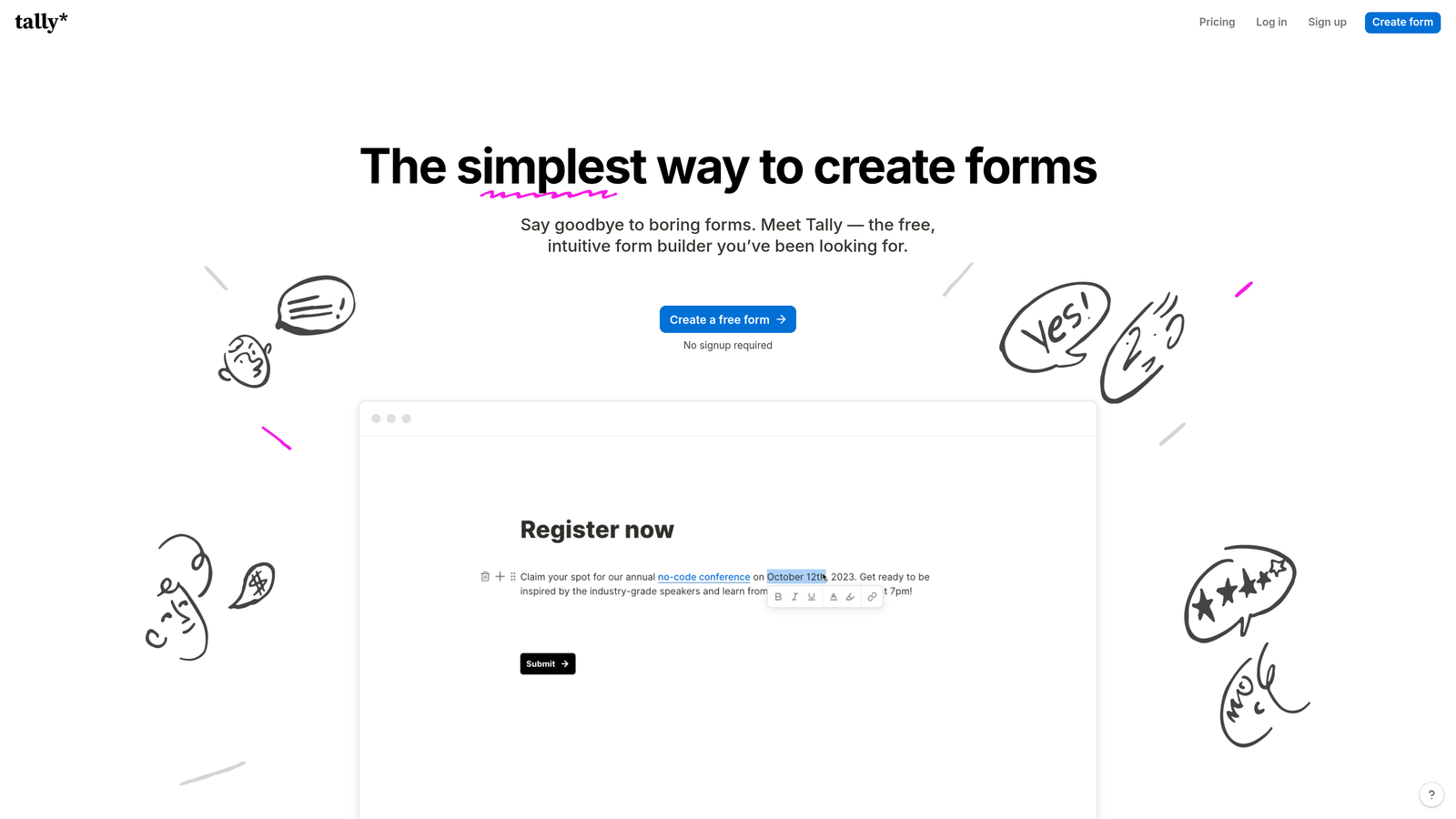
Tally is a Notion-inspired form builder with one of the most generous free plans available in the market today.
Where This Tool Shines
Tally's free plan is genuinely remarkable in a category where most tools gate meaningful functionality behind paid tiers. Unlimited forms, unlimited responses, and conditional logic all available without spending a cent. For early-stage teams and solo builders testing ideas quickly, that's a significant advantage.
The block-based editor will feel immediately familiar to anyone who uses Notion. It's clean, intuitive, and fast to work with. Embedding forms on external websites is straightforward, and Zapier and Make integrations extend its automation capabilities without requiring a paid upgrade.
Key Features
Unlimited Free Plan: No response limits or form limits on the free tier, which is rare in this category.
Block-Based Editor: Notion-style interface that's intuitive for teams already familiar with modern productivity tools.
Conditional Logic on Free Tier: Branching logic available without requiring a paid plan.
Easy Embedding: Forms embed cleanly on any website without technical overhead.
Automation Integrations: Connects with Zapier, Make, and similar tools for workflow automation.
Best For
Startups, indie makers, and small teams who need a capable form builder without the cost. Also a strong fit for teams that live in Notion and want a consistent editing experience across their tools.
Pricing
Free plan with unlimited forms and responses. Pro plan available at around $29/month for advanced features and branding controls.
6. HubSpot Forms
Best for: Teams already using HubSpot CRM who want forms that feed directly into their existing workflows.
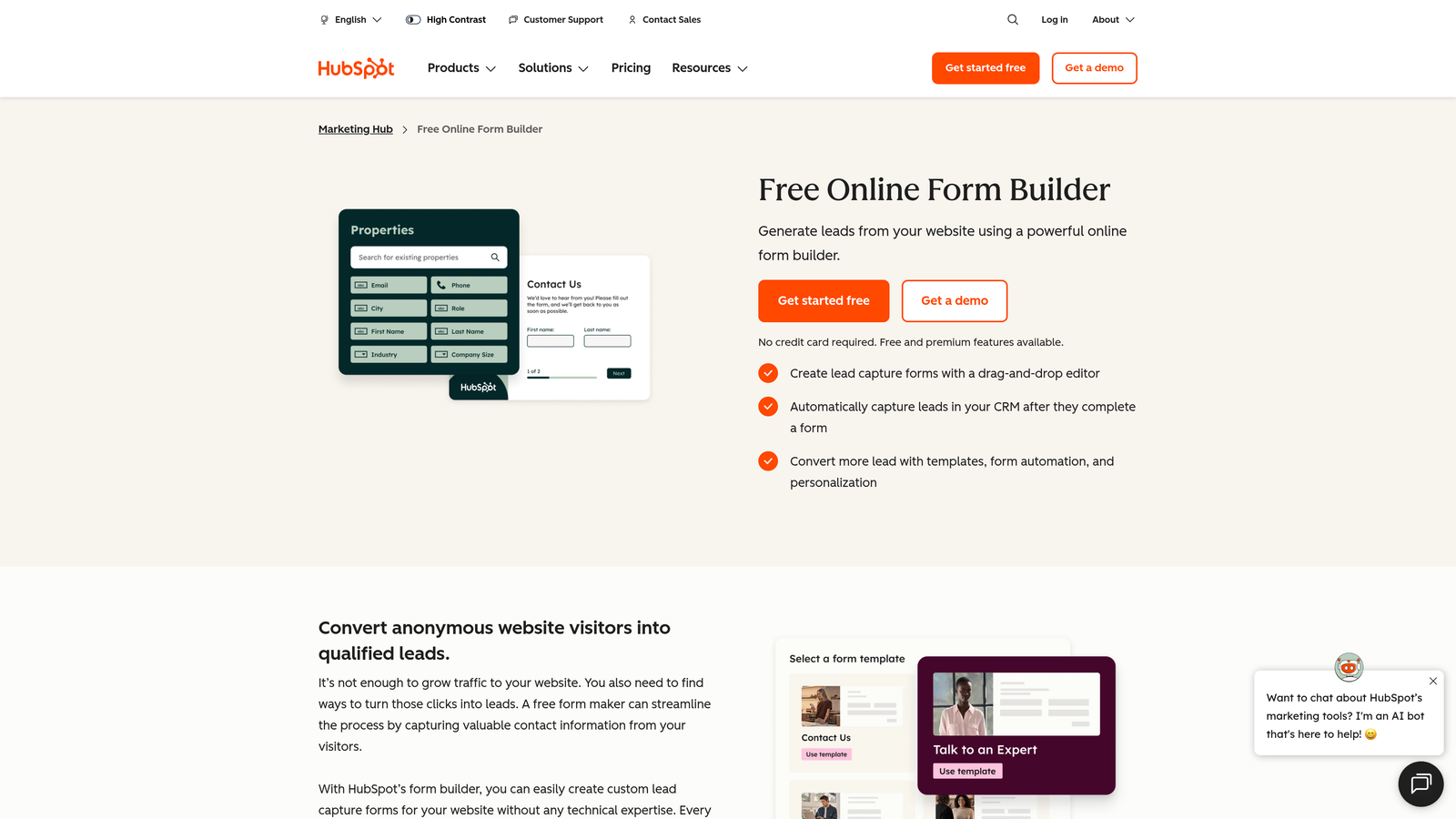
HubSpot Forms is a free form builder that integrates natively with HubSpot's CRM and marketing automation platform.
Where This Tool Shines
If your team is already operating inside HubSpot, this is the path of least resistance. Every form submission automatically creates or updates a contact record in HubSpot, and you can trigger email sequences, internal notifications, and deal creation without any additional setup. The CRM integration is seamless in a way that third-party form tools can't fully replicate.
As a standalone form builder, it's fairly basic. The design options are limited and it's not designed to compete with dedicated form tools on visual quality or advanced logic. But within the HubSpot ecosystem, the workflow depth more than compensates for those limitations.
Key Features
Free CRM Integration: Forms are included with HubSpot's free account and sync directly to contact records.
Automatic Contact Creation: Every submission creates or updates a HubSpot contact without manual data entry.
Workflow Triggers: Form submissions can trigger HubSpot automation, email sequences, and deal pipelines.
Flexible Embedding: Forms embed on external websites or HubSpot landing pages with minimal setup.
Basic Customization: Standard field types and layout options for straightforward form creation.
Best For
Sales and marketing teams already invested in the HubSpot ecosystem. If you're managing contacts, deals, and email campaigns in HubSpot, using their native forms removes a layer of integration complexity that other tools require.
Pricing
Free with a HubSpot free account. Advanced features and higher usage limits require paid HubSpot Marketing Hub tiers.
7. Paperform
Best for: Service businesses that need forms to also handle bookings, payments, and product sales.
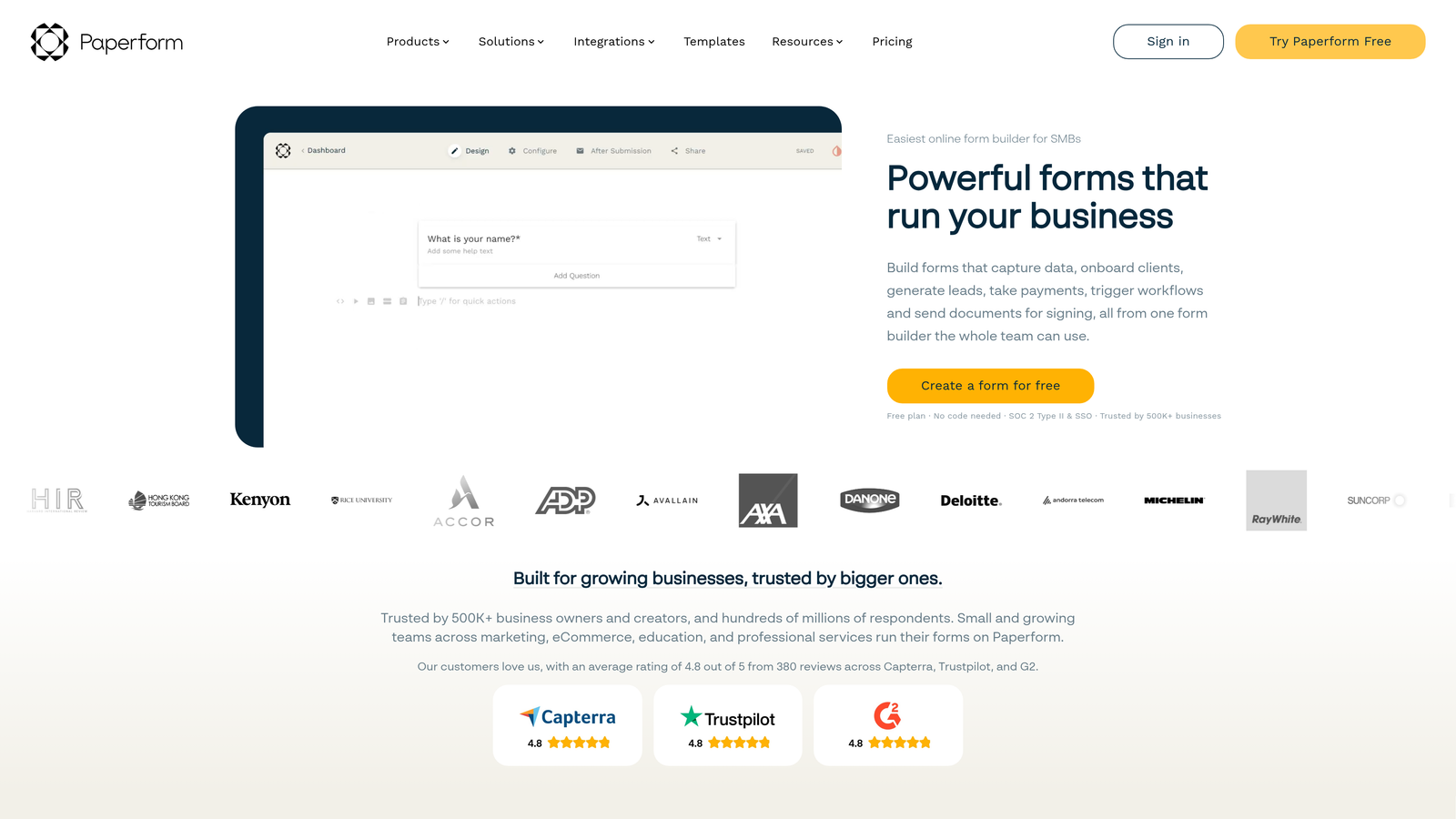
Paperform is a form builder that doubles as a lightweight landing page and payment collection tool.
Where This Tool Shines
Paperform occupies an interesting niche: it's more than a form builder but less than a full landing page platform. You can embed rich text, images, and video alongside your form fields, which gives each form a landing page-like feel without needing a separate tool. This makes it particularly effective for service businesses selling packages, taking bookings, or running event registrations.
The payment and booking features are genuinely capable. You can sell products, accept subscriptions, and manage appointment scheduling all within a single Paperform. For the right use case, that consolidation is a real time-saver.
Key Features
Form and Landing Page Hybrid: Rich text and media embedding creates a more complete page experience within the form.
Payment and Booking Support: Accepts payments, manages subscriptions, and handles appointment scheduling natively.
Conditional Logic: Branching and calculations adapt the form experience based on respondent inputs.
Product and Service Sales: Supports selling physical products, digital downloads, and service packages directly.
14-Day Free Trial: Full-featured trial available without a free ongoing plan.
Best For
Consultants, coaches, event organizers, and service businesses that need a single tool to handle inquiry forms, payment collection, and bookings. Less suited for B2B lead generation pipelines where CRM integration depth is the priority.
Pricing
14-day free trial with full feature access. No free plan after the trial. Paid plans start around $29/month.
8. Fillout
Best for: Product and operations teams that need advanced conditional logic and database integrations without enterprise pricing.
Fillout is a modern form builder offering advanced conditional logic and native database integrations on a genuinely useful free plan.
Where This Tool Shines
Fillout has gained attention in the product and operations community for making advanced conditional logic available on its free tier. Most tools reserve complex branching for paid plans, so the ability to build sophisticated form flows without paying is a meaningful differentiator for teams testing the tool before committing.
The native integrations with Notion, Airtable, and Google Sheets make it especially appealing for teams that manage data in modern database tools rather than traditional CRMs. If your workflow lives in Airtable, Fillout connects to it more cleanly than most alternatives.
Key Features
Advanced Conditional Logic (Free): Complex branching and routing available on the free plan, not just paid tiers.
Database Integrations: Native connections with Notion, Airtable, and Google Sheets for teams using modern data tools.
Multi-Step Forms: Progress indicators and multi-page flows for longer or more complex form experiences.
Scheduling and Payments: Available on paid plans for teams that need booking and payment capabilities.
Free Plan Generosity: Up to 1,000 submissions per month at no cost, which covers meaningful volume for smaller teams.
Best For
Product teams, operations managers, and startups using Notion or Airtable as their primary data layer. Also strong for anyone who needs complex routing logic without the budget for enterprise form tools.
Pricing
Free plan supports up to 1,000 submissions per month. Paid plans start around $15/month for higher volume and additional features.
9. Microsoft Forms
Best for: Enterprise teams already on Microsoft 365 who need a quick internal form tool.
Microsoft Forms is a built-in form tool for Microsoft 365 users with native Teams and Excel integration.
Where This Tool Shines
Microsoft Forms earns its place on this list for the same reason Google Forms does: it's already there. If your organization runs on Microsoft 365, you have access to Microsoft Forms at no additional cost. For internal surveys, employee feedback, and quick data collection within a Microsoft environment, it removes any friction around tool selection or budget approval.
The Teams integration is particularly useful for enterprise teams. You can share forms directly in Teams channels, collect responses from colleagues without them needing to leave the platform, and pipe results into Excel for analysis. Within that ecosystem, it works smoothly.
Key Features
Included with Microsoft 365: No additional cost for organizations already on Microsoft 365 subscriptions.
Teams and SharePoint Integration: Share and collect responses directly within Microsoft's collaboration tools.
Excel Sync: Responses export directly to Excel for analysis within familiar tools.
Real-Time Analytics: Built-in response summaries and charts for quick result review.
Best For
Enterprise organizations and internal teams operating within the Microsoft 365 ecosystem. It's purpose-built for internal use cases and not designed for external lead capture, conversion optimization, or advanced marketing workflows.
Pricing
Included at no additional cost with Microsoft 365 subscriptions.
Which Tool Is Right for Your Team?
The right form builder depends on what you're actually trying to accomplish. Here's a quick way to think through it.
If your priority is lead quality and pipeline efficiency, Orbit AI is the strongest starting point. The built-in AI qualification means your forms aren't just collecting data, they're actively sorting and routing leads so your team can focus on the right prospects. For B2B and SaaS teams where lead quality matters as much as volume, that's a meaningful difference from a standard form tool.
If you're already in HubSpot, HubSpot Forms is the natural choice for keeping your data clean and your workflows intact. If your team runs on Microsoft 365, Microsoft Forms covers basic internal needs without any additional cost or setup.
For teams that want the most generous free plan in the category, Tally is hard to beat on unlimited forms and responses. Fillout is the better pick if you need advanced conditional logic without paying. And if design and respondent experience are your top priorities, Typeform remains one of the most polished options available. If you've outgrown Typeform or are looking for a more capable alternative, it's worth checking out this breakdown of Typeform alternatives to see how the options compare.
Google Forms and Microsoft Forms serve their purpose well as zero-cost utility tools, particularly for internal use. Jotform is the go-to for template variety and payment collection. Paperform earns its spot for service businesses that need forms to also handle bookings and product sales.
Most of these tools have a free plan or trial, so there's no reason not to test before you decide. If you're building forms to drive pipeline growth and want AI-powered lead qualification from day one, Start building free forms today and see how intelligent form design can change what your forms actually accomplish for your team.


