

Developers need form builders that go beyond drag-and-drop simplicity. You want API access, webhook integrations, custom validation logic, and the ability to embed forms anywhere without fighting against restrictive templates. The right custom form builder gives you full control over styling, behavior, and data flow while saving you from building everything from scratch.
We evaluated dozens of options based on developer experience, API flexibility, integration capabilities, and customization depth. Here are the nine best custom form builders that actually respect your need for control.
1. Orbit AI
Best for: High-growth teams needing AI-powered lead qualification with full developer control
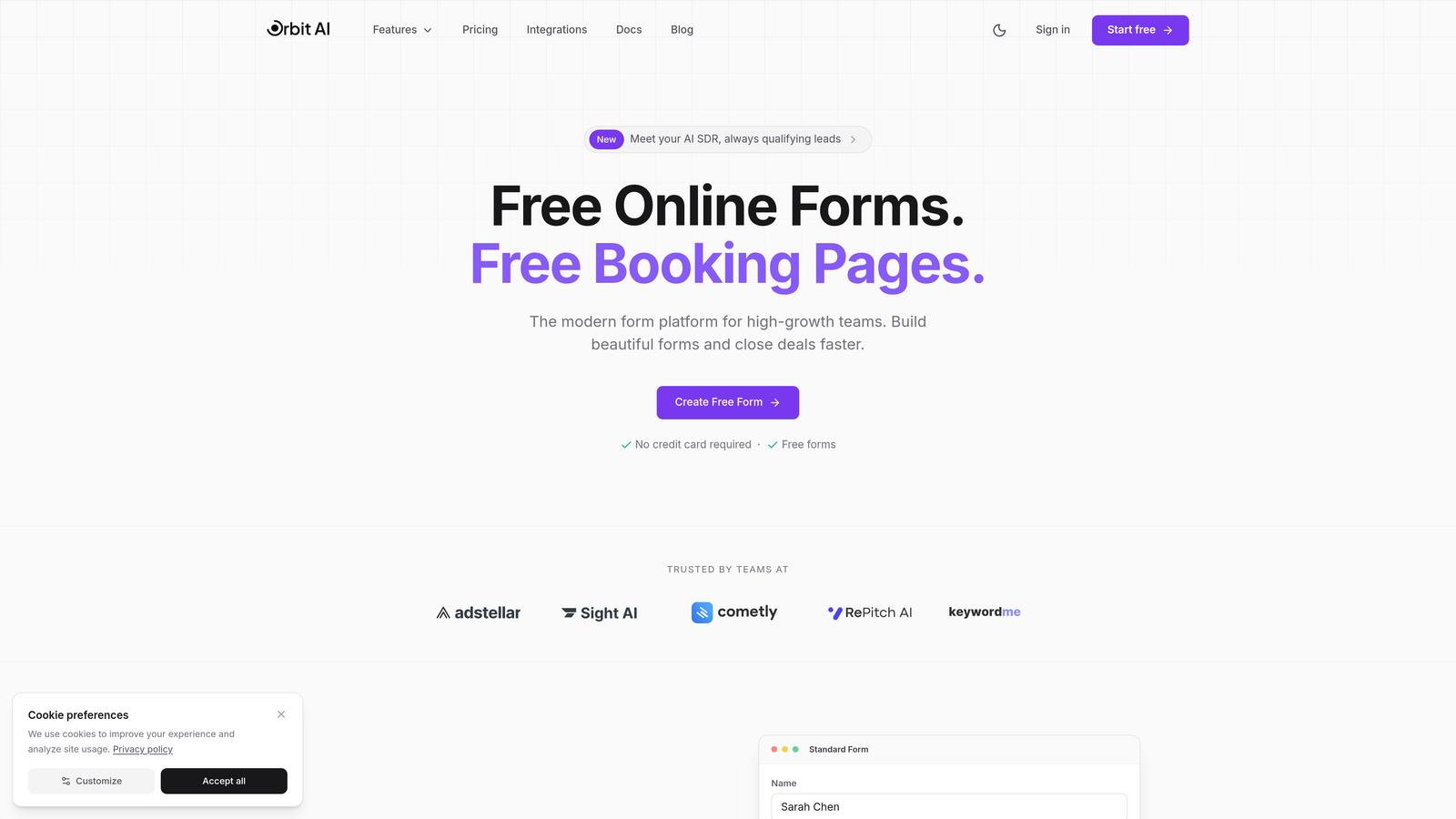
Orbit AI combines modern form building with intelligent lead qualification, designed specifically for developers who need both customization freedom and conversion optimization.
Where This Tool Shines
Orbit AI stands out by embedding AI-powered lead qualification directly into your form workflows. Instead of collecting raw submissions and sorting them manually, the platform analyzes responses in real-time to score and route leads automatically.
The API-first architecture gives you programmatic control over every aspect of form creation and submission handling. You can build forms via API, inject custom CSS and JavaScript for complete styling control, and leverage modern embed options that work seamlessly with React, Vue, or vanilla JavaScript projects.
Key Features
API-First Architecture: Comprehensive REST API with webhook support for real-time submission handling and form management.
AI Lead Qualification: Built-in intelligence that scores and routes leads based on response patterns and qualification criteria you define.
Modern Embed Options: Framework-agnostic embeds with specific support for React, Vue, and vanilla JavaScript implementations.
Native Integrations: Direct connections to Zapier, HubSpot, Salesforce, and Slack without middleware services.
Custom Styling Control: Full CSS and JavaScript injection capabilities to match your exact design specifications.
Best For
Development teams at high-growth companies who need conversion-optimized forms with intelligent lead qualification. Particularly valuable if you're managing high submission volumes and want to automate the qualification process without sacrificing customization control.
Pricing
Free tier available for getting started. Paid plans unlock advanced AI features, higher submission limits, and premium integrations.
2. Typeform
Best for: Creating engaging conversational forms with robust API support
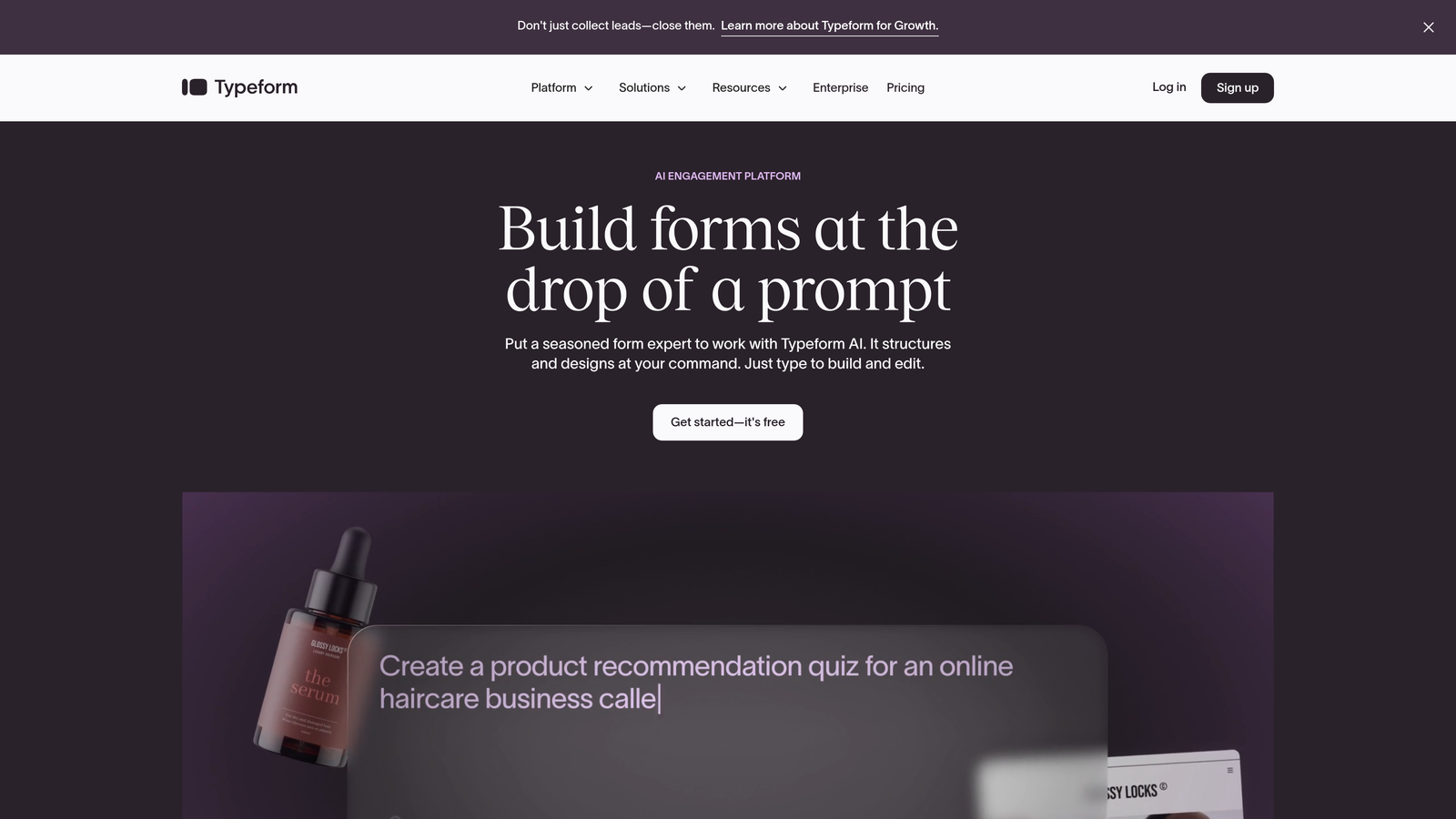
Typeform pioneered the one-question-at-a-time interface that dramatically improves completion rates, backed by comprehensive developer tools.
Where This Tool Shines
Typeform's conversational interface creates a fundamentally different user experience than traditional forms. The one-question-at-a-time flow reduces cognitive load and typically sees completion rates 20-30% higher than standard multi-field forms.
For developers, the REST API provides full programmatic access to form creation, response retrieval, and webhook management. The JavaScript SDK enables custom embed experiences that maintain the signature Typeform UX while integrating seamlessly into your application.
Key Features
Comprehensive REST API: Create and manage forms programmatically, retrieve responses, and configure webhooks for real-time data flow.
Logic Jumps: Build dynamic forms that adapt based on user responses, creating personalized paths through your questions.
JavaScript SDK: Embed forms with full control over initialization, event handling, and response callbacks.
Hidden Fields: Pass contextual data through URL parameters to enrich submissions with user tracking information.
Response API: Query and filter submissions programmatically for custom analytics and data processing workflows.
Best For
Developers building applications where user experience and completion rates matter as much as technical flexibility. Ideal for customer feedback, lead generation, and onboarding flows where engagement drives success.
Pricing
Free tier with basic features. Basic plan starts at $25/month with API access and additional responses.
3. Formspree
Best for: JAMstack projects and static sites needing zero server-side code
Formspree provides form backend services specifically designed for static site generators and serverless architectures.
Where This Tool Shines
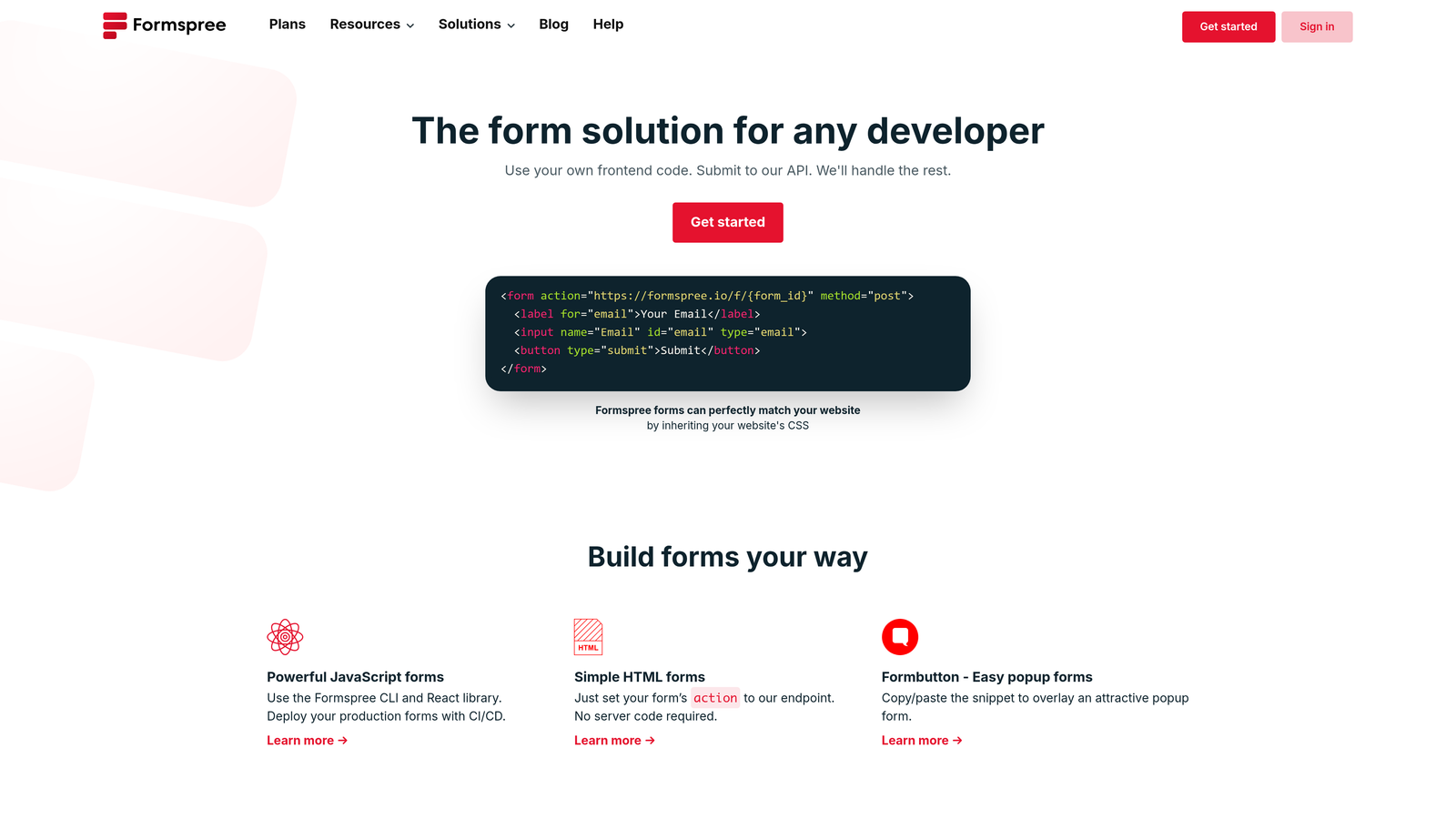
Formspree eliminates the need for backend infrastructure entirely. Point your HTML form action to a Formspree endpoint, and submissions are handled, validated, and forwarded to your email or integrated services automatically.
The AJAX support returns JSON responses, letting you build custom success states and validation feedback without page reloads. This makes it perfect for modern static sites built with Next.js, Gatsby, Hugo, or Jekyll where you want dynamic form behavior without running servers.
Key Features
Simple HTML Integration: Add a single action URL to any HTML form—no JavaScript required for basic functionality.
AJAX Submission Support: JSON response format enables custom success messages and error handling in single-page applications.
File Upload Handling: Accept file uploads without building storage infrastructure or managing S3 buckets.
Native Integrations: Direct connections to Airtable, Slack, and Mailchimp for automated data workflows.
Spam Protection: Built-in reCAPTCHA integration and honeypot fields to filter bot submissions.
Best For
Frontend developers working with static site generators or JAMstack architectures who want reliable form handling without maintaining backend services. Perfect for portfolios, marketing sites, and documentation platforms.
Pricing
Free for 50 submissions per month. Gold plan at $10/month includes 1,000 submissions and premium features.
4. Tally
Best for: Unlimited forms with Notion-style editing and clean developer integrations
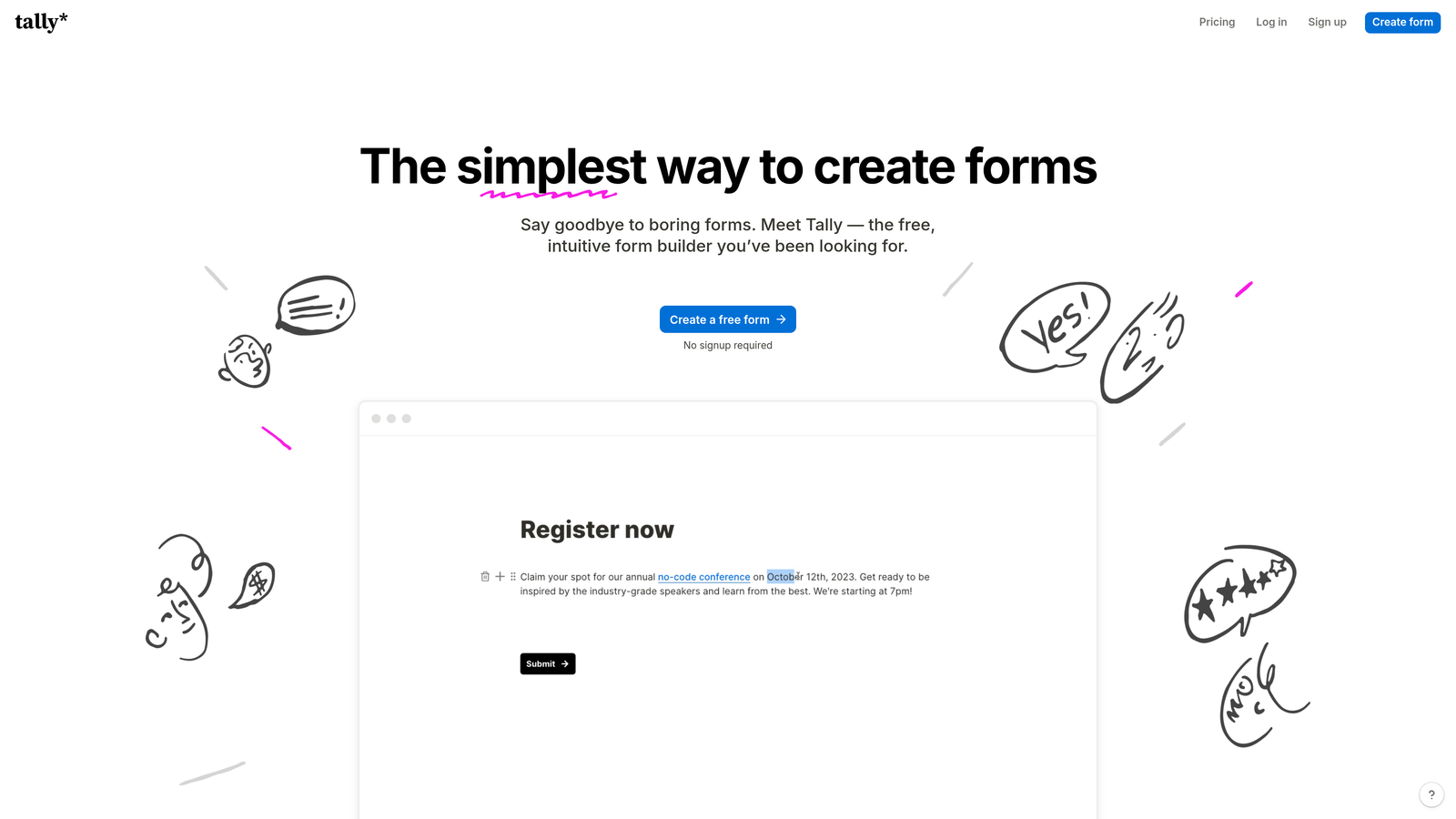
Tally brings Notion's editing philosophy to form building, offering unlimited forms and submissions on the free tier.
Where This Tool Shines
Tally's Notion-inspired editor makes form creation remarkably fast. The block-based approach feels natural if you're already using Notion for documentation or project management, reducing the learning curve to near zero.
The unlimited free tier is genuinely unlimited—no artificial caps on forms or submissions. For developers building MVPs or side projects, this removes the usual pricing anxiety that comes with scaling form usage.
Key Features
Unlimited Free Tier: Create unlimited forms and collect unlimited submissions without hitting paywalls or usage caps.
Webhook Integrations: Real-time data sync to your own endpoints or third-party services for custom processing workflows.
Clean Embed Code: Responsive embed options that adapt to container width without breaking layouts.
Notion Integration: Native connection to Notion databases for automatic data syncing and centralized record keeping.
Zapier Support: Connect to 5,000+ apps through Zapier for automated workflows without writing integration code.
Best For
Developers working on early-stage projects or internal tools where budget constraints matter. Also excellent for teams already invested in the Notion ecosystem who want form data flowing directly into their workspace.
Pricing
Free unlimited tier with core features. Pro plan at $29/month adds custom domains, file uploads, and advanced logic.
5. JotForm
Best for: Enterprise developers needing extensive widgets, white-label options, and compliance features
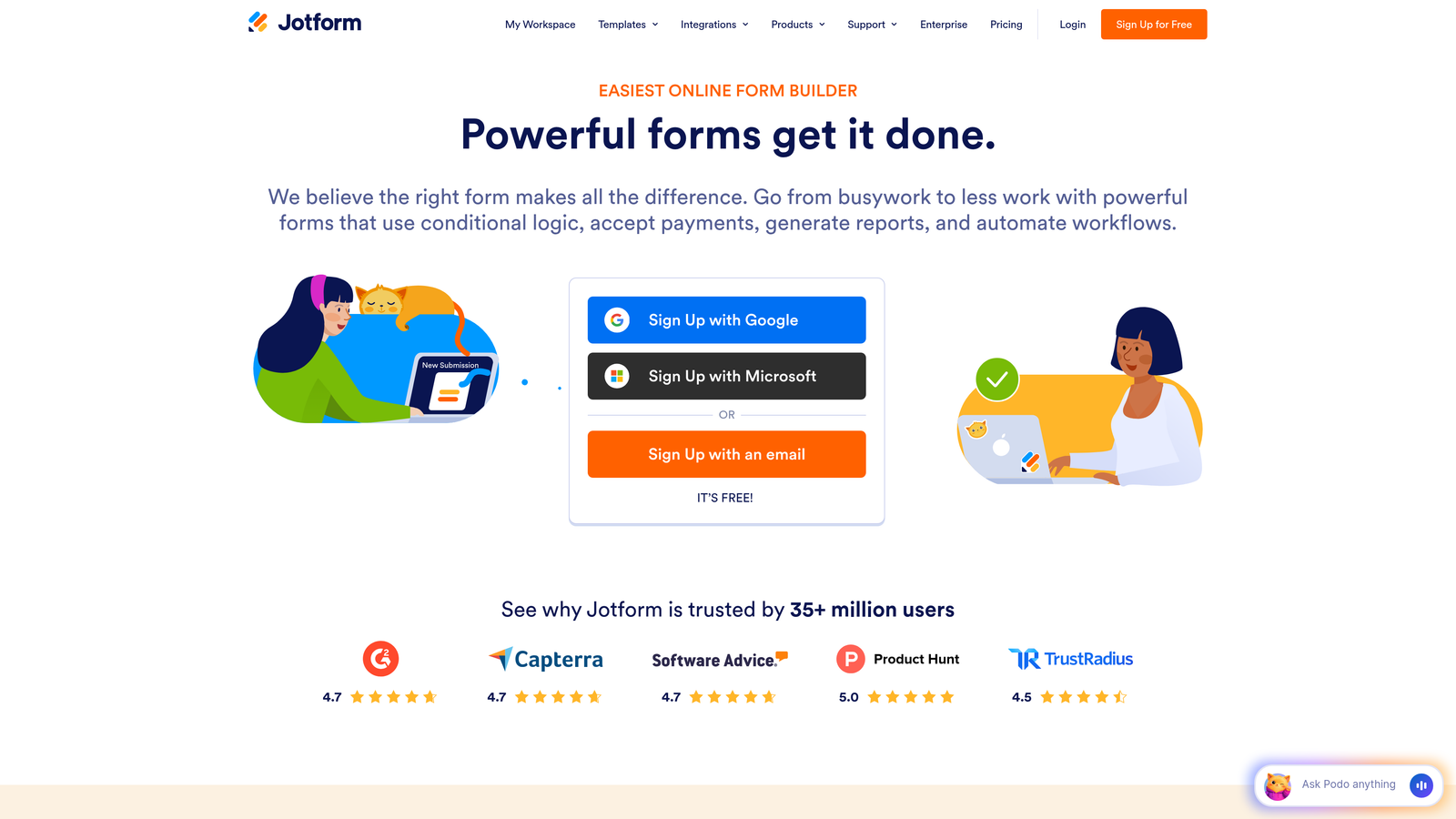
JotForm offers enterprise-grade form building with a massive widget library and robust API for agencies and development teams.
Where This Tool Shines
JotForm's widget ecosystem is unmatched—over 200 integrations covering everything from payment gateways to signature capture to appointment scheduling. If you need specialized functionality, there's likely a pre-built widget that handles it.
The white-label capabilities make JotForm particularly valuable for agencies building client solutions. Remove JotForm branding, use custom domains, and present forms as part of your own product offering. HIPAA compliance options open opportunities in healthcare and other regulated industries.
Key Features
Full REST API: Programmatic access to form creation, submission management, user administration, and reporting data.
200+ Integrations: Native connections to payment processors, CRMs, marketing platforms, and productivity tools.
Custom Widget Framework: Build your own widgets using JavaScript to extend form functionality beyond standard fields.
White-Label Options: Remove branding, use custom domains, and present forms under your own brand identity.
HIPAA Compliance: Business Associate Agreement and encrypted data handling for healthcare applications.
Best For
Development teams at agencies or enterprises that need comprehensive widget libraries, compliance certifications, and the ability to white-label forms for clients. Particularly strong for complex forms requiring payment processing or advanced calculations.
Pricing
Free tier with basic features. Bronze plan starts at $34/month with API access and increased submission limits.
6. Formspark
Best for: Minimalist form endpoints without unnecessary complexity
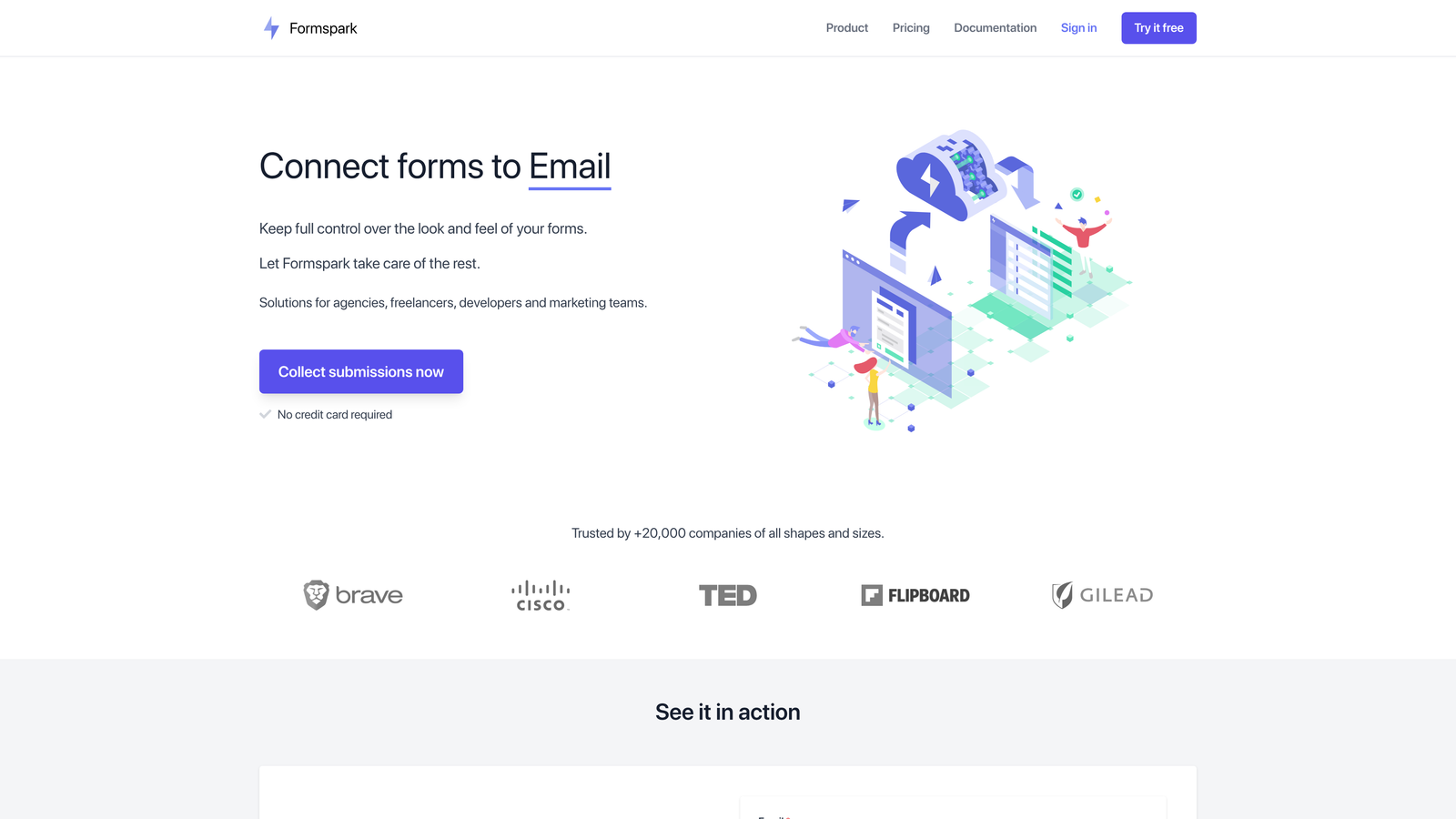
Formspark strips form handling down to essentials—reliable POST endpoints with spam protection and basic integrations.
Where This Tool Shines
Formspark's simplicity is its strength. You get a POST endpoint, point your form at it, and submissions flow to your email or webhook destination. No complex configuration, no feature bloat, no learning curve.
The Botpoison integration provides effective spam filtering without forcing users through CAPTCHA challenges. EU data residency options make GDPR compliance straightforward for European projects without requiring separate infrastructure.
Key Features
Simple POST Endpoint: Point any HTML form to your Formspark URL and start receiving submissions immediately.
Botpoison Integration: Invisible spam protection that filters bot submissions without degrading user experience.
EU Data Residency: Store submission data in European servers for GDPR compliance without additional configuration.
Custom Redirects: Define success URLs and AJAX response formats for seamless integration with single-page applications.
File Upload Support: Accept file attachments up to 10MB without building storage infrastructure.
Best For
Developers who want reliable form handling without feature complexity. Ideal for contact forms, feedback collection, and simple data capture where you need it to just work.
Pricing
Free for 250 submissions. One-time payment of $25 for 2,500 submissions with no recurring fees.
7. Basin
Best for: Static site developers prioritizing spam prevention and reliability
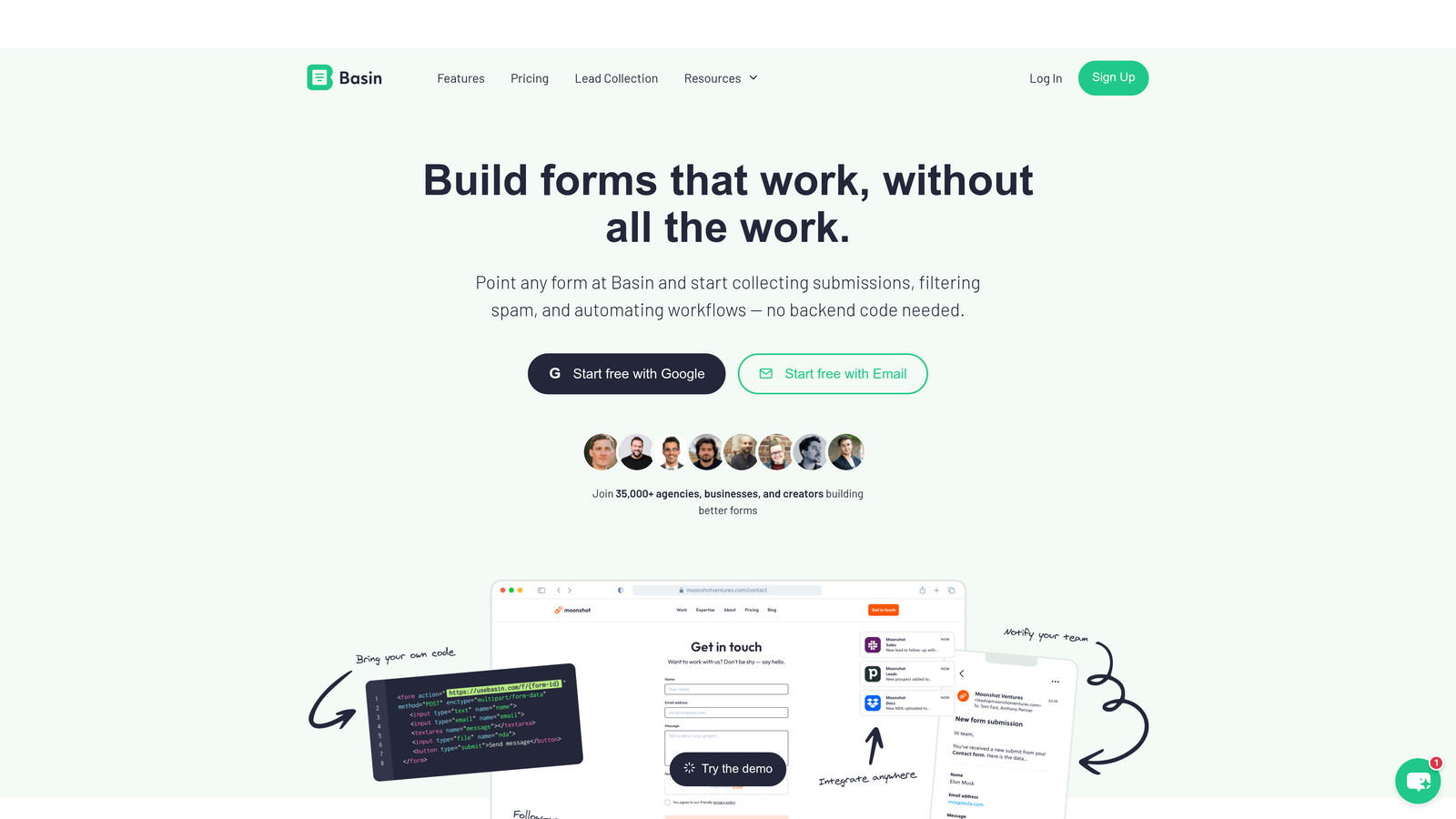
Basin focuses on spam filtering and dependable form handling specifically for static site workflows.
Where This Tool Shines
Basin integrates Akismet spam filtering by default, leveraging the same technology that protects millions of WordPress sites. This catches spam with high accuracy while avoiding the user friction of CAPTCHA challenges.
The REST API enables custom submission retrieval and processing workflows. You can query submissions programmatically, build custom dashboards, or pipe data into your own analytics systems without being locked into Basin's interface.
Key Features
Akismet Spam Filtering: Industry-standard spam protection that learns from millions of sites to identify and block malicious submissions.
File Upload Support: Accept files up to 10MB without managing storage buckets or CDN configurations.
REST API: Retrieve and process submissions programmatically for custom analytics and data workflows.
Slack Integration: Real-time submission notifications in Slack channels for immediate team awareness.
Webhook Support: POST submissions to your own endpoints for custom processing and integration with internal systems.
Best For
Frontend developers building static sites who need reliable spam filtering without degrading user experience. Particularly valuable for high-traffic sites where spam volume would otherwise overwhelm manual filtering.
Pricing
Free for 100 submissions per month. Paid plans start at $4.17/month for increased submission limits.
8. Cognito Forms
Best for: Complex calculations, payment processing, and compliance-heavy applications
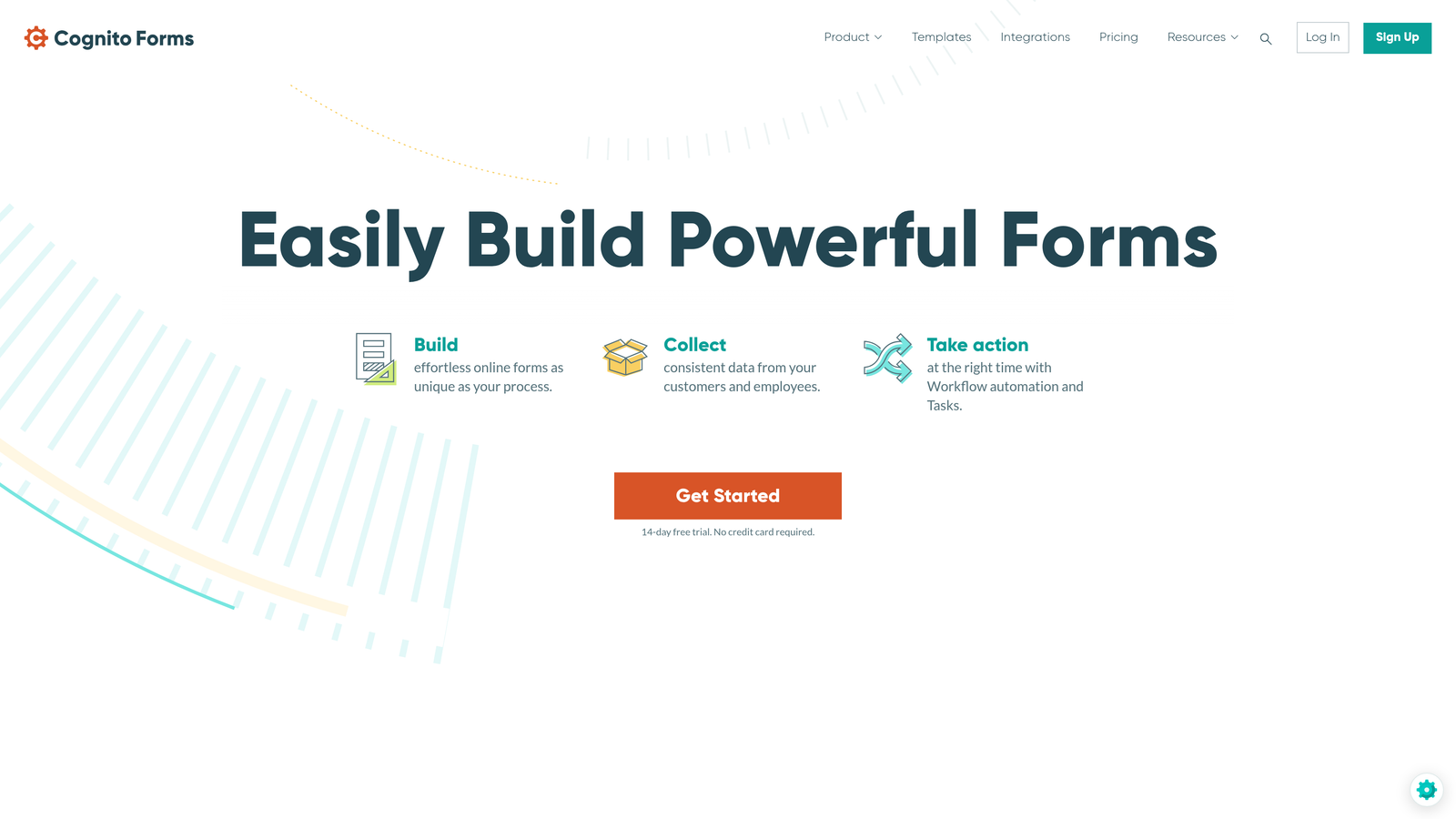
Cognito Forms handles advanced form logic, payment integration, and regulatory compliance for enterprise applications.
Where This Tool Shines
Cognito Forms excels at complex calculations and conditional logic. You can build forms that calculate totals, apply discounts, validate against custom rules, and adjust fields dynamically based on user input—all without writing JavaScript.
The payment processing integrations support Stripe, Square, and PayPal with PCI compliance built in. Combined with HIPAA compliance options and data encryption, Cognito Forms handles regulated industries that other form builders can't touch.
Key Features
Advanced Calculations: Build complex formulas that calculate totals, apply conditional pricing, and validate input against custom business rules.
Payment Integration: Accept payments through Stripe, Square, or PayPal with PCI-compliant processing.
Conditional Logic: Show or hide fields, change validation rules, and adjust form flow based on user responses.
HIPAA Compliance: Data encryption and Business Associate Agreements for healthcare applications.
Integration Support: Connect to Zapier and Power Automate for automated workflows with enterprise systems.
Best For
Developers building applications in regulated industries or requiring complex form logic and payment processing. Particularly strong for order forms, registration systems, and applications where calculations drive user experience.
Pricing
Free tier with basic features. Pro plan starts at $15/month with advanced logic and payment processing.
9. FormKeep
Best for: Development teams needing submission analytics and collaboration features
FormKeep adds analytics and team collaboration to form endpoint services, designed for growing development teams.
Where This Tool Shines
FormKeep treats submission data as a first-class analytics problem. The built-in analytics track conversion rates, identify drop-off points, and measure form performance over time—insights that basic form endpoints don't provide.
Team collaboration features include role-based access control, submission assignment, and shared inboxes. This makes FormKeep particularly valuable when multiple team members need to review and act on form submissions without stepping on each other.
Key Features
Submission Analytics: Track conversion rates, completion times, and field-level drop-off to optimize form performance.
Team Collaboration: Role-based access control and submission assignment for coordinated team workflows.
Slack Notifications: Real-time submission alerts in Slack channels with customizable notification rules.
Webhook Support: POST submissions to custom endpoints for integration with internal systems and workflows.
Auto-Responder Emails: Send customized confirmation emails to users based on submission content and form type.
Best For
Development teams managing multiple forms across projects who need analytics to optimize performance and collaboration features to coordinate responses. Valuable when form submissions drive team workflows rather than just collecting data.
Pricing
Plans start at $59/month for unlimited forms with full analytics and team features.
Making the Right Choice
The right custom form builder depends on your stack, workflow, and specific technical requirements.
If you're building high-growth applications where lead quality matters as much as quantity, Orbit AI's combination of developer control and AI-powered qualification stands out. The API-first architecture gives you the customization freedom you need while the intelligent lead scoring automates qualification work that would otherwise require manual review.
For static sites and JAMstack projects, Formspree and Basin provide reliable backend services without server infrastructure. Formspree's simplicity makes it ideal for straightforward contact forms, while Basin's Akismet integration handles higher spam volumes more effectively.
Teams needing enterprise features should evaluate JotForm and Cognito Forms. JotForm's widget ecosystem and white-label options suit agency work, while Cognito Forms handles complex calculations and compliance requirements that regulated industries demand.
Consider your integration requirements carefully. If you're already invested in Notion, Tally's native connection makes data flow seamless. If you need comprehensive third-party integrations, JotForm's 200+ native connections and Typeform's extensive API ecosystem provide the most flexibility.
Budget constraints often drive initial decisions. Tally's unlimited free tier removes financial risk from experimentation. Formspark's one-time payment model eliminates recurring costs for projects with predictable submission volumes.
The conversational form experience that Typeform pioneered genuinely improves completion rates in user-facing applications. If engagement metrics matter to your business outcomes, the improved UX often justifies the investment despite higher pricing.
Transform your lead generation with AI-powered forms that qualify prospects automatically while delivering the modern, conversion-optimized experience your high-growth team needs. Start building free forms today and see how intelligent form design can elevate your conversion strategy.


