

Every form submission represents a potential customer, partnership, or insight that could transform your business. Yet most teams still rely on clunky form builders that frustrate users and leak conversions at every step.
The right survey and form software does more than collect data—it qualifies leads automatically, adapts to user behavior, and integrates seamlessly with your existing tech stack. We evaluated dozens of tools based on ease of use, conversion optimization features, integration capabilities, and value for growing teams.
Here are the top survey and form software options for 2026, whether you're capturing leads, gathering customer feedback, or running complex research surveys.
1. Orbit AI
Best for: High-growth teams that need AI-powered lead qualification and conversion-optimized forms
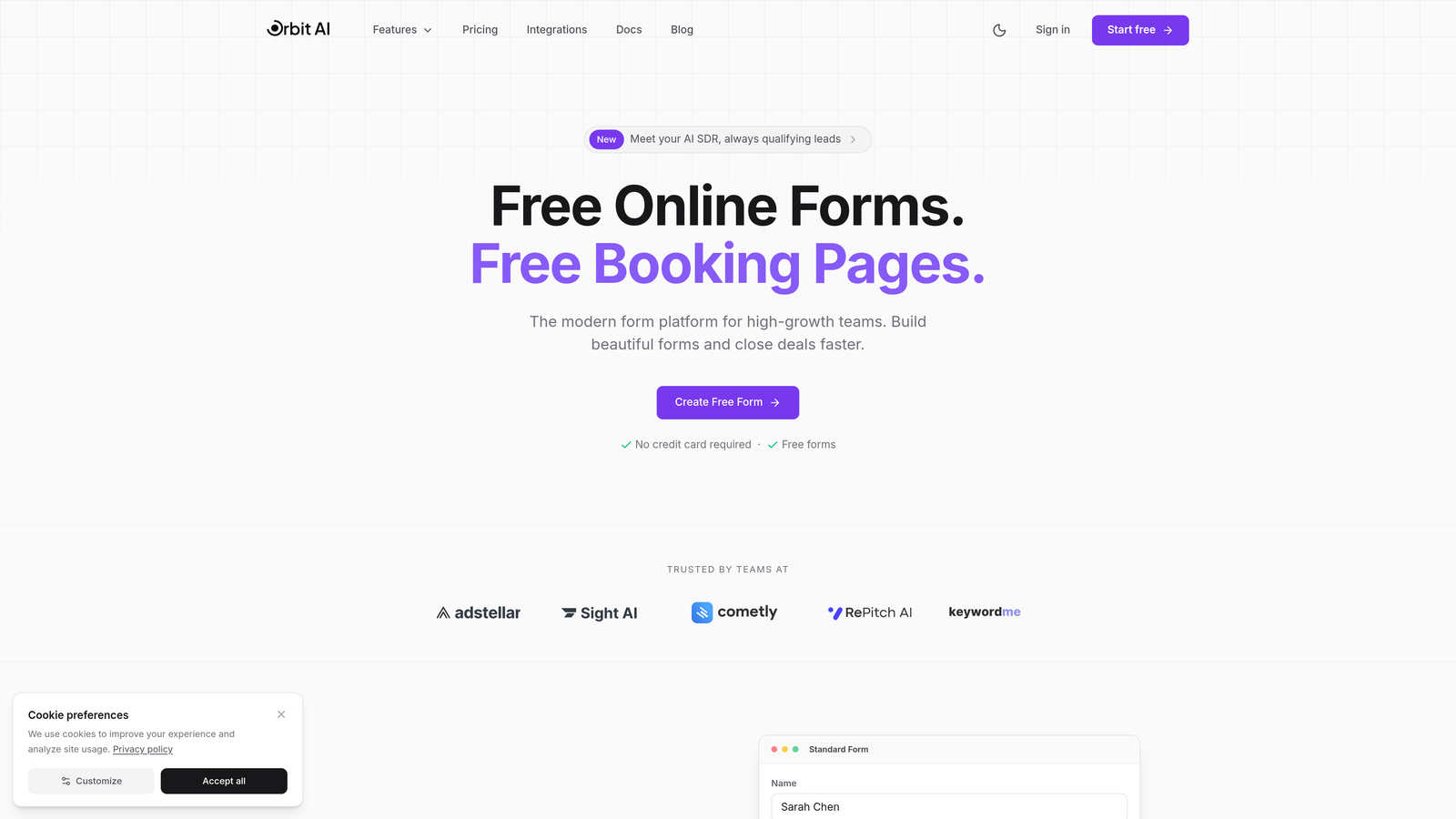
Orbit AI is an AI-powered form builder designed specifically for teams that want to capture and qualify leads automatically.
Where This Tool Shines
Orbit AI stands out by solving the lead qualification bottleneck that plagues most sales teams. Instead of manually reviewing every form submission, the platform's AI scores and routes leads based on their responses, ensuring your sales team focuses only on high-potential prospects.
The platform is built for modern brands that refuse to compromise on design. Every template is conversion-optimized from the ground up, with mobile-first layouts and engaging form experiences that feel nothing like traditional contact forms.
Key Features
AI-Powered Lead Qualification: Automatically scores and routes leads based on their responses, saving hours of manual review time.
Conversion-Optimized Templates: Pre-built form designs specifically engineered to maximize completion rates and reduce abandonment.
Native Integrations: Connect seamlessly with HubSpot, Salesforce, Slack, and 15+ other tools your team already uses.
Real-Time Analytics: Track conversion insights and form performance with dashboards that highlight exactly where users drop off.
Automated Workflows: Trigger actions based on form responses—send Slack notifications, update CRM records, or route leads to specific team members.
Best For
Orbit AI is ideal for high-growth SaaS companies, B2B teams, and marketing agencies that need intelligent lead qualification without adding headcount. If you're tired of sifting through unqualified leads or want to reduce your sales team's manual workload, this platform delivers immediate ROI.
Pricing
Free tier available for teams getting started. Paid plans start at competitive rates designed for growing teams, with pricing that scales based on submission volume and advanced features.
2. Typeform
Best for: Creating engaging, conversational form experiences with high completion rates
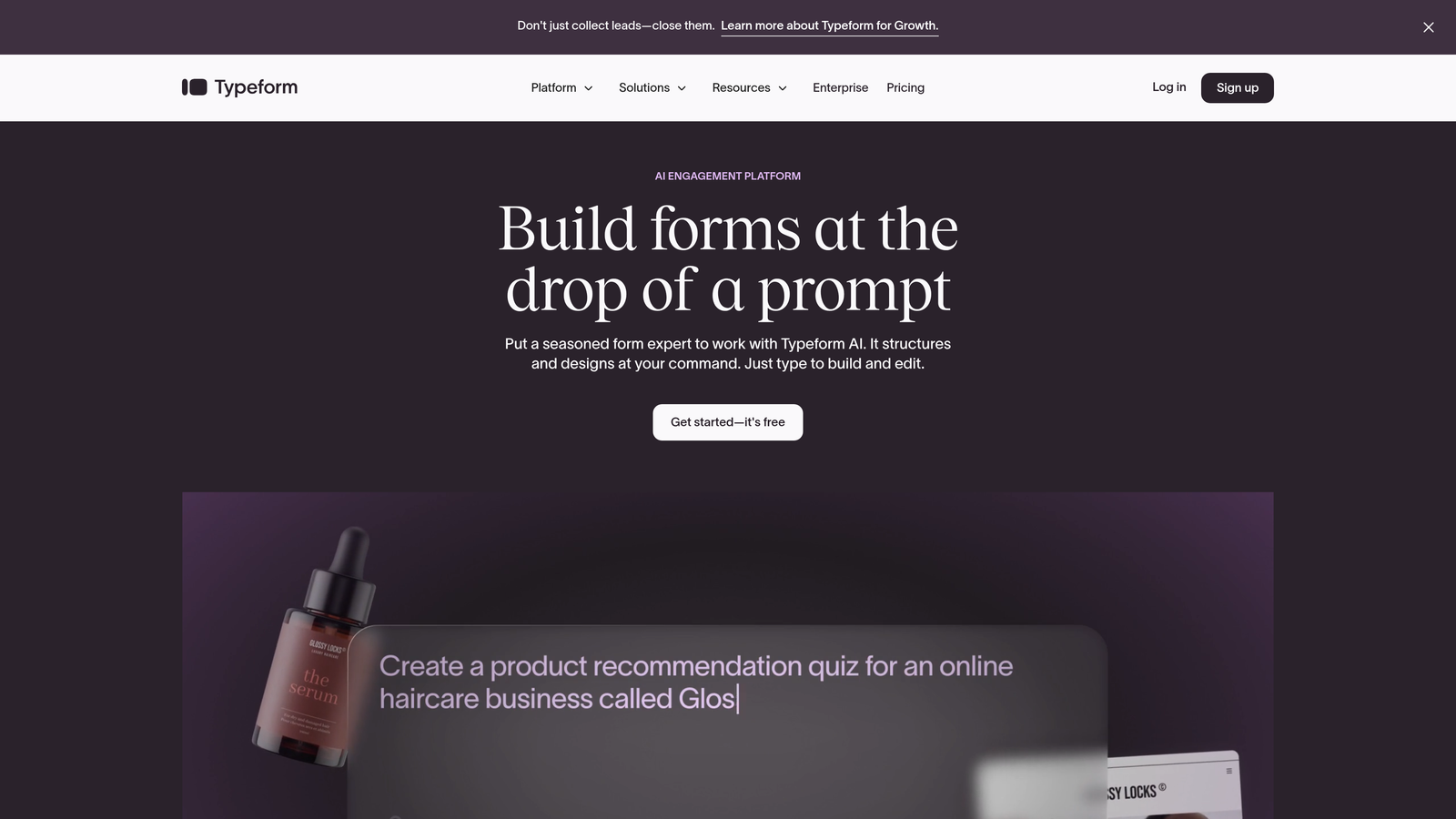
Typeform is a conversational form builder known for its one-question-at-a-time interface that creates engaging user experiences.
Where This Tool Shines
Typeform pioneered the conversational form format, and it remains the gold standard for creating forms that feel more like conversations than interrogations. By showing one question at a time, the platform reduces cognitive load and significantly boosts completion rates compared to traditional multi-field forms.
The design flexibility is exceptional. Every element is customizable, from background images to button colors, making it easy to create forms that perfectly match your brand identity without touching a line of code.
Key Features
One-Question-at-a-Time Format: Display questions sequentially to reduce form abandonment and create a more engaging experience.
Beautiful, Customizable Designs: Extensive design controls let you match forms to your brand with custom colors, fonts, and background images.
Logic Jumps: Create personalized form paths that adapt based on previous answers, showing only relevant questions.
Video and Image Embedding: Add rich media directly into your forms to provide context or create more engaging questions.
Marketing and CRM Integrations: Connect with tools like HubSpot, Mailchimp, Google Sheets, and hundreds of other platforms via Zapier.
Best For
Typeform works best for brands that prioritize user experience and design aesthetics. It's particularly popular with creative agencies, consumer brands, and teams running customer feedback surveys where completion rates matter more than collecting massive data volumes.
Pricing
Free plan available with limited responses per month. Basic plan starts at $25/month, with Plus at $50/month and Business at $83/month for advanced features and higher response limits.
3. Jotform
Best for: Teams needing extensive templates and payment collection capabilities
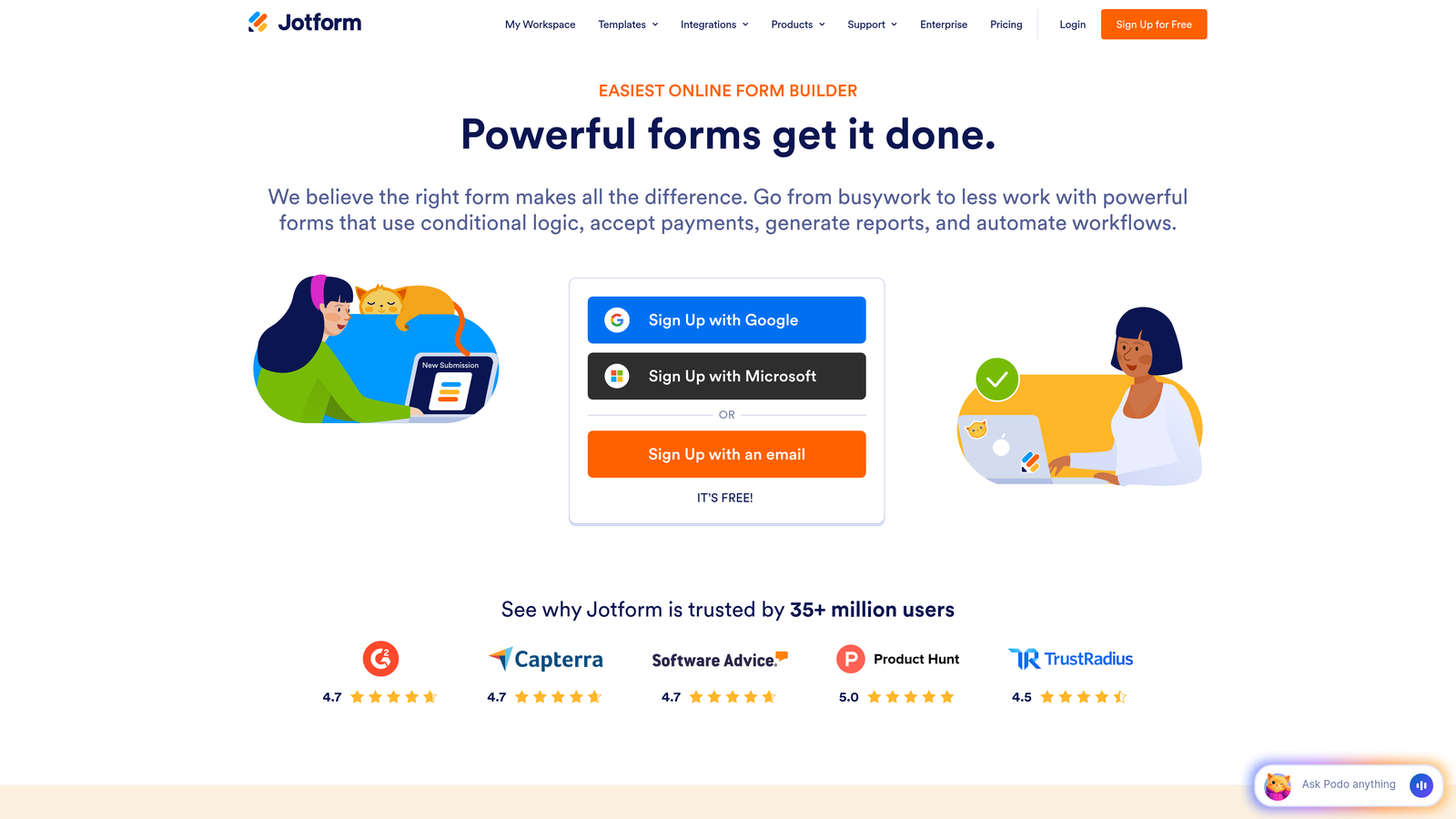
Jotform is a versatile form builder with thousands of templates and strong payment collection capabilities.
Where This Tool Shines
With over 10,000 pre-built templates, Jotform eliminates the blank-canvas problem. Whether you need a registration form, order form, or complex application, there's likely a template ready to customize. This makes it exceptionally fast to launch new forms without starting from scratch.
The payment integration capabilities are particularly robust. Jotform supports PayPal, Stripe, Square, and numerous other payment processors, making it a go-to choice for teams that need to collect payments alongside form data.
Key Features
10,000+ Pre-Built Templates: Massive template library covering virtually every use case, from event registration to job applications.
Drag-and-Drop Builder with Widgets: Extensive widget library adds functionality like signature fields, file uploads, and appointment schedulers.
Payment Integrations: Accept payments through PayPal, Stripe, Square, and other processors directly within your forms.
PDF Generation and E-Signatures: Automatically generate PDFs from submissions and collect legally binding electronic signatures.
HIPAA Compliance: Available on higher-tier plans for healthcare organizations that need to protect patient data.
Best For
Jotform is ideal for small businesses, nonprofits, and educational institutions that need versatile forms without extensive customization. The template library makes it particularly valuable for teams that need to launch multiple form types quickly.
Pricing
Free for up to 5 forms with 100 monthly submissions. Bronze starts at $34/month, Silver at $39/month, and Gold at $99/month for unlimited forms and advanced features.
4. Google Forms
Best for: Budget-conscious teams already using Google Workspace
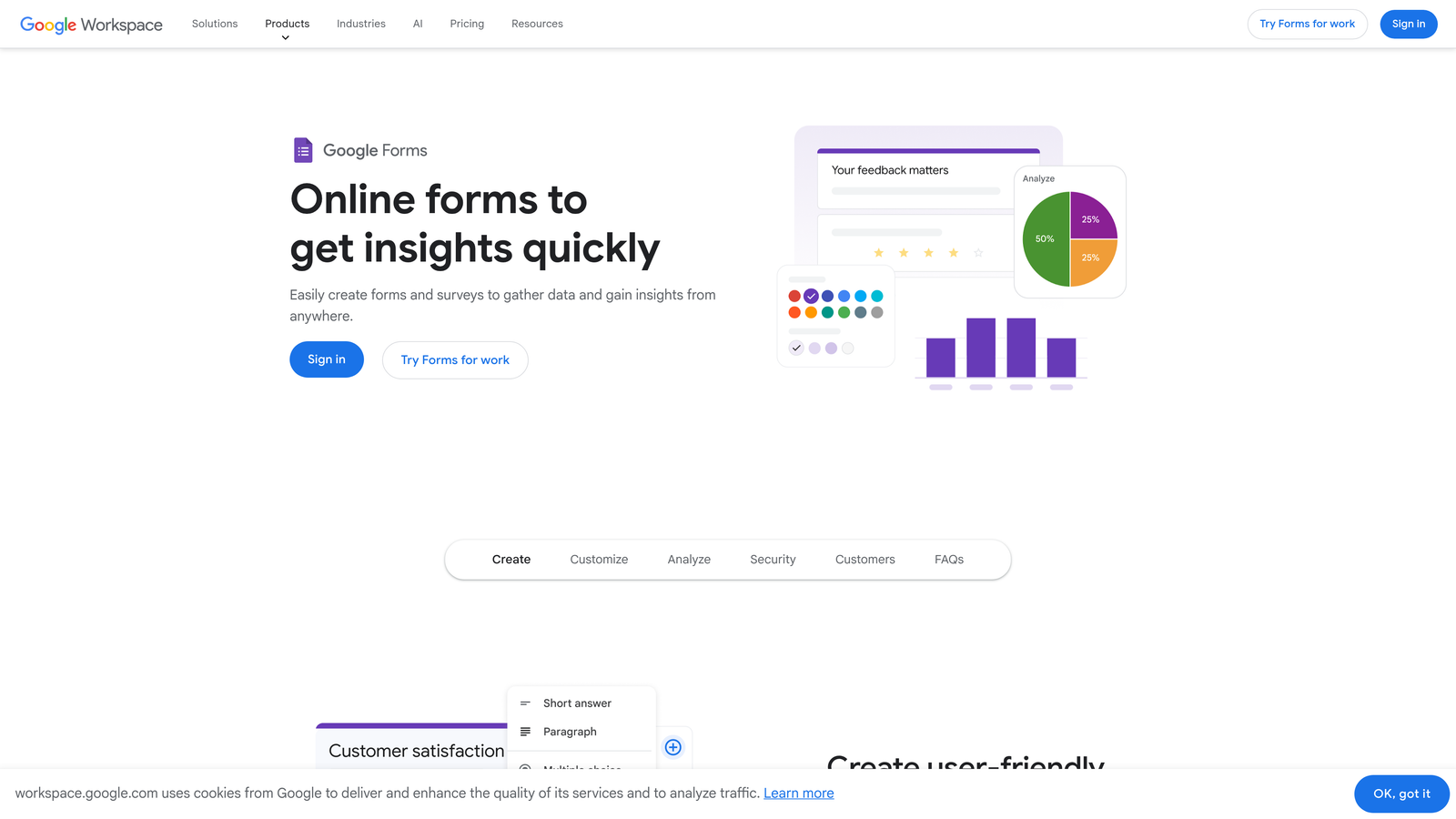
Google Forms is a free, straightforward form builder that integrates seamlessly with Google Workspace.
Where This Tool Shines
Google Forms wins on simplicity and cost. It's completely free with unlimited forms and responses, making it the obvious choice for teams with tight budgets or simple data collection needs. The learning curve is minimal—if you can use Google Docs, you can build a Google Form.
The real-time collaboration features are exceptional for teams already working in Google Workspace. Multiple team members can edit forms simultaneously, and responses automatically populate in Google Sheets for instant analysis and sharing.
Key Features
Completely Free: Unlimited forms, questions, and responses with no hidden costs or premium tiers.
Real-Time Collaboration: Multiple team members can edit forms simultaneously, just like Google Docs.
Automatic Google Sheets Integration: Responses flow directly into Sheets for easy analysis, filtering, and visualization.
Basic Conditional Logic: Show or hide questions based on previous answers to create simple branching paths.
Quiz Functionality: Create self-grading quizzes with automatic scoring, perfect for training or assessments.
Best For
Google Forms is best for schools, nonprofits, internal teams, and anyone running simple surveys or feedback collection where advanced features aren't necessary. If you're already paying for Google Workspace, it's hard to justify paying for another form tool.
Pricing
Completely free with any Google account. No premium tiers or paid upgrades.
5. SurveyMonkey
Best for: Research-grade surveys with advanced analytics and statistical testing
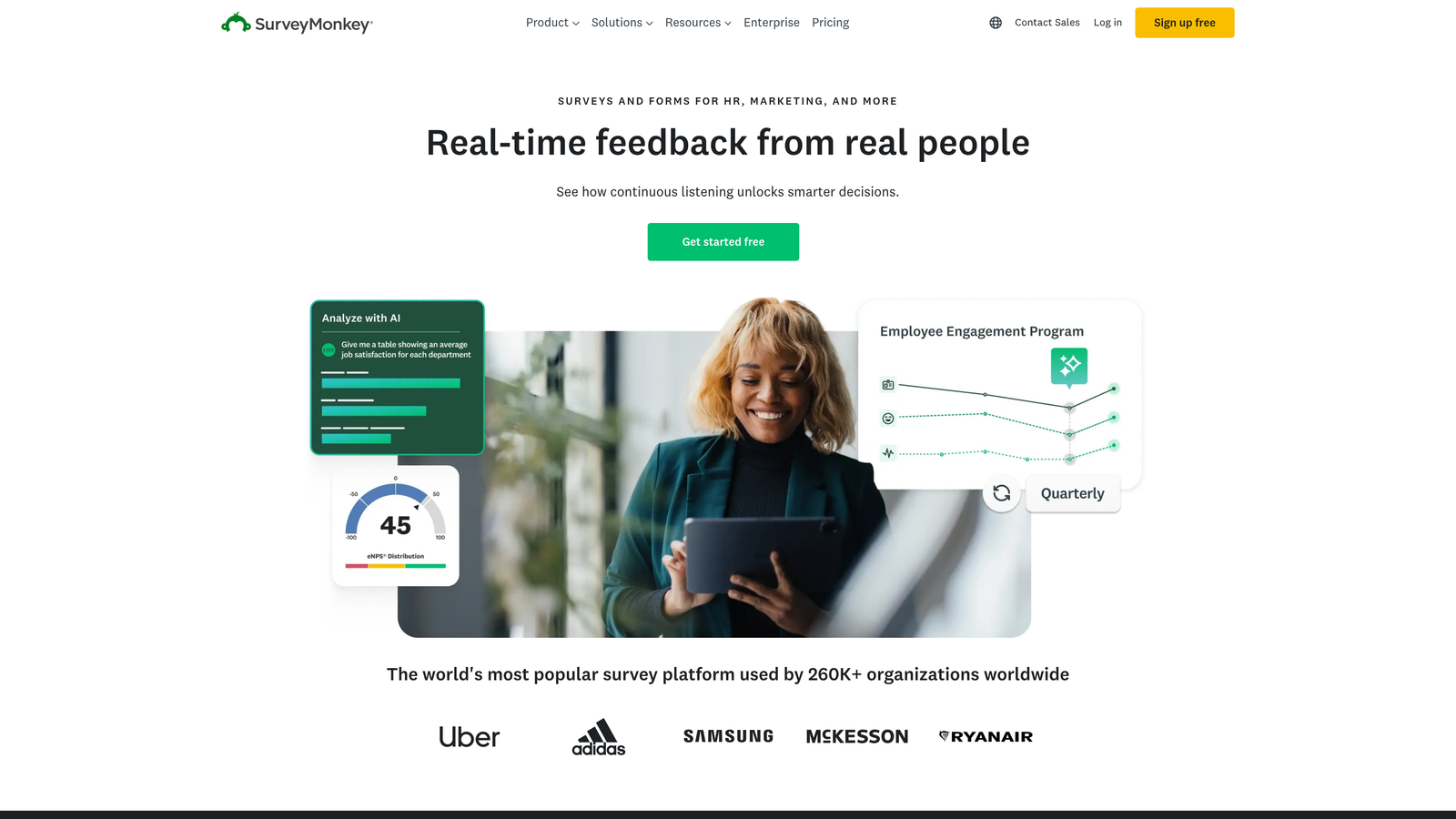
SurveyMonkey is an industry-standard survey platform with advanced analytics and research-grade question types.
Where This Tool Shines
SurveyMonkey is built for serious research. The platform offers expert-designed survey templates created by PhD-level researchers, ensuring your questions are methodologically sound and free from common biases that skew results. This is critical when you need data you can actually trust.
The analytics capabilities go far beyond basic response tallies. Built-in statistical significance testing helps you understand whether differences in responses are meaningful or just noise, while sentiment analysis automatically categorizes open-ended feedback as positive, neutral, or negative.
Key Features
Expert-Designed Templates: Survey templates created by research professionals to avoid common methodological mistakes.
Advanced Branching and Skip Logic: Create complex survey paths that adapt based on multiple previous responses.
Statistical Significance Testing: Built-in tools show whether differences between response groups are statistically meaningful.
Sentiment Analysis: Automatically analyze open-ended responses to identify positive, neutral, and negative themes.
Industry Benchmarking: Compare your results against industry averages to understand how you stack up against competitors.
Best For
SurveyMonkey is ideal for market researchers, customer experience teams, and anyone running employee engagement surveys where data quality and statistical rigor matter. If you need to present findings to executives or publish research, the advanced analytics justify the cost.
Pricing
Basic free plan with limited features. Team Advantage starts at $25/user/month, Team Premier at $75/user/month for advanced features and higher response limits.
6. Tally
Best for: Teams wanting unlimited forms for free with a clean, minimalist interface
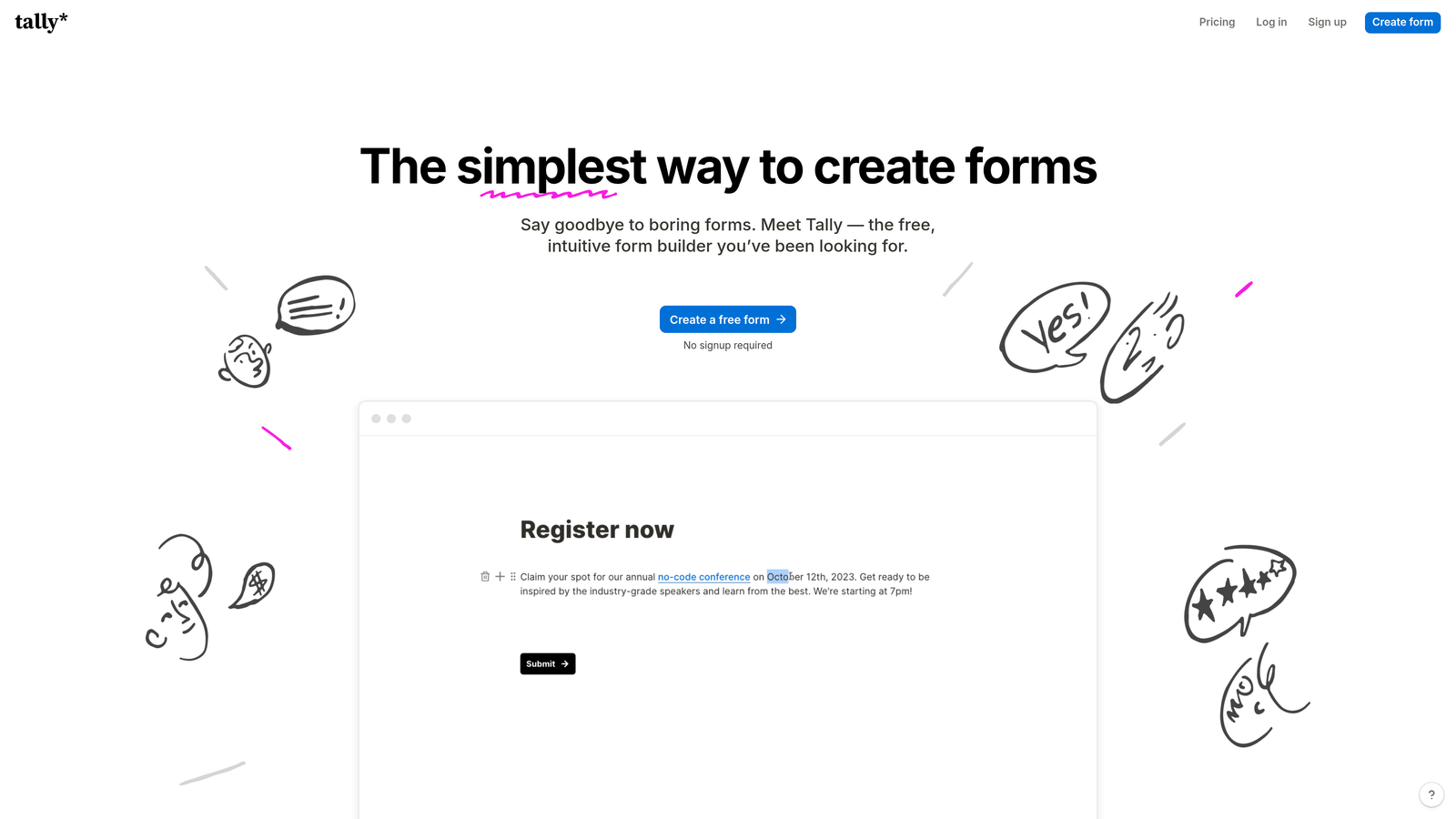
Tally is a minimalist form builder offering unlimited forms for free with a Notion-like editing experience.
Where This Tool Shines
Tally's free tier is genuinely generous—unlimited forms and unlimited submissions with no artificial limits. This makes it an excellent choice for bootstrapped startups, solopreneurs, or anyone testing multiple form variations without worrying about hitting response caps.
The Notion-style block-based editor feels instantly familiar if you've used modern productivity tools. You build forms by adding blocks for different question types, rearranging them with drag-and-drop, and customizing settings inline. It's intuitive without sacrificing power.
Key Features
Unlimited Free Forms: No limits on forms or submissions on the free plan—a rare offering in the form builder space.
Notion-Style Block Editor: Build forms using a familiar block-based interface that feels natural and requires minimal learning.
Conditional Logic and Calculations: Show or hide fields based on responses and perform calculations within forms.
Stripe Payment Collection: Accept one-time or recurring payments directly through your forms.
Custom Domains and Branding: Remove Tally branding and use your own domain on paid plans.
Best For
Tally works well for indie makers, small teams, and content creators who need clean, functional forms without ongoing costs. The generous free tier makes it particularly attractive for projects with uncertain budgets or teams testing multiple lead generation approaches.
Pricing
Free plan includes unlimited forms and submissions. Pro plan at $29/month adds custom domains, file uploads, and advanced integrations.
7. Fillout
Best for: Teams using Airtable or Notion who need native database connections
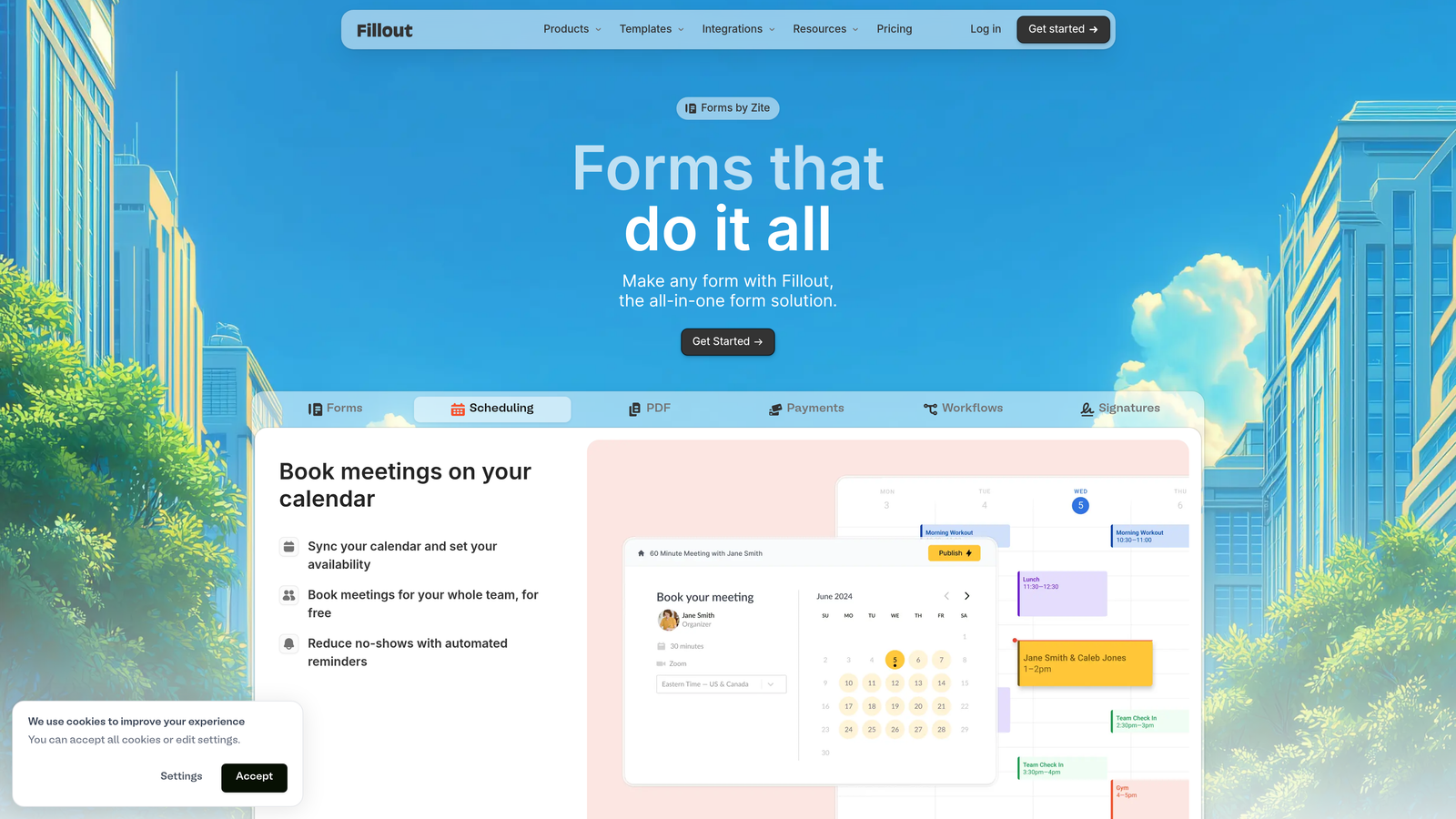
Fillout is a modern form builder with native connections to Airtable, Notion, and other database tools.
Where This Tool Shines
Fillout's native Airtable and Notion integrations are genuinely native—not just Zapier connections. You can pull data from existing database records to pre-fill forms, update records based on submissions, and even let users edit their own previous submissions. This creates powerful workflows that other form builders can't match.
The scheduling and calendar booking features are surprisingly robust. You can embed availability calendars directly into forms, letting respondents book time slots without leaving the form experience or juggling multiple tools.
Key Features
Native Airtable and Notion Integrations: Connect directly to your databases to pre-fill forms, update records, and sync data bidirectionally.
Pre-Fill from Database Records: Load existing data into forms so users can update rather than re-enter information.
Advanced Conditional Logic: Create complex form paths with calculations, hidden fields, and multi-condition branching.
Scheduling and Calendar Booking: Embed availability calendars for appointment booking without third-party tools.
Multi-Page Forms with Progress: Break long forms into multiple pages with progress indicators to reduce abandonment.
Best For
Fillout is perfect for teams that have already built their workflows around Airtable or Notion. If you're managing projects, customer data, or content in these platforms, Fillout creates a seamless bridge for collecting and updating that data through forms.
Pricing
Free tier available with basic features. Starter plan at $15/month includes advanced logic and integrations, with higher tiers for team features.
8. Paperform
Best for: Creating branded landing pages with integrated e-commerce capabilities
Paperform is a form builder that doubles as a landing page creator with strong e-commerce features.
Where This Tool Shines
Paperform blurs the line between forms and landing pages. The document-style editor lets you add rich text, images, videos, and product catalogs alongside form fields, creating experiences that feel more like interactive pages than traditional forms. This makes it exceptional for product launches, event registrations, and sales pages.
The e-commerce features are particularly well-developed. You can build full product catalogs with images and descriptions, calculate pricing based on user selections, and process payments—all within a single form. It's like having a lightweight Shopify integrated into your form builder.
Key Features
Document-Style Editor: Create forms that look like branded landing pages with rich text, images, and custom layouts.
Built-In Product Catalogs: Display products with images, descriptions, and pricing directly within forms.
Appointment Scheduling: Integrate calendar booking for services, consultations, or events.
Calculations and Conditional Pricing: Calculate totals based on user selections with discounts, add-ons, and conditional pricing rules.
Custom Success Pages: Redirect users to custom thank-you pages or external URLs after submission.
Best For
Paperform excels for coaches, consultants, event organizers, and small e-commerce businesses that need to sell products or services through forms. If you're launching a course, selling tickets, or taking orders for custom products, the integrated e-commerce features save you from duct-taping multiple tools together.
Pricing
Essentials plan at $24/month includes core features. Pro plan at $49/month adds advanced integrations, custom domains, and priority support.
9. Formstack
Best for: Enterprise teams needing compliance, workflows, and document automation
Formstack is an enterprise-grade form platform with workflow automation and compliance features.
Where This Tool Shines
Formstack is built for regulated industries where compliance isn't optional. The platform offers HIPAA, GDPR, and SOC 2 compliance out of the box, with features like encrypted data storage, audit trails, and role-based access controls. This makes it a go-to choice for healthcare, finance, and legal teams.
The document generation capabilities are exceptional. Forms can automatically generate PDFs, contracts, or reports from submission data, complete with electronic signatures. This eliminates manual document creation and speeds up processes like onboarding, approvals, and contract execution.
Key Features
HIPAA, GDPR, and SOC 2 Compliance: Enterprise-grade security and compliance features for regulated industries.
Document Generation: Automatically create PDFs, contracts, and reports from form data with custom templates.
Electronic Signatures: Collect legally binding signatures directly within forms without third-party tools.
Advanced Approval Workflows: Route submissions through multi-step approval processes with notifications and escalations.
Salesforce-Native Integration: Deep integration with Salesforce for seamless CRM data flow.
Best For
Formstack is ideal for enterprise organizations, healthcare providers, financial services firms, and any business with strict compliance requirements. If you're handling sensitive data or need audit trails for regulatory purposes, the compliance features justify the premium pricing.
Pricing
Starter plan at $50/month for basic features. Teams plan at $83/month includes advanced workflows and integrations, with Enterprise plans requiring custom quotes.
10. Qualtrics
Best for: Enterprise research programs with sophisticated analytics needs
Qualtrics is an enterprise experience management platform for sophisticated research and customer insights.
Where This Tool Shines
Qualtrics is the enterprise standard for experience management, combining survey tools with predictive analytics and AI-driven insights. The platform doesn't just collect data—it analyzes patterns, predicts outcomes, and recommends actions based on sophisticated statistical models. This transforms surveys from data collection into strategic intelligence.
The multi-channel distribution capabilities are unmatched. You can deploy surveys across email, SMS, web, mobile apps, and even in-person kiosks, then analyze all responses in unified dashboards. This omnichannel approach ensures you capture feedback wherever customers interact with your brand.
Key Features
Advanced Survey Methodology Tools: Research-grade question types, randomization, and experimental design features for rigorous studies.
Predictive Intelligence: AI analyzes response patterns to predict trends, identify at-risk customers, and surface actionable insights.
Multi-Channel Distribution: Deploy surveys across email, SMS, web, mobile apps, and physical kiosks from a single platform.
Real-Time Dashboards: Executive-level reporting with customizable dashboards that update as responses arrive.
Expert Survey Review: Access to Qualtrics research experts who review survey design and methodology.
Best For
Qualtrics is designed for Fortune 500 companies, research institutions, and organizations running enterprise-wide experience programs. If you're managing customer experience across multiple touchpoints, conducting employee engagement studies at scale, or need predictive analytics, Qualtrics delivers capabilities that justify its enterprise pricing.
Pricing
Custom enterprise pricing based on organization size and features needed. Typically starts at several thousand dollars annually with implementation services.
11. Microsoft Forms
Best for: Organizations already invested in the Microsoft 365 ecosystem
Microsoft Forms is a simple survey tool included with Microsoft 365 that integrates with Teams and SharePoint.
Where This Tool Shines
Microsoft Forms is included with Microsoft 365 subscriptions, making it essentially free for the millions of organizations already paying for Office. This makes it an obvious choice for internal surveys, feedback collection, and team polls when you don't need advanced features.
The Teams integration is seamless. You can share forms directly in Teams channels, collect responses from team members, and discuss results without leaving the platform. For organizations that live in Teams, this integration eliminates context switching and keeps everything in one place.
Key Features
Included with Microsoft 365: No additional cost for organizations already using Office, Outlook, or Teams.
Direct Teams Sharing: Post forms in Teams channels and collect responses from team members instantly.
Automatic Excel Export: Responses export to Excel for analysis, charting, and further manipulation.
Branching Logic: Create personalized survey paths that show different questions based on previous answers.
Real-Time Response Tracking: See responses as they arrive with automatic summary statistics and charts.
Best For
Microsoft Forms works well for internal teams, HR departments, and organizations already standardized on Microsoft 365. It's particularly useful for employee feedback, training assessments, and quick polls where simplicity matters more than advanced features.
Pricing
Included free with Microsoft 365 subscriptions. No standalone pricing or premium tiers.
Making the Right Choice for Your Team
The survey and form software landscape has matured significantly, with tools now competing on intelligence rather than just data collection. The right choice depends on what happens after someone clicks submit.
For high-growth teams that need automatic lead qualification, Orbit AI delivers immediate ROI by routing only qualified prospects to your sales team. If you're drowning in unqualified leads or spending hours manually reviewing form submissions, the AI-powered scoring and routing features pay for themselves quickly.
Teams prioritizing user experience and completion rates will find Typeform's conversational interface hard to beat. The one-question-at-a-time format consistently delivers higher completion rates, making it worth the investment for customer feedback surveys or lead capture forms where every percentage point matters.
Budget-conscious teams or those running simple internal surveys should start with Google Forms or Microsoft Forms. Both are genuinely free with generous feature sets, making them perfect for straightforward data collection without advanced requirements.
For research-grade surveys with statistical rigor, SurveyMonkey and Qualtrics offer capabilities that justify their premium pricing. The built-in analytics, expert-designed templates, and benchmarking features ensure your data is methodologically sound and actionable.
E-commerce teams and service providers will appreciate Paperform's integrated product catalogs and payment processing. The ability to sell products, collect payments, and book appointments within a single form eliminates the complexity of connecting multiple tools.
The common thread across successful implementations is choosing tools that integrate with your existing tech stack. Forms don't exist in isolation—they feed CRMs, trigger workflows, and populate dashboards. The best form builder is the one that fits seamlessly into your broader systems.
Transform your lead generation with AI-powered forms that qualify prospects automatically while delivering the modern, conversion-optimized experience your high-growth team needs. Start building free forms today and see how intelligent form design can elevate your conversion strategy.


