

Your webinar registration form is the gateway to everything that matters: attendance rates, lead quality, and ultimately, conversions. A clunky or confusing registration experience doesn't just frustrate prospects—it actively costs you qualified leads. The right webinar registration software transforms this critical touchpoint into a seamless, conversion-optimized experience that captures the right attendees and sets the stage for engagement.
We evaluated dozens of platforms based on what actually moves the needle: ease of use for both creators and registrants, integration capabilities with popular webinar platforms, lead qualification features, customization options that match your brand, and analytics that help you optimize over time. Here are the top webinar registration form software tools that deliver on these criteria.
1. Orbit AI
Best for: High-growth teams seeking AI-powered lead qualification with conversational registration experiences.
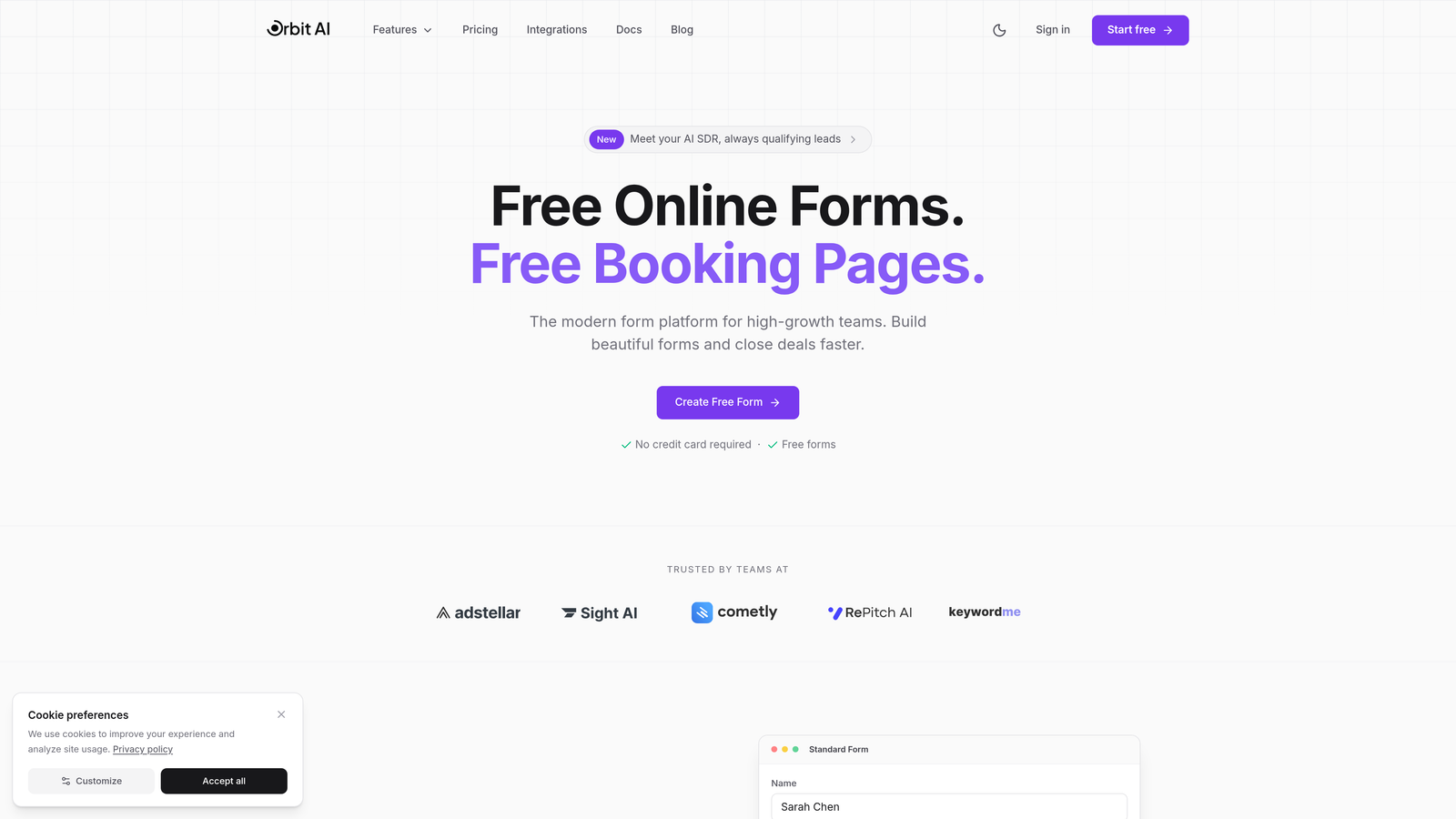
Orbit AI is an intelligent form builder that transforms webinar registration from a static data collection exercise into a conversational experience that qualifies leads automatically.
Where This Tool Shines
Orbit AI stands out by embedding lead qualification directly into the registration process. Instead of collecting basic contact information and hoping for the best, the platform uses AI to ask contextual follow-up questions based on registrant responses, scoring leads in real-time.
The conversational, multi-step approach feels natural to users while dramatically improving completion rates compared to traditional long-form registration pages. You're not just gathering names—you're understanding intent, budget, timeline, and fit before the webinar even starts.
Key Features
AI-Powered Lead Qualification: Automatically scores and segments registrants based on their responses, helping you prioritize follow-up and tailor webinar content.
Conversational Multi-Step Forms: Breaks registration into digestible steps that feel like a conversation, reducing abandonment and improving data quality.
Native Platform Integrations: Connects seamlessly with Zoom, HubSpot, Salesforce, and major webinar platforms to sync data instantly.
Real-Time Analytics: Provides detailed insights into registration quality, completion rates, and lead scoring distribution.
Automated Follow-Up Sequences: Triggers personalized email workflows based on registration data and lead scores.
Best For
Marketing teams at B2B SaaS companies and high-growth businesses that need to qualify leads before webinars, not just count registrations. Particularly valuable when your sales team needs context about registrant intent and fit to prioritize outreach.
Pricing
Free tier available for teams getting started. Paid plans begin at $29/month with advanced qualification features and unlimited integrations.
2. Demio
Best for: Teams wanting an all-in-one webinar solution with built-in registration and email automation.
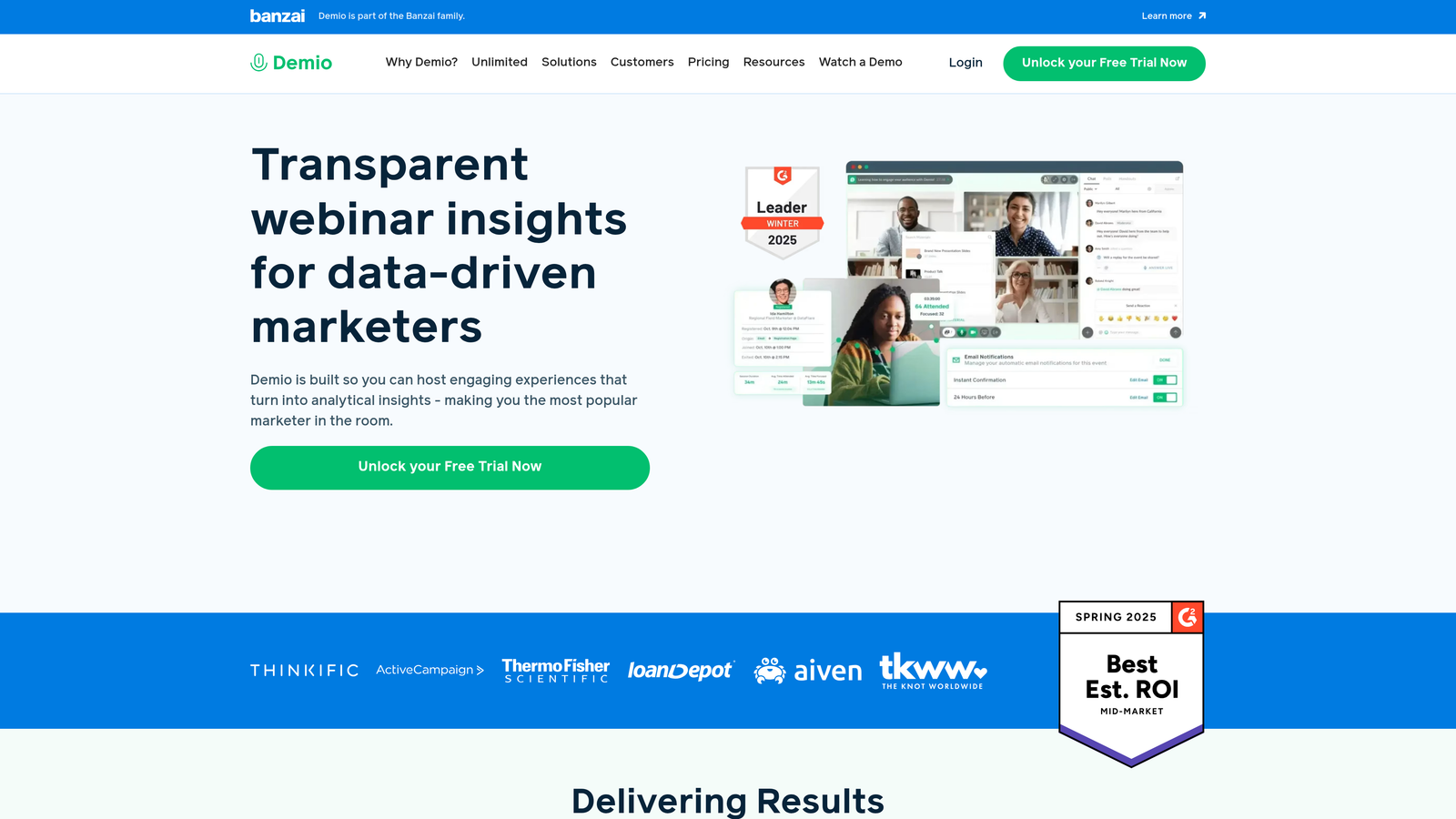
Demio is a comprehensive webinar platform that handles everything from registration pages to live delivery and replay hosting.
Where This Tool Shines
Demio eliminates the complexity of connecting separate tools by bundling registration, hosting, and follow-up into one streamlined platform. The native registration pages are clean, customizable, and designed specifically for webinar conversion.
The automated email sequences for reminders and follow-ups work out of the box, saving hours of setup time. You can focus on content creation rather than technical configuration, making it ideal for teams that value simplicity over extensive customization.
Key Features
Native Registration Pages: Custom-branded registration forms that integrate directly with the webinar delivery system.
Automated Email Workflows: Pre-built sequences for confirmations, reminders, and post-webinar follow-ups.
Real-Time Analytics Dashboard: Tracks registrations, attendance, engagement, and conversion metrics in one view.
Live and On-Demand Support: Handles both live webinars and automated evergreen replays with the same registration infrastructure.
Marketing Tool Integrations: Connects with CRMs and email platforms to sync registrant data automatically.
Best For
Marketing teams that want a complete webinar solution without managing multiple tools. Perfect for companies running regular webinar campaigns who value consistency and ease of use over deep customization.
Pricing
Starter plan begins at $59/month, with higher tiers for larger audiences and advanced features.
3. Livestorm
Best for: Browser-based webinars with advanced registration workflows and detailed attendee analytics.
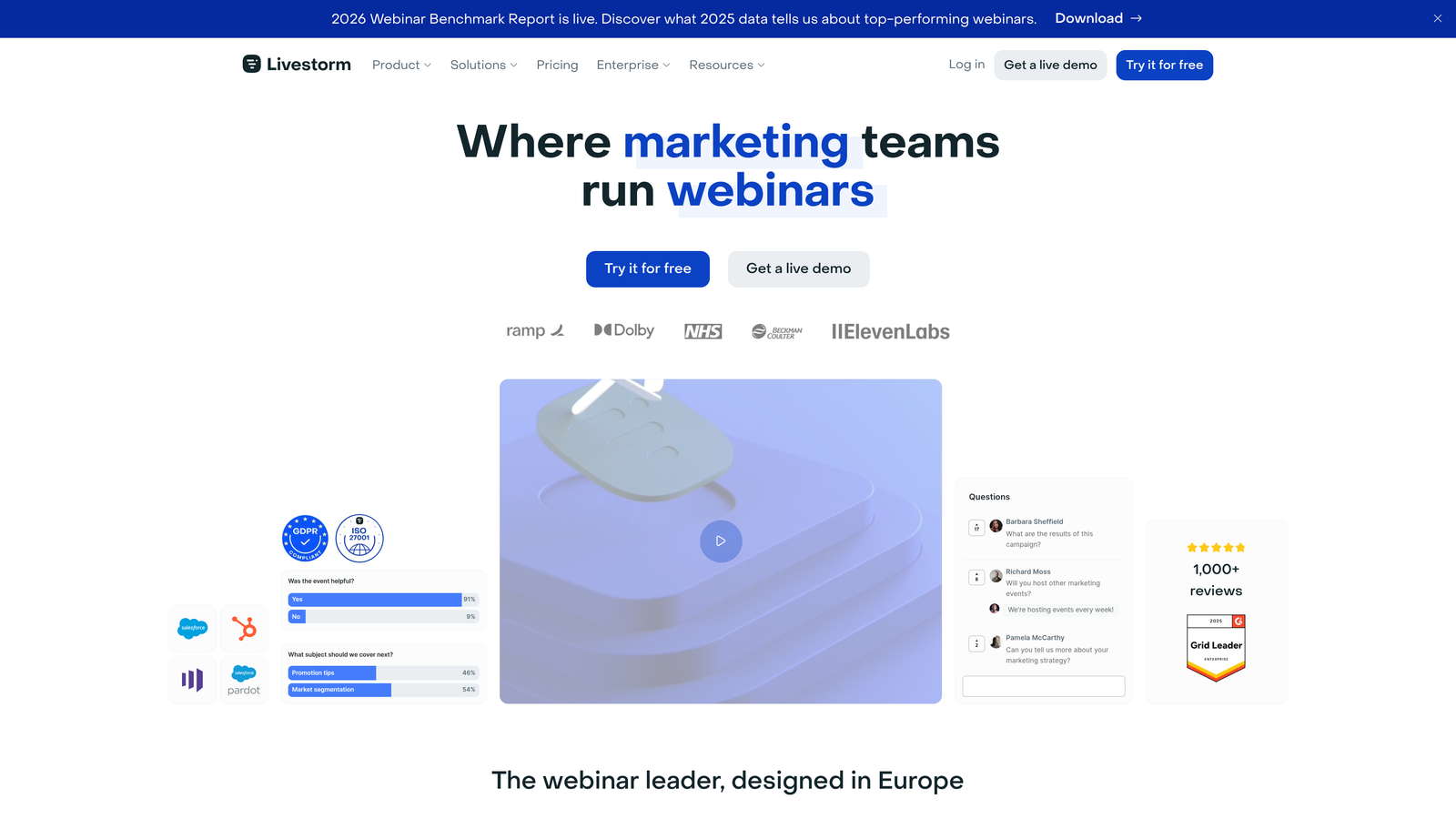
Livestorm is a no-download webinar platform that emphasizes accessibility and sophisticated registration customization.
Where This Tool Shines
Livestorm's registration system supports conditional logic and custom fields that adapt based on registrant responses. This means you can create intelligent registration flows that ask different questions to different audience segments.
The browser-based experience removes friction for attendees who don't want to download software, while the detailed analytics provide insights into which registration sources and messaging drive the highest-quality attendees. The platform excels at connecting registration data with actual webinar engagement metrics.
Key Features
Custom Fields and Conditional Logic: Build dynamic registration forms that adapt based on previous answers.
Automated Email Sequences: Trigger personalized reminder and follow-up campaigns based on registration and attendance behavior.
No-Download Experience: Registrants join directly from their browser without installing software.
Detailed Analytics: Track registration sources, completion rates, attendance patterns, and engagement by registrant segment.
Native and Zapier Integrations: Sync data with CRMs, marketing automation platforms, and analytics tools.
Best For
B2B companies running frequent webinars who need sophisticated registration workflows and detailed analytics to optimize conversion rates. Ideal when your audience prefers browser-based experiences over downloads.
Pricing
Free plan available for basic webinars. Pro plans start at $99/month with advanced registration and analytics features.
4. Typeform
Best for: Creating visually engaging, conversational registration experiences with extensive customization.
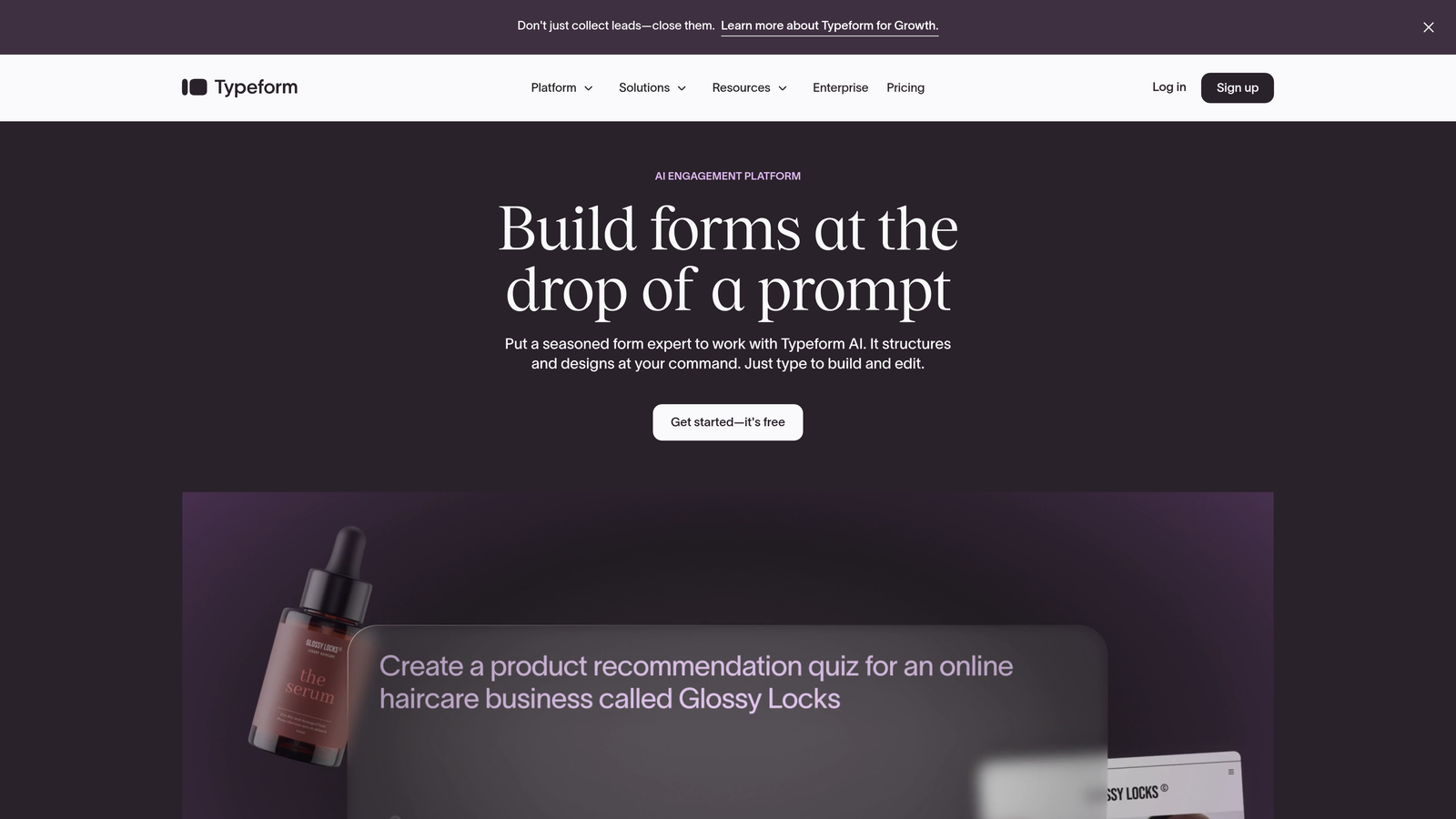
Typeform is a form builder known for its one-question-at-a-time interface that transforms registration into an interactive experience.
Where This Tool Shines
Typeform's conversational format dramatically improves completion rates by reducing cognitive load. Instead of confronting registrants with a wall of fields, it presents one question at a time with smooth transitions and engaging visuals.
The logic jump functionality lets you create personalized registration paths based on responses. If someone indicates they're a marketing manager, you can ask different follow-up questions than you would for a CEO. This level of personalization helps you gather more relevant data while keeping the experience feeling natural.
Key Features
Conversational Interface: One-question-at-a-time format that feels more like a conversation than a form.
Logic Jumps: Create branching paths that show different questions based on previous answers.
Template Library: Pre-built registration form templates optimized for different webinar types and industries.
Platform Integrations: Connects with Zoom, HubSpot, Zapier, and hundreds of other tools to sync registration data.
Embedded Forms and Pop-Ups: Deploy registration forms as embeds, pop-ups, or standalone pages.
Best For
Brands that prioritize user experience and want registration forms that feel modern and engaging. Particularly effective for consumer-facing webinars or when targeting audiences that expect polished, interactive digital experiences.
Pricing
Free plan available with basic features. Basic paid plan starts at $25/month for more responses and advanced logic.
5. Zoom Events
Best for: Enterprise teams hosting multi-session events with registration hubs and networking features.
Zoom Events is an enterprise-grade event platform designed for organizations already using Zoom for webinars and meetings.
Where This Tool Shines
Zoom Events excels at managing complex, multi-session events through centralized registration hubs. Attendees can register once and access multiple sessions, while organizers get unified analytics across the entire event.
The platform includes ticketing and payment processing, making it viable for paid webinar series or hybrid events. Attendee networking features help create community before, during, and after sessions—transforming webinars from one-way broadcasts into interactive experiences that drive deeper engagement.
Key Features
Registration Hubs: Create centralized registration for multi-session events with single sign-on for attendees.
Ticketing and Payments: Process payments for paid webinars and events directly through the platform.
Networking Features: Enable attendee-to-attendee connections through chat, meetings, and community spaces.
Engagement Analytics: Track registration, attendance, session participation, and networking activity in unified dashboards.
Seamless Zoom Integration: Works natively with Zoom Meetings and Webinars without additional configuration.
Best For
Enterprise organizations running large-scale, multi-session events or paid webinar series. Ideal for companies already invested in the Zoom ecosystem who need professional event management capabilities.
Pricing
Starts at $99/month per license, with pricing scaling based on event size and features needed.
6. Eventbrite
Best for: Ticketed events, hybrid webinars, and leveraging event discovery for broader reach.
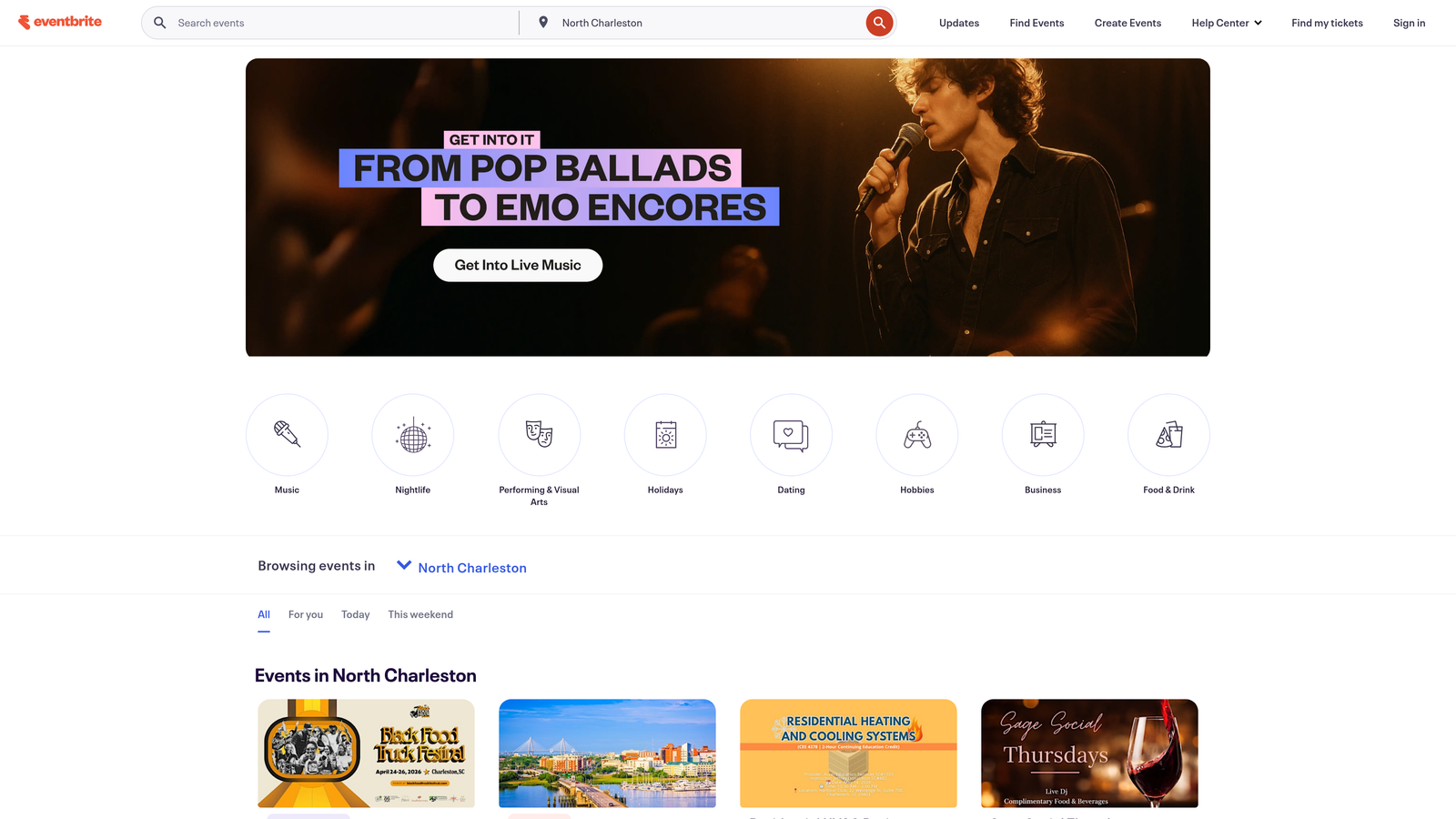
Eventbrite is an event management platform that brings public discoverability to webinar registration.
Where This Tool Shines
Eventbrite's strength lies in its dual nature as both a registration tool and a discovery platform. Your webinar doesn't just get a registration page—it gets listed in Eventbrite's marketplace where millions of users browse for events.
The ticketing system handles both free and paid registrations with sophisticated capacity management, waitlists, and promotional codes. For hybrid events combining in-person and virtual components, Eventbrite provides unified registration and check-in workflows that work across both formats.
Key Features
Ticketing System: Manage free and paid registrations with flexible pricing tiers and promotional codes.
Event Discovery: List webinars in Eventbrite's public marketplace to attract new audiences beyond your existing list.
Capacity Management: Set registration limits, create waitlists, and manage attendance caps automatically.
Mobile Check-In: Track attendance and manage registrants through mobile apps for hybrid events.
Platform Integrations: Connect with Zoom and other webinar platforms to sync registration data.
Best For
Organizations hosting public or ticketed webinars who want to tap into Eventbrite's audience discovery features. Particularly valuable for hybrid events or when you need robust ticketing and payment processing.
Pricing
Free for free events. Paid events incur per-ticket fees based on ticket price and volume.
7. Webflow + Zapier
Best for: Teams wanting complete design control with custom-coded registration forms on their own domain.
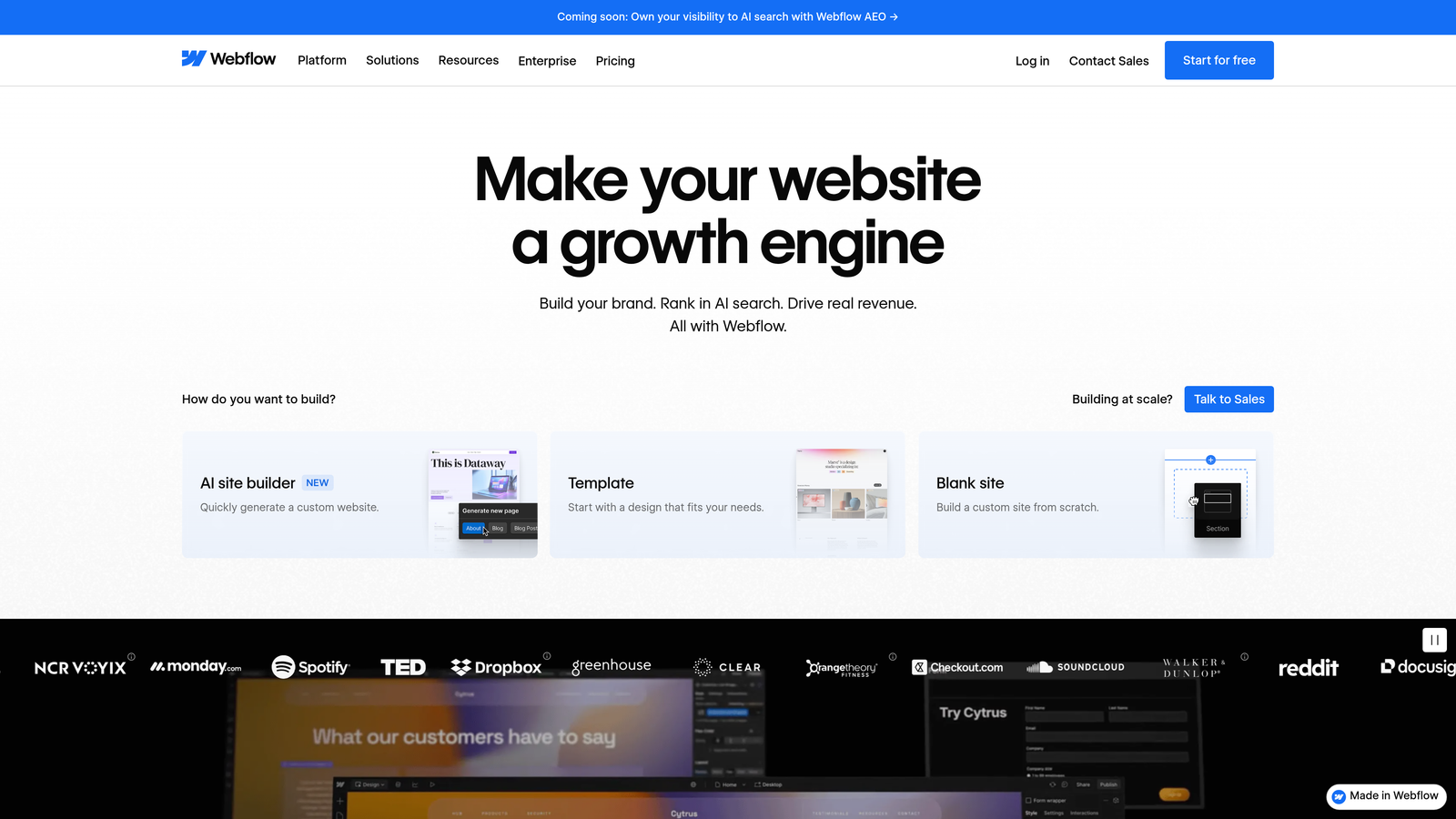
Webflow is a visual web design platform that lets you build fully custom registration pages without traditional coding.
Where This Tool Shines
Webflow gives you unlimited design freedom to create registration experiences that perfectly match your brand. Unlike template-based solutions, you control every pixel, animation, and interaction.
The native form builder captures submissions that you route to any webinar platform through Zapier automation. This approach works particularly well when your brand identity is critical to conversion, or when you need registration forms to integrate seamlessly into complex marketing sites. You own the entire experience, hosted on your domain without third-party branding.
Key Features
Unlimited Design Customization: Build registration forms with complete visual and functional control using Webflow's designer.
Native Form Builder: Create forms with custom fields, validation rules, and conditional visibility without code.
Zapier Automation: Connect form submissions to any webinar platform, CRM, or marketing tool through automated workflows.
Self-Hosted: Registration pages live on your domain with full control over hosting and performance.
No Per-Submission Fees: Pay for hosting, not for individual form submissions or registrations.
Best For
Design-conscious brands and agencies that need registration experiences to match sophisticated website designs. Ideal when brand consistency across the entire customer journey is non-negotiable.
Pricing
Webflow site plans start at $14/month. Zapier offers a free tier with paid plans for higher automation volume.
8. GoTo Webinar
Best for: Enterprise webinar programs requiring robust registration management and detailed reporting.
GoTo Webinar is an established enterprise platform known for reliability and comprehensive registration features.
Where This Tool Shines
GoTo Webinar provides enterprise-grade registration management with customization options that balance professional appearance with ease of setup. The platform handles large-scale webinars reliably, with registration systems designed for thousands of attendees.
The automated email system for confirmations and reminders is sophisticated, with scheduling options that optimize attendance rates. Detailed reporting connects registration data with actual attendance and engagement, helping you understand which registration sources and messaging drive the most valuable attendees. CRM integrations ensure registration data flows into your sales pipeline automatically.
Key Features
Customizable Registration Pages: Brand registration forms with custom fields, logos, and colors while maintaining professional templates.
Automated Email Sequences: Schedule confirmation and reminder emails optimized for maximum attendance rates.
Detailed Reporting: Track registration sources, attendance rates, engagement metrics, and conversion by registrant segment.
CRM Integrations: Native connections with Salesforce and other enterprise CRMs for automatic data sync.
Large-Scale Support: Handle thousands of registrants and attendees with enterprise-grade infrastructure.
Best For
Established enterprises running regular webinar programs at scale. Ideal for organizations that prioritize reliability, detailed analytics, and integration with existing enterprise software stacks.
Pricing
Lite plan starts at $49/month, with pricing increasing based on attendee capacity and advanced features.
9. HubSpot Forms
Best for: HubSpot users seeking seamless CRM sync and marketing automation triggered by registrations.
HubSpot Forms is the native form builder within HubSpot's marketing platform, designed for deep integration with the HubSpot ecosystem.
Where This Tool Shines
HubSpot Forms excels when you're already using HubSpot for CRM and marketing automation. Registration data flows directly into contact records without integration middleware, triggering workflows, updating lead scores, and enabling immediate sales follow-up.
Progressive profiling is particularly powerful for webinar series—returning registrants see different questions each time, letting you gradually build complete profiles without registration fatigue. The form analytics integrate with HubSpot's broader marketing analytics, showing how webinar registrations contribute to pipeline and revenue.
Key Features
Direct CRM Sync: Registration data updates HubSpot contact records instantly without third-party integrations.
Progressive Profiling: Show different questions to returning visitors to gradually build complete contact profiles.
Workflow Automation: Trigger email sequences, task creation, and lead scoring based on registration submissions.
Embedded Forms and Pop-Ups: Deploy registration forms as page embeds, pop-ups, or standalone landing pages.
Detailed Analytics: Track form performance, conversion rates, and contribution to pipeline within HubSpot's analytics.
Best For
Marketing teams already using HubSpot who want registration data to flow seamlessly into their existing CRM and automation workflows. Most valuable when webinar registrations are part of broader nurture campaigns.
Pricing
Free with HubSpot CRM. Advanced form features available in paid Marketing Hub plans starting at higher tiers.
Choosing the Right Tool for Your Webinar Strategy
The best webinar registration software depends on your specific needs and existing tech stack. If you're focused on qualifying leads before webinars even start, Orbit AI's conversational, AI-powered approach delivers the intelligence you need to prioritize follow-up and tailor content. For teams wanting all-in-one simplicity, Demio and Livestorm bundle registration with hosting in streamlined packages.
Enterprise organizations running large-scale or multi-session events should consider Zoom Events or GoTo Webinar for their robust infrastructure and detailed analytics. If design flexibility is paramount, Typeform offers engaging conversational experiences while Webflow provides unlimited customization. Teams already invested in HubSpot benefit from the seamless CRM sync and progressive profiling of HubSpot Forms.
The common thread across successful webinar registration strategies is treating the form as more than data collection—it's your first real interaction with potential attendees. The experience you create here sets expectations for the webinar itself and determines whether qualified prospects actually show up.
Start building free forms today and discover how intelligent form design can transform your webinar registration from a simple signup process into a lead qualification engine that drives better attendance, higher engagement, and ultimately, more conversions.


