

Professional form software has evolved far beyond simple contact fields. Today's top platforms handle lead qualification, conditional logic, payment collection, and deep CRM integrations out of the box. But with dozens of options on the market, choosing the right package for your team's growth goals isn't obvious.
This guide cuts through the noise. We evaluated nine professional form software packages based on lead qualification capabilities, UX design quality, integration depth, scalability, and pricing transparency. Whether you're capturing leads at scale, qualifying prospects automatically, or building conversion-optimized forms without a developer, there's a package here built for your workflow.
1. Orbit AI
Best for: High-growth B2B teams that need AI-native lead qualification built directly into their forms
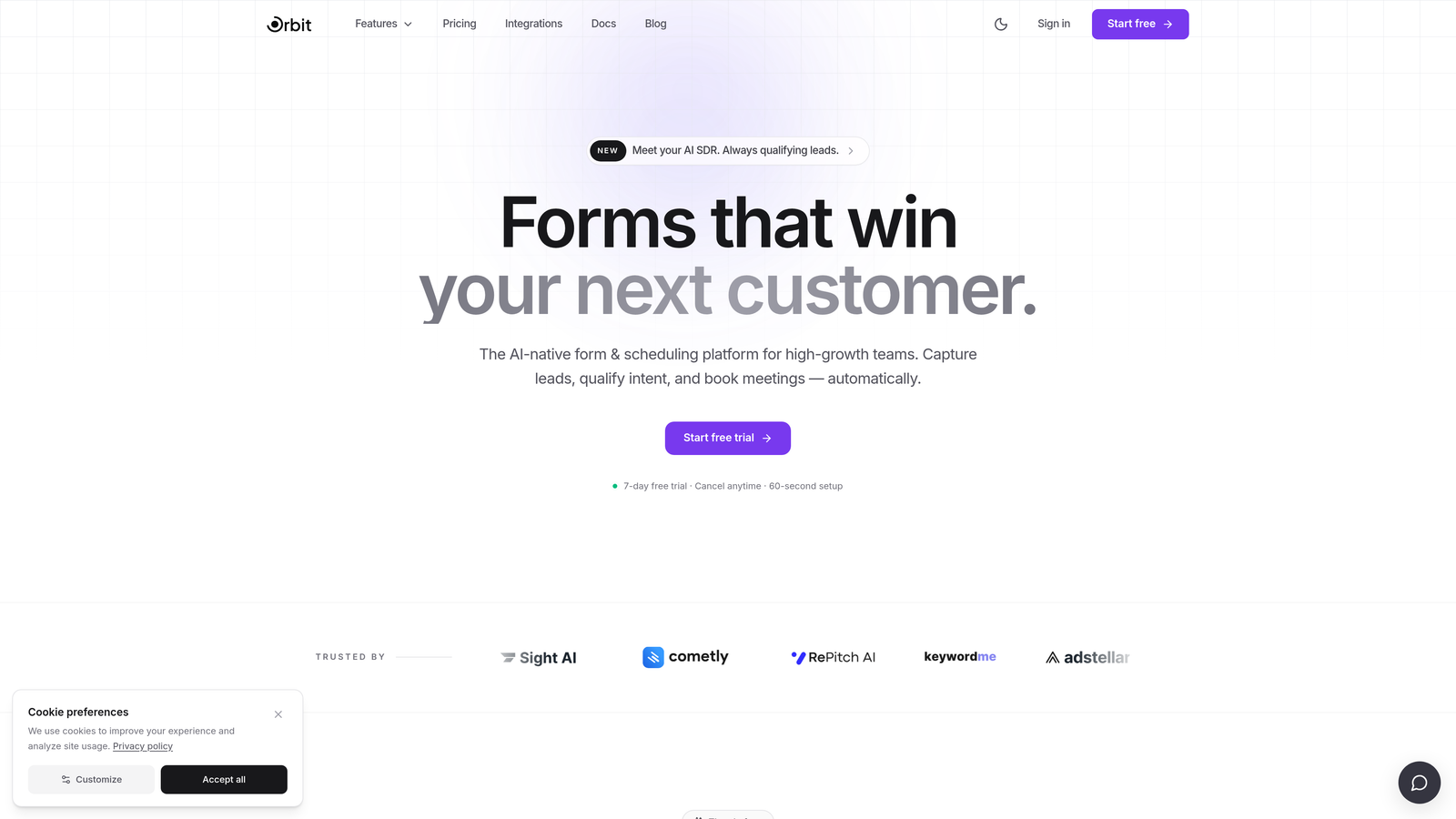
Orbit AI is an AI-powered form builder with native lead qualification capabilities, designed specifically for conversion-focused, high-growth teams.
Where This Tool Shines
Most form platforms treat lead qualification as an afterthought, requiring you to bolt on third-party scoring tools or manually configure complex workflows after the fact. Orbit AI takes a different approach: lead qualification is built directly into the form layer, so scoring and routing happen as prospects engage with your forms in real time.
This matters enormously for B2B demand generation teams. Instead of collecting raw submissions and sorting them later, Orbit AI surfaces your best-fit leads automatically, letting your sales team focus on conversations that are most likely to convert.
Key Features
AI-Native Lead Qualification: Built-in lead scoring that evaluates and routes prospects without requiring external integrations or manual configuration.
Conversion-Optimized Templates: Modern, beautiful form designs built to maximize completion rates, not just look good on a screenshot.
Smart Conditional Logic: Forms that adapt dynamically to user responses in real time, creating a personalized experience for each prospect.
Lead Routing and CRM Integration: Qualified leads flow directly into your sales team's workflow, with CRM sync to keep everything connected.
Conversion-Focused Analytics: Reporting built around conversion performance metrics, not just raw submission counts.
Best For
Orbit AI is purpose-built for B2B SaaS companies, demand generation teams, and growth-focused agencies that need more than a form builder. If your goal is to qualify leads faster and reduce the manual work between form submission and sales outreach, this is the platform built around that exact problem.
Pricing
Paid plans available. Visit orbitforms.ai for current pricing details and plan options.
2. Typeform
Best for: Marketing teams that prioritize conversational UX and strong visual brand alignment
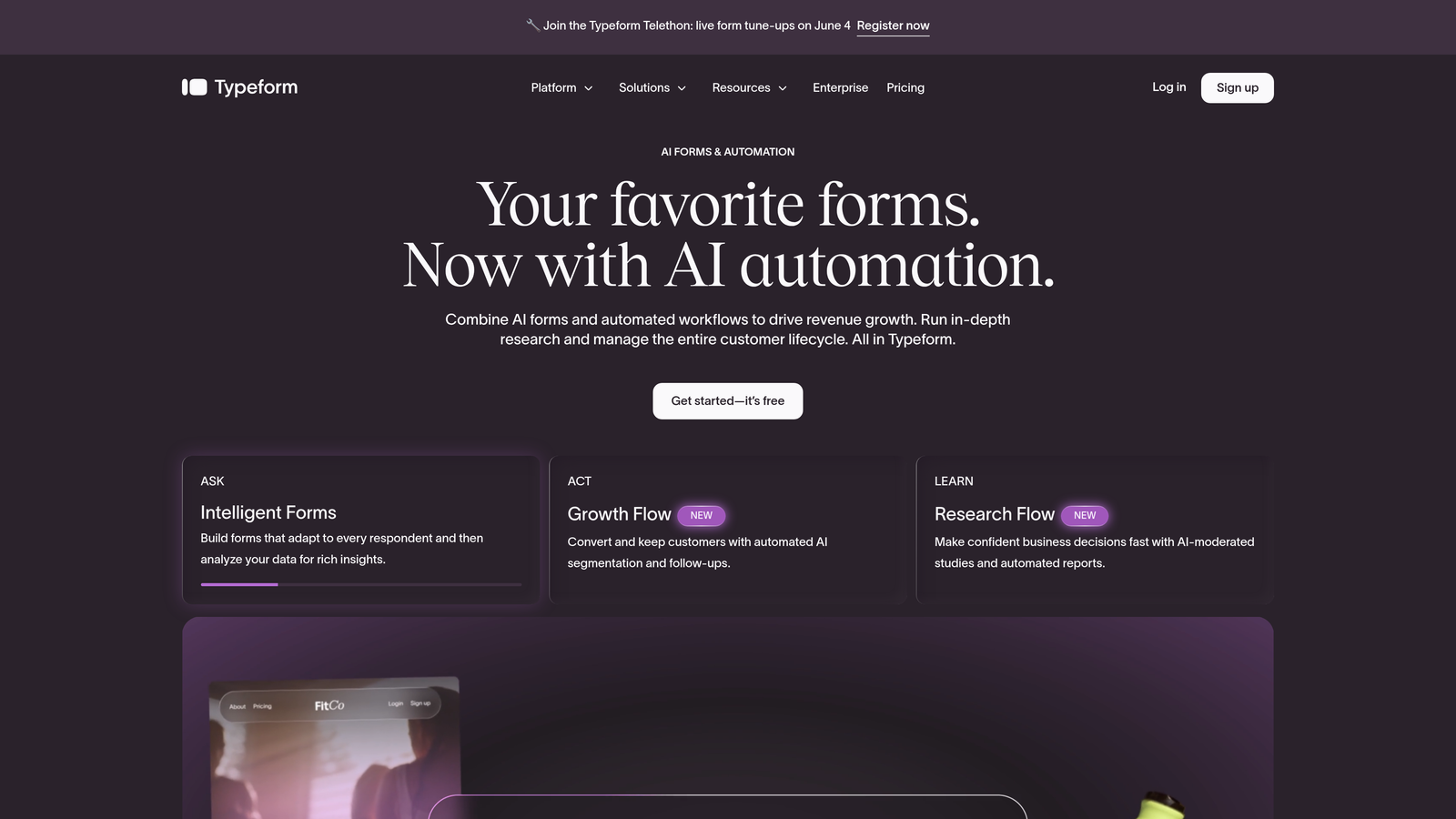
Typeform is a conversational form platform known for its one-question-at-a-time format and polished visual design.
Where This Tool Shines
Typeform's signature experience feels less like filling out a form and more like having a conversation. That format tends to keep respondents engaged longer, which can improve completion rates on surveys, lead gen forms, and customer research flows.
The platform has also invested in AI-assisted form creation features in recent product updates, making it easier to build and iterate on forms quickly. For teams that care deeply about brand presentation, Typeform's customization options are among the best in the market.
Key Features
Conversational Interface: One-question-at-a-time format that creates a guided, engaging experience for respondents.
Visual Customization: Deep brand theming options including fonts, colors, backgrounds, and custom domains.
Logic Jumps: Conditional branching that routes respondents through different question paths based on their answers.
Integration Library: Native connections to HubSpot, Salesforce, Slack, Mailchimp, and many other tools.
AI Form Creation: AI-assisted features to help generate and refine form content faster.
Best For
Marketing teams running brand-heavy campaigns, customer research surveys, or lead gen flows where UX quality directly affects completion rates. Less ideal for teams that need native lead scoring or complex enterprise workflows.
Pricing
Free plan available. Paid plans start at approximately $25/month, with pricing that scales based on response volume.
3. Jotform
Best for: Teams that need an all-in-one platform covering payments, e-signatures, approvals, and document generation
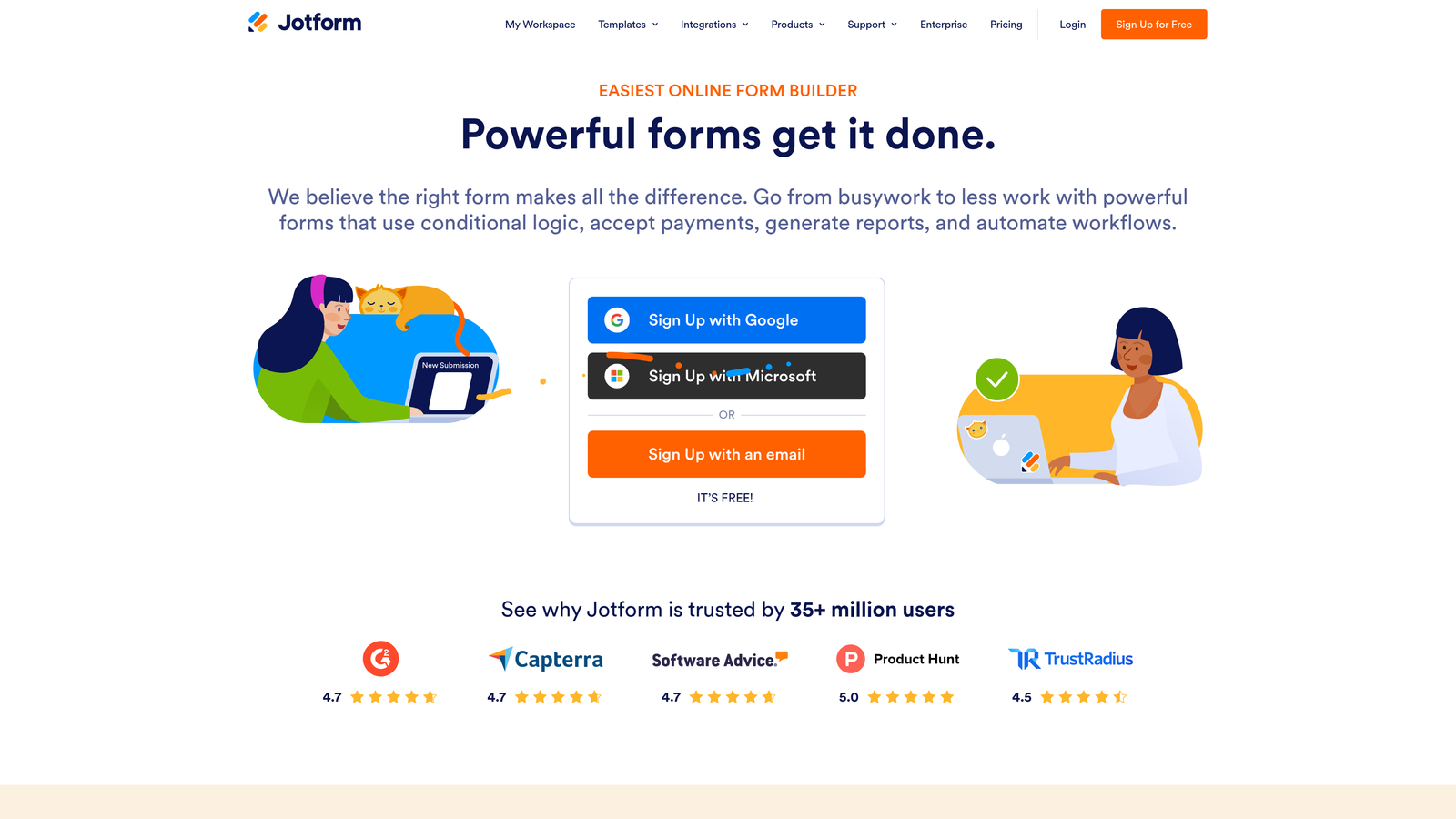
Jotform is a feature-rich form platform supporting a remarkably wide range of use cases, from simple surveys to complex multi-step business workflows.
Where This Tool Shines
If breadth of features is your primary requirement, Jotform is hard to beat. It covers territory that most form platforms don't touch: PDF generation, e-signature collection, approval routing, and payment processing across multiple gateways. The template library alone spans thousands of pre-built forms across virtually every industry.
For operations teams, HR departments, or businesses that need one platform to handle many different form-based processes, Jotform's all-in-one approach reduces the need to stitch together multiple tools.
Key Features
Massive Template Library: Thousands of pre-built templates spanning healthcare, legal, education, e-commerce, and more.
Payment Collection: Native integrations with Stripe, PayPal, Square, and other payment processors.
E-Signature and Document Generation: Collect legally binding signatures and generate PDFs directly from form submissions.
Approval Workflows: Multi-step approval routing for internal processes that require sign-off from multiple stakeholders.
HIPAA Compliance: Available on higher-tier plans, making Jotform viable for healthcare data collection.
Best For
Operations teams, HR departments, healthcare organizations, and businesses that need a single platform to handle diverse form-based workflows. The feature depth comes with a learning curve, so it's best suited to teams willing to invest time in setup.
Pricing
Free plan available. Paid plans start at approximately $34/month, with enterprise pricing for advanced security and compliance needs.
4. HubSpot Forms
Best for: Teams already using HubSpot CRM who want zero-friction lead capture and contact sync
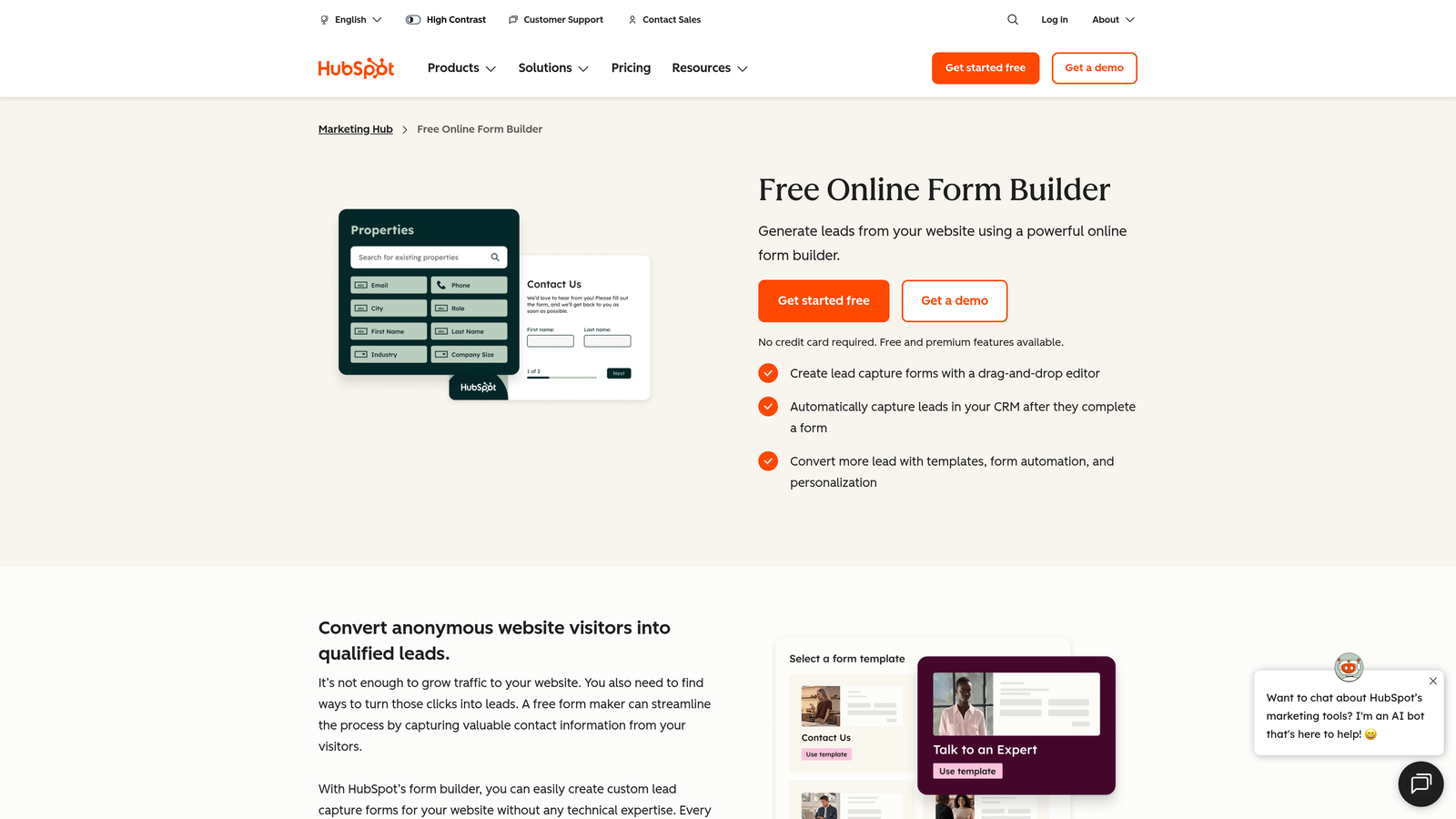
HubSpot Forms is the native form tool within the HubSpot platform, offering smart fields, progressive profiling, and seamless contact database integration.
Where This Tool Shines
HubSpot Forms' core strength is its native integration with HubSpot CRM. Every submission maps directly to a contact record, enriches existing data, and can trigger workflows, sequences, or notifications without any configuration overhead. For teams already inside the HubSpot ecosystem, that frictionless connection is genuinely valuable.
Progressive profiling is another standout capability: instead of asking contacts for information you already have, HubSpot Forms swaps in new questions for known data, keeping forms short while gradually building richer contact profiles over time.
Key Features
Native CRM Sync: Form submissions automatically create or update HubSpot contact records with zero manual data transfer.
Progressive Profiling: Replaces known fields with new questions for returning visitors, improving data quality without increasing form length.
Smart Field Population: Pre-fills fields for known contacts, reducing friction for returning leads.
Embedded and Pop-Up Options: Flexible placement options for landing pages, website pages, and exit-intent triggers.
Free Tier Access: Core form functionality is available on HubSpot's free CRM plan.
Best For
Marketing and sales teams that are already committed to HubSpot as their CRM. Outside the HubSpot ecosystem, this tool offers limited standalone value compared to dedicated form platforms.
Pricing
Free with HubSpot CRM. Advanced features like smart content and A/B testing require a Marketing Hub subscription, which starts at higher price points.
5. Cognito Forms
Best for: Professional services and operations teams that need complex calculation logic and dynamic pricing forms
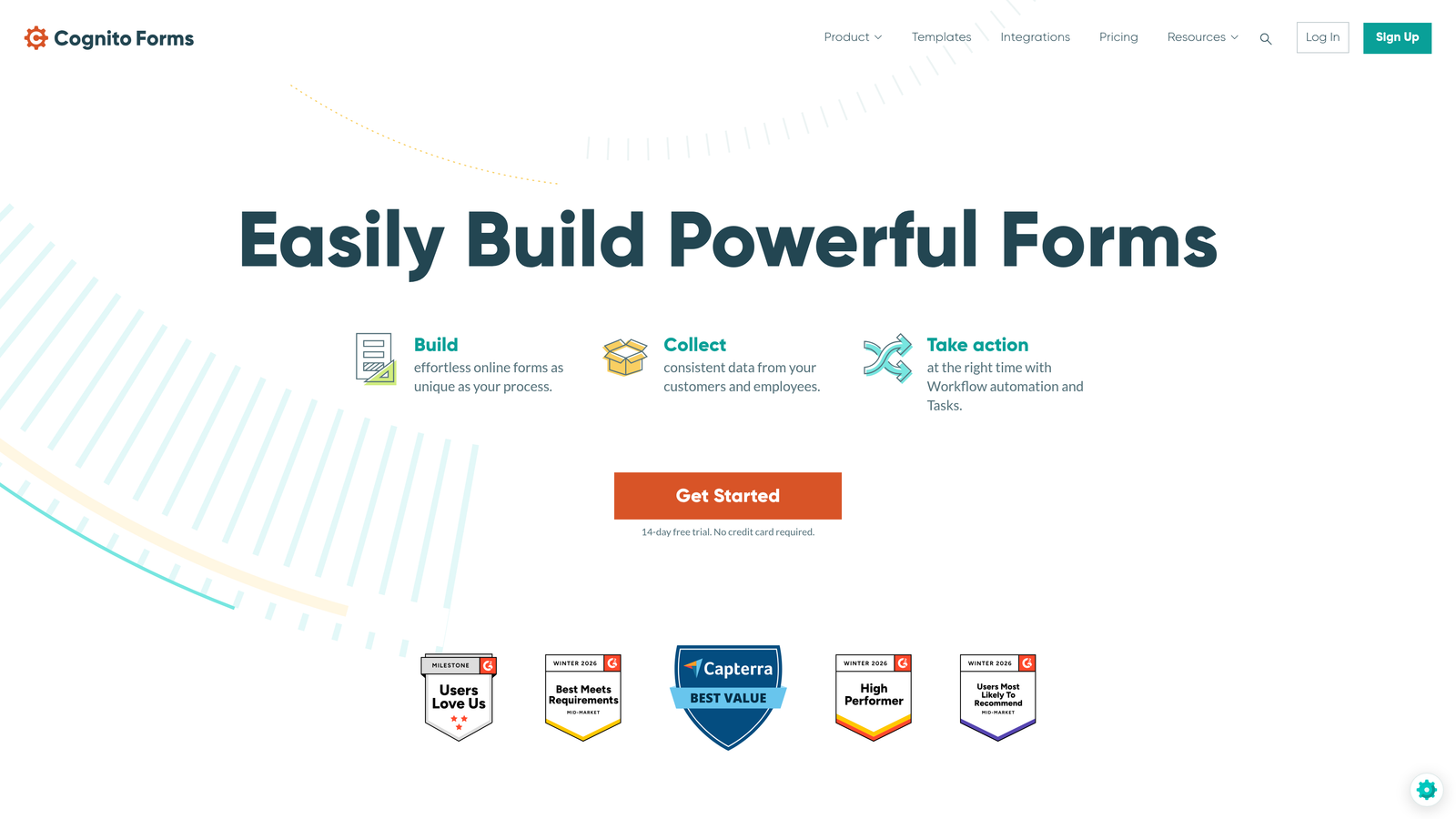
Cognito Forms is a form builder with a particularly powerful calculation engine and advanced conditional logic, popular with teams that need more than basic field collection.
Where This Tool Shines
Cognito Forms occupies a specific niche: forms that need to do math. Pricing calculators, quote generators, scoring tools, and dynamic forms where the output depends on complex combinations of user inputs are where this platform genuinely excels. You can build calculation logic that would require custom development in most other form tools.
The repeating sections feature is also worth noting. It lets respondents dynamically add rows of information, which is particularly useful for order forms, expense reports, or any scenario where the number of entries isn't fixed in advance.
Key Features
Advanced Calculation Engine: Build complex formulas for pricing, quoting, scoring, and data aggregation directly within the form.
Conditional Logic: Sophisticated branching and visibility rules without writing a single line of code.
Repeating Sections: Allow respondents to add dynamic rows of data, ideal for order forms and multi-item submissions.
Stripe Payment Integration: Collect payments based on calculated totals directly within the form.
Entry Management: Built-in tools to view, filter, and manage form submissions with workflow support.
Best For
Professional services firms, operations teams, and businesses that need forms to perform calculations, generate quotes, or handle complex conditional logic. Less suited to teams prioritizing visual design or conversational UX.
Pricing
Free plan available. Paid plans start at approximately $15/month, making it one of the more affordable options for teams that need calculation capabilities.
6. Formstack
Best for: Enterprise teams in regulated industries that require HIPAA compliance, audit trails, and document automation
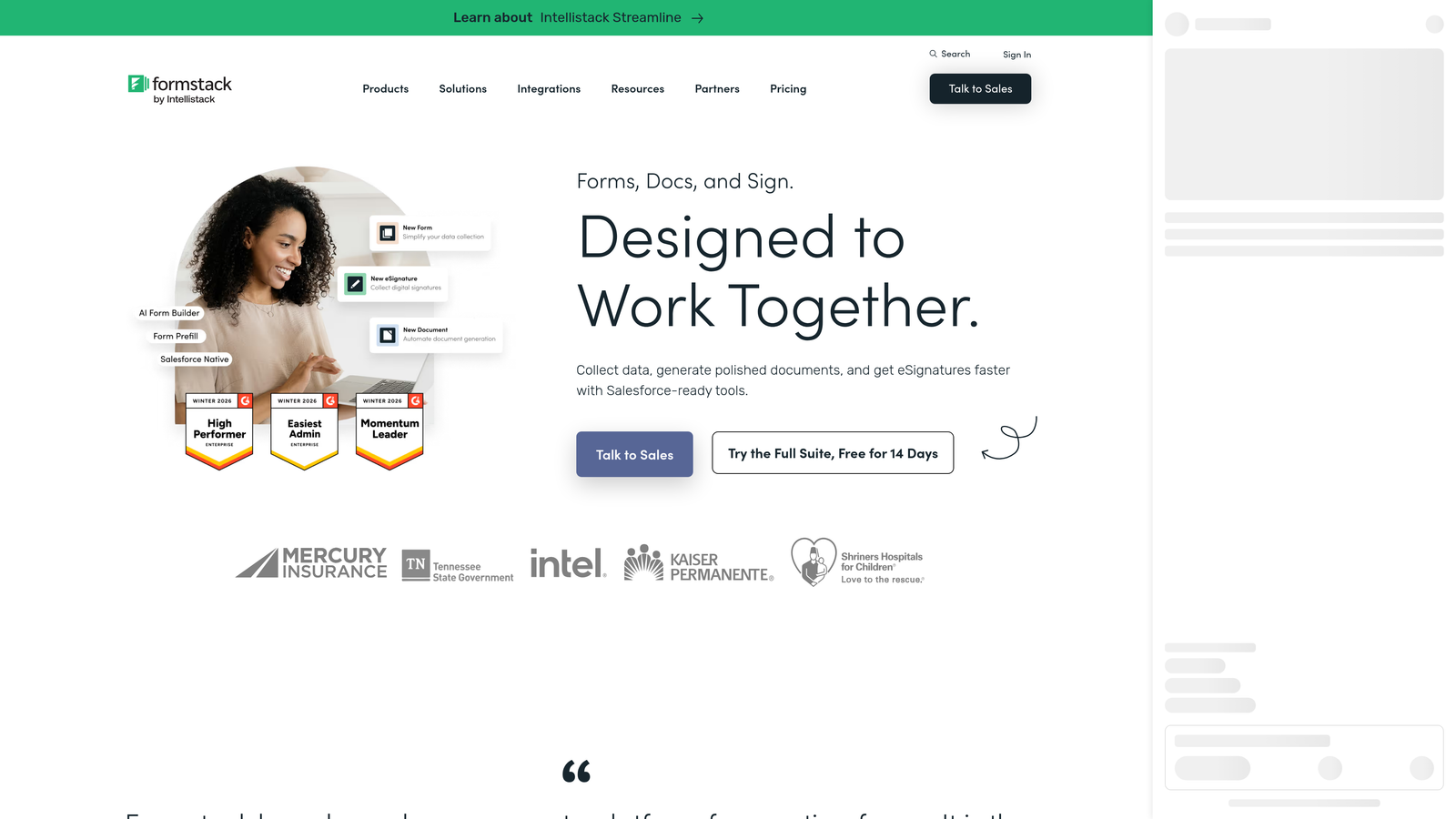
Formstack is an enterprise form and workflow platform built for organizations where data security, compliance, and process automation are non-negotiable requirements.
Where This Tool Shines
Formstack goes well beyond form building. It's a connected platform that spans data collection, document generation, and e-signature collection, with compliance certifications that make it viable in heavily regulated sectors. Healthcare organizations, financial institutions, and legal teams often choose Formstack specifically because of its HIPAA compliance and SOC 2 Type II certification.
The workflow automation capabilities are also more mature than most competitors. Approval routing, conditional notifications, and integration with enterprise systems make Formstack a genuine workflow platform rather than just a form tool.
Key Features
HIPAA Compliance: Meets healthcare data privacy requirements, with Business Associate Agreement (BAA) support available.
SOC 2 Type II Certified: Enterprise-grade security certification relevant for financial services and legal sectors.
Document Generation and E-Signature: Formstack Documents and Formstack Sign extend the platform into full document automation.
Workflow Automation: Multi-step approval routing and conditional workflow logic for complex internal processes.
Prefill and Smart Fields: Reduce data entry burden by pre-populating fields from existing records.
Best For
Healthcare, finance, legal, and other regulated industries where compliance is a hard requirement. The higher price point reflects the enterprise feature set and compliance infrastructure, making it less suitable for early-stage teams or simple use cases.
Pricing
Plans start at approximately $83/month. Enterprise pricing is available for larger organizations with advanced compliance and volume requirements.
7. Paperform
Best for: Small businesses, coaches, and creators who want forms that function as standalone landing pages
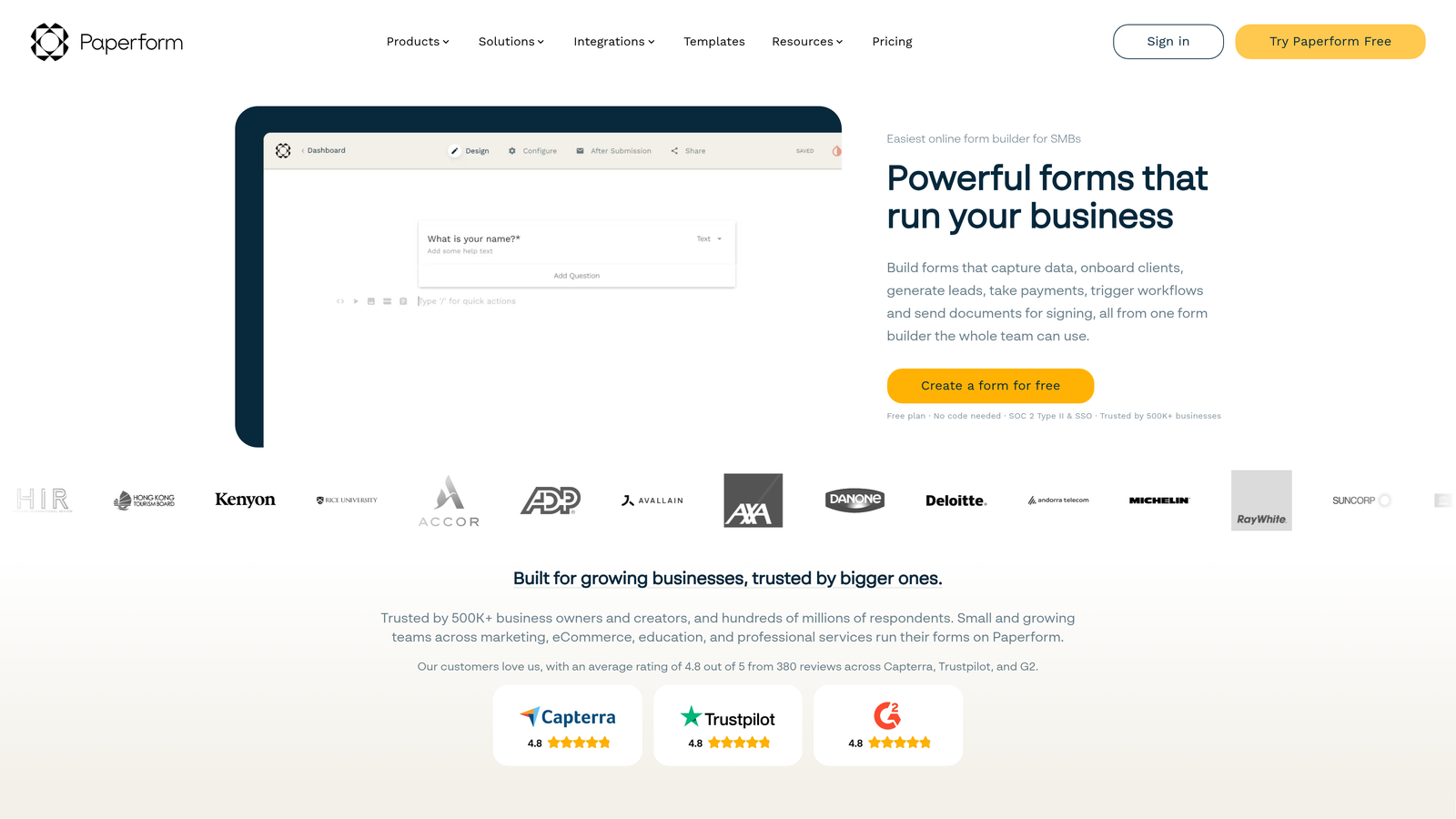
Paperform is a form builder that treats each form as a full-page experience, blending rich media, product listings, and scheduling capabilities into a single, flexible format.
Where This Tool Shines
Paperform's defining characteristic is its editorial approach to form design. Instead of a traditional field-by-field layout, forms are built more like documents or landing pages, with text, images, videos, and interactive elements woven together. This makes Paperform particularly effective for product order forms, event registrations, and coaching intake forms where context and presentation matter.
The built-in scheduling and appointment booking capability is a useful differentiator for service-based businesses, reducing the need for a separate booking tool alongside your form platform.
Key Features
Landing Page-Style Forms: Rich text, images, and media embedded directly into the form layout for a full-page experience.
Product Listings: E-commerce-style product selection within forms, ideal for order forms and service packages.
Appointment Booking: Built-in scheduling functionality without requiring a third-party booking tool.
Visual Customization: Strong design flexibility without needing design skills or custom code.
Stripe Payments: Collect payments directly within the form for products, services, or events.
Best For
Small business owners, coaches, event organizers, and creators who need forms that double as landing pages. Less suited to high-volume B2B lead generation or enterprise workflows that require advanced routing and CRM depth.
Pricing
Plans start at approximately $24/month. No free plan, but a trial period is available.
8. Google Forms
Best for: Internal surveys, quick data collection, and teams that need a free, zero-setup option
Google Forms is a completely free form tool included with any Google account, offering simple survey and data collection capabilities with native Google Sheets integration.
Where This Tool Shines
Google Forms wins on accessibility and simplicity. There's no setup, no subscription, and no learning curve. If you need to collect responses from colleagues, run a quick internal poll, or gather basic data and pipe it straight into a Google Sheet, Google Forms handles that job without friction.
For teams already working within Google Workspace, the collaborative editing experience is seamless. Multiple team members can build and edit forms simultaneously, and response data flows automatically into Sheets for further analysis.
Key Features
Completely Free: No cost with any Google account, and included in all Google Workspace plans.
Native Sheets Integration: Response data automatically populates a connected Google Sheet for easy analysis.
Basic Conditional Logic: Section branching based on multiple-choice answers covers simple routing needs.
Collaborative Editing: Multiple editors can work on the same form simultaneously within Google Workspace.
Zero Learning Curve: Familiar Google interface means virtually no onboarding time for new users.
Best For
Internal teams that need quick, free, no-frills data collection. Google Forms is not appropriate for external-facing lead generation, branded forms, or any use case requiring advanced logic, payment collection, or CRM integration.
Pricing
Free with any Google account. Included in all Google Workspace subscription tiers at no additional cost.
9. Microsoft Forms
Best for: Organizations running Microsoft 365 that need native integration with Teams, SharePoint, and Power Automate
Microsoft Forms is a survey and form tool included with Microsoft 365, offering native integration across the Microsoft productivity ecosystem.
Where This Tool Shines
Microsoft Forms delivers its best value inside organizations that are already deeply committed to the Microsoft 365 stack. Forms can be embedded directly into Teams channels, linked from SharePoint pages, and connected to Power Automate flows that trigger automated actions when responses come in. For IT-managed enterprise environments, that native integration reduces the need to introduce external tools.
The Power Automate connection is particularly useful for teams that want to automate downstream actions from form responses, such as sending notifications, updating records in other Microsoft apps, or triggering approval workflows, without requiring custom development.
Key Features
Microsoft 365 Included: No additional cost for organizations already subscribed to Microsoft 365.
Teams and SharePoint Integration: Forms can be embedded natively within Teams tabs and SharePoint pages.
Power Automate Workflows: Trigger automated workflows across the Microsoft ecosystem based on form responses.
Branching Logic: Conditional question branching for surveys and questionnaires that need to adapt to respondent answers.
Response Analytics: Basic built-in charts and summary views for quick response analysis.
Best For
Enterprise teams and organizations where Microsoft 365 is the standard productivity platform and IT governance requires staying within the Microsoft ecosystem. Like Google Forms, it's not designed for external lead generation or conversion-focused marketing workflows.
Pricing
Included with Microsoft 365 subscriptions at no additional cost. No standalone plan is available.
Which Tool Is Right for Your Team?
The right professional form software package ultimately depends on where your team's priorities sit. Here's a fast-track guide to help you land on the right choice.
AI lead qualification and conversion optimization: Orbit AI is the clear choice for high-growth B2B teams that need intelligent lead scoring built directly into the form layer, not patched in afterward through third-party tools.
Conversational UX and brand-forward design: Typeform delivers the best combination of visual polish and engaging, one-question-at-a-time form experiences for marketing-driven teams.
Maximum feature breadth: Jotform covers the widest range of use cases, from payments and e-signatures to approval workflows and document generation, making it the go-to for operations-heavy teams.
HubSpot-native workflows: If your team runs on HubSpot, HubSpot Forms is the obvious choice. The progressive profiling and zero-friction CRM sync are genuinely hard to replicate with external tools.
Regulated industries and enterprise compliance: Formstack's HIPAA compliance and SOC 2 Type II certification make it the right call for healthcare, finance, and legal teams where data governance is non-negotiable.
Free internal use: Google Forms and Microsoft Forms both serve internal survey and data collection needs at no cost, with the right choice depending on whether your team runs Google Workspace or Microsoft 365.
For high-growth teams building lead generation infrastructure that needs to scale, the gap between a basic form tool and a platform with native AI qualification is significant. Collecting submissions is easy. Identifying your best leads automatically, routing them to the right rep, and continuously optimizing your forms for conversion is where purpose-built platforms like Orbit AI create a real advantage.
Transform your lead generation with AI-powered forms that qualify prospects automatically while delivering the modern, conversion-optimized experience your high-growth team needs. Start building free forms today and see how intelligent form design can elevate your conversion strategy.


