

Your website visitors are ready to engage—but clunky, generic forms kill conversions before they start. Embedded forms that blend seamlessly into your site design while capturing qualified leads have become essential for growth-focused teams. The right embedded form software does more than collect data; it creates frictionless experiences that turn browsers into buyers.
We evaluated dozens of form builders based on embedding flexibility, design customization, integration capabilities, and conversion optimization features. Here are the top embedded form solutions for teams serious about lead generation.
1. Orbit AI
Best for: High-growth teams needing AI-powered lead qualification built into their forms
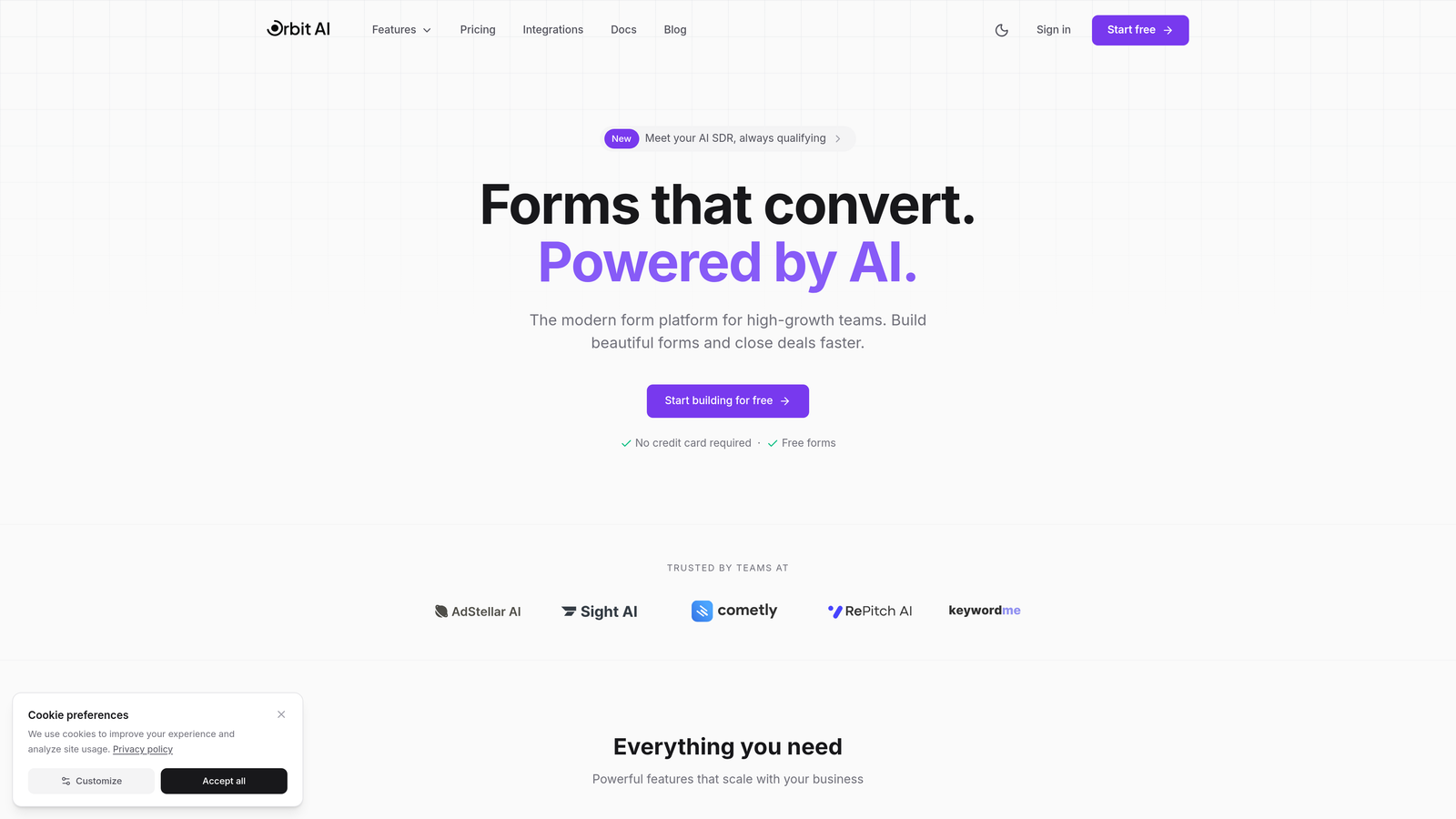
Orbit AI is an AI-powered form builder platform that automatically qualifies and scores leads as they submit, helping teams focus on prospects most likely to convert.
Where This Tool Shines
What sets Orbit AI apart is its intelligent lead qualification engine that works behind the scenes. While visitors fill out your form, the AI analyzes responses in real-time to identify high-intent prospects. This means your sales team gets submissions already scored and prioritized, eliminating manual lead qualification work.
The platform focuses specifically on conversion optimization for growth-focused teams. Forms embed cleanly into any website with full styling control, so they feel native to your brand rather than bolted-on widgets.
Key Features
AI-Powered Lead Qualification: Automatically scores and qualifies leads based on submission patterns and response quality, surfacing your best prospects first.
Conversion-Optimized Templates: Pre-built form designs tested for maximum completion rates across industries and use cases.
Seamless Embedding with Custom Styling: Multiple embedding options with complete control over colors, fonts, and spacing to match your brand perfectly.
Native CRM Integrations: Direct connections to major CRMs and marketing tools with automatic data sync and lead routing.
Real-Time Analytics Dashboard: Track submission rates, drop-off points, and lead quality metrics to continuously improve form performance.
Best For
Orbit AI works best for B2B SaaS companies, agencies, and high-growth teams where lead quality matters more than lead quantity. If you're tired of sifting through unqualified submissions and want intelligent forms that do the heavy lifting, this platform delivers.
Pricing
Free tier available for getting started. Paid plans begin at $29/month with advanced AI features and higher submission limits.
2. Typeform
Best for: Creating conversational, one-question-at-a-time form experiences that feel like conversations
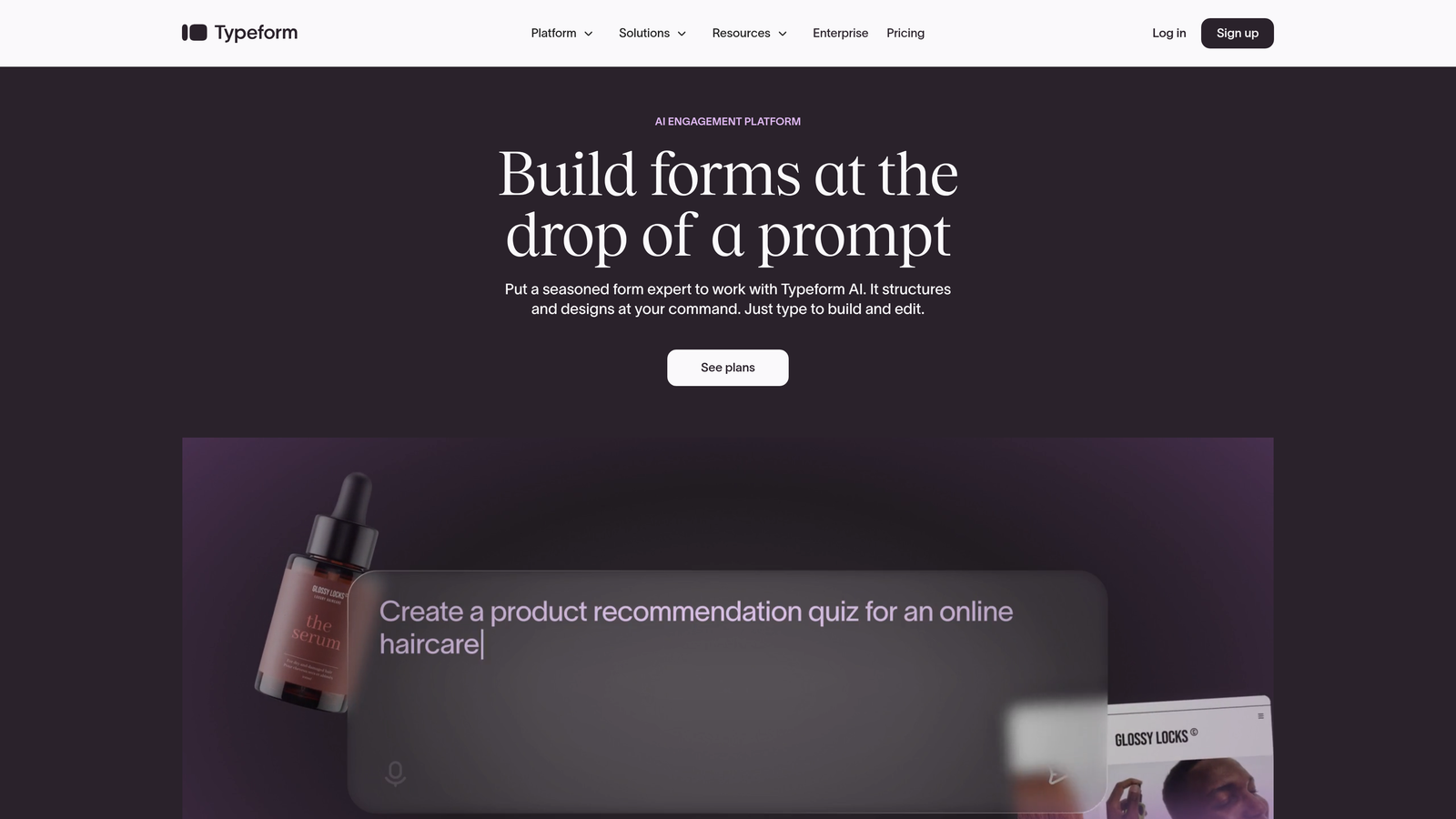
Typeform is a conversational form builder that presents one question at a time, creating an engaging experience that feels more like dialogue than data collection.
Where This Tool Shines
Typeform's signature approach treats forms as conversations rather than interrogations. Each question appears individually with smooth transitions, reducing form anxiety and improving completion rates. This works especially well for surveys, customer feedback, and lead qualification where you want respondents to stay engaged.
The design flexibility is impressive. You can add videos, images, and GIFs to questions, creating visually rich experiences that reflect your brand personality. The embedded forms maintain this polish while adapting to different screen sizes.
Key Features
One-Question Format: Progressive disclosure that shows one question at a time, reducing cognitive load and improving completion rates.
Extensive Design Customization: Full control over colors, fonts, backgrounds, and button styles with support for custom CSS.
Logic Jumps and Branching: Create dynamic forms that adapt based on previous answers, showing relevant questions to each respondent.
Rich Media Embedding: Add videos, images, and GIFs directly into questions to create engaging, visual experiences.
Native Integrations: Connect to popular tools like Slack, Google Sheets, HubSpot, and Mailchimp without middleware.
Best For
Marketing teams, product managers, and customer success teams who prioritize respondent experience. Works particularly well for brand-conscious companies where form aesthetics matter as much as functionality.
Pricing
Free tier includes 10 responses per month. Paid plans start at $25/month with unlimited responses and advanced features.
3. Jotform
Best for: Teams needing extensive template variety and widget options for specialized form requirements
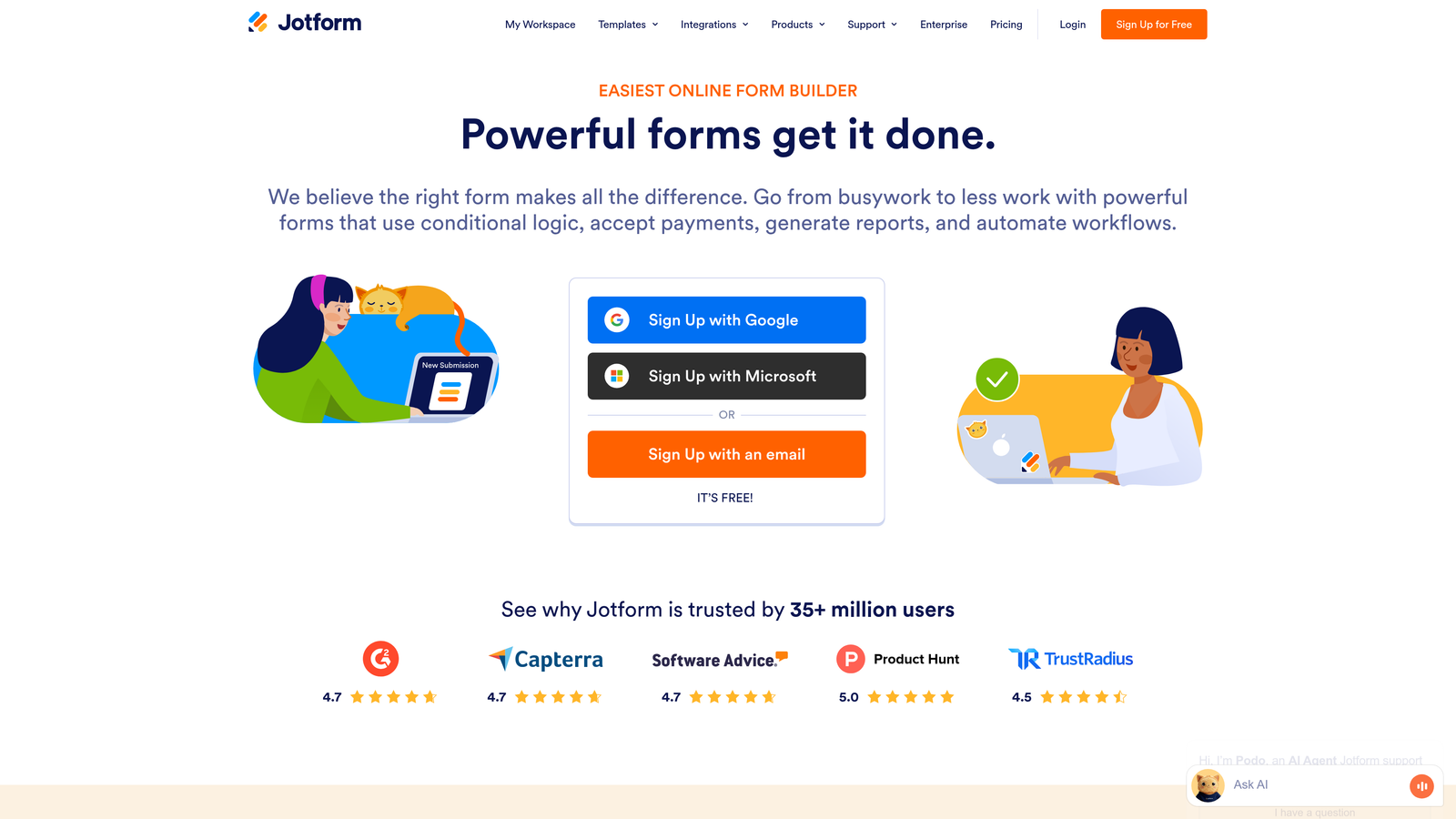
Jotform is a feature-rich form builder offering over 10,000 templates and a massive widget marketplace for virtually any form use case.
Where This Tool Shines
Jotform's strength lies in its sheer breadth of options. Need a medical intake form with HIPAA compliance? There's a template. Want to collect payments with product selection? Widget available. This depth makes Jotform the Swiss Army knife of form builders.
The widget marketplace extends functionality far beyond basic fields. You can add appointment schedulers, signature capture, file uploads with specific format requirements, and even custom widgets built by the community. For teams with unique requirements, this flexibility proves invaluable.
Key Features
10,000+ Form Templates: Pre-built forms for every industry and use case, from event registration to job applications to complex surveys.
Extensive Widget Marketplace: Hundreds of widgets extending functionality, including payment processors, signature capture, and appointment booking.
Multiple Embedding Options: Choose from iframe, inline embed, lightbox popup, or slide-in forms based on your website needs.
Conditional Logic and Calculations: Build dynamic forms with show/hide rules and automatic calculations for quotes and pricing.
HIPAA-Compliant Options: Enterprise plans include HIPAA compliance features for healthcare and sensitive data collection.
Best For
Organizations with diverse form needs across departments. Healthcare providers, educational institutions, and enterprises requiring specialized compliance features find particular value here.
Pricing
Free tier allows up to 5 forms with 100 monthly submissions. Paid plans start at $34/month for unlimited forms and higher submission limits.
4. Tally
Best for: Budget-conscious teams wanting unlimited forms and submissions without ongoing costs
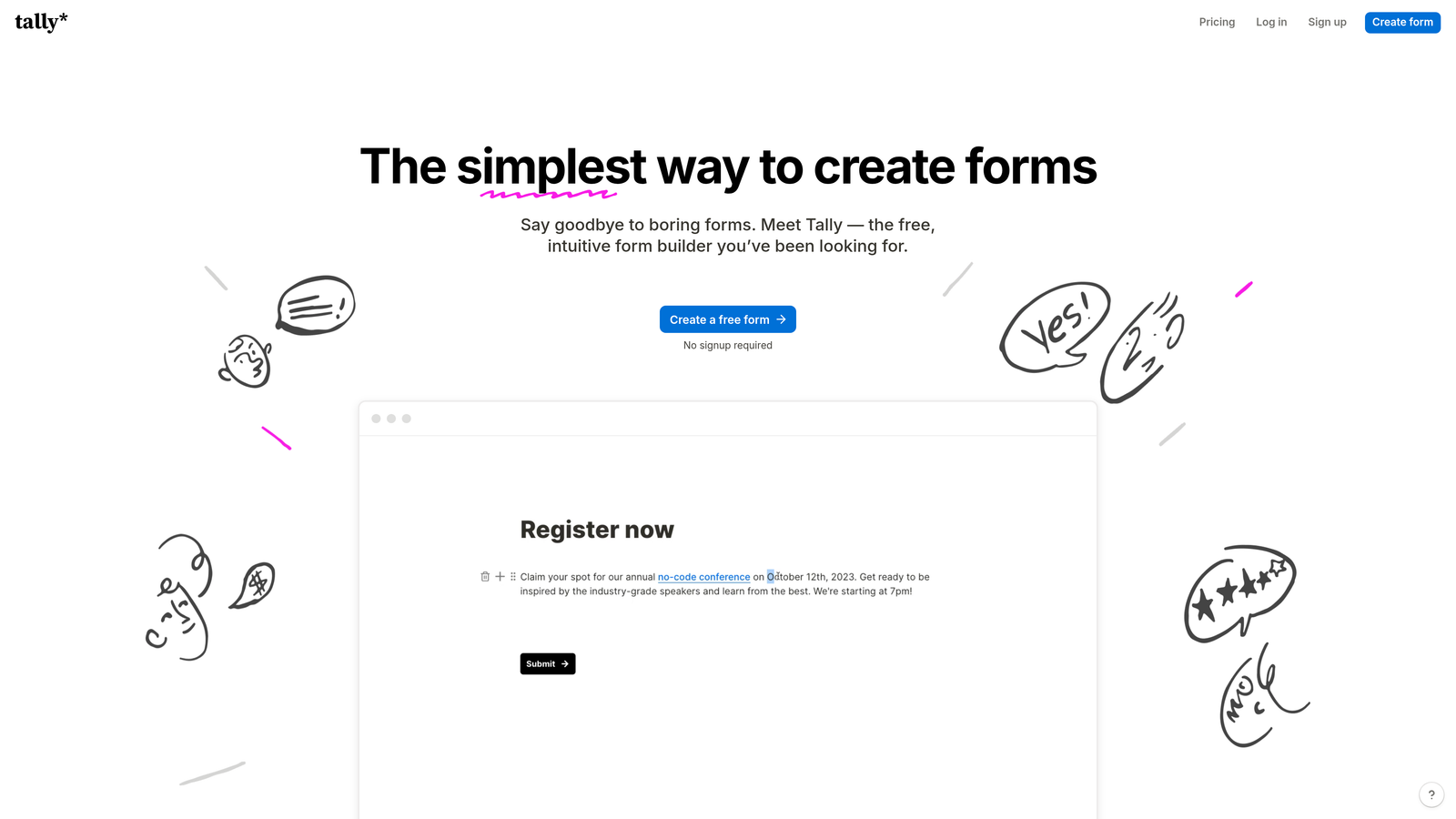
Tally is a simple, free-first form builder offering unlimited forms and responses with a Notion-like block-based editor.
Where This Tool Shines
Tally's generous free tier stands out in a market where most tools limit submissions. You get unlimited forms and unlimited submissions without paying a cent, making it perfect for startups and small teams testing form strategies. The lack of Tally branding on free tier forms is another rare perk.
The block-based editor feels familiar if you've used Notion. You build forms by adding blocks for different field types, rearranging with drag-and-drop, and styling with simple controls. This simplicity means you can create professional forms in minutes without a learning curve.
Key Features
Unlimited Free Forms: Create as many forms as needed with unlimited submissions, no credit card required for core features.
Block-Based Editor: Notion-style interface for building forms quickly with intuitive drag-and-drop block arrangement.
Clean Embed Styling: Forms embed seamlessly with minimal styling that adapts to your website's design language.
Conditional Logic Included: Show or hide questions based on previous answers, available even on the free tier.
No Branding on Free Tier: Remove Tally branding from forms without upgrading, maintaining your professional appearance.
Best For
Startups, solopreneurs, and small teams with limited budgets who still need professional form functionality. Also great for side projects and MVPs where you need to validate ideas without upfront costs.
Pricing
Free for unlimited forms and submissions. Pro plan at $29/month adds file uploads, custom domains, and advanced integrations.
5. HubSpot Forms
Best for: HubSpot users needing native CRM integration with automatic contact creation
HubSpot Forms is the native form builder within the HubSpot ecosystem, creating CRM contacts automatically from submissions.

Where This Tool Shines
If you're already using HubSpot CRM, the native form integration eliminates data transfer headaches. Every form submission instantly creates or updates a contact record with full history tracking. Your marketing automation workflows trigger immediately, and sales teams see new leads in their dashboard without manual imports.
Progressive profiling is a standout feature. Forms remember what they've already asked returning visitors, presenting new questions each time to gradually build complete contact profiles without overwhelming people with long forms.
Key Features
Direct CRM Contact Creation: Form submissions automatically create contact records in HubSpot with complete submission history and source tracking.
Progressive Profiling: Smart forms that remember previous responses and ask new questions to returning visitors, building profiles gradually.
Smart Fields and Dependent Logic: Dynamically show or hide fields based on contact properties or previous answers.
Built-In Analytics: Track form performance, submission rates, and conversion paths within the HubSpot analytics dashboard.
Marketing Automation Triggers: Automatically trigger email sequences, notifications, and workflow actions based on form submissions.
Best For
Companies already invested in the HubSpot ecosystem who want seamless integration between forms, CRM, and marketing automation. The value increases dramatically if you use multiple HubSpot hubs.
Pricing
Free with HubSpot's free CRM. Advanced form features like progressive profiling require Marketing Hub paid tiers starting at $45/month.
6. Paperform
Best for: Creating landing page-style forms with rich media and branded experiences
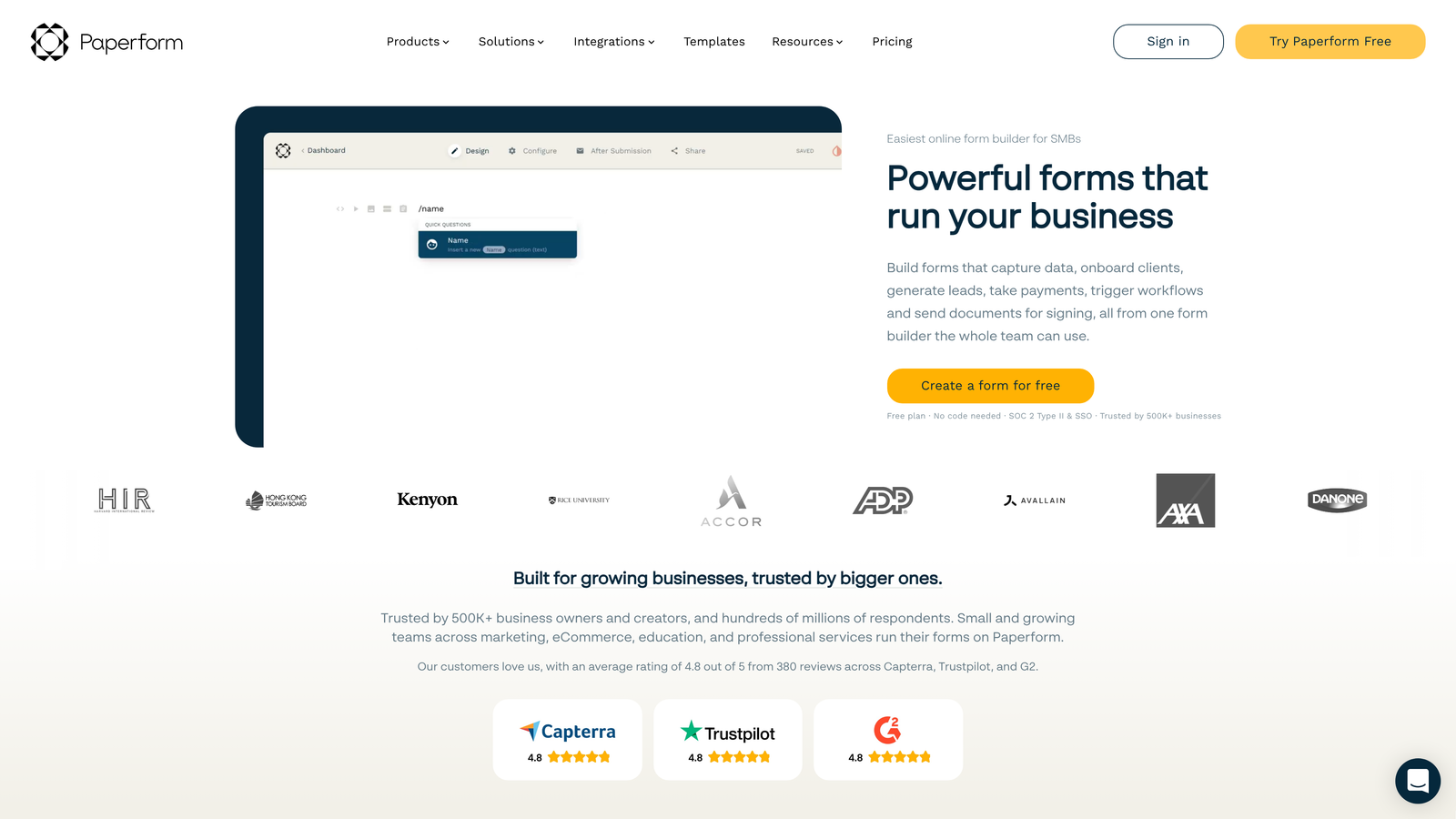
Paperform is a form builder that blurs the line between landing pages and forms, creating rich, branded experiences with embedded media.
Where This Tool Shines
Paperform treats forms as full landing page experiences rather than simple data collection tools. You can embed videos, images, product galleries, and formatted text blocks alongside form fields, creating compelling pages that inform and convert simultaneously.
The payment collection features work seamlessly for businesses selling products or services through forms. You can display product options with images, calculate totals automatically, and process payments through Stripe or PayPal without leaving the form experience.
Key Features
Landing Page Hybrid Design: Combine form fields with rich content blocks, creating full landing page experiences rather than basic forms.
Rich Media Embedding: Add videos, image galleries, formatted text, and custom HTML to create engaging, informative form pages.
Advanced Conditional Logic: Show or hide entire sections based on user selections with sophisticated branching capabilities.
Built-In Payment Processing: Accept payments through Stripe or PayPal with automatic calculation fields for pricing and quantities.
Custom Success Pages: Design branded confirmation pages with next steps, additional offers, or social sharing options.
Best For
E-commerce businesses, service providers, and event organizers who need forms that also serve as sales pages. Works particularly well for product launches and registration pages where context matters.
Pricing
Plans start at $24/month (Essentials) with unlimited forms and submissions. Higher tiers add advanced features and remove Paperform branding.
7. Formstack
Best for: Enterprise teams requiring advanced compliance, security, and workflow automation
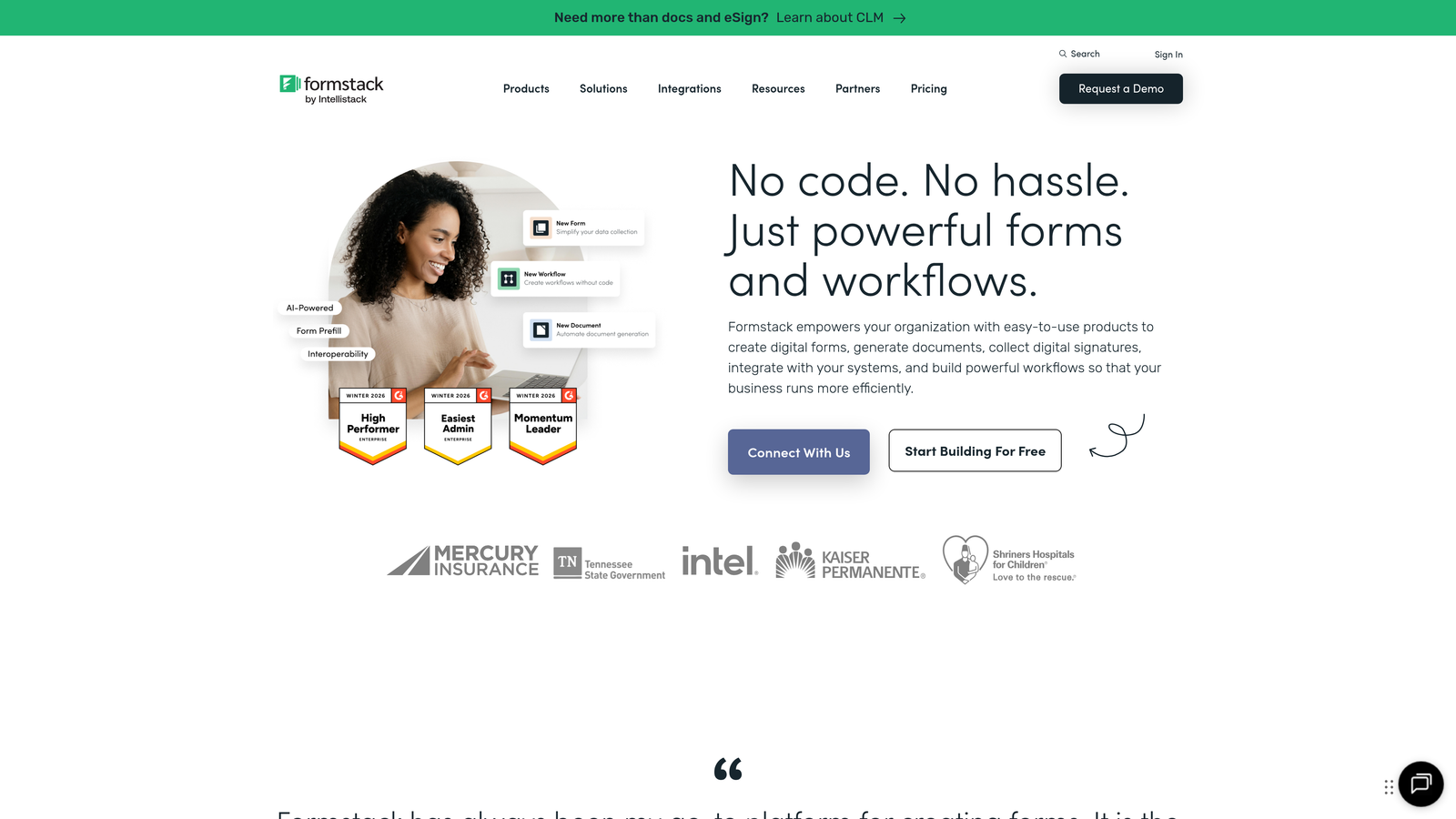
Formstack is an enterprise form solution with sophisticated workflow automation, compliance features, and security controls for regulated industries.
Where This Tool Shines
Formstack handles enterprise complexity that simpler tools can't touch. HIPAA compliance, SOC 2 certification, and advanced security controls make it viable for healthcare, financial services, and other regulated industries. The platform includes features like field-level encryption and audit trails that enterprise security teams require.
The workflow automation extends beyond basic integrations. You can route submissions through approval processes, generate PDF documents automatically, trigger e-signature requests, and create complex multi-step workflows without custom development.
Key Features
Advanced Workflow Automation: Build sophisticated approval processes, document routing, and multi-step workflows with conditional branching.
HIPAA and SOC 2 Compliance: Enterprise-grade security with compliance certifications for healthcare and sensitive data handling.
Document Generation: Automatically create PDF documents from form submissions using custom templates and merge fields.
E-Signature Integration: Collect legally binding signatures with integrated DocuSign and other e-signature providers.
Enterprise Security Controls: Field-level encryption, audit trails, SSO support, and advanced user permissions for large organizations.
Best For
Healthcare organizations, financial institutions, government agencies, and large enterprises with strict compliance requirements and complex approval workflows.
Pricing
Starter plan begins at $50/month. Enterprise pricing available for organizations requiring compliance features and advanced security controls.
8. Cognito Forms
Best for: Forms requiring complex calculations, pricing logic, and integrated payment processing
Cognito Forms is a form builder with powerful calculation capabilities and native payment processing for order forms and pricing calculators.
Where This Tool Shines
Cognito Forms excels at mathematical complexity. The calculation engine handles everything from simple totals to sophisticated formulas with conditional pricing, discounts, and quantity-based adjustments. This makes it perfect for quote requests, registration forms with variable pricing, and order forms with multiple options.
Repeating sections let users add multiple items dynamically, like adding multiple attendees to an event registration or multiple line items to an order. Each section can have its own calculations, creating powerful dynamic forms without custom coding.
Key Features
Advanced Calculation Fields: Build complex formulas with conditional logic, date math, and multi-field calculations for pricing and quotes.
Integrated Payment Processing: Accept payments through Stripe, PayPal, or Square with automatic total calculations and receipt generation.
Repeating Sections: Let users add multiple items or attendees dynamically, each with their own fields and calculations.
Conditional Logic and Validation: Show or hide fields based on complex conditions with sophisticated validation rules.
Quantity and Pricing Calculations: Handle product selection, quantity-based pricing, discounts, and tax calculations automatically.
Best For
Organizations collecting payments through forms, event planners handling registrations with variable pricing, and businesses creating quote request forms with complex pricing logic.
Pricing
Free tier available with limited features. Paid plans start at $15/month for Pro features including payment processing and advanced calculations.
9. Fillout
Best for: Airtable and Notion users needing forms that sync directly with existing databases
Fillout is a database-connected form builder that syncs natively with Airtable and Notion, creating forms that read and write to existing records.
Where This Tool Shines
Fillout bridges the gap between forms and databases. If you manage data in Airtable or Notion, Fillout creates forms that connect directly to your bases. Submissions write to your database automatically, and you can even pre-fill forms with existing record data for updates.
The update capability is particularly powerful. Create forms that let users edit their own submissions or update existing database records rather than creating duplicates. This works great for membership directories, event RSVPs, or any scenario where people need to modify previously submitted information.
Key Features
Native Airtable and Notion Sync: Connect forms directly to your databases with automatic two-way sync and real-time updates.
Pre-Fill from Existing Records: Load form fields with existing database data, allowing users to update rather than resubmit information.
Update Existing Database Entries: Create forms that modify existing records rather than always creating new ones.
Conditional Logic and Branching: Show or hide questions based on previous answers or existing database values.
Modern, Clean Form Designs: Professional form styling that embeds cleanly into websites with responsive mobile layouts.
Best For
Teams already managing workflows in Airtable or Notion who need public-facing forms connected to their existing data structures. Perfect for membership organizations, directories, and collaborative databases.
Pricing
Free tier includes 100 submissions per month. Paid plans start at $15/month with unlimited submissions and advanced database features.
Making the Right Choice
Choosing the right embedded form software depends on your specific workflow and conversion goals. For AI-powered lead qualification and modern design, Orbit AI delivers intelligent forms that identify your best prospects automatically. Typeform excels when conversational experiences matter most, while Jotform offers unmatched template variety for specialized needs.
Budget-conscious teams will appreciate Tally's generous free tier with unlimited submissions. HubSpot users benefit from native CRM integration that eliminates data transfer friction. Paperform creates stunning landing page experiences that inform and convert simultaneously, while Formstack handles enterprise complexity with compliance and security features.
Cognito Forms simplifies payment collection with powerful calculation capabilities, and Fillout connects directly to your Airtable or Notion databases for seamless data management.
Start with your primary use case. Need lead qualification? Focus on tools with scoring and routing capabilities. Collecting payments? Prioritize platforms with native payment processing. Managing data in Airtable? Database-connected forms save hours of manual work.
Test the embedding experience on your actual website before committing. Some forms embed cleanly with minimal code, while others require more technical setup. Check mobile responsiveness and page load impact, since embedded forms affect your overall site performance.
Transform your lead generation with AI-powered forms that qualify prospects automatically while delivering the modern, conversion-optimized experience your high-growth team needs. Start building free forms today and see how intelligent form design can elevate your conversion strategy.


