

If you're paying month-to-month for your form builder, you're almost certainly leaving money on the table. Most form builder platforms offer meaningful annual plan discounts that can translate into real savings for growing teams managing lead capture, surveys, and onboarding flows at scale. But the discount is only worth it if the platform actually delivers on features, reliability, and conversion performance.
This guide breaks down the best form builders that offer annual billing discounts in 2026, what you actually get for your money, and which platform makes the most sense depending on your team's goals. Whether you're a SaaS startup optimizing lead qualification or a high-growth team streamlining data collection, we've evaluated each tool on pricing transparency, feature depth, and overall value — not just the headline discount number. See our full pricing breakdown for Orbit AI, or read on to compare your options.
1. Orbit AI
Best for: High-growth SaaS and revenue teams focused on AI-powered lead qualification and conversion optimization.
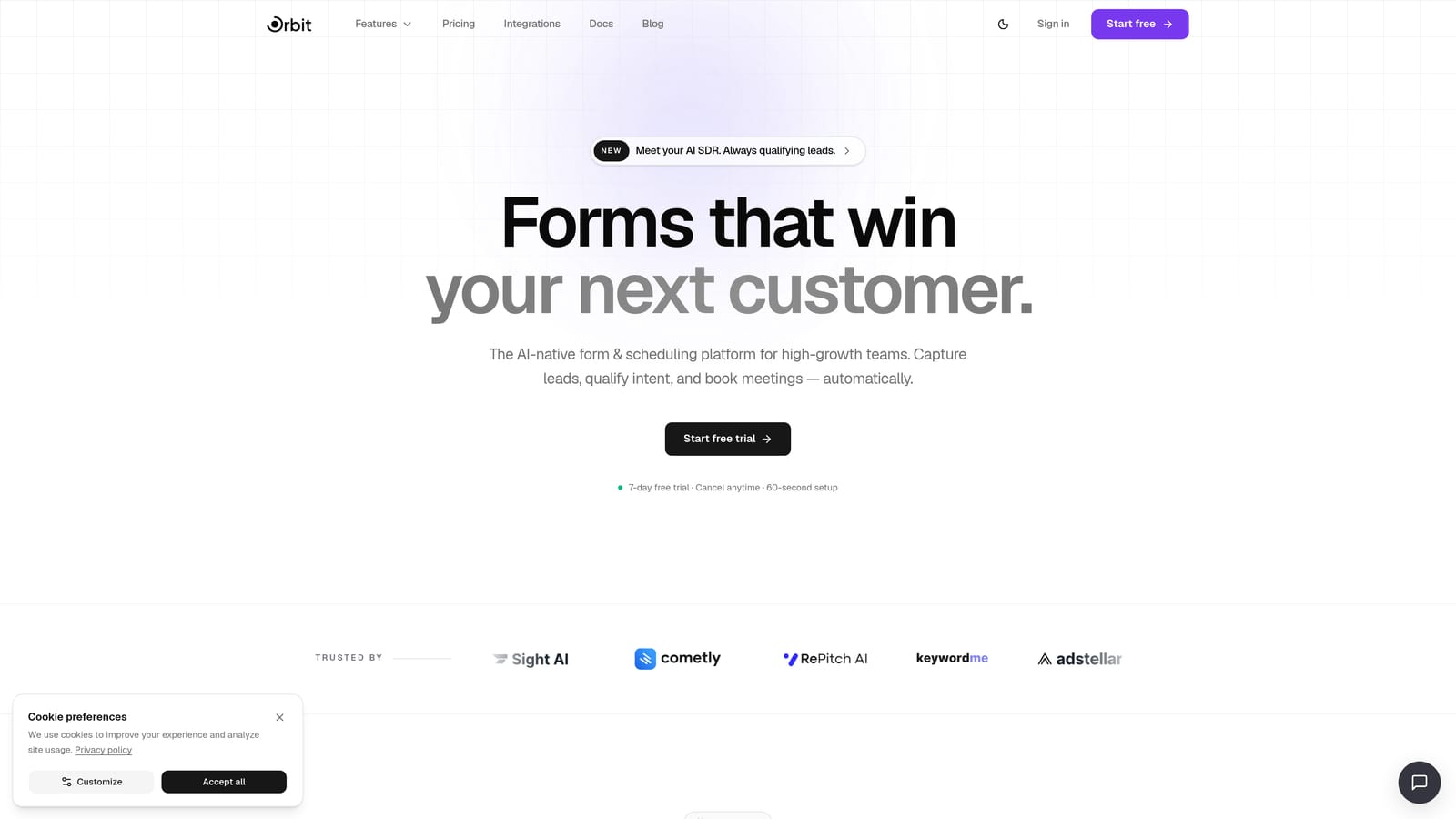
Orbit AI is an AI-powered form builder designed to qualify leads in real time, not just collect their data.
Where This Tool Shines
Most form builders stop at data collection. Orbit AI goes a step further by embedding AI agents directly into the form experience, assessing lead quality as responses come in. For revenue teams that need to prioritize follow-up, this is a meaningful shift from passive data capture to active qualification.
The platform is also built with conversion in mind from the ground up. Templates are modern and flexible, the builder is designed to reduce friction, and built-in workflows mean you can move qualified leads into sequences without jumping between tools.
Key Features
AI Lead Qualification: AI agents assess and qualify leads in real time as forms are completed, so your team focuses on the right prospects.
Conversion-Optimized Templates: Modern, flexible form designs built to reduce drop-off and improve completion rates.
Workflows and Sequences: Built-in automation to route leads, trigger follow-ups, and manage contacts without third-party tools.
Analytics Dashboard: Track form performance, lead quality, and completion trends from a single view.
Scheduler Integration: Booking flows built directly into forms, so qualified leads can schedule calls without leaving the experience.
Best For
Orbit AI is the strongest fit for SaaS startups and high-growth revenue teams that need more than a form builder. If lead qualification, booking automation, and conversion performance are core priorities, this platform is built specifically for that workflow rather than adapted to it.
Pricing
Annual plan available with savings over monthly billing. Visit orbitforms.ai/pricing for current rates and annual plan details.
2. Typeform
Best for: Marketing teams that want engaging, conversational form experiences with higher completion rates.
Typeform is a conversational form builder that presents one question at a time, creating a more engaging experience for respondents.

Where This Tool Shines
Typeform's signature one-question-at-a-time format genuinely changes how people interact with forms. Rather than presenting a wall of fields, it guides respondents through a conversation-like flow that tends to feel less overwhelming and more intuitive, particularly for surveys and lead gen forms where completion rate matters.
The platform also offers solid logic branching, which means you can build smart paths that adapt based on what respondents answer. Combined with native CRM integrations, it fits naturally into existing marketing stacks.
Key Features
Conversational Format: Single-question-at-a-time presentation designed to improve engagement and completion rates.
Logic Jumps: Conditional branching that personalizes the form path based on each respondent's answers.
Native Integrations: Connects directly with popular CRMs, email platforms, and Zapier for automation.
Rich Media Support: Embed video and images within questions to create more dynamic form experiences.
Drop-off Analytics: Per-question tracking so you can identify exactly where respondents abandon the form.
Best For
Typeform works best for marketing and research teams running surveys, quizzes, or lead gen campaigns where the quality of the respondent experience directly affects data quality. It's less suited for teams that need deep workflow automation or native lead qualification built in.
Pricing
Annual billing available across Basic, Plus, and Business tiers, with savings compared to monthly plans. Check typeform.com/pricing for current annual rates.
3. Jotform
Best for: Teams that need a broad template library, extensive integrations, and accessible pricing at any scale.
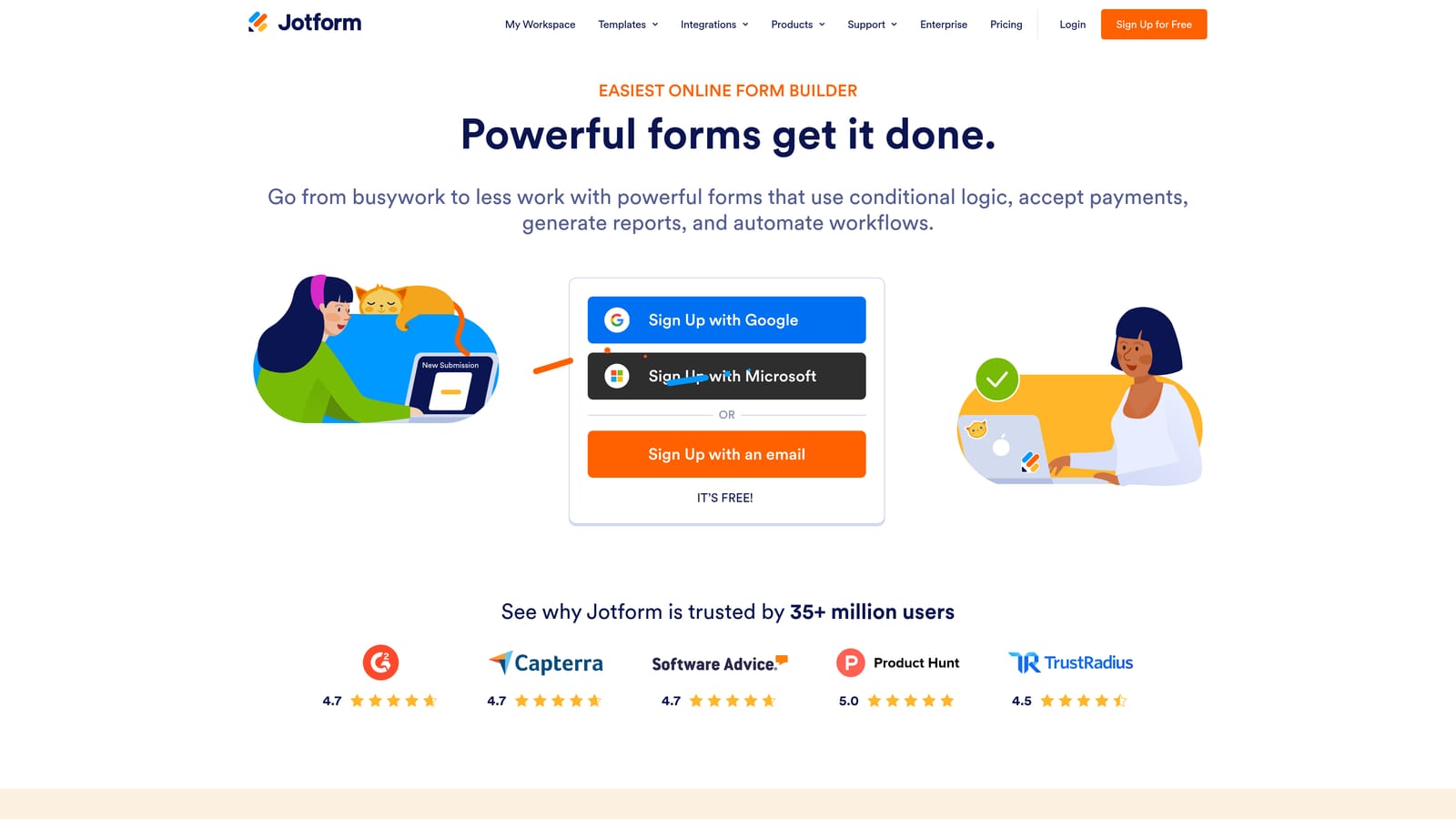
Jotform is a feature-rich form builder with one of the largest template libraries available and a wide integration ecosystem.
Where This Tool Shines
Jotform's biggest strength is sheer breadth. With over 10,000 ready-made templates covering virtually every industry and use case, most teams can find a starting point that's already close to what they need. This makes it particularly useful for organizations that build forms frequently across different departments or functions.
The platform also stands out for its payment collection capabilities and HIPAA-compliant plan options, making it one of the more versatile picks for teams operating in regulated or commerce-adjacent environments.
Key Features
Template Library: 10,000+ pre-built templates spanning industries from healthcare to e-commerce to education.
Drag-and-Drop Builder: Intuitive editor with an extensive range of field types and customization options.
Payment Collection: Native integrations with Stripe, PayPal, and other processors for collecting payments directly through forms.
HIPAA Compliance: Dedicated plans that meet healthcare data requirements for regulated industries.
Integration Ecosystem: Connects with a wide range of CRMs, storage tools, and productivity platforms.
Best For
Jotform is a strong fit for teams that need variety and flexibility without a steep learning curve. It works well for small to mid-sized businesses, nonprofits, and healthcare organizations that need compliant data collection without enterprise-level pricing.
Pricing
Free tier available with submission limits; paid plans (Bronze, Silver, Gold) are offered with annual billing discounts. Check jotform.com/pricing for current annual rates.
4. Paperform
Best for: Agencies and small businesses that need forms, payments, and scheduling combined in one flexible interface.
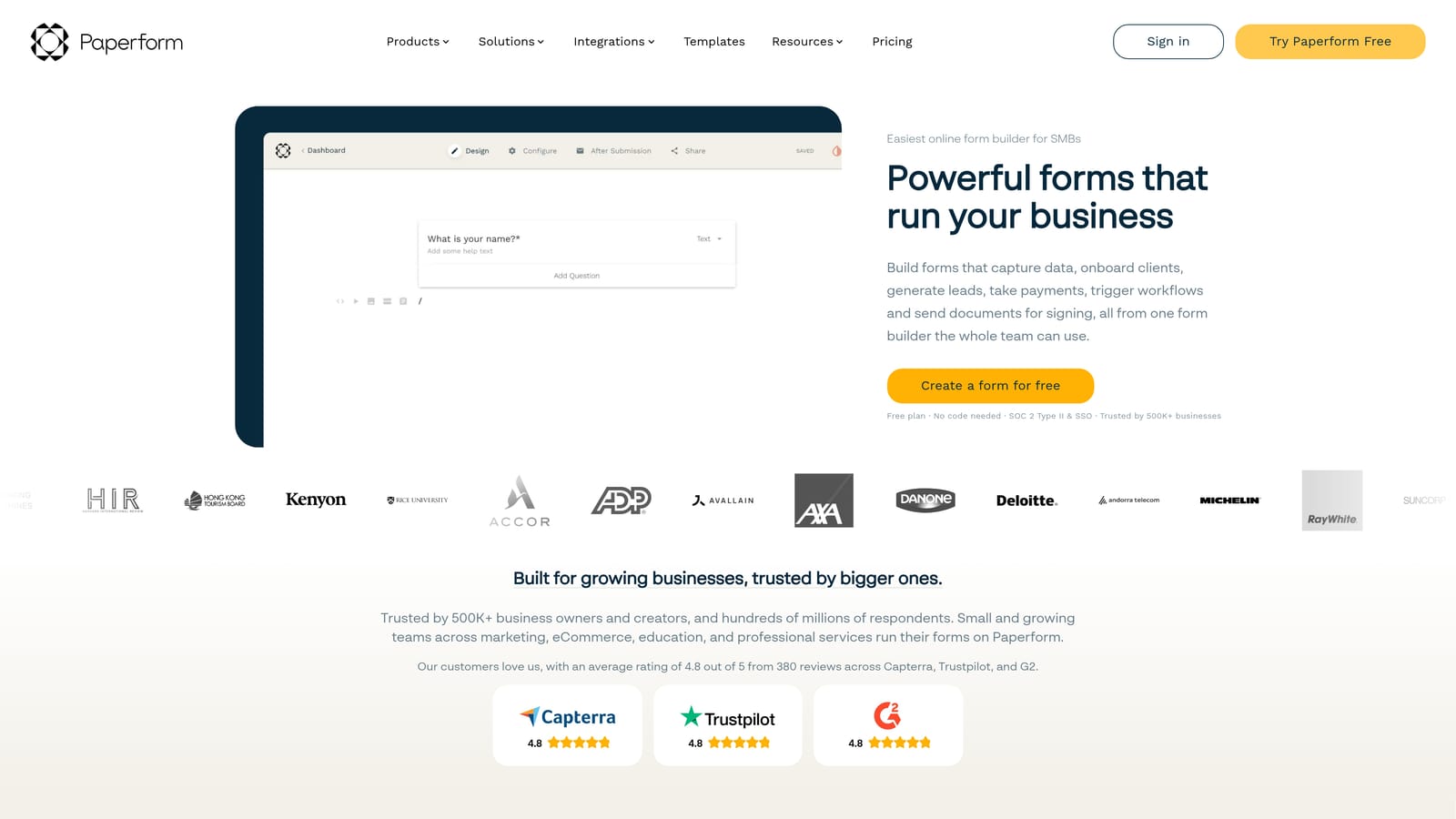
Paperform is a flexible form and landing page builder that blends form fields naturally into a document-style editing experience.
Where This Tool Shines
Paperform takes a different approach to form design by letting you write content around your fields, much like a document. The result is forms that feel less clinical and more like a curated page, which can work well for product sales, service bookings, and client onboarding where presentation matters.
The built-in payment processing and appointment scheduling features also reduce the need for additional tools. For agencies managing multiple client workflows, the white-labeling options on higher tiers add meaningful value.
Key Features
Document-Style Editor: Blend text, images, and form fields naturally in a freeform layout that looks more like a landing page than a traditional form.
Built-in Payments: Sell products or services directly through forms without a separate payment integration.
Appointment Scheduling: Accept bookings within the form itself, streamlining the path from interest to confirmed meeting.
White-Labeling: Custom domain support and branding removal available on higher-tier plans for agency use.
Conditional Logic: Logic branching and calculation fields for building dynamic, personalized form experiences.
Best For
Paperform suits agencies, freelancers, and small business owners who want a single tool to handle forms, payments, and scheduling without stitching together separate platforms. It's also a good fit for teams that care about the visual presentation of their forms as much as the data they collect.
Pricing
Essentials, Pro, and Agency plans available with annual billing savings over monthly rates. Check paperform.co/pricing for current annual plan details.
5. Tally
Best for: Startups and indie teams that want a clean, capable form builder with a genuinely generous free tier.
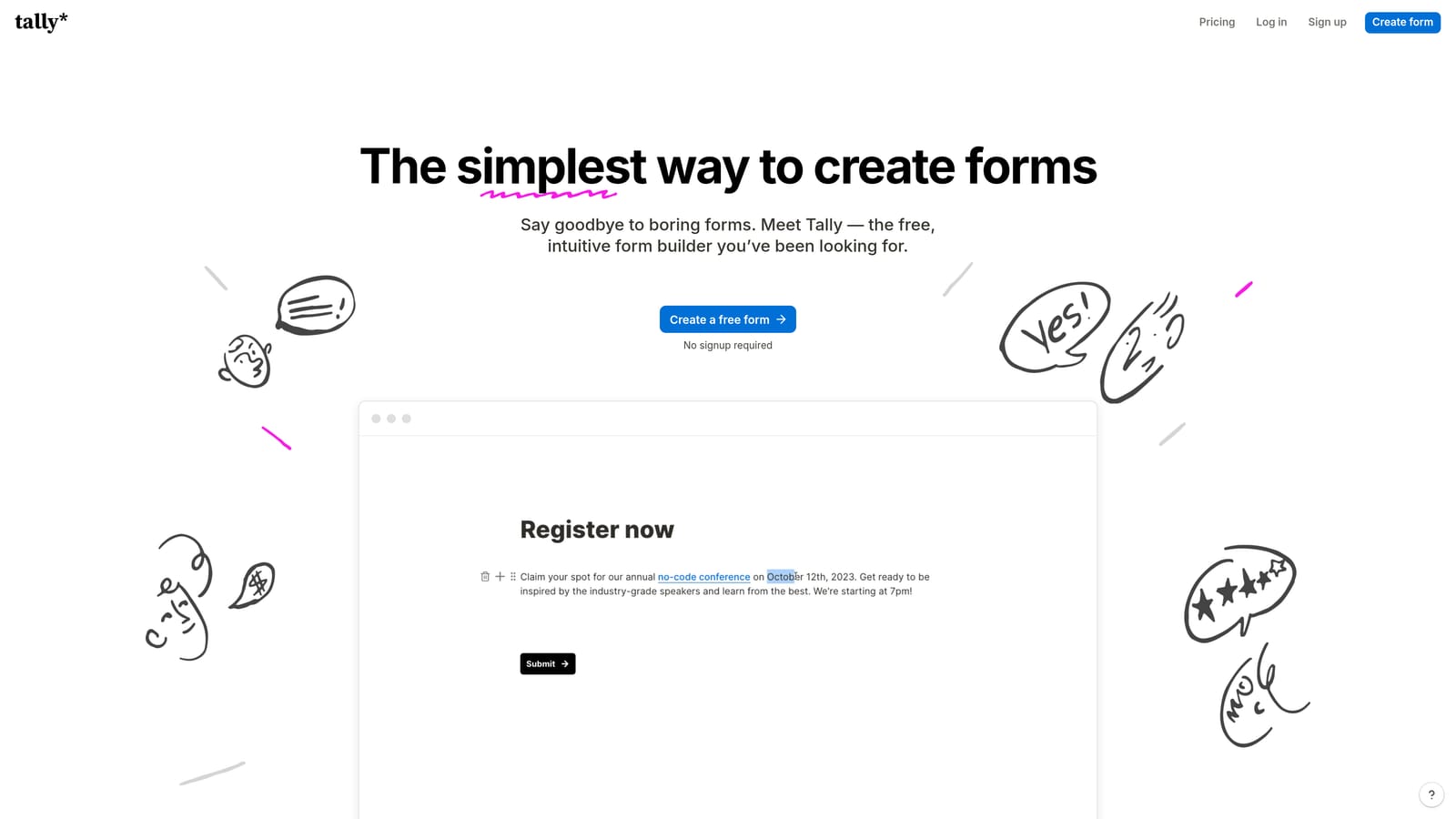
Tally is a minimalist, Notion-inspired form builder with unlimited forms on the free plan and a low-cost Pro tier for teams watching their spend.
Where This Tool Shines
Tally's free plan is genuinely one of the most generous in the market. Unlimited forms and unlimited responses without a paid subscription makes it an easy starting point for early-stage teams that need functional forms without budget commitment.
The editor itself is clean and fast, modeled on the block-based experience that Notion popularized. For teams already living in that kind of interface, the learning curve is minimal. The Pro plan adds logic, custom domains, and branding removal at a price point that remains accessible even for bootstrapped teams.
Key Features
Unlimited Free Forms: No cap on forms or responses on the free plan, making it a rare genuinely free option.
Block-Based Editor: Clean, distraction-free interface modeled on modern document editors for a low-friction building experience.
Logic Jumps and Hidden Fields: Conditional logic and hidden field support available on the Pro plan.
Custom Domain and Branding: Remove Tally branding and use your own domain on Pro for a more polished presentation.
Automation Integrations: Zapier and Make connections for routing submissions into your existing workflows.
Best For
Tally is the right call for early-stage startups, indie makers, and small teams that need solid form functionality without a significant monthly commitment. It's less suited for teams that need advanced lead qualification, deep analytics, or enterprise-level workflow automation.
Pricing
Free plan available with no submission limits; Pro plan billed annually is one of the more affordable paid options in the market. Check tally.so for current annual Pro pricing.
6. Formstack
Best for: Enterprise and compliance-heavy teams in healthcare, finance, or regulated industries that need HIPAA-compliant forms with workflow automation.
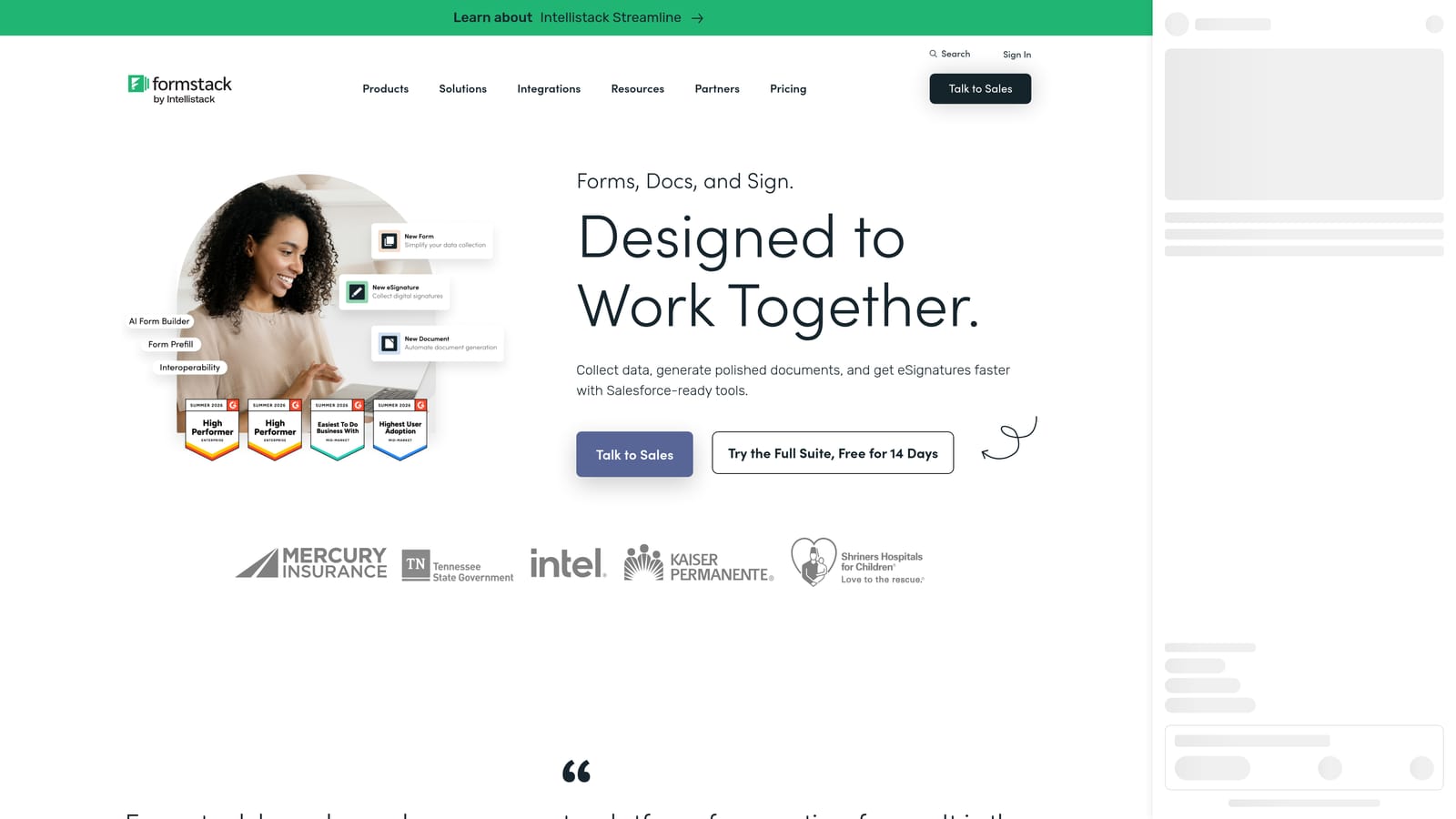
Formstack is an enterprise form and workflow automation platform with document generation, e-signatures, and advanced compliance features built in.
Where This Tool Shines
Formstack is purpose-built for organizations where data handling isn't just a preference, it's a legal requirement. HIPAA compliance, audit trails, and advanced security controls make it one of the few form builders genuinely equipped for healthcare, legal, and financial use cases where a simple form tool simply won't pass compliance review.
Beyond data collection, Formstack extends into workflow routing, document generation, and e-signature collection through its integrated product suite. For teams managing multi-step approval processes or generating contracts from form submissions, this level of functionality is difficult to replicate with lighter tools.
Key Features
HIPAA Compliance: Purpose-built compliance controls for healthcare and regulated industries, including Business Associate Agreement support.
Workflow Routing: Automated approval workflows that route submissions to the right people based on defined rules.
Document Generation: Automatically generate documents from form submission data, reducing manual document creation.
E-Signature Collection: Collect legally binding signatures via Formstack Sign without leaving the platform.
Audit Trail and Security: Advanced logging and security controls for teams with strict data governance requirements.
Best For
Formstack is the right fit for enterprise teams, healthcare organizations, and compliance-driven industries that need more than a form builder. If your team operates under regulatory requirements and needs workflow automation alongside data collection, Formstack is built for that environment in a way that lighter tools are not.
Pricing
Annual billing is standard across Formstack's plans, which reflect the platform's enterprise feature set. Check formstack.com/pricing for current plan details and annual rates.
Which Form Builder Is Right for Your Team?
Every tool on this list offers annual billing savings, but the right choice depends on what your team actually needs beyond the discount.
If lead qualification and conversion performance are your priorities, Orbit AI is the clear standout. It's the only platform on this list built specifically around qualifying leads in real time, making it the strongest fit for SaaS and revenue teams that need their form builder to do more than capture data.
For teams that prioritize the respondent experience and run frequent surveys or lead gen campaigns, Typeform delivers a conversational UX that's hard to match. If you need breadth, templates, and accessible pricing across team sizes, Jotform covers a lot of ground efficiently.
Tally is the budget-conscious pick for startups and indie teams that want capable forms without a significant financial commitment. Paperform is the best all-in-one option for agencies that want forms, payments, and scheduling in a single polished interface. And for enterprise teams operating in regulated industries, Formstack is the only platform on this list built to meet those compliance requirements at scale.
The key reminder: an annual plan only makes financial sense when the platform you're committing to genuinely delivers ongoing value. A discount on a tool that doesn't fit your workflow isn't a saving, it's a sunk cost.
If your team is focused on lead generation and conversion optimization, Orbit AI is designed exactly for that. Start building free forms today and see how AI-powered lead qualification can change what your forms actually do for your business. You can also review the full annual pricing breakdown to see what your team would save by committing to a plan that's built for growth.


