

Traditional forms are conversion killers. They collect contact information but leave you guessing which leads are worth pursuing. AI-powered form builders change this dynamic entirely by qualifying prospects in real-time, adapting questions based on responses, and routing high-value leads instantly to your sales team.
The difference? Instead of sifting through hundreds of unqualified submissions, you're having intelligent conversations that separate serious buyers from tire-kickers before anyone wastes time on a discovery call.
We evaluated platforms based on their AI capabilities, ease of implementation, integration ecosystems, and proven impact on conversion rates. Here are the top AI form builder platforms transforming lead generation in 2026.
1. Orbit AI
Best for: High-growth teams prioritizing lead quality and conversion optimization over volume
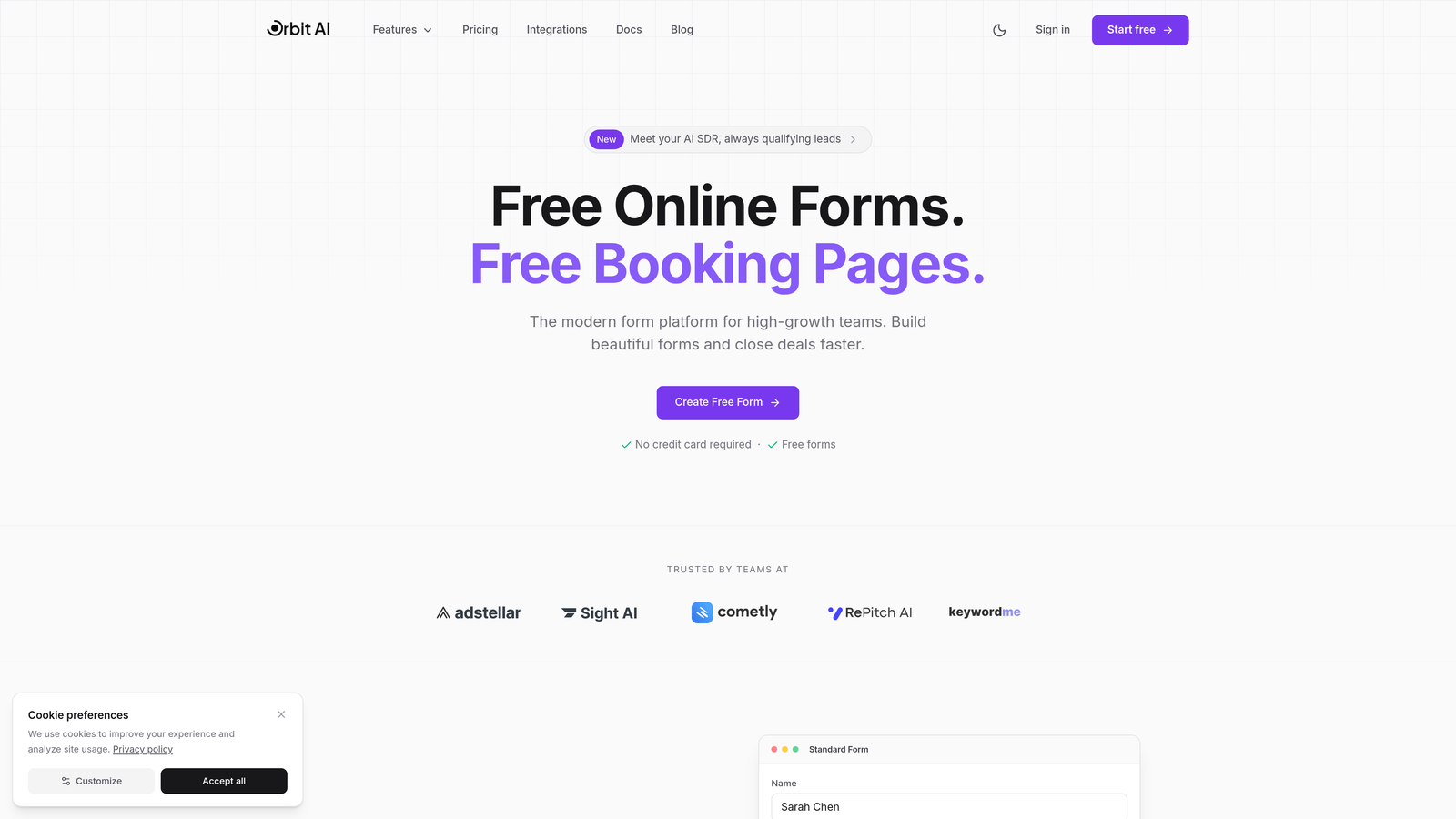
Orbit AI is an AI-powered form builder platform built specifically for teams who need to qualify leads during the form experience itself, not after.
Where This Tool Shines
Orbit AI stands out by embedding AI agents directly into your forms. These agents ask follow-up questions based on prospect responses, score leads in real-time, and route qualified opportunities to the right team members instantly.
The platform excels at eliminating the lag between form submission and sales follow-up. While most tools simply collect data, Orbit AI conducts intelligent conversations that reveal buyer intent, budget alignment, and timeline—all before your sales team gets involved.
Key Features
AI Lead Qualification: Intelligent agents adapt questions dynamically to assess prospect fit during form completion.
Real-Time Lead Scoring: Automatic scoring and routing based on responses, ensuring high-value leads reach sales immediately.
Conversion-Optimized Templates: Pre-built forms designed specifically for lead generation with proven conversion patterns.
Native CRM Integrations: Direct connections to major CRMs without relying on third-party automation tools.
Automated Follow-Up Sequences: Trigger personalized email sequences based on lead qualification results.
Best For
SaaS companies, B2B service providers, and high-growth teams where lead quality directly impacts revenue. Particularly valuable if you're dealing with long sales cycles and need to prioritize prospects based on genuine buying signals rather than demographic data alone.
Pricing
Free tier available for teams getting started. Paid plans begin at competitive rates designed for growing teams focused on scaling lead generation efficiently.
2. Typeform
Best for: Creating branded, conversational form experiences with strong visual design
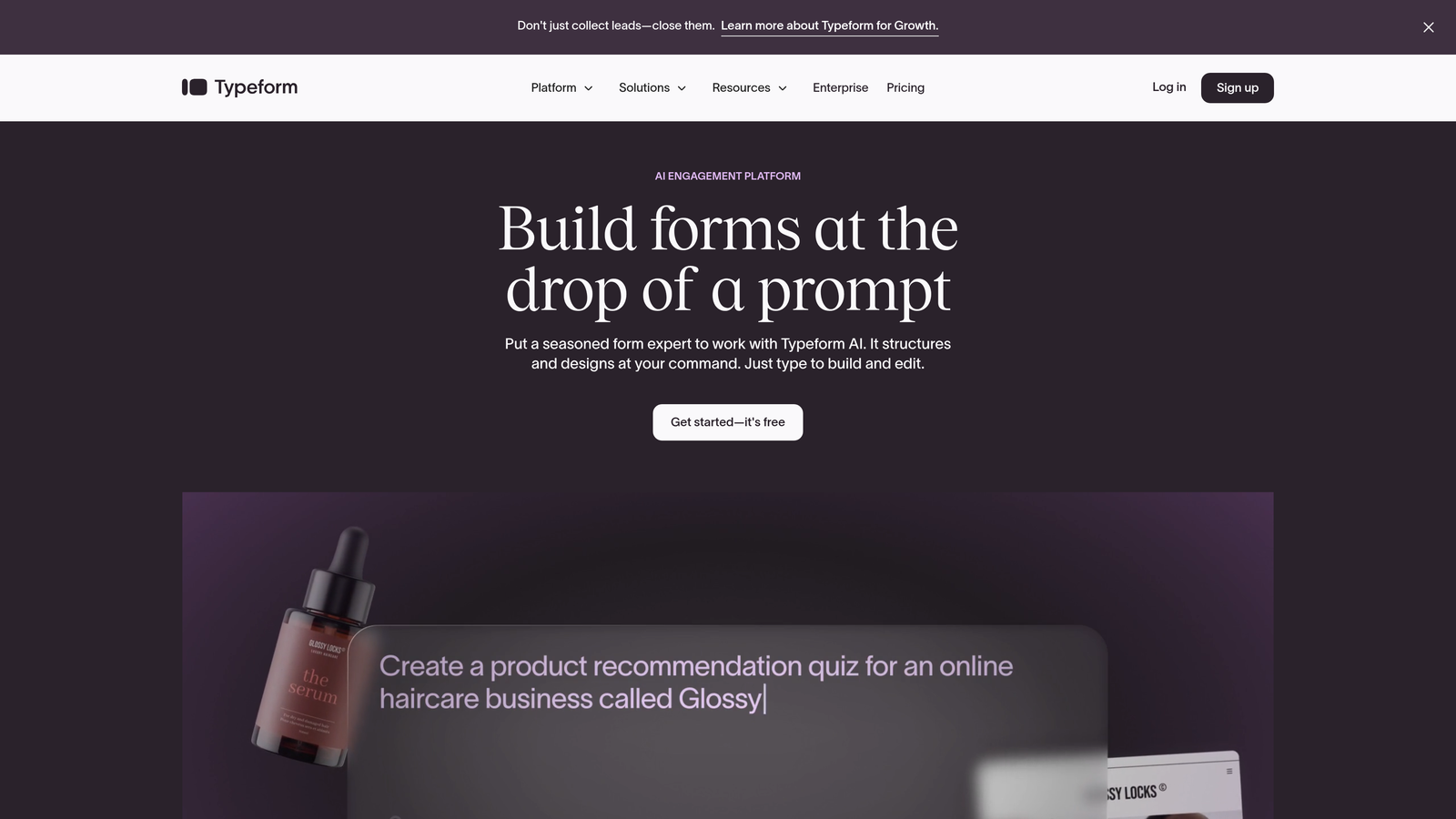
Typeform is a conversational form builder recognized for its distinctive one-question-at-a-time format that creates engaging, interview-style experiences.
Where This Tool Shines
Typeform transformed form design by treating data collection as a conversation rather than an interrogation. The platform's signature approach—showing one question at a time—reduces form abandonment by making lengthy questionnaires feel manageable.
The tool particularly excels when brand experience matters. If you're building forms for customer-facing campaigns where visual polish impacts perception, Typeform's design flexibility and animation options create memorable interactions that reinforce brand identity.
Key Features
Conversational Format: One-question-at-a-time display that maintains focus and reduces cognitive load for respondents.
AI Logic Branching: Intelligent question paths that adapt based on previous answers to create personalized experiences.
Design Customization: Extensive brand customization including custom fonts, colors, and background images or videos.
Rich Media Embedding: Native support for video questions and image-based responses to create engaging interactions.
Analytics Dashboard: Detailed completion rates, drop-off analysis, and response time tracking to optimize form performance.
Best For
Marketing teams prioritizing brand experience, agencies creating forms for multiple clients, and companies running customer feedback programs where engagement rates matter as much as data collection. Works best when visual design is a competitive advantage.
Pricing
Free tier with 10 monthly responses. Basic plan starts at $25/month, with Plus at $50/month and Business at $83/month for advanced features and higher response limits.
3. Jotform
Best for: Teams needing extensive templates and AI-generated forms from text descriptions
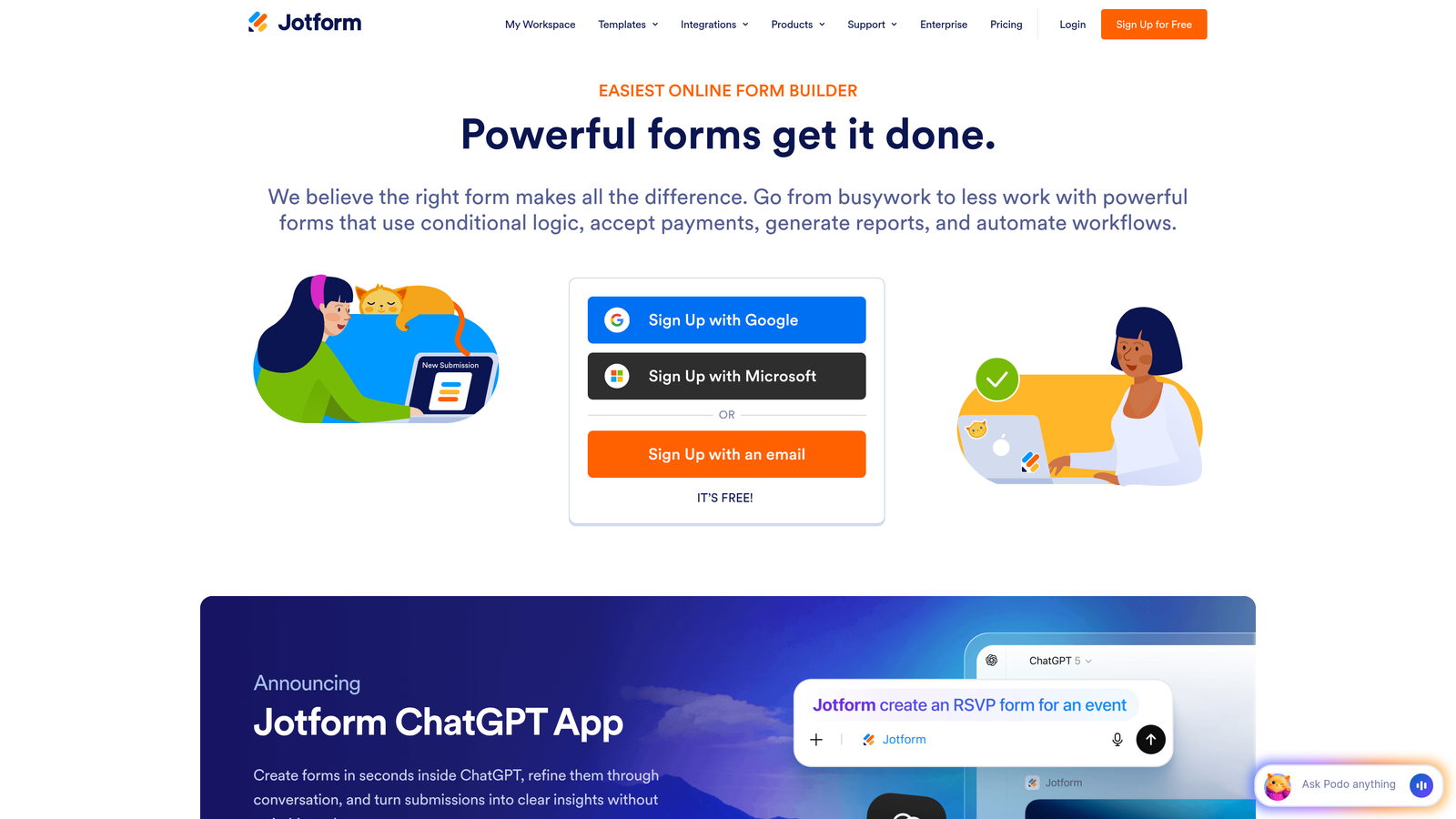
Jotform is an established form builder offering one of the market's largest template libraries alongside new AI generation capabilities.
Where This Tool Shines
Jotform's strength lies in its massive template collection—over 10,000 pre-built forms covering virtually every use case imaginable. Need a specific form type? There's likely a template that gets you 80% of the way there.
The recent addition of AI form generation takes this further. Describe your form requirements in plain language, and Jotform's AI builds a functional starting point in seconds. This combination of templates and AI generation makes Jotform particularly valuable for teams that need to create diverse form types quickly without starting from scratch.
Key Features
AI Form Generator: Create forms by describing requirements in natural language—the AI builds structure and questions automatically.
Template Library: Access to 10,000+ pre-built templates across industries, use cases, and form types.
PDF Generation: Automatically convert form submissions into formatted PDF documents for records or client delivery.
Payment Integrations: Native connections to 30+ payment processors for collecting payments through forms.
Approval Workflows: Built-in routing and approval processes for forms requiring manager or team review.
Best For
Small businesses needing versatile form capabilities, teams creating many different form types regularly, and organizations requiring payment collection or PDF generation alongside standard data collection. Ideal when template variety matters more than cutting-edge AI qualification.
Pricing
Free tier with 5 forms and 100 monthly submissions. Bronze starts at $34/month, Silver at $39/month, and Gold at $99/month with increased limits and features.
4. Tally
Best for: Budget-conscious teams wanting unlimited forms without subscription costs
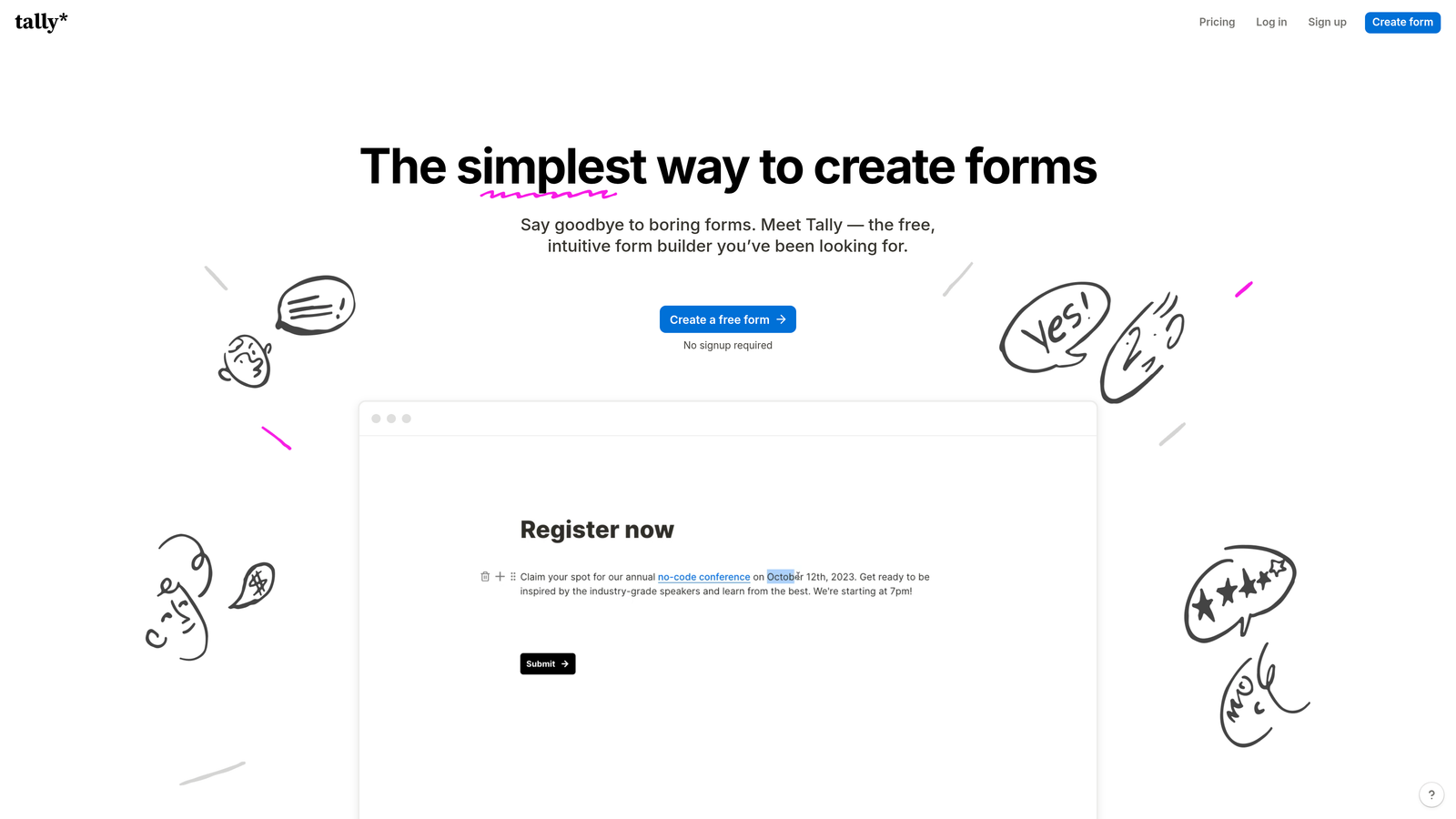
Tally is a Notion-inspired form builder offering unlimited forms and submissions in its free tier with a clean, minimal interface.
Where This Tool Shines
Tally disrupts traditional form builder pricing by offering genuinely unlimited forms and submissions for free. No artificial caps, no "upgrade to collect more responses" prompts—just straightforward form building without the subscription anxiety.
The Notion-style block editor feels immediately familiar to teams already using Notion for documentation. You build forms by adding blocks, dragging elements, and configuring options in a way that mirrors how you'd structure a document. This familiarity reduces onboarding friction significantly.
Key Features
Unlimited Free Forms: Create as many forms as needed with unlimited submissions—no artificial restrictions on the free tier.
Block-Based Editor: Notion-style interface for building forms using draggable blocks and intuitive configuration.
Conditional Logic: Show or hide questions based on previous responses to create adaptive form experiences.
File Uploads: Allow respondents to upload documents, images, or other files directly through forms.
Zapier Integration: Connect forms to 5,000+ apps through Zapier for workflow automation.
Best For
Startups and small teams with limited budgets, Notion power users looking for a familiar form-building experience, and anyone needing basic forms without ongoing subscription costs. Best when simplicity and cost-effectiveness trump advanced AI features.
Pricing
Free tier covers most use cases with unlimited forms and submissions. Pro plan at $29/month adds custom domains, advanced integrations, and priority support.
5. Fillout
Best for: Teams using Airtable or Notion as their primary database
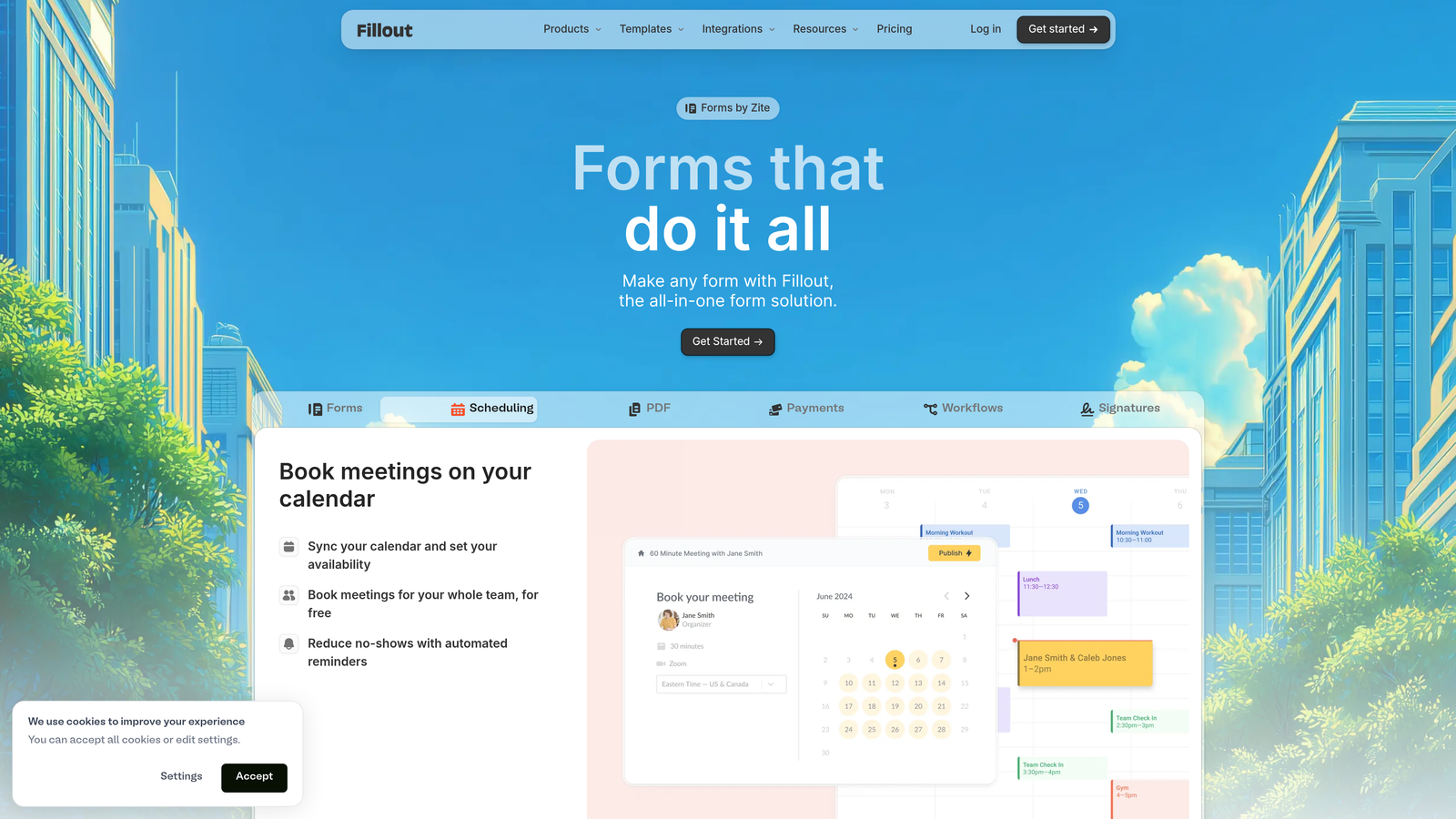
Fillout is a form builder designed specifically for native integration with Airtable, Notion, and other database tools popular with modern teams.
Where This Tool Shines
Fillout solves a specific pain point: creating forms that write directly to your existing databases without middleware. If your team runs on Airtable or Notion, Fillout acts as a front-end interface that populates your tables automatically.
This native integration eliminates the complexity of Zapier workflows or custom API connections. Form submissions become database records instantly, with field mapping handled through a visual interface. For teams already invested in these database ecosystems, Fillout becomes the natural form layer.
Key Features
Native Database Integrations: Direct connections to Airtable and Notion that write submissions as records without automation tools.
Multi-Page Forms: Break long forms into logical sections with progress indicators and conditional page visibility.
Scheduling Integration: Embed calendar booking directly in forms for appointment-based workflows.
Payment Collection: Accept payments through Stripe integration for registration forms or order collection.
Custom Domains: Host forms on your own domain for brand consistency and improved trust signals.
Best For
Operations teams building on Airtable or Notion, startups using these tools as their system of record, and anyone wanting forms that populate databases directly without complex automation. Particularly valuable when your workflow already lives in these platforms.
Pricing
Free tier with 1,000 monthly submissions. Starter plan at $15/month, Pro at $35/month, and Business at $95/month with increased limits and advanced features.
6. Feathery
Best for: SaaS products requiring embedded, white-label form experiences
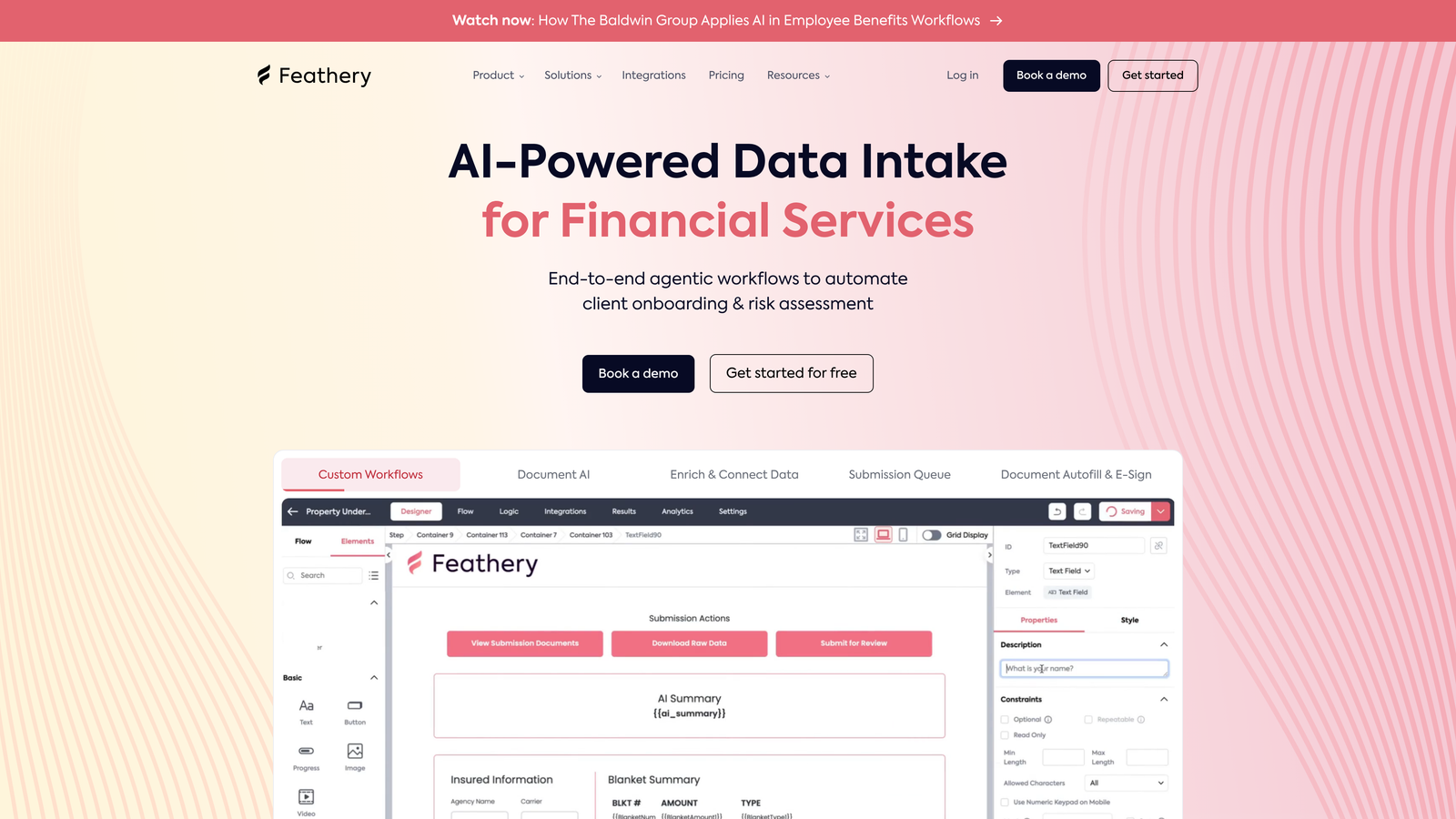
Feathery is a developer-focused form builder designed for embedding customized form experiences directly into SaaS products and applications.
Where This Tool Shines
Feathery targets a different use case than most form builders: creating forms that feel like native parts of your product rather than external data collection tools. The platform provides a complete SDK and API for developers to build, customize, and embed forms that match your application's exact design system.
The tool particularly excels at complex, multi-step user flows like onboarding sequences, application processes, or KYC verification. These aren't simple contact forms—they're full user journeys with authentication, data validation, and conditional logic that rival custom-built solutions.
Key Features
Embeddable Forms: Complete SDK for embedding forms directly in your product with full design control and customization.
AI-Powered Logic: Intelligent conditional flows that adapt based on user responses and behavior patterns.
Developer SDK: Comprehensive API and SDK for programmatic form creation, data handling, and workflow automation.
White-Label Capabilities: Remove all Feathery branding and host forms under your domain for seamless product integration.
User Authentication: Built-in user auth flows for secure, personalized form experiences within your application.
Best For
SaaS companies embedding forms in their products, fintech applications requiring secure data collection, and development teams building custom user onboarding flows. Best when forms need to feel like native product features rather than standalone tools.
Pricing
Free tier for early-stage startups with basic features. Growth plans start at $49/month, with Enterprise pricing for larger implementations requiring custom SLAs and support.
7. Paperform
Best for: Creating form-based landing pages with rich content and e-commerce
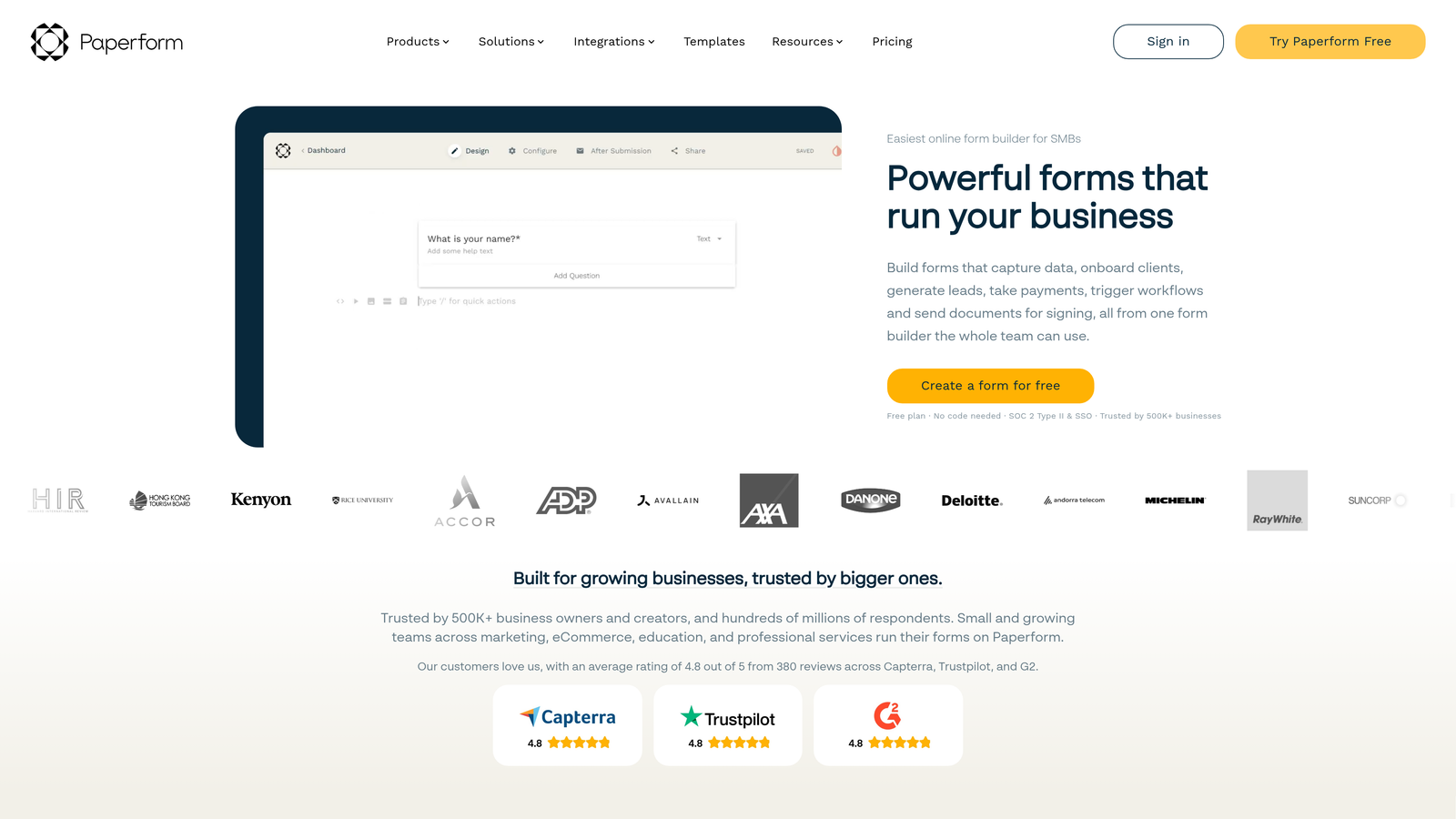
Paperform is a document-style form builder that creates forms resembling content-rich landing pages rather than traditional questionnaires.
Where This Tool Shines
Paperform blurs the line between forms and landing pages by treating form creation like document writing. You type naturally, and Paperform converts your text into form fields, explanatory content, and rich media—all in one flowing page.
This approach works brilliantly for forms that need significant context or explanation. Registration forms with detailed event information, order forms with product descriptions, or application forms with extensive instructions all benefit from Paperform's document-first design that keeps related content and questions together.
Key Features
Document-Style Design: Build forms by typing naturally—text becomes content, questions become fields, all in one flowing page.
AI Content Suggestions: Get AI-powered recommendations for form structure, question wording, and content improvements.
E-commerce Capabilities: Built-in product catalogs, inventory management, and checkout flows for selling through forms.
Rich Media Embedding: Native support for videos, images, and embedded content to create engaging, content-rich experiences.
Custom Success Pages: Design branded confirmation pages with dynamic content based on form responses.
Best For
Event organizers creating registration forms with detailed information, small businesses selling products or services through forms, and teams creating applications or surveys that require extensive context alongside questions. Ideal when your form needs to educate as much as collect data.
Pricing
Essentials plan at $24/month for basic features. Pro plan at $49/month adds advanced integrations, custom domains, and increased submission limits.
8. Formstack
Best for: Enterprise organizations in regulated industries requiring compliance features
Formstack is an enterprise-grade form and workflow platform built specifically for organizations with strict compliance, security, and audit requirements.
Where This Tool Shines
Formstack addresses the specific needs of healthcare, finance, and government organizations where data handling isn't just about convenience—it's about regulatory compliance. The platform provides HIPAA-ready infrastructure, audit trails, and security features that meet enterprise IT requirements.
Beyond compliance, Formstack excels at complex workflow automation. Forms trigger approval processes, route documents for signatures, and integrate with enterprise systems through robust APIs. This makes it valuable for organizations where form submission is just the beginning of a multi-step business process.
Key Features
HIPAA Compliance: Fully HIPAA-compliant infrastructure with BAAs, encryption, and audit trails for healthcare data collection.
AI Document Processing: Automatically extract data from uploaded documents and populate form fields using AI recognition.
Digital Signatures: Collect legally binding e-signatures directly within forms for contracts and agreements.
Workflow Automation: Build complex approval processes, routing rules, and automated actions based on form submissions.
Enterprise Security: SSO, role-based access controls, and comprehensive audit logs for security-conscious organizations.
Best For
Healthcare providers collecting patient information, financial services firms with compliance requirements, government agencies, and large enterprises needing audit trails and security certifications. Essential when regulatory compliance is non-negotiable.
Pricing
Starter plan at $50/month for small teams. Teams plan at $83/month adds advanced features. Enterprise pricing available for large organizations requiring custom security and compliance features.
9. HubSpot Forms
Best for: HubSpot users wanting native CRM integration and progressive profiling
HubSpot Forms is the native form builder within the HubSpot ecosystem, designed specifically for seamless integration with HubSpot CRM and marketing automation.
Where This Tool Shines
HubSpot Forms delivers value through deep integration rather than standalone features. If your marketing and sales operations run on HubSpot, these forms connect directly to your contact database, lead scoring models, and automation workflows without configuration.
The progressive profiling feature stands out particularly. Forms automatically hide questions for returning visitors whose information you already have, showing only new questions to complete their profile. This reduces form friction for known contacts while continuously enriching your database—something external form tools can't replicate easily.
Key Features
Native CRM Integration: Direct connection to HubSpot CRM with automatic contact creation and property updates.
Progressive Profiling: AI-powered smart fields that remember visitor information and only ask new questions on return visits.
Smart Fields: Automatically populate known contact information to reduce friction for returning visitors.
Lead Scoring Automation: Form submissions automatically trigger lead scoring updates and workflow enrollments.
A/B Testing: Built-in split testing to optimize form fields, copy, and conversion rates systematically.
Best For
Companies already using HubSpot CRM or Marketing Hub, marketing teams running sophisticated lead nurturing campaigns, and organizations prioritizing tight integration between forms and marketing automation. Makes most sense when you're committed to the HubSpot ecosystem.
Pricing
Free with HubSpot CRM including basic form features. Advanced capabilities like progressive profiling and A/B testing available in Marketing Hub starting at $45/month.
Making the Right Choice
The right AI form builder depends entirely on what you're optimizing for. If lead quality trumps quantity and you need real-time qualification during form completion, Orbit AI delivers AI agents that separate serious buyers from casual browsers before your sales team gets involved. For teams prioritizing brand experience and visual design, Typeform's conversational format creates memorable interactions that reinforce brand identity.
Budget-conscious teams should start with Tally's genuinely unlimited free tier—no artificial caps, no pressure to upgrade. If you're already running operations in Airtable or Notion, Fillout's native database integrations eliminate the complexity of middleware tools. Enterprise organizations in regulated industries need Formstack's compliance features and audit trails that meet IT requirements.
The common thread? Modern form builders have moved far beyond simple data collection. They qualify leads, adapt to responses, integrate with your existing tools, and optimize conversion rates automatically. Start by identifying your primary bottleneck: Is it lead quality? Form abandonment? Integration complexity? Compliance requirements? Your answer points directly to the right tool.
Most platforms offer free trials or free tiers. Test conversion rates with real traffic rather than making decisions based on feature lists alone. A form that converts 15% of visitors is infinitely more valuable than one with impressive features but 5% conversion.
Transform your lead generation with AI-powered forms that qualify prospects automatically while delivering the modern, conversion-optimized experience your high-growth team needs. Start building free forms today and see how intelligent form design can elevate your conversion strategy.


