

If you've ever wrestled with a clunky form builder interface—endless dropdown menus, confusing navigation, and designs that look stuck in 2010—you know the frustration. A poor form building experience doesn't just slow you down; it kills creativity and often results in forms your users hate filling out too.
The good news? Modern form builders have evolved dramatically. We've tested dozens of platforms to find the ones that combine intuitive interfaces with powerful functionality. Whether you're collecting leads, running surveys, or processing payments, these form builders prove you don't have to sacrifice usability for features.
1. Orbit AI
Best for: High-growth teams needing AI-powered lead qualification built directly into their forms
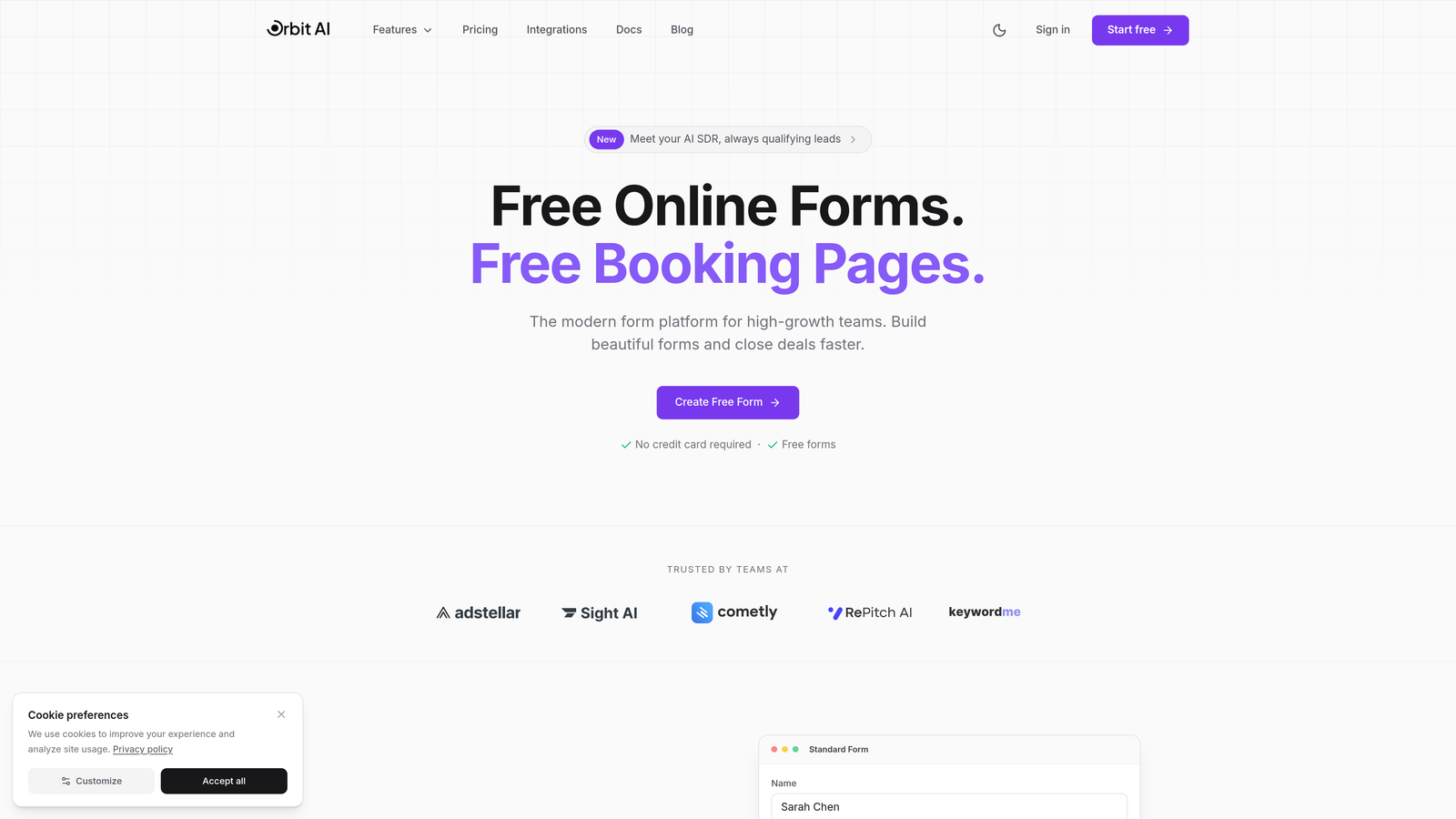
Orbit AI brings artificial intelligence to form building in a way that actually makes sense for modern teams.
Where This Tool Shines
The standout feature is the AI-powered lead qualification that works automatically as prospects fill out your forms. Instead of collecting raw submissions and sorting them later, Orbit AI scores and qualifies leads in real-time based on their responses.
The drag-and-drop builder feels refreshingly modern compared to legacy platforms. Everything is where you'd expect it to be, with a clean interface that doesn't overwhelm you with options. The conversion-optimized templates give you a head start, designed specifically for high-growth teams focused on lead generation.
Key Features
AI Lead Qualification: Automatically scores and qualifies prospects based on form responses without manual configuration.
Modern Builder Interface: Clean drag-and-drop system that prioritizes speed and usability over feature bloat.
Conversion Optimization: Templates and design elements specifically built to improve form completion rates.
Native Integrations: Connects seamlessly with popular CRMs and marketing tools your team already uses.
Real-Time Analytics: Dashboard that shows not just submissions, but actual conversion metrics and lead quality data.
Best For
SaaS companies and high-growth teams who need more than just form submissions. If you're tired of manually qualifying leads or want your forms to do intelligent work beyond data collection, this is built for you. Teams focused on conversion optimization and lead quality will find the AI features particularly valuable.
Pricing
Free tier available to get started. Paid plans unlock advanced AI features, additional integrations, and higher submission limits for scaling teams.
2. Typeform
Best for: Creating engaging conversational experiences that feel more like conversations than interrogations
Typeform pioneered the one-question-at-a-time approach that makes filling out forms feel almost enjoyable.

Where This Tool Shines
The conversational format completely changes how people interact with your forms. Instead of overwhelming respondents with a wall of fields, Typeform presents one question at a time with smooth transitions. This approach significantly reduces form abandonment because it feels less daunting.
The design customization options are exceptional. You can match your brand perfectly with custom fonts, colors, and backgrounds. The interface for building these forms is equally polished, making it easy to create professional-looking forms even if design isn't your strength.
Key Features
Conversational Interface: One-question-at-a-time format that creates a natural, engaging flow for respondents.
Design Flexibility: Extensive customization options for colors, fonts, backgrounds, and overall aesthetic.
Logic Jumps: Smart branching that shows different questions based on previous answers, creating personalized experiences.
Rich Media Support: Embed videos, images, and GIFs directly into your forms for more engaging experiences.
Analytics Dashboard: Detailed reporting on completion rates, drop-off points, and response patterns.
Best For
Marketing teams and businesses where form experience directly impacts brand perception. If you're collecting customer feedback, running surveys, or creating lead generation forms where engagement matters, Typeform's conversational approach delivers results.
Pricing
Free tier available with limited responses. Basic plan starts at $25/month, with higher tiers for teams needing advanced features and higher response volumes.
3. Tally
Best for: Teams wanting Notion-style simplicity with an exceptionally generous free tier
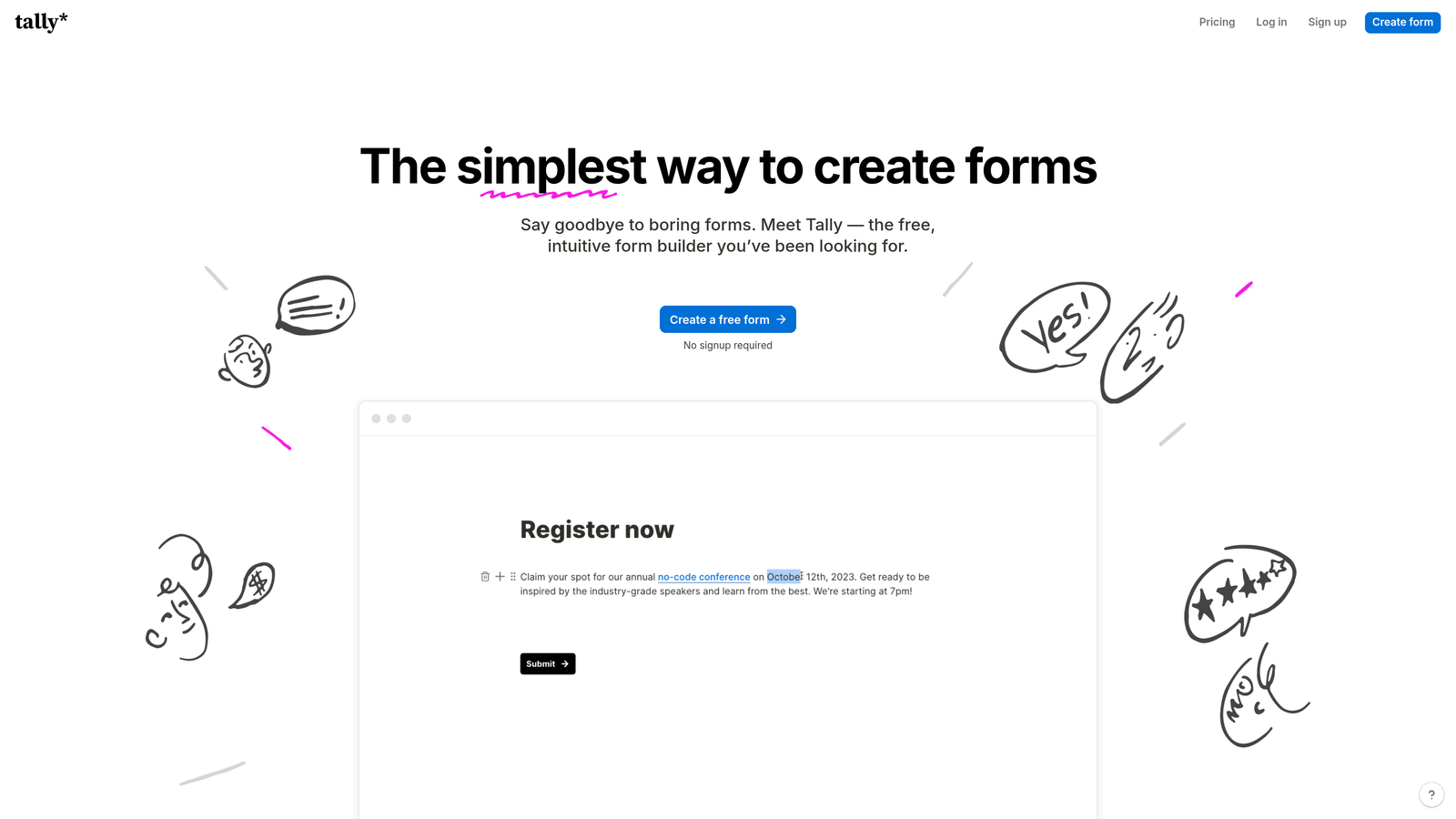
Tally brings the block-based editing philosophy of Notion to form building with remarkable results.
Where This Tool Shines
The free tier is genuinely impressive. Unlimited forms and unlimited submissions without the artificial restrictions most platforms impose. This makes it perfect for startups and small teams who need professional forms without the monthly subscription.
The Notion-style block editor feels instantly familiar if you've used modern document tools. You build forms by adding blocks, moving them around, and configuring them inline. No separate settings panels or confusing navigation. Everything happens right where you're working, creating a remarkably smooth building experience.
Key Features
Unlimited Free Tier: No caps on forms or submissions, making it genuinely usable without upgrading.
Block-Based Editor: Notion-style interface that feels natural and requires minimal learning curve.
No Account Required: You can start building immediately without signing up, lowering the barrier to entry.
Clean Output: Forms look modern and minimal without unnecessary branding or visual clutter.
Basic Integrations: Essential connections to popular tools included even on the free plan.
Best For
Budget-conscious teams, startups, and anyone who loves Notion's approach to interface design. If you need functional, good-looking forms without monthly costs, Tally delivers without compromise.
Pricing
The free tier covers most needs for small teams. Pro plan at $29/month adds custom domains, file uploads, and advanced features for growing businesses.
4. Jotform
Best for: Teams needing extensive templates and advanced features like payments and e-signatures
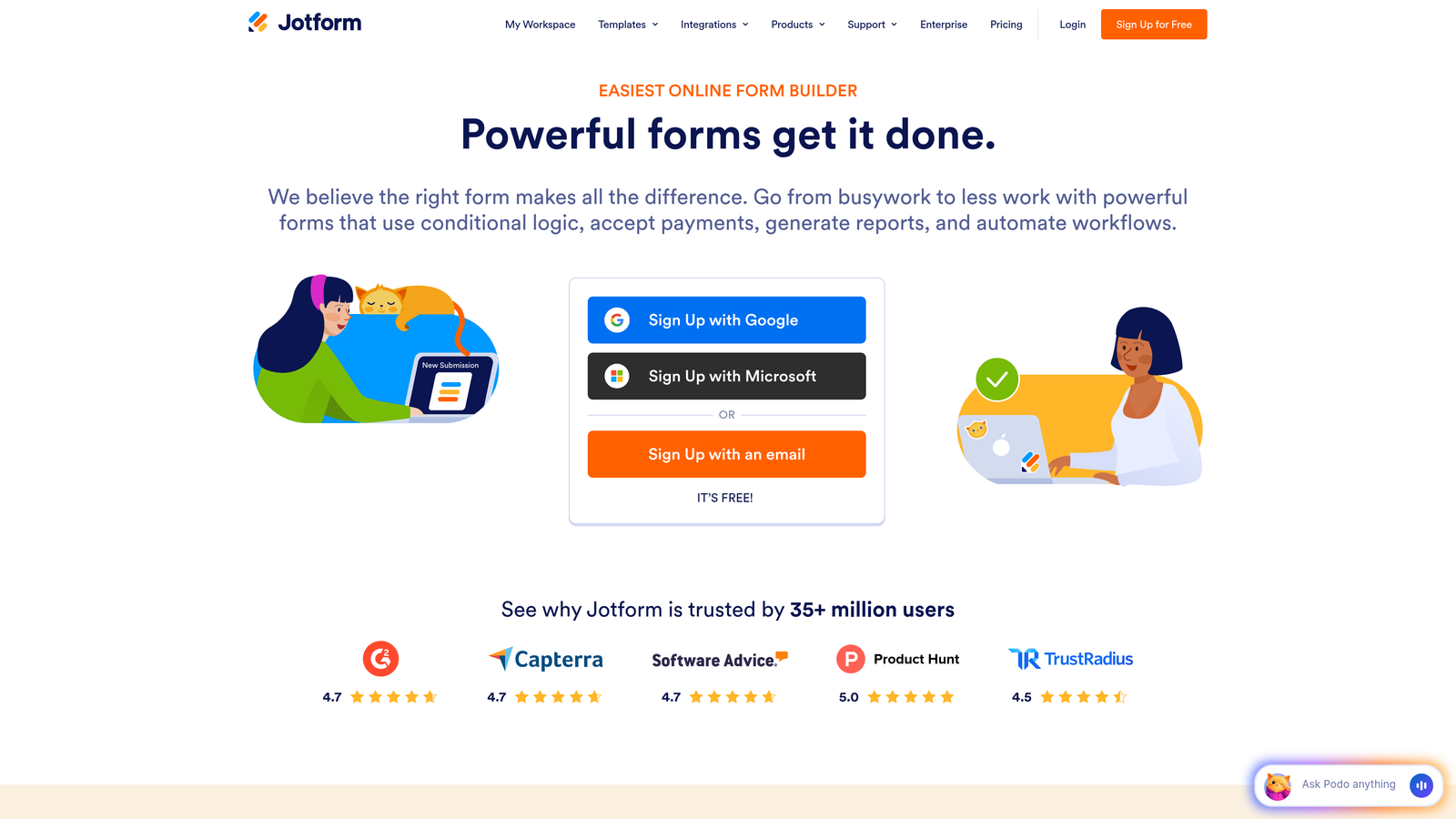
Jotform has successfully modernized its interface while maintaining the depth of features that made it popular.
Where This Tool Shines
The template library is unmatched. With over 10,000 pre-built forms covering virtually every use case imaginable, you rarely start from scratch. Whether you need event registration, job applications, or customer intake forms, there's a polished template ready to customize.
The card-based builder interface represents a significant upgrade from Jotform's earlier versions. It's intuitive enough for beginners while still providing access to advanced features. The platform handles complex requirements like payment processing, PDF generation, and electronic signatures natively, eliminating the need for third-party integrations.
Key Features
Massive Template Library: Over 10,000 professionally designed templates for virtually every industry and use case.
Card-Based Builder: Modern interface that balances simplicity with access to advanced configuration options.
Payment Processing: Built-in support for collecting payments through multiple processors without external tools.
Document Generation: Automatically create PDFs from submissions and collect legally binding e-signatures.
Widget Ecosystem: Extensive library of add-ons and widgets for specialized functionality.
Best For
Organizations needing forms that do more than collect data. If you're processing payments, generating documents, or need specialized widgets for unique requirements, Jotform's depth of features handles complex workflows.
Pricing
Free tier available with basic features. Bronze plan starts at $34/month, with higher tiers for teams needing advanced features and higher submission volumes.
5. Fillout
Best for: Teams using Airtable or Notion databases who want native form integration
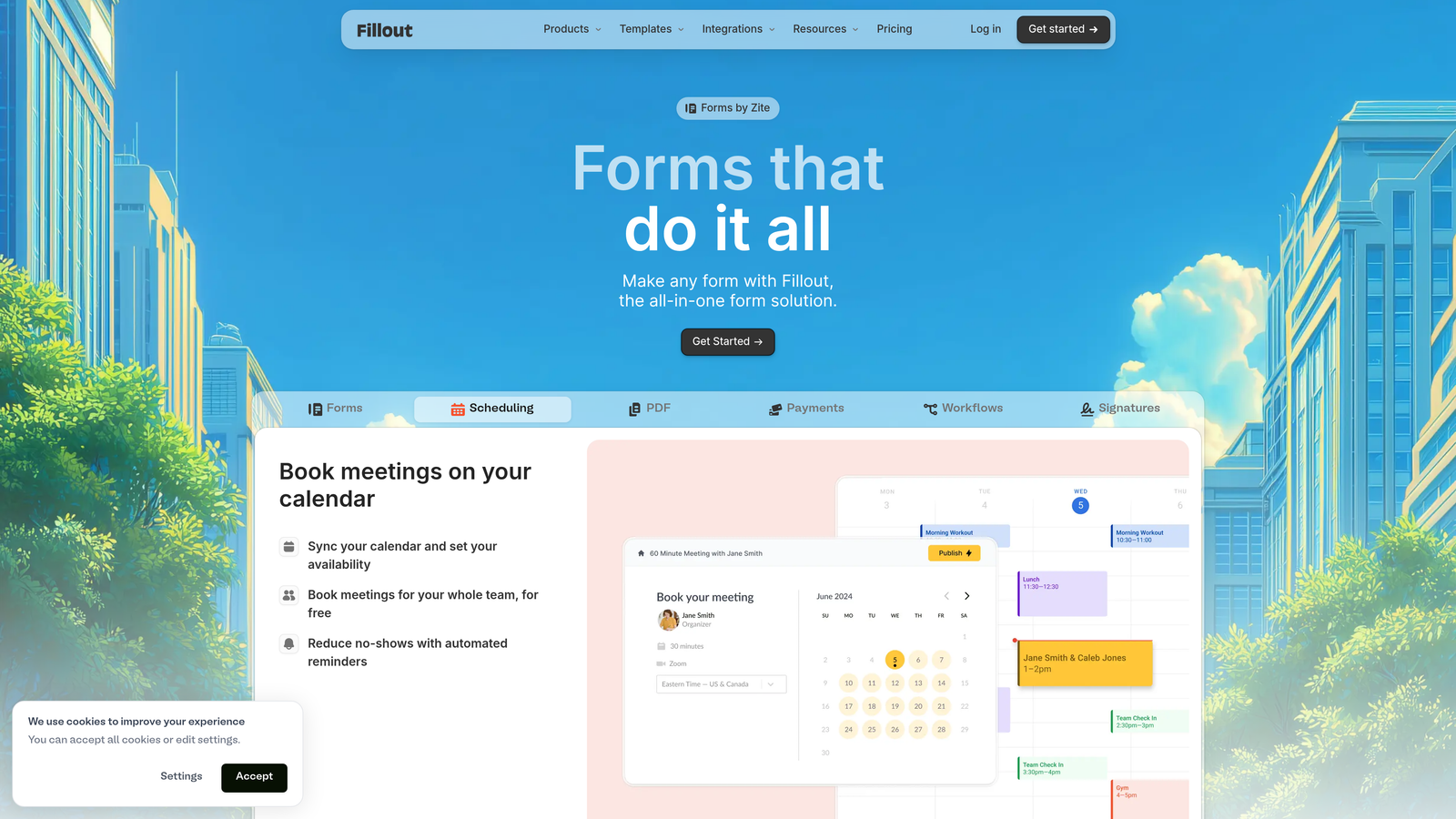
Fillout excels at connecting forms directly to your existing databases with minimal friction.
Where This Tool Shines
The native Airtable and Notion integration changes the game for teams already using these platforms as their database. Instead of routing form submissions through Zapier or similar tools, Fillout writes directly to your tables. This eliminates sync delays and reduces points of failure in your workflow.
The builder interface itself is clean and responsive, focusing on speed rather than overwhelming you with options. Creating forms feels quick and straightforward, with conditional logic and calculations built in for more sophisticated use cases.
Key Features
Native Database Connections: Direct integration with Airtable and Notion databases without middleware or zapier.
Modern Builder: Fast, responsive interface that prioritizes efficient form creation over feature bloat.
Conditional Logic: Show or hide fields based on previous responses, plus perform calculations within forms.
Scheduling Forms: Built-in booking and appointment scheduling without additional plugins.
Custom Domains: Use your own domain for forms, even on lower-tier plans.
Best For
Teams already invested in Airtable or Notion as their system of record. If your workflows center around these databases, Fillout provides the cleanest path from form submission to database record.
Pricing
Free tier available for basic use. Starter plan at $15/month unlocks advanced features, making it one of the more affordable options for growing teams.
6. Paperform
Best for: Creating forms that feel like interactive landing pages with rich content
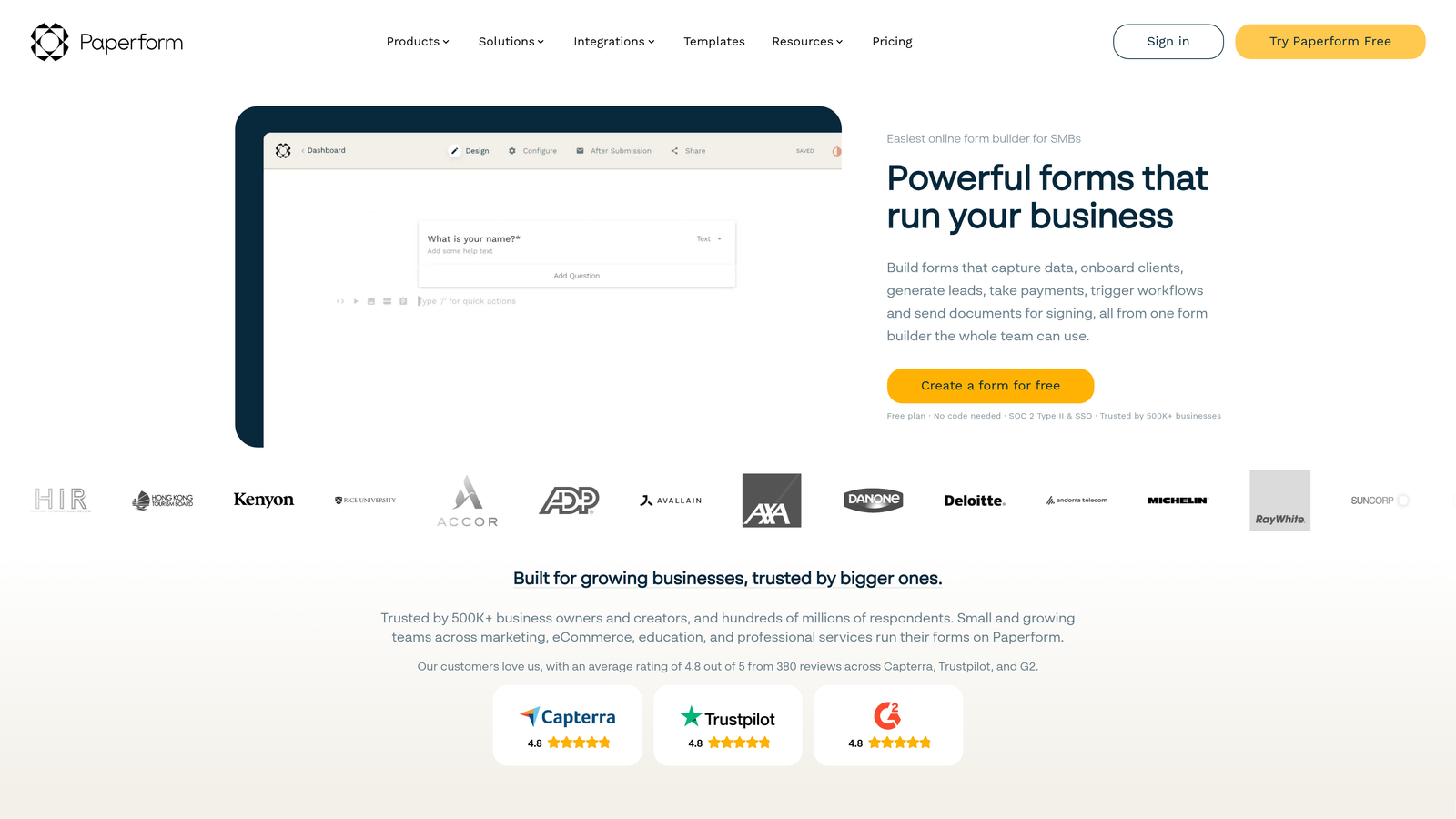
Paperform takes a unique document-first approach that blends form building with page creation.
Where This Tool Shines
The document-style builder lets you create forms that feel more like interactive web pages. You can embed images, videos, and rich content alongside your form fields, creating experiences that are part form, part landing page. This approach works exceptionally well for applications, registrations, and any scenario where you need to provide context and information alongside data collection.
The e-commerce and payment capabilities are robust. You can build complete product pages with checkout functionality, making it viable as a simple storefront solution for digital products or services.
Key Features
Document-Style Building: Create forms that incorporate rich content, images, and videos like a landing page.
Media Embedding: Add videos, images, and formatted text to create context-rich form experiences.
E-Commerce Ready: Built-in payment processing and product management for selling directly through forms.
Appointment Scheduling: Integrated booking system for consultations, meetings, and appointments.
Design Control: Extensive customization options to match your brand and create unique layouts.
Best For
Businesses that need forms to do double duty as landing pages or product pages. If you're selling services, accepting applications, or need to provide substantial context alongside your form fields, Paperform's approach makes sense.
Pricing
Essentials plan starts at $24/month for individuals. Pro plan at $49/month adds team features and removes Paperform branding.
7. Formspark
Best for: Developers who want to build custom frontends while offloading backend submission handling
Formspark provides form backend as a service, letting developers focus on frontend while it handles submissions.

Where This Tool Shines
The API-first approach gives developers complete control over form design and functionality. You build the form however you want using your own HTML, CSS, and JavaScript, then point it at Formspark's endpoint. This eliminates the constraints of traditional form builders while still providing professional submission handling, spam protection, and notifications.
The developer dashboard is refreshingly simple. No bloated interface trying to be everything to everyone. Just clean submission management, webhook configuration, and the tools developers actually need.
Key Features
API-First Design: Backend service that works with any HTML form you create.
Framework Agnostic: Works with React, Vue, vanilla HTML, or any frontend technology you prefer.
Spam Protection: Built-in filtering and bot detection without requiring additional services.
Webhook Support: Push submissions to your own systems or third-party services automatically.
Clean Dashboard: Simple, developer-focused interface for managing submissions and settings.
Best For
Developers and technical teams who want complete control over form design but don't want to build and maintain backend infrastructure. Perfect for custom websites, applications, and projects where design flexibility is paramount.
Pricing
Free tier includes 250 submissions monthly. Paid plans start at $8/month, making it extremely affordable for most use cases.
8. Reform
Best for: Power users who value speed and keyboard-driven workflows
Reform is built for people who think clicking through menus is a waste of time.
Where This Tool Shines
The keyboard-first workflow dramatically speeds up form creation once you learn the shortcuts. You can build entire forms without touching your mouse, making it feel more like coding than traditional form building. This approach appeals to power users who value efficiency over hand-holding.
Despite the focus on speed, the output is clean and minimal. Forms look modern without unnecessary decoration, and the interface loads instantly. There's no bloat, no slow animations, just fast, functional form building.
Key Features
Keyboard Shortcuts: Comprehensive keyboard controls for building forms without relying on mouse clicks.
Blazing Speed: Optimized interface that prioritizes performance and instant responsiveness.
Minimal Output: Forms that look clean and modern without visual clutter or unnecessary elements.
Logic and Branching: Conditional fields and smart routing based on responses.
Team Collaboration: Built-in features for teams working together on form projects.
Best For
Experienced form creators and teams who build forms regularly and want to optimize their workflow. If you find yourself frustrated by slow interfaces and excessive clicking, Reform's approach will feel like a revelation.
Pricing
Free tier available for basic use. Pro plan starts at $19/month for teams needing advanced features and collaboration.
9. HeyForm
Best for: Privacy-focused organizations wanting self-hosting options without sacrificing modern design
HeyForm brings open-source flexibility to the modern form building experience.
Where This Tool Shines
Being open-source means you can self-host HeyForm on your own infrastructure, giving you complete control over data and privacy. This matters for organizations in regulated industries or those with strict data residency requirements. You're not locked into a vendor's infrastructure or pricing changes.
Despite being open-source, the interface is polished and modern. The conversational form style feels contemporary, and the builder doesn't sacrifice usability for flexibility. The active community development means bugs get fixed and features get added regularly.
Key Features
Open-Source: Full source code access with the ability to self-host on your own servers.
Modern Interface: Conversational form style with a clean, contemporary design aesthetic.
Privacy-Focused: Complete control over data storage and processing when self-hosted.
No Vendor Lock-In: Your forms and data remain fully portable and under your control.
Community Development: Active contributor base adding features and improvements regularly.
Best For
Organizations with strict data privacy requirements, technical teams comfortable with self-hosting, and anyone who values avoiding vendor lock-in. Healthcare, finance, and government organizations particularly benefit from the control HeyForm provides.
Pricing
Free to self-host with no restrictions. Cloud hosting option available for teams wanting the open-source benefits without managing infrastructure.
Finding Your Perfect Form Builder
The right form builder depends entirely on what you're trying to accomplish and how you work.
For high-growth teams focused on lead quality and conversion optimization, Orbit AI delivers AI-powered qualification that turns forms into intelligent lead generation tools. The modern interface combined with built-in analytics makes it purpose-built for teams where form performance directly impacts revenue.
If creating beautiful, engaging experiences is your priority, Typeform's conversational approach remains unmatched. The one-question-at-a-time format consistently delivers higher completion rates when user experience matters most.
Budget-conscious teams and startups should look hard at Tally. The generous free tier with unlimited forms and submissions removes the financial barrier while still providing a modern, Notion-style building experience.
Need maximum template variety and advanced features like payments or e-signatures? Jotform's depth of functionality handles complex requirements that would require multiple tools elsewhere.
The common thread across all these platforms is a commitment to modern, intuitive interfaces that respect your time. The days of wrestling with clunky form builders are over. These tools prove you can have powerful features, beautiful output, and an interface that actually makes form building enjoyable.
Start building free forms today and see how intelligent form design can elevate your conversion strategy. Transform your lead generation with AI-powered forms that qualify prospects automatically while delivering the modern, conversion-optimized experience your high-growth team needs.


