

The first interaction a new customer has with your product often starts with a form. Account setup, preference gathering, compliance documentation, welcome surveys — these touchpoints set the tone for everything that follows. A clunky onboarding form creates friction right when you need to build trust.
The right customer onboarding form platform eliminates that friction with smart conditional logic, clean design, and seamless integrations into your existing tech stack. We evaluated dozens of platforms based on branching logic capabilities, CRM and workflow integrations, design flexibility, AI-powered features, and pricing scalability for growing teams.
Whether you're onboarding SaaS users, financial clients, or agency customers, here are the best options available in 2026.
1. Orbit AI
Best for: High-growth teams that want onboarding forms to qualify and convert, not just collect data.
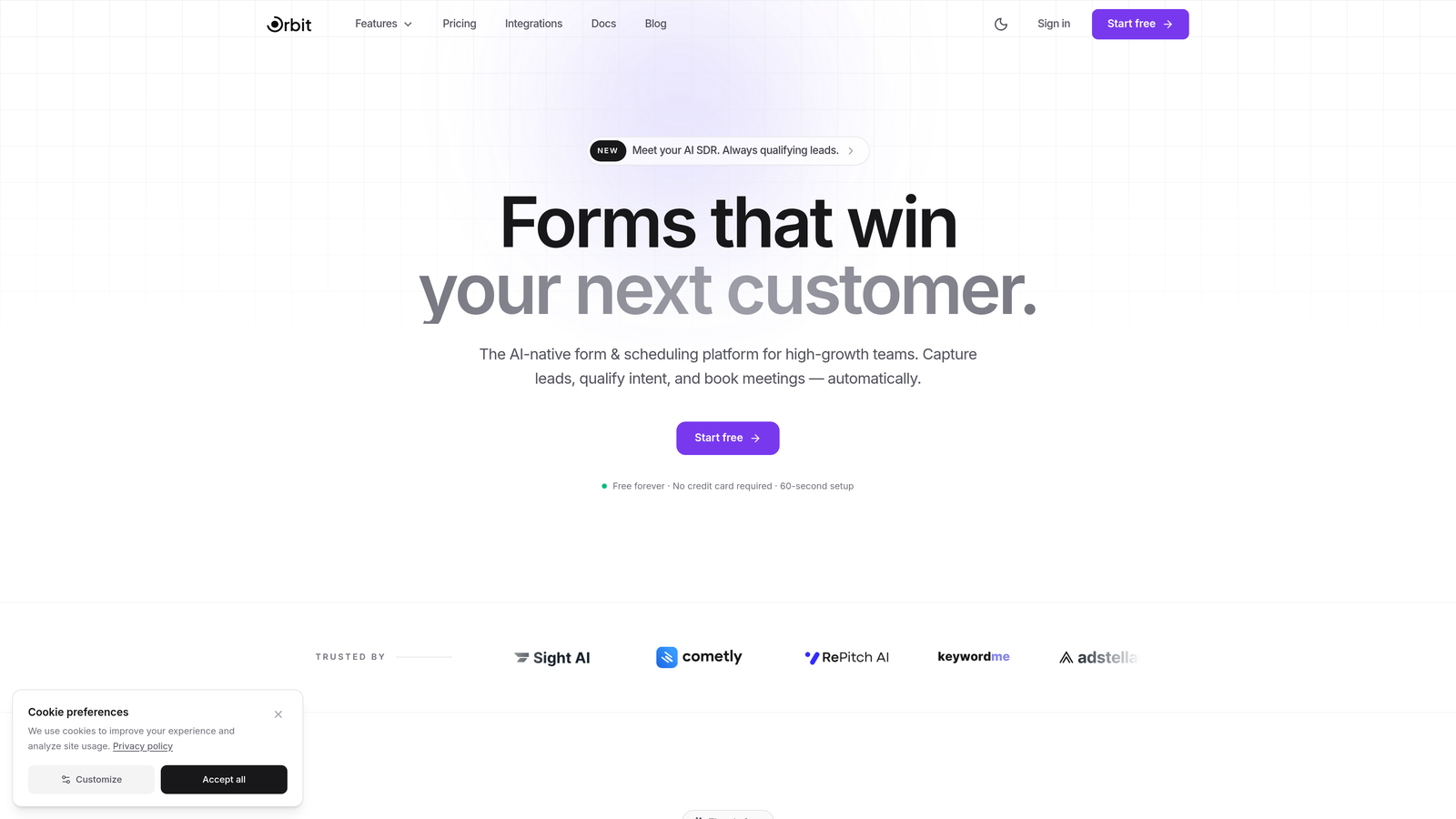
Orbit AI is an AI-powered form builder platform with built-in lead qualification, designed to turn onboarding forms into conversion-optimized experiences.
Where This Tool Shines
Most form builders stop at data collection. Orbit AI goes further by qualifying leads during the form completion process itself, scoring responses in real time and routing users based on fit. For high-growth teams, this means your onboarding flow does double duty: it welcomes new customers while simultaneously surfacing which accounts need immediate attention from your team.
The no-code builder pairs modern, polished templates with dynamic field personalization, so each customer sees a form that feels tailored to them. The result is an onboarding experience that feels intentional rather than generic.
Key Features
AI-Powered Lead Qualification: Scores and qualifies leads automatically during form completion, so your team knows which accounts to prioritize before they even finish onboarding.
Conditional Logic with Dynamic Personalization: Fields adapt in real time based on previous answers, creating personalized onboarding paths for different customer segments.
Conversion-Optimized Templates: Purpose-built onboarding templates designed to reduce drop-off and guide users through completion smoothly.
CRM and Workflow Integrations: Connects with major CRMs and automation tools to push onboarding data directly into your existing stack without manual exports.
No-Code Form Builder: Clean, visual editor lets non-technical team members build and iterate on forms without developer involvement.
Best For
SaaS companies, growth teams, and revenue-focused operators who want onboarding forms that actively contribute to pipeline health. Particularly strong for teams that need to segment new customers by fit or intent from the very first interaction.
Pricing
Free plan available. Paid plans are priced competitively for SaaS teams. Visit orbitforms.ai for current tier details.
2. Typeform
Best for: Teams that want a conversational, chat-like onboarding experience with high completion rates.
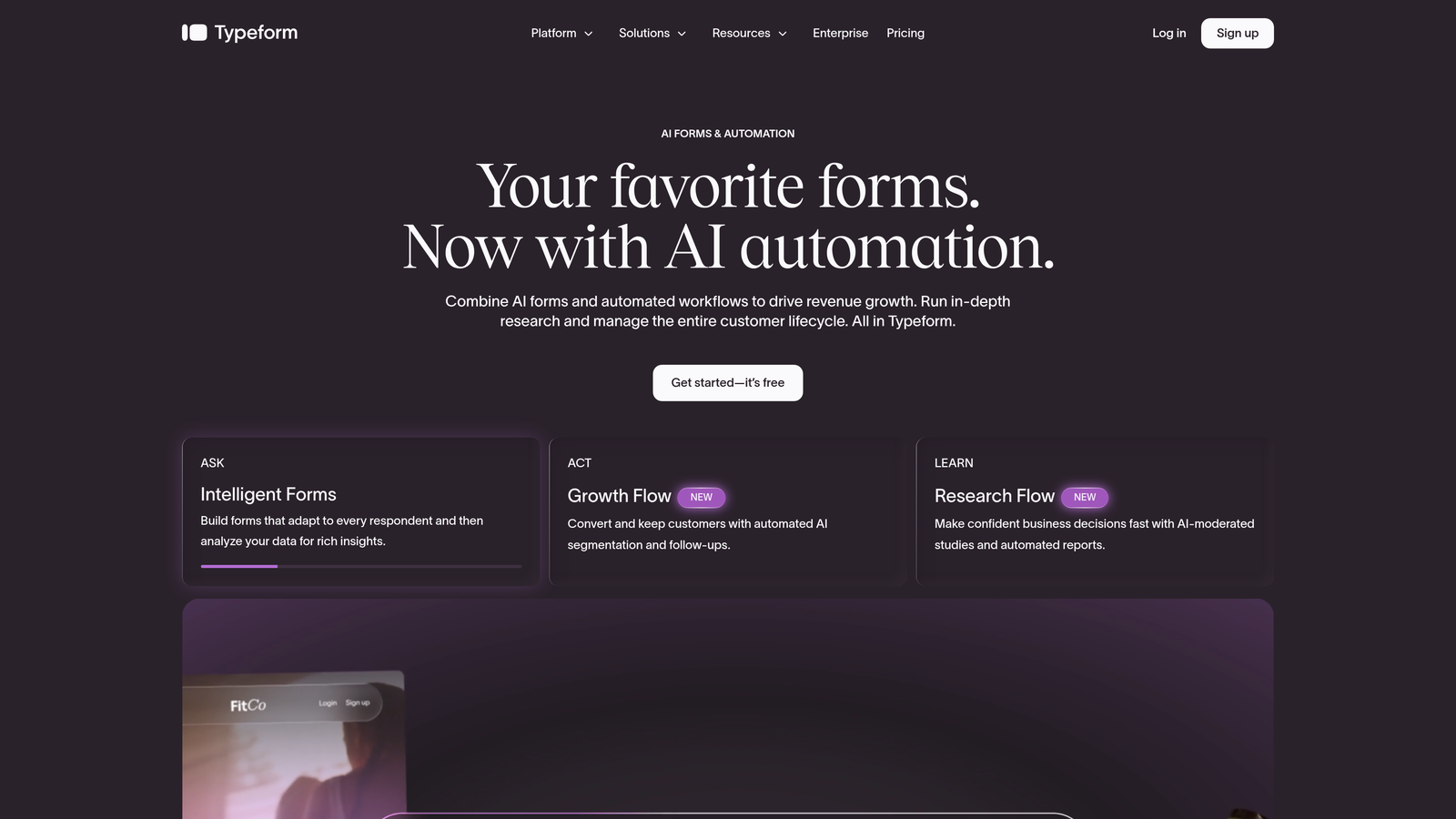
Typeform is a conversational form builder known for its one-question-at-a-time interface that makes onboarding feel like a dialogue, not a form.
Where This Tool Shines
Typeform's signature format reduces cognitive load by showing respondents one question at a time, which typically improves completion rates for longer onboarding flows. The visual polish is hard to beat out of the box, and the platform has matured significantly with logic branching that can handle complex routing.
It integrates natively with major CRMs and automation platforms, making it a solid choice for teams that want a beautiful front-end experience without sacrificing integration depth.
Key Features
Conversational One-Question UI: Presents questions sequentially to reduce overwhelm and keep respondents engaged through longer onboarding flows.
Logic Jumps and Branching: Routes users to different questions or sections based on their answers, enabling personalized onboarding paths.
Native CRM Integrations: Connects with HubSpot, Salesforce, and major automation tools like Zapier and Make.
Video and Image Embedding: Supports rich media within forms, useful for product walkthroughs or welcome messages embedded directly in the onboarding flow.
Custom Branding: Full control over colors, fonts, and backgrounds to match your product's visual identity.
Best For
Marketing and product teams that prioritize UX and completion rates. Works especially well for B2C onboarding, user research, and any flow where engagement quality matters as much as data quality.
Pricing
Free plan available with limited responses and features. Paid plans start at approximately $25/month.
3. Jotform
Best for: Teams with complex onboarding needs involving e-signatures, approvals, or payment collection.
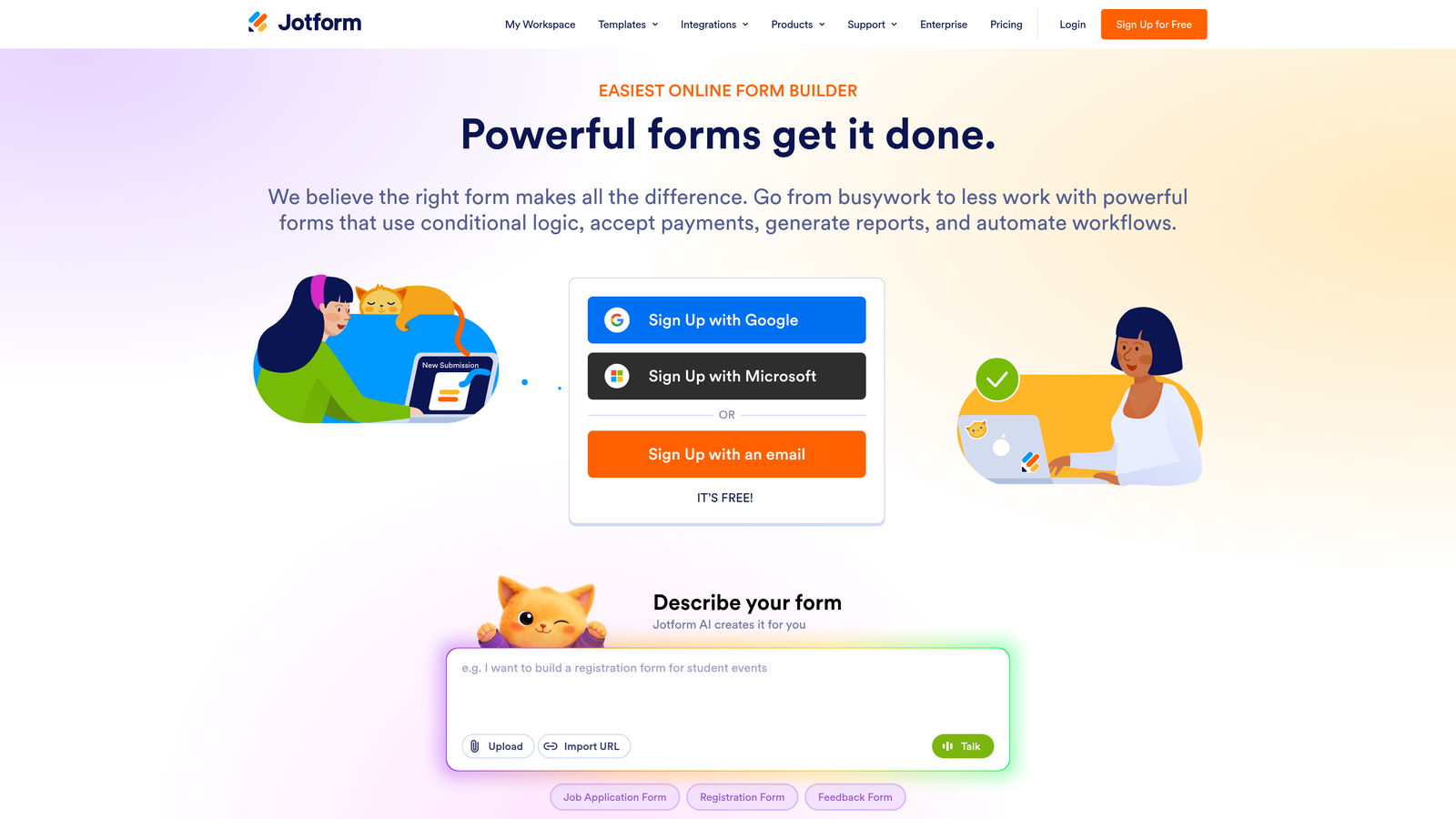
Jotform is a feature-rich form builder with thousands of templates, built-in e-signatures, approval workflows, and payment processing for sophisticated onboarding requirements.
Where This Tool Shines
Jotform's depth is its biggest strength. With over 10,000 templates and a mature feature set covering everything from e-signatures to multi-step approvals, it handles onboarding scenarios that simpler tools can't. If your onboarding process involves legal agreements, payment setup, or internal review steps, Jotform has purpose-built functionality for each.
The platform is particularly well-suited for service businesses, agencies, and regulated industries where onboarding involves more than just data collection.
Key Features
10,000+ Templates: Extensive library includes onboarding-specific templates for industries ranging from healthcare to professional services.
Built-in E-Signature Collection: Collect legally binding signatures directly within the onboarding form without a separate tool.
Approval Workflow Automation: Route submitted forms through internal approval chains before triggering next steps.
Payment Processing: Accepts payments via Stripe, PayPal, and other processors, useful for onboarding that includes service agreements or deposits.
Conditional Logic and Calculations: Dynamic fields and formula-based calculations support complex onboarding logic.
Best For
Agencies, professional service firms, and any team where onboarding involves contracts, payments, or multi-stakeholder approvals. Also a strong choice for teams that want a large template library to start from.
Pricing
Free plan supports up to 5 forms. Paid plans start at approximately $34/month.
4. Tally
Best for: Lean teams that want powerful form features without the cost or complexity.
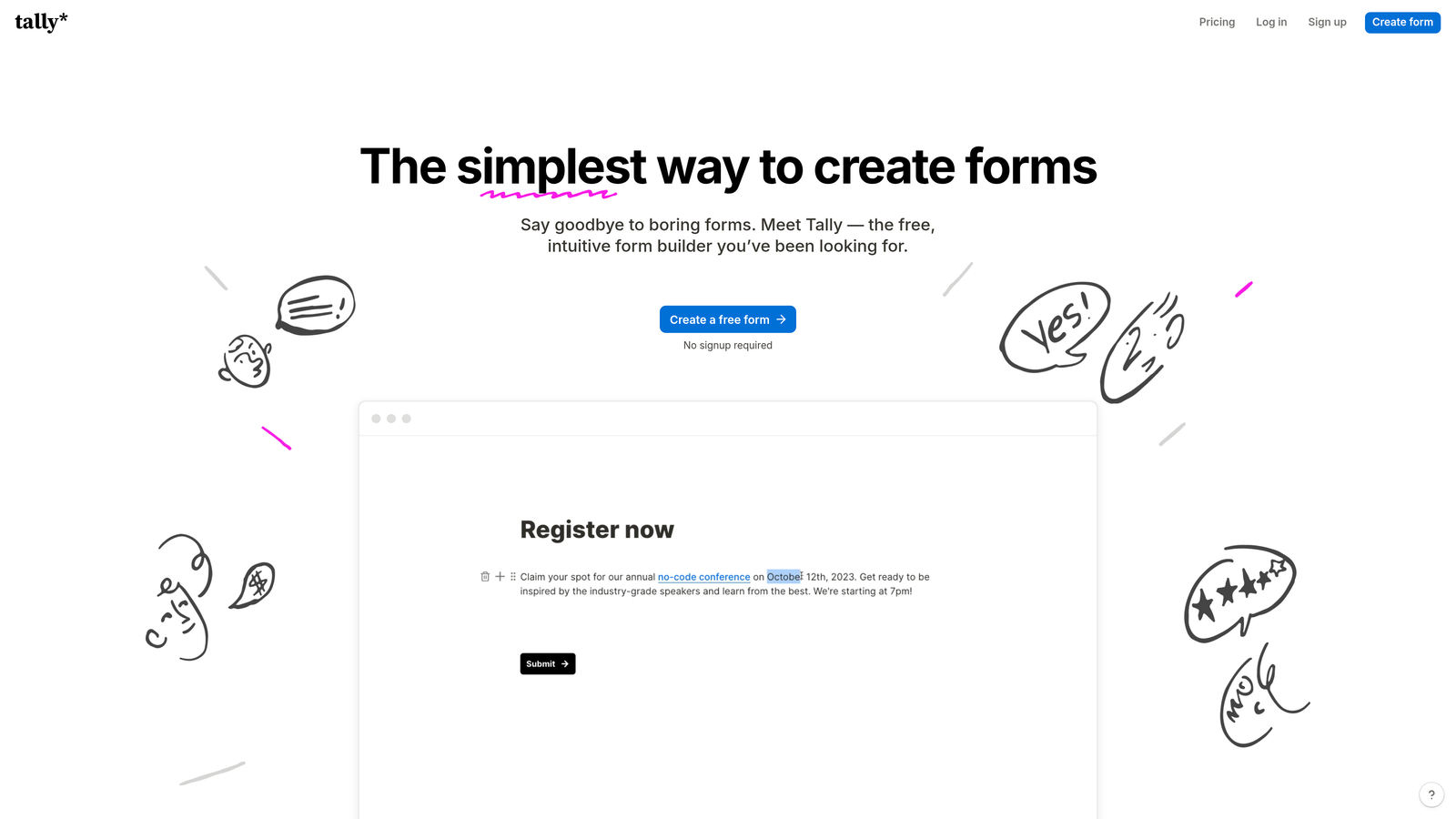
Tally is a minimalist, Notion-style form builder offering unlimited forms and submissions on its free plan, making it one of the most accessible options for early-stage teams.
Where This Tool Shines
Tally punches well above its price point. The free tier is genuinely unlimited for forms and submissions, which is rare in this space. The block-based editor will feel immediately familiar to anyone who uses Notion, reducing the learning curve significantly.
For startups and small teams that need functional, clean onboarding forms without a large budget, Tally delivers a surprisingly capable experience. It handles conditional logic, file uploads, and payment collection without requiring an upgrade.
Key Features
Unlimited Free Forms and Submissions: No submission caps or form limits on the free tier, making it genuinely usable for growing teams.
Notion-Style Block Editor: Familiar drag-and-drop interface that's quick to learn and flexible to use.
Conditional Logic and Hidden Fields: Supports branching flows and pre-populated fields for personalized onboarding paths.
File Uploads and Payments: Accepts document uploads and payment collection without requiring a paid plan for basic use.
Zapier and Webhook Integrations: Connects to automation platforms and custom workflows for data routing.
Best For
Early-stage startups, solo operators, and small teams that want capable onboarding forms without a significant tool budget. Also works well as a quick internal onboarding solution for ops teams.
Pricing
Generous free plan with no submission limits. Tally Pro starts at approximately $29/month for advanced features like custom domains and branding removal.
5. Fillout
Best for: Data-driven teams that need onboarding submissions to flow directly into Airtable, Notion, or other databases.
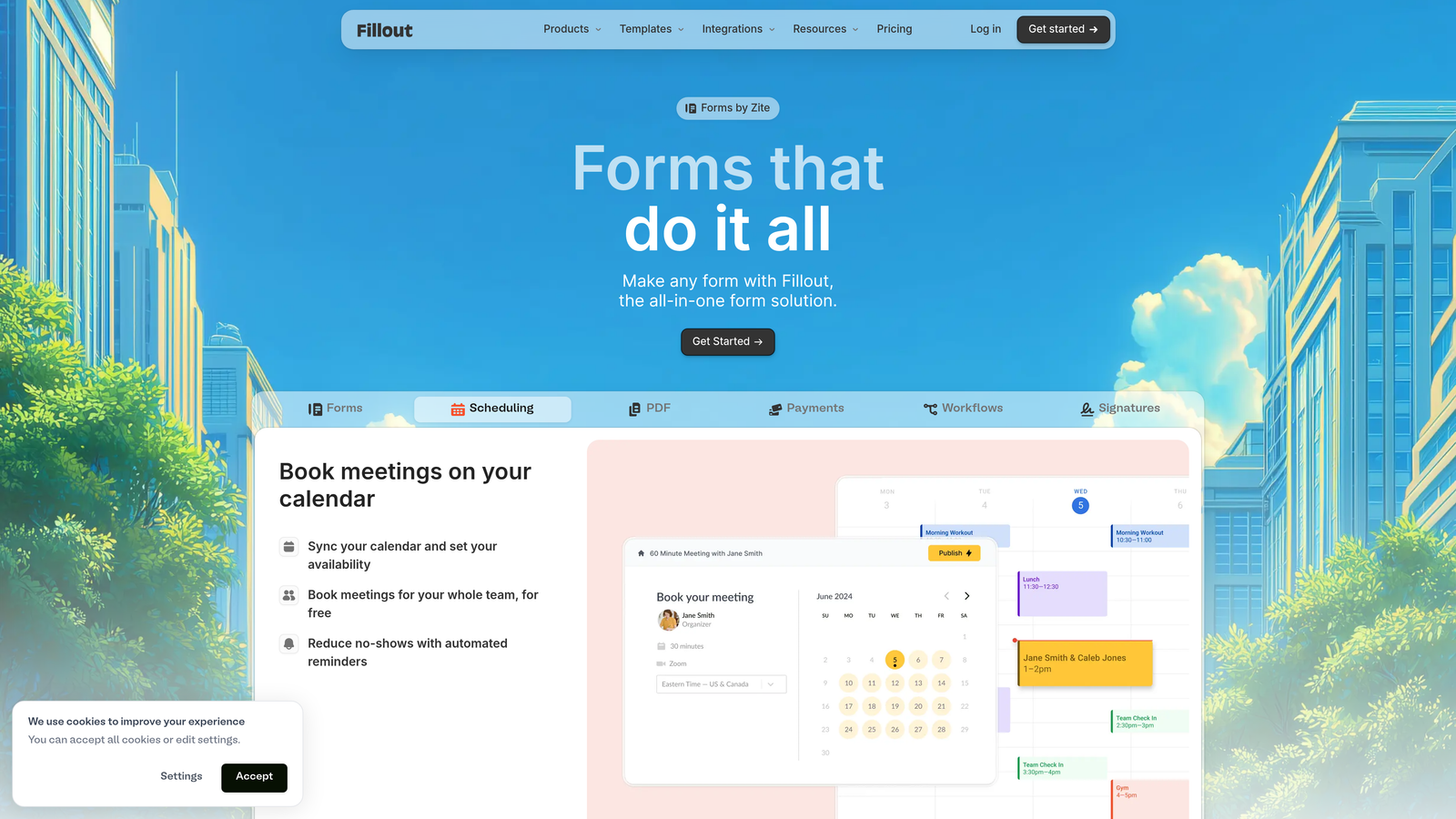
Fillout is a database-native form builder with deep integrations into Airtable, Notion, Google Sheets, and Supabase for teams that treat their database as the source of truth.
Where This Tool Shines
Fillout's differentiator is how tightly it connects forms to underlying data. You can pre-fill form fields from existing database records, update records on submission, and create multi-step flows that interact with live data. For ops-heavy teams managing onboarding through Airtable or Notion bases, this eliminates the manual syncing that typically creates data gaps.
The platform also includes scheduling and payment collection, making it capable of handling end-to-end onboarding workflows without requiring additional tools.
Key Features
Native Database Integrations: Direct connections to Airtable, Notion, Supabase, and Google Sheets with two-way data sync.
Pre-Fill from Existing Records: Populate form fields automatically from database records to reduce redundant data entry for returning users.
Multi-Page Conditional Flows: Build multi-step onboarding sequences with branching logic based on responses.
Scheduling and Payments: Built-in booking and payment collection for onboarding flows that include kickoff calls or service setup fees.
Custom Domains and Branding: White-label options for embedding forms within your product experience.
Best For
Operations teams, no-code builders, and product teams that run their workflows through Airtable or Notion and want onboarding data to live natively in those systems.
Pricing
Free plan available. Paid plans start at approximately $15/month, making it one of the more affordable database-native options.
6. HubSpot Forms
Best for: Teams already using HubSpot CRM who want onboarding data to sync automatically with contacts and lifecycle stages.
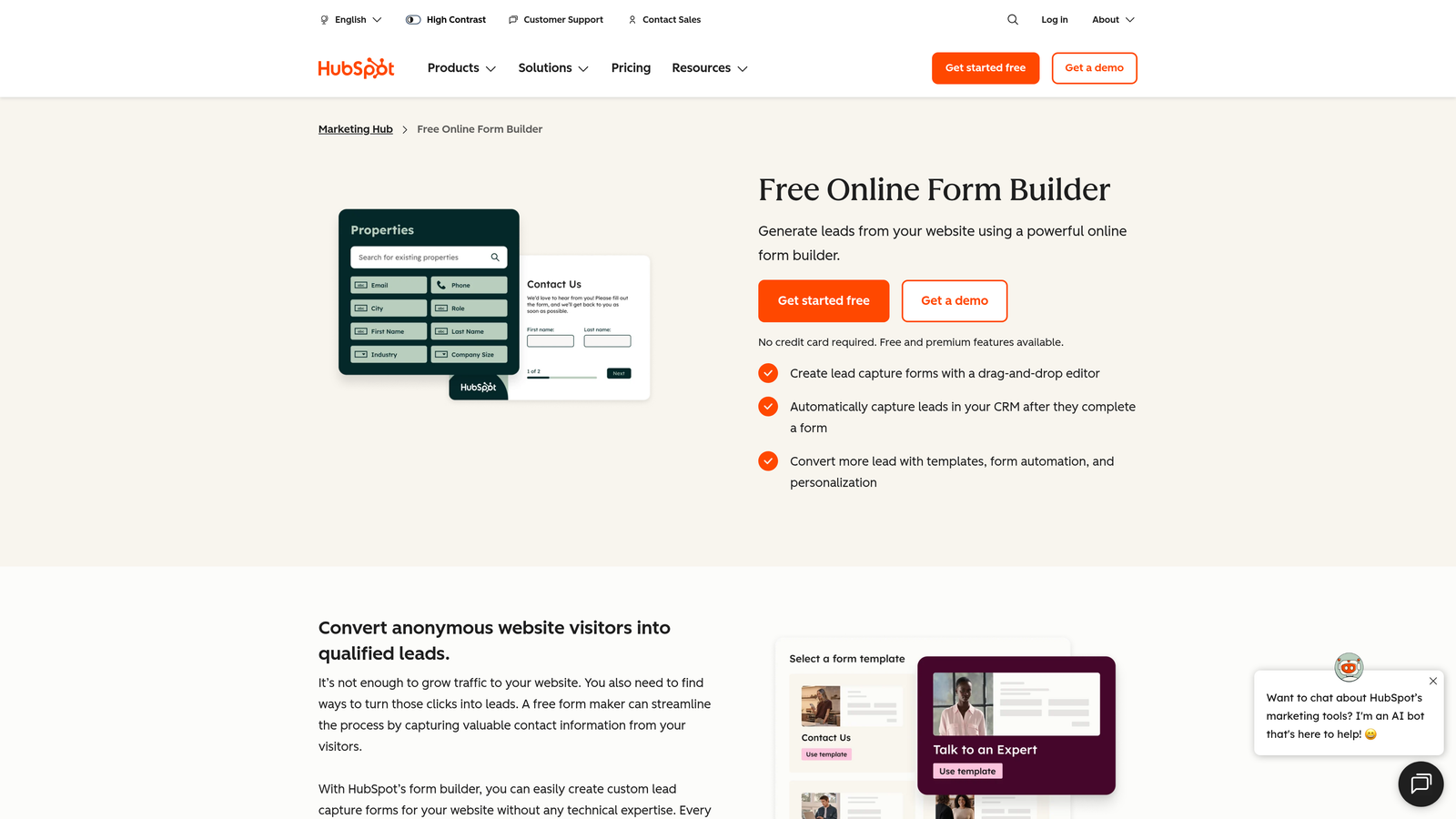
HubSpot Forms is a CRM-native form builder that automatically syncs onboarding submissions with HubSpot contacts, deals, and workflow triggers.
Where This Tool Shines
If your team lives in HubSpot, using a third-party form builder creates an unnecessary integration layer. HubSpot Forms eliminates that entirely. Every submission creates or enriches a contact record, updates lifecycle stages, and can trigger automated workflows without any manual mapping or Zapier connectors.
Progressive profiling is a standout feature: returning visitors see different questions based on what HubSpot already knows about them, reducing form fatigue while continuously enriching contact data over time.
Key Features
Automatic CRM Sync: Every form submission creates or updates a HubSpot contact record instantly, no integration setup required.
Progressive Profiling: Shows new questions to returning visitors based on existing contact data, reducing repetition and improving data completeness.
Lifecycle Stage and Lead Scoring Integration: Form submissions can trigger lifecycle stage updates and feed into HubSpot's lead scoring models.
Smart Fields and Drag-and-Drop Builder: Intuitive builder with field-level logic and smart defaults for common onboarding data points.
Workflow Triggers: Submissions can instantly kick off HubSpot automation sequences, email enrollments, or internal task assignments.
Best For
Marketing and sales teams operating within the HubSpot ecosystem. Particularly valuable for B2B SaaS companies that want onboarding data to immediately influence CRM workflows and sales handoffs.
Pricing
Available free with HubSpot CRM. Advanced features like smart forms and progressive profiling require Marketing Hub Starter at approximately $20/month.
7. Formstack
Best for: Regulated industries requiring HIPAA compliance, digital signatures, and document generation in onboarding workflows.
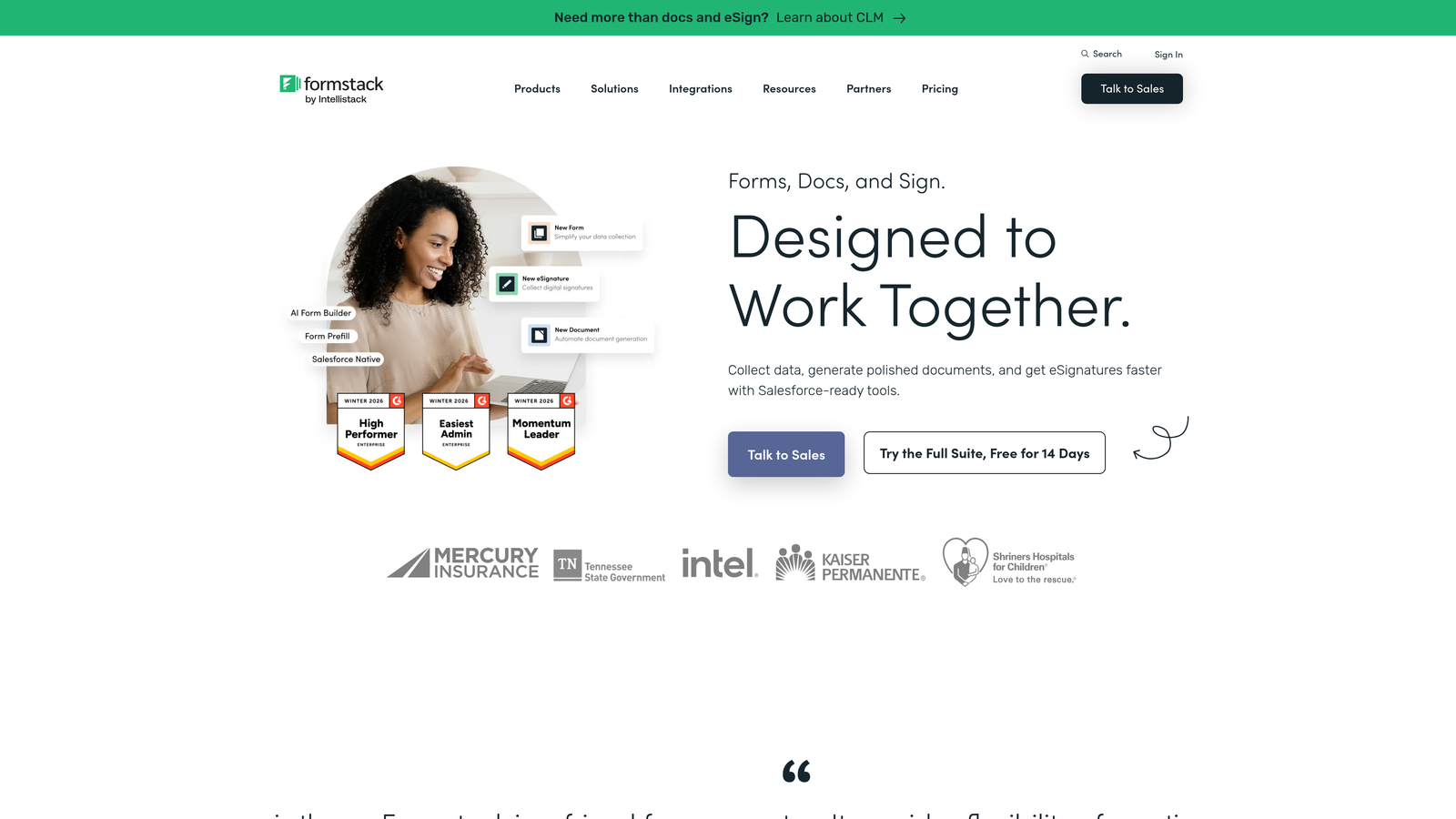
Formstack is an enterprise-grade form platform built for organizations where compliance, security, and document workflows are non-negotiable parts of the onboarding process.
Where This Tool Shines
Formstack is purpose-built for industries where a standard form builder simply isn't enough. Healthcare organizations, financial services firms, and legal teams need HIPAA, GDPR, and PCI compliance baked in, not bolted on. Formstack provides that alongside a full document generation suite, so onboarding data can automatically populate contracts, agreements, and welcome packets.
The Salesforce-native integration is particularly strong, making it a natural fit for enterprise sales teams that run complex, multi-stakeholder onboarding processes through Salesforce.
Key Features
HIPAA, GDPR, and PCI Compliance: Enterprise-grade security and compliance options for regulated industries handling sensitive onboarding data.
Built-in E-Signatures via Formstack Sign: Collect legally binding signatures without leaving the Formstack ecosystem.
Document Generation: Automatically populate contracts, agreements, and documents from onboarding form submissions.
Advanced Conditional Logic and Prefill: Sophisticated branching and pre-population for complex multi-step onboarding flows.
Salesforce-Native Integration: Deep, bidirectional Salesforce integration for enterprise teams managing onboarding within their CRM.
Best For
Healthcare providers, financial services companies, legal firms, and any enterprise organization where compliance requirements and document workflows are central to the customer onboarding process.
Pricing
Plans start at approximately $50/month. Enterprise pricing is available for larger organizations with advanced compliance or volume requirements.
8. Cognito Forms
Best for: Onboarding flows that involve pricing calculations, membership tiers, or service selection with variable costs.
Cognito Forms is a versatile form builder with powerful calculation fields and conditional logic, well-suited for onboarding flows where pricing, service selection, or membership logic is involved.
Where This Tool Shines
Cognito Forms stands out for its calculation engine. You can build forms that dynamically compute pricing, membership fees, or service totals based on user selections, which is genuinely useful for onboarding flows that include a service configuration or upgrade selection step. This removes the need for a separate quoting tool in many cases.
Repeating sections are another differentiator, allowing forms to accommodate variable-length data like multiple team members, product lines, or service locations within a single onboarding submission.
Key Features
Advanced Calculation Fields: Build dynamic pricing, totals, and computed values directly into onboarding forms without custom code.
Conditional Logic with Section Visibility: Show or hide entire form sections based on previous answers for clean, relevant onboarding paths.
Stripe and PayPal Integration: Collect payments directly within the onboarding flow for service setup fees or subscription starts.
Repeating Sections: Allow respondents to add multiple entries within a single form, ideal for onboarding multiple team members or service configurations at once.
Data Encryption and HIPAA-Eligible Plans: Security options available for teams handling sensitive onboarding data.
Best For
Professional service firms, SaaS companies with tiered onboarding packages, and any team where onboarding involves service selection, pricing configuration, or multiple variable inputs from a single customer.
Pricing
Free plan available for basic use. Paid plans start at approximately $15/month, offering strong value for the calculation capabilities included.
9. Feathery
Best for: Product and engineering teams building custom in-app onboarding flows with full design control and API access.
Feathery is a developer-friendly form builder with a React SDK, full API access, and pixel-perfect design control for teams building onboarding directly into their product.
Where This Tool Shines
Feathery bridges the gap between no-code form builders and fully custom-coded onboarding flows. Product teams get a visual editor for designing forms, while developers get a React SDK and full API access to embed those forms natively within the application. The result is onboarding that feels like a native product experience rather than an embedded third-party widget.
Identity verification and KYC integrations make Feathery particularly relevant for fintech, lending, and any product where onboarding involves identity checks or compliance verification steps.
Key Features
React SDK for In-App Embedding: Embed onboarding forms directly within web applications using a native React component, maintaining full product context.
Full API and Webhook Support: Programmatic access to form logic, submissions, and state for custom integrations and automation.
Pixel-Perfect Visual Editor: Design-level control with custom CSS support, so forms match your product's design system exactly.
Multi-Step Onboarding Flow Builder: Build complex, multi-stage onboarding sequences with branching logic and progress tracking.
Identity Verification and KYC Integrations: Built-in support for identity verification providers, useful for regulated products with compliance onboarding requirements.
Best For
Product teams, frontend engineers, and technical founders building SaaS products where onboarding is a core part of the application experience. Particularly strong for fintech, insurtech, and any product with KYC or identity verification requirements.
Pricing
Free plan supports up to 100 submissions per month. Paid plans start at approximately $49/month for higher volume and advanced features.
Matching the Right Platform to Your Onboarding Needs
Every tool on this list solves the same core problem from a different angle, and the right choice depends almost entirely on where your onboarding complexity lives.
If your priority is turning onboarding into a revenue-aware process that qualifies and scores leads in real time, Orbit AI is the strongest fit. It's the only platform here that treats form completion as an active qualification event, not just a data collection step.
For teams focused on completion rates and conversational UX, Typeform delivers a polished experience that's hard to match. If you need extensive templates, e-signatures, and approval workflows, Jotform covers the most ground. Budget-conscious teams will find Tally genuinely hard to beat on value, while database-first operations teams will appreciate how naturally Fillout fits into Airtable or Notion workflows.
Already in the HubSpot ecosystem? HubSpot Forms is the obvious choice for seamless CRM sync. Compliance-heavy industries should evaluate Formstack for its HIPAA and document generation capabilities. Teams with complex pricing or service selection logic will find Cognito Forms handles calculations that other tools can't. And for product teams building onboarding directly into their application, Feathery offers the developer access and design control that no-code-only tools simply don't provide.
The key is matching the platform's strengths to your actual onboarding complexity. A lean startup doesn't need enterprise compliance features, and an enterprise team shouldn't be limited by a minimalist tool. Start by identifying your single biggest onboarding friction point, then choose the platform built to solve it.
If you're ready to build onboarding forms that do more than collect data, start building free forms today with Orbit AI and see how intelligent form design can elevate your conversion strategy from the very first customer touchpoint.


