

When your organization processes thousands of form submissions monthly, the stakes for choosing the right form builder multiply exponentially. Enterprise teams need more than drag-and-drop simplicity—they require robust security compliance, seamless CRM integrations, advanced analytics, and the scalability to handle peak traffic without breaking. This comparison cuts through the noise to evaluate nine enterprise-grade form builders based on what actually matters: security certifications, integration depth, lead qualification capabilities, and total cost of ownership at scale. Whether you're replacing legacy systems or consolidating multiple tools, this guide helps you find the platform that matches your specific enterprise requirements.
1. Orbit AI
Best for: High-growth teams needing intelligent lead qualification built into their form experience
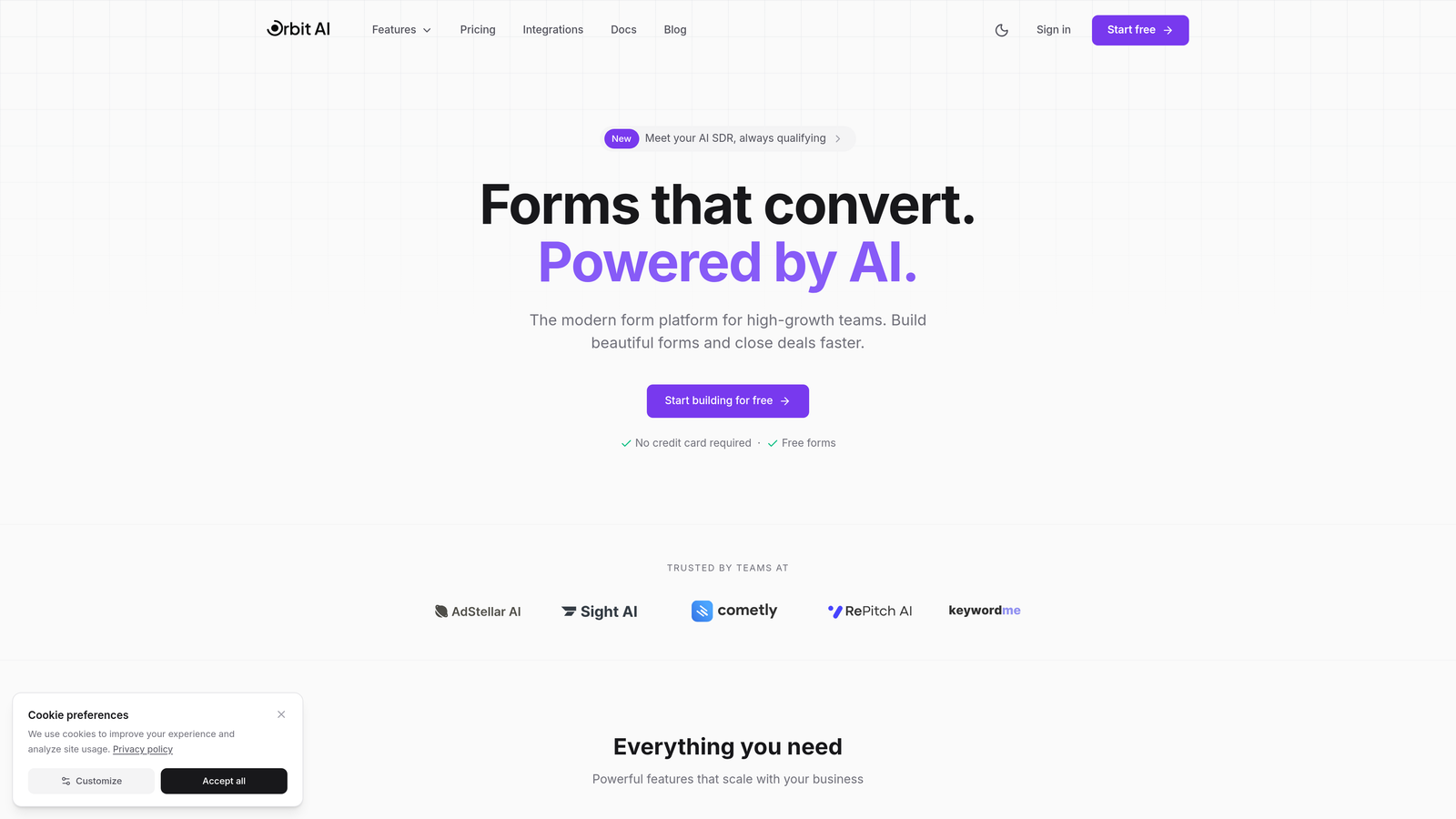
Orbit AI is an AI-powered form builder that transforms standard data collection into an intelligent qualification engine for enterprise teams.
Where This Tool Shines
The platform's AI qualification layer distinguishes it from traditional form builders by automatically scoring and routing leads based on response patterns. This means your sales team receives pre-qualified prospects rather than raw form submissions.
For organizations drowning in unqualified leads, this automated filtering creates immediate efficiency gains. The conversion-optimized templates are designed specifically for high-volume lead capture scenarios that enterprise teams face daily.
Key Features
AI-Powered Lead Qualification: Automatically scores submissions based on configurable criteria and response patterns.
Intelligent Form Routing: Directs leads to the appropriate team or workflow based on qualification scores and answers.
Native CRM Integrations: Connects directly with HubSpot, Salesforce, Close, and Attio for seamless data flow.
Conversion-Optimized Templates: Pre-built form designs tested for maximum completion rates in enterprise contexts.
Real-Time Analytics: Provides instant visibility into form performance, conversion rates, and lead quality metrics.
Best For
High-growth B2B teams that need to scale lead generation without proportionally scaling their sales operations team. Particularly valuable for organizations where lead quality matters more than lead volume, and where automated qualification can replace manual SDR screening processes.
Pricing
Contact for enterprise pricing with scalable plans available. Pricing structure accommodates growing submission volumes without sudden cost jumps.
2. Typeform Enterprise
Best for: Organizations prioritizing user experience and brand consistency across customer touchpoints
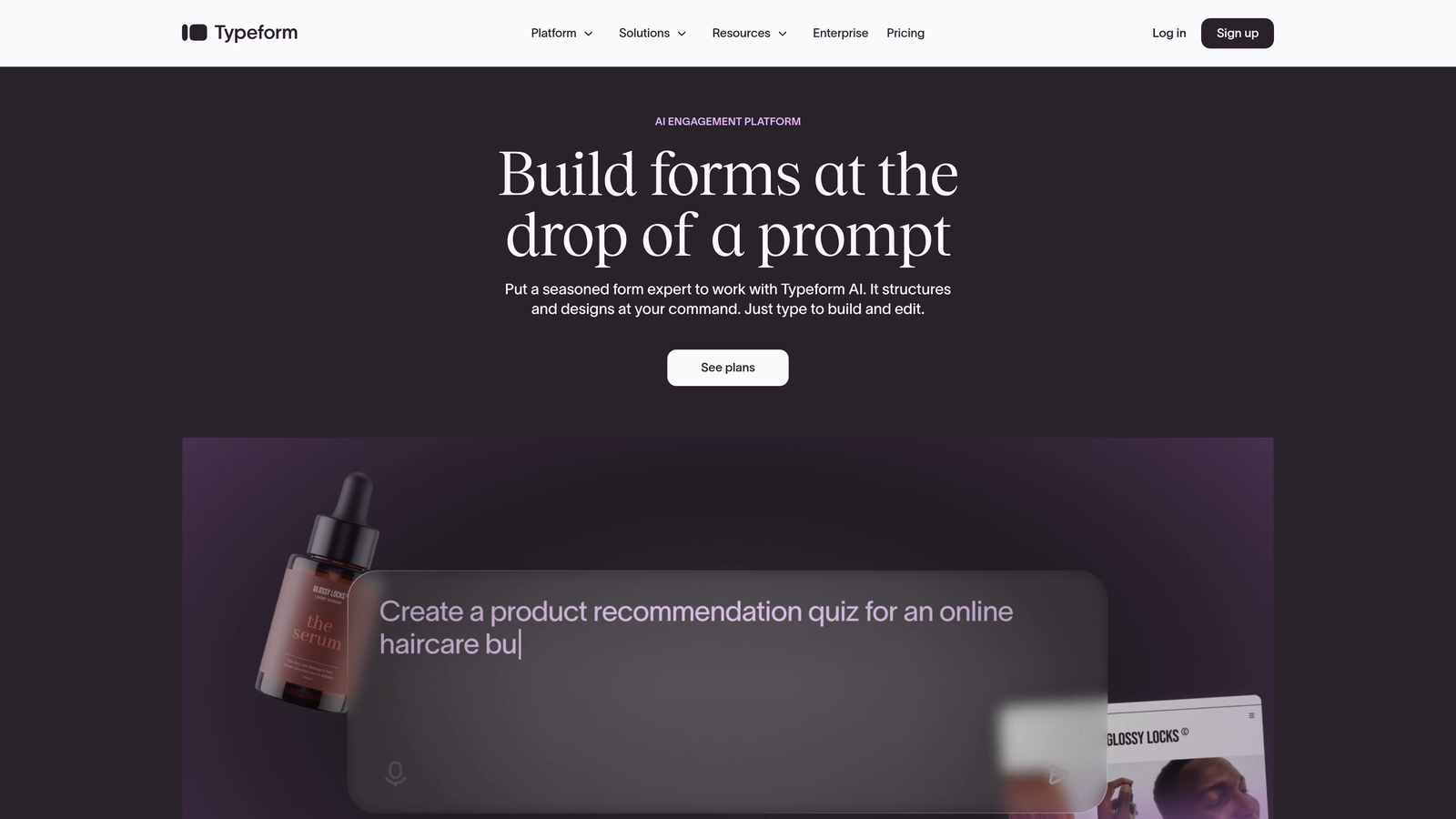
Typeform Enterprise is a conversational form platform that presents questions one at a time to drive higher completion rates.
Where This Tool Shines
The one-question-at-a-time interface reduces cognitive load and creates a more engaging experience than traditional multi-field forms. This approach consistently delivers higher completion rates, particularly for longer surveys and complex data collection scenarios.
Enterprise customers gain extensive white-labeling capabilities that maintain brand consistency across all customer interactions. The platform handles sophisticated logic jumps that create personalized experiences based on previous responses.
Key Features
Conversational Interface: Single-question display format that improves focus and completion rates.
Advanced Branding: Complete white-labeling with custom domains, colors, fonts, and brand assets.
Logic Jumps: Sophisticated conditional branching that adapts form flow based on responses.
Rich Media Integration: Embed videos, images, and GIFs to create engaging form experiences.
Enterprise Security: SSO support, GDPR compliance, and enterprise-grade data protection.
Best For
Marketing teams and customer experience-focused organizations that view forms as brand touchpoints rather than simple data collection tools. Ideal for companies where form completion rates directly impact revenue and where user experience differentiation matters.
Pricing
Enterprise plans start around $99/month with custom pricing for large deployments. Volume discounts available for organizations with high submission counts.
3. Jotform Enterprise
Best for: Large organizations needing diverse form types across multiple departments and use cases
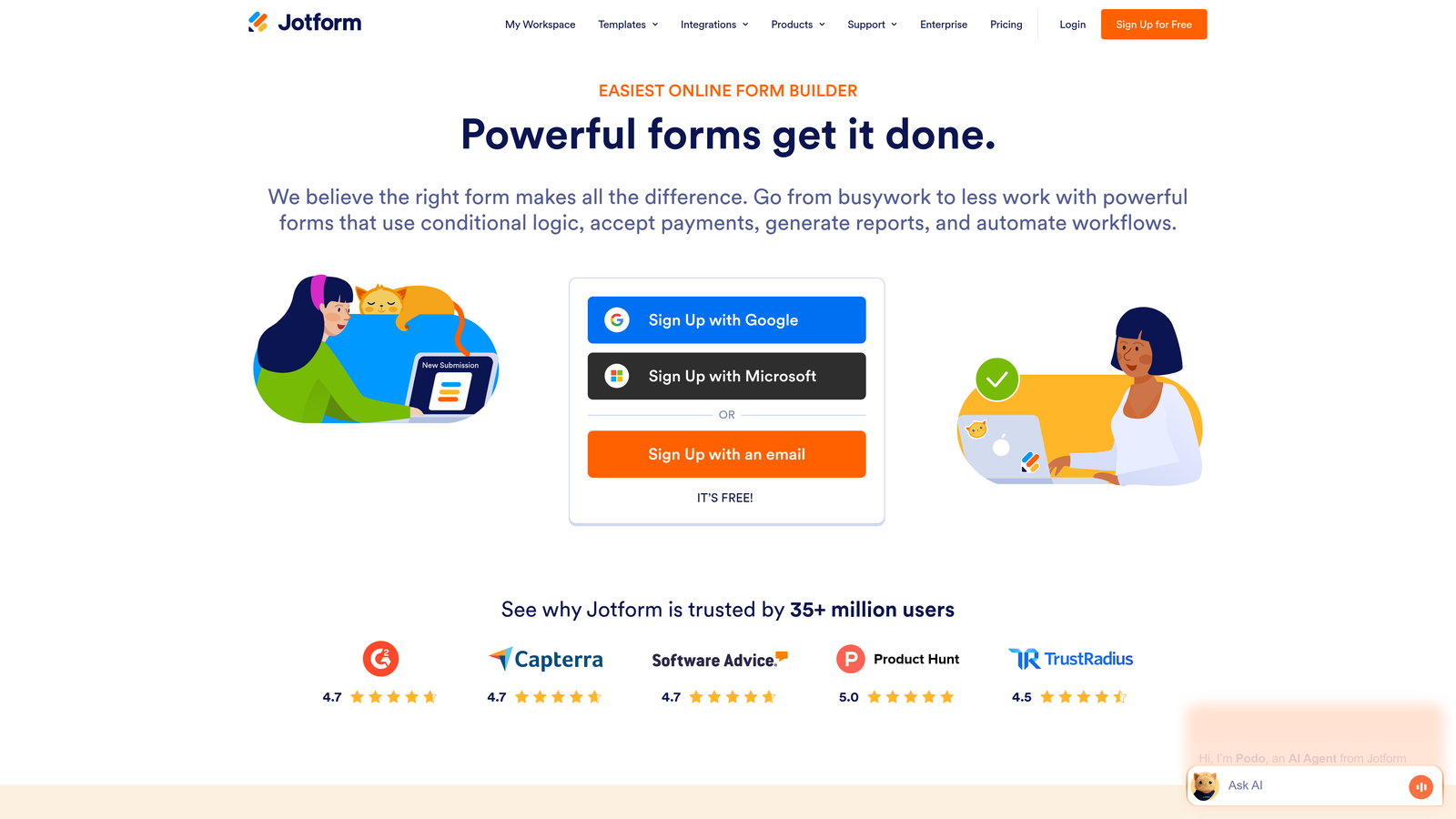
Jotform Enterprise is a comprehensive form platform with an extensive template library and widget ecosystem for varied organizational needs.
Where This Tool Shines
The platform's breadth is its primary advantage—10,000+ templates cover virtually every enterprise use case from HR onboarding to event registration to customer feedback. The widget marketplace extends functionality beyond standard form fields.
Multi-department organizations benefit from the platform's flexibility to handle everything from simple contact forms to complex multi-page applications. HIPAA compliance options make it viable for healthcare and regulated industries requiring strict data protection.
Key Features
Template Library: Over 10,000 pre-built templates across industries and use cases.
Widget Marketplace: Hundreds of widgets and integrations extending core functionality.
HIPAA Compliance: Available compliance features for healthcare and regulated data collection.
Collaboration Tools: Multi-user permissions, team folders, and approval workflows.
Offline Capability: Mobile app supports data collection without internet connectivity.
Best For
Organizations with diverse form requirements across departments, particularly those needing to consolidate multiple form tools into a single platform. Strong fit for companies requiring both simple and complex forms with varying compliance requirements.
Pricing
Enterprise pricing based on usage, typically starting with custom quotes for 10+ users. Volume-based pricing scales with submission counts and user seats.
4. Formstack Enterprise
Best for: Organizations needing unified form, document, and signature workflows in one platform
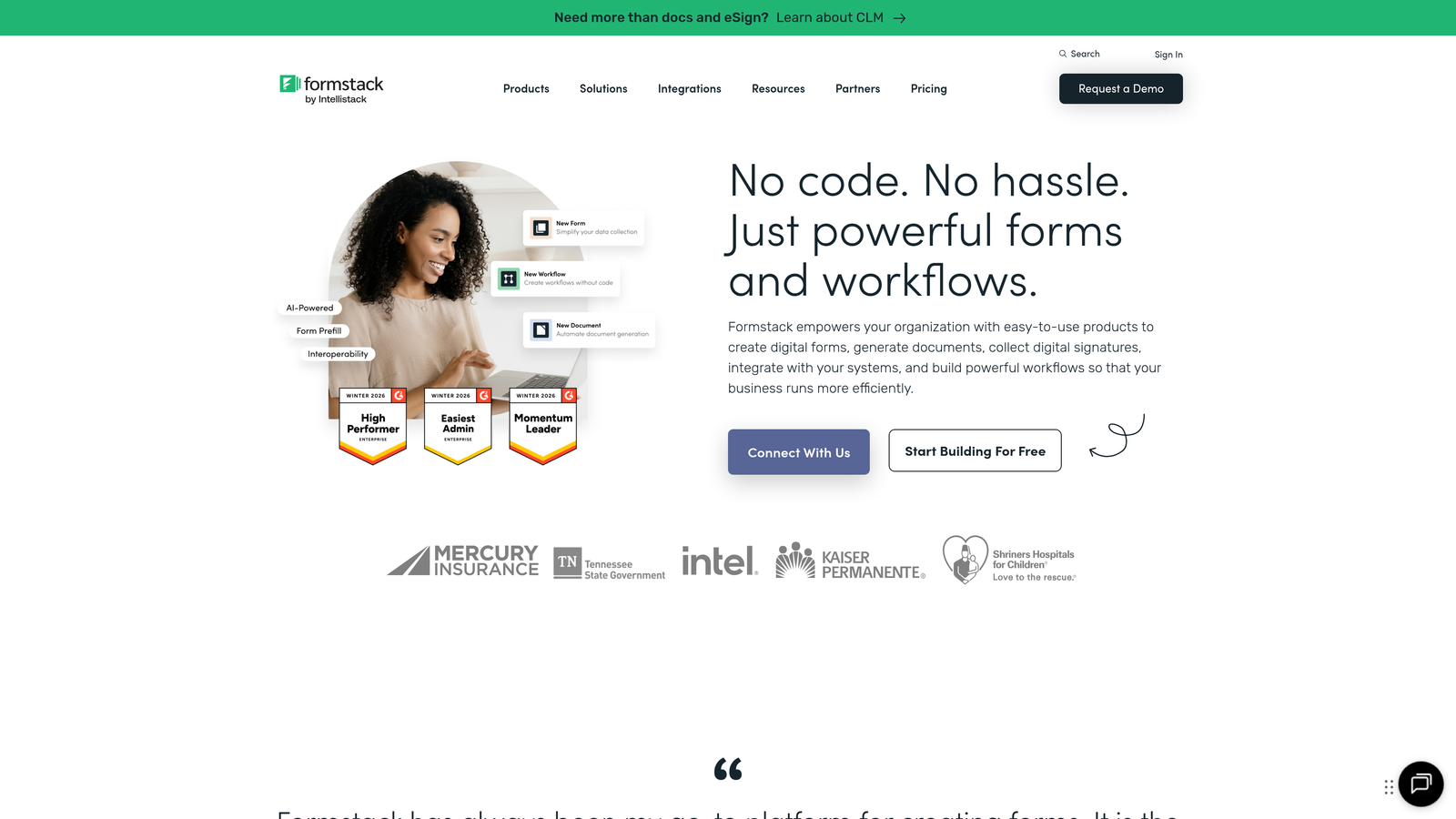
Formstack Enterprise combines form creation with document generation and e-signature capabilities for complete data-to-document workflows.
Where This Tool Shines
The platform's document generation feature automatically creates contracts, proposals, and reports from form data without manual copying. This integration eliminates the common workflow gap between data collection and document creation.
Built-in e-signature functionality means organizations can collect information, generate personalized documents, and secure signatures without switching platforms. This unified approach reduces implementation complexity and ongoing maintenance overhead.
Key Features
Document Generation: Automatically create PDFs, Word documents, and other formats from form submissions.
E-Signature Integration: Native signature collection without third-party tools.
Workflow Automation: Advanced routing, approvals, and conditional logic for complex processes.
Compliance Certifications: HIPAA, GDPR, and SOC 2 compliance for regulated industries.
CRM Integration: Deep connections with Salesforce and Microsoft Dynamics.
Best For
Sales teams and operations departments that need to move from form submission to signed document quickly. Particularly valuable for organizations currently using separate tools for forms, document generation, and signatures.
Pricing
Enterprise plans start around $249/month with volume discounts available. Pricing includes forms, documents, and signatures in unified packages.
5. Microsoft Forms with Power Platform
Best for: Organizations deeply embedded in the Microsoft 365 ecosystem
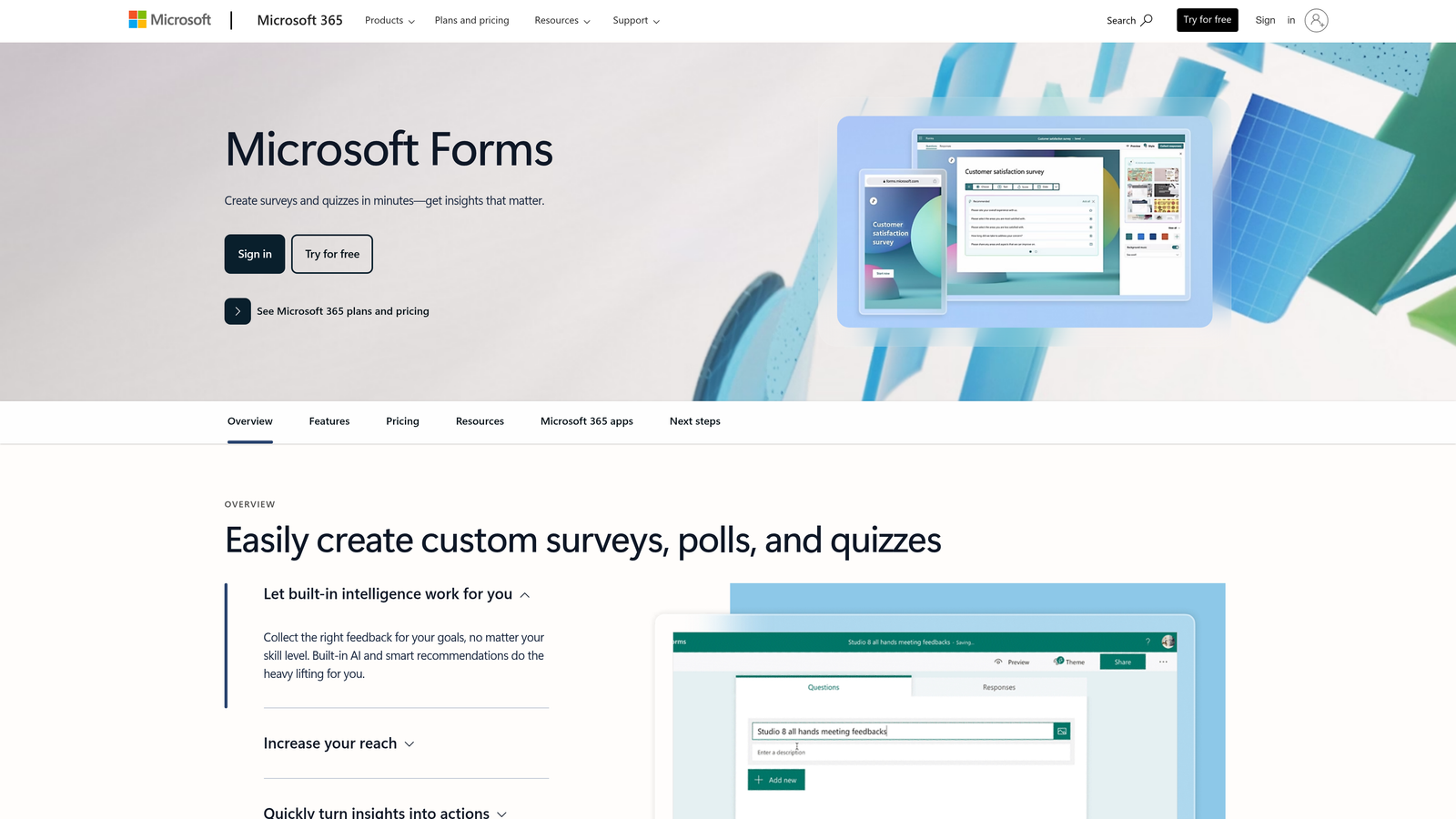
Microsoft Forms is the native form solution within Microsoft 365, integrating seamlessly with Teams, SharePoint, and Power Automate.
Where This Tool Shines
For organizations already using Microsoft 365, Forms requires zero additional procurement or onboarding. The platform inherits all existing security policies, user permissions, and compliance certifications from your Microsoft tenant.
Power Automate integration enables sophisticated workflows triggered by form submissions without custom development. Teams embedding and SharePoint integration make forms accessible within existing collaboration spaces where employees already work.
Key Features
Microsoft 365 Integration: Native connection with Teams, SharePoint, Outlook, and other Microsoft apps.
Power Automate Triggers: Automated workflows triggered by submissions without coding.
Collaboration Features: Share and embed forms directly in Teams channels and SharePoint sites.
Enterprise Security: Inherits all Microsoft 365 compliance and security certifications.
Included Licensing: Available with existing Microsoft 365 E3/E5 subscriptions.
Best For
Microsoft-centric organizations where additional software procurement creates friction. Ideal for internal forms, employee surveys, and departmental data collection where Microsoft ecosystem integration provides immediate value.
Pricing
Included with Microsoft 365 E3/E5 licenses. Power Platform add-ons required for advanced automation beyond basic triggers.
6. Cognito Forms
Best for: Organizations collecting payments and processing complex calculations through forms
Cognito Forms is a calculation-focused form builder with robust payment processing capabilities built directly into the platform.
Where This Tool Shines
The platform's calculation engine handles complex mathematical operations, pricing tables, and conditional pricing without custom code. This makes it particularly strong for order forms, registration systems, and applications requiring dynamic pricing.
Native payment processing through Stripe, PayPal, and Square eliminates the need for third-party payment integrations. The platform handles PCI compliance requirements, reducing security burden for organizations collecting payment information.
Key Features
Advanced Calculations: Built-in calculation fields supporting complex formulas and conditional logic.
Payment Processing: Native integration with Stripe, PayPal, and Square for direct payment collection.
Repeating Sections: Allow users to add multiple items or records within a single form submission.
HIPAA Compliance: Available for healthcare organizations requiring protected health information handling.
Workflow Routing: Approval processes and task assignment based on submission data.
Best For
Organizations processing registrations, orders, or applications where payment collection and complex pricing calculations are core requirements. Strong fit for educational institutions, event organizers, and service businesses.
Pricing
Team plans from $24/month with enterprise pricing available on request. Pricing scales based on submission volume and advanced feature requirements.
7. FormAssembly
Best for: Salesforce-first organizations requiring deep native integration with their CRM
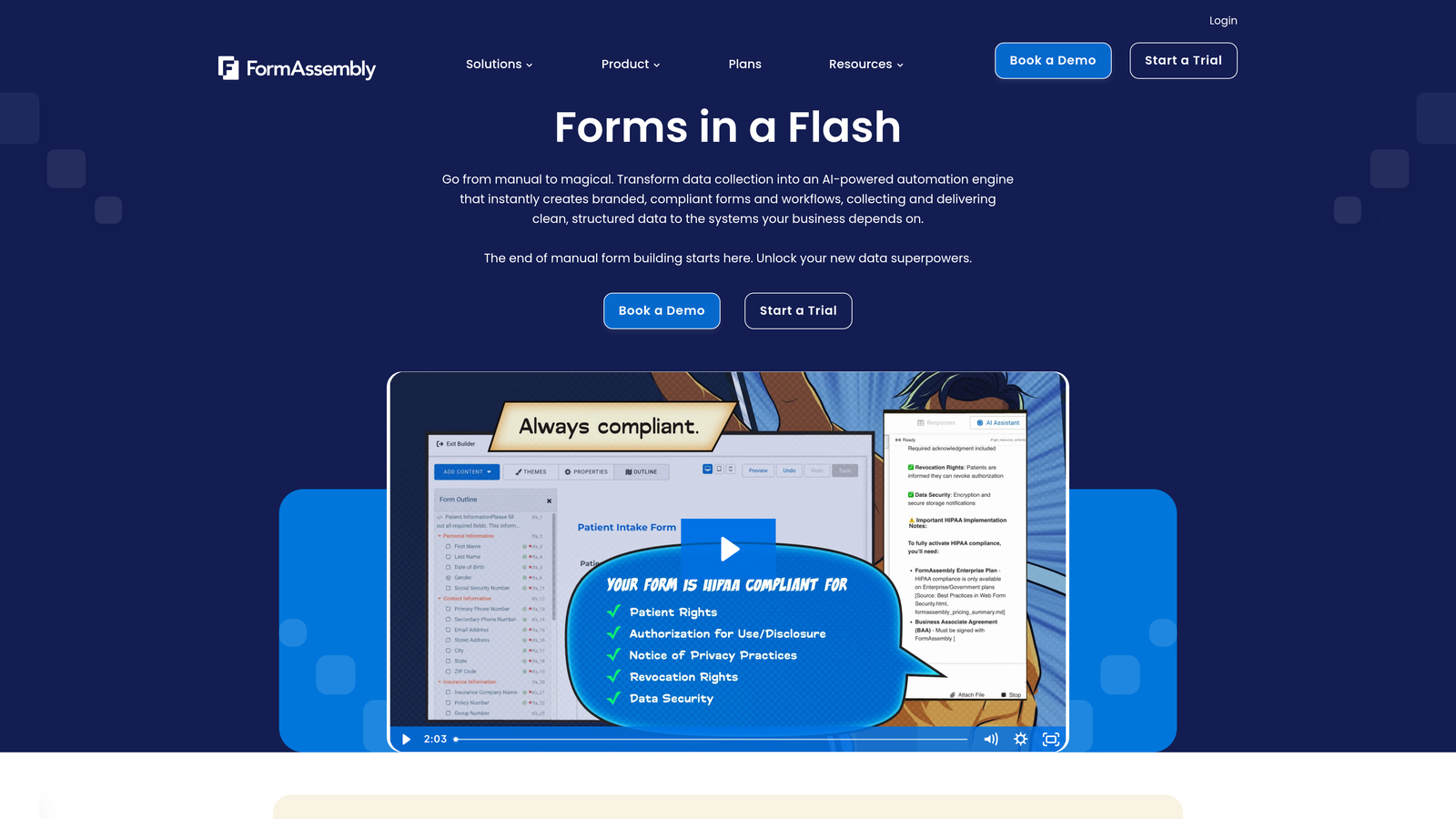
FormAssembly is built specifically for Salesforce users, offering bidirectional data sync and native object mapping unavailable in generic form builders.
Where This Tool Shines
The platform's Salesforce-native architecture enables prefilling forms with existing CRM data and updating records based on new submissions. This bidirectional sync maintains data accuracy without manual intervention or complex middleware.
Complex object mapping allows forms to update multiple related Salesforce objects simultaneously—contacts, accounts, opportunities, and custom objects in a single submission. This capability is critical for organizations with sophisticated Salesforce implementations.
Key Features
Native Salesforce Integration: Bidirectional sync with prefill and update capabilities for all standard and custom objects.
Complex Object Mapping: Update multiple related Salesforce records from single form submissions.
Compliance Certifications: HIPAA, GDPR, and SOC 2 compliance for regulated data handling.
Payment Collection: PCI-compliant payment processing integrated with Salesforce opportunity tracking.
Approval Workflows: Route submissions through multi-step approval processes before Salesforce updates.
Best For
Organizations with Salesforce as their system of record that need forms to function as natural extensions of their CRM. Particularly valuable for complex Salesforce implementations with custom objects and sophisticated data models.
Pricing
Premier plans from $99/month with enterprise custom pricing for large deployments. Pricing typically includes Salesforce connector and compliance features.
8. Zoho Forms
Best for: Organizations already using Zoho CRM and related Zoho applications
Zoho Forms integrates tightly with the broader Zoho ecosystem, providing strong value for companies standardized on Zoho products.
Where This Tool Shines
The platform's integration with Zoho CRM, Zoho Campaigns, and other Zoho applications creates a unified data environment without third-party connectors. This native integration reduces implementation complexity and ongoing maintenance.
Mobile app capabilities support offline data collection, valuable for field teams and event staff working without reliable internet. Collected data syncs automatically when connectivity returns, preventing data loss.
Key Features
Zoho Ecosystem Integration: Native connections with Zoho CRM, Campaigns, Analytics, and other Zoho products.
Mobile Offline Collection: Dedicated mobile app for data collection without internet connectivity.
Payment Integration: Payment collection with automatic invoice generation in Zoho Books.
Approval Workflows: Route submissions through approval chains with task assignment.
Custom Branding: White-label forms with custom domains and brand styling.
Best For
Small to mid-size enterprises standardized on Zoho products seeking to maximize their existing investment. Particularly effective for organizations wanting unified reporting across forms, CRM, and marketing automation.
Pricing
Premium plans from $25/month with enterprise pricing for advanced features. Zoho One subscriptions include Forms with other Zoho applications.
9. 123FormBuilder
Best for: Healthcare and regulated industries requiring strict HIPAA compliance
123FormBuilder is a compliance-focused platform with robust HIPAA capabilities and security features for regulated data collection.
Where This Tool Shines
The platform's HIPAA compliance features include business associate agreements, encrypted data storage, and audit trails required for protected health information handling. This makes it viable for healthcare providers and related organizations with strict compliance requirements.
Electronic signature integration allows collection of legally binding signatures within HIPAA-compliant workflows. Combined with PCI DSS compliance for payment data, the platform handles multiple regulated data types simultaneously.
Key Features
Compliance Certifications: HIPAA, GDPR, and PCI DSS compliance with business associate agreements.
Electronic Signatures: Integrated signature collection with audit trails and legal validity.
Smart Forms: Conditional logic and dynamic field display based on user responses.
CRM Integration: Connections with Salesforce and major CRM platforms for data sync.
White-Label Options: Custom domains and complete brand customization for enterprise deployments.
Best For
Healthcare organizations, medical practices, and companies in regulated industries requiring HIPAA compliance for patient or customer data. Also suitable for any organization prioritizing security certifications and compliance documentation.
Pricing
Professional plans from $24.99/month with enterprise plans offering custom pricing. HIPAA compliance features typically require enterprise-tier subscriptions.
Making the Right Choice for Your Enterprise
The right enterprise form builder depends less on feature checklists and more on how it fits your specific operational context. Organizations deeply embedded in Microsoft 365 gain immediate value from Microsoft Forms' native integration, while Salesforce-centric teams need FormAssembly's bidirectional sync capabilities that generic integrations can't match.
Security and compliance requirements narrow your options quickly. Healthcare organizations requiring HIPAA compliance should focus on platforms like 123FormBuilder, Jotform Enterprise, or Formstack that offer business associate agreements and proper audit trails. Financial services firms need PCI DSS compliance for payment data, which Cognito Forms and FormAssembly handle natively.
The lead qualification gap represents a significant hidden cost for many enterprises. Traditional form builders collect data but leave qualification entirely to sales teams. Platforms like Orbit AI that automate this qualification step reduce the manual screening burden that grows linearly with submission volume. For high-growth teams where sales capacity is the constraint, automated qualification delivers immediate ROI.
Integration depth matters more than integration count. A platform claiming 1,000 integrations through Zapier often provides less value than native bidirectional sync with your primary CRM. Evaluate whether you need simple data forwarding or complex workflows like record updates, prefilling, and multi-object mapping.
Total cost of ownership extends beyond subscription fees. Factor in implementation time, training requirements, ongoing maintenance, and the cost of workarounds for missing features. A more expensive platform that eliminates manual processes often costs less than a cheaper tool requiring constant attention.
Consider your growth trajectory carefully. Some platforms handle 10,000 monthly submissions easily but struggle at 100,000. Others price themselves out of reach as your volume scales. Look for transparent pricing that grows predictably with your usage rather than sudden tier jumps that force migration later.
Transform your lead generation with AI-powered forms that qualify prospects automatically while delivering the modern, conversion-optimized experience your high-growth team needs. Start building free forms today and see how intelligent form design can elevate your conversion strategy.


