If you're hunting for a free form builder that actually captures and qualifies leads — not just collects email addresses — the options have expanded dramatically. The challenge is that most free tiers bury lead capture behind paywalls, limit submissions, or offer zero intelligence about who's filling out your form.
This list cuts through the noise. We evaluated tools on four criteria: what's genuinely free (not just a trial), how well they handle lead capture specifically, whether they offer any qualification or routing logic, and how easy they are for fast-moving teams to deploy.
Whether you're a SaaS startup capturing trial signups, an agency building client lead funnels, or a growth team running experiments, there's a tool here that fits. We've ranked them starting with the most capable option for lead-focused teams and working down to simpler, more limited alternatives.
1. Orbit AI
Best for: SaaS and high-growth teams that need AI-powered lead qualification, not just lead collection.
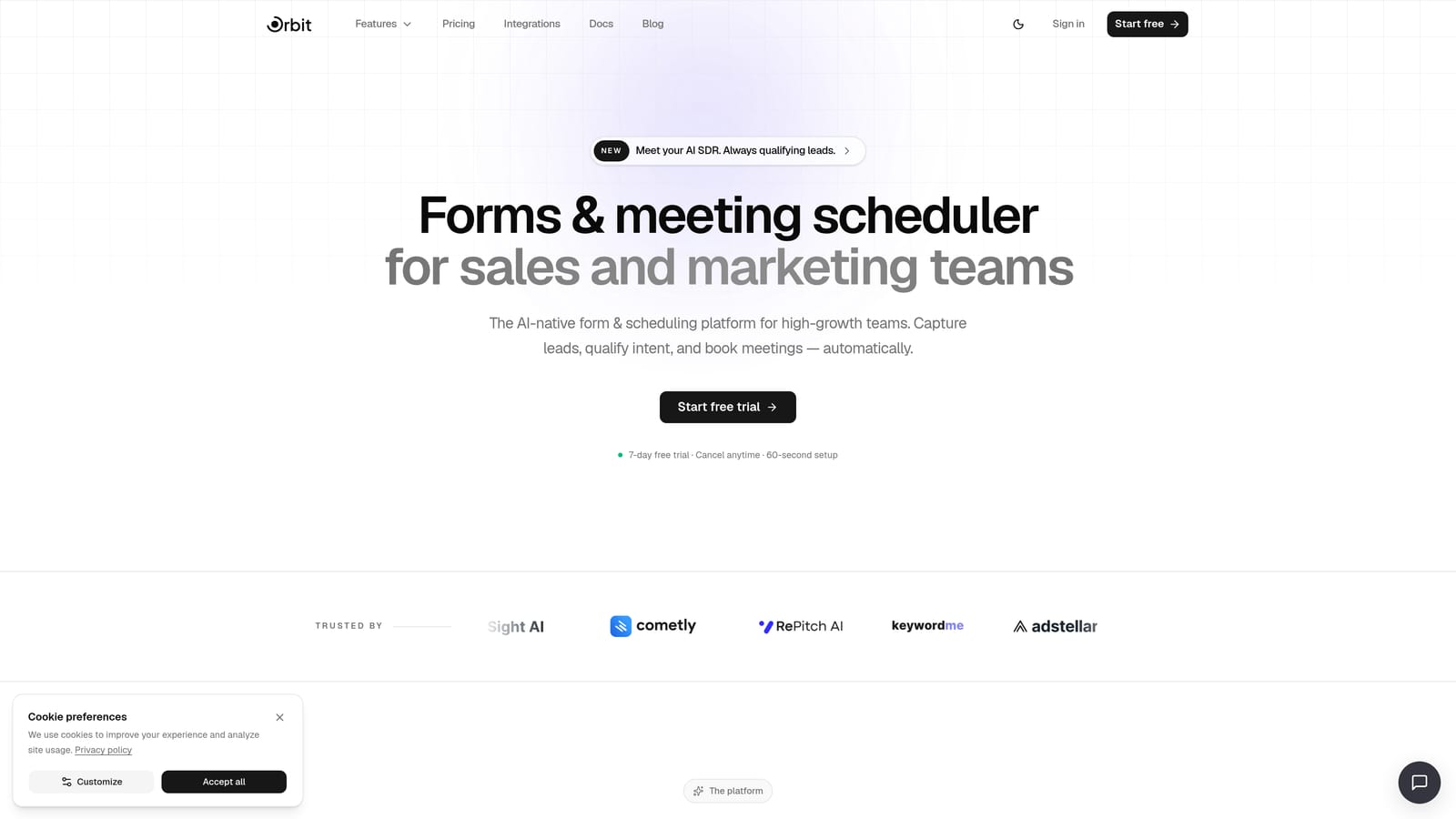
Orbit AI is an AI-powered form builder that scores, routes, and follows up with leads automatically based on how they respond to your form.
Where This Tool Shines
Most form builders on this list collect data. Orbit AI does something fundamentally different: it qualifies that data in real time. When a lead fills out your form, AI agents analyze their responses, assign a qualification score, and route them to the right workflow automatically. For SaaS teams running high-volume lead funnels, that's the difference between a spreadsheet full of names and an actual pipeline.
The platform covers the full lead lifecycle in one place: forms, conditional logic, contact management, automated sequences, and analytics. You're not stitching together three tools via Zapier to get a basic qualified lead flow. It's built in from the start.
Key Features
AI Lead Qualification: Automatically scores submissions based on response data so your team focuses on the leads most likely to convert.
Conditional Logic and Branching: Build smart form flows that adapt to each respondent's answers, improving both completion rates and data quality.
Workflow Automation and Lead Routing: Route qualified leads to the right team member, CRM stage, or sequence without manual intervention.
Contact Management and Sequences: Manage leads and trigger follow-up sequences directly inside the platform.
Form Analytics: Track conversion performance at the form and question level to identify drop-off points and optimize accordingly.
Best For
Orbit AI is purpose-built for growth teams that treat lead capture as a pipeline activity, not just a data collection task. It's particularly well-suited to SaaS startups, B2B marketing teams, and agencies managing lead funnels for multiple clients who want qualification intelligence baked into their forms from day one.
Pricing
Pricing is quoted on a short demo, and Orbit has no free plan. Book a demo to see it with your own forms.
2. Typeform
Best for: Teams that want a conversational form experience to boost lead capture completion rates.
Typeform is a conversational form builder known for its one-question-at-a-time format that tends to feel less like a form and more like a conversation.

Where This Tool Shines
The core insight behind Typeform is that traditional multi-field forms feel like paperwork. By presenting one question at a time, the experience feels lighter and more engaging, which generally translates to better completion rates for lead capture forms. It's a meaningful UX advantage for any team where form abandonment is a problem.
The free plan is functional for getting started, but it comes with meaningful restrictions: limited monthly responses and a cap on questions per form. For serious lead capture volume, you'll likely need a paid plan to unlock logic jumps, CRM integrations, and higher response limits.
Key Features
Conversational UX: One-question-at-a-time format creates a more engaging experience compared to traditional multi-field forms.
Logic Jumps and Branching: Route respondents through different question paths based on their answers (available on paid plans).
Email Notifications: Receive alerts when new submissions come in, even on the free plan.
CRM Integrations: Connect to HubSpot, Salesforce, and other CRMs on paid plans to push leads directly into your pipeline.
Customizable Thank-You Screens: Personalize the post-submission experience with custom messages or redirects.
Best For
Typeform works well for teams where lead quality and engagement matter more than volume, such as high-ticket B2B lead gen, event registrations, or onboarding surveys. The free plan suits early-stage testing; growing teams will need to upgrade.
Pricing
Free plan with limited monthly responses and questions per form, plus Typeform branding. Paid plans start from approximately $25 per month. Check typeform.com for current pricing.
3. HubSpot Forms
Best for: Teams that want a free form builder connected directly to a free CRM with zero integration setup.
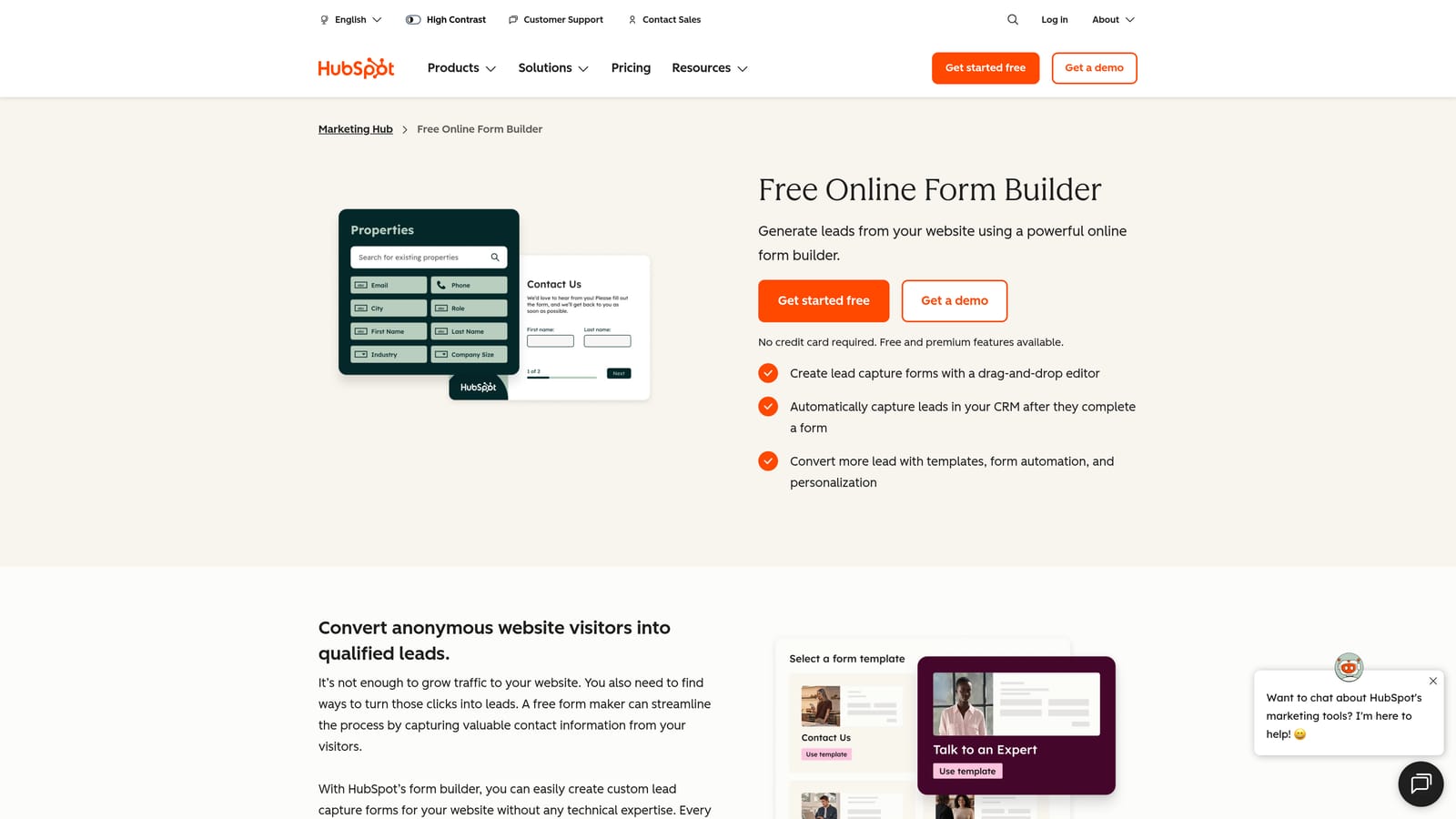
HubSpot Forms is a completely free form builder that creates contacts in HubSpot's CRM automatically on every submission.
Where This Tool Shines
The value proposition here is straightforward: you get a free form builder and a free CRM in the same ecosystem, and they talk to each other automatically. Every lead that fills out your form becomes a CRM contact with their properties mapped, no Zapier required. For teams that are already using or planning to use HubSpot as their CRM, this is an obvious choice.
The free plan is genuinely generous on submissions, with no monthly cap. The trade-off is design flexibility: customization options are limited on the free tier, and HubSpot branding appears on forms. For teams prioritizing pipeline over aesthetics, that's usually an acceptable compromise.
Key Features
Unlimited Submissions: No monthly submission cap on the free plan, which is rare and valuable for high-volume lead capture.
Automatic CRM Contact Creation: Every form submission creates or updates a contact record in HubSpot CRM without any manual work.
Basic Follow-Up Email Automation: Trigger simple follow-up emails to new leads directly from the free plan.
Embedded and Popup Options: Deploy forms as embedded page elements or exit-intent popups to capture leads across different touchpoints.
Contact Property Mapping: Map form fields directly to CRM contact properties for clean, organized lead data.
Best For
HubSpot Forms is the natural choice for teams building a CRM-first lead pipeline on a budget. It's especially strong for B2B SaaS companies, small marketing teams, and startups that want to start managing leads properly without paying for separate tools.
Pricing
Completely free as part of HubSpot's free CRM suite. Advanced marketing automation and reporting features require paid Marketing Hub plans.
4. Google Forms
Best for: Zero-budget scenarios where simplicity and no submission limits matter most.
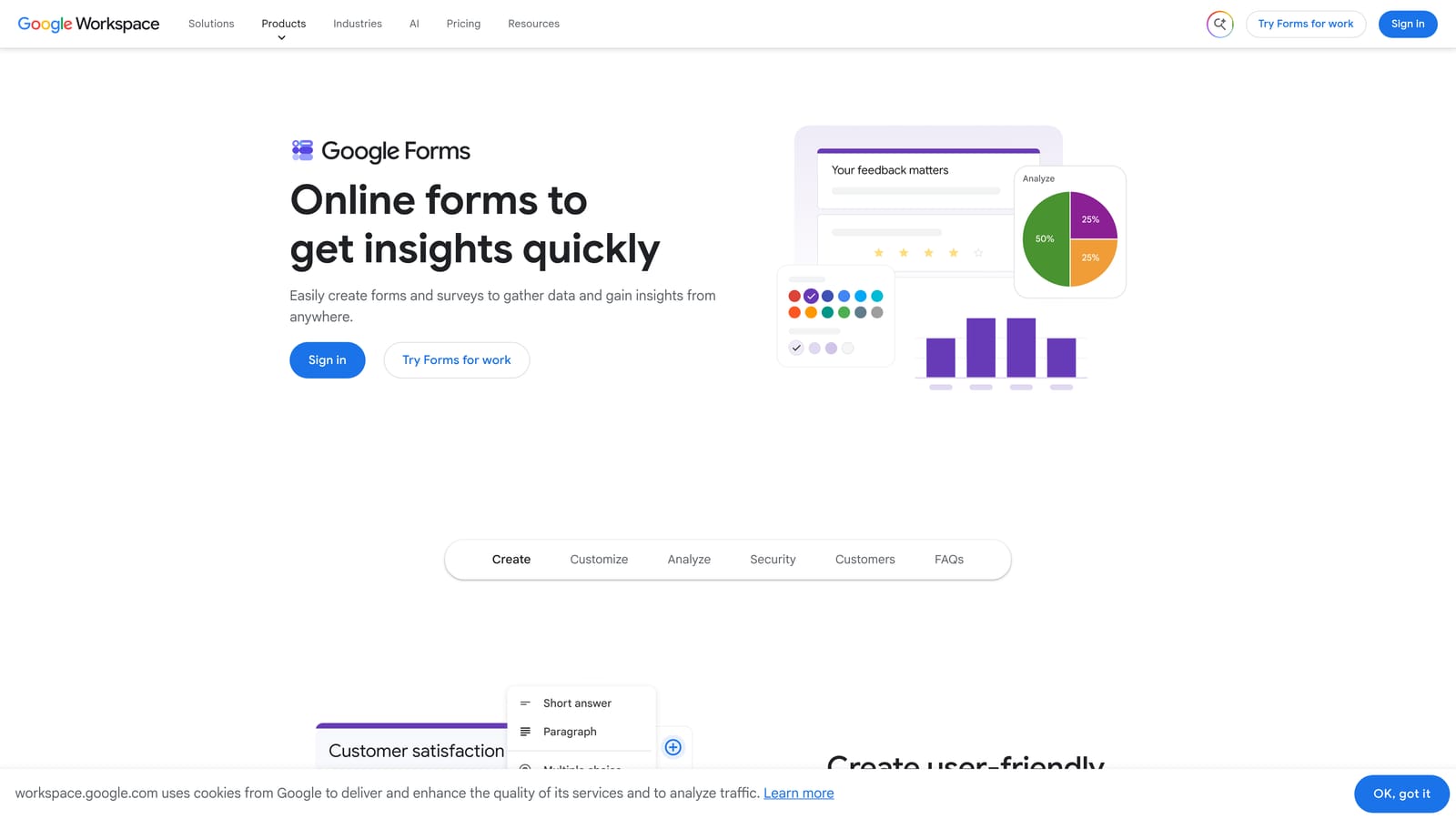
Google Forms is the most accessible free form builder available: no cost, no submission caps, no account limits, and no branding restrictions.
Where This Tool Shines
Google Forms wins on accessibility. If you have a Google account, you have a fully functional form builder with unlimited forms and unlimited submissions. Responses flow directly into Google Sheets, which makes it easy to organize and share lead data with a team. For internal forms, event registrations, or early-stage lead collection where budget is zero, it's hard to argue against.
The honest limitation is that Google Forms was built for data collection, not lead capture. There's no native CRM integration, no lead scoring, no qualification logic, and no automated follow-up. Getting leads from Google Sheets into your CRM requires a manual export or a Zapier workflow. It's a starting point, not a growth tool.
Key Features
Unlimited Forms and Submissions: No caps on how many forms you create or how many responses you collect.
Native Google Sheets Integration: Responses populate a connected spreadsheet automatically for easy tracking and sharing.
Basic Branching Logic: Route respondents to different sections based on their answers, though logic depth is limited compared to dedicated tools.
Email Notifications: Receive email alerts when new submissions arrive.
No Branding Restrictions: Forms carry no third-party branding, which is a notable advantage over many free tools.
Best For
Google Forms is best for teams at the very beginning of their lead capture journey, internal surveys, event registrations, or any scenario where budget is the primary constraint and sophistication is secondary.
Pricing
Completely free with any Google account. No paid tiers for the form builder itself.
5. Tally
Best for: Early-stage founders and indie teams that need unlimited free submissions with a clean, modern editor.
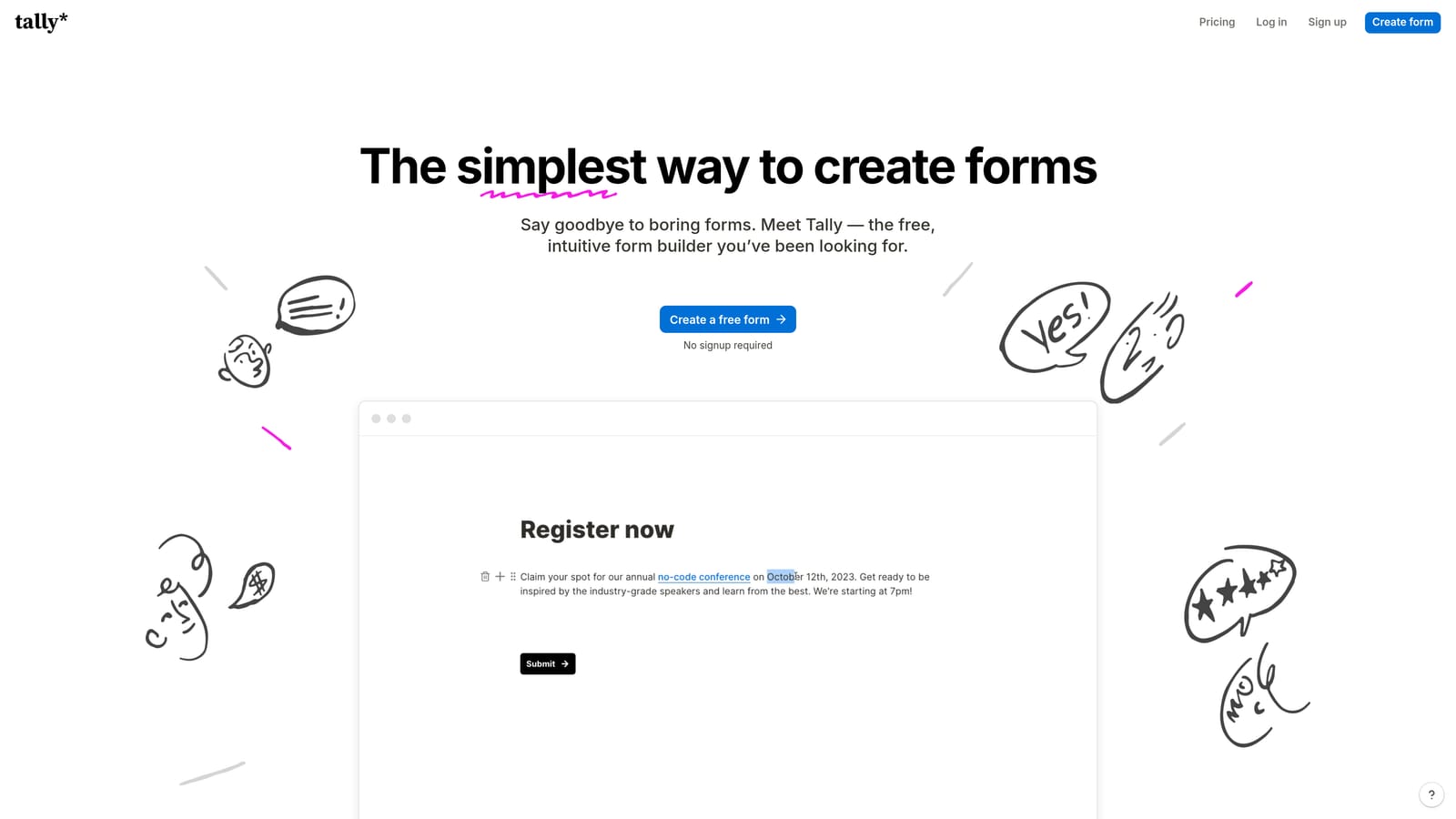
Tally is a Notion-inspired form builder with one of the most genuinely generous free plans in the category: unlimited forms and unlimited submissions at no cost.
Where This Tool Shines
Tally's free plan is legitimately rare. Most tools cap submissions at 100 or 200 per month on their free tier, which creates real problems for any team running active lead capture. Tally removes that ceiling entirely, making it a credible free option even as your volume grows.
The editor is clean and fast, drawing inspiration from Notion's block-based interface. Conditional logic is available on the free plan, which is another advantage over many competitors. The main gap for lead-focused teams is the absence of a native CRM integration: you'll need Zapier or a manual Google Sheets workflow to get leads into your pipeline.
Key Features
Unlimited Forms and Submissions: No monthly caps on the free plan, making it genuinely scalable for lead capture at volume.
Conditional Logic on Free: Build branching form flows without upgrading to a paid plan.
Integrations with Notion, Google Sheets, and Zapier: Connect form responses to the tools you're already using, even on the free tier.
Clean, Distraction-Free Editor: Block-based interface makes building forms fast and intuitive.
Custom Thank-You Pages: Personalize the post-submission experience to reinforce your brand or direct leads to a next step.
Best For
Tally is a strong fit for indie hackers, early-stage startups, and small teams that want a polished form experience without submission anxiety. If you're running lead capture experiments and don't want to worry about hitting a monthly cap, Tally is worth serious consideration.
Pricing
Free plan with unlimited submissions. Pro plan from approximately $29 per month for advanced features including custom domains and removed branding.
6. Jotform
Best for: Teams that want to launch quickly using a pre-built lead capture template with broad integration support.
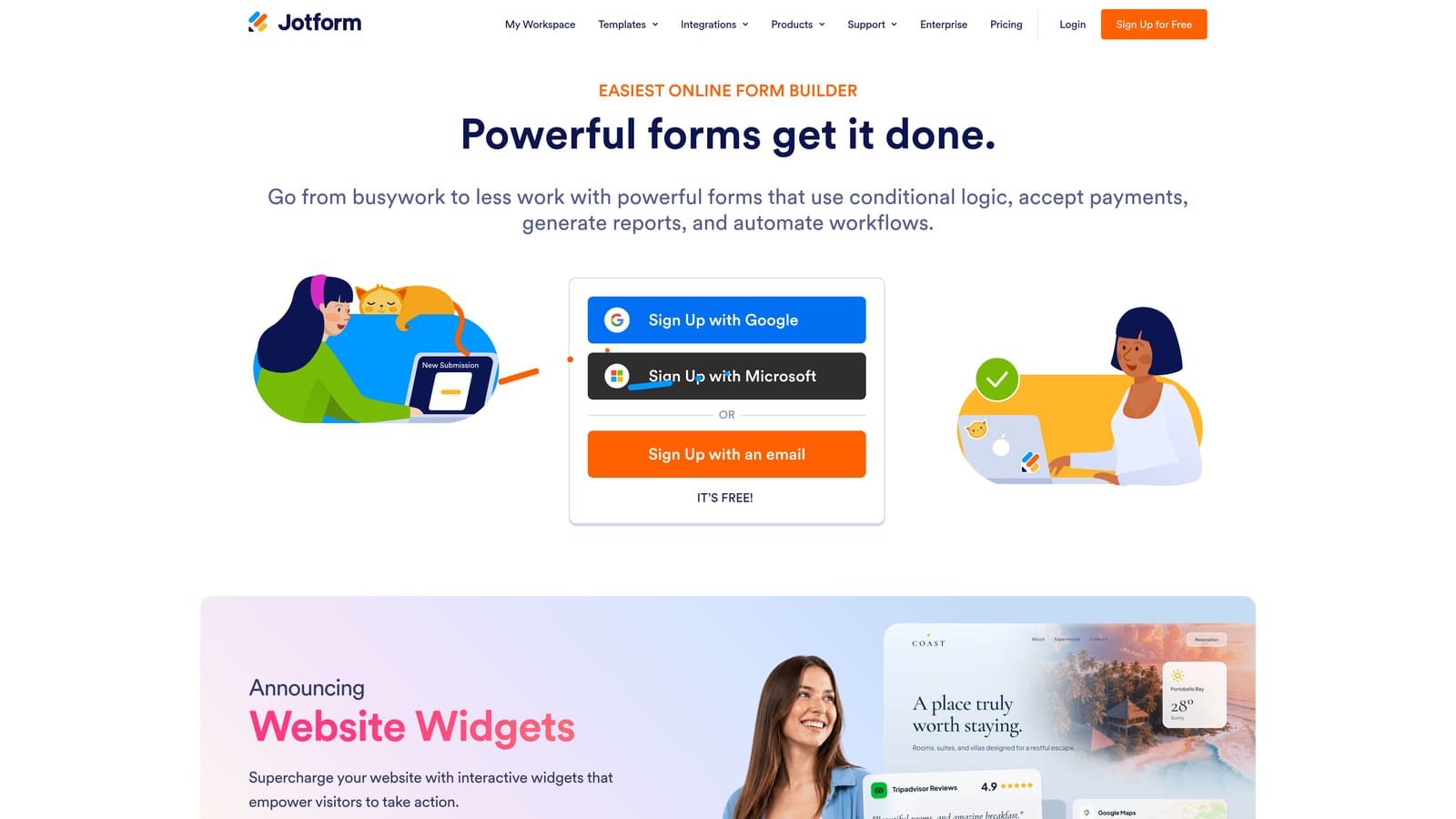
Jotform is a feature-rich form builder with over 10,000 templates and broad integration support, even on its free plan.
Where This Tool Shines
Jotform's template library is one of the largest in the category, and a meaningful portion of those templates are designed specifically for lead capture: consultation request forms, quote request forms, event registration pages, and more. For teams that want to go from zero to deployed in under an hour, starting from a Jotform template is a legitimate shortcut.
The free plan includes conditional logic and even payment integrations via Stripe and PayPal, which is uncommon at the free tier. The catch is that free plan limits are fairly tight: 5 forms and 100 submissions per month. For active lead capture campaigns, you'll likely outgrow the free plan quickly.
Key Features
10,000+ Templates: Extensive library including many lead capture-specific designs to accelerate deployment.
Conditional Logic on Free: Build smart form flows that adapt based on respondent answers without upgrading.
Payment Integrations on Free: Accept payments via Stripe and PayPal even on the free plan, useful for paid consultations or event registrations.
CRM and Email Marketing Integrations: Connect to tools like HubSpot, Mailchimp, and Salesforce, though some integrations require paid plans.
Form Analytics and Submission Management: View response data and manage submissions within the Jotform dashboard.
Best For
Jotform suits teams that prioritize speed to launch and want a template-driven approach to lead capture. It's also a good fit for teams that need payment collection alongside lead capture, which is rare at the free tier.
Pricing
Free plan: 5 forms and 100 submissions per month. Paid plans from approximately $34 per month for higher limits and advanced features.
7. Fillout
Best for: Teams outgrowing simpler tools that need strong conditional logic and native integrations without an immediate paid commitment.
Fillout is a modern form builder with a genuinely generous free tier, advanced conditional logic, and native integrations with tools like Airtable, Notion, and Google Sheets.

Where This Tool Shines
Fillout positions itself as the more capable alternative for teams that have hit the ceiling on simpler tools. The conditional logic is more sophisticated than what you'll find in Google Forms or basic Typeform, and the native integrations mean you're not always reaching for Zapier as a bridge. For teams managing lead data in Airtable or Notion, the direct connections are a genuine time-saver.
The free plan is meaningfully useful rather than just a teaser. Multi-step forms with progress indicators, scheduling, and payment collection are available features, making Fillout competitive with tools that charge from the start.
Key Features
Advanced Conditional Logic: Build complex branching flows that route respondents based on multiple conditions and response combinations.
Native Integrations: Connect directly to Airtable, Notion, and Google Sheets without a middleware tool.
Multi-Step Forms with Progress Indicators: Reduce abandonment on longer lead capture forms by showing respondents how far they've come.
Scheduling and Payment Collection: Add booking or payment steps directly within a form flow.
Generous Free Plan: Meaningful submission limits that support real lead capture activity before requiring an upgrade.
Best For
Fillout is well-suited for product teams, operations leads, and growth marketers who need more than a basic form but aren't ready to commit to a premium tool. It's a strong middle-ground option with room to grow.
Pricing
Free plan available with meaningful submission limits. Paid plans from approximately $15 per month for expanded limits and advanced features.
8. Microsoft Forms
Best for: B2B teams already operating within the Microsoft 365 ecosystem who need a free, enterprise-compliant form tool.
Microsoft Forms is a straightforward, enterprise-friendly form builder that's free for anyone with a Microsoft account.
Where This Tool Shines
Microsoft Forms earns its place on this list for a specific audience: enterprise and mid-market B2B teams that live in Microsoft 365. If your organization runs on Teams, SharePoint, and Excel, Microsoft Forms integrates natively with all of them. There's no additional cost, no new vendor to evaluate, and no IT approval required if you're already a Microsoft shop.
The tool is deliberately simple, which is both its strength and its limitation. It handles branching logic, real-time response summaries, and Excel export cleanly. It doesn't offer lead scoring, CRM sync, or sophisticated automation. For internal lead intake forms or basic prospect data collection within an enterprise context, it gets the job done without friction.
Key Features
Free with Microsoft Account: No additional cost for any user with a personal or organizational Microsoft account.
Native Excel and Power Automate Integration: Push responses to Excel or trigger Power Automate workflows for basic lead routing.
Branching Logic: Add conditional questions that adapt based on previous answers.
Real-Time Response Summary: View aggregated response data and charts as submissions come in.
Enterprise-Grade Security and Compliance: Built to meet the security and compliance standards already in place for Microsoft 365 organizations.
Best For
Microsoft Forms is the right call for enterprise IT teams, corporate HR departments, and B2B sales teams operating inside large Microsoft 365 organizations where adding new SaaS tools requires justification. It's not the most capable lead capture tool, but it's the most frictionless one for that environment.
Pricing
Free with any Microsoft account. Advanced features and higher response limits are available with a Microsoft 365 subscription.
9. Formspree
Best for: Developers building static sites who need a simple form backend without writing server-side code.
Formspree is a developer-first form backend that processes HTML form submissions from any static site, with no JavaScript or backend infrastructure required.
Where This Tool Shines
Formspree solves a specific problem that every developer building a static site eventually hits: you want a contact or lead capture form, but you don't want to spin up a server just to handle POST requests. Formspree handles that backend layer for you. You write a standard HTML form, point the action attribute at your Formspree endpoint, and submissions arrive in your inbox. It's genuinely that simple.
The trade-off is that Formspree is infrastructure, not a form builder. There's no visual editor, no conditional logic, no lead qualification, and no CRM sync on the free plan. It's the right tool for developers who want clean, minimal lead capture on a Next.js, Gatsby, or Hugo site without introducing complexity.
Key Features
HTML Form Backend: Works with any frontend framework or static site generator using standard HTML form syntax.
Email Notifications: Receive email alerts for every new submission without any configuration beyond the initial setup.
Spam Filtering: Built-in reCAPTCHA support to reduce spam submissions on public-facing forms.
Webhook and Zapier Integration: Connect form submissions to other tools via webhooks or Zapier on paid plans.
No JavaScript Required: Works with progressive enhancement approaches and doesn't require client-side scripting to function.
Best For
Formspree is purpose-built for developers and technical founders managing static sites or JAMstack applications who need reliable form submission handling without backend overhead. It's not the right tool for marketers or non-technical teams.
Pricing
Free plan: 1 form and 50 submissions per month. Paid plans from approximately $10 per month for more forms, higher submission limits, and file upload support.
Which Tool Is Right for Your Lead Capture Goals?
The honest answer is that "free form builder" means very different things depending on which tool you're looking at. Some offer unlimited free submissions (Google Forms, HubSpot Forms, Tally). Others cap you at 50 to 100 per month (Jotform, Formspree). And some are only free in the sense that you can test them before paying (Typeform at meaningful volume).
More importantly, lead capture and lead qualification are not the same thing. Almost every tool on this list can collect a name and email address. Very few do anything intelligent with that data on a free plan. That gap is where the real differentiation lives.
Here's a quick guide by use case to help you choose:
AI-qualified lead capture for SaaS teams: Orbit AI is the only tool here that scores and routes leads automatically based on form responses, making it the strongest option for pipeline-focused teams.
CRM-first lead pipeline on a budget: HubSpot Forms gives you a free form builder and a free CRM in one ecosystem, with automatic contact creation on every submission.
Highest engagement and completion rates: Typeform's conversational format tends to outperform traditional multi-field forms for lead capture quality.
Zero budget, zero setup: Google Forms is the simplest and most accessible option with no submission limits and no cost.
Unlimited free submissions with conditional logic: Tally offers both without requiring an upgrade, making it a genuine free option as your volume scales.
Developer-built static sites: Formspree is the cleanest solution for adding lead capture to any HTML or JAMstack site without backend infrastructure.
If your team is serious about converting form submissions into qualified pipeline, the tool you choose matters more than you might expect. Most free form builders are data collection tools. Book a demo with Orbit AI and experience the difference between collecting leads and actually qualifying them, with AI-powered scoring and routing built in from the start.