

For SaaS companies, forms are the gateway to growth. Every demo request, free trial signup, and contact form submission represents a potential customer entering your pipeline. But not all form builders are created equal—SaaS teams need forms that integrate with their tech stack, qualify leads intelligently, and convert at scale.
This guide covers the top form solutions designed specifically for SaaS workflows, from AI-powered lead qualification to seamless CRM integrations. Whether you're optimizing for product-led growth or enterprise sales, you'll find the right tool for your conversion goals.
1. Orbit AI
Best for: High-growth SaaS teams needing AI-powered lead qualification and conversion optimization
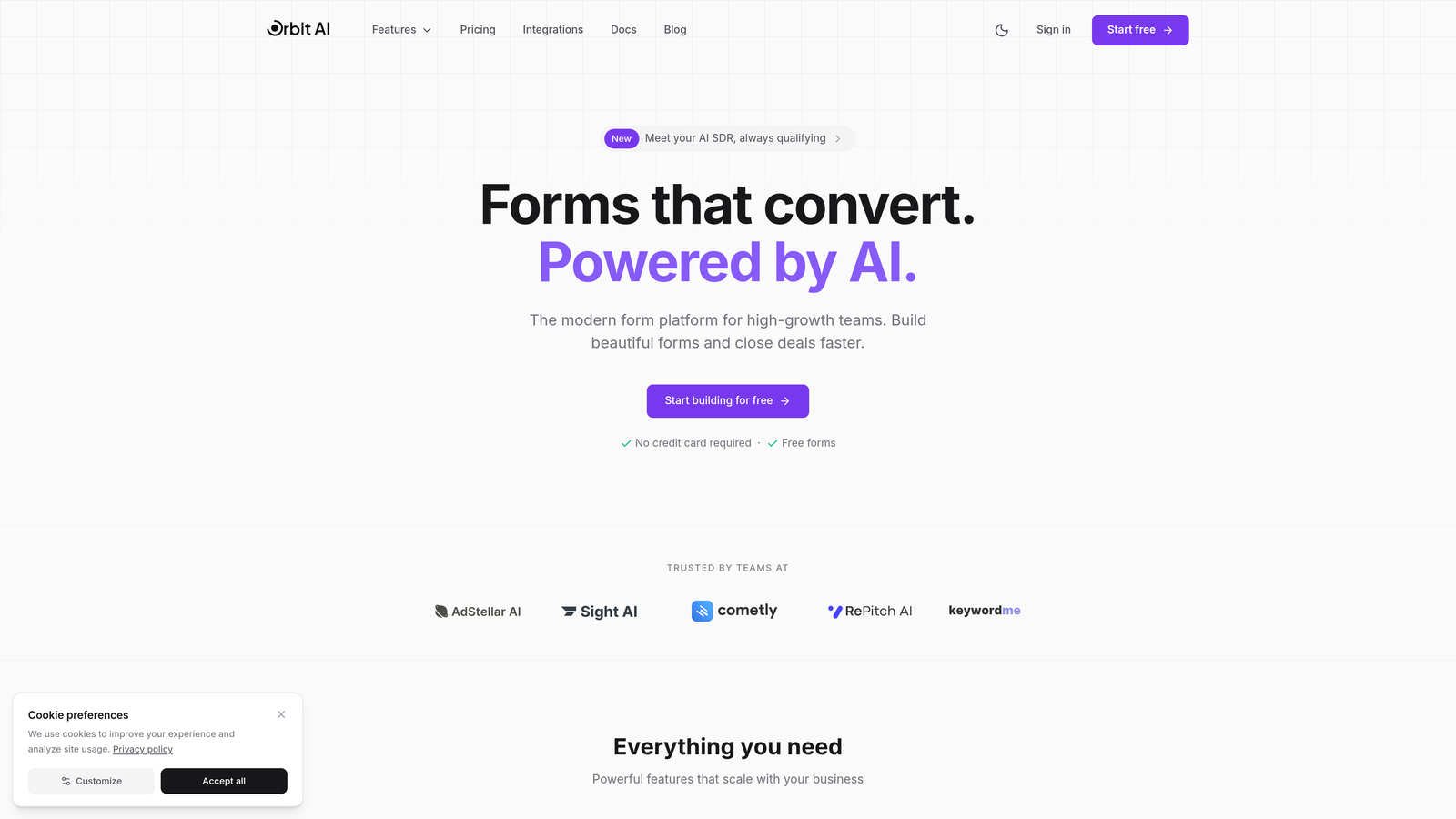
Orbit AI is an AI-powered form builder platform designed specifically for SaaS companies focused on converting and qualifying leads at scale.
Where This Tool Shines
Orbit AI stands out by combining beautiful, modern form design with intelligent lead qualification. The platform uses AI to automatically score and route leads based on their responses, helping sales teams focus on high-intent prospects.
The conversion-optimized templates are built specifically for SaaS use cases like demo requests and trial signups. Unlike generic form builders, every design element is crafted to reduce friction and maximize completion rates.
Key Features
AI-Powered Lead Qualification: Automatically scores and qualifies leads based on form responses, routing high-value prospects to sales immediately.
Conversion-Optimized Designs: Modern, mobile-responsive templates specifically designed for SaaS conversion goals and brand consistency.
Native CRM Integrations: Seamless connections with HubSpot, Salesforce, and Slack eliminate manual data entry and ensure leads flow directly into your workflow.
Automated Workflows: Trigger sequences and follow-ups based on form submissions, creating a complete lead nurturing system.
Real-Time Analytics: Track completion rates, drop-off points, and conversion metrics to continuously optimize form performance.
Best For
Orbit AI is ideal for high-growth SaaS teams that need more than just form collection—teams that want intelligent lead qualification built into their conversion process. It's particularly valuable for companies with high form volumes who need to prioritize which leads deserve immediate attention.
Pricing
Free tier available for teams getting started. Paid plans start at competitive SaaS pricing with advanced features for scaling teams.
2. Typeform
Best for: Creating engaging, branded experiences with conversational one-question-at-a-time format
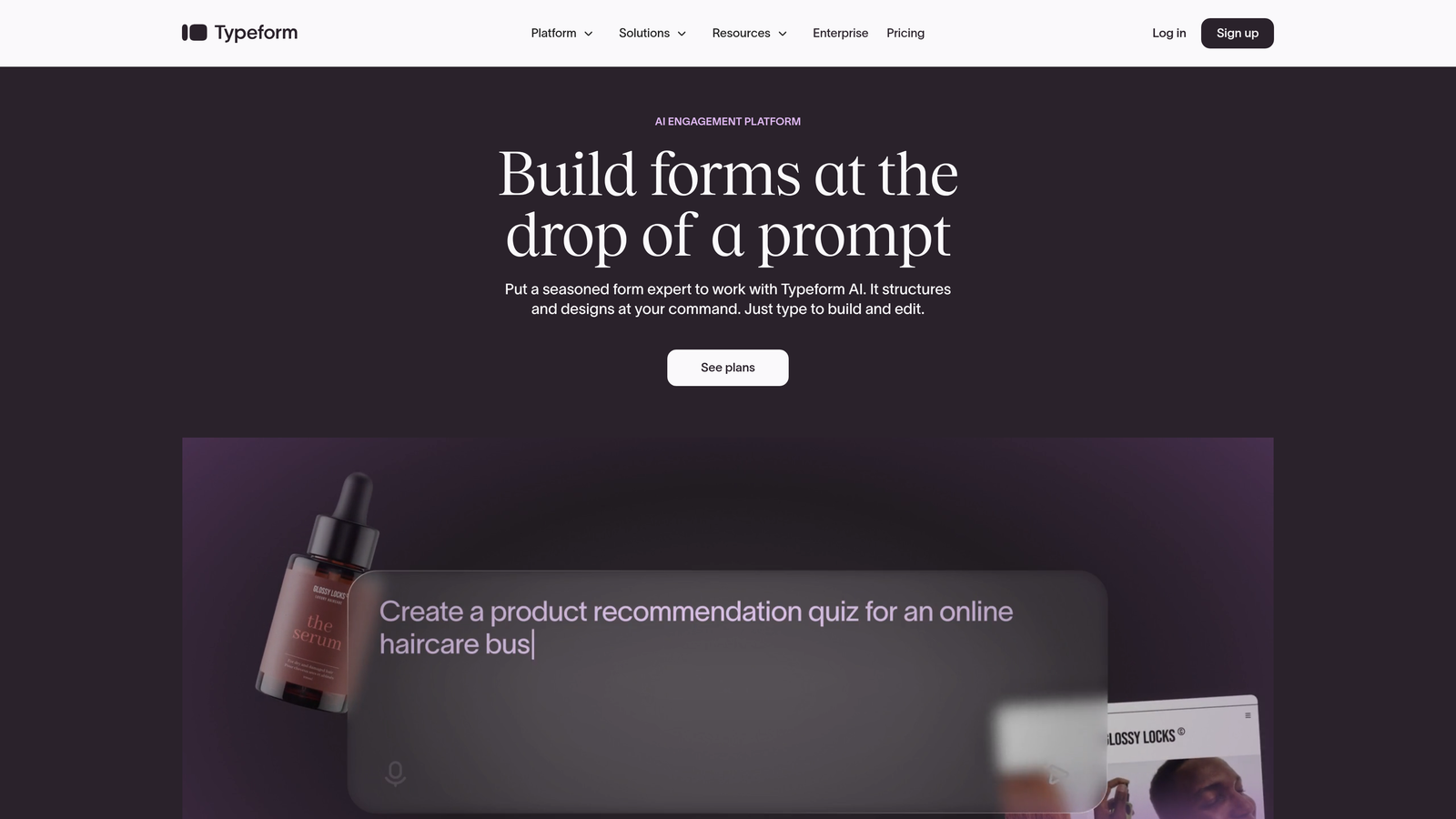
Typeform is a conversational form builder that presents questions one at a time, creating an interactive experience that feels more like a conversation than a traditional form.
Where This Tool Shines
Typeform revolutionized form design by making data collection feel human. The one-question-at-a-time approach reduces cognitive load and creates a focused experience that typically results in higher completion rates than traditional multi-field forms.
The platform excels at brand customization. You can match your company's visual identity perfectly, embedding videos and images to create forms that feel like natural extensions of your website rather than generic data collection tools.
Key Features
Conversational Format: One-question-at-a-time display creates an engaging, focused experience that feels more like a conversation.
Beautiful Design Templates: Highly customizable templates with full brand control, including custom colors, fonts, and backgrounds.
Logic Jumps: Advanced conditional branching adapts the form flow based on responses, creating personalized experiences for different user types.
Rich Media Embedding: Add videos, images, and GIFs to create visually engaging forms that stand out.
SaaS Integrations: Connects with major tools like Slack, Google Sheets, HubSpot, and Salesforce to automate workflows.
Best For
Typeform works best for SaaS companies that prioritize brand experience and user engagement. It's particularly effective for customer feedback surveys, product research, and lead generation where completion rates are critical.
Pricing
Free plan available with basic features. Basic plan starts at $25/month, with Plus and Business tiers offering advanced logic and integrations.
3. HubSpot Forms
Best for: Teams already using HubSpot CRM who need native integration and marketing automation
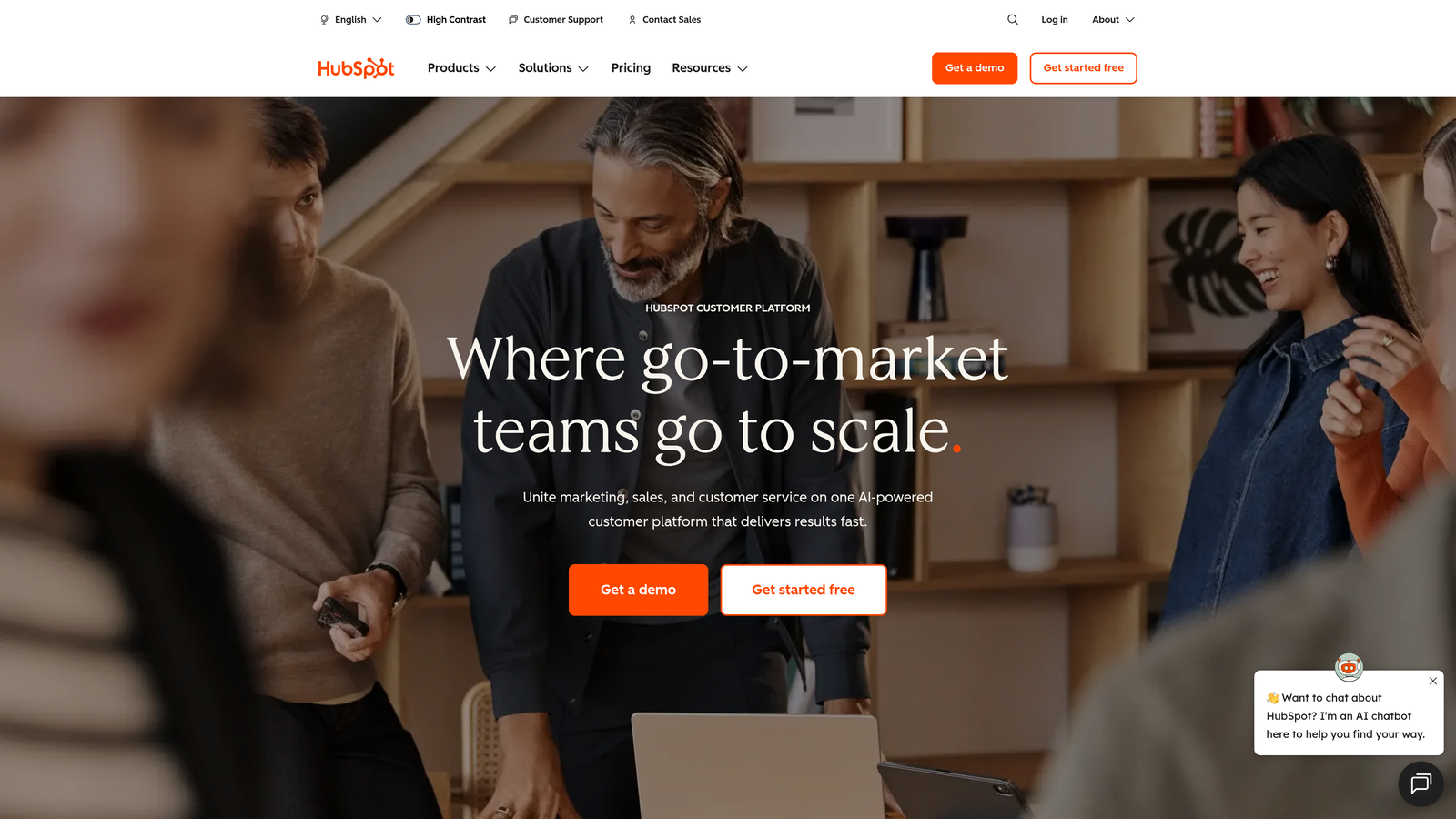
HubSpot Forms is the native form builder within the HubSpot ecosystem, offering seamless CRM integration and progressive profiling capabilities.
Where This Tool Shines
HubSpot Forms eliminates the integration headache entirely if you're already in the HubSpot ecosystem. Every form submission automatically creates or updates contact records, triggers workflows, and feeds into your marketing automation—no Zapier required.
The progressive profiling feature is particularly valuable for SaaS companies with longer sales cycles. Instead of asking for the same information repeatedly, forms intelligently show new questions to known contacts, gradually building complete profiles without form fatigue.
Key Features
Native CRM Integration: Submissions flow directly into HubSpot CRM with zero configuration, automatically creating contacts and triggering workflows.
Progressive Profiling: Smart forms that remember previous responses and ask new questions to known contacts, reducing friction for returning visitors.
Smart Content: Personalize form fields based on contact properties, device type, or lifecycle stage for targeted experiences.
Automatic Lead Scoring: Forms can trigger lead scoring updates and automatic routing to sales based on submission criteria.
Built-In A/B Testing: Test different form variations to optimize for conversions without external tools.
Best For
HubSpot Forms is the obvious choice for SaaS companies already using HubSpot CRM or Marketing Hub. It's ideal for teams that need forms deeply integrated with their marketing automation and sales processes.
Pricing
Free with HubSpot CRM. Advanced features like progressive profiling and smart content require Marketing Hub, starting at $800/month for professional tier.
4. Jotform
Best for: Complex workflows requiring extensive templates and advanced conditional logic
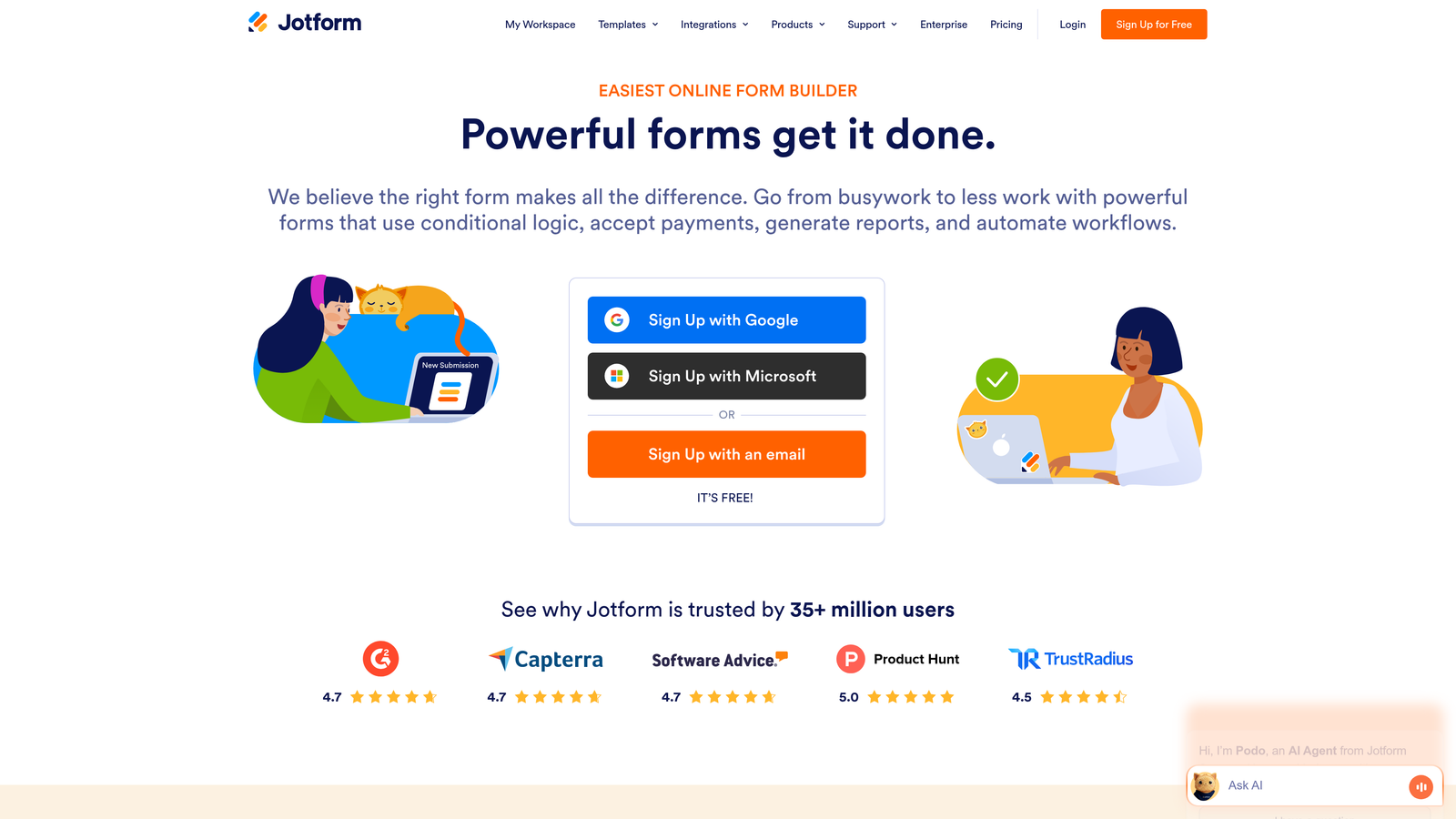
Jotform is a versatile form builder offering thousands of pre-built templates and powerful conditional logic for handling complex SaaS data collection needs.
Where This Tool Shines
Jotform's massive template library means you rarely start from scratch. With over 10,000 templates covering virtually every use case, you can launch professional forms in minutes. The templates aren't just basic either—many include advanced logic and integrations pre-configured.
The conditional logic capabilities are particularly robust, allowing you to create multi-step forms that adapt based on previous answers. This makes Jotform excellent for complex qualification workflows or forms that need to serve multiple purposes.
Key Features
10,000+ Templates: Extensive library of pre-built forms covering virtually every SaaS use case, from demo requests to customer onboarding.
Advanced Conditional Logic: Create complex branching paths based on user responses, showing or hiding fields dynamically.
Payment Integrations: Accept payments directly through forms with Stripe, PayPal, Square, and other processors.
PDF Report Generation: Automatically generate PDF documents from form submissions for contracts, quotes, or reports.
Compliance Options: HIPAA-compliant forms available for SaaS companies in healthcare or handling sensitive data.
Best For
Jotform suits SaaS companies with diverse form needs—from simple contact forms to complex multi-step workflows. It's particularly valuable for teams that need payment collection or document generation capabilities built into their forms.
Pricing
Free tier includes 5 forms with 100 monthly submissions. Bronze plan starts at $34/month for unlimited forms, with higher tiers adding features like HIPAA compliance.
5. Tally
Best for: Startups and bootstrapped SaaS companies needing unlimited forms on a generous free tier
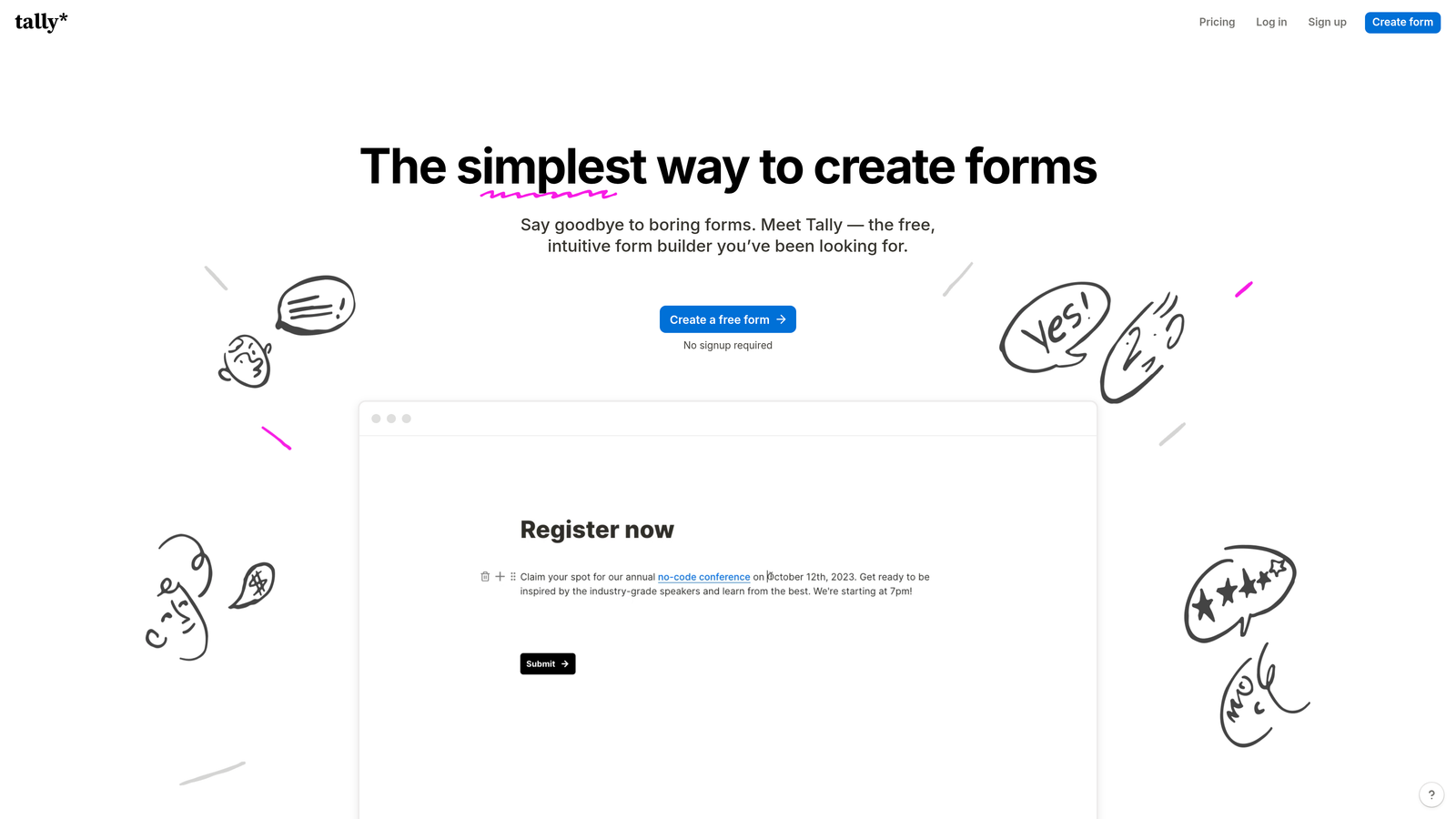
Tally is a simple, Notion-like form builder with unlimited forms on the free plan, making it ideal for budget-conscious teams.
Where This Tool Shines
Tally's free tier is genuinely generous—unlimited forms with unlimited submissions. For early-stage SaaS companies watching every dollar, this removes the typical constraint of form count limits that plague other platforms.
The Notion-style block editor feels immediately familiar to modern teams. If your team already uses Notion for documentation, the learning curve is essentially zero. You build forms by stacking blocks, making it intuitive to create everything from simple contact forms to complex surveys.
Key Features
Unlimited Free Forms: No artificial limits on form count or submissions on the free plan, perfect for growing startups.
Block-Based Editor: Notion-style interface makes form building intuitive for teams already familiar with modern productivity tools.
Conditional Logic: Show or hide questions based on previous answers to create personalized form experiences.
Custom Branding: Add custom domains and remove Tally branding even on free plan with Pro upgrade.
Webhooks and Zapier: Connect forms to your tech stack through webhooks or Zapier integrations.
Best For
Tally is perfect for bootstrapped SaaS startups and early-stage companies that need professional forms without the monthly fee. It's also great for teams that value simplicity over feature complexity.
Pricing
Free tier with unlimited forms and submissions. Pro plan at $29/month adds custom domains, file uploads, and removes Tally branding.
6. Formstack
Best for: Enterprise SaaS companies requiring advanced security, compliance, and workflow automation
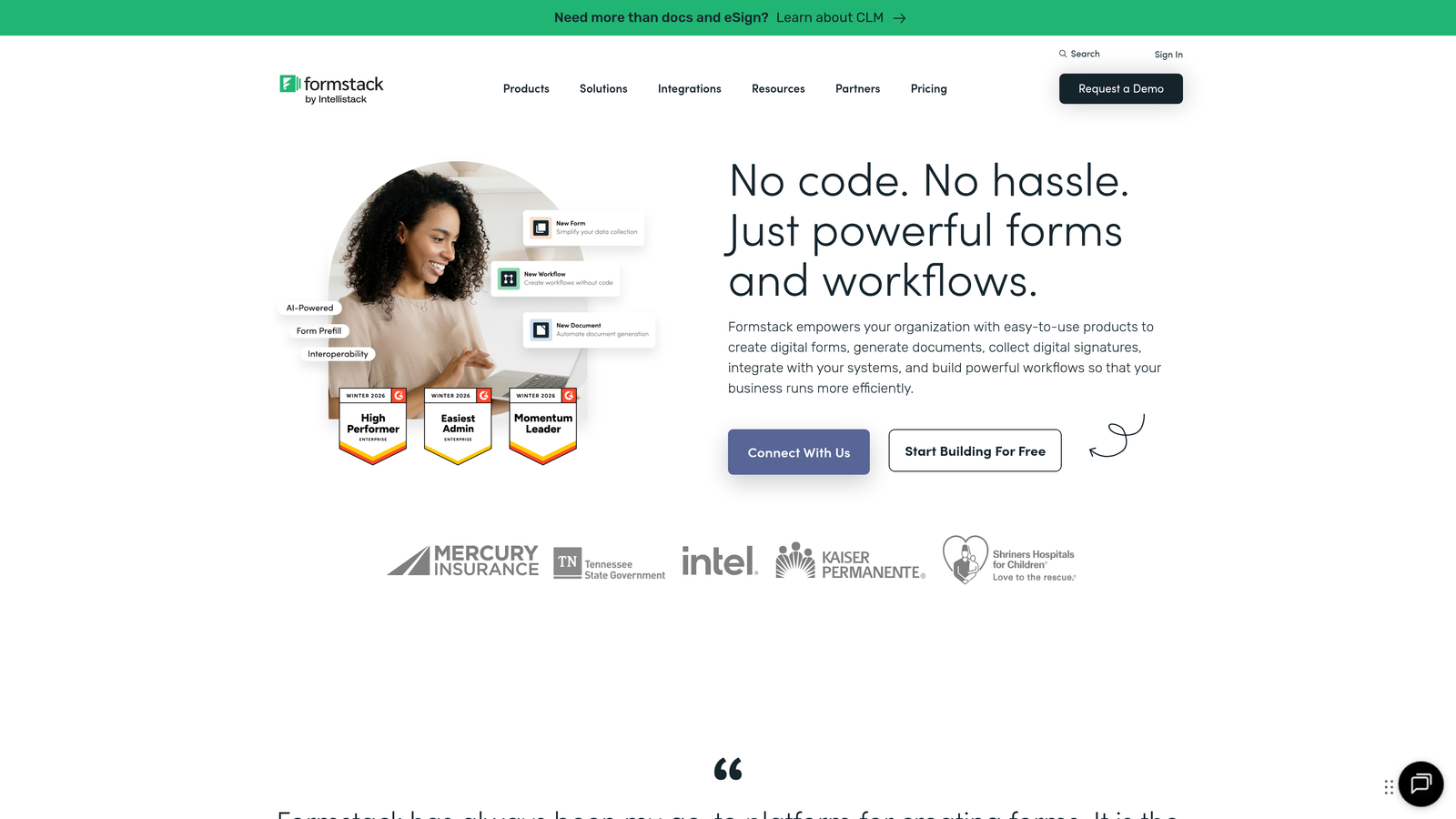
Formstack is an enterprise-grade form builder with advanced security features, compliance certifications, and powerful workflow automation for regulated industries.
Where This Tool Shines
Formstack takes security and compliance seriously in ways that matter for enterprise SaaS. HIPAA, GDPR, and SOC 2 compliance aren't afterthoughts—they're core features. For SaaS companies in healthcare, finance, or other regulated sectors, this level of built-in compliance is essential.
The workflow automation goes beyond simple integrations. You can automatically generate documents, trigger e-signature requests, and create complex approval processes—all from form submissions. This makes Formstack ideal for SaaS companies with enterprise customers who need audit trails and formal processes.
Key Features
Enterprise Compliance: HIPAA, GDPR, and SOC 2 Type II certified with advanced security features and audit logs.
Document Generation: Automatically create PDFs, contracts, and reports from form data with custom templates.
Advanced Workflows: Build multi-step approval processes, routing, and automated follow-ups without code.
Salesforce-Native: Deep Salesforce integration that works natively within the platform, not just through API connections.
Offline Data Collection: Mobile app allows form submissions without internet connection, syncing when back online.
Best For
Formstack is built for enterprise SaaS companies and those in regulated industries. If your customers require compliance certifications or you need sophisticated workflow automation, Formstack delivers the enterprise features other form builders lack.
Pricing
Plans start at $50/month for basic features. Enterprise pricing available with custom compliance requirements and dedicated support.
7. Paperform
Best for: SaaS companies with self-serve checkout flows needing landing page-style forms with payment collection
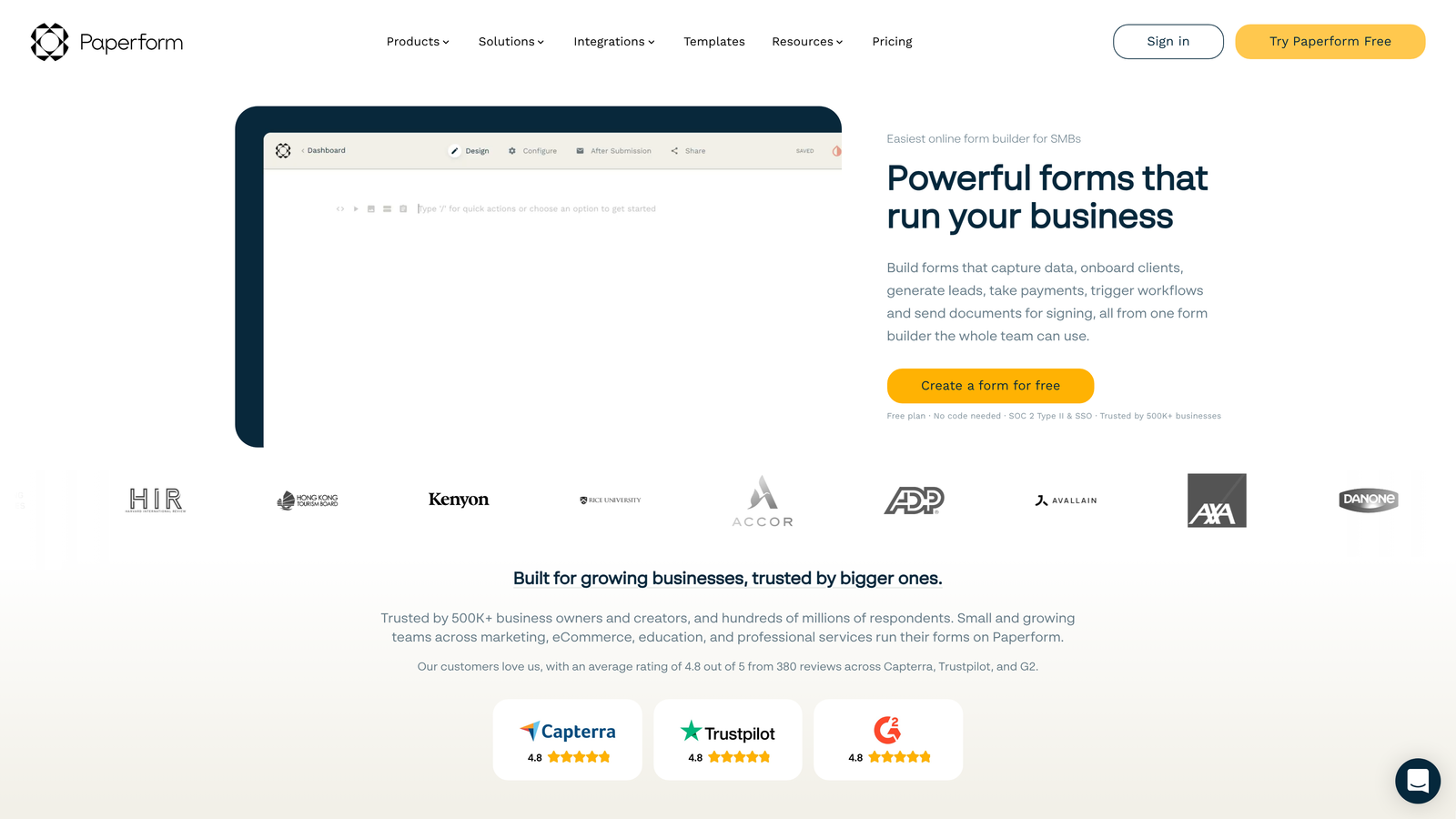
Paperform is a landing page-style form builder that combines beautiful design with payment collection, ideal for product-led growth and self-serve signups.
Where This Tool Shines
Paperform blurs the line between landing pages and forms. Instead of embedding a form on a page, the form is the page. This creates a seamless experience for self-serve SaaS signups where you're collecting information and payment in one fluid experience.
The rich media capabilities let you create forms that feel like full marketing pages. Embed videos explaining your product, add images showcasing features, and include custom success pages that guide users to their next step—all without leaving the form builder.
Key Features
Landing Page Design: Forms that function as complete landing pages with rich formatting, images, and videos for immersive experiences.
Rich Media Embedding: Add videos, images, and custom HTML to create forms that feel like full marketing pages.
Payment Integration: Native Stripe and PayPal support for collecting payments during form submission, perfect for self-serve signups.
Conditional Logic: Show different pricing tiers, features, or questions based on user selections to personalize the experience.
Custom Success Pages: Redirect users to specific pages or show custom messages based on their form responses.
Best For
Paperform excels for SaaS companies with product-led growth strategies. If you're selling directly through your website with self-serve checkout, or need forms that double as landing pages, Paperform creates the seamless experience you need.
Pricing
Essentials plan at $24/month includes unlimited forms and submissions. Pro plan at $49/month adds advanced integrations and priority support.
8. Cognito Forms
Best for: Complex pricing calculations and quote generation with advanced conditional logic
Cognito Forms is a calculation-focused form builder with powerful conditional logic and payment workflows, great for SaaS with tiered pricing or custom quote generation.
Where This Tool Shines
Cognito Forms handles complex calculations that would break other form builders. If your SaaS pricing depends on multiple variables—users, features, usage tiers—Cognito can calculate the total in real-time as prospects fill out the form. This transparency helps qualify leads and set accurate expectations.
The repeating sections feature is particularly useful for B2B SaaS. Prospects can add multiple team members, departments, or use cases within a single form, and your calculations adjust automatically. This eliminates the back-and-forth of gathering complete requirements.
Key Features
Advanced Calculations: Build complex formulas that calculate pricing, discounts, or custom values based on form inputs in real-time.
Repeating Sections: Allow users to add multiple items or entries within a single form, perfect for team signups or multi-product quotes.
Payment Processing: Accept payments through Stripe, PayPal, or Square with calculated totals flowing directly to checkout.
Conditional Logic: Show or hide entire sections based on previous answers to create dynamic, personalized experiences.
Data Security: Field-level encryption and compliance features protect sensitive information throughout the submission process.
Best For
Cognito Forms is ideal for SaaS companies with complex pricing models or those generating custom quotes. If your sales process requires calculating costs based on multiple variables, Cognito handles the math while maintaining a smooth user experience.
Pricing
Free tier available with basic features. Pro plan starts at $15/month for advanced calculations and payment integration, with Team and Enterprise options for larger organizations.
9. Google Forms
Best for: Internal surveys, feedback collection, and rapid prototyping on zero budget
Google Forms is a free, straightforward form builder integrated with Google Workspace, best for internal use cases and quick feedback collection.
Where This Tool Shines
Google Forms wins on simplicity and cost. It's completely free with no limits on forms or responses, making it perfect for internal SaaS team needs like employee surveys, feature voting, or quick feedback collection. The learning curve is essentially zero—if you've used Google Docs, you already know how to build a Google Form.
The Google Sheets integration is seamless and powerful. Responses flow directly into a spreadsheet where your team can analyze data, create charts, and share insights. For internal analytics and research, this tight integration often beats more complex form builders.
Key Features
Completely Free: No cost for unlimited forms, responses, or team members—just a Google account.
Google Sheets Integration: Responses automatically populate a spreadsheet for easy analysis and sharing across your team.
Real-Time Collaboration: Multiple team members can edit forms simultaneously, just like Google Docs.
Basic Conditional Logic: Show or hide questions based on previous answers to create simple branching paths.
Quiz Features: Built-in quiz mode with automatic grading, useful for customer education or certification programs.
Best For
Google Forms is best for internal SaaS team use—employee surveys, feature requests, customer feedback collection, or rapid prototyping. It's not ideal for external lead generation where brand consistency matters, but for internal workflows it's hard to beat the price and simplicity.
Pricing
Completely free with any Google account. No paid tiers or premium features—everything is included at no cost.
Finding Your Perfect Form Solution
Choosing the right form builder depends on your SaaS growth strategy and technical needs. For AI-powered lead qualification and conversion optimization, Orbit AI leads the pack with intelligent scoring and modern designs built specifically for high-growth teams. If brand experience and engagement are paramount, Typeform delivers polished conversational forms that feel more human than traditional data collection.
HubSpot Forms works best when you're already invested in their ecosystem—the native integration eliminates friction and powers sophisticated marketing automation. Budget-conscious startups should consider Tally's generous free tier with unlimited forms, while enterprise teams with compliance needs will appreciate Formstack's security certifications and audit capabilities.
For self-serve SaaS with payment collection, Paperform creates landing page-style experiences that guide prospects from interest to purchase. Cognito Forms handles complex pricing calculations that other builders struggle with. And for internal team use, Google Forms remains unbeatable on simplicity and cost.
Start by identifying your primary use case. Are you generating leads that need intelligent qualification? Collecting payments for self-serve signups? Gathering customer feedback? Match your needs to the tool that integrates best with your existing stack and supports your specific conversion goals.
Transform your lead generation with AI-powered forms that qualify prospects automatically while delivering the modern, conversion-optimized experience your high-growth team needs. Start building free forms today and see how intelligent form design can elevate your conversion strategy.


