

When your team is building forms together — reviewing logic, approving designs, managing submissions — a solo-focused tool creates bottlenecks fast. High-growth teams need a form builder that treats collaboration as a first-class feature, not an afterthought.
Whether you're a marketing team qualifying leads, a sales ops team managing intake workflows, or an agency building forms for multiple clients, the right platform keeps everyone aligned without version-control chaos. This guide covers the best form builders with genuine team collaboration capabilities, evaluated on multi-user access, role permissions, workflow features, and how well each supports teams focused on conversion. If you want to go deeper on what makes forms convert, check out our guides on how to build effective web forms and how to improve form conversion rates.
1. Orbit AI
Best for: High-growth SaaS and B2B teams that need AI-powered lead qualification with team collaboration built in.
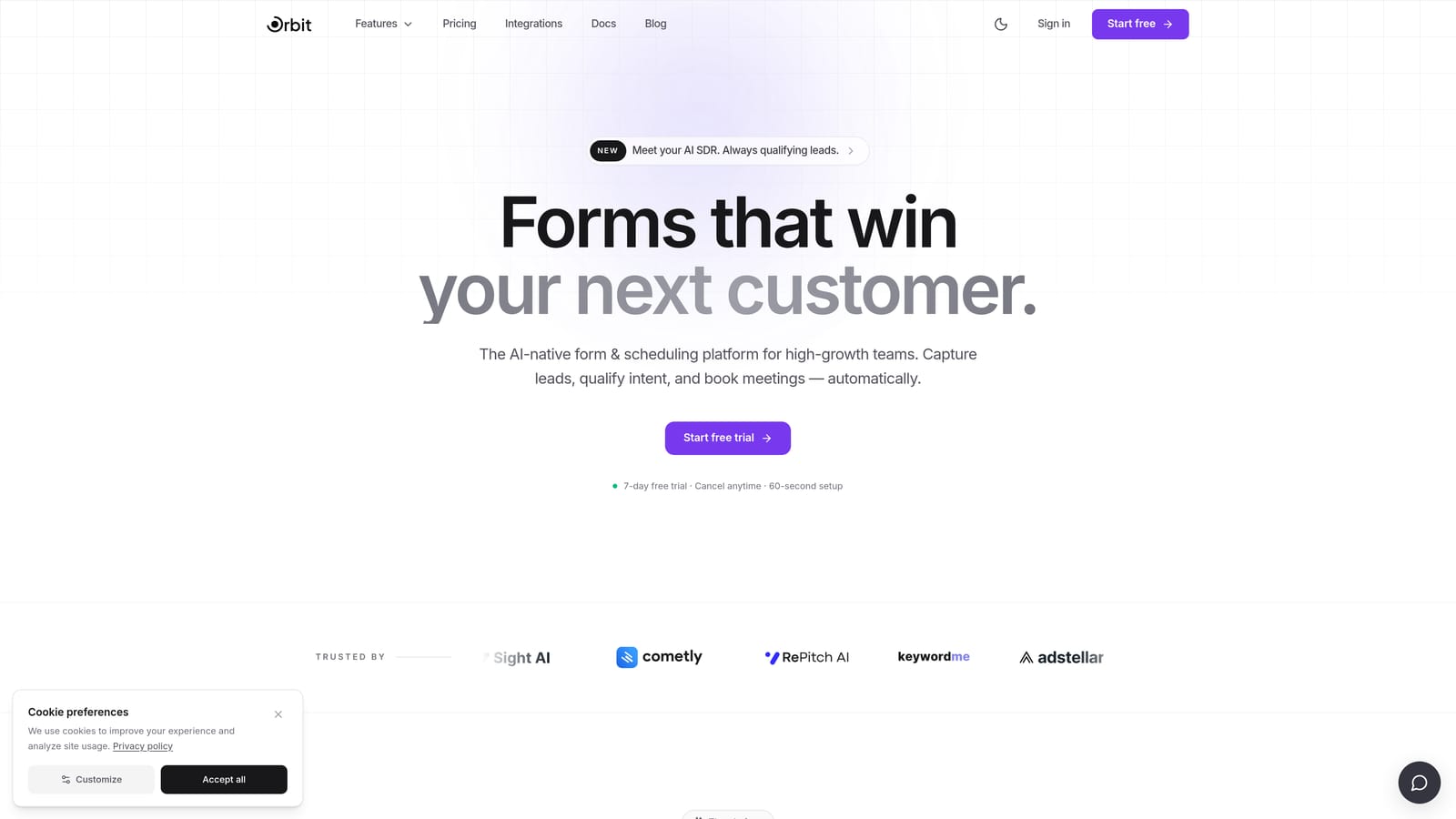
Orbit AI is an AI-powered form builder designed specifically for conversion-focused teams that need more than just a shared workspace.
Where This Tool Shines
Most form builders treat collaboration as an add-on: you can invite teammates, sure, but the tool was still built for a single user creating a single form. Orbit AI is different. It's designed from the ground up for teams where multiple stakeholders, marketers, sales ops, RevOps, designers, all need to contribute to the form-building process without stepping on each other.
The real differentiator is what happens after submission. Orbit AI's AI-powered lead qualification scores and routes leads automatically, which means your sales team stops wasting time triaging form responses manually. For high-growth teams where speed-to-lead matters, this is a meaningful operational advantage over tools that simply collect data and hand it off.
Key Features
AI Lead Qualification: Automatically scores and routes incoming leads based on form responses, reducing manual triage for sales teams.
Team Workspaces: Collaborative environments where multiple team members can build, review, and manage forms together without version conflicts.
Conversion-Optimized Templates: Modern, beautiful form designs built specifically to improve completion rates, not just look good.
Lead Management and Routing: Submission routing handles the marketing-to-sales handoff automatically, keeping pipelines clean.
B2B and SaaS-Focused Design: Purpose-built for the workflows and priorities of high-growth teams, rather than adapted from a general-purpose tool.
Best For
Orbit AI is the strongest fit for SaaS companies, B2B growth teams, and RevOps functions where lead quality and team alignment matter as much as form aesthetics. If your team is tired of manually sorting form submissions or dealing with handoff friction between marketing and sales, this is the tool built for that specific problem.
Pricing
Check current plans and pricing directly at orbitforms.ai, as plans are updated regularly to reflect new features.
2. Typeform
Best for: Design-forward marketing teams that want polished, conversational forms with workspace-level team access.
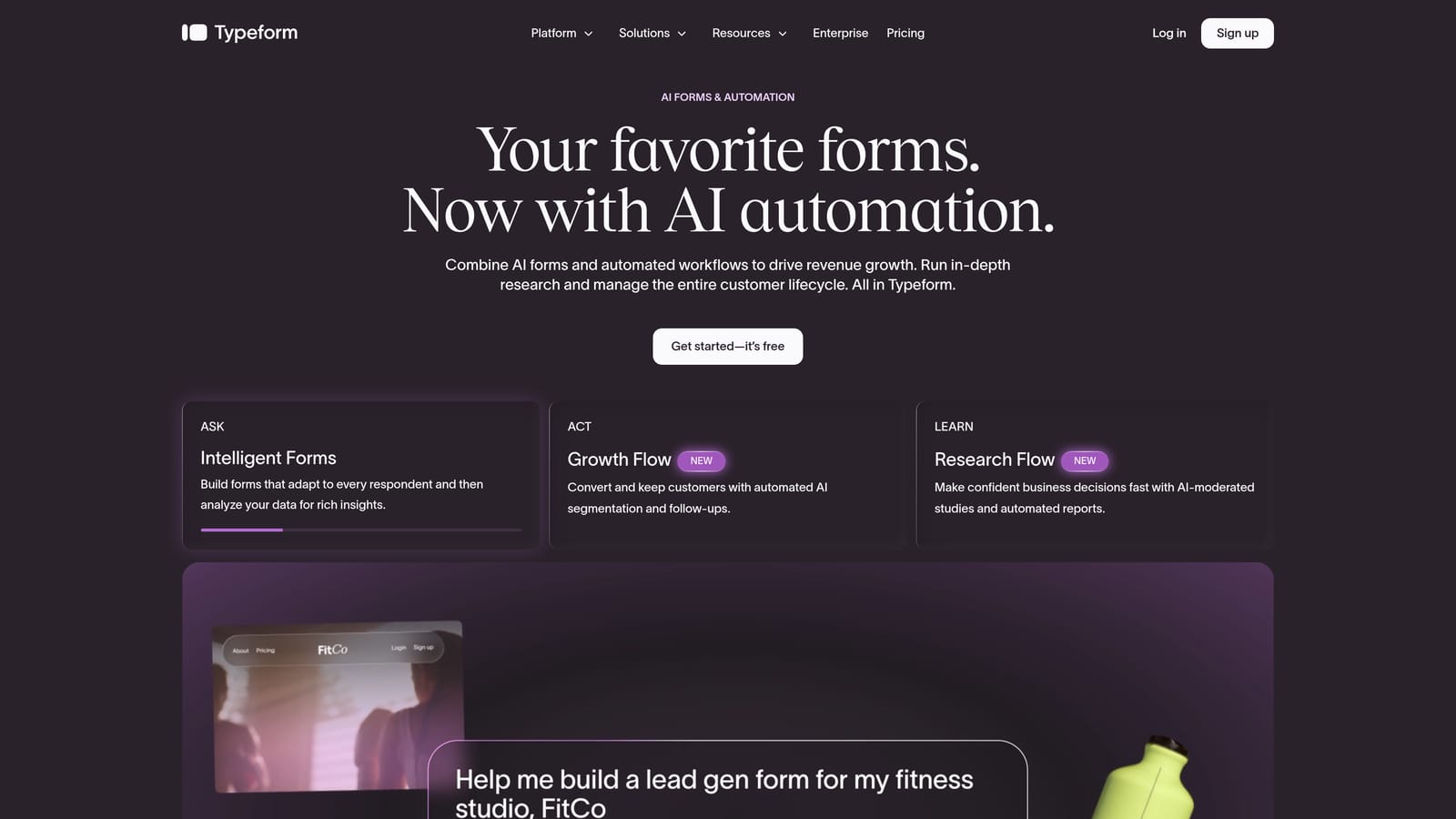
Typeform is a conversational form builder known for its one-question-at-a-time UX and strong visual design capabilities.
Where This Tool Shines
Typeform's biggest strength is the experience it creates for respondents. The conversational format feels less like filling out a form and more like a natural interaction, which tends to improve completion rates for surveys, lead gen forms, and onboarding flows. For marketing teams that care deeply about brand presentation, Typeform offers some of the most polished form aesthetics available.
On the collaboration side, Typeform uses a workspace model where team members can be invited to view or edit forms. You can organize forms by project or client within workspaces, and role options cover admin and member-level access. It's functional for small to mid-size teams, though it's not the platform's primary focus.
Key Features
Workspace Collaboration: Invite team members to shared workspaces with admin or member roles for organized form access.
Conversational Form UX: One-question-at-a-time format that creates a more engaging respondent experience.
Logic Jumps: Conditional logic that personalizes form flows based on previous answers.
Brand Customization: Extensive design controls for fonts, colors, backgrounds, and layout to match brand identity.
CRM Integrations: Connects with major marketing and CRM platforms for seamless data handoffs.
Best For
Typeform works well for marketing teams, content creators, and agencies that prioritize form aesthetics and respondent experience. Teams that need deep approval workflows or enterprise-grade role permissions may find it limiting, but for smaller teams focused on conversion design, it delivers consistently.
Pricing
Free plan available; paid plans start from approximately $25/month. Verify current pricing at typeform.com/pricing.
3. Jotform
Best for: Large organizations and operations-heavy teams that need mature role-based permissions and approval workflows.
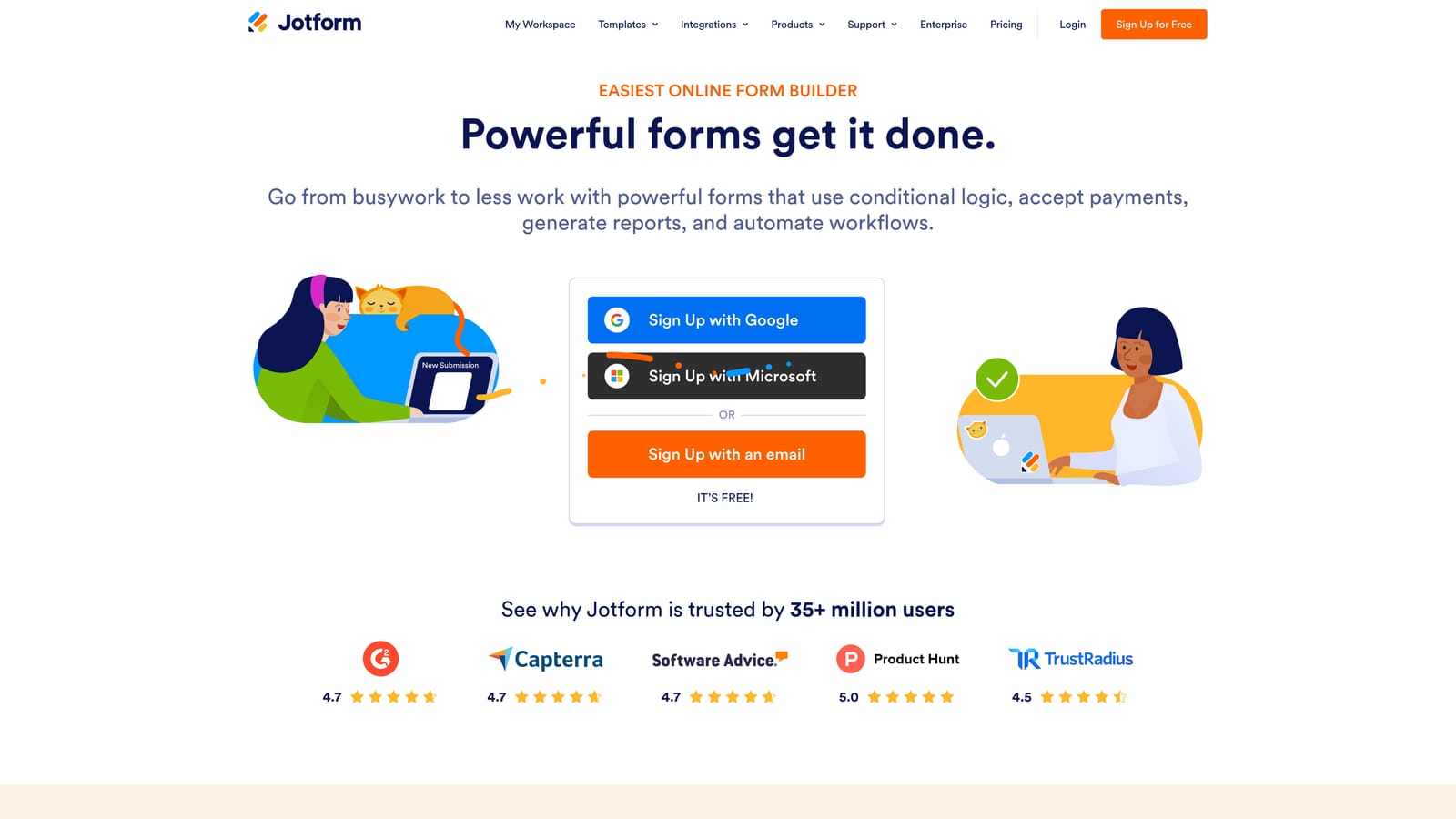
Jotform is one of the most feature-complete form builders available, with a dedicated Teams product that brings genuine enterprise collaboration capabilities.
Where This Tool Shines
If collaboration depth is your primary criteria, Jotform is the most fully developed option on this list. Jotform Teams gives you shared folders, form ownership transfer, and granular role-based permissions covering admin, collaborator, and viewer levels. This matters a lot in larger organizations where accidental edits or unauthorized data access are real concerns.
The approval workflow builder is another standout. You can configure multi-step sign-off processes where form submissions route through specific team members before any action is taken. Combined with a shared submission inbox that gives the whole team visibility into incoming data, Jotform handles the full lifecycle of a form from creation to resolution.
Key Features
Jotform Teams: Dedicated team product with shared folders, role-based permissions, and form ownership management.
Approval Workflows: Multi-step sign-off routing that moves submissions through defined team members before completion.
Shared Submission Inbox: Team-wide visibility into form responses without requiring individual logins to each form.
Extensive Integrations: Connects with CRM, payment, storage, and productivity tools across a broad library.
High Volume Capacity: Designed to handle large submission volumes, making it practical for enterprise-scale deployments.
Best For
Jotform is the right choice for mid-size to large organizations managing many forms across departments, particularly where compliance, permissions, and structured approval processes are non-negotiable. It's also a strong fit for ops teams that need deep integration coverage.
Pricing
Free plan available; paid plans start from approximately $34/month; Teams plans at higher tiers. Verify current pricing at jotform.com/pricing.
4. Tally
Best for: Budget-conscious startups and small teams that want fast, simple form building with workspace sharing.
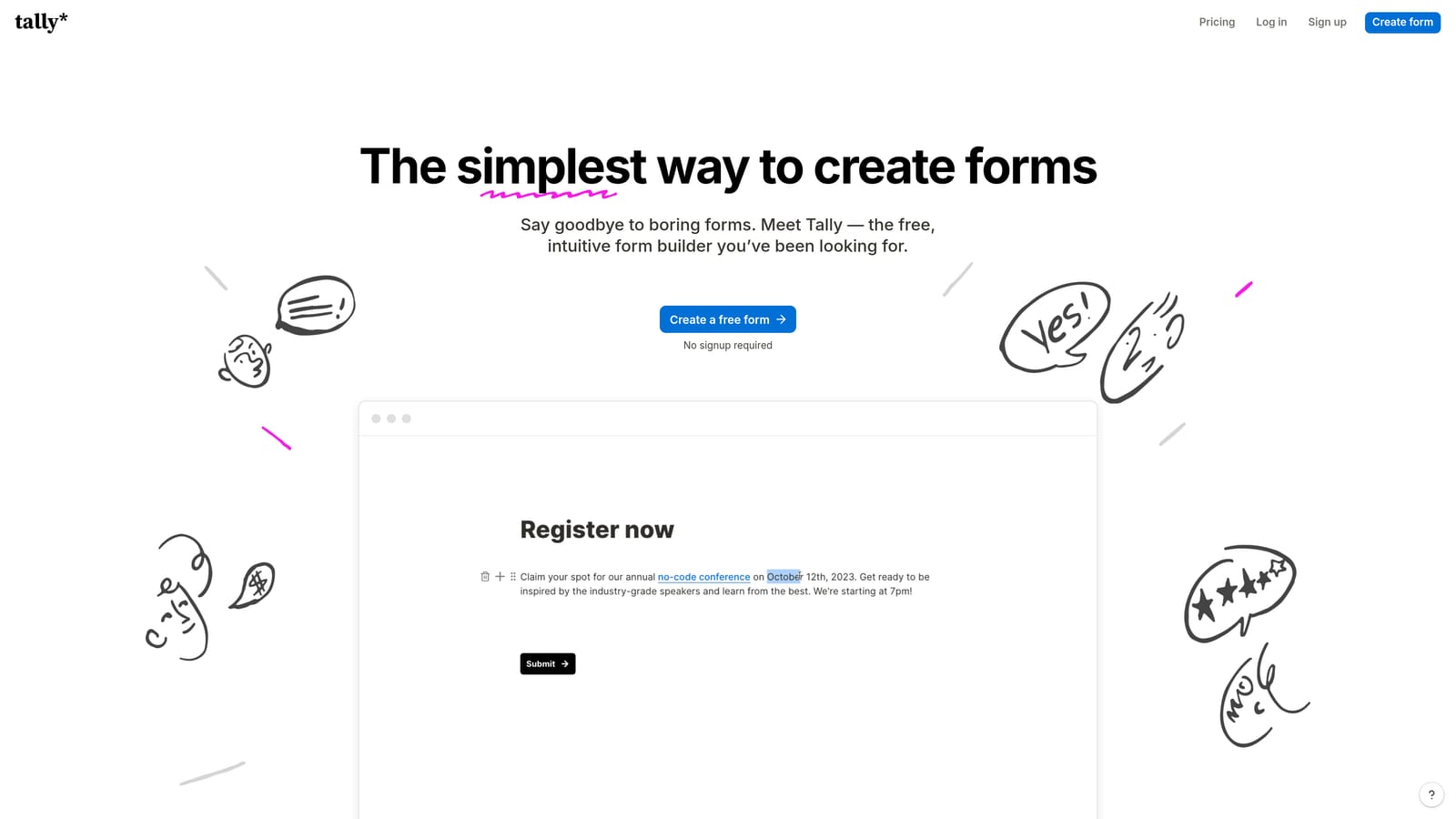
Tally is a Notion-inspired form builder with a block-based editor and one of the most generous free tiers in the market.
Where This Tool Shines
Tally's appeal is its simplicity. The block-based editor feels immediately familiar to anyone who uses Notion or similar tools, which means onboarding a new team member takes minutes rather than days. Workspace sharing lets team members access and edit forms together, and the clean, distraction-free form design works well out of the box without heavy configuration.
The free plan is genuinely robust. Most core features are available without paying, which makes Tally an attractive starting point for early-stage teams or companies that need a quick, low-cost solution while they figure out their form strategy. The trade-off is that advanced collaboration features like approval workflows and granular role permissions aren't available on lower tiers.
Key Features
Block-Based Editor: Familiar Notion-style interface that reduces the learning curve for new users significantly.
Workspace Sharing: Team members can access, view, and edit forms within shared workspaces.
Generous Free Plan: Most core features available at no cost, including unlimited forms and responses on the free tier.
Clean Form Design: Minimal, modern form output that looks polished without requiring design effort.
Lightweight Setup: No complex configuration or onboarding required to get a team up and running.
Best For
Tally is the best fit for small teams, early-stage startups, and individuals who want a capable form builder without the overhead of enterprise tooling. It's less suited to teams that need structured approval flows or fine-grained permission controls.
Pricing
Free plan available with robust features; Pro plan from approximately $29/month. Verify current pricing at tally.so/pricing.
5. Paperform
Best for: Agencies and marketing teams building forms that double as landing pages or rich content experiences.
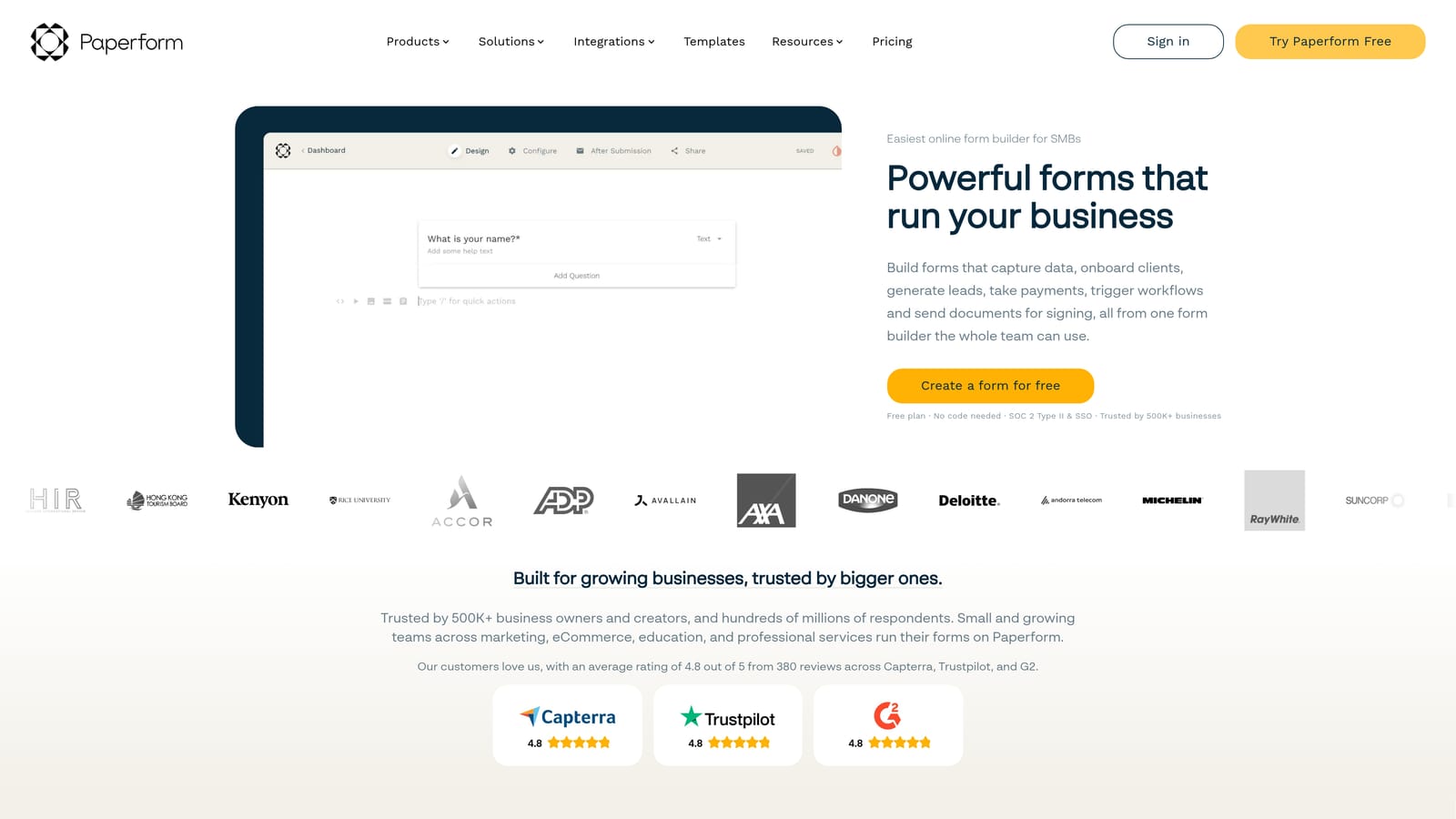
Paperform is a flexible form builder that blends forms with rich content, letting teams create form experiences that function like mini landing pages.
Where This Tool Shines
Paperform occupies a unique position in this list. While other tools focus primarily on form structure and workflow, Paperform lets you combine forms with text blocks, images, and video in a single editor. The result is a form that can carry the full weight of a landing page, with a value proposition, social proof, and a conversion form all in one place. For agencies managing diverse client needs, this flexibility is genuinely useful.
Team workspaces allow shared access and project-level organization, and submission management includes team notes and visibility features that help multiple stakeholders stay aligned on incoming responses. It's not the deepest collaboration platform on this list, but it handles the essentials well.
Key Features
Rich Content Editor: Combine forms with text, images, and video in a single document-style interface.
Team Workspaces: Shared access and project organization for teams managing multiple form projects simultaneously.
Submission Management: Team notes and shared visibility on incoming responses to keep stakeholders aligned.
Conditional Logic: Flexible branching logic for personalized form flows based on respondent inputs.
Payment Integrations: Built-in support for collecting payments directly within forms, useful for bookings and product sales.
Best For
Paperform is ideal for agencies, marketing teams, and small businesses that need forms to do double duty as conversion pages. It's particularly strong when the visual storytelling around a form matters as much as the form itself.
Pricing
No permanent free plan; paid plans start from approximately $24/month. Verify current pricing at paperform.co/pricing.
6. Formstack
Best for: Compliance-heavy enterprises that need advanced approval routing, document generation, and HIPAA-compliant workflows.
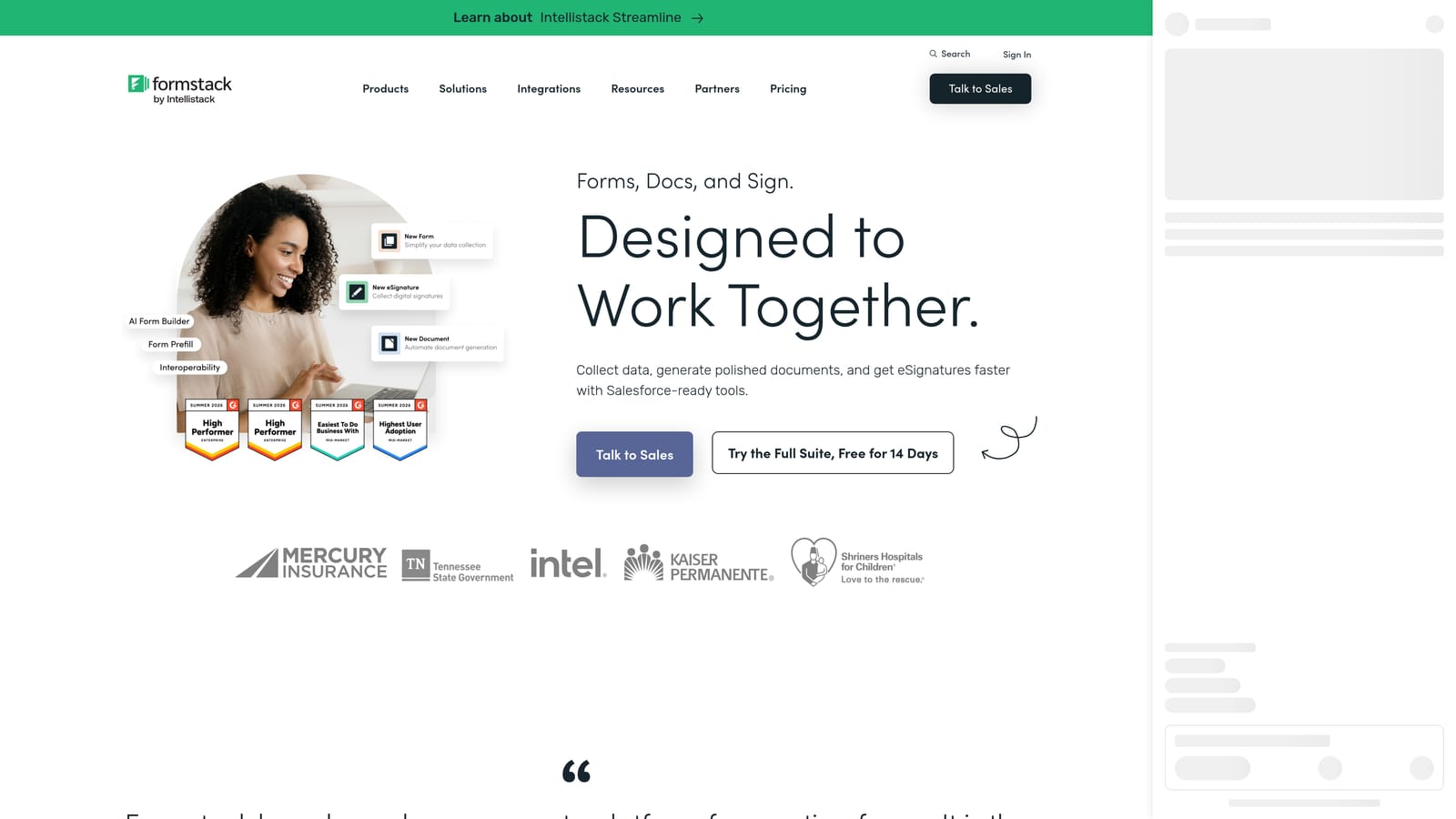
Formstack is an enterprise form and workflow platform that extends well beyond standard form building into document management, e-signatures, and regulated data handling.
Where This Tool Shines
Formstack is built for organizations where forms are part of a larger operational or compliance framework. Multi-step approval routing, conditional workflow assignment, and enterprise-grade role controls make it a serious platform for teams managing complex processes. If your industry requires HIPAA compliance, Formstack is one of the few form builders that handles this natively, which is a significant differentiator for healthcare and regulated sectors.
The document generation and e-signature integration push Formstack beyond what most form builders offer. You're not just collecting data; you're automating the downstream paperwork that data triggers. For teams with dedicated ops resources, this level of automation can meaningfully reduce manual work across the organization.
Key Features
Approval Routing: Multi-step approval workflows with conditional assignment based on submission content or team rules.
HIPAA Compliance: Native support for regulated data handling, relevant for healthcare and other compliance-driven industries.
Document Generation: Automatically create documents from form submission data, reducing manual document prep.
E-Signature Integration: Collect legally binding signatures as part of the form and workflow process.
Enterprise Role Controls: Granular team access management with the permission depth required by large organizations.
Best For
Formstack is the right fit for enterprise teams in regulated industries, or any organization where forms feed into complex approval and document workflows. It requires more setup investment than other tools on this list, so it's best suited to teams with dedicated operations or IT resources.
Pricing
Enterprise pricing; plans typically start from approximately $83/month, with significant variation based on features. Verify current pricing at formstack.com/pricing.
Which Tool Is Right for Your Team?
The best form builder for team collaboration depends almost entirely on what your team actually needs to collaborate on. Here's a quick breakdown to help you cut through the options.
AI-powered lead qualification teams: Orbit AI is the clear choice. It's the only tool on this list built specifically for growth teams that need forms to qualify and route leads automatically, not just collect them. If your marketing and sales teams are losing time to manual triage, this is where to start.
Design-forward marketing teams: Typeform delivers the most polished respondent experience and strong brand customization. It's a natural fit for teams where form aesthetics are a priority and collaboration needs are relatively straightforward.
Large organizations needing structured permissions: Jotform's Teams product offers the deepest collaboration architecture on this list, with role-based access, approval workflows, and shared submission management that scales to enterprise complexity.
Budget-conscious startups: Tally's generous free plan and simple workspace sharing make it the lowest-friction starting point for small teams that need capable forms without the overhead.
Agencies and multi-purpose form builders: Paperform's rich content editor makes it uniquely flexible for teams that need forms to carry the full weight of a conversion page, not just sit at the bottom of one.
Compliance-heavy enterprises: Formstack is the only tool here with native HIPAA compliance and document generation built in, making it the right call for regulated industries with complex workflow requirements.
If you're running a high-growth team and lead quality is your primary constraint, the combination of AI qualification, modern form design, and team collaboration workflows makes Orbit AI worth a close look. You can also explore our deeper guides on how to qualify leads with forms and lead forms for B2B companies to sharpen your strategy before you build.
Transform your lead generation with AI-powered forms that qualify prospects automatically while delivering the modern, conversion-optimized experience your high-growth team needs. Start building free forms today and see how intelligent form design can elevate your conversion strategy.


