

Not all form builders are created equal, especially when your forms are doing the heavy lifting of qualifying leads and driving conversions. For high-growth teams, the difference between a clunky form and a conversion-optimized one can mean the difference between a full pipeline and a dry one.
This guide ranks the top-rated form building tools based on what actually matters: ease of use, lead qualification capabilities, integrations, design flexibility, and value for money. Whether you're building contact forms, multi-step lead funnels, or survey flows, there's a tool here for your stack. We've included options for every team size and use case, from lean startups to scaling SaaS orgs.
1. Orbit AI
Best for: AI-powered lead qualification and conversion optimization for high-growth B2B SaaS teams
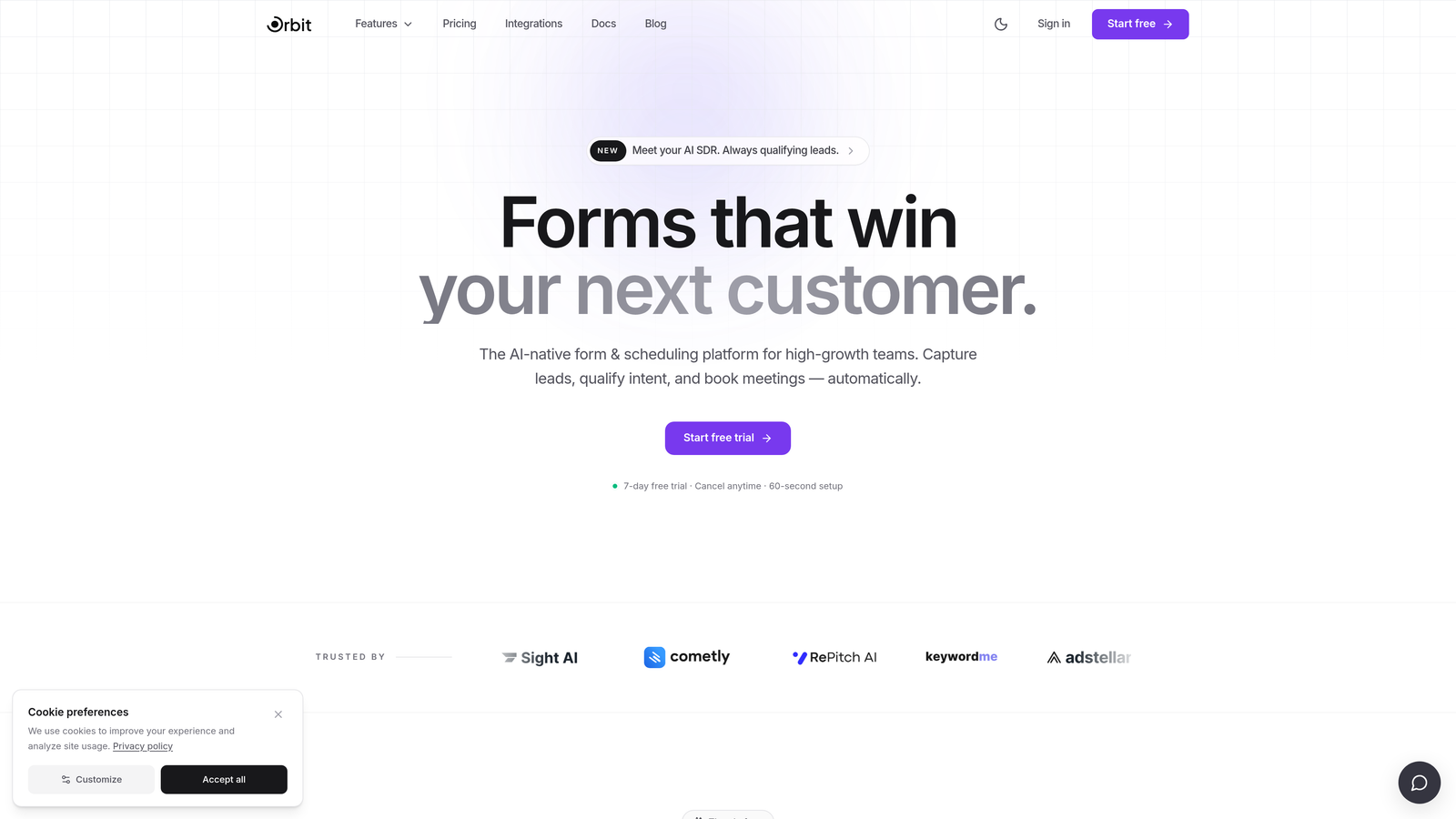
Orbit AI is an AI-native form builder that goes beyond data collection to intelligently score, segment, and route leads in real time.
Where This Tool Shines
Most form builders stop at collecting responses. Orbit AI is built around a fundamentally different premise: your form should tell your sales team which leads to prioritize, not just who filled something out. The AI-powered qualification layer is baked directly into the form experience, so scoring and segmentation happen automatically as prospects move through the flow.
This makes it particularly compelling for B2B demand gen teams where lead quality matters as much as lead volume. Instead of dumping raw submissions into a CRM and hoping someone sorts through them, Orbit AI surfaces the most qualified prospects immediately, keeping your pipeline clean and your sales team focused.
Key Features
AI-Powered Lead Qualification and Scoring: Intelligent scoring built into the form flow that qualifies leads in real time without manual review.
Conversion-Optimized Templates: Modern, flexible form designs built to maximize completion rates and match your brand.
Conditional Logic and Dynamic Fields: Forms adapt based on user input, creating personalized experiences that improve relevance and response quality.
Real-Time Lead Routing: Automatically route qualified leads to the right sales rep or CRM workflow the moment a form is submitted.
CRM Integrations: Connects with major CRM and marketing platforms to keep your lead data flowing where it needs to go.
Best For
High-growth SaaS companies and B2B marketing teams that need their forms to do more than collect data. If lead quality and pipeline efficiency are priorities, Orbit AI's AI-native approach gives your team a meaningful edge over standard form builders.
Pricing
Visit orbitforms.ai for current pricing plans and available tiers.
2. Typeform
Best for: Branded lead gen campaigns and research flows with high visual polish
Typeform is a conversational form builder that popularized the one-question-at-a-time format, delivering a smooth, engaging experience that typically outperforms traditional multi-field forms on completion rates.

Where This Tool Shines
Typeform's core strength is the experience it creates for respondents. Forms feel less like forms and more like conversations, which keeps people engaged through longer flows. For marketing teams running lead gen campaigns or customer research, this translates to better data quality and fewer drop-offs.
The design layer is genuinely polished. Custom fonts, brand colors, background images, and video embeds make it easy to create forms that feel like a natural extension of your brand rather than an afterthought bolted onto a landing page.
Key Features
Conversational One-Question UX: Presents questions one at a time to reduce cognitive load and improve completion rates.
Logic Jumps and Conditional Branching: Routes respondents through different question paths based on their answers.
Strong Template Library: Hundreds of templates across use cases with deep brand customization options.
CRM Integrations: Native connections with HubSpot, Salesforce, Slack, and other major platforms.
Rich Media Embedding: Add video and images directly within questions to create more engaging experiences.
Best For
Marketing teams that prioritize brand experience and completion rates for external-facing forms. Particularly strong for lead gen landing pages, NPS surveys, and customer research flows where visual quality matters.
Pricing
Free plan available. Paid plans start at $25/month billed annually, with pricing scaling based on response volume and advanced features.
3. Jotform
Best for: Versatile, all-in-one form building with payment collection across dozens of use cases
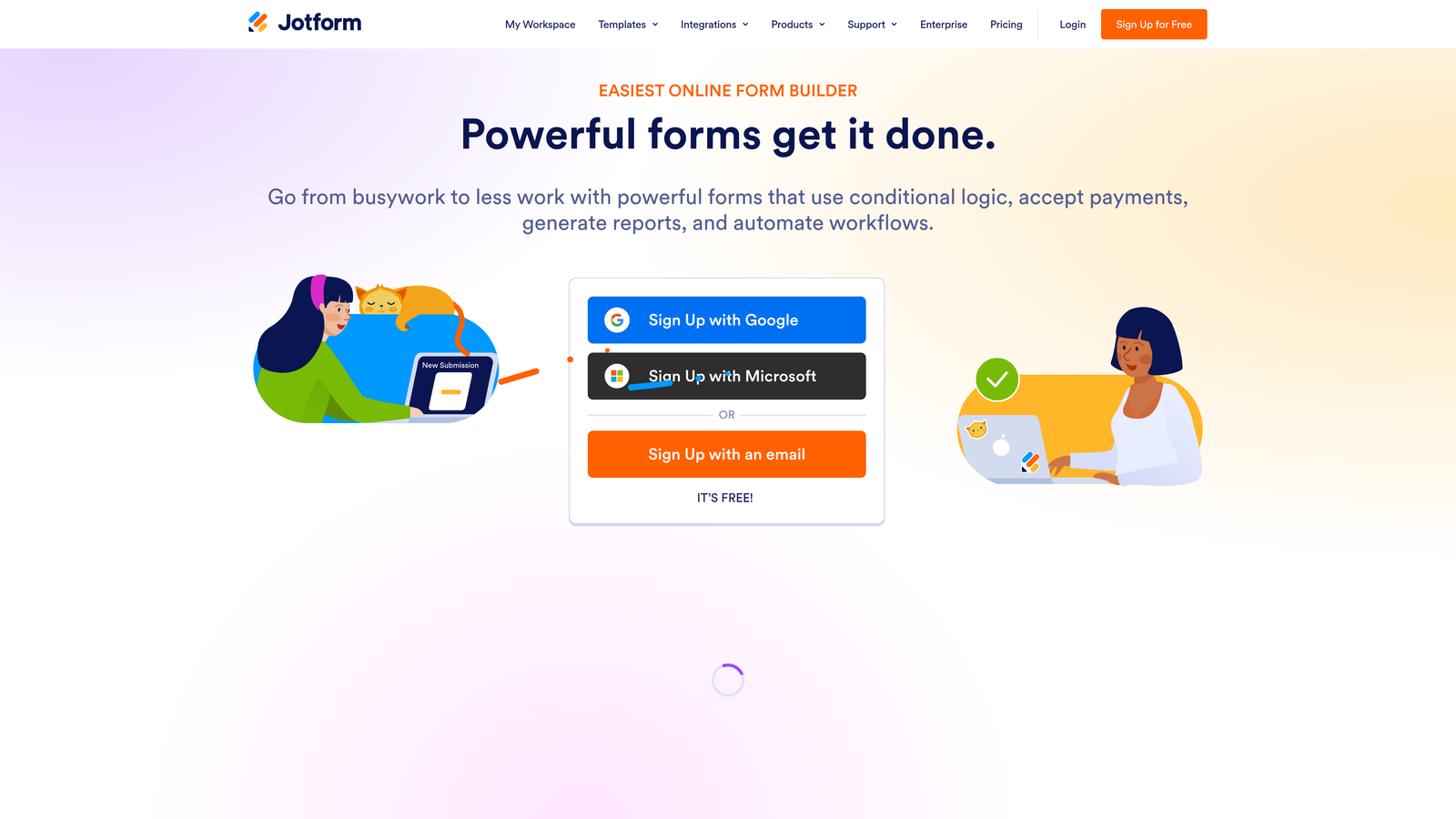
Jotform is one of the most established form builders on the market, offering a massive template library, built-in payment collection, and broad integrations that cover nearly any workflow.
Where This Tool Shines
Jotform's biggest advantage is its sheer breadth. With over 10,000 templates spanning everything from job applications to event registrations to medical intake forms, it's rare to encounter a use case it can't handle. Teams that need one tool to cover many different form types across departments tend to gravitate toward Jotform for exactly this reason.
The built-in payment collection is another standout, supporting Stripe, PayPal, and Square without requiring third-party workarounds. Combined with offline form functionality via its mobile app, Jotform works well for teams that operate in environments where connectivity isn't guaranteed.
Key Features
10,000+ Templates: One of the largest template libraries available, covering virtually every form category imaginable.
Built-In Payment Collection: Native support for Stripe, PayPal, and Square directly within forms.
Offline Form Functionality: Mobile app allows data collection without an internet connection.
Conditional Logic and Multi-Page Forms: Create branching paths and paginated forms to manage complex data collection.
Wide Integration Library: Connects with CRMs, project management tools, and productivity apps.
Best For
Teams that need a reliable, all-purpose form builder across multiple departments and use cases. Particularly strong for organizations that require payment collection or offline data capture alongside standard form functionality.
Pricing
Free plan available. Paid plans start at $34/month with higher tiers unlocking more submissions, storage, and advanced features.
4. HubSpot Forms
Best for: Teams already in the HubSpot ecosystem who want seamless CRM-native form functionality
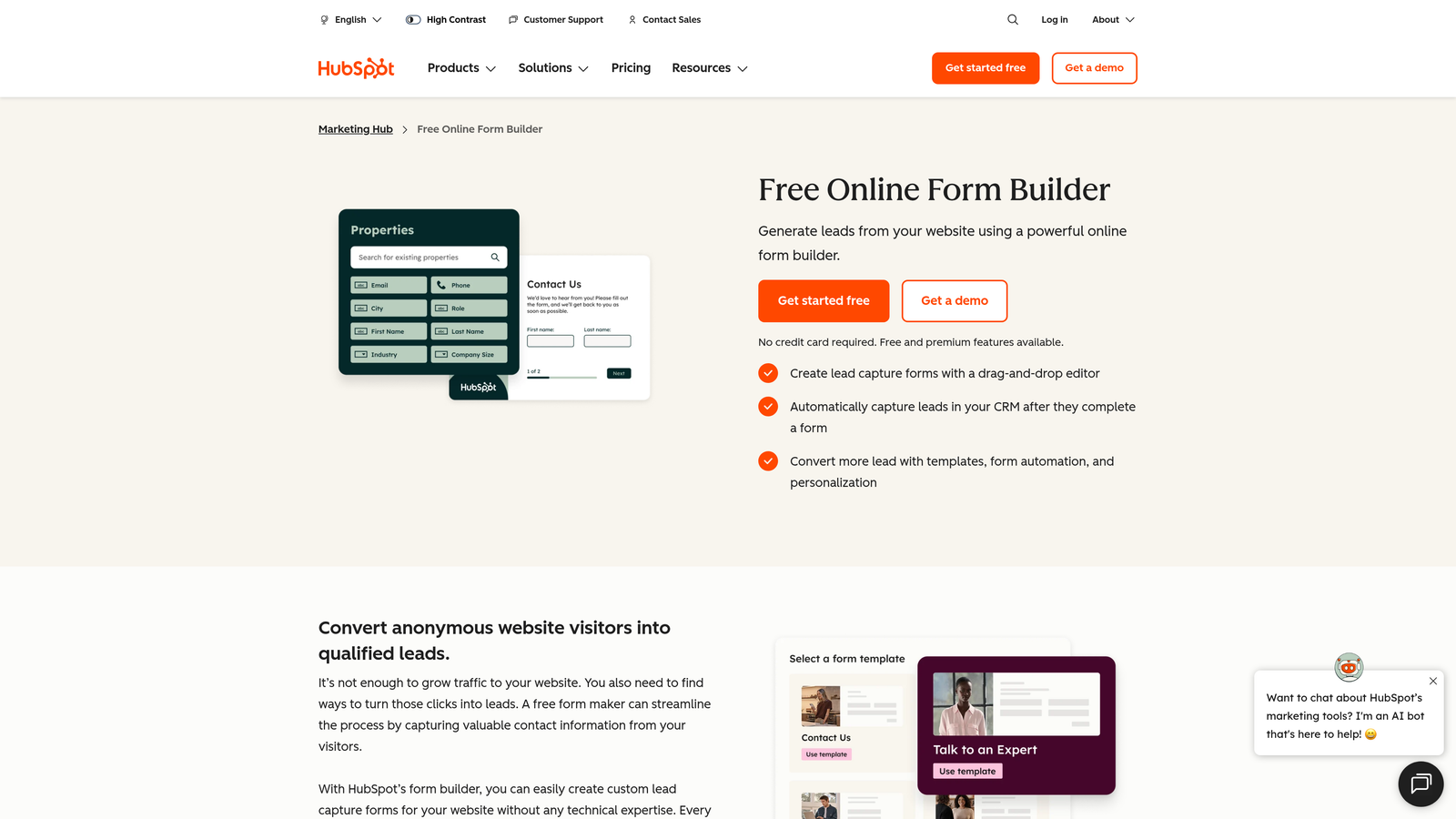
HubSpot Forms is the native form builder within HubSpot's CRM and Marketing Hub, designed to feed directly into HubSpot contacts, lists, and automation workflows.
Where This Tool Shines
If your team lives in HubSpot, the native form builder eliminates the integration friction that comes with third-party tools. Every submission flows directly into your CRM, triggering workflows, updating contact properties, and enrolling leads in nurture sequences without any manual intervention or Zapier glue.
Smart fields are a particularly useful feature. For known contacts revisiting your site, HubSpot pre-populates fields it already has on file and uses progressive profiling to ask only for missing information. Over time, this builds richer contact profiles without overwhelming prospects with long forms on every interaction.
Key Features
Native CRM Sync: Submissions automatically create or update HubSpot contacts with no integration setup required.
Smart Fields: Pre-populate known contact data to reduce friction for returning visitors.
Workflow Automation: Automatically enroll submissions in HubSpot workflows for immediate follow-up.
Progressive Profiling: Collect new data points over multiple interactions rather than asking everything at once.
Flexible Deployment: Embed forms on any website or use HubSpot's standalone form pages.
Best For
Marketing and sales teams that are already using HubSpot as their CRM. The native integration is genuinely powerful, but the tool offers limited value if you're not embedded in the HubSpot ecosystem.
Pricing
Free with HubSpot CRM. Advanced features require Marketing Hub, which starts at $800/month for the Professional tier.
5. Tally
Best for: Startups and lean teams that want fast, clean form building without per-response fees
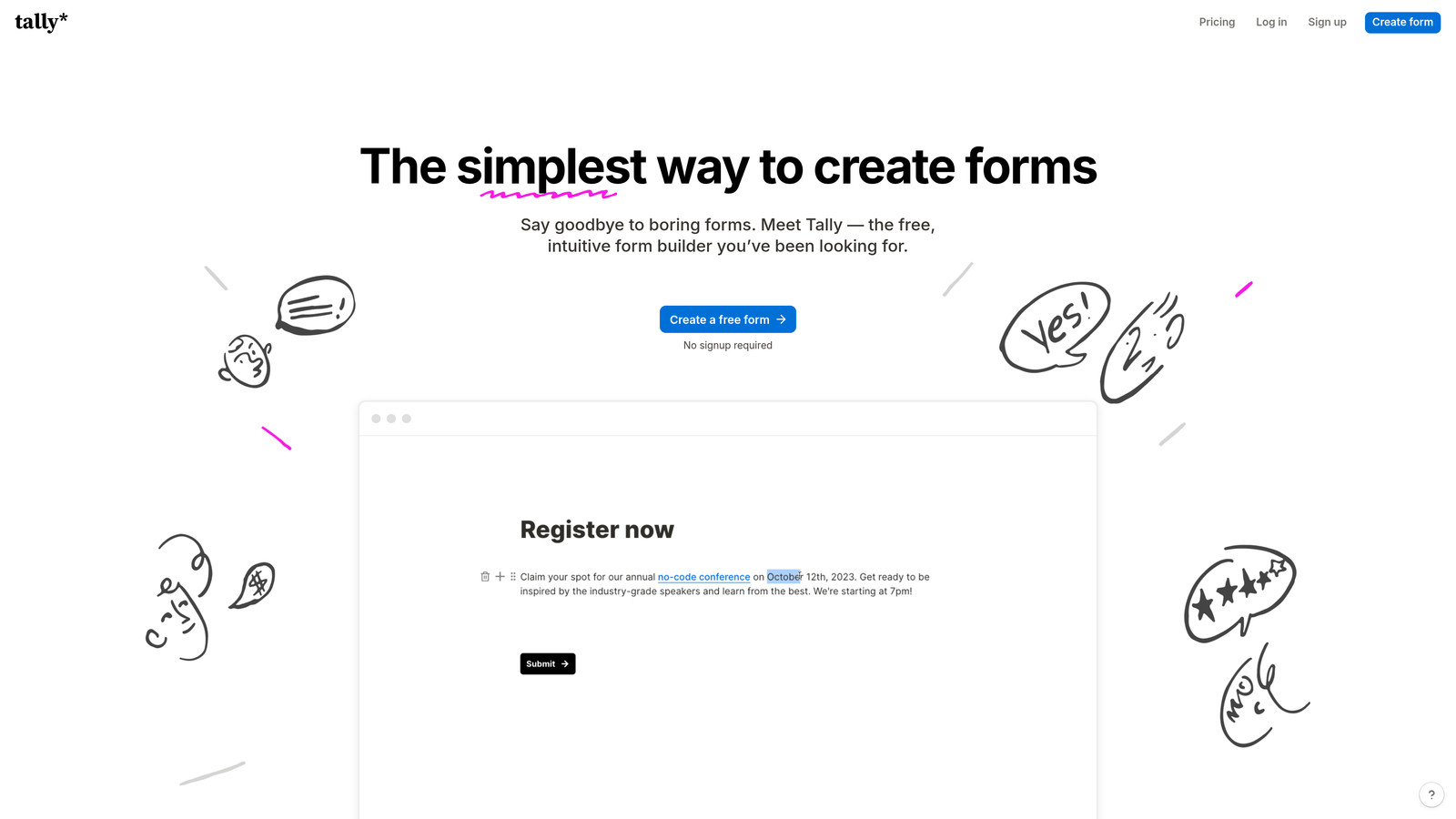
Tally is a fast-growing no-code form builder with a Notion-like block editor, a generous free tier, and a clean aesthetic that resonates strongly with startup and indie developer audiences.
Where This Tool Shines
Tally's free tier stands out in a crowded market because it doesn't charge per response, a meaningful differentiator for early-stage teams collecting significant submission volume without the budget for premium tools. The block-based editor is intuitive enough that most users can build a functional form in minutes without any training.
The minimal design philosophy is both a strength and a limitation. Forms look clean and modern out of the box, but deep brand customization is limited compared to tools like Typeform or Paperform. For teams where speed and simplicity trump visual control, that's an acceptable tradeoff.
Key Features
Block-Based Editor: Notion-style interface makes form building fast and approachable for non-technical users.
No Per-Response Fees on Free Tier: Collect unlimited responses without hitting a paywall based on volume.
Conditional Logic and Multi-Step Forms: Build branching flows and paginated forms without upgrading.
Zapier and Make Integrations: Connect to hundreds of tools via automation platforms.
Clean Default Design: Forms look polished without requiring design work.
Best For
Startups, indie makers, and lean teams that need solid form functionality without per-response pricing constraints. Less suited for enterprise workflows or teams requiring deep brand customization.
Pricing
Free plan available with no response limits. Tally Pro is $29/month and unlocks custom domains, hidden fields, and additional features.
6. Paperform
Best for: Creators and small businesses that want forms with rich media, product listings, and payments in one place
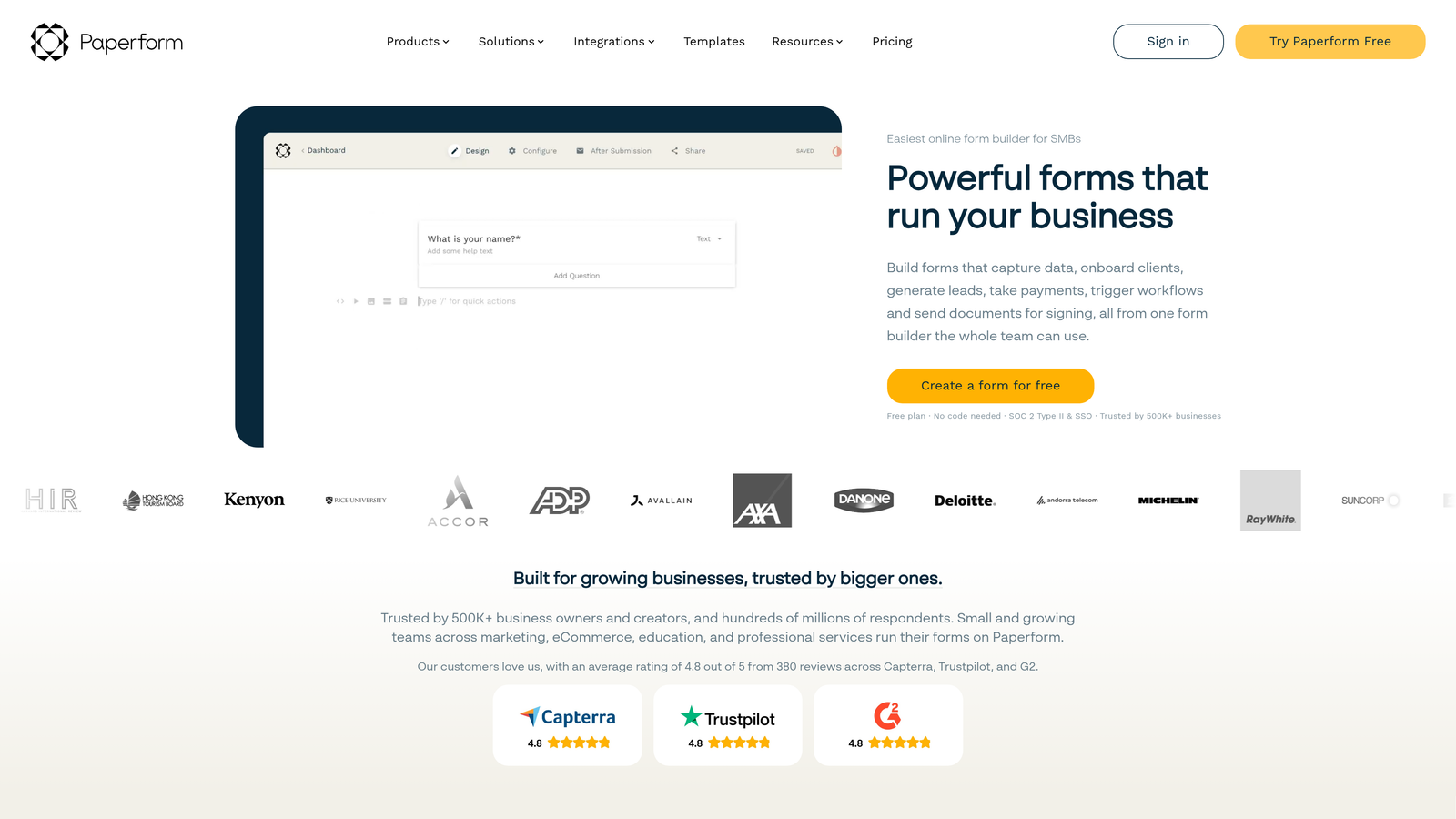
Paperform sits at the intersection of form builder and mini landing page tool, supporting rich text, images, video, and product listings within a single flexible form experience.
Where This Tool Shines
Paperform's hybrid nature is what sets it apart. Rather than treating a form as a plain data collection interface, it lets you embed context, visuals, and product information alongside your questions. This makes it particularly useful for bookings, product orders, and event registrations where respondents benefit from seeing supporting content before they answer.
Calculated fields add another dimension, allowing forms to generate dynamic outputs like price quotes or custom recommendations based on user input. Combined with built-in payment collection, this makes Paperform a capable end-to-end tool for small business transactional flows.
Key Features
Rich Media Embedding: Add text, images, and video directly within the form to provide context alongside questions.
Product Listings and Payments: Sell products or collect payments natively through Stripe integration.
Conditional Logic and Calculated Fields: Dynamic branching and real-time calculations based on responses.
Custom Domains and Branded URLs: Host forms on your own domain for a seamless brand experience.
CRM and Automation Integrations: Connects with Zapier and major CRM platforms.
Best For
Creators, consultants, and small businesses that need a single tool for forms, payments, and product listings. Less focused on enterprise lead qualification depth, but excellent for transactional and content-rich form experiences.
Pricing
Essentials plan starts at $24/month billed annually. Higher tiers unlock additional submissions, users, and advanced features.
7. Google Forms
Best for: Internal surveys, quick polls, and budget-constrained data collection within Google Workspace
Google Forms is Google's free, no-frills form builder that integrates directly with Google Workspace and pipes responses automatically into Google Sheets.

Where This Tool Shines
When simplicity and zero cost are the priorities, Google Forms is hard to beat. Any Google account holder can build a functional form in minutes, share it via link or embed, and watch responses populate in a connected spreadsheet in real time. For internal use cases like employee surveys, team polls, or quick data gathering, it handles the job reliably.
The real-time response summary with auto-generated charts is genuinely useful for quick analysis without needing to export data. That said, Google Forms is deliberately limited in scope. There's no meaningful design customization, no advanced lead scoring, and no real brand control, making it unsuitable for customer-facing conversion flows where experience matters.
Key Features
Completely Free: No cost with any Google account, no response limits, no paid tiers required.
Automatic Google Sheets Integration: Responses flow directly into a connected spreadsheet.
Basic Branching Logic: Section-level logic for simple conditional flows.
Easy Sharing: Distribute via link or embed on any website.
Real-Time Response Summaries: Auto-generated charts and summaries for quick analysis.
Best For
Teams that need a free, zero-setup solution for internal surveys, event RSVPs, or quick data collection. Not recommended for customer-facing lead gen or any use case where brand experience and conversion optimization matter.
8. Gravity Forms
Best for: WordPress-based teams and agencies that need deep site integration and developer extensibility
Gravity Forms is the leading form plugin for WordPress, offering powerful conditional logic, an extensive add-on library, and deep integration with the WordPress and WooCommerce ecosystem.
Where This Tool Shines
For teams running on WordPress, Gravity Forms is the standard choice for good reason. It integrates directly with your WordPress site at the infrastructure level, meaning forms can interact with user accounts, post creation, and WooCommerce orders in ways that standalone SaaS tools simply can't replicate. The add-on ecosystem extends this further, covering payments, CRM integrations, user registration, and more.
The developer-friendly architecture is another key strength. Hooks, filters, and custom code support make it highly extensible for agencies and in-house developers who need to build complex, customized form experiences beyond what the UI exposes out of the box.
Key Features
Deep WordPress Integration: Native connection with WordPress user accounts, WooCommerce, and core site functionality.
Advanced Conditional Logic: Sophisticated field-level branching and multi-page form support.
Extensive Add-On Library: Official and community add-ons for payments, CRMs, user registration, and more.
Developer-Friendly Architecture: Full hooks and filter system for custom code extensions.
Annual License Model: Unlimited forms and entries without per-response pricing.
Best For
WordPress-based businesses, agencies, and developers who need a deeply integrated, extensible form solution. Irrelevant for teams not running on WordPress.
Pricing
Basic license starts at $59/year. Elite license at $259/year includes all add-ons and priority support.
9. Formstack
Best for: Enterprise teams in regulated industries that need forms, documents, e-signatures, and workflow automation in one platform
Formstack is an enterprise-grade platform that combines form building with document generation, e-signatures, and multi-step workflow automation for complex organizational processes.
Where This Tool Shines
Formstack is built for a different category of problem than most tools on this list. Where others focus on lead capture or data collection, Formstack is designed to automate complex, multi-step business processes that span departments. Approval routing, document generation, and e-signature collection can all happen within a single connected workflow without stitching together multiple tools.
The compliance capabilities are a genuine differentiator for regulated industries. HIPAA-compliant forms make it a viable option for healthcare organizations, and the Salesforce native app provides deep CRM integration for enterprise sales and operations teams. This added capability comes with added complexity and cost, making it overkill for most small or mid-sized teams.
Key Features
Multi-Step Workflow Automation: Build approval routing and automated processes that span multiple stakeholders.
Document Generation: Create pre-filled PDFs and documents directly from form submissions.
Built-In E-Signatures: Collect legally binding signatures without a separate tool.
HIPAA-Compliant Forms: Purpose-built compliance features for healthcare and regulated industries.
Salesforce Native App: Deep integration with Salesforce for enterprise CRM workflows.
Best For
Large organizations in healthcare, finance, legal, or other regulated industries that need forms as part of a broader process automation and compliance strategy. Significant investment in both cost and implementation time.
Pricing
Forms plan starts at $83/month. Suite plans are available for enterprise teams requiring the full document and e-signature feature set.
Which Tool Is Right for Your Team?
The right form builder depends almost entirely on what you need your forms to actually do. Here's a quick breakdown by use case to help you cut to the decision.
If your primary goal is AI-powered lead qualification and pipeline efficiency, Orbit AI was built for exactly this. It's the only tool on this list that layers intelligent scoring and real-time lead routing directly into the form experience, making it the natural choice for high-growth B2B and SaaS teams where lead quality is a competitive priority.
For conversational UX and branded lead gen campaigns, Typeform remains the benchmark. Its one-question-at-a-time format and polished design create an experience that genuinely improves completion rates for external-facing flows.
If you're already deep in the HubSpot ecosystem, HubSpot Forms is the obvious choice. The native CRM sync and progressive profiling capabilities are hard to replicate with a third-party tool. For WordPress-based organizations, Gravity Forms is the clear leader with its deep site integration and developer extensibility.
Enterprise teams in regulated industries with complex process automation needs will find Formstack's document generation, e-signatures, and HIPAA compliance capabilities worth the investment. And for teams that need a free or low-cost solution for internal surveys or quick data collection, Google Forms and Tally both deliver solid functionality without the overhead.
The tools in the middle of this list, Jotform and Paperform, serve teams that need versatility and rich form experiences without committing to a more specialized platform.
If your goal is to turn form submissions into qualified pipeline rather than just a spreadsheet of responses, start building free forms today and see how intelligent form design can elevate your conversion strategy. Orbit AI was built specifically for high-growth teams that expect more from their forms.


