

Appointment scheduling forms do more than collect a date and time. Done right, they qualify leads, reduce no-shows, and set the tone for every client relationship before anyone picks up the phone. Done wrong, they hand unqualified leads direct access to your calendar and waste your most valuable resource: your team's time.
Most form builders weren't designed with scheduling in mind. They lack the conditional logic to gate a booking step behind qualification questions, the smart routing to match leads with the right team member, or the lead qualification layer that separates a booked meeting worth having from one you'll regret accepting.
This list covers the best tools for building appointment scheduling forms in 2026, evaluated on ease of setup, scheduling-specific features, lead qualification capabilities, and pricing. We've kept it shorter than most roundups — and more useful for it.
1. Orbit AI
Best for: High-growth SaaS and B2B teams that want to qualify leads before they reach the calendar.
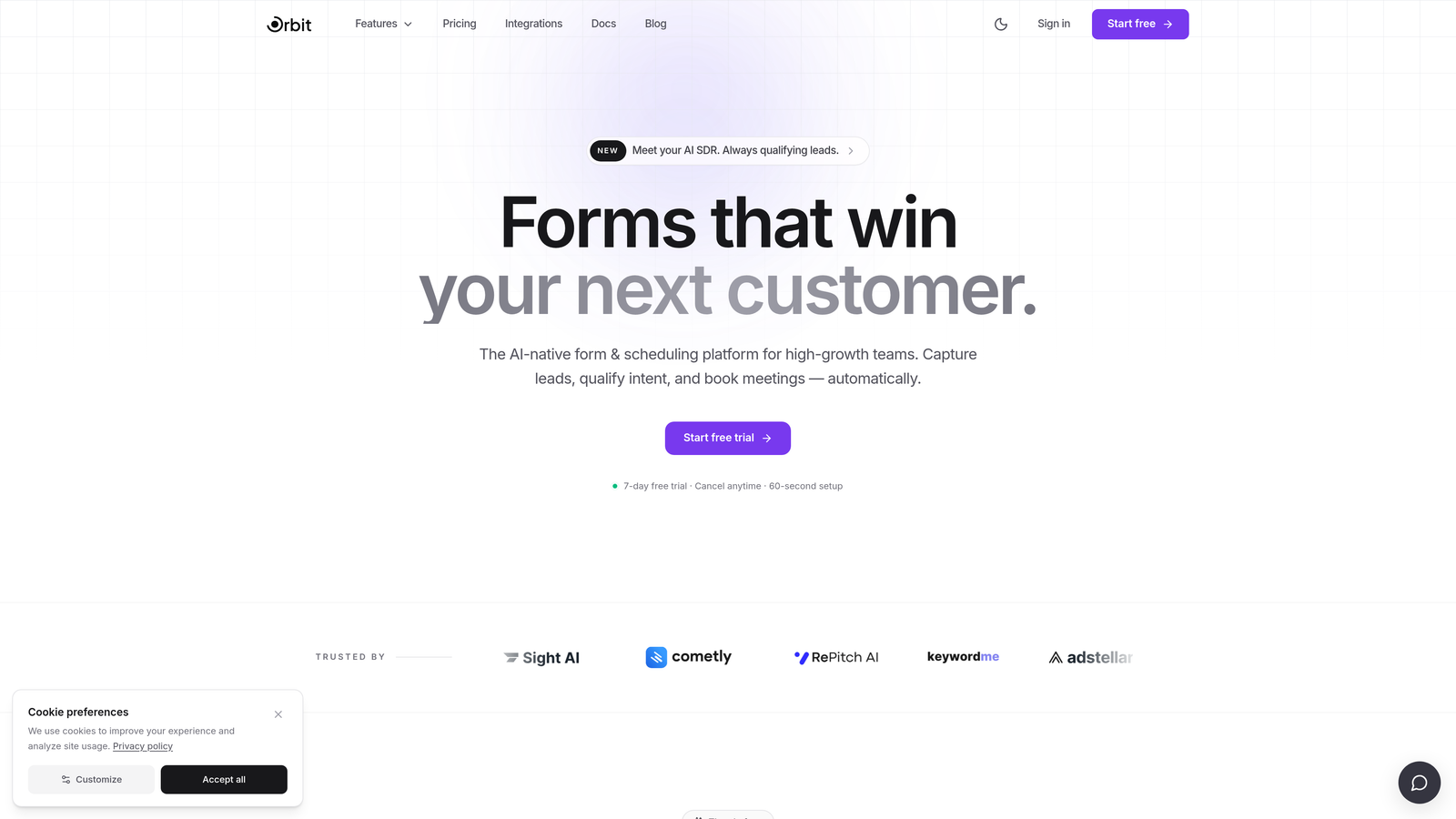
Orbit AI is an AI-powered form builder designed to gate scheduling access behind smart qualification logic, so only the right leads make it to a booking step.
Where This Tool Shines
The core idea behind Orbit AI is straightforward: not every lead deserves a spot on your calendar. By building qualification logic directly into the form flow, Orbit AI lets you ask about budget, company size, or use case fit before revealing the scheduling step. Leads that don't meet your criteria get a different path entirely, saving your team from low-value discovery calls.
This approach is particularly well-suited to B2B SaaS teams running high-volume inbound, where the cost of an unqualified meeting is real. The form design is modern and conversion-optimized, which means the experience doesn't feel like a gatekeeping exercise to the prospect. It feels like a natural intake flow.
Key Features
AI-Powered Lead Qualification: Intelligent qualification logic built into the form flow filters leads before they reach the scheduling step.
Conditional Logic for Scheduling Access: Reveal the booking step only to leads who meet your criteria, based on any combination of form responses.
Conversion-Optimized Form Design: Clean, modern UI designed to reduce drop-off and maintain a polished brand experience throughout the intake process.
Calendar and CRM Integrations: Connects with calendar tools and CRM platforms to pass qualified lead data downstream without manual entry.
Built for High-Growth Teams: Designed specifically for the workflows and standards of fast-moving SaaS and B2B organizations.
Best For
Orbit AI is the right choice for B2B SaaS teams, sales-led growth organizations, and any business where calendar time is a limited resource. If your biggest scheduling problem is volume of unqualified meetings rather than volume of bookings, this is the tool built to solve that.
Pricing
Visit orbitforms.ai for current plan details and to explore available tiers.
2. Typeform
Best for: Teams that want a polished pre-scheduling intake experience with strong brand customization.
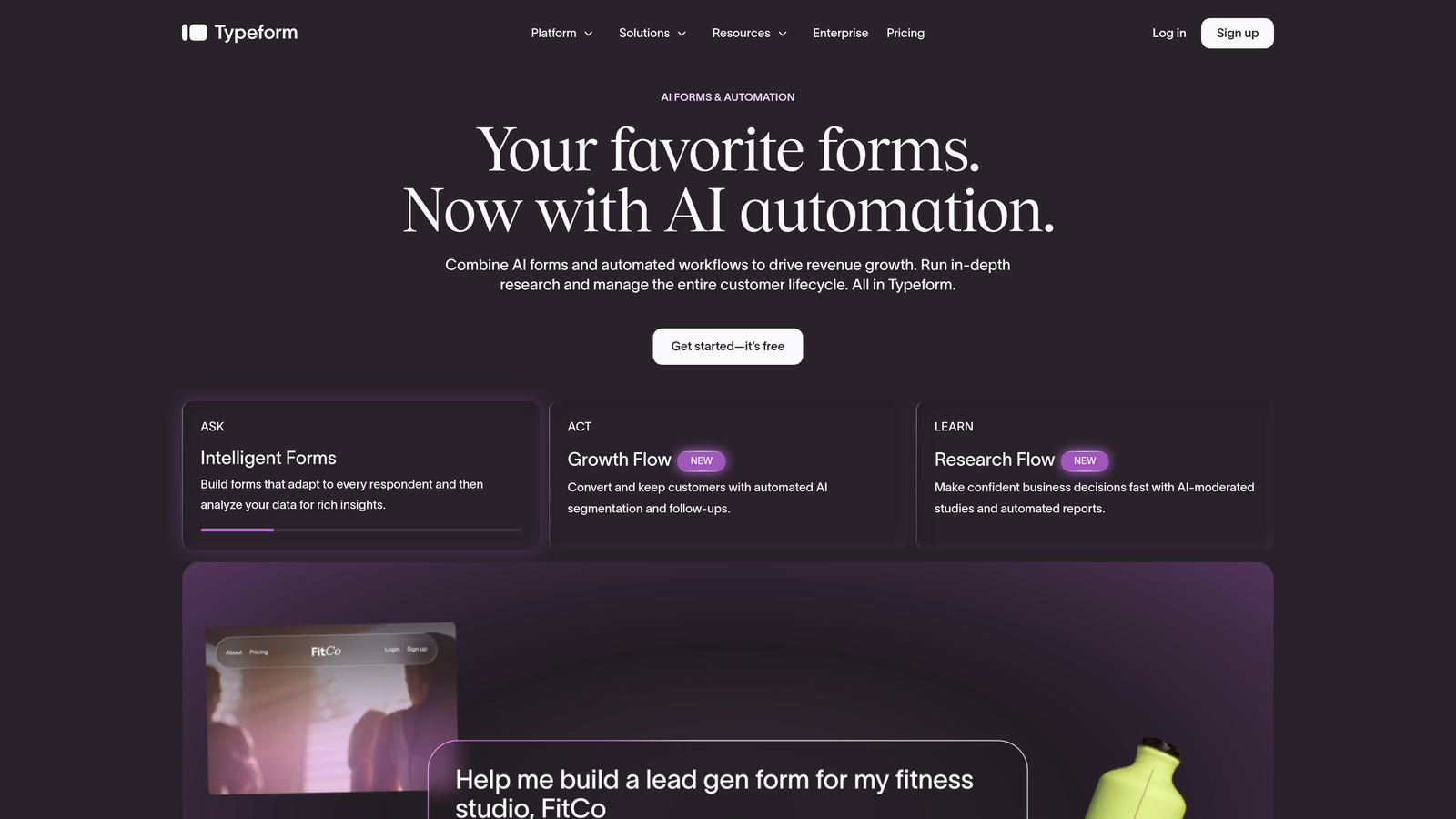
Typeform is a conversational form builder known for its one-question-at-a-time format, which reduces form fatigue and keeps completion rates high.
Where This Tool Shines
Typeform's strength is the experience it creates for the person filling out the form. Rather than presenting a wall of fields, it walks respondents through one question at a time, which can meaningfully improve completion rates for longer intake forms. For appointment scheduling, this works well as a pre-booking layer that gathers context before handing off to a calendar tool.
It's worth noting that Typeform doesn't natively embed a full calendar scheduling widget. The typical setup involves using Typeform for the intake questions, then routing qualified respondents to a separate scheduling tool via Zapier or a native integration. That two-step flow adds some setup complexity, but the result can be a highly polished booking experience.
Key Features
Conversational One-Question-at-a-Time UI: Reduces form fatigue and keeps respondents engaged through longer intake flows.
Logic Jumps and Conditional Branching: Route respondents to different questions or outcomes based on their answers.
Scheduling Tool Integrations: Connects with calendar and scheduling tools via Zapier and native integrations to hand off after form completion.
Strong Brand Customization: Extensive design controls to match your brand identity throughout the form experience.
Analytics and Completion Tracking: Built-in analytics to monitor drop-off points and optimize form performance over time.
Best For
Typeform is a strong choice for teams that prioritize brand experience and want a conversational intake layer before scheduling. It works best when paired with a dedicated scheduling tool rather than as a standalone booking solution.
Pricing
A free plan is available with limits. For current paid plan pricing, visit typeform.com.
3. Jotform
Best for: Teams that need native calendar scheduling built directly into their form, without stitching together separate tools.
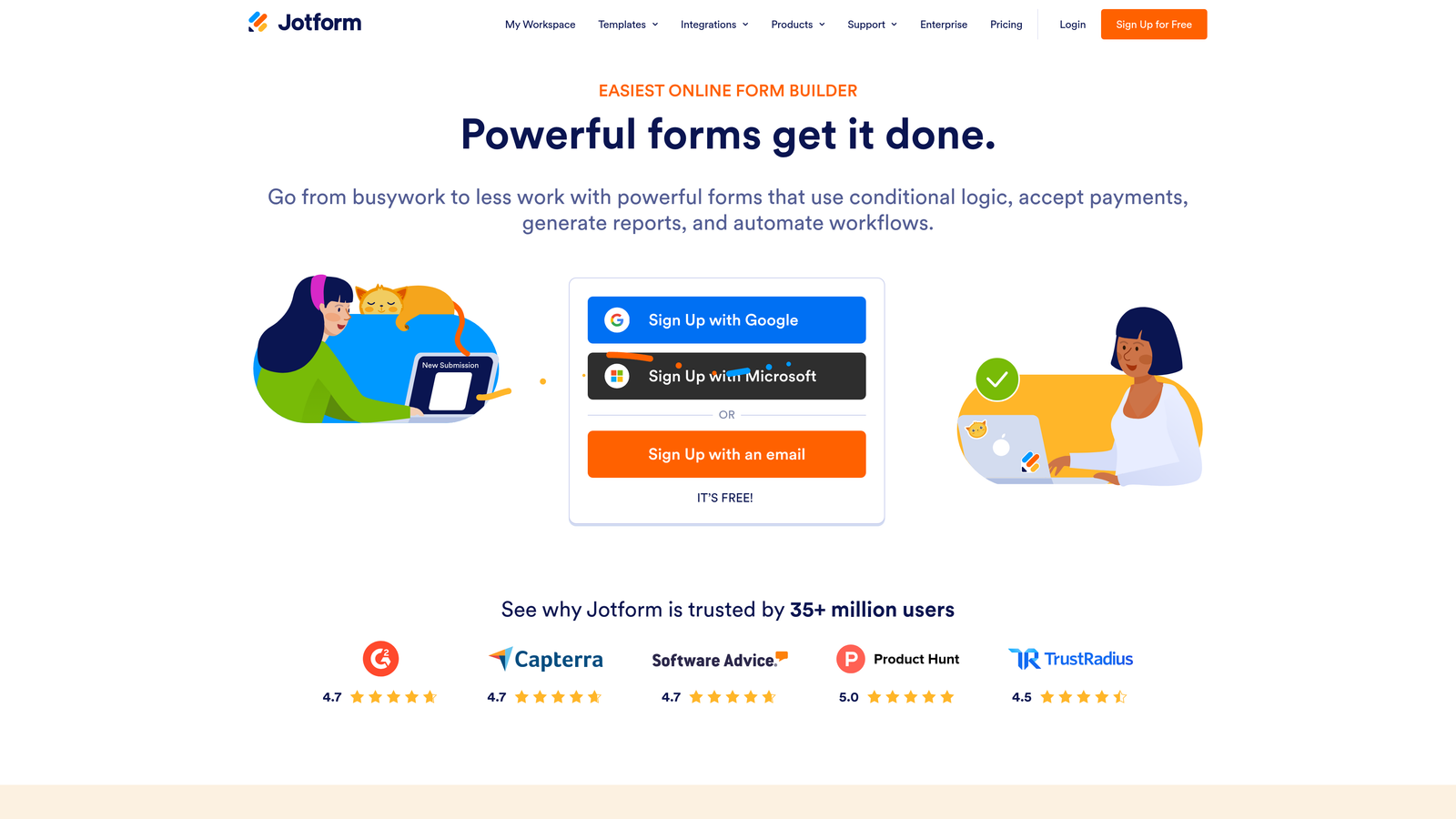
Jotform is one of the most feature-complete form builders available, with a native appointment scheduling widget and one of the largest template libraries in the space.
Where This Tool Shines
Where many form builders require you to connect a separate scheduling tool, Jotform handles it natively. The built-in appointment widget lets you display available time slots, sync with Google Calendar or Outlook, detect the respondent's time zone automatically, and set buffer times between appointments. For most scheduling use cases, you won't need to leave the platform.
The template library is also genuinely useful. Jotform has appointment-specific templates for healthcare, legal, beauty, and other service verticals, which means you can get a working scheduling form live in minutes rather than building from scratch. HIPAA-compliant plans make it a practical option for healthcare organizations with stricter data requirements.
Key Features
Native Appointment Scheduling Widget: Built-in calendar widget displays available time slots directly within the form, no third-party tool required.
Google Calendar and Outlook Sync: Two-way calendar integration keeps availability accurate and prevents double-bookings.
Time Zone Detection and Buffer Times: Automatically adjusts for respondent time zones and allows buffer time between appointments.
HIPAA-Compliant Plans: Available for healthcare and other regulated industries with strict data handling requirements.
150+ Integrations: Connects with payment processors, CRMs, and other business tools to extend scheduling workflows.
Best For
Jotform is well-suited to service businesses, healthcare providers, and any team that wants native scheduling without additional tools. It's also a strong choice for organizations that need HIPAA compliance built into their booking flow.
Pricing
A free plan is available with submission and storage limits. For current paid plan pricing, visit jotform.com.
4. Paperform
Best for: Service businesses that want scheduling, intake questions, and payment collection in a single booking experience.
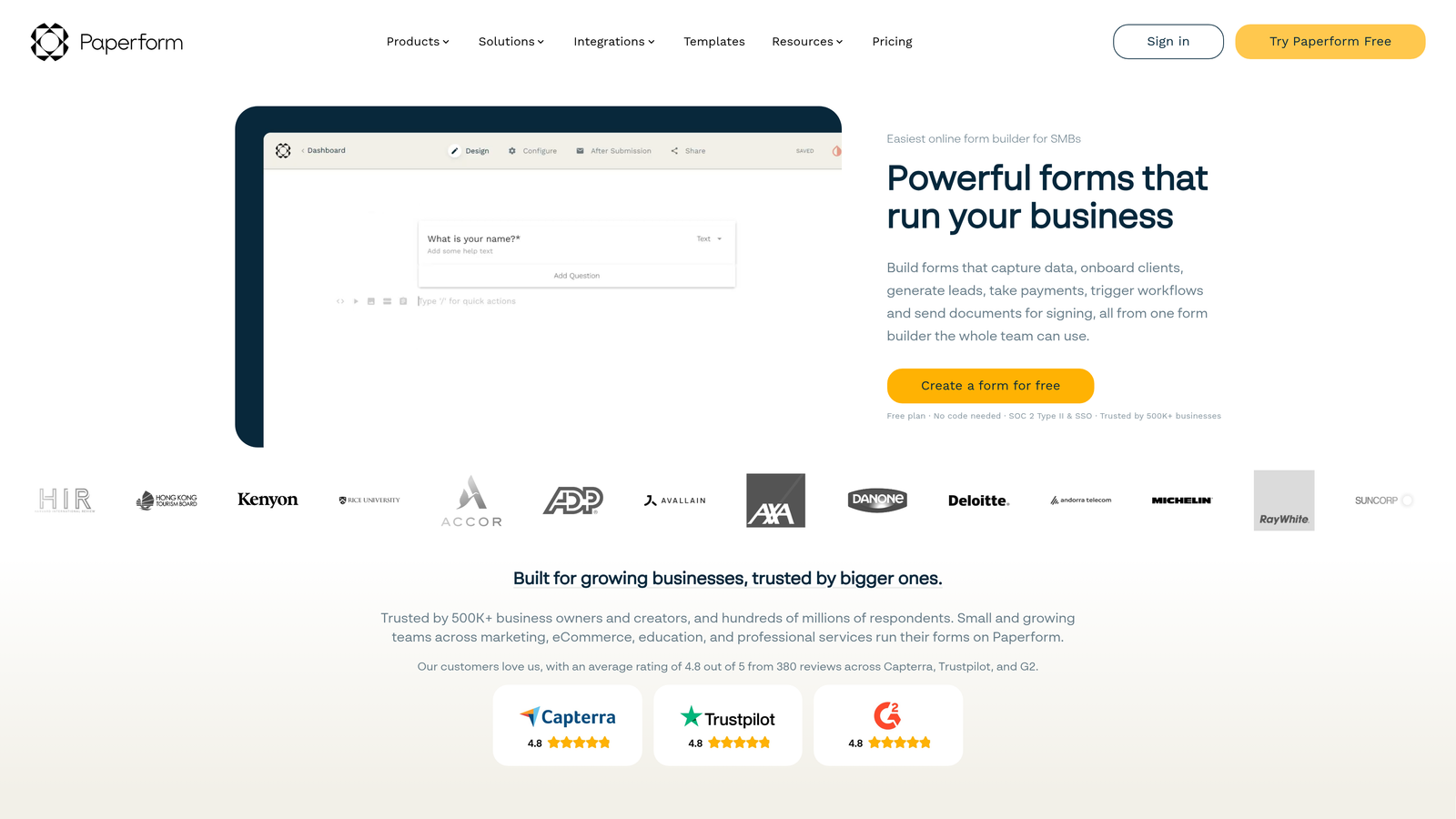
Paperform is an all-in-one form and landing page builder that combines scheduling, intake, and payment collection into one polished flow.
Where This Tool Shines
Paperform's appeal is consolidation. Instead of stitching together a form tool, a scheduling widget, and a payment processor, you get all three in one place. For service businesses that charge at the point of booking, this is a meaningful advantage. A client can answer intake questions, select a time slot, and pay for the appointment without leaving the form.
The design flexibility is also notable. Paperform pages look more like custom landing pages than traditional forms, which can improve the perceived quality of the booking experience. For independent professionals and boutique service businesses, that first impression matters.
Key Features
Combined Scheduling and Payment Collection: Handles intake questions, time slot selection, and payment in a single, unified form experience.
Stripe, PayPal, and Square Support: Flexible payment processor options to match your existing billing setup.
Date and Time Fields with Availability Logic: Control available booking windows and manage scheduling constraints directly within the form.
Google Calendar Integration: Syncs confirmed bookings to your calendar automatically.
Highly Customizable Page Design: Extensive design controls produce landing-page-quality booking experiences without a developer.
Best For
Paperform is the right fit for service businesses, consultants, coaches, and independent professionals who need a polished all-in-one booking page. It's especially strong when payment at the time of booking is part of the workflow.
Pricing
There is no permanent free plan. For current paid plan pricing, visit paperform.co.
5. Formstack
Best for: Enterprise organizations that need compliance, team-based routing, and workflow automation tied to appointment data.
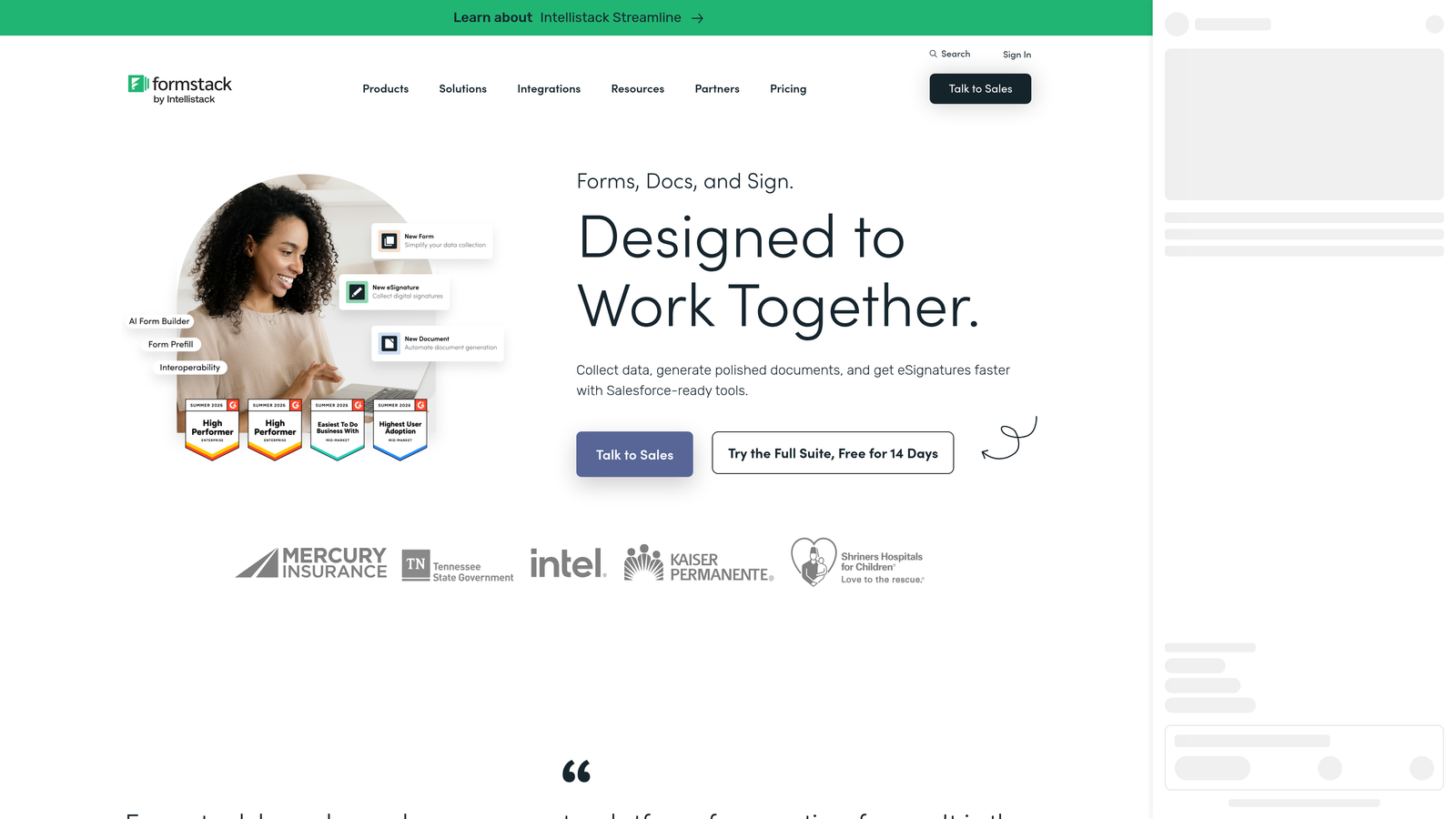
Formstack is an enterprise form and workflow automation platform built for organizations where scheduling is part of a larger, regulated operational process.
Where This Tool Shines
Formstack approaches scheduling differently from the other tools on this list. Rather than focusing on the booking experience itself, it focuses on what happens after a form is submitted. An appointment request can trigger an approval workflow, route to the appropriate team member, generate a document, and create a calendar event, all automatically. For organizations with complex internal processes, that level of automation is hard to replicate elsewhere.
Compliance is another area where Formstack stands apart. HIPAA and SOC 2 compliance options make it a viable choice for healthcare organizations, financial services firms, and other regulated industries where data handling requirements are non-negotiable. The trade-off is price and setup complexity, which reflect the enterprise feature set.
Key Features
Advanced Workflow Automation: Form submissions trigger multi-step workflows including approvals, routing, and notifications without manual intervention.
HIPAA and SOC 2 Compliance: Built-in compliance options for regulated industries with strict data governance requirements.
Team-Based Routing and Approvals: Route appointment requests to the right team member or approval chain based on form responses.
Document Generation: Automatically generate documents from appointment data, useful for contracts, intake summaries, and confirmations.
Enterprise Security and Access Controls: Role-based permissions and enterprise-grade security for organizations managing sensitive data.
Best For
Formstack is best suited to enterprise teams, healthcare organizations, and regulated industries where scheduling is embedded in a broader compliance and workflow context. It's more infrastructure than form builder, and the pricing reflects that positioning.
Pricing
Business and enterprise tiers are available. For current pricing details, visit formstack.com.
6. Tally
Best for: Budget-conscious teams or individuals who need a simple scheduling intake form without any cost.
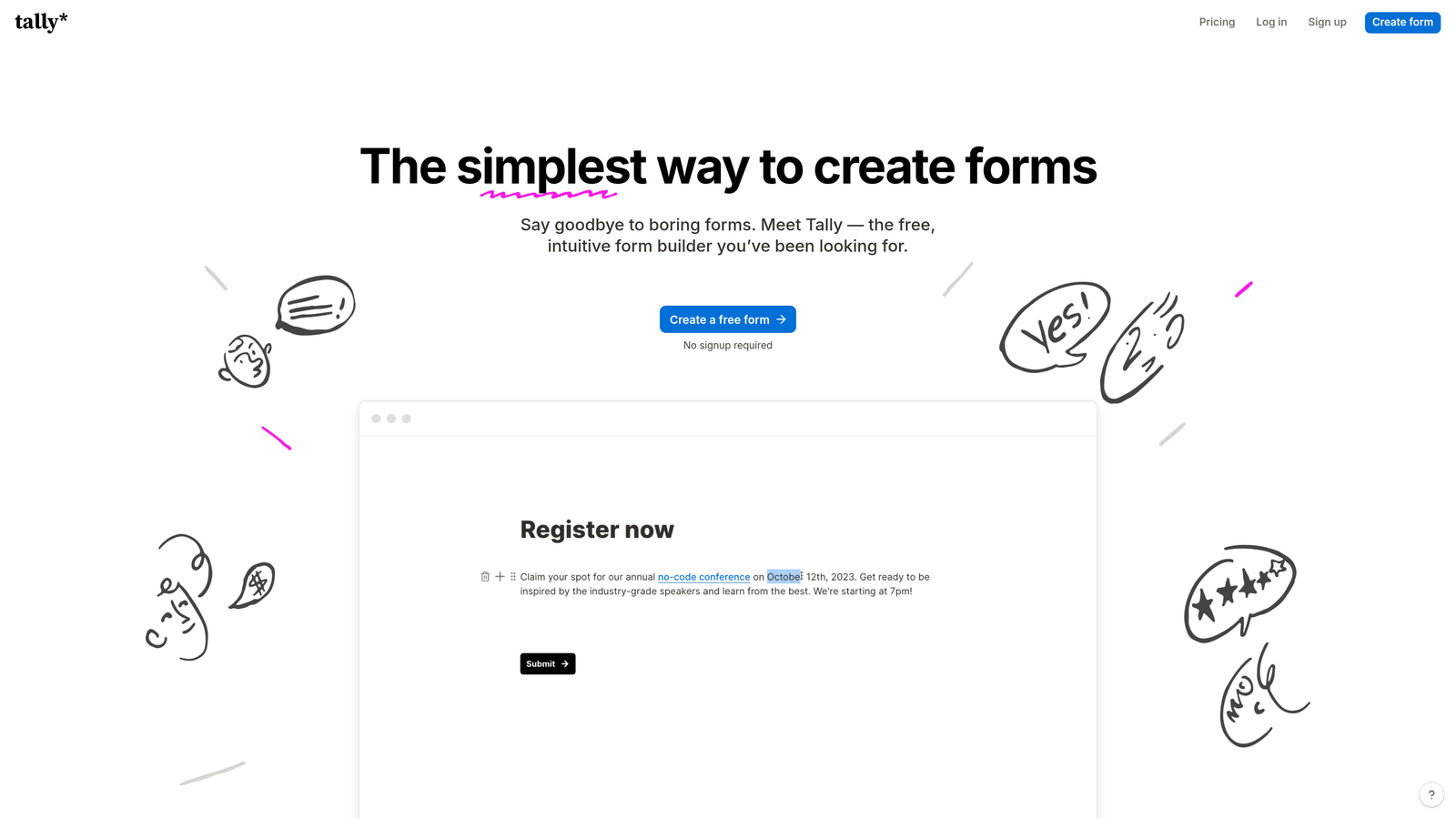
Tally is a minimalist form builder with a generous free plan, built for teams where simplicity and zero cost are the primary requirements.
Where This Tool Shines
Tally's free plan is genuinely free: unlimited forms, unlimited submissions, no branding watermarks on paid tiers, and a clean Notion-inspired editor that most people can pick up in minutes. For simple scheduling intake forms, that's often all you need. Add a date and time field, a few intake questions, and a link to your calendar tool at the end, and you have a functional pre-booking flow at no cost.
Like Typeform, Tally doesn't include a native calendar scheduling widget. It works best as a lightweight intake layer that collects context before directing respondents to a separate booking link. For teams that already use a calendar tool and just need a simple form in front of it, Tally removes every barrier to getting started.
Key Features
Unlimited Forms and Submissions on Free Plan: No artificial submission caps or form limits, even on the free tier.
Clean, Notion-Inspired Editor: Minimal learning curve with a familiar block-based editing experience.
Date and Time Field Support: Collect scheduling preferences or availability windows within the form.
Basic Conditional Logic: Show or hide questions based on previous answers for simple branching flows.
Easy Embedding: Embeds cleanly into any website or Notion page with minimal setup.
Best For
Tally is the right starting point for freelancers, early-stage teams, and anyone who needs a functional scheduling intake form without spending anything. It's also a practical choice for internal scheduling forms where design polish is less important than speed and cost.
Pricing
A free forever plan is available. Tally Pro unlocks advanced features. For current Pro pricing, visit tally.so.
Which Tool Is Right for Your Scheduling Workflow?
The best appointment scheduling form tool depends less on feature checklists and more on where your biggest friction lives right now.
If your problem is unqualified leads consuming calendar time, Orbit AI is the clear starting point. The ability to gate the scheduling step behind qualification logic is a capability most form builders simply don't offer, and for high-growth B2B teams, it's the difference between a calendar full of good meetings and one full of wasted hours.
If you need native scheduling built into the form without extra tools, Jotform is the most complete option. The native appointment widget, calendar sync, and HIPAA compliance options cover a wide range of use cases out of the box.
For service businesses that collect payment at booking, Paperform consolidates scheduling, intake, and payment into one experience. For enterprise organizations with compliance requirements and complex routing needs, Formstack operates at a different level of sophistication.
Typeform is the strongest choice when the quality of the form experience itself is the priority, particularly as a pre-scheduling intake layer paired with a dedicated calendar tool. And if budget is the primary constraint and you need something working today, Tally removes every barrier.
For teams focused on lead quality over lead volume, the scheduling form is one of the highest-leverage places to add intelligence to your funnel. Start building free forms today with Orbit AI and see how qualifying leads before they reach your calendar changes the quality of every meeting on your team's schedule.


