

Not all form and survey tools are built the same, and choosing the wrong one can quietly kill your conversion rates or leave you drowning in low-quality leads. Whether you're running lead gen campaigns, gathering customer feedback, or qualifying prospects at scale, the platform you pick shapes every result downstream.
This comparison covers six standout tools across the survey and form software landscape, evaluated on ease of use, design quality, AI capabilities, lead qualification features, integrations, and pricing. We've focused specifically on tools relevant to high-growth teams and SaaS businesses, not hobbyist tools or enterprise-only platforms with six-figure contracts.
If you're looking to benchmark options before committing, this guide cuts through the noise. We'll cover Orbit AI, Typeform, Jotform, Tally, Paperform, and Formstack: what each does well, where it falls short, and who it's actually built for.
1. Orbit AI
Best for: High-growth SaaS and B2B teams focused on lead qualification and conversion optimization
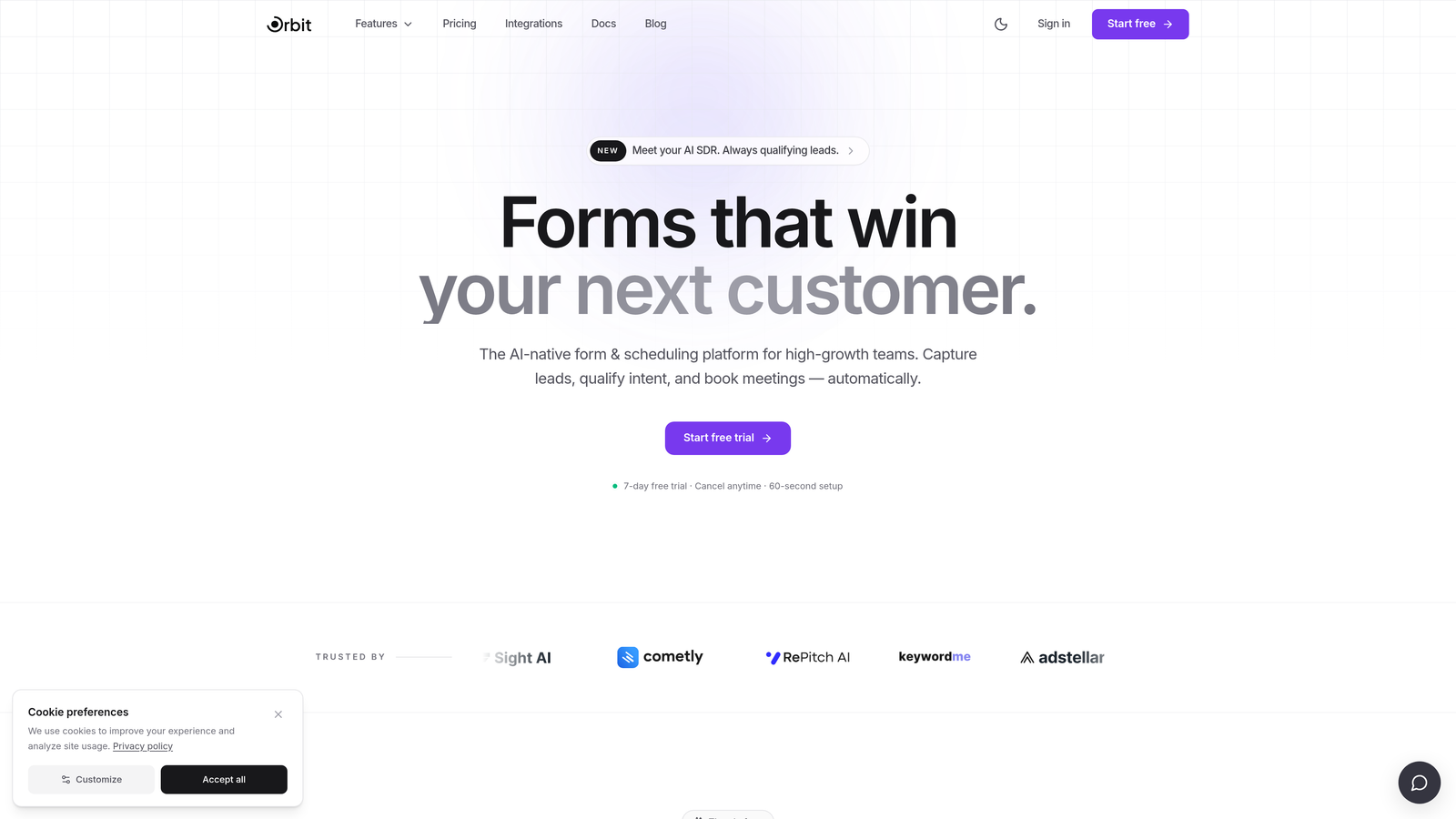
Orbit AI is an AI-powered form builder that goes beyond data collection into real-time lead qualification and pipeline intelligence.
Where This Tool Shines
Most form tools stop at collecting responses. Orbit AI is built around what happens next: scoring, qualifying, and routing leads automatically as each form is submitted. That's a meaningful shift for teams who care about pipeline quality, not just submission volume.
The design quality is also a genuine differentiator. Forms built on Orbit AI feel modern and polished, which matters for completion rates. A well-designed form signals credibility to the respondent, and Orbit AI leans into that with a UI built for conversion from the ground up.
Key Features
AI-Powered Lead Qualification: Scores and segments leads in real time directly within the form flow, so your sales team receives pre-qualified prospects rather than raw submissions.
Conversion-Optimized Design: Beautiful, modern form UI designed to maximize completion rates and reflect brand quality.
Dynamic Conditional Logic: Forms adapt based on user input, creating personalized paths that feel relevant rather than generic.
Real-Time Lead Routing: Automatically segments and routes leads based on qualification scores, connecting the right prospects to the right team members instantly.
B2B and SaaS Focus: Purpose-built for pipeline-driven teams, not general-purpose data collection.
Best For
Orbit AI is the strongest fit for SaaS companies, B2B sales teams, and growth marketers who need their forms to do more than collect data. If lead quality and conversion rate are your primary metrics, this is the tool designed specifically around those outcomes.
Pricing
Visit orbitforms.ai for current pricing and plan details, including available tiers for growing teams.
2. Typeform
Best for: Teams prioritizing respondent experience and conversational survey UX
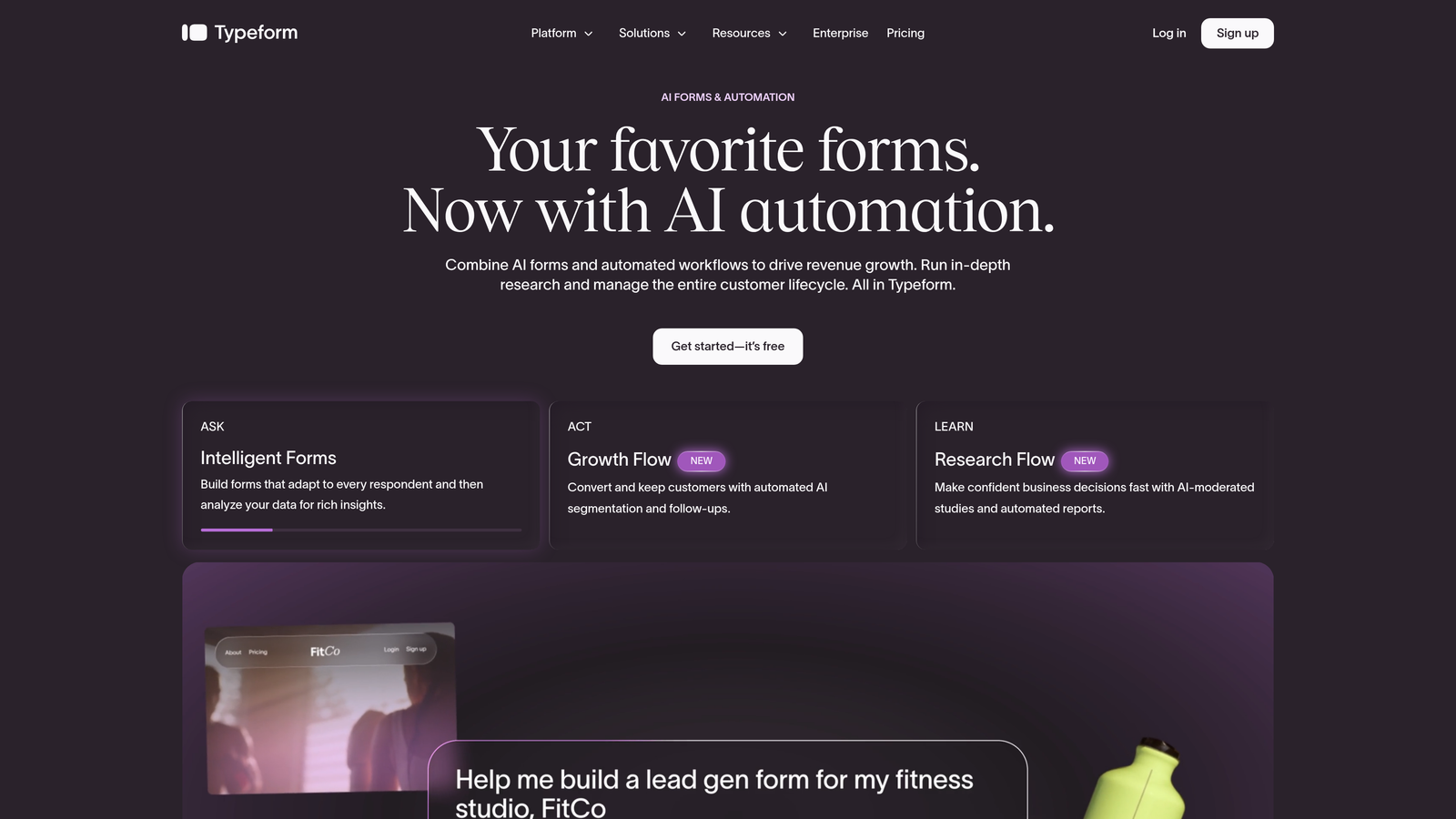
Typeform is a conversational form and survey tool known for its one-question-at-a-time interface that creates an engaging, chat-like experience for respondents.
Where This Tool Shines
Typeform has built its reputation on making forms feel less like forms. The one-question-at-a-time format reduces cognitive load for respondents and tends to improve completion rates for surveys and research projects. If the experience of filling out the form matters as much as the data you collect, Typeform delivers.
It has also moved meaningfully upmarket in recent years, adding more business-focused features and a broader integration ecosystem. For teams running customer research, NPS surveys, or brand perception studies, it remains one of the most polished options available.
Key Features
Conversational One-Question Format: Presents questions sequentially to reduce friction and improve respondent engagement.
Logic Jumps and Branching: Personalizes survey paths based on previous answers, keeping forms relevant to each respondent.
CRM and Marketing Integrations: Connects with major platforms including HubSpot, Salesforce, and Mailchimp.
Visual Customization: Strong brand theming options with custom colors, fonts, and background imagery.
Video and Image Embedding: Supports rich media within form questions for more engaging survey experiences.
Best For
Typeform works well for marketing teams running customer surveys, researchers conducting structured interviews, and brands that want a polished form experience. It's less suited for teams who need native lead qualification or AI-driven scoring baked into the form itself.
Pricing
Free tier available with limited responses; paid plans scale with response volume and access to advanced features like logic and integrations.
3. Jotform
Best for: Teams that need extensive templates, payment collection, and workflow automation in one platform
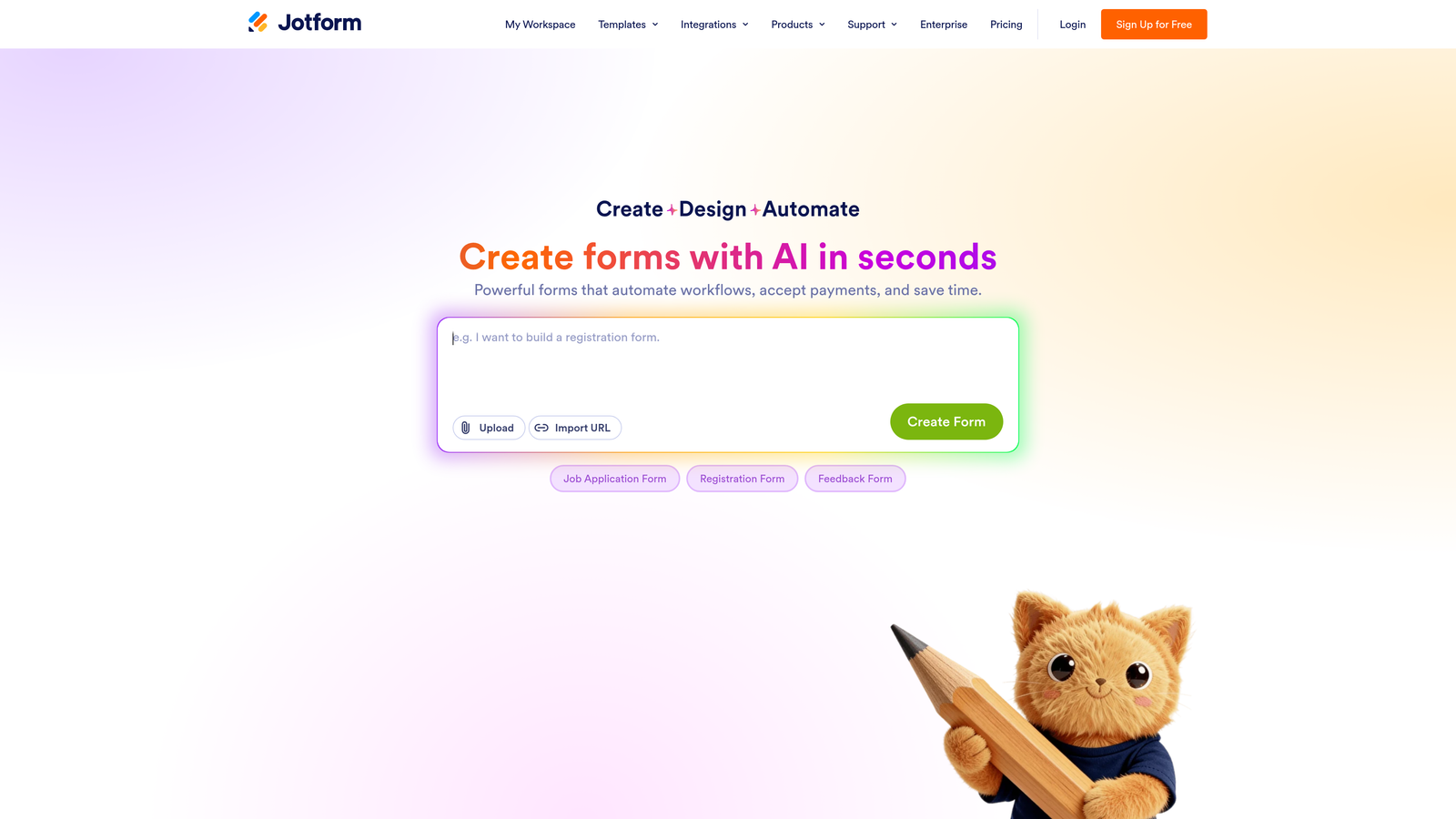
Jotform is a feature-rich drag-and-drop form builder with one of the largest template libraries available, supporting payments, PDFs, approval workflows, and hundreds of integrations.
Where This Tool Shines
Jotform's greatest strength is its sheer breadth. If you need to collect payments, generate PDFs, build approval workflows, or find a template that fits your specific industry, Jotform almost certainly has it. The platform has been built out over many years and it shows in the depth of functionality available.
For teams with diverse form needs across departments, including HR, operations, finance, and marketing, Jotform can serve as a centralized platform rather than requiring separate tools for each use case.
Key Features
Extensive Template Library: Thousands of pre-built templates spanning industries and use cases, reducing setup time significantly.
Payment Collection: Native integrations with Stripe, PayPal, Square, and other payment processors for collecting fees directly through forms.
PDF Generation: Automatically generates formatted PDF documents from form submissions.
Approval Workflow Builder: Routes submissions through multi-step approval processes without requiring separate workflow software.
HIPAA-Compliant Plans: Available for healthcare organizations and regulated industries with specific data handling requirements.
Best For
Jotform suits teams with complex, multi-purpose form needs: operations teams managing internal workflows, businesses collecting payments, healthcare organizations needing compliance, and anyone who wants a large template library to start from. The breadth can feel overwhelming for teams with simpler needs.
Pricing
Free tier available with submission and storage limits; paid plans scale based on monthly submission volume and storage capacity.
4. Tally
Best for: Individuals, indie makers, and small teams who want capable forms without a learning curve or high cost
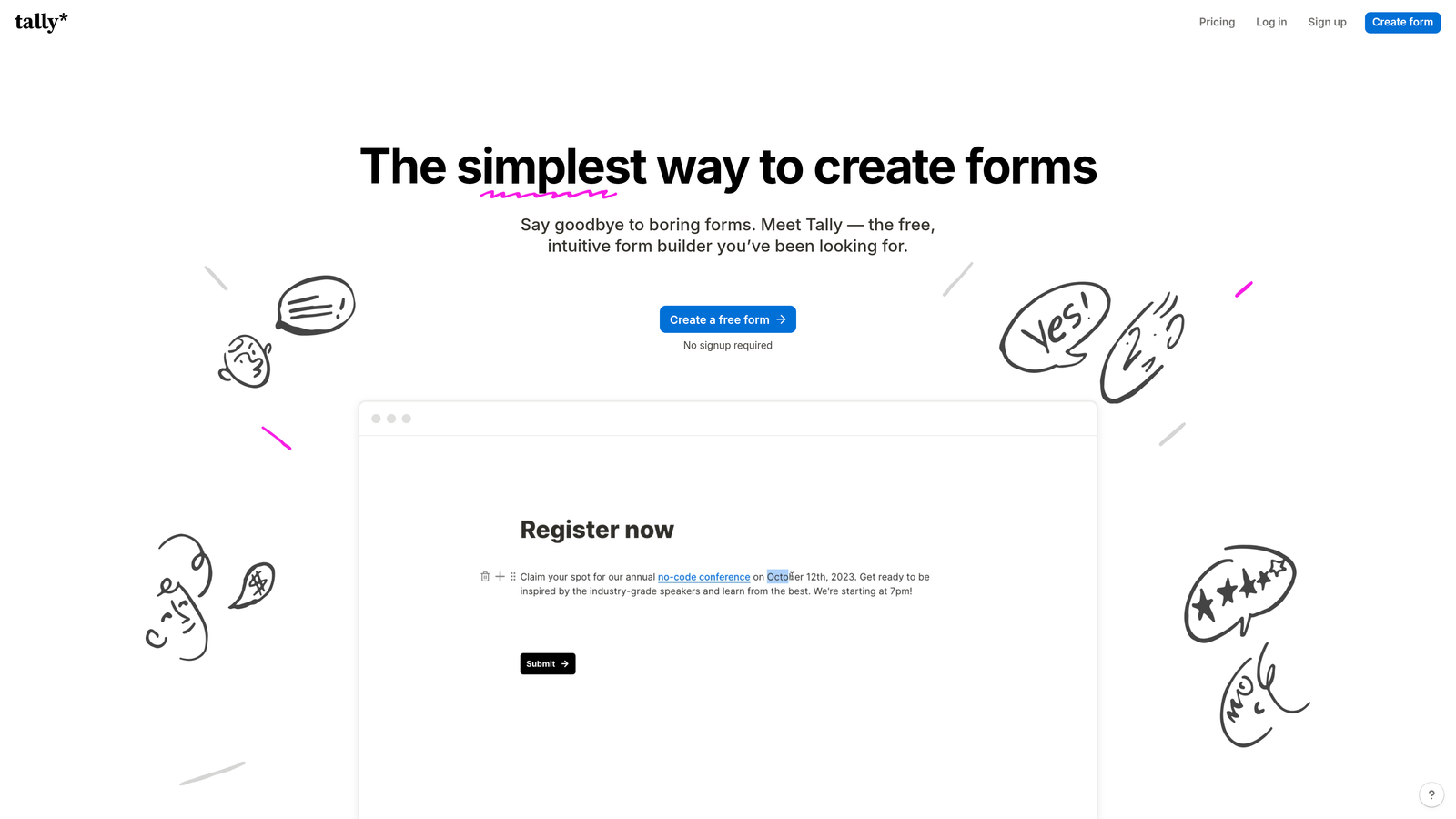
Tally is a lightweight, Notion-inspired form builder that prioritizes simplicity and speed, with a generous free tier that makes it accessible for individuals and small teams.
Where This Tool Shines
Tally's block-based editor will feel immediately familiar to anyone who uses Notion. You can build a functional, well-structured form in minutes without reading documentation or watching tutorials. That low friction is genuinely valuable when you need to move quickly.
The free tier is also unusually capable. Unlimited forms and unlimited responses on the free plan is a meaningful offer, and it's why Tally has developed a strong following among startups, content creators, and solo operators who don't want to pay for features they don't need.
Key Features
Block-Based Editor: Notion-style interface with minimal learning curve, letting you build forms as naturally as writing a document.
Unlimited Free Forms and Responses: The free plan doesn't cap your form count or submission volume, which is rare in this category.
Conditional Logic and Hidden Fields: Supports branching paths and data pre-population without requiring a paid upgrade.
Clean Embeds: Embeds smoothly into websites and Notion pages with minimal configuration.
Custom Domain and Branding on Paid Plan: Tally Pro removes Tally branding and adds custom domain support for a more professional presentation.
Best For
Tally is ideal for individuals, early-stage startups, and small teams who need functional, clean forms without complexity or cost. It's not the right fit for teams who need AI-powered qualification, advanced lead routing, or enterprise-grade compliance features.
Pricing
Free tier is highly capable with unlimited forms and responses; Tally Pro adds custom domains, branding removal, and additional features at an accessible price point.
5. Paperform
Best for: Teams that want forms to function as standalone, design-forward branded pages
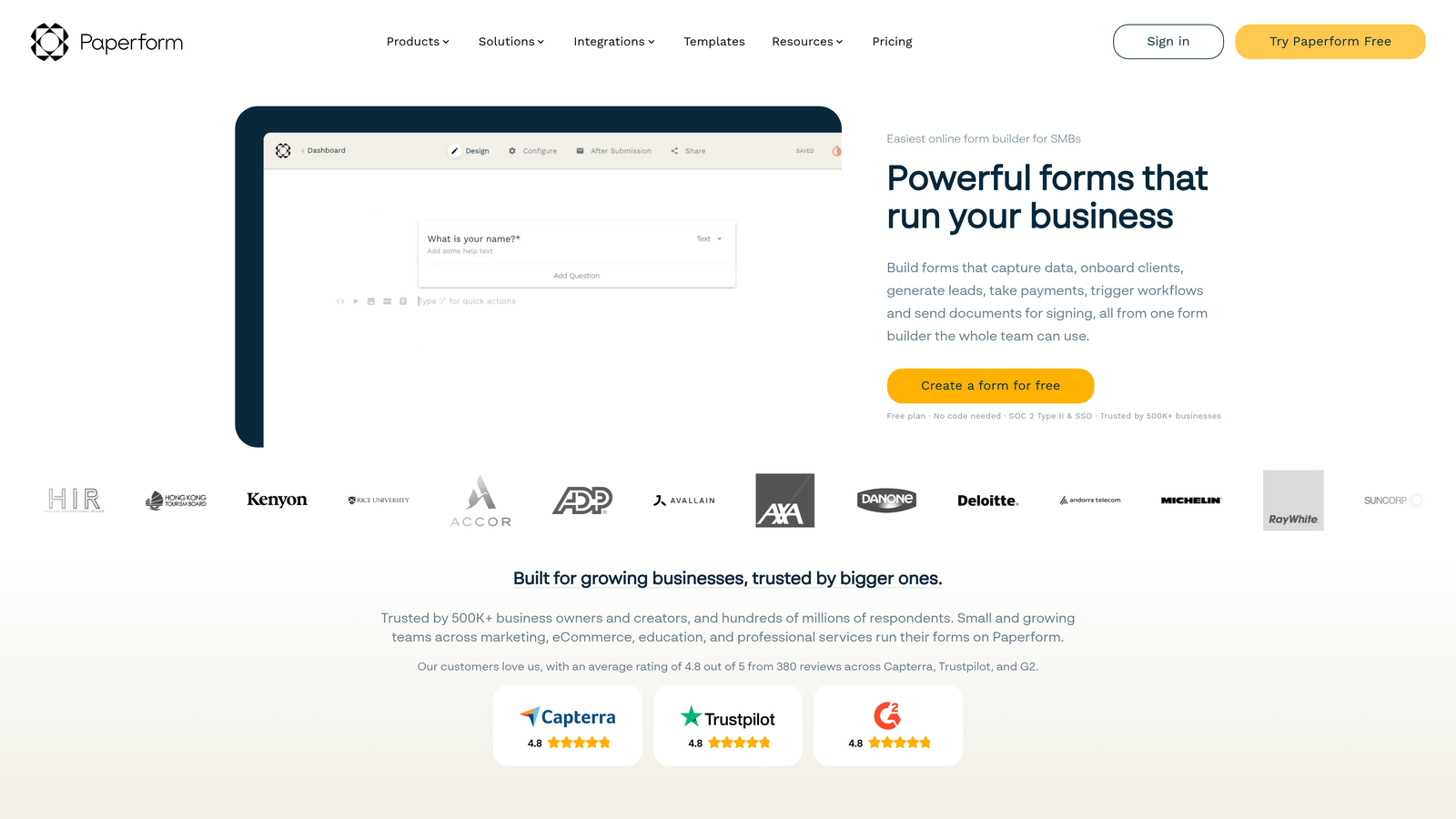
Paperform is a form builder that doubles as a landing page creator, offering rich media embedding and strong visual customization so each form feels like a branded standalone experience.
Where This Tool Shines
Paperform occupies a distinct niche: it sits between a form builder and a landing page tool. If you want each form to feel like a fully designed page rather than a generic submission widget, Paperform gives you the creative control to achieve that. Rich text, images, video, and custom styling can all coexist with your form fields.
The built-in payment and booking capabilities also make it a practical choice for service businesses, coaches, and creators who want to sell or schedule directly through the same page where they collect information.
Key Features
Rich Media Embedding: Embed text, images, and video directly within form pages to create immersive, content-rich experiences.
Built-In Payments and Bookings: Accept payments and schedule appointments without connecting separate tools.
Visual Customization: Custom themes, fonts, and layouts that make each form feel like a purpose-built branded page.
Quiz and Calculator Form Types: Supports interactive formats beyond standard data collection, including scored quizzes and calculated outputs.
CRM and Marketing Integrations: Connects with major marketing and CRM platforms to push submission data downstream.
Best For
Paperform works well for service businesses, creators, and marketing teams who want visually distinctive forms that double as landing pages. It's less suited for teams who need deep lead qualification logic or enterprise-grade workflow automation.
Pricing
No permanent free tier; paid plans start at accessible price points for small teams. Check paperform.co for current plan details and pricing.
6. Formstack
Best for: Enterprise teams in regulated industries needing compliance, document generation, and workflow automation
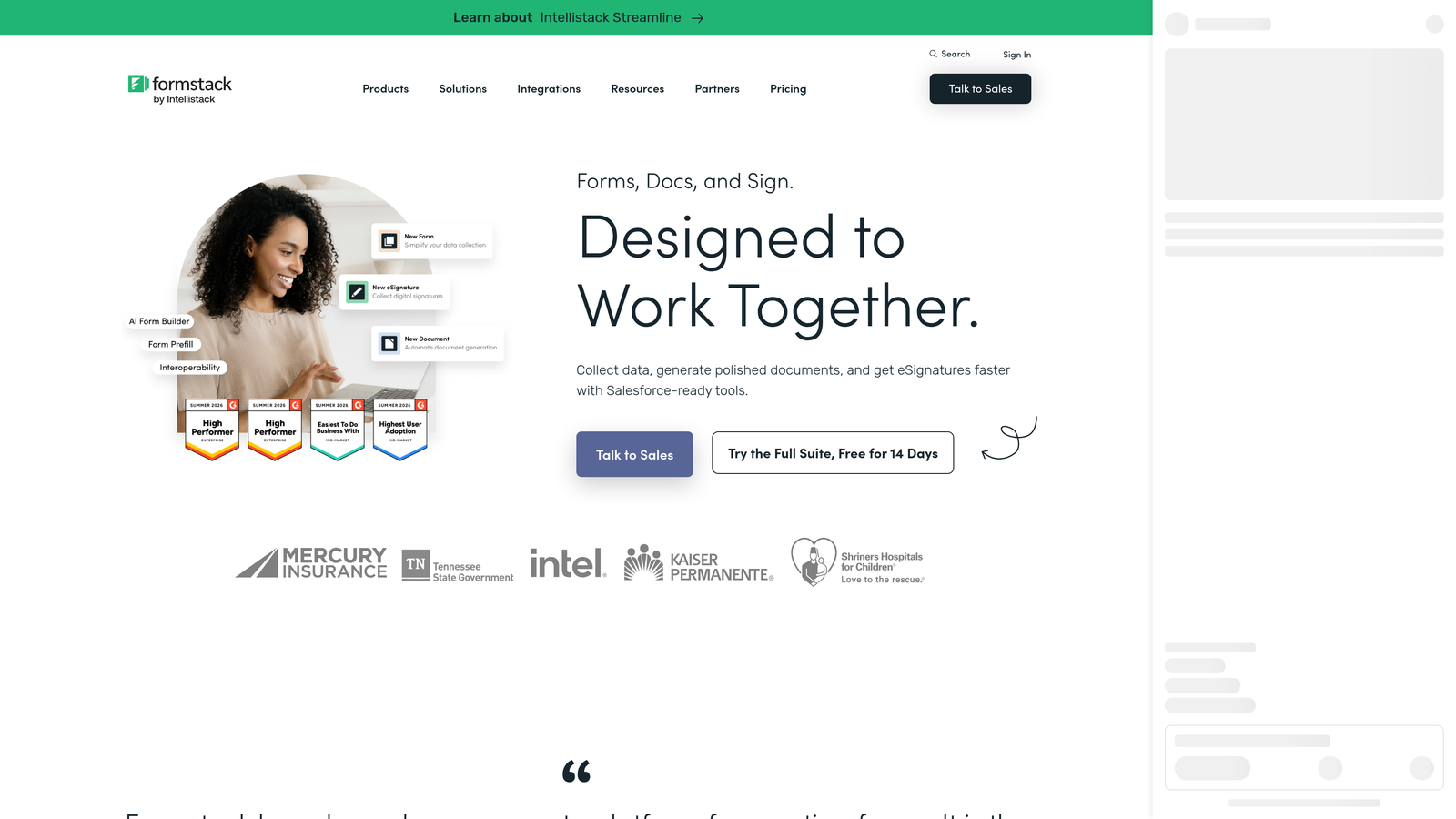
Formstack is an enterprise-grade data collection and workflow automation platform combining forms, document generation, and e-signatures, with strong compliance credentials for regulated industries.
Where This Tool Shines
Formstack is built for organizations where data handling, compliance, and process automation are non-negotiable requirements. HIPAA compliance, robust security certifications, and document generation workflows make it a natural fit for healthcare, legal, financial services, and other regulated sectors.
The platform's ability to combine forms, documents, and e-signatures into a single workflow is a genuine operational advantage for enterprise teams. Rather than stitching together multiple tools, Formstack can handle the full data collection and processing pipeline in one place.
Key Features
HIPAA-Compliant Forms: Purpose-built compliance for healthcare and other regulated industries with strict data handling requirements.
Document Generation and E-Signatures: Automatically generates documents from form data and routes them for electronic signature without leaving the platform.
Advanced Conditional Logic: Multi-page forms with sophisticated branching to handle complex data collection scenarios.
Data Routing and Approval Workflows: Automates how submission data moves through organizational processes and approval chains.
Security and Compliance Certifications: Robust security posture with certifications relevant to enterprise procurement requirements.
Best For
Formstack is the right choice for larger organizations in regulated industries that need compliance features, document automation, and enterprise security. The price point reflects the enterprise feature set, making it less practical for smaller teams or those with simpler form needs.
Pricing
Higher price point reflecting the enterprise feature set; contact Formstack directly for current team and enterprise pricing options.
Which Tool Is Right for Your Team?
The right choice comes down to what you actually need from your forms, and that varies significantly across teams and use cases.
If lead qualification and conversion optimization are your primary goals, Orbit AI is the only tool in this comparison built specifically around those outcomes. The AI-powered scoring and real-time lead routing aren't bolt-on features; they're the core of what the platform does. For SaaS and B2B teams who measure success by pipeline quality, that's a meaningful distinction.
For teams where survey experience and respondent engagement matter most, Typeform remains the premium UX option. Its conversational format is genuinely effective for research, NPS, and customer feedback scenarios where completion rates and response quality are the key metrics.
Jotform is the right call when you need breadth: payments, document generation, approval workflows, and a vast template library across a single platform. It's the most feature-complete general-purpose option in this comparison, though that depth comes with added complexity.
Tally earns its place for teams that value simplicity and cost-efficiency. The generous free tier and Notion-like editor make it the easiest entry point, particularly for early-stage startups and individuals who need functional forms without overhead.
Paperform suits teams who want their forms to feel like branded landing pages, with rich media and visual customization that goes well beyond what standard form builders offer. And Formstack is the clear choice for enterprise organizations in regulated industries where compliance, document workflows, and security certifications are non-negotiable.
If you're a high-growth team ready to move beyond passive data collection and start qualifying leads intelligently, Start building free forms today and see what conversion-focused, AI-powered form design can do for your pipeline.


