

Most free form builders hand you a handful of fields, a submit button, and call it a day. That's fine if you're collecting RSVPs for a team lunch. But if you're running lead generation campaigns, qualifying inbound prospects, or optimizing conversion flows for a high-growth SaaS team, you need considerably more: conditional logic, smart routing, integrations, analytics, and ideally some intelligence baked into the experience itself.
The good news is that several tools now offer genuinely advanced capabilities on their free plans. The catch is that "advanced" means very different things depending on your use case. Some tools lead with design flexibility, others with logic depth, workflow automation, or AI-powered qualification.
This guide covers the best free form builders that go beyond the basics, including what each one actually does well, where it falls short, and who it's built for. Whether you're a solo founder testing a lead funnel or a growth team building conversion-optimized flows at scale, there's an option here worth your time.
We've also written about how to build effective web forms and how to improve form conversion rates if you want to pair this list with actionable strategy.
1. Orbit AI
Best for: SaaS and B2B teams that want AI-powered lead qualification built directly into the form flow.
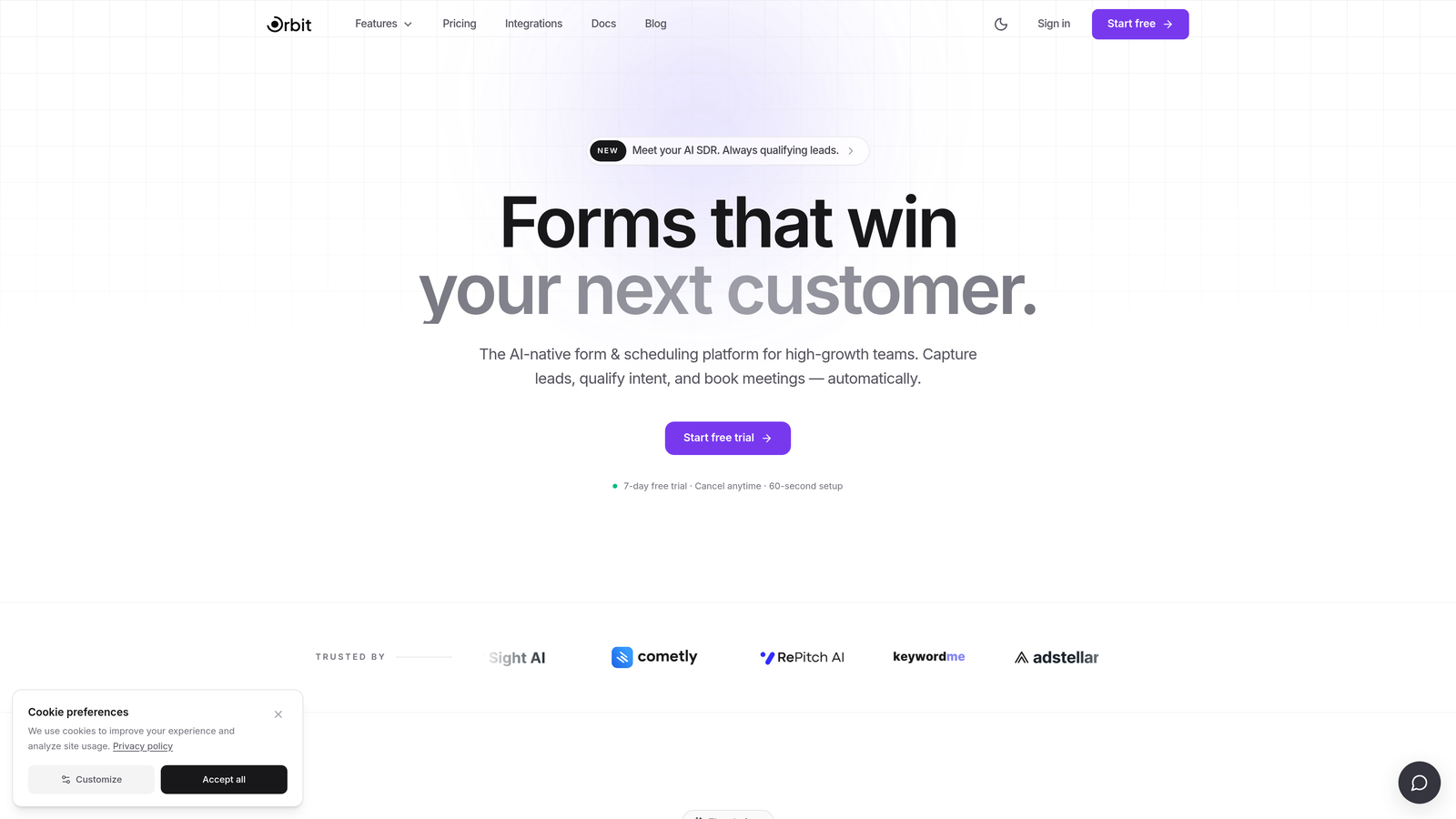
Orbit AI is an AI-powered form builder designed specifically for high-growth teams who treat forms as a lead qualification layer, not just a data collection tool.
Where This Tool Shines
What separates Orbit AI from most form builders on this list is where the intelligence lives. Rather than bolting on a basic conditional logic system and calling it "smart," Orbit AI embeds AI-powered qualification logic directly into the form flow. Respondents get a dynamic experience that adapts to their inputs, while your team gets lead signals and qualification data surfaced automatically at submission.
For B2B and SaaS teams running demand generation or inbound funnels, this matters. Instead of routing every submission to a CRM and manually triaging quality, the form itself does some of that work upfront. The builder interface is clean and fast, built for teams that want to move quickly without sacrificing the design quality that affects conversion.
Key Features
AI-Powered Lead Qualification: Qualification logic is embedded in the form flow itself, surfacing lead signals at the point of submission rather than after the fact.
Dynamic Field Logic: Fields adapt in real time based on respondent input, creating a personalized path through the form without requiring complex manual rule-building.
Conversion-Optimized Design: The builder is purpose-built for high-growth teams, with a modern interface that prioritizes both speed and visual quality.
Lead Scoring Signals: Qualification data is surfaced alongside submissions, giving sales and marketing teams actionable context immediately.
Flexible Free Plan: A free plan is available for teams who want to test the platform before committing to a paid tier.
Best For
Orbit AI is the right fit for B2B SaaS companies, growth marketers, and demand generation teams who want their forms to do more than collect data. If lead qualification is a core part of your funnel and you want AI doing some of that triage automatically, this is built for exactly that use case.
Pricing
Free plan available. Paid plans unlock advanced features. Check orbitforms.ai/pricing for current plan details, as pricing may have been updated since publication.
2. Tally
Best for: Startups and indie teams who want unlimited forms and responses without paying anything.
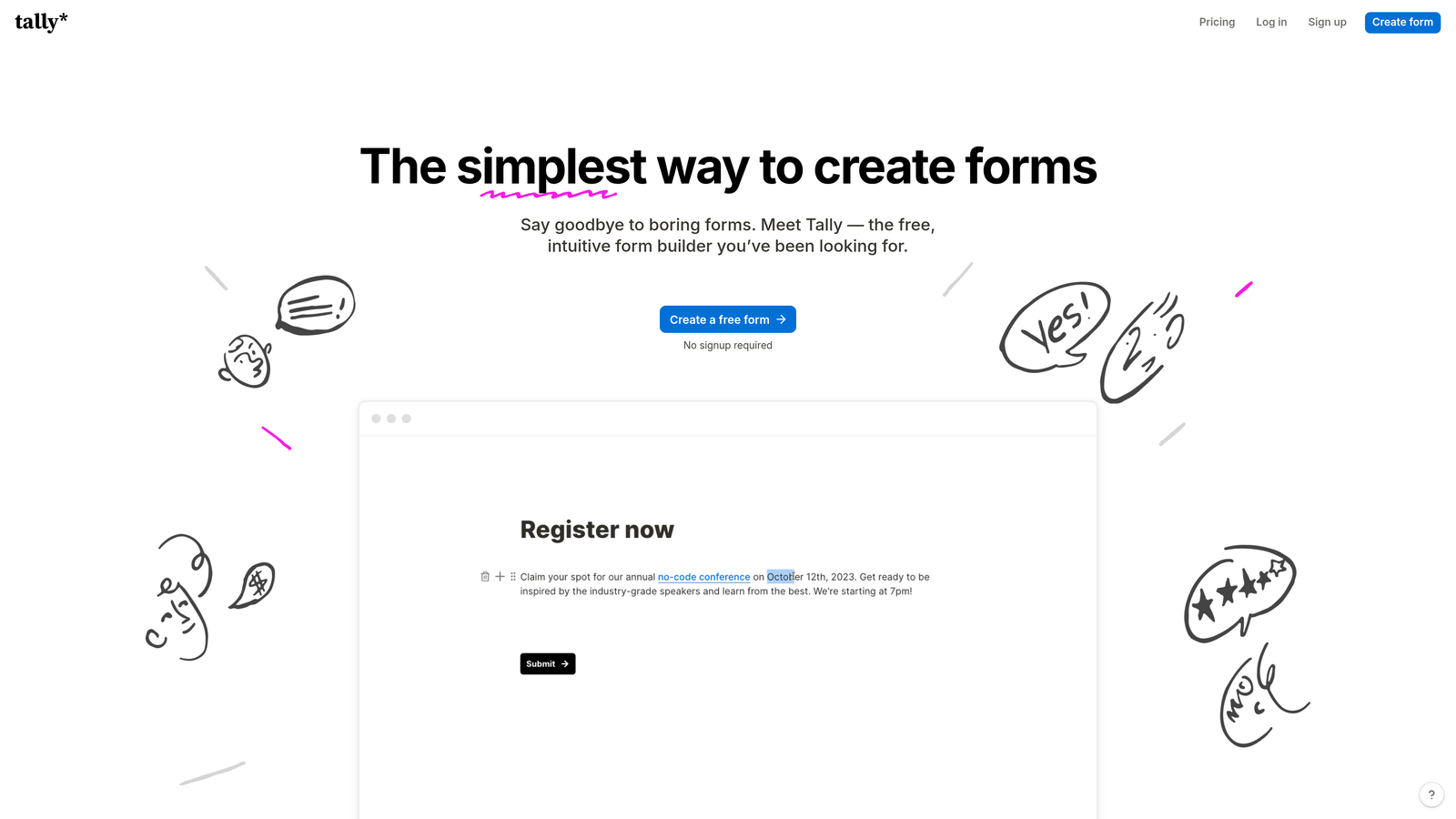
Tally is a Notion-style block-based form builder with one of the most generous free tiers in the market, making it a go-to for lean teams who need solid functionality without a budget.
Where This Tool Shines
Tally's biggest differentiator on the free plan is simple: there are no response limits and no form limits. For teams that are running multiple campaigns, testing different lead capture flows, or collecting large volumes of submissions, this alone sets Tally apart from most competitors who cap responses at a few hundred per month on free tiers.
The block-based editor will feel immediately familiar to anyone who uses Notion. Building a form is intuitive and fast, and the fact that conditional logic and hidden fields are available on the free plan means you're not locked out of the features that actually make forms useful for lead generation.
Key Features
Unlimited Forms and Responses (Free): No submission caps or form limits on the free plan, which is genuinely rare among form builders at this level.
Block-Based Editor: A Notion-inspired interface that makes building and structuring forms feel natural and fast.
Conditional Logic (Free): Logic branching and hidden fields are available without upgrading, giving you real personalization capability at no cost.
Custom Domain Support: Free plan users can publish forms on a custom domain, which is useful for maintaining brand consistency.
Integration Ecosystem: Connects with Zapier, Notion, Airtable, and other common tools, making it easy to route submissions into your existing stack.
Best For
Tally is an excellent fit for indie hackers, early-stage startups, and small teams who need a capable, no-cost form solution. It's less suited to teams with advanced analytics needs or those who need Tally branding removed, both of which require upgrading to Tally Pro.
Pricing
Free forever plan with unlimited forms and responses. Tally Pro adds branding removal and additional advanced features. Verify current pricing at tally.so.
3. Typeform
Best for: Teams who prioritize respondent experience, brand polish, and high form completion rates.
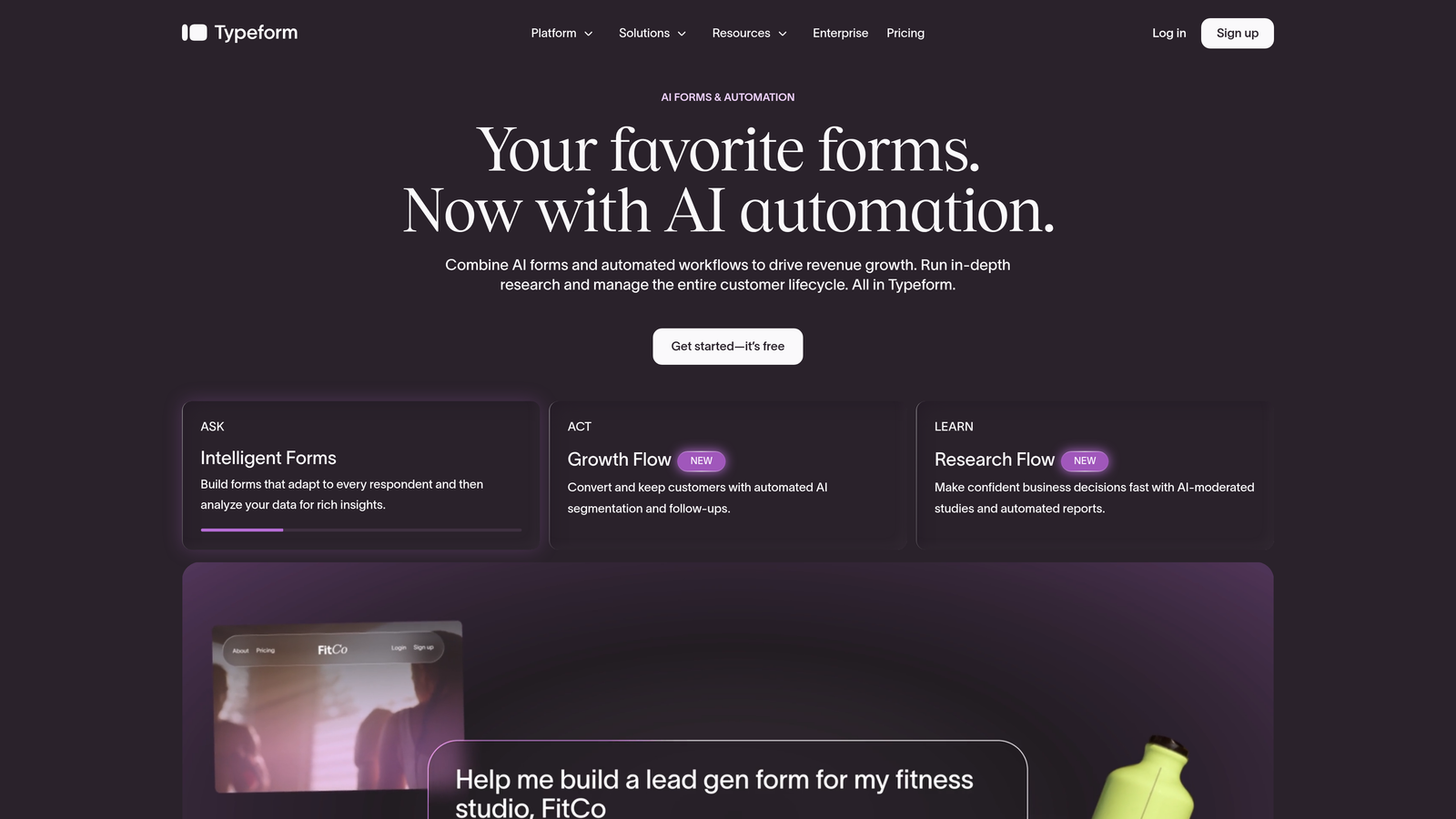
Typeform is the original conversational form builder, known for its one-question-at-a-time format and the brand design flexibility that made it a favorite among marketing teams.
Where This Tool Shines
Typeform's core insight was that forms feel less like forms when they present one question at a time. That conversational flow reduces the cognitive load on respondents and tends to improve completion rates, particularly for longer surveys or multi-step lead forms. The experience is polished in a way that most competitors have tried to replicate but haven't quite matched.
The visual design and brand customization options are also genuinely strong. If you're embedding a form on a high-end product page or sending it to prospects where first impressions matter, Typeform's aesthetic quality is a real advantage. Logic jumps allow you to create personalized paths through the form, though deeper logic and higher response volumes require a paid plan.
Key Features
Conversational One-Question Format: Presents questions sequentially to reduce friction and improve completion, particularly for longer form flows.
Logic Jumps: Route respondents to different questions based on their answers, enabling personalized form paths.
Visual Brand Customization: Strong design controls for fonts, colors, backgrounds, and imagery to match your brand identity.
Wide Integration Ecosystem: Native integrations with HubSpot, Salesforce, Slack, and many other tools commonly used by growth teams.
Rich Media Support: Supports video questions and embedded images, which can add depth to surveys and engagement forms.
Best For
Typeform is ideal for marketing teams and growth professionals who care deeply about the respondent experience and brand presentation. It's particularly effective for lead forms, NPS surveys, and onboarding flows where engagement and completion quality matter. Teams with high response volumes will need to upgrade, as the free plan includes monthly response limits.
Pricing
Free plan available with monthly response limits. Paid plans unlock higher response caps and advanced logic features. Verify current details at typeform.com/pricing.
If you're evaluating alternatives, we've also put together a guide on Typeform alternatives worth reviewing.
4. Jotform
Best for: Teams who need the broadest possible feature set, including payments, approvals, and e-signatures, on a free plan.
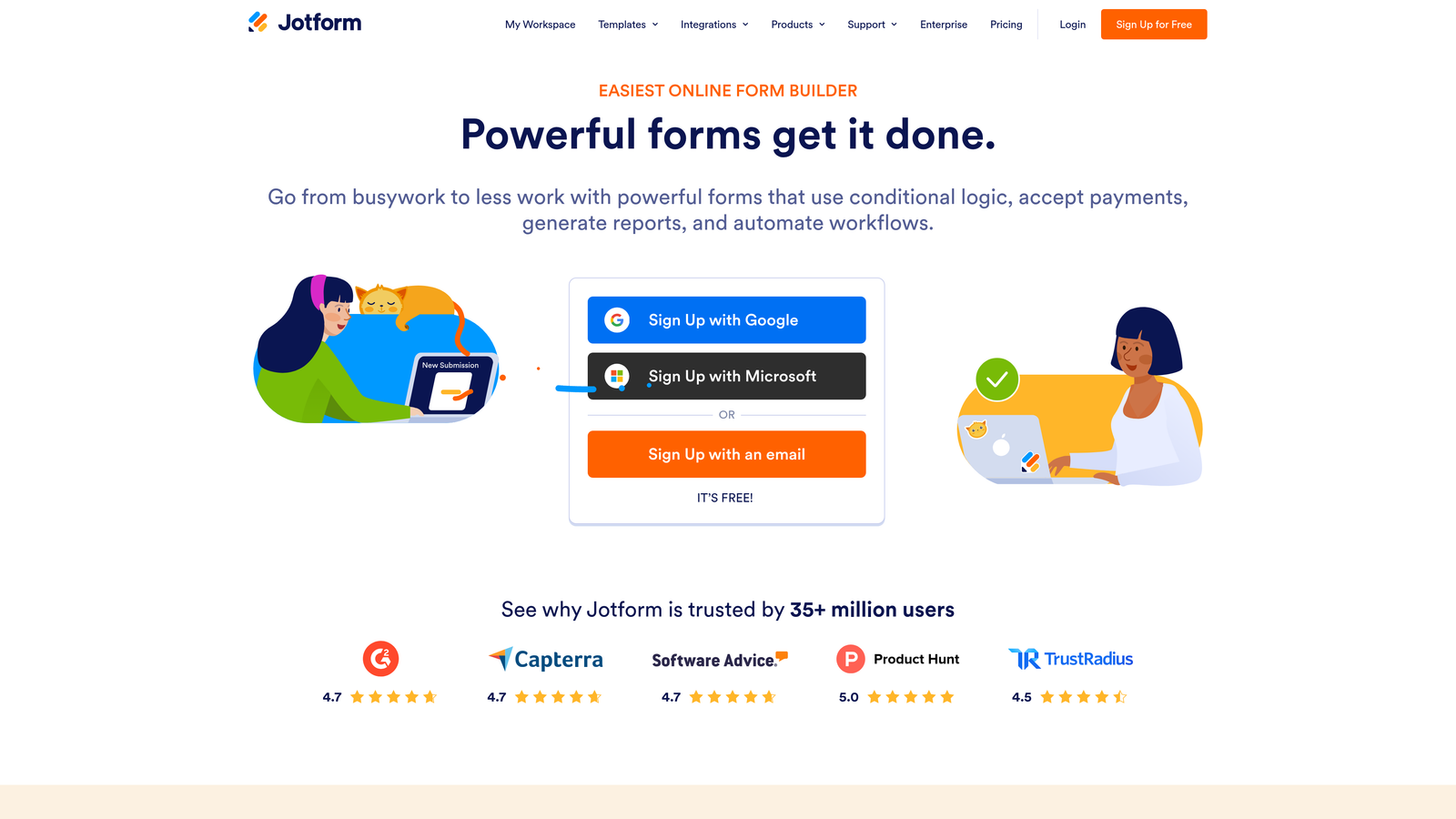
Jotform is one of the most feature-rich form builders available, offering a depth of functionality that goes well beyond what most competitors include even on paid tiers.
Where This Tool Shines
Jotform's free plan is genuinely impressive in terms of what it includes. Payment integrations with Stripe, PayPal, and Square are available without upgrading. Conditional logic, calculated fields, e-signature support, and multi-step approval workflows are all part of the platform. If your use case involves collecting payments, routing approvals, or building complex intake forms, Jotform covers more ground than almost anyone else at no cost.
The template library is extensive, spanning dozens of use cases from job applications and event registrations to medical intake forms and customer feedback surveys. For teams who want to move fast without building from scratch, this is a meaningful time-saver. The trade-off is that the interface can feel dense and overwhelming, especially for teams with simpler needs who don't require the full feature surface.
Key Features
Extensive Template Library: A large collection of pre-built templates covering a wide range of industries and use cases, helping teams get started quickly.
Payment Integrations on Free Plan: Accepts payments via Stripe, PayPal, and Square without requiring a paid subscription.
Conditional Logic and Calculations: Supports branching logic, calculated fields, and dynamic form behavior on the free tier.
E-Signature and Approval Workflows: Built-in e-signature support and multi-step approval routing for teams with more complex process requirements.
Mobile App: A dedicated mobile app for managing forms and reviewing submissions on the go.
Best For
Jotform is the right choice for teams who need maximum feature breadth: collecting payments, routing approvals, or managing complex intake processes. It's particularly well-suited to operations teams, HR, and small businesses with varied form needs. The free plan's submission limit of 100 per month and five-form cap means high-volume teams will need to upgrade relatively quickly.
Pricing
Free plan includes 5 forms and 100 monthly submissions. Paid plans scale both limits significantly. Verify current pricing at jotform.com/pricing.
5. Paperform
Best for: Creators and marketers who want forms that function as full landing pages with rich media and narrative-style layouts.
Paperform takes a different approach to form design, treating each form as a mini landing page rather than a traditional field-by-field experience.
Where This Tool Shines
Paperform's standout quality is its design flexibility. You can embed rich text, images, and video directly within the form body, creating a narrative-style experience that feels closer to a branded landing page than a data collection tool. This makes it particularly effective for product launches, event registrations, coaching intake forms, and any context where presentation quality influences whether someone completes the form.
Custom themes, typography controls, and conditional logic with calculated fields give you meaningful design and logic depth. Payment collection and product listing support are also included, making Paperform viable for creators and small businesses who want to sell directly through a form-style interface.
Key Features
Rich Media Embedding: Supports text, images, and video within the form body, enabling a landing page-style presentation.
Custom Themes and Typography: Detailed design controls for brand-consistent, visually polished forms.
Conditional Logic and Calculated Fields: Branching logic and dynamic calculations for more intelligent form behavior.
Payment and Product Support: Collect payments and list products directly within the form experience.
Pre-Built Templates: Templates for launches, events, intake forms, and other common use cases to accelerate setup.
Best For
Paperform suits creators, coaches, consultants, and marketers who want forms that double as branded experiences. It's less suited to teams who need a permanent free plan, as Paperform's free offering has historically been a 14-day trial rather than an ongoing free tier. Verify the current free plan status at paperform.io/pricing before committing, as this may have changed.
Pricing
14-day free trial available. No confirmed permanent free plan at time of writing. Verify current pricing and free tier availability at paperform.io/pricing.
6. Formstack
Best for: Enterprise and compliance-heavy teams who need workflow automation, document generation, and HIPAA-compliant forms.
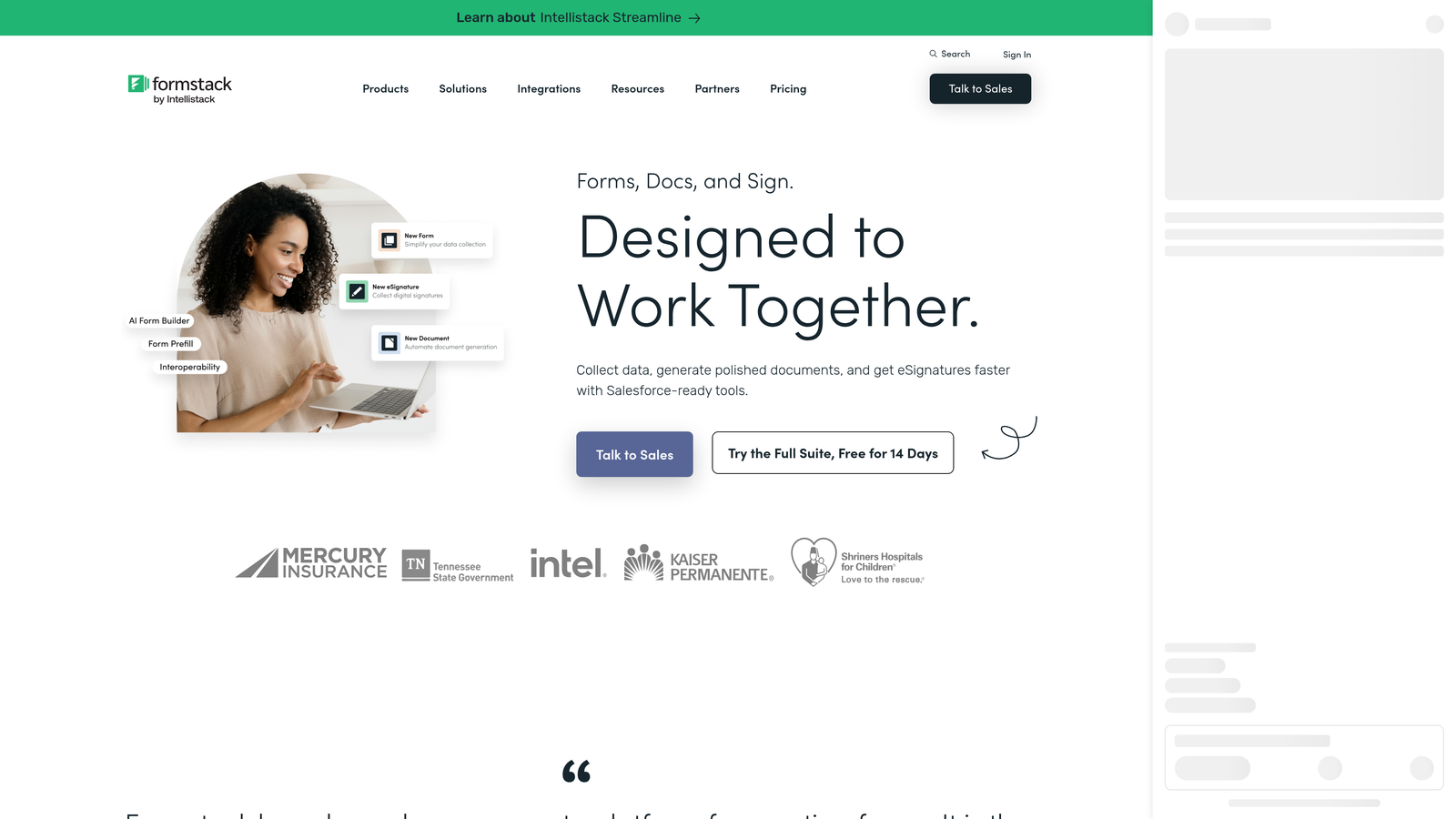
Formstack is an enterprise-oriented form and workflow platform that goes well beyond basic form building, covering document generation, e-signatures, and multi-step approval routing.
Where This Tool Shines
Formstack is built for organizational complexity. Where most form builders stop at collecting and routing submissions, Formstack extends into document generation, e-signature workflows, and multi-step approval chains. For teams in healthcare, legal, HR, or finance who need forms that integrate with compliance requirements and trigger downstream processes, this depth is difficult to find elsewhere.
HIPAA-compliant form handling is a meaningful differentiator for healthcare organizations. The Salesforce and HubSpot integrations are enterprise-grade, and the platform's overall architecture is designed for teams managing forms across departments rather than individual marketers building one-off lead capture pages.
Key Features
Multi-Step Approval Routing: Route form submissions through complex approval chains across teams and departments.
Document Generation: Automatically generate documents from form submissions, reducing manual processing time.
E-Signature Support: Collect legally binding signatures directly within the form workflow.
HIPAA-Compliant Forms: Built-in compliance features for healthcare organizations handling sensitive patient data.
Enterprise CRM Integrations: Deep integrations with Salesforce, HubSpot, and other enterprise CRM platforms.
Best For
Formstack is best suited to mid-market and enterprise teams in regulated industries: healthcare, legal, HR, and finance. It's overkill for most marketing-led lead generation use cases, and the free plan is quite limited. Teams should verify the current scope of the free tier at formstack.com/pricing before assuming it covers their needs.
Pricing
A limited free plan is available, but most advanced features require paid tiers. Verify current free plan scope and pricing at formstack.com/pricing.
Which Tool Is Right for Your Use Case?
The right form builder isn't the one with the longest feature list. It's the one that matches what your forms actually need to do.
If your priority is AI-powered lead qualification and conversion optimization, Orbit AI is the clear starting point, especially for SaaS and B2B growth teams who want their forms to surface lead signals automatically rather than leaving triage to the CRM. For ultra-simple unlimited forms at zero cost, Tally is hard to beat on the free tier. Typeform wins on respondent experience and brand polish, particularly for teams where completion quality is the primary metric. Jotform is the go-to for sheer feature breadth: payments, approvals, e-signatures, and a massive template library. Paperform suits creators and marketers who want forms that function as branded landing page experiences. And Formstack is best reserved for enterprise teams with complex workflow and compliance requirements.
Start with your use case, then match the tool. Are you capturing leads and qualifying them? Optimizing a conversion funnel? Routing approvals across a team? The answer to that question will narrow the list quickly.
Most of these have free plans or trials worth testing before you commit. For more on building forms that actually convert, explore our guides on how to qualify leads with forms, lead qualification best practices, and how to reduce form field friction.
Ready to see what AI-powered forms can do for your lead generation? Start building free forms today and see how intelligent form design can elevate your conversion strategy.


