

Event registration forms are often the first touchpoint between your brand and attendees. A clunky, confusing form can tank sign-ups before your event even has a chance to fill up. Whether you're running a webinar, in-person conference, workshop, or virtual summit, the right registration tool shapes both the attendee experience and the quality of data you walk away with.
This list covers the best event registration form tools available in 2026, evaluated on ease of setup, customization, conditional logic, payment collection, integrations, and how well they support lead qualification — not just attendance tracking. Whether you're a lean startup running monthly webinars or a growth team managing multi-track conferences, there's a tool here built for your workflow.
1. Orbit AI
Best for: B2B teams treating events as a demand generation and pipeline-building channel
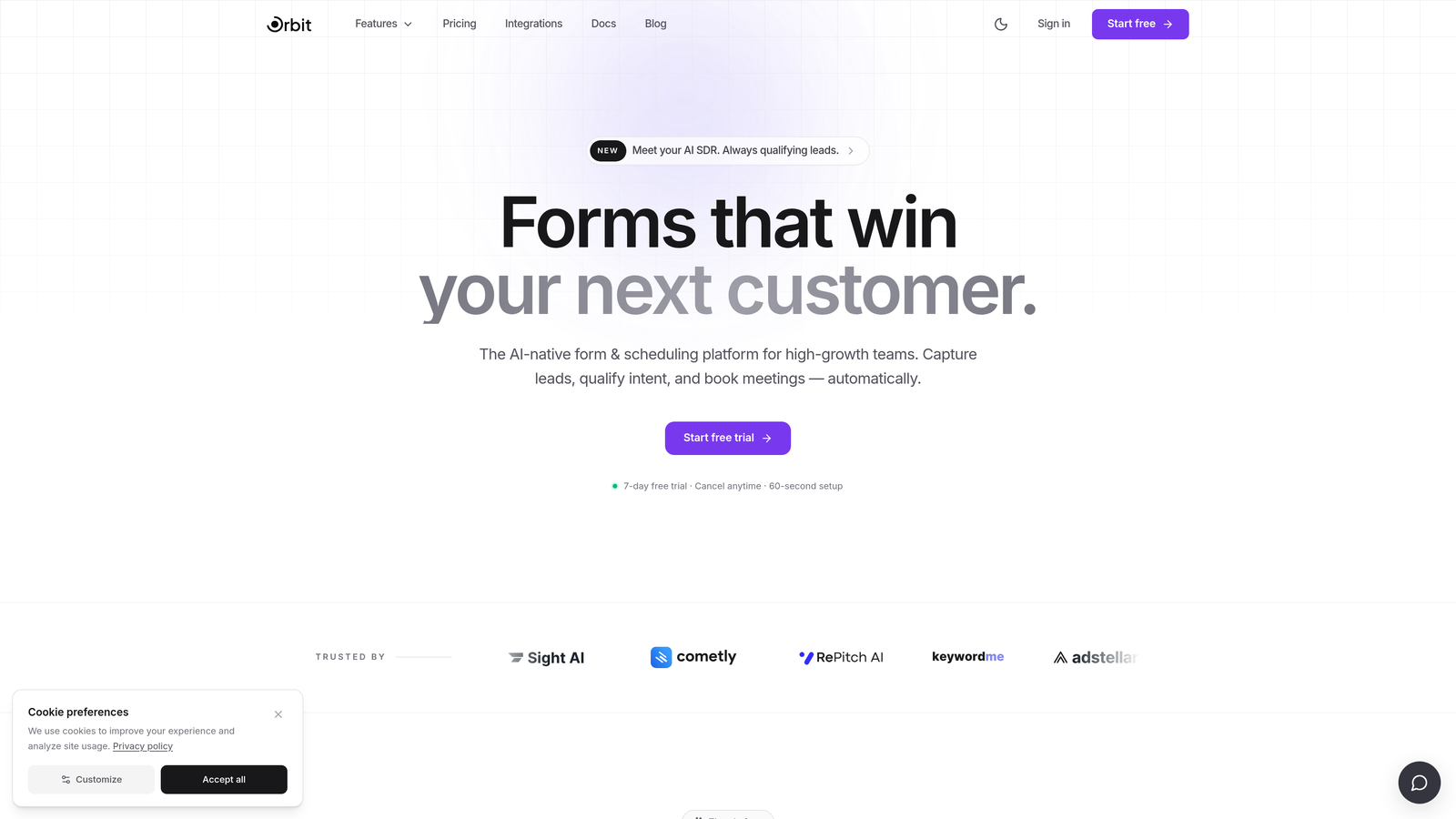
Orbit AI is an AI-powered form builder designed for high-growth teams that want event registration to do more than collect names and email addresses.
Where This Tool Shines
Most form builders stop at capturing registrant data. Orbit AI goes a step further by automatically qualifying leads at the point of registration. Instead of exporting a flat list of attendees and manually sorting through them post-event, your team gets scored, prioritized leads before the event even happens. That's a meaningful shift for B2B teams where follow-up speed and prioritization directly impact pipeline.
The form design itself is built for conversion. Clean, modern, and fully brandable, Orbit AI forms look like a natural extension of your landing page rather than a bolted-on widget. Combined with conditional logic that personalizes the registration experience based on each respondent's answers, the result is a registration flow that feels intentional rather than generic.
Key Features
AI-Powered Lead Qualification: Automatically scores and categorizes registrants based on their responses, so your sales and marketing teams know exactly who to prioritize before the event.
Conversion-Optimized Design: Modern, branded UI with templates built to maximize completion rates, not just look good.
Conditional Logic: Personalize the registration path based on job title, company size, intent, or any other field to collect richer, more relevant data.
CRM and Marketing Automation Integrations: Sync registrant data directly into your existing stack so follow-up workflows trigger automatically.
Pipeline-First Architecture: Built specifically for teams where events are a demand generation channel, not just a logistics exercise.
Best For
B2B SaaS teams, growth marketers, and demand generation professionals running webinars, virtual summits, or in-person events where attendee quality matters as much as attendee volume. If your team measures event success in pipeline generated, not just seats filled, Orbit AI is built for that mindset.
Pricing
Visit orbitforms.ai for current plan details. A free tier is available to get started.
2. Typeform
Best for: Teams that want a polished, conversational registration experience that reduces form fatigue
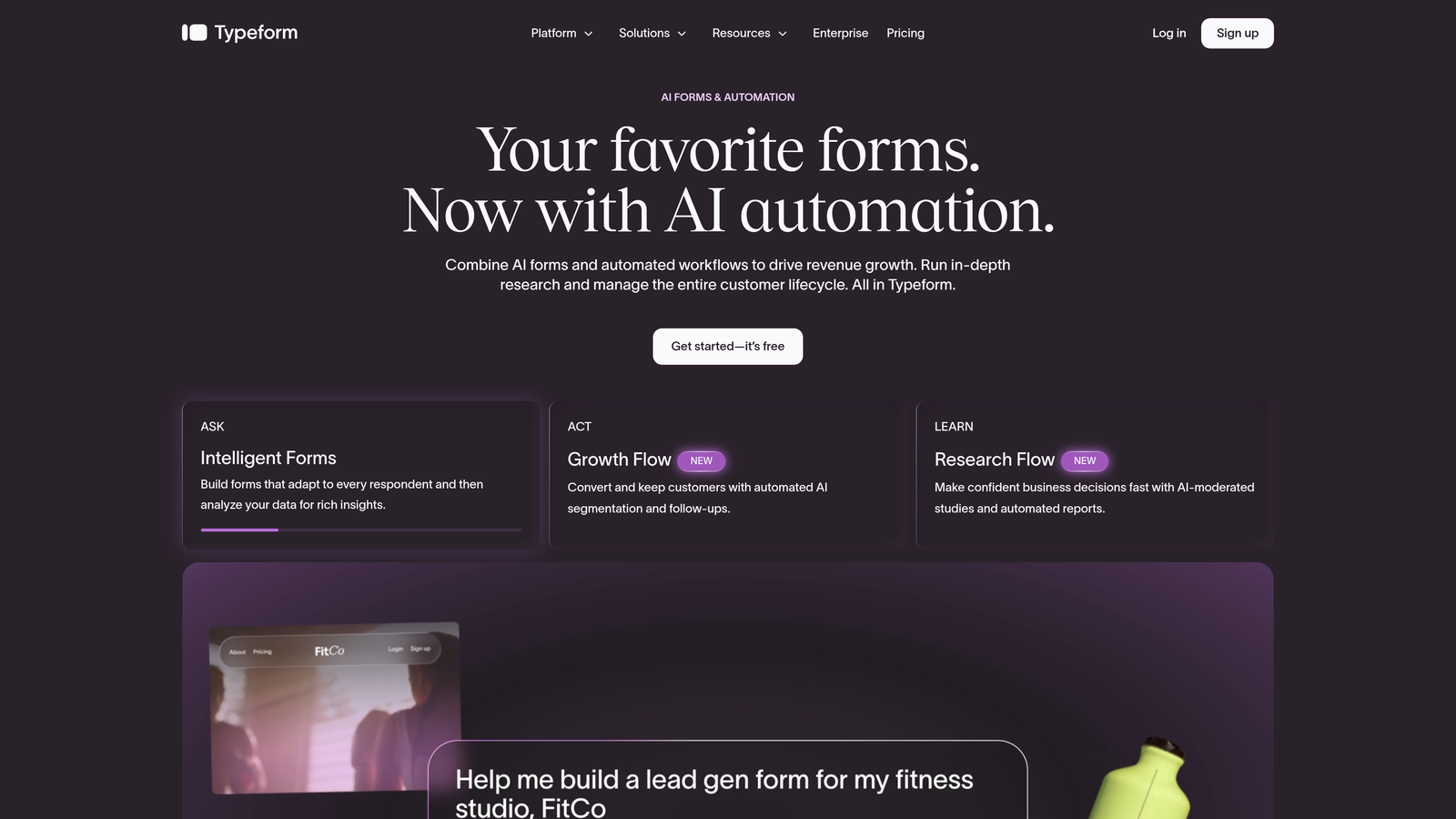
Typeform is a conversational form builder known for its one-question-at-a-time format that transforms registration from a chore into something closer to a dialogue.
Where This Tool Shines
Typeform's signature format works particularly well for event registration because it breaks a potentially long form into digestible steps. Respondents aren't confronted with a wall of fields — they answer one question, then move to the next. This approach tends to keep completion rates higher, especially on mobile.
The design quality is genuinely strong. Typeform forms look polished out of the box, and the template library includes event-specific options that can be customized without much effort. Conditional logic lets you branch the experience based on answers, so a VIP attendee and a general admission registrant can follow completely different paths.
Key Features
Conversational Single-Question Flow: Reduces form fatigue by presenting one field at a time rather than a full-page form.
Conditional Logic and Branching: Route respondents through different question paths based on their answers.
Polished Event Registration Templates: Ready-to-use designs that look professional without custom design work.
Integrations: Connects with Zapier, HubSpot, Slack, Google Sheets, and more via native integrations.
Video and Image Embeds: Add visual context to questions, useful for multi-session event registrations where attendees need to understand their options.
Best For
Marketing teams and event organizers who prioritize the registrant experience and want a form that reflects brand quality. Best suited for mid-size events where design and engagement matter, though teams needing deep lead qualification will want to supplement with additional tooling.
Pricing
Free tier available with limited responses; paid plans start at approximately $25/month. Verify current pricing at typeform.com before purchasing.
3. Eventbrite
Best for: Public-facing events where marketplace discovery and built-in ticketing are priorities
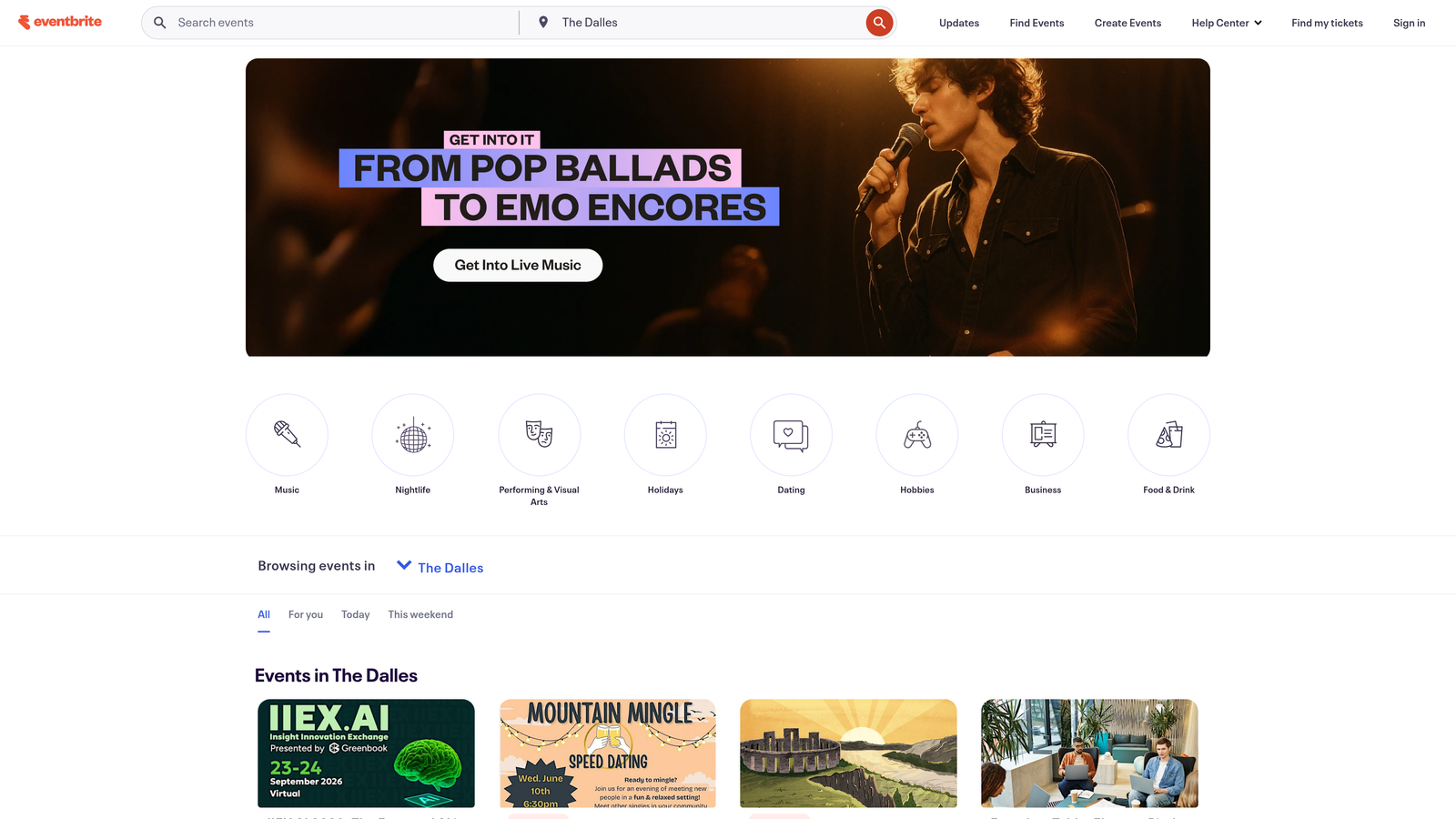
Eventbrite is the dominant public event ticketing and registration platform, combining registration forms with a built-in marketplace that helps people discover your event organically.
Where This Tool Shines
Eventbrite's biggest differentiator isn't the form itself — it's the distribution. When you publish an event on Eventbrite, it becomes discoverable by anyone browsing the platform for events in their area or category. For public conferences, community meetups, and consumer-facing events, that built-in audience is genuinely valuable.
The end-to-end ticketing workflow is also a strength. Payment processing, ticket delivery, attendee check-in via the mobile app, and basic email marketing are all handled within one platform. For organizers who don't want to stitch together multiple tools, that simplicity has real appeal.
Key Features
Built-In Event Discovery Marketplace: Your event is listed publicly and discoverable by Eventbrite's existing user base.
Integrated Ticketing and Payment Processing: Sell free or paid tickets with built-in payment handling — no third-party payment setup required.
Attendee Management and Check-In Tools: Mobile app for on-site check-in and real-time attendance tracking.
Email Marketing Tools: Send promotional emails and event reminders directly from the platform.
Organizer Mobile App: Manage your event, monitor registrations, and check in attendees from your phone.
Best For
Public events, community conferences, workshops, and consumer-facing experiences where marketplace exposure matters. Less ideal for private B2B events or teams that need deep CRM integration and lead qualification workflows.
Pricing
Free for free events. Paid ticket sales incur a percentage-based fee per transaction. Verify current rates at eventbrite.com before publishing your event.
4. Google Forms
Best for: Zero-budget registrations that need to be up and running in minutes
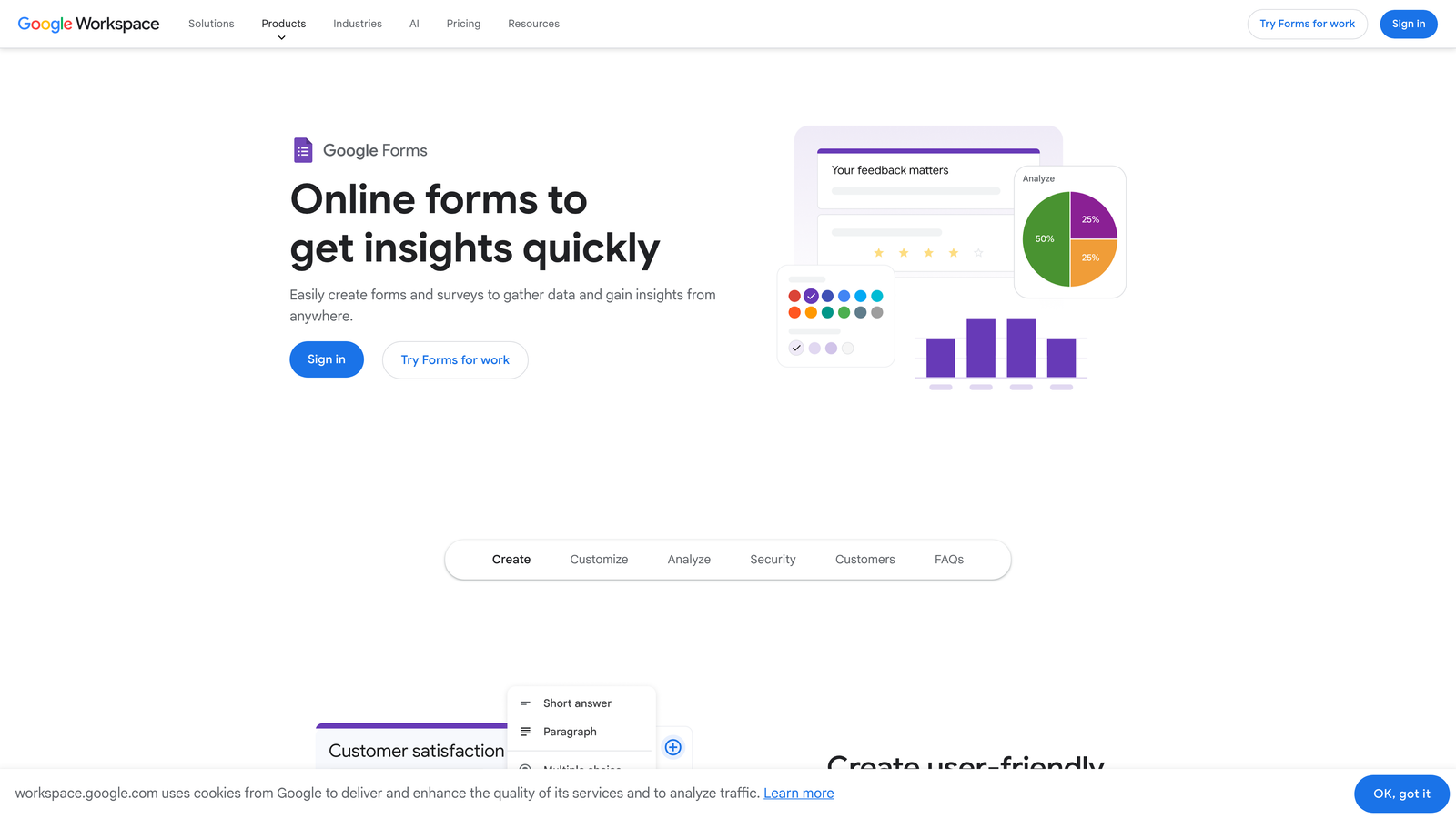
Google Forms is a free, no-frills form builder that's fully integrated with Google Workspace — the default choice when simplicity and cost are the only requirements.
Where This Tool Shines
There's no setup friction with Google Forms. If you have a Google account, you have a form builder. Create a form, share a link, and watch responses populate automatically into a Google Sheet. For internal events, low-stakes registrations, or teams with no budget to allocate, that zero-cost simplicity is genuinely hard to beat.
The Google Sheets integration is particularly useful for teams already living in Google Workspace. Responses are instantly queryable, shareable, and sortable without any export steps. For a small team organizing a quarterly all-hands or a simple webinar, this workflow is more than adequate.
Key Features
Completely Free: No paid tier required — full functionality is available with any Google account.
Instant Google Sheets Integration: All responses flow automatically into a connected spreadsheet for real-time tracking.
Basic Conditional Logic: Route respondents to different sections based on their answers, though options are more limited than dedicated form builders.
Simple Sharing: Share via link, embed in a webpage, or send directly from Google.
Google Workspace Compatibility: Works seamlessly within organizations already using Gmail, Drive, and Sheets.
Best For
Internal events, small community gatherings, or any registration scenario where budget is zero and design quality is not a priority. Not suitable for paid ticket events, lead qualification, or branded registration experiences.
Pricing
Completely free with a Google account.
5. Jotform
Best for: Complex registration scenarios requiring payment collection, multi-page flows, and a large template library
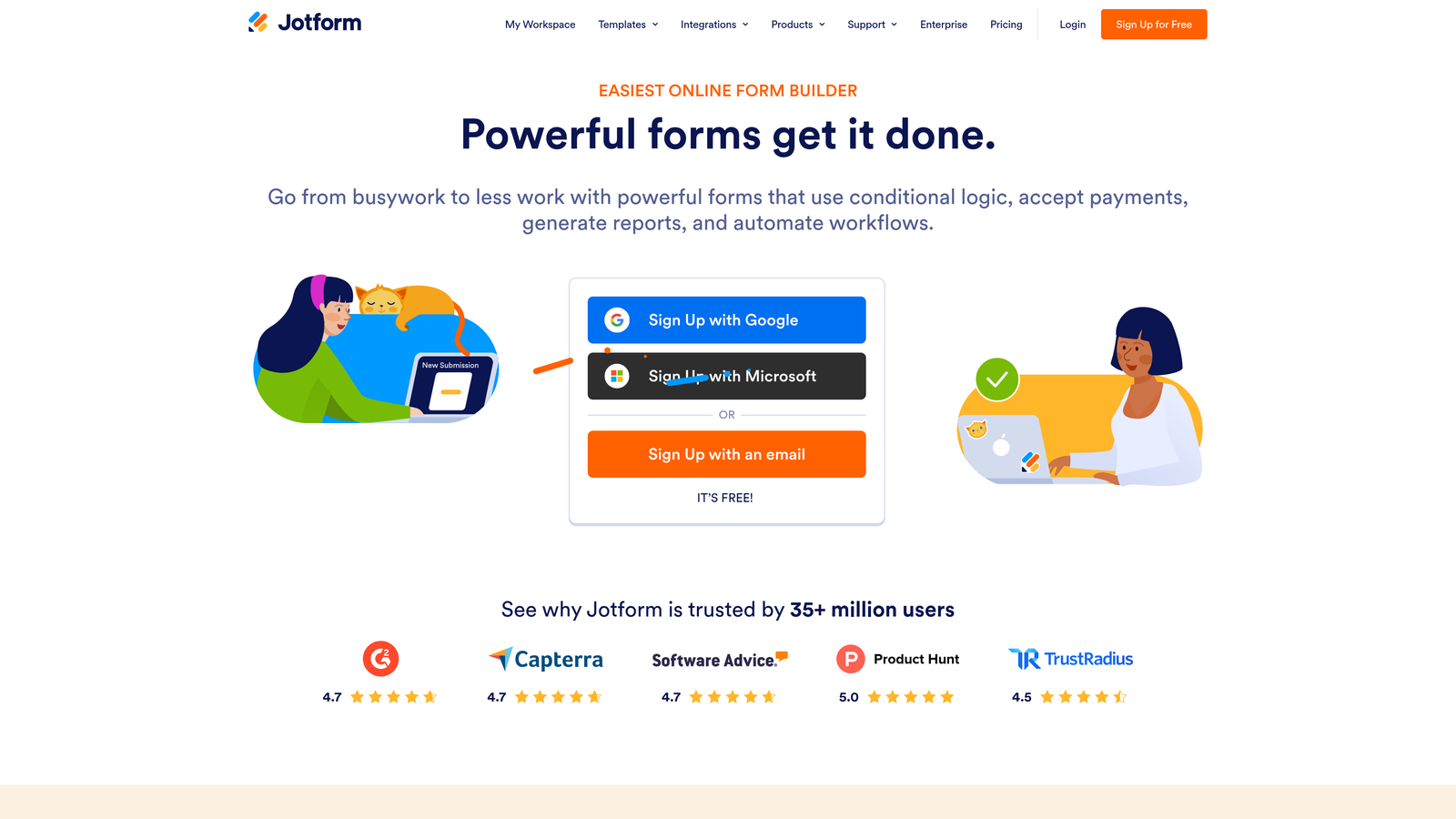
Jotform is a feature-rich form builder with one of the most extensive template libraries in the category, strong native payment integrations, and conditional logic capable of handling sophisticated registration requirements.
Where This Tool Shines
Jotform's template library is a genuine time-saver. With thousands of templates including event-specific registration forms, you can often find a starting point that's 80% of the way there and customize from it rather than building from scratch. For teams managing multiple event types throughout the year, that library reduces repetitive setup work considerably.
The payment collection capabilities are among the strongest in this list outside of Eventbrite. Jotform connects natively with Stripe, PayPal, Square, and other processors, making it straightforward to collect registration fees without routing attendees to a separate checkout page. Multi-page forms keep long registrations from feeling overwhelming.
Key Features
Extensive Template Library: Thousands of templates including event registration forms across industries and event types.
Native Payment Collection: Integrated connections to Stripe, PayPal, Square, and more for collecting registration fees directly in the form.
Advanced Conditional Logic: Build complex branching flows based on registrant responses, ticket types, or attendance options.
Multi-Page Forms: Break long registrations into manageable steps without losing data between pages.
PDF Generation: Automatically generate registration confirmation PDFs on submission — useful for events requiring printed confirmation.
Best For
Event organizers managing paid registrations, healthcare events requiring HIPAA compliance, or teams needing complex multi-step forms with branching logic. Pricing scales with submission volume, so it's worth evaluating against your expected registrant numbers.
Pricing
Free tier available with limited submissions; paid plans start at approximately $34/month. Verify current pricing at jotform.com.
6. HubSpot Forms
Best for: Teams already on HubSpot who want event registrations to flow directly into their CRM and trigger automated workflows
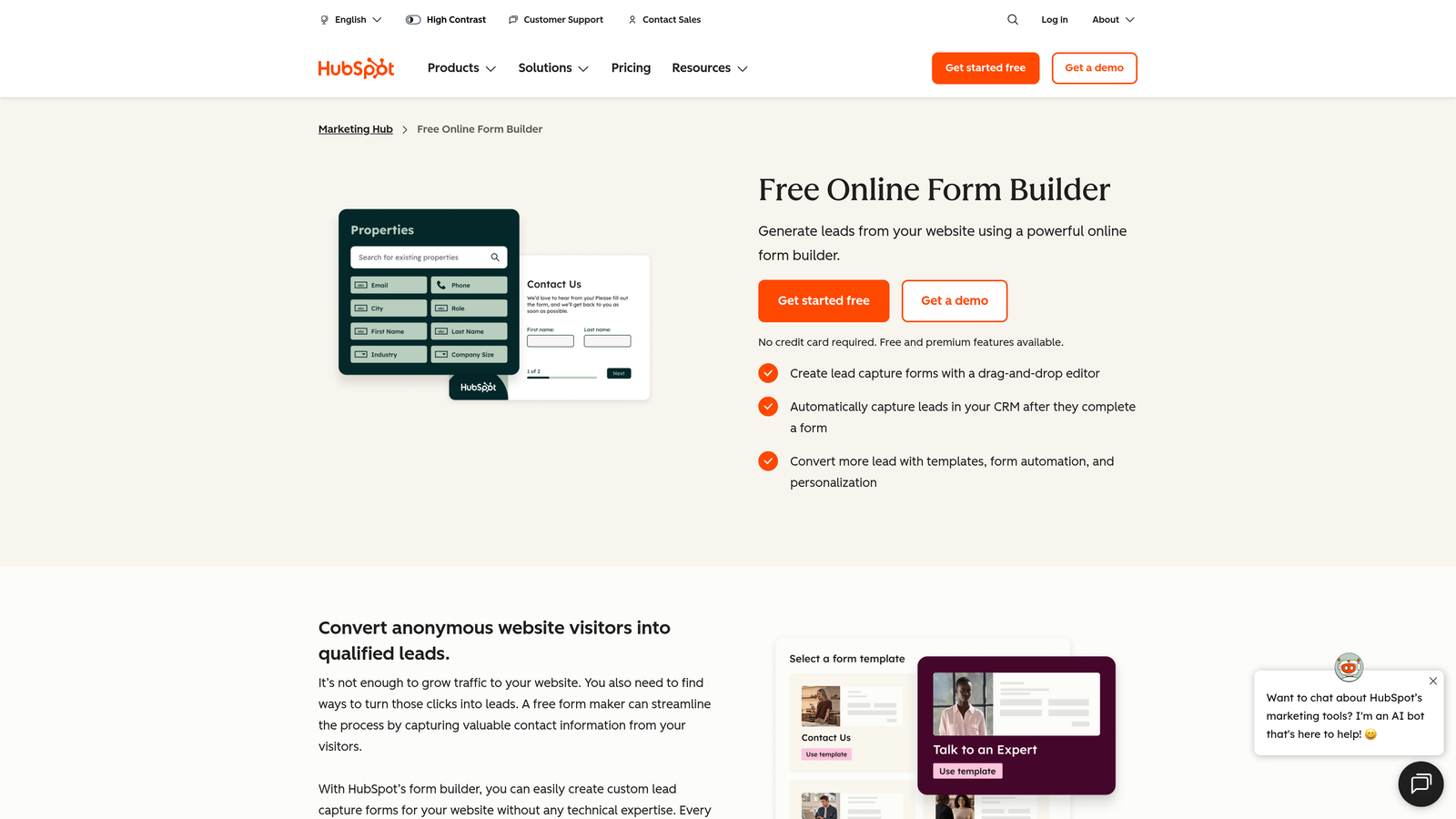
HubSpot Forms is the native form builder within the HubSpot ecosystem, built specifically for teams where the form is the entry point to a broader marketing and sales automation workflow.
Where This Tool Shines
The core strength here is zero-friction CRM sync. Every registration submission lands directly in HubSpot as a contact record, enriching existing records or creating new ones without any manual data entry or export steps. For teams running events as part of a broader demand generation strategy, that native connectivity removes a significant operational bottleneck.
Progressive profiling is another standout feature. If a registrant is already in your HubSpot database, the form won't ask them to re-enter information you already have. Instead, it surfaces new questions to enrich their profile further. Over multiple event registrations, this builds richer contact records without friction for returning attendees.
Key Features
Native HubSpot CRM Sync: Registrations create or update contact records automatically — no export, import, or Zapier required.
Progressive Profiling: Avoids asking for information you already have, surfacing new fields to enrich existing contact records instead.
Smart Fields and Personalization: Customize form fields and visibility based on what you already know about the contact.
Automated Workflow Triggers: Submission automatically triggers follow-up sequences, lead scoring updates, or sales notifications.
Contact and Deal Record Analytics: Registration data ties directly into HubSpot's reporting, so event attribution is built in.
Best For
Marketing and demand generation teams already operating within HubSpot who want event registrations to be a seamless part of their existing CRM workflow. Design flexibility is more limited than standalone form builders, so teams with strong brand requirements may want to supplement with a custom design layer.
Pricing
Free with a HubSpot account; advanced features require a paid Marketing Hub subscription. Verify current tier details at hubspot.com.
7. Webflow Forms
Best for: Teams building custom event landing pages in Webflow who want seamless, design-controlled registration forms
Webflow Forms is the native form functionality built into the Webflow website builder, offering pixel-perfect design control for teams that refuse to compromise on visual quality.
Where This Tool Shines
If your team is already building event landing pages in Webflow, using the native form component is the natural choice. There's no embed friction, no style conflicts, and no need to reconcile two design systems. The form looks exactly like the rest of your page because it's built in the same visual environment.
Design control is genuinely unrestricted here. Custom animations on form elements, hover states, focus styles, and responsive behavior are all configurable without touching CSS. For teams where the event landing page is a brand moment, that level of control matters. Submissions connect to email notifications and can be routed through Zapier or Make for downstream automation.
Key Features
Pixel-Perfect Design Control: Build forms that match your landing page exactly using Webflow's visual design environment.
Custom Styling Without Limitations: Full control over every visual element without wrestling with third-party embed styles.
Animations and Interactions: Add motion and micro-interactions to form elements for a polished, modern experience.
Zapier and Make Integration: Route submissions to any downstream tool via automation platforms.
Fully Responsive: Forms adapt seamlessly across desktop, tablet, and mobile without additional configuration.
Best For
Design-forward teams and agencies building custom event pages in Webflow. Not a standalone form tool — it requires a Webflow site plan and is best suited for teams where the landing page and the form are part of the same design project.
Pricing
Included in Webflow site plans starting at approximately $14/month. Verify current plan details at webflow.com.
8. Swoogo
Best for: Large-scale conferences and enterprise events with complex multi-track registration requirements
Swoogo is a purpose-built enterprise event management platform designed for organizations running large, complex events where a general-purpose form builder simply isn't enough.
Where This Tool Shines
Swoogo handles registration complexity that would break most form builders. Multi-track session selection, tiered pricing by attendee type, group bookings, waitlist management, and custom registration paths for speakers, sponsors, and general attendees can all be configured within a single event setup. For conference organizers managing hundreds or thousands of attendees across multiple tracks, that capability is the difference between manageable and chaotic.
The attendee management tools extend well beyond registration. Swoogo provides reporting and analytics that give event teams a real-time view of registration status, session capacity, and attendee demographics — the kind of operational visibility that enterprise events require.
Key Features
Multi-Track Session Selection: Attendees can browse and register for individual sessions within a multi-track conference agenda.
Group and Team Registration: Support for bulk registrations with tiered pricing and group management tools.
Custom Registration Paths: Different registration flows for different attendee types — speakers, sponsors, general attendees, and VIPs.
Waitlist Management: Automated waitlist handling for sessions or events that reach capacity.
Advanced Reporting: Detailed analytics on registration volume, session selection patterns, and attendee demographics.
Best For
Enterprise event teams, large conference organizers, and professional event management agencies handling complex, high-volume events. Swoogo is purpose-built for scale and complexity — it's overkill for small or mid-size events and priced accordingly.
Pricing
Enterprise pricing with custom quotes. Contact Swoogo directly at swoogo.com for current pricing details.
9. Tally
Best for: Fast, lightweight event registration pages with a generous free tier and a clean modern UI
Tally is a Notion-inspired form builder that prioritizes speed and simplicity, offering a surprisingly capable free tier that makes it a strong choice for indie founders, small teams, and anyone who needs a registration page live quickly.
Where This Tool Shines
Tally's building experience is genuinely fast. The Notion-like interface feels familiar to anyone who has used block-based editors, and the learning curve is minimal. You can have a clean, functional event registration form live in under ten minutes without touching any settings or watching tutorial videos.
The free tier is unusually generous compared to most form builders. Unlimited forms and unlimited responses are available without paying anything, and conditional logic is included at the free level. For small events, community gatherings, or early-stage teams testing event-based marketing, that cost profile is hard to argue with.
Key Features
Notion-Like Building Experience: Block-based editor that's fast to learn and quick to use, even for non-technical team members.
Unlimited Forms and Responses on Free Plan: No submission caps or form limits on the free tier — a standout in this category.
Conditional Logic on Free Tier: Branch and personalize registration flows without upgrading to a paid plan.
Custom Domain Support: Available on the Pro plan for teams that want a branded form URL.
Zapier and Webhook Integrations: Connect submissions to downstream tools for notification and automation workflows.
Best For
Indie founders, small teams, and early-stage startups running lightweight events where speed and cost are the primary constraints. Teams needing native payment collection, deep CRM integration, or AI-powered lead qualification will need to look at other options on this list.
Pricing
Free tier available with unlimited forms and responses; Pro plan at approximately $29/month. Verify current pricing at tally.so.
Which Tool Is Right for Your Event?
The right tool depends almost entirely on what you want your registration form to accomplish. If you're treating events as a pipeline-building channel and need to know registrant quality before the event happens, Orbit AI is the only tool on this list built specifically for that use case. The AI-powered lead qualification layer turns a standard registration form into an active part of your demand generation workflow.
For public-facing events where marketplace discovery matters, Eventbrite remains the default choice. If your team runs on HubSpot and wants registrations to flow seamlessly into CRM workflows, HubSpot Forms removes more friction than any third-party integration could. Google Forms handles zero-budget simplicity with no setup required, and Tally is the fastest path to a clean, modern registration page without spending anything.
For complex enterprise conferences with multi-track sessions and group bookings, Swoogo is built for that scale. Jotform covers teams needing robust payment collection and a large template library. Typeform delivers the most polished conversational experience. And Webflow Forms is the natural choice for any team already building their event landing page in Webflow.
The tools that tend to underperform aren't necessarily bad — they're just mismatched to the job. A Google Form works perfectly for an internal all-hands. It's the wrong tool for a B2B summit where your sales team needs to know which registrants are worth a personal outreach before doors open.
If your events are part of a broader growth strategy, the registration form deserves the same attention as your landing page copy or your post-event nurture sequence. Transform your lead generation with AI-powered forms that qualify prospects automatically while delivering the modern, conversion-optimized experience your high-growth team needs. Start building free forms today and see how intelligent form design can elevate your conversion strategy.


