

Choosing a lead capture platform isn't just about features. It's about finding a pricing model that scales with your growth without quietly punishing your success. Whether you're a lean startup capturing your first few hundred leads or a high-growth SaaS team processing thousands of qualified prospects every month, the wrong pricing tier can erode your ROI before you even notice it happening.
This guide breaks down the best lead capture platforms available in 2026, comparing their pricing structures, what you actually get at each tier, and who each tool is genuinely built for. We've focused specifically on platforms that go beyond basic form building to offer real lead qualification, conversion optimization, and integrations your sales team will actually use.
If you want a deeper look at how form strategy affects your bottom line, our guides on how to improve lead quality and how to increase form submissions are worth reading before you commit to a platform.
1. Orbit AI
Best for: High-growth SaaS and B2B teams that need AI-powered lead qualification built in from day one.
Orbit AI is an AI-powered form builder built specifically for high-growth teams that need more than a pretty form.
Where This Tool Shines
Most form builders treat lead qualification as an afterthought, something you bolt on through a third-party integration after the fact. Orbit AI flips that model entirely. The AI qualification layer lives inside the form experience itself, meaning your leads are scored, routed, and prioritized before they ever hit your CRM.
For SaaS and B2B teams where lead quality matters more than lead volume, this is a meaningful distinction. You're not just collecting submissions; you're capturing intent signals and acting on them immediately. The form design is also genuinely modern, which matters more than people admit. A beautiful, conversion-optimized form signals professionalism and builds trust at the exact moment a prospect is deciding whether to hand over their information.
Key Features
Native AI Lead Qualification: Lead scoring and qualification happen inside the form flow itself, not through a separate tool or manual review process.
Conversion-Optimized Templates: Pre-built templates designed specifically for SaaS and B2B lead generation, not generic use cases.
Smart Lead Routing: Automatically routes leads based on qualification responses, so your sales team focuses on the right prospects first.
Modern Form Design: Beautiful, brand-aligned forms that don't sacrifice performance for aesthetics — a balance that's harder to achieve than it sounds.
Lead Quality Analytics: Reporting focused on the quality and qualification of your leads, not just raw submission volume.
Best For
Orbit AI is the strongest fit for SaaS companies, B2B marketing teams, and high-growth businesses where lead quality directly impacts revenue. If your team is spending time manually triaging submissions or struggling to connect form data to sales workflows, this platform was built for exactly that problem.
Pricing
Tiers are designed to scale with high-growth teams. Check current pricing at orbitforms.ai for the most up-to-date plan details.
2. Typeform
Best for: Marketing teams that want polished, conversational forms with strong brand aesthetics.
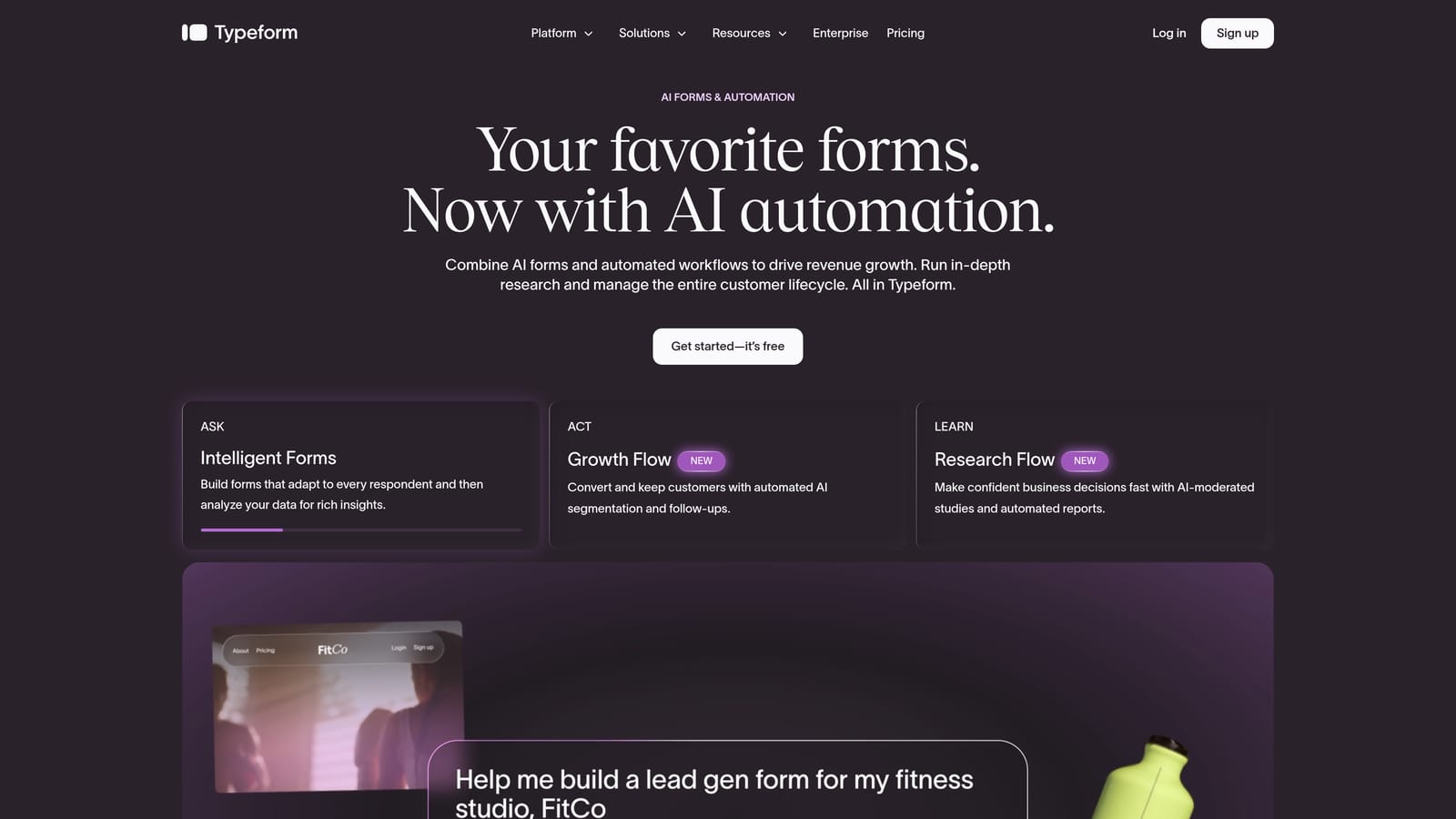
Typeform is a conversational form platform known for its one-question-at-a-time format and premium visual design.
Where This Tool Shines
Typeform's signature format, presenting one question at a time rather than a full form on a single page, creates a more guided, conversational experience that many teams find improves completion rates. It's particularly effective for longer lead capture flows where a traditional multi-field form would feel overwhelming.
The design quality is genuinely impressive. Typeform forms look polished out of the box, which makes them popular with brand-conscious marketing teams running campaigns, product launches, or audience research alongside lead generation. The tradeoff is that pricing scales with response volume, which can catch fast-growing teams off guard as their form traffic increases.
Key Features
Conversational One-Question Format: Guides respondents through questions one at a time, creating a more engaging, lower-friction experience.
Logic Jumps and Conditional Branching: Personalize form flows based on previous answers, creating different paths for different lead segments.
CRM and Marketing Integrations: Native integrations with HubSpot, Salesforce, Mailchimp, and Zapier for connecting leads to your existing workflows.
Video and Image Embedding: Embed multimedia directly within form questions to add context or increase engagement.
Response-Based Pricing: Plans scale by response volume across Basic, Plus, Business, and Enterprise tiers.
Best For
Marketing teams that prioritize form aesthetics and brand experience, companies running campaign-specific lead capture, and teams that need strong native CRM integrations without heavy technical setup. Less ideal if you're on a tight budget and expect high response volumes.
Pricing
A free plan is available with limited responses. Paid tiers start at a monthly fee and scale by response volume. Visit typeform.com for current pricing, as tiers and response limits are updated periodically.
3. Jotform
Best for: Teams that need the broadest template library and the most integration flexibility at a predictable price.
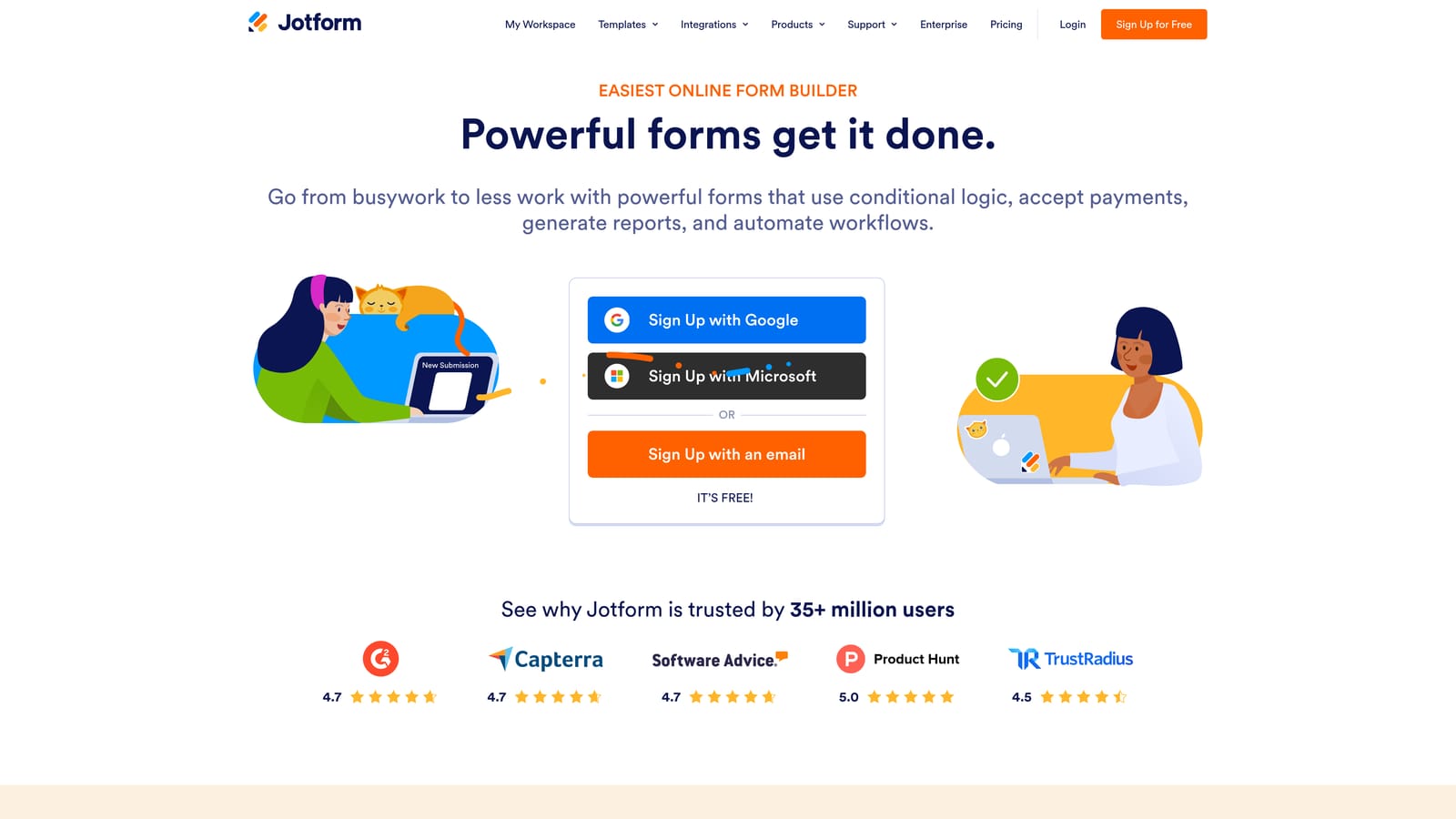
Jotform is one of the most established and feature-rich form platforms available, with thousands of templates and broad integration support across virtually every use case.
Where This Tool Shines
If breadth is what you need, Jotform delivers it. The template library is enormous, covering everything from basic contact forms to complex multi-step lead capture flows, payment-gated content, and appointment booking. For teams that need to spin up different form types quickly across multiple campaigns or departments, this saves meaningful time.
The native payment integrations are also a standout. Stripe, PayPal, and Square are all supported natively, which makes Jotform a strong choice for gated content or paid lead magnets. The submission-based pricing model is predictable if your volume is steady, though teams with seasonal spikes may find themselves hitting tier limits at inconvenient times.
Key Features
Thousands of Pre-Built Templates: An extensive library covering nearly every lead capture scenario, significantly reducing setup time.
Native Payment Processing: Built-in Stripe, PayPal, and Square integrations for payment-gated lead capture and transactions.
Conditional Logic and Multi-Page Forms: Flexible form logic including calculations, conditional fields, and multi-page layouts.
HIPAA-Compliant Plan: A dedicated compliance tier for healthcare and other regulated industries handling sensitive data.
Submission-Based Pricing: Plans scale by submission volume and storage across Free, Bronze, Silver, Gold, and Enterprise tiers.
Best For
Teams that need a wide variety of form types across different departments, organizations in regulated industries that need HIPAA compliance, and businesses that want broad integration support without custom development. Also a solid pick for teams that value template variety over cutting-edge design.
Pricing
A free plan is available. Paid plans scale by submission volume and storage. Visit jotform.com for current tier pricing, as limits and features vary across plans.
4. Paperform
Best for: Service businesses and consultants who want forms that function like branded landing pages.
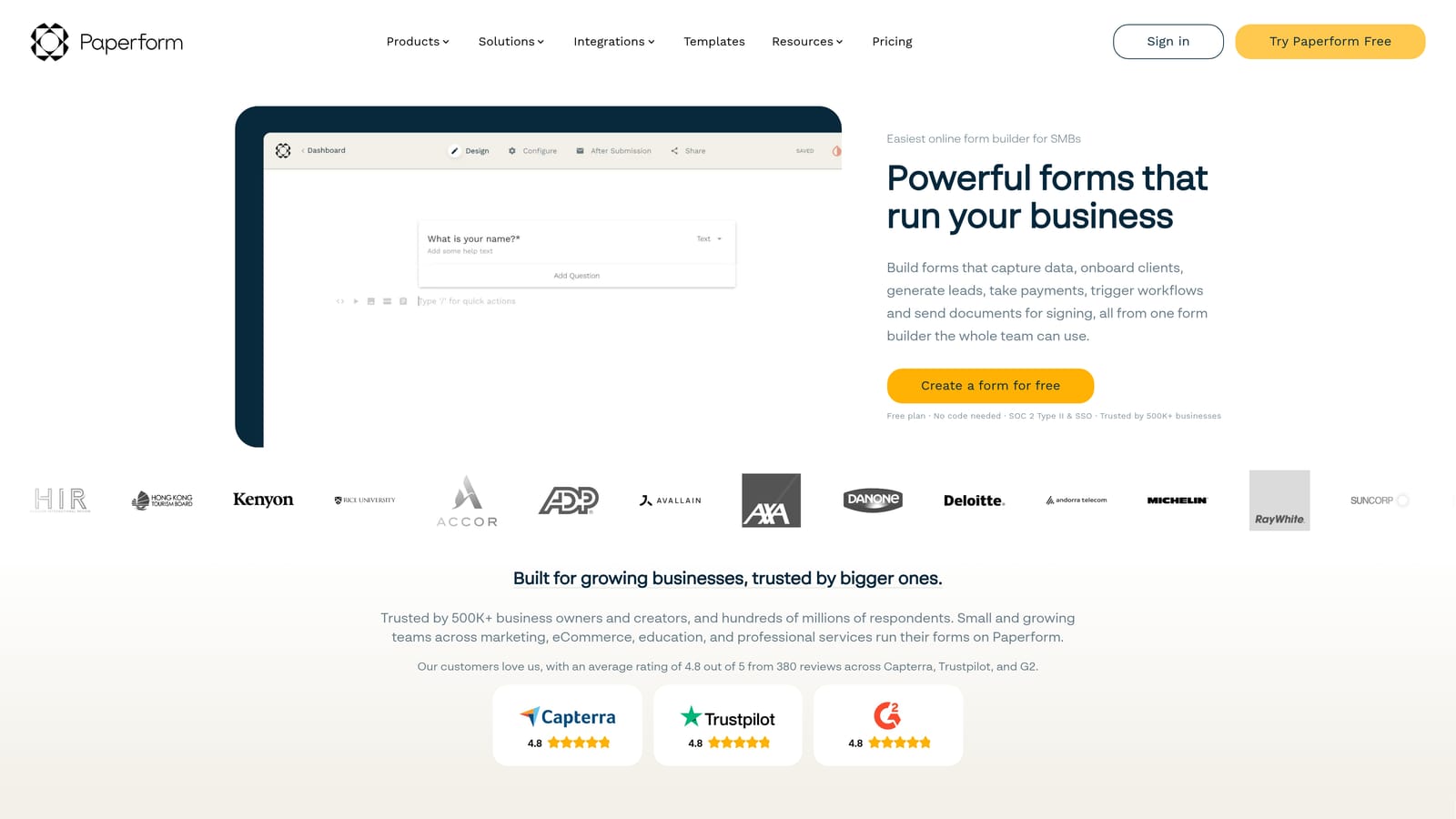
Paperform is a flexible form builder with a document-style editor that blends form fields with rich content, making it popular with service businesses and consultants.
Where This Tool Shines
Paperform's document-style editor is genuinely different from most form builders. Instead of dropping fields into a rigid form structure, you're writing a page that happens to contain form fields. You can mix rich text, images, video, and input fields freely, which means your lead capture form can feel more like a thoughtful landing page than a generic web form.
The built-in scheduling and appointment booking functionality is a real differentiator for service-based businesses. If your lead capture flow naturally leads to a discovery call or consultation, Paperform handles that entire journey without requiring a separate scheduling tool. Keep in mind there's no permanent free plan, so you're committing to a paid tier from the start after the trial period.
Key Features
Document-Style Editor: Blends form fields with rich text, images, and video for a landing page-like form experience.
Native Payment Integration: Built-in Stripe and PayPal support for payment-gated lead capture and direct transactions.
Built-In Scheduling: Native appointment booking and scheduling functionality within the form flow.
Conditional Logic and Calculations: Flexible conditional fields and calculation support for more dynamic form experiences.
Tiered Pricing with Annual Discounts: Essentials, Pro, and Agency plans with discounts available on annual billing.
Best For
Consultants, coaches, agencies, and service businesses that want lead capture forms that double as polished landing pages. Also strong for teams that need to combine lead capture with payment collection or appointment scheduling in a single flow.
Pricing
No permanent free plan. A 14-day free trial is available. Paid tiers start at a monthly fee with annual discount options. Visit paperform.co for current plan pricing.
5. Tally
Best for: Bootstrapped teams, developers, and indie builders who need capable lead capture with no upfront cost.
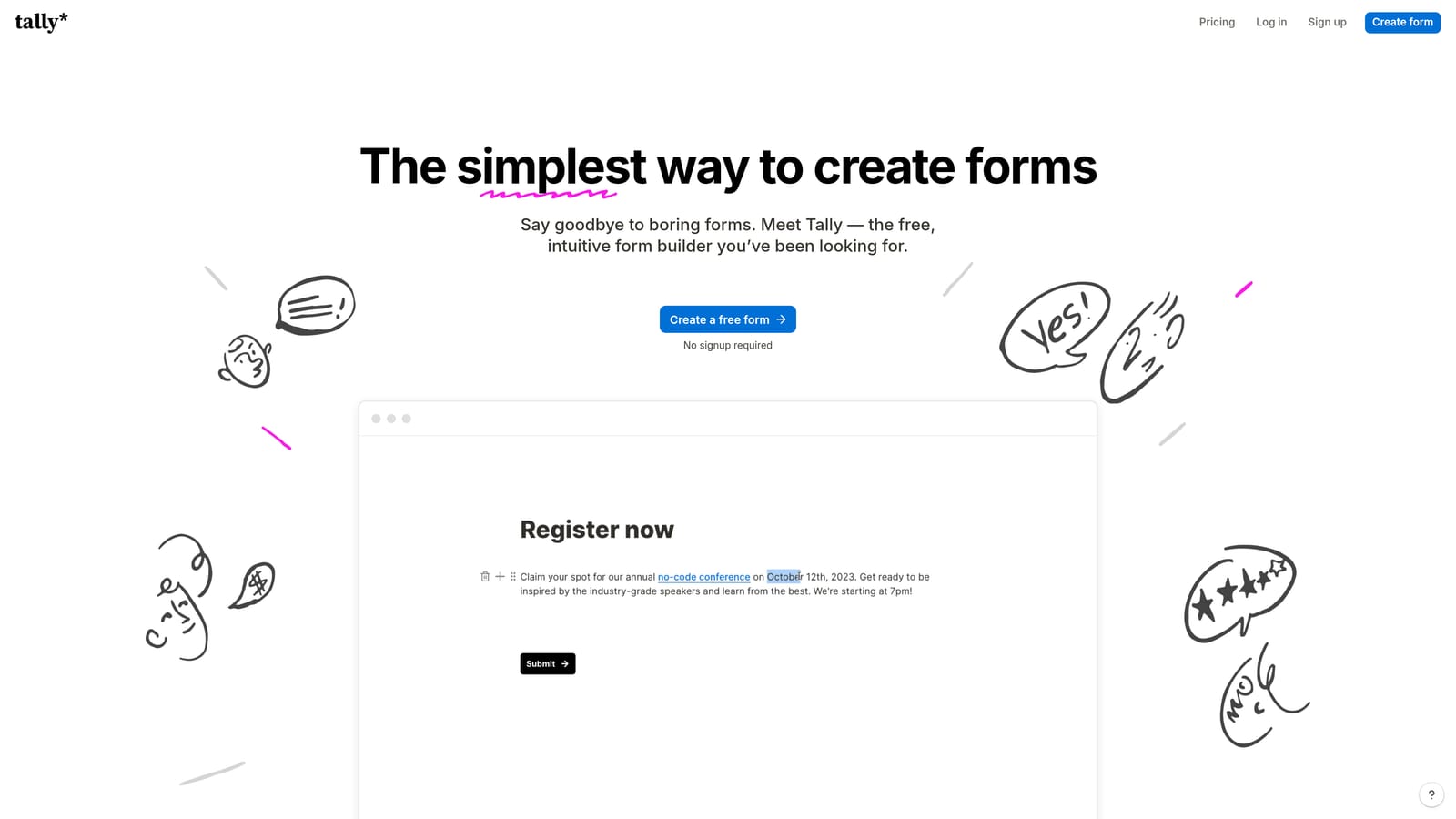
Tally is a minimalist form builder with one of the most genuinely useful free tiers in the entire category: unlimited forms and unlimited submissions at no cost.
Where This Tool Shines
Most "free" form tiers are designed to frustrate you into upgrading. Tally is the exception. The free plan includes unlimited forms and unlimited submissions, which means early-stage teams and developers can run real lead capture workflows without watching a submission counter tick toward a paywall. That's a meaningful differentiator in a market where most platforms cap free usage aggressively.
The editor is clean and Notion-like, making it fast to build forms without a learning curve. Conditional logic and hidden fields are available even on the free tier, so you're not locked out of basic personalization. The Pro plan unlocks custom domains, file uploads, and priority support for teams that eventually need more. It's a natural upgrade path rather than a forced one.
Key Features
Unlimited Free Submissions: No submission caps on the free plan, a genuine differentiator from most competitors in this space.
Notion-Like Block Editor: Fast, intuitive form building with a familiar block-based interface that requires minimal onboarding.
Free Conditional Logic: Conditional logic and hidden fields available on the free tier, not locked behind a paid upgrade.
Pro Plan for Advanced Features: Custom domains, file uploads, and priority support available on the Pro plan at a flat monthly rate.
Clean Embed Options: Developer-friendly embed capabilities popular with teams building custom workflows or integrating forms into web apps.
Best For
Bootstrapped startups, indie hackers, developers building custom workflows, and early-stage teams that need real lead capture capability without committing to a paid plan. Also a strong fit for teams that want to test a form strategy before investing in a more feature-rich platform.
Pricing
Free plan with unlimited forms and submissions. Pro plan available at a flat monthly rate. Visit tally.so for current Pro pricing details.
6. Formstack
Best for: Enterprise teams and regulated industries that need HIPAA compliance, approval routing, and document generation.
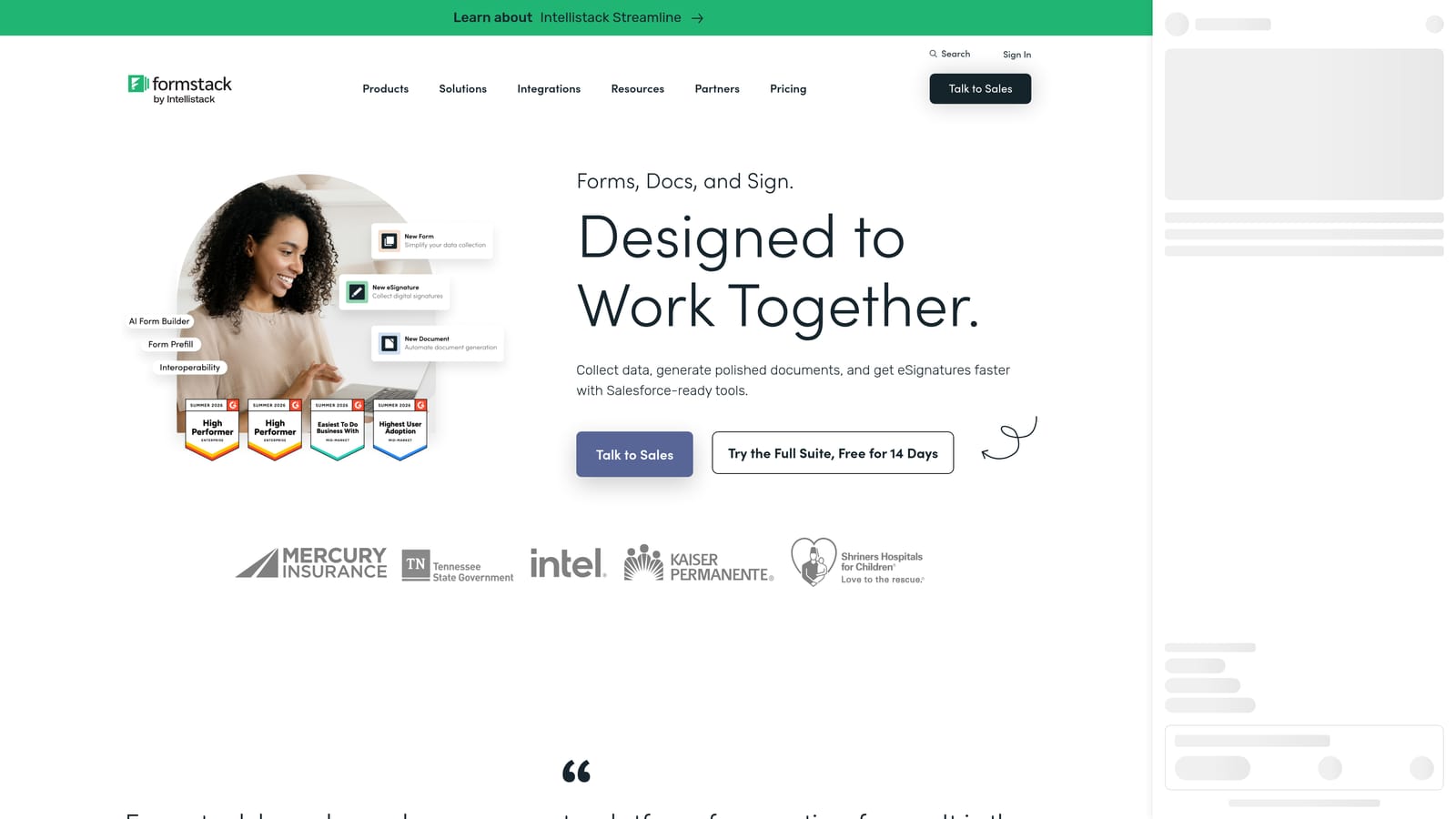
Formstack is an enterprise-grade data collection and workflow automation platform built for organizations where compliance, security, and process automation are non-negotiable requirements.
Where This Tool Shines
Formstack operates in a different category from most form builders on this list. It's not trying to be the most elegant or the most affordable. It's built for organizations where data collection is embedded in complex, regulated workflows: healthcare systems capturing patient intake, financial services teams routing approval requests, or legal departments managing document generation and e-signatures.
The Forms, Documents, and Sign suite is particularly powerful for organizations that need to connect lead capture to downstream document workflows. A prospect fills out a form, a proposal document is generated automatically, and an e-signature request is sent, all within the same platform. That kind of end-to-end automation is difficult to replicate by stitching together multiple tools, which is exactly why enterprise teams pay a premium for it.
Key Features
HIPAA-Compliant Forms: Purpose-built compliance for healthcare and other regulated industries handling sensitive personal data.
Advanced Workflow Automation: Multi-step approval routing for complex internal processes that go beyond simple lead capture.
Document Generation and E-Signatures: Forms, Documents, and Sign suite connects data collection to automated document workflows and signature collection.
Salesforce Native Integration: Deep Salesforce integration designed for enterprise CRM workflows, not just basic data passing.
Data Security Across All Tiers: Conditional logic, prefill capabilities, and data encryption available throughout the platform.
Best For
Mid-market and enterprise organizations in healthcare, legal, financial services, and education where compliance requirements are strict. Also strong for large organizations that need to automate complex, multi-step data collection and approval workflows at scale.
Pricing
Higher price point targeting mid-market and enterprise buyers. Suite pricing is available for teams that need Forms, Documents, and Sign together. Visit formstack.com for current plan details and to request a custom quote.
Which Platform Matches Your Budget and Goals
The right lead capture platform depends heavily on where you are in your growth journey and what you're actually trying to accomplish with your forms.
If you're an early-stage team or developer testing your lead strategy, Tally is the obvious starting point. Unlimited free submissions with real conditional logic means you can run genuine lead capture workflows before spending a dollar. It's not built for enterprise scale, but it's the most honest free tier in the category.
For service businesses and consultants who want forms that feel like branded landing pages, Paperform offers a document-style experience that blends content and form fields naturally. The built-in scheduling is a genuine differentiator if your lead flow ends in a discovery call.
Typeform is the strongest choice for marketing teams that prioritize brand aesthetics and conversational engagement, particularly for campaign-specific lead capture. Just watch the response-based pricing as your volume grows. Jotform is the better pick when you need maximum template variety, native payment processing, or HIPAA compliance at a more accessible price point than enterprise alternatives.
Formstack stands apart as the enterprise and compliance play, built for regulated industries with complex approval workflows and document generation needs. It's priced accordingly and designed for organizations where those capabilities are requirements, not nice-to-haves.
For high-growth SaaS and B2B teams where lead quality directly drives revenue, Orbit AI is the platform built for exactly that problem. The native AI qualification layer means your forms aren't just collecting submissions; they're scoring, routing, and prioritizing leads before they reach your CRM. That's the difference between a form tool and a lead generation system.
Before you commit, our guides on building an effective lead capture form and lead forms for B2B companies will help you get more out of whichever platform you choose.
Transform your lead generation with AI-powered forms that qualify prospects automatically while delivering the modern, conversion-optimized experience your high-growth team needs. Start building free forms today and see how intelligent form design can elevate your conversion strategy.


