

If you're evaluating contact form software, pricing is rarely as simple as it looks. Most platforms bury their real costs behind feature tiers, submission limits, or per-seat fees that only surface once you're already committed.
This guide cuts through the noise and compares nine of the best contact form tools on the market, breaking down what you actually get at each price point, where the value drops off, and which plans make sense for different team sizes and goals. Whether you're a lean startup optimizing lead capture or a high-growth SaaS team looking for AI-powered qualification built into your forms, there's a plan on this list worth a closer look. Each tool has been evaluated on pricing transparency, feature-to-cost ratio, scalability, and how well it serves teams focused on conversion, not just data collection.
1. Orbit AI
Best for: High-growth SaaS and B2B teams that want AI-powered lead qualification built directly into their forms.
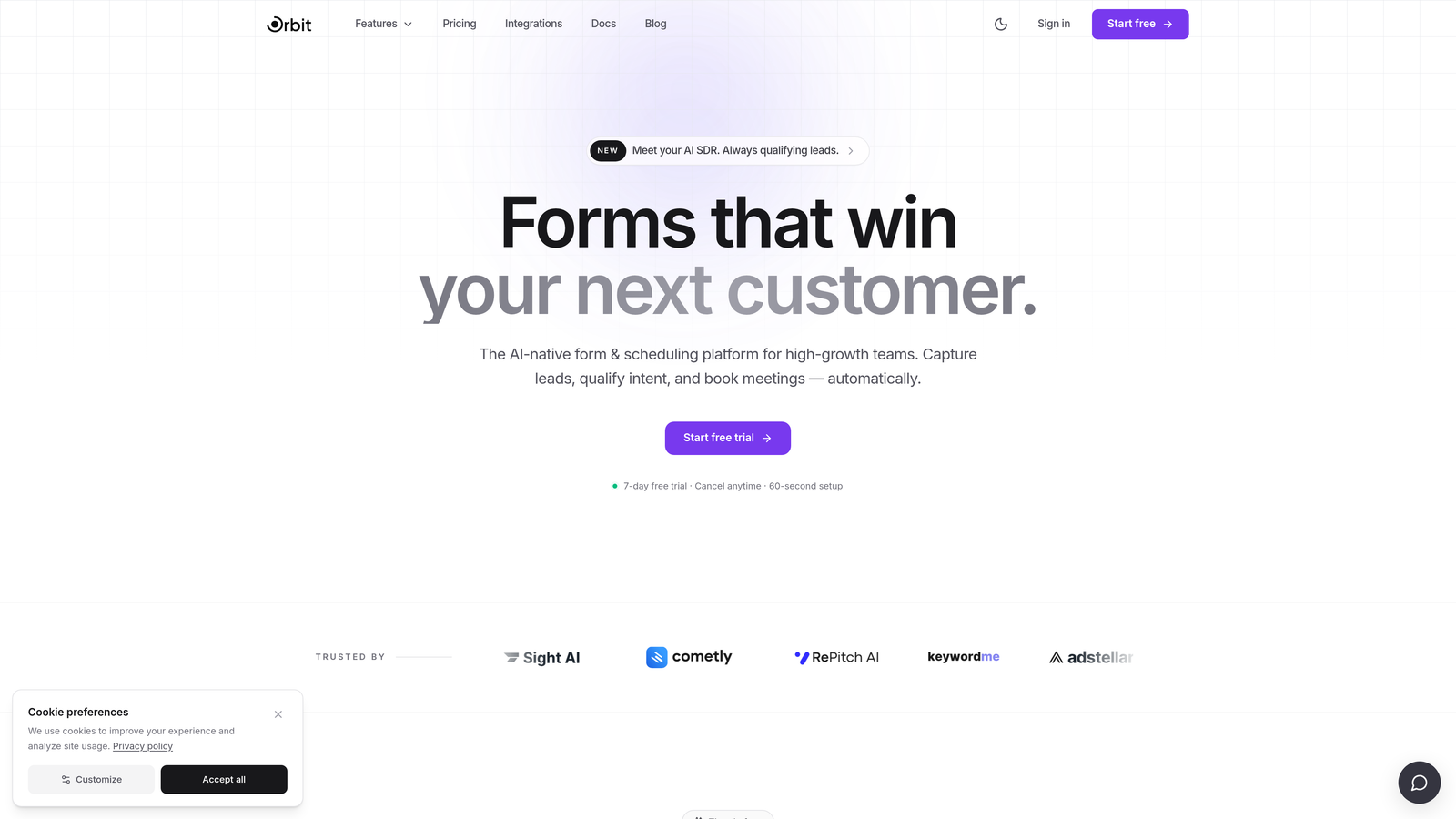
Orbit AI is an AI-powered form builder designed to go beyond data collection and actively qualify leads at the point of capture.
Where This Tool Shines
Most form builders collect information and pass it along. Orbit AI takes a different approach by embedding lead qualification logic directly into the form experience itself. That means your forms aren't just gathering responses, they're filtering, scoring, and routing leads before they ever hit your CRM.
The conversational form design also sets it apart from traditional builders. Rather than presenting a wall of fields, Orbit AI guides respondents through a more natural flow, which tends to increase completion rates on lead gen and B2B pipeline forms.
Key Features
AI-Powered Lead Qualification: Built-in qualification logic scores and routes leads automatically based on form responses, without requiring manual CRM setup.
Conversational Form Design: Guided, one-step-at-a-time form experiences that reduce friction and improve completion rates for high-intent forms.
Conversion-Optimized Templates: Pre-built templates designed specifically for lead generation, demo requests, and B2B pipeline capture.
No-Code Customization: Intuitive builder that lets non-technical teams build, brand, and deploy forms without developer support.
CRM and Sales Tool Integrations: Connects with popular CRMs and sales platforms so qualified leads flow directly into your existing workflow.
Best For
Orbit AI is best suited for SaaS companies, B2B marketing teams, and growth-focused operators who need their forms to do more than collect data. If lead quality and conversion rate matter more to you than raw submission volume, this is the tool built for that problem.
Pricing
Orbit AI offers tiered pricing designed for growing teams. Visit orbitforms.ai directly to see current plan details and available free tier options, as pricing is updated regularly.
2. Typeform
Best for: Teams that prioritize visual branding and a polished, conversational respondent experience.
Typeform is a conversational form builder known for its one-question-at-a-time format and strong visual customization options.

Where This Tool Shines
Typeform's signature UX is genuinely distinctive. The one-question-at-a-time format creates a more engaging experience than a standard multi-field form, which can work well for customer surveys, NPS forms, and brand-forward lead capture pages where first impressions matter.
The design customization is also a real strength. You can align forms closely with your brand identity through custom fonts, colors, and background media, making Typeform a popular choice for teams where aesthetics are part of the product experience.
Key Features
One-Question-at-a-Time Format: Sequential question delivery that feels more like a conversation than a form, reducing cognitive load for respondents.
Brand Customization: Deep visual control over fonts, colors, backgrounds, and layout to match your brand identity.
Logic Jumps: Conditional branching that routes respondents to different questions based on previous answers.
Native Integrations: Connects with HubSpot, Salesforce, Mailchimp, Slack, and other popular marketing and sales tools.
Video and Image Embedding: Supports rich media within forms to create more engaging, context-rich experiences.
Best For
Typeform works well for marketing teams running surveys, brand research, or lead capture where visual quality matters. It's less ideal for teams with high submission volumes on a tight budget, as response-based pricing can add up quickly at scale.
Pricing
Typeform offers a free plan with limited monthly responses. Paid plans scale up in response limits and feature access. Verify current plan pricing and response caps at typeform.com, as tiers and costs are updated periodically.
3. JotForm
Best for: Teams that need a broad feature set, including payments and e-signatures, at a competitive mid-market price.
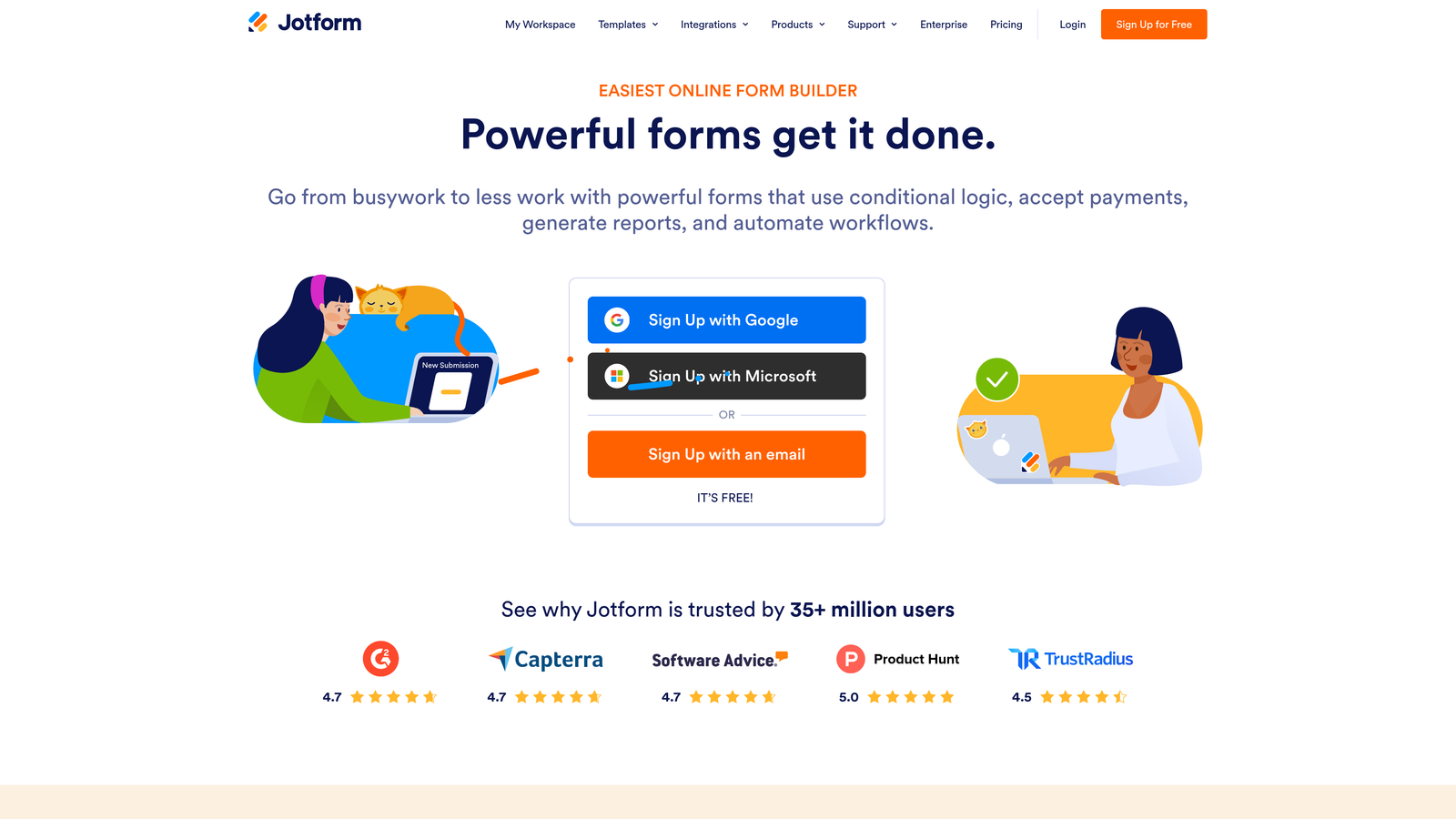
JotForm is a feature-rich form builder with one of the largest template libraries available and strong support for complex form workflows.
Where This Tool Shines
JotForm's depth is hard to match at its price point. With over 10,000 templates spanning industries from healthcare to e-commerce, teams can get a functional, professional form live in minutes rather than hours. The breadth of use cases it supports, from payment collection to multi-step approval workflows, makes it a strong all-in-one option for growing teams.
The HIPAA-compliant plan is also worth noting for healthcare-adjacent businesses. It's not common for mid-market form tools to offer this natively, and it removes a significant compliance barrier for regulated industries.
Key Features
10,000+ Templates: One of the largest template libraries in the market, covering a wide range of industries and use cases.
Payment Collection: Native integrations with Stripe, PayPal, and Square for accepting payments directly through forms.
E-Signatures and Approvals: Built-in e-signature collection and multi-step approval workflow support.
Conditional Logic: Branching logic and calculation fields for building dynamic, intelligent forms.
HIPAA-Compliant Plan: Dedicated compliance plan for healthcare organizations handling protected health information.
Best For
JotForm is a strong fit for small to mid-sized businesses that need versatility across multiple form types. It's particularly valuable for teams managing payments, registrations, or document workflows alongside standard contact forms.
Pricing
JotForm offers a free plan with submission limits and paid tiers that scale by monthly submission volume and storage. Confirm current plan pricing and limits at jotform.com.
4. Gravity Forms
Best for: WordPress-native teams that want predictable annual pricing with no per-submission fees.
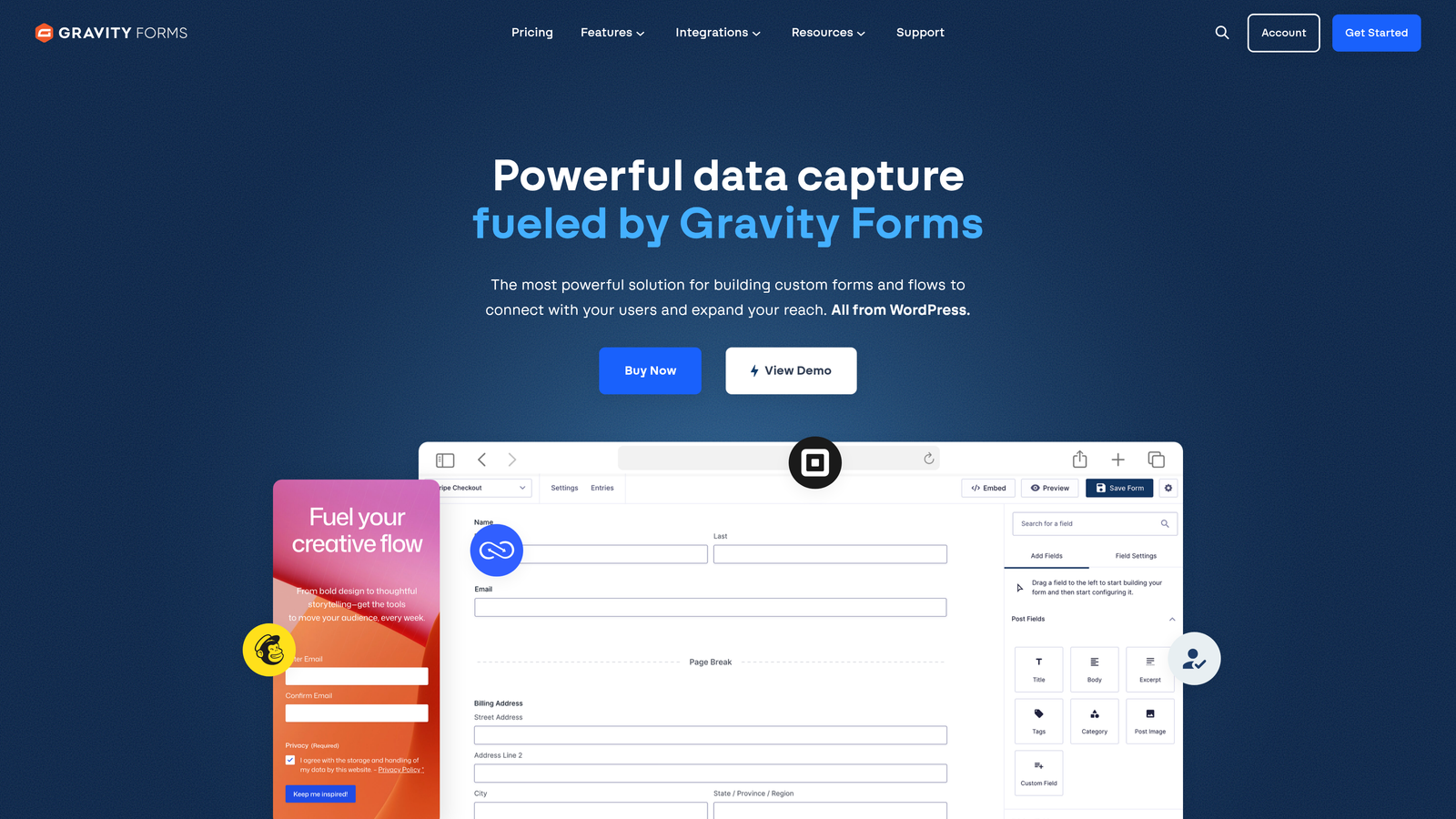
Gravity Forms is a WordPress plugin with an annual license model that gives teams unlimited submissions without usage-based cost surprises.
Where This Tool Shines
For teams already running on WordPress, Gravity Forms integrates more deeply with the CMS than any hosted form tool can. You get full control over data storage, form styling within your theme, and access to a large ecosystem of official and third-party add-ons that extend functionality significantly.
The annual license model is also a genuine differentiator for cost-conscious teams. Once you pay the license fee, there are no submission caps or overage charges to worry about, which makes budgeting straightforward and predictable.
Key Features
Deep WordPress Integration: Native plugin architecture that works seamlessly within WordPress themes and the CMS ecosystem.
No Submission Limits: Annual license model means unlimited form submissions with no per-response fees.
Conditional Logic and Multi-Page Forms: Advanced branching logic, calculations, and multi-step form support built into the core product.
Add-On Ecosystem: Official add-ons for Zapier, Stripe, HubSpot, Salesforce, and more, with additional third-party options available.
Developer-Friendly: Extensive hooks, filters, and custom code support for teams with development resources.
Best For
Gravity Forms is the clear choice for WordPress-based businesses that want a powerful, self-hosted form solution without ongoing per-use costs. It requires a self-hosted WordPress environment, so it's not suitable for teams on other platforms.
Pricing
Gravity Forms is sold as an annual license across Basic, Pro, and Elite tiers, with differences in the number of sites and available add-ons. Verify current pricing at gravityforms.com.
5. HubSpot Forms
Best for: Teams already using HubSpot CRM who want native form-to-contact sync without additional tooling.
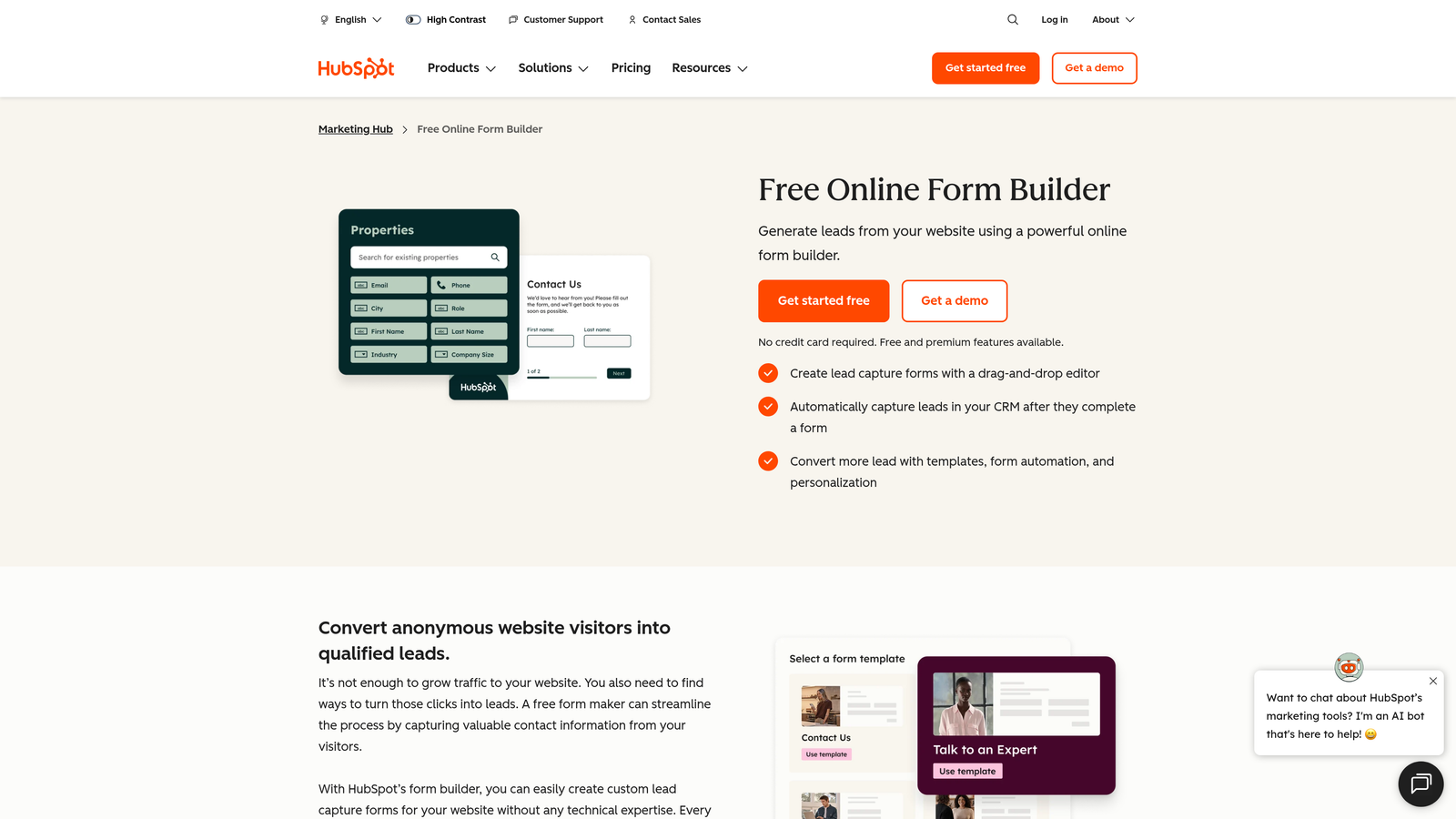
HubSpot Forms is a free contact form tool built into HubSpot's CRM, with more advanced capabilities unlocked through paid Marketing Hub plans.
Where This Tool Shines
If your team lives in HubSpot, the native form integration is genuinely hard to replicate with third-party tools. Every form submission syncs directly to your CRM contact records without any middleware or Zap required, and progressive profiling means returning visitors aren't asked for information you already have on file.
Smart forms that adapt based on known visitor data are another standout feature. For inbound marketing teams running multiple campaigns, this kind of contextual personalization at the form level can meaningfully improve conversion rates on gated content and demo requests.
Key Features
Free Native CRM Sync: Form submissions automatically create or update HubSpot contact records with zero integration setup required.
Progressive Profiling: Dynamically replaces already-known fields with new questions for returning visitors, keeping forms short without sacrificing data collection.
Smart Forms: Forms that adapt their questions and content based on what HubSpot already knows about the visitor.
Embedded and Standalone Options: Flexible deployment as an embedded form on any page or as a standalone HubSpot-hosted page.
Marketing Automation Ecosystem: Triggers workflows, sequences, and lead scoring rules directly from form submissions within HubSpot.
Best For
HubSpot Forms is the right choice for teams already invested in the HubSpot platform. For teams not using HubSpot, the advanced features require paid Marketing Hub tiers that may be difficult to justify for forms alone.
Pricing
The core form builder is free with any HubSpot account. Advanced features like smart forms and progressive profiling require paid Marketing Hub plans. Review current tier pricing at hubspot.com.
6. Tally
Best for: Early-stage teams and indie builders who need a genuinely unlimited free form tool without branding restrictions.
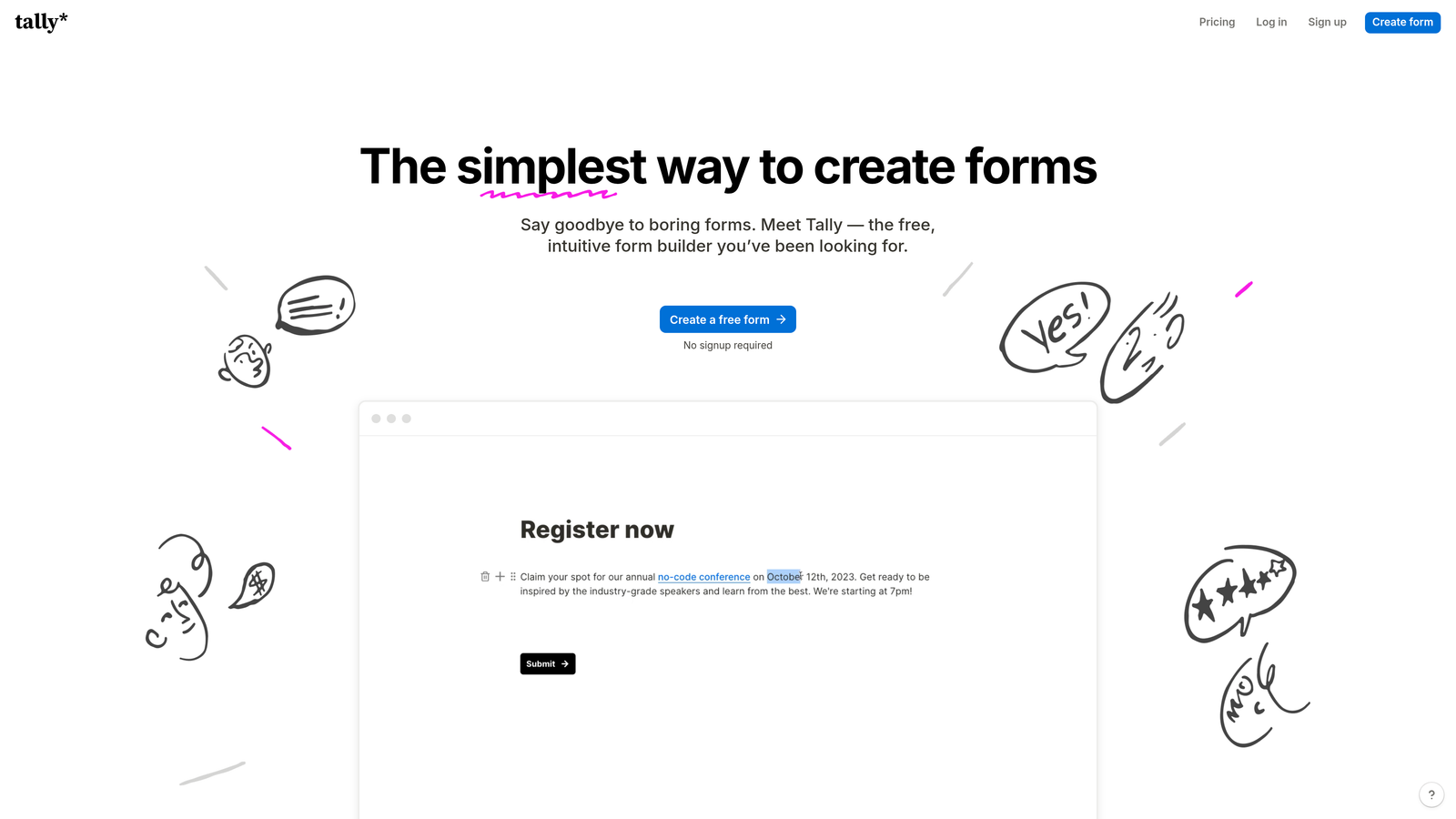
Tally is a minimalist form builder with a free plan that doesn't cap submissions or force platform branding on your forms.
Where This Tool Shines
Tally's free plan is unusually generous by industry standards. While most tools use submission limits or branding requirements to push users toward paid plans, Tally offers unlimited forms and submissions on its free tier, which is a meaningful advantage for teams watching their tool spend.
The editor experience is clean and Notion-inspired, making it fast to learn for anyone already comfortable with modern productivity tools. It's not the most feature-rich option on this list, but for teams that need solid forms without complexity or cost, it punches well above its price point.
Key Features
Unlimited Free Plan: No submission caps, no forced branding, and no time limits on the free tier, which is genuinely rare in this category.
Clean Editor Interface: Notion-like block editor that's intuitive for non-technical users and fast to work with.
Conditional Logic and Hidden Fields: Core logic features available even on the free plan.
Simple Embedding: Forms embed on any site with a single line of code, no developer required.
Pro Plan for White-Labeling: Paid tier adds custom domains, white-labeling, and priority support for teams that need a more polished presentation.
Best For
Tally is an excellent starting point for early-stage startups, solo operators, and small teams that need functional forms without budget commitment. Teams that eventually need advanced integrations or white-labeling can upgrade to the Pro plan without switching platforms.
Pricing
Tally's free plan is genuinely unlimited. A Pro plan is available for teams needing additional features. Confirm current Pro plan pricing at tally.so.
7. Formstack
Best for: Enterprise teams that need forms, document generation, and e-signatures as a unified workflow platform.
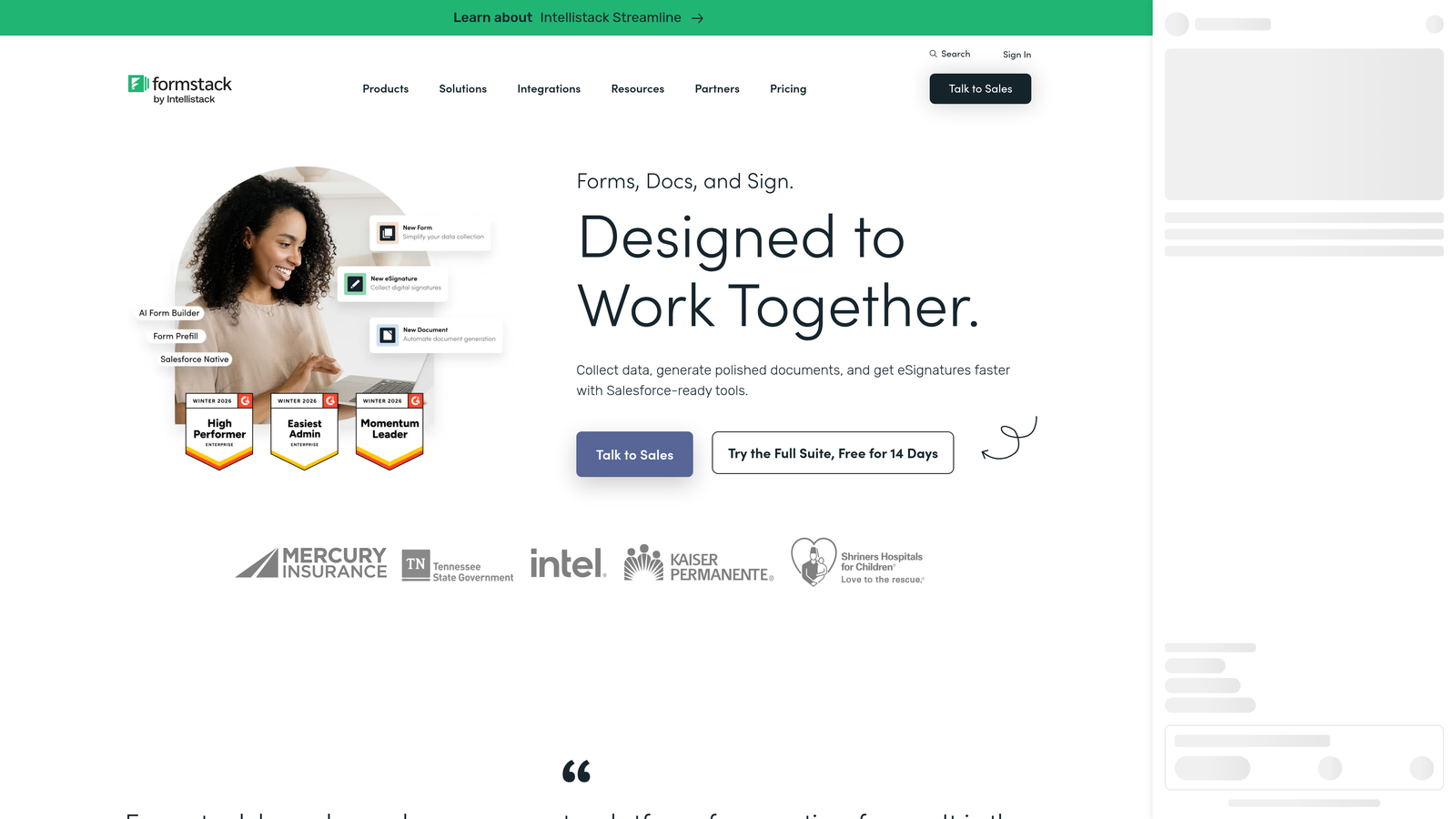
Formstack is an enterprise form and workflow platform that combines form building with document generation, e-signatures, and multi-step approval routing.
Where This Tool Shines
Formstack is less a form builder and more a workflow automation platform that happens to start with forms. The ability to trigger document generation and collect e-signatures directly from a form submission, within a single platform, is a genuine differentiator for regulated industries and enterprise operations teams.
Compliance capabilities are also a notable strength. HIPAA and FERPA compliance options make Formstack suitable for healthcare and education organizations that need audit trails and data governance built into their form workflows, not added on top of them.
Key Features
Multi-Step Workflow Automation: Route form submissions through approval chains with conditional logic at each stage.
Document Generation: Automatically generate populated documents from form submission data, reducing manual data entry downstream.
Built-In E-Signatures: Collect legally binding e-signatures as part of the form submission flow.
HIPAA and FERPA Compliance: Purpose-built compliance configurations for healthcare and education use cases.
Advanced Analytics and Audit Trails: Detailed submission tracking and audit logging for enterprise governance requirements.
Best For
Formstack is best suited for enterprise teams in regulated industries, operations-heavy organizations, and businesses where forms are the start of a complex, multi-step process rather than a standalone data collection point.
Pricing
Formstack operates at a higher price point reflecting its enterprise positioning. Plans are typically sold as platform packages rather than individual form tool subscriptions. Verify current pricing at formstack.com.
8. Google Forms
Best for: Internal surveys, quick data collection, and any use case where zero cost is the primary requirement.
Google Forms is a completely free, no-frills form builder included with every Google account, with no paid tier and no submission limits.
Where This Tool Shines
Google Forms does exactly what it promises: it's free, reliable, and requires no setup beyond a Google account. For internal surveys, event registrations, feedback collection, and any use case where design and advanced logic aren't priorities, it's hard to argue against something that costs nothing and works immediately.
The automatic sync to Google Sheets is also a practical advantage for teams already working in the Google Workspace ecosystem. Responses flow directly into a spreadsheet with no integration required, making it easy to analyze data without exporting anything.
Key Features
Completely Free: No paid tier, no submission limits, and no credit card required, just a Google account.
Google Sheets Sync: All responses automatically populate a connected Google Sheet in real time.
Basic Conditional Logic: Section branching based on multiple-choice answers covers simple logic use cases.
Simple Sharing: Share via link, embed on any page, or restrict to specific Google accounts for internal use.
Collaboration: Multiple team members can edit forms simultaneously, consistent with the broader Google Workspace collaboration model.
Best For
Google Forms is the right call for internal use cases, budget-constrained teams, and situations where speed matters more than design. It's not a serious option for conversion-focused lead capture, CRM integration, or brand-forward customer-facing forms.
Pricing
Completely free with any Google account. Also included with paid Google Workspace subscriptions at no additional cost.
9. Paperform
Best for: Teams that want a hybrid form and landing page experience with built-in payments and scheduling.
Paperform is a premium form builder that blends rich content, payment processing, and appointment scheduling into a single form experience.
Where This Tool Shines
Paperform occupies an interesting space between a form builder and a lightweight landing page tool. You can mix rich text, images, and video alongside your form fields, which makes it well suited for product order forms, service booking pages, and intake forms where context and presentation matter.
The built-in payment and scheduling capabilities are also genuinely useful for service businesses and solo operators. Rather than stitching together a form tool, a payment processor, and a scheduling app, Paperform handles all three in one place, which simplifies both the builder experience and the respondent journey.
Key Features
Rich Content Embedding: Mix text, images, and video directly within form pages to create context-rich, visually engaging experiences.
Built-In Payment Processing: Native Stripe and PayPal integration for accepting payments directly through form submissions.
Appointment Scheduling: Built-in scheduling functionality for booking-based businesses and service providers.
Conditional Logic and Calculations: Dynamic field logic and calculation support for more complex form workflows.
Agency and White-Label Plan: Dedicated plan for agencies managing forms across multiple client accounts with white-labeling options.
Best For
Paperform is a strong fit for service businesses, consultants, and agencies that need a polished, multi-purpose form experience combining content, payments, and scheduling. It's more than most teams need for simple lead capture, but for the right use case it replaces several tools at once.
Pricing
Paperform offers Essentials, Pro, and Agency tiers. Pricing reflects its premium positioning as a hybrid form and page builder. Verify current plan details at paperform.io.
Which Contact Form Tool Is Right for Your Team?
Every tool on this list solves a real problem, but they're solving different problems for different teams. Here's a quick breakdown to help you land on the right choice.
For AI-powered lead qualification and conversion-focused teams: Orbit AI is the standout option. If your forms are part of a lead generation or B2B pipeline strategy and you want intelligent qualification built in from the start, it's purpose-built for exactly that use case.
For WordPress-based teams that want predictable costs: Gravity Forms delivers deep CMS integration and unlimited submissions under an annual license, making it the natural choice for self-hosted WordPress environments.
For teams that need a generous free tier: Tally offers genuinely unlimited free forms and submissions, which is rare in this category and makes it an excellent starting point for early-stage teams.
For enterprise and regulated industries: Formstack's workflow automation, document generation, and compliance capabilities make it the right fit for organizations where forms are part of a complex operational process.
For HubSpot-native teams: HubSpot Forms is the most seamless option if your team is already invested in the HubSpot ecosystem, with native CRM sync that no third-party integration can fully replicate.
If you're building lead capture forms and want your forms to actively qualify prospects rather than just collect them, it's worth exploring what an AI-native approach looks like in practice. Start building free forms today and see how intelligent form design can elevate your conversion strategy. The difference between a form that collects data and one that generates qualified pipeline is more significant than most teams realize until they've experienced it firsthand.


