

Enterprise teams have outgrown Wufoo's limitations. While Wufoo served small businesses well for years, modern enterprises need advanced security compliance, sophisticated workflow automation, and seamless integration with their tech stack. Whether you're hitting submission limits, frustrated by basic conditional logic, or need HIPAA compliance that Wufoo can't deliver, here are the top enterprise-grade form builders that actually scale with your organization.
We evaluated each platform on security certifications, automation capabilities, integration depth, and pricing transparency for large teams.
1. Orbit AI
Best for: High-growth teams focused on lead qualification and conversion optimization
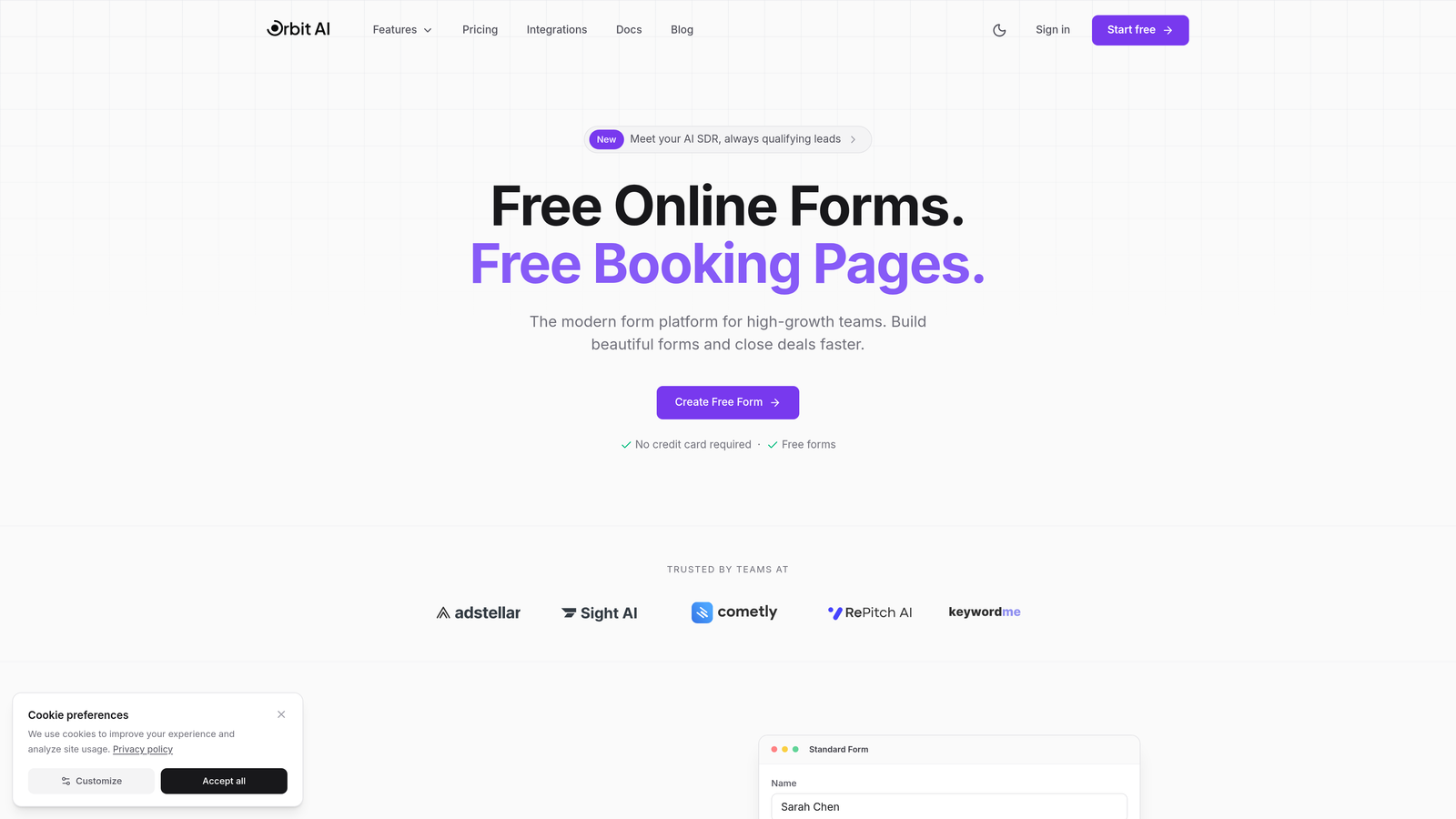
Orbit AI is an AI-powered form builder platform designed specifically for enterprise teams that want to qualify leads automatically while maintaining beautiful, conversion-optimized forms.
Where This Tool Shines
Orbit AI transforms form submissions from simple data collection into intelligent lead qualification. The platform uses AI to analyze responses in real-time, scoring leads based on fit and routing them to the appropriate sales team members automatically.
For enterprises tired of manually sorting through form submissions, this automation eliminates the gap between form completion and meaningful sales action. Your team focuses on qualified prospects while the platform handles the initial triage.
Key Features
AI-Powered Lead Scoring: Automatically evaluates prospect quality based on response patterns and assigns qualification scores.
Intelligent Form Routing: Routes submissions to specific team members based on response content, geography, or business criteria.
Native CRM Integrations: Connects directly with HubSpot, Salesforce, and Pipedrive without third-party middleware.
Conversion-Optimized Templates: Pre-built form designs tested for high completion rates and lead quality.
Advanced Workflow Automation: Creates multi-step workflows that trigger based on form responses and lead scores.
Best For
Enterprise sales and marketing teams that prioritize lead quality over quantity. Particularly valuable for B2B companies with complex sales processes where early qualification significantly impacts conversion rates and sales efficiency.
Pricing
Contact for enterprise pricing based on team size and feature requirements.
2. Typeform
Best for: Enterprises prioritizing engagement rates and conversational user experiences
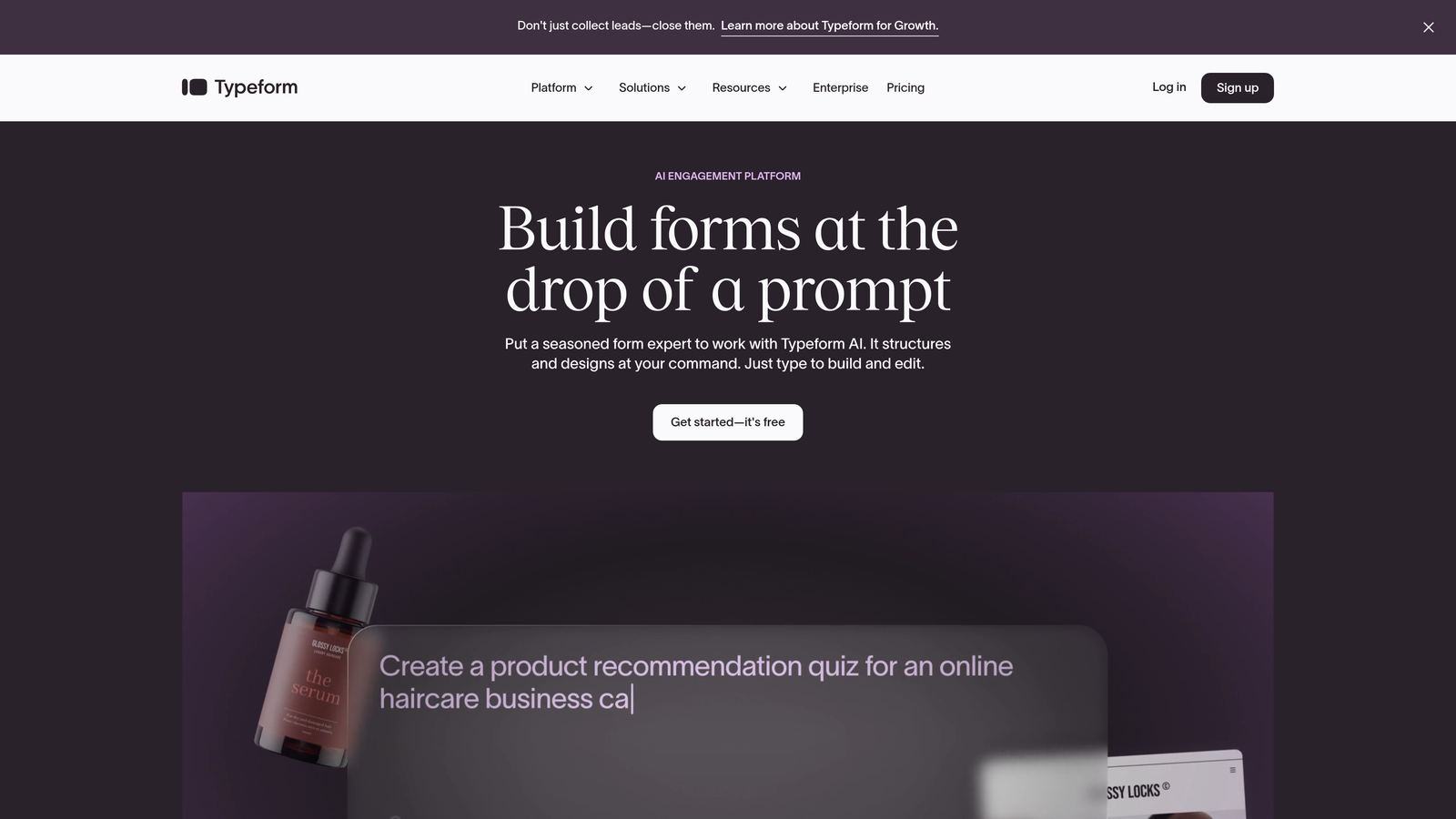
Typeform is a conversational form builder known for its distinctive one-question-at-a-time interface that drives significantly higher completion rates than traditional forms.
Where This Tool Shines
Typeform's conversational approach transforms boring forms into engaging experiences. By showing one question at a time with smooth transitions, the platform reduces form abandonment and creates a more human interaction.
The visual polish matters for enterprise brands. Typeform delivers consumer-grade design quality that reflects well on your company, particularly important for customer-facing applications like event registration, feedback surveys, or product research.
Key Features
Conversational UI: One-question-at-a-time presentation with smooth animations drives higher completion rates.
Logic Jumps and Branching: Creates personalized question paths based on previous answers.
Rich Media Integration: Embeds videos, images, and GIFs directly into questions for visual engagement.
Enterprise SSO and Admin Controls: SAML authentication and centralized user management for large teams.
Extensive Integration Library: Connects with over 120 business tools including Slack, Google Sheets, and major CRMs.
Best For
Marketing teams and customer experience professionals who need high engagement rates for surveys, lead capture, or event registration. Works particularly well for consumer-facing applications where brand perception matters.
Pricing
Enterprise plans start around $83 per month with custom pricing available for large teams requiring advanced features and dedicated support.
3. Jotform Enterprise
Best for: Organizations with strict compliance requirements and data residency needs
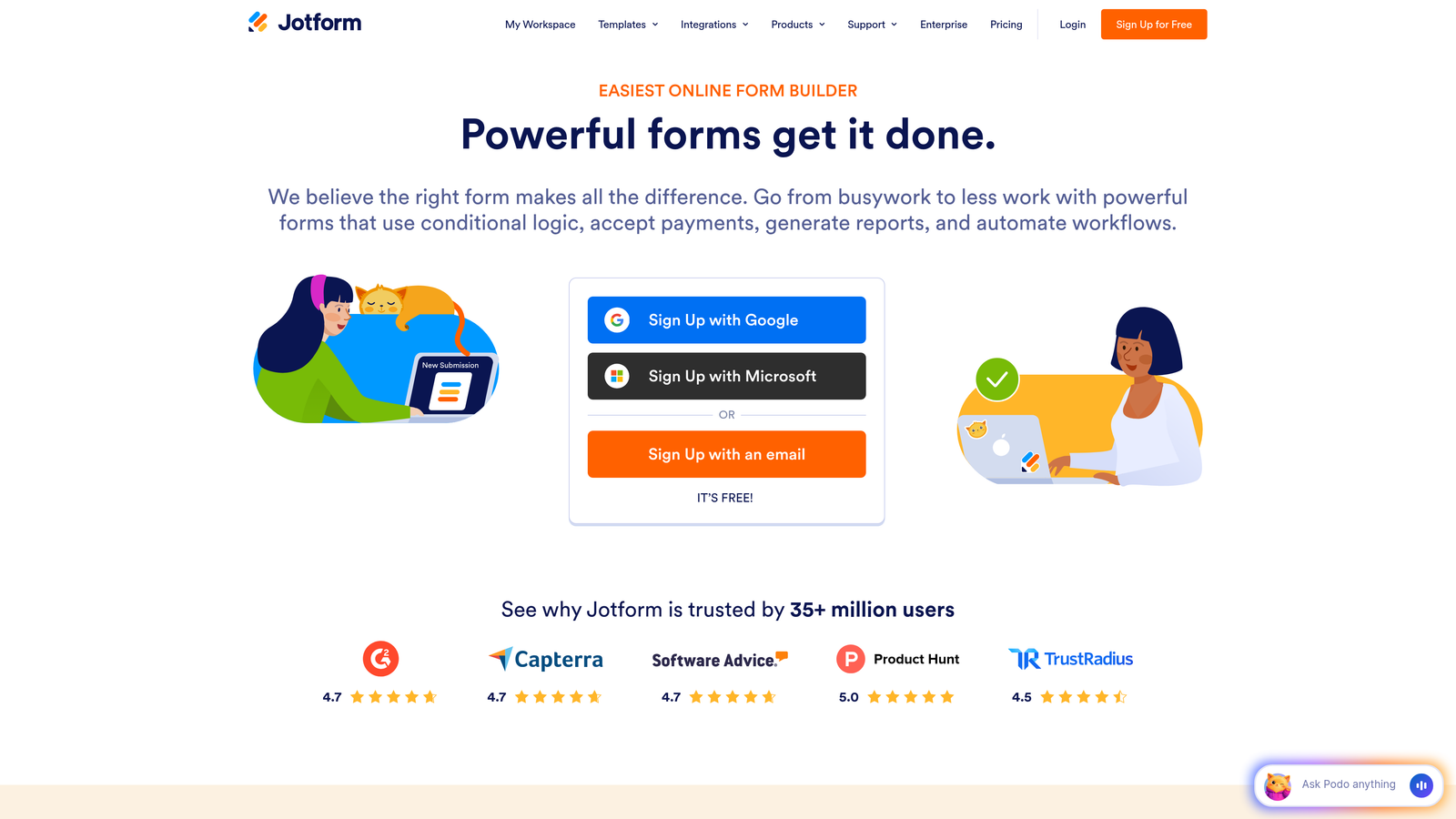
Jotform Enterprise is an enterprise-grade form builder with comprehensive compliance certifications and dedicated infrastructure options for organizations handling sensitive data.
Where This Tool Shines
Jotform Enterprise takes compliance seriously. With HIPAA, SOC 2 Type II, and GDPR certifications, plus the option for dedicated servers and specific data residency, it addresses the security requirements that keep enterprise IT teams awake at night.
The platform also offers true white-labeling, allowing enterprises to remove all Jotform branding and present forms as completely native to their organization. For companies where brand consistency across every customer touchpoint matters, this level of customization proves essential.
Key Features
Comprehensive Compliance Certifications: HIPAA, SOC 2 Type II, and GDPR compliance with regular audits and documentation.
Dedicated Infrastructure Options: Private servers and data residency in specific geographic regions for regulatory requirements.
Complete White-Labeling: Remove all Jotform branding and use custom domains for fully branded experiences.
Approval Workflows and E-Signatures: Built-in approval processes and digital signature collection without third-party tools.
Unlimited Forms and Submissions: No artificial limits on form creation or response volume at enterprise tier.
Best For
Healthcare organizations, financial services firms, and any enterprise handling regulated data that requires specific compliance certifications and data residency controls. Also ideal for companies prioritizing complete brand control.
Pricing
Custom enterprise pricing based on number of users, required compliance features, and infrastructure needs. Contact sales for detailed quotes.
4. Formstack
Best for: Enterprises needing end-to-end document workflow automation beyond simple forms
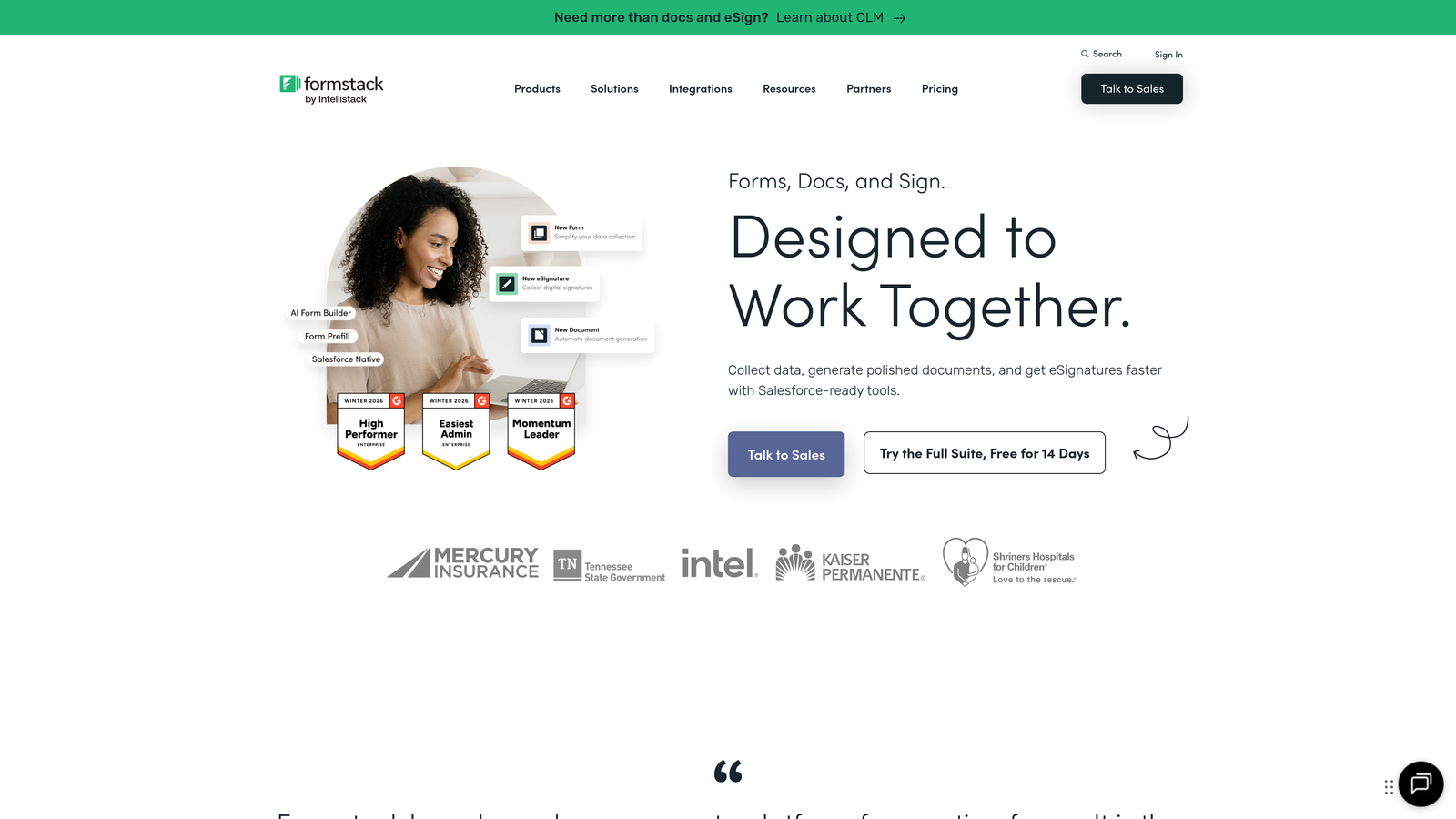
Formstack is a workflow-focused platform that combines forms, document generation, and e-signatures into a unified system for complete process automation.
Where This Tool Shines
Formstack goes beyond data collection to automate entire document-based workflows. When a form is submitted, the platform can automatically generate contracts, populate templates with response data, route documents for approval, and collect legally binding signatures.
This end-to-end approach eliminates the fragmented workflow where teams use separate tools for forms, document creation, and signatures. For HR onboarding, contract management, or compliance documentation, having everything in one platform significantly reduces complexity and potential errors.
Key Features
Integrated Document Generation: Automatically creates populated documents from form data using custom templates.
Native E-Signature Capabilities: Collects legally binding digital signatures without external e-signature services.
Advanced Workflow Automation: Creates complex multi-step approval processes with conditional routing and notifications.
HIPAA and SOC 2 Compliance: Enterprise-grade security certifications for handling sensitive information.
Salesforce-Native App: Deep Salesforce integration through a native app for seamless CRM workflows.
Best For
Operations teams managing complex document workflows like HR onboarding, contract processing, or compliance documentation. Particularly valuable for Salesforce-heavy organizations needing tight CRM integration.
Pricing
Enterprise plans start from $83 per month per user with volume discounts available for larger teams. Custom pricing for organizations requiring extensive automation or dedicated support.
5. Microsoft Forms
Best for: Enterprises already invested in the Microsoft 365 ecosystem
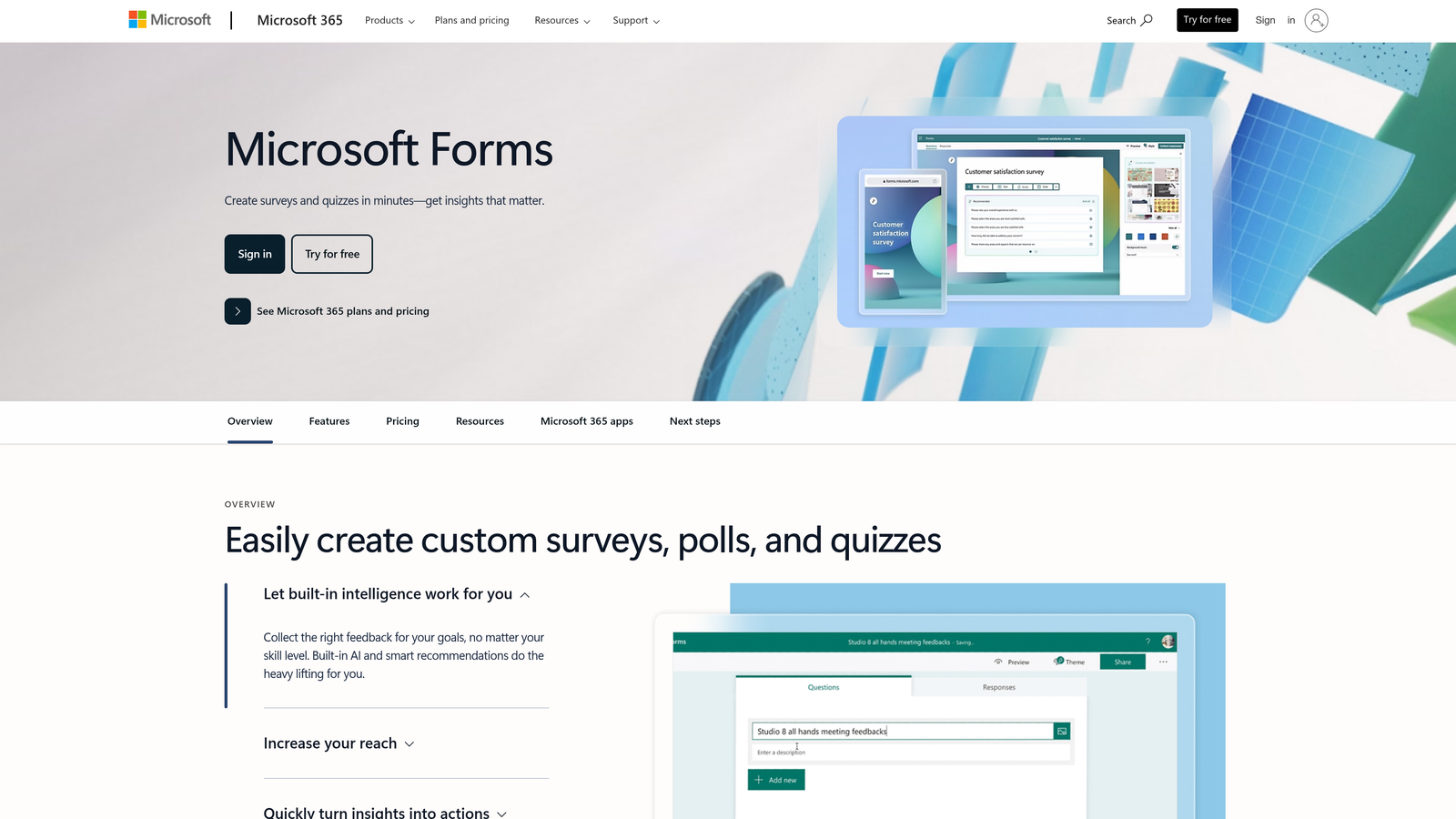
Microsoft Forms is the native form builder within Microsoft 365 that integrates seamlessly with Teams, SharePoint, and the Power Platform for workflow automation.
Where This Tool Shines
If your organization runs on Microsoft 365, Forms delivers native integration that third-party tools can't match. Forms embed directly in Teams channels, SharePoint pages, and Outlook emails without authentication friction or data export steps.
The real power emerges when connecting Forms to Power Automate. You can trigger sophisticated workflows based on form responses, update SharePoint lists, send adaptive cards in Teams, or create approval processes—all within the Microsoft ecosystem your team already uses daily.
Key Features
Native Microsoft 365 Integration: Seamlessly embeds in Teams, SharePoint, and Outlook with single sign-on authentication.
Power Automate Workflow Connections: Triggers automated workflows across the Microsoft ecosystem based on form responses.
Teams Embedding and Collaboration: Share forms in Teams channels and collaborate on form design with colleagues in real-time.
Enterprise Security Through M365 Compliance: Inherits your organization's existing Microsoft 365 security policies and compliance settings.
Real-Time Response Analytics: View response summaries and individual submissions with automatic Excel export capabilities.
Best For
Organizations with existing Microsoft 365 Enterprise licenses looking to leverage their current investment. Particularly effective for internal forms like employee surveys, IT requests, or departmental feedback where Teams integration adds significant value.
Pricing
Included with Microsoft 365 Business and Enterprise plans at no additional cost. Organizations already paying for M365 get full Forms functionality without separate licensing.
6. Cognito Forms
Best for: Complex forms requiring advanced calculations and repeating data sections
Cognito Forms is a calculation-heavy form builder with sophisticated formula capabilities and strong payment integration for order forms and applications requiring mathematical logic.
Where This Tool Shines
Cognito Forms excels at complex calculations that would require custom development in other platforms. You can create formulas referencing multiple fields, perform conditional calculations, and display real-time totals as users complete the form.
The repeating sections feature proves invaluable for forms collecting variable amounts of related data. Think expense reports with multiple line items, registration forms for families with varying numbers of children, or applications where users need to add unlimited entries of the same data type.
Key Features
Advanced Calculations and Formulas: Create complex mathematical formulas referencing multiple fields with real-time calculation display.
Repeating Sections: Allow users to add unlimited instances of related data fields within a single form submission.
Payment Integration: Native integration with Stripe, Square, and PayPal for collecting payments during form submission.
Workflow Automation and Approvals: Build multi-step approval processes with conditional routing based on form data.
HIPAA Compliance Available: Optional HIPAA compliance for healthcare organizations handling protected health information.
Best For
Finance teams, educational institutions, and organizations processing complex applications or orders requiring calculations. Particularly valuable for scenarios combining payment collection with sophisticated business logic.
Pricing
Team plan at $24 per month for smaller teams. Enterprise pricing available with custom quotes for organizations requiring HIPAA compliance or advanced features.
7. Paperform
Best for: Design-conscious teams wanting landing page-quality form experiences
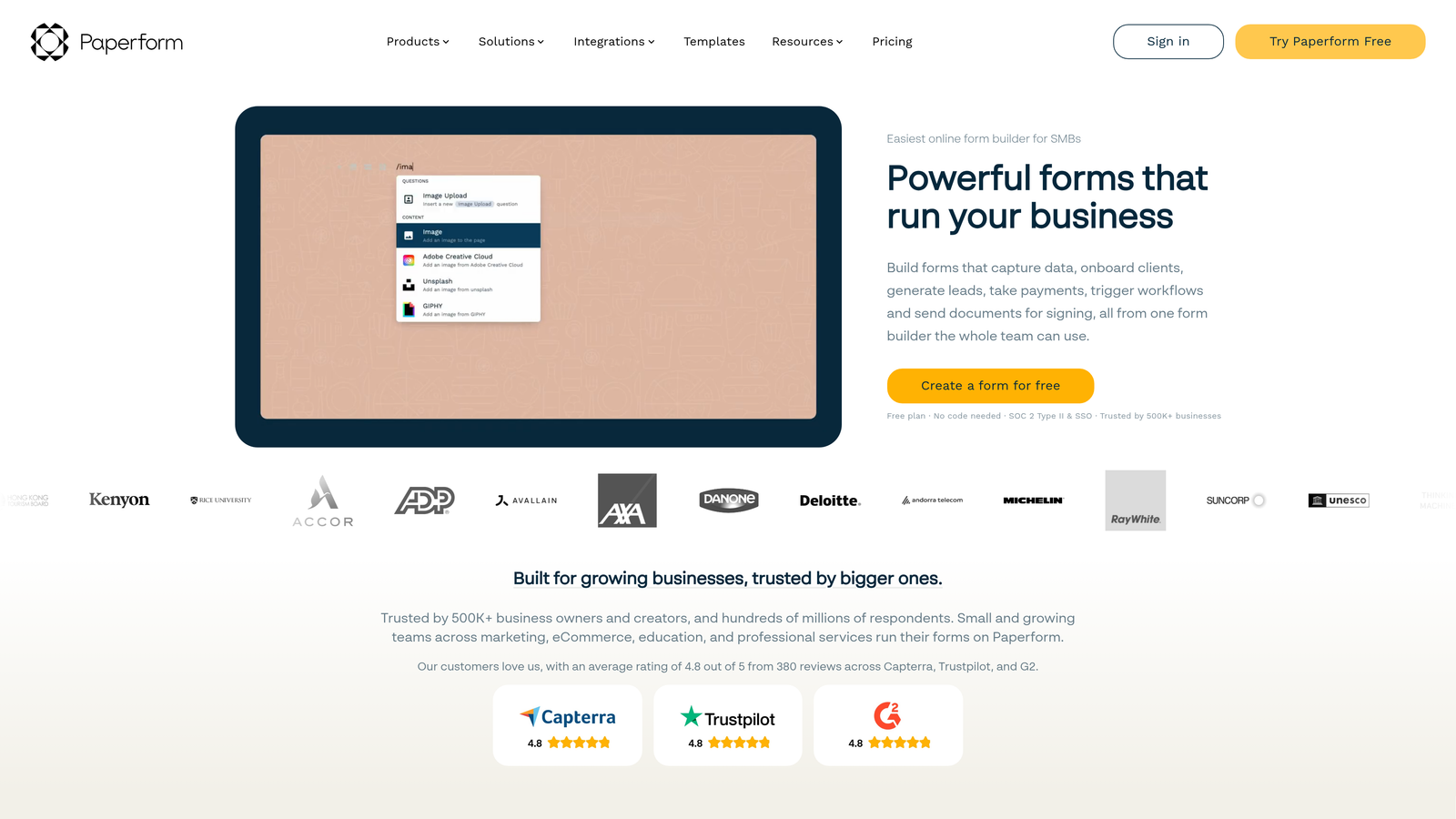
Paperform is a design-forward form builder that creates landing page-style forms with rich media embedding and powerful business logic underneath the beautiful interface.
Where This Tool Shines
Paperform treats forms as landing pages rather than simple data collection tools. The platform lets you embed videos, images, and rich content throughout the form, creating an immersive experience that feels more like a branded web page than a traditional form.
For marketing teams launching campaigns, collecting event registrations, or building product waitlists, this design flexibility means your forms can match your brand aesthetic perfectly. The custom CSS option gives developers complete control when standard customization isn't enough.
Key Features
Landing Page-Style Design: Create visually rich forms that function as standalone landing pages with full branding control.
Rich Media Embedding: Add videos, images, and content blocks throughout forms for engaging storytelling.
Payment and Booking Integration: Accept payments and schedule appointments directly within forms using Stripe or PayPal.
Conditional Logic and Calculations: Show or hide fields based on responses and perform real-time calculations.
Custom CSS and Branding: Apply custom CSS for pixel-perfect design control and complete brand alignment.
Best For
Marketing teams, creative agencies, and event organizers who need forms that match their brand's visual standards. Works well for customer-facing applications where design quality directly impacts conversion rates.
Pricing
Business plan at $40 per month for growing teams. Agency plan at $119 per month includes additional features and higher submission limits for larger organizations.
8. SurveyMonkey Enterprise
Best for: Organizations prioritizing advanced analytics and industry benchmarking for feedback programs
SurveyMonkey Enterprise is an enterprise survey platform with sophisticated analytics, AI-powered insights, and industry benchmarking data for comprehensive feedback program management.
Where This Tool Shines
SurveyMonkey Enterprise goes beyond basic response collection to provide context through industry benchmarking. You can compare your results against aggregated data from similar organizations, helping you understand whether your employee engagement scores or customer satisfaction ratings are competitive.
The AI-powered analytics identify trends and sentiment in open-text responses automatically, saving hours of manual review. For large-scale feedback programs collecting thousands of responses, these analytical capabilities transform raw data into actionable insights without requiring a dedicated analytics team.
Key Features
Industry Benchmarking Data: Compare your survey results against aggregated industry data to contextualize performance.
Advanced Analytics and AI Insights: AI-powered sentiment analysis and trend identification in open-text responses.
Multi-User Collaboration: Team workspaces with granular permission controls for managing large feedback programs.
HIPAA and GDPR Compliance: Enterprise-grade security certifications for handling sensitive feedback data.
CRM Integration: Native connections with Salesforce and Marketo for closed-loop feedback workflows.
Best For
Customer experience teams, HR departments running employee engagement programs, and market research teams needing sophisticated analytics and benchmarking. Most valuable for organizations conducting regular, large-scale survey programs.
Pricing
Enterprise plans with custom pricing based on number of seats, required features, and survey volume. Contact sales for detailed quotes aligned with your program scope.
9. Google Forms with AppSheet
Best for: Budget-conscious enterprises willing to extend basic forms into custom applications
Google Forms is a free form builder that becomes extensible through Google's no-code AppSheet platform, allowing teams to build custom applications around form data.
Where This Tool Shines
Google Forms delivers unlimited forms and responses at zero cost, making it attractive for budget-conscious enterprises or departments operating outside centralized software budgets. The simplicity means anyone can create functional forms without training.
The real enterprise value emerges when connecting Forms to AppSheet. You can transform basic form data into custom mobile apps, approval workflows, or dashboards without writing code. For organizations with Google Workspace, this combination provides surprising flexibility at minimal additional cost.
Key Features
Free Unlimited Forms: Create unlimited forms and collect unlimited responses at no cost with a Google account.
Native Google Workspace Integration: Seamlessly connects with Gmail, Sheets, Drive, and Calendar for familiar workflows.
AppSheet Extension: Build no-code applications, workflows, and mobile apps using form data as the foundation.
Real-Time Collaboration: Multiple team members can edit forms simultaneously with automatic change syncing.
Google Sheets Data Connection: Responses automatically populate Sheets for analysis, reporting, or integration with other tools.
Best For
Departments within larger enterprises operating on limited budgets, teams already using Google Workspace extensively, or organizations wanting to prototype form workflows before investing in specialized platforms. The AppSheet connection makes it viable for more sophisticated use cases than basic Forms alone would support.
Pricing
Google Forms is free with any Google account. AppSheet starts at $5 per user per month for extending Forms into custom applications with workflow automation.
Finding Your Best Wufoo Alternative
The right enterprise form builder depends entirely on your specific requirements and existing technology ecosystem.
If lead qualification and conversion optimization drive your form strategy, Orbit AI delivers AI-powered intelligence that transforms submissions into qualified opportunities automatically. For organizations where compliance certifications are non-negotiable, Jotform Enterprise provides the security documentation and dedicated infrastructure options that satisfy even the strictest IT requirements. Teams managing complex document workflows beyond simple data collection will find Formstack's integrated approach to forms, documents, and signatures eliminates tool fragmentation.
Microsoft Forms makes perfect sense for organizations already invested in the Microsoft 365 ecosystem, where native integration delivers value without additional licensing costs. And for teams prioritizing sophisticated analytics and benchmarking in feedback programs, SurveyMonkey Enterprise provides context that basic response collection can't match.
The enterprise form builder market has evolved significantly beyond Wufoo's original value proposition. Modern platforms deliver security compliance, workflow automation, and integration depth that match how enterprises actually work. Whether you're collecting customer feedback, processing applications, or qualifying sales leads, these alternatives provide the scalability and sophistication that growing organizations require.
Transform your lead generation with AI-powered forms that qualify prospects automatically while delivering the modern, conversion-optimized experience your high-growth team needs. Start building free forms today and see how intelligent form design can elevate your conversion strategy.


