

Growth teams live and die by their pipeline. But most form builders were designed for a different era: static fields, zero intelligence, and no real connection to how modern GTM teams actually work. Today's high-growth teams need forms that qualify leads automatically, adapt to user behavior, and integrate seamlessly with their stack.
This list cuts through the noise. We evaluated these form builders specifically through the lens of growth: lead qualification capabilities, conversion optimization features, CRM integrations, conditional logic, and the speed at which a team can go from idea to live form. Whether you're running outbound sequences, optimizing inbound funnels, or building product-led growth loops, there's a tool here built for your workflow.
Selection criteria: native lead qualification or scoring, modern UX for both builder and end-user experience, integration depth with sales and marketing stacks, pricing transparency, and active product development in 2025 and 2026.
1. Orbit AI
Best for: High-growth B2B and SaaS teams that need AI-powered lead qualification at the point of capture
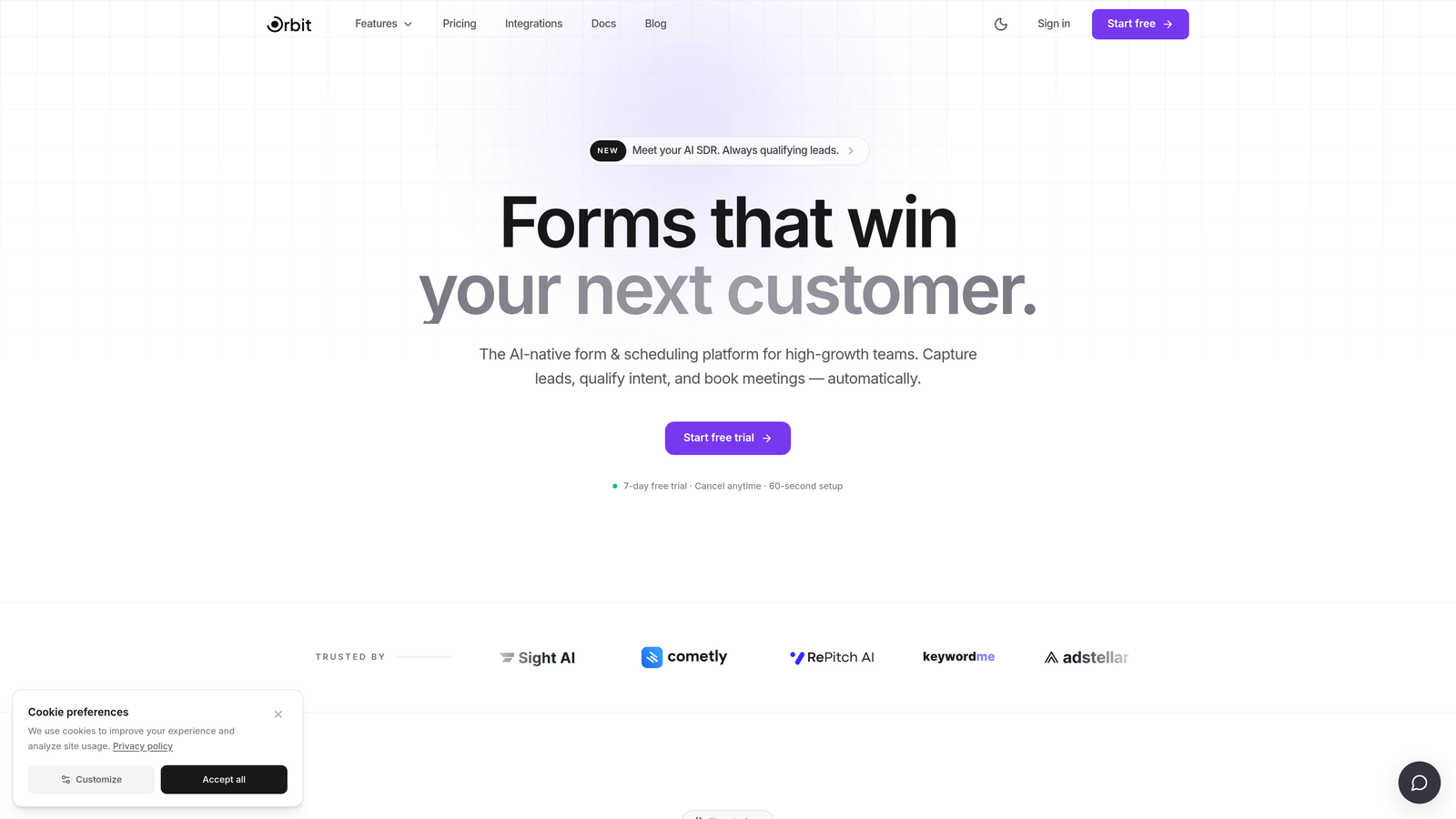
Orbit AI is an AI-powered form builder with built-in lead qualification and conversion optimization, designed specifically for high-growth B2B and SaaS teams.
Where This Tool Shines
Most form builders treat qualification as an afterthought: you collect submissions, then manually score them in your CRM, or set up elaborate automation rules after the fact. Orbit AI flips that model. Its AI qualifies and segments leads at the moment of submission, before anything hits your CRM, so your sales team is only working with leads that actually match your ICP.
For growth teams that care deeply about pipeline quality, not just pipeline volume, this is a meaningful architectural difference. You're not just building a form; you're building an intelligent intake layer that does the filtering work your team would otherwise do manually.
Key Features
AI Lead Qualification: Scores and segments leads at the point of submission before they reach your CRM, reducing manual triage time.
Conversion-Optimized Templates: Modern, brandable form designs built specifically to maximize completion rates for B2B lead capture.
Conditional Logic and Dynamic Fields: Forms adapt in real time based on user responses, creating personalized paths without complex setup.
Native CRM and Sales Automation Integrations: Connects directly with the tools your revenue team already uses, keeping data clean and workflows uninterrupted.
Fast Iteration for Growth Teams: Built for speed from idea to live form, so you can test, launch, and optimize without waiting on engineering resources.
Best For
B2B SaaS companies and high-growth teams that prioritize lead quality over raw volume. Particularly strong for teams running inbound funnels where routing the right leads to the right reps quickly has a direct impact on conversion rates.
Pricing
Scalable plans designed for growth teams. Check orbitforms.ai for current pricing details, as plans are updated regularly to reflect new features.
2. Typeform
Best for: Teams that want a polished conversational form experience with strong brand control
Typeform is a conversational form builder known for its one-question-at-a-time format and high visual polish, widely used for lead gen, surveys, and quizzes.

Where This Tool Shines
Typeform essentially invented the modern conversational form format, and it still executes that format better than almost anyone. The one-question-at-a-time UX reduces the psychological weight of long forms, which tends to improve completion rates for top-of-funnel lead capture and research surveys alike.
Where it's particularly strong is brand experience. If how your form looks and feels matters to your team, Typeform gives you fine-grained control over themes, imagery, and typography. It's a tool that makes forms feel like a natural extension of your brand rather than a bolted-on afterthought.
Key Features
Conversational One-Question-at-a-Time UX: Reduces perceived form length and keeps respondents engaged through the full flow.
Visual Branding Controls: Custom themes, background images, and typography for a polished, on-brand experience.
Logic Jumps and Branching: Personalize form paths based on earlier answers to make each respondent's experience feel relevant.
Integrations: Connects with HubSpot, Salesforce, Slack, Zapier, and a wide range of marketing tools.
Quiz and Calculator Form Types: Interactive formats that work well for lead scoring, product recommendation, and engagement-driven capture.
Best For
Marketing teams focused on brand-forward lead capture, survey research, or interactive quiz funnels. Teams scaling to high response volumes should evaluate pricing carefully, as costs can increase significantly at scale.
Pricing
Free tier available with limitations; paid plans start at approximately $25 per month. Verify current pricing at typeform.com as plans change regularly.
3. HubSpot Forms
Best for: Teams already operating within the HubSpot ecosystem who want native CRM sync without added tools
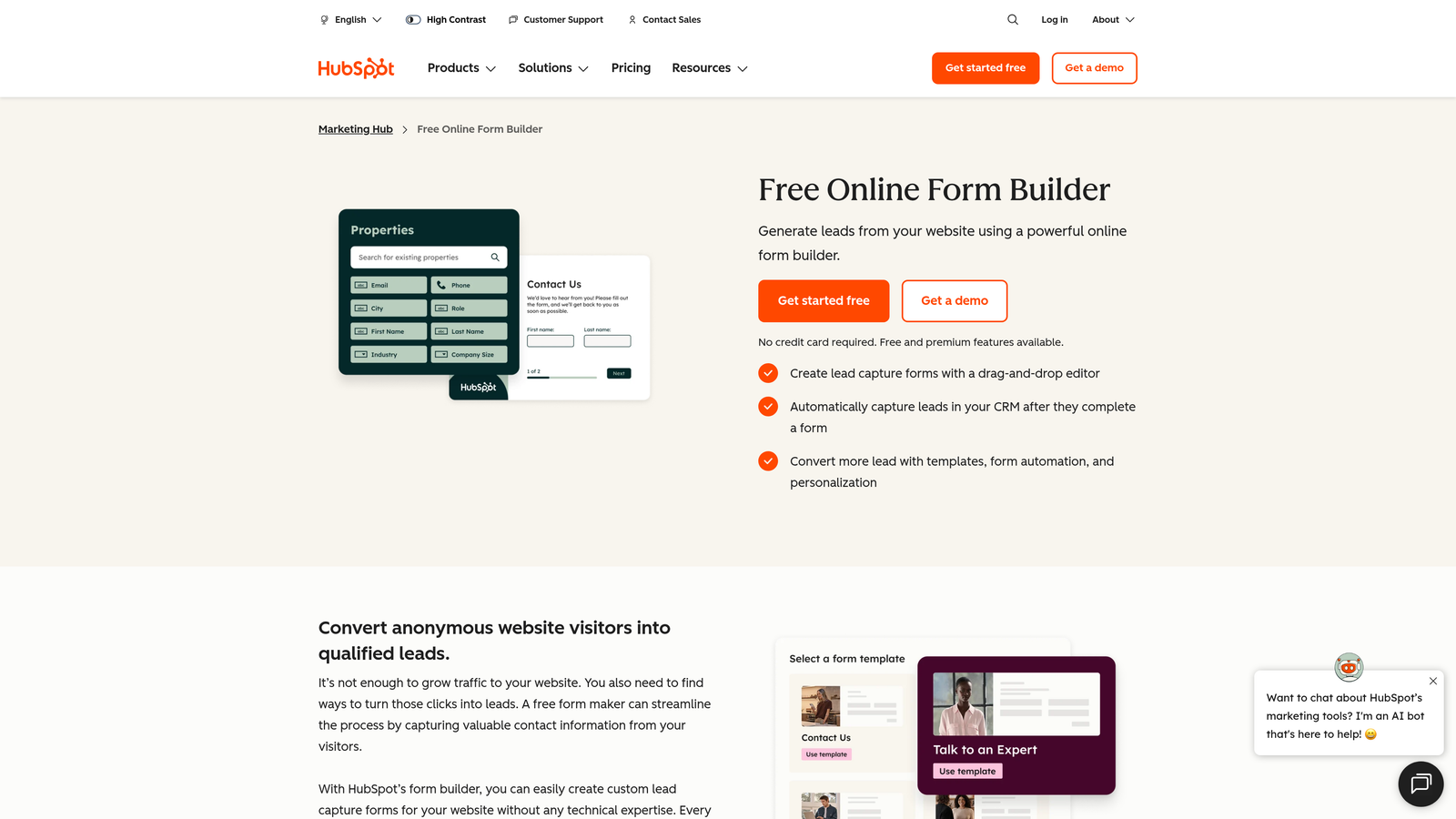
HubSpot Forms is a native form builder within the HubSpot platform, offering seamless CRM sync, progressive profiling, and smart field capabilities.
Where This Tool Shines
If your team lives in HubSpot, the case for using HubSpot Forms is straightforward: there's no integration to maintain, no field mapping to configure, and no sync delays. Every form submission creates or updates a contact record automatically, and you can trigger workflows, sequences, and notifications directly from that event.
The progressive profiling feature is genuinely useful for growth teams. Instead of asking the same questions to returning visitors, HubSpot Forms surfaces new fields on subsequent visits, building a richer contact profile over time without increasing friction at any single touchpoint.
Key Features
Progressive Profiling: Returning visitors see new questions instead of ones already answered, reducing friction while enriching contact data over time.
Smart Fields: Pre-fills known contact data from the HubSpot CRM, making forms faster to complete for existing contacts.
Automatic Contact Creation: Submissions map directly to HubSpot contact properties with no manual field mapping required.
Native Workflow Triggers: Form submissions can immediately kick off follow-up sequences, notifications, and deal creation within HubSpot.
Embedded and Standalone Options: Deploy forms on your website, in HubSpot landing pages, or as pop-ups with basic styling controls.
Best For
Teams with an existing HubSpot Marketing Hub subscription who want zero-friction CRM connectivity. Its value diminishes significantly outside the HubSpot ecosystem, where standalone form builders offer more flexibility and design control.
Pricing
Free with HubSpot's free CRM tier; advanced features require a Marketing Hub subscription. See current pricing at hubspot.com.
4. Tally
Best for: Lean startups and growth teams that need fast, clean forms without per-response fees
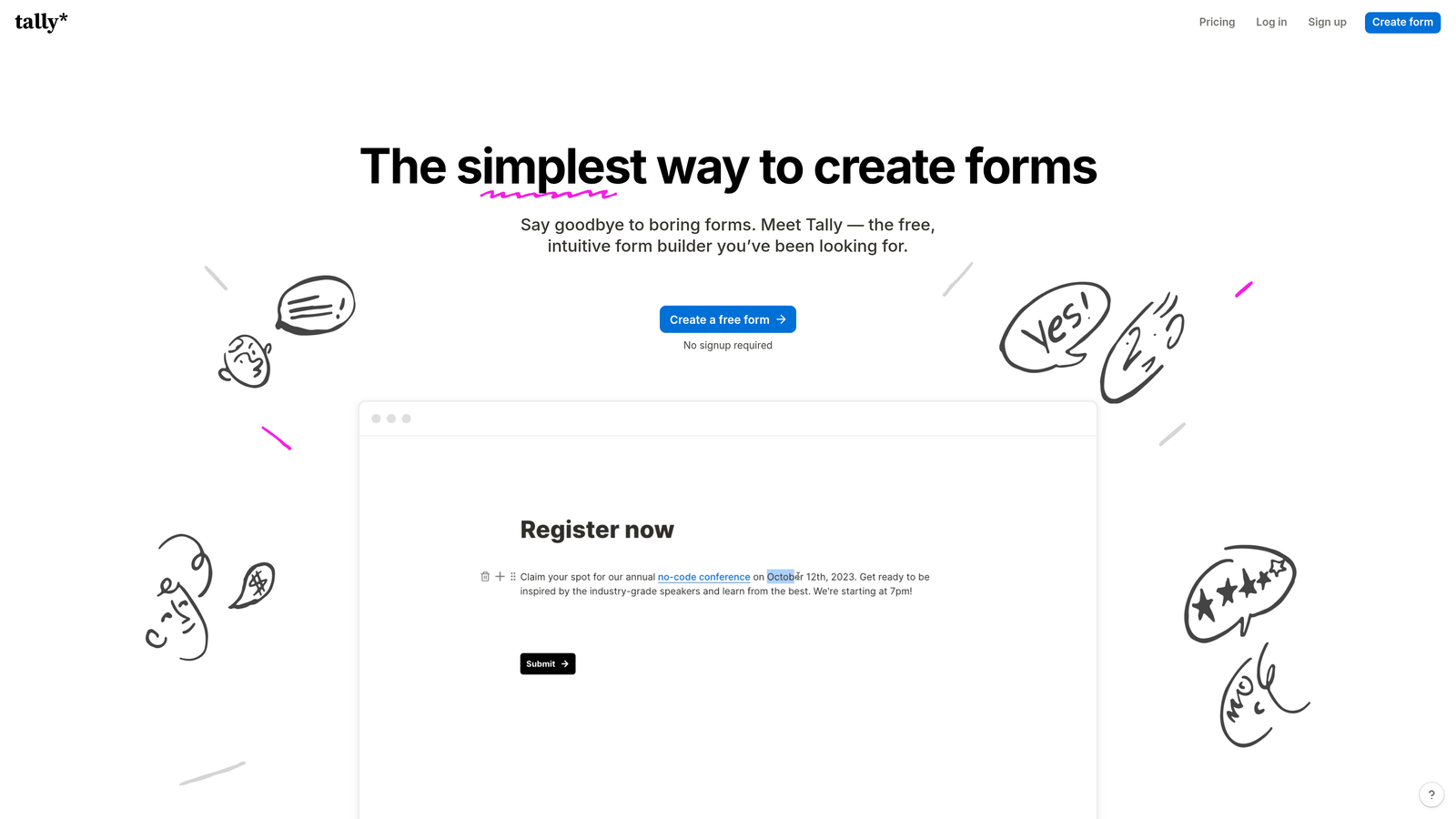
Tally is a Notion-inspired block-based form builder with a generous free tier and no per-response pricing, popular with startups and early-stage growth teams.
Where This Tool Shines
Tally's block-based editor will feel immediately familiar to anyone who uses Notion. You build forms the same way you'd write a document: add a block, configure it, move on. There's no drag-and-drop complexity, no modal configuration windows, and no learning curve to speak of. For teams that need to spin up forms quickly, this simplicity is a genuine advantage.
The pricing model is another differentiator worth noting. Many form builders charge per response, which creates unpredictable costs as your traffic grows. Tally's free tier includes unlimited forms and responses, making it one of the most cost-effective options available for teams in early growth stages.
Key Features
Block-Based Editor: Notion-style building experience that's fast, intuitive, and requires no onboarding time.
Unlimited Forms and Responses on Free Tier: No response caps means predictable costs as your submission volume scales.
Conditional Logic: Show or hide fields based on previous answers to create adaptive form paths.
File Uploads and Payment Collection: Handles more than basic text fields, including file intake and payment processing.
Clean Embeds: Integrates neatly into websites and Notion pages without styling conflicts.
Best For
Early-stage startups, indie teams, and growth teams that want clean, functional forms without budget pressure. Teams requiring advanced lead scoring or AI-driven qualification will need a more specialized tool.
Pricing
Generous free tier with unlimited forms and responses; Tally Pro available for advanced features. Verify current pricing at tally.so.
5. Jotform
Best for: Teams that need enterprise-grade compliance, payment collection, or complex approval workflows
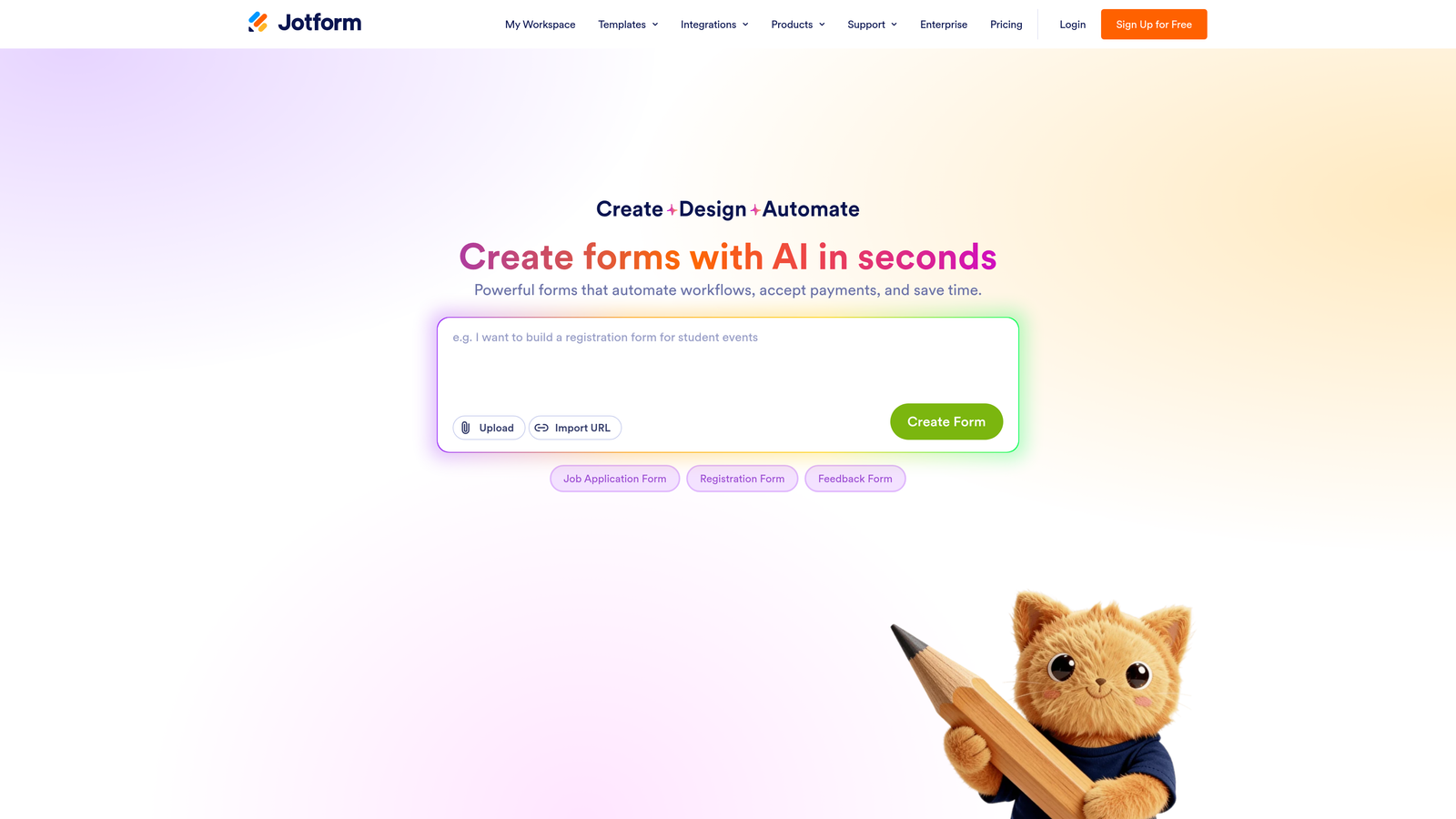
Jotform is one of the most feature-rich form builders on the market, with thousands of templates, payment support, approval workflows, and enterprise compliance options.
Where This Tool Shines
Jotform's depth is its defining characteristic. If you can imagine a form use case, Jotform almost certainly has a template, an integration, or a built-in feature for it. Payment collection across Stripe, PayPal, and Square; e-signature capture; PDF generation; multi-stage approval workflows; HIPAA compliance for regulated industries. It's a platform built to handle complexity.
For growth teams in regulated sectors or those running operations that involve contracts, payments, or multi-stakeholder approvals alongside lead capture, Jotform consolidates what might otherwise require several separate tools.
Key Features
10,000+ Templates: Pre-built forms spanning virtually every industry and use case, dramatically reducing build time.
Built-In Payment Collection: Accepts payments via Stripe, PayPal, Square, and other processors directly within forms.
Approval Workflows and E-Signatures: Route submissions through multi-step review processes and capture legally binding signatures.
HIPAA-Compliant Enterprise Plan: Suitable for healthcare and other regulated industries that require strict data handling standards.
Jotform Tables: A built-in database view for managing, filtering, and visualizing form response data without exporting to a spreadsheet.
Best For
Operations-heavy teams, regulated industries, and businesses that need payment collection or approval workflows alongside standard form functionality. Teams focused purely on conversion optimization may find the interface more complex than necessary for their use case.
Pricing
Free tier available; paid plans scale by response volume and feature set. Verify current pricing at jotform.com.
6. Paperform
Best for: Marketers who want a standalone form and landing page in a single tool
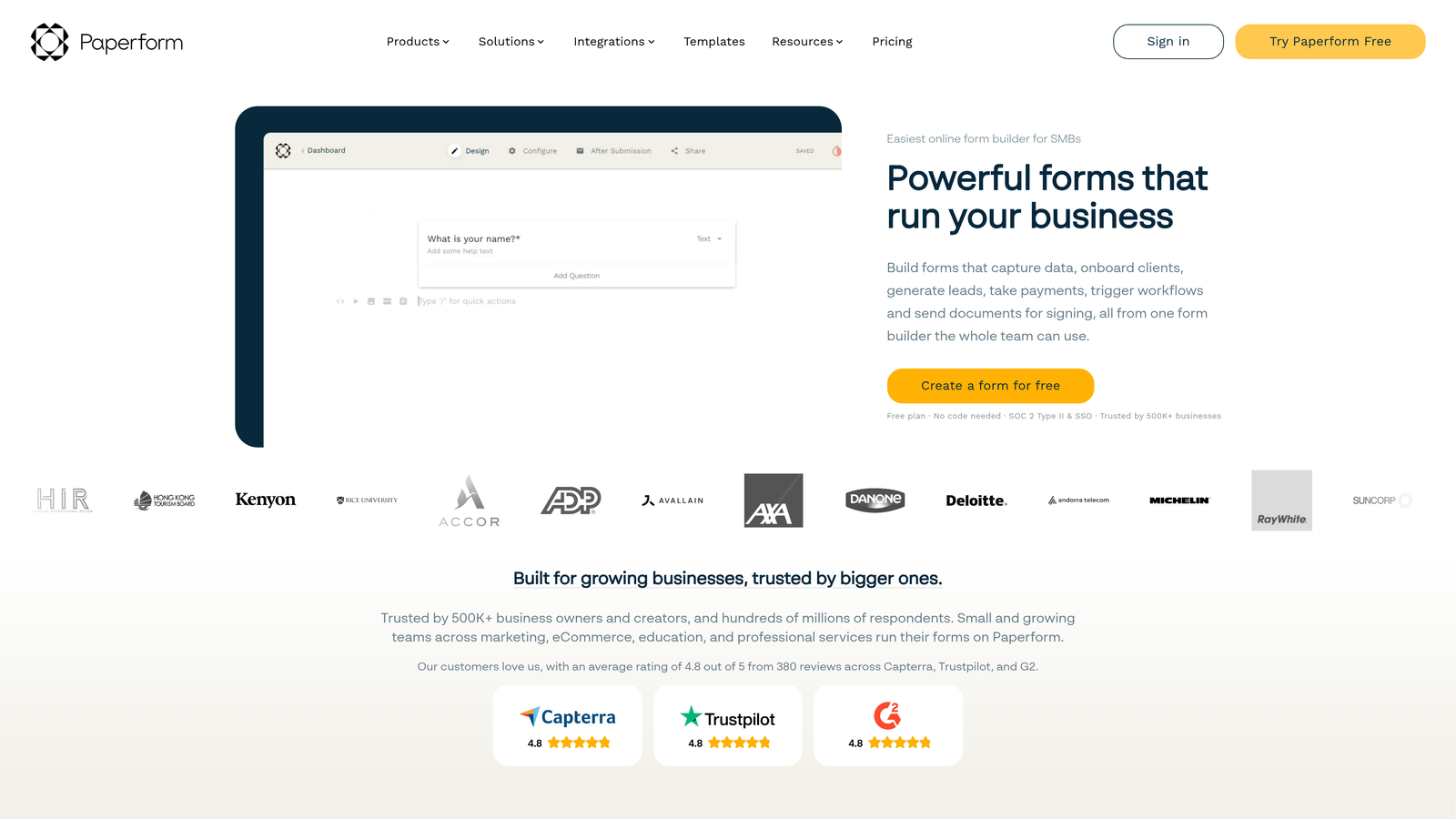
Paperform is a hybrid form and landing page builder that lets marketers embed rich media alongside form fields, creating full-page experiences without a separate landing page tool.
Where This Tool Shines
Paperform occupies an interesting position in this category: it's less a form builder and more a lightweight page builder that happens to handle forms exceptionally well. You can embed images, video, rich text, and pricing tables directly alongside your form fields, creating a self-contained experience that would typically require a dedicated landing page tool plus a separate form.
For marketers running campaigns where they want a branded, content-rich submission experience without spinning up a full landing page in their CMS, Paperform is a genuinely efficient solution. Custom domain support means the form URL can match your brand rather than displaying a third-party subdomain.
Key Features
Rich Media Embedding: Text, images, and video live directly within the form layout, creating a full content experience around your fields.
Full-Page Form Design: Functions as a standalone landing page, removing the need for a separate page builder for campaign-specific forms.
Payment Collection and Product Sales: Sell products or collect payments directly within the form experience.
Conditional Sections and Logic: Show or hide entire content sections based on respondent answers, not just individual fields.
Custom Domain Support: Host forms on your own domain for a fully branded URL experience.
Best For
Marketing teams running campaign-specific landing experiences, consultants taking client inquiries, and businesses selling products or services through a form-based checkout. Not the strongest choice for teams focused on high-volume lead gen with CRM qualification requirements.
Pricing
No permanent free plan; paid plans start at approximately $29 per month. A trial is available. Verify current pricing at paperform.co.
7. Fillout
Best for: Product and ops teams that need two-way database sync with Airtable, Notion, or Supabase
Fillout is a modern form builder with native two-way database sync for Airtable, Notion, Supabase, and Google Sheets, built for teams managing structured data workflows.
Where This Tool Shines
Most form builders write data in one direction: submission goes in, record gets created. Fillout's two-way sync changes that dynamic. When you update a record in Airtable or Notion, the change reflects in Fillout. When a form is submitted, the data writes back to your database with full field fidelity. For product teams and ops teams running structured workflows, this eliminates a significant amount of manual data reconciliation.
Fillout has also invested heavily in conditional logic. Multi-path branching means you can build genuinely sophisticated form flows without needing to stitch together Zapier automations to compensate for logic limitations.
Key Features
Two-Way Database Sync: Connects bidirectionally with Airtable, Notion, Supabase, and Google Sheets for real-time data consistency.
Advanced Conditional Logic: Multi-path branching handles complex form flows that simpler tools can't accommodate natively.
Scheduling and Booking Forms: Built-in scheduling form types remove the need for a separate booking tool in certain use cases.
Calculation Fields: Build pricing estimators, quiz scoring, and dynamic calculations directly within the form.
Active Product Development: One of the more actively developed tools in this category, with regular feature releases through 2025 and 2026.
Best For
Product teams, operations teams, and anyone running structured data workflows in Airtable or Notion who needs form input to sync cleanly without manual exports or middleware. Growth marketers focused primarily on conversion optimization may find other tools more purpose-built for that use case.
Pricing
Free tier available; paid plans unlock advanced features and higher response limits. Verify current pricing at fillout.com.
8. Growform
Best for: Performance marketers and PPC agencies running high-volume lead generation campaigns
Growform is a multi-step form builder purpose-built for lead generation and performance marketing, with CRO-focused design patterns and ad platform integrations.
Where This Tool Shines
Growform is one of the few form builders in this list that was built from the ground up for performance marketing, not general data collection. Every design decision reflects that focus: multi-step form flows that reduce drop-off, templates designed around lead gen best practices, and integrations with the ad tracking and lead distribution tools that PPC teams actually use.
For agencies managing lead generation campaigns across multiple clients, the white-label and multi-client management capabilities are a practical differentiator. You can maintain a consistent, branded experience for each client without rebuilding infrastructure from scratch every time.
Key Features
Multi-Step Form UX for Lead Gen: Designed specifically to maximize conversion rates in performance marketing contexts, not just general form completion.
CRO-Focused Templates: Pre-built around lead generation best practices rather than generic form layouts.
Ad Platform and Lead Distribution Integrations: Connects with the tracking and distribution infrastructure that performance marketers rely on.
Custom Thank-You Pages and Redirect Logic: Control the post-submission experience to align with campaign goals and tracking requirements.
White-Label and Multi-Client Management: Agency-friendly architecture for teams managing lead gen across multiple accounts.
Best For
PPC agencies, lead generation companies, and performance marketers who need CRO-optimized multi-step forms with ad platform connectivity. Less suited for product-led growth teams or those needing deep CRM qualification logic.
Pricing
Paid plans focused on agency and performance marketer use cases. Verify current pricing at growform.co.
9. Google Forms
Best for: Internal data collection, simple surveys, and zero-budget scenarios
Google Forms is a completely free, no-frills form builder integrated with Google Workspace, suitable for internal data collection and simple surveys but not designed for conversion optimization.
Where This Tool Shines
Google Forms earns its place on this list for exactly one reason: it costs nothing and requires nothing beyond a Google account. For internal surveys, event registrations, employee feedback, or any scenario where form aesthetics and conversion rates are irrelevant, it does the job without any setup friction.
The automatic Google Sheets integration is genuinely useful for teams that analyze response data in spreadsheets. Every submission populates a connected sheet in real time, and because it's Google's native ecosystem, collaborative editing and sharing work exactly as you'd expect.
Key Features
Completely Free: No subscription, no response limits, no hidden costs of any kind.
Automatic Google Sheets Sync: All responses populate a connected spreadsheet in real time with no configuration required.
Basic Branching Logic: Show different sections based on answer choices, covering simple conditional paths.
Collaborative Editing: Multiple team members can edit the same form simultaneously within Google Workspace.
Zero Setup Friction: Works immediately with any Google account, with no onboarding or learning curve.
Best For
Internal teams collecting operational data, HR surveys, event sign-ups, or any use case where conversion optimization and brand experience are not requirements. Not appropriate for growth teams optimizing lead quality, pipeline conversion, or external-facing lead capture.
Pricing
Free, included with any Google account. No paid tiers.
Which Tool Is Right for Your Growth Team?
The right form builder depends entirely on what "growth" means for your team right now. Here's a quick breakdown to help you match tool to use case.
For AI-powered lead qualification and conversion optimization: Orbit AI is the purpose-built choice. If your team cares about pipeline quality as much as pipeline volume, and you want intelligence built into the intake layer rather than bolted on afterward, this is where to start.
For brand-forward conversational experiences: Typeform remains the benchmark for polished, visually engaging form UX. Strong choice for top-of-funnel campaigns where first impressions matter.
For teams already in HubSpot: HubSpot Forms is the obvious default. The native CRM connectivity and progressive profiling make it the most frictionless option if your stack is already HubSpot-centric.
For lean teams watching spend: Tally's unlimited free tier makes it the most cost-effective starting point for early-stage teams that need clean, functional forms without budget pressure.
For performance marketers and PPC agencies: Growform's multi-step, CRO-focused architecture is built for exactly this context. It's the most specialized lead gen tool in this list.
For product and ops teams with structured data needs: Fillout's two-way database sync with Airtable and Notion is a genuine differentiator that no other tool in this category matches.
What separates growth-ready form tools from legacy builders isn't just the feature list. It's the underlying philosophy. Legacy tools were designed to collect data. Modern tools for growth teams are designed to qualify, route, and convert. The best ones treat the form itself as an active part of your revenue workflow, not just a passive data intake mechanism.
If lead qualification and conversion are your primary metrics, the gap between a generic form builder and a purpose-built growth tool shows up directly in your pipeline. Transform your lead generation with AI-powered forms that qualify prospects automatically while delivering the modern, conversion-optimized experience your high-growth team needs. Start building free forms today and see how intelligent form design can elevate your conversion strategy.


