

Small businesses need forms that do more than collect data. They need tools that capture leads, qualify prospects, and connect to the rest of their stack without requiring a developer or a bloated budget. The right form builder can be the difference between a website visitor bouncing and a qualified lead landing in your CRM.
This guide covers the best online form builders for small businesses in 2026, evaluated on ease of use, lead capture capabilities, integrations, pricing, and how well each tool scales as your business grows. Whether you're building a simple contact form or a multi-step lead qualification funnel, there's an option here for you.
Quick note on ranking: Orbit AI leads the list because it's purpose-built for conversion and lead qualification, which is what fast-growing small businesses actually need. The rest are ranked by their fit for specific small business use cases.
1. Orbit AI
Best for: High-growth small businesses that want forms to actively qualify and score leads
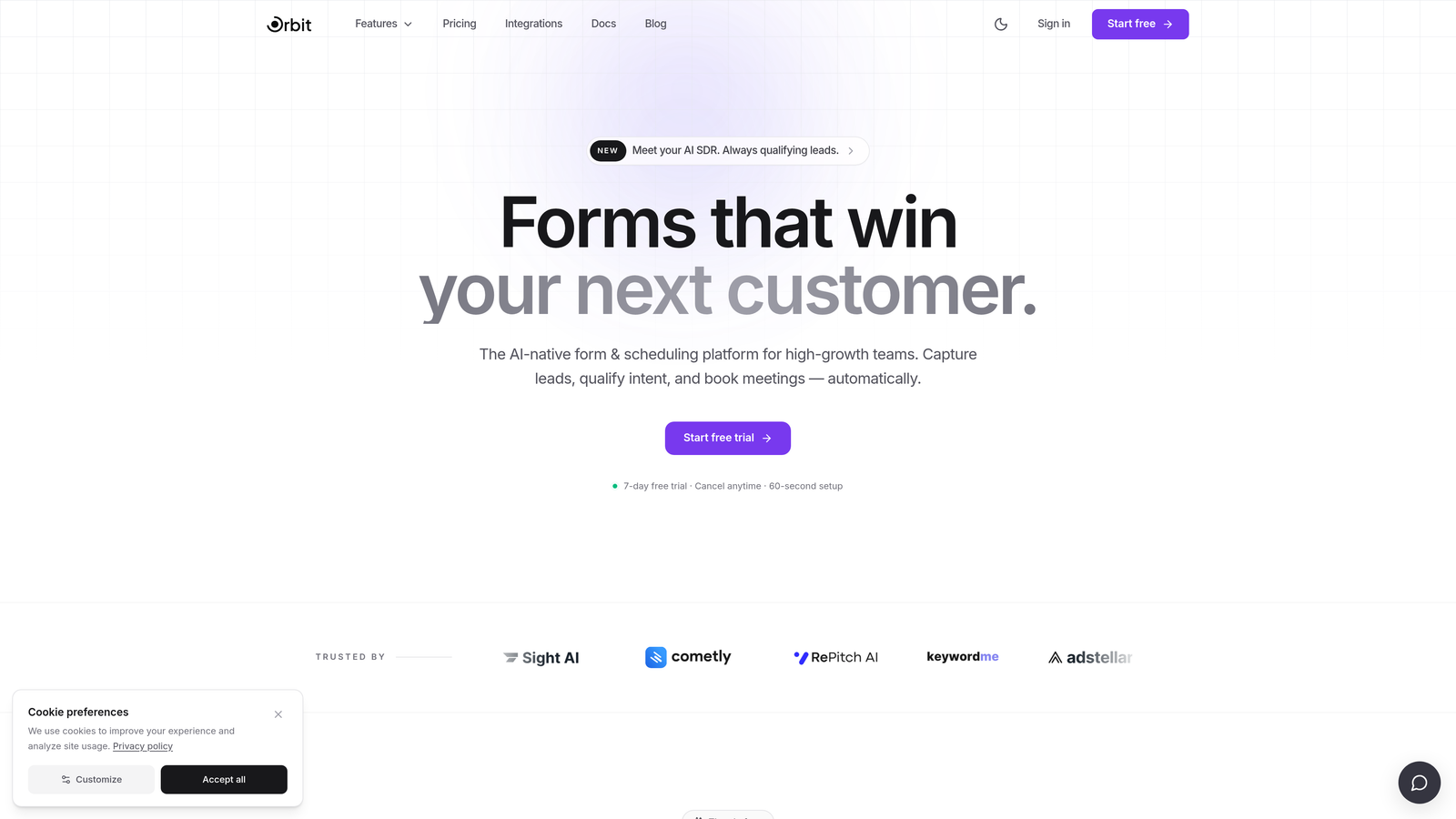
Orbit AI is an AI-powered form builder with built-in lead qualification and scoring, designed for small businesses that want their forms to do more than collect submissions.
Where This Tool Shines
Most form builders stop at data collection. Orbit AI goes a step further by embedding lead qualification logic directly into the form flow. As a prospect moves through your form, the AI scores their responses in real time, so your team knows exactly which leads deserve immediate attention and which ones need nurturing first.
For small businesses without a large sales team, this is a genuine advantage. Instead of manually reviewing every submission, you get a prioritized view of your pipeline from the moment someone hits submit. The conversion-optimized templates also mean you're not starting from a blank slate — you're starting from a form that's already designed to convert.
Key Features
AI Lead Qualification and Scoring: Automatically evaluates and scores leads based on their form responses, so your team can prioritize outreach without manual review.
Conversion-Optimized Templates: Pre-built templates designed specifically for lead generation, not just generic data collection.
Multi-Step Form Logic: Conditional branching lets you show different questions based on previous answers, creating a personalized experience for each respondent.
CRM and Marketing Automation Integrations: Connects with the tools already in your stack so qualified leads flow directly into your pipeline.
Mobile-Responsive Design: Clean, modern forms that work seamlessly across every device without any extra configuration.
Best For
Orbit AI is the strongest fit for SaaS companies, service businesses, and agencies that are actively focused on lead generation and conversion optimization. If you're generating meaningful form traffic and need to prioritize leads automatically, this is the tool built for that exact problem.
Pricing
Visit orbitforms.ai for current pricing plans. The platform is built to scale with high-growth teams, so plans reflect the value of AI-powered qualification features.
2. Typeform
Best for: Brand-conscious businesses that want a polished, conversational form experience
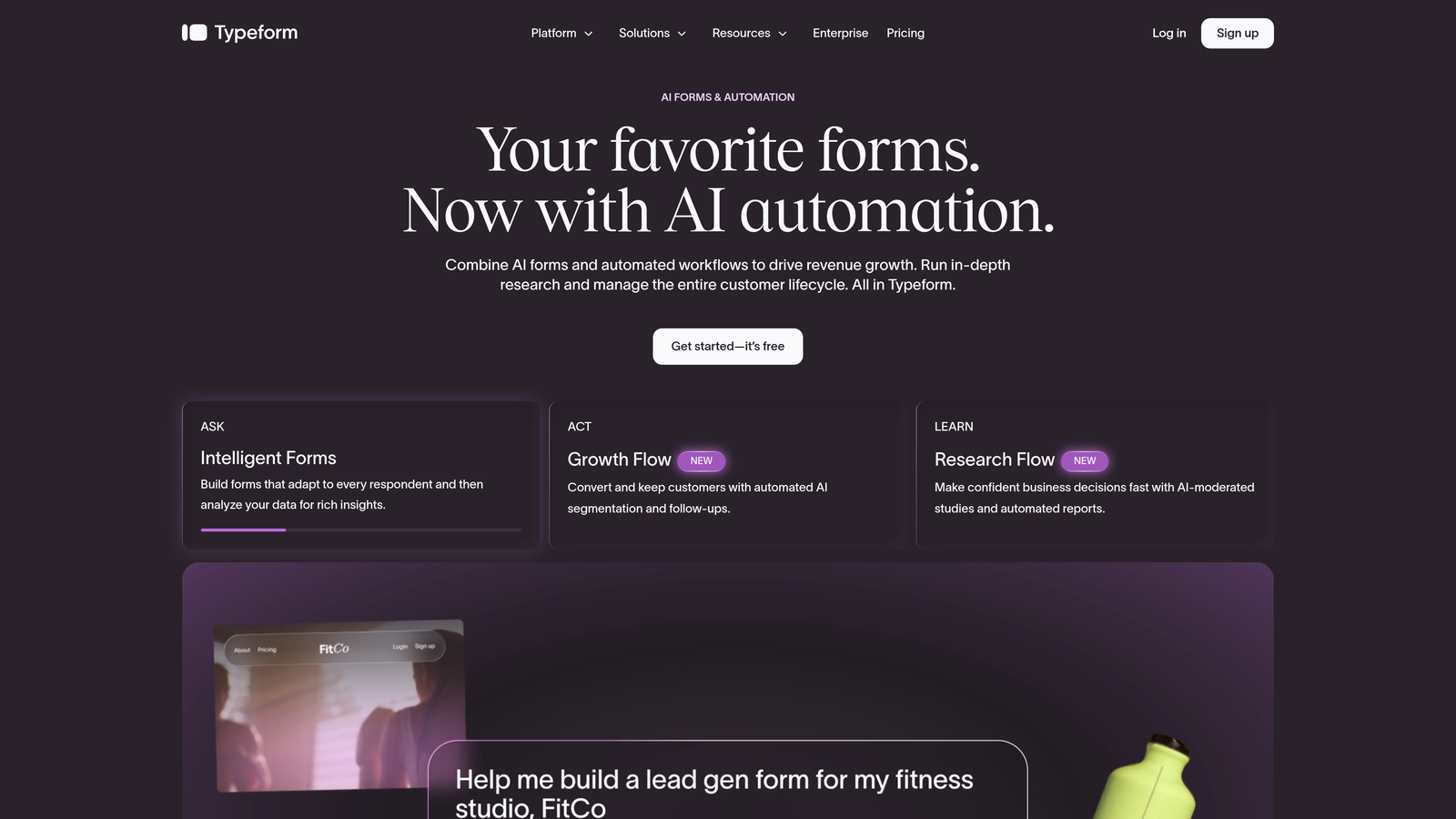
Typeform is a conversational form builder known for its one-question-at-a-time format and brand-forward design that makes forms feel less like forms.
Where This Tool Shines
Typeform's signature format presents one question at a time, which creates a more engaging experience than a traditional wall of fields. For small businesses where brand perception matters, this approach can meaningfully improve completion rates on surveys, applications, and intake forms.
The design customization options are among the strongest in the market. You can match your brand colors, fonts, and imagery closely enough that the form feels like a natural extension of your website rather than a third-party embed.
Key Features
Conversational One-Question UI: Presents questions sequentially to reduce overwhelm and improve respondent engagement.
Logic Jumps: Conditional paths route respondents through different question sequences based on their answers.
Brand Customization: Deep control over colors, fonts, backgrounds, and imagery to match your visual identity.
Integrations: Connects with HubSpot, Salesforce, Mailchimp, and a wide range of other tools via native integrations and Zapier.
Video and Image Embedding: Supports rich media within the form itself, useful for product demos or visual context.
Best For
Typeform works well for small businesses where the form experience is part of the brand impression: creative agencies, consultants, and companies running customer research or onboarding flows. It's less ideal if your primary goal is lead scoring or heavy automation, where you'll likely need to bolt on additional tools.
Pricing
A free plan is available with limited responses. Paid plans start at approximately $25/month, though advanced features like logic and integrations require higher tiers. Verify current pricing at typeform.com.
3. Jotform
Best for: Small businesses that need a wide range of form types under one roof
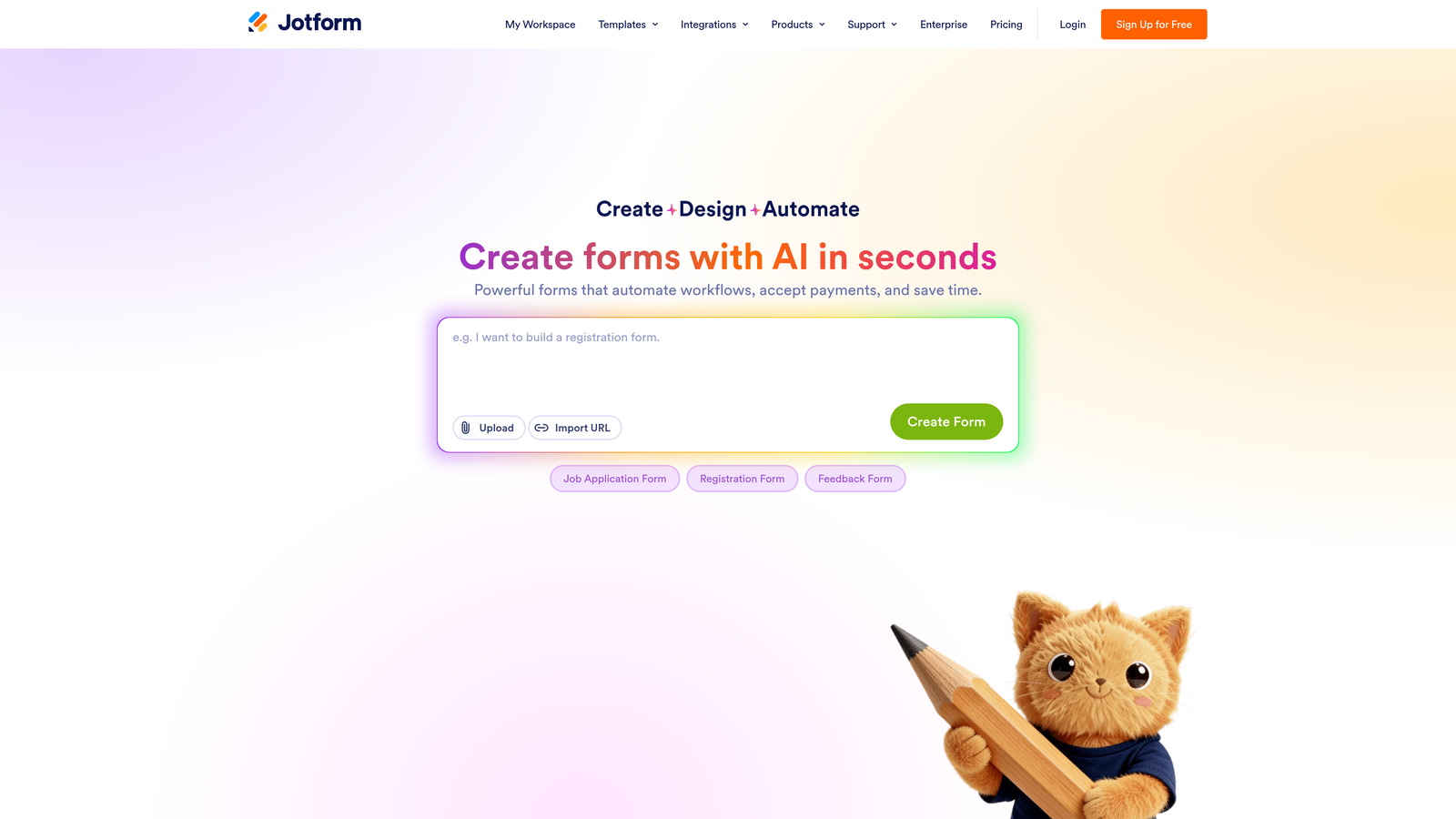
Jotform is one of the most feature-rich form builders on the market, with thousands of templates, native payment support, and an extensive integration library.
Where This Tool Shines
Jotform's depth is its defining quality. With over 10,000 templates spanning industries from healthcare to e-commerce to nonprofits, it's rare to encounter a use case the platform hasn't already accounted for. This makes it especially useful for small businesses that need different form types across different parts of their operation.
The native payment and e-signature support also sets it apart. If you need a form that collects a deposit, gets a contract signed, and routes the submission to a team member for approval, Jotform can handle all of that in a single workflow without third-party tools.
Key Features
10,000+ Templates: An enormous library covering virtually every industry and use case imaginable.
Native Payment Collection: Accept payments via Stripe, PayPal, Square, and other processors directly through your form.
E-Signature Support: Collect legally binding signatures as part of any form submission flow.
Approval Workflows: Route submissions to team members for review and sign-off before they're processed.
Extensive Integrations: Connects with hundreds of third-party tools across CRM, marketing, storage, and productivity categories.
Best For
Jotform is a strong choice for small businesses that handle diverse form needs: intake forms, payment collection, contracts, event registrations, and more. It can feel like overkill for teams that only need a single lead capture form, but for businesses with varied requirements, its breadth is a real asset.
Pricing
A free plan is available with limits on monthly submissions and form count. Paid plans start at approximately $34/month. Verify current pricing at jotform.com.
4. Tally
Best for: Budget-conscious teams that want clean, functional forms without submission limits
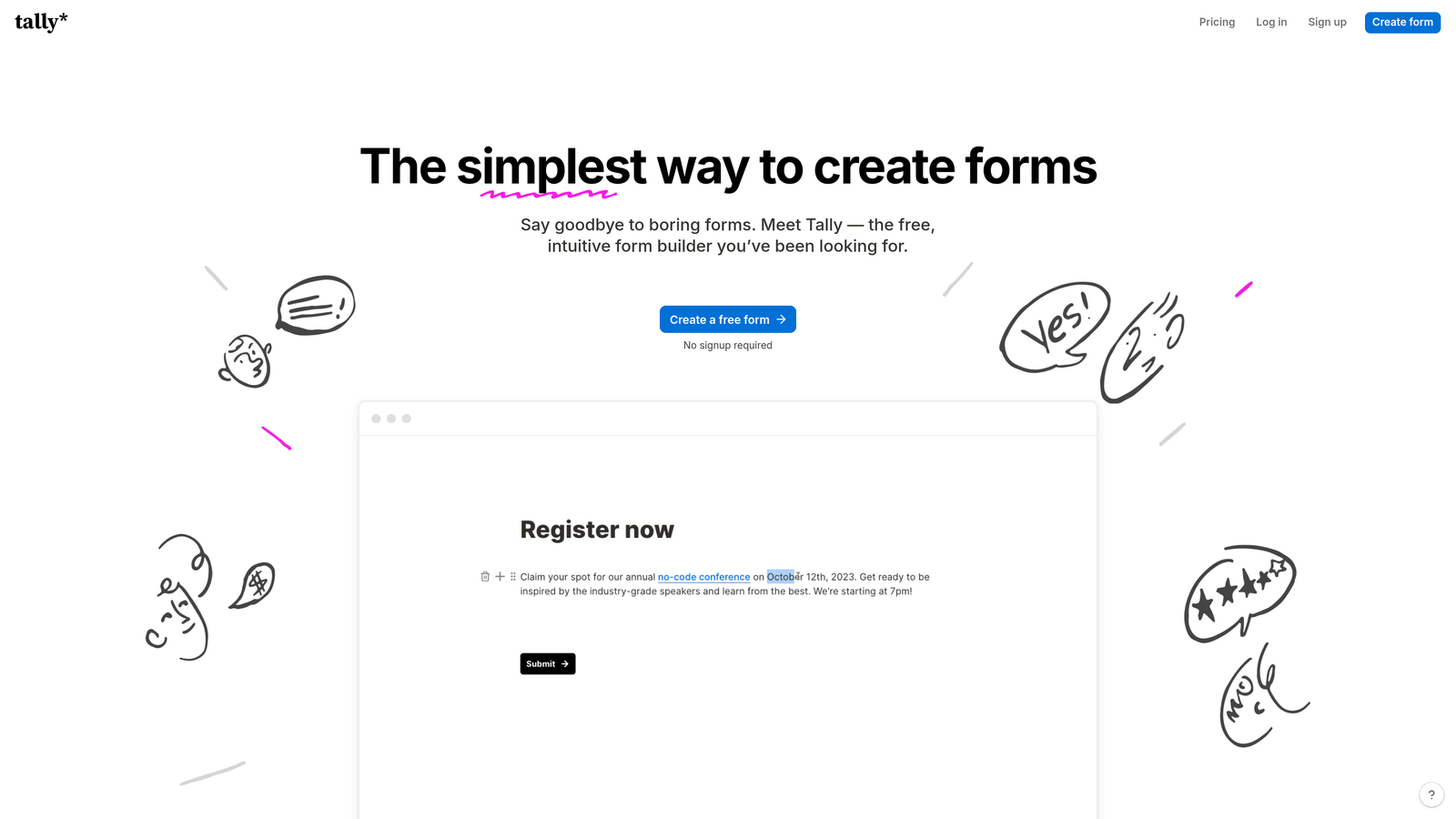
Tally is a minimalist form builder with a genuinely generous free tier: unlimited forms, unlimited responses, and no Tally branding on the free plan.
Where This Tool Shines
The free plan is the headline here, and it's worth emphasizing: most form builders either cap submissions, add their own branding, or both on free tiers. Tally removes both restrictions, which makes it an unusually strong option for small businesses operating on a tight budget.
The editing experience is also notably intuitive. Tally uses a Notion-like block editor that makes building forms feel more like writing a document than configuring software. If your team is already comfortable with Notion, the learning curve is almost nonexistent.
Key Features
Unlimited Forms and Responses on Free Plan: No submission caps and no forced branding, which is rare at the free tier.
Notion-Like Editor: Block-based editing interface that's fast to learn and comfortable for non-technical users.
Logic and Calculations: Supports conditional logic, calculated fields, and file uploads without requiring a paid plan.
Clean Embeds: Forms embed smoothly into websites and Notion pages with minimal friction.
Pro Plan Extras: Paid plan unlocks custom domains, form analytics, and additional customization options.
Best For
Tally is the right choice for small businesses and solo operators who need clean, functional forms without spending anything. It's lighter on advanced integrations compared to Jotform or Typeform, so teams with complex automation needs may hit its limits quickly, but for straightforward use cases it's hard to beat at the price.
Pricing
Free plan available with no submission limits. Pro plan is approximately $29/month. Verify current pricing at tally.so.
5. Paperform
Best for: Service businesses that want a form to double as a lightweight landing page
Paperform is a form builder that blends form fields with rich text, images, and video, letting you create pages that function as both a form and a sales or booking experience.
Where This Tool Shines
Paperform occupies an interesting niche: it's more than a form builder but less than a full landing page tool. You can combine descriptive copy, images, and video with form fields on the same page, which makes it well-suited for service businesses that want to provide context and build trust before asking for information.
The native payment processing is a practical feature for small businesses that charge for bookings, consultations, or products. Instead of routing a user from a form to a separate checkout page, Paperform handles the full transaction in one place.
Key Features
Rich Media + Form Fields: Combine text, images, and video alongside your form fields on a single page.
Native Payment Processing: Accept payments via Stripe and PayPal directly within the form experience.
Booking and Scheduling Templates: Pre-built templates for appointment booking, service intake, and consultation requests.
Conditional Logic: Multi-step forms with logic that adapts based on respondent input.
Custom Domain Support: Host your form on your own domain for a fully branded standalone page.
Best For
Paperform is particularly well-suited for consultants, coaches, freelancers, and service-based small businesses that want a form page to do some selling before the submission. If you need a tool that bridges the gap between a form and a simple landing page, this is worth a close look.
Pricing
Paperform is paid-only with no free plan. Plans start at approximately $24/month. Verify current pricing at paperform.io.
6. Formstack
Best for: Small businesses in regulated industries that need compliance-ready forms and approval workflows
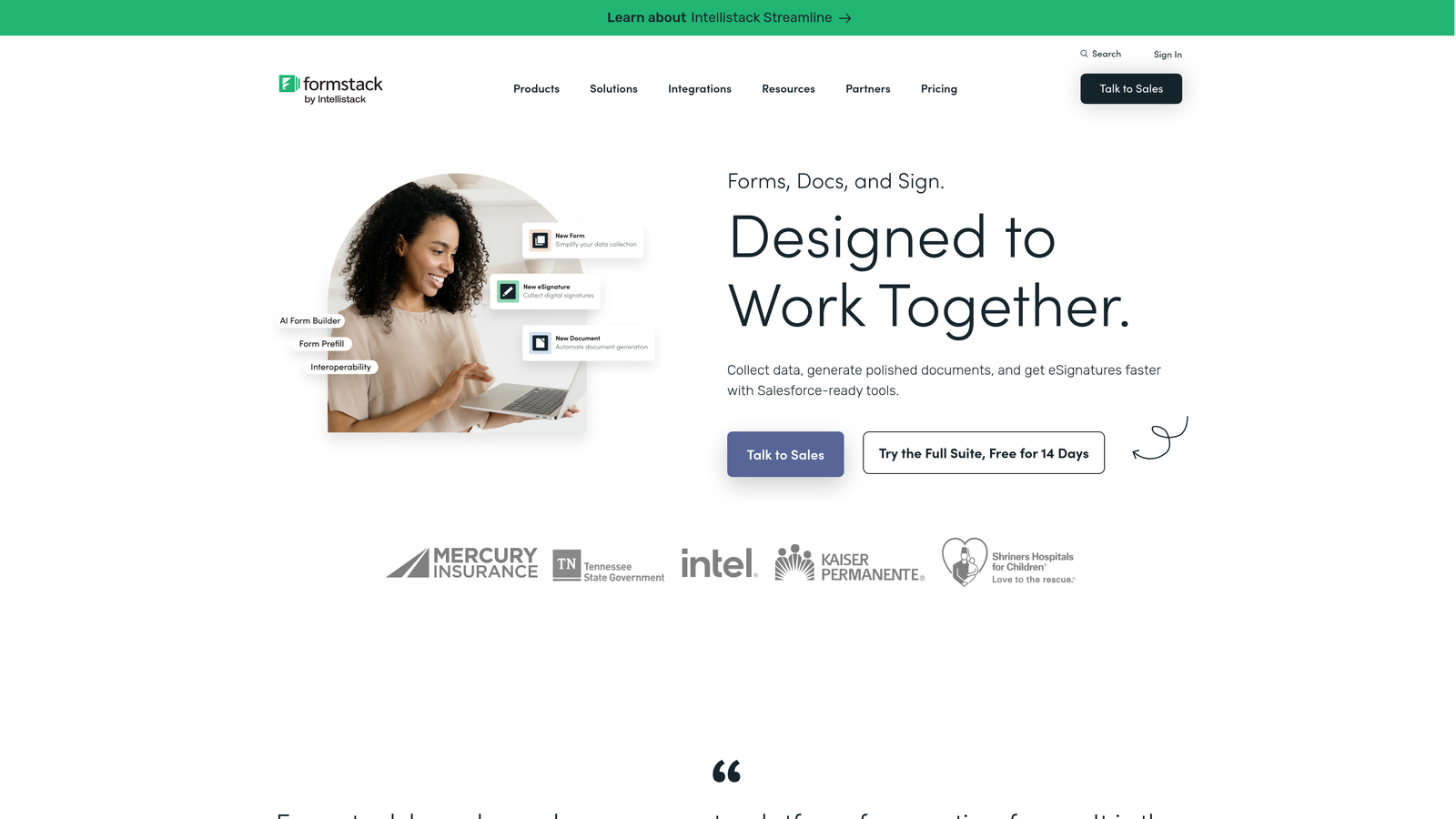
Formstack is a workflow-focused form builder with advanced automation, data routing, and compliance features built for organizations that handle sensitive data.
Where This Tool Shines
Formstack leans toward the enterprise end of the spectrum, but it offers plans accessible to small businesses that have specific compliance requirements. The HIPAA-compliant data handling options make it one of the few form builders genuinely suitable for healthcare practices, mental health professionals, and other regulated service providers.
The workflow automation capabilities go beyond what most small business form builders offer. You can build multi-step approval processes, route submissions based on content, prefill forms from existing data sources, and generate documents directly from form submissions — all without custom development.
Key Features
Advanced Workflow Automation: Build multi-step approval and routing workflows that trigger based on form submission content.
HIPAA-Compliant Options: Data handling configurations that meet healthcare compliance requirements.
Form Prefill: Populate form fields automatically from existing data sources to reduce friction for returning users.
Document Generation: Automatically generate documents from form submission data.
Robust Security Controls: Granular access permissions and security settings for sensitive data environments.
Best For
Formstack is the right fit for small businesses in healthcare, legal, financial services, or other regulated industries where compliance is non-negotiable. It's more complex to set up than the other tools on this list and carries a higher price point, so it's best reserved for teams that genuinely need its compliance and workflow capabilities.
Pricing
Formstack sits at a higher price point than most tools on this list. Verify current plans and pricing at formstack.com, as offerings vary by feature tier.
Which Tool Is Right for Your Business?
The best form builder for your small business depends on what you're actually trying to accomplish. Here's a quick way to think through the decision.
If lead qualification and conversion are your primary goals, Orbit AI is the strongest fit. It's the only tool on this list that builds AI-powered scoring and qualification directly into the form flow, which means your team spends less time sorting submissions and more time talking to the right prospects.
If brand experience matters and you want forms that feel like a natural part of your product, Typeform's conversational format is hard to match. For businesses that need to handle payments, contracts, and diverse form types in one place, Jotform's feature breadth makes it a reliable workhorse.
Tally is the clear winner if budget is the primary constraint. Its free plan is genuinely useful without the typical limitations, making it a smart starting point for early-stage businesses. Paperform is the right call when you need a form to also function as a lightweight landing or booking page. And if you're operating in a regulated industry where compliance isn't optional, Formstack is built for exactly that environment.
For most high-growth small businesses focused on lead generation, the combination of AI qualification, conversion-optimized design, and CRM integration makes Orbit AI the most strategic choice. Start building free forms today and see how intelligent form design can change what your forms actually do for your business.


