

Formstack has earned its place as a reliable form and workflow automation platform, particularly among mid-market and enterprise teams that need document generation and e-signatures alongside form building. But reliable doesn't always mean the right fit. Whether you're hitting a ceiling on pricing, craving more modern design capabilities, or looking for AI-powered features that go beyond simple data collection, there are compelling alternatives worth exploring.
The form builder market has matured significantly. Today's options range from completely free tools to AI-native platforms built specifically for conversion optimization and lead qualification. The right choice depends on your team's priorities: budget, integrations, compliance requirements, design flexibility, or smart lead routing.
This guide breaks down the top Formstack alternatives across features, pricing, and ideal use cases so you can make a confident decision. If you're also evaluating the broader landscape, check out our roundup of the best online form builders for a wider comparison. Now, let's get into the list.
1. Orbit AI
Best for: High-growth teams that need AI-powered lead qualification built directly into their forms.
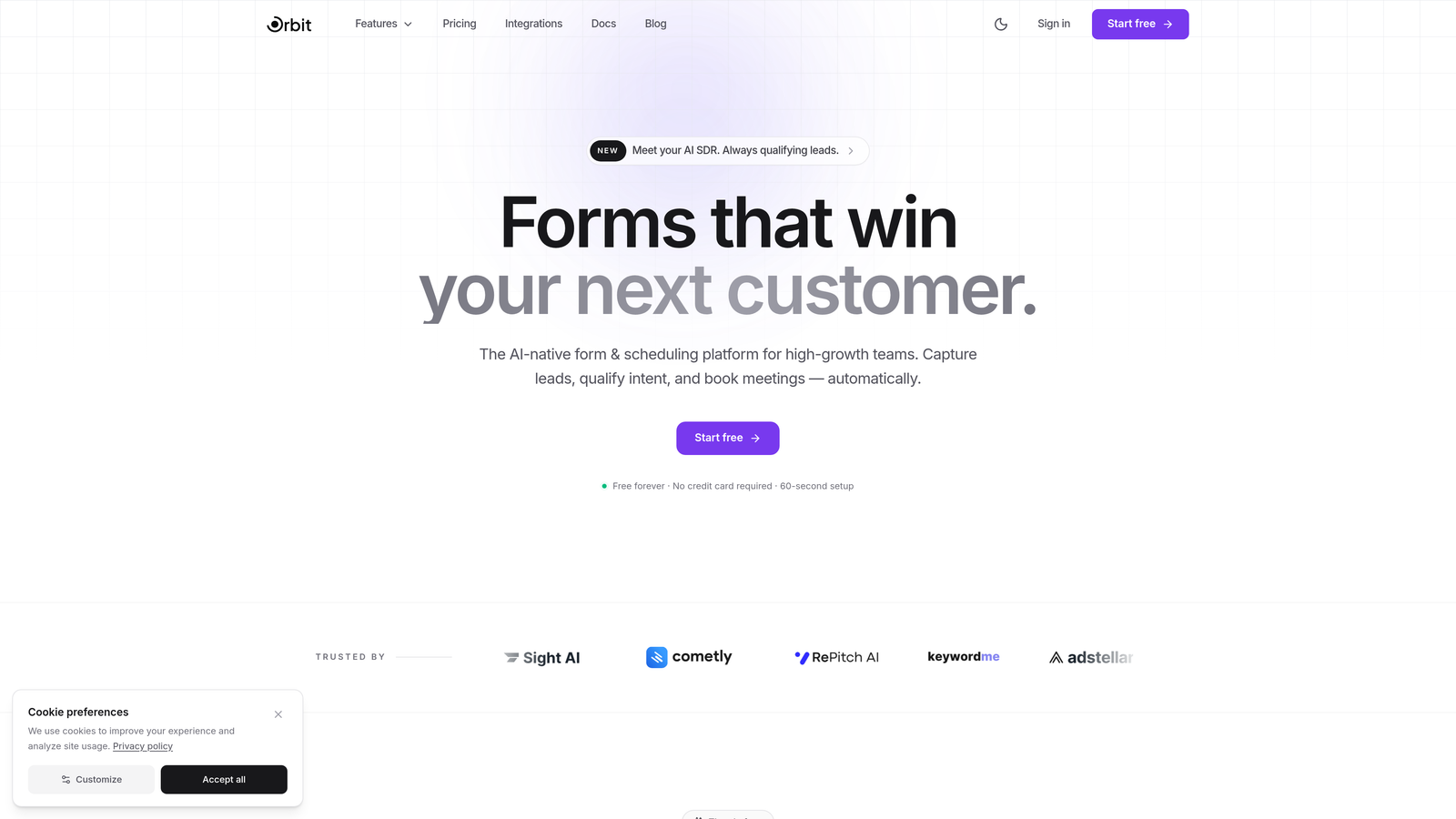
Orbit AI is an AI-powered form builder platform designed for teams that treat every form submission as a lead generation opportunity, not just a data collection event.
Where This Tool Shines
Most form builders capture data and hand it off to other tools for qualification. Orbit AI flips that model by embedding lead scoring and intelligent routing directly into the form experience itself. Your prospects get a seamless, conversion-optimized journey while your team receives pre-qualified leads without the manual triage.
The design quality is genuinely modern. Forms built on Orbit AI look like they belong on a high-end SaaS product page, not a generic survey tool. For teams where brand perception matters during the acquisition funnel, that distinction is real.
Key Features
AI-Powered Lead Scoring: Built-in qualification logic scores and routes leads automatically based on form responses, reducing manual review time.
Conversion-Optimized Templates: Templates are designed specifically for lead generation, not generic data collection, with layouts proven to drive completions.
Intelligent Conditional Logic: Smart branching routes respondents based on lead quality signals, creating personalized paths for high-value prospects.
Modern Brand Customization: Full control over fonts, colors, and visual identity so forms feel like a natural extension of your product or website.
CRM and Marketing Integrations: Connects with popular CRMs and marketing tools to ensure qualified leads flow directly into your existing workflows.
Best For
Orbit AI is the strongest fit for SaaS companies, growth marketers, and demand generation teams who want their forms to do more than collect information. If your goal is converting visitors into qualified pipeline, this is built for that specific problem.
Pricing
Visit orbitforms.ai for current pricing details. A free tier is available to get started.
2. Jotform
Best for: Teams that need a versatile, no-code form builder with a massive template library and payment processing.
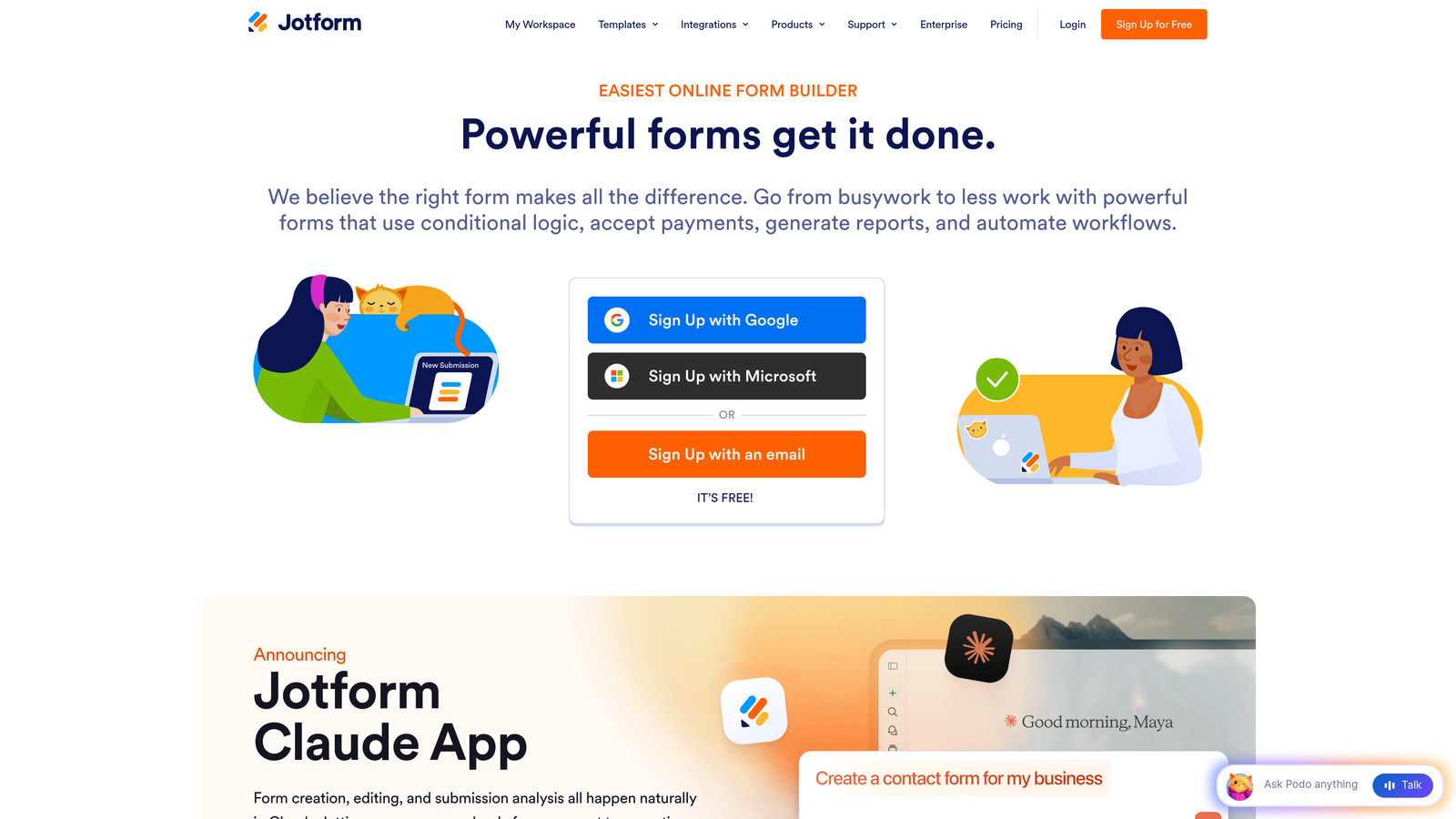
Jotform is one of the most feature-rich no-code form builders on the market, offering a wide range of capabilities from payments to PDF generation within a single platform.
Where This Tool Shines
Jotform's depth is its defining advantage. With over 10,000 pre-built templates covering everything from job applications to medical intake forms, most teams can find a starting point without building from scratch. The drag-and-drop builder is intuitive enough for non-technical users while still offering enough customization for more complex workflows.
Payment processing is a particular strength. Native integrations with Stripe, PayPal, and Square make Jotform a practical choice for businesses that need to collect payments directly through forms, without stitching together additional tools.
Key Features
10,000+ Templates: One of the largest template libraries available, covering virtually every industry and use case imaginable.
Native Payment Processing: Accept payments via Stripe, PayPal, and Square without third-party workarounds.
Jotform Tables: A built-in spreadsheet-style interface for managing and organizing form submissions.
PDF Generation: Automatically generate polished PDF documents from form submissions for contracts, reports, or records.
Mobile-Responsive Builder: All forms are optimized for mobile out of the box with a visual drag-and-drop editor.
Best For
Jotform suits small businesses, nonprofits, educators, and operations teams that need a reliable all-in-one form solution without a steep learning curve. It's especially strong for teams handling payments or document workflows alongside data collection.
Pricing
Free plan available with generous limits. Paid plans start at approximately $34/month, scaling up based on submission volume and feature access.
3. Typeform
Best for: Brands that prioritize design and user experience to drive high form completion rates.
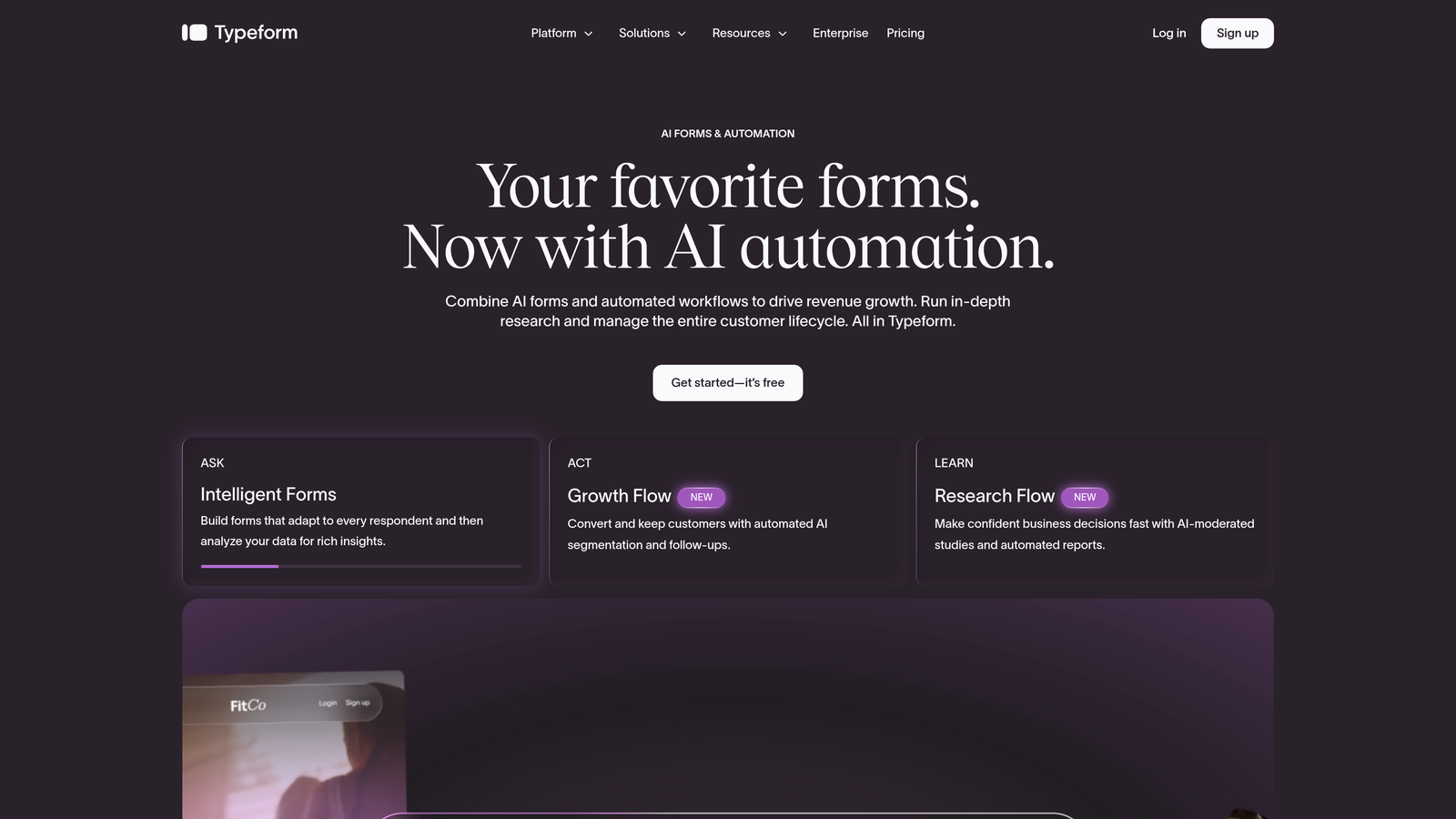
Typeform is a design-forward form builder built around a conversational, one-question-at-a-time format that makes filling out forms feel less like a chore.
Where This Tool Shines
Completion rates are where Typeform consistently stands out. The conversational interface reduces cognitive load by presenting one question at a time, which tends to keep respondents engaged through to the final submission. For customer research, lead capture, and brand surveys, that engagement difference is meaningful.
The visual quality is also a genuine differentiator. Typeform's forms look polished and premium by default, with strong brand customization options that let you match your visual identity closely. If your forms are customer-facing and brand perception matters, Typeform delivers a noticeably better aesthetic than most alternatives.
Key Features
Conversational Interface: One-question-at-a-time format reduces abandonment and creates a more engaging respondent experience.
Logic Jumps and Branching: Personalize form paths based on previous answers to create tailored experiences for different respondent segments.
Video and Image Embedding: Embed rich media directly within forms to add context or improve engagement.
Brand Customization: Extensive control over colors, fonts, backgrounds, and imagery to match your brand identity.
Integration Ecosystem: Strong native and Zapier-powered connections to HubSpot, Slack, Salesforce, and hundreds of other tools.
Best For
Typeform is ideal for marketing teams, product researchers, and agencies that want forms to feel like a premium brand touchpoint. It's particularly effective for customer research, lead generation landing pages, and any scenario where completion rate is a priority metric.
Pricing
Free plan available with limited responses. Paid plans start at approximately $25/month, with higher tiers unlocking more responses and advanced features.
4. Google Forms
Best for: Teams that need completely free, no-setup form creation with automatic Google Sheets integration.
Google Forms is a free, straightforward form builder included with every Google account, offering reliable data collection without any cost or complexity.
Where This Tool Shines
The value proposition is simple and hard to beat: it's free, it works, and it integrates seamlessly with Google Sheets for instant data analysis. For internal surveys, quick feedback collection, or educational assessments, Google Forms removes every barrier to getting started.
Real-time collaboration is another underrated strength. Multiple team members can edit a form simultaneously, and response data flows automatically into a shared spreadsheet that the whole team can access. For organizations already living inside Google Workspace, this native integration removes the need for any additional tooling.
Key Features
Completely Free: No submission limits, no response caps, no paid tiers required for core functionality.
Automatic Sheets Integration: Every response flows directly into a linked Google Sheet for real-time analysis and filtering.
Real-Time Collaboration: Multiple team members can build and edit forms simultaneously, just like a Google Doc.
Conditional Logic: Basic question branching lets you show or hide sections based on previous answers.
Quiz Mode: Built-in quiz and assessment creation with automatic grading and score feedback.
Best For
Google Forms is the right choice for teams on tight budgets, internal data collection, educational institutions, and anyone who needs a quick form without any setup overhead. It's not built for lead generation or brand-forward experiences, but for simple utility it's unmatched at the price point.
Pricing
Completely free with any Google account. No paid tiers or upgrade requirements for standard usage.
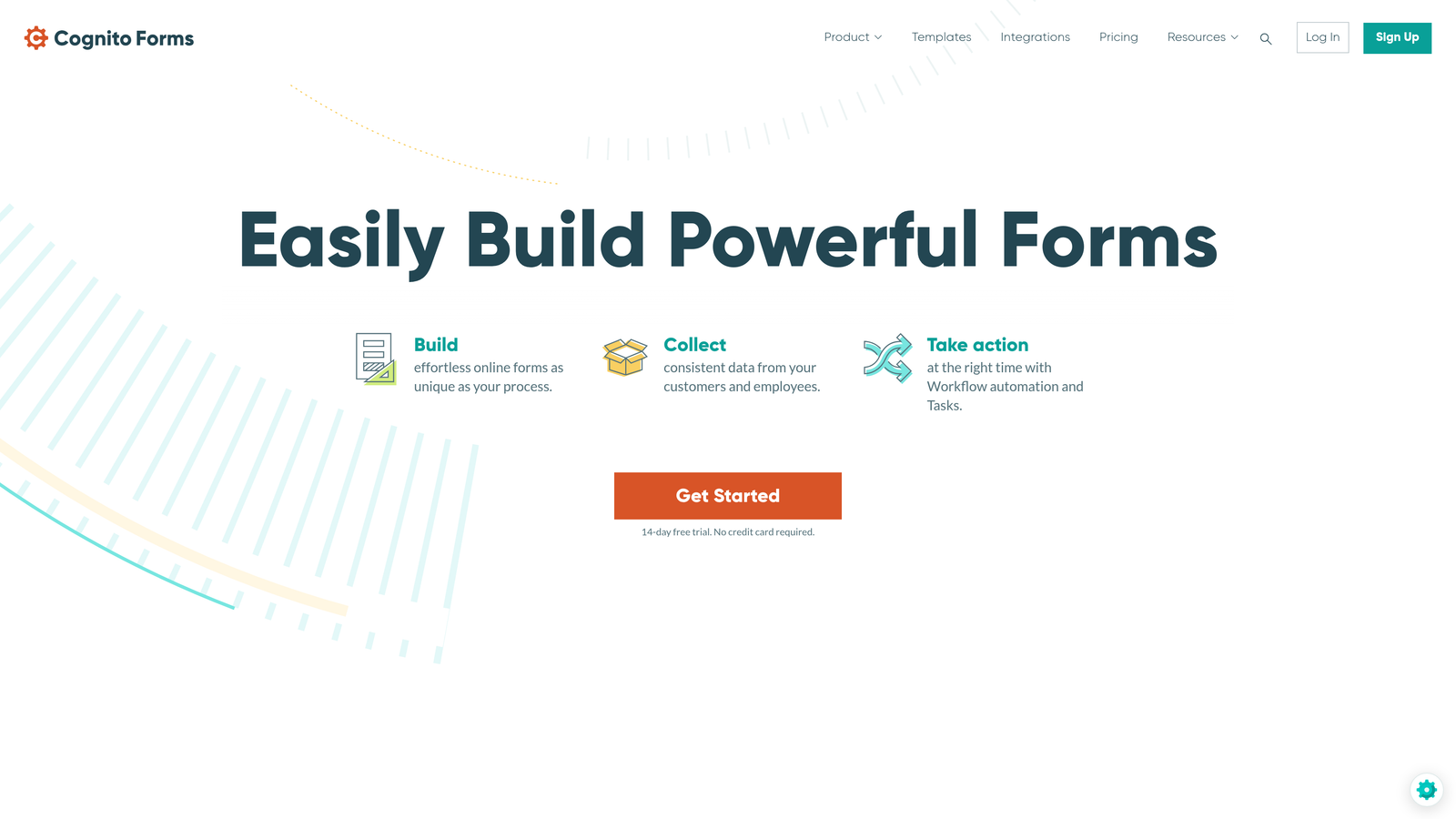
5. Cognito Forms
Best for: Teams that need advanced calculation logic and dynamic form structures, especially for order forms and pricing workflows.
Cognito Forms is a powerful form builder with a particularly strong calculation engine, making it a go-to for teams that need forms to do real math on dynamic inputs.
Where This Tool Shines
Cognito Forms earns its reputation through calculation capabilities that go well beyond what most form builders offer. If you need forms that calculate order totals, apply discounts, compute scores, or generate dynamic pricing based on user inputs, Cognito handles this natively without requiring custom code or external workarounds.
Repeating sections are another standout feature. Users can add multiple rows of data within a single form, which is invaluable for order forms, expense reports, or any scenario where the number of entries varies per submission. This dynamic structure is rare among mid-market form tools.
Key Features
Advanced Calculation Engine: Build complex pricing formulas, scoring logic, and dynamic totals directly within the form builder interface.
Repeating Sections: Allow users to add multiple rows of entries within a single form for orders, inventories, or multi-item submissions.
Payment Integration: Accept payments via Stripe, PayPal, and Square with calculated totals feeding directly into checkout.
Conditional Logic: Show or hide fields, sections, and pages based on user inputs with multi-layered conditional rules.
Generous Free Plan: Unlimited forms and entries on the free tier, making it accessible for teams testing the platform.
Best For
Cognito Forms is best suited for small businesses, operations teams, and developers who need forms with real computational logic. It's particularly strong for order forms, registration workflows, and any use case where dynamic calculations are central to the form's function.
Pricing
Free plan available with unlimited forms. Paid plans start at approximately $15/month with higher tiers unlocking advanced features and increased storage.
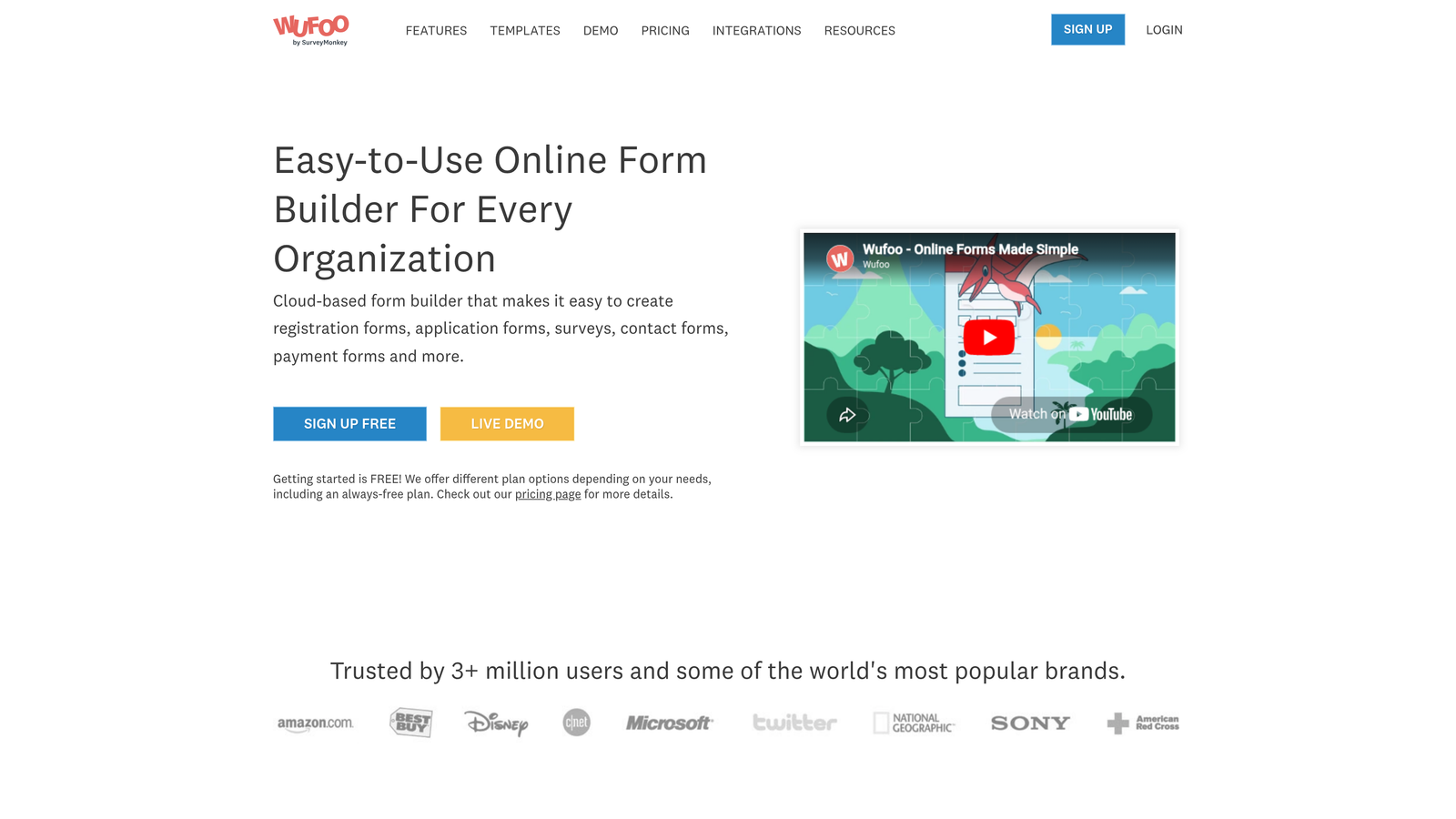
6. Wufoo
Best for: Teams looking for a straightforward, battle-tested form builder with solid built-in reporting.
Wufoo is one of the original online form builders, now part of the SurveyMonkey family, offering dependable form creation with accessible analytics built in.
Where This Tool Shines
Wufoo's longevity in the market reflects a product that does the fundamentals reliably. The drag-and-drop builder is approachable for non-technical users, and the built-in reporting dashboards provide a quick view of submission trends and response data without requiring external analytics tools.
For teams that have been using Wufoo for years, the familiarity and stability are genuine assets. It integrates with a wide range of third-party tools and supports payment collection, making it a capable general-purpose form solution even if it lacks the modern design sensibility of newer entrants.
Key Features
Drag-and-Drop Builder: Simple, accessible form creation interface suitable for users with no technical background.
Built-In Reporting: Native analytics dashboards visualize submission data and response trends without additional tools.
Payment Collection: Accept payments via Stripe and other processors directly through forms.
File Upload Support: Allow respondents to attach documents, images, or files as part of their submission.
400+ Templates: A solid library of starting templates covering common business use cases.
Best For
Wufoo suits small businesses and teams that want a dependable, no-fuss form builder without a steep learning curve. It's a practical choice for contact forms, event registrations, and basic lead capture where simplicity is valued over cutting-edge features.
Pricing
Free plan available with limited submissions. Paid plans start at approximately $15/month, scaling based on submission volume and feature access.
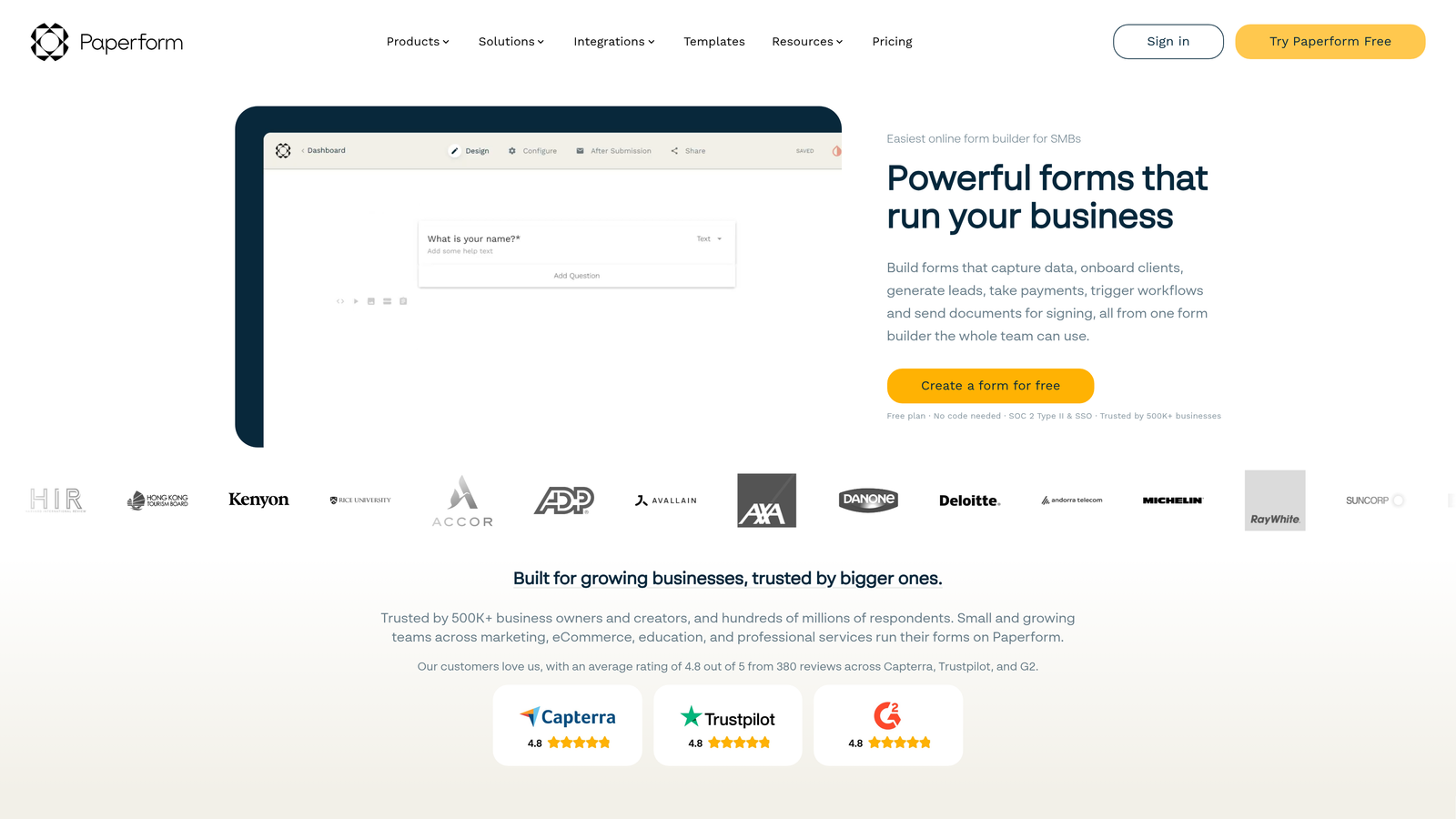
7. Paperform
Best for: Teams that want forms that double as landing pages, blending rich content with interactive fields.
Paperform is a unique form builder that takes a document-style approach, letting you mix text, images, video, and form fields in a single, flowing page experience.
Where This Tool Shines
Paperform occupies a distinctive niche between form builder and landing page creator. Because you can freely mix written content, media, and form fields on the same canvas, you can build experiences that educate and convert simultaneously. This makes it particularly effective for product intake forms, consultation bookings, and any scenario where context helps drive conversions.
The built-in scheduling and booking capabilities extend its usefulness beyond standard data collection. For service businesses and consultants, Paperform can replace multiple tools by handling both the intake form and the appointment booking in one cohesive experience.
Key Features
Document-Style Editor: Freely mix text, images, video, and form fields on a single canvas for content-rich form experiences.
Built-In Payments and Product Catalogs: Accept payments and sell products directly through forms with native processing support.
Conditional Logic and Calculations: Dynamic field visibility and calculation support for more intelligent form flows.
Custom Branding: Full control over fonts, colors, and themes to match your brand identity across every form.
Scheduling and Booking: Native appointment booking capabilities built directly into the form experience.
Best For
Paperform is ideal for consultants, service businesses, agencies, and creators who want forms that feel like polished landing pages. It's a strong choice when you need to combine storytelling, context, and conversion in a single experience.
Pricing
Plans start at approximately $24/month. No permanent free plan is available, though a trial period lets you explore the platform before committing.
8. 123FormBuilder
Best for: Enterprise teams and regulated industries that require HIPAA, GDPR, and SOC 2 compliance with advanced workflow automation.
123FormBuilder is an enterprise-focused form builder with strong compliance certifications and sophisticated workflow automation capabilities built for regulated environments.
Where This Tool Shines
Compliance is 123FormBuilder's clearest differentiator. For organizations in healthcare, finance, or legal sectors where data handling requirements are strict, having HIPAA, GDPR, and SOC 2 certifications built into the platform removes significant risk and simplifies vendor evaluation. Most form builders treat compliance as an add-on; 123FormBuilder treats it as a core feature.
The Salesforce-native integration is another enterprise-grade advantage. Rather than relying on Zapier or middleware, 123FormBuilder connects directly with Salesforce, making it a natural fit for sales-driven organizations that need form submissions to flow cleanly into their CRM without data mapping gymnastics.
Key Features
Compliance Certifications: HIPAA, GDPR, and SOC 2 compliant out of the box, meeting requirements for regulated industries.
Advanced Workflow Automation: Multi-step approval processes and automated routing for complex internal workflows.
Salesforce-Native Integration: Direct, native Salesforce connector for seamless CRM data flow without middleware.
Electronic Signature Support: Collect legally binding e-signatures directly within forms.
Role-Based Access Controls: Granular permission settings for enterprise teams managing multiple users and form owners.
Best For
123FormBuilder is the right choice for healthcare organizations, financial services firms, legal teams, and any enterprise operating under strict data compliance requirements. It's also a strong fit for Salesforce-centric organizations that want native CRM integration without custom development.
Pricing
Free plan available with basic functionality. Paid plans start at approximately $24/month, with enterprise pricing available for compliance-heavy deployments.
9. HubSpot Forms
Best for: HubSpot users who want native CRM integration with zero data syncing overhead.
HubSpot Forms is a free form builder that integrates natively with HubSpot CRM, automatically creating contacts, updating records, and triggering marketing workflows from every submission.
Where This Tool Shines
If your team is already operating inside HubSpot, the forms tool is genuinely compelling because the integration isn't a connection, it's native. Every submission automatically creates or updates a contact record, triggers enrollment in workflows, and feeds list segmentation without any configuration. For HubSpot-centric teams, this eliminates an entire category of data plumbing.
Progressive profiling is a particularly smart feature for lead generation. Instead of asking the same questions repeatedly, HubSpot Forms can detect known contacts and replace already-answered fields with new questions, gradually building richer profiles over multiple touchpoints without increasing form friction.
Key Features
Native CRM Integration: Form submissions automatically create and update HubSpot contact records with no syncing or middleware required.
Progressive Profiling: Dynamically replace already-answered fields with new questions for returning visitors, building richer contact profiles over time.
Smart Fields and Dependent Dropdowns: Adapt form fields based on known contact data or previous responses for a personalized experience.
Automatic List Segmentation: Submissions trigger contact list enrollment automatically based on form responses.
Free with HubSpot CRM: Core form functionality is included at no cost with HubSpot's free CRM tier.
Best For
HubSpot Forms is the obvious choice for teams already using HubSpot as their CRM or marketing automation platform. It's less compelling as a standalone form builder, but within the HubSpot ecosystem it delivers significant value without additional cost.
Pricing
Free with HubSpot's free CRM tier. Advanced features like A/B testing and smart content require paid Marketing Hub plans starting at approximately $20/month.
Choosing the Right Formstack Alternative for Your Team
Every tool on this list solves the core problem of collecting data through forms, but each one is optimized for a different set of priorities. Matching the right tool to your actual needs will save you significant time and budget down the road.
For teams focused on lead generation and conversion optimization, Orbit AI stands apart. It's the only option on this list built specifically around AI-powered lead qualification, meaning your forms don't just collect data, they actively qualify and route prospects. For high-growth SaaS teams where pipeline quality matters as much as volume, that's a meaningful distinction.
If budget is the primary constraint, Google Forms is the clear winner. It's free, reliable, and deeply integrated with Google Workspace. No other tool on this list matches it on pure cost efficiency.
For brand-forward form experiences where design and completion rates are the priority, both Typeform and Paperform deliver polished results. Typeform excels at conversational flows; Paperform is better when you need to blend content and forms on a single page.
If compliance is non-negotiable, 123FormBuilder is the safest choice for regulated industries. And for teams already embedded in the HubSpot ecosystem, HubSpot Forms offers native CRM integration that no third-party connector can fully replicate.
The best form builder is ultimately the one that fits your workflow, not just your checklist. Evaluate based on where your team spends the most time and where you're losing the most leads. Start building free forms today with Orbit AI and experience how AI-powered lead qualification can transform your conversion strategy from the very first touchpoint.


