

Choosing the best online form builder for your business is more than a simple matter of collecting names and email addresses. The right tool acts as a critical gateway for your pipeline, directly impacting lead quality, conversion rates, and the efficiency of your sales and marketing teams. A basic form might capture data, but an optimized form qualifies, routes, and converts visitors into valuable opportunities. Sticking with a legacy builder that just asks questions in a sequence is a direct path to lower conversions and a pipeline filled with unqualified leads.
This definitive guide moves beyond surface-level comparisons to provide a comprehensive roundup of the top platforms available today. We dive deep into the specific features, pricing structures, and ideal use cases for each tool, helping you make an informed decision tailored to your unique needs. Whether you're a growth team at a B2B SaaS company needing secure, GDPR-ready lead capture or a sales leader focused on generating highly qualified pipeline, this list has a solution for you. We’ll explore everything from basic contact forms to complex, multi-step conversational flows designed to maximize engagement.
You'll find detailed breakdowns, pros and cons, and direct links for each option, including a look at how next-generation AI-powered solutions like Orbit AI are outperforming traditional builders in lead qualification and integration capabilities. We provide the actionable insights you need to select, implement, and optimize a form builder that doesn't just collect information, but actively drives business growth. Let's find the perfect fit for your team.
1. Orbit AI: The Best Online Form Builder for AI-Powered Lead Qualification
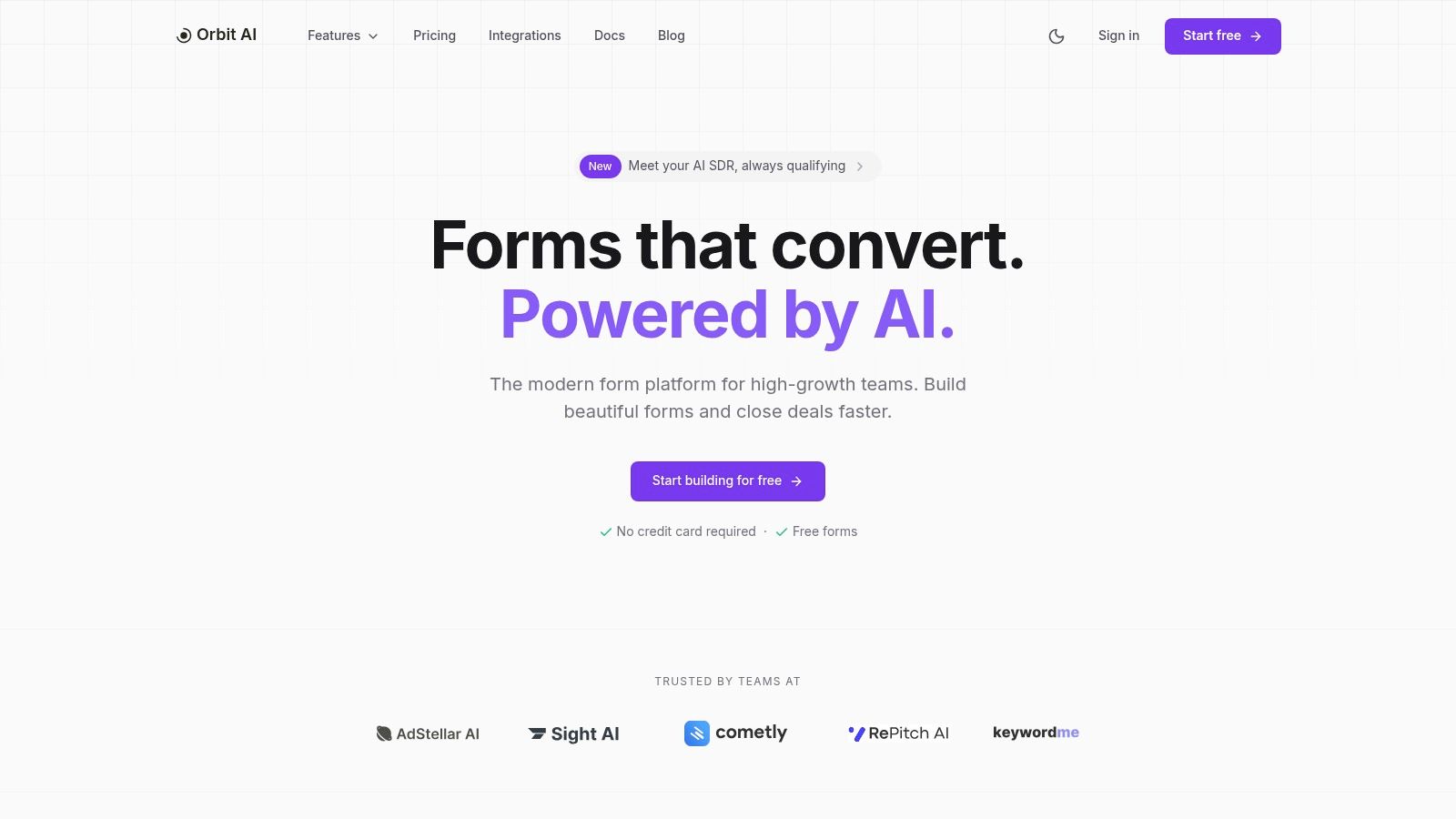
Orbit AI transcends the traditional role of a form builder, positioning itself as a strategic tool for revenue teams seeking to accelerate their pipeline with qualified leads. It establishes itself as the best online form builder by integrating a sophisticated AI Sales Development Representative (SDR) directly into the data capture process. This core innovation shifts the function of a form from passive data collection to active, real-time lead qualification and enrichment.
For growth and sales teams, this means that every form submission is instantly analyzed, scored, and prepared for the next step in the sales funnel. Instead of manually sifting through a high volume of low-quality submissions, teams receive a prioritized queue of sales-ready leads, complete with enriched data points that provide crucial context for outreach. This intelligent automation allows sales teams to focus their energy on engaging high-potential prospects, dramatically improving efficiency and conversion rates.
Key Features and Strategic Advantages
Orbit AI’s platform is built around a powerful set of features designed to maximize lead quality and operational speed.
AI SDR & Smart Lead Scoring: At its heart, Orbit AI’s standout capability is its AI SDR. It continuously qualifies and enriches leads as they come in, using intelligent scoring to surface opportunities that are ready for sales engagement. This process mimics the initial qualification steps of a human SDR, but operates instantly and at scale.
Fast Visual Builder: The platform features a streamlined, intuitive visual builder that empowers users to create and launch high-converting, multi-step forms in minutes. With a library of professional templates, even non-technical users can deploy forms that are optimized for a superior user experience, reducing friction and abandonment.
Real-Time Analytics: Orbit AI provides a comprehensive analytics dashboard that offers actionable insights into form performance. Teams can monitor critical metrics like field-by-field drop-off rates, conversion trends, and source performance to make data-driven optimizations quickly and effectively.
Enterprise-Grade Security & Integrations: Security is paramount, with enterprise-level protections and GDPR readiness to meet the needs of B2B SaaS companies and organizations handling sensitive data. Furthermore, with over 50 native integrations, Orbit AI seamlessly syncs qualified leads into essential tools like HubSpot, Salesforce, and Slack, ensuring leads are routed into existing workflows without delay.
Team Collaboration: The platform is designed for modern teams, offering unlimited team member access. This fosters collaboration between marketing, sales, and operations, ensuring everyone is aligned on lead capture and qualification strategies.
Expert Insight: The true value of Orbit AI lies in its ability to bridge the gap between marketing-generated leads and sales-accepted opportunities. By embedding qualification directly into the form, it eliminates a major bottleneck in the lead lifecycle, ensuring sales teams receive a cleaner, more actionable pipeline.
Pricing and Accessibility
Orbit AI has no free plan; pricing is quoted on a short demo, where the team tailors the package to your lead volume and integrations. Book a demo to see it with your own forms.
| Pros | Cons |
|---|---|
| AI SDR automatically qualifies and enriches leads, saving significant time. | No free plan; pricing is quoted on a demo. |
| Fast, intuitive visual builder with templates accelerates form creation. | AI qualification may require human oversight to fine-tune scoring rules for highly specific edge cases. |
| Robust real-time analytics for continuous form optimization. | |
| Enterprise-grade security, GDPR readiness, and 50+ CRM integrations. | |
| Collaboration-friendly with unlimited seats for team members. |
For teams looking to not just capture leads but actively qualify them, Orbit AI is an indispensable tool. It represents the next evolution of online forms, moving them from simple data entry points to intelligent, revenue-driving assets. You can explore a deeper dive into how such systems work by reading about various AI lead generation tools.
Website: https://orbitforms.ai
2. Typeform
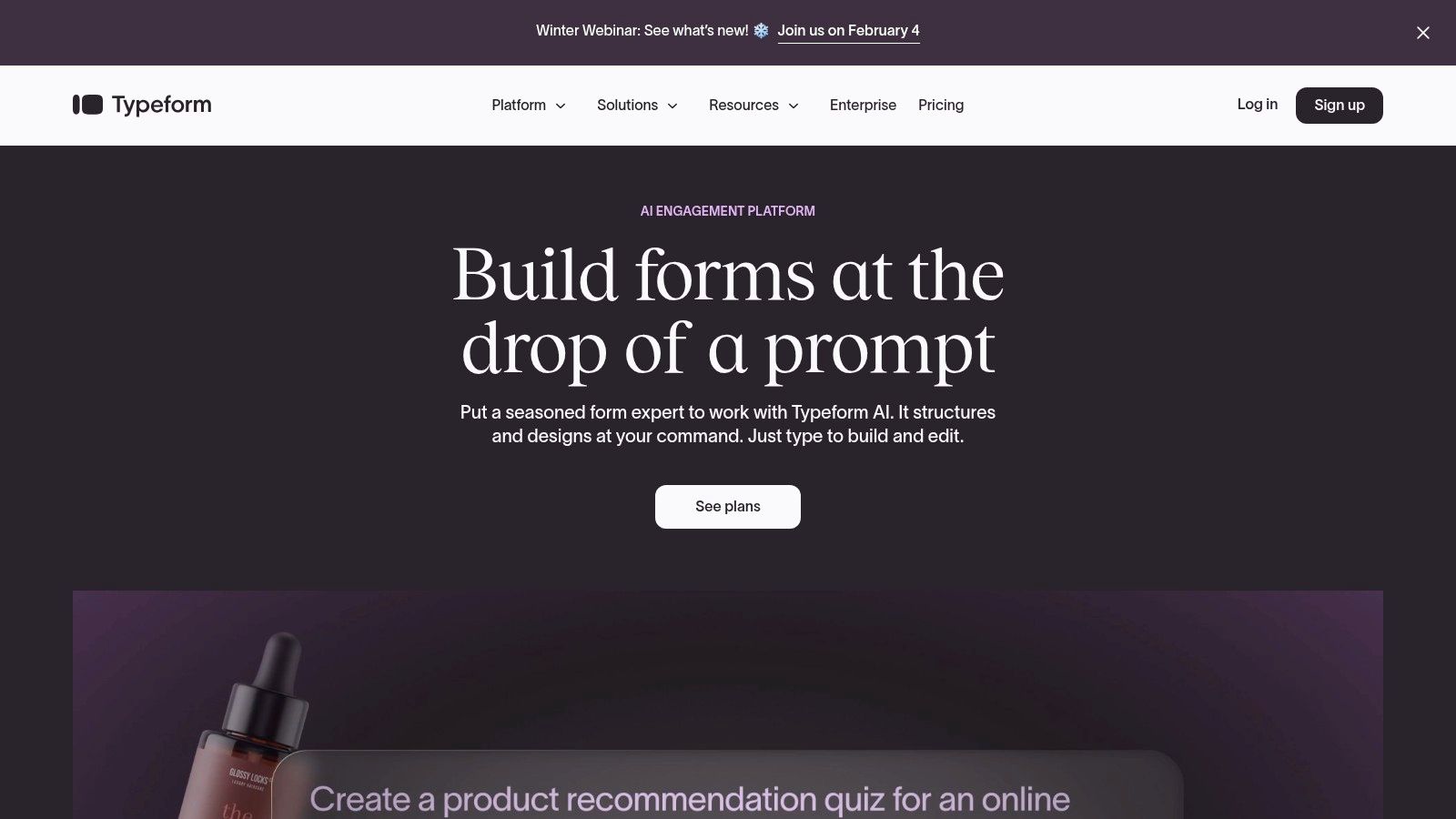
Typeform carved out its niche by rethinking the entire form-filling experience. Instead of presenting users with a long, static page of fields, it pioneered the "one question at a time" conversational format. This approach feels more like a natural dialogue, which significantly reduces user friction and fatigue, making it a strong contender for the title of best online form builder when respondent engagement is a top priority.
Its core strength lies in its beautiful, user-centric design that guides respondents through questions smoothly, often leading to higher completion rates. Typeform is ideal for creating surveys, quizzes, feedback forms, and simple contact forms where making a strong brand impression is crucial. The platform's editor is intuitive, allowing for quick creation and customization without needing to code.
Key Features and Use Cases
Typeform's feature set is robust, especially on its paid tiers. It supports advanced conditional logic, allowing you to create dynamic paths that change based on user answers. This is perfect for complex surveys or lead qualification funnels where you need to segment respondents in real time.
- Top Use Cases: Customer feedback surveys, market research questionnaires, engaging lead capture forms, event registrations, and interactive quizzes.
- Integrations: It boasts over 300 integrations with popular tools like Slack, HubSpot, Zapier, and Google Sheets, making it easy to automate post-submission workflows.
- Analytics: Higher-tier plans provide valuable insights, including conversion rates and drop-off points, helping you identify which questions cause users to abandon the form.
Pricing and Plan Structure
Typeform’s pricing is based on the number of responses per month and the feature set available. While it offers a free plan, it's quite limited (10 responses/month), making it suitable only for very small-scale projects or testing.
| Tier | Monthly Responses | Key Features | Best For |
|---|---|---|---|
| Free | 10 | Basic features, Typeform branding | Personal use or testing the platform |
| Basic | 100 | File uploads, payment fields, more logic jumps | Individuals and freelancers |
| Plus | 1,000 | Remove branding, custom subdomains, 3 users | Small businesses and marketing teams |
| Business | 10,000 | Conversion tracking, drop-off analysis, priority support | Growth-focused companies and data-driven teams |
Pros and Cons
Pros:
- Exceptional User Experience: The conversational interface is polished and engaging, which can significantly boost completion rates.
- Strong Design Customization: Extensive options to match your form’s look and feel to your brand identity.
- Clear Tier Structure: Response and user limits are clearly defined, making it easy to choose the right plan.
Cons:
- Costly at Scale: Pricing can become expensive as your response volume grows, especially compared to some competitors. For those seeking more advanced features and better value, exploring some of the top Typeform alternatives is a worthwhile step.
- Limited Free Plan: The 10-response limit on the free tier is restrictive for most business applications.
- Collaboration on Higher Tiers: Multi-user access and team collaboration features are only available starting on the Plus plan.
3. Jotform
Jotform is a powerhouse in the online form builder space, known for its sheer versatility and an extensive library of templates and widgets. It positions itself as a feature-rich, all-in-one solution that can handle nearly any data collection task, from simple contact forms to complex, HIPAA-compliant patient intake processes. Its strength lies in its flexibility, making it a go-to choice for small businesses, educational institutions, and large enterprises alike.
The platform offers a more traditional, top-to-bottom form layout but provides immense customization through its drag-and-drop editor and a vast marketplace of widgets. This makes it an excellent option when you need to embed forms with specific functionalities like appointment scheduling, payment collection, or e-signatures directly into your existing web pages. For anyone prioritizing function and integration over a conversational feel, Jotform is a top contender for the best online form builder.
Key Features and Use Cases
Jotform’s feature set is incredibly broad, catering to a wide array of industries and requirements. One of its standout offerings is Jotform Sign for collecting legally binding e-signatures, along with its ability to support HIPAA compliance on higher-tier plans, a critical feature for healthcare providers.
- Top Use Cases: Online order forms, application forms, event registrations with payment processing, patient intake forms (HIPAA-compliant), and internal approval workflows.
- Integrations: It boasts over 150 integrations, connecting seamlessly with major payment gateways (PayPal, Stripe, Square), CRMs (HubSpot, Salesforce), and cloud storage (Google Drive, Dropbox).
- Templates & Widgets: With over 10,000 templates and hundreds of widgets, users can quickly build and deploy highly functional forms without starting from scratch.
Pricing and Plan Structure
Jotform’s pricing is tiered based on monthly submission limits, form views, available storage, and access to advanced features like HIPAA compliance. It offers a generous free plan that is highly functional for small-scale use.
| Tier | Monthly Submissions | Key Features | Best For |
|---|---|---|---|
| Starter (Free) | 100 | 5 forms, Jotform branding, 100 MB storage | Individuals or very small businesses testing the platform |
| Bronze | 1,000 | Remove branding, 1 GB storage, 25 forms | Freelancers and small businesses with moderate needs |
| Silver | 2,500 | HIPAA compliance available, 10 GB storage, 50 forms | Healthcare providers and growing businesses |
| Gold | 10,000 | Unlimited forms, 100 GB storage | Larger teams and organizations with high submission volume |
Pros and Cons
Pros:
- Highly Versatile: An enormous library of templates, widgets, and integrations makes it adaptable to almost any use case.
- Generous Free Plan: The free tier’s 100 monthly submissions is one of the most generous available, making it very accessible.
- Advanced Features: Offers specialized features like HIPAA compliance and e-signatures that many competitors lack.
Cons:
- Can Be Overwhelming: The sheer number of options and settings can be intimidating for new users who just need a simple form.
- Dated User Interface: While functional, the form builder and respondent interface can feel less modern compared to more design-focused platforms.
- Strict Submission Limits: Exceeding your plan’s submission limit can disable your forms, which requires careful monitoring. To sidestep this, learning how to build effective web forms from the start can optimize your usage.
4. Formstack
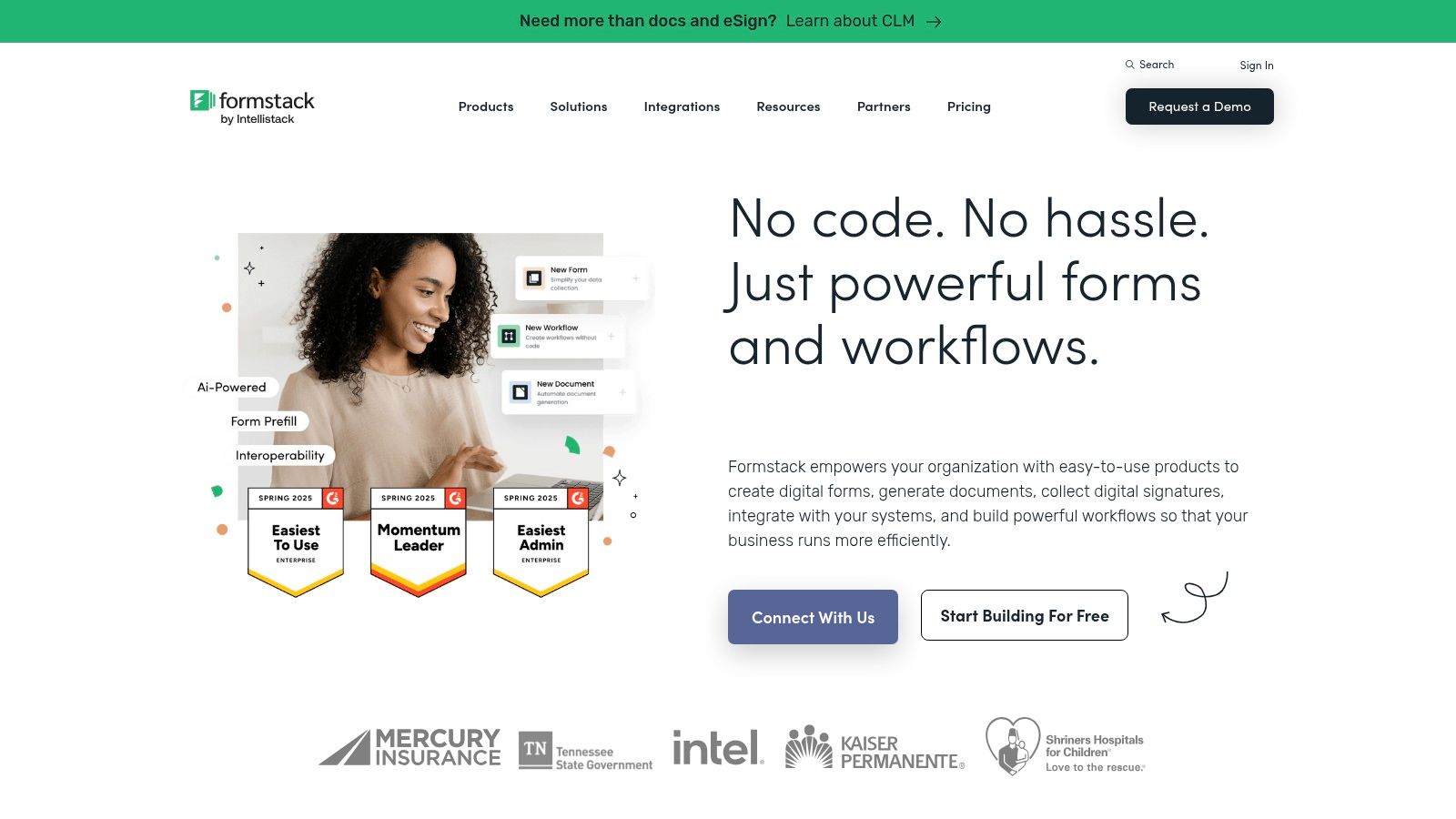
Formstack positions itself as a versatile workplace productivity platform, extending far beyond simple data collection. It’s designed for organizations that need to digitize complex processes, offering a suite of tools that includes forms, document generation, and eSignatures. This integrated approach makes it a powerful choice for regulated industries like healthcare and finance, or any business that relies on multi-step approval workflows and secure data handling, solidifying its place as a top-tier online form builder for enterprise needs.
Its core strength is its ability to connect data capture with automated action. Formstack is ideal for internal processes like HR onboarding, client intake, and contract approvals, as well as external-facing forms that require robust security and compliance features. The platform is built for teams, with features designed to manage complex workflows involving multiple stakeholders.
Key Features and Use Cases
Formstack's feature set is tailored for business-grade applications, emphasizing security, workflow, and data management. Its drag-and-drop builder is intuitive, but the real power lies in features like Save and Resume for long forms and powerful conditional logic to create dynamic user paths.
- Top Use Cases: HIPAA-compliant patient intake forms, complex application processes, internal approval workflows, lead generation for Salesforce-centric teams, and automated contract generation.
- Workflow Automation: The platform excels at creating multi-stage approval chains, routing submissions to different team members for review and action based on form data.
- Security and Compliance: Offers HIPAA-supporting features, robust encryption, and is PCI compliant, making it a go-to for organizations handling sensitive information.
- Conversion Analytics: Built-in tools help identify field bottlenecks and track partial submissions, allowing teams to optimize forms for higher completion rates.
Pricing and Plan Structure
Formstack’s pricing is structured around its product suites (Forms, Documents, Sign) or a combined Platform plan. The pricing reflects its enterprise focus and is higher than many SMB-oriented tools. Plans are based on the number of forms, submissions, and users.
| Tier | Number of Forms | Users | Key Features | Best For |
|---|---|---|---|---|
| Starter (Forms) | 20 | 1 | Basic conditional logic, 1,000 submissions/form | Small teams or departments starting with automation |
| Teams (Forms) | 100 | 5 | Approval workflows, advanced data routing, branding | Growing businesses needing collaborative workflows |
| Pro (Forms) | 1,000 | 10 | HIPAA compliance, advanced security, SSO | Organizations in regulated industries with strict compliance needs |
| Platform | Varies | Varies | Combines Forms, Documents, and Sign for full automation | Enterprises seeking a complete digital process solution |
Pros and Cons
Pros:
- Robust Workflow Automation: Excellent for managing complex, multi-person approval processes and data routing.
- Strong Enterprise Focus: Features like SSO, granular user permissions, and a strong partner ecosystem cater to large organizations.
- Compliance and Security: A top choice for industries like healthcare and finance that require features supporting HIPAA and other regulations.
Cons:
- Higher Entry Price: The starting price is significantly higher than many competitors, making it less accessible for small businesses or simple use cases.
- Potential Complexity: The extensive feature set and add-ons can increase both cost and complexity, potentially requiring a steeper learning curve.
- Dated UI: While functional, the user interface can feel less modern compared to conversion-focused builders like Orbit AI or Typeform.
5. HubSpot Forms
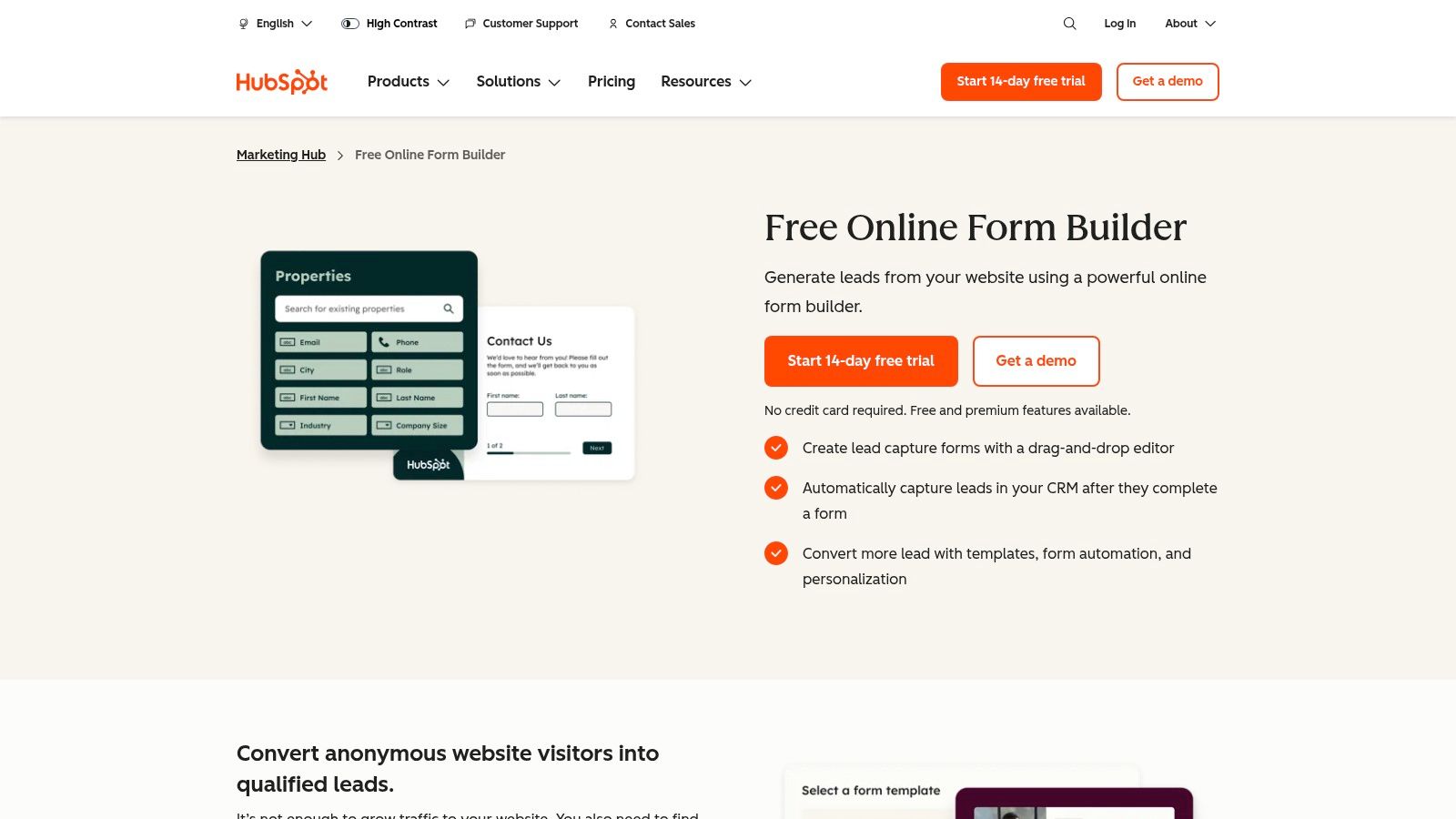
HubSpot Forms is less a standalone tool and more a core component of one of the most comprehensive marketing, sales, and service platforms available. Its primary strength isn't just in building forms but in what happens after a user hits "submit." For businesses already invested in or considering the HubSpot ecosystem, its native form builder is a powerful, integrated solution that connects lead capture directly to a centralized CRM and a suite of automation tools.
This tight integration makes it an excellent choice for teams that want to eliminate data silos and automate lead nurturing from the very first touchpoint. Instead of relying on third-party connectors, every submission instantly populates the HubSpot CRM, allowing for immediate follow-up, lead scoring, and enrollment into automated marketing sequences. This makes it a strong candidate for the best online form builder when your priority is a seamless, all-in-one marketing and sales engine.
Key Features and Use Cases
HubSpot's form builder shines with features that leverage its CRM data. A key differentiator is progressive profiling, which allows you to show different form fields to returning visitors. If you already know a contact's name and company, you can ask for their job title or company size on their next visit, gradually building a richer profile without overwhelming them with long forms.
- Top Use Cases: Gated content downloads (e-books, whitepapers), webinar registrations, demo requests, and newsletter sign-ups that feed directly into nurturing workflows.
- Integrations: While its native integration with its own CRM is the main draw, HubSpot connects to thousands of other apps. For businesses looking to enhance their HubSpot forms with advanced AI-driven qualification, a dedicated HubSpot integration guide can provide a pathway to more intelligent lead routing.
- Analytics: Paid tiers offer robust analytics, including attribution reporting that connects form submissions to specific marketing campaigns, channels, and content, providing a clear view of your ROI.
Pricing and Plan Structure
HubSpot offers a free form builder as part of its free CRM tools, which is remarkably generous. However, the more advanced automation, reporting, and customization features are tied to its paid Marketing Hub plans, which are priced based on the number of marketing contacts in your database.
| Tier | Marketing Contacts | Key Features | Best For |
|---|---|---|---|
| Free Tools | Up to 1M (non-marketing) | Basic forms, contact management, email marketing | Startups and small businesses getting started with a CRM |
| Marketing Starter | 1,000+ | Remove HubSpot branding, landing pages, list segmentation | Growing businesses needing more professional marketing tools |
| Marketing Pro | 2,000+ | Marketing automation, attribution reporting, smart content | Mid-sized companies focused on scaling lead generation |
| Marketing Enterprise | 10,000+ | Advanced reporting, predictive lead scoring, custom objects | Large organizations with complex marketing and sales operations |
Pros and Cons
Pros:
- Unbeatable CRM Integration: The native connection to HubSpot CRM is seamless, providing a single source of truth for all contact data and interactions.
- Powerful Free Tier: The free tools offer significant value, including form building, a CRM, and basic email marketing, which is more than many competitors provide.
- Scalability: The platform can grow with your business, from simple free forms to a full-fledged enterprise marketing automation suite.
Cons:
- Expensive at Scale: The contact-based pricing of the paid Marketing Hub plans can become very costly as your database grows.
- Locked-in Ecosystem: The greatest benefits are realized when you use the full HubSpot suite, making it less flexible if you prefer best-of-breed tools for different functions.
- Advanced Features are Gated: Critical features like marketing automation and detailed reporting are reserved for the expensive Professional and Enterprise tiers.
6. Google Forms
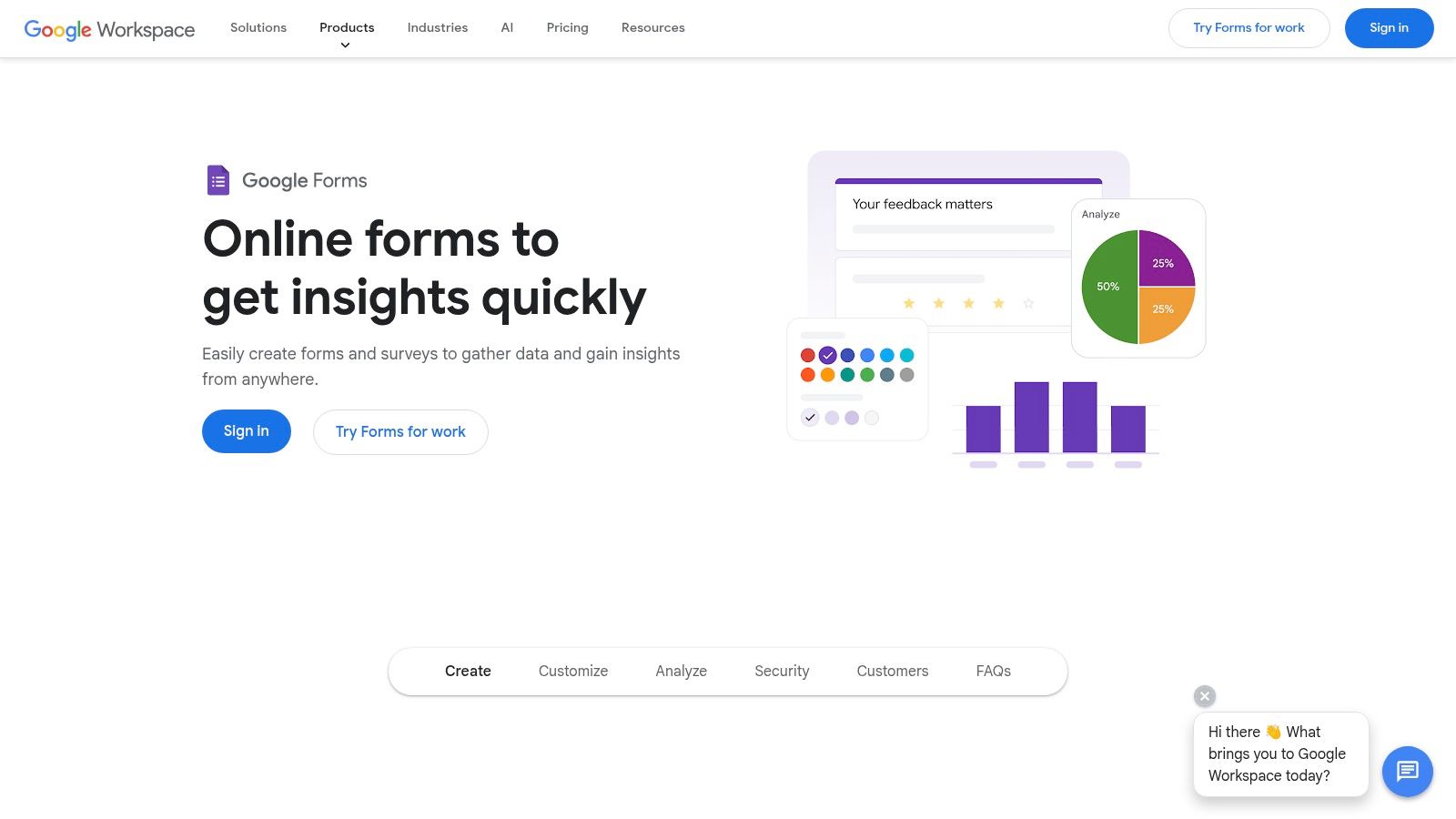
Google Forms is arguably the most accessible and widely used form builder on the planet, making it an essential part of any "best online form builder" conversation. Integrated directly into the Google ecosystem, it offers a free, simple, and highly reliable way to gather information. It shines in scenarios where speed and cost-effectiveness are more critical than advanced branding or complex, multi-step logic.
Its primary strength is its near-zero friction for both creators and respondents. Anyone with a Google account can create a form in minutes, and users can respond from any device without hassle. This makes it an excellent choice for quick internal surveys, simple event RSVPs, educational quizzes, and basic contact forms. The direct integration with Google Sheets for data analysis is a massive time-saver for many teams.
Key Features and Use Cases
While it lacks the sophisticated design of its competitors, Google Forms packs a surprising number of useful features. It supports conditional logic (go to section based on answer), offers a variety of question types, and allows for basic theme customization with colors and header images. When used within a Google Workspace environment, it gains enhanced security and administrative controls.
- Top Use Cases: Internal employee feedback, simple customer satisfaction surveys, school quizzes and assignments, event registrations, and quick polls.
- Integrations: Its native connection to Google Sheets is its most powerful feature. It also has a growing ecosystem of add-ons for additional functionality and can be connected to thousands of other apps via its API or tools like Zapier.
- Analytics: Provides real-time response charts and summaries directly within the Forms interface, with the ability to export all data to Google Sheets for deeper, more granular analysis.
Pricing and Plan Structure
Google Forms’ pricing is its biggest differentiator: it’s completely free with a standard Google account. For businesses, it's included as part of the Google Workspace subscription, which adds administrative controls, enhanced security, and collaborative features.
| Tier | Monthly Responses | Key Features | Best For |
|---|---|---|---|
| Free (Google Account) | Unlimited | All core features, Google Sheets integration, basic themes | Individuals, educators, and simple data collection needs |
| Google Workspace | Unlimited | Advanced security, admin controls, team collaboration, company branding | Businesses and organizations using the Google ecosystem |
Pros and Cons
Pros:
- Completely Free: There is no cost to use Google Forms with a standard account, making it incredibly accessible.
- Ease of Use: The interface is clean and intuitive, allowing anyone to build and deploy a form in minutes.
- Seamless Google Ecosystem Integration: The automatic data syncing with Google Sheets is a standout feature for analysis and workflow automation.
Cons:
- Limited Customization: Branding and design options are very basic compared to specialized form builders.
- Lacks Advanced Features: It does not offer sophisticated features like payment processing, advanced analytics, or complex conversational logic found in other tools. For businesses needing more powerful data capture, exploring a feature-rich alternative to Google Forms is a necessary step.
- Professional Appearance: The standard Google branding can make forms appear less professional for external, customer-facing use cases.
7. G2 (Online Form Builder Category)
Unlike a dedicated form builder, G2 is a software marketplace and peer-review platform that offers a powerful way to survey the entire landscape. Instead of providing a tool to build forms, it provides the tools to find the right one. For teams conducting market research or due diligence before committing to a platform, G2’s Online Form Builder category is an indispensable resource for comparing tools based on verified user feedback, feature sets, and market presence.
The platform's primary value is in its aggregation of real-world experiences. It allows buyers to filter and compare dozens of options side-by-side, using its proprietary Grid reports to see which tools are leaders in specific segments like SMB, Mid-Market, or Enterprise. This makes it an essential first stop for anyone trying to create a shortlist for the best online form builder to fit their specific needs, from simple contact forms to complex, multi-step workflows.
Key Features and Use Cases
G2’s strength lies in the depth and organization of its data. You can filter solutions by features like conditional logic, payment processing, or HIPAA compliance, and read detailed reviews from users in similar industries or company sizes. This peer validation is critical for making an informed purchasing decision and avoiding buyer's remorse.
- Top Use Cases: Shortlisting potential form builders, validating vendor claims with real user reviews, comparing feature sets across multiple platforms, and understanding market leaders in different business segments.
- Unique Data: G2 provides unique data points like user satisfaction ratings, ease of setup, quality of support, and ROI estimates, all sourced from verified users.
- Direct Purchasing Path: Most listings include direct links to vendor websites, free trials, and sometimes even special offers, streamlining the transition from research to procurement.
Pricing and Plan Structure
Accessing G2’s reviews and comparison tools is completely free for software buyers. The platform’s business model is based on vendors paying for enhanced profiles, marketing solutions, and access to buyer intent data. This means you can conduct thorough research without any cost.
| Tier | Price | Key Features | Best For |
|---|---|---|---|
| Free | $0 | Access to all reviews, comparison tools, and Grid reports | All software buyers, from freelancers to enterprise teams |
| Vendor | Paid | Enhanced profiles, lead generation, review management (for sellers) | Software companies looking to market their products |
Pros and Cons
Pros:
- Authentic User Feedback: Provides a diverse range of unbiased opinions from real users, offering insights beyond a vendor's marketing materials.
- Time-Saving Research: Consolidates information on dozens of tools into one place, saving countless hours of manual research and discovery.
- Detailed Filtering: Powerful filters allow you to narrow down the options based on specific features, integrations, and company size, ensuring you find a relevant solution.
Cons:
- Potential for Bias: Sponsored placements and enhanced vendor profiles can influence visibility, so it's important to look beyond the top-listed results.
- Information Can Be Dated: Pricing and feature information is sometimes not perfectly synchronized with the vendor’s website; always verify details directly with the provider.
- Review Overload: The sheer volume of reviews can be overwhelming. Focusing on recent and detailed reviews is key to extracting the most value.
Top 7 Online Form Builders — Feature Comparison
| Tool | Implementation complexity | Resource requirements | Expected outcomes | Ideal use cases | Key advantages |
|---|---|---|---|---|---|
| Orbit AI | Low–Medium — visual builder with AI setup | Quoted on a demo; no free plan | Higher conversion + continuously qualified leads | Growth teams, sales-led capture, digital agencies | AI SDR + smart scoring, fast builder, 50+ integrations, enterprise security |
| Typeform | Low for basic forms; Medium for advanced logic | Moderate — paid tiers for higher responses and collaboration | Improved completion rates and respondent experience | Marketing surveys, lead capture where UX matters | Conversational UX, polished design, wide integrations |
| Jotform | Low — template-driven and flexible | Moderate — plan limits; paid for e-signatures/HIPAA | Versatile deployments (payments, e-signature, storage) | SMBs, healthcare (HIPAA), organizations needing e-signatures | Large template/widget library, HIPAA options, many integrations |
| Formstack | Medium–High — workflow and enterprise setup | Higher — enterprise pricing and add‑ons | Robust workflows, approvals, and conversion analytics | Regulated industries, Salesforce-centric teams, complex approvals | Strong workflow tools, compliance (HIPAA/PCI), document/sign bundling |
| HubSpot Forms | Low if inside HubSpot; Medium otherwise | Moderate to high — value tied to HubSpot CRM seats | Unified lead data with native automation and routing | Organizations using HubSpot CRM and marketing automation | Native CRM integration, progressive profiling, end-to-end automation |
| Google Forms | Very low — quick to deploy | Minimal — free; Workspace adds admin/security | Fast, reliable data capture and simple reporting | Quick surveys, internal requests, education | Free, near-zero friction, native Sheets export and collaboration |
| G2 (Online Form Builder category) | Low — research/shortlisting tool | None to minimal — free access; sponsored content exists | Shortlist of vendors with peer validation and comparisons | Vendor selection, market research, procurement validation | Verified reviews, ranked grids and filters, direct vendor links |
Choosing the Right Builder to Fuel Your Growth
Navigating the landscape of online form builders can feel overwhelming, but making the right choice is a critical step in optimizing your growth engine. We've explored a range of powerful tools, from the AI-driven conversational intelligence of Orbit AI to the established design elegance of Typeform and the sheer versatility of Jotform. Each platform offers a unique set of features tailored to different business needs, budgets, and technical capabilities.
The central takeaway is that the "best online form builder" is not a one-size-fits-all solution; it's the one that best aligns with your specific strategic goals. A simple, free tool like Google Forms might suffice for internal surveys, but a B2B SaaS company focused on pipeline quality will demand the advanced qualification, security, and integration capabilities found in more specialized platforms. Your decision should be a direct reflection of your company's growth stage and go-to-market strategy.
Your Action Plan for Selecting a Form Builder
To move from analysis to action, it’s crucial to evaluate your options through a structured lens. Don't let a slick user interface or a long feature list distract you from what truly matters for your team's performance. Before you commit, work through this practical checklist.
1. Define Your Primary Use Case:
- Lead Qualification: Are you trying to separate high-intent leads from tire-kickers? Look for conditional logic, lead scoring, and AI-powered conversation like Orbit AI offers.
- User Feedback & Surveys: Do you need high completion rates and an engaging user experience? Prioritize conversational design and aesthetic customization, where tools like Typeform excel.
- Complex Data Collection: Is your goal to gather detailed, multi-step information for applications or registrations? A builder with extensive field types and workflow automation, such as Formstack or Jotform, is essential.
2. Map Out Your Tech Stack: Your form builder cannot operate in a silo. List every critical tool it must connect with, such as your CRM (HubSpot, Salesforce), marketing automation platform (Marketo, Pardot), and data warehouse (Snowflake, BigQuery). Investigate the depth and reliability of native integrations versus the need for third-party connectors like Zapier. A seamless data flow prevents manual work and ensures your GTM teams have the real-time information they need.
3. Evaluate the Total Cost of Ownership (TCO): Look beyond the advertised monthly price. Consider factors like submission limits, the number of forms you can create, user seat costs, and access to premium features or integrations. A cheaper plan might become expensive quickly if you have to pay for overages or essential add-ons. Calculate the TCO based on your projected growth, not just your current needs.
4. Prioritize Security and Compliance: For any business handling user data, especially in regulated industries or regions like the EU, this is non-negotiable. Scrutinize each vendor's commitment to standards like GDPR, HIPAA, and SOC 2. Ask for documentation on data encryption, access controls, and their security protocols. This isn't just about avoiding fines; it's about building and maintaining trust with your customers.
Key Insight: The true power of a modern form isn't just in capturing data, but in its ability to qualify, route, and act on that data instantly. The closer your form is to an automated, intelligent conversation, the more valuable it becomes to your sales and marketing teams.
Ultimately, choosing the best online form builder is an investment in your company's operational efficiency and growth potential. By moving beyond basic data capture and embracing tools that offer intelligence, automation, and a superior user experience, you transform a simple web form into a strategic asset that consistently delivers qualified pipeline and actionable insights.
Ready to see how an AI-powered conversational form can triple your conversion rates and deliver sales-ready leads? Discover why growth teams are switching to Orbit AI for intelligent lead qualification and seamless CRM integration. Explore Orbit AI and start building smarter forms today.


