

Choosing the right AI form builder plan can make or break your lead generation strategy. With pricing models ranging from free tiers to enterprise solutions, and features varying wildly between platforms, finding the perfect fit for your team requires careful consideration. This guide breaks down the top AI form builder plans available in 2026, comparing their pricing structures, AI capabilities, and value propositions. Whether you're a startup watching every dollar or an enterprise team needing advanced lead qualification, you'll find a plan that matches your goals and budget.
1. Orbit AI
Best for: High-growth teams needing AI-powered lead qualification and conversion optimization in one platform
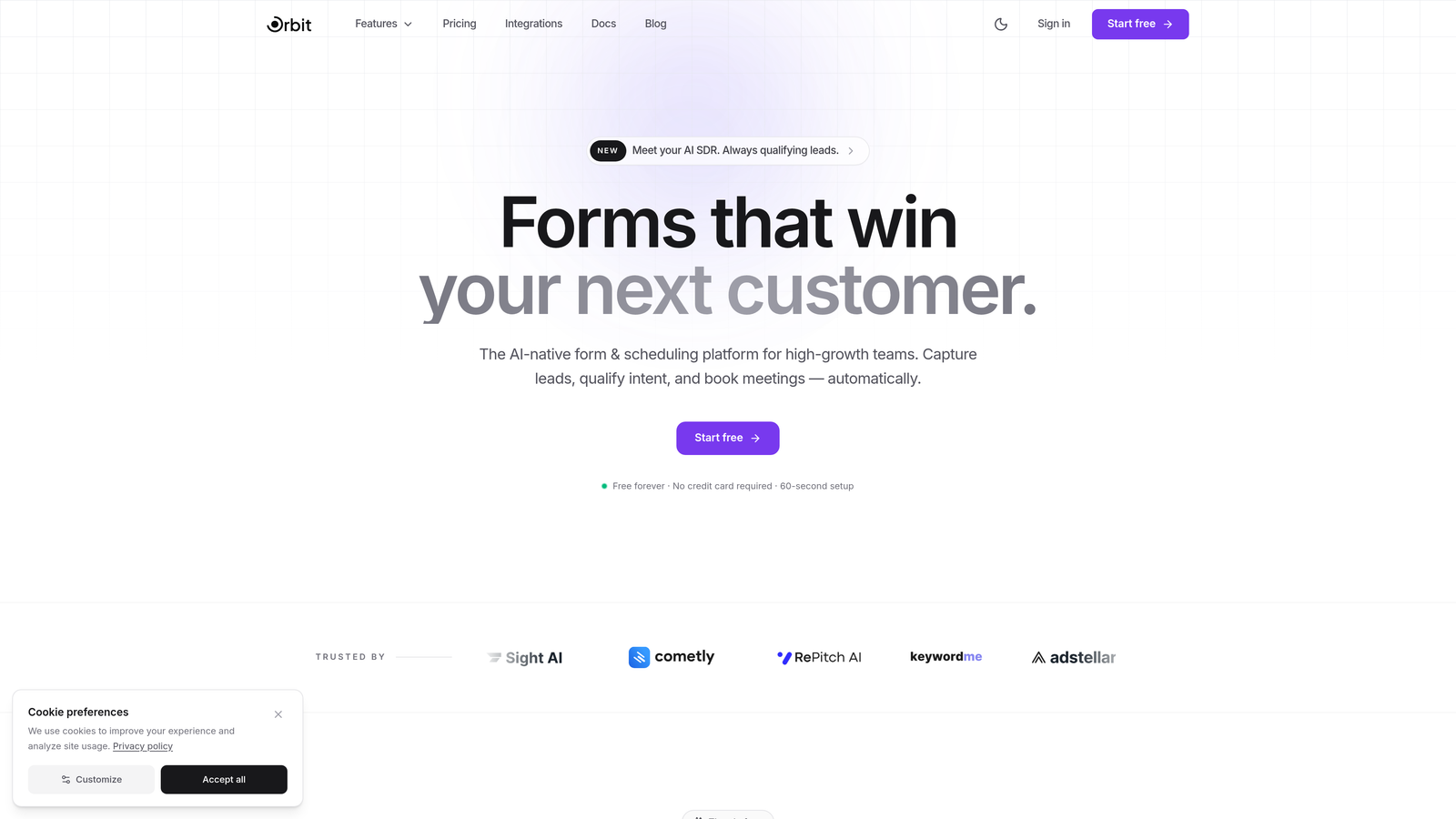
Orbit AI is an AI-powered form builder platform designed specifically for teams focused on turning form submissions into qualified leads.
Where This Tool Shines
What sets Orbit AI apart is its built-in lead qualification engine. Instead of collecting form data and manually sorting through submissions later, the platform uses AI agents to score and route leads automatically based on your qualification criteria.
The conversion-optimized templates are built with real-world testing in mind, helping high-growth teams skip the trial-and-error phase of form design. Everything from field placement to question sequencing is designed to maximize completion rates while capturing the data you actually need.
Key Features
AI-Powered Lead Qualification: Automatically scores and routes leads based on custom criteria you define.
Conversion-Optimized Templates: Pre-built forms designed to maximize completion rates across industries.
Built-In Analytics: Track form performance and conversion metrics without connecting external tools.
Workflow Automation: Trigger actions based on form responses and lead scores automatically.
Seamless CRM Integrations: Connect directly to your existing sales and marketing stack.
Best For
This platform is ideal for SaaS companies, marketing agencies, and B2B teams that need more than just form submissions. If you're measuring success by qualified leads rather than raw form fills, and you want AI handling the initial qualification work, Orbit AI delivers exactly that focus.
Pricing
Multiple pricing tiers are available to match different team sizes and submission volumes. Check their pricing page for current plan details and feature breakdowns across tiers.
2. Typeform
Best for: Creating engaging, conversational form experiences with AI-assisted design features
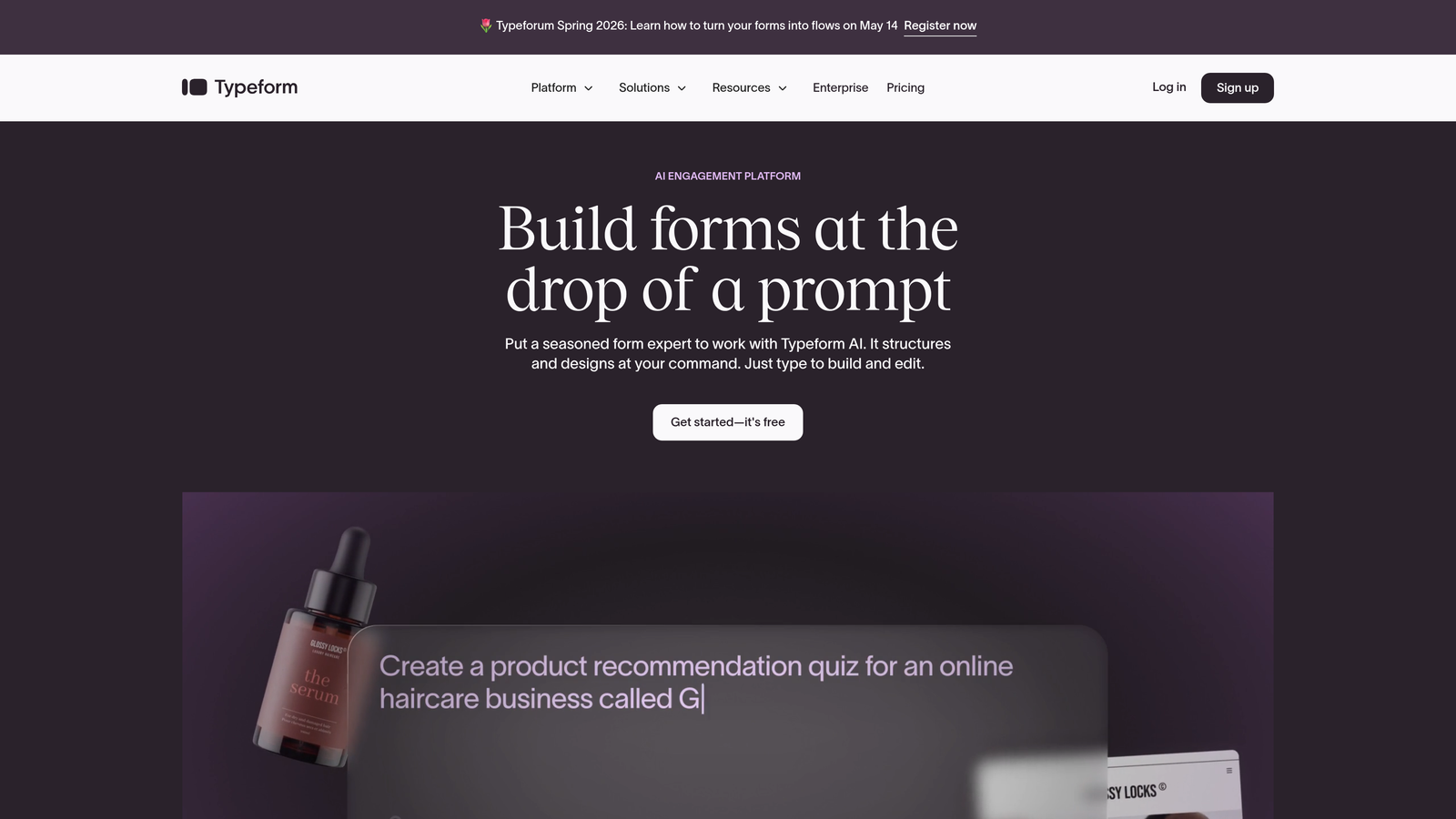
Typeform is a conversational form builder known for its distinctive one-question-at-a-time format that makes forms feel less like interrogations.
Where This Tool Shines
The conversational approach genuinely improves completion rates for longer forms. By showing one question at a time, Typeform reduces the psychological burden of seeing a massive form upfront. Users focus on answering the current question rather than worrying about how many more are coming.
Their AI-assisted form creation tools, available in premium plans, help you generate question flows and suggest optimal question sequences based on your goals. The platform excels at creating forms that feel more like friendly conversations than data collection exercises.
Key Features
Conversational Format: One-question-at-a-time presentation that reduces form abandonment.
AI-Assisted Creation: Generate form questions and logic flows with AI guidance in premium tiers.
Logic Jumps: Create dynamic question paths based on previous answers.
Rich Media Support: Embed videos and images to create more engaging form experiences.
Brand Customization: Match forms to your visual identity with extensive design controls.
Best For
Typeform works best for teams prioritizing user experience and engagement over pure data collection efficiency. If your forms are customer-facing and you want them to reflect a modern, friendly brand personality, this platform delivers that polish.
Pricing
A free tier is available with basic features. Paid plans start around $25 per month, with AI features and advanced logic available in higher-tier subscriptions.
3. Jotform
Best for: Teams needing extensive template variety and AI generation across multiple use cases
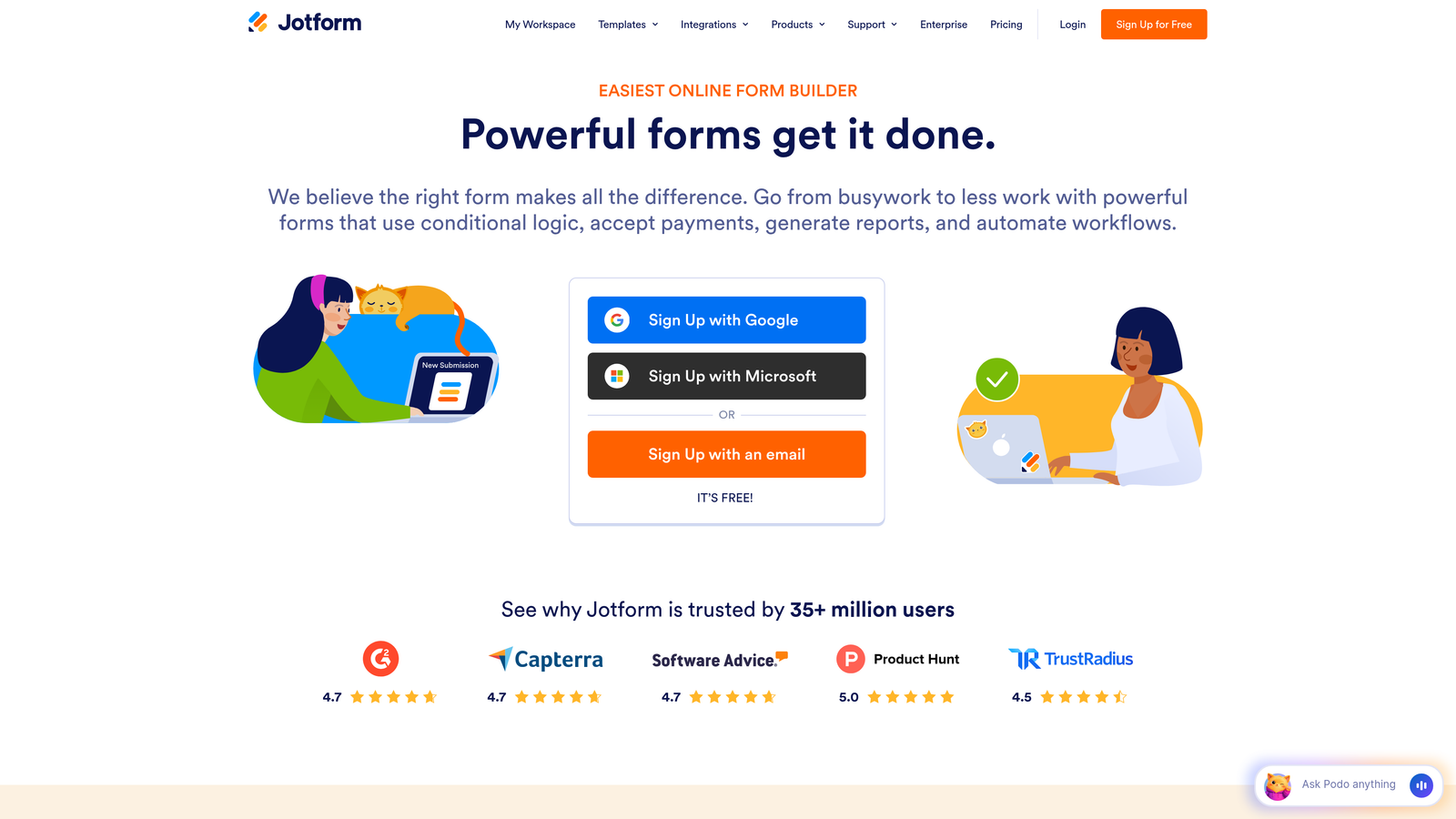
Jotform is an established form builder offering one of the largest template libraries in the industry alongside AI-powered form generation.
Where This Tool Shines
With over 10,000 templates spanning virtually every industry and use case, Jotform eliminates the blank-page problem. Whether you need event registration forms, customer surveys, or payment collection forms, there's almost certainly a template that gets you 80% of the way there.
The AI form generator helps you create custom forms from scratch by describing what you need in plain language. The platform interprets your requirements and builds a complete form structure, which you can then refine. This combination of extensive templates and AI generation makes Jotform particularly versatile for teams managing diverse form needs.
Key Features
AI Form Generator: Describe your form needs and let AI build the initial structure.
10,000+ Templates: Pre-built forms for virtually every industry and use case imaginable.
Conditional Logic: Create dynamic forms that adapt based on user responses.
Payment Integrations: Accept payments directly through forms with multiple processor options.
PDF Conversion: Turn existing PDF forms into fillable online versions automatically.
Best For
Jotform suits teams that need to create many different types of forms across departments. If you're supporting HR, marketing, sales, and operations with one form solution, the template variety and AI generation flexibility become major advantages.
Pricing
A free tier with submission limits is available. Paid plans start from approximately $34 per month, with higher tiers offering increased submissions and advanced features.
4. Tally
Best for: Budget-conscious teams wanting unlimited forms without monthly subscription pressure
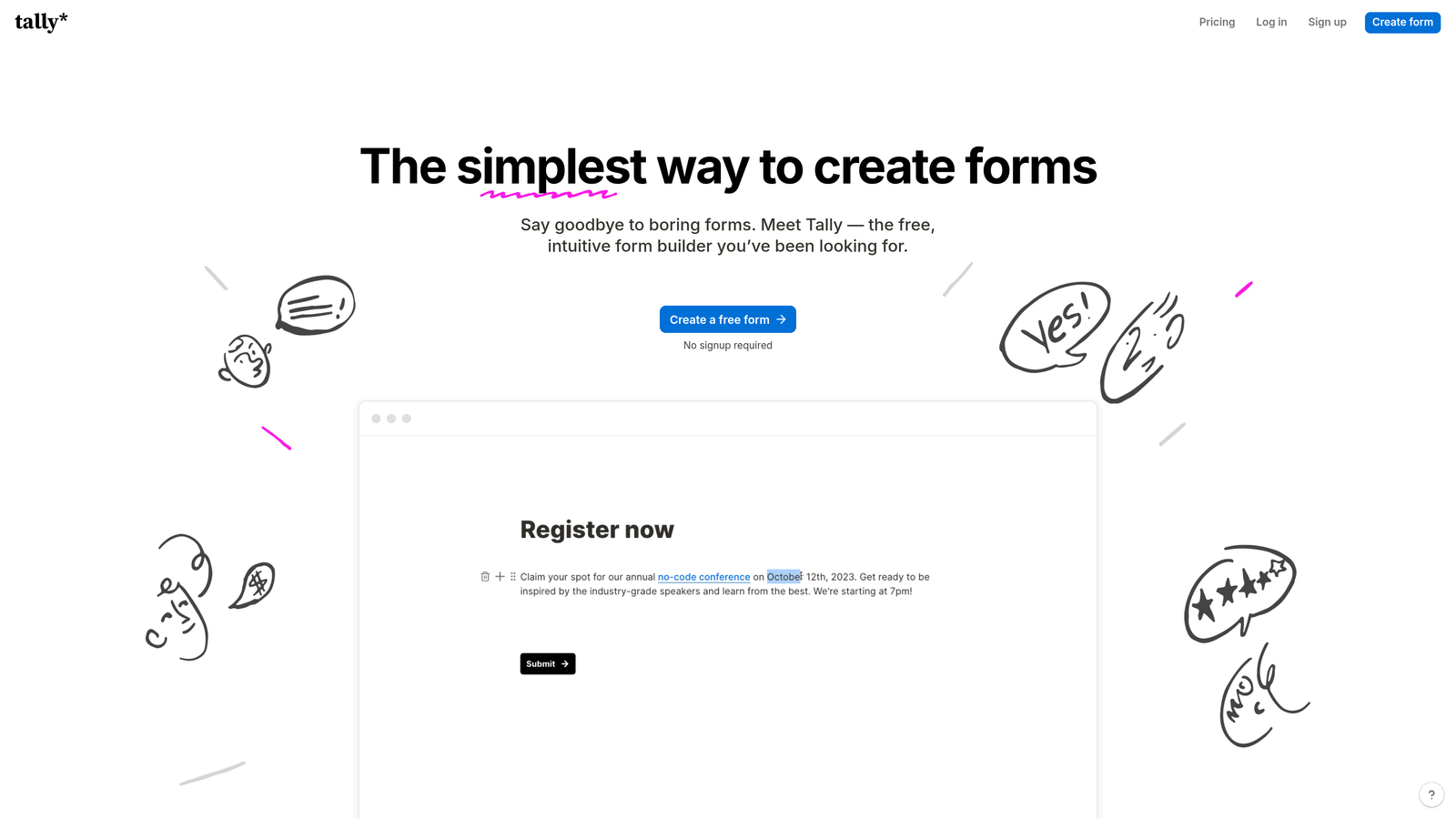
Tally is a minimalist form builder with an exceptionally generous free tier and straightforward pricing philosophy.
Where This Tool Shines
The unlimited forms on the free plan is genuinely rare in this space. Most platforms limit free users to 3-5 forms, but Tally lets you create as many as you need. This makes it perfect for teams testing multiple form variations or running seasonal campaigns without worrying about hitting limits.
The Notion-like editing experience feels immediately familiar if you've used modern document tools. You build forms by simply typing and formatting, with no complex builder interface to learn. The clean, distraction-free interface means you spend less time figuring out the tool and more time crafting effective questions.
Key Features
Unlimited Free Forms: Create as many forms as needed without hitting artificial limits on the free tier.
Notion-Style Editing: Familiar block-based editing that feels natural and intuitive.
No Branding: Remove Tally branding even on the free plan, maintaining your professional image.
Basic AI Assistance: Get suggestions for form improvements and question optimization.
Clean Interface: Minimalist design that keeps the focus on your content, not the tool.
Best For
Tally is ideal for startups, small teams, and solo entrepreneurs who need professional forms without the monthly financial commitment. If you're bootstrapping or want to test form strategies before investing in premium tools, this platform removes the risk.
Pricing
The free tier is genuinely functional for most small teams. The Pro plan costs around $29 per month and adds features like custom domains and advanced integrations.
5. Fillout
Best for: Teams already using Airtable or Notion who want forms that sync directly with their databases
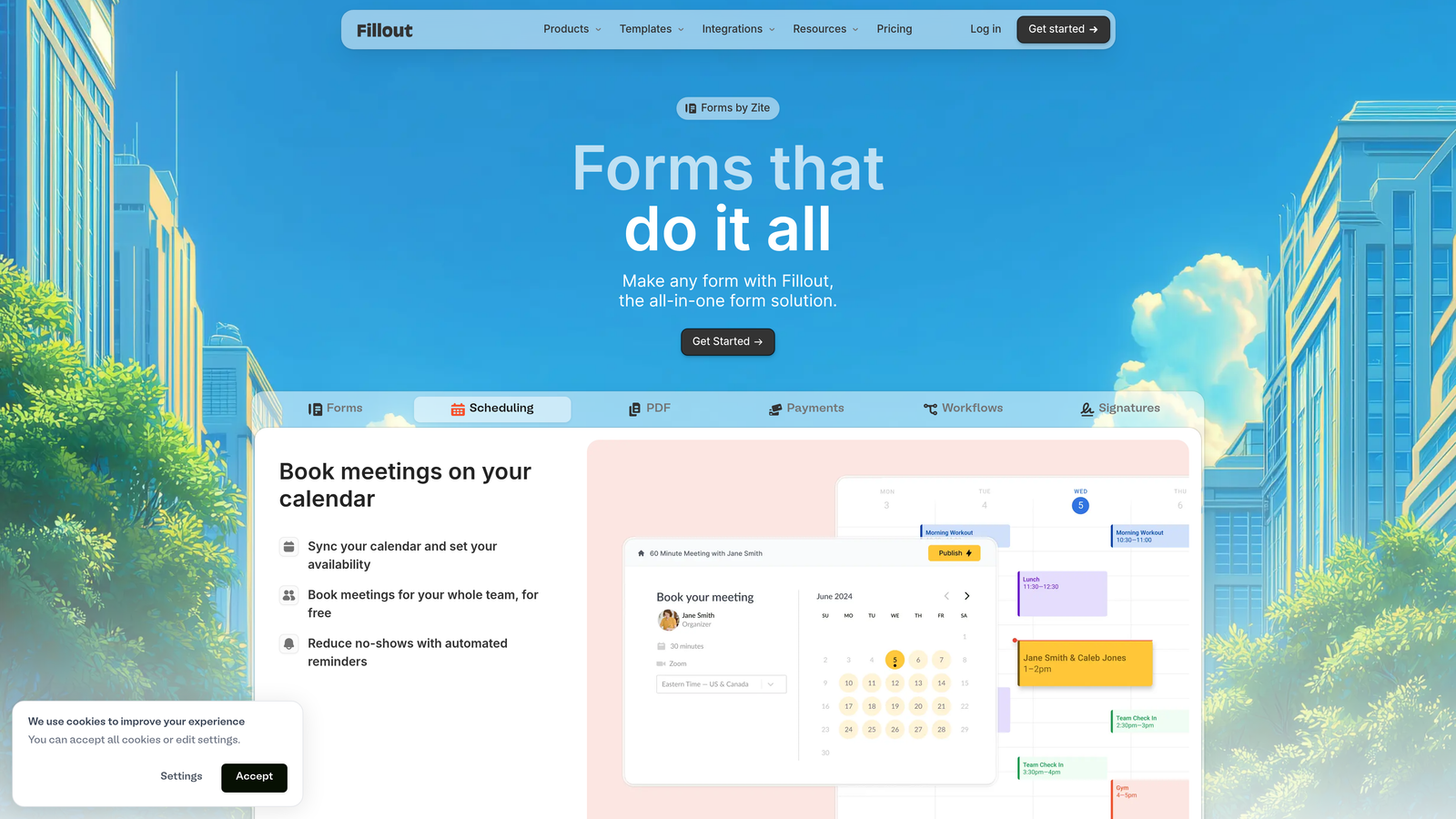
Fillout is a form builder designed around database integration, with AI features bundled alongside powerful data management capabilities.
Where This Tool Shines
The native Airtable and Notion integrations are the real story here. Instead of using forms to collect data and then manually moving it to your database, Fillout writes directly to your Airtable bases or Notion databases. Form submissions become database records instantly, with all your existing views, automations, and workflows immediately available.
This tight integration eliminates the data transfer step that causes delays and errors in most form workflows. If your team already lives in Airtable or Notion, Fillout extends those tools with a proper form layer rather than forcing you to adopt yet another platform.
Key Features
Native Database Integration: Write form submissions directly to Airtable or Notion without middleware.
AI Field Suggestions: Get intelligent recommendations for form fields based on your data structure.
Multi-Page Forms: Break long forms into sections without losing progress tracking.
Scheduling Integration: Embed calendar booking directly within form flows.
Custom Domains: Host forms on your own domain for brand consistency.
Best For
This platform is perfect for teams that have already invested in Airtable or Notion as their system of record. If your operations, project management, or CRM runs in those tools, Fillout becomes the natural front door for data collection.
Pricing
A functional free tier is available. Paid plans start from approximately $15 per month, making it one of the more affordable options for teams needing database integration.
6. Feathery
Best for: Product-led growth teams and developers needing programmatic control over form experiences
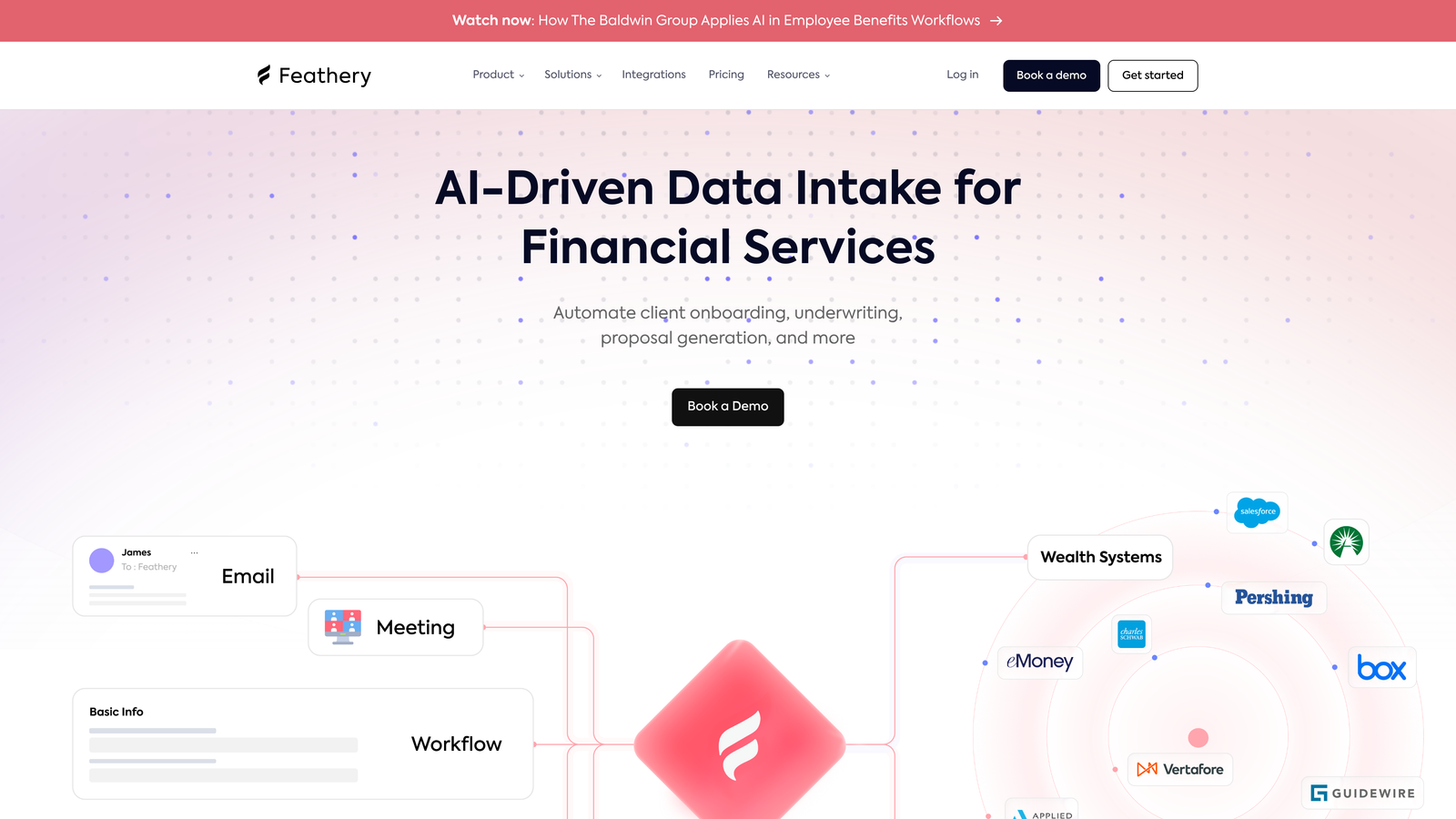
Feathery is a developer-focused form builder designed for teams that need to embed sophisticated form logic into product onboarding flows.
Where This Tool Shines
The React and JavaScript SDKs give developers actual control over form behavior and styling. Instead of being constrained by a visual builder's limitations, you can programmatically manipulate forms, inject custom logic, and integrate forms deeply into your product experience. This matters for SaaS companies where onboarding forms need to feel like part of the product, not a separate data collection step.
The AI-powered user routing feature automatically directs users through different onboarding paths based on their responses and behavior patterns. This dynamic personalization helps product-led growth teams optimize conversion without manually building dozens of conditional logic branches.
Key Features
React and JavaScript SDKs: Build and control forms programmatically with full developer access.
AI-Powered Routing: Automatically direct users through optimal paths based on responses and behavior.
Custom Components: Build and integrate your own form elements beyond standard fields.
Built-In A/B Testing: Test form variations without external tools or complex setup.
Onboarding Optimization: Specifically designed for product signup and user onboarding flows.
Best For
Feathery suits technical teams at product-led growth companies where forms are part of the core user experience. If you have developers who want programmatic control and you're optimizing for product activation rather than simple lead capture, this platform speaks your language.
Pricing
A free tier is available for startups. Growth plans vary based on usage and feature requirements, with pricing scaling as your user base grows.
7. Paperform
Best for: Creative teams prioritizing visual design flexibility and brand expression in forms
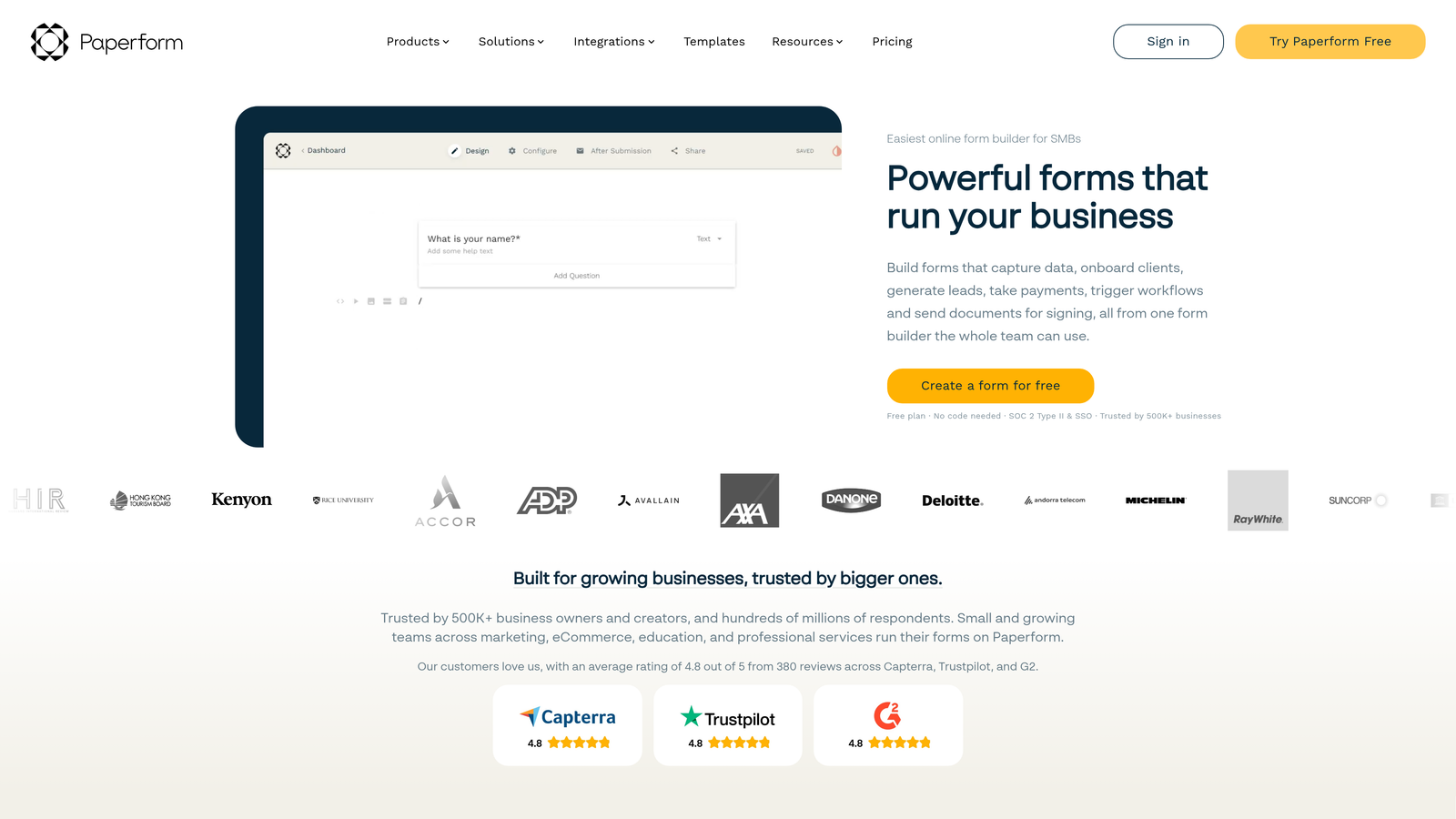
Paperform is a design-flexible form builder offering extensive customization options with AI features available in business-tier plans.
Where This Tool Shines
The visual customization capabilities go far beyond typical form builders. You can control typography, spacing, colors, and layout with the precision usually reserved for landing page builders. This matters when your forms are customer-facing and need to match a carefully crafted brand aesthetic.
The calculation fields feature is particularly useful for teams building quote forms, pricing calculators, or order forms where users need to see totals update in real-time. Combined with payment integration and white-label options, Paperform becomes a complete solution for teams selling products or services directly through forms.
Key Features
Rich Design Customization: Control every visual aspect of your forms with precision design tools.
AI-Assisted Building: Get suggestions for form structure and question optimization in higher tiers.
E-commerce Support: Accept payments and process orders directly through forms.
Calculation Fields: Build dynamic pricing calculators and quote forms with real-time math.
White-Label Options: Remove all platform branding for completely custom experiences.
Best For
Paperform works best for design-conscious teams, creative agencies, and businesses where brand presentation is non-negotiable. If your forms are part of your customer experience and need to reflect the same quality as your website and marketing materials, the design flexibility justifies the investment.
Pricing
Plans start around $24 per month for basic features. AI capabilities and advanced customization options are available in higher-tier business plans.
8. Formstack
Best for: Enterprise teams in regulated industries needing compliance and security features
Formstack is an enterprise-grade form builder with AI and automation features in premium tiers, specifically designed for organizations with strict compliance requirements.
Where This Tool Shines
The HIPAA compliance options make Formstack one of the few form builders healthcare organizations can actually use for patient data collection. Most form platforms can't meet the technical and legal requirements for handling protected health information, but Formstack is built with these constraints in mind from the ground up.
The advanced workflow automation goes beyond simple email notifications. You can trigger document generation, route approvals through multi-step processes, and integrate with enterprise systems through robust APIs. For organizations where forms are part of complex business processes rather than simple lead capture, this automation depth becomes essential.
Key Features
HIPAA Compliance: Meet healthcare data protection requirements with built-in security controls.
Advanced Workflow Automation: Build multi-step approval processes and complex routing logic.
Document Generation: Automatically create PDFs and documents from form submissions.
Enterprise Security: SSO, audit logs, and role-based access controls for large organizations.
Salesforce Native Integration: Deep integration with Salesforce for enterprise CRM workflows.
Best For
Formstack is designed for healthcare organizations, financial services firms, and large enterprises with compliance requirements that eliminate most consumer-grade form builders. If you need audit trails, data encryption, and compliance certifications, the premium pricing reflects genuine security infrastructure rather than just feature bloat.
Pricing
Plans start around $50 per month for small teams. Enterprise pricing with full compliance features and dedicated support is available through custom quotes based on organizational needs.
9. HubSpot Forms
Best for: Teams already invested in the HubSpot ecosystem wanting native CRM integration
HubSpot Forms is a form builder integrated within the HubSpot platform, with AI features tied to CRM and Marketing Hub subscriptions.
Where This Tool Shines
The native CRM integration is the entire value proposition. Form submissions become contact records instantly, with all your existing HubSpot workflows, sequences, and reporting immediately available. There's no data sync delay, no integration middleware to maintain, and no risk of leads falling through cracks between systems.
Progressive profiling is particularly valuable for teams with longer sales cycles. Instead of asking for all information upfront, forms can intelligently show different questions to returning visitors, gradually building complete contact profiles over multiple interactions. This reduces form friction while still capturing the data you need for qualification.
Key Features
Native CRM Integration: Form submissions flow directly into HubSpot CRM with zero setup required.
Progressive Profiling: Show different questions to returning visitors to build complete profiles gradually.
AI Lead Scoring: Automatically score and prioritize leads based on form responses and behavior with Marketing Hub.
Marketing Automation Triggers: Start email sequences and workflows automatically from form submissions.
Contact Property Mapping: Automatically map form fields to CRM properties without manual configuration.
Best For
HubSpot Forms makes sense exclusively for teams already using HubSpot CRM or Marketing Hub. If you're not in the HubSpot ecosystem, the forms alone don't justify the platform investment. But if you're already paying for HubSpot, using their native forms eliminates integration complexity and keeps everything in one system.
Pricing
Basic forms are available on HubSpot's free CRM tier. AI-powered lead scoring and advanced features require Marketing Hub subscriptions, which start at higher price points designed for growing marketing teams.
Matching Your Budget to Your Growth Goals
The AI form builder landscape in 2026 offers genuine options for every budget level. Free tiers like Tally and HubSpot's basic forms work well for startups testing their lead generation approach. Mid-tier plans from Typeform, Jotform, and Fillout provide AI features and professional capabilities without enterprise pricing. For teams with specific needs like database integration, developer control, or compliance requirements, specialized platforms like Feathery and Formstack justify their premium positioning.
When evaluating plans, focus on three key factors beyond the monthly price tag. First, calculate your projected form submission volume and verify it fits within plan limits. Many platforms charge overage fees that can quickly exceed the base subscription cost. Second, identify which AI features you actually need versus nice-to-haves. Lead qualification AI delivers measurable ROI for sales teams, while AI-assisted form building is more of a convenience feature. Third, factor in integration costs. Some platforms charge extra for CRM connections or require higher tiers for the integrations your workflow depends on.
The trend toward usage-based pricing means your costs will scale with your success. This aligns incentives well but requires careful forecasting. If you're running high-volume campaigns or expect rapid growth, platforms with unlimited submissions at fixed prices may provide better long-term value than those charging per submission.
For most high-growth teams, the optimal strategy involves matching your form builder plan to your current lead qualification maturity. If you're just starting to formalize lead scoring and qualification, a platform with built-in AI qualification capabilities will accelerate your progress compared to building custom logic in a basic form tool. Start building free forms today and see how intelligent form design can elevate your conversion strategy. The right plan isn't necessarily the most expensive one, it's the one that eliminates friction in your specific lead generation workflow while staying within your growth budget.


