

Finding the right form builder means balancing features against budget—and in 2026, the pricing landscape ranges from completely free to enterprise-level investments that can run hundreds per month. The challenge isn't just finding the cheapest option; it's identifying which tool delivers the best value for your specific needs without locking you into features you'll never use or leaving you without critical capabilities as you scale.
We evaluated dozens of custom form builders based on pricing transparency, feature depth at each tier, scalability, and total cost of ownership. Because here's the thing: a "cheap" tool that requires manual exports and third-party integrations often costs more in time and lost opportunities than a slightly pricier all-in-one solution.
Here are the top custom form builders by cost, from free options to enterprise platforms, with honest breakdowns of what you actually get at each price point.
1. Orbit AI
Best for: High-growth teams needing AI-powered lead qualification and conversion optimization
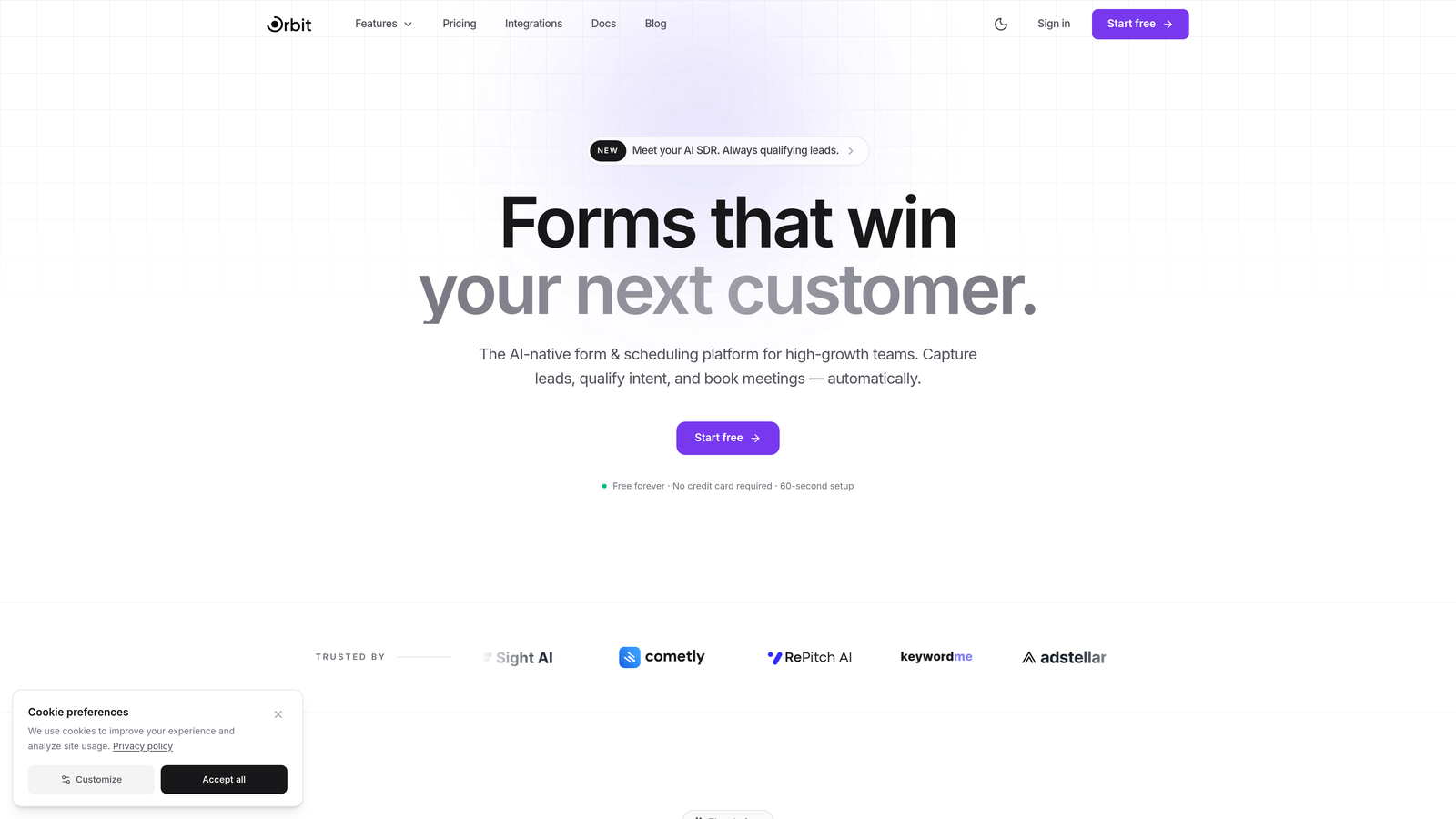
Orbit AI is an AI-powered form builder platform designed specifically for teams that care about lead quality, not just quantity.
Where This Tool Shines
The standout feature is intelligent lead qualification built directly into your forms. While most form builders just collect data, Orbit AI analyzes responses in real-time to score and route leads automatically. This means your sales team spends time on qualified prospects instead of sorting through unqualified submissions.
The platform combines modern, conversion-optimized templates with workflow automation that integrates seamlessly with CRMs like HubSpot and Close. For high-growth teams, this eliminates the manual handoff between marketing and sales—qualified leads flow directly into the right sequences without human intervention.
Key Features
AI-Powered Lead Qualification: Forms automatically score and categorize leads based on responses, routing high-value prospects to priority sequences.
Conversion-Optimized Templates: Modern, mobile-responsive designs built specifically to maximize form completion rates.
Workflow Automation: Create intelligent sequences that trigger based on form responses and lead scores.
Native CRM Integrations: Direct connections to HubSpot, Close, and other sales platforms eliminate manual data entry.
Real-Time Analytics: Track conversion rates, lead quality metrics, and form performance to optimize continuously.
Best For
High-growth B2B teams, SaaS companies, and businesses where lead quality directly impacts revenue. If you're tired of sorting through unqualified form submissions or losing leads in manual handoffs, this addresses both problems simultaneously.
Pricing
Transparent pricing tiers designed for scaling teams. Visit the pricing page for current plans that grow with your business needs.
2. Typeform
Best for: Creating engaging, conversational form experiences with strong visual design
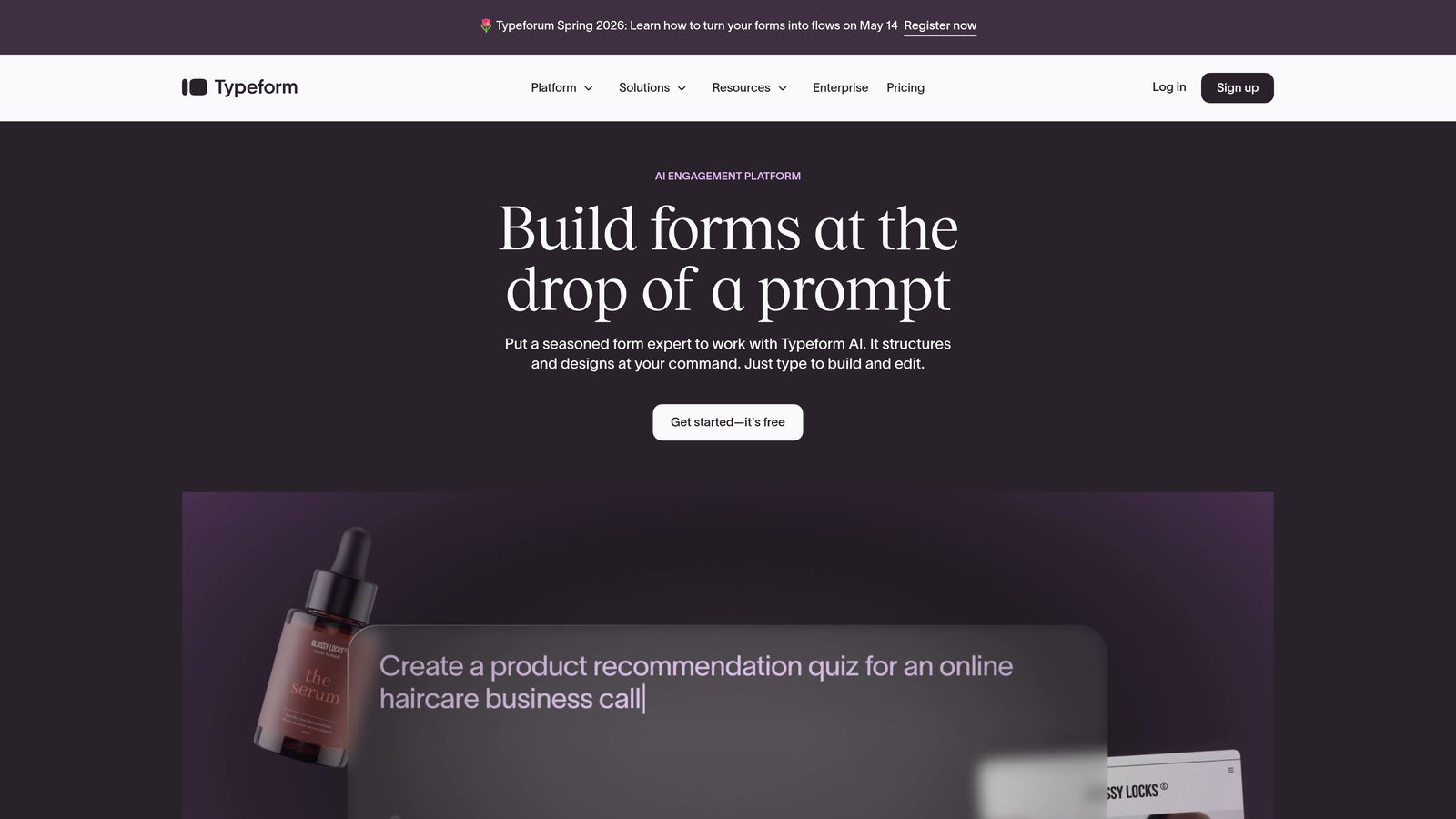
Typeform pioneered the one-question-at-a-time format that feels more like a conversation than a traditional form.
Where This Tool Shines
The conversational interface reduces form abandonment by presenting questions sequentially rather than overwhelming users with a long page. This approach works particularly well for surveys, feedback collection, and applications where you want to maintain engagement throughout the experience.
The design aesthetic is polished and modern, with beautiful templates that require minimal customization. Logic jumps let you create branching paths based on responses, making forms feel personalized even at scale.
Key Features
Conversational Format: One-question-at-a-time interface that increases completion rates for longer forms.
Design Templates: Professionally designed templates that look great on any device without customization.
Logic Jumps: Create branching paths that adapt the form experience based on previous answers.
Media Embedding: Add videos, images, and GIFs to make forms more engaging and interactive.
Integrations: Connect to popular tools like Google Sheets, Slack, and email marketing platforms.
Best For
Marketing teams, researchers, and anyone creating surveys or applications where user experience matters. The conversational format works best when you need to collect detailed information without overwhelming respondents.
Pricing
Free tier limited to 10 responses per month. Basic starts around $25/month with 100 responses. Plus and Business tiers scale pricing based on response volume and advanced features like remove branding and priority support.
3. Jotform
Best for: Teams needing extensive templates and flexible submission-based pricing
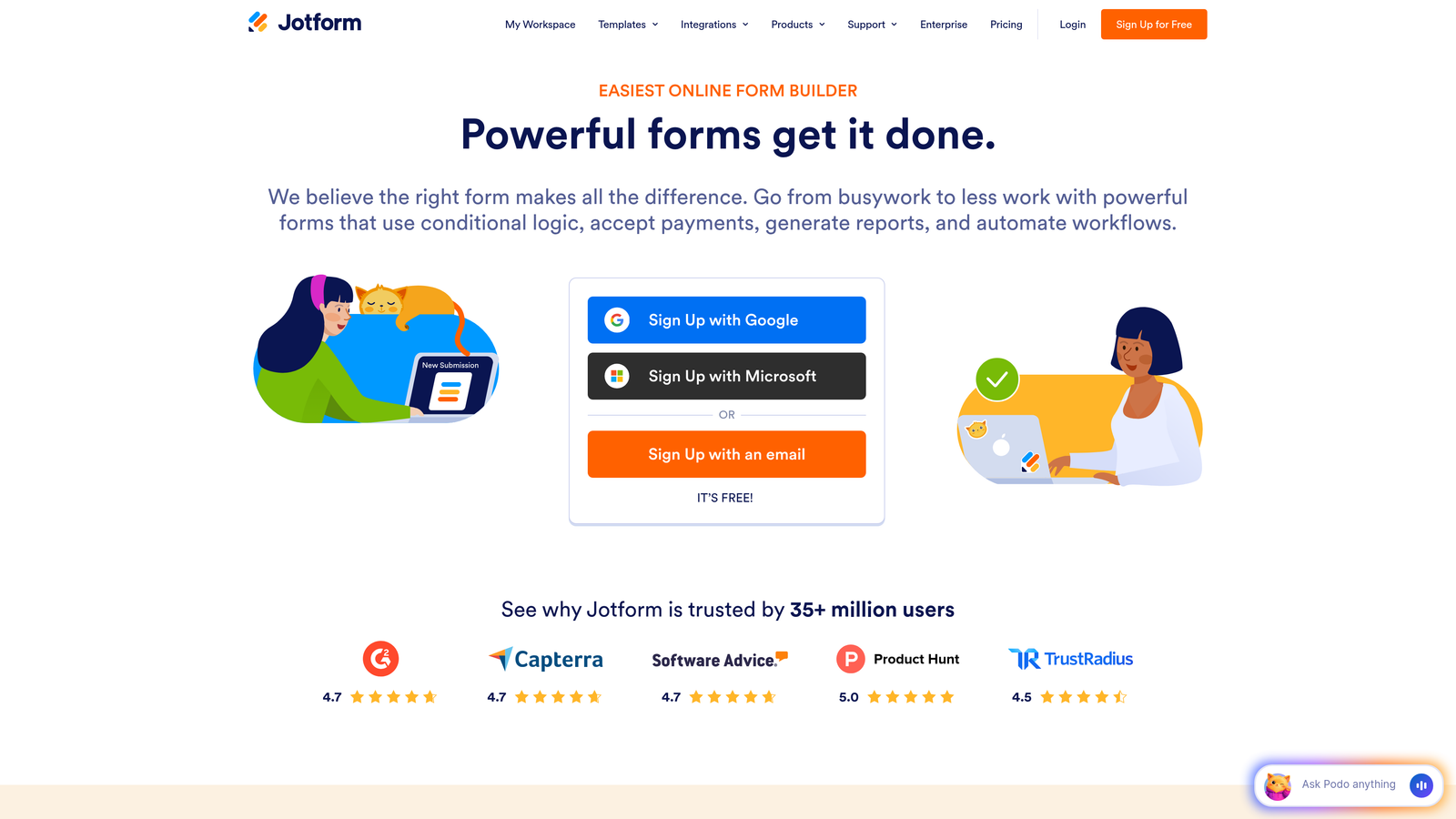
Jotform offers one of the largest template libraries in the industry with over 10,000 pre-built forms.
Where This Tool Shines
The sheer variety of templates means you can find a starting point for almost any use case—from event registrations to job applications to order forms. This saves significant setup time compared to building from scratch.
PDF generation and e-signature capabilities make Jotform particularly valuable for businesses handling contracts, agreements, or any workflow requiring signed documents. The form-to-PDF pipeline eliminates manual document creation entirely.
Key Features
10,000+ Templates: Industry-specific templates for virtually every use case imaginable.
PDF Generation: Automatically convert form submissions into formatted PDF documents.
E-Signature Integration: Collect legally binding signatures directly within forms.
Payment Processing: Accept payments through multiple processors including PayPal, Stripe, and Square.
Analytics Dashboard: Track submission trends, conversion rates, and form performance metrics.
Best For
Small businesses, HR departments, and organizations that need quick deployment across many different use cases. The template library makes it ideal for teams without dedicated designers or developers.
Pricing
Free tier includes 5 forms and 100 submissions monthly. Bronze starts around $34/month with 25 forms and 1,000 submissions. Silver and Gold tiers increase limits and add features like HIPAA compliance and white labeling.
4. Google Forms
Best for: Basic data collection with unlimited responses at zero cost
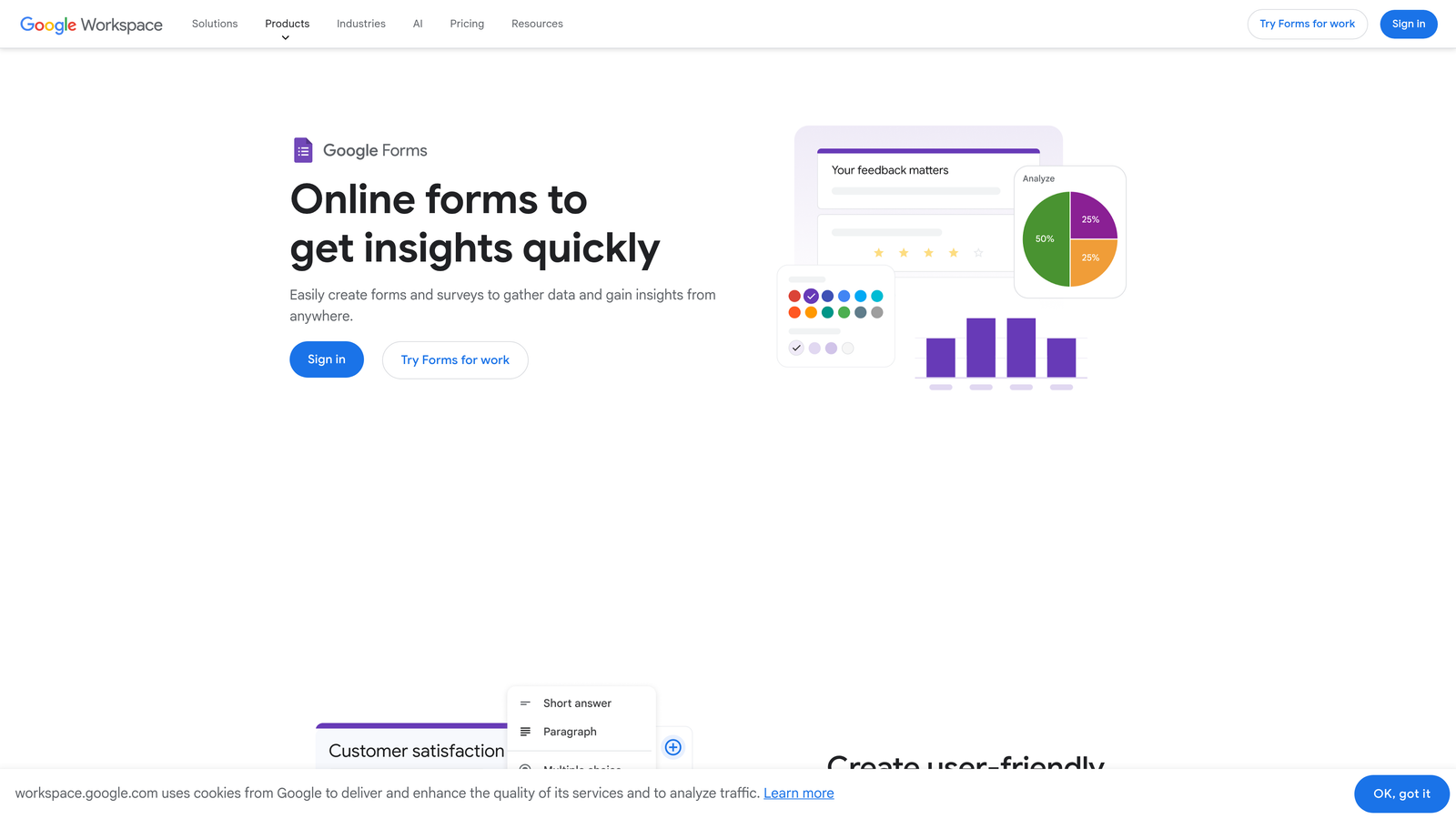
Google Forms is the completely free form builder integrated into Google Workspace.
Where This Tool Shines
The unlimited forms and unlimited responses at zero cost make Google Forms unbeatable for basic needs. For internal surveys, event RSVPs, or simple data collection, paying for a premium tool makes little sense when this handles the job perfectly.
Direct integration with Google Sheets means responses flow automatically into spreadsheets for analysis. Real-time collaboration lets teams build and edit forms together, with changes syncing instantly across users.
Key Features
Unlimited Everything: Create unlimited forms with unlimited responses completely free.
Google Sheets Integration: Responses automatically populate spreadsheets for easy analysis and reporting.
Real-Time Collaboration: Multiple team members can edit forms simultaneously with instant syncing.
Basic Conditional Logic: Show or hide questions based on previous answers to create branching paths.
Response Validation: Set rules to ensure users provide properly formatted data.
Best For
Schools, nonprofits, internal teams, and anyone with basic form needs. If you don't need advanced features like payment processing or complex workflows, Google Forms delivers everything necessary at zero cost.
Pricing
Completely free for personal use. Included with Google Workspace subscriptions for businesses starting at $6/user/month, though the form builder itself adds no additional cost.
5. Tally
Best for: Startups and small teams wanting unlimited forms without subscription costs
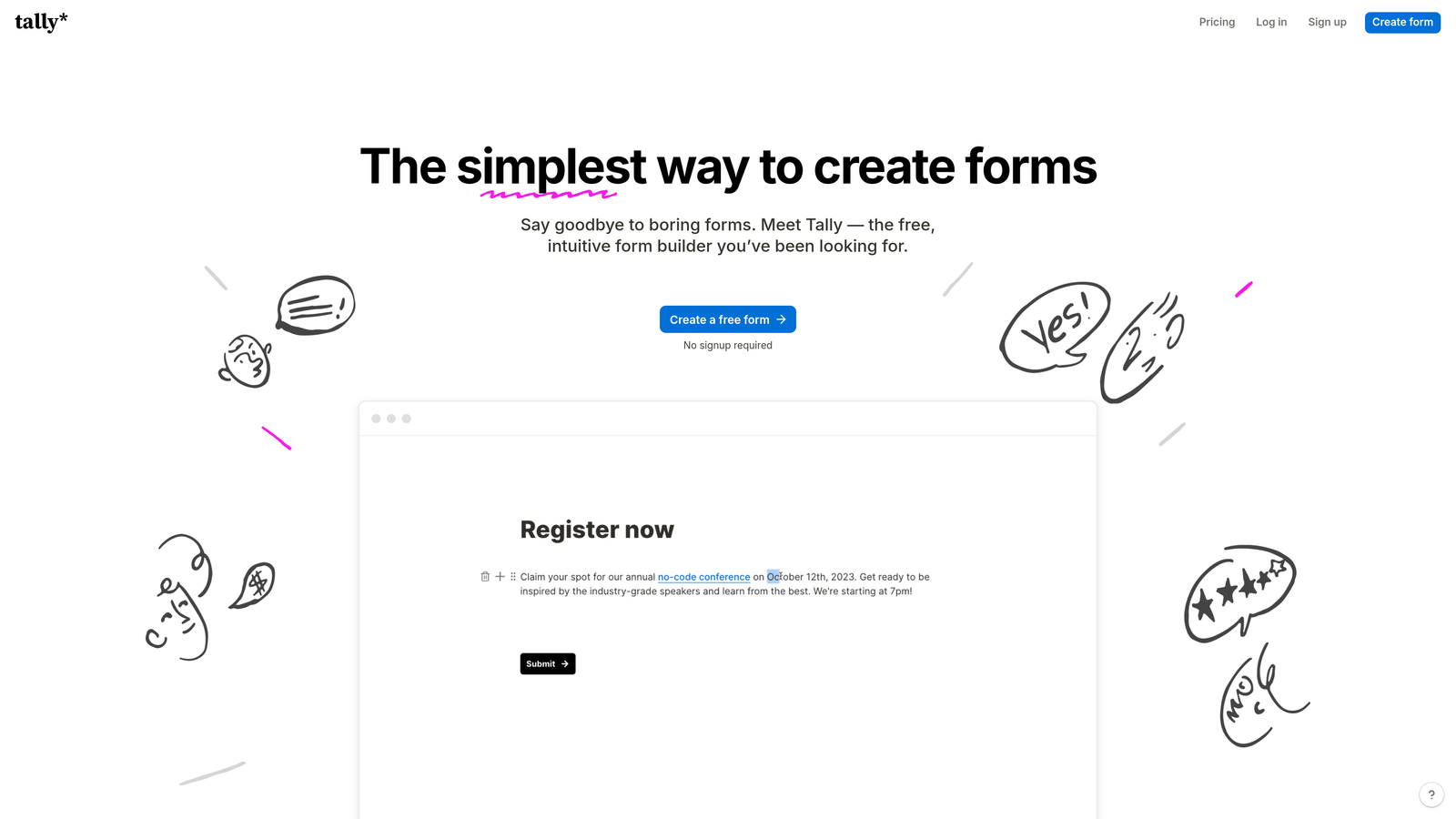
Tally is a Notion-style form builder with a remarkably generous free tier.
Where This Tool Shines
The free tier includes unlimited forms and unlimited submissions—a rarity in the form builder space. For bootstrapped startups or small teams, this eliminates the monthly subscription cost entirely while still providing professional features.
The block-based editor feels familiar to anyone who's used Notion, making it intuitive to build complex forms without a learning curve. File uploads and calculation fields work on the free tier, features that competitors often lock behind paid plans.
Key Features
Unlimited Free Tier: Create unlimited forms with unlimited submissions at zero cost.
Block-Based Editor: Notion-style interface that makes form building intuitive and flexible.
File Uploads: Collect documents, images, and other files directly through forms.
Calculations: Perform math operations on form fields for order forms and quote calculators.
Custom Domains: Use your own domain for forms on paid plans to maintain brand consistency.
Best For
Startups, indie makers, and small teams that need professional form capabilities without monthly costs. The unlimited free tier makes it perfect for early-stage companies watching every dollar.
Pricing
Generous free tier with unlimited forms and submissions. Pro plan around $29/month adds custom branding, custom domains, and advanced features like payment integration and priority support.
6. Paperform
Best for: Small businesses needing payment processing and e-commerce capabilities
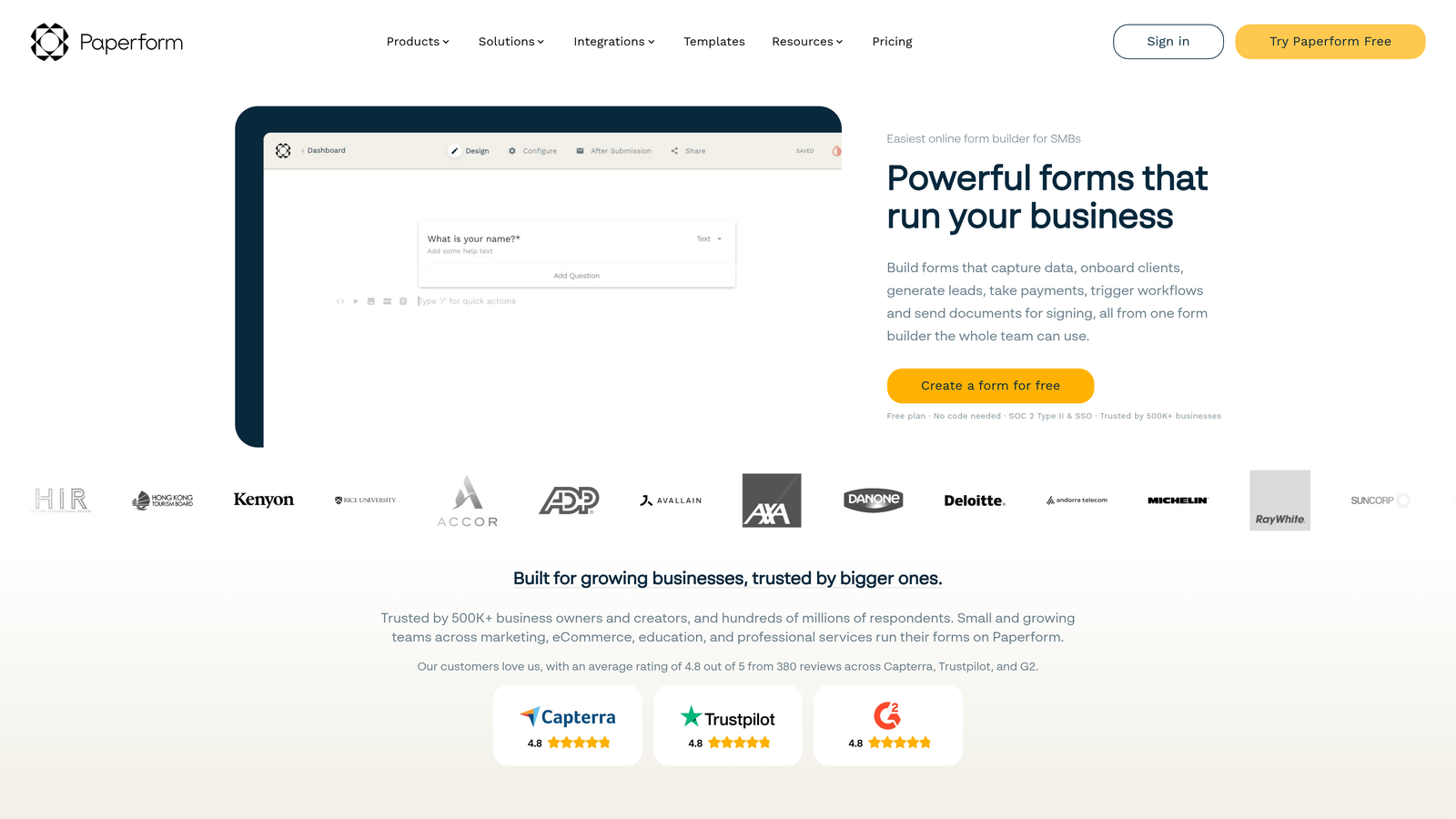
Paperform is a document-style form builder with strong payment and booking integrations.
Where This Tool Shines
The document-style approach makes forms feel less like traditional web forms and more like interactive landing pages. This works particularly well for order forms, booking systems, and any scenario where you're selling products or services directly through the form.
Built-in payment processing with multiple gateway options means you can accept payments without third-party integrations. Product catalogs let customers select items, calculate totals, and check out within a single form experience.
Key Features
Document-Style Forms: Create forms that look like landing pages rather than traditional web forms.
Payment Processing: Accept payments through Stripe, PayPal, Square, and other processors.
Product Catalogs: Build shopping experiences with item selection, quantity adjustment, and automatic total calculation.
Booking Integrations: Connect calendars for appointment scheduling and reservation management.
Advanced Calculations: Create complex pricing formulas based on user selections and quantities.
Best For
Service businesses, consultants, and small e-commerce operations that need to collect payments alongside form data. The booking features make it particularly valuable for appointment-based businesses.
Pricing
Essentials starts around $24/month with basic features and 1,000 submissions. Pro around $49/month adds advanced integrations and increased limits. Agency plan for teams managing multiple clients or projects.
7. Formstack
Best for: Enterprise organizations requiring compliance certifications and advanced security
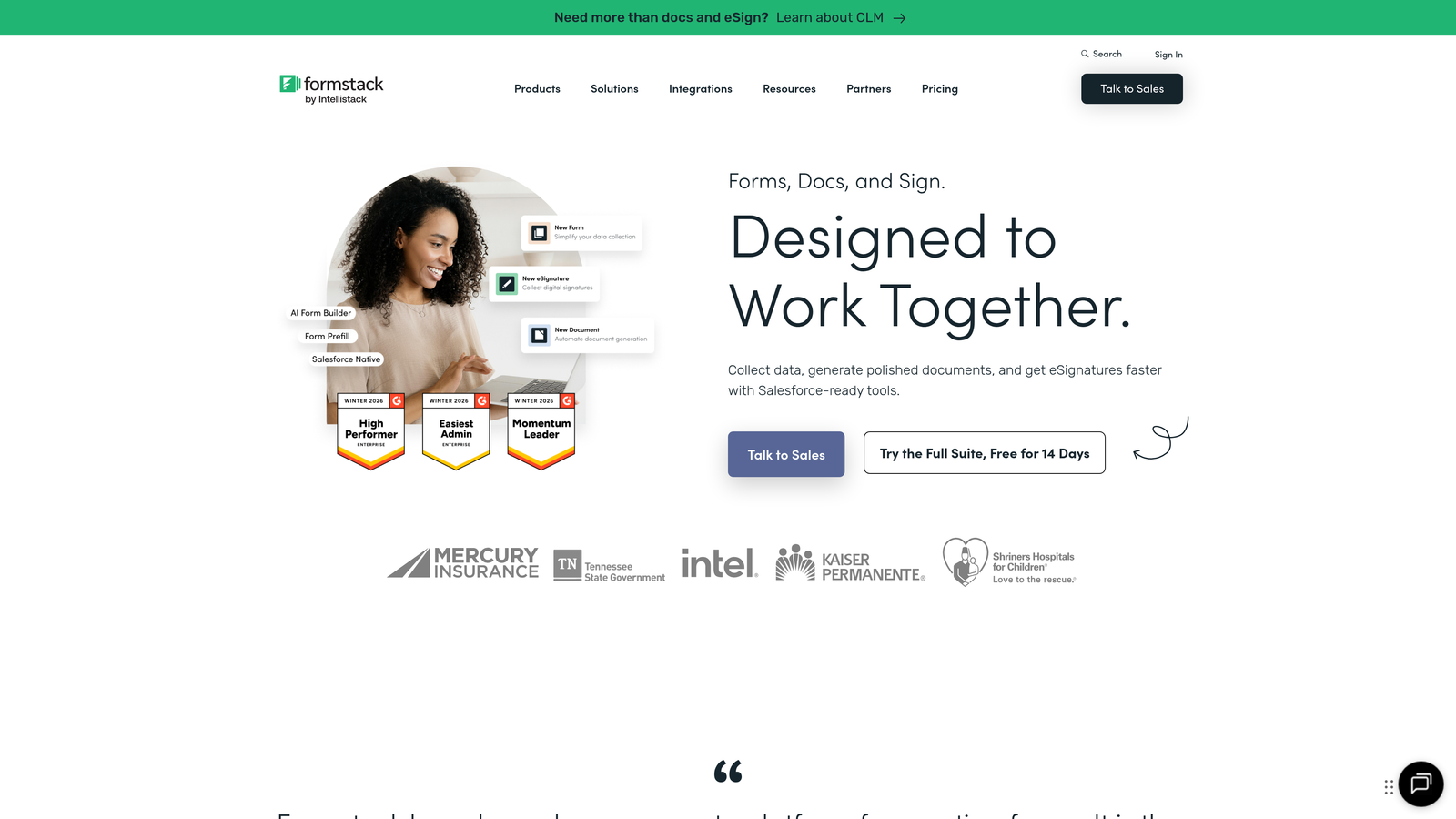
Formstack is an enterprise-grade form builder with extensive compliance features and security certifications.
Where This Tool Shines
HIPAA, GDPR, and SOC 2 compliance make Formstack the go-to choice for healthcare, finance, and other regulated industries. These aren't just checkboxes—the platform includes Business Associate Agreements, data encryption, and audit trails that meet strict regulatory requirements.
Advanced workflow automation goes beyond basic email notifications to create complex approval processes, document routing, and multi-step workflows. For large organizations with established processes, this eliminates manual handoffs and ensures consistency.
Key Features
Compliance Certifications: HIPAA, GDPR, SOC 2, and other regulatory compliance built into the platform.
Advanced Workflows: Create multi-step approval processes with conditional routing and escalations.
E-Signature Integration: Collect legally binding signatures with full audit trails.
Enterprise Security: Data encryption, SSO, role-based permissions, and comprehensive audit logs.
Dedicated Support: Priority support with dedicated account management on enterprise plans.
Best For
Healthcare organizations, financial institutions, government agencies, and any enterprise with strict compliance requirements. If regulatory violations carry serious consequences, the investment in enterprise-grade security is non-negotiable.
Pricing
Starter around $50/month for basic features. Teams and Enterprise tiers with custom pricing based on compliance needs, user count, and submission volume. HIPAA compliance requires higher-tier plans.
8. Cognito Forms
Best for: Budget-conscious teams needing powerful calculations and payment features
Cognito Forms delivers advanced calculation capabilities and payment processing at accessible price points.
Where This Tool Shines
Advanced calculation fields let you build complex order forms, quote calculators, and registration forms with automatic pricing. The calculation engine handles everything from simple addition to complex formulas with conditional logic.
Payment integrations with competitive processing fees make it cost-effective for organizations collecting payments. Unlike some competitors that charge platform fees on top of payment processing, Cognito Forms keeps costs transparent and predictable.
Key Features
Advanced Calculations: Build complex formulas with conditional logic for dynamic pricing and calculations.
Payment Integration: Accept payments through Stripe and PayPal with transparent, competitive fees.
Repeating Sections: Let users add multiple items or entries within a single form submission.
Conditional Logic: Show, hide, or require fields based on user responses and calculations.
Workflow Automation: Trigger emails and notifications based on form data and conditions.
Best For
Schools, nonprofits, and small businesses that need advanced features without enterprise pricing. The calculation capabilities make it particularly valuable for registration forms and order processing.
Pricing
Free tier available with basic features. Pro starts around $15/month for individual users. Team plan around $35/month adds collaboration features and increased limits.
9. 123FormBuilder
Best for: Industry-specific needs with HIPAA options at mid-range pricing
123FormBuilder offers compliance-focused features and industry-specific templates at accessible price points.
Where This Tool Shines
HIPAA-compliant plans provide healthcare organizations with regulatory compliance without enterprise-level costs. The platform includes Business Associate Agreements and the security features required for protected health information.
Industry-specific templates cover healthcare, education, real estate, and other sectors with pre-built forms tailored to common workflows. This reduces setup time and ensures forms include fields relevant to specific industries.
Key Features
HIPAA Compliance: Dedicated HIPAA plans with required security features and Business Associate Agreements.
Industry Templates: Pre-built forms for healthcare, education, real estate, and other specialized sectors.
Payment Support: Integrate with payment processors to collect fees and donations.
E-Signature Capability: Collect electronic signatures with legally binding documentation.
Conditional Logic: Create dynamic forms that adapt based on user responses.
Best For
Healthcare providers, educational institutions, and organizations in regulated industries that need compliance without enterprise budgets. The industry templates accelerate deployment for sector-specific use cases.
Pricing
Free tier with basic features and branding. Gold starts around $25/month with expanded features. Platinum and Diamond tiers add advanced capabilities. HIPAA-compliant plans priced separately with additional security features.
Making the Right Choice
The right form builder depends on where you are and where you're headed. If you're collecting basic internal data, Google Forms or Tally's free tier handles everything you need. For growing teams focused on lead quality and conversion, investing in AI-powered qualification like Orbit AI delivers ROI through better lead routing and reduced manual sorting.
Mid-range options like Typeform and Paperform work well when user experience and payment processing matter more than advanced automation. Cognito Forms offers a sweet spot for organizations needing calculation power without enterprise pricing.
For regulated industries, the choice becomes simpler: Formstack and 123FormBuilder provide the compliance certifications that aren't optional. The higher cost is insurance against regulatory violations that could cost exponentially more.
Here's what most teams get wrong: they choose based on current needs rather than growth trajectory. A form builder that works for 100 leads monthly becomes a bottleneck at 1,000. The manual work required to export, clean, and route leads from a basic tool often costs more in time than upgrading to automation would cost in dollars.
Consider total cost of ownership, not just subscription price. A tool that integrates directly with your CRM, automatically qualifies leads, and triggers workflows eliminates hours of manual work weekly. That time savings compounds rapidly.
Transform your lead generation with AI-powered forms that qualify prospects automatically while delivering the modern, conversion-optimized experience your high-growth team needs. Start building free forms today and see how intelligent form design can elevate your conversion strategy.


